

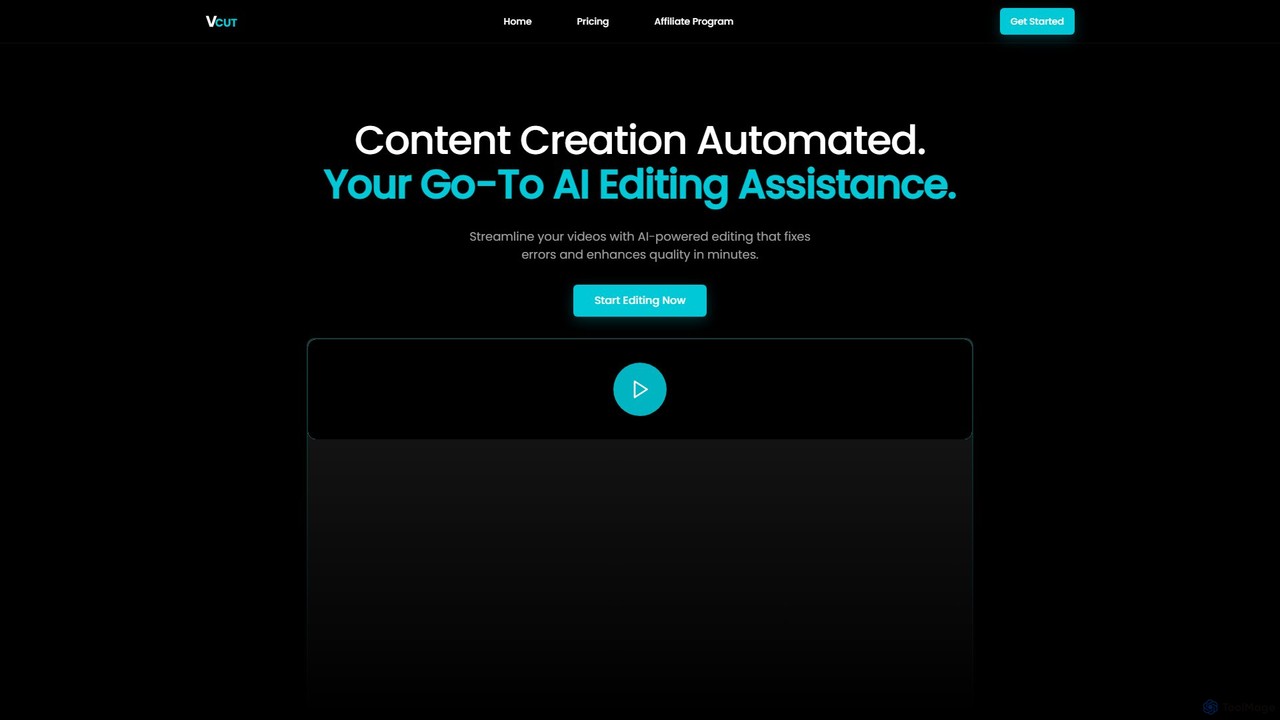
VCut Overview
VCut is an intelligent, AI-driven video editing assistant built to revolutionize the content creation workflow. It specifically targets one of the most time-consuming aspects of video production: post-production editing. For content creators, marketers, educators, and professionals who produce 'talking head' style videos, VCut automates the tedious process of cutting out mistakes, filler words (like 'um' and 'ah'), and awkward pauses. This allows users to transform raw footage into a polished, professional-looking video with just a few clicks, freeing up valuable time to focus on other critical tasks like scripting, SEO, and audience engagement.
The platform is designed for speed and simplicity. Instead of manually scrubbing through timelines and making countless small cuts, users can simply upload their video and let VCut's AI analyze the audio and video to identify and remove unwanted segments automatically. The result is a clean, tightly-edited video that keeps viewers engaged. This automation is a game-changer for creators struggling with burnout, helping them maintain a consistent output without sacrificing quality or their well-being.
How to use VCut
The user experience with VCut is designed to be straightforward and efficient, following a simple three-step process:
- Record or Upload: Users can either record a video directly within the VCut web application or upload pre-recorded raw footage from their computer. The platform supports various common video file formats.
- AI-Powered Editing: Once the video is uploaded, VCut's AI gets to work. It automatically transcribes the audio, identifies filler words, long silences, and mistakes. It then makes precise cuts to remove these sections, creating a seamless and dynamic final video.
- Review and Export: Users can review the AI-generated edits. After a quick review, they can finalize the content and export the video. Paid plans offer features like adding captions and exporting without a watermark, ready for publishing on platforms like YouTube, social media, or online course portals.
Core Features of VCut
- AI-Powered Error Removal: Automatically detects and cuts out filler words (e.g., 'uh', 'um'), mistakes, and long pauses to create a clean audio and video track.
- Instant Jump Cuts: Creates smooth jump cuts by removing dead air, making the video more engaging and fast-paced.
- Key Moment Extraction: Intelligently identifies and extracts the most important segments from longer talking head videos, perfect for creating shorts or highlights.
- Automatic Captioning: (Available on paid plans) Generates accurate captions for videos, improving accessibility and viewer engagement.
- Blazing Fast Processing: Edits videos in minutes, drastically reducing the hours typically spent on manual editing.
- Simple User Interface: An intuitive, click-based interface that requires no prior video editing experience.
- Watermark-Free Exports: Paid plans allow users to export their final videos without any VCut branding.
Use Cases for VCut
VCut is ideal for a wide range of users and applications:
- Content Creators & YouTubers: To quickly edit vlogs, tutorials, reviews, and other talking head content, enabling a more consistent upload schedule.
- Online Course Instructors: To efficiently produce high-quality, easy-to-follow educational videos without getting bogged down in editing.
- Marketers: To create polished marketing videos, product demos, and testimonials for social media and websites.
- Corporate Professionals: For editing internal communications, training videos, and presentations.
- Podcasters: To clean up the video version of their podcasts by removing verbal stumbles and pauses.
Advantages of VCut
The primary advantage of VCut is the immense time savings it offers. By automating the most repetitive editing tasks, it can reduce editing time from hours to minutes. This leads to several key benefits:
- Prevent Creator Burnout: By taking a major, time-consuming task off their plate, VCut helps creators avoid the burnout that often comes with a demanding content schedule.
- Increase Content Consistency: Faster editing allows for more frequent content production, helping creators maintain a regular and reliable presence online.
- Improved Video Quality: The AI ensures a professional, tightly-edited final product that enhances viewer retention and engagement.
- Cost-Effective: VCut is an affordable alternative to hiring a freelance video editor or purchasing complex, expensive editing software.
- Accessibility: Its ease of use makes professional-level editing accessible to everyone, regardless of their technical skill.
Pricing and Plans
VCut offers a freemium model with plans tailored to different user needs:
- Free Plan ($0/month): Includes basic editing, a 5-minute file upload limit, 3072MB max file size, 3 exports per month, and includes a watermark. No support is provided.
- Casual Plan ($9/month): Includes basic editing, a 10-minute file upload limit, 5120MB max file size, 10 exports per month, no watermark, and the ability to add captions. No support is provided.
- Professional Plan ($19/month): Offers full access to all features, a 15-minute file upload limit, 7168MB max file size, 20 exports per month, no watermark, captioning, access to upcoming features, and 24/7 support.
VCut also runs an affiliate program, allowing partners to earn a 20% commission on referrals.
VCut Alternatives
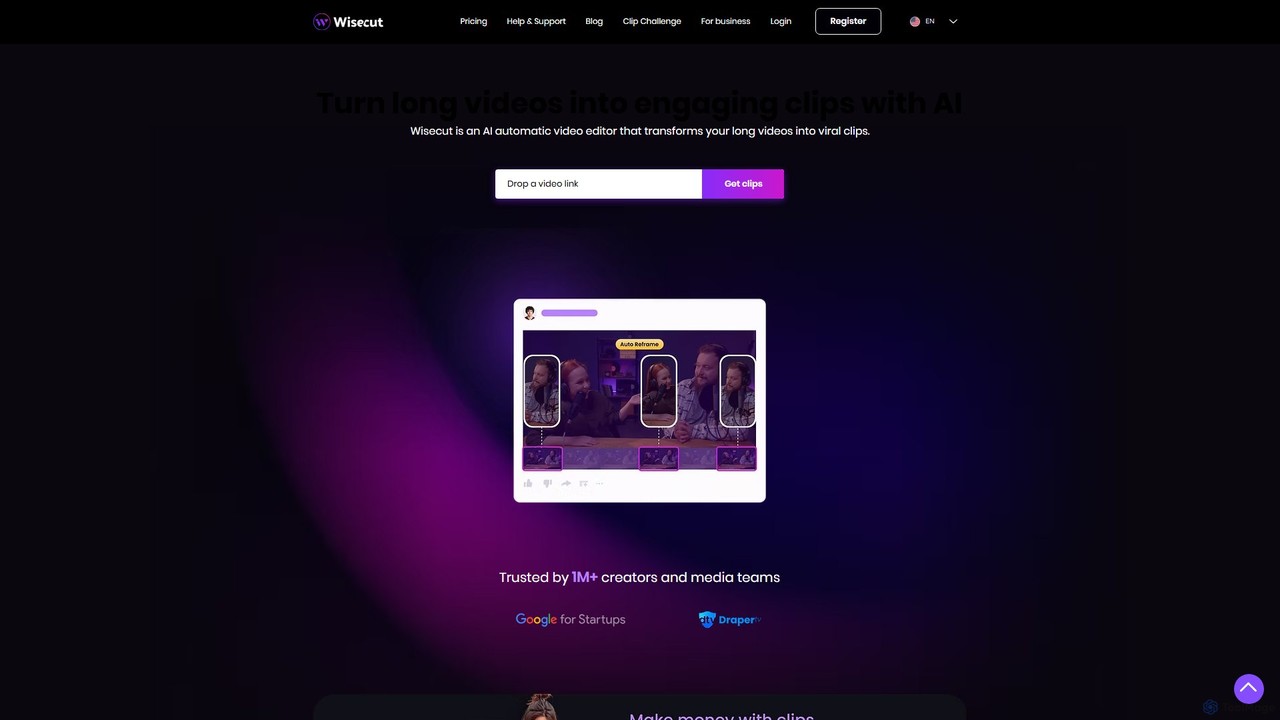
Wisecut
Wisecut is an AI-powered video editor that automatically transforms long videos into short, viral-ready clips. It uses AI to identify highlights, remove silences, add smart background music, and generate captions. Ideal for creators and businesses, it simplifies video editing with a storyboard-based interface, requiring no technical skills to produce professional, engaging content for social media and other platforms.
Automation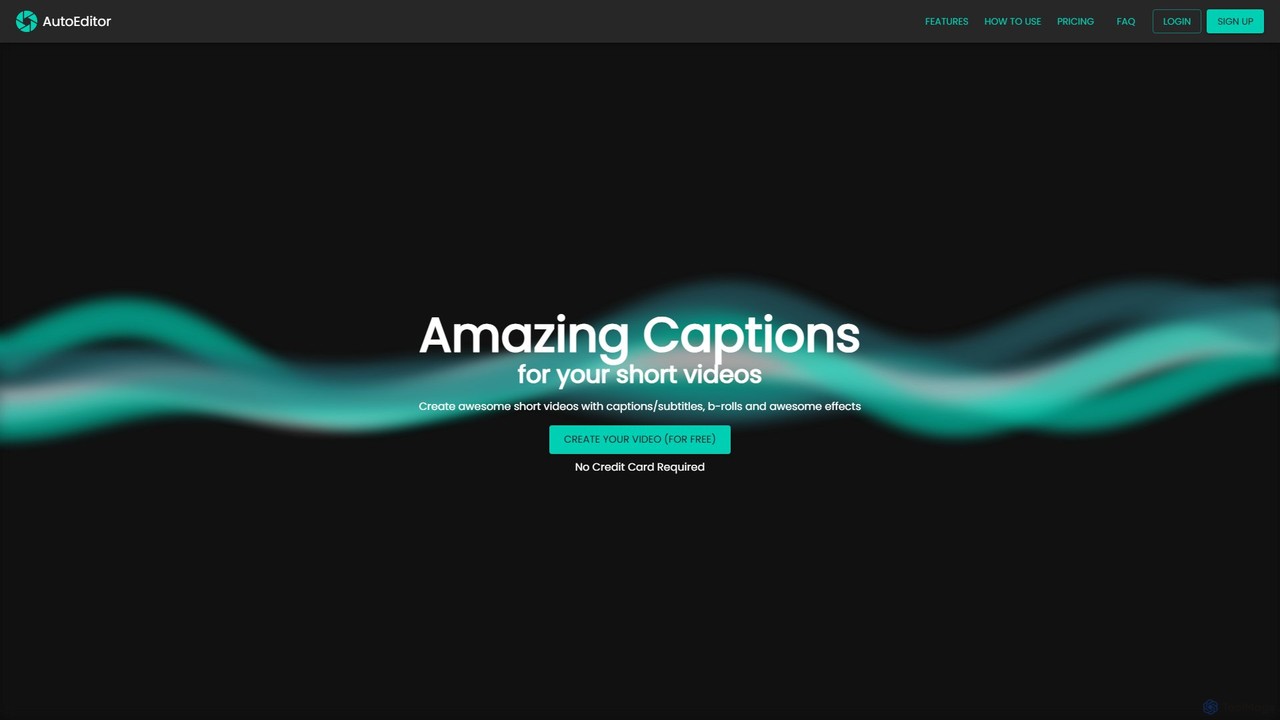
AutoEditor
AutoEditor is an AI-powered video editing tool designed to simplify the creation of engaging short videos. It automatically generates captions in over 40 languages, detects and removes silent parts, and allows users to easily add B-rolls, watermarks, and effects. Ideal for content creators looking to save time and enhance their videos for social media.
Automation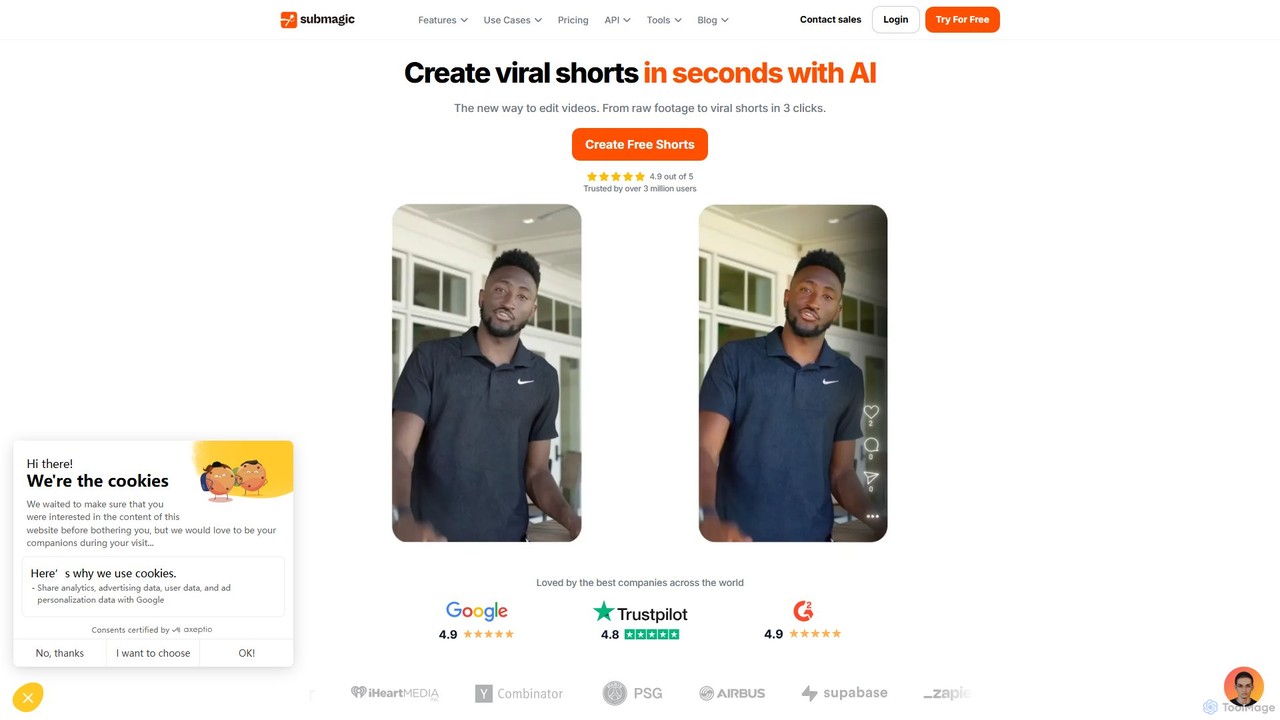
Submagic
Submagic is an all-in-one AI platform designed for creating viral short-form videos in seconds. It automates tedious editing tasks by generating trendy captions with emojis, adding dynamic B-rolls, creating smooth transitions, and extracting key moments from long videos. It's the perfect tool for content creators, marketers, and businesses looking to boost engagement and save time on video production.
Automation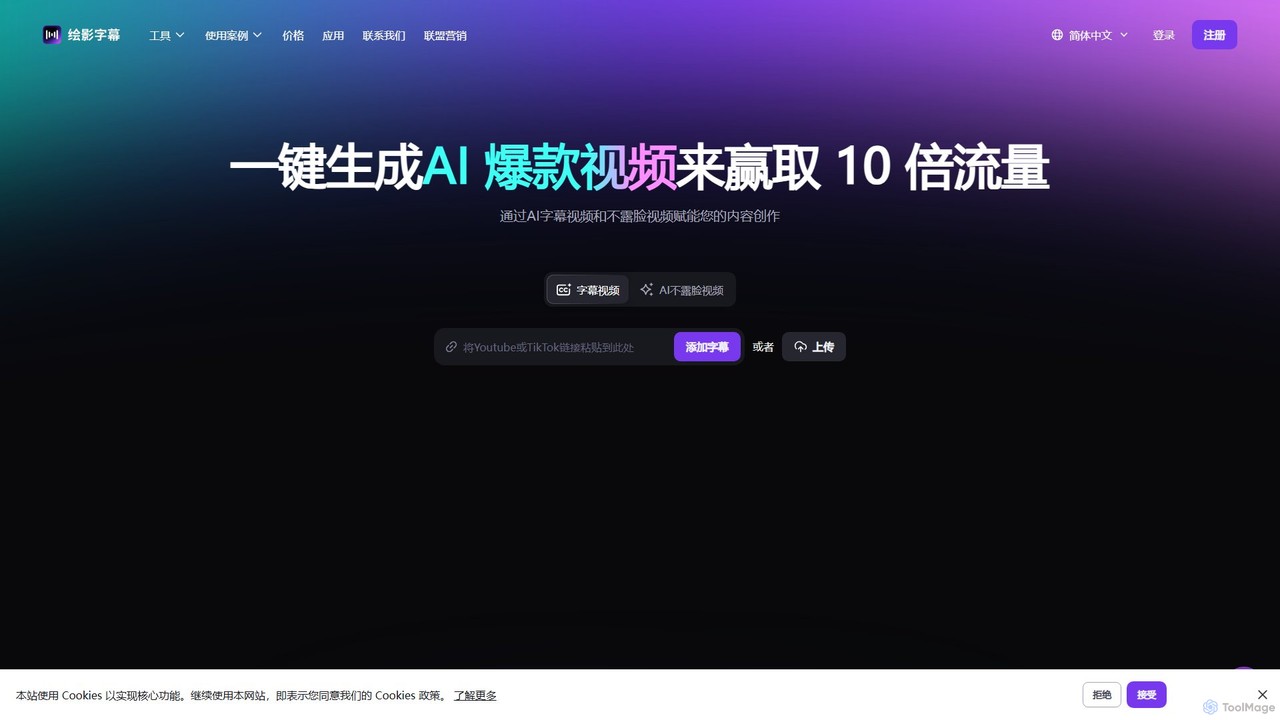
Zeemo
Zeemo is an all-in-one AI-powered video toolkit designed for content creators. It excels at automatic subtitle generation, transcription, and translation in over 95 languages with up to 98% accuracy. It also offers a suite of video editing tools, social media downloaders, and AI video generation features to streamline content creation and boost audience engagement.
Transcription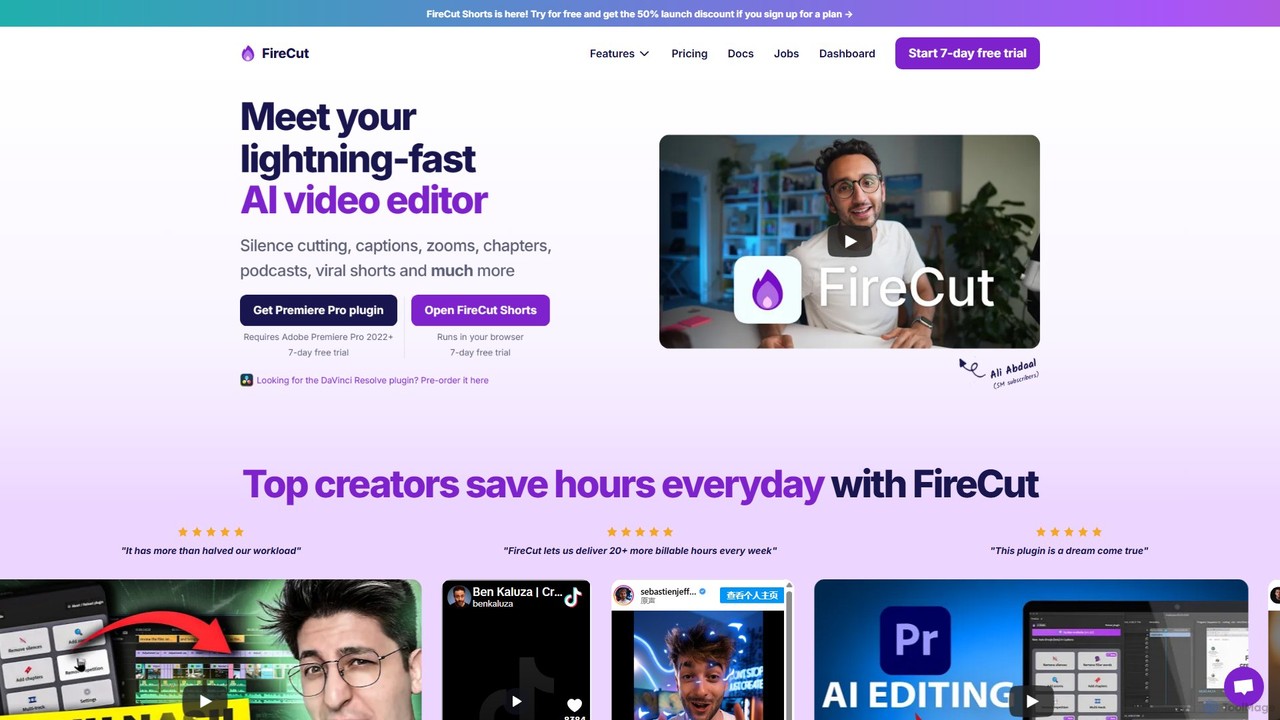
FireCut
FireCut is an AI-powered video editing assistant that dramatically speeds up your workflow. It offers a browser-based tool for creating viral shorts and a plugin for Adobe Premiere Pro. Features include automatic silence removal, multi-language captions, smart zoom cuts, and podcast editing, helping creators produce high-quality content faster.
AutomationVCut Categories
VCut Embed Widget
Copy this embed code to place the badge on your blog, article, or product site and send readers directly to this ToolMage detail page.

Related AI tools
Tellers
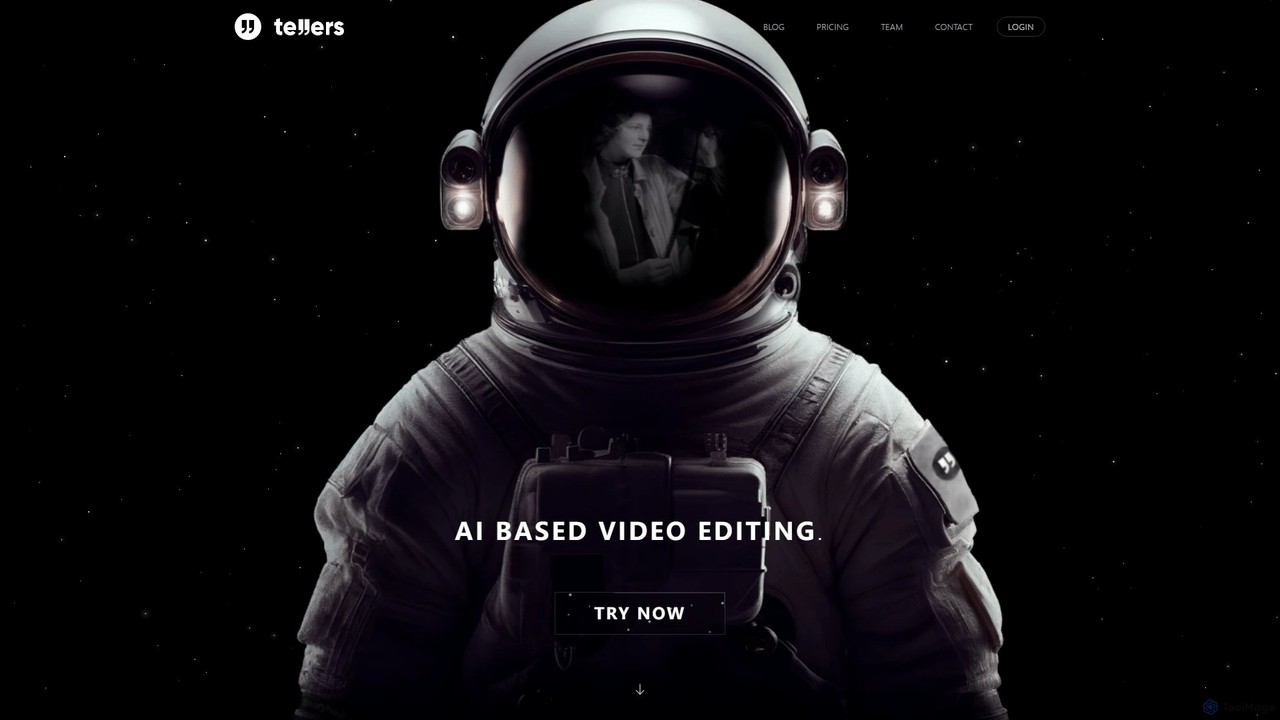
Tellers is an AI-powered video editing platform that automates the creation of professional videos from scripts, raw footage, or podcasts. It uses AI to generate dynamic edits, add visual effects, and source royalty-free stock footage, significantly reducing editing time. Ideal for marketers, content creators, and podcasters looking to produce high-quality video content efficiently.
Video Marketing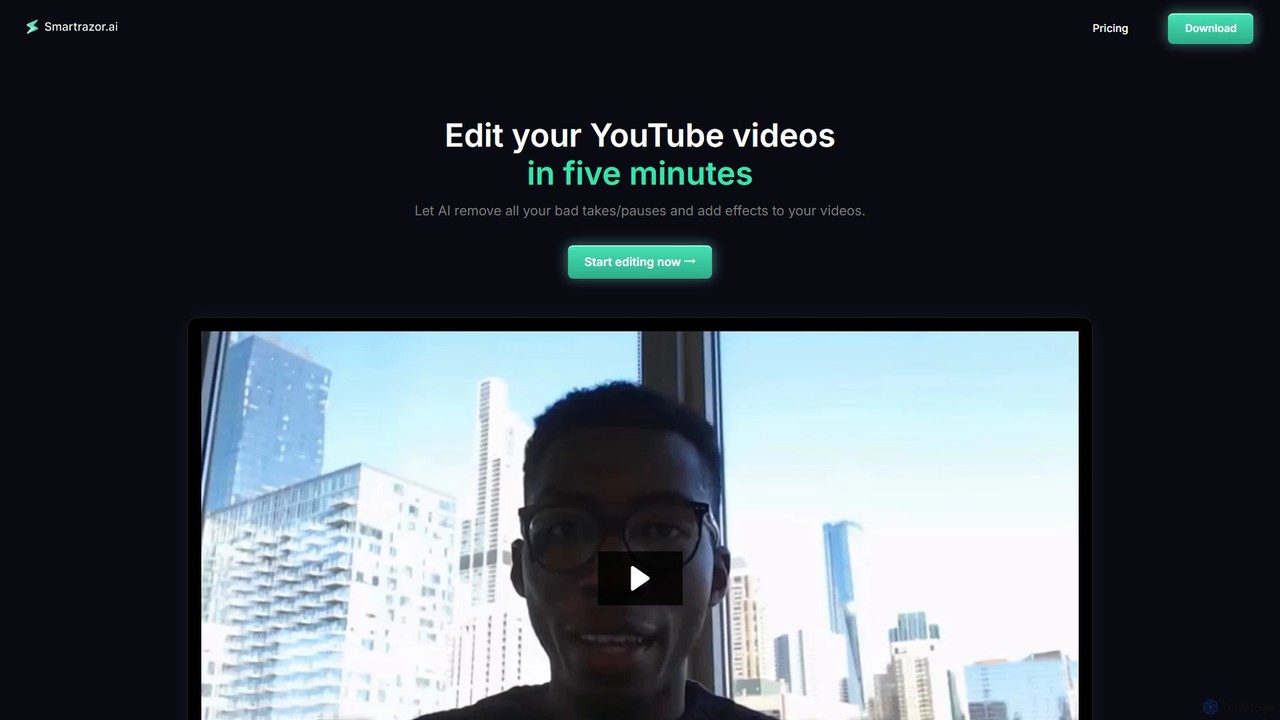
smartrazor
smartrazor is an AI-powered video editor designed for content creators, especially for 'talking-head' style YouTube videos. It automates the tedious editing process by intelligently removing mistakes, awkward pauses, and bad takes in just a few clicks. The tool also adds engaging effects like animated captions and dynamic zooms, allowing creators to produce high-quality videos in minutes, not hours, and significantly reduce costs and burnout.
AutomationWisecut
Wisecut is an AI-powered video editor that automatically transforms long videos into short, viral-ready clips. It uses AI to identify highlights, remove silences, add smart background music, and generate captions. Ideal for creators and businesses, it simplifies video editing with a storyboard-based interface, requiring no technical skills to produce professional, engaging content for social media and other platforms.
AutomationAutoEditor
AutoEditor is an AI-powered video editing tool designed to simplify the creation of engaging short videos. It automatically generates captions in over 40 languages, detects and removes silent parts, and allows users to easily add B-rolls, watermarks, and effects. Ideal for content creators looking to save time and enhance their videos for social media.
Automation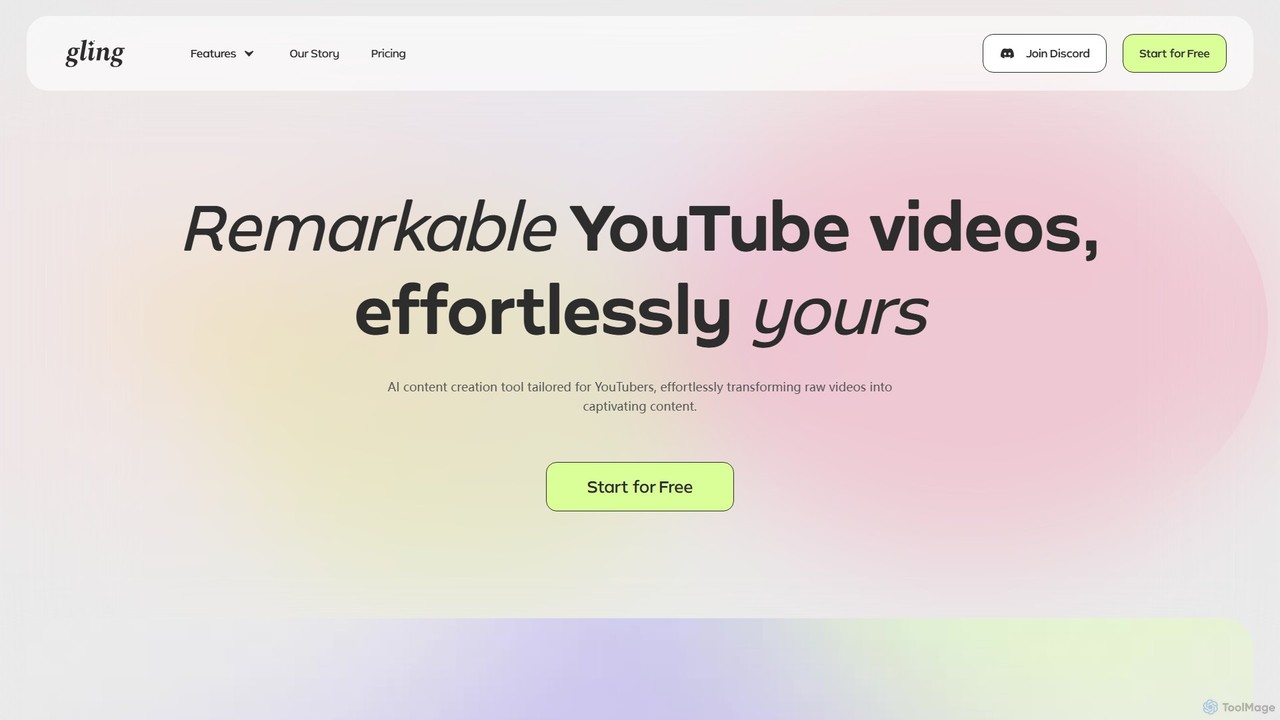
Gling
Gling is an AI-powered video editing software for YouTubers that automatically removes silences, bad takes, and filler words. It uses text-based editing to streamline the workflow, saving creators hours of manual work and helping them produce captivating content effortlessly.
Automation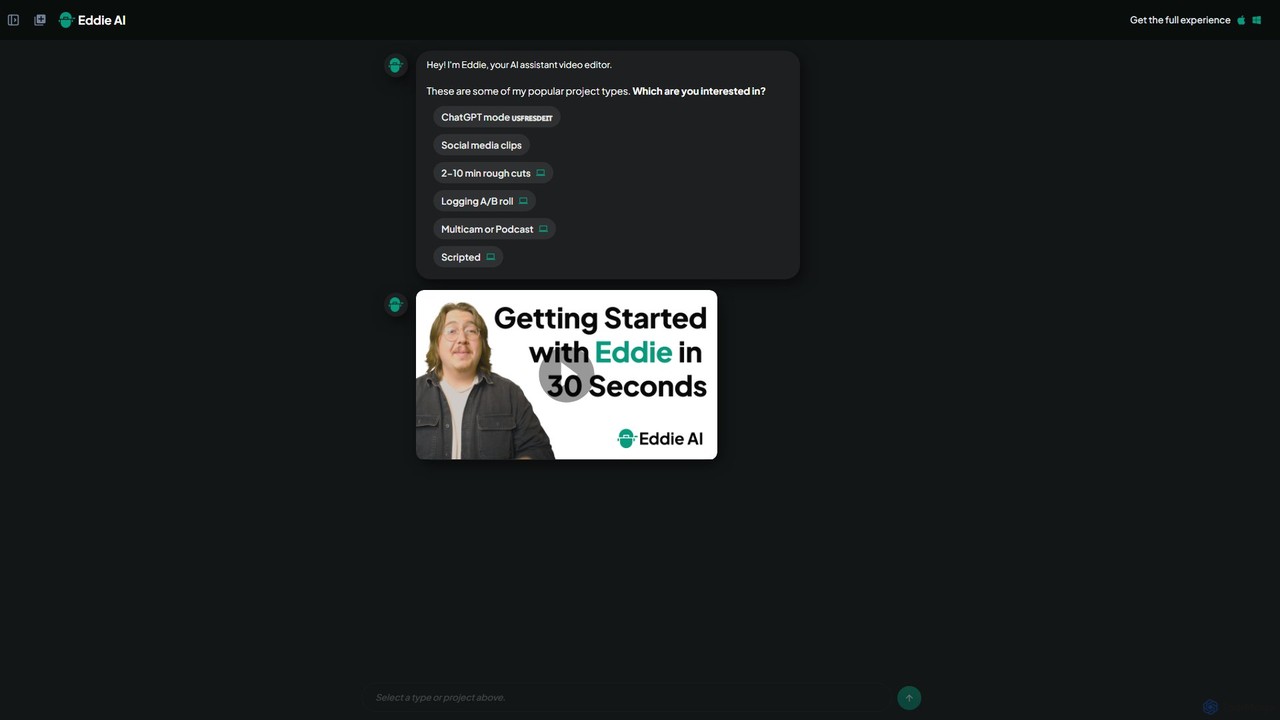
heyeddie
Heyeddie is an AI-powered video editing assistant that streamlines your workflow. Simply use natural language commands to have Eddie automatically create rough cuts, generate social media clips, log A/B roll, sync multicam footage, and edit based on a script. It's designed for content creators, marketers, and podcasters to save time and focus on storytelling.
Automation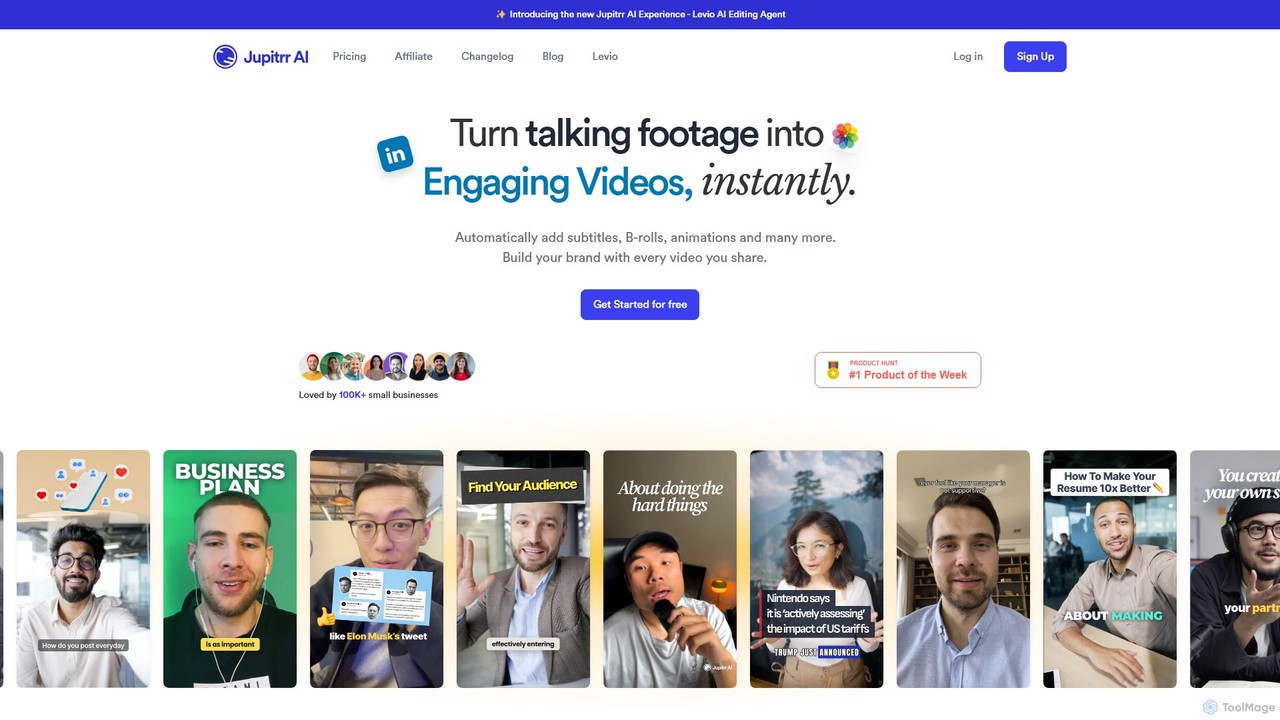
jupitrr
jupitrr is an AI-powered video editor that instantly transforms raw talking-head footage into engaging, shareable video clips. It automatically adds dynamic subtitles, relevant B-rolls from a massive stock library, animations, and background music, making professional video creation accessible to everyone without editing skills.
Automation
Jyek
Jyek is an AI agent platform that understands objectives, creates execution plans, uses tools, and delivers verifiable results for complex, multi-step tasks.
Automation
myaivlog
myaivlog is an AI-powered video editor designed to simplify vlogging. It automatically analyzes your footage to select the best highlights, saving up to 95% of editing time. With features like smart cutting, AI-generated covers, subtitles, and background music, it empowers anyone to create professional-looking vlogs for daily life, travel, or social media with minimal effort. Available on iOS, Android, and desktop.
Automation
Lunroo
Lunroo is an AI-powered suite for social media marketing, offering tools for content generation (hashtags, bios, descriptions), image editing (background removal, alt text), and file conversion. It's designed to boost productivity, engagement, and traffic for individuals and teams.
Social Media Marketing
Filmora
Filmora is an AI-powered video editor that simplifies the creation process for both beginners and professionals. It offers a vast suite of AI tools, including smart clip generation, text-to-video, and advanced audio enhancement, combined with a user-friendly interface and a massive library of effects and resources to make video editing faster and more creative.
Social Media
BeeCut
BeeCut is an intuitive and feature-rich video editing software designed for users of all skill levels. It simplifies video creation with a clean interface, extensive asset library, and powerful AI features like auto-subtitling and text-to-speech, making it ideal for vlogs, tutorials, social media content, and more.
Social Media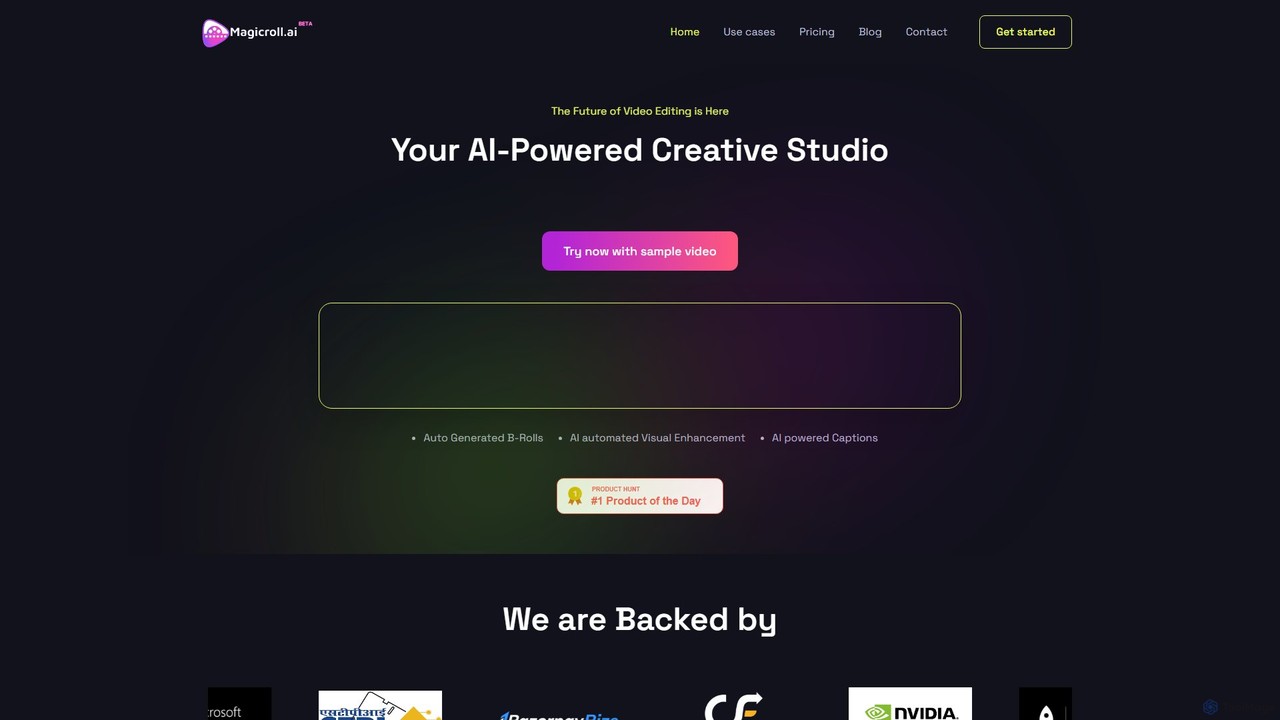
magicroll.ai
magicroll.ai is an AI-powered video editing platform that automates complex tasks. With one click, it generates contextual B-rolls, swaps video backdrops, and adds accurate, multi-language subtitles. It's designed for content creators, marketers, and businesses to produce professional-grade videos in minutes, without any prior editing experience, saving hours of manual work.
Social Media VideoSubmagic
Submagic is an all-in-one AI platform designed for creating viral short-form videos in seconds. It automates tedious editing tasks by generating trendy captions with emojis, adding dynamic B-rolls, creating smooth transitions, and extracting key moments from long videos. It's the perfect tool for content creators, marketers, and businesses looking to boost engagement and save time on video production.
AutomationZeemo
Zeemo is an all-in-one AI-powered video toolkit designed for content creators. It excels at automatic subtitle generation, transcription, and translation in over 95 languages with up to 98% accuracy. It also offers a suite of video editing tools, social media downloaders, and AI video generation features to streamline content creation and boost audience engagement.
Transcription
VCut Comments (0)
Sign in to comment.
Sign inNo comments yet.