

Gling Overview
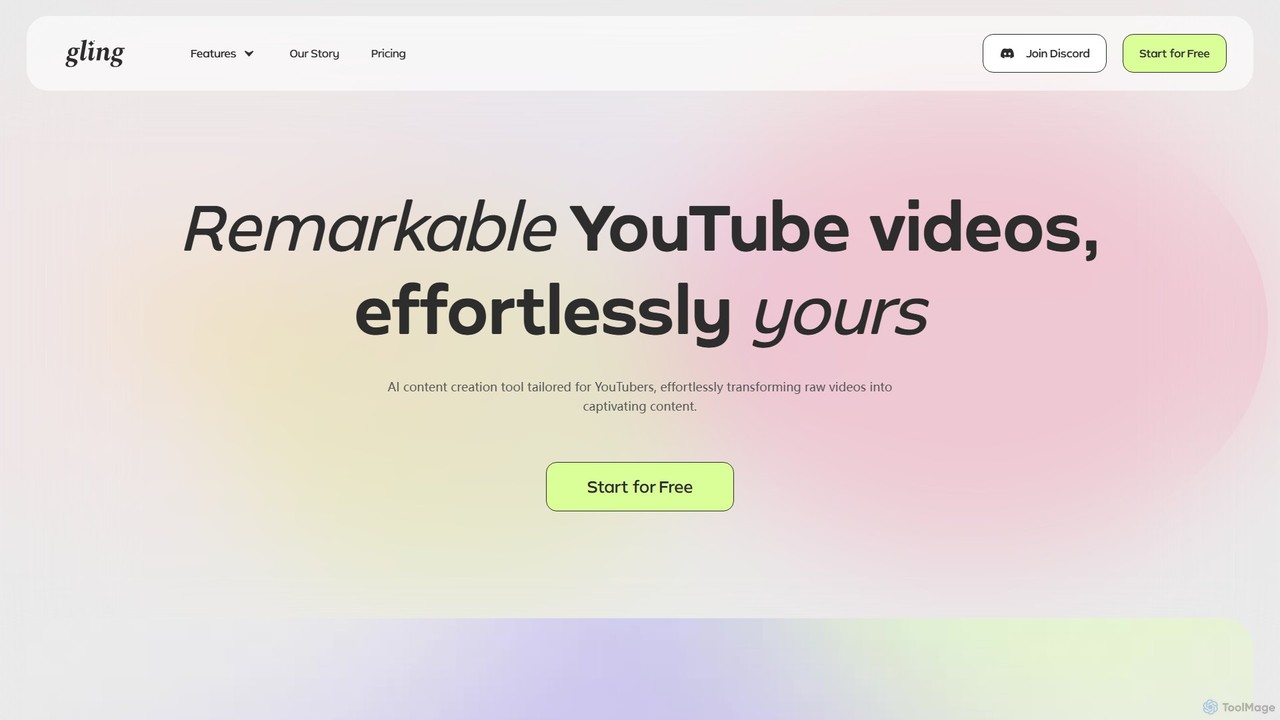
Gling is a revolutionary AI-powered video editing software specifically designed for YouTubers and content creators. It aims to eliminate the most tedious and time-consuming parts of the editing process, allowing creators to focus on what truly matters: creating compelling content. Gling's intelligent platform analyzes raw video footage, automatically identifying and removing silences, bad takes, and filler words. This transforms hours of manual cutting into a task that takes just minutes. The core innovation lies in its text-based editing interface, where the video is transcribed, and edits made to the text are instantly reflected in the video timeline. This intuitive approach makes video editing as simple as editing a text document, opening up professional-level editing to creators of all skill levels.
How to use Gling
Gling simplifies the video editing workflow into three straightforward steps, making it accessible for everyone from beginners to seasoned professionals:
- Upload Your Raw Recording: Begin by uploading your raw video or audio files. Gling's AI gets to work immediately, transcribing your content. It then analyzes the audio and video to automatically identify and cut unwanted segments, such as long pauses, mistakes where you restart a sentence, and verbal stumbles.
- Edit & Refine: Review the AI-edited draft. You are presented with a transcript of your video. To make further edits, you simply edit the text—delete a word or sentence, and the corresponding video clip is removed. You can also review the timeline for more traditional adjustments. This gives you full creative control to fine-tune the AI's suggestions and perfect your video.
- Download or Export: Once you are satisfied with your edit, you can export your project in multiple formats. Download it directly as an MP4 video file or an MP3 audio file. Gling also generates captions automatically, which can be exported as an SRT file. For those who prefer to finish their edits in professional software, Gling offers seamless integration by exporting the project as an XML file compatible with Adobe Premiere Pro, Final Cut Pro, and DaVinci Resolve.
Core Features of Gling
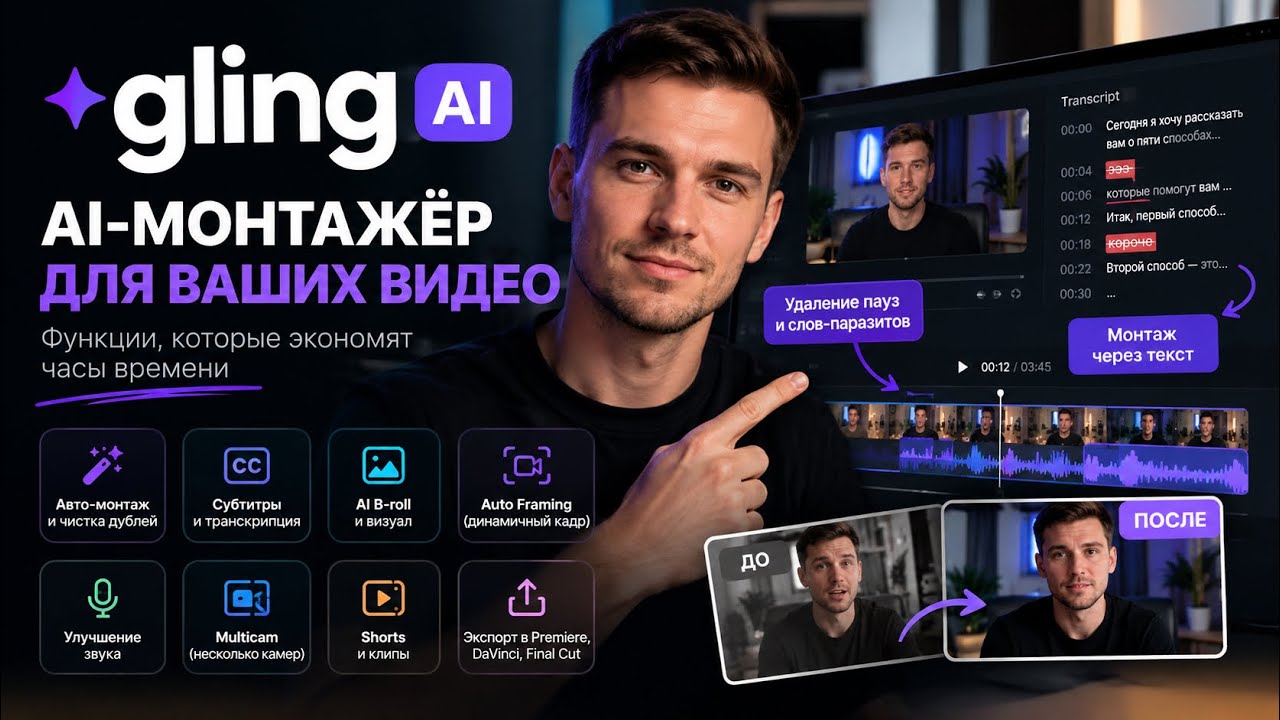
- AI-Powered Bad Take & Silence Removal: The flagship feature that automatically cuts out mistakes, long pauses, and awkward silences, saving creators countless hours.
- Filler Word Removal: Intelligently detects and removes common filler words like "um," "uh," and "you know," resulting in a cleaner, more professional-sounding narration.
- Text-Based Video Editing: Edit your video by simply editing its auto-generated transcript. This intuitive method dramatically speeds up the rough-cutting process.
- Automatic Captions & Subtitles: Generates accurate subtitles for your videos, which can be exported in the standard .SRT format to improve accessibility and viewer engagement on YouTube.
- Auto Framing (Zoom In/Out): Automatically creates dynamic zoom effects to keep viewers engaged, adding a professional touch without manual keyframing.
- Noise Removal & Audio Enhancement: Cleans up background noise and enhances speech audio to ensure your message is heard clearly.
- YouTube Optimization Tools: Includes an AI YouTube Title Generator to create catchy, SEO-friendly titles, an Automated Video Chapter Generator to improve navigation, and even provides suggestions for your next video idea.
- Multi-Camera Editing Support: Gling can handle footage from multiple cameras, making it a viable tool for more complex productions.
- Seamless Integration: Exports project files (XML) that can be directly imported into professional editing suites like Adobe Premiere Pro, Final Cut Pro, and DaVinci Resolve.
Use Cases for Gling
Gling is the ultimate content creation sidekick for a wide range of users:
- YouTubers: The primary audience. Gling helps creators of "talking head" videos, tutorials, reviews, and vlogs to drastically reduce editing time and publish content more consistently.
- Podcasters: Easily edit audio recordings by removing pauses and filler words, then export as a clean MP3 file.
- Online Course Instructors: Efficiently edit educational content to produce clear and concise lessons for students.
- Marketing Professionals: Quickly create polished marketing videos, testimonials, and social media content without needing extensive editing skills.
- Corporate Communications: Streamline the production of internal training videos, announcements, and presentations.
Advantages of Gling
Gling offers significant advantages that have earned it praise from top YouTubers like Shelby Church and DamiLee. The primary benefit is the massive amount of time saved. What used to be hours of tedious manual cutting is now automated. This allows creators to focus on the creative aspects of their work, such as storytelling and visual effects. The tool is incredibly accurate and intuitive, making professional-grade editing accessible even to beginners. By automating tasks like captioning, chapter creation, and even title generation, Gling not only speeds up the workflow but also helps creators optimize their content for YouTube's algorithm, potentially leading to greater reach and success.
Pricing and Plans
Gling offers a flexible pricing structure with a generous free tier to get started, with a 50% discount for annual billing.
- Free Plan: Perfect for beginners, this plan includes up to 1 hour of media processing per month. It offers most key features, including bad take removal, silence removal, and YouTube optimization tools. Exports come with a Gling watermark.
- Plus Plan: Priced at $10 per month (billed annually), this plan is designed for regular creators. It includes up to 10 hours of media processing per month and allows for unlimited video exports without a watermark.
- Pro Plan: For power users and professionals, the Pro plan costs $20 per month (billed annually). It provides up to 30 hours of media processing per month, watermark-free exports, and includes premium support.
All paid plans include the full suite of features, such as AI captions, auto framing, multicam editing, AI B-rolls, and speech audio enhancement.
Traffic
Latest traffic
Status
Monthly traffic trend
- 2025-9: 276.2K
- 2026-1: 267.1K
- 2026-2: 234.2K
- 2026-3: 294.8K
- 2026-4: 281.0K
- 2026-5: 284.5K
Geography
Top 5 countries / regions
- 🇺🇸United States44.9%
- 🇷🇺Russia19.4%
- 🇮🇳India18.0%
- 🇹🇭Thailand9.6%
- 🇿🇦South Africa8.1%
Traffic sources
| Source type | Percentage |
|---|---|
Direct | 90.0% |
Referral | 8.9% |
Email | 1.1% |
Top keywords
| Keyword | Cost per click |
|---|---|
| ai video editor | $0.76 |
| gling | $1.89 |
| gling ai | $1.06 |
| link to video | $0.77 |
| remove noise from video online free | $0.26 |
Gling Videos on YouTube



GrowthVerse

Stephen Robles

Agent Baltic

The Automation Edge
Gling Alternatives
Instant Chapters
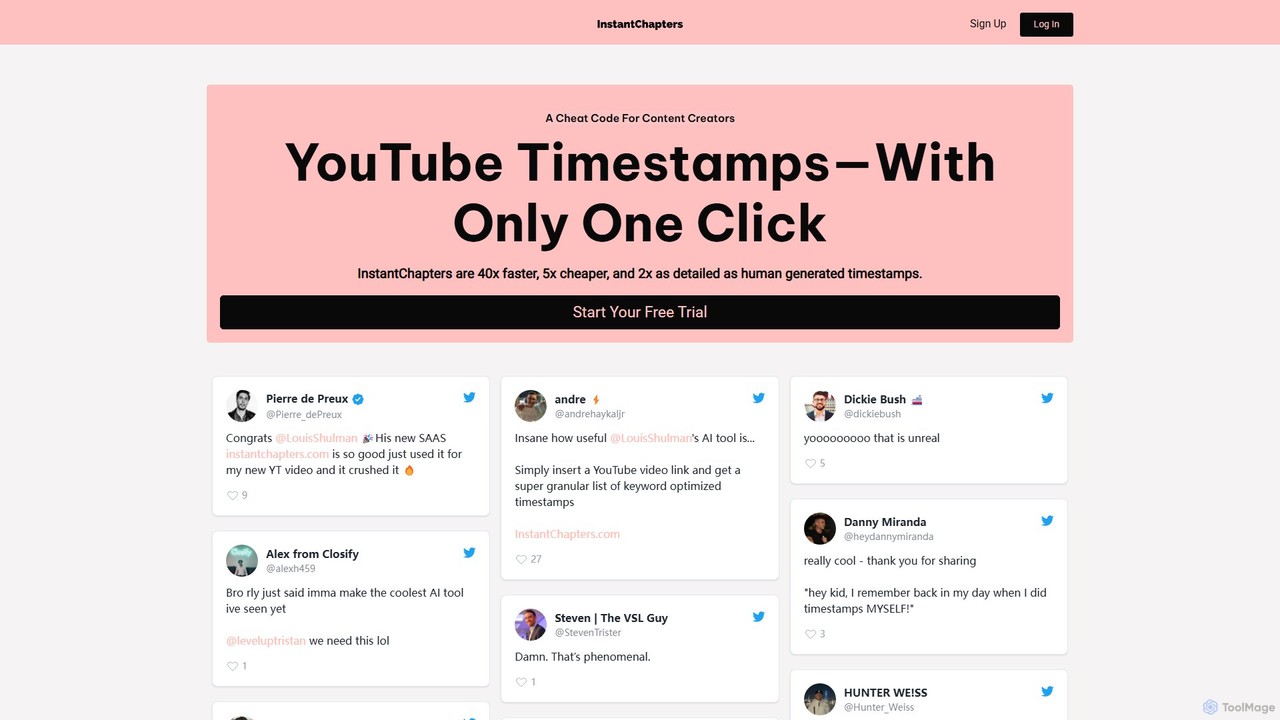
Instant Chapters is an AI-powered tool that generates YouTube video chapters and timestamps with a single click. Designed for content creators, it saves time, enhances viewer experience, and boosts video SEO by automatically creating detailed, navigable sections for any YouTube video.
Automation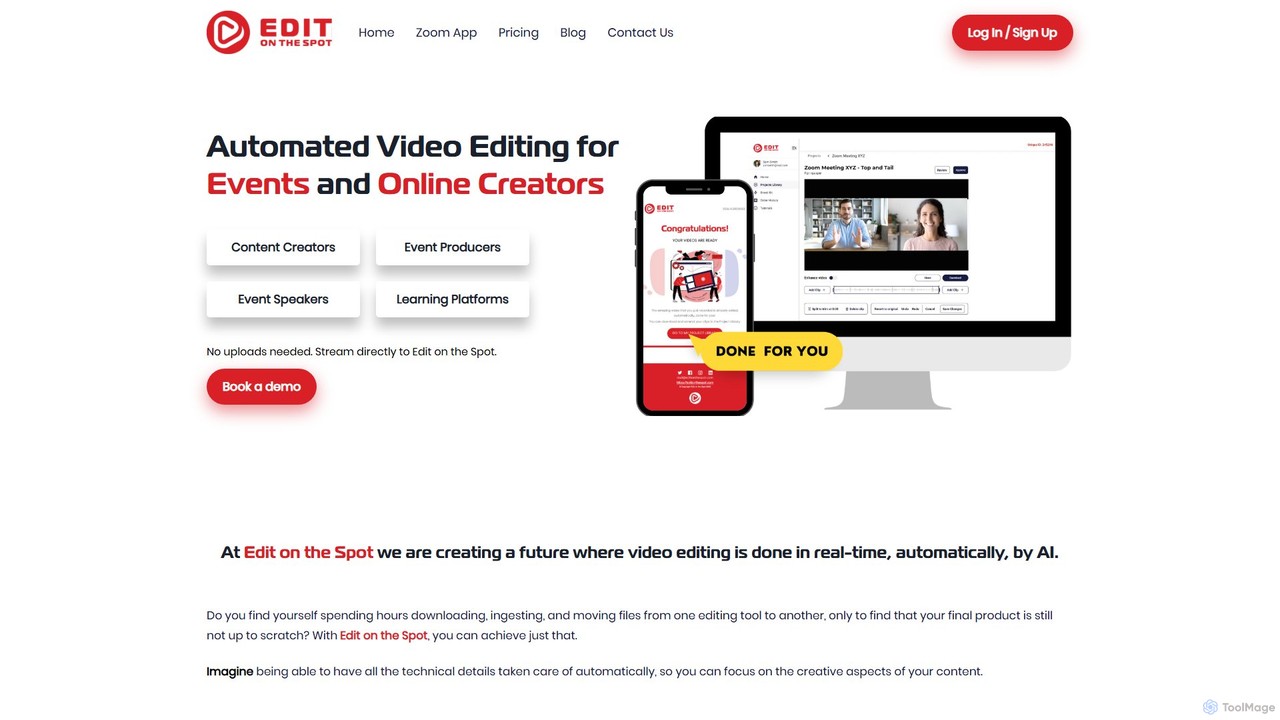
Edit on the Spot
Edit on the Spot is an AI-powered video editing tool designed for online creators. It automatically trims silence from the beginning and end of recordings from platforms like Zoom, MS Teams, and OBS. Users can instantly add custom intros and outros, receiving a download link for a professionally polished, full HD video within minutes of finishing their session.
Content Creation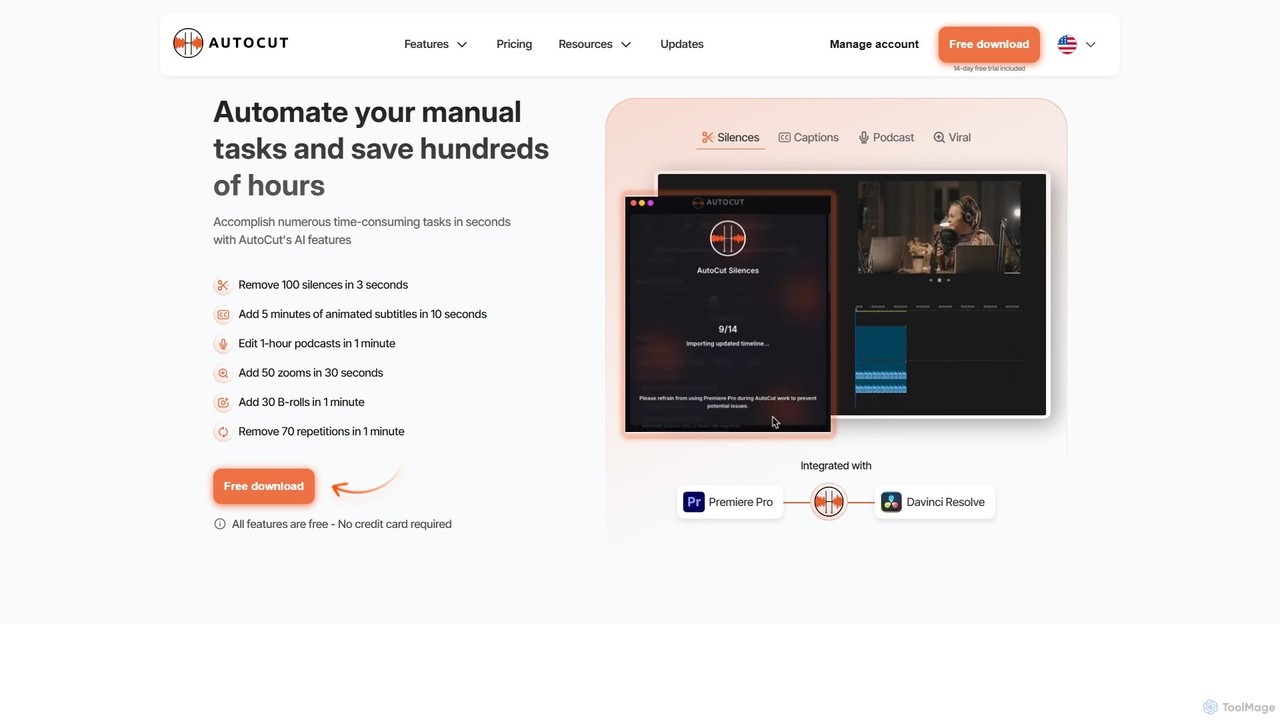
AutoCut
AutoCut is an AI-powered plugin for Adobe Premiere Pro and DaVinci Resolve that automates tedious video editing tasks. It saves editors hours by automatically removing silences, generating animated captions, editing multi-camera podcasts, adding dynamic zooms, and much more, streamlining the entire workflow.
Automation
OneTake AI
OneTake AI is an autonomous video editing and translation agent that transforms raw talking videos into professional presentations with a single click. It automatically handles transcription, removes filler words, eliminates background noise, adds custom music, and creates engaging visuals. Ideal for content creators, educators, and businesses, it also offers voice-cloned translation and dubbing to reach a global audience effortlessly.
E Learning
Gling Categories
Gling Embed Widget
Copy this embed code to place the badge on your blog, article, or product site and send readers directly to this ToolMage detail page.

Related AI tools
Edit on the Spot
Edit on the Spot is an AI-powered video editing tool designed for online creators. It automatically trims silence from the beginning and end of recordings from platforms like Zoom, MS Teams, and OBS. Users can instantly add custom intros and outros, receiving a download link for a professionally polished, full HD video within minutes of finishing their session.
Content Creation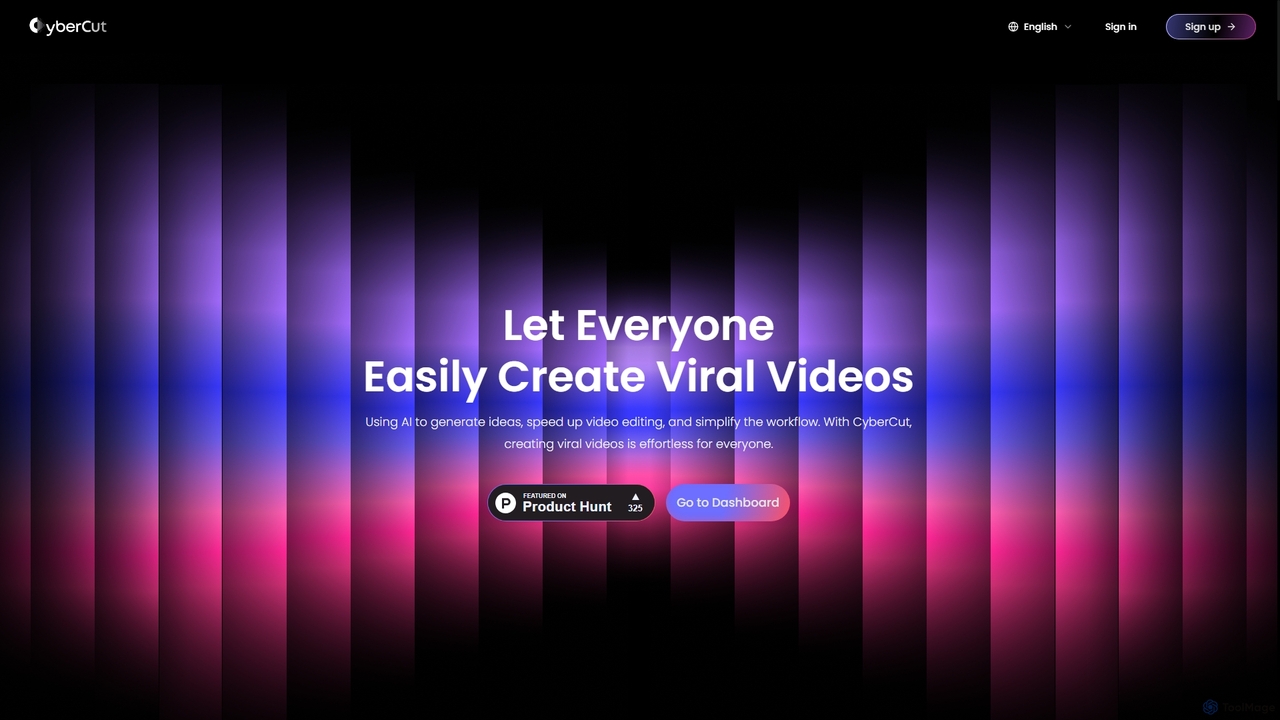
CyberCut
CyberCut is an AI-powered video editor designed to simplify and accelerate the creation of viral videos. It uses AI to generate ideas, automate editing tasks like converting long videos into shorts, and allows for text-based editing and script-to-video generation.
AdvertisingAutoCut
AutoCut is an AI-powered plugin for Adobe Premiere Pro and DaVinci Resolve that automates tedious video editing tasks. It saves editors hours by automatically removing silences, generating animated captions, editing multi-camera podcasts, adding dynamic zooms, and much more, streamlining the entire workflow.
AutomationOneTake AI
OneTake AI is an autonomous video editing and translation agent that transforms raw talking videos into professional presentations with a single click. It automatically handles transcription, removes filler words, eliminates background noise, adds custom music, and creates engaging visuals. Ideal for content creators, educators, and businesses, it also offers voice-cloned translation and dubbing to reach a global audience effortlessly.
E Learning
Jyek
Jyek is an AI agent platform that understands objectives, creates execution plans, uses tools, and delivers verifiable results for complex, multi-step tasks.
Automation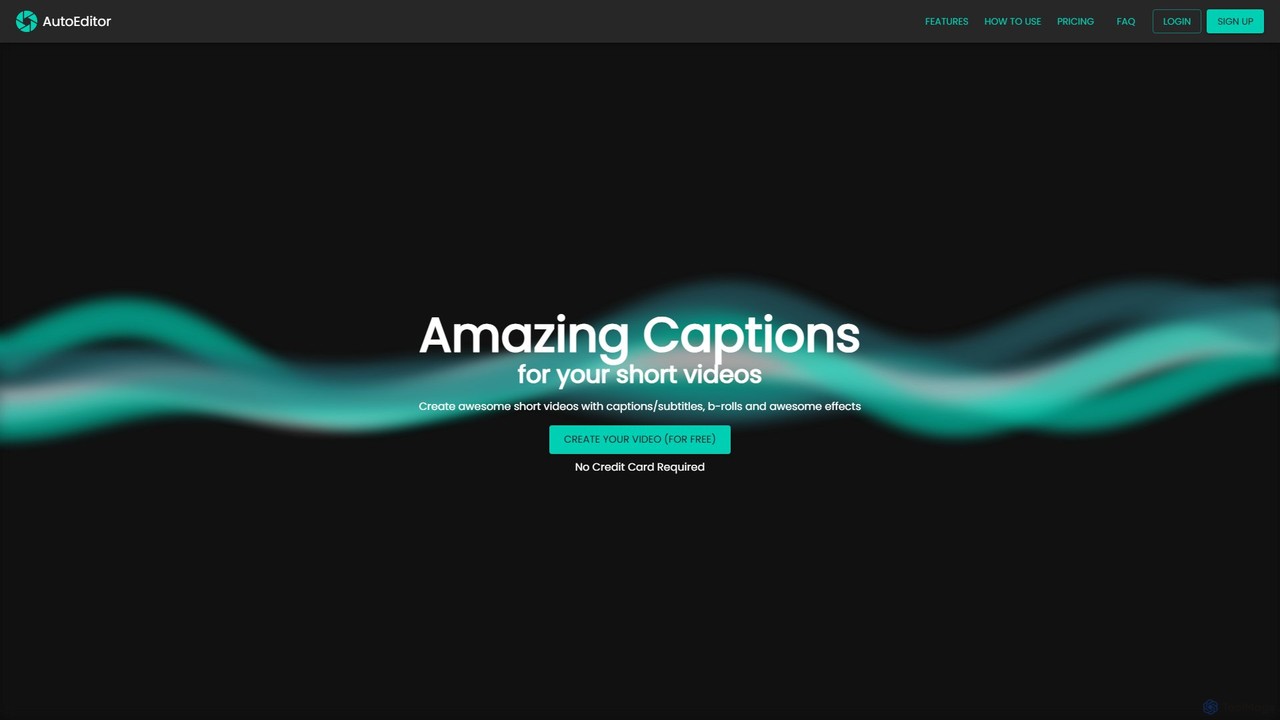
AutoEditor
AutoEditor is an AI-powered video editing tool designed to simplify the creation of engaging short videos. It automatically generates captions in over 40 languages, detects and removes silent parts, and allows users to easily add B-rolls, watermarks, and effects. Ideal for content creators looking to save time and enhance their videos for social media.
Automation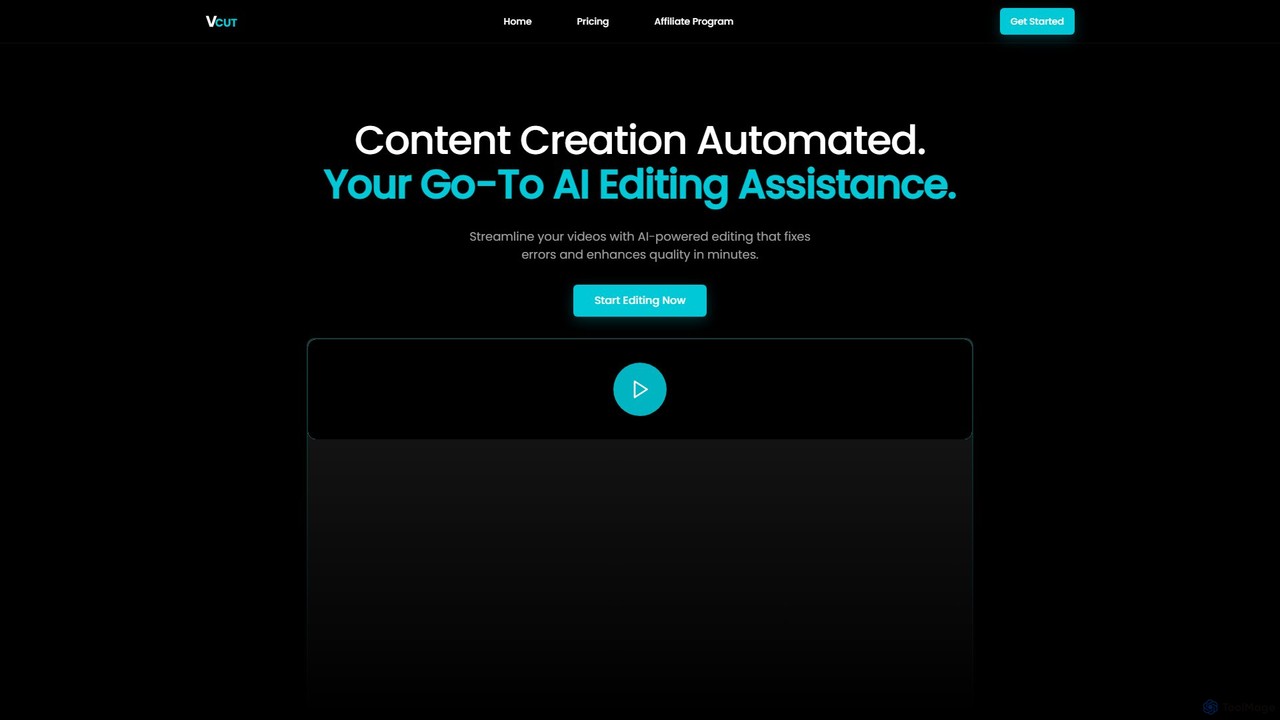
VCut
VCut is an AI-powered video editor designed to automate and streamline the content creation process. It instantly removes filler words, mistakes, and long silences from talking head videos, allowing creators to produce high-quality, polished content in minutes. This tool helps users save significant time, avoid burnout, and maintain a consistent publishing schedule.
Automation
Runway
Runway is an advanced AI-powered creative suite for content creation. It offers a wide range of tools, including state-of-the-art text-to-video (Gen-2), video-to-video (Gen-1), image generation, AI-powered video editing, and more. It's designed for filmmakers, artists, and marketers to ideate, generate, and edit content like never before, streamlining complex creative workflows.
Image Generation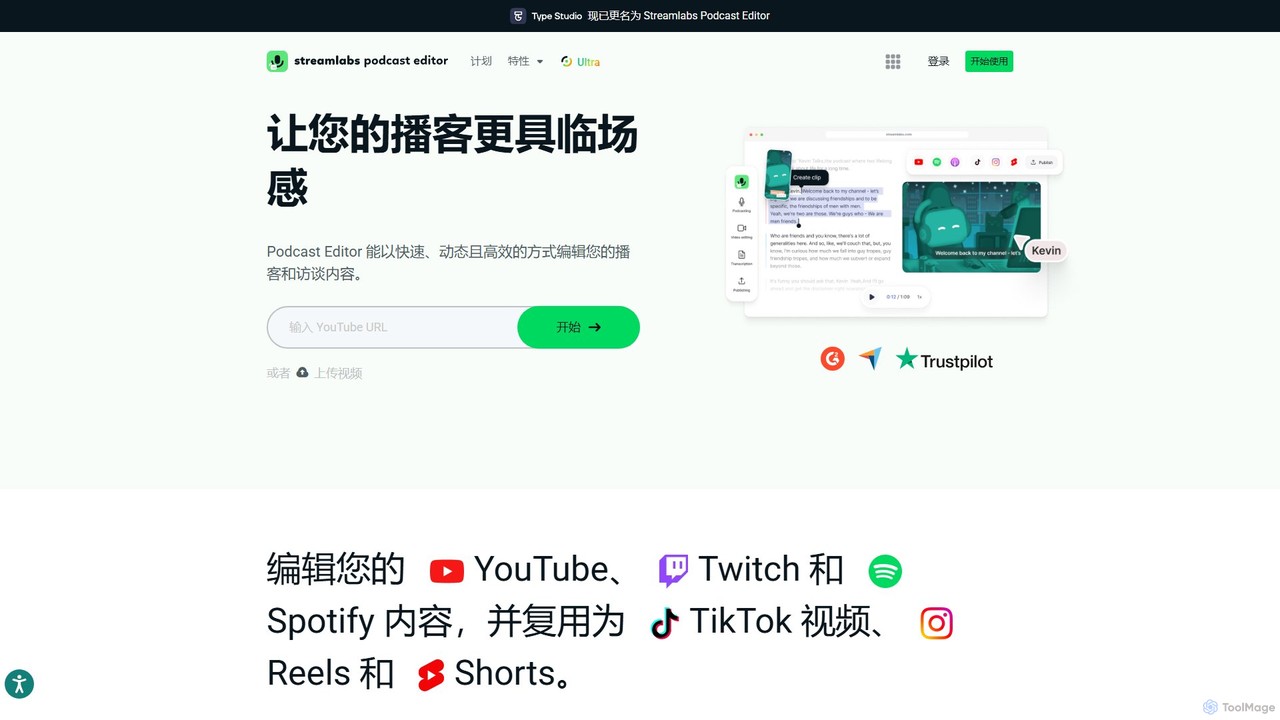
Type Studio
Type Studio (now Streamlabs Podcast Editor) is an AI-powered video editor that lets you edit video by simply editing its text transcript. It automatically transcribes your content, allowing you to cut scenes, remove filler words, and create short clips just by deleting text. It's designed for podcasters, streamers, and creators to repurpose long-form content for social media quickly and effortlessly, no editing experience required.
Podcast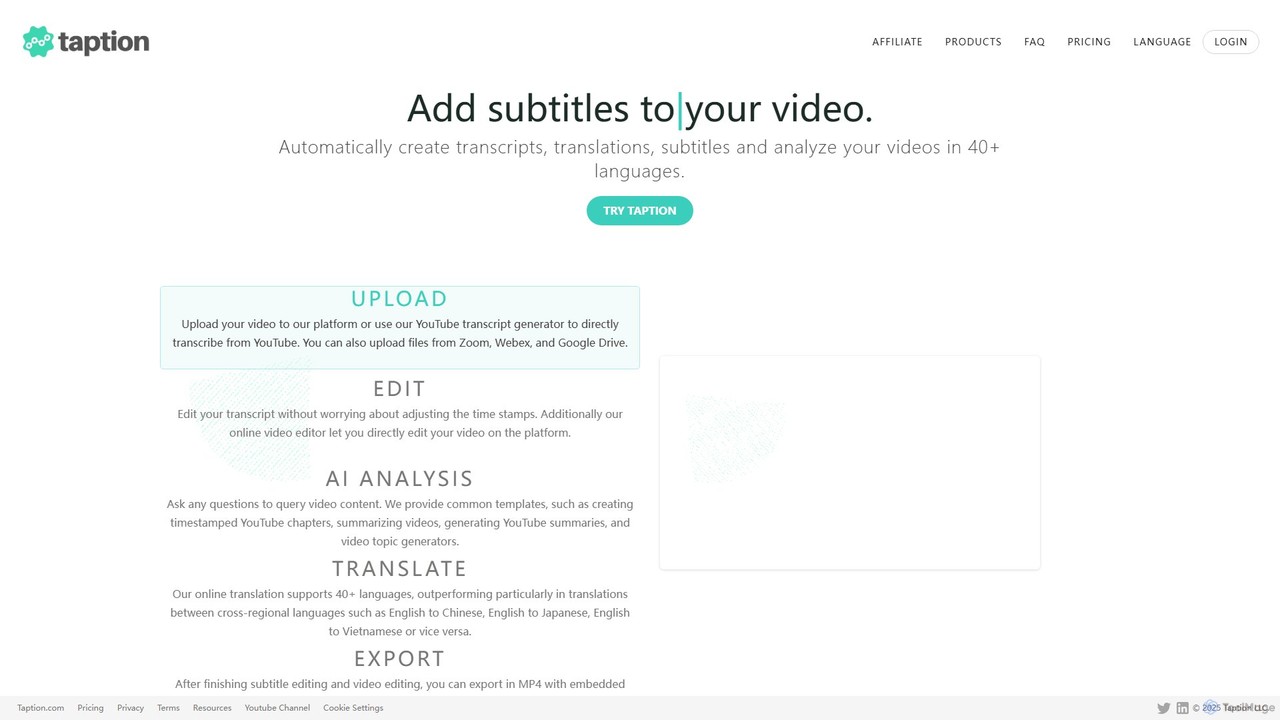
Taption
Taption is an AI-powered platform that automatically generates transcripts, translations, and subtitles for video and audio content. It supports over 50 languages and integrates with platforms like YouTube, Zoom, and Google Drive. Key features include an online video editor, AI-driven content analysis for summaries and chapter creation, and collaborative tools for teams, making it ideal for content creators, marketers, and educators.
Content Creation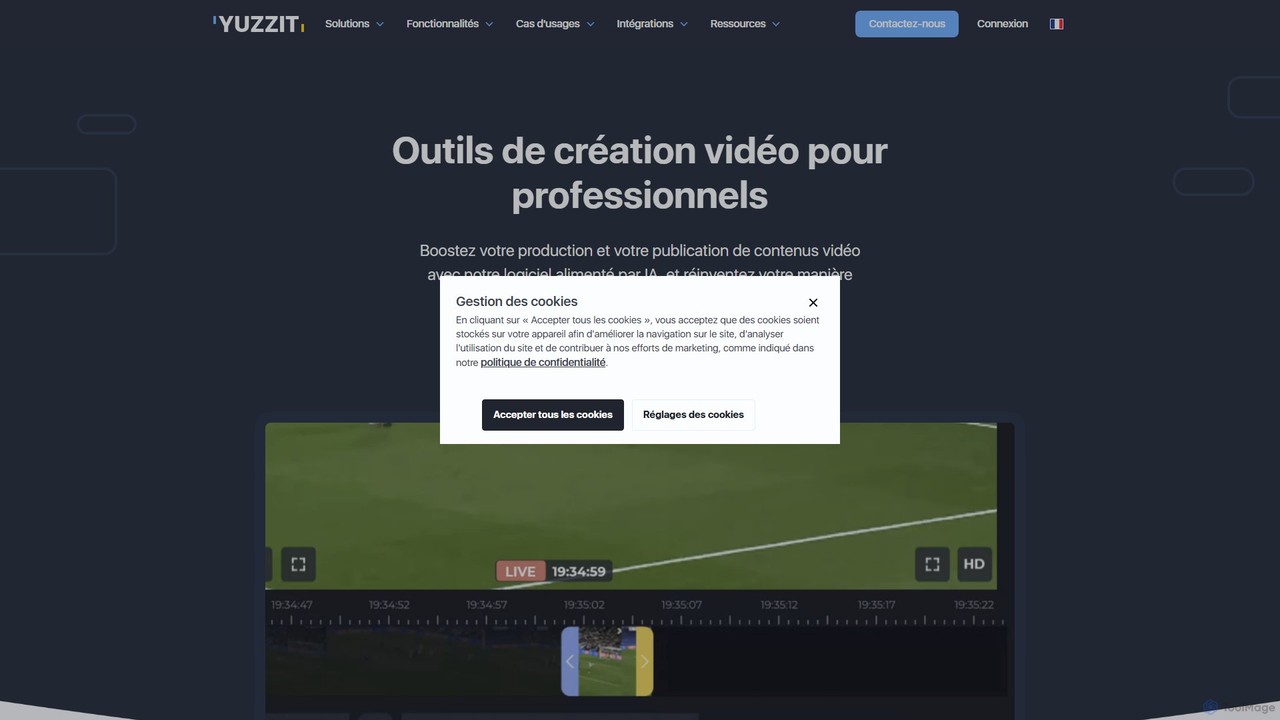
Yuzzit
Yuzzit is an AI-powered online video editing platform for professionals. It specializes in real-time clipping of live streams, automated editing, and multi-platform publishing. Designed for speed and collaboration, it helps media, sports, and marketing teams create and distribute engaging video content effortlessly.
Collaboration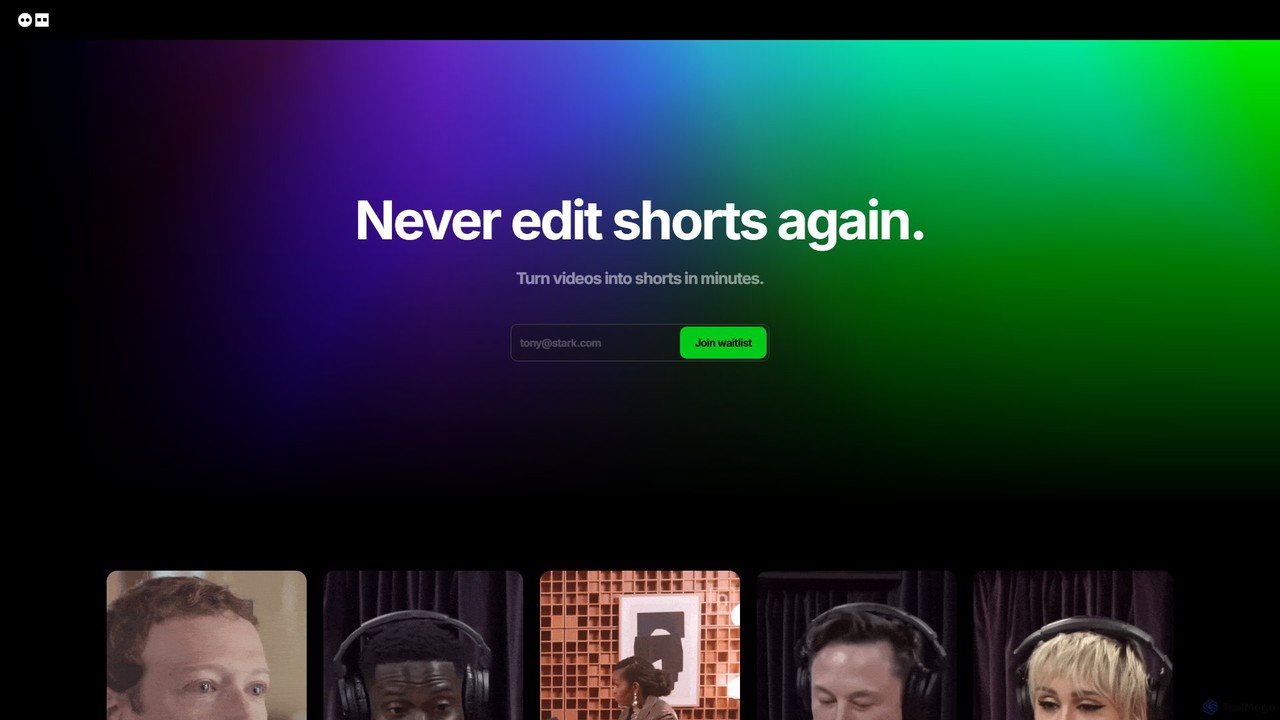
Dumme
Dumme is an AI-powered tool that automatically transforms long-form videos, such as podcasts, interviews, and lectures, into engaging, shareable short clips. It intelligently identifies highlights, adds captions, titles, and descriptions, enabling creators to repurpose content for platforms like TikTok, YouTube Shorts, and Reels in minutes.
Automation
SmartEdit
SmartEdit is an AI-powered video editing tool designed for content creators to effortlessly transform long videos into engaging, viral-ready short clips in seconds. It automates transcription, adds trendy animated captions, and integrates relevant b-roll to maximize watch time and audience engagement.
Automation
subcapgenie
subcapgenie is an AI-powered tool that automatically generates accurate subtitles and captions for videos in multiple languages. It helps content creators boost engagement, improve accessibility, and reach a global audience by simplifying the video subtitling workflow.
Transcription
Gling Comments (0)
Sign in to comment.
Sign inNo comments yet.