


SmartEdit Overview
SmartEdit is a revolutionary AI-driven video editing platform built by content creators, for content creators. It addresses the growing demand for short-form video content on platforms like TikTok, Instagram Reels, and YouTube Shorts by automating the most time-consuming aspects of video editing. The core mission of SmartEdit is to help users increase their watch time and engagement by producing professional-quality, attention-grabbing short videos with minimal effort. The platform intelligently analyzes long-form videos, identifies the most compelling moments, and repurposes them into concise, dynamic clips.
By leveraging advanced AI, SmartEdit automates the entire workflow, from transcription to final rendering. It provides highly accurate transcriptions and then uses this data to generate stylish, animated captions that highlight key words, a proven technique for retaining viewer attention. The tool further enhances videos by automatically sourcing and inserting relevant b-roll footage and adding engaging elements like animated emojis and auto-zoom effects, making the content more dynamic and shareable.
How to use SmartEdit
Using SmartEdit is designed to be a simple, three-step process that requires no prior editing experience:
- Upload Your Video: Start by uploading your long-form video content, such as a podcast, webinar, interview, or gameplay stream, to the SmartEdit platform.
- AI-Powered Editing: The AI gets to work instantly. It transcribes the audio with 99.8% accuracy, identifies the most engaging hooks and key points, and generates a short clip. Simultaneously, it creates trendy, animated captions, adds relevant b-roll footage, and applies effects like auto-zoom and emojis to enhance visual appeal.
- Customize and Export: Review the AI-generated video. You have 100% control to customize the output to match your brand's aesthetic. Adjust captions, change fonts (you can even upload your own), modify colors, and tweak the edits. Once you're satisfied, export your video in Full HD at 60 fps, or even export the project file for further editing in professional software like Premiere Pro or DaVinci Resolve.
Core Features of SmartEdit
- AI Smart Editing: Automatically identifies the most valuable parts of your long videos and turns them into short, shareable clips.
- Automatic Animated Captions: Generates trendy, easy-to-read captions with animated highlights on keywords to boost viewer retention.
- Auto B-Roll: Intelligently finds and integrates relevant stock footage (b-roll) to make your videos more visually interesting and professional.
- High-Accuracy Transcription: Provides 99.8% accurate transcription in over 15 languages, forming the foundation for captions and editing.
- Full Customization: Offers complete control over the final look, allowing users to upload their own fonts, adjust colors, and align the video with their channel's branding.
- AI-Powered Effects: Automatically adds engaging effects like animated emojis and dynamic auto-zoom to keep the audience hooked.
- High-Quality Export: Renders videos in Full HD (1080p) at 60 fps for a crisp, smooth viewing experience.
- Professional Workflow Integration: Allows exporting project files directly to Adobe Premiere Pro and DaVinci Resolve for advanced users who want to fine-tune their edits.
Use Cases for SmartEdit
SmartEdit is ideal for a wide range of users, including:
- Content Creators: Repurpose podcasts, streams, and long-form YouTube videos into dozens of short clips for TikTok, Reels, and Shorts to maximize reach.
- Social Media Managers: Quickly create a high volume of professional video content for multiple client accounts, saving hours of manual work.
- Marketers: Develop engaging video ads, product showcases, and testimonials from longer webinar or interview footage.
- Coaches and Educators: Break down educational content and tutorials into bite-sized, digestible clips for social media promotion and learning.
Advantages of SmartEdit
The primary advantage of SmartEdit is its ability to drastically reduce the time and effort required to produce high-quality short-form videos. It democratizes video editing, allowing creators without technical skills to produce content that rivals professionally edited videos. This leads to increased content output, higher audience engagement, and accelerated channel growth. The freemium model allows anyone to start and experience the core benefits without an initial investment.
Pricing and Plans
SmartEdit offers a flexible pricing structure to suit different needs, with up to 30% savings on yearly plans.
- Free Edition ($0/Mo): Perfect for trying out the platform. Includes 3 uploads, auto captions, trendy templates, auto B-roll, auto zoom, and a call-to-action feature. Videos can be previewed but not downloaded.
- Basic Edition ($8/Mo): Ideal for new content creators. Includes 30 shorts per month, 300 MB video upload limit, Full HD & 60 fps rendering, font uploads, and export to Premiere Pro & DaVinci Resolve.
- Expert Edition ($13/Mo): For professional creators and marketers. Includes 100 shorts per month, 400 MB video upload limit, and all features from the Basic plan.
- Pro Edition ($21/Mo): The most popular plan for growing a business. Includes unlimited shorts creation, 600 MB video upload limit, and all other premium features.
All paid plans come with 24/7 live chat support.
Traffic
Latest traffic
Status
Monthly traffic trend
- 2025-9: 1.9K
- 2026-1: 4.3K
- 2026-2: 2.6K
- 2026-3: 2.1K
- 2026-4: 265
- 2026-5: 489
Geography
Top 5 countries / regions
- 🇫🇷France100.0%
Top keywords
| Keyword | Cost per click |
|---|---|
| smartedit | $2.29 |
| smart edit writer | $0.00 |
| スマートエディト へんしゅう | $0.00 |
SmartEdit Alternatives
SNAPVID.AI
SNAPVID.AI is an AI-powered video editor designed for content creators to quickly transform long-form videos into viral short clips. It automates tedious tasks like cutting, adding subtitles, and inserting B-roll footage, enabling users to produce more content for platforms like TikTok, Reels, and YouTube Shorts, saving significant time and money.
Automation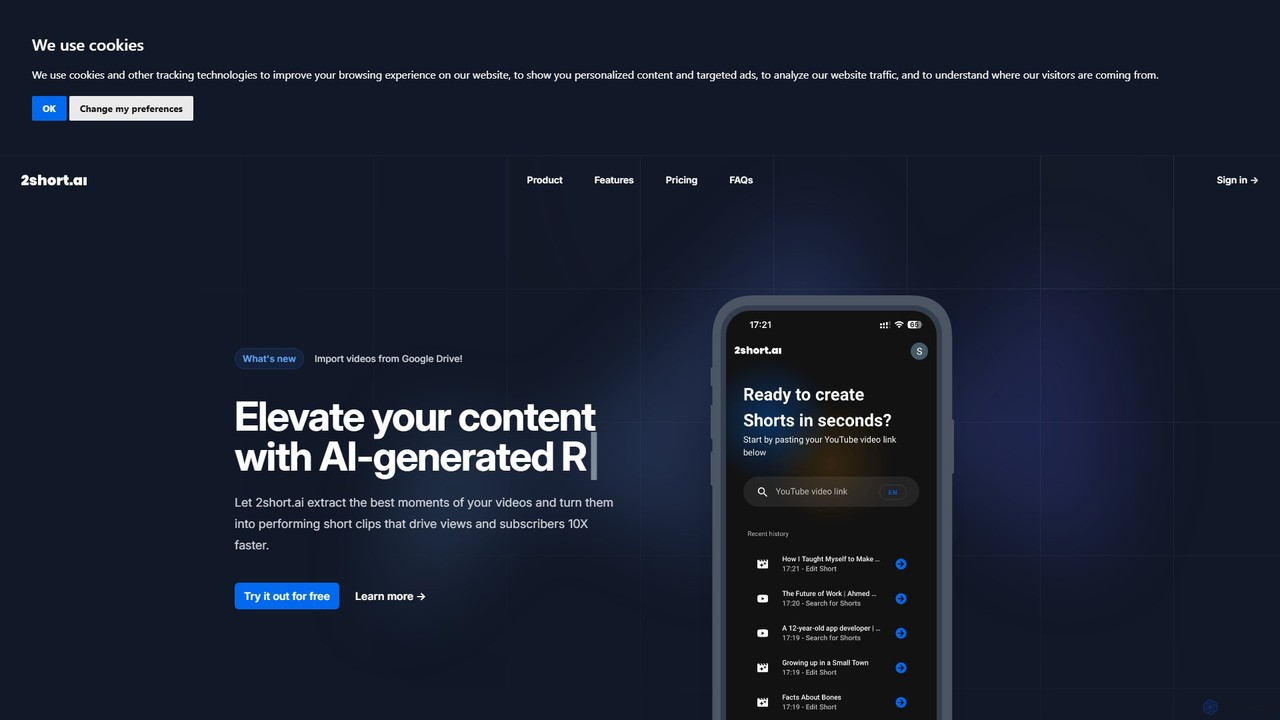
2short.ai
2short.ai is an AI-powered tool that transforms long-form videos into engaging, high-performing short clips. It automatically identifies the most captivating moments, adds animated subtitles, and uses facial tracking to perfectly frame speakers. This helps content creators save hours of editing time and grow their audience on platforms like YouTube Shorts, TikTok, and Reels 10x faster.
Automation
ShortX.ai
ShortX.ai is an AI-powered platform that automates the creation of engaging short-form videos from long-form content. Ideal for creators and marketers, it uses AI to find viral moments, add dynamic captions, and reformat videos for platforms like TikTok, Reels, and YouTube Shorts, saving hours of editing time.
Video Marketing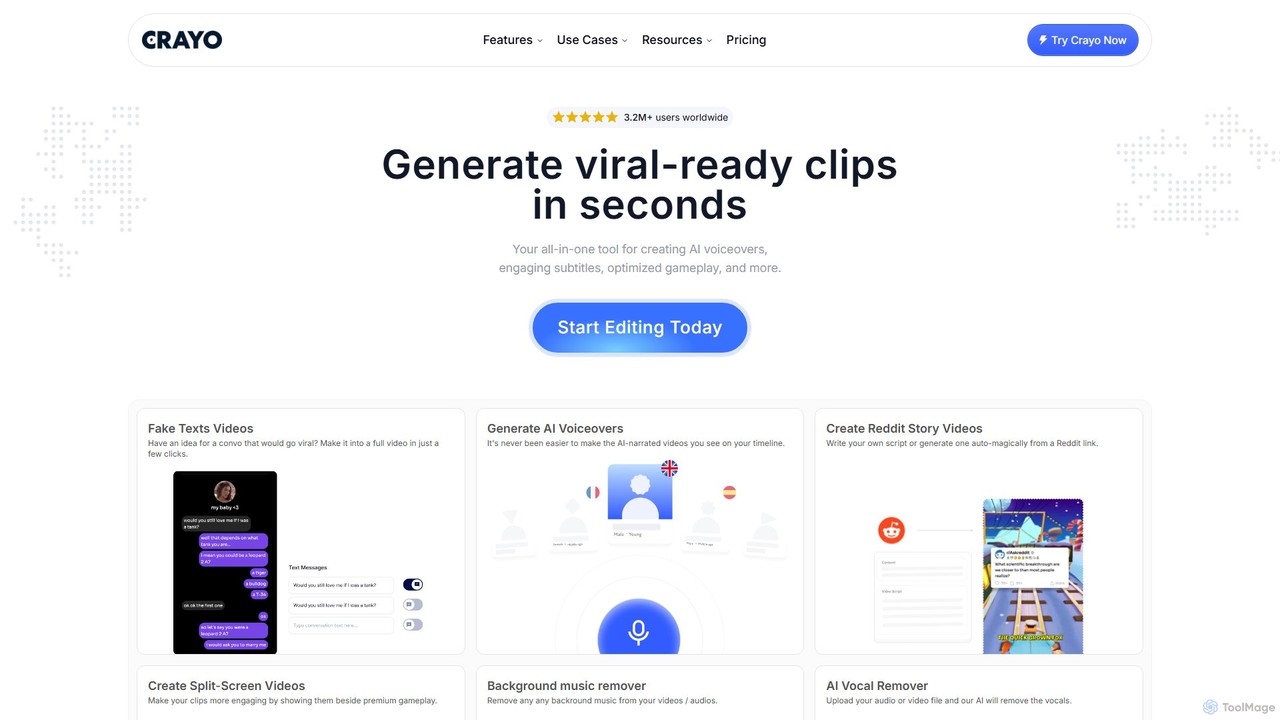
Crayo
Crayo is an all-in-one AI video editor designed for creating viral-ready short-form content in seconds. It automates tedious tasks with features like AI voiceovers, engaging subtitles, split-screen gameplay videos, and unique formats like fake text conversations and Reddit story videos. Ideal for content creators, streamers, and marketers looking to scale their video production and go viral on platforms like TikTok and YouTube.
Voice Generation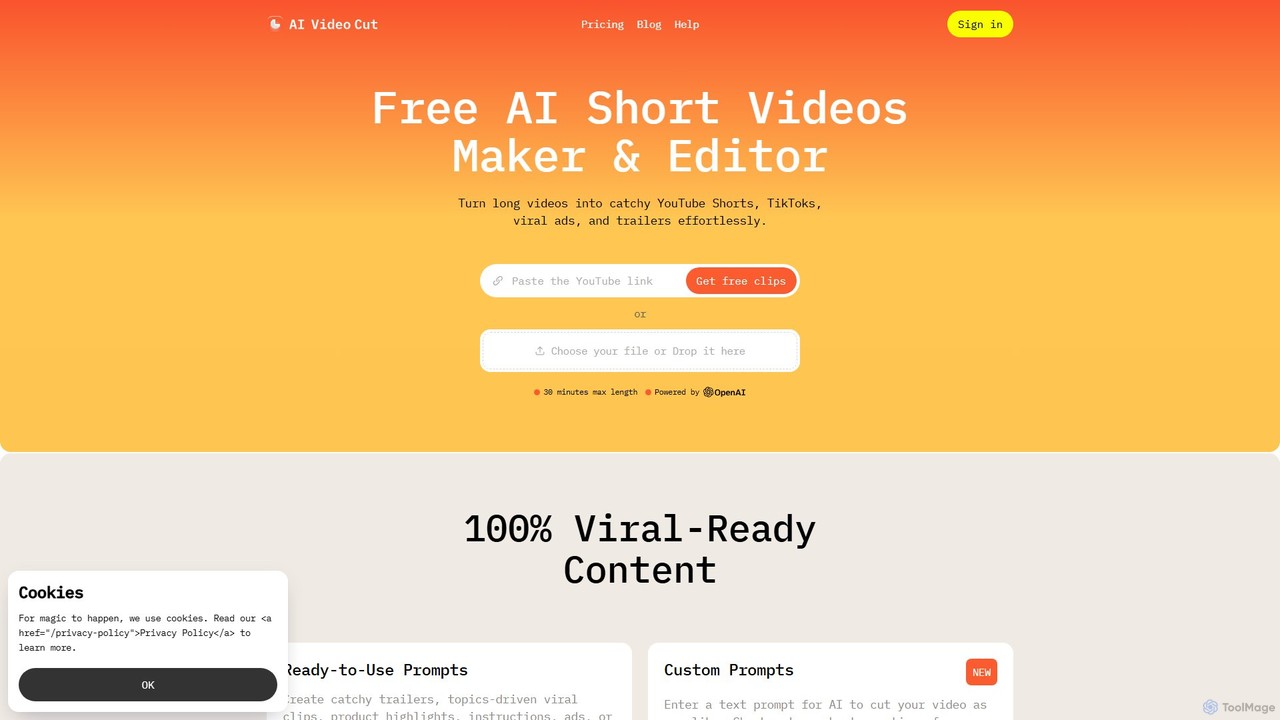
aivideocut
aivideocut is an AI-powered video editor that transforms long videos into engaging, viral short clips for platforms like YouTube Shorts, TikTok, and Instagram. Using AI prompts, it automatically identifies the most compelling moments, adds captions, and formats content for social media, saving creators hours of manual editing.
AdvertisingSmartEdit Categories
SmartEdit Embed Widget
Copy this embed code to place the badge on your blog, article, or product site and send readers directly to this ToolMage detail page.

Related AI tools
SNAPVID.AI
SNAPVID.AI is an AI-powered video editor designed for content creators to quickly transform long-form videos into viral short clips. It automates tedious tasks like cutting, adding subtitles, and inserting B-roll footage, enabling users to produce more content for platforms like TikTok, Reels, and YouTube Shorts, saving significant time and money.
Automation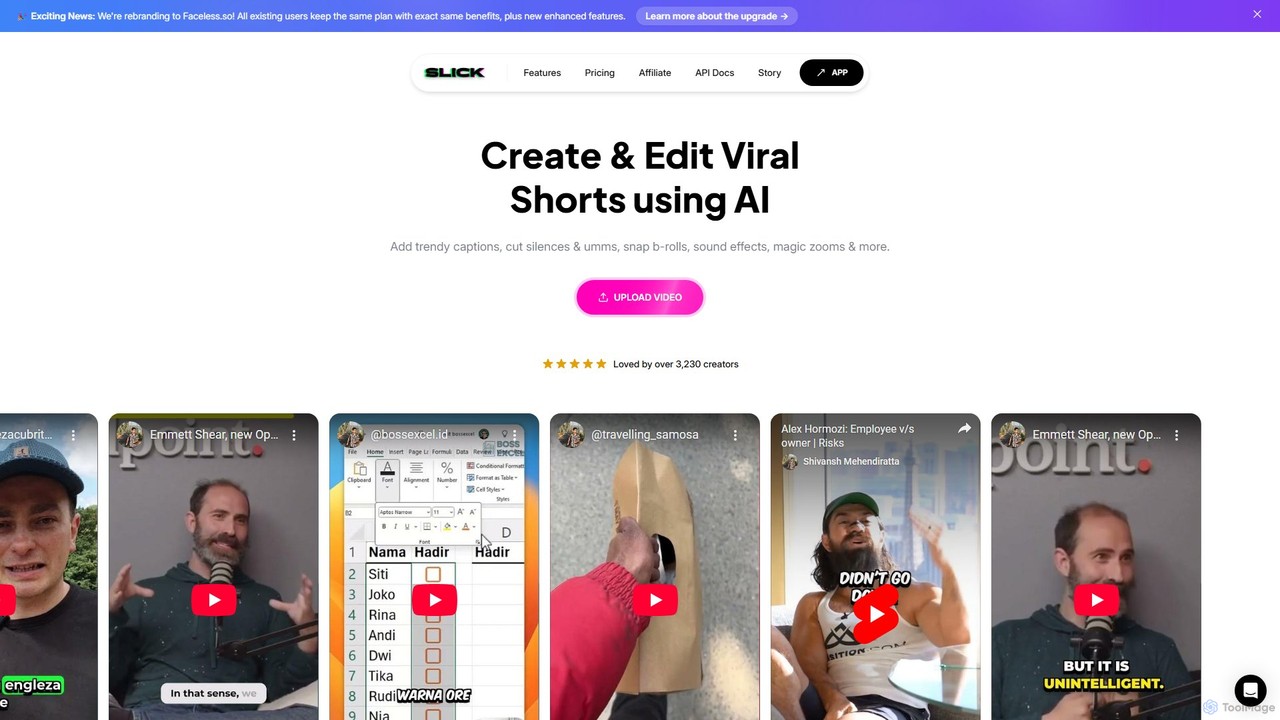
Slick
Slick (now rebranded as Faceless.so) is an AI-powered video editor designed to create and edit viral short videos for platforms like TikTok, Instagram Reels, and YouTube Shorts. It automates tedious tasks like adding trendy captions, inserting B-rolls, removing silences, and generating clips from long videos, enabling creators to produce engaging content effortlessly.
Automation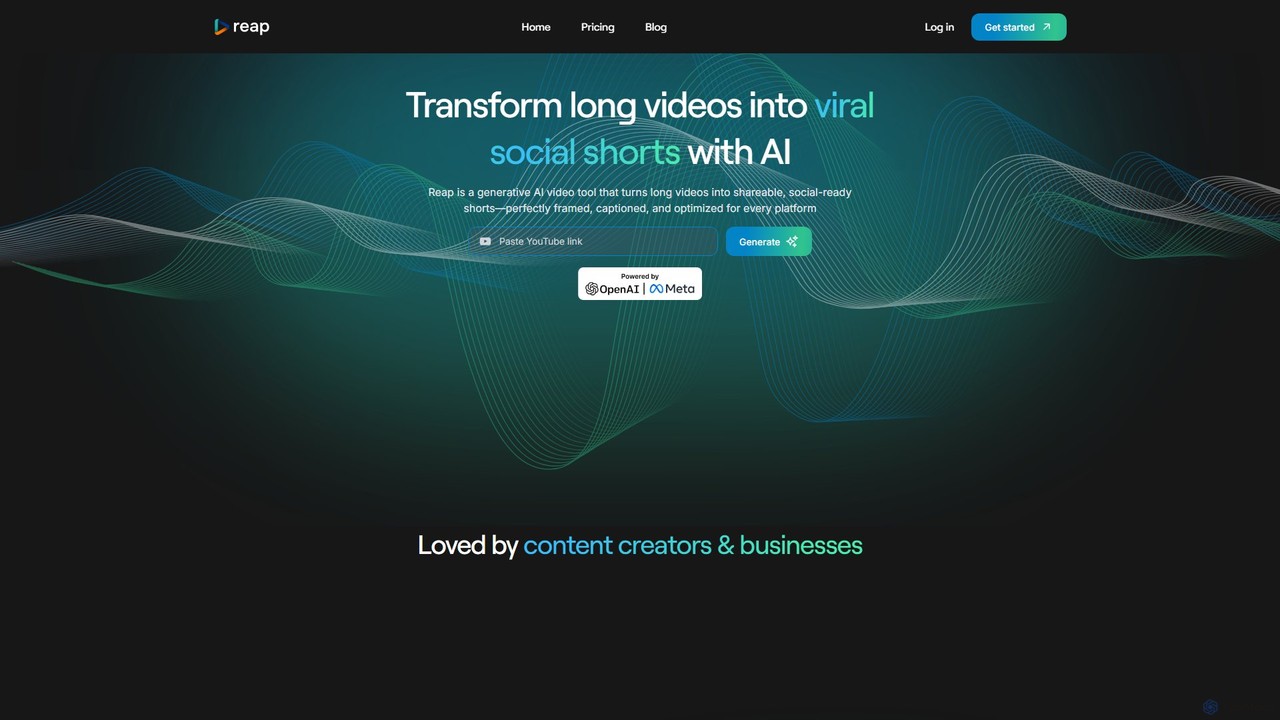
reap
An AI-powered video editing platform that automatically transforms long-form videos into viral short clips for social media. It features AI-driven clipping, transcript-based editing, automatic captions, and audio enhancement tools to save creators time and boost their content's reach.
Repurposing
Jyek
Jyek is an AI agent platform that understands objectives, creates execution plans, uses tools, and delivers verifiable results for complex, multi-step tasks.
Automation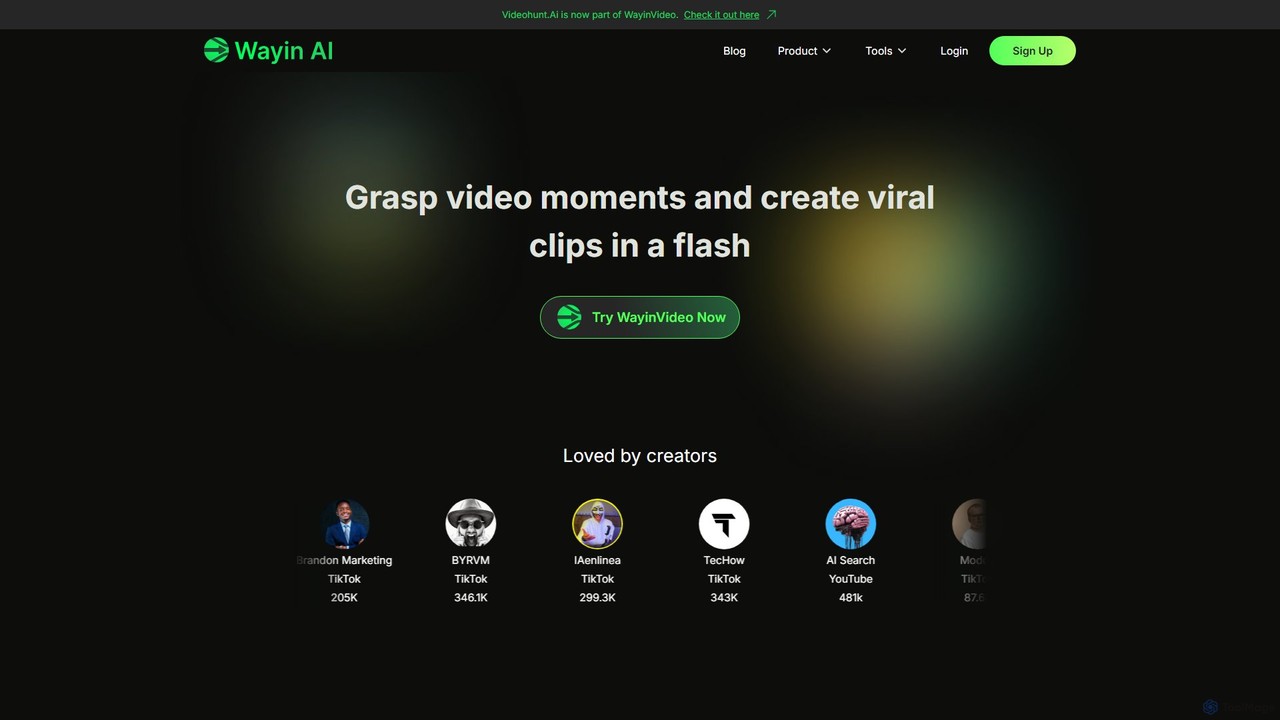
WayinVideo
WayinVideo is an AI-powered platform designed for content creators and marketers to effortlessly transform long-form videos into engaging, viral short clips. By simply pasting a video link or uploading a file, the AI automatically identifies key moments, generates animated captions, and reframes content for social media platforms like TikTok, YouTube Shorts, and Instagram Reels, saving hours of manual editing.
Automation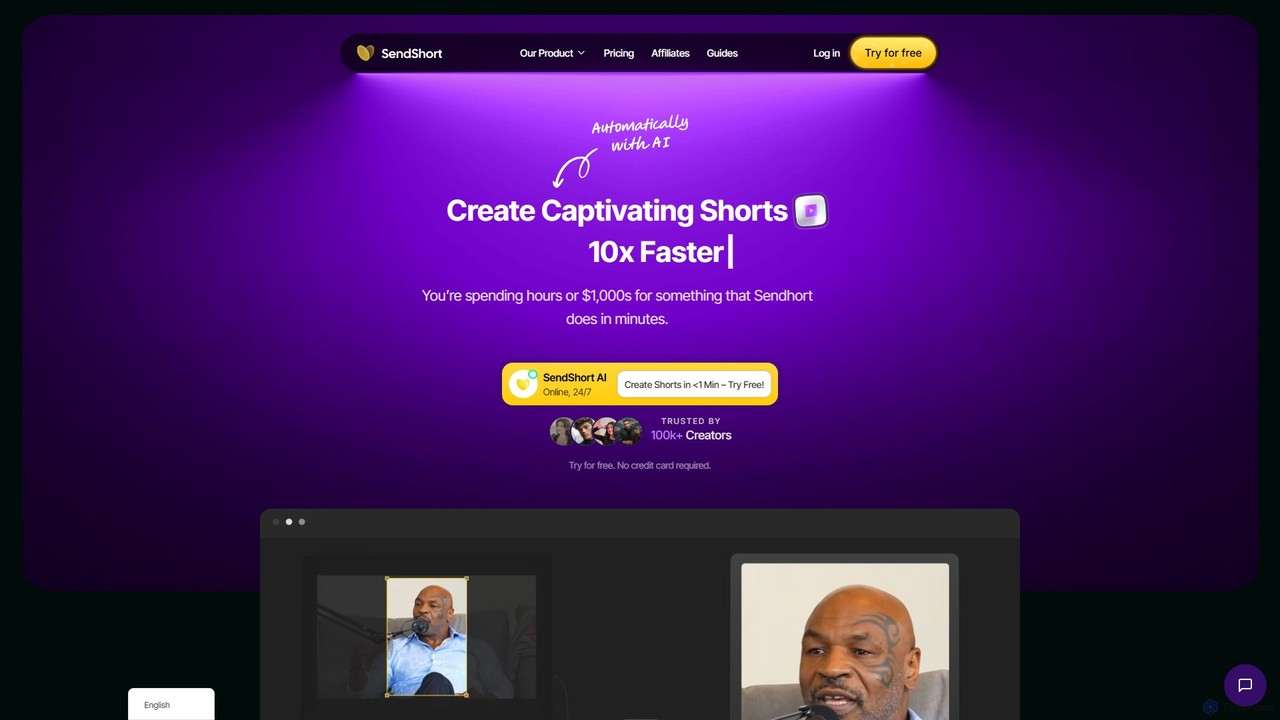
SendShort
SendShort is an AI-powered video platform that instantly transforms long-form videos into dozens of viral short clips for TikTok, Reels, and Shorts. It automates editing, adds dynamic captions, generates faceless content, and provides tools for scheduling, saving creators hours of work and thousands in costs.
Automation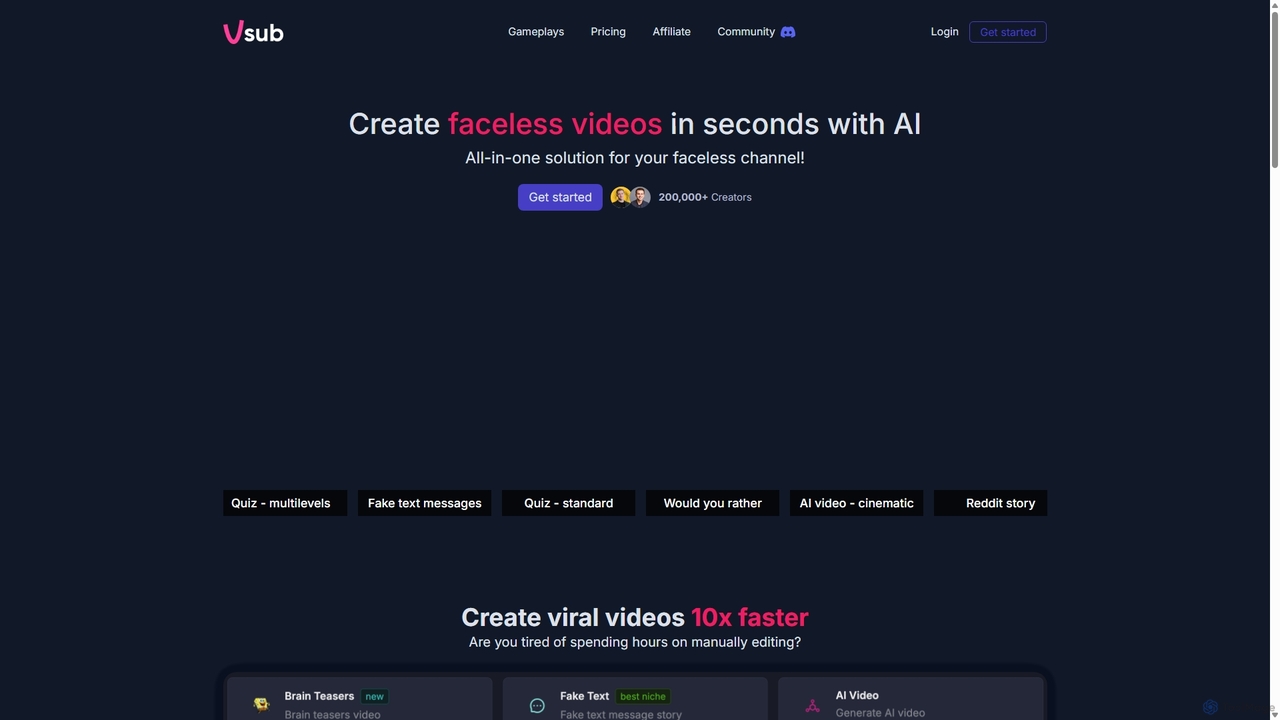
Vsub
Vsub is an AI-powered platform designed for creating engaging, faceless short videos in seconds. It serves as an all-in-one solution for content creators, enabling them to produce viral content for platforms like YouTube Shorts, TikTok, and Instagram Reels 10x faster than traditional methods.
Automation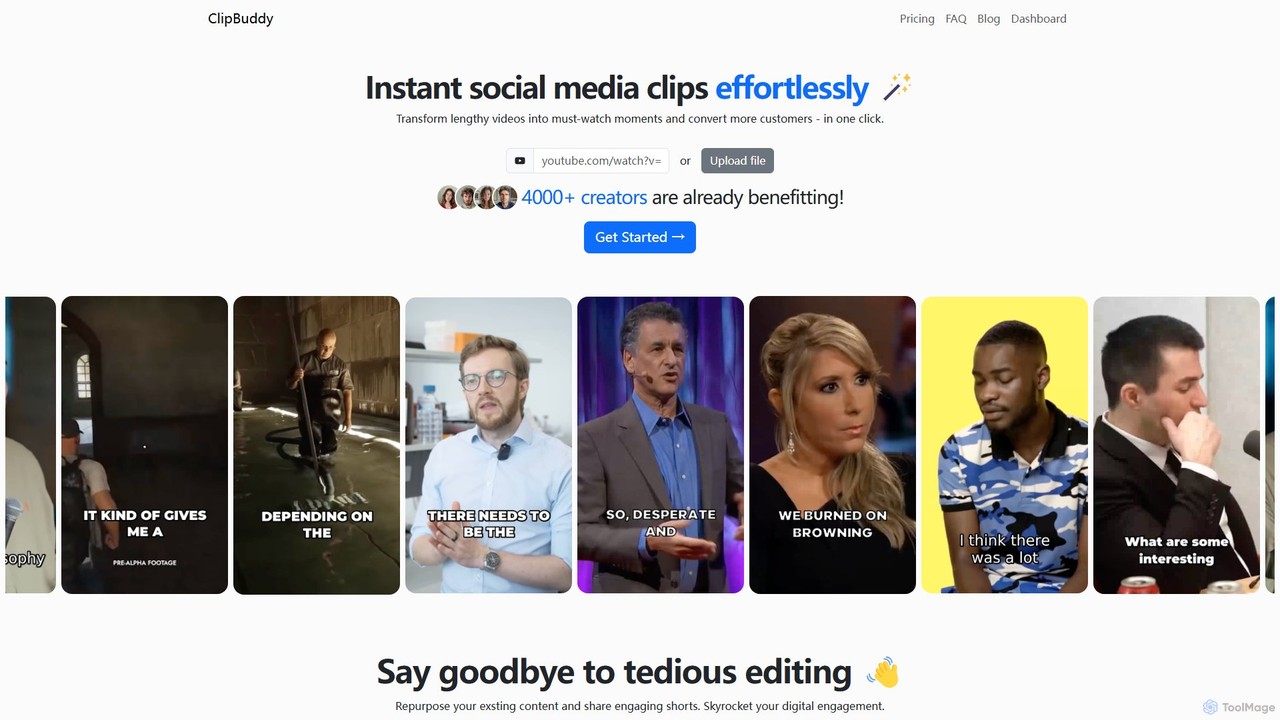
ClipBuddy
ClipBuddy is an AI-powered platform that automatically transforms long-form videos into engaging, viral short clips. It intelligently identifies key moments, adds dynamic multi-language captions, and resizes content for social media platforms like TikTok, Reels, and Shorts, helping creators maximize their reach and engagement with minimal effort.
Automation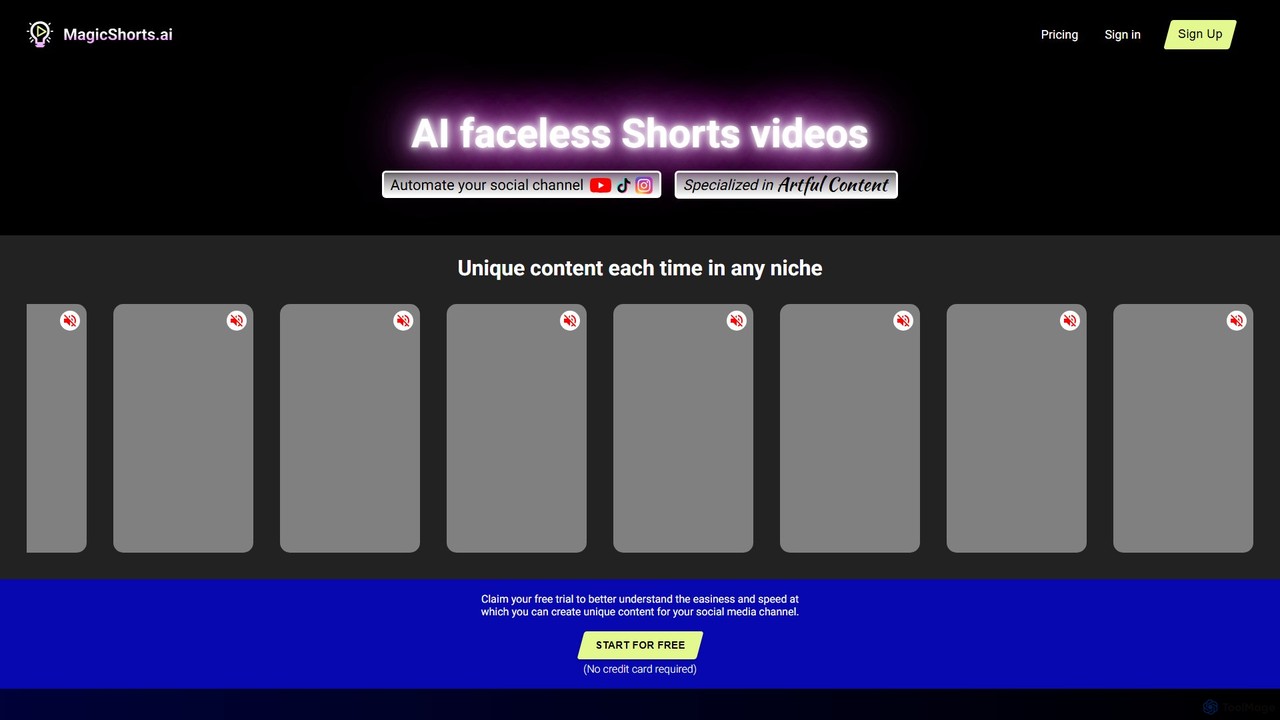
magicshorts
magicshorts is an AI-powered platform that automates the creation of unique, faceless short videos for social media. Simply provide a topic, and the tool generates a script, adds a lifelike AI voiceover, and pairs it with stunning artistic visuals and background music. It's designed for content creators who want to produce engaging content for YouTube Shorts, TikTok, and Reels without appearing on camera.
Automation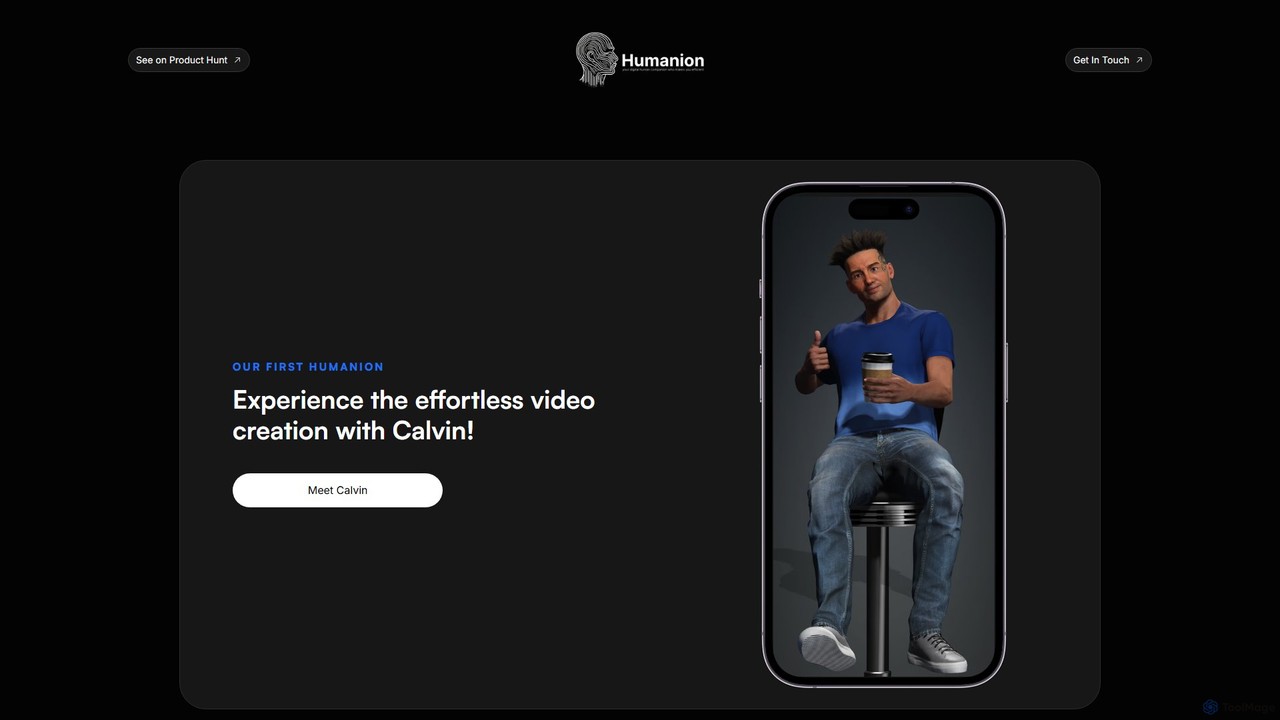
Humanion.ai
Humanion.ai introduces Calvin, a revolutionary AI-powered mobile app that transforms your spoken or typed ideas into captivating short videos. Designed for social media, Calvin automates the entire editing process, allowing you to create viral content for TikTok, Reels, and Shorts effortlessly. Simply describe your vision, and the AI assistant brings it to life with visuals, music, and text, no technical skills required.
Automation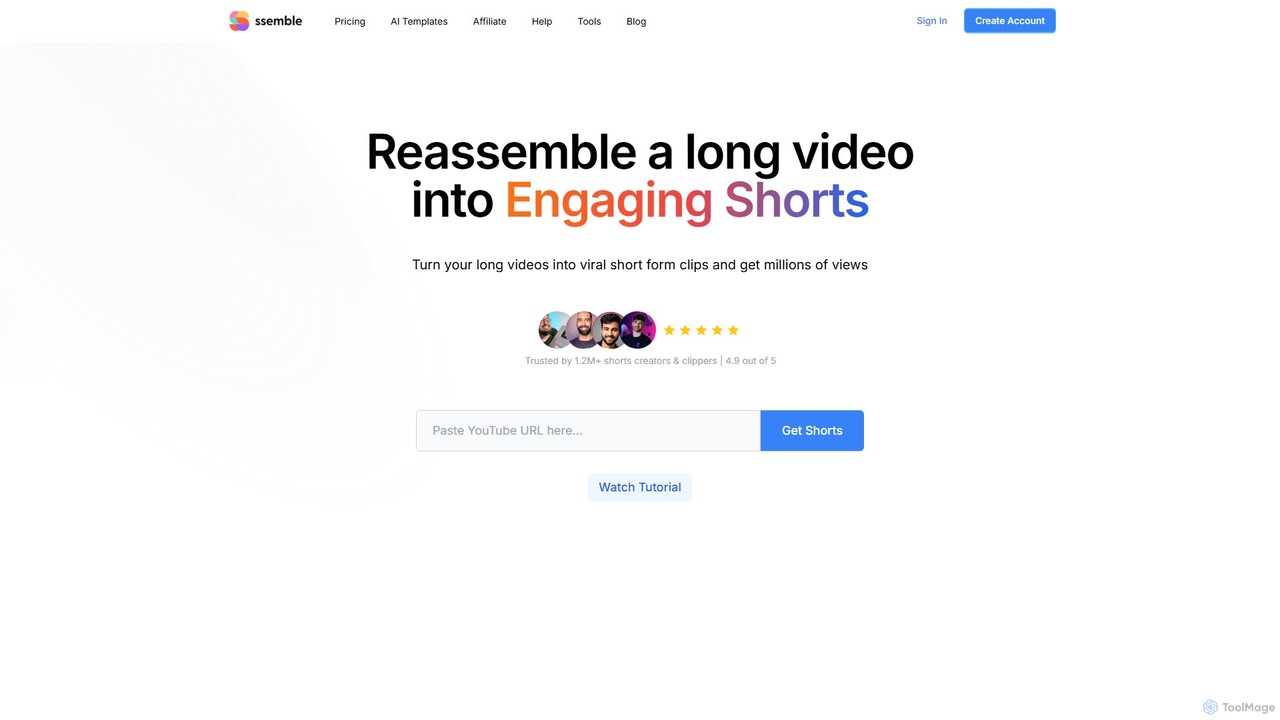
Ssemble
Ssemble is an AI-powered video editing platform that transforms long-form videos into engaging, viral short-form clips. It automates finding key moments, adding captions, reframing for vertical formats, and scheduling posts for TikTok, YouTube Shorts, and Instagram Reels. Ideal for content creators and marketers looking to maximize their reach and engagement with minimal effort.
Video Marketing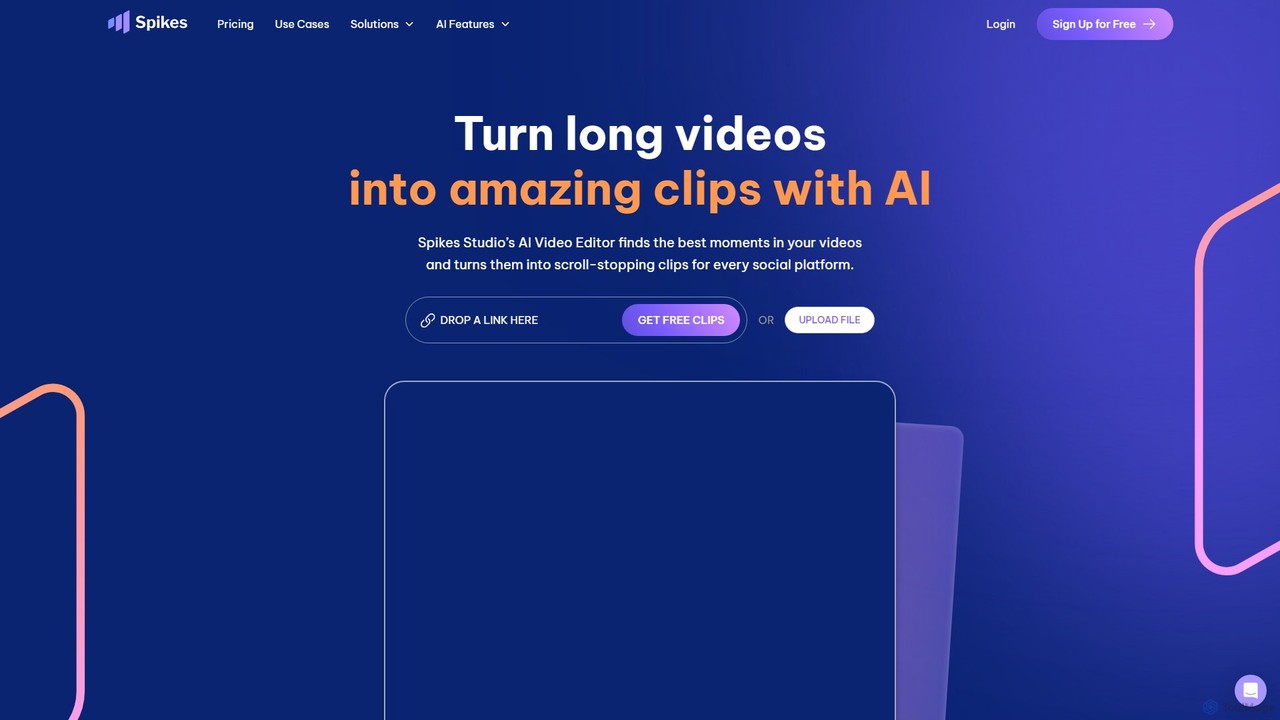
Spikes Studio
Spikes Studio is an AI-powered video editing platform that transforms long-form videos into engaging, shareable short clips for social media like TikTok, Reels, and YouTube Shorts. It automates clip detection, adds animated captions, and provides tools for scheduling and analytics, helping creators and marketers save time and grow their audience.
Automation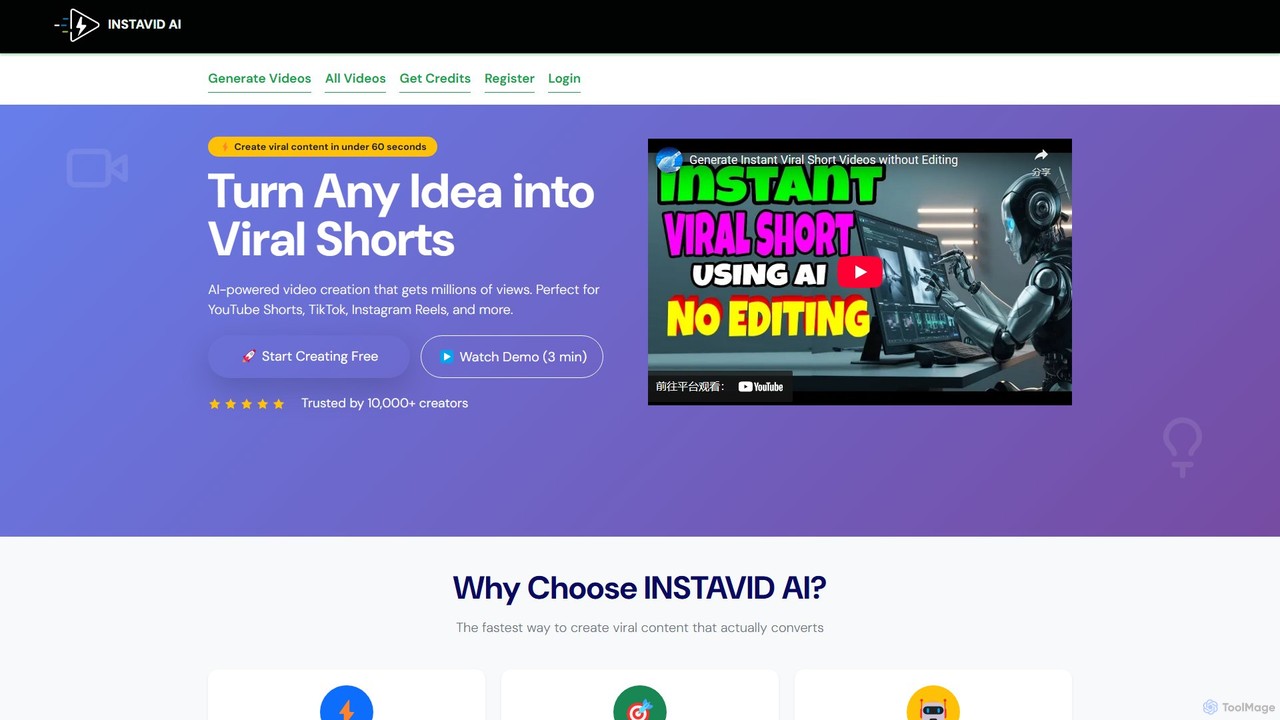
Instavid AI
Instavid AI is a powerful AI-driven platform designed to create engaging short-form videos for social media in minutes. Simply provide a text prompt or topic, and the AI will automatically generate a complete video with stock footage, AI voiceovers, background music, and animated subtitles, perfect for TikTok, Reels, and YouTube Shorts.
Video Marketing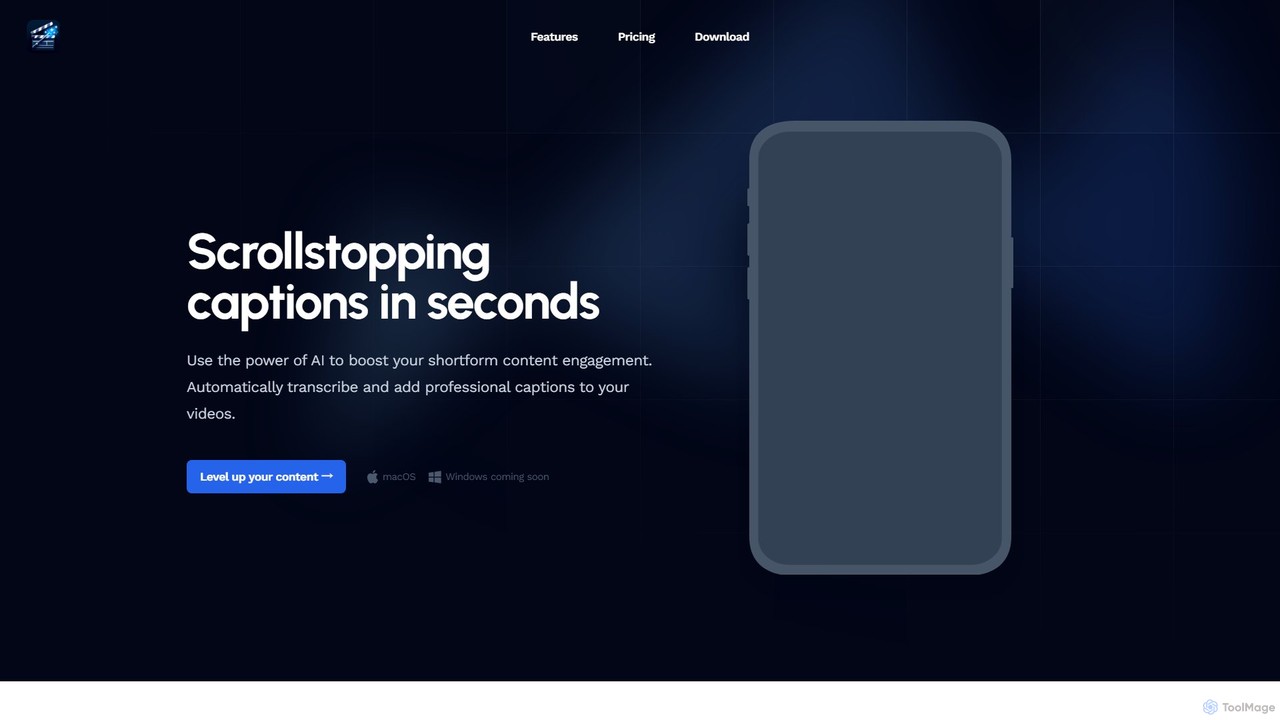
ShortMagic
ShortMagic is an AI-powered desktop application for macOS (Windows coming soon) that automatically generates and adds professional, customizable captions to your short-form videos. It operates completely offline, supports any video resolution including 4K/8K, and offers a one-time payment model, eliminating recurring subscriptions. It's designed for content creators who want to boost engagement quickly and efficiently.
Transcription2short.ai
2short.ai is an AI-powered tool that transforms long-form videos into engaging, high-performing short clips. It automatically identifies the most captivating moments, adds animated subtitles, and uses facial tracking to perfectly frame speakers. This helps content creators save hours of editing time and grow their audience on platforms like YouTube Shorts, TikTok, and Reels 10x faster.
Automation
SmartEdit Comments (0)
Sign in to comment.
Sign inNo comments yet.