

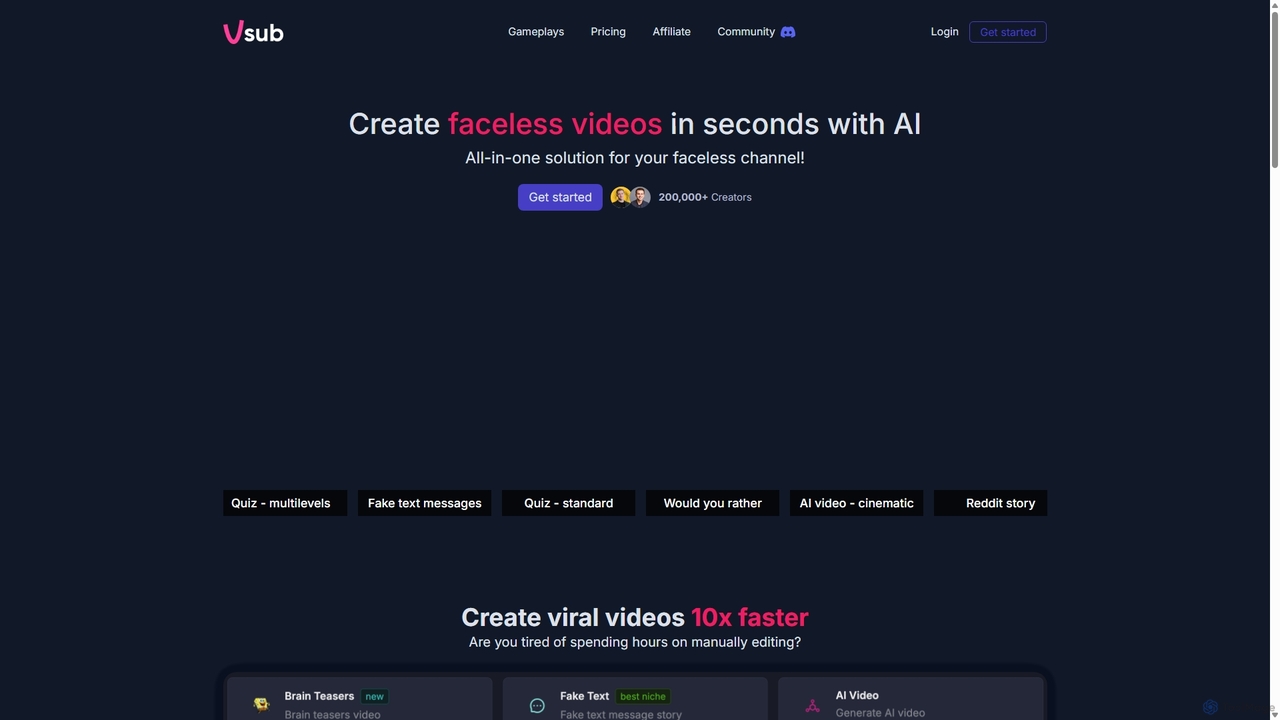
Vsub Overview
Vsub is a revolutionary AI-powered video creation tool that positions itself as a 'faceless channel factory.' It is specifically designed to help over 200,000 creators rapidly produce engaging, short-form videos without needing to appear on camera. This all-in-one solution automates the entire video creation process, making it ideal for YouTube Shorts, TikTok, and Instagram Reels. By leveraging AI, Vsub allows users to transform various content formats, such as Reddit stories, fake text message conversations, and quizzes, into visually appealing videos with just a single click.
The platform's core mission is to eliminate the time-consuming and tedious process of manual video editing. It empowers creators to keep up with fast-moving social media trends and increase their chances of going viral. With a diverse library of templates and AI art styles, users can customize their content to fit any niche, ensuring their videos are unique and captivating.
How to use Vsub
Using Vsub is designed to be a simple and intuitive process, allowing creators to generate content in minutes:
- Select a Template: Begin by choosing from a variety of pre-built video templates. Options include popular formats like 'Reddit Story,' 'Fake Text Messages,' 'Quiz' (both standard and multi-level), and 'Would You Rather.'
- Input Your Content: Provide the source material for your video. This could be a link to a Reddit post, the text for a chat conversation, or the questions and answers for a quiz.
- Choose an AI Style: Customize the visual aesthetic of your video by selecting from a wide range of AI-generated art styles. These include Cinematic, Cartoon, Anime, 3D Animation, Comic, Solarpunk, Psychedelic Art, and even dark versions of Cinematic and Anime styles.
- Generate the Video: With a single click, Vsub's AI gets to work. It assembles the visuals, generates a voiceover (if applicable), and adds dynamic elements to create a finished video.
- Review and Export: The platform automatically adds engaging captions with animated emojis to maximize viewer retention. Once the video is generated, you can review it and download it for publishing on your social media channels.
Core Features of Vsub
- One-Click AI Video Generation: Instantly create complete short videos from various text-based inputs.
- Diverse Video Templates: A wide selection of templates for popular viral content formats like Reddit stories, quizzes, and fake text message conversations.
- Multiple AI Art Styles: Access to a rich library of visual styles, including Cinematic, Anime, 3D, and Comic, to make videos stand out.
- Auto Captions with Animated Emojis: Automatically generate accurate, synchronized captions enhanced with emojis to boost engagement and watch time.
- Faceless Content Creation: The perfect tool for creators who wish to remain anonymous or run automated content channels.
- Rapid Production Speed: Designed to create viral-style videos up to 10 times faster than manual editing workflows.
- Continuous Development: The team is constantly adding new tools and templates, such as the upcoming 'ChatGPT Story' and 'AI Videos (beta)' features.
Use Cases for Vsub
Vsub is versatile and can be used by various creators and marketers:
- YouTube Automation Channels: Quickly generate a high volume of content for faceless channels focused on storytelling, trivia, or commentary.
- Social Media Managers: Create a steady stream of engaging short-form video content for TikTok, Instagram Reels, and YouTube Shorts to grow brand presence.
- Digital Marketers: Produce eye-catching video ads or informational content to capture audience attention and drive conversions.
- Educators and Trainers: Develop interactive quiz videos and micro-learning content in a fun and engaging format.
- Affiliate Marketers: Promote products or services by creating compelling story-based videos that don't require on-camera presence.
Advantages of Vsub
Vsub offers significant advantages over traditional video creation methods. Its primary benefit is the immense time savings, allowing creators to focus on content strategy rather than tedious editing. The platform is incredibly user-friendly, requiring no prior video editing experience. It's a cost-effective solution, eliminating the need for expensive software, stock footage, or hiring freelancers. Furthermore, its focus on trend-based templates and engagement-boosting features like animated captions gives creators a competitive edge in the crowded social media landscape.
Pricing and Plans
While specific pricing details are best found on the official website, Vsub likely operates on a freemium or subscription-based model. A typical structure would include:
- Free Plan: A starting point for new users to test the platform's capabilities, likely with limitations such as watermarked videos, a cap on monthly exports, or access to a limited set of features.
- Subscription Tiers (e.g., Starter, Pro): Paid monthly or annual plans that offer benefits like no watermarks, a higher number of video exports, access to all premium templates and AI styles, and potentially higher resolution outputs.
Users are encouraged to visit the Vsub website for the most current and detailed pricing information.
Traffic
Latest traffic
Status
Monthly traffic trend
- 2025-9: 125.3K
- 2026-1: 184.1K
- 2026-2: 116.2K
- 2026-3: 107.5K
- 2026-4: 118.8K
- 2026-5: 107.8K
Geography
Top 5 countries / regions
- 🇵🇱Poland43.5%
- 🇺🇸United States18.7%
- 🇨🇿Czechia13.4%
- 🇻🇳Vietnam12.7%
- 🇮🇳India11.8%
Traffic sources
| Source type | Percentage |
|---|---|
Direct | 92.9% |
Referral | 5.7% |
Email | 1.3% |
Top keywords
| Keyword | Cost per click |
|---|---|
| is it possible to create fake instagram chat dms | $0.00 |
| v sub | $0.00 |
| vsub | $1.43 |
| vsub ai | $0.20 |
| vsub.io | $0.00 |
Vsub Videos on YouTube

The Introverted Marketer 2025

The Introverted Marketer 2025
The Introverted Marketer 2025

The Introverted Marketer 2025
The Introverted Marketer 2025

The Introverted Marketer 2025

The Introverted Marketer 2025

The Introverted Marketer 2025
Vsub Alternatives
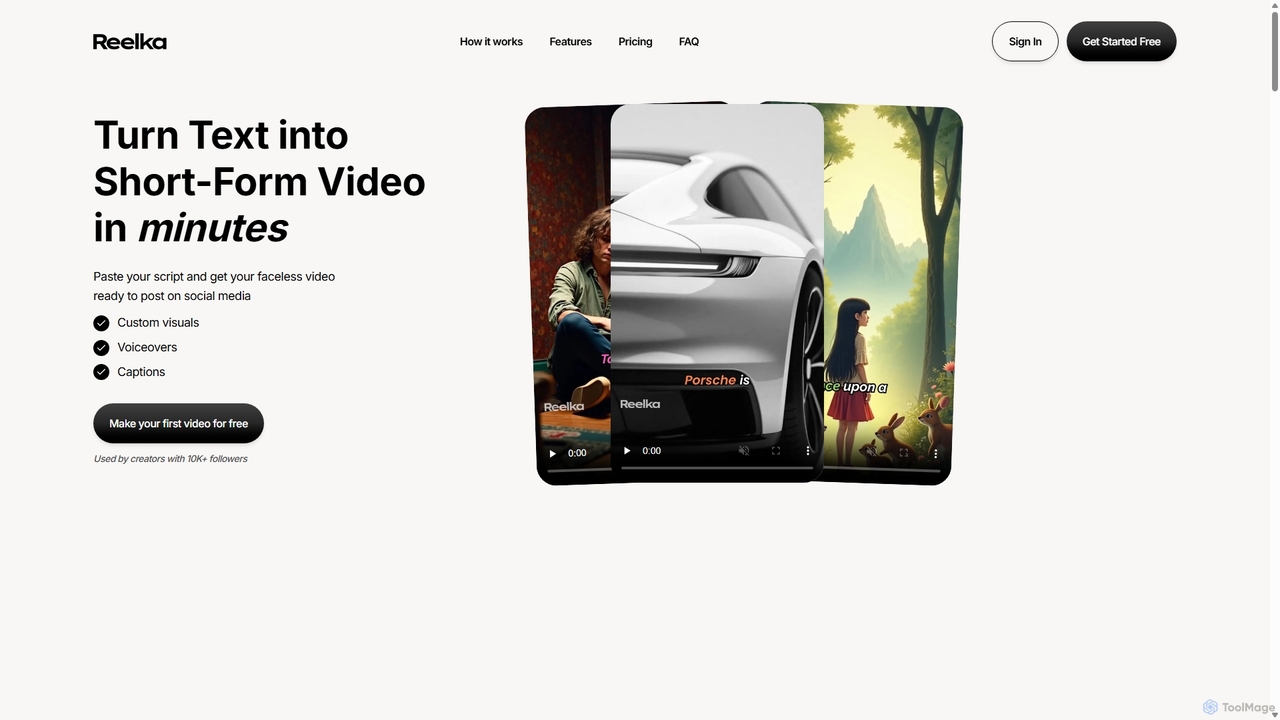
Reelka
Reelka is an AI-powered video creation platform that transforms text scripts into engaging, short-form videos in minutes. Ideal for social media, it automates the entire process from scriptwriting and voiceover generation to visual selection and captioning. Users can customize styles, replace visuals, and export HD, watermark-free videos, saving hours of complex editing work and overcoming the steep learning curve of traditional video software. It's designed for creators and marketers to produce consistent, high-quality content effortlessly.
Automation
ShortsGenerator
ShortsGenerator is an AI-powered platform that automates the creation of viral short videos for YouTube, TikTok, and Instagram. Simply provide a link, text, or an idea, and the AI generates engaging, faceless videos with scripts, visuals, and voiceovers in minutes. It's designed for creators and marketers to save time, repurpose content, and significantly boost audience engagement without needing any video editing skills.
Video Marketing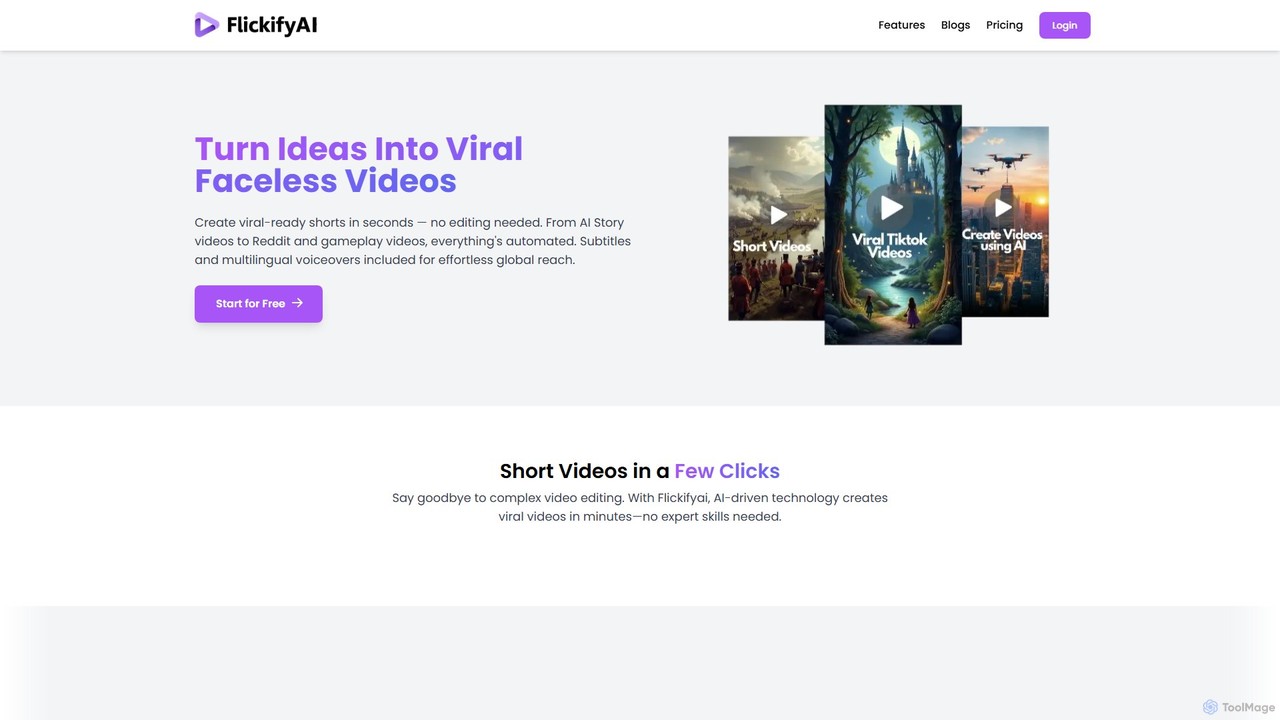
FlickifyAI
FlickifyAI is an AI-powered video creation platform that effortlessly transforms text, blog posts, or Reddit links into engaging, viral-ready short videos. It automates scriptwriting, voiceovers, subtitles, and visual selection, making it ideal for creating faceless content for social media without any editing skills.
Automation
magicshorts
magicshorts is an AI-powered platform that automates the creation of unique, faceless short videos for social media. Simply provide a topic, and the tool generates a script, adds a lifelike AI voiceover, and pairs it with stunning artistic visuals and background music. It's designed for content creators who want to produce engaging content for YouTube Shorts, TikTok, and Reels without appearing on camera.
Automation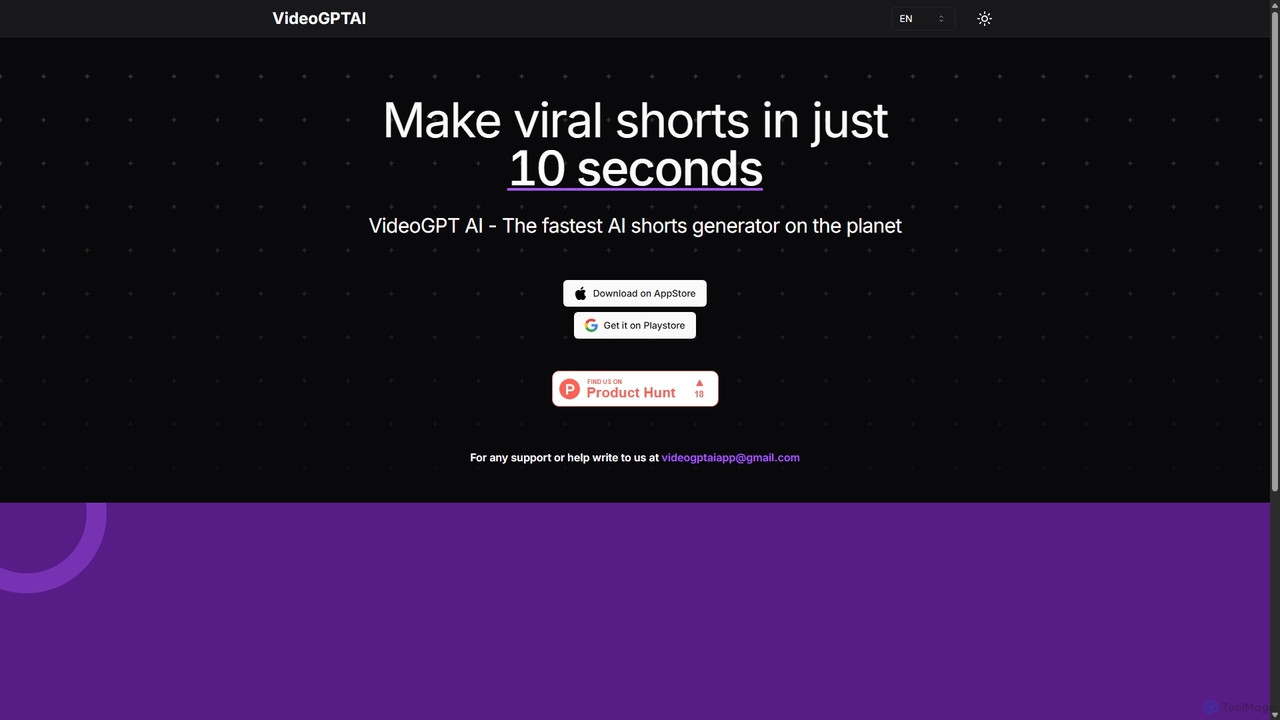
VideoGPTAI
VideoGPTAI is a powerful AI-driven mobile application designed to create viral short-form videos for social media in seconds. By simply providing a text prompt or topic, users can generate engaging videos complete with stock footage, AI voiceovers, background music, and animated captions, perfect for TikTok, YouTube Shorts, and Instagram Reels.
AutomationVsub Categories
Vsub Jobs
Vsub Embed Widget
Copy this embed code to place the badge on your blog, article, or product site and send readers directly to this ToolMage detail page.

Related AI tools
Reelka
Reelka is an AI-powered video creation platform that transforms text scripts into engaging, short-form videos in minutes. Ideal for social media, it automates the entire process from scriptwriting and voiceover generation to visual selection and captioning. Users can customize styles, replace visuals, and export HD, watermark-free videos, saving hours of complex editing work and overcoming the steep learning curve of traditional video software. It's designed for creators and marketers to produce consistent, high-quality content effortlessly.
Automation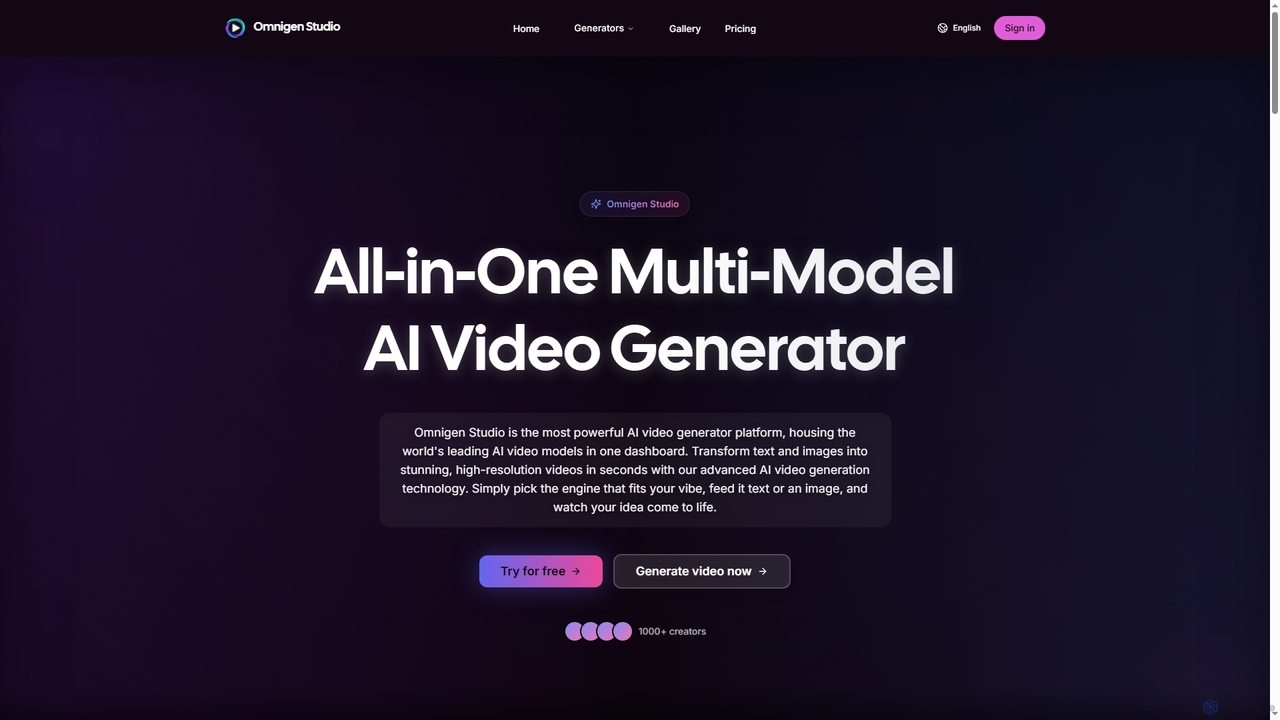
Omnigen
Omnigen is an all-in-one multi-model AI video generator platform that empowers creators to transform text and images into stunning, high-resolution videos in seconds. It integrates leading AI video models like Veo, Wan, and Sora 2, offering a seamless workflow for diverse creative needs, from social media clips to cinematic sequences.
Social Media Video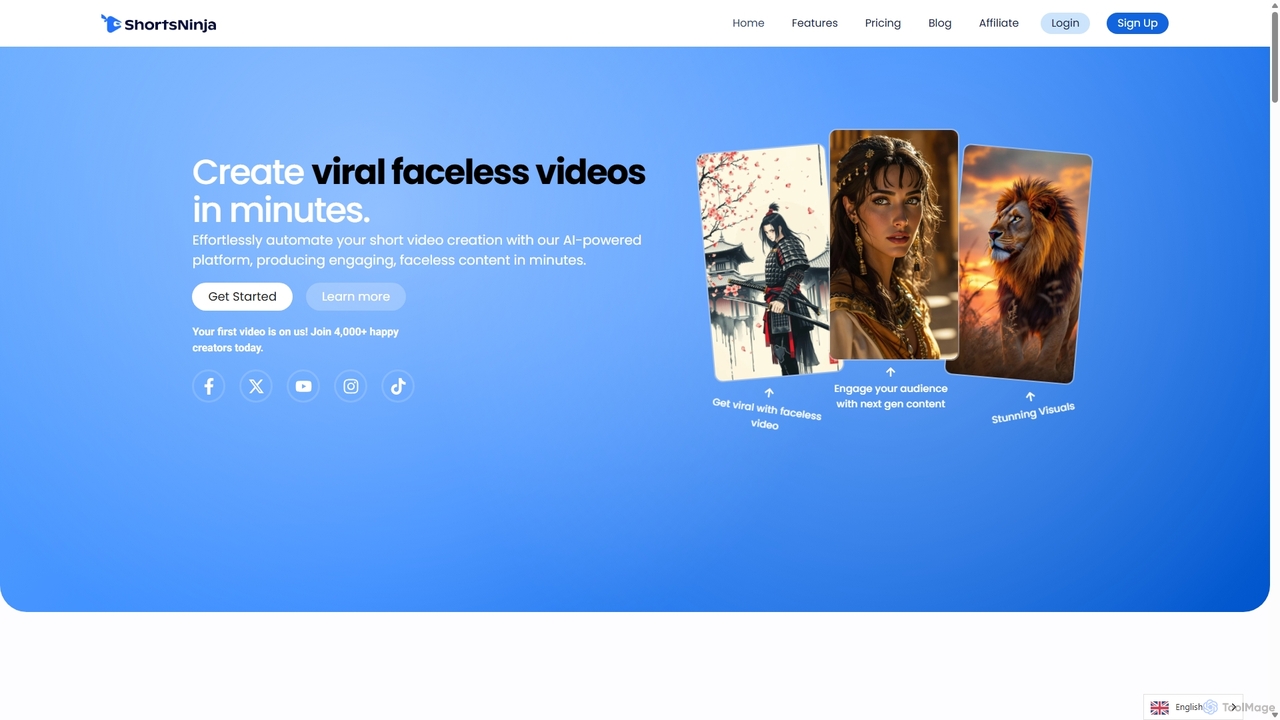
ShortsNinja
ShortsNinja is an AI-powered platform that automates the creation of engaging, faceless short videos for TikTok, YouTube, and Instagram. In just minutes, it transforms your ideas into viral-potential content with AI-generated visuals, realistic voiceovers in 50+ languages, and automated social media publishing. It's the perfect tool for creators and marketers looking to scale their video content production effortlessly.
AutomationFlickifyAI
FlickifyAI is an AI-powered video creation platform that effortlessly transforms text, blog posts, or Reddit links into engaging, viral-ready short videos. It automates scriptwriting, voiceovers, subtitles, and visual selection, making it ideal for creating faceless content for social media without any editing skills.
Automation
Jyek
Jyek is an AI agent platform that understands objectives, creates execution plans, uses tools, and delivers verifiable results for complex, multi-step tasks.
Automationmagicshorts
magicshorts is an AI-powered platform that automates the creation of unique, faceless short videos for social media. Simply provide a topic, and the tool generates a script, adds a lifelike AI voiceover, and pairs it with stunning artistic visuals and background music. It's designed for content creators who want to produce engaging content for YouTube Shorts, TikTok, and Reels without appearing on camera.
AutomationShortsGenerator
ShortsGenerator is an AI-powered platform that automates the creation of viral short videos for YouTube, TikTok, and Instagram. Simply provide a link, text, or an idea, and the AI generates engaging, faceless videos with scripts, visuals, and voiceovers in minutes. It's designed for creators and marketers to save time, repurpose content, and significantly boost audience engagement without needing any video editing skills.
Video Marketing
OpusClip
OpusClip is a generative AI video repurposing tool that turns long videos into viral short clips with one click. It automatically identifies the most compelling hooks, reframes the video, adds dynamic captions, and scores clips for virality, streamlining content creation for social media.
Video MarketingVideoGPTAI
VideoGPTAI is a powerful AI-driven mobile application designed to create viral short-form videos for social media in seconds. By simply providing a text prompt or topic, users can generate engaging videos complete with stock footage, AI voiceovers, background music, and animated captions, perfect for TikTok, YouTube Shorts, and Instagram Reels.
Automation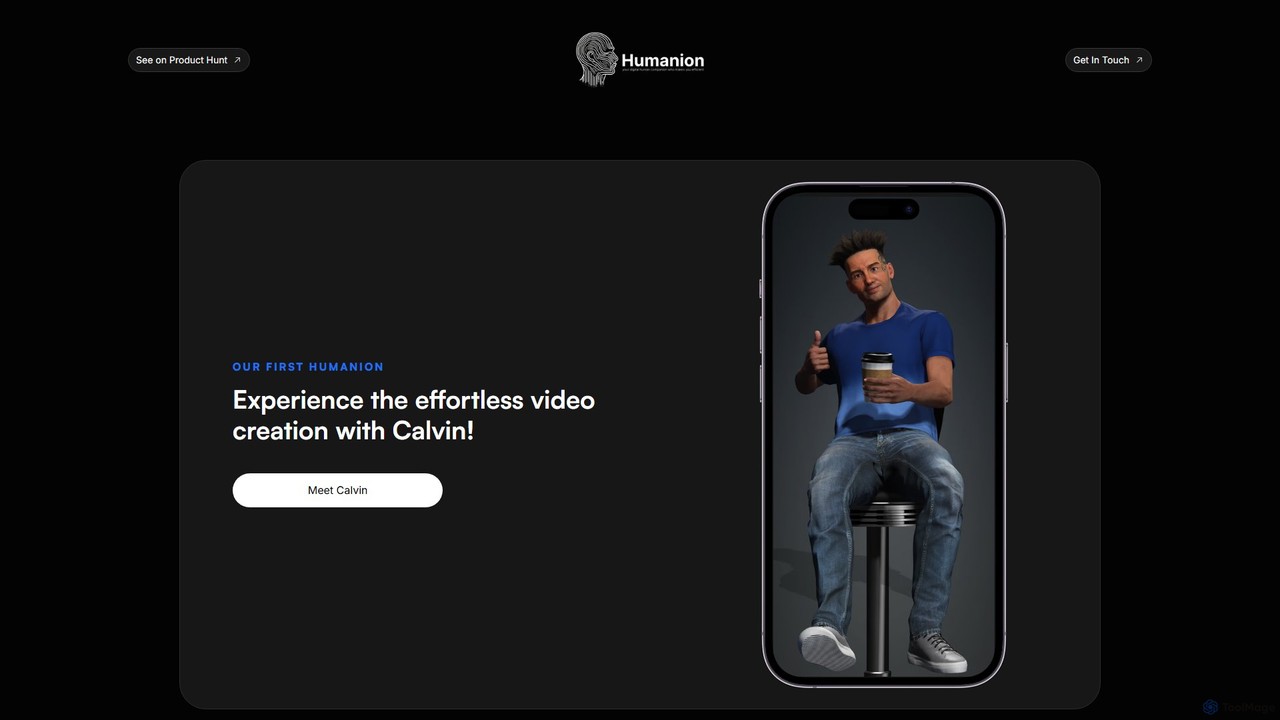
Humanion.ai
Humanion.ai introduces Calvin, a revolutionary AI-powered mobile app that transforms your spoken or typed ideas into captivating short videos. Designed for social media, Calvin automates the entire editing process, allowing you to create viral content for TikTok, Reels, and Shorts effortlessly. Simply describe your vision, and the AI assistant brings it to life with visuals, music, and text, no technical skills required.
Automation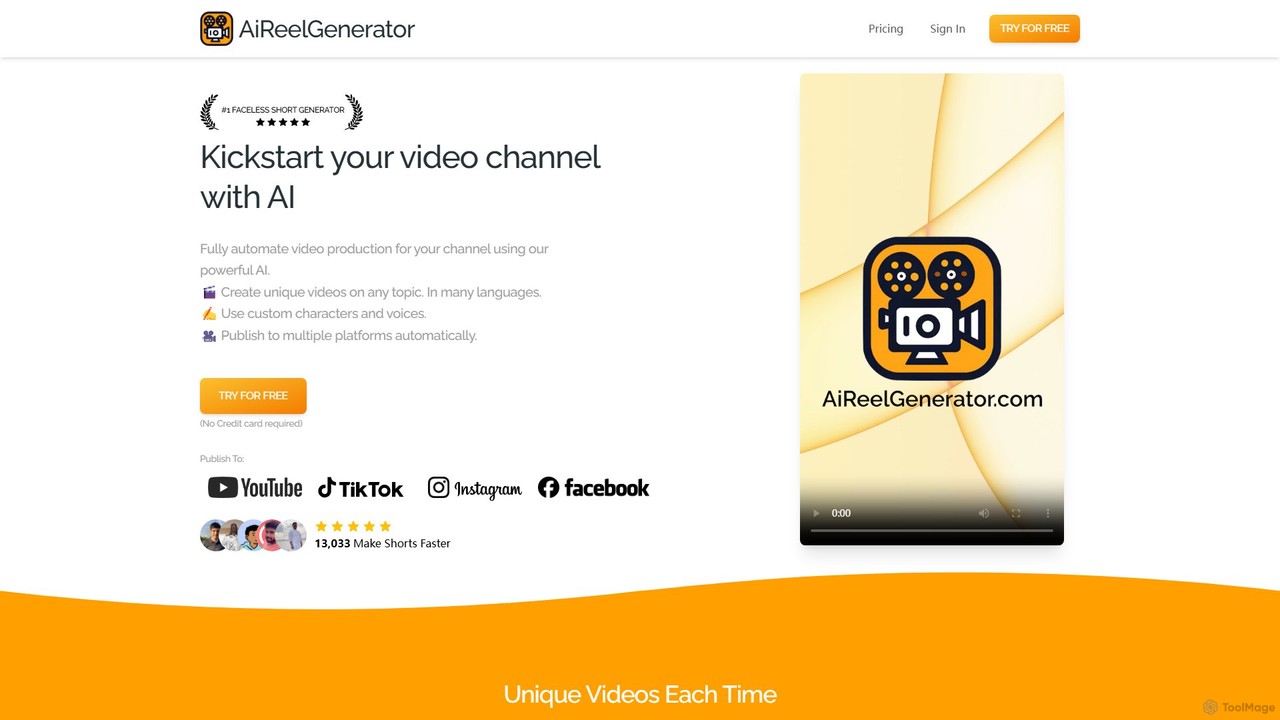
aireelgenerator
aireelgenerator is an AI-powered platform that automates the creation of faceless short videos for social media. Define a topic or series, and the tool automatically generates unique, engaging video content with AI-generated scripts, voices, and imagery, ready for platforms like TikTok, Instagram, and YouTube.
Social Media Marketing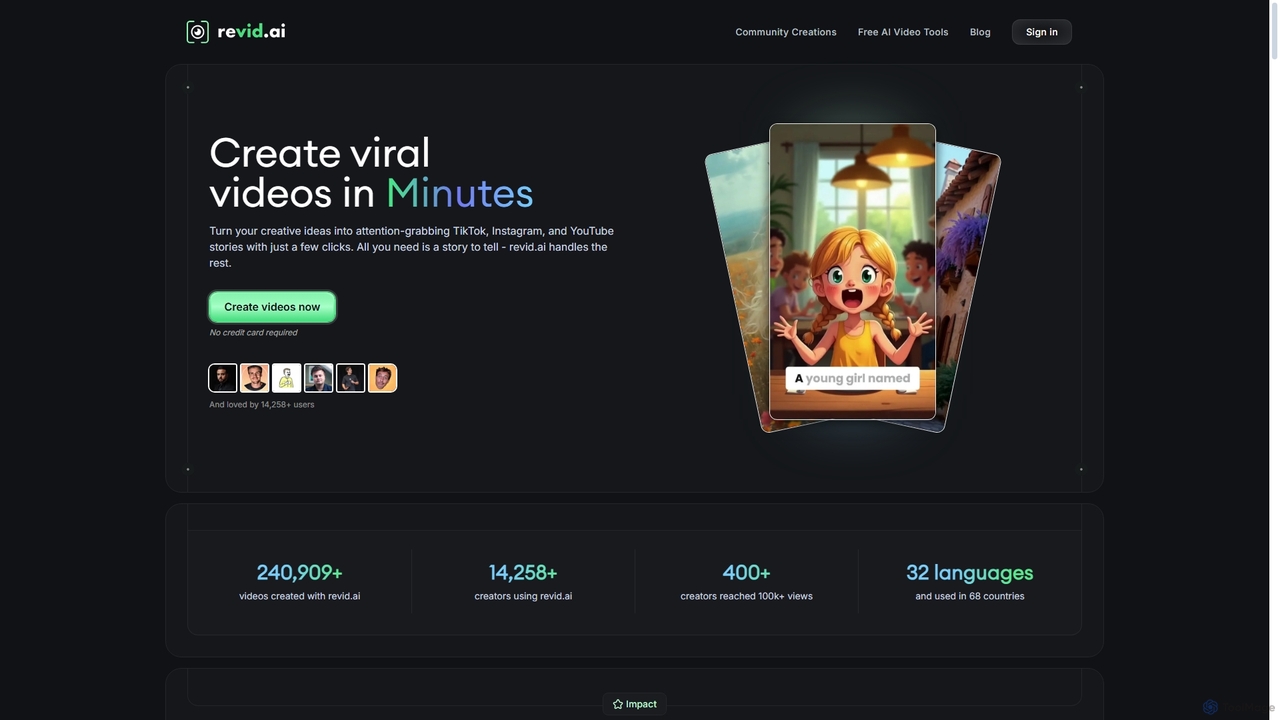
Revid AI
Revid AI is a powerful AI video generator designed to create viral short-form videos for platforms like TikTok, Instagram, and YouTube in minutes. It transforms your ideas, text, links, or existing content into engaging videos, complete with AI-generated scripts, realistic voiceovers, dynamic visuals, and automated captions. It's the ultimate tool for content creators and marketers looking to save time and boost engagement without needing any video editing skills.
Video Marketing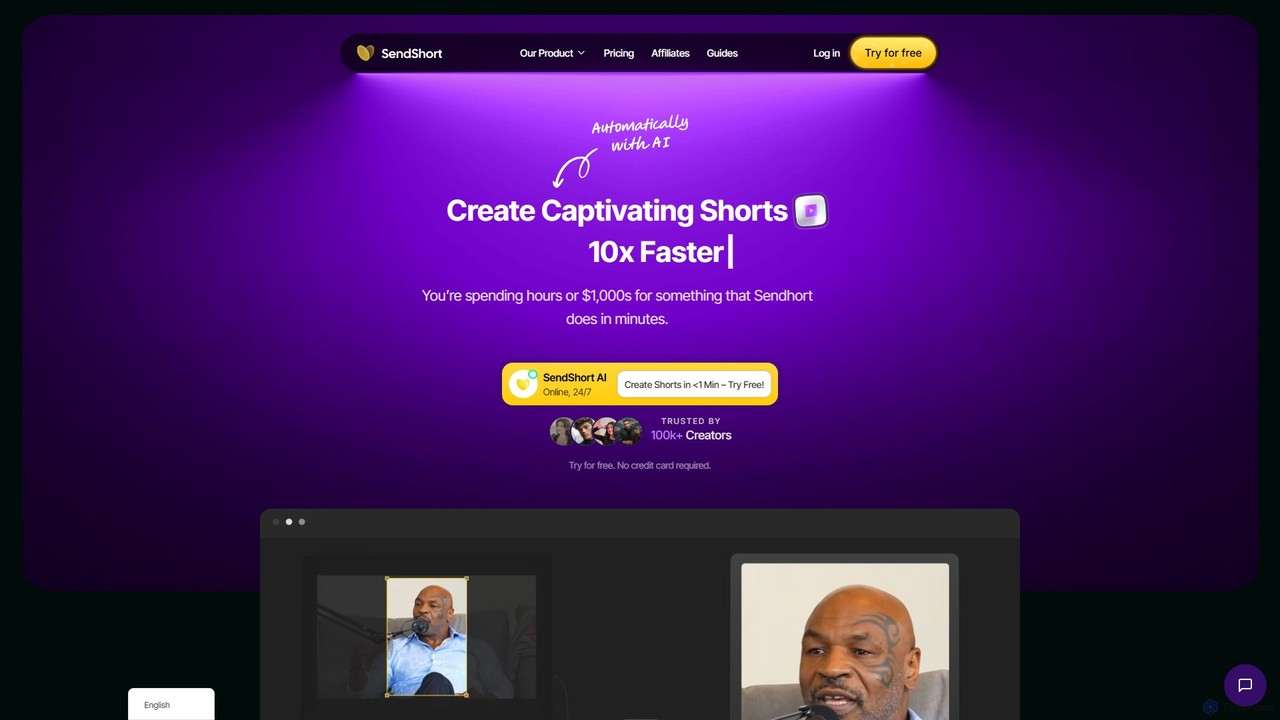
SendShort
SendShort is an AI-powered video platform that instantly transforms long-form videos into dozens of viral short clips for TikTok, Reels, and Shorts. It automates editing, adds dynamic captions, generates faceless content, and provides tools for scheduling, saving creators hours of work and thousands in costs.
Automation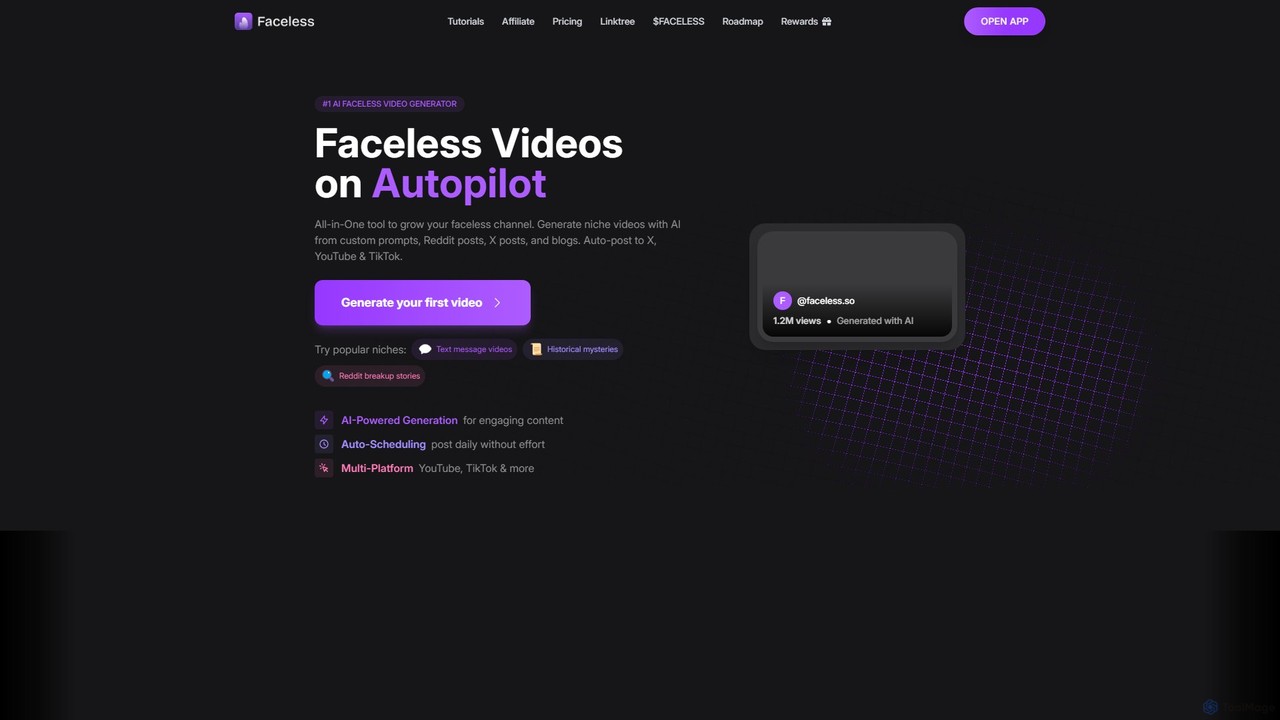
Faceless.so
Faceless.so is an all-in-one AI video generator for creating and automating faceless videos for social media. It transforms text from prompts, Reddit, X (Twitter), and blogs into engaging short-form videos, complete with captions, music, and B-roll, and auto-posts them to YouTube, TikTok, and X.
Marketing Automation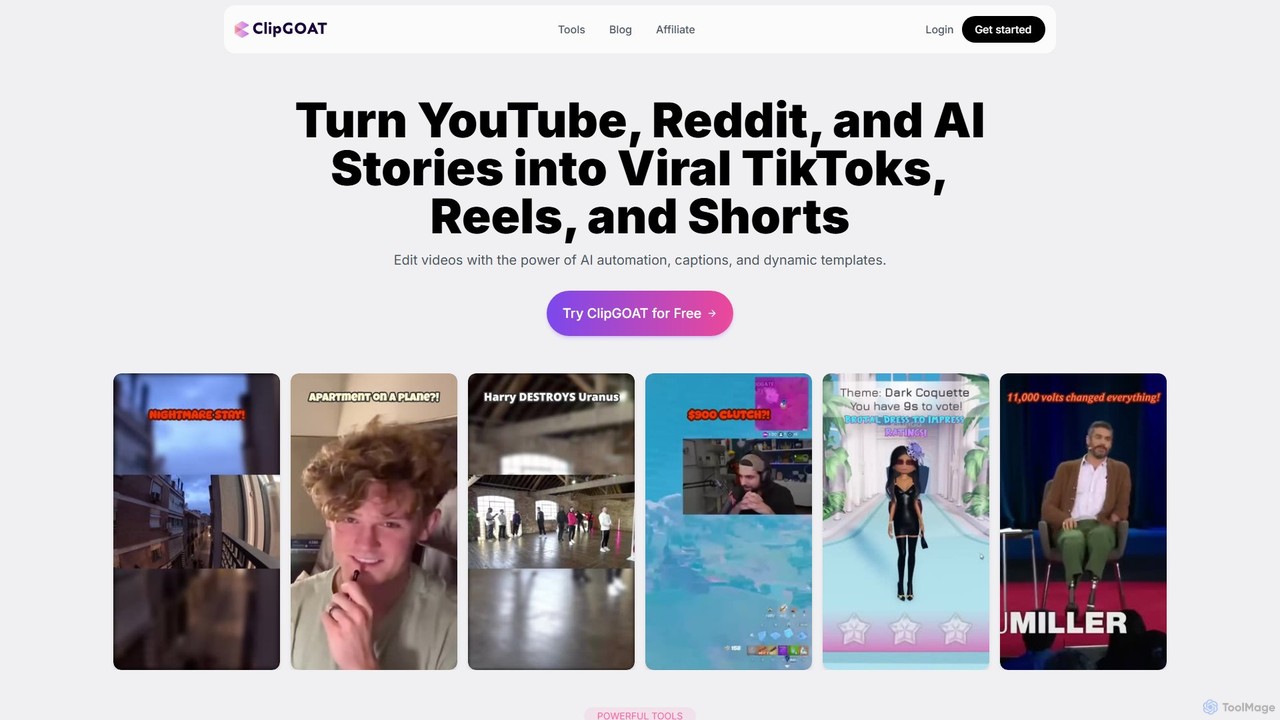
ClipGOAT
ClipGOAT is an AI-powered platform that transforms long-form content like YouTube videos, Reddit threads, and text stories into viral short-form videos for TikTok, Reels, and Shorts. It automates clipping, captioning, and reframing, enabling creators to produce and schedule engaging content in minutes without prior editing experience.
Automation
Vsub Comments (0)
Sign in to comment.
Sign inNo comments yet.