

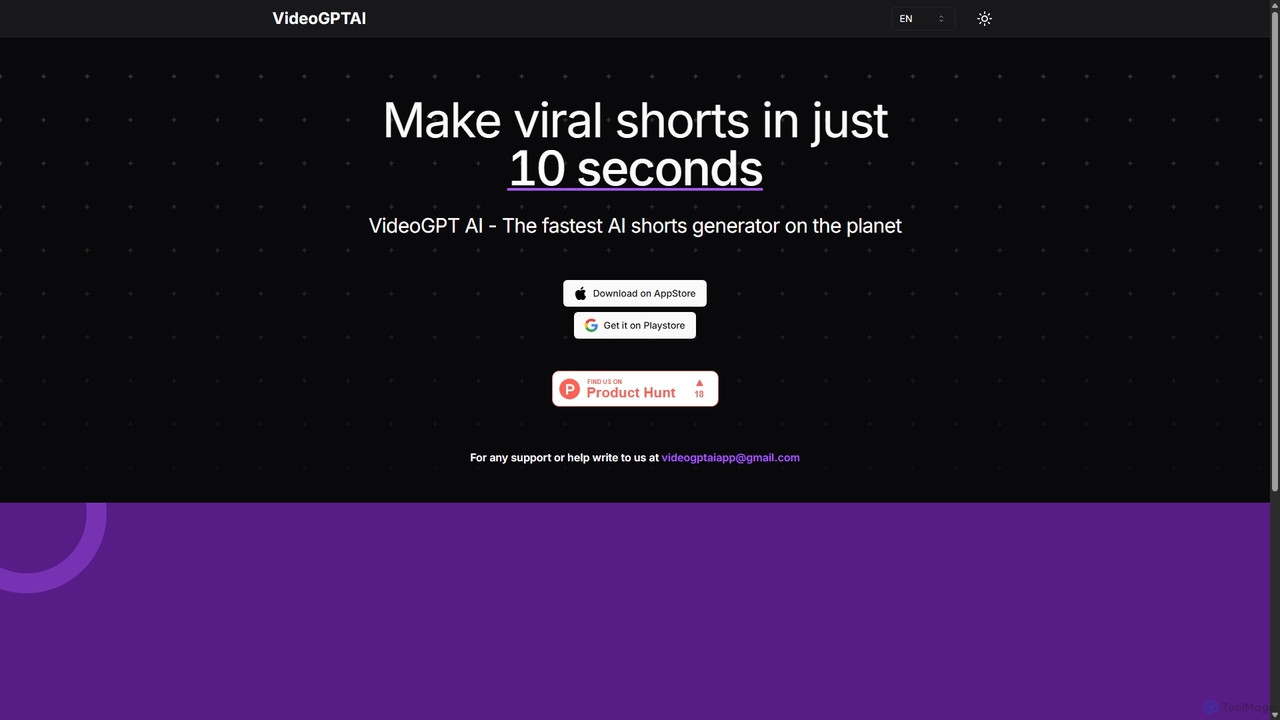
VideoGPTAI Overview
VideoGPTAI positions itself as the fastest AI shorts generator on the market, empowering creators, marketers, and businesses to produce high-quality, engaging short-form videos with unprecedented speed and ease. This mobile-first tool, available on both the App Store and Google Play, streamlines the entire video creation process, transforming a simple idea or text prompt into a polished, shareable video in as little as 10 seconds. It eliminates the traditional complexities of video editing, scriptwriting, and sourcing media, making it an accessible solution for anyone looking to capitalize on the short-form video trend.
The core of VideoGPTAI is its advanced AI engine that automates the most time-consuming aspects of video production. It intelligently interprets user input to generate a compelling script, selects relevant and high-quality stock videos and images from a vast library, and pairs it with a suitable AI-generated voiceover and background music. This seamless integration of features ensures that every video is not only created quickly but is also dynamic and optimized for audience engagement on social media platforms.
How to use VideoGPTAI
Using VideoGPTAI is designed to be an intuitive and straightforward process, requiring no prior video editing experience:
- Download and Install: First, download the VideoGPTAI application from the Apple App Store or Google Play Store.
- Provide Input: Open the app and start a new project. You can input your idea in various ways, such as typing a topic (e.g., "facts about the Roman Empire"), entering a specific text prompt, or pasting a URL to an article you want to summarize.
- AI Generation: Tap the generate button. The AI will instantly get to work, writing a script, finding relevant visuals, generating a voiceover, adding captions, and selecting background music. This process is completed in seconds.
- Review and Customize: The AI will present you with a draft of the video. You can then use the built-in editor to make adjustments. This may include changing specific clips, editing the caption text, selecting a different AI voice or music track, or adding your own branding elements like a logo.
- Export and Share: Once you are satisfied with the final video, you can export it in high resolution directly to your device's gallery. From there, it's ready to be uploaded to TikTok, YouTube Shorts, Instagram Reels, or any other social media platform.
Core Features of VideoGPTAI
- AI-Powered Text-to-Video: Instantly converts text prompts, topics, or scripts into complete short videos.
- Automated Script Generation: The AI can create concise and engaging scripts based on a single keyword or idea.
- Extensive Stock Media Library: Access to a vast collection of royalty-free video clips and images to make your content visually appealing.
- AI Voiceovers & Narration: Choose from a wide range of natural-sounding AI voices in multiple languages and accents to narrate your video.
- Dynamic Animated Captions: Automatically generates and animates subtitles, a key feature for capturing attention and improving accessibility on social media.
- Royalty-Free Music Library: Select the perfect background music from a curated library of tracks to set the right tone for your video.
- Intuitive Mobile Editor: A user-friendly interface to easily customize and fine-tune the AI-generated video to match your brand and style.
- Ultra-Fast Processing: Delivers on its promise of speed, generating complete videos in just a few seconds.
Use Cases for VideoGPTAI
VideoGPTAI is a versatile tool suitable for a wide range of applications:
- Social Media Marketing: Businesses and marketers can create a high volume of promotional content, product demos, and brand stories for their social media channels.
- Content Creation: YouTubers, TikTokers, and influencers can rapidly produce engaging shorts to grow their audience and supplement their main content.
- Educational Content: Educators and experts can create bite-sized, informative videos to explain complex topics or share interesting facts.
- Content Repurposing: Turn blog posts, articles, and press releases into dynamic video content to reach a wider audience.
- Personal Branding: Professionals can build their personal brand by consistently sharing valuable insights and updates in a video format.
Advantages of VideoGPTAI
The primary advantage of VideoGPTAI is its incredible efficiency. It reduces the video creation workflow from hours or days to mere seconds. This allows users to maintain a consistent posting schedule, which is crucial for algorithm-driven platforms. Furthermore, it is highly cost-effective, providing access to stock media, voiceover artists, and editing software all within one subscription, eliminating the need for multiple expensive tools. Its ease of use makes professional-quality video production accessible to everyone, regardless of their technical skills.
Pricing and Plans
While specific pricing details are available within the app, VideoGPTAI operates on a freemium model:
- Free Plan: Allows users to create a limited number of videos per month. Videos created under this plan may include a watermark and have limited access to premium features and assets.
- Pro Plan (Subscription): Offered as a monthly or annual subscription, this plan typically includes unlimited video exports, removal of the watermark, access to the full library of premium stock media and AI voices, higher export resolutions, and priority customer support.
Pricing is managed through in-app purchases on the App Store and Google Play Store.
VideoGPTAI Alternatives
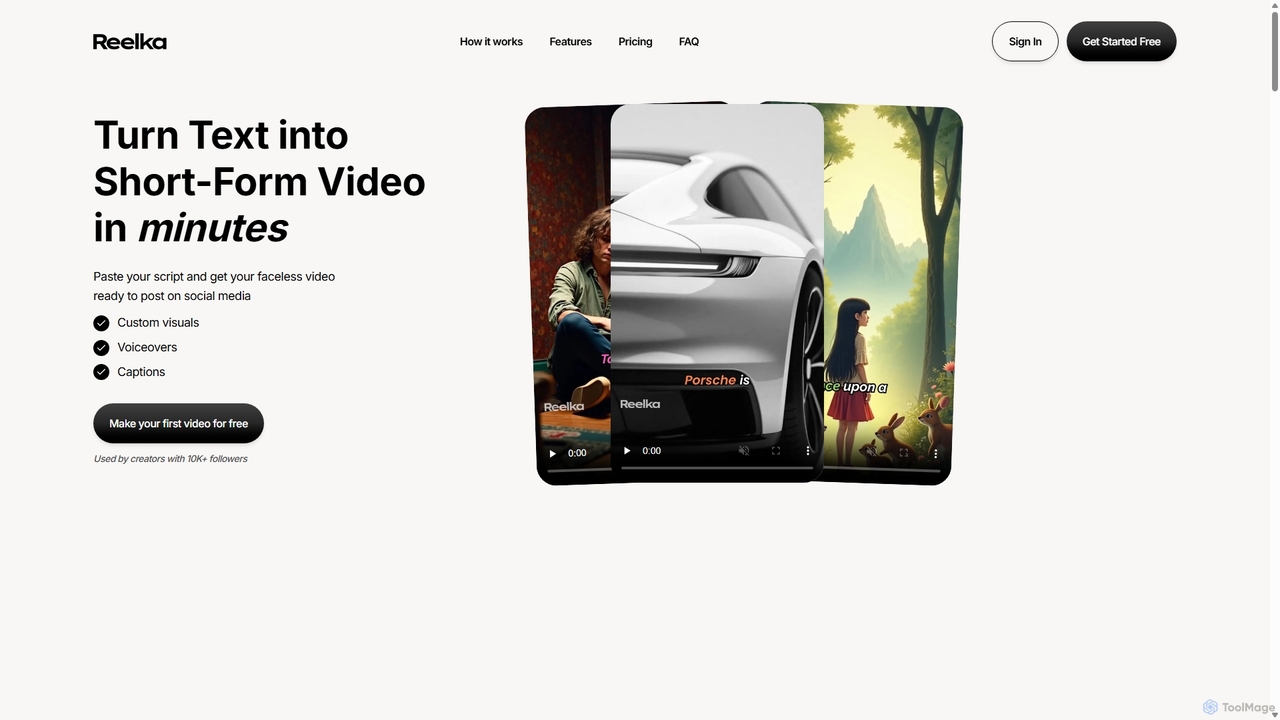
Reelka
Reelka is an AI-powered video creation platform that transforms text scripts into engaging, short-form videos in minutes. Ideal for social media, it automates the entire process from scriptwriting and voiceover generation to visual selection and captioning. Users can customize styles, replace visuals, and export HD, watermark-free videos, saving hours of complex editing work and overcoming the steep learning curve of traditional video software. It's designed for creators and marketers to produce consistent, high-quality content effortlessly.
Automation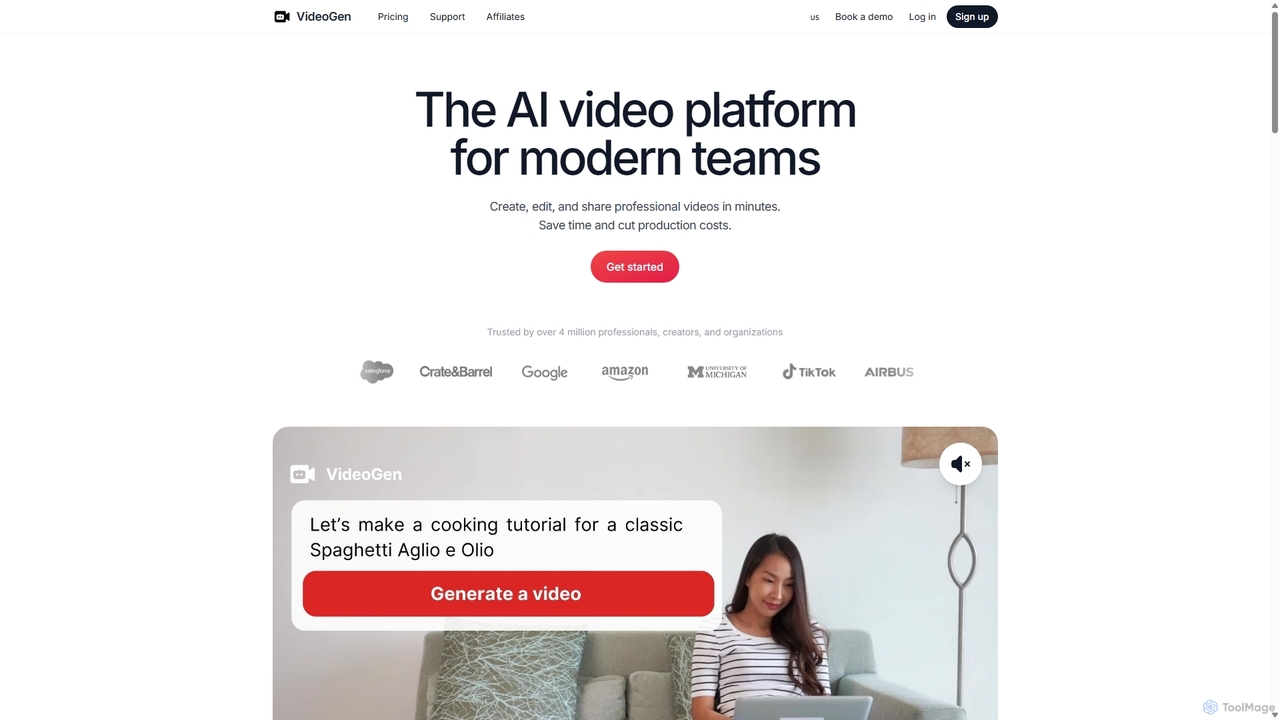
VideoGen
VideoGen is an AI-powered video generation platform designed for modern teams, creators, and marketers. It transforms text, blog posts, or simple ideas into professional-quality videos in minutes, complete with AI voiceovers, stock media, and collaborative editing tools, drastically reducing production time and costs.
Content Creation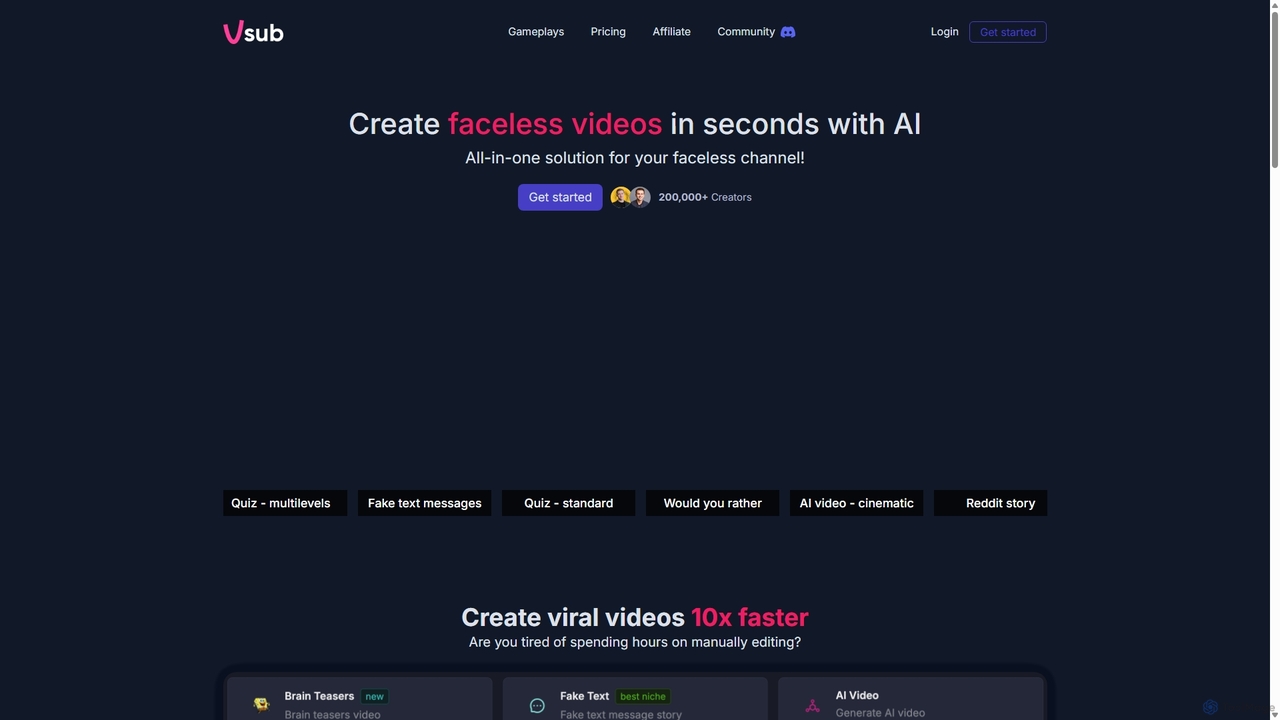
Vsub
Vsub is an AI-powered platform designed for creating engaging, faceless short videos in seconds. It serves as an all-in-one solution for content creators, enabling them to produce viral content for platforms like YouTube Shorts, TikTok, and Instagram Reels 10x faster than traditional methods.
Automation
ShortsGenerator
ShortsGenerator is an AI-powered platform that automates the creation of viral short videos for YouTube, TikTok, and Instagram. Simply provide a link, text, or an idea, and the AI generates engaging, faceless videos with scripts, visuals, and voiceovers in minutes. It's designed for creators and marketers to save time, repurpose content, and significantly boost audience engagement without needing any video editing skills.
Video Marketing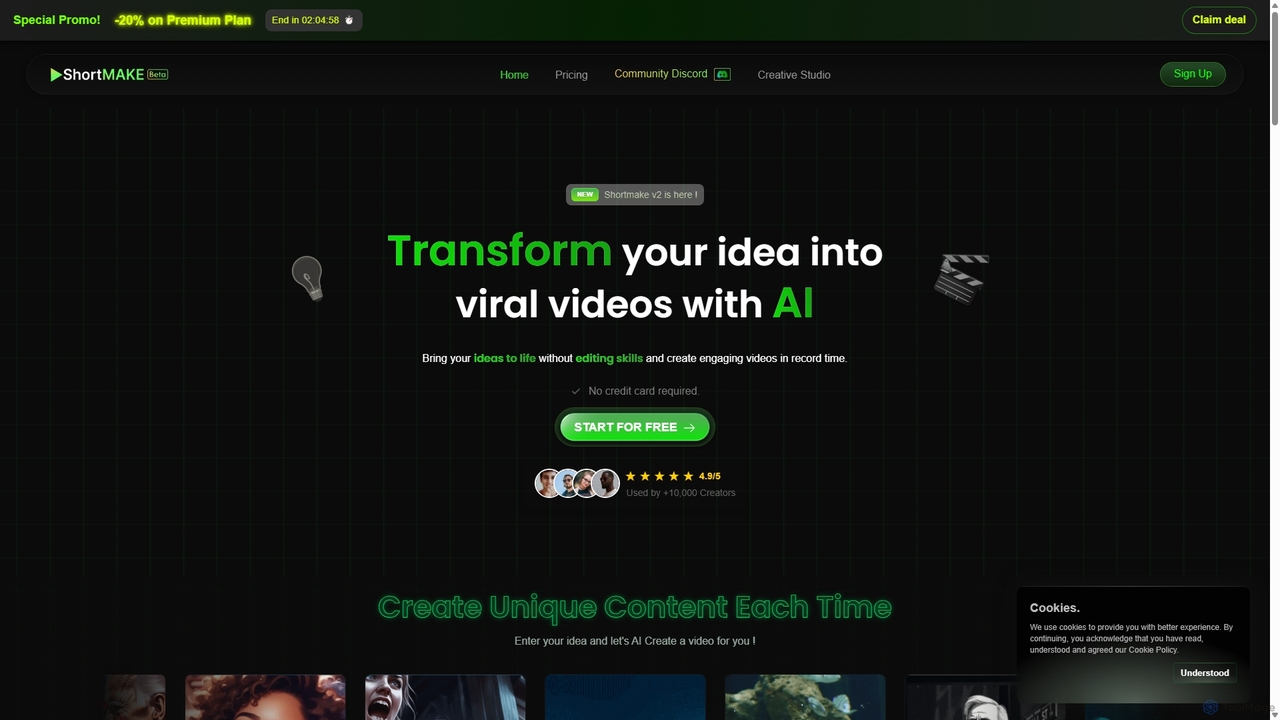
ShortMake
ShortMake is an AI-powered video creation platform that transforms your ideas into engaging, viral short videos in minutes. Designed for TikTok, YouTube Shorts, and Instagram Reels, it automates the entire process from scriptwriting and voiceover generation to adding visuals and customizable subtitles. It's the perfect tool for content creators and marketers looking to produce high-quality video content quickly, without needing any editing skills.
AutomationVideoGPTAI Categories
VideoGPTAI Jobs
VideoGPTAI Embed Widget
Copy this embed code to place the badge on your blog, article, or product site and send readers directly to this ToolMage detail page.

Related AI tools
Reelka
Reelka is an AI-powered video creation platform that transforms text scripts into engaging, short-form videos in minutes. Ideal for social media, it automates the entire process from scriptwriting and voiceover generation to visual selection and captioning. Users can customize styles, replace visuals, and export HD, watermark-free videos, saving hours of complex editing work and overcoming the steep learning curve of traditional video software. It's designed for creators and marketers to produce consistent, high-quality content effortlessly.
Automation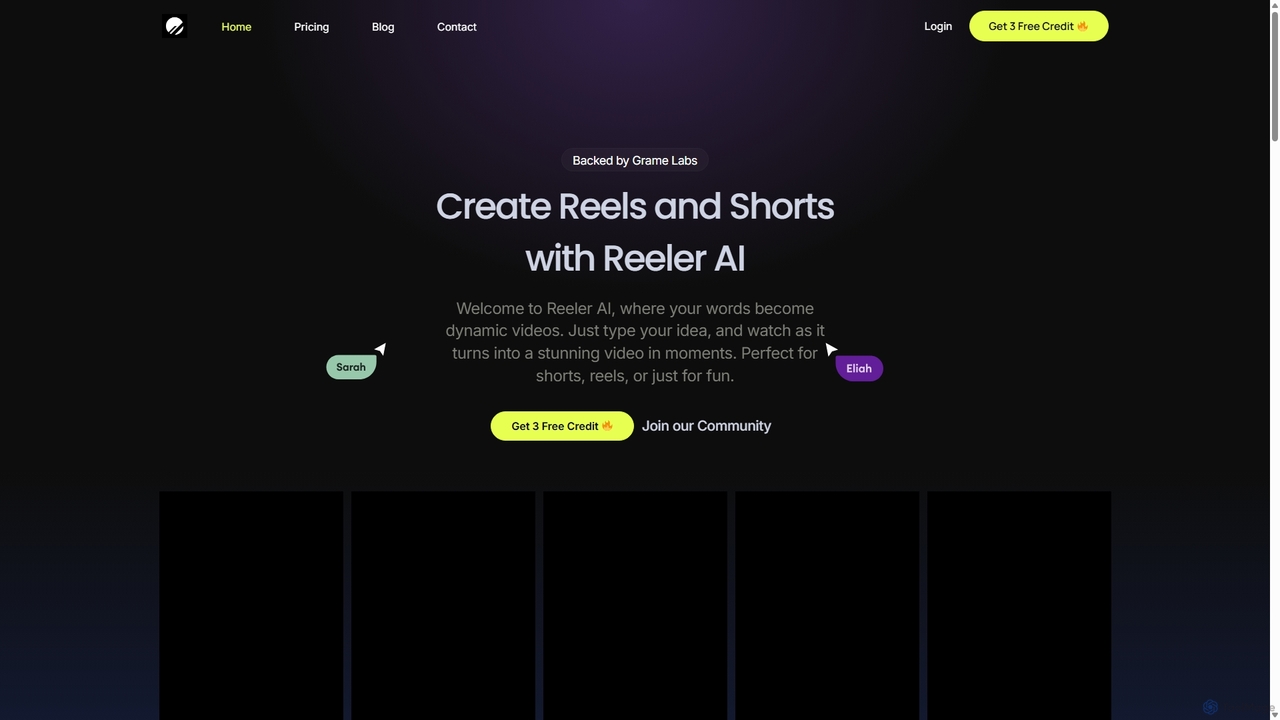
Reeler AI
Reeler AI is a powerful text-to-video tool that transforms your ideas into engaging short videos like Reels and Shorts in minutes. Simply type a prompt, and the AI generates a high-quality video complete with customizable subtitles and diverse voice-over options. It's designed for content creators, marketers, and businesses to effortlessly produce professional social media content without any video editing skills.
Automation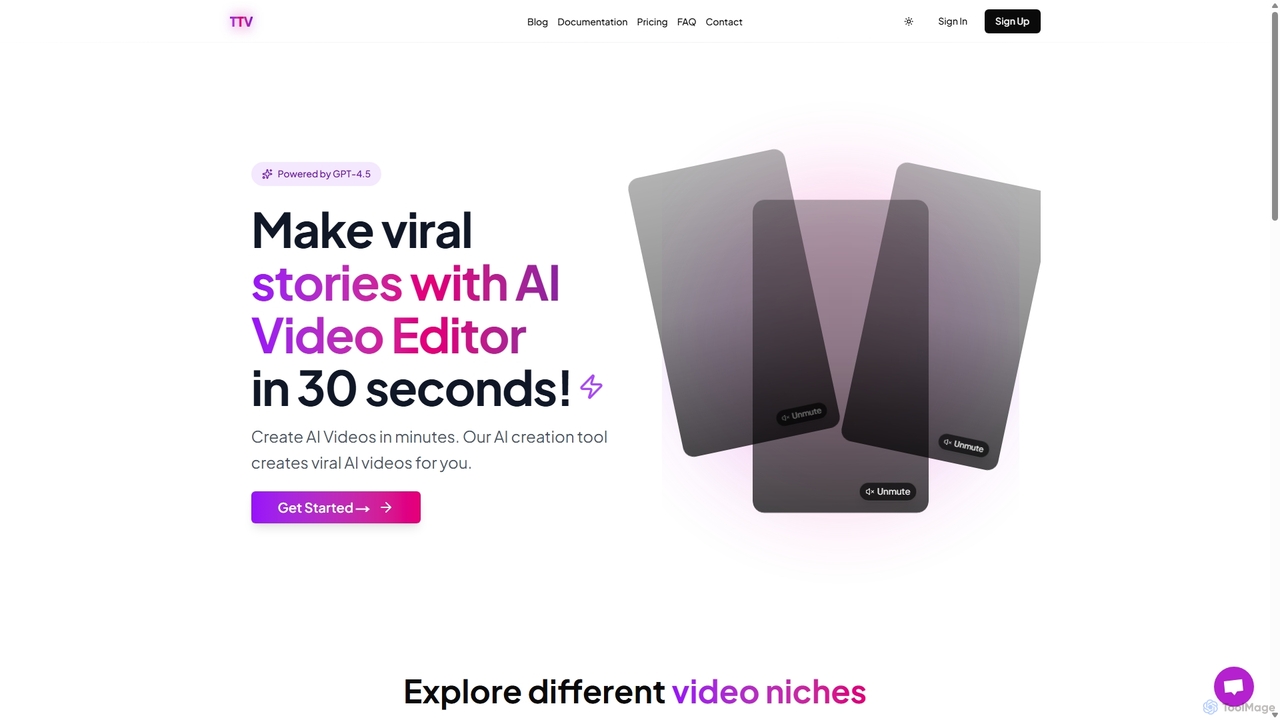
TextToVideo.Bot
TextToVideo.Bot is an AI-powered video editor that transforms text and images into engaging, viral videos in seconds. Leveraging GPT-4.5 and ElevenLabs technology, it offers over 150 premium AI voices in 30+ languages, making it perfect for creating high-quality content for social media platforms like TikTok.
Advertising
Jyek
Jyek is an AI agent platform that understands objectives, creates execution plans, uses tools, and delivers verifiable results for complex, multi-step tasks.
Automation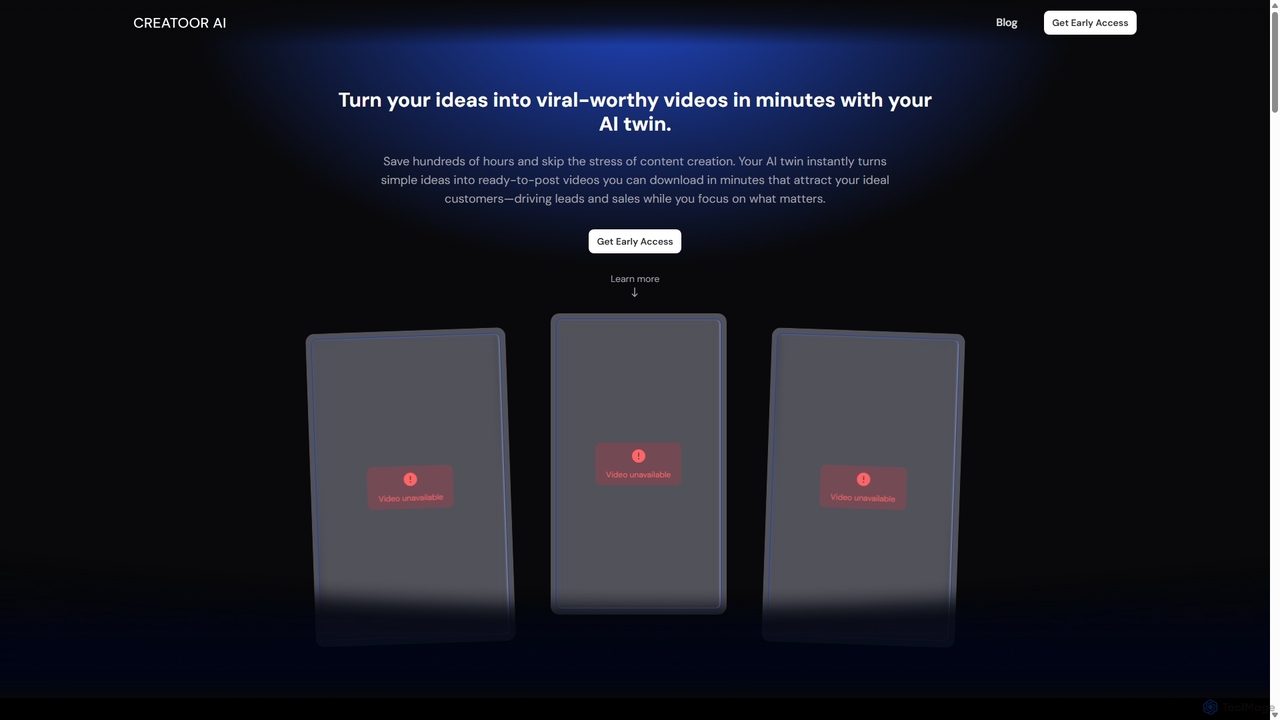
CreatoorAI
CreatoorAI is an AI video generator that creates realistic talking head avatar videos in minutes. Turn simple ideas, links, or text into ready-to-post social media videos, complete with your own AI twin, compelling scripts, automatic subtitles, and relevant b-roll. It's designed for creators and businesses to scale content production effortlessly, saving time and costs.
Video Marketing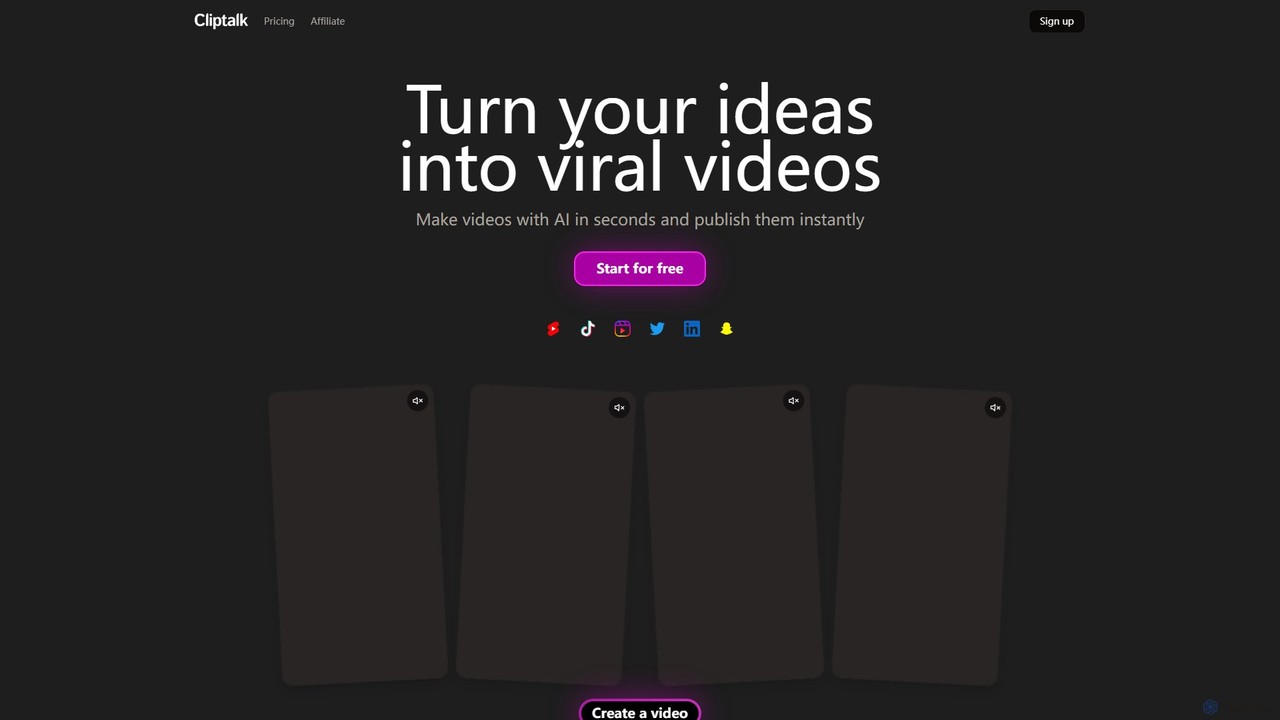
Cliptalk
Cliptalk is an AI-powered video creation platform that transforms your ideas, text, or articles into engaging, publish-ready videos for social media in seconds. It features automated editing, AI voice cloning, auto-captions, and B-roll generation, making professional video production accessible to everyone, regardless of editing skills. Ideal for creators and marketers aiming to produce viral content for TikTok, YouTube Shorts, and Instagram Reels.
Voice Cloning
Vexub
Vexub is an AI-powered video generator that transforms text, MP3s, MP4s, and even SMS messages into engaging videos for platforms like TikTok and YouTube. It offers a variety of voices, visual styles, and automatic subtitles, enabling creators to produce unique content and monetize it through various channels with ease.
Text To Speech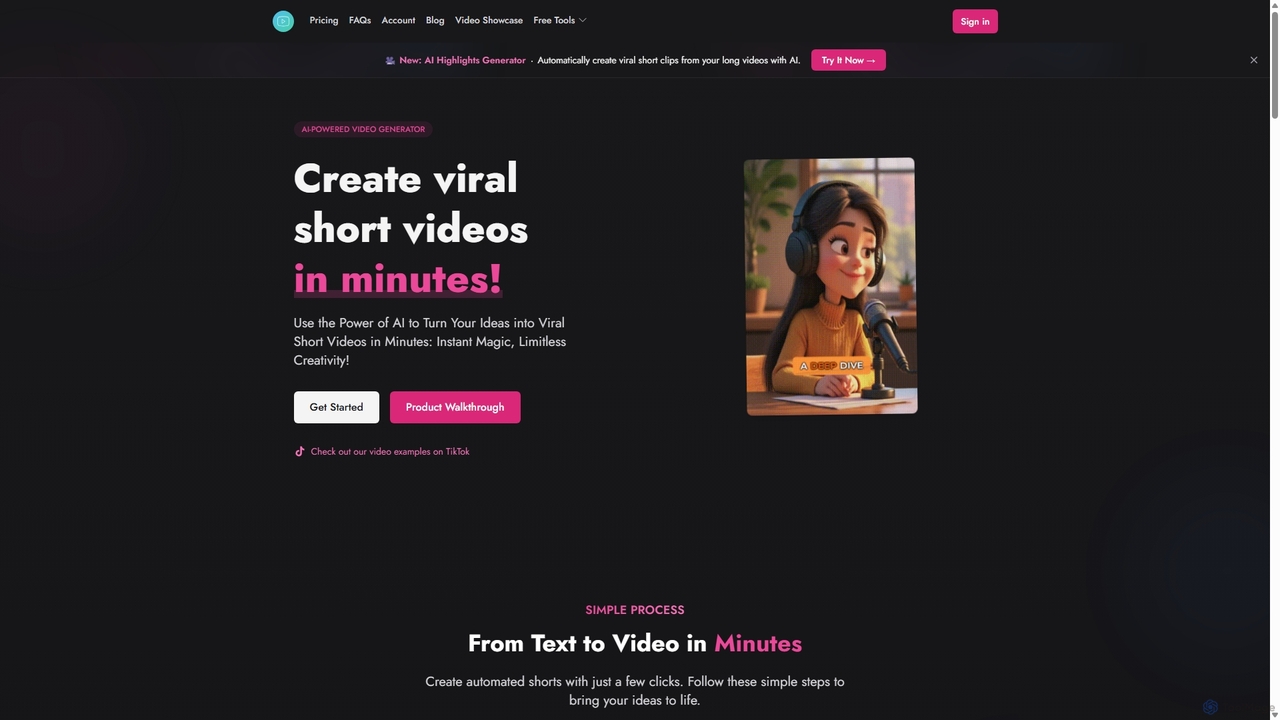
Shorts Generator
Shorts Generator is an AI-powered video creation platform designed to transform ideas into viral short videos for TikTok, YouTube Shorts, and Instagram Reels in minutes. It automates the entire process from scriptwriting and voiceover generation to scene creation with AI imagery, offering extensive customization options.
Youtube Marketing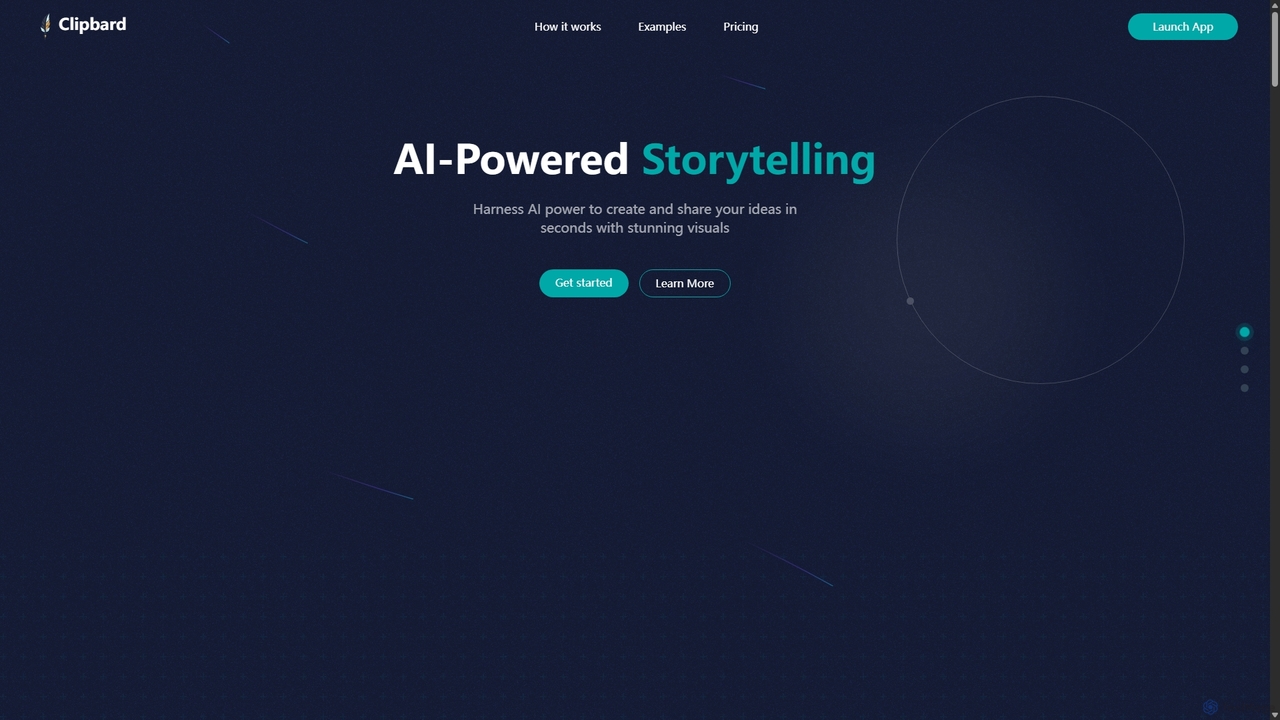
Clipbard
Clipbard is an AI-powered video creation platform that transforms your ideas into visually stunning videos in minutes. Whether you write your own script or let the AI generate one from a prompt, Clipbard automates the creation of visuals and voiceovers, making storytelling accessible to everyone. It's ideal for marketers, content creators, and educators looking to produce high-quality video content quickly and affordably, without needing any technical editing skills.
Social MediaVideoGen
VideoGen is an AI-powered video generation platform designed for modern teams, creators, and marketers. It transforms text, blog posts, or simple ideas into professional-quality videos in minutes, complete with AI voiceovers, stock media, and collaborative editing tools, drastically reducing production time and costs.
Content Creation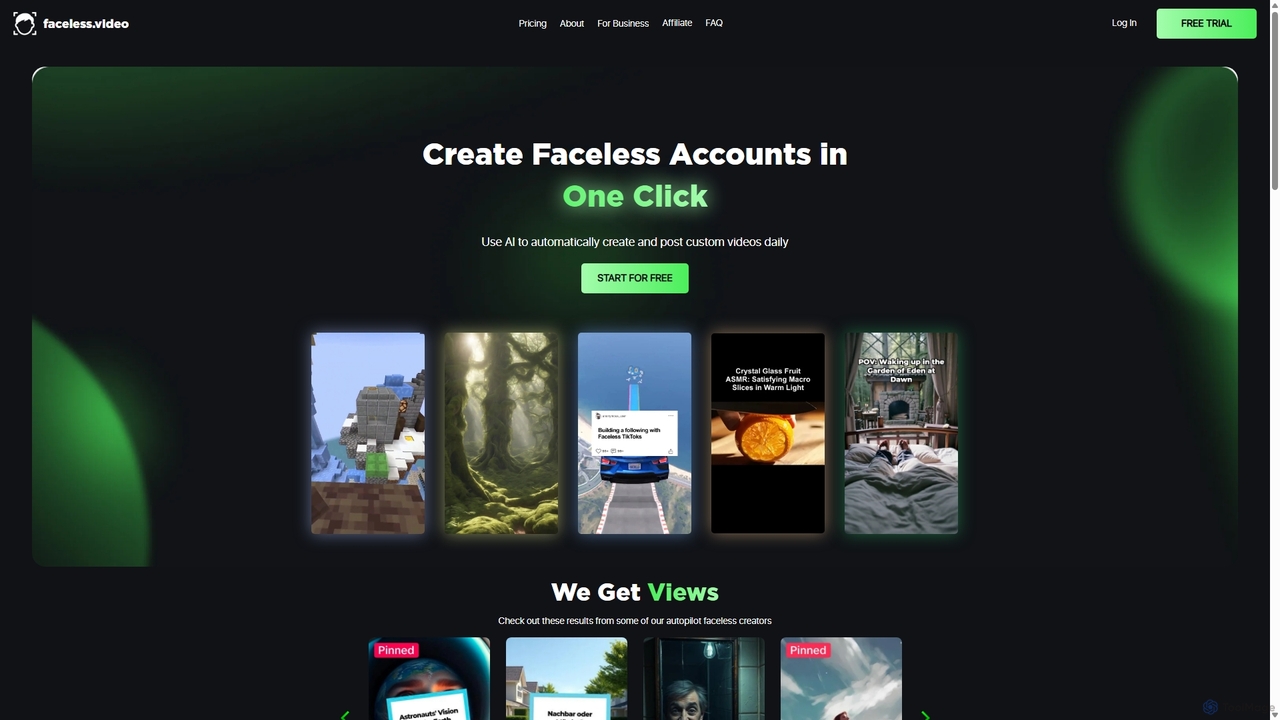
Faceless
Faceless is an AI-powered platform that automates the creation and posting of 'Faceless' videos for social media. It handles the entire workflow from scriptwriting and video editing to daily posting, enabling users to grow their channels on autopilot. Ideal for content creators and businesses looking to save time and scale content production effortlessly.
AutomationVsub
Vsub is an AI-powered platform designed for creating engaging, faceless short videos in seconds. It serves as an all-in-one solution for content creators, enabling them to produce viral content for platforms like YouTube Shorts, TikTok, and Instagram Reels 10x faster than traditional methods.
Automation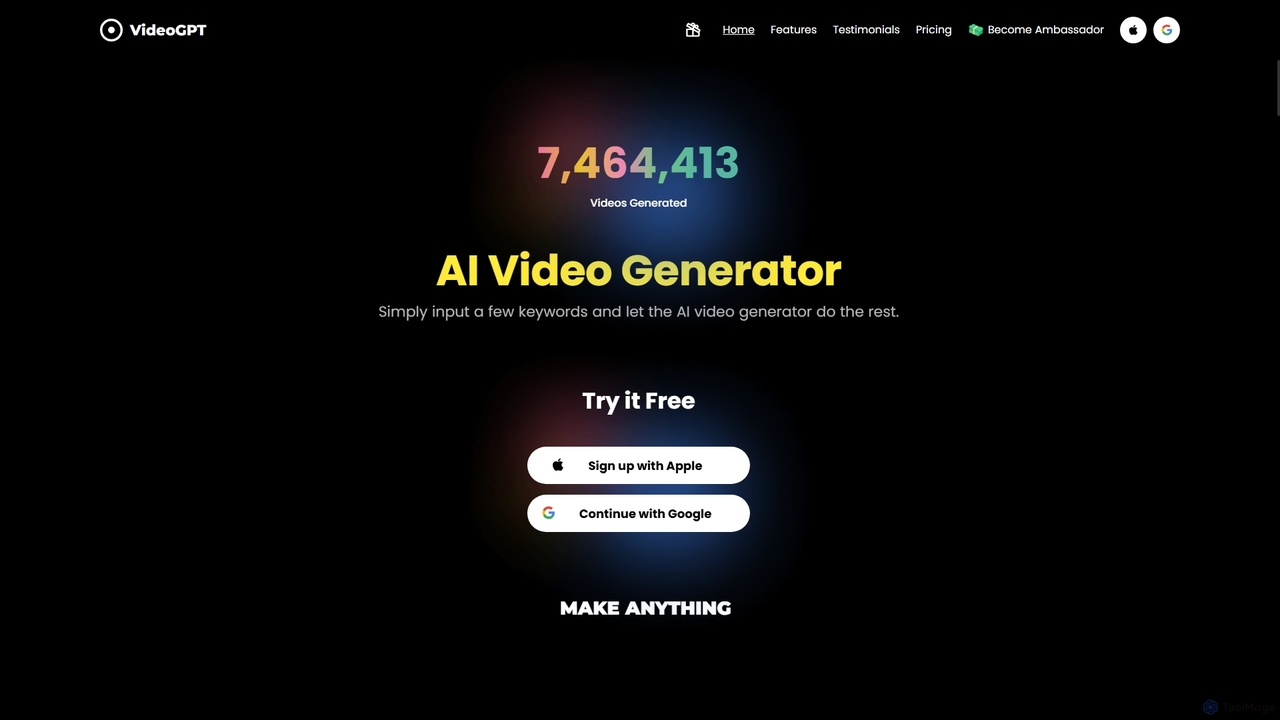
VideoGPT
VideoGPT is a powerful AI video generator that transforms text prompts into stunning videos in seconds. It specializes in creating anime, cinematic, and realistic style videos, complete with ultra-realistic AI voiceovers and an extensive music library. Ideal for content creators, marketers, and businesses looking to produce engaging content for platforms like YouTube and TikTok without any video editing skills.
Anime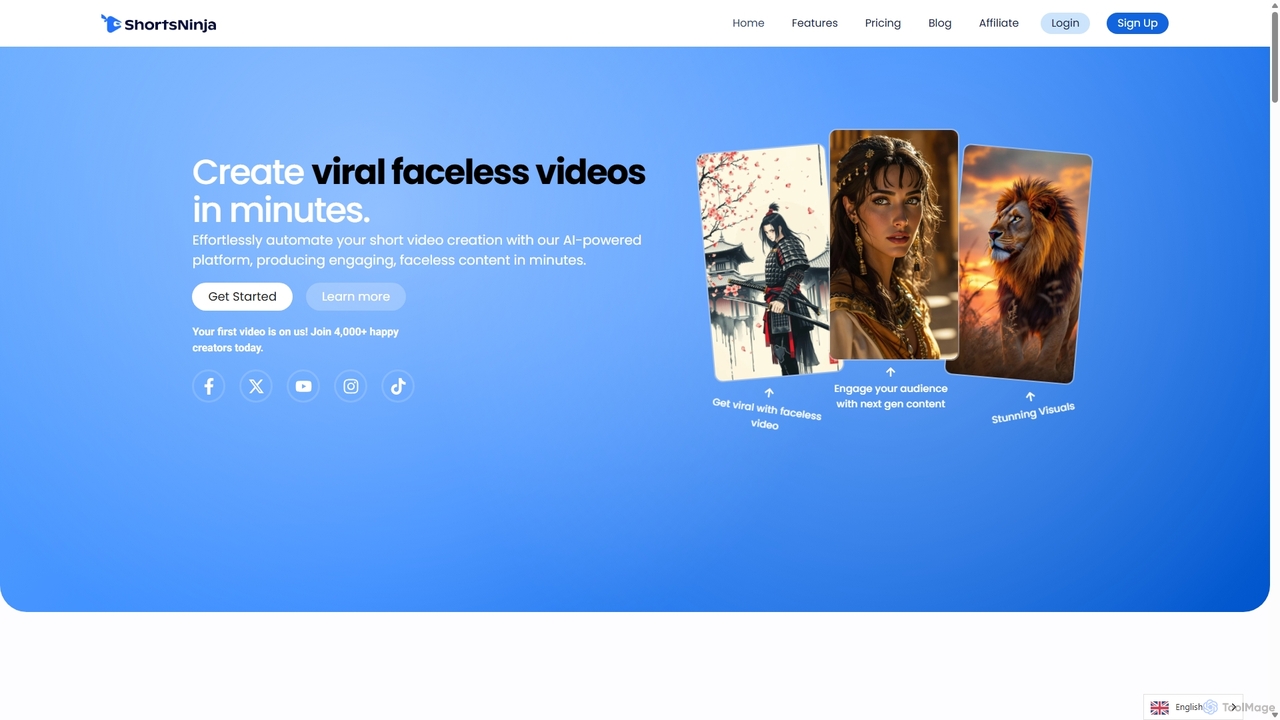
ShortsNinja
ShortsNinja is an AI-powered platform that automates the creation of engaging, faceless short videos for TikTok, YouTube, and Instagram. In just minutes, it transforms your ideas into viral-potential content with AI-generated visuals, realistic voiceovers in 50+ languages, and automated social media publishing. It's the perfect tool for creators and marketers looking to scale their video content production effortlessly.
Automation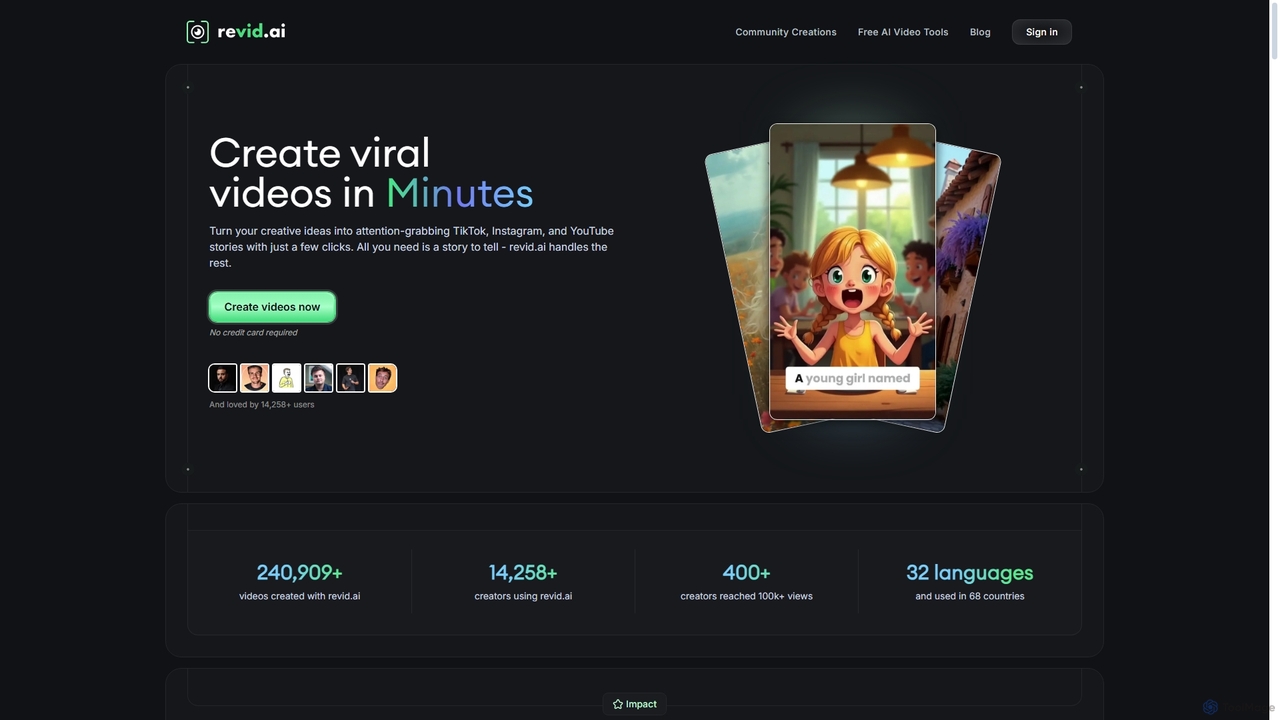
Revid AI
Revid AI is a powerful AI video generator designed to create viral short-form videos for platforms like TikTok, Instagram, and YouTube in minutes. It transforms your ideas, text, links, or existing content into engaging videos, complete with AI-generated scripts, realistic voiceovers, dynamic visuals, and automated captions. It's the ultimate tool for content creators and marketers looking to save time and boost engagement without needing any video editing skills.
Video Marketing
VideoGPTAI Comments (0)
Sign in to comment.
Sign inNo comments yet.