

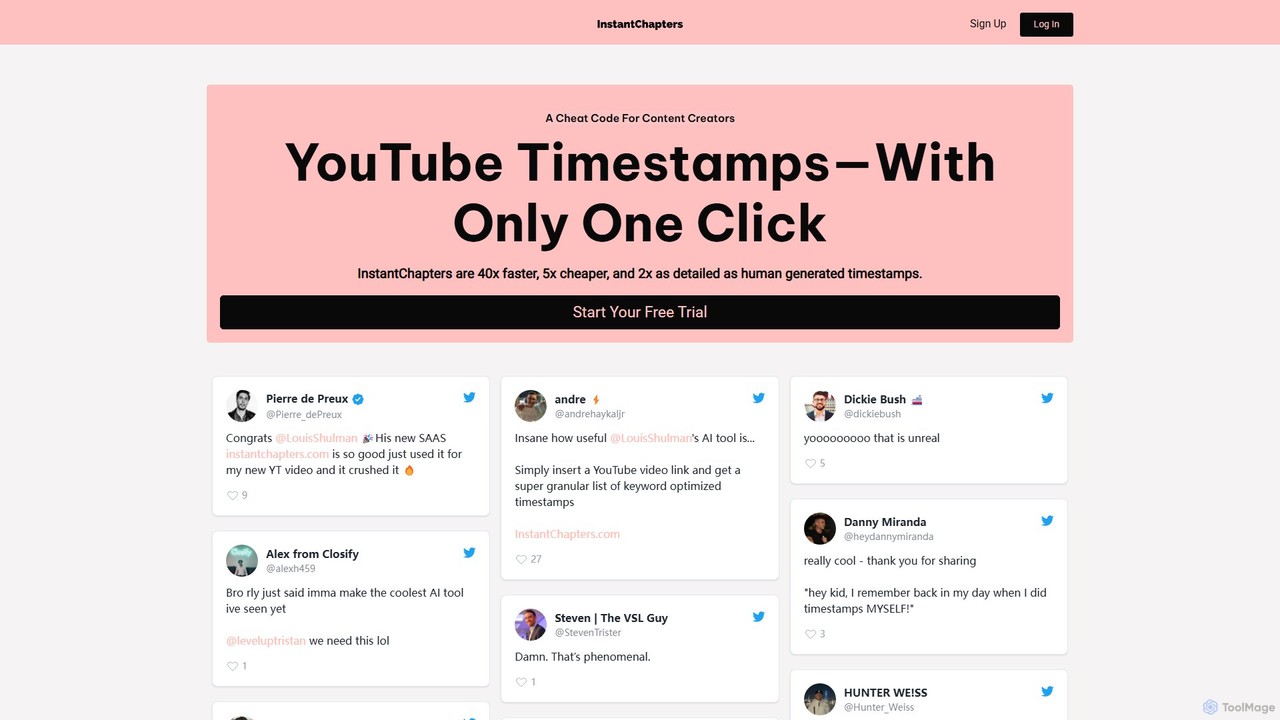
Instant Chapters Overview
Instant Chapters is a revolutionary AI tool designed to serve as a 'cheat code' for content creators, streamlining the often tedious process of creating YouTube video timestamps. By leveraging proprietary AI technology, it automates the generation of high-quality, detailed chapters, claiming to be 40 times faster, 5 times cheaper, and twice as detailed as manual human efforts. This tool empowers creators to enhance their content's organization, improve viewer navigation, and ultimately fuel their channel's growth by boosting watch time and audience retention.
The core problem Instant Chapters solves is the time-consuming task of scrubbing through videos to manually identify and label key moments. For creators producing long-form content like podcasts, tutorials, or interviews, this can take hours. Instant Chapters reduces this entire process to a matter of seconds, freeing up valuable time that can be better spent on creating more content.
How to use Instant Chapters
Using Instant Chapters is designed to be incredibly simple and efficient, following a straightforward three-step process:
- Enter a YouTube URL: The user begins by simply copying the URL of the YouTube video they want to add chapters to and pasting it into the designated field on the Instant Chapters website. This works for any public or unlisted YouTube video.
- Generate Chapters: With a single click, the tool's AI gets to work. It analyzes the video's audio transcript and visual cues to intelligently identify distinct topics and segments. Users can also adjust a 'granularity' slider, which controls the level of detail. A lower granularity creates fewer, broader chapters, while a higher setting produces more frequent, specific timestamps, perfect for detailed breakdowns. The generation process typically takes about 60 seconds.
- Publish and Enjoy: Once the chapters are generated, the user receives a formatted list of timestamps and titles. They can easily copy this list and paste it directly into their YouTube video's description box. YouTube automatically recognizes this format and creates interactive, clickable chapters on the video player's progress bar, instantly improving the viewing experience.
Core Features of Instant Chapters
- AI-Powered Chapter Generation: The tool's sophisticated AI analyzes video content to create contextually relevant and accurately timed chapters, complete with descriptive titles.
- Adjustable Granularity: A unique slider allows creators to control the frequency and detail of the chapters, tailoring the output to the specific needs of their video.
- One-Click Operation: The entire process is initiated with a single click after pasting a URL, making it accessible to creators of all technical skill levels.
- Speed and Efficiency: Drastically reduces the time spent on creating timestamps from hours to under a minute, significantly boosting productivity.
- Cross-Platform Support (via Workaround): While it directly supports YouTube, the tool can be used for videos or podcasts on other platforms by first uploading the content as an unlisted YouTube video to generate the timestamps.
Use Cases for Instant Chapters
Instant Chapters is versatile and beneficial for a wide range of content types:
- Educational Content & Tutorials: Students and learners can easily navigate to specific lessons, steps, or topics within a longer tutorial.
- Long-Form Interviews & Podcasts: Viewers can jump directly to specific questions, guest speakers, or discussion points, which is crucial for retaining engagement in content over 30 minutes long.
- Product Reviews: Potential buyers can skip to sections like unboxing, feature analysis, performance tests, or the final verdict.
- Vlogs and Documentaries: Creators can segment their videos into key events or locations, making them easier for viewers to follow.
- Webinars and Presentations: Professionals can provide a timestamped agenda, allowing viewers to revisit specific parts of the presentation.
Advantages of Instant Chapters
The primary advantage is a massive saving in time and money. Beyond that, it offers significant benefits for channel growth:
- Improved Video SEO: Chapter titles are indexed by Google and YouTube, acting as additional keywords. This can lead to videos appearing in search results with 'Key Moments', increasing click-through rates.
- Enhanced Viewer Engagement: Interactive chapters make content less intimidating and easier to consume, which can lead to higher audience satisfaction.
- Increased Watch Time & Retention: By helping viewers find the exact information they need, chapters prevent them from leaving the video out of frustration. This signals positive engagement to the YouTube algorithm, which can boost the video's visibility.
- Professional Polish: Well-structured chapters give a channel a more professional and user-friendly appearance, setting it apart from competitors.
Pricing and Plans
Instant Chapters operates on a freemium model. It offers a 7-day free trial for new users to experience the full capabilities of the software. After the trial, users can choose from various paid subscription plans, which are typically tiered based on the number of videos processed or total minutes of content per month. This structure caters to everyone from casual creators to professional content agencies. For the most up-to-date and detailed pricing information, users are encouraged to visit the official website. All plans can be canceled at any time.
Instant Chapters Alternatives
Gling
Gling is an AI-powered video editing software for YouTubers that automatically removes silences, bad takes, and filler words. It uses text-based editing to streamline the workflow, saving creators hours of manual work and helping them produce captivating content effortlessly.
Automation
TimeSkip
TimeSkip is an AI-powered Chrome extension that automatically generates SEO-optimized chapters for YouTube videos in seconds. It helps creators save time, increase video visibility by up to 220%, and enhance viewer engagement by making content easily navigable.
Seo

AutoCut
AutoCut is an AI-powered plugin for Adobe Premiere Pro and DaVinci Resolve that automates tedious video editing tasks. It saves editors hours by automatically removing silences, generating animated captions, editing multi-camera podcasts, adding dynamic zooms, and much more, streamlining the entire workflow.
Automation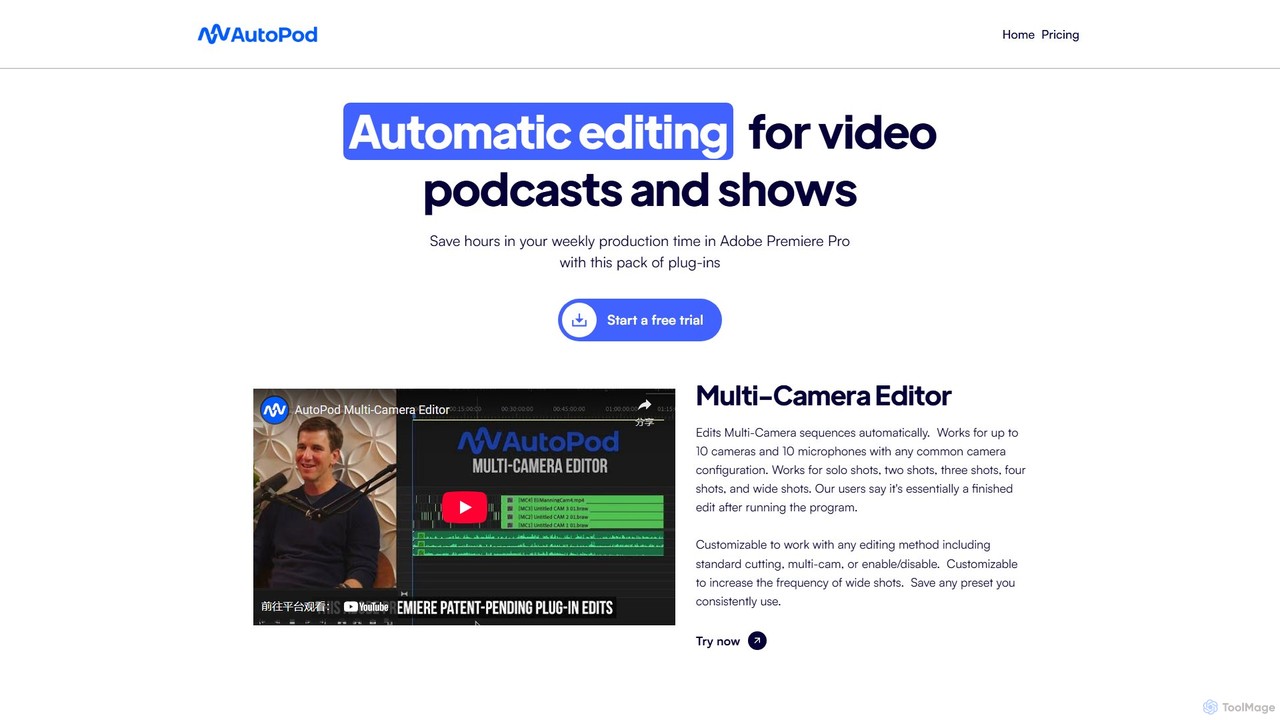
AutoPod
AutoPod is a suite of AI-powered plugins for Adobe Premiere Pro that automates video podcast and show editing. It saves editors hours of work by automatically handling multi-camera edits, creating social media clips, and generating jump cuts based on silence.
AutomationInstant Chapters Categories
Instant Chapters Embed Widget
Copy this embed code to place the badge on your blog, article, or product site and send readers directly to this ToolMage detail page.

Related AI tools
TimeSkip
TimeSkip is an AI-powered Chrome extension that automatically generates SEO-optimized chapters for YouTube videos in seconds. It helps creators save time, increase video visibility by up to 220%, and enhance viewer engagement by making content easily navigable.
Seo
Bleepify
Bleepify is an AI-powered tool that automatically detects and removes profanity from video and audio files. Designed for content creators, podcasters, and media managers, it uses advanced ASR technology to censor unwanted words in over 40 languages, saving hours of manual editing and helping to ensure content is audience-ready and monetizable.
Content Creation
elevista.ai
Elevista.ai is an AI platform that creates intelligent, 24/7 AI agents for content creators and marketers. It transforms your entire content library—including blogs, podcasts, and videos—into an interactive, searchable chatbot. This helps you capture more leads, boost audience engagement, and automate content monetization.
MonetizationGling
Gling is an AI-powered video editing software for YouTubers that automatically removes silences, bad takes, and filler words. It uses text-based editing to streamline the workflow, saving creators hours of manual work and helping them produce captivating content effortlessly.
Automation
Pseudoface
Pseudoface is an AI-powered tool for content creators that replaces their real face with a customizable, photorealistic AI mask. It enables creators to maintain complete anonymity while building a personal connection with their audience, boosting engagement and income without compromising privacy.
Identity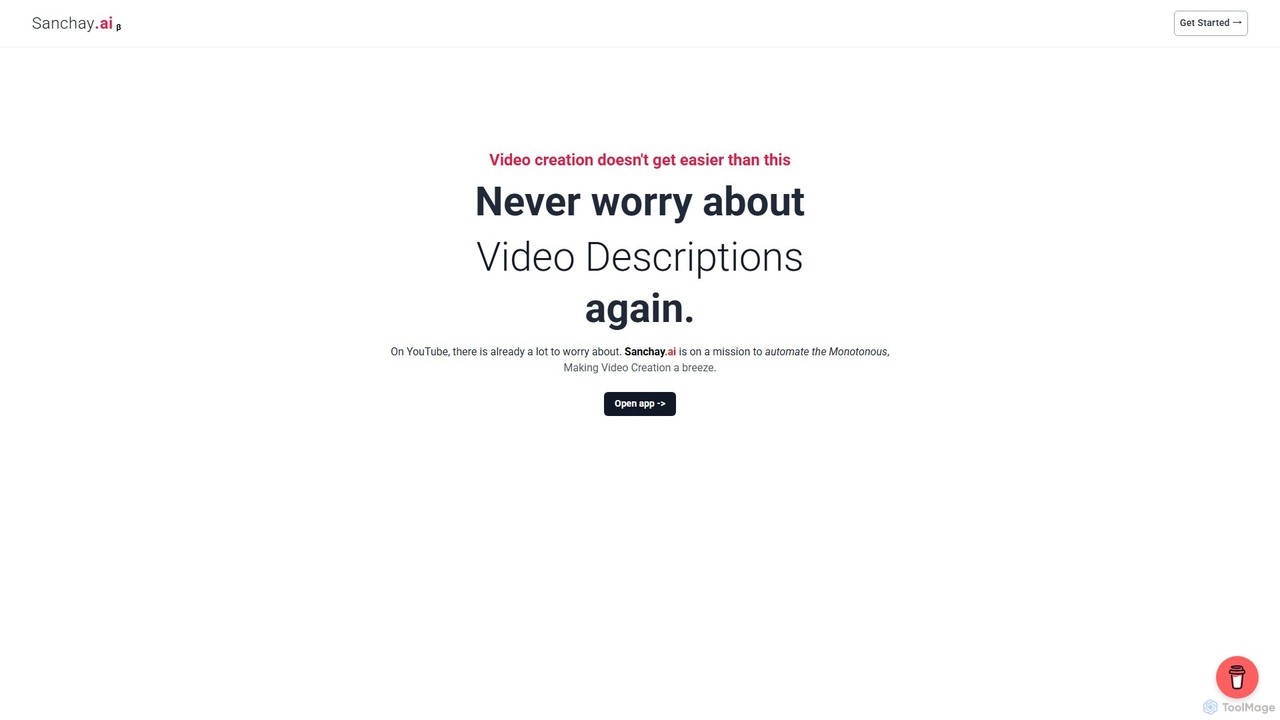
Sanchay.ai
Sanchay.ai is an AI-powered platform designed for content creators, especially on YouTube. It automates tedious tasks like generating SEO-friendly video titles, engaging descriptions, relevant tags, accurate subtitles, and video chapters, helping creators save time and boost their video's visibility and engagement.
TranscriptionAutoCut
AutoCut is an AI-powered plugin for Adobe Premiere Pro and DaVinci Resolve that automates tedious video editing tasks. It saves editors hours by automatically removing silences, generating animated captions, editing multi-camera podcasts, adding dynamic zooms, and much more, streamlining the entire workflow.
Automation
Jyek
Jyek is an AI agent platform that understands objectives, creates execution plans, uses tools, and delivers verifiable results for complex, multi-step tasks.
AutomationAutoPod
AutoPod is a suite of AI-powered plugins for Adobe Premiere Pro that automates video podcast and show editing. It saves editors hours of work by automatically handling multi-camera edits, creating social media clips, and generating jump cuts based on silence.
Automation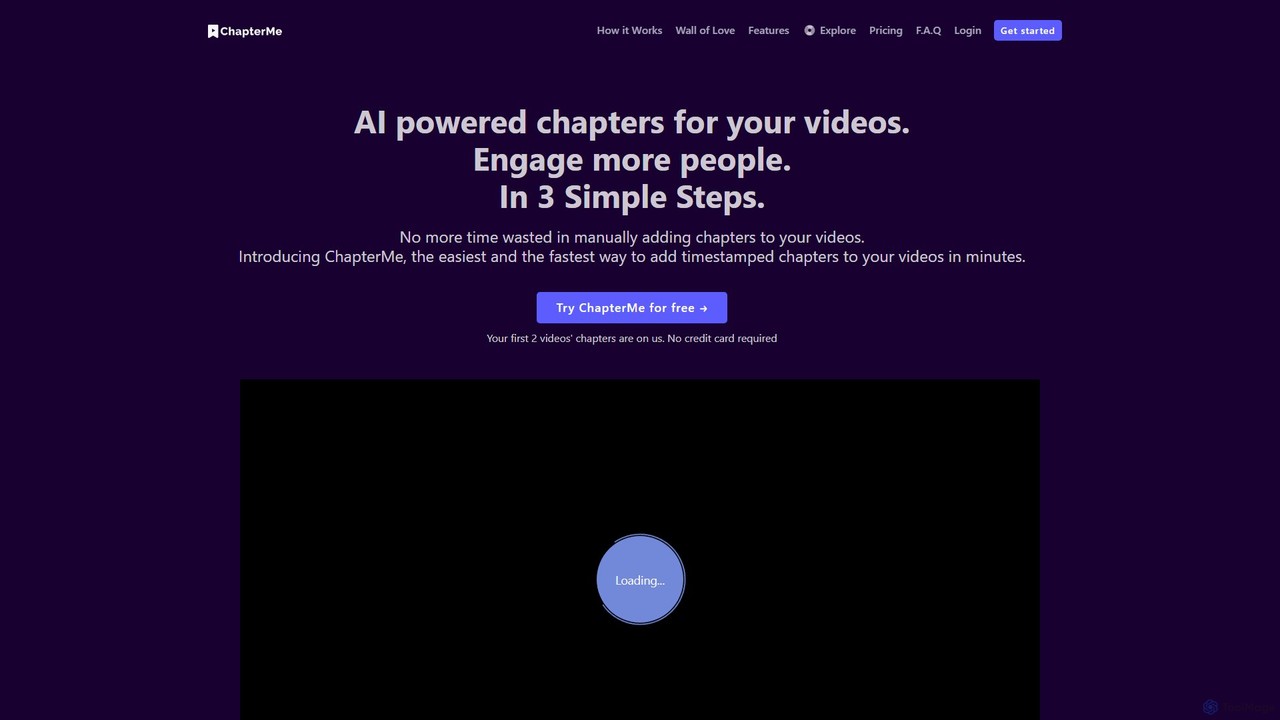

Edit on the Spot
Edit on the Spot is an AI-powered video editing tool designed for online creators. It automatically trims silence from the beginning and end of recordings from platforms like Zoom, MS Teams, and OBS. Users can instantly add custom intros and outros, receiving a download link for a professionally polished, full HD video within minutes of finishing their session.
Content Creation
Vivu.ai
Vivu.ai is an AI-powered video editing platform that simplifies and accelerates the video creation process. It uses AI to automatically generate smart rough cuts, index and search video content, and suggest background music, enabling creators of all skill levels to produce professional-quality videos with ease.
Social Media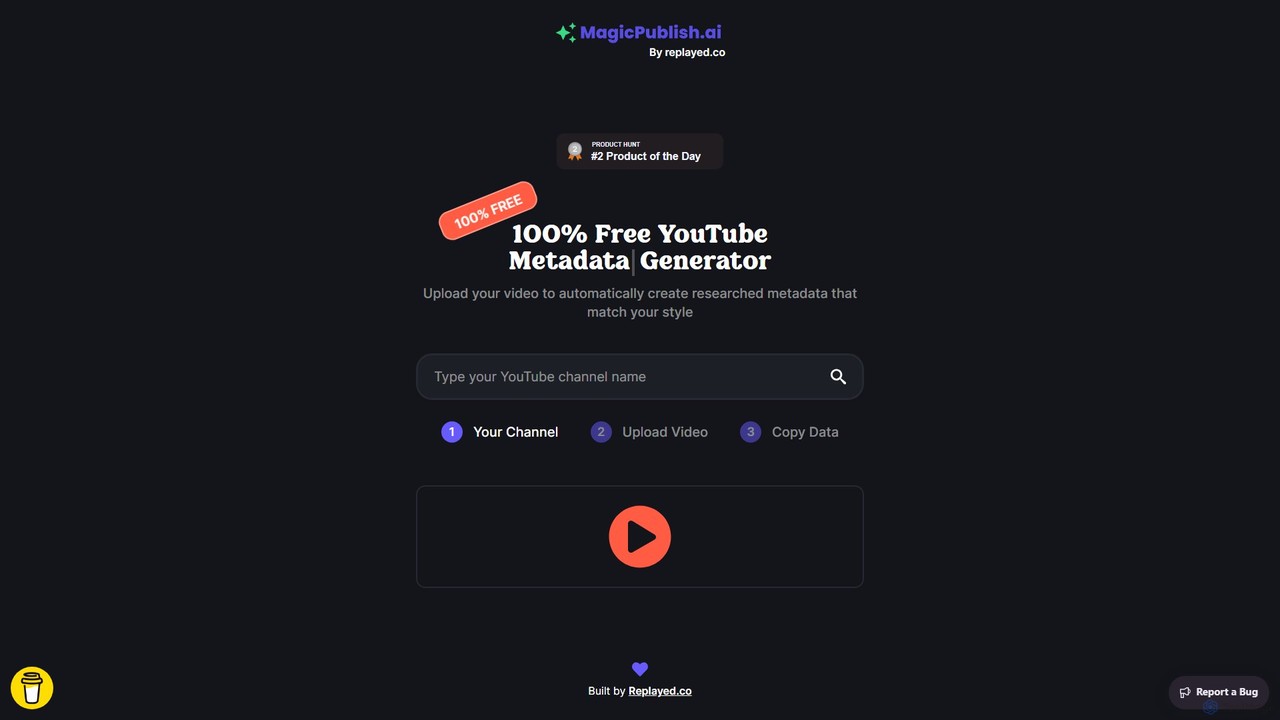
MagicPublish.ai
MagicPublish.ai is an AI-powered tool designed to automate and optimize YouTube video metadata. It generates SEO-friendly titles, detailed descriptions with chapters, relevant tags, and hashtags based on your video content. Save time, boost your channel's visibility, and increase viewer engagement effortlessly. Ideal for content creators, marketers, and agencies looking to streamline their YouTube workflow.
Content Creation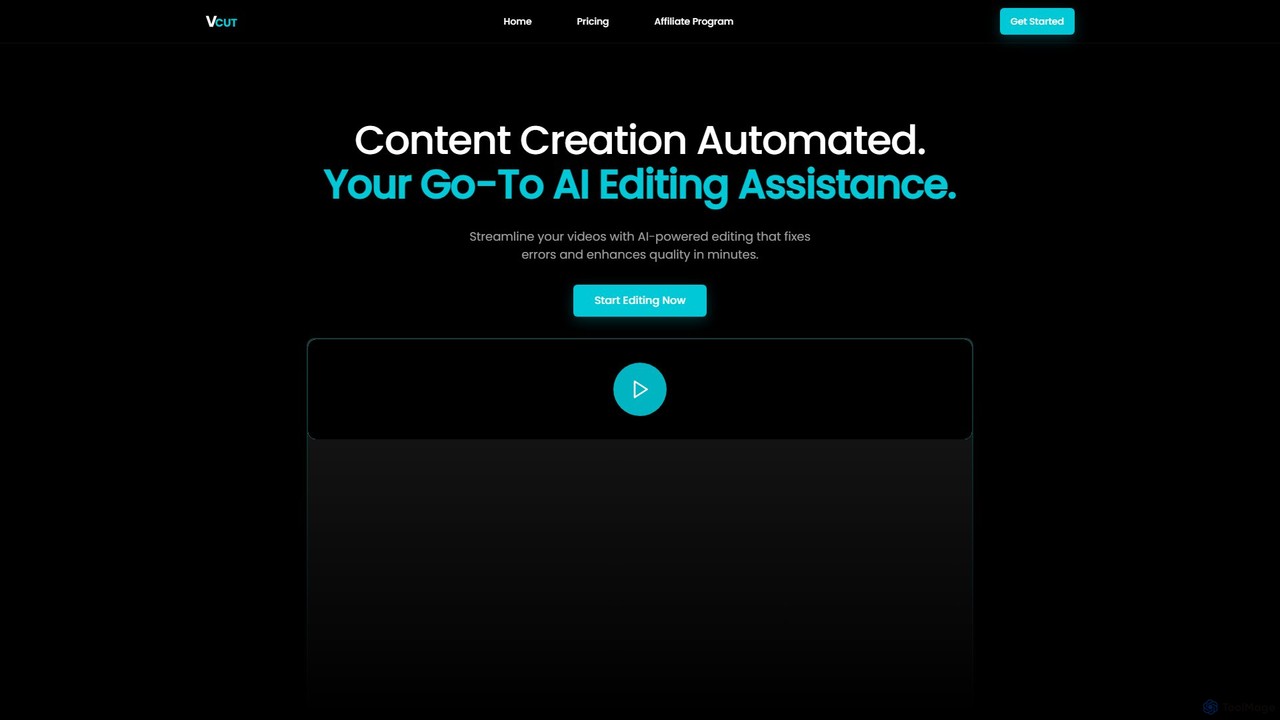
VCut
VCut is an AI-powered video editor designed to automate and streamline the content creation process. It instantly removes filler words, mistakes, and long silences from talking head videos, allowing creators to produce high-quality, polished content in minutes. This tool helps users save significant time, avoid burnout, and maintain a consistent publishing schedule.
Automation
Instant Chapters Comments (0)
Sign in to comment.
Sign inNo comments yet.