

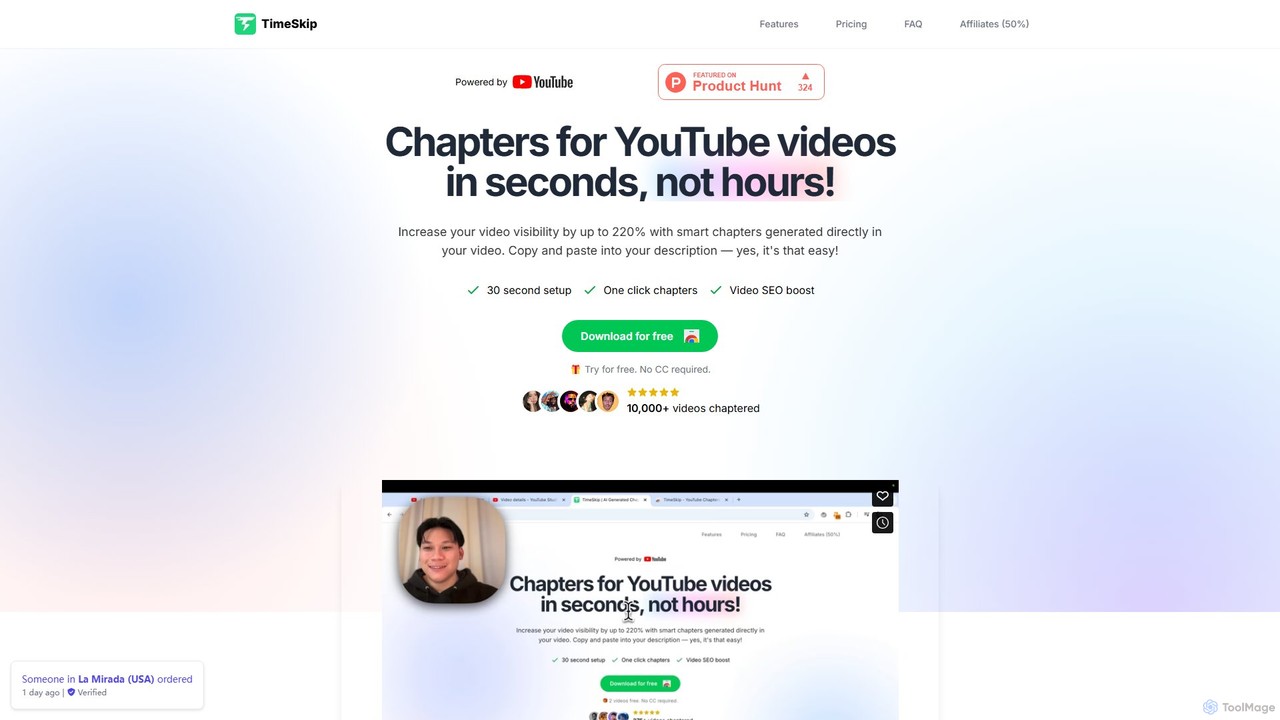
TimeSkip Overview
TimeSkip is a revolutionary AI tool designed specifically for YouTube creators who want to optimize their videos without spending hours on manual tasks. The core function of TimeSkip is to automatically generate accurate, relevant, and SEO-friendly chapters (timestamps) for YouTube videos. This process, which can take a significant amount of time when done manually, is reduced to mere seconds with TimeSkip, even for long-form content like podcasts or tutorials.
The tool operates as a seamless Chrome extension that integrates directly into the YouTube Studio interface. This means creators can generate, preview, and implement chapters within their existing workflow with just a few clicks. By breaking down videos into logical, titled sections, TimeSkip not only improves the viewer experience but also significantly boosts a video's Search Engine Optimization (SEO). These chapters are indexed by both YouTube and Google, making video content more discoverable in search results and allowing key moments to be featured as rich snippets. Studies and user testimonials show that using optimized chapters can increase video discovery by up to 220% and improve average view duration.
How to use TimeSkip
Getting started with TimeSkip is designed to be incredibly simple and efficient, following a three-step process:
- Install the Chrome Extension: First, download and install the TimeSkip extension from the Chrome Web Store. The setup takes less than a minute.
- Generate Chapters: Once installed, navigate to the video you want to edit in your YouTube Studio. Click on the TimeSkip icon that now appears in your browser. The AI will analyze your video's audio and visual content and generate a complete list of chapters with titles and timestamps instantly.
- Copy and Paste: Review the generated chapters directly in the preview window. Once you are satisfied, simply click to copy the entire list and paste it into your video's description box. Save the changes, and your video will now have interactive chapters.
Core Features of TimeSkip
- AI-Powered Chapter Generation: Utilizes advanced AI to analyze video content and automatically create logical and descriptive chapters.
- Ultra-Fast Processing: Capable of generating chapters for a one-hour video in as little as 5 seconds, saving creators immense amounts of time.
- SEO-Optimized Titles: The generated chapter titles are crafted to be keyword-rich, enhancing the video's visibility on both YouTube and Google search.
- Seamless Workflow Integration: As a Chrome extension, it integrates directly with the YouTube player and Studio, eliminating the need for external apps or complex procedures.
- Instant Preview and Navigation: Allows creators to preview the generated chapters and navigate through the video sections before publishing.
- One-Click Copying: Simplifies the process of transferring the generated timestamps into the video description.
Use Cases for TimeSkip
TimeSkip is a versatile tool valuable for a wide range of content creators:
- Educational Creators & Tutors: Break down long tutorials and lessons into specific topics, allowing students to easily find and review the information they need.
- Podcasters & Interviewers: Segment long-form conversations by discussion points or questions, making it easy for listeners to jump to parts that interest them most.
- Tech Reviewers: Create chapters for different sections of a review, such as unboxing, feature breakdown, performance tests, and conclusion.
- Vloggers: Highlight key moments or activities in a daily or travel vlog to keep viewers engaged.
- Marketing Agencies & Production Studios: Efficiently optimize a large volume of client videos for better performance and engagement metrics.
Advantages of TimeSkip
Using TimeSkip offers several key advantages for YouTube channels of any size:
- Massive Time Savings: Automates one of the most tedious parts of video optimization, freeing up creators to focus on content creation.
- Increased Discoverability: SEO-optimized chapters significantly improve a video's ranking in search results, driving more organic views.
- Enhanced Viewer Experience: Interactive chapters allow viewers to easily navigate to the content they care about, increasing satisfaction and average watch time.
- Higher Engagement: By providing a clear video structure, creators can hook viewers from the start and keep them engaged longer, which is a positive signal to the YouTube algorithm.
- Simple and Intuitive: The tool is designed for ease of use, requiring no technical expertise to operate.
Pricing and Plans
TimeSkip offers a freemium model with a free trial and several paid plans to suit different needs. All plans include SEO-optimized chapters, advanced settings, and future updates.
- Free Trial: Users can try the service for free without requiring a credit card.
- Starter Plan: $9 per month for 5 videos per month (up to 30 minutes in length). Ideal for new YouTubers and hobbyists.
- Pro Plan (Most Popular): $19 per month for 15 videos per month (up to 90 minutes in length). Suited for podcasters, webinar hosts, and professional creators.
- Studio Plan: $39 per month for 50 videos per month (up to 10 hours in length). Designed for marketing agencies and production teams.
A 40% discount is available for annual subscriptions. All plans come with a 7-day refund policy and can be canceled at any time.
Traffic
Latest traffic
Status
Monthly traffic trend
- 2025-9: 212.8K
- 2026-1: 160.8K
- 2026-2: 166.1K
- 2026-3: 156.8K
- 2026-4: 142.1K
- 2026-5: 130.7K
Geography
Top 5 countries / regions
- 🇺🇸United States32.5%
- 🇮🇳India31.4%
- 🇧🇷Brazil16.2%
- 🇵🇰Pakistan10.5%
- 🇬🇧United Kingdom9.4%
Traffic sources
| Source type | Percentage |
|---|---|
Direct | 92.6% |
Referral | 7.4% |
Top keywords
| Keyword | Cost per click |
|---|---|
| rapid tag | $0.44 |
| tag generator | $0.32 |
| tags generator | $0.27 |
| youtube tag generator | $0.31 |
| youtube tags generator | $0.27 |
TimeSkip Videos on YouTube

The IoT Show
TimeSkip Alternatives
Fanfuel
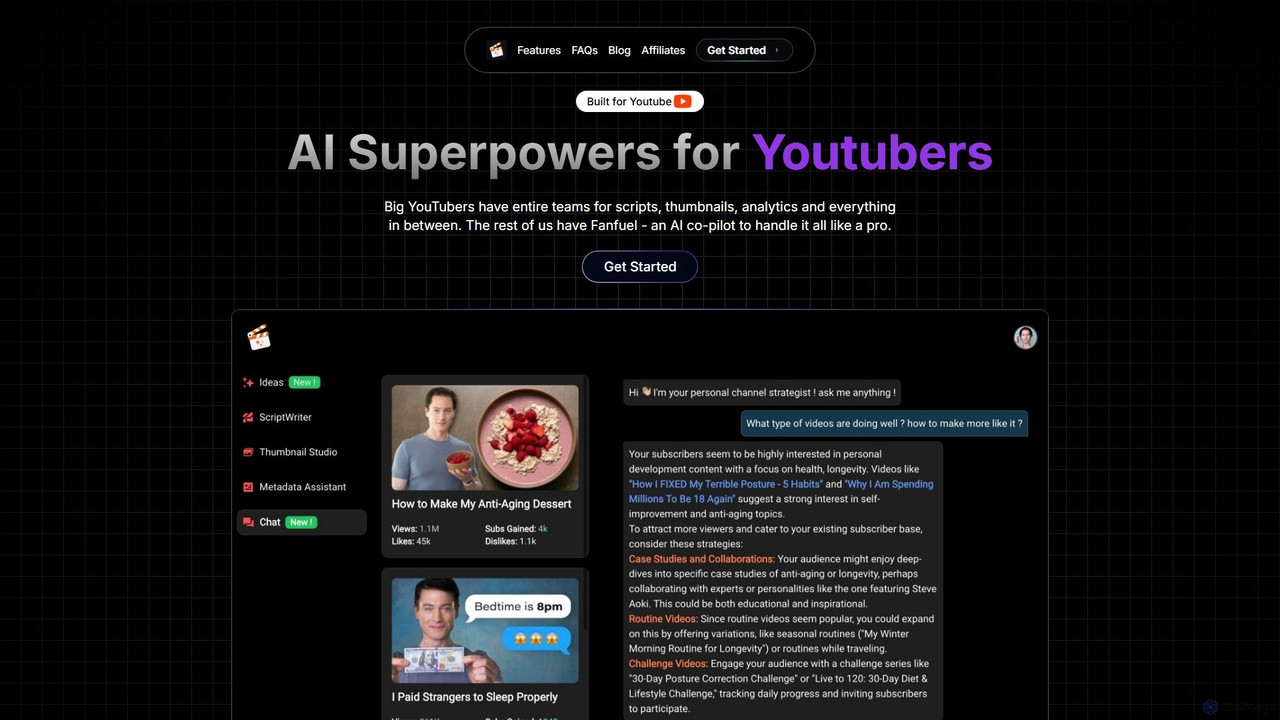
Fanfuel is an AI-powered co-pilot for YouTubers, designed to streamline channel growth. It offers a suite of tools for generating eye-catching thumbnails, writing engaging scripts in any language, optimizing SEO metadata, and simplifying analytics through a chat interface. It's built to give individual creators the capabilities of a full production team.
Script Writing
Instant Chapters
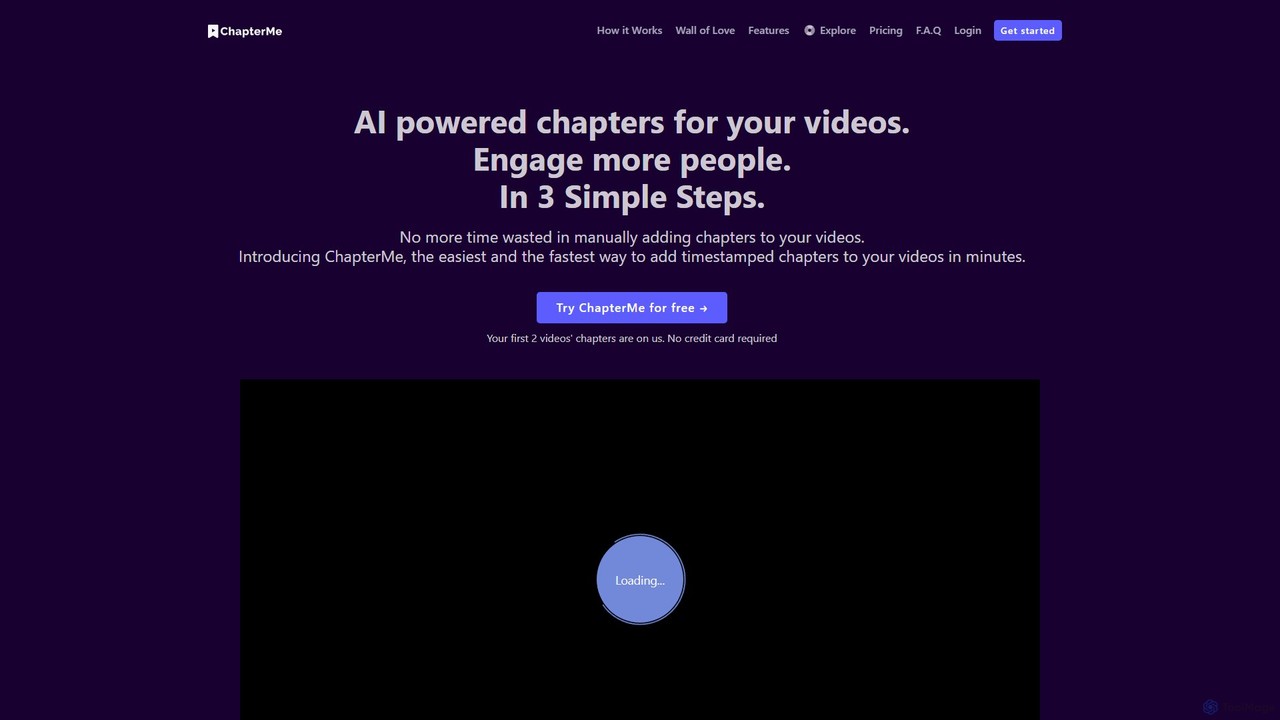
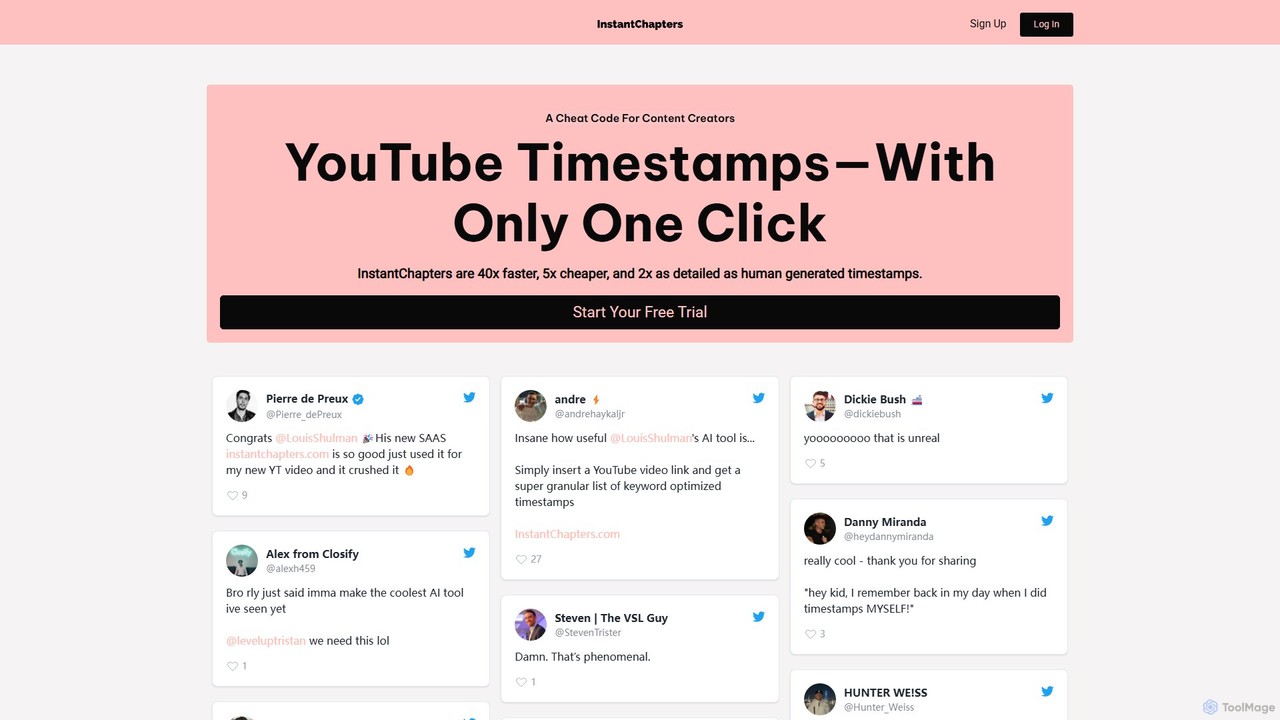
Instant Chapters is an AI-powered tool that generates YouTube video chapters and timestamps with a single click. Designed for content creators, it saves time, enhances viewer experience, and boosts video SEO by automatically creating detailed, navigable sections for any YouTube video.
Automation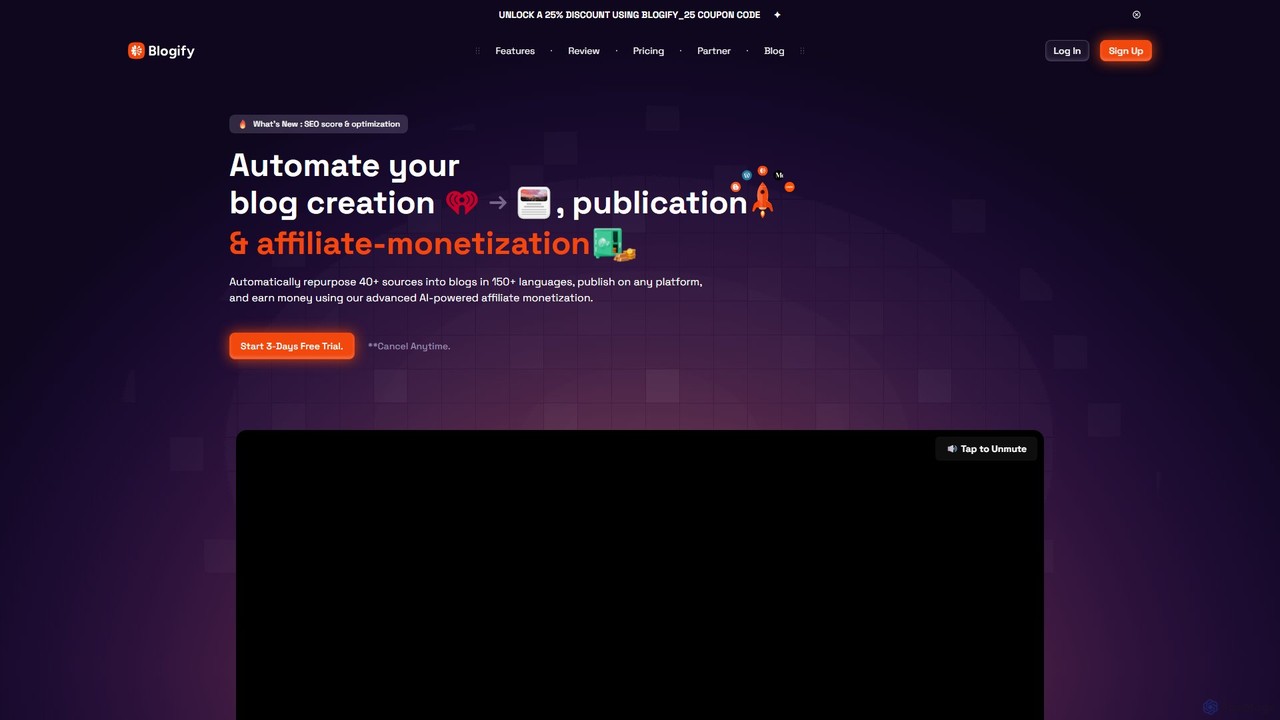
Blogify
Blogify is an AI-powered platform that automates blog creation by repurposing content from over 40 sources like YouTube videos, podcasts, and documents. It generates fully SEO-optimized articles in 150+ languages, complete with images and affiliate links, and publishes them to any platform, helping you expand your online presence and monetize content effortlessly.
Blog WritingTimeSkip Categories
TimeSkip Embed Widget
Copy this embed code to place the badge on your blog, article, or product site and send readers directly to this ToolMage detail page.

Related AI tools
Sanchay.ai
Sanchay.ai is an AI-powered platform designed for content creators, especially on YouTube. It automates tedious tasks like generating SEO-friendly video titles, engaging descriptions, relevant tags, accurate subtitles, and video chapters, helping creators save time and boost their video's visibility and engagement.
TranscriptionFanfuel
Fanfuel is an AI-powered co-pilot for YouTubers, designed to streamline channel growth. It offers a suite of tools for generating eye-catching thumbnails, writing engaging scripts in any language, optimizing SEO metadata, and simplifying analytics through a chat interface. It's built to give individual creators the capabilities of a full production team.
Script WritingInstant Chapters
Instant Chapters is an AI-powered tool that generates YouTube video chapters and timestamps with a single click. Designed for content creators, it saves time, enhances viewer experience, and boosts video SEO by automatically creating detailed, navigable sections for any YouTube video.
Automation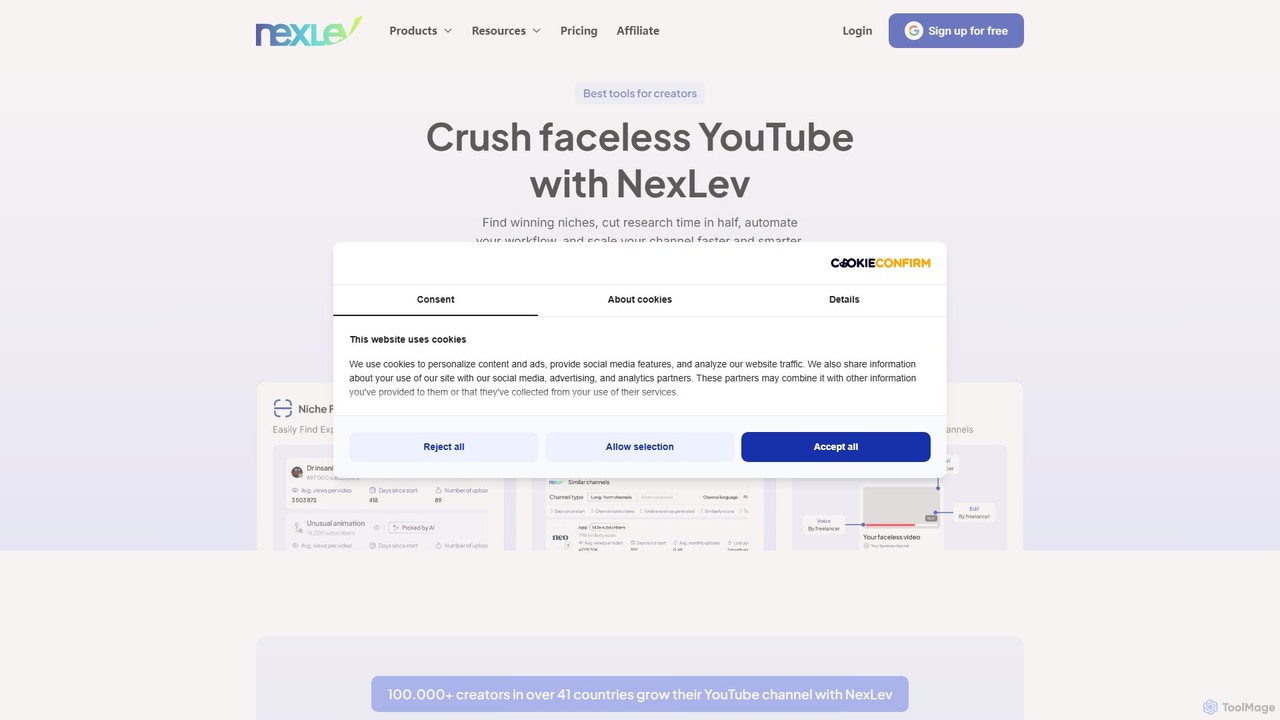
NexLev
NexLev is an AI-powered toolkit for YouTube creators, specializing in faceless channels. It helps users find profitable niches, analyze competitors, automate workflows, and scale their channels faster with a Niche Finder, a powerful Chrome Extension, and a comprehensive course.
Seo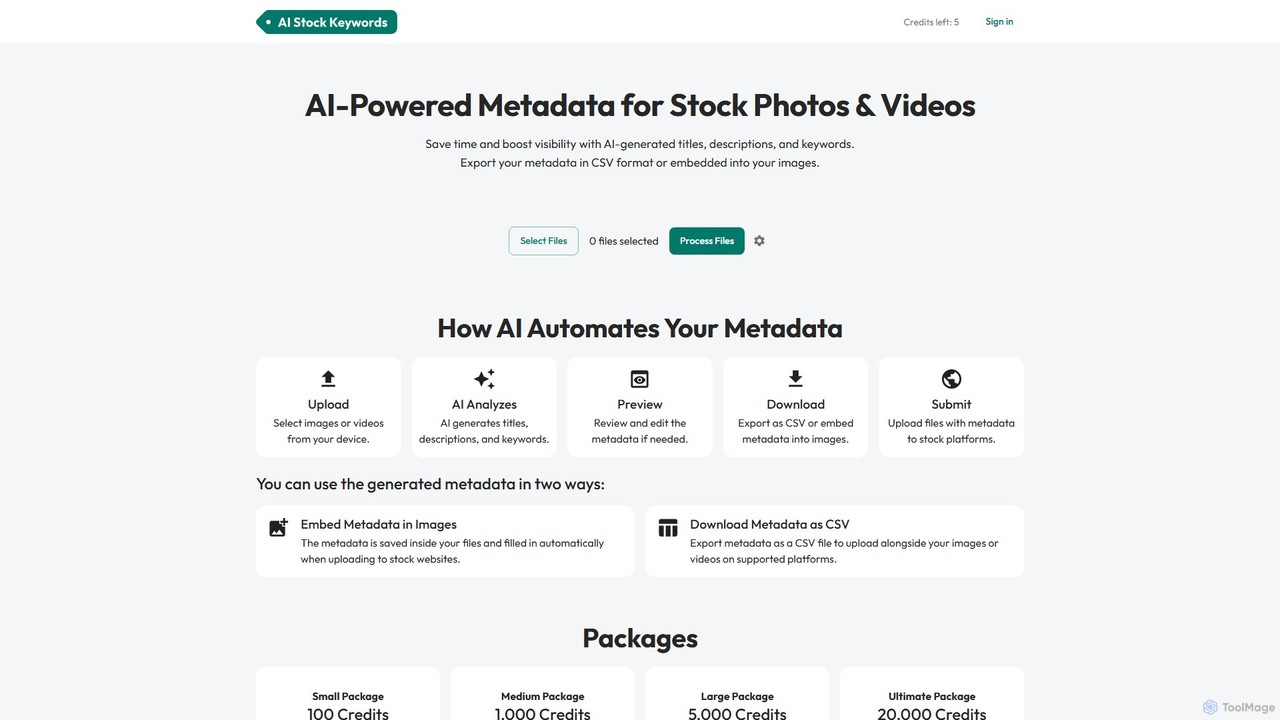
aistockkeywords
An AI-powered tool that automates the generation of titles, descriptions, and keywords for stock photos and videos. It helps creators save time, improve SEO, and increase the visibility and sales of their content on major stock platforms.
Seo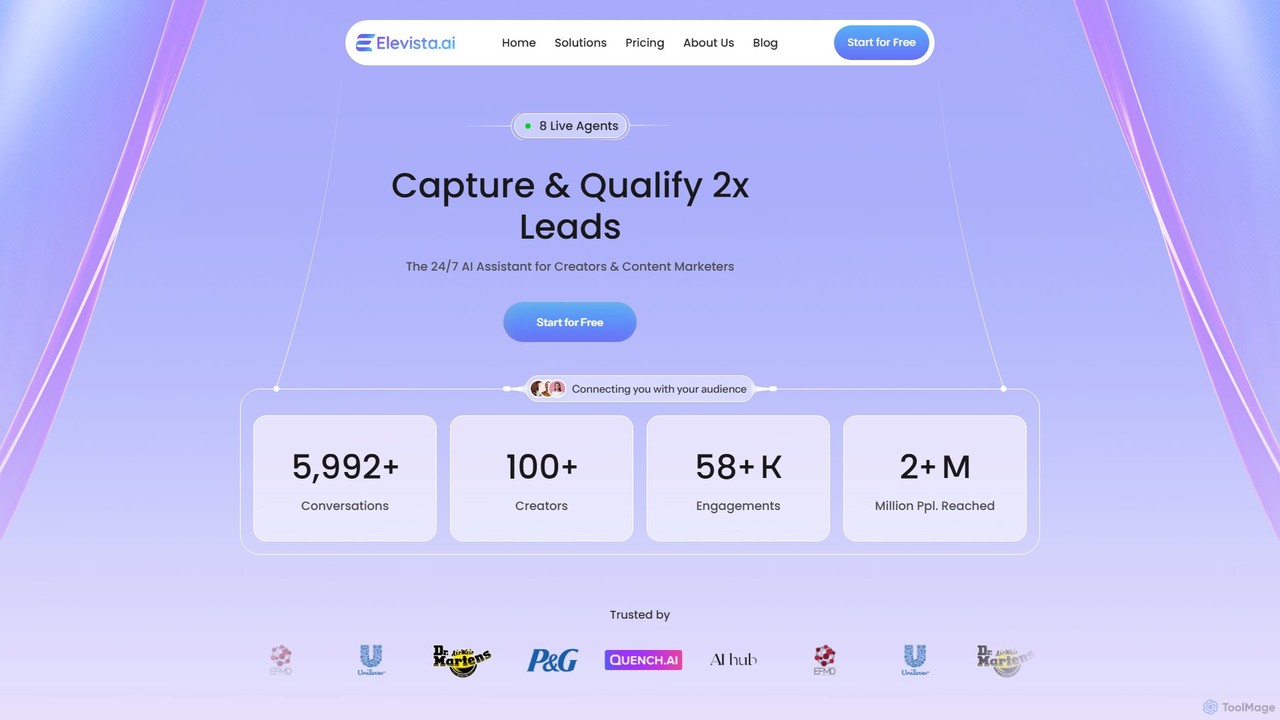
elevista.ai
Elevista.ai is an AI platform that creates intelligent, 24/7 AI agents for content creators and marketers. It transforms your entire content library—including blogs, podcasts, and videos—into an interactive, searchable chatbot. This helps you capture more leads, boost audience engagement, and automate content monetization.
Monetization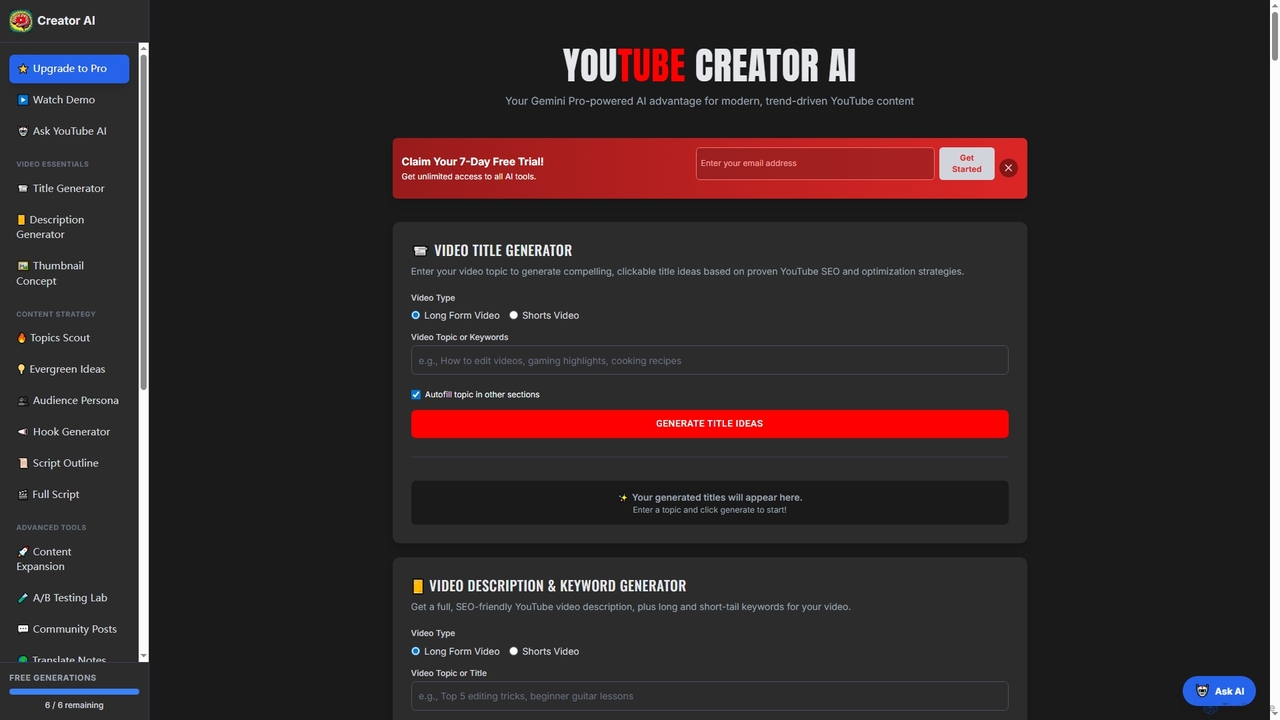
YouTube Creator AI
YouTube Creator AI is an AI-powered assistant designed to streamline YouTube content creation. It offers tools for generating video titles, descriptions, keywords, thumbnail concepts, script outlines, full scripts, and trending topic ideas, all optimized for YouTube SEO and audience engagement.
Idea Generation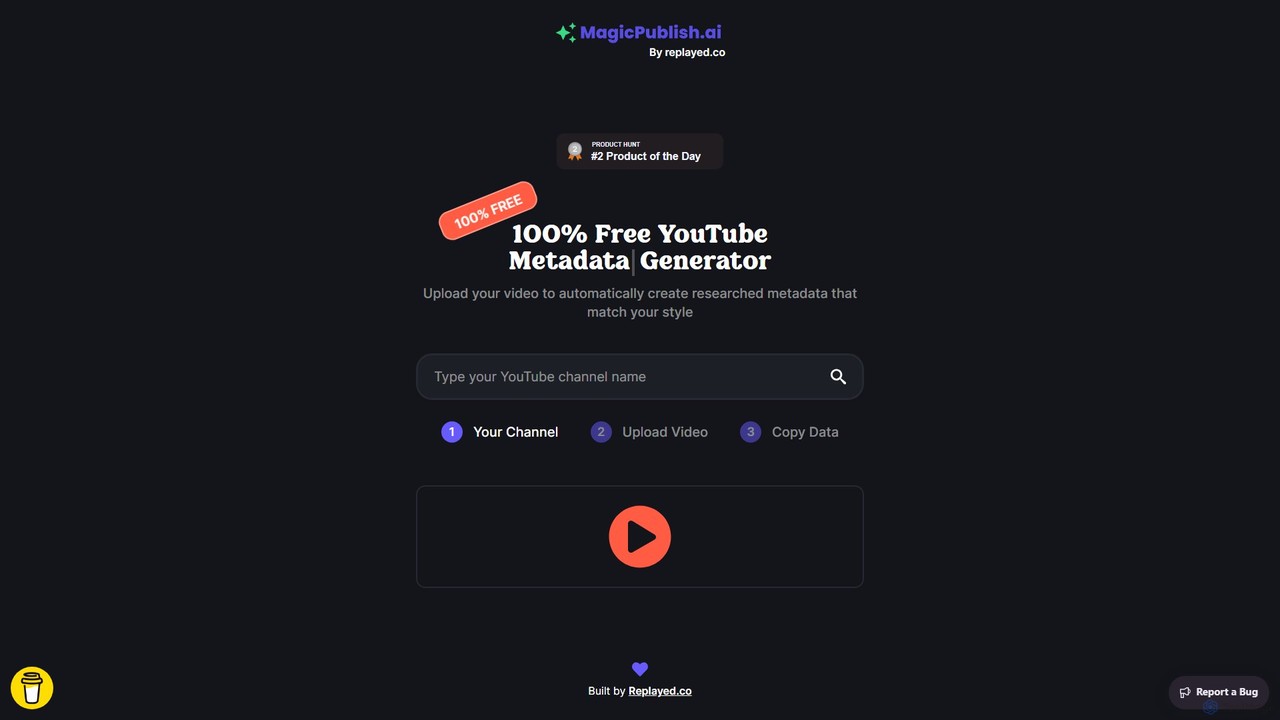
MagicPublish.ai
MagicPublish.ai is an AI-powered tool designed to automate and optimize YouTube video metadata. It generates SEO-friendly titles, detailed descriptions with chapters, relevant tags, and hashtags based on your video content. Save time, boost your channel's visibility, and increase viewer engagement effortlessly. Ideal for content creators, marketers, and agencies looking to streamline their YouTube workflow.
Content Creation
vidiq
vidiq is an all-in-one AI-powered platform and browser extension designed for YouTube creators. It provides a suite of tools for keyword research, video idea generation, performance analytics, and SEO optimization to help channels increase views, subscribers, and overall growth.
Video Marketing
Thumblytics
Thumblytics is an AI-powered platform for YouTubers to test thumbnails, titles, and video ideas before publishing. It provides data-driven insights to maximize click-through rates (CTR) through controlled, risk-free experiments, delivering actionable results in under 48 hours.
Social Media Marketing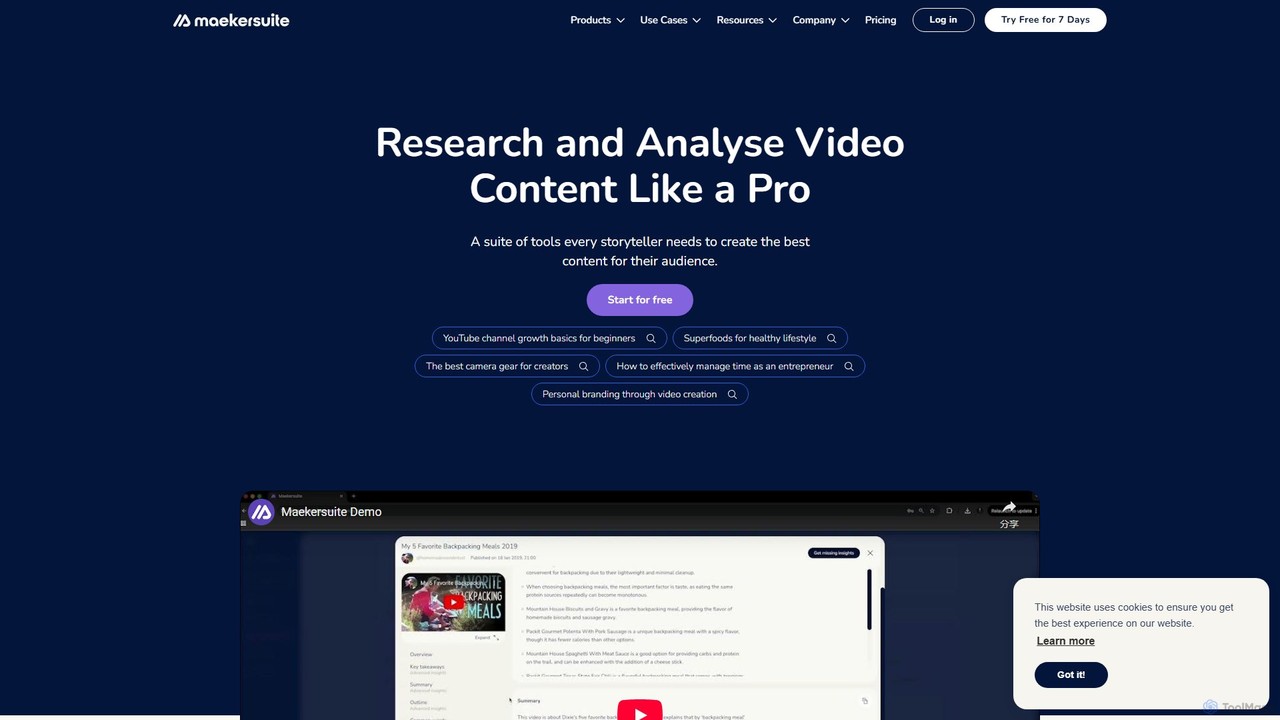
maekersuite
maekersuite is an AI-powered platform designed to revolutionize video pre-production. It helps content creators, especially on YouTube, by automating research, competitor analysis, and scriptwriting. By analyzing trending content and top-performing videos, it generates SEO-optimized ideas, titles, and detailed scripts in minutes. This tool is perfect for overcoming creator's block, saving significant time, and creating data-driven video content that engages audiences and boosts channel growth.
Youtube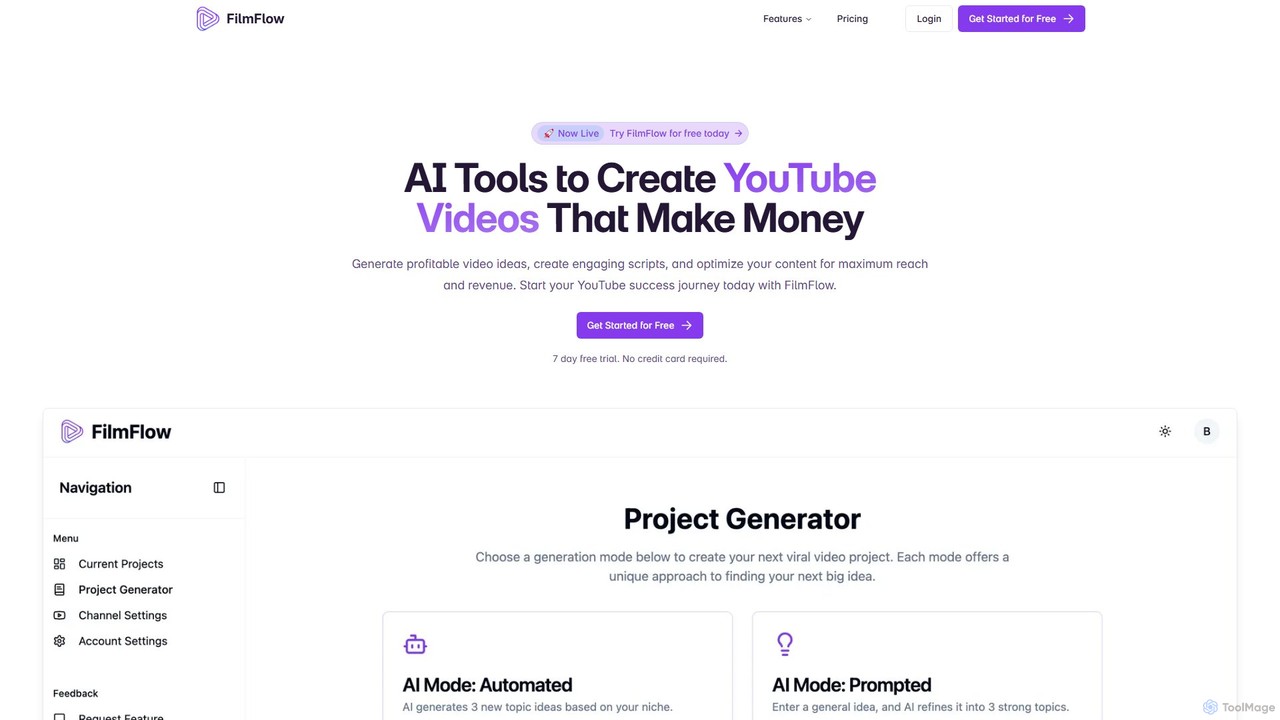
FilmFlow
FilmFlow is an AI-powered platform designed for YouTube creators. It helps generate profitable video ideas, create engaging scripts with strategic CTAs, and provides complete SEO optimization (titles, descriptions, tags) to maximize reach, engagement, and revenue.
Content Creation
VidQuest AI
VidQuest AI is a powerful Chrome extension that revolutionizes YouTube research. It allows users to ask questions directly to any YouTube video and receive instant, context-aware AI answers. Additionally, its Keyword Finder tool pinpoints every mention of a specific word or phrase with clickable timestamps. This tool is designed to save hours of manual searching, making it ideal for researchers, content creators, and students who need to extract specific information from video content efficiently.
Learning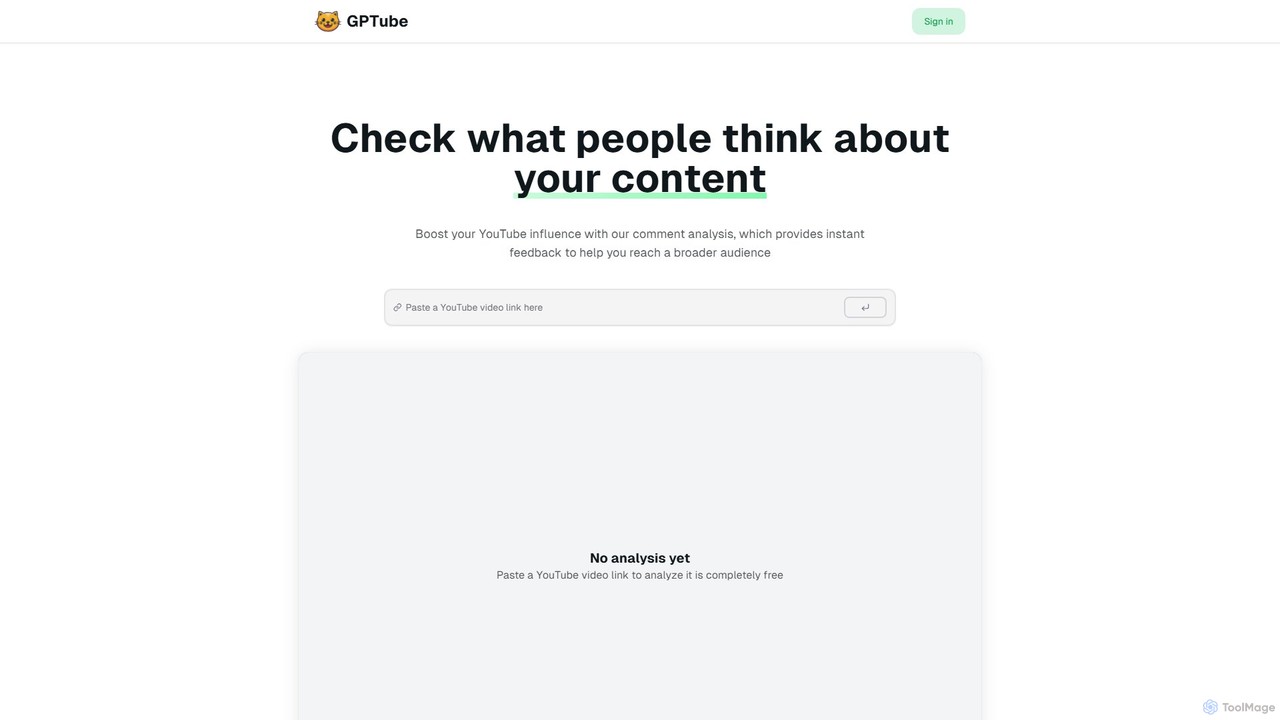
GPTube
GPTube is an AI-powered tool designed for YouTube creators to analyze video comments. It provides instant feedback, sentiment analysis, and topic extraction to help creators understand their audience, improve content, and boost channel growth.
Audience Analysis
TimeSkip Comments (0)
Sign in to comment.
Sign inNo comments yet.