

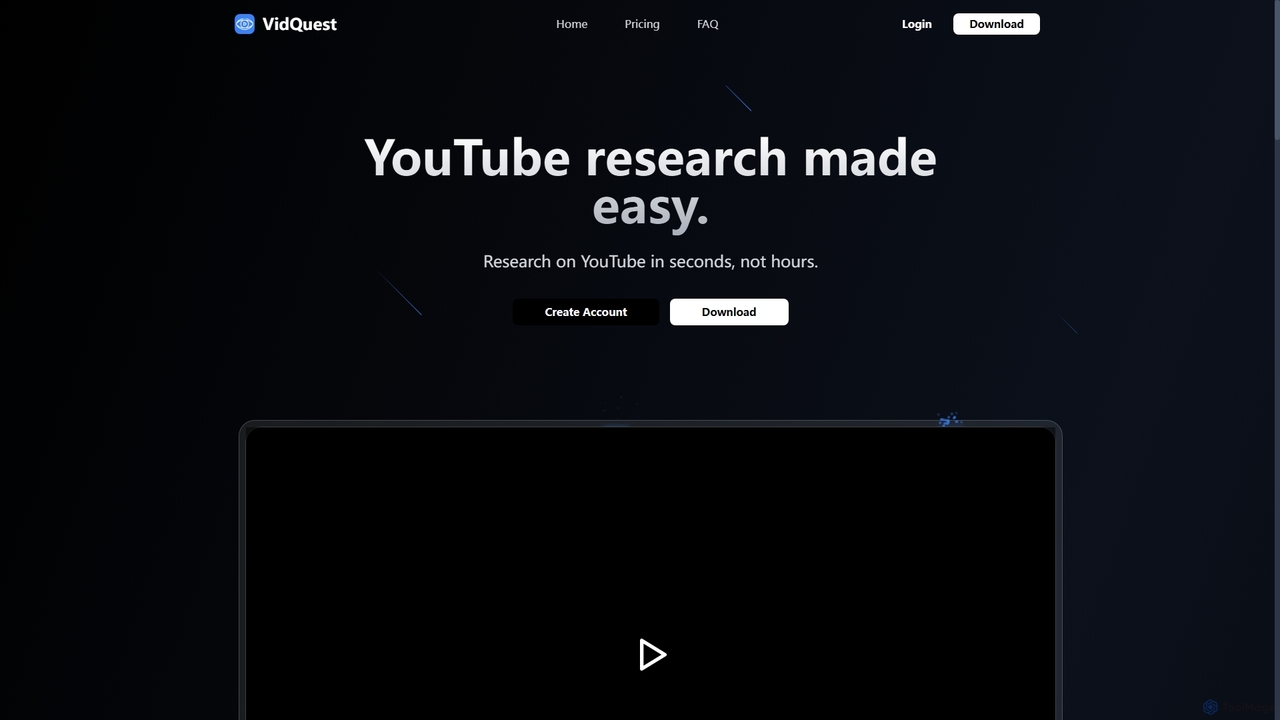
VidQuest AI Overview
VidQuest AI is an innovative AI-powered tool designed to streamline and accelerate the process of researching content on YouTube. Integrated as a seamless Chrome extension, it transforms passive video watching into an interactive and efficient information-gathering experience. Instead of spending hours manually scrubbing through videos, users can now interact with video content as if it were a searchable document, saving invaluable time and effort.
The core of VidQuest AI lies in its dual-functionality approach. Firstly, the 'Ask Questions' feature allows you to have a conversation with any YouTube video. You can ask specific questions about the content, and the AI will analyze the video's transcript and context to provide you with direct, relevant answers. Secondly, the 'Keyword Finder' tool acts as a powerful search engine within the video itself, identifying every instance a particular word or phrase is mentioned and providing clickable timestamps to jump directly to those moments.
How to use VidQuest AI
Using VidQuest AI is straightforward and designed for maximum efficiency:
- Install the Extension: Download and install the VidQuest AI Chrome extension from the Chrome Web Store.
- Navigate to YouTube: Go to any YouTube video you wish to analyze.
- Open the Tool: The VidQuest AI interface will be available on the video page.
- Ask a Question: Use the 'Ask Questions' feature to type in your query about the video's content. The AI will process your request and deliver a concise answer based on the information within the video.
- Find Keywords: Switch to the 'Keyword Finder' tool. Enter any keyword or phrase you are looking for. The tool will generate a list of all mentions with corresponding timestamps. Click on any timestamp to navigate directly to that part of the video.
Core Features of VidQuest AI
- AI-Powered Q&A: Ask natural language questions about a video's content and receive instant, context-aware answers.
- Keyword Finder with Timestamps: Search for any term within a video and get a complete list of clickable timestamps for every mention.
- Seamless Chrome Extension: Integrates directly into your YouTube browsing experience without needing to switch between different apps or websites.
- Chat History: Keeps a record of your previous questions and conversations for videos you have analyzed, allowing you to easily revisit insights.
- Support for Various Video Lengths: Different plans accommodate videos of varying durations, including those over an hour long.
Use Cases for VidQuest AI
VidQuest AI is a versatile tool for a wide range of professionals and individuals:
- Students and Academics: Quickly find specific information in long lectures, documentaries, or academic presentations without watching them in their entirety.
- Content Creators: Analyze competitor videos, research topics, or find specific clips for reaction videos or compilations with ease.
- Market Researchers: Track brand mentions, analyze product reviews, or monitor industry trends discussed in video content.
- Journalists: Verify facts, find specific quotes, or quickly review press conferences and interviews.
- General Learners: Enhance personal learning by asking targeted questions about tutorials or educational videos to clarify doubts instantly.
Advantages of VidQuest AI
The primary advantage of VidQuest AI is its massive time-saving capability. It condenses hours of research into minutes. Its precision allows users to pinpoint exact information, enhancing accuracy and efficiency. The tool's intuitive interface and seamless integration make it accessible to everyone, regardless of technical skill. Furthermore, its flexible pricing model, including free, rental, and subscription options, ensures that there is a plan suitable for every type of user, from casual browsers to heavy-duty researchers.
Pricing and Plans
VidQuest AI offers several flexible pricing structures:
Rental (One-Time Payment)
- One Day (£0.99): Ask up to 50 questions a day for videos up to 30 minutes.
- Three Days (Pro, £1.99): Ask up to 100 questions a day for videos up to 1 hour, with full keyword finder access.
- One Week (VIP, £2.99): Ask up to 250 questions a day for videos up to 1 hour (plus 10 videos over 1 hour), with full keyword finder access.
Subscription (Monthly/Annual)
- Free (£0/month): Ask up to 5 questions a day for videos up to 15 minutes.
- Premium (£5.99/month): Ask up to 50 questions a day for videos up to 30 minutes.
- Pro (£12.99/month): Ask up to 100 questions a day for videos up to 1 hour, with full keyword finder access.
- VIP (£26.99/month): Ask up to 250 questions a day for videos up to 1 hour (plus 10 videos over 1 hour), with full keyword finder access.
Keyword Finder (One-Time Purchase)
- Lifetime Access (£12.99): Unlimited keyword searches forever. A free plan allows 3 searches per day.
VidQuest AI Alternatives

Tubetranscript
Tubetranscript is a free, AI-powered tool that effortlessly generates accurate transcripts and summaries from any YouTube video. It requires no software installation or user registration, providing instant results with timestamps directly in your browser.
Writing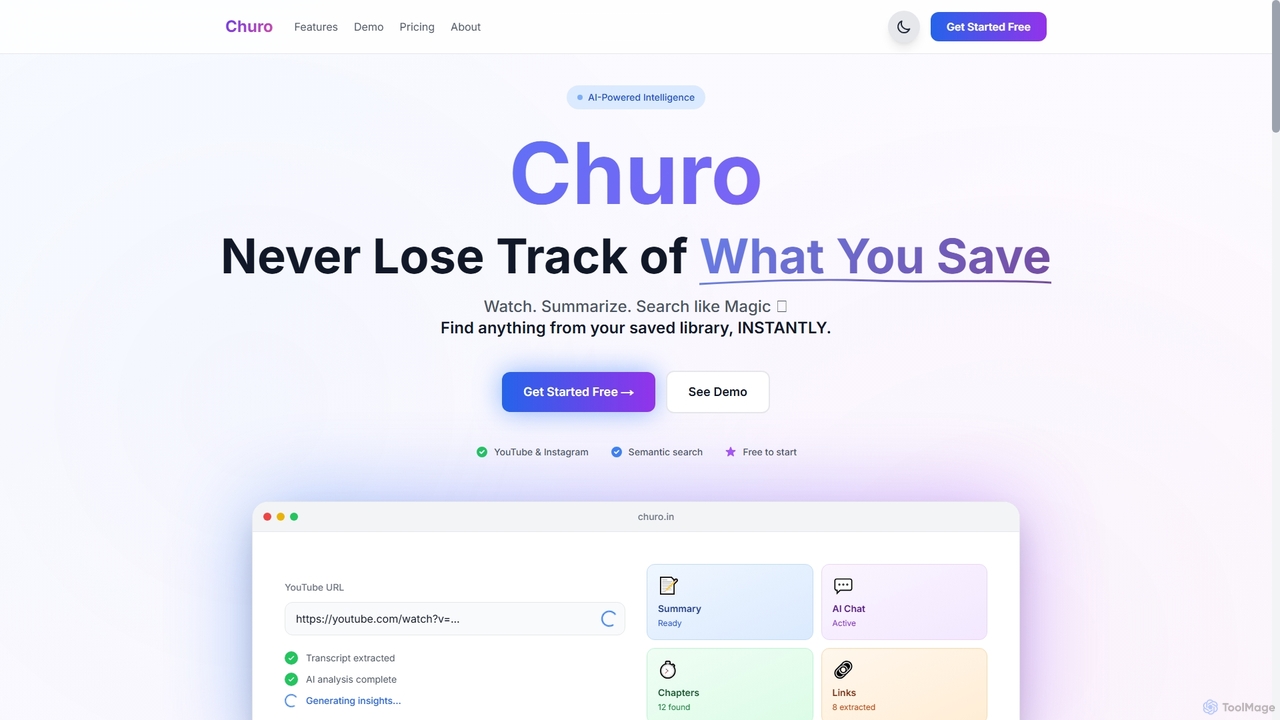
Churo
Churo is an AI-powered video summarizer and knowledge management tool that helps users save, search, and recall information from YouTube videos and Instagram reels. It provides instant AI summaries, semantic search capabilities, and a unified library to transform saved content into an organized, searchable knowledge base.
Learning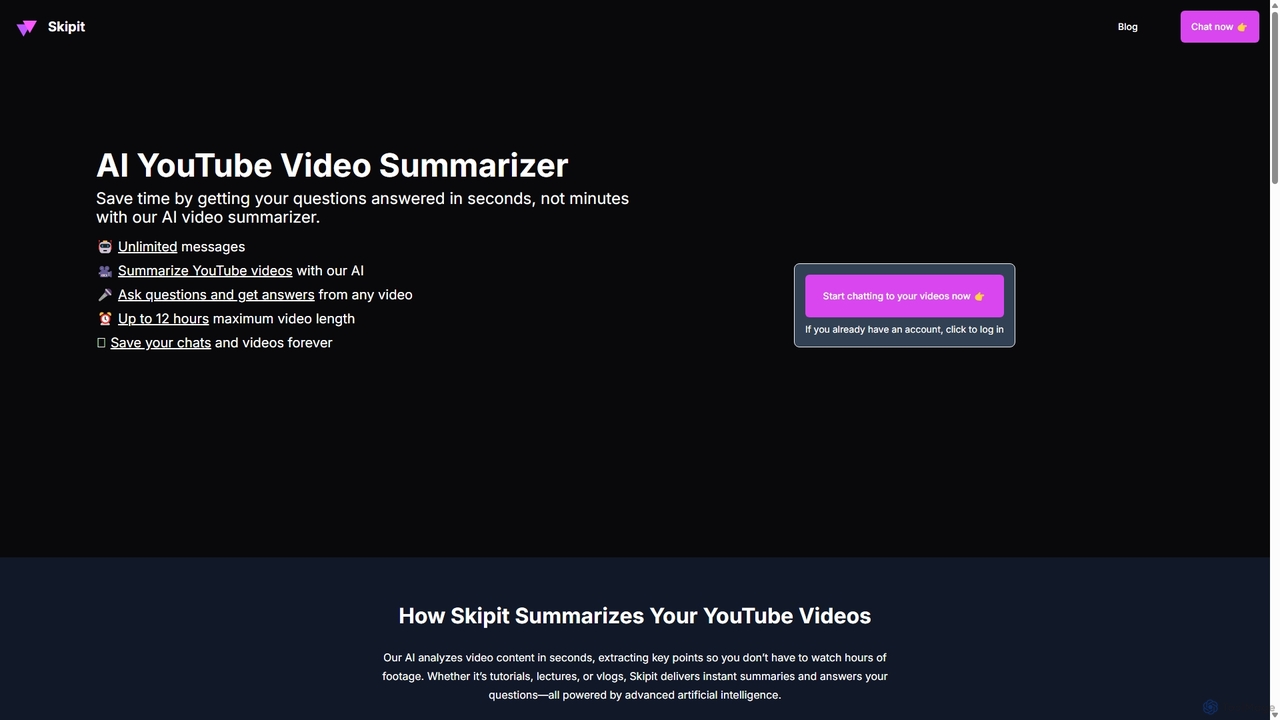
Skipit
Skipit is an AI-powered tool that summarizes YouTube videos instantly. It allows you to chat with any video, ask specific questions, and get key insights in seconds without watching the entire content. Ideal for students, professionals, and creators, it supports videos up to 12 hours long, saving you valuable time and boosting productivity.
Learning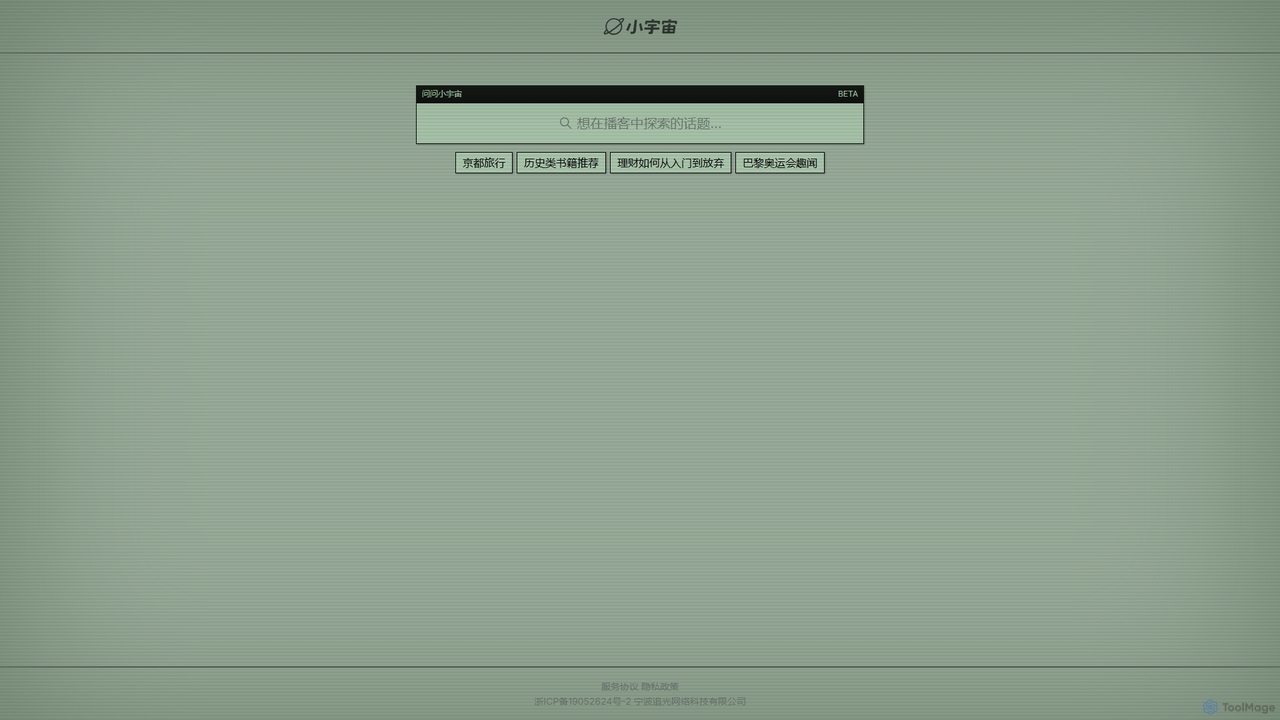
Ask Xiaoyuzhou
Ask Xiaoyuzhou is an AI-powered semantic search engine designed for the Xiaoyuzhou podcast platform. It allows users to explore topics and find specific information within a vast library of podcast episodes. Instead of simple keyword matching, it understands user intent to deliver relevant audio segments, transforming passive listening into an active knowledge discovery experience.
Learning
Skeptic Reader
Skeptic Reader is a free AI-powered browser extension for Chrome and Firefox that detects biases and logical fallacies in real-time. It analyzes web articles and YouTube transcripts, providing content scores, counter-arguments, and summaries to promote critical thinking and informed online reading.
Fact CheckingVidQuest AI Categories
VidQuest AI Jobs
VidQuest AI Embed Widget
Copy this embed code to place the badge on your blog, article, or product site and send readers directly to this ToolMage detail page.

Related AI tools
Skipit
Skipit is an AI-powered tool that summarizes YouTube videos instantly. It allows you to chat with any video, ask specific questions, and get key insights in seconds without watching the entire content. Ideal for students, professionals, and creators, it supports videos up to 12 hours long, saving you valuable time and boosting productivity.
Learning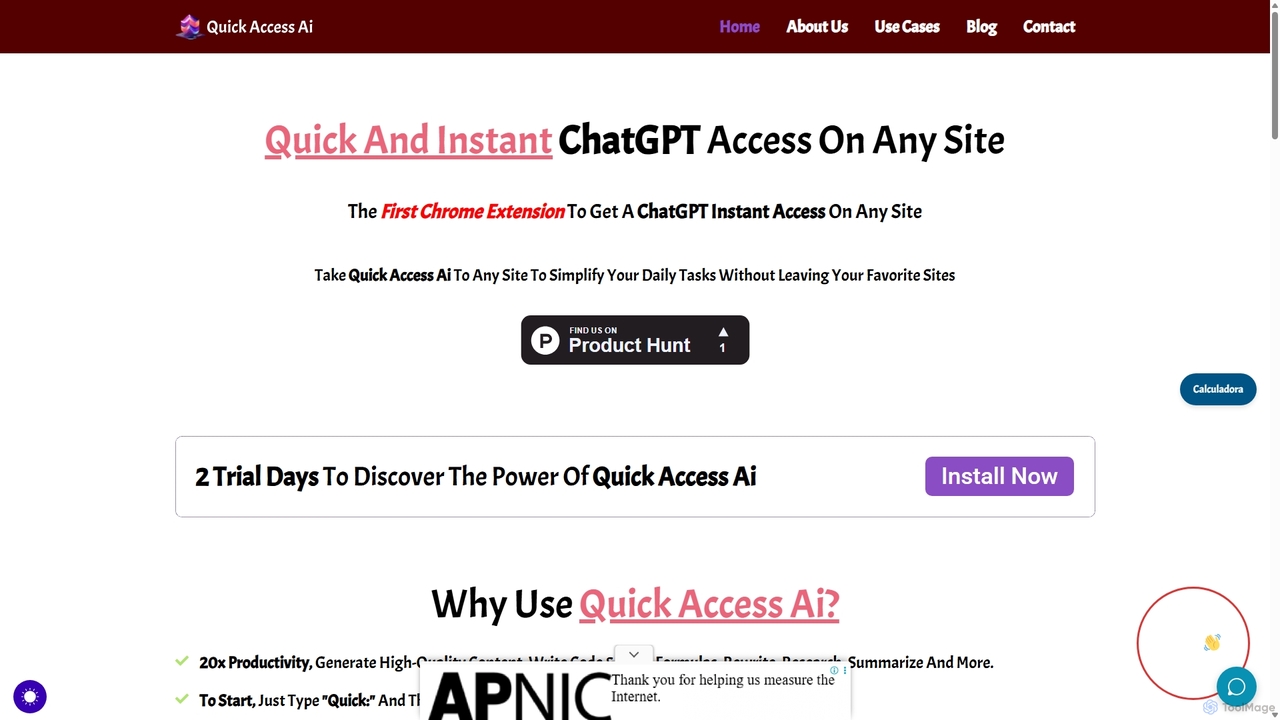
Quick Access Ai
Quick Access Ai is a Chrome extension that provides instant access to ChatGPT on any website. By simply typing a command, users can generate content, write code, summarize text, and perform research without switching tabs. It aims to boost productivity by integrating AI assistance directly into your existing workflow, making daily tasks faster and more efficient.
Code Assistant
Merlin AI
Merlin is an all-in-one AI assistant, available as a browser extension and app, that integrates top AI models like GPT-4, Claude 3, and Gemini. It allows you to research, write, summarize content, generate images, and code with a single click on any website, streamlining your workflow and boosting productivity without switching tabs.
Chrome Extensions
IMean AI Builder
iMean AI Builder is a no-code platform that allows you to create a personal AI assistant by simply recording your online activities. It learns from your actions, turning repetitive tasks like scheduling, research, and data entry into automated workflows. Customize your AI with a drag-and-drop editor to build a truly personalized digital companion.
No CodeSkeptic Reader
Skeptic Reader is a free AI-powered browser extension for Chrome and Firefox that detects biases and logical fallacies in real-time. It analyzes web articles and YouTube transcripts, providing content scores, counter-arguments, and summaries to promote critical thinking and informed online reading.
Fact Checking
Google Gemini
Google Gemini is a powerful, multimodal AI assistant designed to enhance creativity and productivity. It can understand and process text, code, images, and video to help you write, plan, learn, and create. Integrated with Google's ecosystem, it offers features like advanced content generation, deep research, and seamless collaboration within Google apps.
Image Generator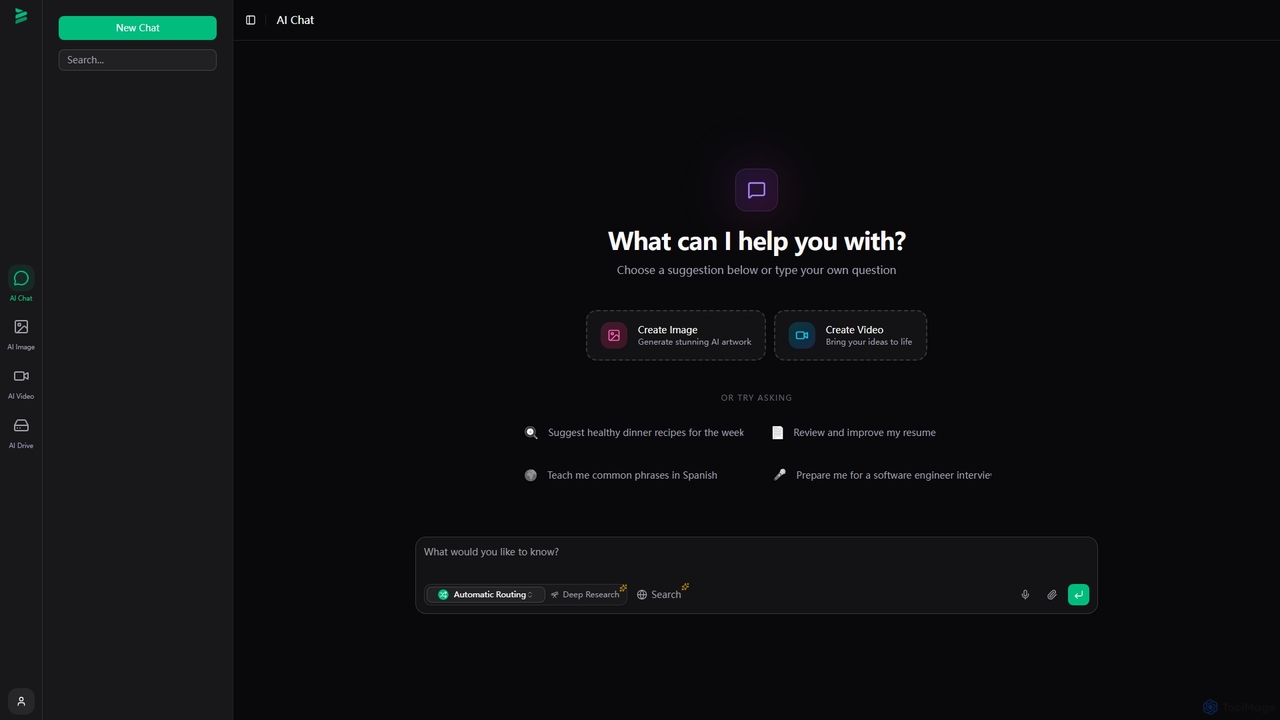
Brome AI
Brome AI is a comprehensive platform offering advanced AI tools for chat, image generation, and video creation. It integrates an intelligent conversational AI, a powerful image generator for stunning visuals, and a dynamic video creator to bring ideas to life. With a dedicated AI Drive for content management, Brome AI streamlines creative workflows and enhances productivity for various tasks.
Image Generation
Gpt All Star
Gpt All Star is an all-in-one AI platform providing access to a curated collection of specialized GPT agents. Select from a roster of 'all-star' assistants for tasks like writing, coding, marketing, and data analysis to get expert-level results from a single, user-friendly interface.
Code Assistant
Side Space
Side Space is a powerful AI assistant that integrates seamlessly into your desktop workflow. It operates from a convenient sidebar, providing instant access to AI-powered tools for writing, coding, and general productivity without ever leaving your current application. Enhance your efficiency with contextual actions on selected text and customizable commands.
Code AssistantTubetranscript
Tubetranscript is a free, AI-powered tool that effortlessly generates accurate transcripts and summaries from any YouTube video. It requires no software installation or user registration, providing instant results with timestamps directly in your browser.
Writing
rimo
Rimo is a human-centered AI writer that transforms your spoken ideas into structured, polished text. Through a conversational AI interview, it listens, asks clarifying questions, and instantly generates drafts for articles, reports, blogs, and more. It's designed to streamline content creation, allowing you to focus on your thoughts rather than the mechanics of writing.
Transcription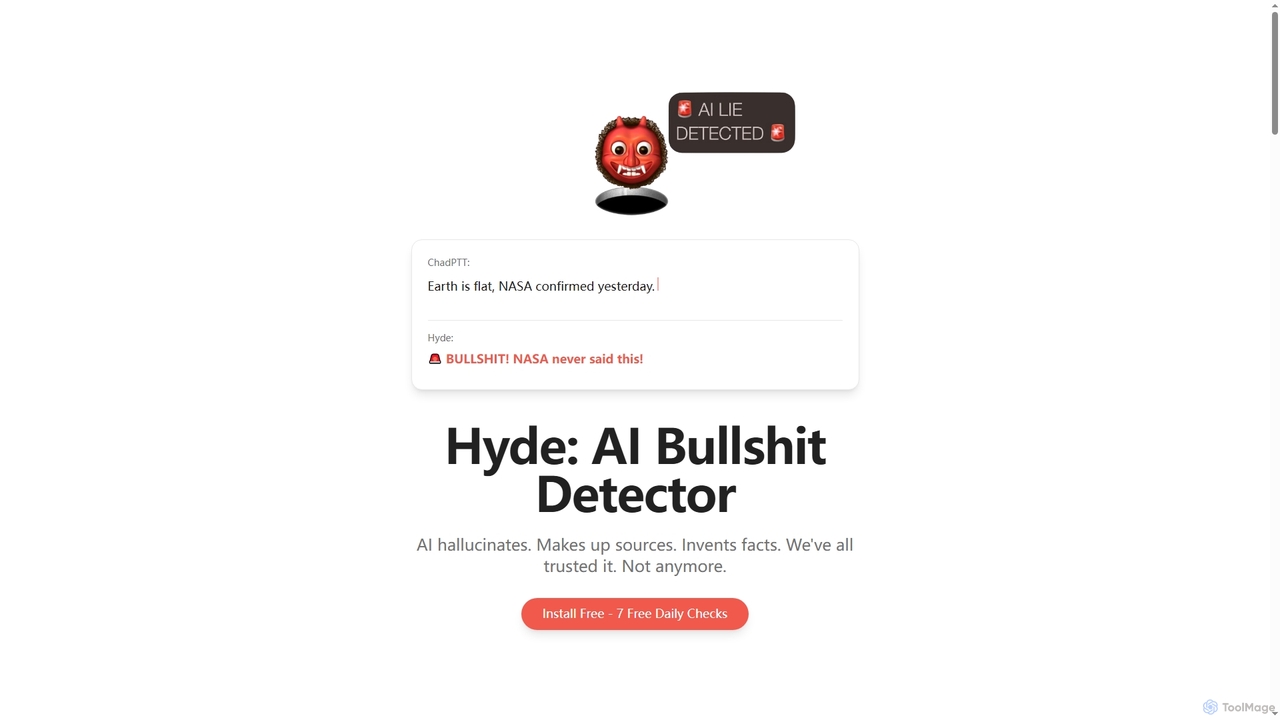
Hyde
Hyde is an AI Bullshit Detector designed to instantly verify AI-generated content, catching hallucinations, invented facts, and fake sources. It acts as an AI verificator, challenging assumptions and providing real-time truth checks across various LLMs like ChatGPT, Claude, and Gemini.
Extension
Sider
Sider is a powerful AI copilot integrated into your browser sidebar. It brings ChatGPT, GPT-4, Claude 3, and Gemini to any webpage, allowing you to seamlessly summarize content, enhance your writing, explain complex topics, and chat with documents or videos. It streamlines your workflow by eliminating the need to switch between tabs, boosting your overall productivity and creativity.
Learning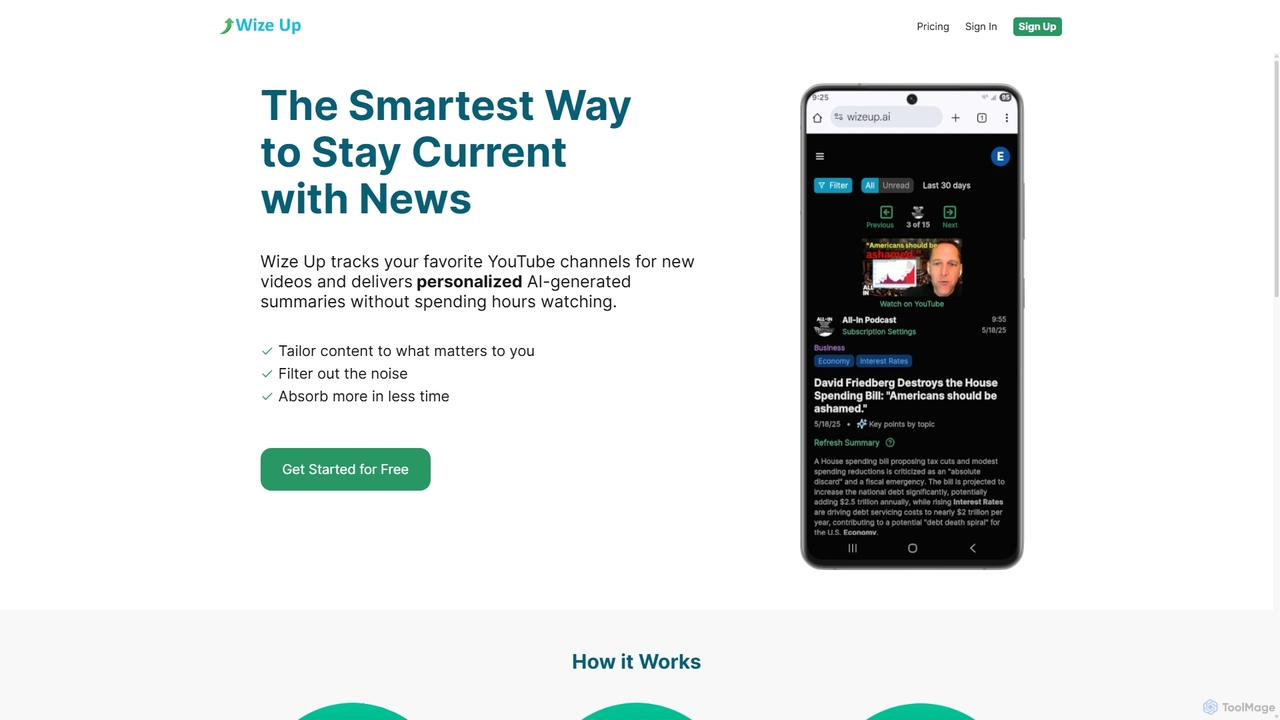
Wize Up
Wize Up is an AI-powered tool that transforms your YouTube experience by summarizing videos from your favorite channels. It delivers personalized, AI-generated summaries and daily digests to your email or in-app, saving you hours of watch time. Customize summary length, style, and language to focus on what matters most. With features like timestamped key moments and advanced filtering, Wize Up helps you absorb more information in less time and stay current with news, podcasts, and educational content effortlessly.
Learning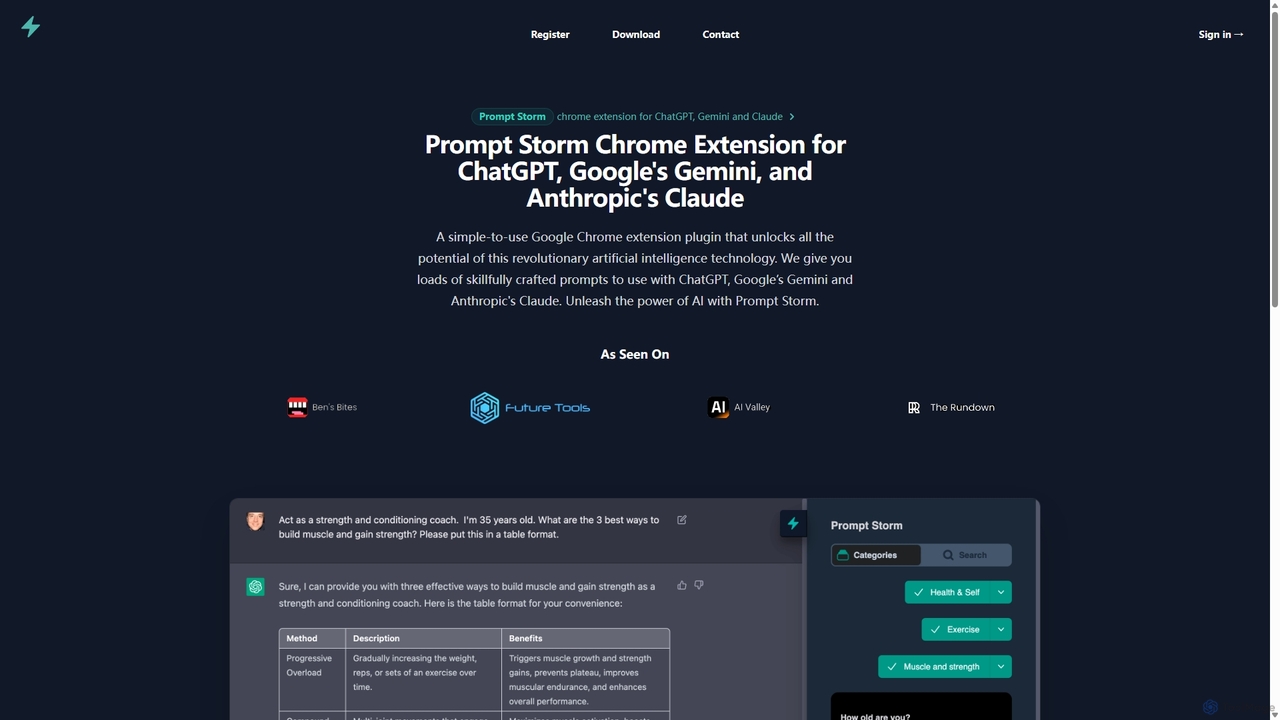
Prompt Storm
Prompt Storm is a powerful Chrome extension that enhances your interactions with ChatGPT, Google Gemini, and Anthropic's Claude. It provides a vast library of expertly crafted prompts, enabling users to unlock the full potential of AI for tasks like content creation, marketing, coding, and learning. Boost your productivity and get higher-quality AI responses with just a few clicks.
Code Generation
VidQuest AI Comments (0)
Sign in to comment.
Sign inNo comments yet.