
AutoPod Overview
AutoPod is a revolutionary pack of plugins designed specifically for Adobe Premiere Pro, aiming to automate the most tedious aspects of video podcast and show editing. Developed by editors for editors, AutoPod understands the real-world challenges of post-production and offers intelligent solutions that can save countless hours in your weekly production schedule. It integrates seamlessly into your existing Premiere Pro workflow, acting as an AI-powered assistant to handle complex and repetitive tasks with precision.
The suite consists of three powerful tools: the Multi-Camera Editor, the Social Clip Creator, and the Jump Cut Editor. Each is designed to tackle a specific, time-consuming part of the editing process, allowing creators and editors to focus on the more creative aspects of storytelling. Whether you're producing a multi-person interview, repurposing content for social media, or cleaning up a single-speaker video, AutoPod provides the automation needed to dramatically accelerate your workflow.
How to use AutoPod
Using AutoPod is designed to be intuitive and straightforward, fitting directly into the Adobe Premiere Pro environment. Here's a general workflow:
- Installation: First, download and install the AutoPod plugins into your Adobe Premiere Pro application. After purchase, you will receive a license key to activate the software on your machine.
- For Multi-Camera Editing: Open your multi-camera project in Premiere Pro, with all camera angles and corresponding isolated audio tracks synced on the timeline. Launch the Multi-Camera Editor from the extensions menu. Configure your settings, such as specifying which audio track corresponds to which camera, setting the desired frequency for wide shots, and choosing your editing method (e.g., standard cuts or multi-cam enable/disable). Click 'Run', and AutoPod will analyze the audio to automatically cut between speakers, creating a near-finished edit in minutes.
- For Social Clips: Select a compelling segment of your timeline using in and out points. Open the Social Clip Creator. Choose your desired aspect ratio (e.g., 9:16 for Reels/Shorts, 1:1 for Instagram posts). You can also configure it to automatically add watermarks, end-pages, and apply Auto-Reframe to keep the speaker in the frame. AutoPod will then generate a new sequence with these settings, ready for batch export.
- For Jump Cuts: Select the clip you want to edit. Open the Jump Cut Editor. Set a decibel (dB) threshold to define what the tool should consider 'silence'. AutoPod will then automatically remove all silent segments, creating a dynamic, fast-paced jump cut edit, perfect for engaging social media content.
Core Features of AutoPod
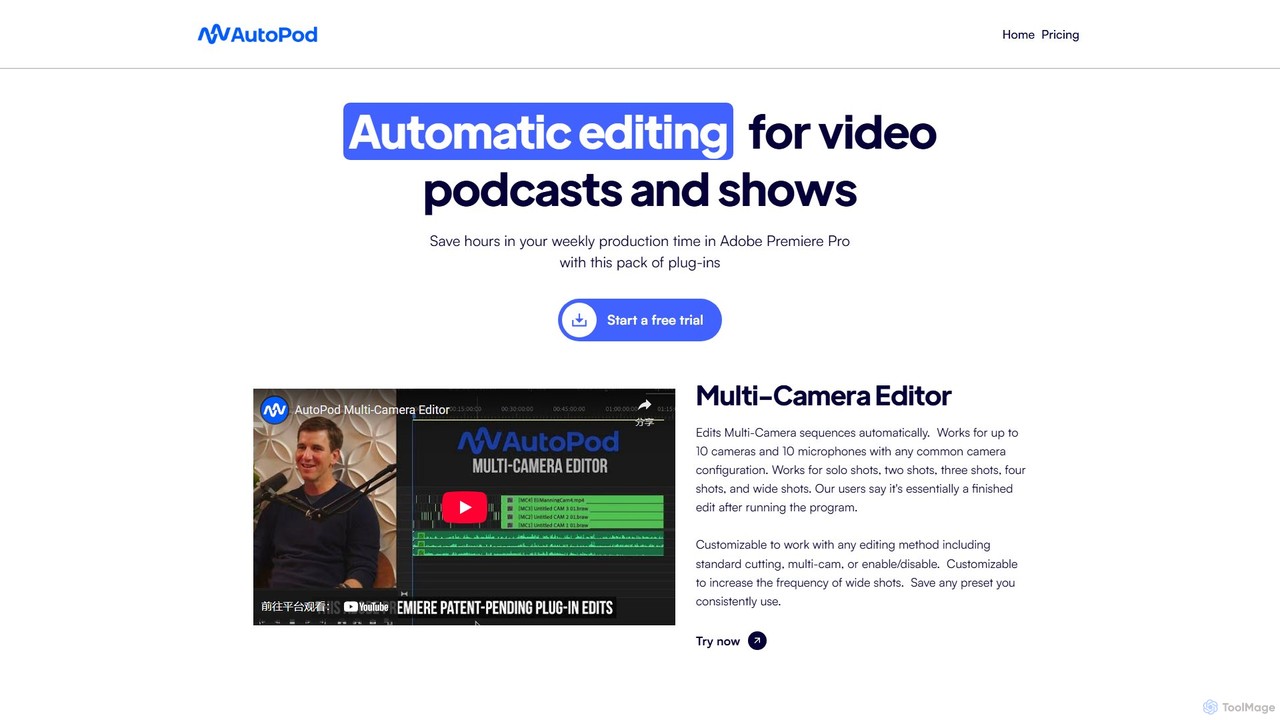
- Multi-Camera Editor: Automatically edits sequences with up to 10 cameras and 10 microphones. It intelligently switches between speakers based on who is talking, and can be customized to include wide shots, two-shots, and other configurations. It supports various editing styles, including standard cuts and multi-cam workflows.
- Social Clip Creator: Instantly repurposes long-form content into short-form vertical, square, or horizontal clips for social media. It automatically handles resizing, reframing (with Auto-Reframe), and can add branding elements like watermarks and end-pages.
- Jump Cut Editor: Creates jump cuts automatically by detecting and removing silent portions from your footage. Users can easily define the silence threshold to achieve the perfect pace for their content.
- Customizable Presets: Save your frequently used settings for any of the editors as presets to further speed up your workflow on future projects.
Use Cases for AutoPod
AutoPod is ideal for a wide range of content creators and video professionals:
- Podcast Producers: Drastically reduce editing time for video podcasts with multiple hosts and guests. The Multi-Camera Editor can handle complex conversations effortlessly.
- YouTubers and Interviewers: Automate the cutting process for interview-style videos, ensuring a professional and engaging final product without spending hours on manual cuts.
- Social Media Managers: Quickly and efficiently create dozens of social media clips from a single long-form video, maximizing content reach across platforms like TikTok, Instagram Reels, and YouTube Shorts.
- Corporate Video Editors: Speed up the editing of corporate meetings, webinars, and panel discussions, turning them into polished videos in a fraction of the time.
Advantages of AutoPod
The primary advantage of AutoPod is the massive amount of time it saves. Repetitive tasks that would normally take hours of manual work can be completed in minutes. This automation allows editors to take on more projects or spend more time on creative enhancements. The tool is highly customizable, ensuring it adapts to your specific editing style rather than forcing you into a rigid workflow. Designed by professional editors, it addresses practical, everyday problems with an effective and reliable solution, delivering results that users describe as a 'finished edit'.
Pricing and Plans
AutoPod offers a straightforward subscription model to access its full suite of tools.
- Individual License: $29 per month. This plan includes the AutoPod Multi-Camera Editor, Social Clip Creator, and Jump Cut Editor.
- Free Trial: New users can start with a 30-day free trial on the monthly subscription to test all features thoroughly.
- Annual Billing: Users who opt for an annual subscription receive a discount equivalent to one month free per year.
Each license is valid for use on one computer at a time, but it can be easily deactivated and moved to a new machine via their website.
Traffic
Latest traffic
Status
Monthly traffic trend
- 2025-9: 80.1K
- 2026-1: 91.1K
- 2026-2: 84.9K
- 2026-3: 103.8K
- 2026-4: 95.5K
- 2026-5: 97.4K
Geography
Top 5 countries / regions
- 🇮🇳India36.9%
- 🇺🇸United States31.3%
- 🇵🇰Pakistan15.8%
- 🇬🇧United Kingdom8.4%
- 🇲🇽Mexico7.6%
Traffic sources
| Source type | Percentage |
|---|---|
Direct | 67.7% |
Referral | 30.3% |
Email | 2.0% |
Top keywords
| Keyword | Cost per click |
|---|---|
| auto pod | $0.00 |
| autopod | $2.32 |
| autopod ai | $0.58 |
| autopod login | $0.00 |
| autopod premiere pro | $0.00 |
AutoPod Videos on YouTube






Osman 002
AutoPod Alternatives
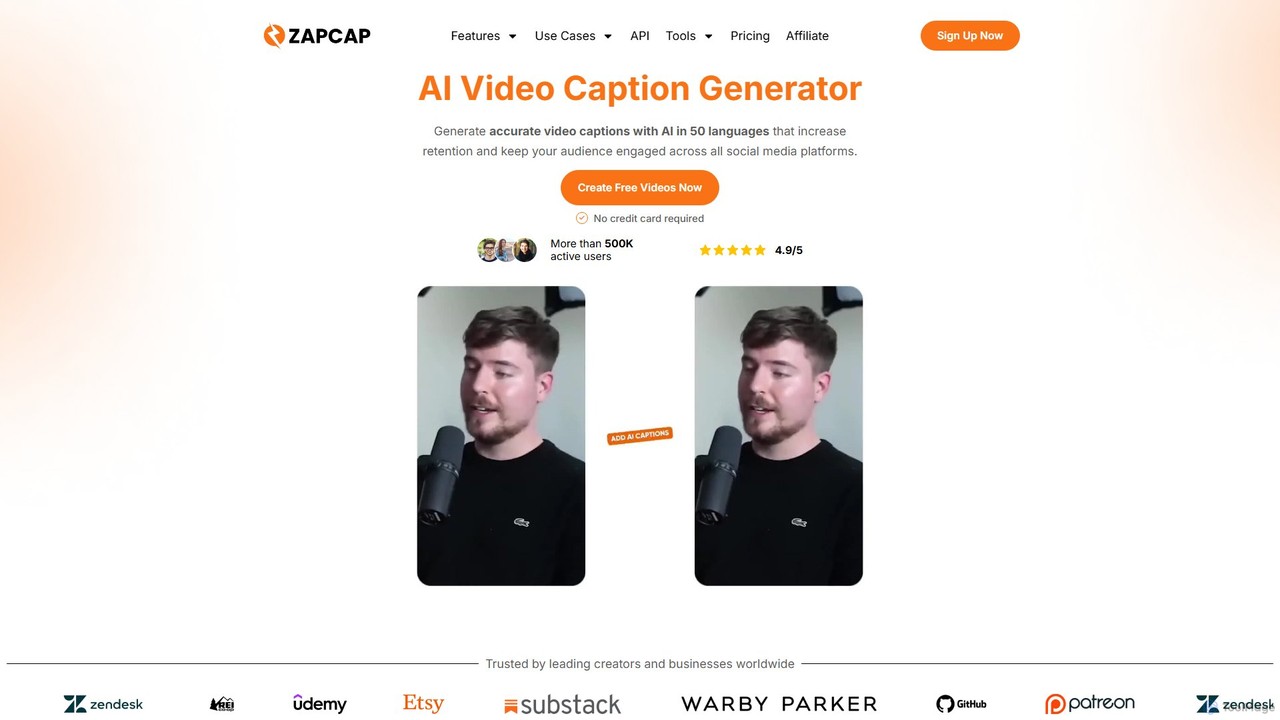
zapcap
zapcap is an AI-powered video editing platform designed to create viral short-form videos with ease. It automatically generates accurate captions in over 50 languages, removes silences, creates short clips from long videos, adds B-roll, sound effects, and generates SEO-optimized descriptions. It's an all-in-one tool for content creators, marketers, and businesses to boost engagement and save time.
Video Marketing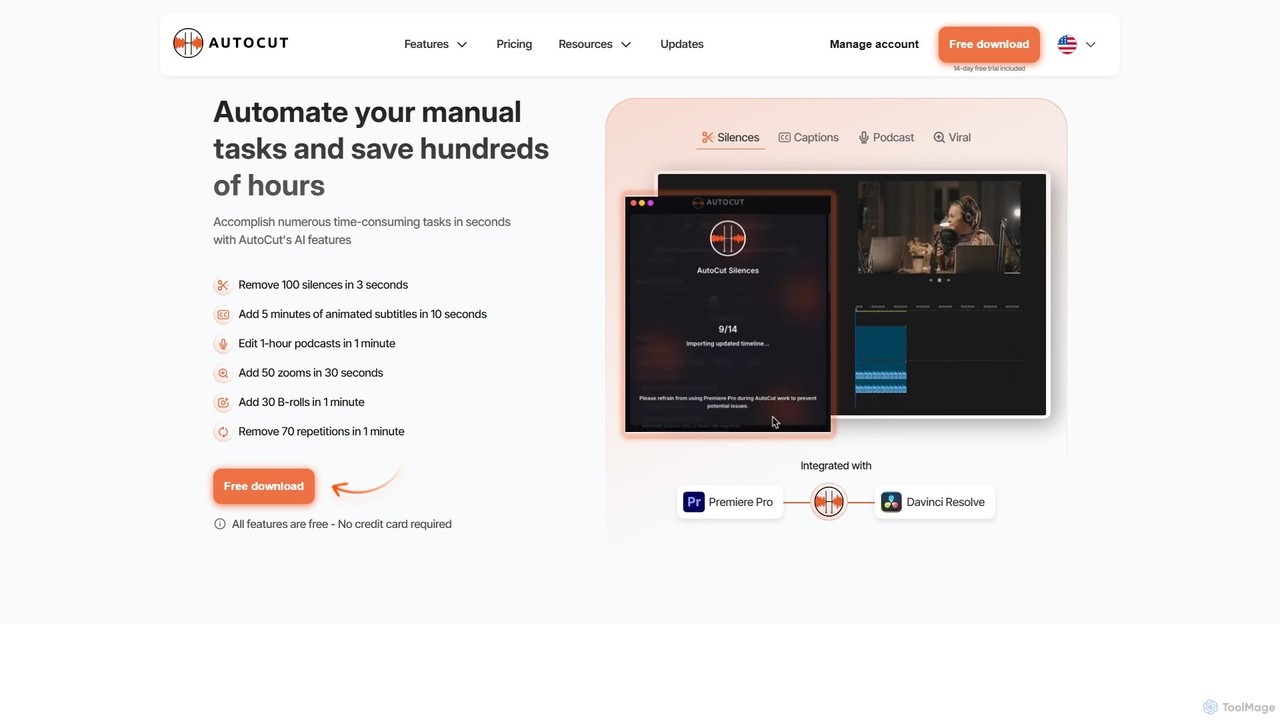
AutoCut
AutoCut is an AI-powered plugin for Adobe Premiere Pro and DaVinci Resolve that automates tedious video editing tasks. It saves editors hours by automatically removing silences, generating animated captions, editing multi-camera podcasts, adding dynamic zooms, and much more, streamlining the entire workflow.
Automation
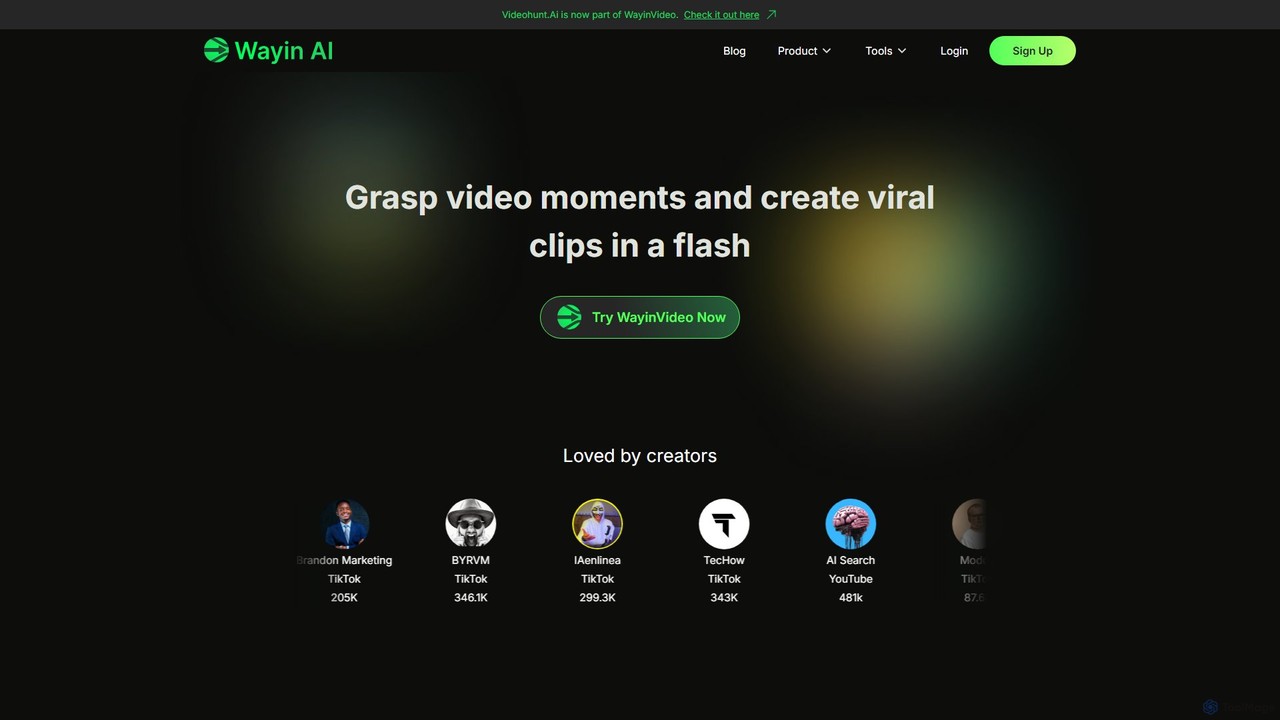
WayinVideo
WayinVideo is an AI-powered platform designed for content creators and marketers to effortlessly transform long-form videos into engaging, viral short clips. By simply pasting a video link or uploading a file, the AI automatically identifies key moments, generates animated captions, and reframes content for social media platforms like TikTok, YouTube Shorts, and Instagram Reels, saving hours of manual editing.
Automation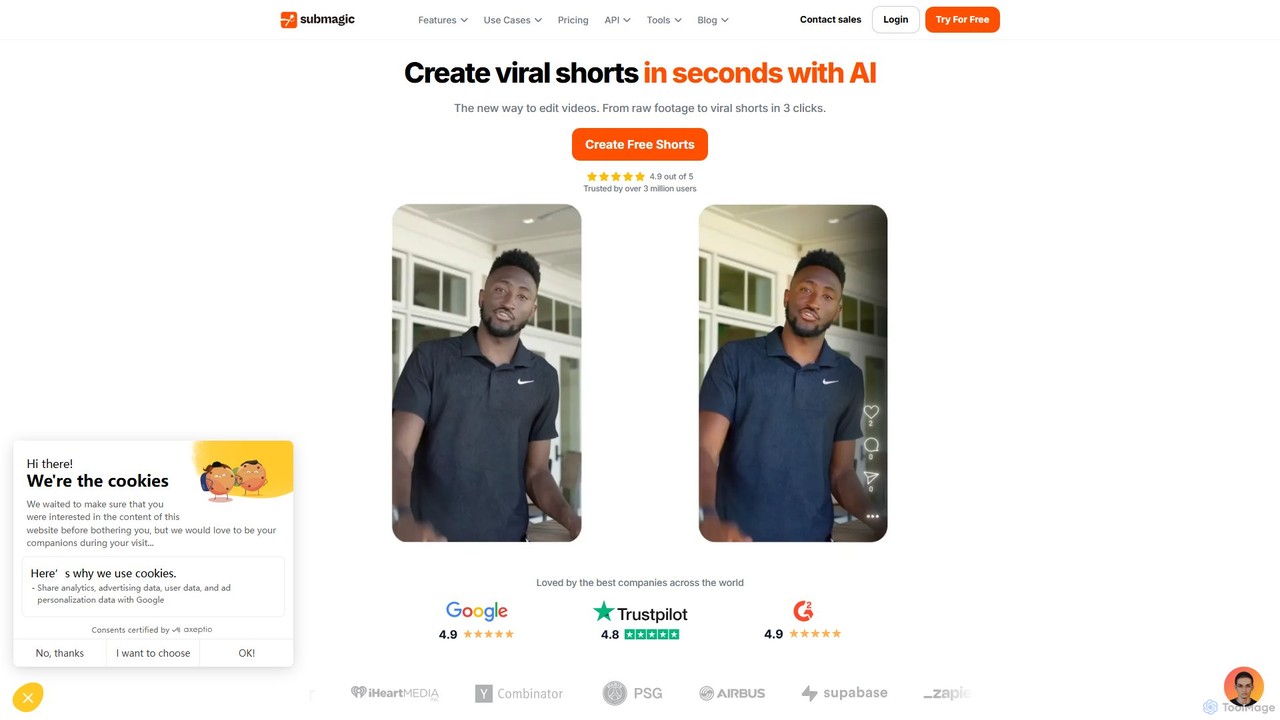
Submagic
Submagic is an all-in-one AI platform designed for creating viral short-form videos in seconds. It automates tedious editing tasks by generating trendy captions with emojis, adding dynamic B-rolls, creating smooth transitions, and extracting key moments from long videos. It's the perfect tool for content creators, marketers, and businesses looking to boost engagement and save time on video production.
AutomationAutoPod Categories
AutoPod Embed Widget
Copy this embed code to place the badge on your blog, article, or product site and send readers directly to this ToolMage detail page.

Related AI tools
zapcap
zapcap is an AI-powered video editing platform designed to create viral short-form videos with ease. It automatically generates accurate captions in over 50 languages, removes silences, creates short clips from long videos, adds B-roll, sound effects, and generates SEO-optimized descriptions. It's an all-in-one tool for content creators, marketers, and businesses to boost engagement and save time.
Video MarketingAutoCut
AutoCut is an AI-powered plugin for Adobe Premiere Pro and DaVinci Resolve that automates tedious video editing tasks. It saves editors hours by automatically removing silences, generating animated captions, editing multi-camera podcasts, adding dynamic zooms, and much more, streamlining the entire workflow.
Automation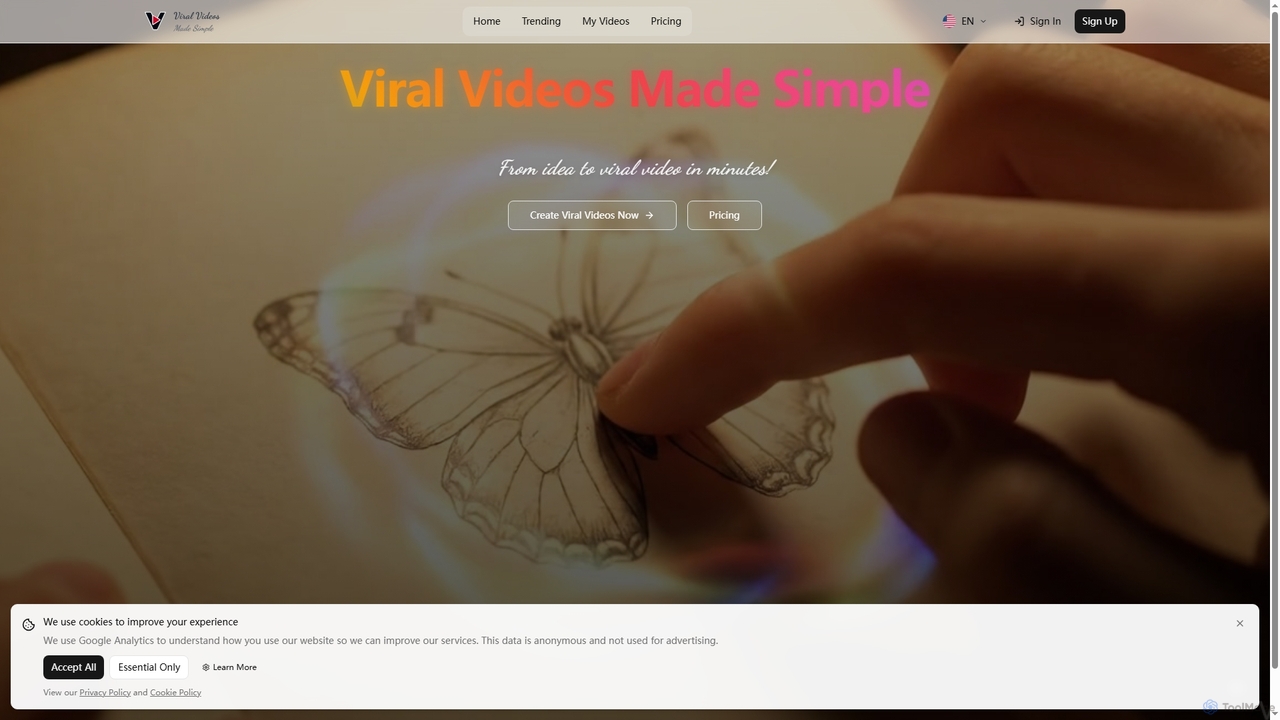
Veo3Video
Veo3Video is an AI-powered video generator designed to simplify the creation of viral-ready videos. It enables users to transform ideas into high-quality video content in minutes, offering a cost-effective and efficient solution for various content creation needs.
Social Media Content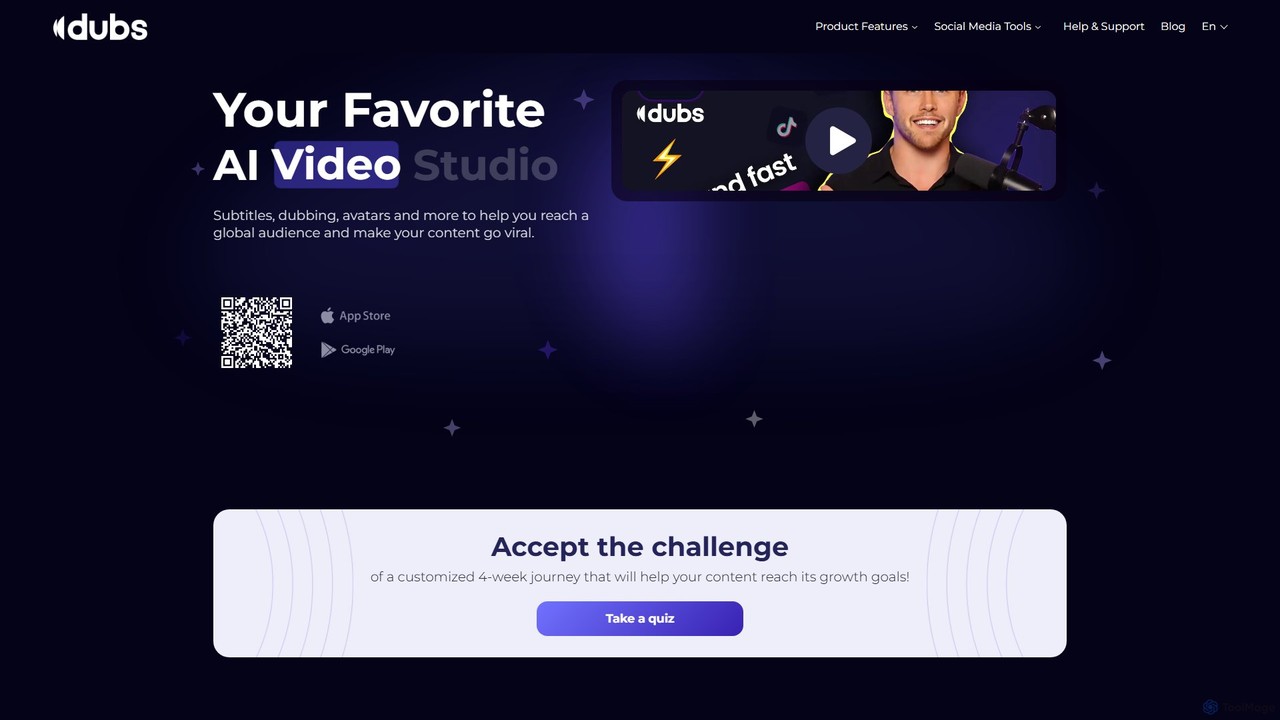
dubs
dubs is an all-in-one AI video studio designed for content creators and businesses. It offers a suite of powerful tools including automatic subtitles in 100+ languages, voice-cloning dubbing, AI avatars, and script generation. Enhance your videos, reach a global audience, and make your content more accessible and engaging with features like a teleprompter, noise removal, and customizable captions.
Transcription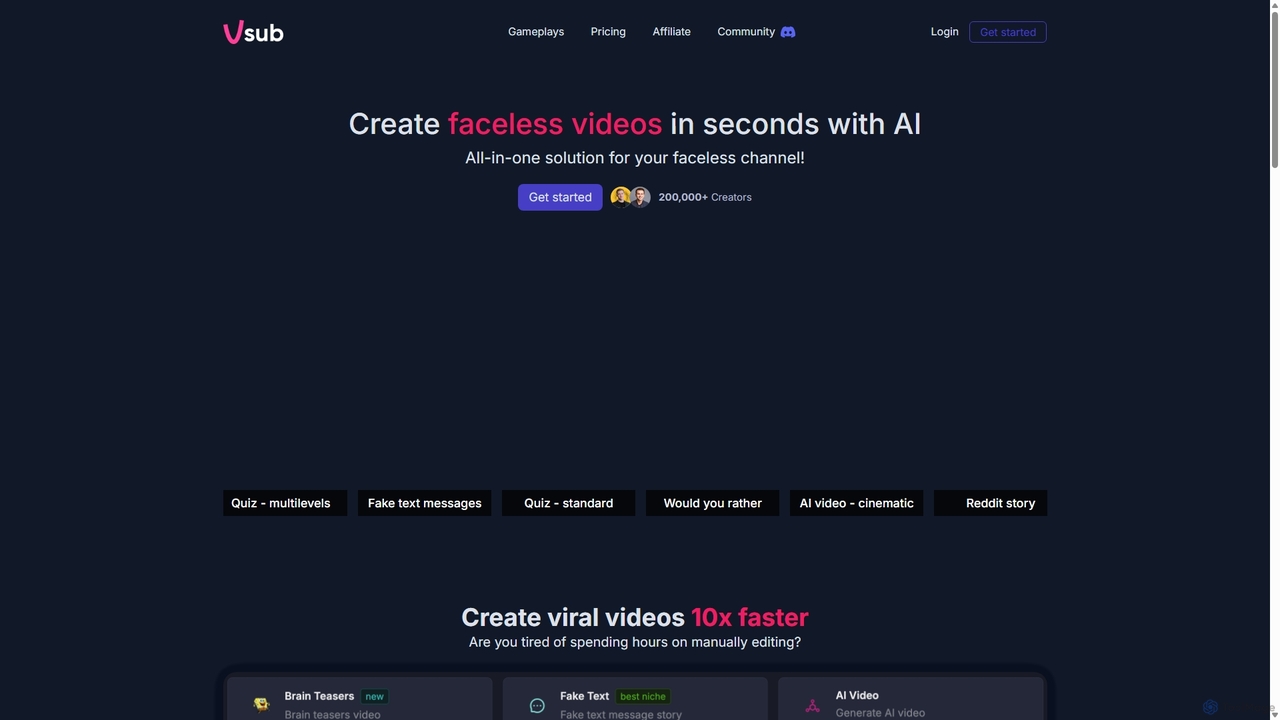
Vsub
Vsub is an AI-powered platform designed for creating engaging, faceless short videos in seconds. It serves as an all-in-one solution for content creators, enabling them to produce viral content for platforms like YouTube Shorts, TikTok, and Instagram Reels 10x faster than traditional methods.
Automation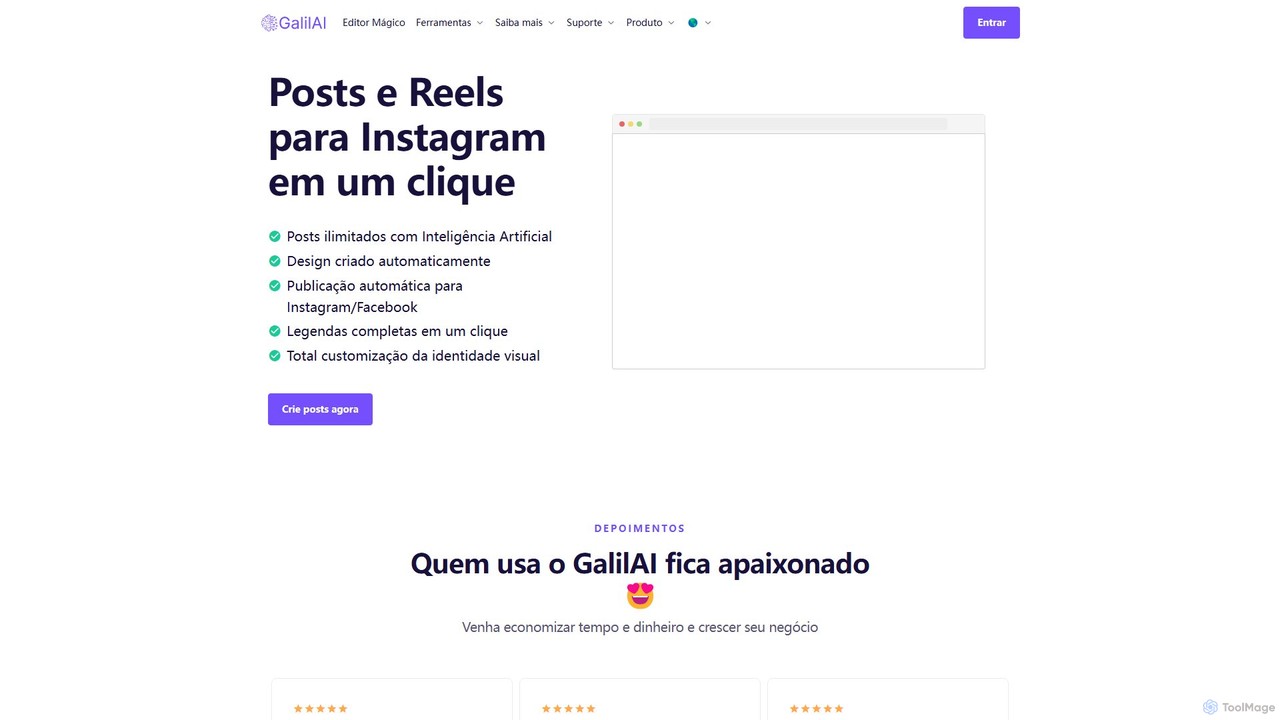
GalilAI
GalilAI is an AI-powered platform designed to help entrepreneurs and professionals create and schedule high-quality Instagram and Facebook posts in seconds. It automates both content and design generation, providing fully customizable templates, AI-written captions, and an integrated content calendar to save time and grow your business online.
Social Media Marketing
Pixelhunter
Pixelhunter is a free, AI-powered image resizer designed specifically for social media. It leverages intelligent object recognition to automatically crop and resize any uploaded image into over 100 optimal sizes for platforms like Instagram, Facebook, Twitter, and YouTube. This eliminates the tedious manual work of cropping, ensuring your images are perfectly formatted for every social media post, profile picture, or cover photo. It's a fast, smart, and efficient tool for marketers and content creators.
Image Resizing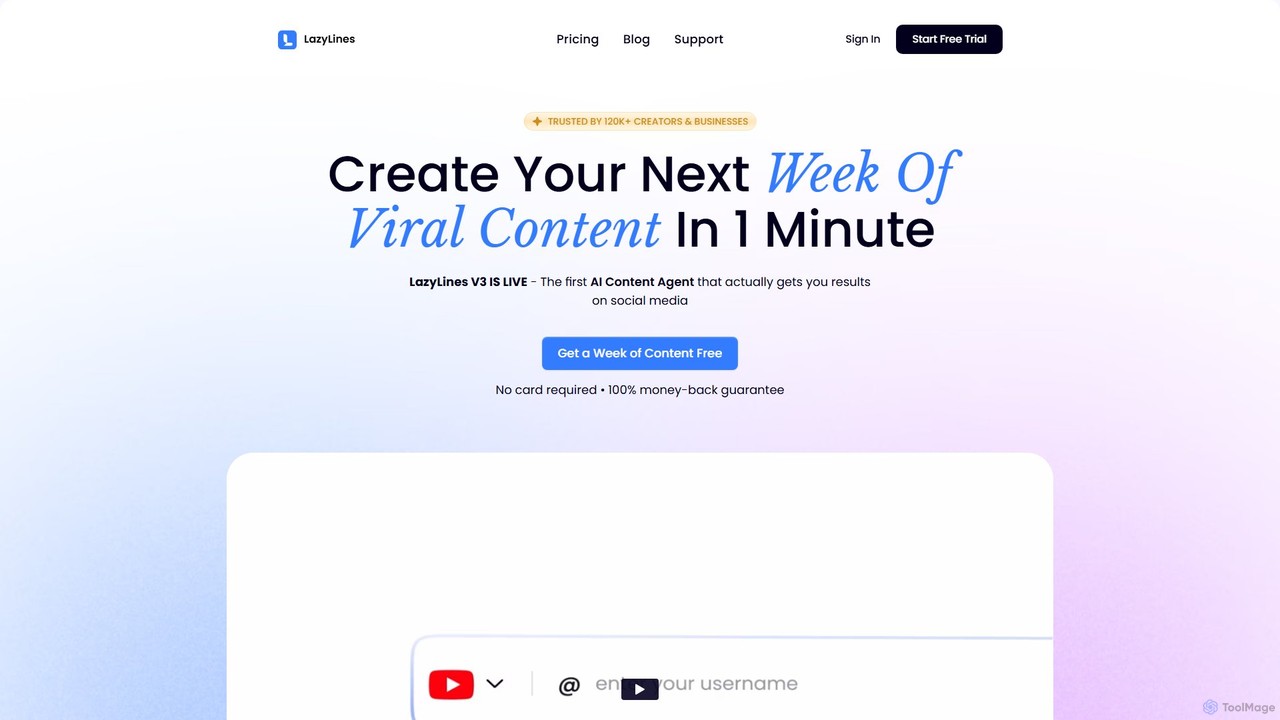
LazyLines
LazyLines is an AI-powered content studio designed for social media. It helps creators, agencies, and marketers generate viral content ideas, scripts, and posts in minutes. By analyzing top-performing content, it creates personalized, high-impact posts in your unique brand voice, saving you time and eliminating content burnout.
Social Media Marketing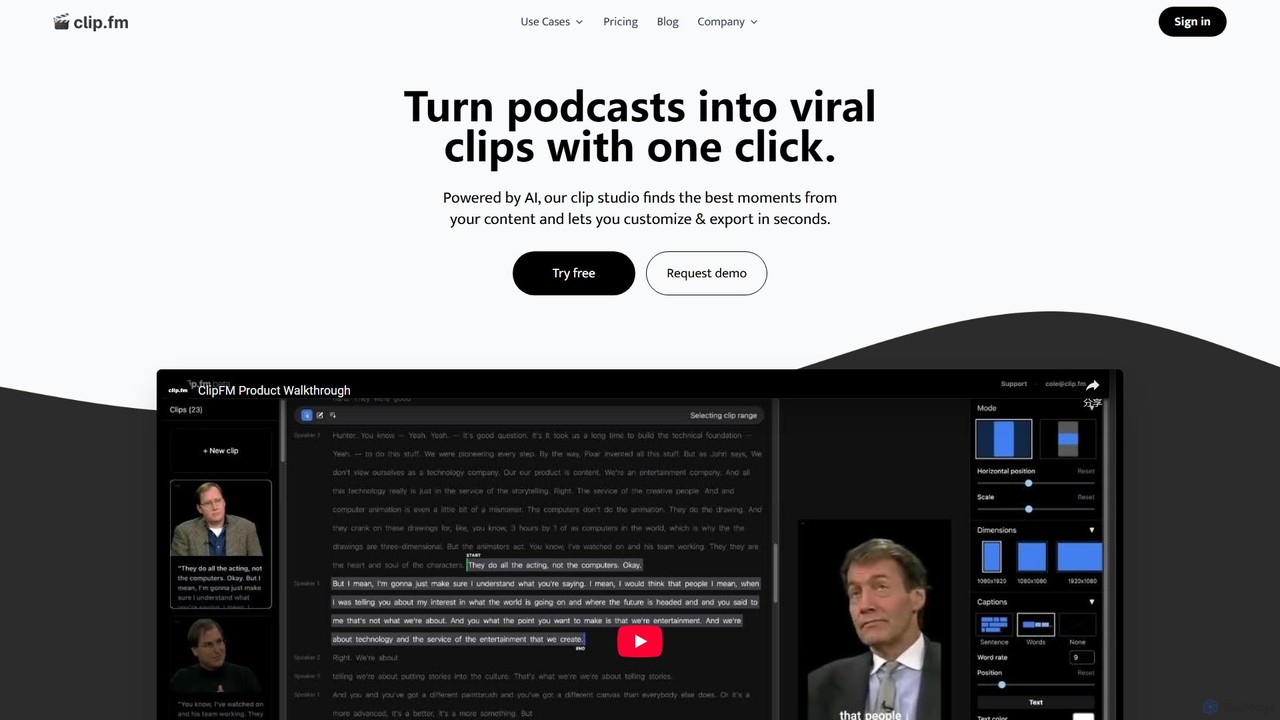
ClipFM
ClipFM is an AI-powered tool that automatically transforms long-form videos and podcasts into engaging, shareable short clips for social media. It identifies the most compelling moments, adds captions, and allows for quick customization, helping creators, podcasters, and marketers save time and expand their audience reach.
Repurposing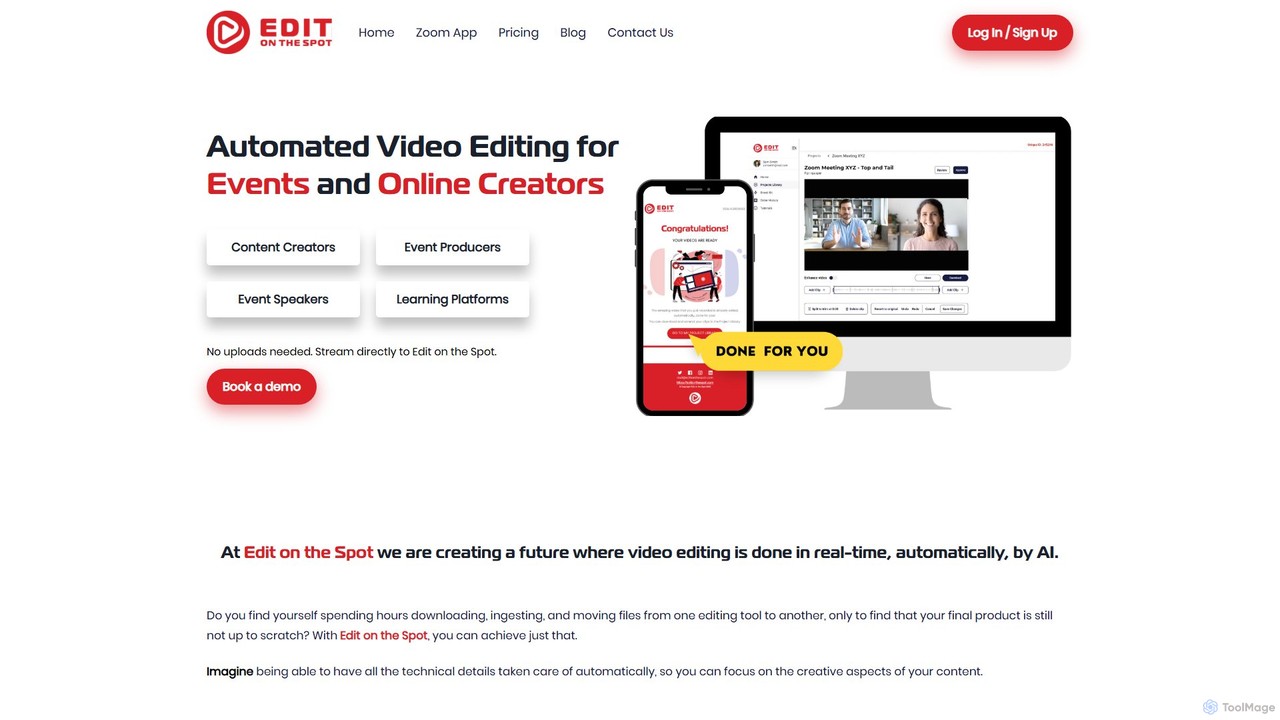
Edit on the Spot
Edit on the Spot is an AI-powered video editing tool designed for online creators. It automatically trims silence from the beginning and end of recordings from platforms like Zoom, MS Teams, and OBS. Users can instantly add custom intros and outros, receiving a download link for a professionally polished, full HD video within minutes of finishing their session.
Content Creation
Vivu.ai
Vivu.ai is an AI-powered video editing platform that simplifies and accelerates the video creation process. It uses AI to automatically generate smart rough cuts, index and search video content, and suggest background music, enabling creators of all skill levels to produce professional-quality videos with ease.
Social Media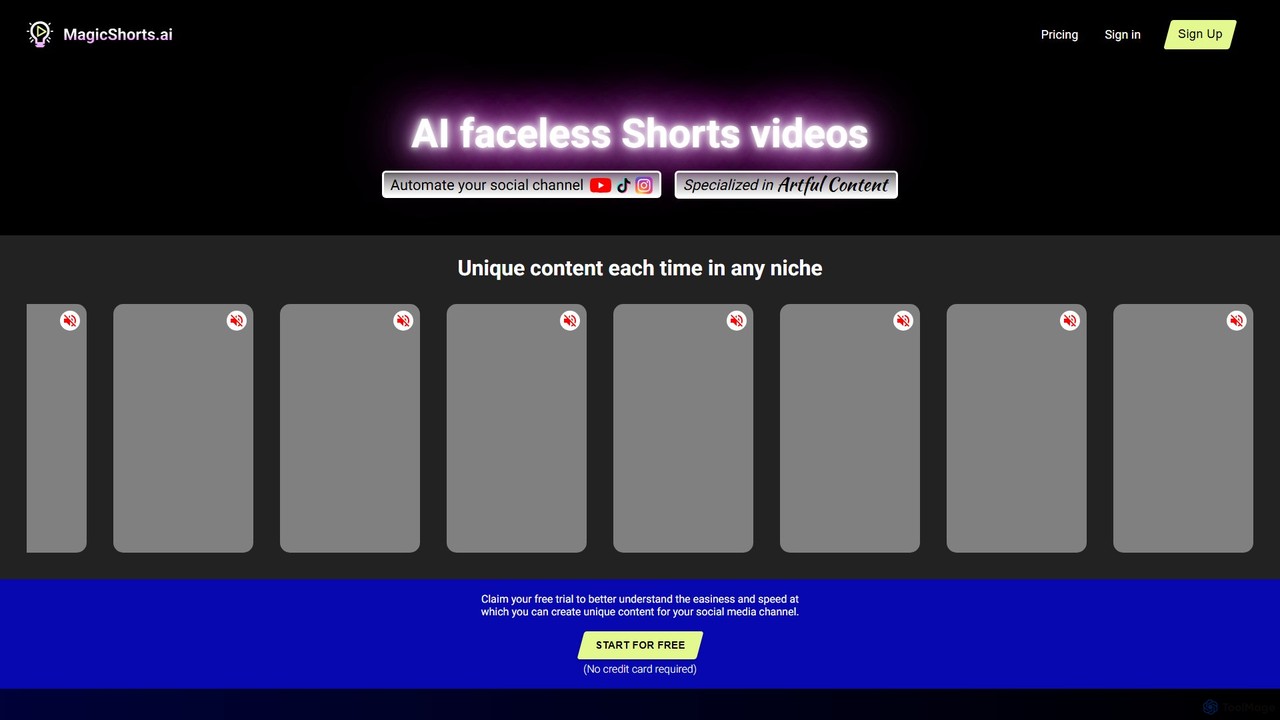
magicshorts
magicshorts is an AI-powered platform that automates the creation of unique, faceless short videos for social media. Simply provide a topic, and the tool generates a script, adds a lifelike AI voiceover, and pairs it with stunning artistic visuals and background music. It's designed for content creators who want to produce engaging content for YouTube Shorts, TikTok, and Reels without appearing on camera.
Automation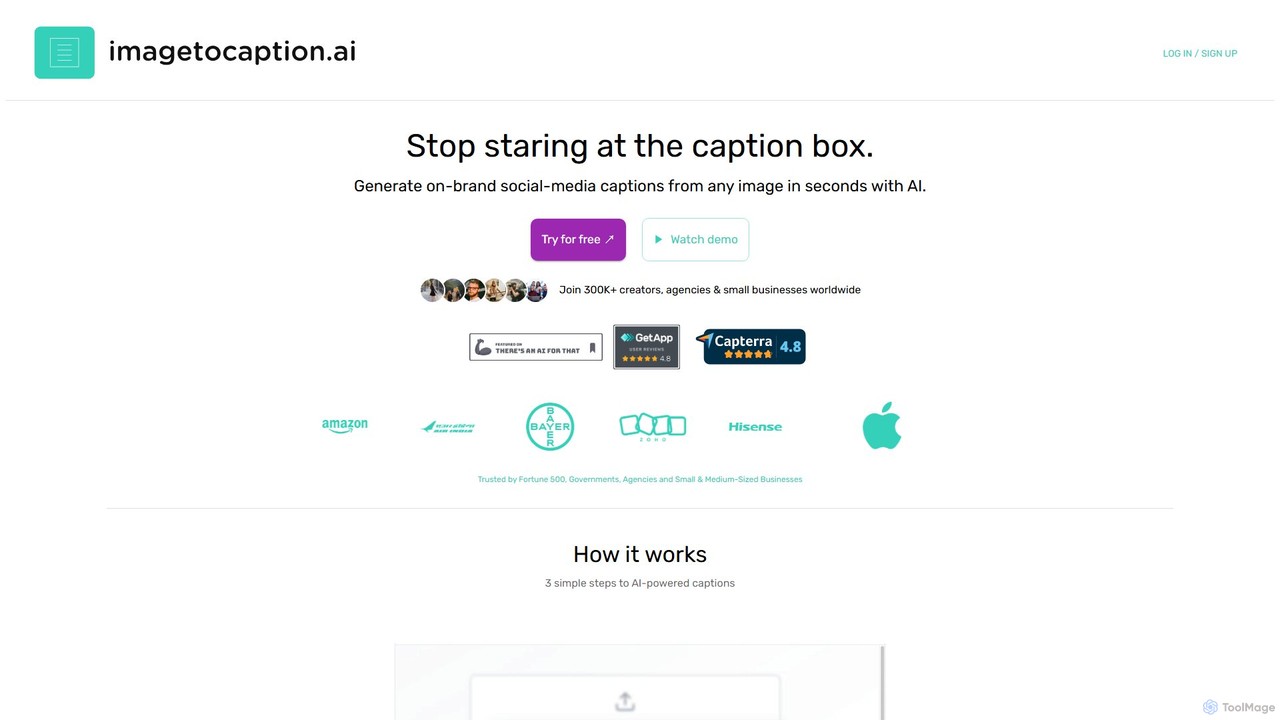
imagetocaption.ai
imagetocaption.ai is an AI-powered tool that automatically generates engaging and on-brand captions for images and videos. Designed for social media managers, content creators, and businesses, it saves hours of work by creating customized captions, hashtags, and calls-to-action in over 27 languages. Its unique brand voice feature ensures all content remains authentic and consistent.
Social Media Copy
SmartEdit
SmartEdit is an AI-powered video editing tool designed for content creators to effortlessly transform long videos into engaging, viral-ready short clips in seconds. It automates transcription, adds trendy animated captions, and integrates relevant b-roll to maximize watch time and audience engagement.
Automation
AutoPod Comments (0)
Sign in to comment.
Sign inNo comments yet.