

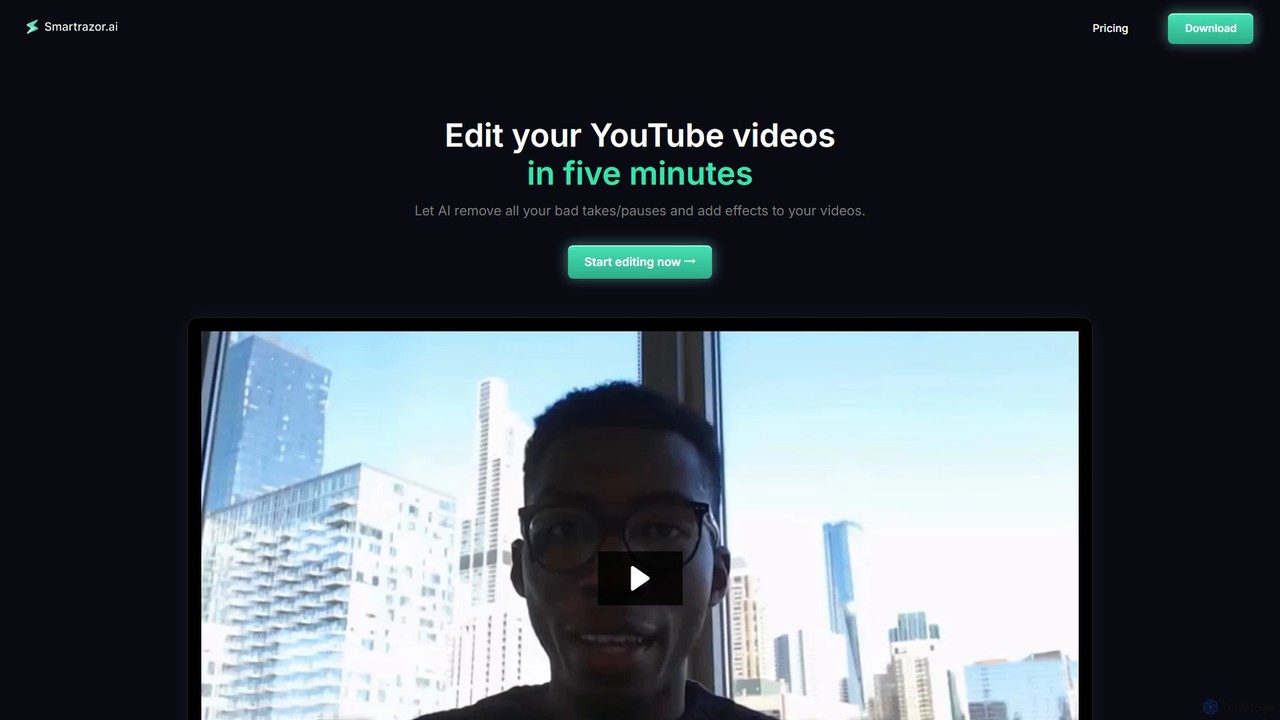
smartrazor Overview
smartrazor is a revolutionary AI video editing software designed to streamline the content creation workflow for YouTubers, online business owners, and content agencies. It specifically targets the most time-consuming aspect of video production: editing raw footage. For creators who primarily produce 'talking-head' style content, smartrazor offers a near-automated solution, transforming hours of editing work into a task that takes mere minutes.
The core premise of smartrazor is to eliminate the manual labor of sifting through footage to cut out mistakes, filler words (like 'ums' and 'ahs'), and long, unnatural pauses. The AI engine analyzes the video and its audio, intelligently identifying and removing these imperfections to create a seamless, professional final cut. This not only saves an immense amount of time but also helps creators maintain a consistent publishing schedule, a key factor for channel growth and audience engagement, while preventing the common issue of creator burnout.
How to use smartrazor
The workflow is designed for simplicity and efficiency, requiring just three main steps:
- Record or Upload: Users can either record their video directly within the smartrazor application (available for Apple & Windows) or upload existing raw footage from their computer.
- AI-Powered Editing: Once the video is loaded, smartrazor's AI gets to work. It automatically processes the content, making intelligent cuts to remove all identified mistakes and awkward silences. It also applies dynamic effects like engaging zoom placements to keep the viewer's attention and adds animated captions for better accessibility and retention.
- Review and Export: The user is presented with a polished draft. Using the intuitive text-based transcript editor, they can easily review the AI's cuts and make fine-tune adjustments by simply editing the text, without needing to scrub through the video timeline. Once satisfied, the video can be exported directly to YouTube, downloaded as a full video file, or saved as individual clips for repurposing.
Core Features of smartrazor
- AI Mistake Cutting: The flagship feature that automatically detects and removes bad takes, stumbles, and long pauses from your raw footage, saving dozens of hours per week.
- Text-Based Video Editing: Edit your video like a text document. The entire video is transcribed, and any changes made to the text (like deleting a sentence) are instantly reflected in the video cut, making adjustments incredibly fast and intuitive.
- Automated Captions & Zooms: To enhance viewer engagement, the AI can automatically generate animated captions and strategically place dynamic zooms on the speaker, adding a professional touch that keeps the audience hooked.
- Effects Timeline: Provides granular control over the automated effects. Users can quickly adjust the position and timing of captions and zooms on a simple timeline interface.
- Direct Upload & Recording: Offers the flexibility to either work with pre-recorded files or capture footage directly within the app, simplifying the initial steps of the creation process.
Use Cases for smartrazor
smartrazor is the ideal solution for various types of content creators:
- Solo YouTube Creators: Individuals who handle every aspect of production, from scripting to filming and editing. smartrazor takes the most tedious task off their plate, freeing up time for content strategy and community engagement.
- Online Business Owners & Coaches: Professionals who use video for marketing, online courses, or tutorials. They can quickly produce polished content without needing to hire a video editor or learn complex software.
- Content Agencies: Teams managing multiple client channels can dramatically increase their output and profitability by automating the initial editing pass for all their 'talking-head' style videos.
- Podcasters with Video: Creators who film their podcast sessions can use smartrazor to quickly edit the video version for platforms like YouTube.
Advantages of smartrazor
The primary advantage is a massive increase in efficiency. By automating the editing process, it allows creators to reclaim dozens of hours each week. This leads to significant cost savings, as it can replace the need for a human video editor, which can cost hundreds or thousands of dollars per month. Furthermore, it helps creators avoid burnout by making content production sustainable, enabling them to focus on what they do best: creating valuable content.
Pricing and Plans
smartrazor offers a tiered pricing structure with a free trial to get started.
- Lite Plan: $9/month. Ideal for beginners and side hustles. Includes 80 upload minutes per month and the core Auto-cutting feature.
- Standard Plan: $29/month. Designed for full-time creators and entrepreneurs. Includes 240 upload minutes per month, Auto-cutting, Animated auto captions, and Engaging zoom placement.
- Team Plan: $79/month. Perfect for content agencies and large teams. Includes 960 upload minutes per month and all features from the Standard plan.
Traffic
Latest traffic
Status
Monthly traffic trend
- 2025-8: 846
- 2025-9: 921
- 2026-2: 3.2K
- 2026-3: 0
- 2026-4: 198
- 2026-5: 437
Geography
Top 5 countries / regions
- 🇺🇸United States100.0%
Top keywords
| Keyword | Cost per click |
|---|---|
| razorai | $0.00 |
| speed razor editing software | $0.00 |
smartrazor Alternatives
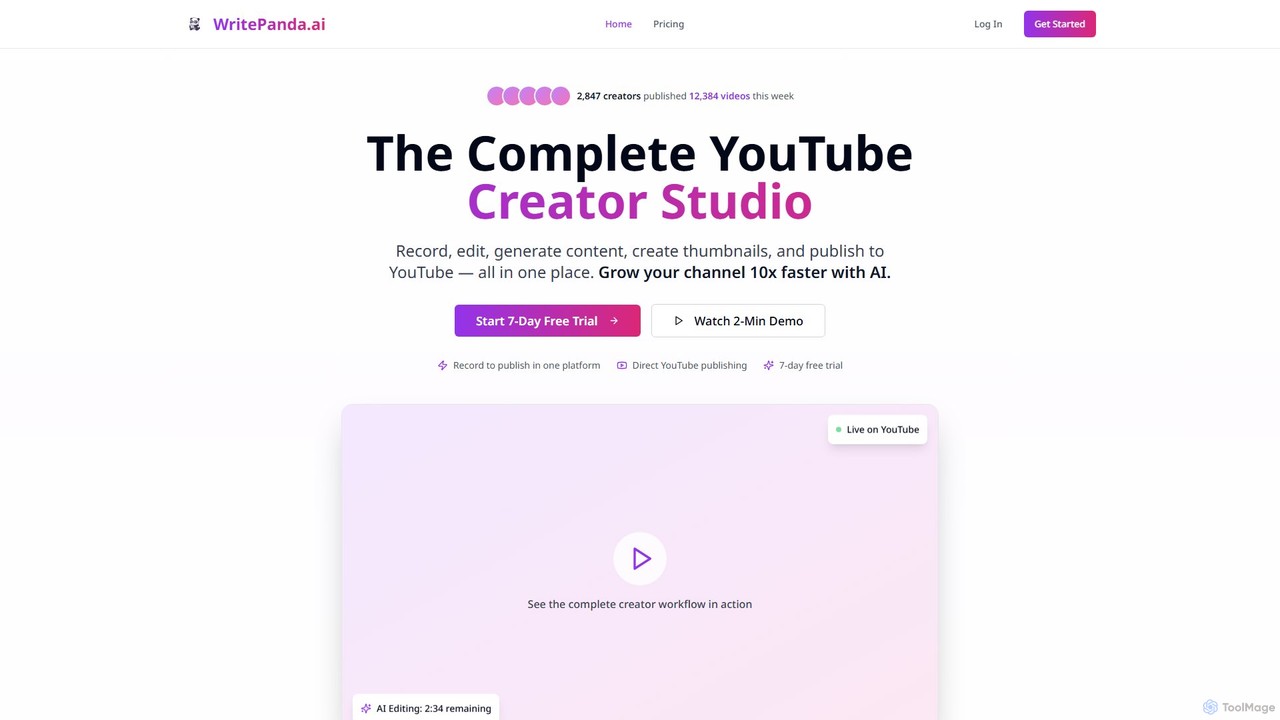
WritePanda.ai
WritePanda.ai is an all-in-one AI-powered creator studio for YouTubers and podcasters. It automates the entire content workflow, from recording and AI-powered editing to generating over 30 pieces of content like Shorts, titles, and thumbnails from a single video. This allows creators to save hours of work, publish content consistently, and grow their channels up to 10x faster by effortlessly repurposing long-form content.
Repurposing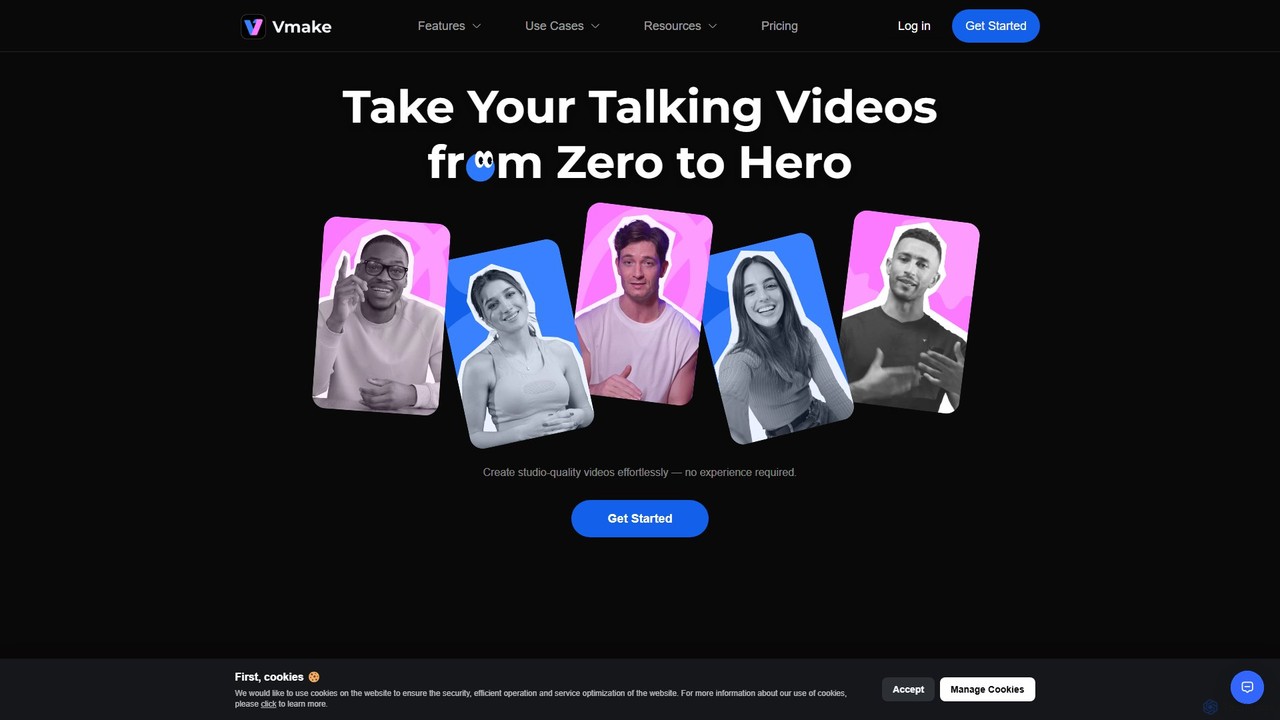
Vmake
Vmake is an all-in-one AI video solution designed for creators. It simplifies video production with features like watermark removal, auto-captions, background removal, and video enhancement. Effortlessly create studio-quality talking videos for social media and marketing without prior experience.
Transcription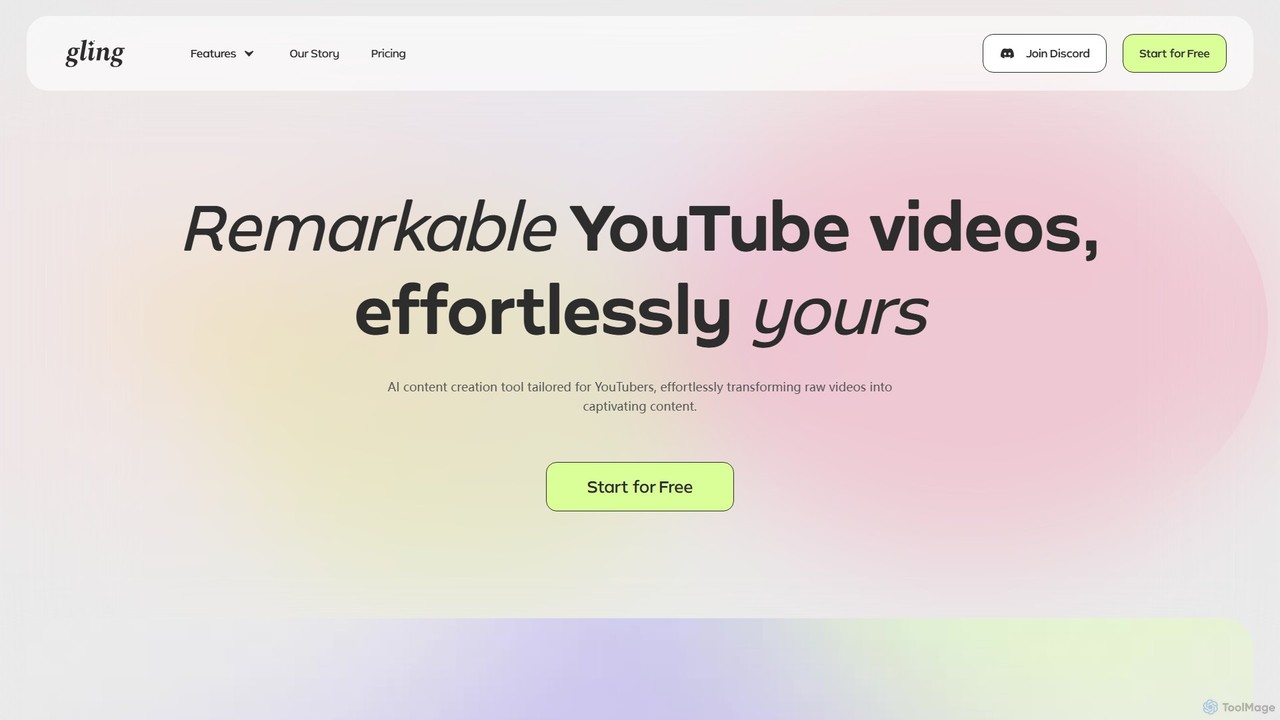
Gling
Gling is an AI-powered video editing software for YouTubers that automatically removes silences, bad takes, and filler words. It uses text-based editing to streamline the workflow, saving creators hours of manual work and helping them produce captivating content effortlessly.
Automation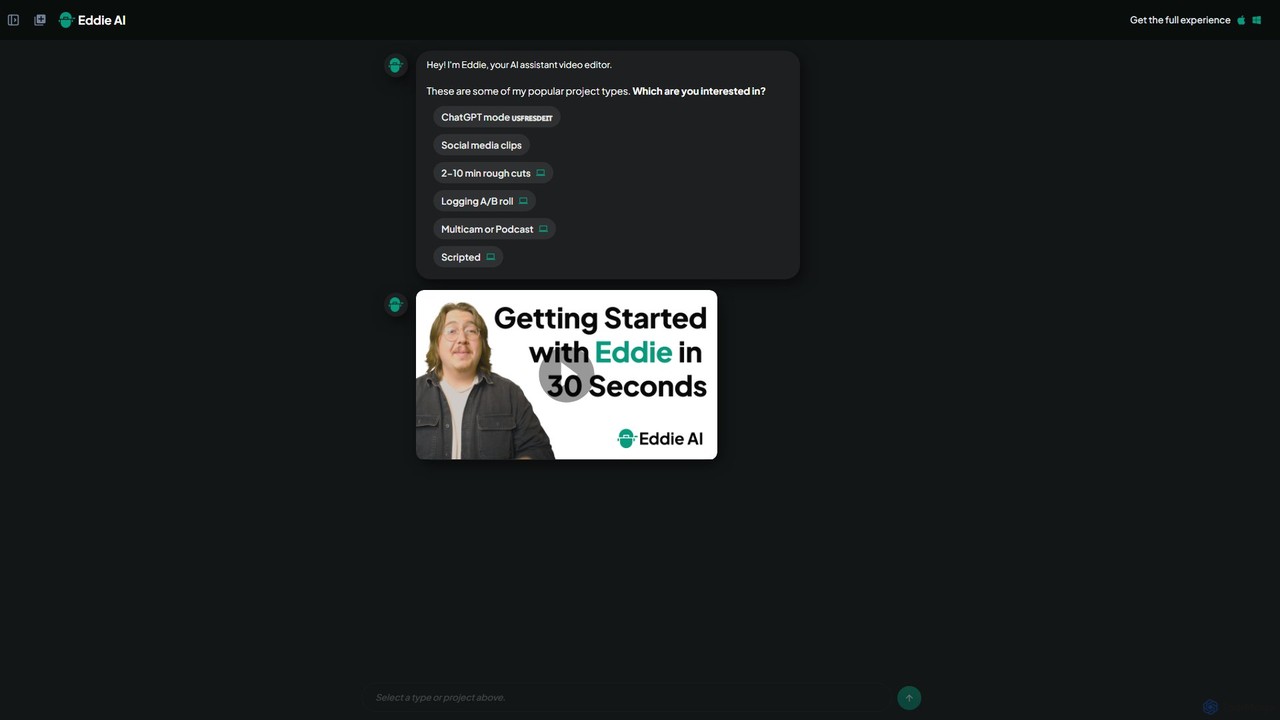
heyeddie
Heyeddie is an AI-powered video editing assistant that streamlines your workflow. Simply use natural language commands to have Eddie automatically create rough cuts, generate social media clips, log A/B roll, sync multicam footage, and edit based on a script. It's designed for content creators, marketers, and podcasters to save time and focus on storytelling.
Automation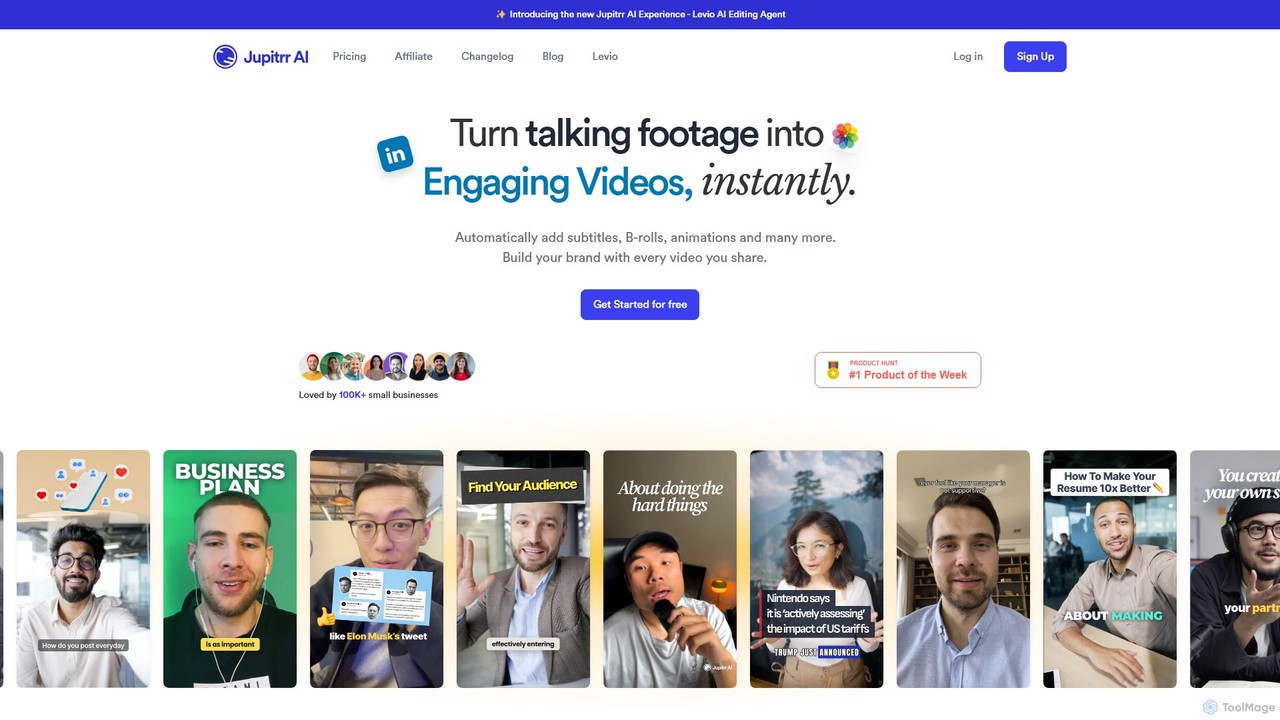
jupitrr
jupitrr is an AI-powered video editor that instantly transforms raw talking-head footage into engaging, shareable video clips. It automatically adds dynamic subtitles, relevant B-rolls from a massive stock library, animations, and background music, making professional video creation accessible to everyone without editing skills.
Automationsmartrazor Categories
smartrazor Embed Widget
Copy this embed code to place the badge on your blog, article, or product site and send readers directly to this ToolMage detail page.

Related AI tools
VCut
VCut is an AI-powered video editor designed to automate and streamline the content creation process. It instantly removes filler words, mistakes, and long silences from talking head videos, allowing creators to produce high-quality, polished content in minutes. This tool helps users save significant time, avoid burnout, and maintain a consistent publishing schedule.
Automation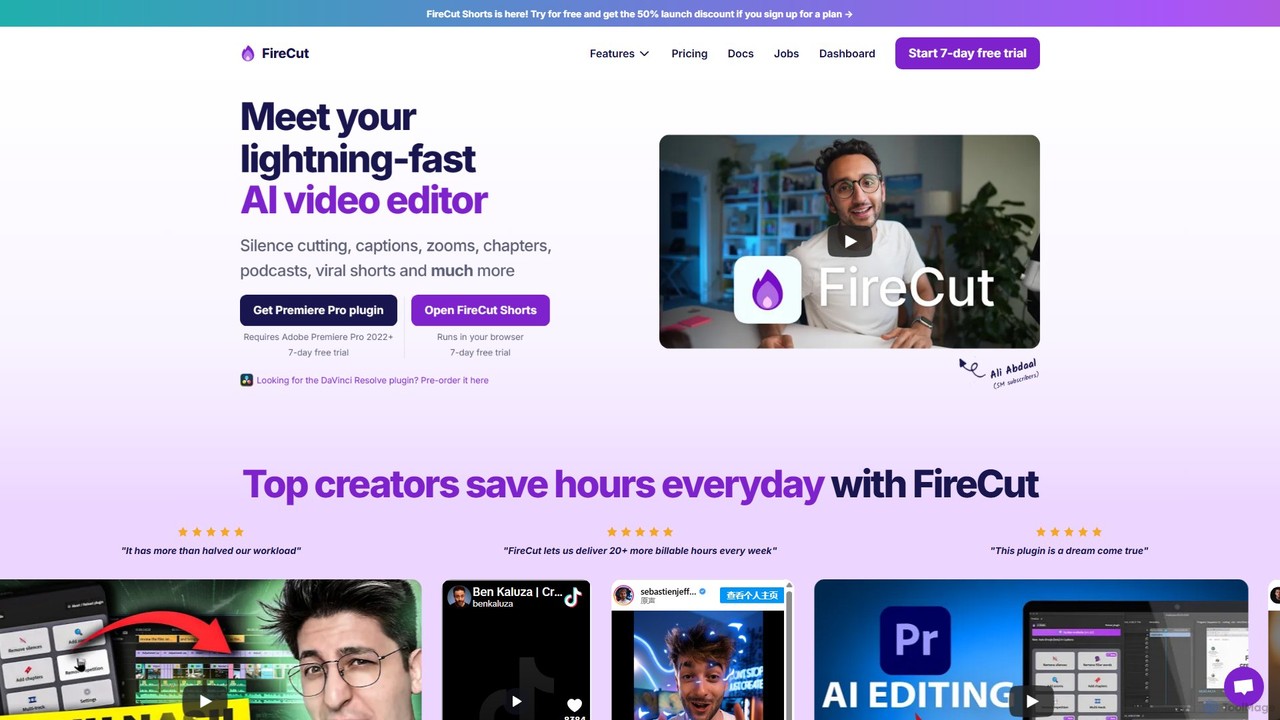
FireCut
FireCut is an AI-powered video editing assistant that dramatically speeds up your workflow. It offers a browser-based tool for creating viral shorts and a plugin for Adobe Premiere Pro. Features include automatic silence removal, multi-language captions, smart zoom cuts, and podcast editing, helping creators produce high-quality content faster.
Automation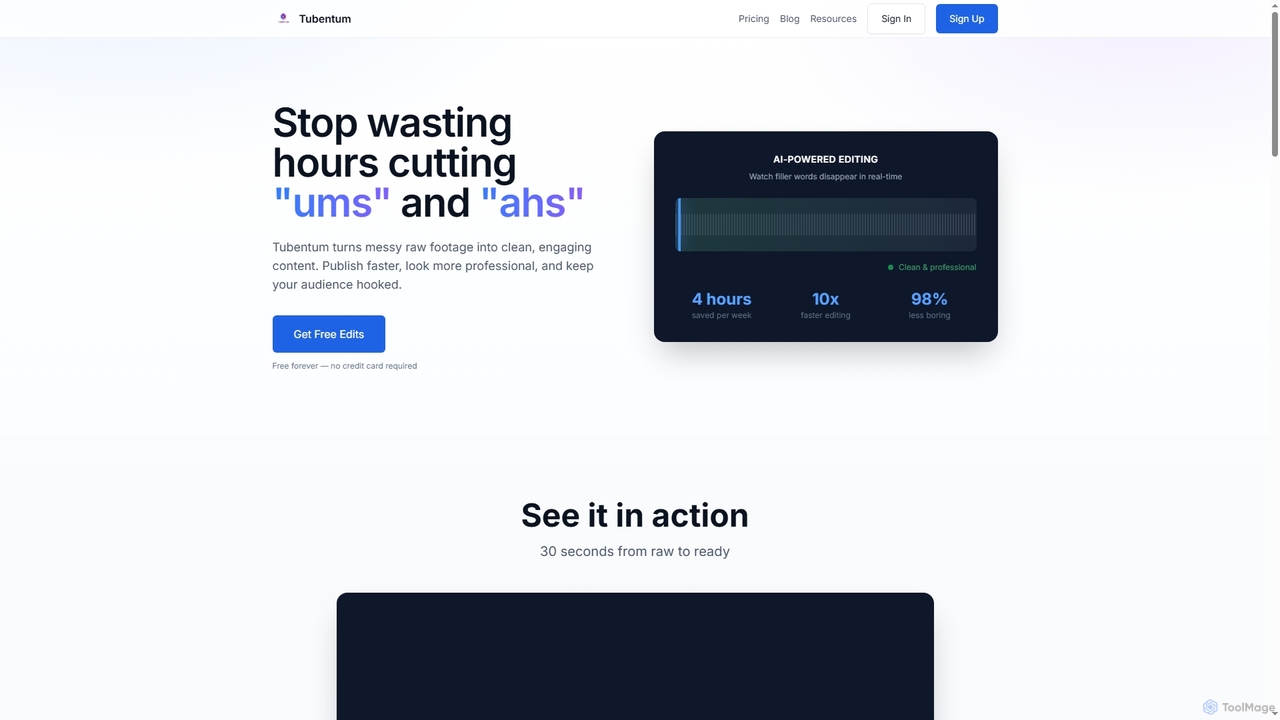
Tubentum
Tubentum is an AI-powered video editing tool that automatically removes filler words like "ums," "ahs," and silences from your raw footage by editing text. It helps content creators, podcasters, and educators produce clean, engaging, and professional video content faster, boosting viewer retention and algorithm performance.
3DVmake
Vmake is an all-in-one AI video solution designed for creators. It simplifies video production with features like watermark removal, auto-captions, background removal, and video enhancement. Effortlessly create studio-quality talking videos for social media and marketing without prior experience.
TranscriptionGling
Gling is an AI-powered video editing software for YouTubers that automatically removes silences, bad takes, and filler words. It uses text-based editing to streamline the workflow, saving creators hours of manual work and helping them produce captivating content effortlessly.
Automationheyeddie
Heyeddie is an AI-powered video editing assistant that streamlines your workflow. Simply use natural language commands to have Eddie automatically create rough cuts, generate social media clips, log A/B roll, sync multicam footage, and edit based on a script. It's designed for content creators, marketers, and podcasters to save time and focus on storytelling.
Automationjupitrr
jupitrr is an AI-powered video editor that instantly transforms raw talking-head footage into engaging, shareable video clips. It automatically adds dynamic subtitles, relevant B-rolls from a massive stock library, animations, and background music, making professional video creation accessible to everyone without editing skills.
Automation
Tellers
Tellers is an AI-powered video editing platform that automates the creation of professional videos from scripts, raw footage, or podcasts. It uses AI to generate dynamic edits, add visual effects, and source royalty-free stock footage, significantly reducing editing time. Ideal for marketers, content creators, and podcasters looking to produce high-quality video content efficiently.
Video Marketing
myaivlog
myaivlog is an AI-powered video editor designed to simplify vlogging. It automatically analyzes your footage to select the best highlights, saving up to 95% of editing time. With features like smart cutting, AI-generated covers, subtitles, and background music, it empowers anyone to create professional-looking vlogs for daily life, travel, or social media with minimal effort. Available on iOS, Android, and desktop.
Automation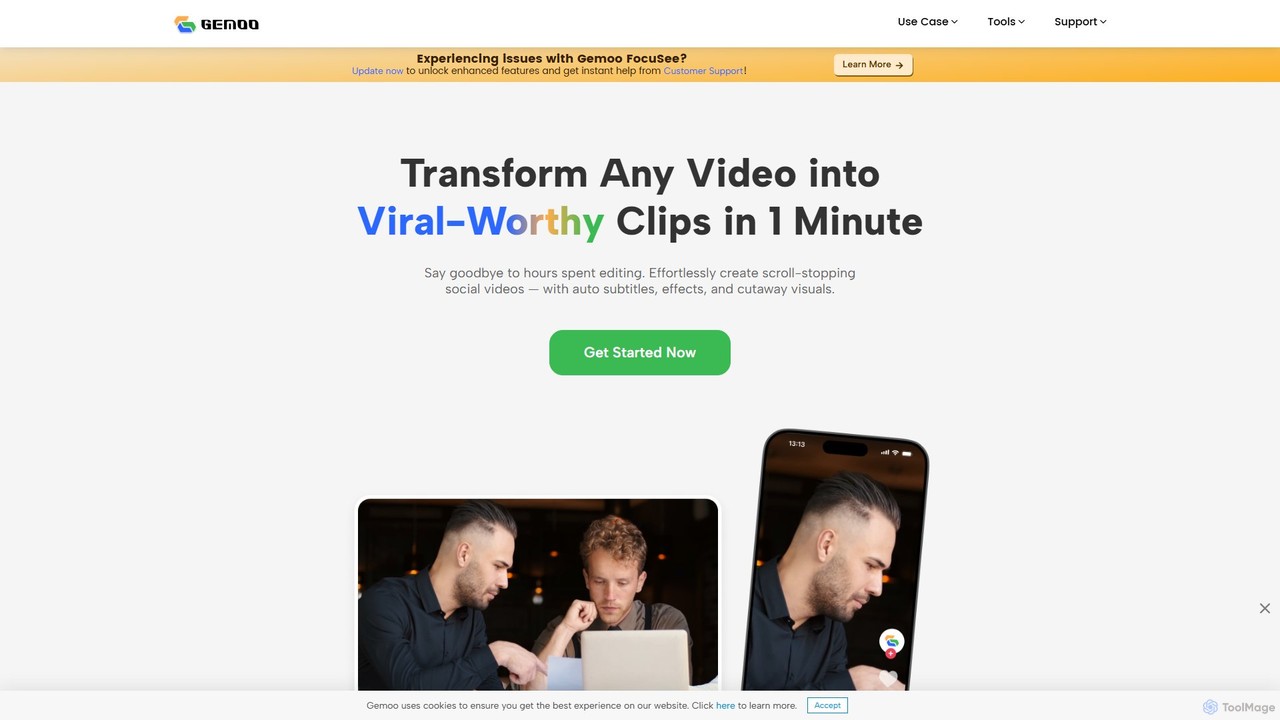
Gemoo
Gemoo is an AI-powered video editor that transforms any video into viral-worthy short clips in minutes. It automates tedious tasks like adding subtitles, inserting relevant B-roll footage, applying effects, and generating social media-optimized titles and descriptions. Ideal for creators, marketers, and educators looking to produce high-quality, engaging content efficiently.
Video Marketing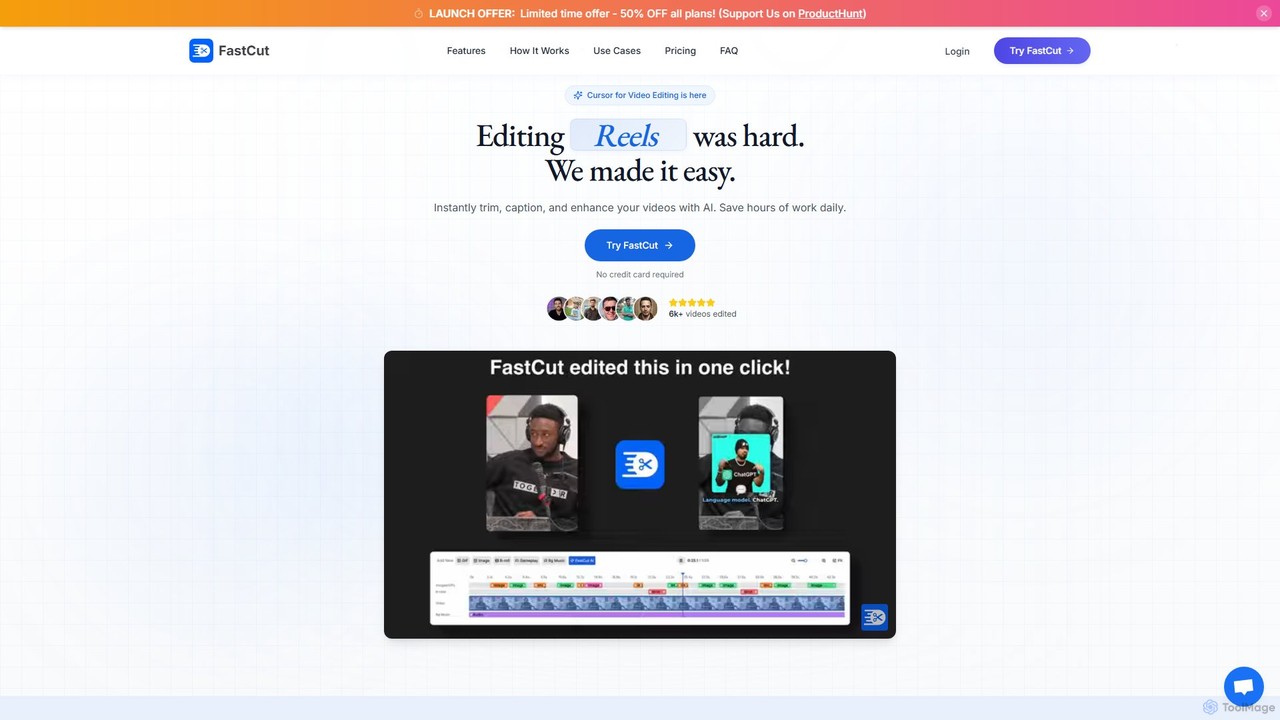
fastcutai
FastCut is an AI-powered video editor designed to simplify and accelerate the creation of short-form videos for platforms like TikTok, Reels, and YouTube Shorts. It automates tedious tasks like trimming, captioning, and adding B-roll, enabling creators to produce high-engagement content 10x faster.
Automation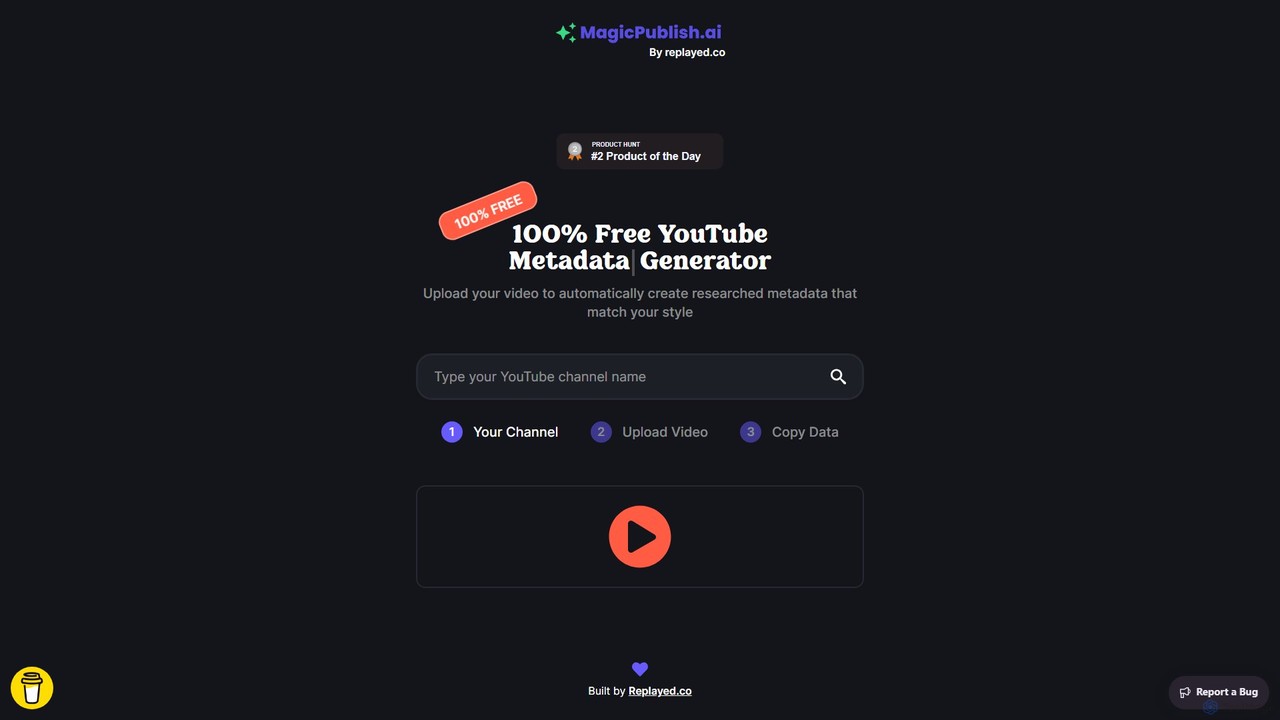
MagicPublish.ai
MagicPublish.ai is an AI-powered tool designed to automate and optimize YouTube video metadata. It generates SEO-friendly titles, detailed descriptions with chapters, relevant tags, and hashtags based on your video content. Save time, boost your channel's visibility, and increase viewer engagement effortlessly. Ideal for content creators, marketers, and agencies looking to streamline their YouTube workflow.
Content Creation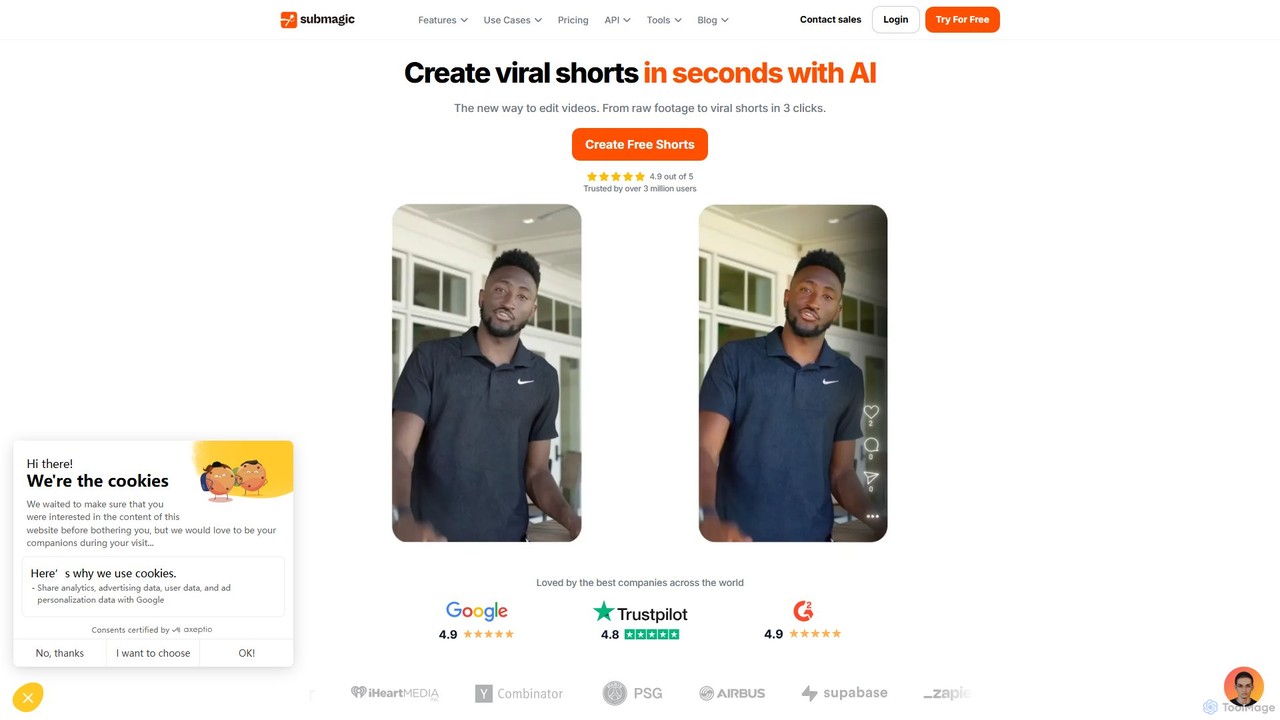
Submagic
Submagic is an all-in-one AI platform designed for creating viral short-form videos in seconds. It automates tedious editing tasks by generating trendy captions with emojis, adding dynamic B-rolls, creating smooth transitions, and extracting key moments from long videos. It's the perfect tool for content creators, marketers, and businesses looking to boost engagement and save time on video production.
Automation
InShot
InShot is a powerful all-in-one video and photo editor for mobile devices, packed with professional-grade features and AI-powered tools. It's designed for everyone from social media creators to beginners, offering an intuitive interface for easy editing, trimming, and enhancing videos. With features like AI auto-captions, advanced effects, a rich music library, and 4K export, InShot makes creating high-quality content for platforms like YouTube, Instagram, and TikTok simple and accessible.
Photo Editing
KineMaster
KineMaster is a professional-grade mobile video editing app packed with powerful AI features. It offers a multi-layer timeline, 4K export, and a vast library of templates and assets, making it easy to create stunning videos for social media, vlogs, and marketing directly on your phone.
Mobile Tools
smartrazor Comments (0)
Sign in to comment.
Sign inNo comments yet.