

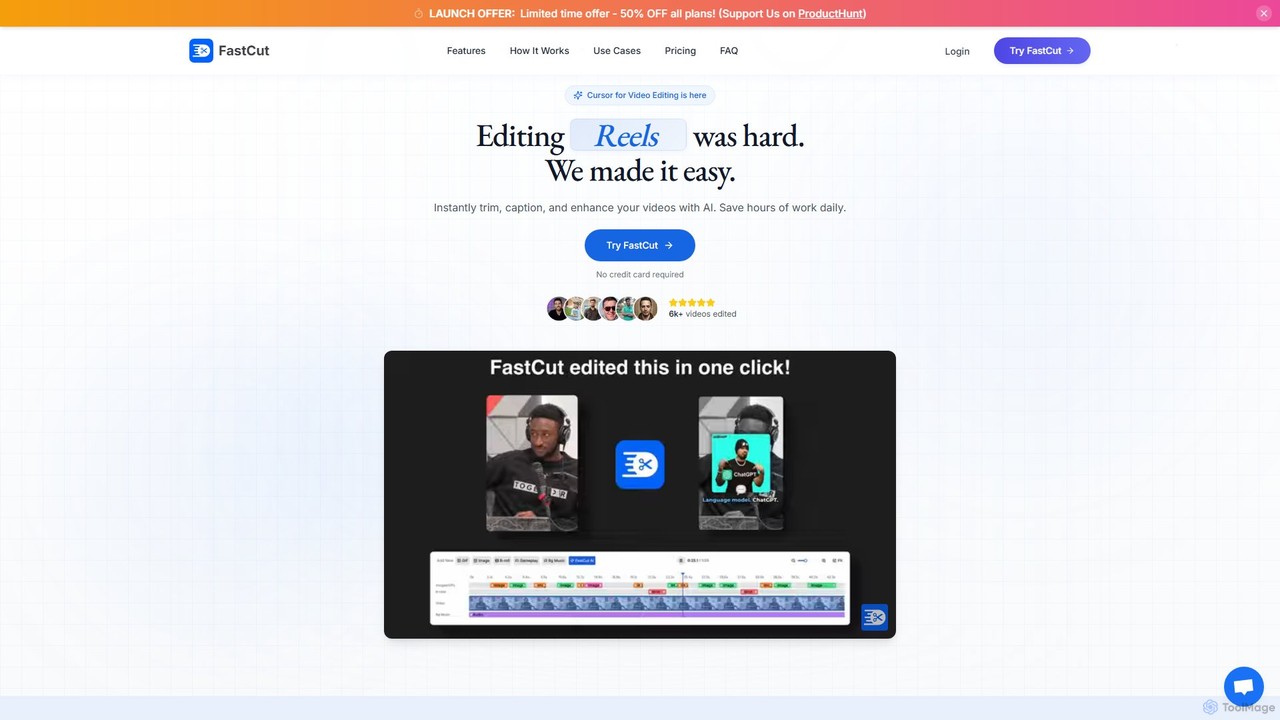
fastcutai Overview
FastCut is a revolutionary AI-powered video editing platform built to address the challenges of modern content creation. Developed by creators for creators, it transforms the time-consuming process of editing short-form videos into a simple, one-click experience. The platform's mission is to democratize professional video editing, giving every creator access to powerful tools that save time, enhance content quality, and boost audience engagement. By automating the most tedious aspects of editing, FastCut allows users to focus on their creative ideas rather than getting bogged down in technical details.
The tool is specifically engineered for the fast-paced world of social media, where engaging short videos are key to growth. It leverages advanced AI agents to analyze raw footage, identify the most compelling moments, remove awkward silences, and construct a captivating narrative. This intelligent automation helps creators significantly increase their content output and achieve higher engagement rates, as proven by testimonials from users who have seen substantial follower growth and return on ad spend (ROAS).
How to use fastcutai
Using FastCut is designed to be an intuitive and streamlined process, even for those with no prior video editing experience. The workflow is simple:
- Upload Your Video: Start by uploading your raw video file to the FastCut platform. The system supports various formats and sizes depending on your plan.
- AI-Powered Editing: Once uploaded, FastCut's AI gets to work. It automatically transcribes the audio, allowing you to edit the video by simply editing the text. It also identifies and removes silences or filler words to make the content more dynamic.
- Enhance with AI Features: Users can then leverage a suite of AI tools. Add animated, trendy captions to grab viewers' attention. Use the AI B-roll feature to automatically find and insert relevant GIFs, images from Google, or stock footage to illustrate your points.
- Customize and Finalize: Apply one-click templates, add background music, and use the audio enhancer for studio-quality sound. You can also create split-screen gameplay videos effortlessly.
- Export and Share: Once you are satisfied with the result, export your video in up to 4K resolution, ready to be shared on TikTok, Instagram Reels, YouTube Shorts, or as a social media ad.
Core Features of fastcutai
- Text-Based Video Trimming: Edit your video by simply deleting words or sentences from the auto-generated transcript.
- Automatic Silence Removal: The AI intelligently detects and cuts out long pauses and silences, making your videos more fast-paced and engaging.
- Animated Auto Captions: Generate eye-catching, customizable captions in popular styles to increase watch time and accessibility.
- AI-Powered B-rolls, Images & GIFs: Automatically adds relevant visual context to your videos by searching and inserting images and GIFs from a vast library.
- One-Click Templates: Apply professionally designed templates to give your videos a consistent and polished look instantly.
- Studio Quality Audio Enhancer: Improve your audio quality with a single click, removing background noise and enhancing voice clarity.
- Automatic Background Music: The AI can suggest and add suitable background music to match the mood of your video.
- Split-Screen Gameplay: Easily create engaging split-screen videos, perfect for gaming content.
Use Cases for fastcutai
FastCut is ideal for a wide range of users looking to dominate the short-form video landscape:
- TikTok, Reels & Shorts Creators: To rapidly produce a high volume of engaging content, grow their audience, and increase follower count.
- Social Media Marketers: To create high-performing video ads that yield a significantly higher Return on Ad Spend (ROAS).
- Brands and Businesses: To scale their video content strategy, increase brand presence, and drive engagement without hiring a large editing team.
- Podcasters and Coaches: To repurpose long-form audio or video content into shareable, bite-sized clips for social media.
- Gaming Creators: To quickly edit gameplay footage into exciting highlight reels with features like split-screen.
Advantages of fastcutai
FastCut offers a significant competitive edge to its users:
- Massive Time Savings: Reduces editing time by up to 90%, turning hours of work into minutes.
- Increased Content Output: Enables users to produce up to 10x more content with the same amount of effort, maintaining a consistent online presence.
- Higher Engagement: Features like animated captions and smart B-roll are proven to increase views, shares, comments, and watch completion rates.
- No Experience Needed: The intuitive, AI-driven interface makes professional-quality video editing accessible to everyone, regardless of technical skill.
- Cost-Effective: Provides powerful editing capabilities at a fraction of the cost of traditional software or hiring a professional editor.
Pricing and Plans
FastCut offers a transparent, tiered pricing structure with a free trial to get started. All plans are currently available at a 50% launch discount.
- Free Plan: Includes 3 free credits to try all the features of FastCut. Users must upgrade to a paid plan to export videos.
- Starter Plan: $20/month. Includes 10 videos/month, 2-minute max duration, 100MB max file size, and 1080p exports. Features include text-based trimming, animated captions, and silence removal.
- Essential Plan (Most Popular): $30/month. Includes 20 videos/month, 5-minute max duration, 300MB max file size, and 4K exports. Includes all Starter features plus premium templates/fonts, studio-quality audio enhancement, auto AI B-rolls, and auto background music.
- Pro Plan: $40/month. Includes 40 videos/month, 10-minute max duration, 600MB max file size, and 4K exports. Includes all Essential features plus unlimited saved templates, more premium fonts, and priority support.
- Enterprise Plan: Custom plans are available for teams with specific needs. Contact sales for details.
Traffic
Latest traffic
Status
Monthly traffic trend
- 2025-9: 1.8K
- 2026-1: 1.4K
- 2026-2: 822
- 2026-3: 2.1K
- 2026-4: 1.4K
- 2026-5: 934
Geography
Top 5 countries / regions
- 🇮🇳India94.2%
- 🇫🇷France5.8%
Top keywords
| Keyword | Cost per click |
|---|---|
| ai video editor fast cuts | $0.00 |
| fastcut | $0.00 |
| fast cut join | $0.00 |
| fast cut video editing | $0.00 |
| fast quit | $0.00 |
fastcutai Alternatives
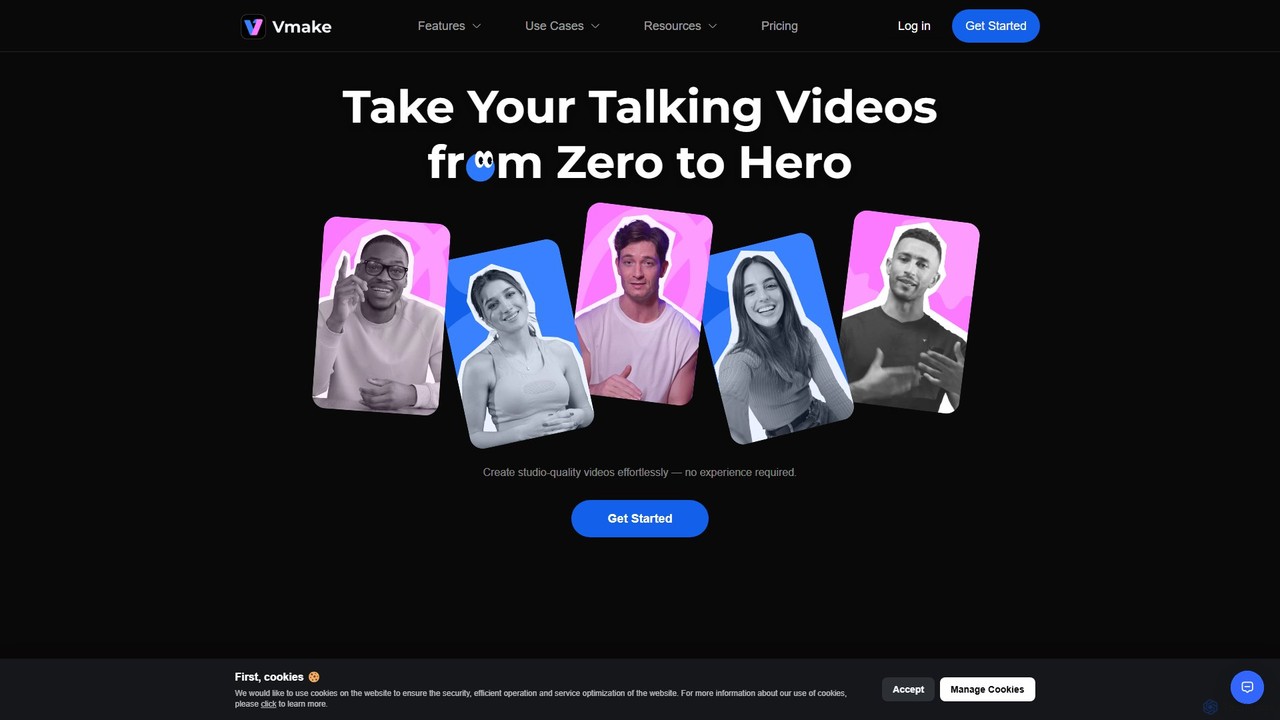
Vmake
Vmake is an all-in-one AI video solution designed for creators. It simplifies video production with features like watermark removal, auto-captions, background removal, and video enhancement. Effortlessly create studio-quality talking videos for social media and marketing without prior experience.
Transcription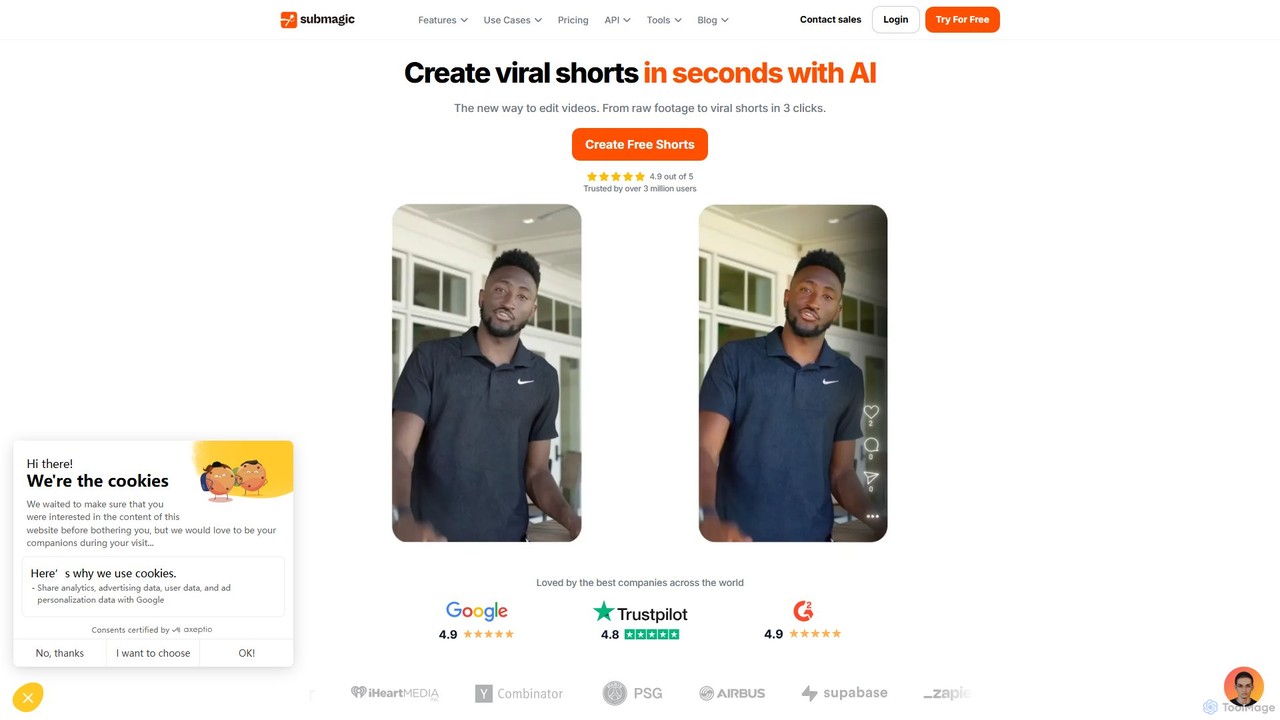
Submagic
Submagic is an all-in-one AI platform designed for creating viral short-form videos in seconds. It automates tedious editing tasks by generating trendy captions with emojis, adding dynamic B-rolls, creating smooth transitions, and extracting key moments from long videos. It's the perfect tool for content creators, marketers, and businesses looking to boost engagement and save time on video production.
Automation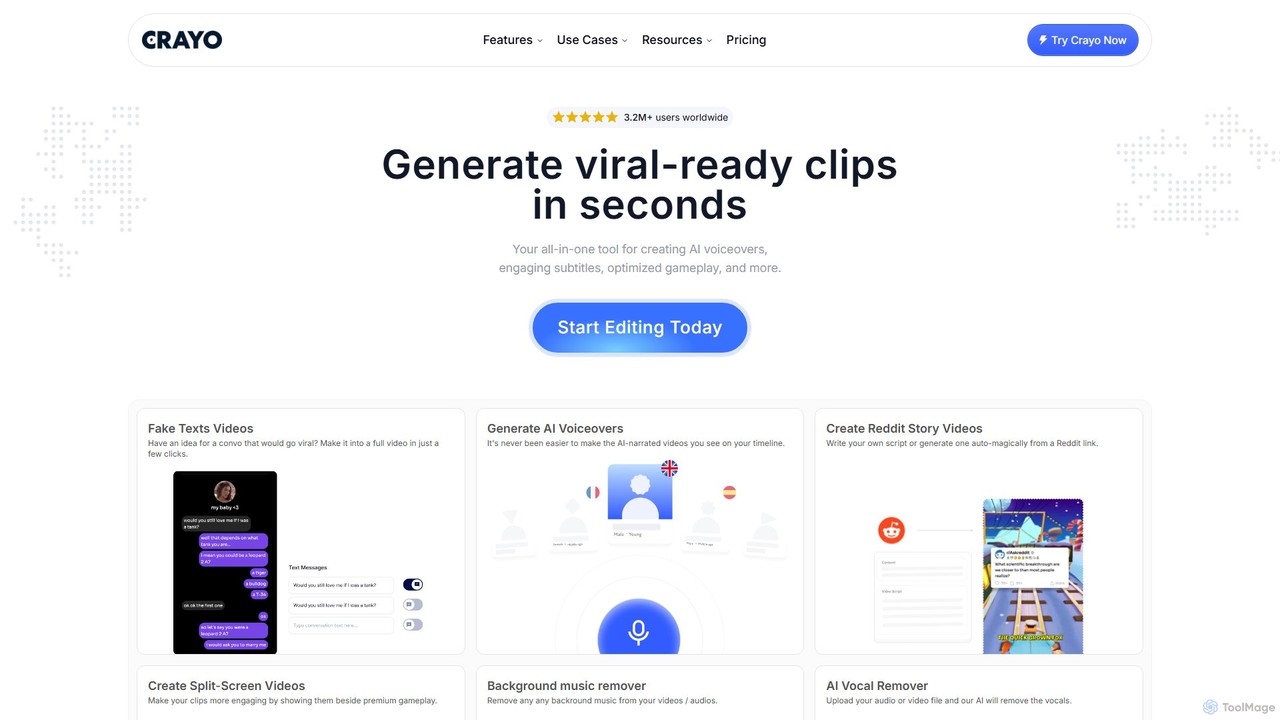
Crayo
Crayo is an all-in-one AI video editor designed for creating viral-ready short-form content in seconds. It automates tedious tasks with features like AI voiceovers, engaging subtitles, split-screen gameplay videos, and unique formats like fake text conversations and Reddit story videos. Ideal for content creators, streamers, and marketers looking to scale their video production and go viral on platforms like TikTok and YouTube.
Voice Generation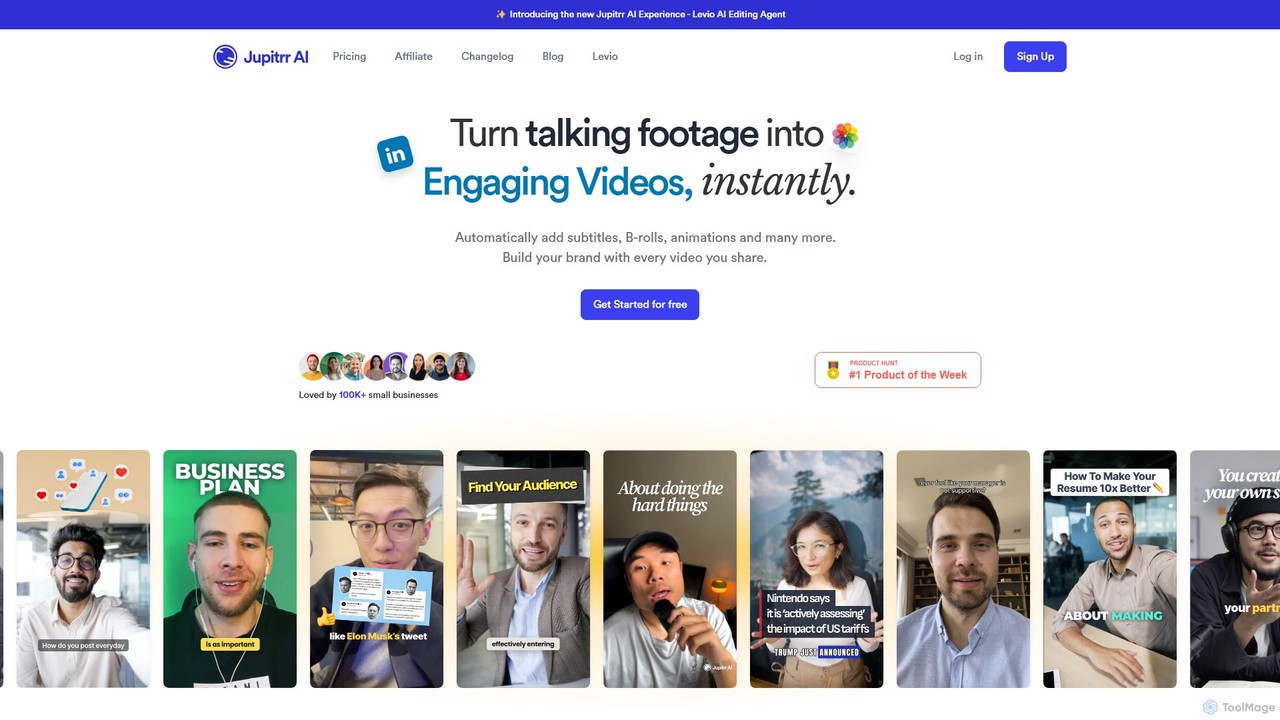
jupitrr
jupitrr is an AI-powered video editor that instantly transforms raw talking-head footage into engaging, shareable video clips. It automatically adds dynamic subtitles, relevant B-rolls from a massive stock library, animations, and background music, making professional video creation accessible to everyone without editing skills.
Automation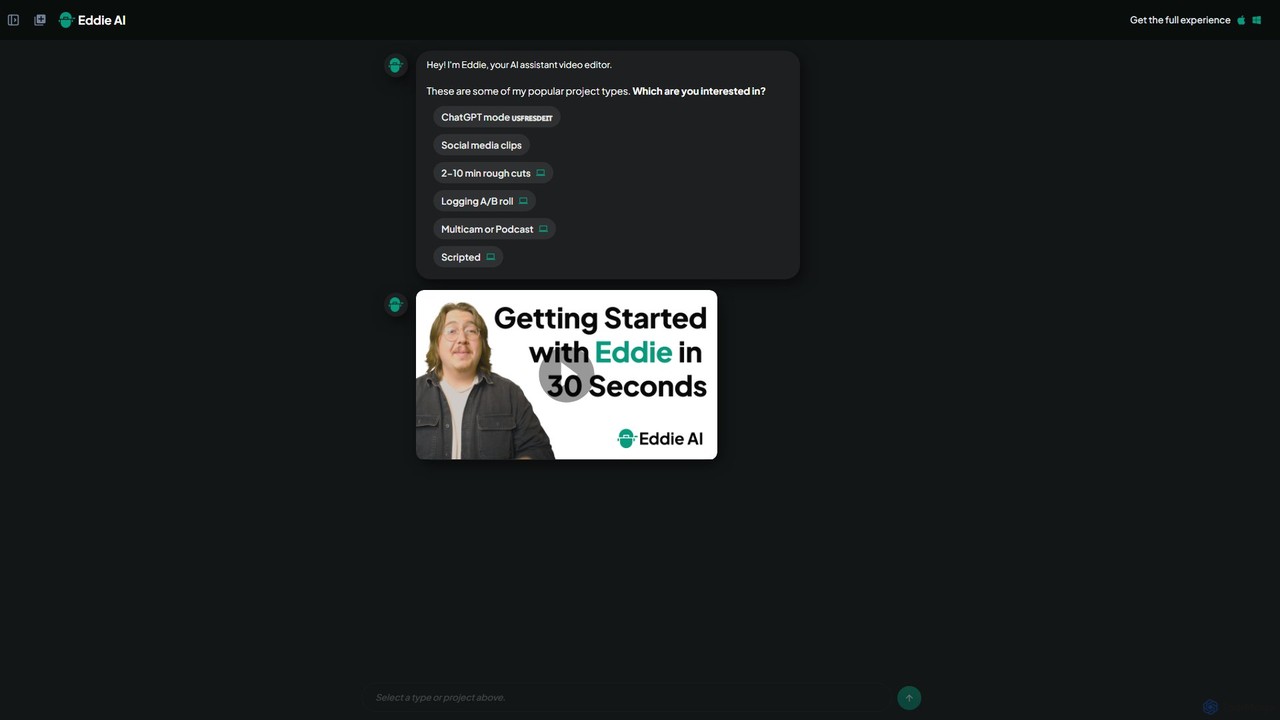
heyeddie
Heyeddie is an AI-powered video editing assistant that streamlines your workflow. Simply use natural language commands to have Eddie automatically create rough cuts, generate social media clips, log A/B roll, sync multicam footage, and edit based on a script. It's designed for content creators, marketers, and podcasters to save time and focus on storytelling.
Automationfastcutai Categories
fastcutai Embed Widget
Copy this embed code to place the badge on your blog, article, or product site and send readers directly to this ToolMage detail page.

Related AI tools
Submagic
Submagic is an all-in-one AI platform designed for creating viral short-form videos in seconds. It automates tedious editing tasks by generating trendy captions with emojis, adding dynamic B-rolls, creating smooth transitions, and extracting key moments from long videos. It's the perfect tool for content creators, marketers, and businesses looking to boost engagement and save time on video production.
Automation
Jyek
Jyek is an AI agent platform that understands objectives, creates execution plans, uses tools, and delivers verifiable results for complex, multi-step tasks.
Automation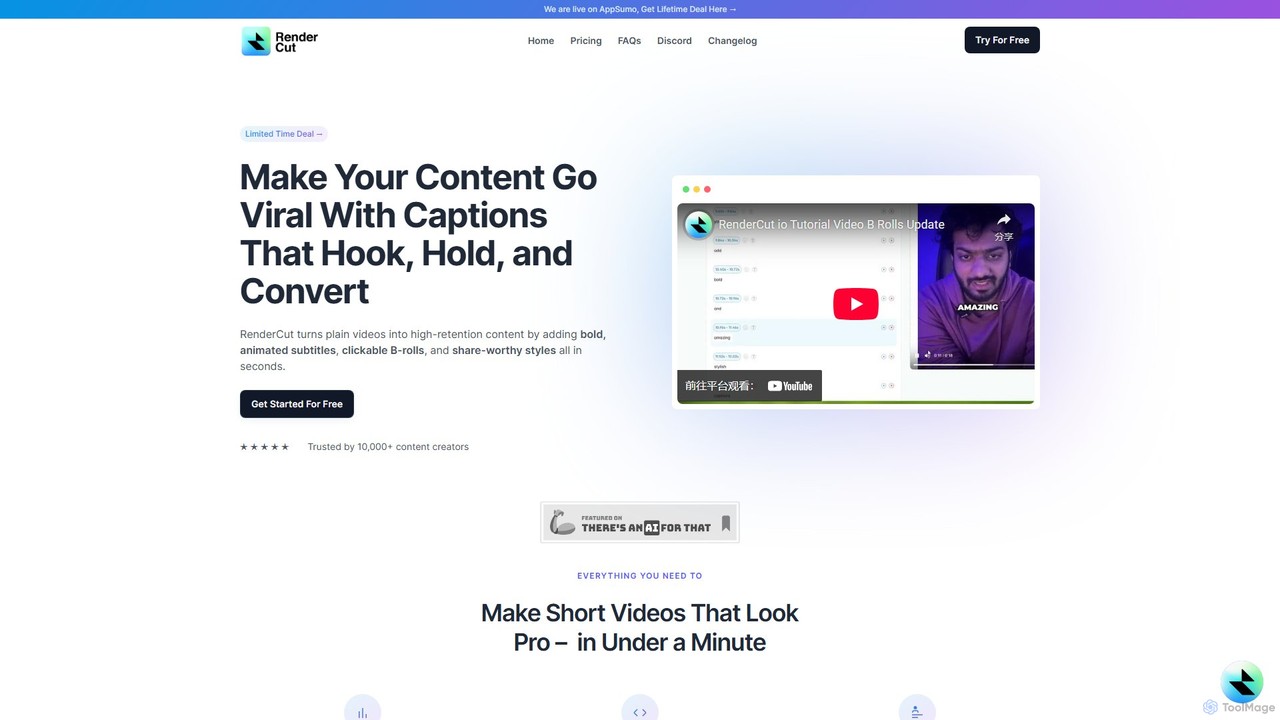
RenderCut
RenderCut is an AI-powered video editing tool that automates the creation of engaging short-form videos. It instantly adds stylish, animated subtitles, B-rolls, emojis, and sound effects, transforming plain videos or audio into high-retention content for platforms like TikTok, Reels, and Shorts. It's designed for content creators, marketers, and businesses to produce professional-looking videos in minutes, not hours.
Video MarketingVmake
Vmake is an all-in-one AI video solution designed for creators. It simplifies video production with features like watermark removal, auto-captions, background removal, and video enhancement. Effortlessly create studio-quality talking videos for social media and marketing without prior experience.
TranscriptionCrayo
Crayo is an all-in-one AI video editor designed for creating viral-ready short-form content in seconds. It automates tedious tasks with features like AI voiceovers, engaging subtitles, split-screen gameplay videos, and unique formats like fake text conversations and Reddit story videos. Ideal for content creators, streamers, and marketers looking to scale their video production and go viral on platforms like TikTok and YouTube.
Voice Generationjupitrr
jupitrr is an AI-powered video editor that instantly transforms raw talking-head footage into engaging, shareable video clips. It automatically adds dynamic subtitles, relevant B-rolls from a massive stock library, animations, and background music, making professional video creation accessible to everyone without editing skills.
Automation
InShot
InShot is a powerful all-in-one video and photo editor for mobile devices, packed with professional-grade features and AI-powered tools. It's designed for everyone from social media creators to beginners, offering an intuitive interface for easy editing, trimming, and enhancing videos. With features like AI auto-captions, advanced effects, a rich music library, and 4K export, InShot makes creating high-quality content for platforms like YouTube, Instagram, and TikTok simple and accessible.
Photo Editing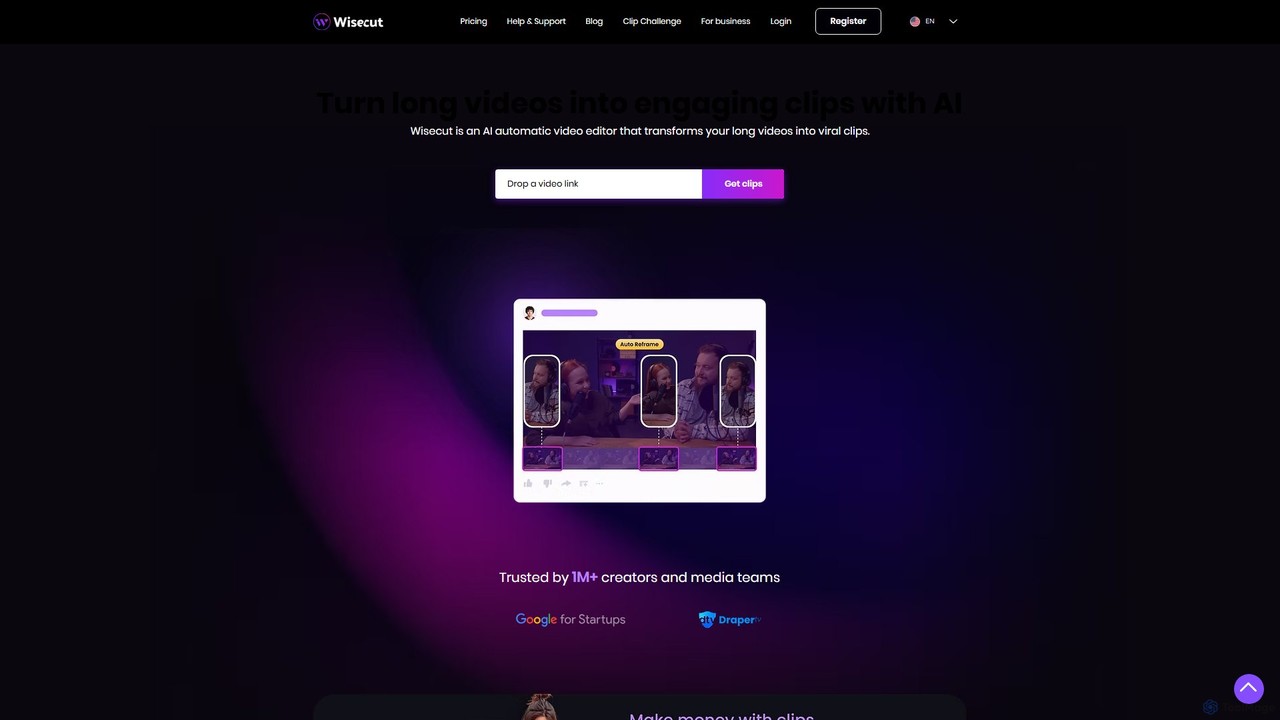
Wisecut
Wisecut is an AI-powered video editor that automatically transforms long videos into short, viral-ready clips. It uses AI to identify highlights, remove silences, add smart background music, and generate captions. Ideal for creators and businesses, it simplifies video editing with a storyboard-based interface, requiring no technical skills to produce professional, engaging content for social media and other platforms.
Automation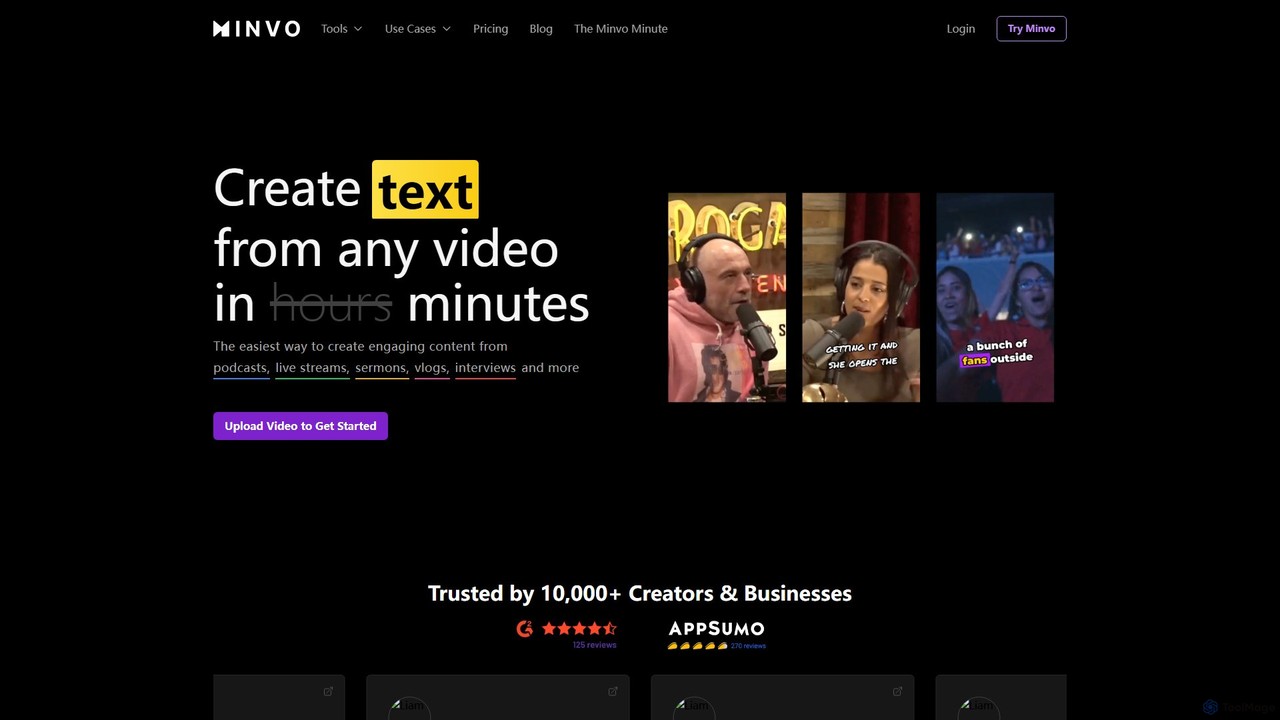
Minvo
Minvo is an AI-powered content studio that transforms long-form videos into engaging short clips, images, and text for social media. It automates the process of clipping, editing, captioning, and scheduling, helping creators and businesses save time and boost their online presence on platforms like YouTube, TikTok, and Instagram.
Automation
Sludge AI
Sludge AI is an all-in-one platform that uses powerful AI automations to create viral short-form video content in just a few clicks. It helps creators, marketers, and agencies automate tedious editing tasks, generate unique video variations to bypass content flags, and produce engaging content for platforms like TikTok, Instagram, and Snapchat.
Automation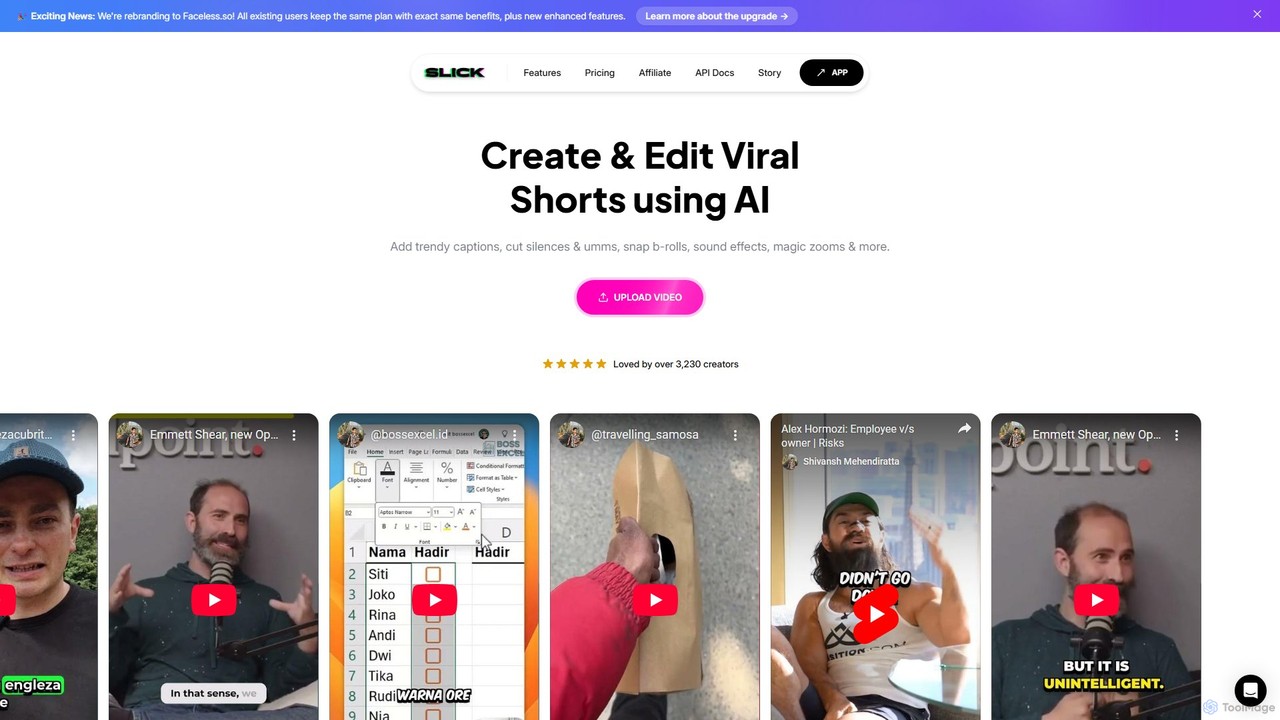
Slick
Slick (now rebranded as Faceless.so) is an AI-powered video editor designed to create and edit viral short videos for platforms like TikTok, Instagram Reels, and YouTube Shorts. It automates tedious tasks like adding trendy captions, inserting B-rolls, removing silences, and generating clips from long videos, enabling creators to produce engaging content effortlessly.
Automation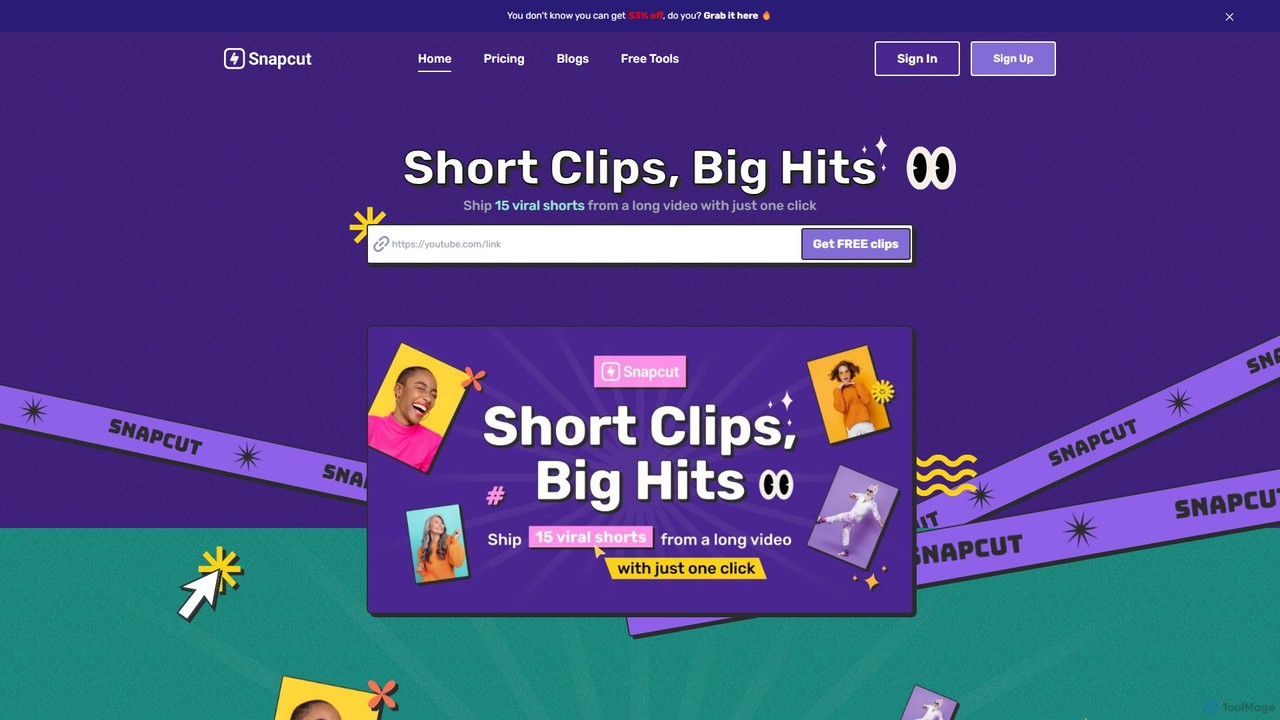
Snapcut
Snapcut is an AI-powered video editing tool that automatically repurposes long-form videos into multiple viral-ready short clips. With one click, it identifies engaging moments, adds animated captions, and reframes content for social media, saving creators up to 70% of their editing time.
Automation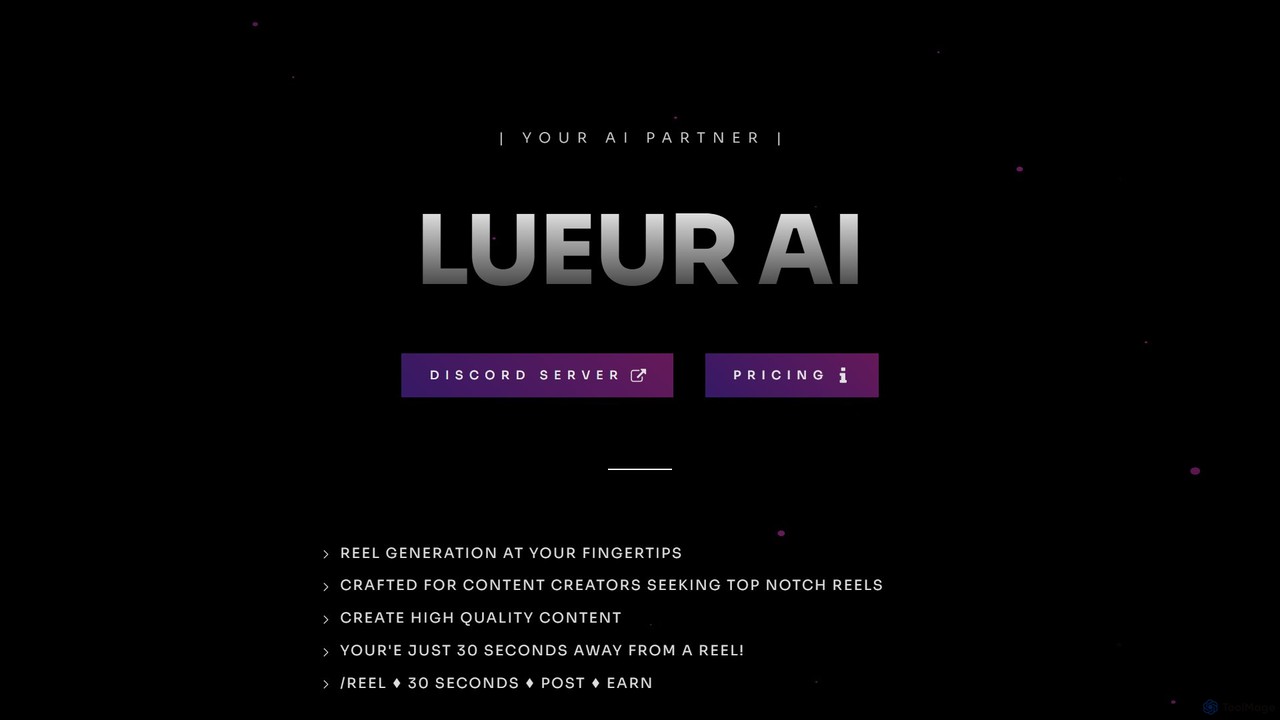
lueurai
lueurai is an AI-powered video generation tool that creates high-quality, engaging short-form videos and reels in just 30 seconds. Operating via Discord, it's designed for content creators and marketers to effortlessly produce content from URLs or text, complete with voice-overs and dynamic captions.
Automation
CapCut
CapCut is a powerful, all-in-one AI video editor and creative suite. It simplifies content creation with intuitive tools for video editing, graphic design, and team collaboration. It offers a wide range of AI features like auto-captions, script-to-video, background removal, and video upscaling, making professional-quality content accessible to everyone, from beginners to pros, across web, desktop, and mobile platforms.
Graphics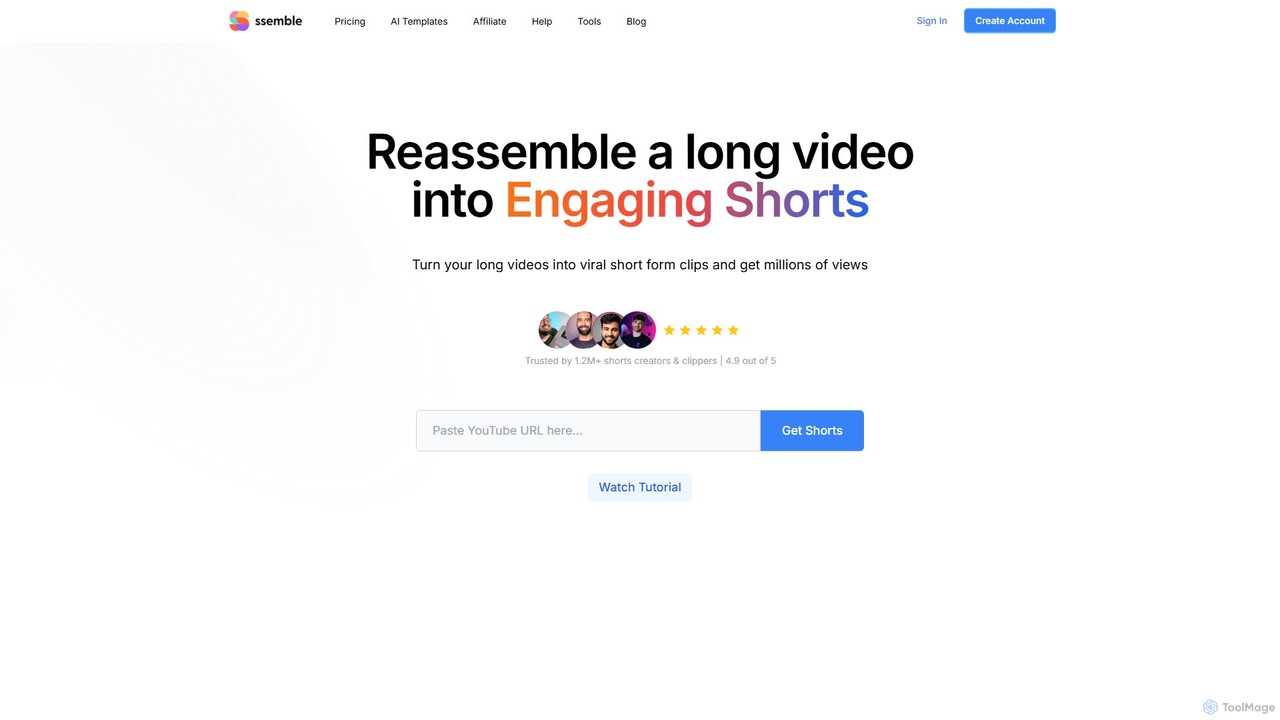
Ssemble
Ssemble is an AI-powered video editing platform that transforms long-form videos into engaging, viral short-form clips. It automates finding key moments, adding captions, reframing for vertical formats, and scheduling posts for TikTok, YouTube Shorts, and Instagram Reels. Ideal for content creators and marketers looking to maximize their reach and engagement with minimal effort.
Video Marketing
fastcutai Comments (0)
Sign in to comment.
Sign inNo comments yet.