
FireCut Overview
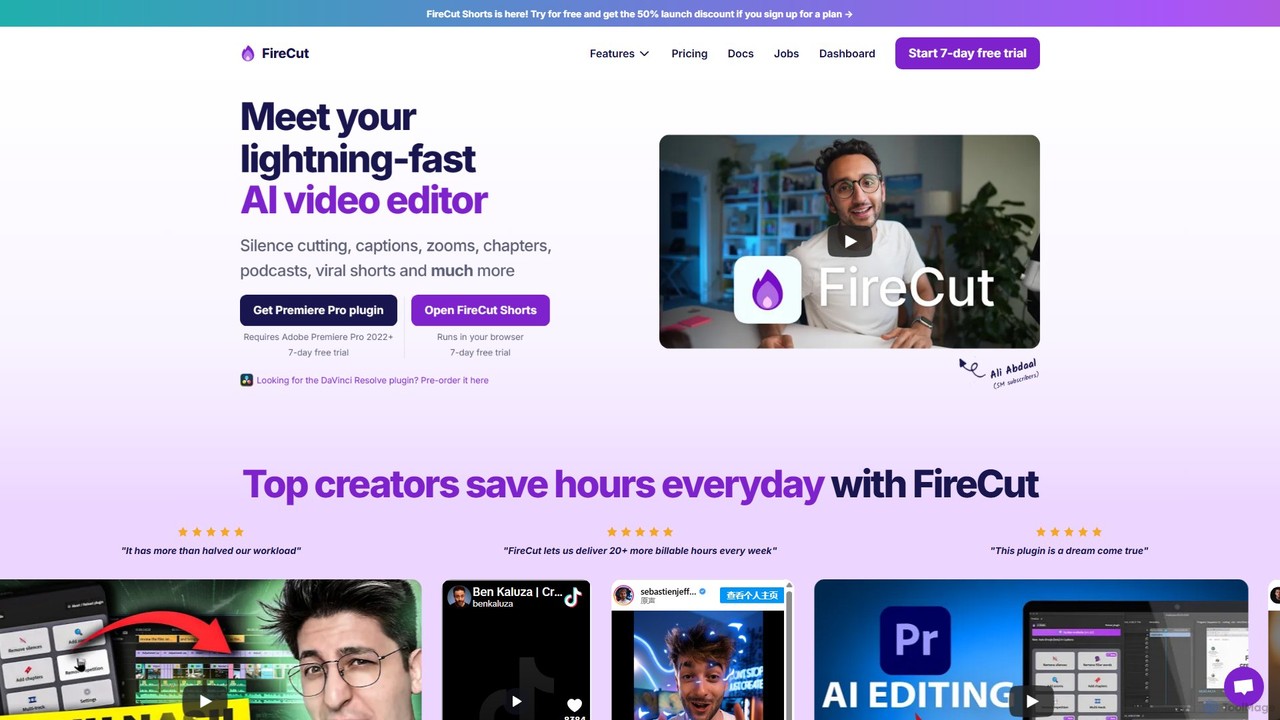
FireCut is a revolutionary AI-powered video editing tool designed to automate and accelerate the most time-consuming aspects of video production. It caters to a wide range of creators, from YouTubers and podcasters to social media managers and online course instructors. FireCut is available in two main formats: a dedicated plugin for Adobe Premiere Pro (with a DaVinci Resolve version in development) and a standalone, browser-based application called FireCut Shorts. This dual approach allows it to integrate seamlessly into professional workflows while also offering an accessible, all-in-one solution for creating short-form content.
The core philosophy behind FireCut is to let AI handle the repetitive, tedious tasks, freeing up creators to focus on the creative aspects of storytelling. It tackles common editing challenges such as removing awkward silences, generating accurate and engaging subtitles, creating dynamic camera movements, and even repurposing long-form content into viral-ready clips. By leveraging artificial intelligence, FireCut significantly reduces editing time, making it possible to produce polished, professional-looking videos in a fraction of the time it would take manually.
How to use FireCut
Using FireCut is designed to be intuitive, whether you're in a professional editor or on the web.
For the FireCut Plugin (Adobe Premiere Pro):
- Installation: First, download and install the FireCut plugin. It requires Adobe Premiere Pro 2022 or a newer version.
- Integration: Once installed, open your project in Premiere Pro. The FireCut panel will be available within the interface.
- Analysis: Select your sequence or clips on the timeline that you wish to edit.
- Apply AI Features: Within the FireCut panel, choose the desired AI function, such as 'Cut Silences', 'Add Captions', or 'Add Zoom Cuts'. FireCut will analyze the audio and video, and then automatically perform the edits directly on your timeline. You can review and fine-tune the AI's suggestions as needed.
For FireCut Shorts (Web-based):
- Upload: Simply navigate to the FireCut Shorts website in your browser and upload your video file (up to 5 minutes per clip).
- AI Processing: FireCut automatically analyzes your video and applies a suite of enhancements. It cuts silences, generates captions with emojis, adds background music, and creates dynamic cuts.
- Customize: Review the AI-edited video. You can customize the captions, change the music, adjust the edits, and add effects or transitions.
- Export: Once you're satisfied, you can export your viral-ready short video and share it directly to platforms like TikTok, YouTube Shorts, or Instagram Reels.
Core Features of FireCut
- Silence Cutting: Automatically detects and removes dead air and awkward pauses from your videos, creating a more dynamic and engaging pace.
- AI Captions: Generates accurate subtitles in over 50 languages. It can also automatically add relevant emojis to the captions to increase viewer engagement.
- Smart Zoom Cuts: Adds dynamic Ken Burns-style zooms and cuts to talking-head videos, making them more visually interesting without manual keyframing.
- Podcast Editing: Streamlines the process of editing video podcasts by automatically creating multi-camera edits from a single camera source, highlighting the active speaker.
- Chapter Detection: Analyzes your video content to automatically identify and suggest YouTube chapter markers, improving user experience and SEO.
- Filler Word Removal: Cleans up your audio by detecting and removing filler words (like 'um', 'ah'), profanity, and repetitions.
- Premium B-rolls & Music: Provides access to a library of high-quality stock footage and background music to enhance your videos.
- AI Speech Generation: An optional add-on that allows you to generate realistic AI voiceovers for your videos in multiple languages, with a monthly character allowance.
Use Cases for [Tool Name]
FireCut is versatile and benefits various types of content creators:
- YouTubers: Can drastically cut down editing time for long-form content like tutorials, reviews, and vlogs by automating silence removal and chapter creation. They can also use FireCut Shorts to quickly repurpose their main videos into promotional clips.
- Podcasters: Can easily edit their video podcasts, clean up audio, and generate full transcripts and captions for better accessibility.
- Social Media Managers: Can create a high volume of engaging short-form videos for TikTok, Instagram Reels, and YouTube Shorts with minimal effort.
- Online Course Creators: Can produce professional-quality educational content more efficiently, ensuring their lessons are clear, concise, and visually engaging.
- Marketing Professionals: Can quickly create promotional videos, product demos, and testimonials that are polished and ready for distribution across various platforms.
Advantages of FireCut
The primary advantage of FireCut is the massive amount of time it saves. Repetitive tasks that could take hours are completed in minutes. This increased efficiency allows creators to produce more content and avoid burnout. Furthermore, the AI-powered features ensure a high level of professionalism, even for novice editors. The dynamic cuts, clean audio, and engaging captions help to increase viewer retention and watch time, which are critical metrics on all video platforms. The seamless integration with Adobe Premiere Pro makes it a powerful addition to existing professional workflows.
Pricing and Plans
FireCut offers a 7-day free trial for users to test its capabilities. The pricing is structured into two main plans:
- FireCut Shorts: A browser-based plan ideal for creating short-form content. Priced at $19/month or a discounted rate of $9.50/month when billed yearly. This plan includes 25 video exports per month, silence cutting, captions, premium B-rolls, audio enhancement, and more.
- FireCut Plugin: Designed for users of Adobe Premiere Pro. Priced at $24/month when billed yearly. This plan includes full integration, all core AI features, and processing for up to 25 hours of audio per month.
- Add-on: AI Speech Generation: Available for an additional $10/month, this add-on provides 25,000 characters per month for generating AI voiceovers.
Prices are exclusive of sales tax, which is applied at checkout.
Traffic
Latest traffic
Status
Monthly traffic trend
- 2025-9: 142.9K
- 2026-1: 97.9K
- 2026-2: 116.5K
- 2026-3: 107.1K
- 2026-4: 102.1K
- 2026-5: 99.9K
Geography
Top 5 countries / regions
- 🇺🇸United States36.2%
- 🇮🇳India25.3%
- 🇧🇷Brazil14.5%
- 🇬🇧United Kingdom12.3%
- 🇩🇪Germany11.8%
Traffic sources
| Source type | Percentage |
|---|---|
Direct | 77.5% |
Referral | 17.8% |
Email | 4.6% |
Top keywords
| Keyword | Cost per click |
|---|---|
| fire cut | $2.70 |
| firecut | $1.42 |
| firecut ai | $0.23 |
| firecut for adobe premiere pro | $0.00 |
| firecut premiere pro | $0.00 |
FireCut Videos on YouTube

Collin Michael Tutorials


Thanh Sang Edit


EHP Consulting Group - Amazon Expert

FireCut Alternatives
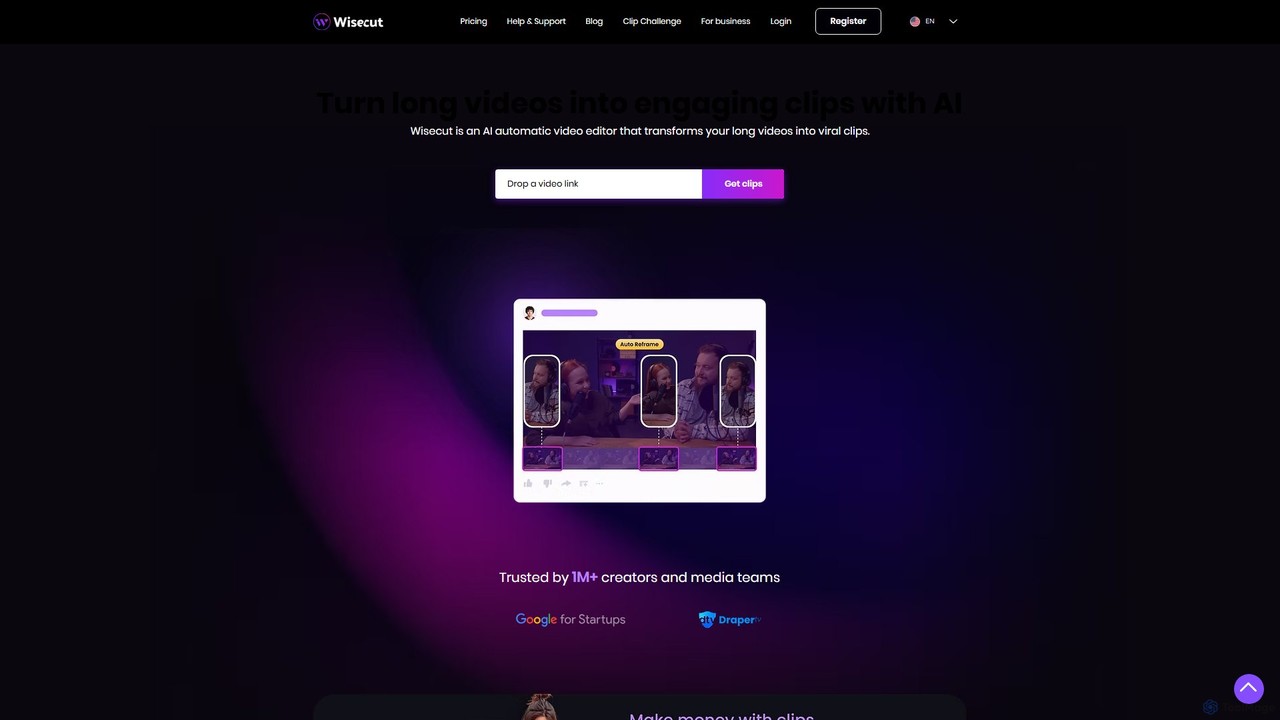
Wisecut
Wisecut is an AI-powered video editor that automatically transforms long videos into short, viral-ready clips. It uses AI to identify highlights, remove silences, add smart background music, and generate captions. Ideal for creators and businesses, it simplifies video editing with a storyboard-based interface, requiring no technical skills to produce professional, engaging content for social media and other platforms.
Automation
RenderCut
RenderCut is an AI-powered video editing tool that automates the creation of engaging short-form videos. It instantly adds stylish, animated subtitles, B-rolls, emojis, and sound effects, transforming plain videos or audio into high-retention content for platforms like TikTok, Reels, and Shorts. It's designed for content creators, marketers, and businesses to produce professional-looking videos in minutes, not hours.
Video Marketing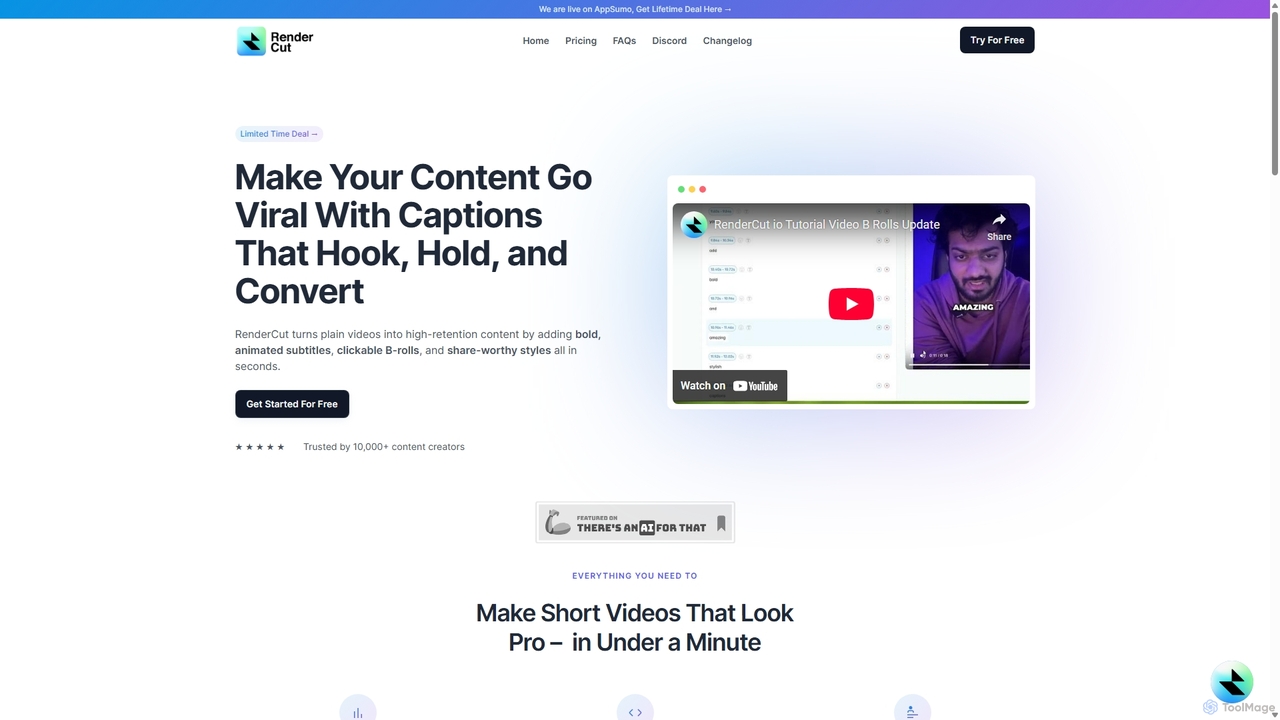
RenderCut
RenderCut is an AI-powered video editing tool that automatically generates stylish, animated subtitles for short-form videos. It helps content creators boost engagement and create viral content by adding customizable captions, B-rolls, emojis, and sound effects in minutes.
Automation
OpusClip
OpusClip is a generative AI video repurposing tool that turns long videos into viral short clips with one click. It automatically identifies the most compelling hooks, reframes the video, adds dynamic captions, and scores clips for virality, streamlining content creation for social media.
Video Marketing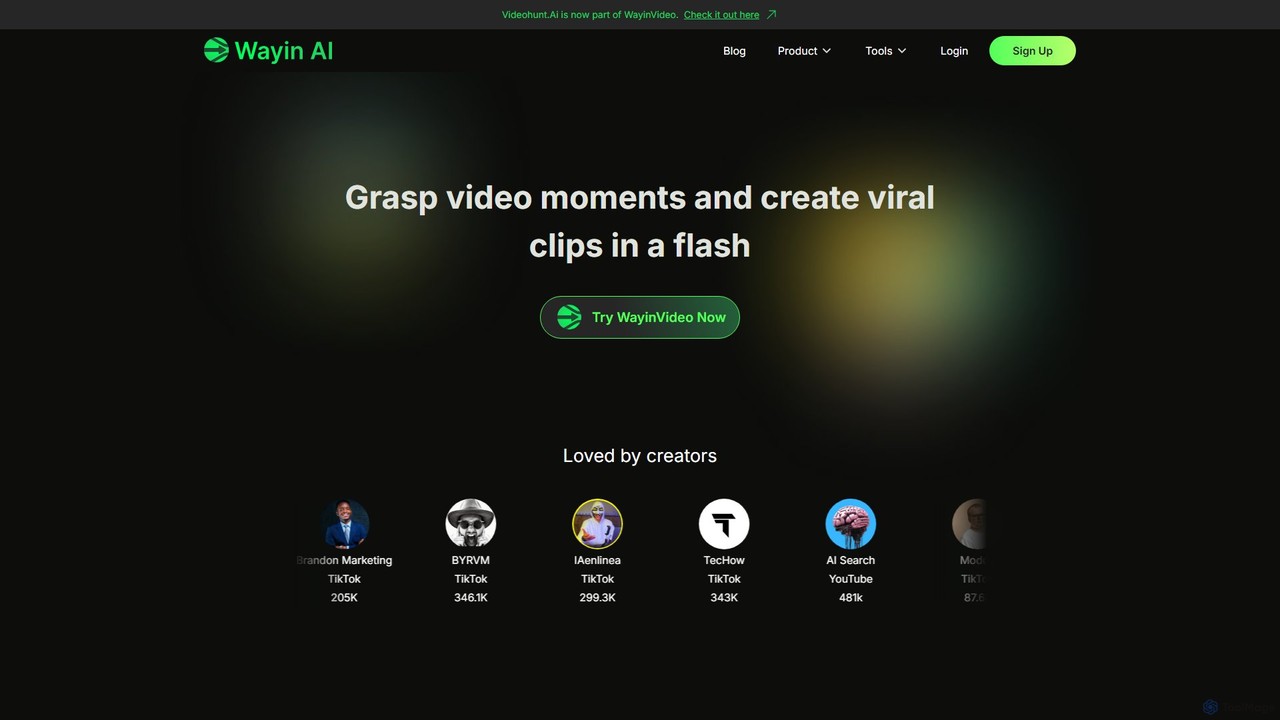
WayinVideo
WayinVideo is an AI-powered platform designed for content creators and marketers to effortlessly transform long-form videos into engaging, viral short clips. By simply pasting a video link or uploading a file, the AI automatically identifies key moments, generates animated captions, and reframes content for social media platforms like TikTok, YouTube Shorts, and Instagram Reels, saving hours of manual editing.
AutomationFireCut Categories
FireCut Embed Widget
Copy this embed code to place the badge on your blog, article, or product site and send readers directly to this ToolMage detail page.

Related AI tools

stunnvideo
Stunnvideo is an AI-powered video creation platform that transforms text, voice clips, or existing videos into professional, engaging content for social media in seconds. It automatically adds stock footage, music, effects, and high-quality captions.
Video MarketingWisecut
Wisecut is an AI-powered video editor that automatically transforms long videos into short, viral-ready clips. It uses AI to identify highlights, remove silences, add smart background music, and generate captions. Ideal for creators and businesses, it simplifies video editing with a storyboard-based interface, requiring no technical skills to produce professional, engaging content for social media and other platforms.
AutomationRenderCut
RenderCut is an AI-powered video editing tool that automates the creation of engaging short-form videos. It instantly adds stylish, animated subtitles, B-rolls, emojis, and sound effects, transforming plain videos or audio into high-retention content for platforms like TikTok, Reels, and Shorts. It's designed for content creators, marketers, and businesses to produce professional-looking videos in minutes, not hours.
Video MarketingRenderCut
RenderCut is an AI-powered video editing tool that automatically generates stylish, animated subtitles for short-form videos. It helps content creators boost engagement and create viral content by adding customizable captions, B-rolls, emojis, and sound effects in minutes.
Automation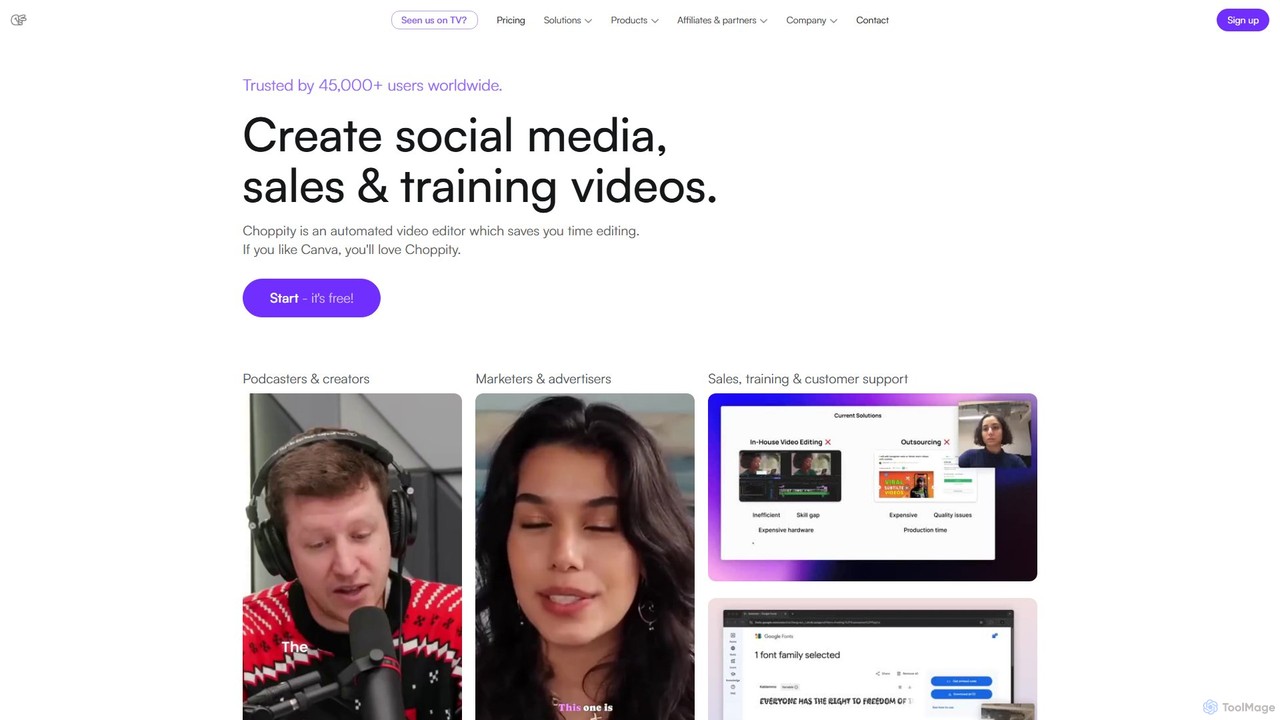
Choppity
Choppity is an AI-powered video editing platform designed to automate and accelerate the creation of short-form videos for social media and marketing. It automatically finds viral clips from long videos, adds customizable captions, reframes content for vertical formats, and applies consistent brand styling, allowing creators to produce more content with less editing effort.
Automation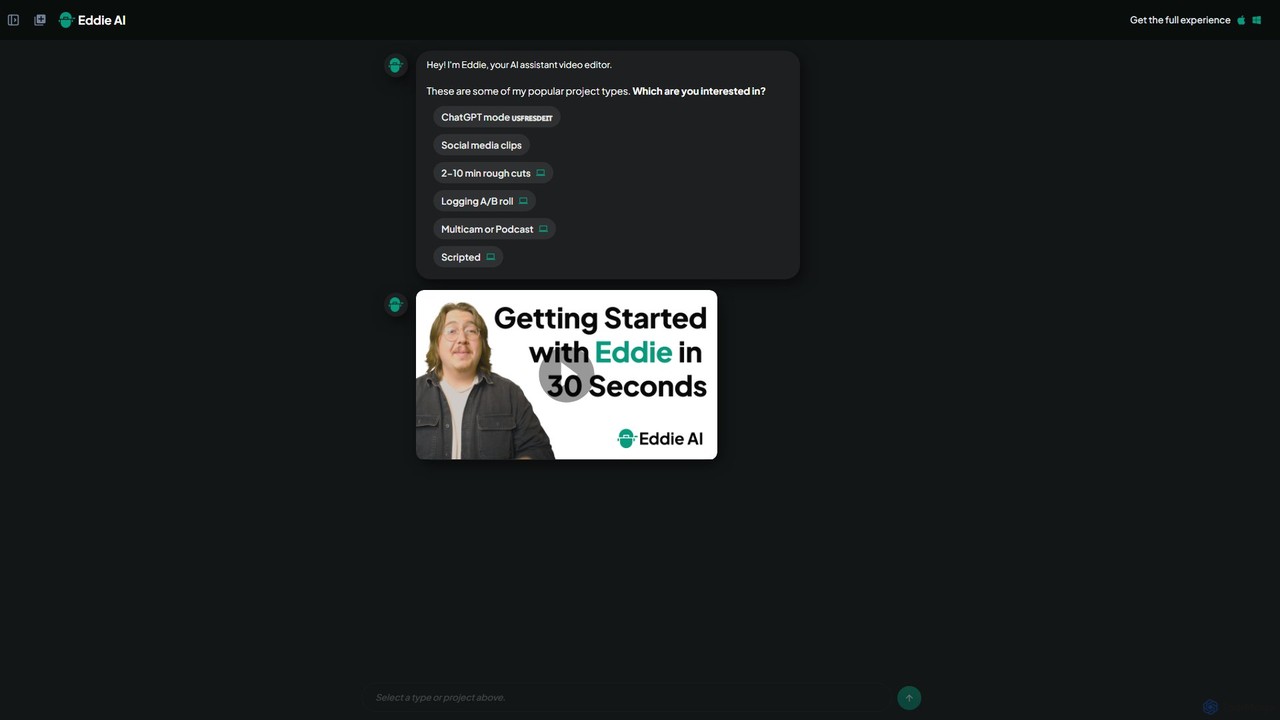
heyeddie
Heyeddie is an AI-powered video editing assistant that streamlines your workflow. Simply use natural language commands to have Eddie automatically create rough cuts, generate social media clips, log A/B roll, sync multicam footage, and edit based on a script. It's designed for content creators, marketers, and podcasters to save time and focus on storytelling.
Automation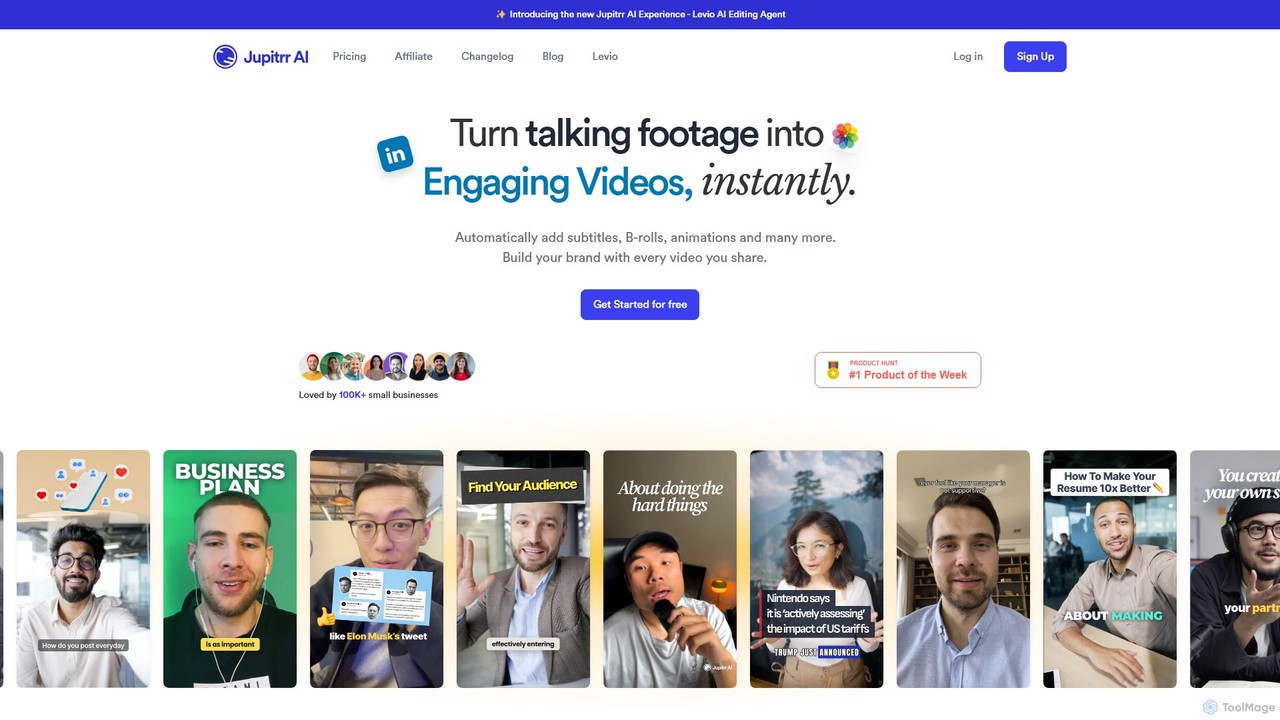
jupitrr
jupitrr is an AI-powered video editor that instantly transforms raw talking-head footage into engaging, shareable video clips. It automatically adds dynamic subtitles, relevant B-rolls from a massive stock library, animations, and background music, making professional video creation accessible to everyone without editing skills.
Automation
Jyek
Jyek is an AI agent platform that understands objectives, creates execution plans, uses tools, and delivers verifiable results for complex, multi-step tasks.
Automation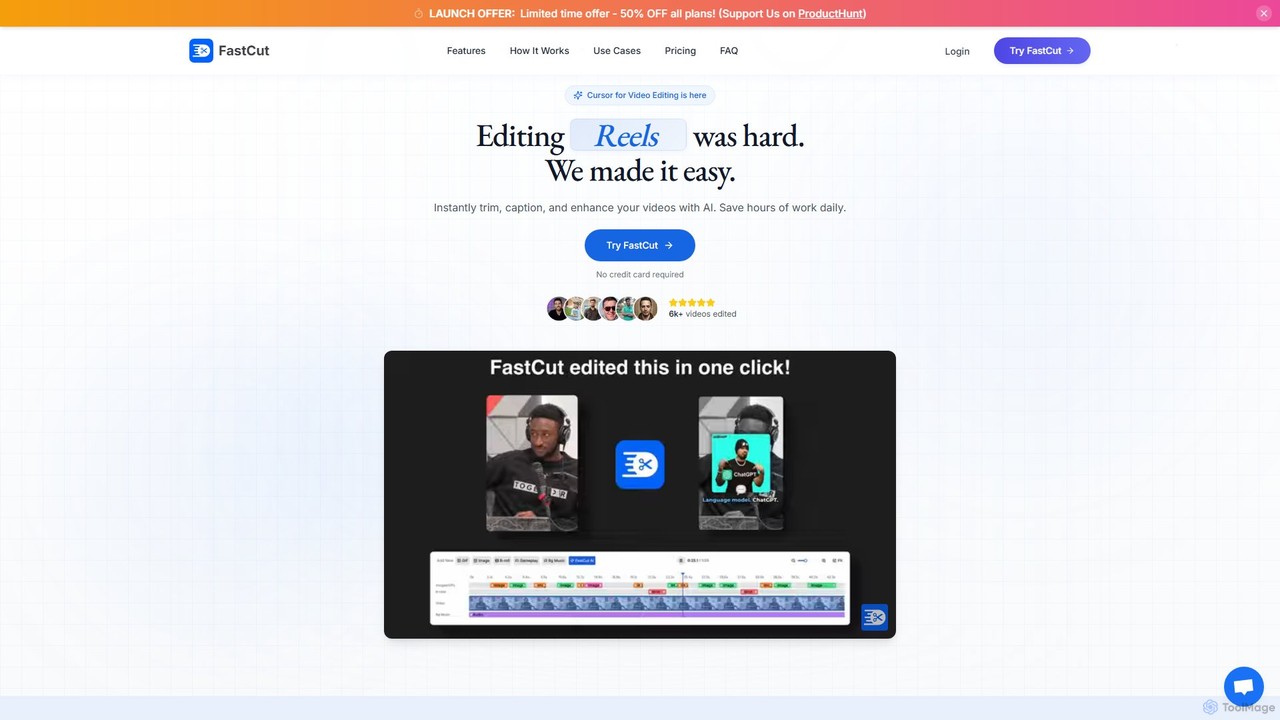
fastcutai
FastCut is an AI-powered video editor designed to simplify and accelerate the creation of short-form videos for platforms like TikTok, Reels, and YouTube Shorts. It automates tedious tasks like trimming, captioning, and adding B-roll, enabling creators to produce high-engagement content 10x faster.
Automation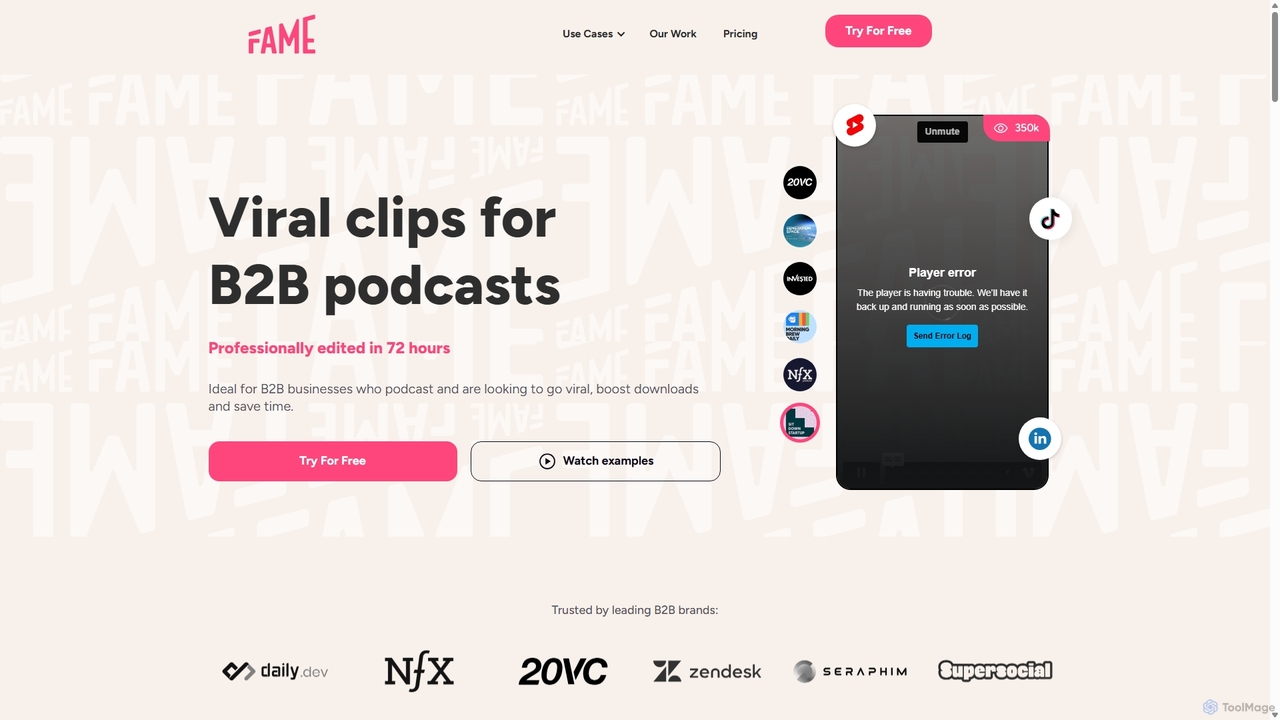
Fame Clips
Fame Clips is a hybrid AI and human-powered service that transforms B2B podcasts into professionally edited, viral-ready short-form video clips for social media. It delivers high-quality, branded content in 72 hours, helping businesses boost engagement, increase downloads, and save significant time and resources compared to pure AI tools or traditional agencies.
Podcast Marketing
Wuri
Wuri is an AI-powered video editor that transforms your ideas into stunning videos. It specializes in creating content for 'faceless' channels, automating the entire process from script to final video with AI-selected visuals, voiceovers, and editing.
Automation
Filmora
Filmora is an AI-powered video editor that simplifies the creation process for both beginners and professionals. It offers a vast suite of AI tools, including smart clip generation, text-to-video, and advanced audio enhancement, combined with a user-friendly interface and a massive library of effects and resources to make video editing faster and more creative.
Social Media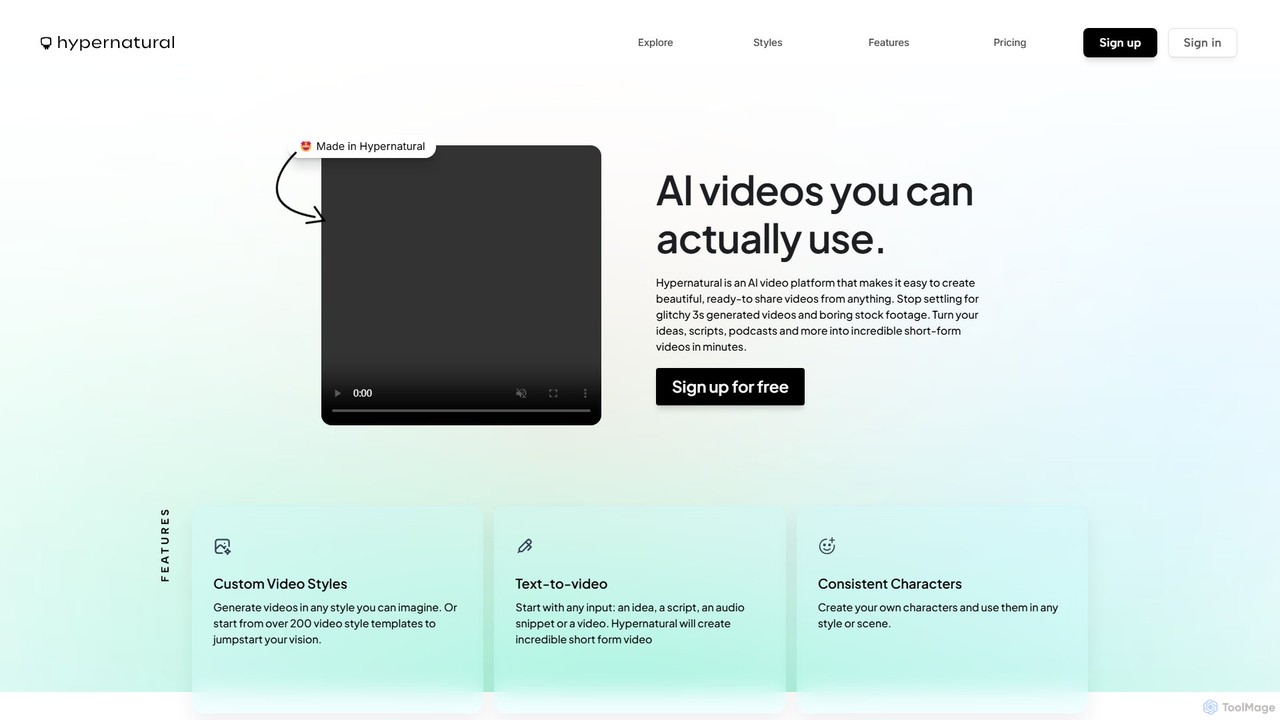
Hypernatural
Hypernatural is an AI video platform that transforms text, scripts, or audio into high-quality, ready-to-share short-form videos. It focuses on creating usable, non-glitchy content with consistent characters and custom styles, making professional video creation accessible to everyone from marketers to content creators.
Advertising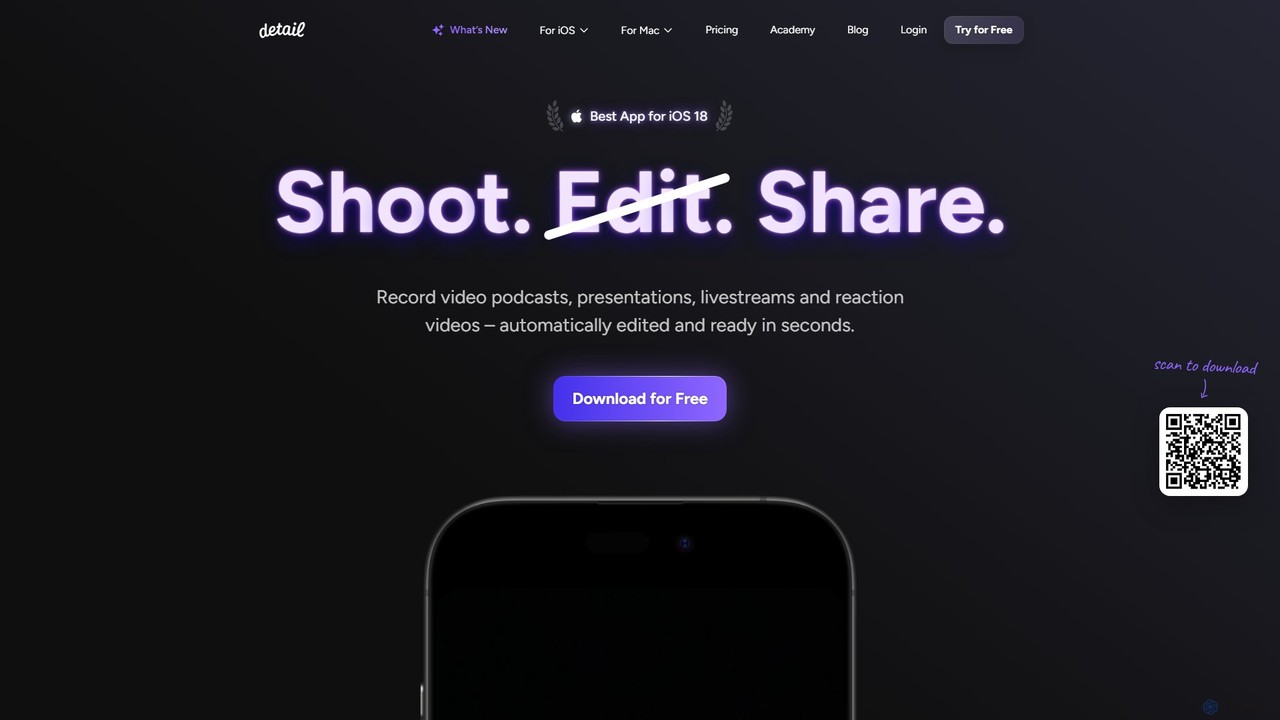
Detail
Detail is an AI-powered video creation and editing app for iOS and macOS that turns your device into a portable production studio. It automates editing for podcasts, reaction videos, and livestreams with features like a teleprompter, multi-camera recording, green screen, and automatic captions, simplifying professional video creation for everyone.
Content Creation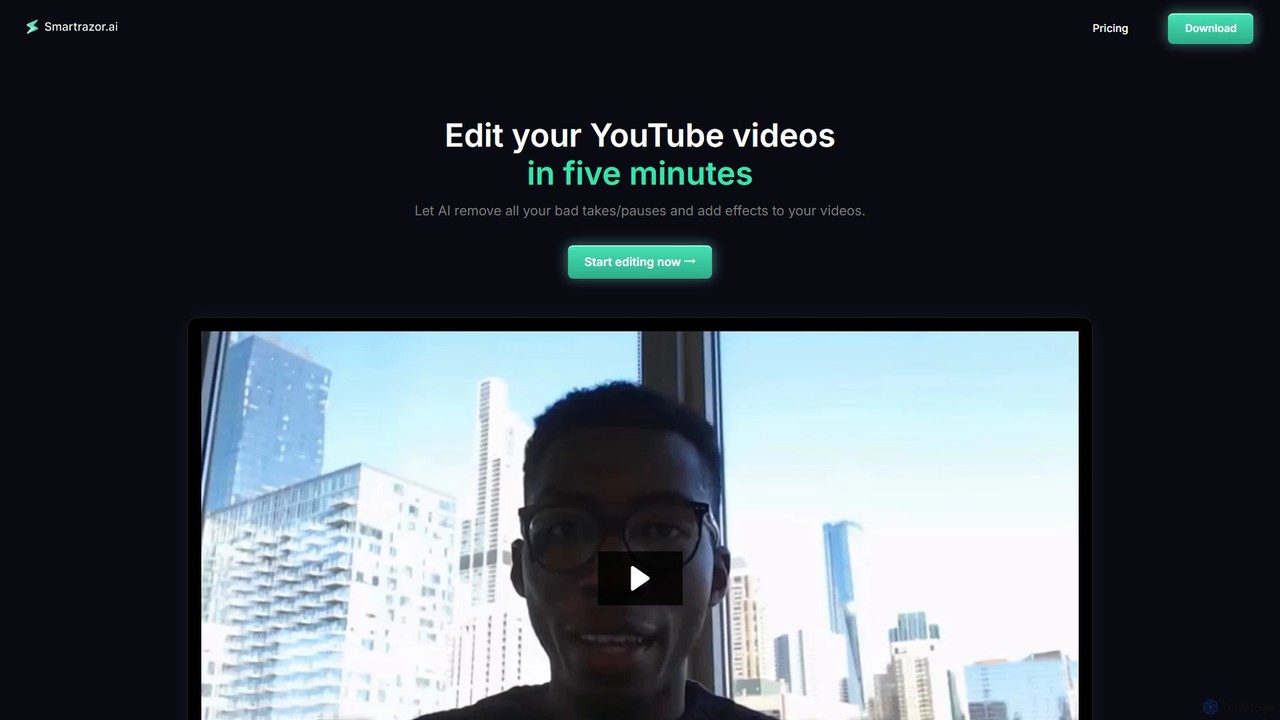
smartrazor
smartrazor is an AI-powered video editor designed for content creators, especially for 'talking-head' style YouTube videos. It automates the tedious editing process by intelligently removing mistakes, awkward pauses, and bad takes in just a few clicks. The tool also adds engaging effects like animated captions and dynamic zooms, allowing creators to produce high-quality videos in minutes, not hours, and significantly reduce costs and burnout.
Automation
FireCut Comments (0)
Sign in to comment.
Sign inNo comments yet.