

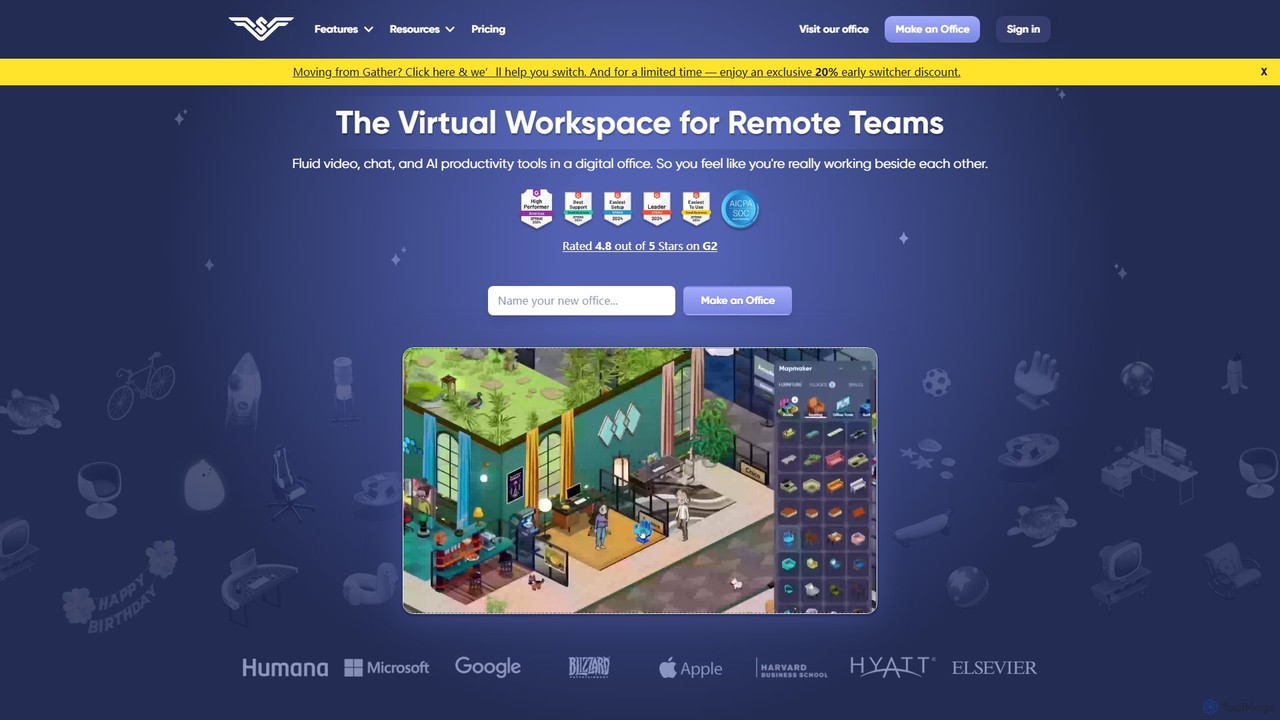
SoWork Overview
SoWork is a comprehensive virtual workspace designed to replicate the collaborative and social dynamics of a physical office for remote teams. It provides a shared digital space where team members can see each other, interact spontaneously, and work together more effectively. By creating a persistent, customizable office environment, SoWork aims to combat remote work loneliness, boost employee engagement, and streamline communication, ultimately leading to higher productivity and a stronger company culture.
The platform integrates fluid video conferencing, instant chat, and advanced AI-powered tools into one cohesive experience. Unlike traditional meeting software that requires scheduling, SoWork enables 'walk-up-and-connect' interactions, allowing for quick, 5-minute conversations as easily as tapping someone on the shoulder in a real office. This significantly reduces communication friction and accelerates decision-making.
A key feature of SoWork is its AI assistant, which acts like a virtual team member. It automates tedious tasks by taking meeting notes, generating summaries with action items, and exporting them to other productivity tools. This allows teams to focus on strategic discussions rather than administrative work. Furthermore, the platform offers rich team analytics, providing valuable insights into collaboration patterns, peak productivity times, and potential workflow bottlenecks, which are often invisible in both remote and in-person settings.
How to use SoWork
Getting started with SoWork is designed to be quick and intuitive, allowing teams to be operational in less than a day.
- Build Your Office: Use the Sims-like Mapmaker to design and customize a virtual office that reflects your company's culture. You can create different rooms, collaboration spaces, and social areas.
- Assign Desks: Assign a permanent desk to each team member to give them a sense of belonging and a personal space within the digital office.
- Set Core Hours: Establish a 'Team Overlap Block'—a few hours each day when everyone is expected to be present in the virtual office. This encourages real-time collaboration and strengthens team bonds.
- Communicate Instantly: Simply move your avatar next to a colleague's to start an instant video or audio chat. Set your status to 'Unavailable' when you need to focus or are on a break.
- Leverage AI for Meetings: Conduct meetings within SoWork and let the AI automatically record them, generate summaries, and list action items. All this information is saved to your searchable Meeting Library for future reference.
- Work from Anywhere: Use the SoWork Mobile App to stay connected with your team and feel present in the office, no matter your physical location.
Core Features of SoWork
- Customizable Virtual Office: A highly interactive and customizable digital workspace with a 'Sims-like' Mapmaker to build your ideal office layout.
- Spontaneous Communication: 'Walk-up-and-connect' video and audio conferencing for instant, unscheduled conversations.
- AI Meeting Assistant: Automatically generates meeting notes, summaries, and action items, which can be exported to tools like Zapier.
- Meeting Library: A centralized and searchable repository for all meeting recordings, transcripts, summaries, and participants.
- Rich Team Analytics: Provides data-driven insights into team collaboration habits, productivity trends, and workplace dynamics.
- Mobile App: A fully-featured mobile application to stay connected to the virtual office on the go.
- Integrations: Seamlessly connect with other tools through Zapier to streamline workflows.
- Advanced Features: Includes background noise cancellation, priority live support, and SSO/SCIM for enterprise clients.
Use Cases for SoWork
SoWork is ideal for remote and hybrid teams looking to improve their operational efficiency and company culture.
- Enhancing Team Collaboration: Teams can break down communication silos and foster spontaneous brainstorming and problem-solving.
- Building Company Culture: The platform provides a space for social interactions, like decorating a colleague's desk for their birthday or creating team-specific announcement boards, strengthening team cohesion.
- Increasing Productivity: By reducing the need for scheduled meetings for small questions and automating meeting documentation, teams can reclaim significant amounts of time.
- Improving Employee Engagement and Retention: As testified by users, SoWork helps increase employee happiness and engagement, leading to lower turnover rates.
Advantages of SoWork
SoWork offers a distinct advantage over a stack of separate collaboration tools. It's an all-in-one solution that can potentially replace services like Slack, Zoom, and Otter, offering significant cost savings. The platform is built to foster a genuine sense of presence and connection, directly addressing the common remote work challenges of isolation and disengagement. Its unique team analytics provide actionable insights that are impossible to gather in a traditional office. Finally, its ease of setup and responsive customer support make the transition smooth and effective.
Pricing and Plans
SoWork offers several plans tailored to different team sizes and needs.
- Free Plan: $0 for up to 10 members. Includes unlimited meetings with a 30-minute limit (audio-only) and limited support.
- Basic Plan: $6 per member/month (billed annually). For small teams, this plan offers unlimited members, unlimited meeting length with video, and unlimited office size.
- Premium Plan: $13 per member/month (billed annually). This is the most popular plan and includes all Basic features plus AI meeting summaries, meeting recordings, team analytics, Zapier integrations, noise cancellation, and priority live support. A 2-week free trial is available.
- Enterprise Plan: Custom pricing for teams with over 100 members. Includes all Premium features plus SSO, SCIM for automated user provisioning, assisted rollout, and a 99.99% uptime guarantee.
Traffic
Latest traffic
Status
Monthly traffic trend
- 2025-9: 95.3K
- 2026-1: 101.0K
- 2026-2: 103.1K
- 2026-3: 61.4K
- 2026-4: 61.6K
- 2026-5: 54.3K
Geography
Top 5 countries / regions
- 🇧🇷Brazil69.3%
- 🇹🇭Thailand14.6%
- 🇺🇸United States10.0%
- 🇦🇷Argentina3.5%
- 🇩🇪Germany2.5%
Traffic sources
| Source type | Percentage |
|---|---|
Direct | 87.7% |
Referral | 7.0% |
Email | 5.2% |
Top keywords
| Keyword | Cost per click |
|---|---|
| gather | $2.28 |
| so work | $0.83 |
| sowork | $0.85 |
| wework | $1.73 |
| workadventure | $0.82 |
SoWork Alternatives
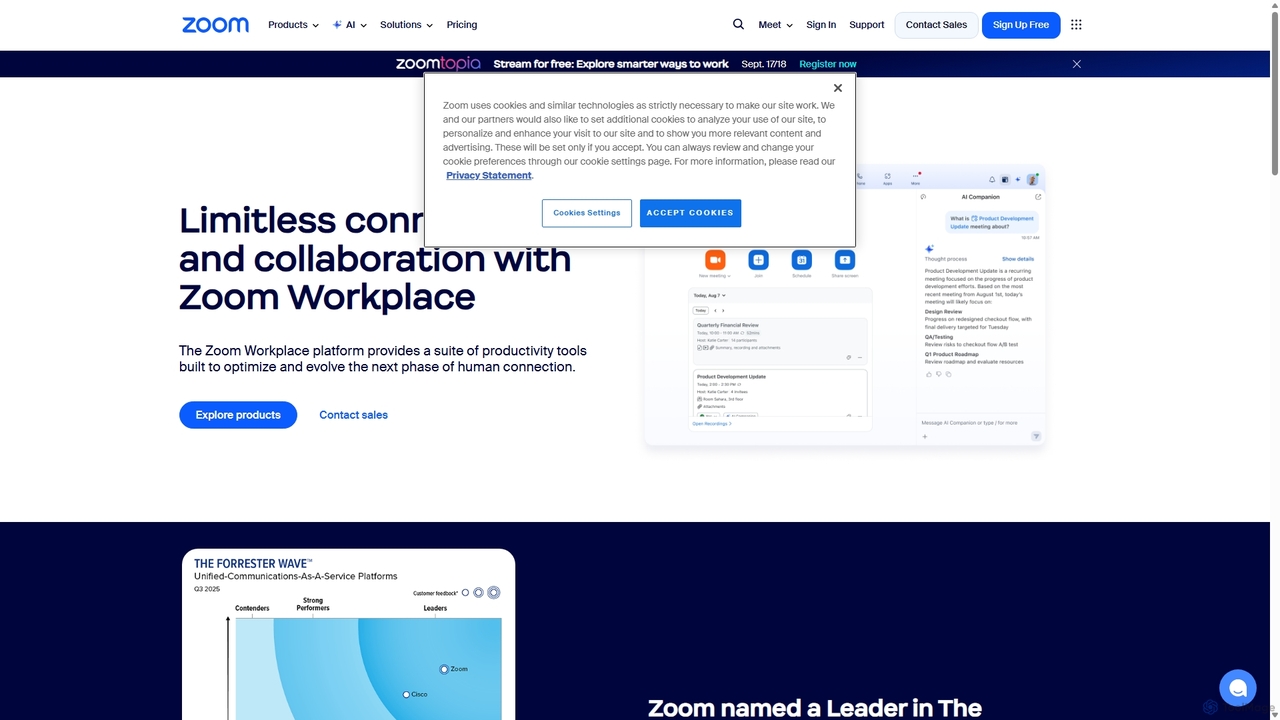
Zoom
Zoom is an AI-first, unified collaboration platform that connects people through video meetings, phone calls, team chat, webinars, and more. Featuring the AI Companion, it streamlines workflows, summarizes meetings, and enhances productivity for remote and hybrid teams across all industries.
Meeting Management
frameable
Frameable is an advanced virtual collaboration platform that integrates HD video conferencing with a persistent, interactive digital workspace. It's designed for remote and hybrid teams to communicate, brainstorm, and interact with data in a unified, immersive environment, moving beyond traditional online meetings.
Virtual Workspace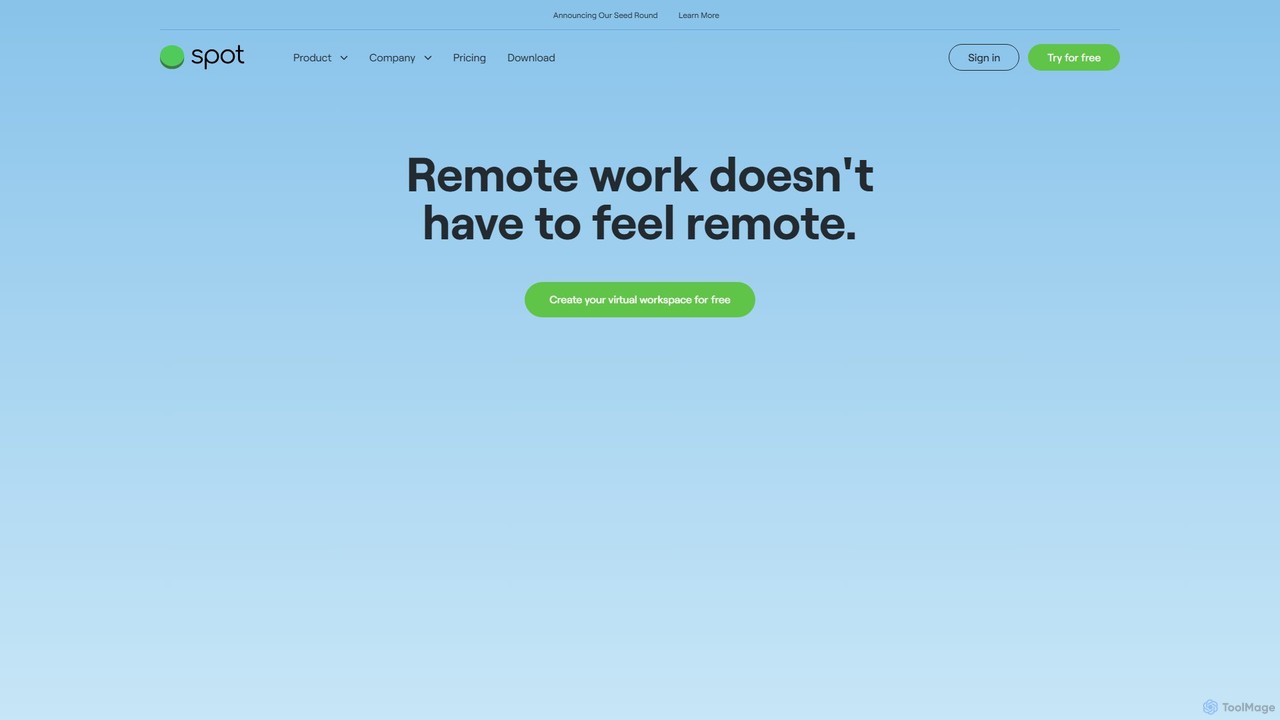
Spotvirtual
Spotvirtual is a virtual office platform that transforms remote work by creating an immersive, customizable 3D workspace. It combines the features of Slack and Zoom with the spatial presence of a physical office, allowing teams to collaborate, communicate, and connect more naturally, boosting productivity and team morale.
Team Chat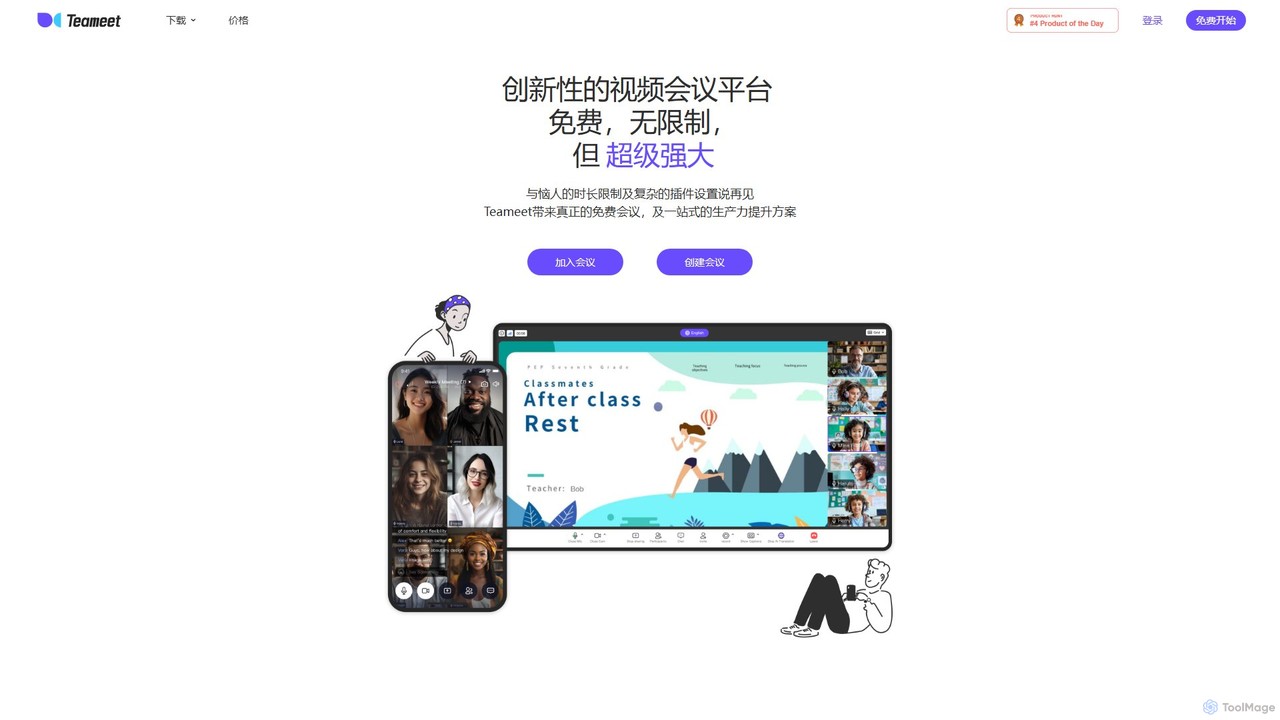
Teameet
Teameet is an innovative and free video conferencing platform that offers unlimited meeting durations. It enhances productivity with AI-powered features like real-time transcription and summaries, cloud recording, and multi-language subtitles. Ideal for startups and global teams, it provides a seamless, cross-platform experience without complex installations.
Video Conferencing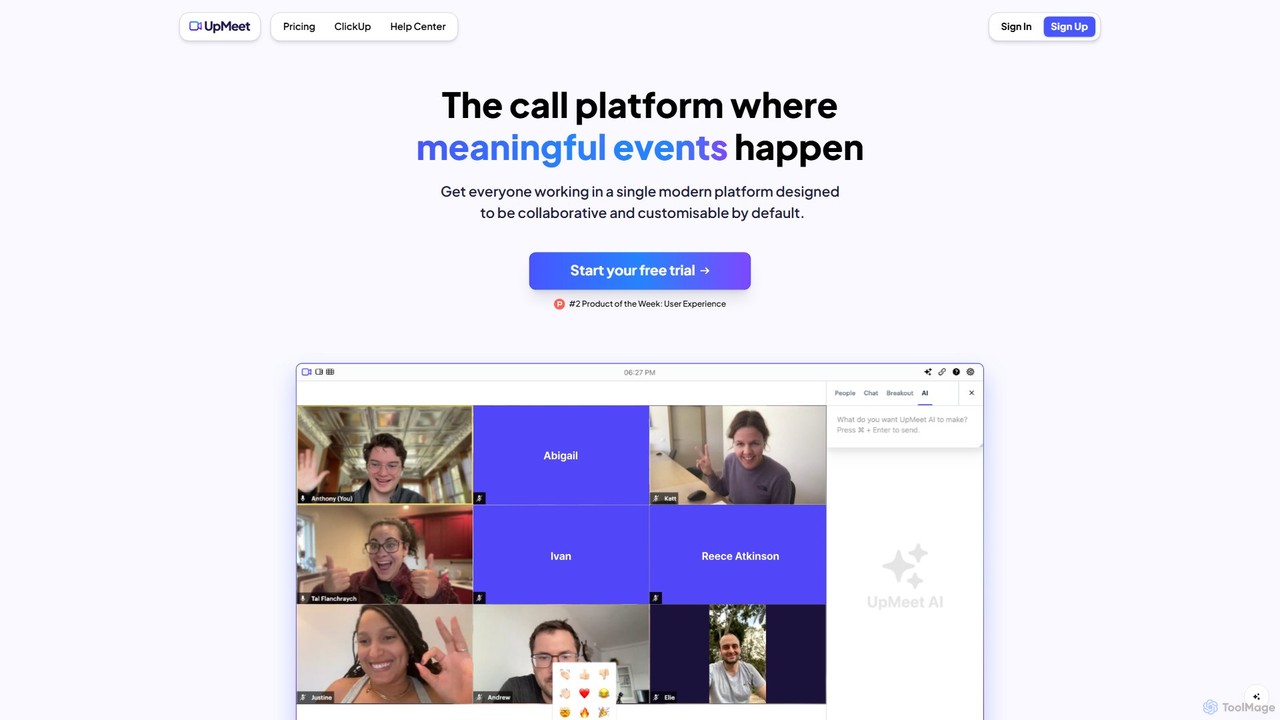
UpMeet
UpMeet is an AI-powered video conferencing platform designed for meaningful and productive online meetings. It offers deep integration with ClickUp, custom branding, and intelligent features like AI-generated summaries, action items, and real-time co-browsing. Ideal for remote teams and businesses seeking to streamline collaboration and enhance meeting efficiency with scalable plans for any team size.
Video ConferencingSoWork Categories
SoWork Embed Widget
Copy this embed code to place the badge on your blog, article, or product site and send readers directly to this ToolMage detail page.

Related AI tools
Spotvirtual
Spotvirtual is a virtual office platform that transforms remote work by creating an immersive, customizable 3D workspace. It combines the features of Slack and Zoom with the spatial presence of a physical office, allowing teams to collaborate, communicate, and connect more naturally, boosting productivity and team morale.
Team ChatTeameet
Teameet is an innovative and free video conferencing platform that offers unlimited meeting durations. It enhances productivity with AI-powered features like real-time transcription and summaries, cloud recording, and multi-language subtitles. Ideal for startups and global teams, it provides a seamless, cross-platform experience without complex installations.
Video ConferencingUpMeet
UpMeet is an AI-powered video conferencing platform designed for meaningful and productive online meetings. It offers deep integration with ClickUp, custom branding, and intelligent features like AI-generated summaries, action items, and real-time co-browsing. Ideal for remote teams and businesses seeking to streamline collaboration and enhance meeting efficiency with scalable plans for any team size.
Video Conferencing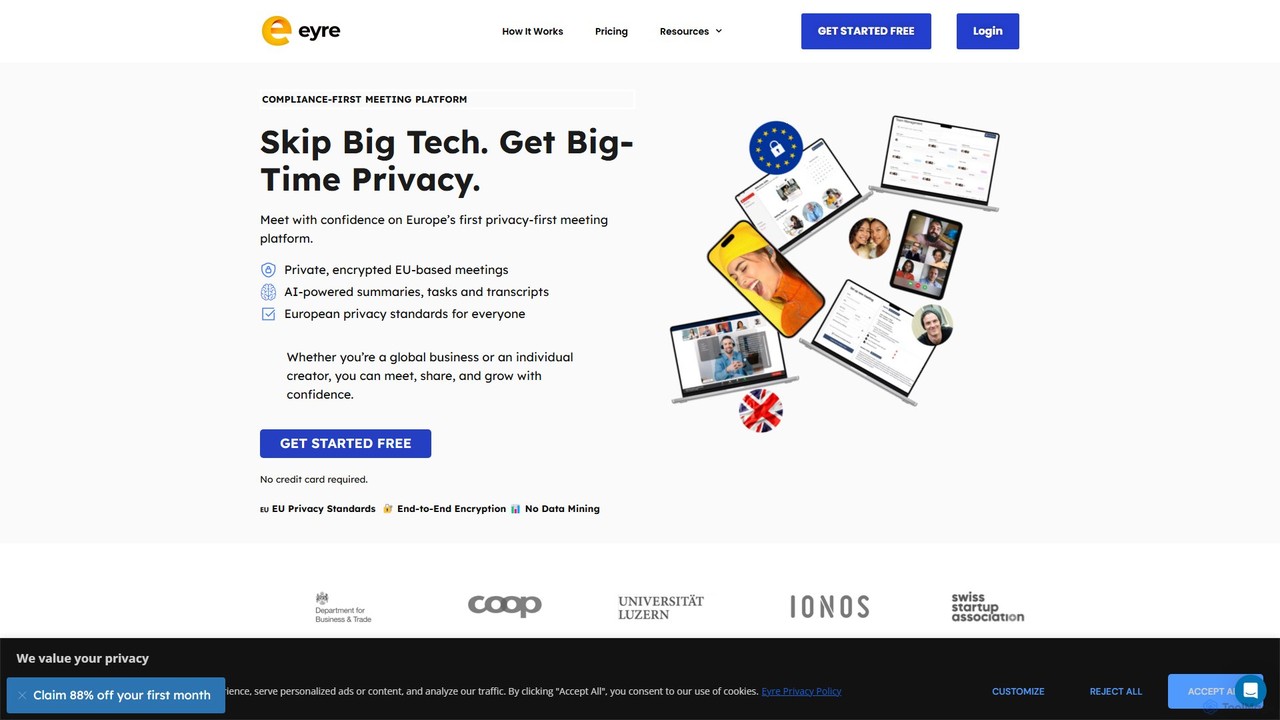
Eyre
Eyre is a privacy-first, EU-based video conferencing platform designed as a secure alternative to mainstream services. It offers end-to-end encrypted meetings with AI-powered features like summaries, transcripts, and task management. By keeping all data within Europe under strict GDPR compliance and a zero-knowledge architecture, Eyre ensures your conversations remain private and your data is never mined for advertising or AI training.
Video Conferencing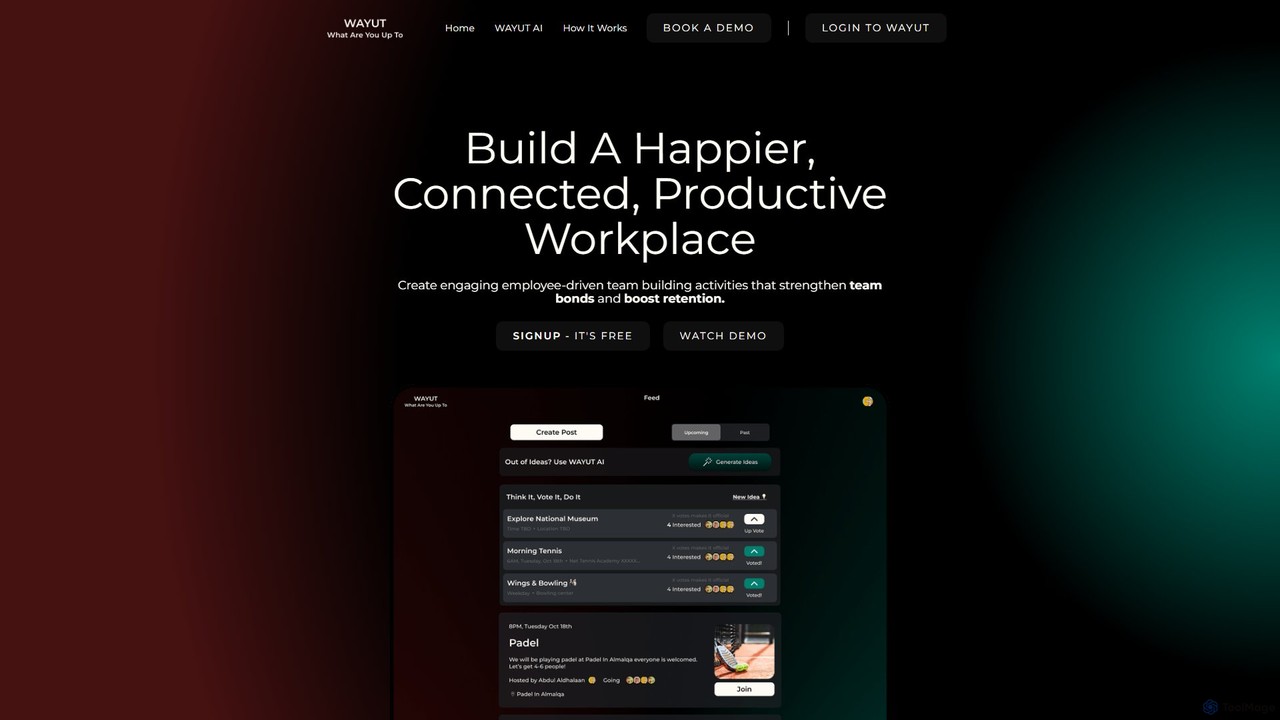
WAYUT
WAYUT is an AI-powered assistant designed to enhance team culture and retention. It helps users discover personalized team-building activities and icebreaker games for any setting, whether virtual, in-office, or offsite. By providing creative and tailored suggestions, WAYUT aims to boost morale, improve productivity, and build stronger, more connected teams.
Event PlanningZoom
Zoom is an AI-first, unified collaboration platform that connects people through video meetings, phone calls, team chat, webinars, and more. Featuring the AI Companion, it streamlines workflows, summarizes meetings, and enhances productivity for remote and hybrid teams across all industries.
Meeting Managementframeable
Frameable is an advanced virtual collaboration platform that integrates HD video conferencing with a persistent, interactive digital workspace. It's designed for remote and hybrid teams to communicate, brainstorm, and interact with data in a unified, immersive environment, moving beyond traditional online meetings.
Virtual Workspace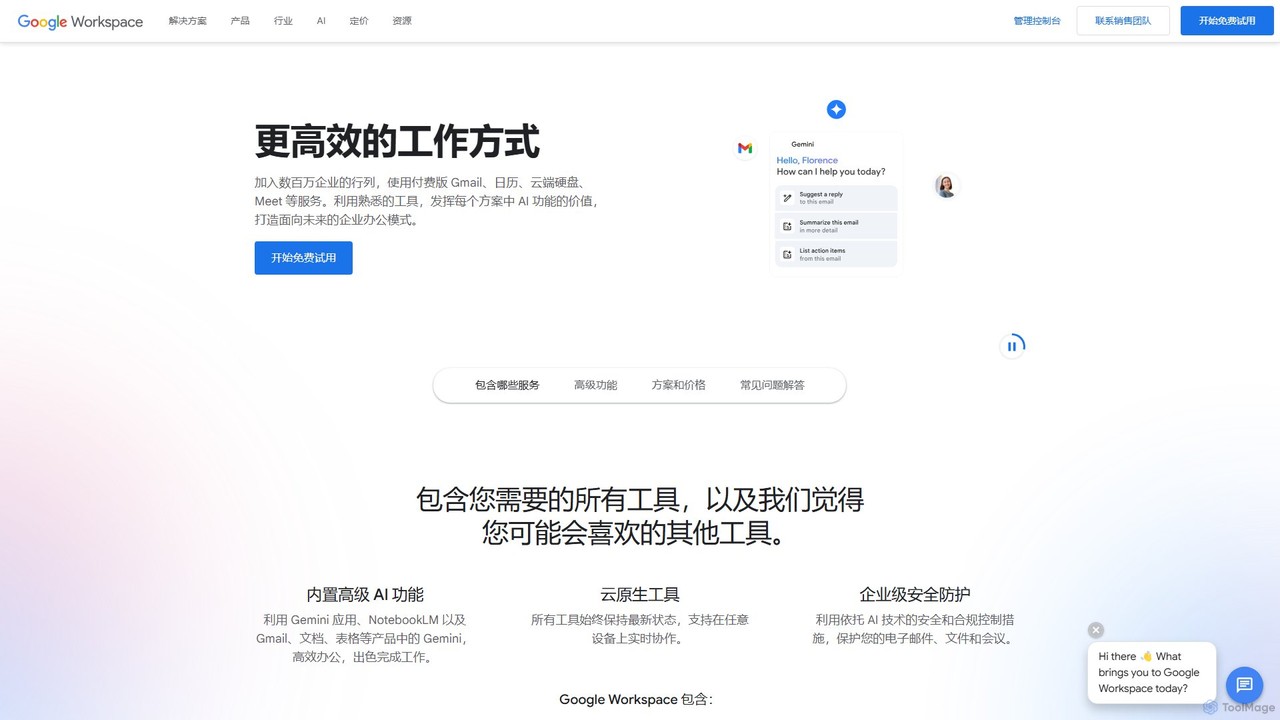
Google Workspace
Google Workspace is an integrated suite of secure, cloud-native collaboration and productivity apps powered by Google AI. It includes Gmail, Docs, Drive, Calendar, Meet, and more, designed to help teams of all sizes connect, create, and collaborate efficiently and securely from any device.
Office Suite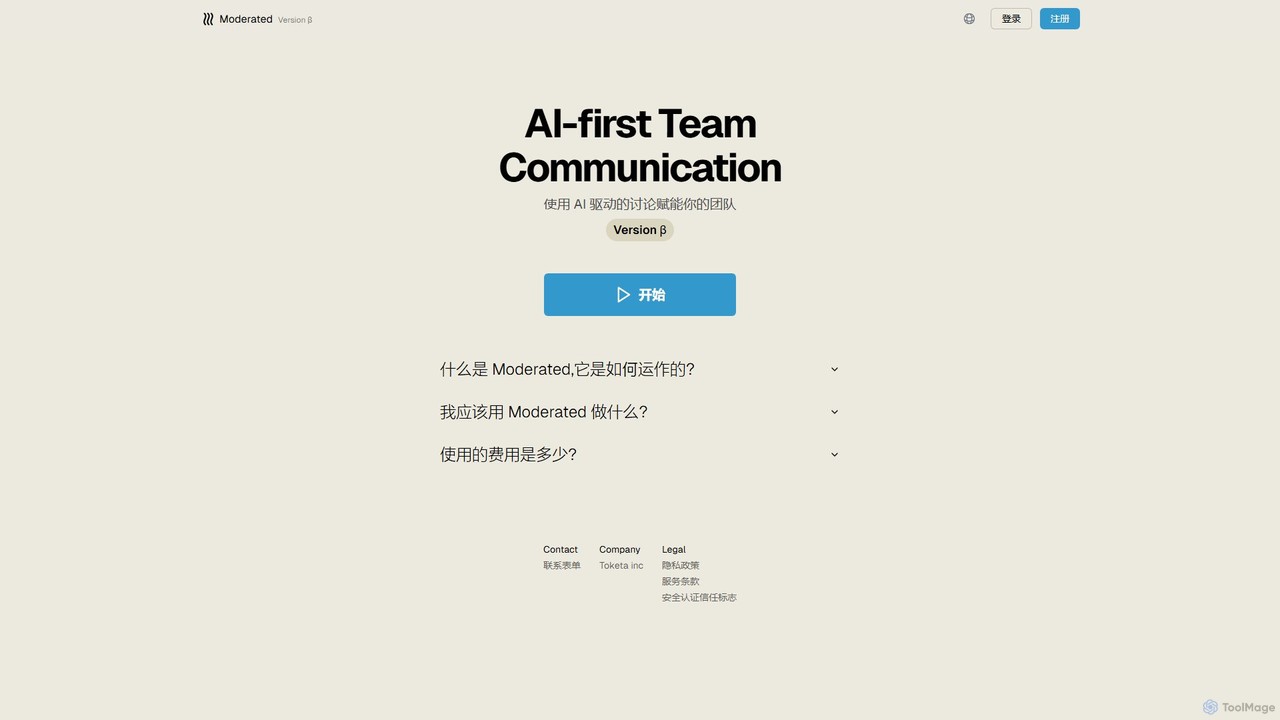
Moderated
Moderated is an AI-first team communication platform designed to empower teams with AI-driven discussions. It automatically summarizes conversations, extracts action items, and provides intelligent insights to enhance productivity and clarity in team collaboration.
Project Management
flycom.ai
flycom.ai is an AI-powered unified communication platform that streamlines team collaboration. It offers real-time meeting summaries, intelligent messaging, and automated workflows to boost productivity for fast-paced, modern teams.
Project Management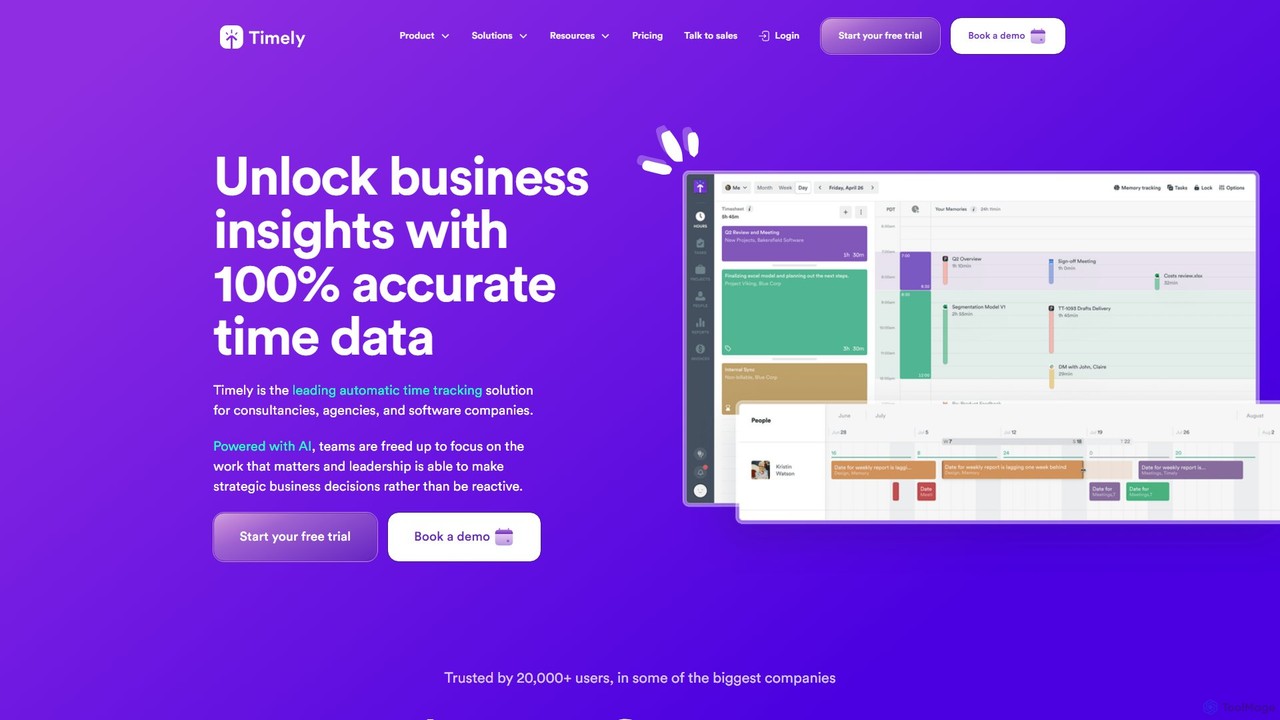
Timely
Timely is an AI-powered automatic time tracking tool that captures all your work activity in the background. It eliminates manual timers and guesswork, generating accurate timesheets with a single click. Designed for agencies, consultancies, and remote teams, it helps improve profitability, project management, and team efficiency while respecting user privacy.
Project Management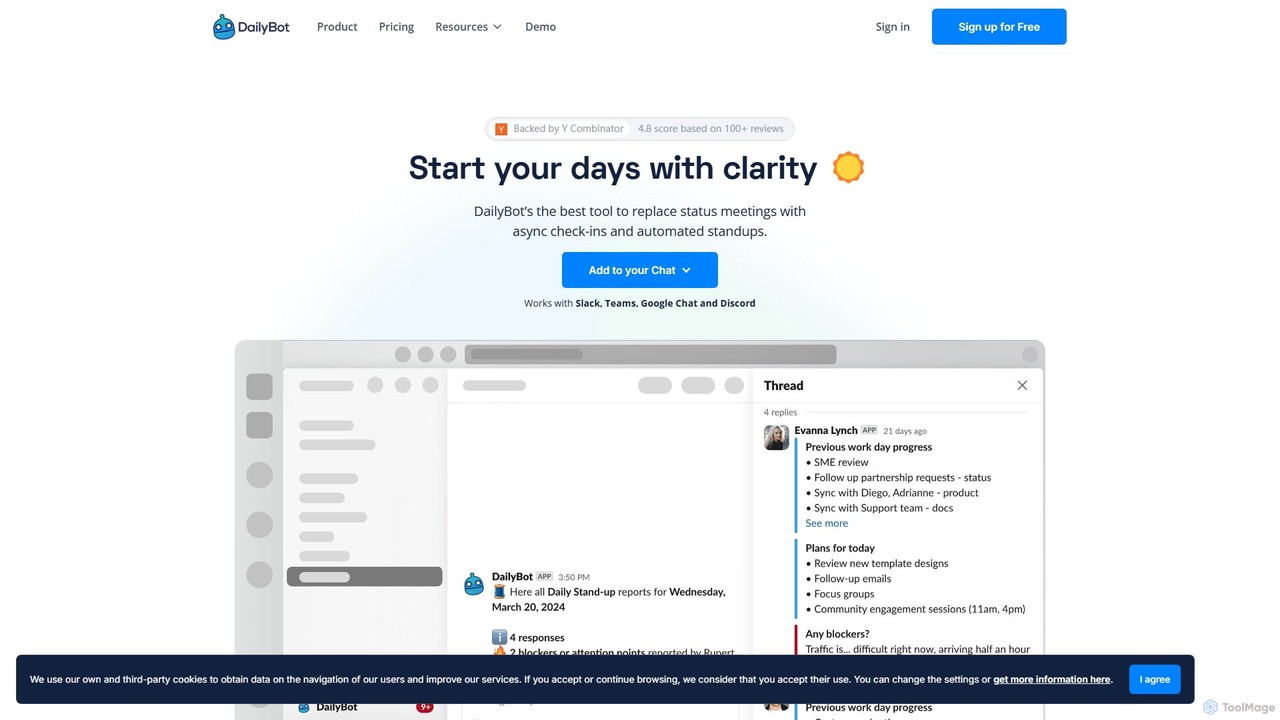
DailyBot
DailyBot is an AI-powered chatbot for agile and remote teams, automating daily stand-ups, team check-ins, and feedback collection. It integrates with Slack, MS Teams, Google Chat, and Discord to replace meetings with efficient asynchronous updates, track progress, and foster team culture.
Agile Development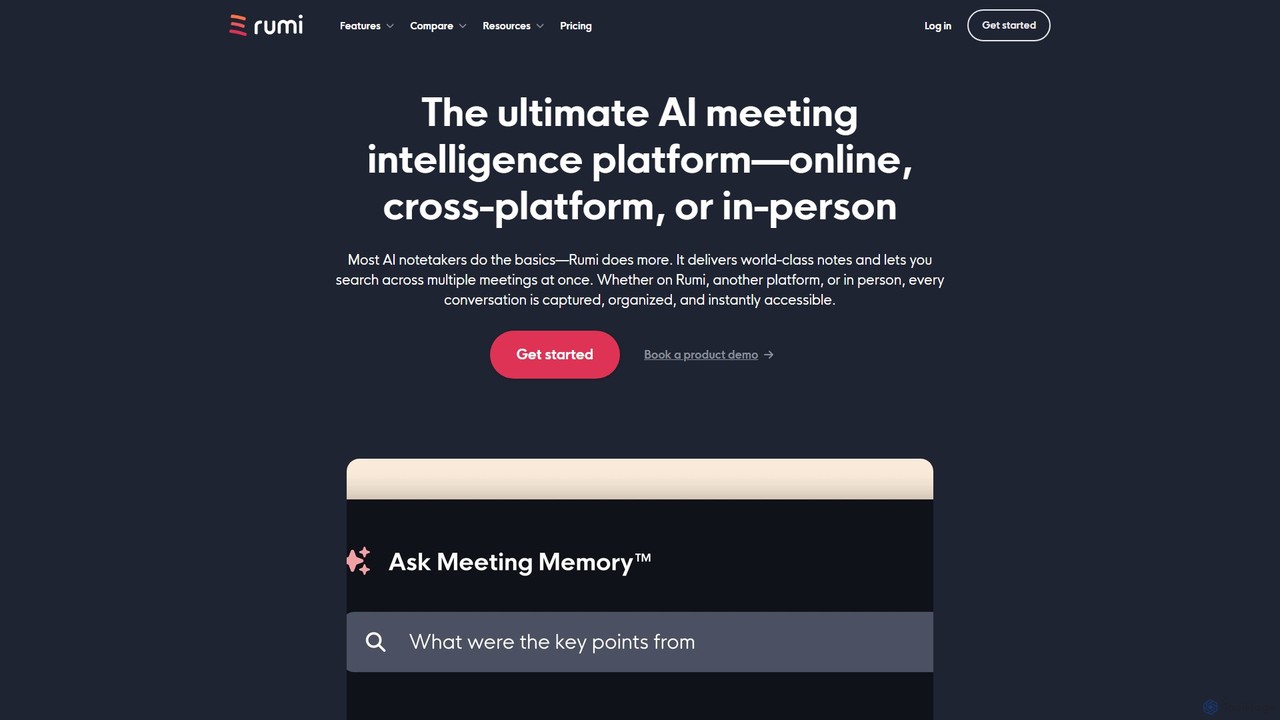
Rumi.ai
Rumi.ai is an all-in-one AI meeting intelligence platform that replaces traditional video conferencing tools. It provides world-class AI notes, summaries, and action items. Its standout feature, Meeting Memory™, allows you to search across all your team's past conversations, turning institutional knowledge into an instantly accessible and actionable resource.
Team Collaboration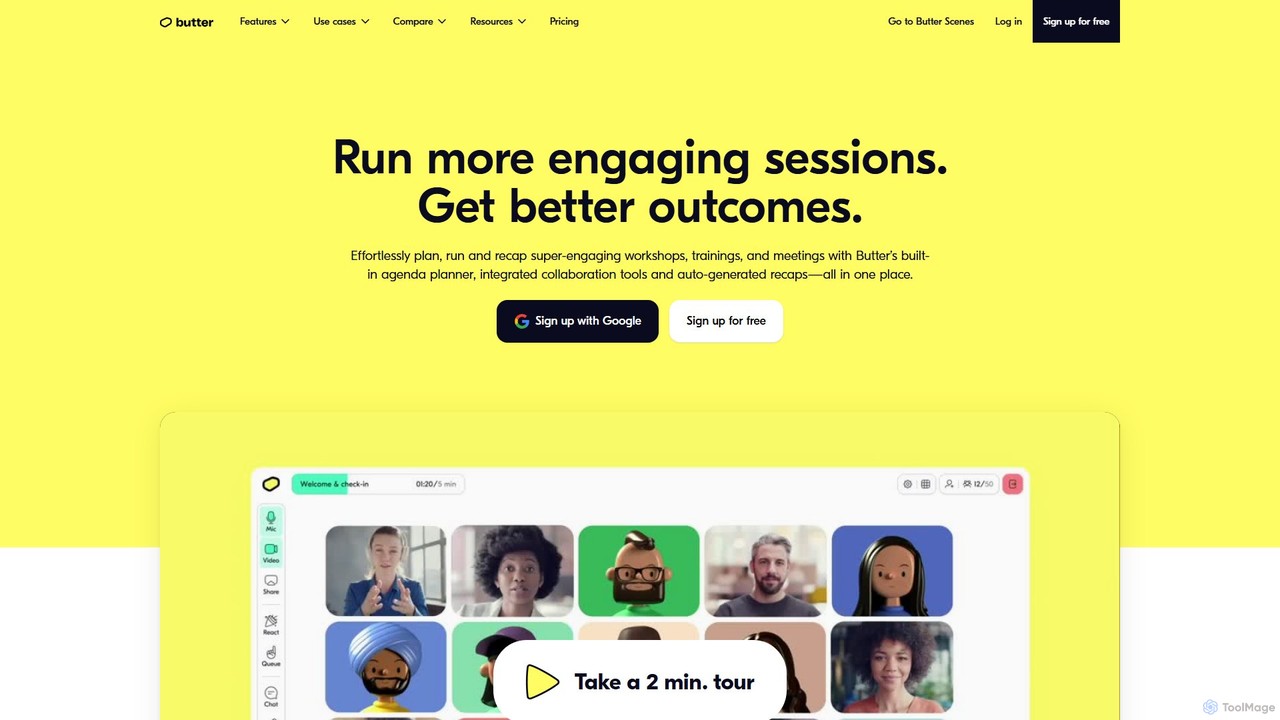
Butter
Butter is an AI-powered virtual collaboration platform designed for facilitators to run highly engaging and interactive workshops, training sessions, and meetings. It integrates interactive tools, agendas, and AI-driven recaps into a single window, eliminating tool-juggling and Zoom fatigue.
Team Management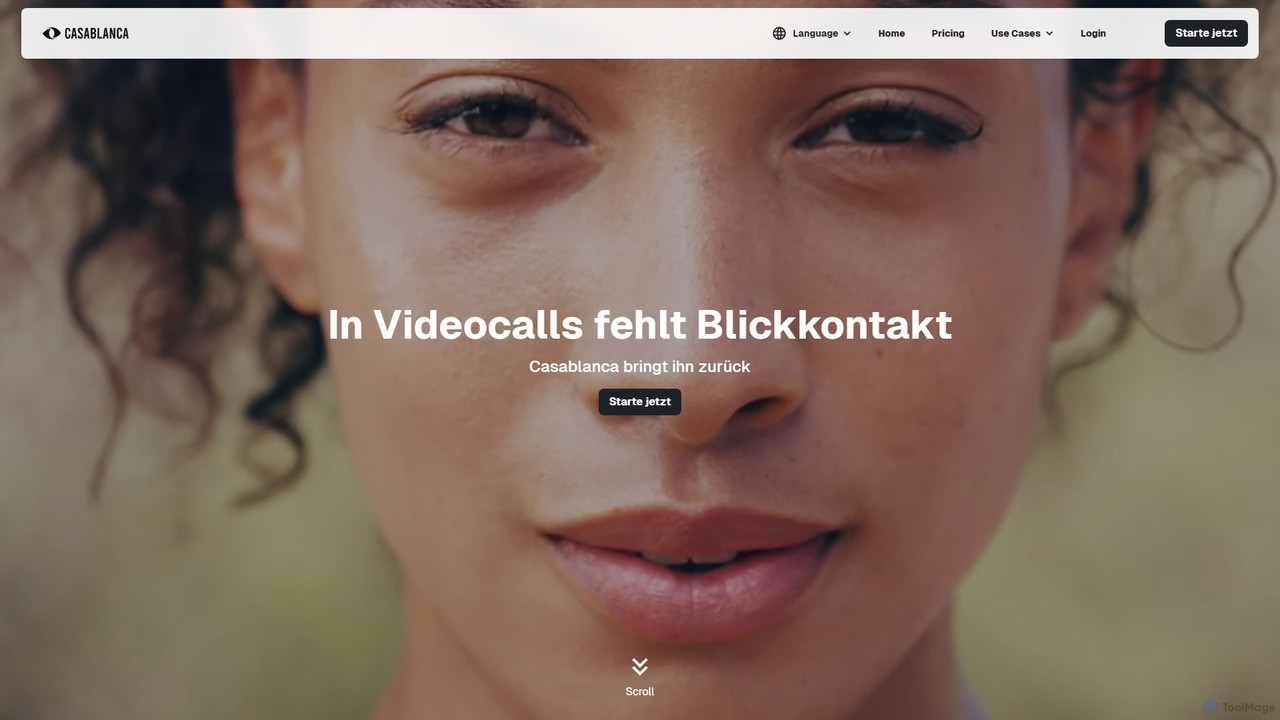
Casablanca
Casablanca is an AI-powered virtual camera that enhances your presence in online meetings. Its core feature, AI eye contact correction, ensures you always appear to be looking directly at the camera, fostering better engagement. It works seamlessly with popular platforms like Zoom, Teams, and Google Meet to make you look your best in every call.
Teleconferencing
SoWork Comments (0)
Sign in to comment.
Sign inNo comments yet.