

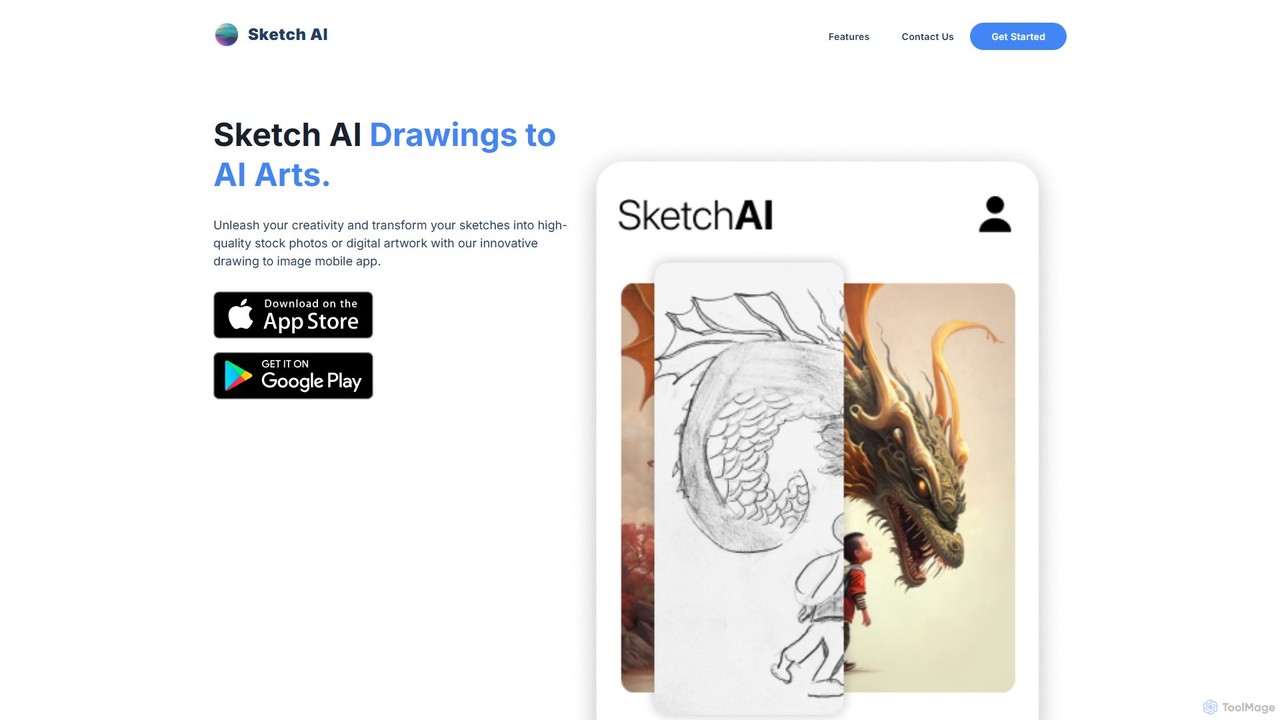
Sketch AI Overview
Sketch AI is a revolutionary mobile application designed to bridge the gap between simple ideas and stunning visual creations. It empowers users to transform their rough sketches into high-quality, professional-grade stock photos and intricate digital artwork through the power of advanced artificial intelligence. Whether you're a professional artist seeking rapid prototyping, a designer visualizing concepts, or a hobbyist looking to bring your imagination to life, Sketch AI provides an intuitive and powerful platform to turn your creative sparks into masterpieces. The app eliminates technical barriers, making digital art creation accessible to everyone, regardless of their drawing skill level.
How to use Sketch AI
Using Sketch AI is a straightforward and enjoyable process designed for maximum creativity with minimum fuss. Here’s a simple guide to get started:
- Download and Install: Begin by downloading the Sketch AI app from your device's app store.
- Create Your Sketch: Open the app and use the simple drawing tools to create a basic sketch of your idea. You can also upload a photo of a sketch you've drawn on paper. The key is to provide a clear outline for the AI to interpret.
- Write a Descriptive Prompt: This is where you guide the AI. Write a text prompt describing what you want the final image to be. Be specific about the subject, setting, colors, mood, and desired style (e.g., "A majestic lion with a fiery mane, photorealistic, cinematic lighting").
- Select a Style: Browse through Sketch AI's extensive library of art styles. Choose from options like Photorealistic, Anime, Fantasy, Watercolor, 3D Render, Cyberpunk, and more to match your vision.
- Generate and Refine: Tap the generate button and watch as the AI transforms your sketch and prompt into a unique piece of art. If you're not completely satisfied, you can tweak your prompt or sketch and generate again. Many versions allow for further refinement or generating variations of the result.
Core Features of Sketch AI
- Intuitive Sketch-to-Image Engine: The core of the app is its powerful AI that accurately interprets line drawings and structural sketches as the foundation for new images.
- Advanced Text Prompt Integration: Combine your visual sketch with detailed text descriptions to achieve precise control over the final output, from subject matter to artistic nuance.
- Diverse Style Library: A rich selection of pre-defined styles allows you to instantly change the entire look and feel of your creation, enabling endless artistic exploration.
- High-Resolution Output: Generate images in high quality, suitable for digital portfolios, social media, or even printing.
- Real-time Feedback: Certain features may offer a live preview that updates as you draw, providing an interactive and dynamic creative experience.
- Inspiration Gallery: Explore a community feed of creations from other users to get new ideas and see the full potential of the app.
Use Cases for Sketch AI
Sketch AI is a versatile tool that caters to a wide range of creative needs:
- Concept Artists & Illustrators: Quickly iterate on character designs, environment concepts, and storyboard frames. Use it to generate a detailed base that can be painted over and refined in other software.
- Graphic Designers: Create unique assets, icons, and background images for websites, marketing materials, and presentations without relying on generic stock photos.
- Hobbyists & Art Enthusiasts: Turn casual doodles and imaginative ideas into beautiful, shareable artwork. It's a fun way to explore creativity without the steep learning curve of traditional digital painting software.
- Content Creators & Marketers: Generate eye-catching, original images for blog posts, social media updates, and ad campaigns, ensuring your content stands out.
- Product Designers & Architects: Sketch out initial product ideas or building layouts and instantly visualize them in a more realistic or stylized form to present to clients or team members.
Advantages of Sketch AI
Sketch AI offers significant benefits over traditional methods and other creative tools:
- Democratized Creativity: You don't need to be a professional artist to create stunning visuals. The app makes art creation accessible to all skill levels.
- Unprecedented Speed: Go from a rough idea to a fully rendered image in minutes, dramatically accelerating the creative workflow.
- Endless Inspiration: The combination of sketching and AI prompting can lead to unexpected and delightful results, pushing your creative boundaries.
- Mobile Convenience: Create on the go. Capture inspiration wherever you are directly on your phone or tablet.
- Cost-Effective: Provides a powerful alternative to expensive software licenses or the cost of hiring freelance illustrators for smaller projects.
Pricing and Plans
Sketch AI typically operates on a freemium model. The free version allows users to experience the core functionality, usually with a limited number of daily or weekly image generations. For artists, professionals, and enthusiasts who want unrestricted access, a Pro subscription is available. The paid plans (offered weekly, monthly, or annually) generally include benefits such as unlimited generations, faster processing times, access to all premium styles, higher-resolution downloads, and an ad-free experience.
Traffic
Latest traffic
Status
Monthly traffic trend
- 2025-9: 3.7K
- 2026-1: 6.0K
- 2026-2: 5.2K
- 2026-3: 4.4K
- 2026-4: 1.2K
- 2026-5: 2.3K
Geography
Top 5 countries / regions
- 🇮🇳India59.3%
- 🇪🇬Egypt40.7%
Sketch AI Alternatives
DrawingPics
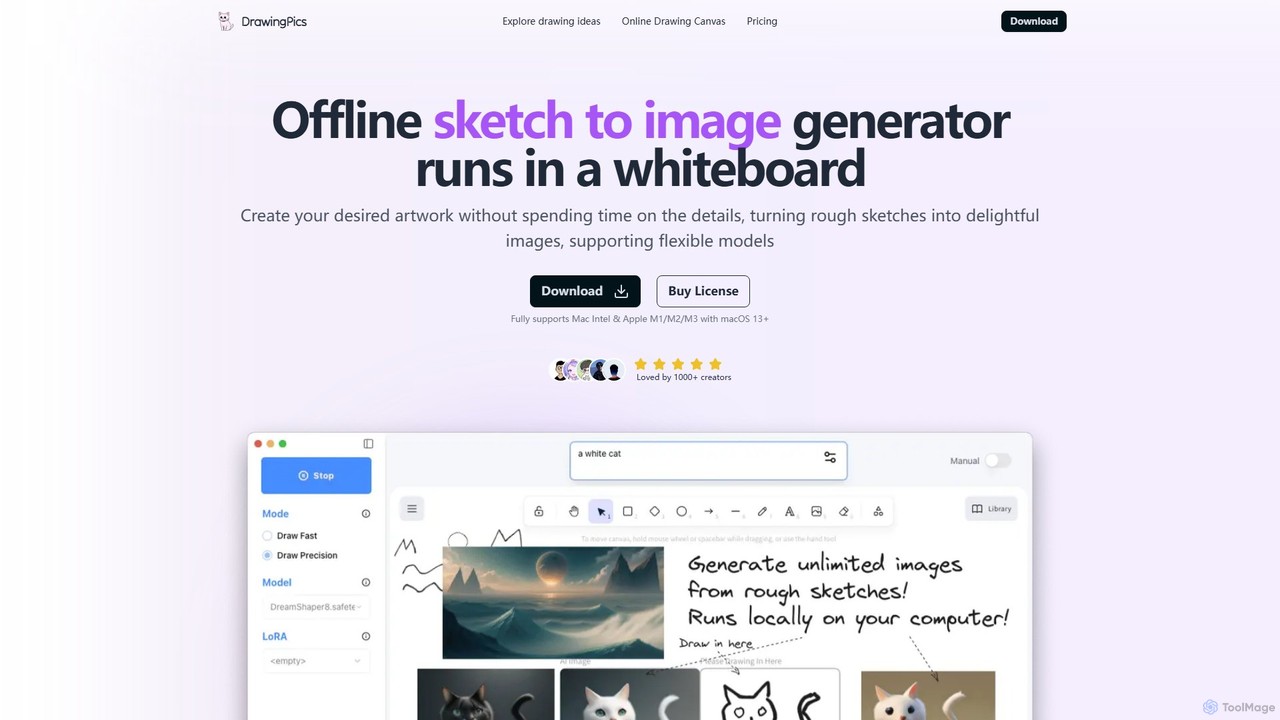
DrawingPics is an offline AI art generator for macOS that transforms rough sketches into high-quality images on a digital whiteboard. It operates locally, ensuring privacy and unlimited use with a one-time purchase. It supports custom Stable Diffusion models and LoRAs, offering precise control and an iterative creative process for artists and designers.
Image Generation
Sirens
Sirens is a specialized AI art generator for creating breathtaking fantasy and mythological artwork. Using advanced text-to-image models, it excels at bringing mythical creatures, enchanted landscapes, and epic scenes to life. Perfect for artists, writers, and game developers seeking high-quality, thematic visuals.
Image Generation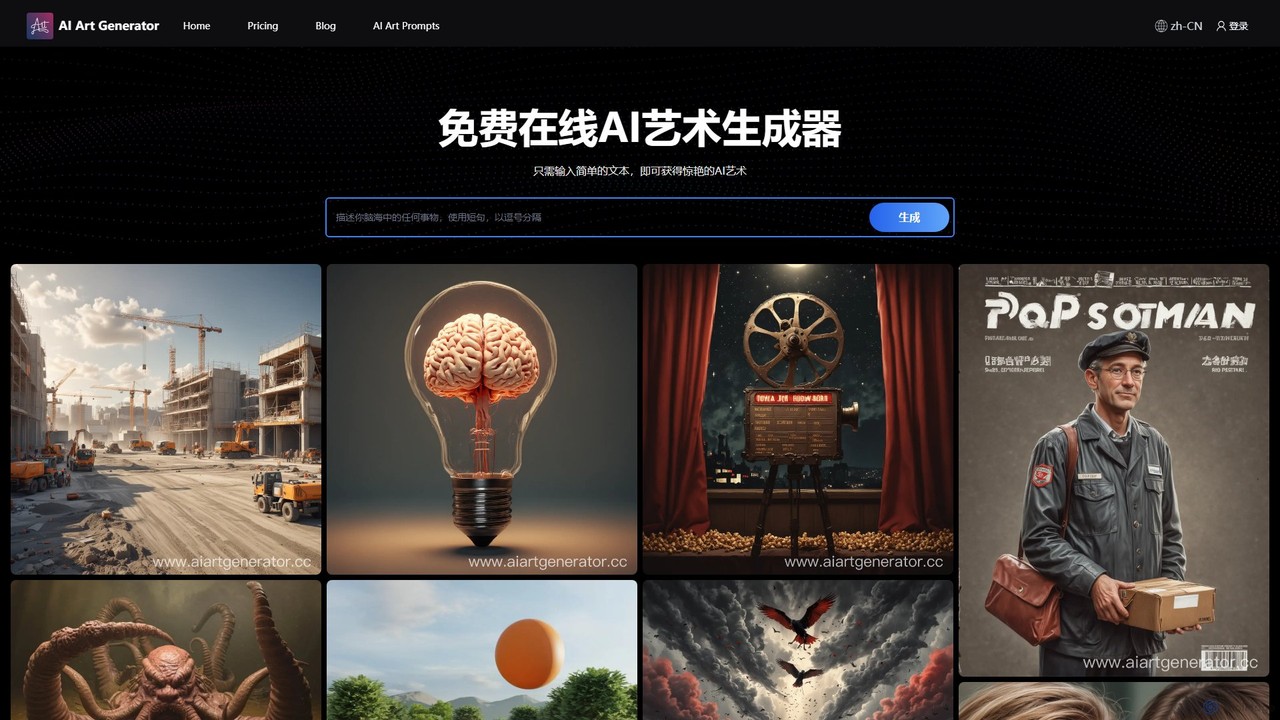
aiartgenerator.cc
aiartgenerator.cc is a powerful and user-friendly AI art generator that transforms your text prompts into stunning, unique images. Leveraging advanced Stable Diffusion technology, it allows anyone, regardless of artistic skill, to create high-quality visuals for personal or commercial use. The platform offers a free plan to get started and premium tiers with advanced features like faster generation, upscaling, and a commercial license.
Image Generation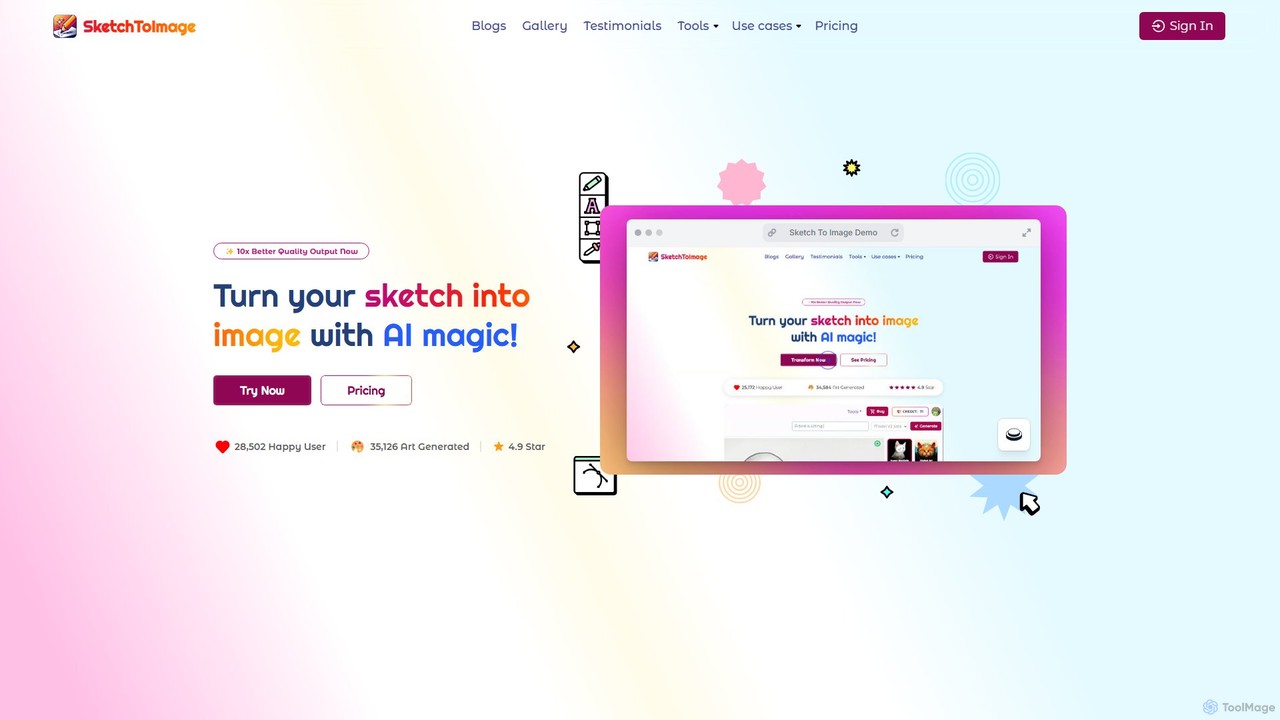
Sketch To Image
An AI-powered tool that transforms your sketches and doodles into high-quality art in various styles. It features image upscaling up to 8x, video generation from images, and provides copyright-free artwork for commercial use.
Generative Art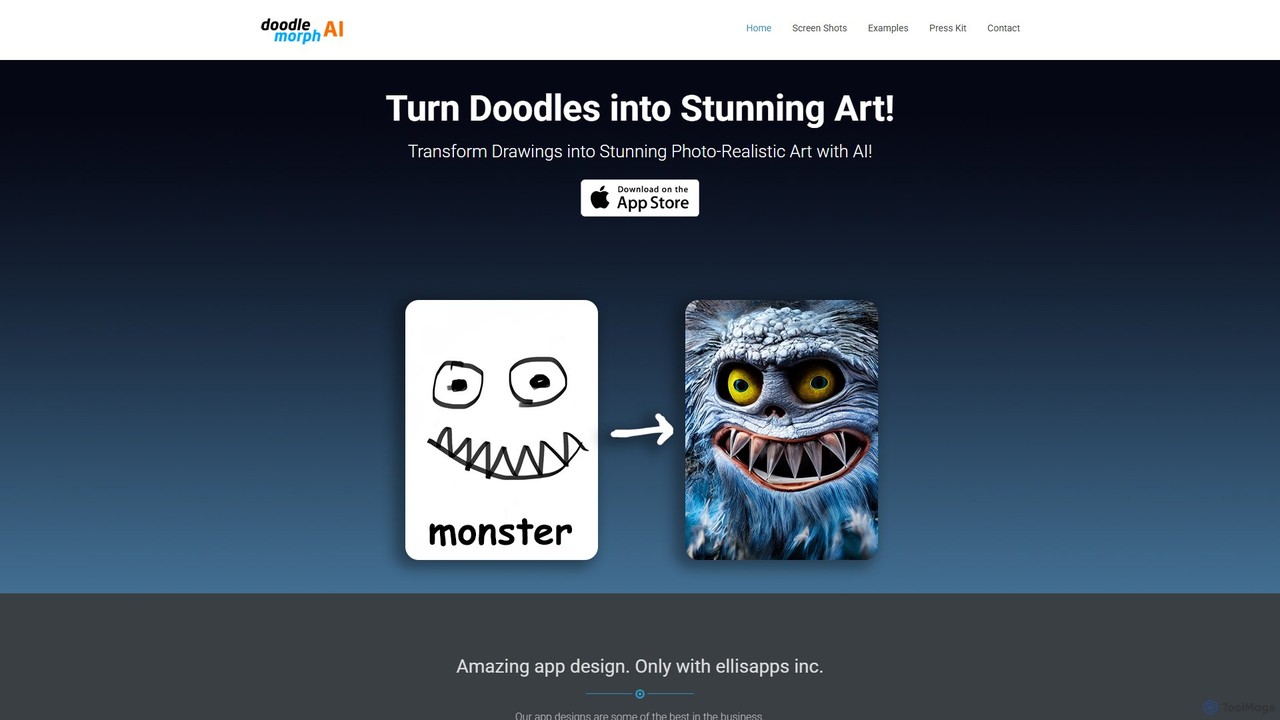
Doodlemorph AI
Doodlemorph AI is a mobile app that transforms your simple doodles and sketches into stunning, photo-realistic, or stylized works of art using advanced AI. Unleash your creativity by turning rough ideas into detailed masterpieces in seconds, with various artistic styles.
Image GenerationSketch AI Categories
Sketch AI Embed Widget
Copy this embed code to place the badge on your blog, article, or product site and send readers directly to this ToolMage detail page.

Related AI tools
Sketch To Image
An AI-powered tool that transforms your sketches and doodles into high-quality art in various styles. It features image upscaling up to 8x, video generation from images, and provides copyright-free artwork for commercial use.
Generative Art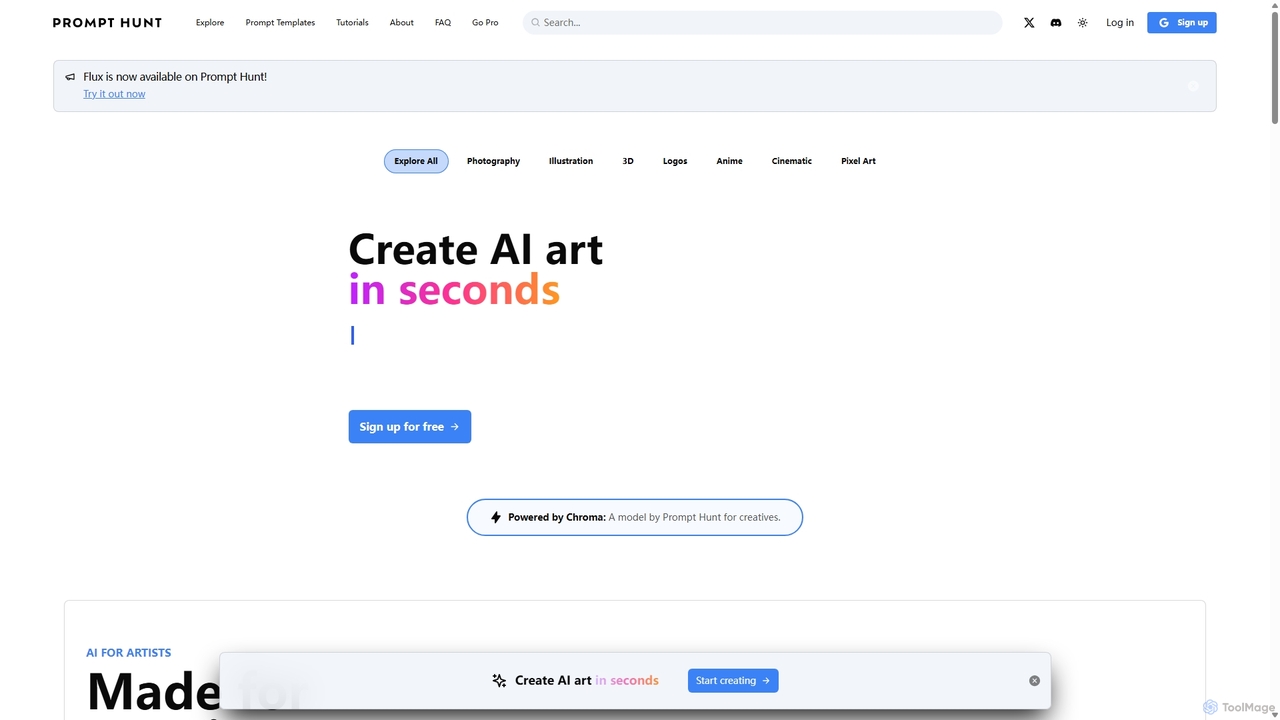
Prompt Hunt
Prompt Hunt is an AI art platform designed for creatives to explore, create, and share high-quality AI-generated images. It features a powerful proprietary model called Chroma, an extensive library of prompt templates, and an intuitive interface, making it easy for both beginners and experts to produce stunning visuals.
IllustrationDrawingPics
DrawingPics is an offline AI art generator for macOS that transforms rough sketches into high-quality images on a digital whiteboard. It operates locally, ensuring privacy and unlimited use with a one-time purchase. It supports custom Stable Diffusion models and LoRAs, offering precise control and an iterative creative process for artists and designers.
Image Generationaiartgenerator.cc
aiartgenerator.cc is a powerful and user-friendly AI art generator that transforms your text prompts into stunning, unique images. Leveraging advanced Stable Diffusion technology, it allows anyone, regardless of artistic skill, to create high-quality visuals for personal or commercial use. The platform offers a free plan to get started and premium tiers with advanced features like faster generation, upscaling, and a commercial license.
Image GenerationDoodlemorph AI
Doodlemorph AI is a mobile app that transforms your simple doodles and sketches into stunning, photo-realistic, or stylized works of art using advanced AI. Unleash your creativity by turning rough ideas into detailed masterpieces in seconds, with various artistic styles.
Image Generation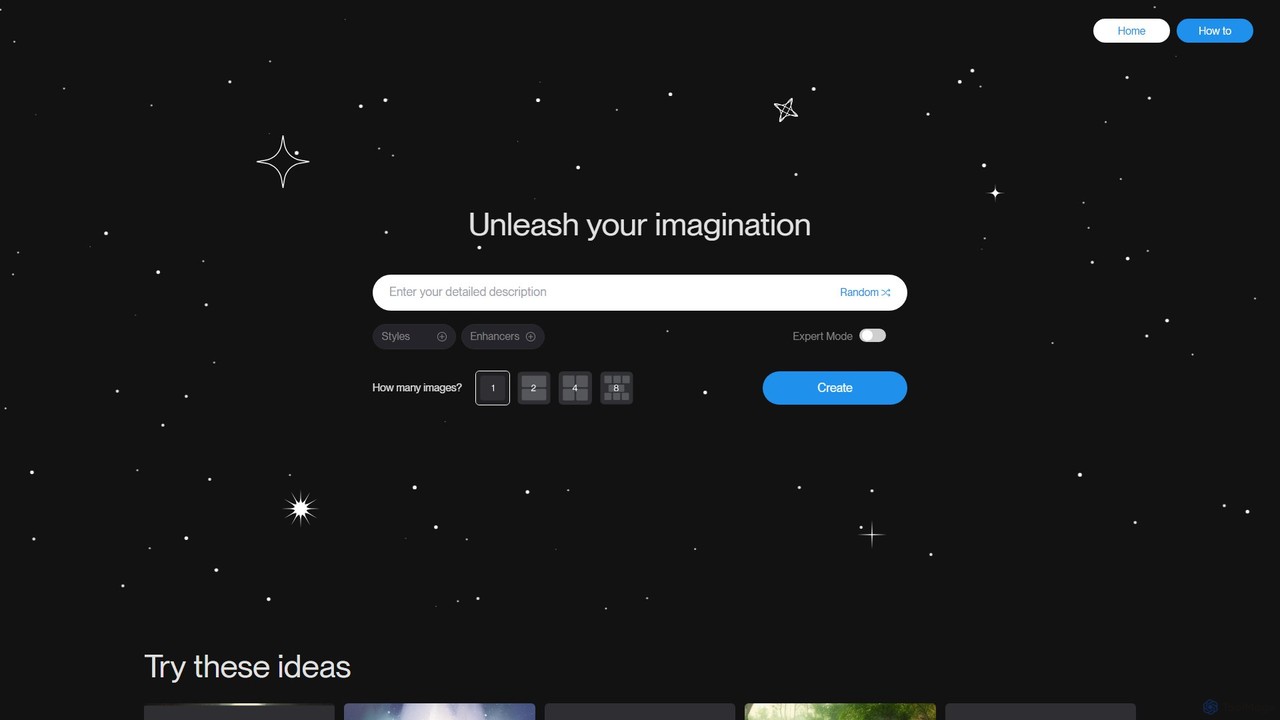
Uranus.AI
Uranus.AI is a powerful text-to-image AI art generator that transforms your written ideas into stunning visual artworks. Featuring a wide array of styles, an expert mode for fine-tuning, and intuitive prompt guidance, it empowers both beginners and professionals to unleash their creativity and produce unique, high-quality images effortlessly.
Creative
artifymaster
Artifymaster is an advanced AI art generator designed for artists, designers, and creators. It transforms text prompts into high-quality, unique images with a suite of powerful tools for granular control over style, composition, and detail, enabling the creation of professional-grade digital artwork.
Graphics
DreamUp
DreamUp is a powerful AI art generator that transforms your text descriptions into stunning, high-quality images and artwork. Leveraging advanced generative models, it allows creators, marketers, and designers to produce unique visuals, concept art, and marketing materials in seconds.
Generative Art
dreamy_ai
dreamy_ai is an AI-powered art generator that transforms text prompts into stunning, dreamlike visuals. It specializes in creating ethereal, fantasy, and surrealist artwork, perfect for artists, designers, and content creators looking to bring their imaginative concepts to life with a unique aesthetic.
Creative Tools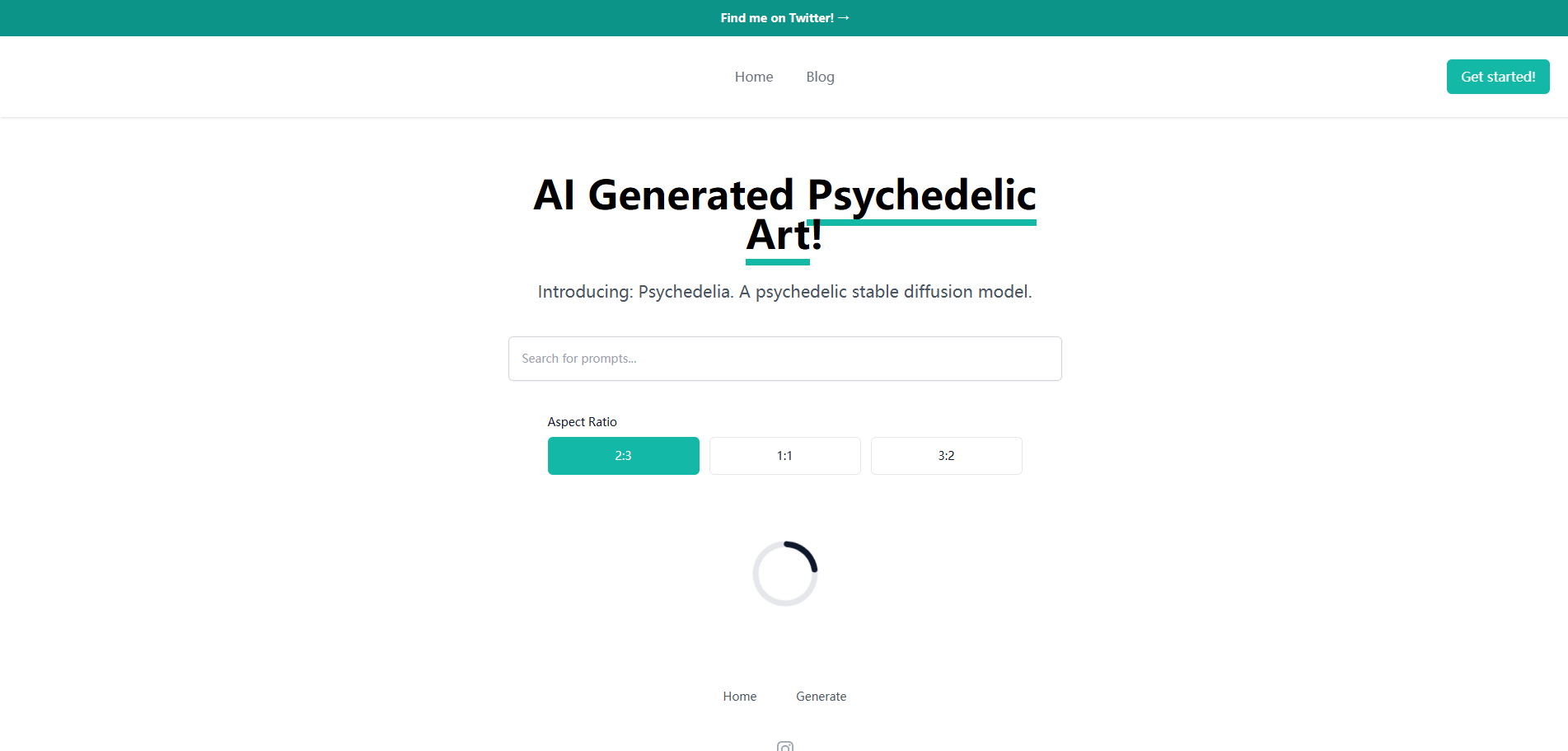
Aiart.fm
Aiart.fm is a powerful AI art generator that transforms your text prompts into stunning, high-quality images and digital art in seconds. Featuring a user-friendly interface, it supports a wide range of artistic styles, from photorealistic to anime and abstract. Ideal for artists, designers, marketers, and content creators looking to unlock their creative potential without complex software.
Generative ArtSirens
Sirens is a specialized AI art generator for creating breathtaking fantasy and mythological artwork. Using advanced text-to-image models, it excels at bringing mythical creatures, enchanted landscapes, and epic scenes to life. Perfect for artists, writers, and game developers seeking high-quality, thematic visuals.
Image Generation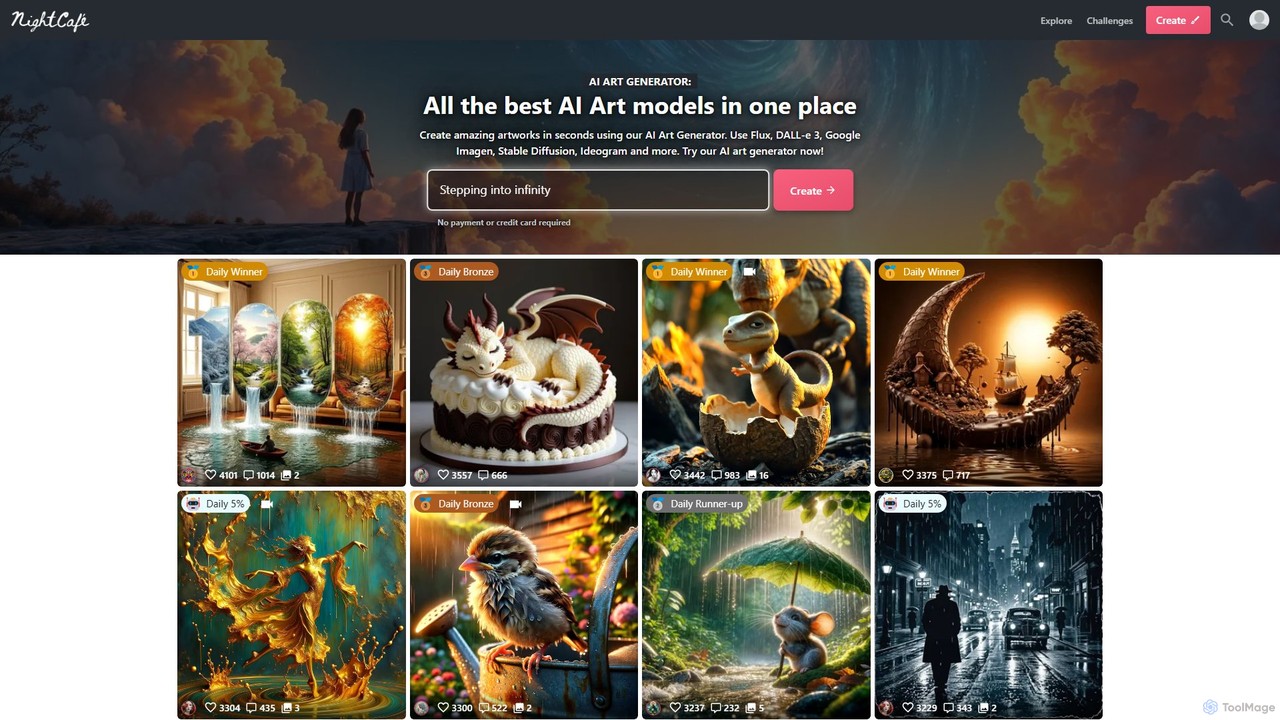
NightCafe Creator
A powerful AI art generator platform that brings together top models like DALL-E 3, Stable Diffusion, and Flux in one place. It's designed for both beginners and experts, featuring a vibrant community, daily art challenges, and extensive creative tools. Generate unlimited base images for free or upgrade for advanced features and more credits.
Image Generation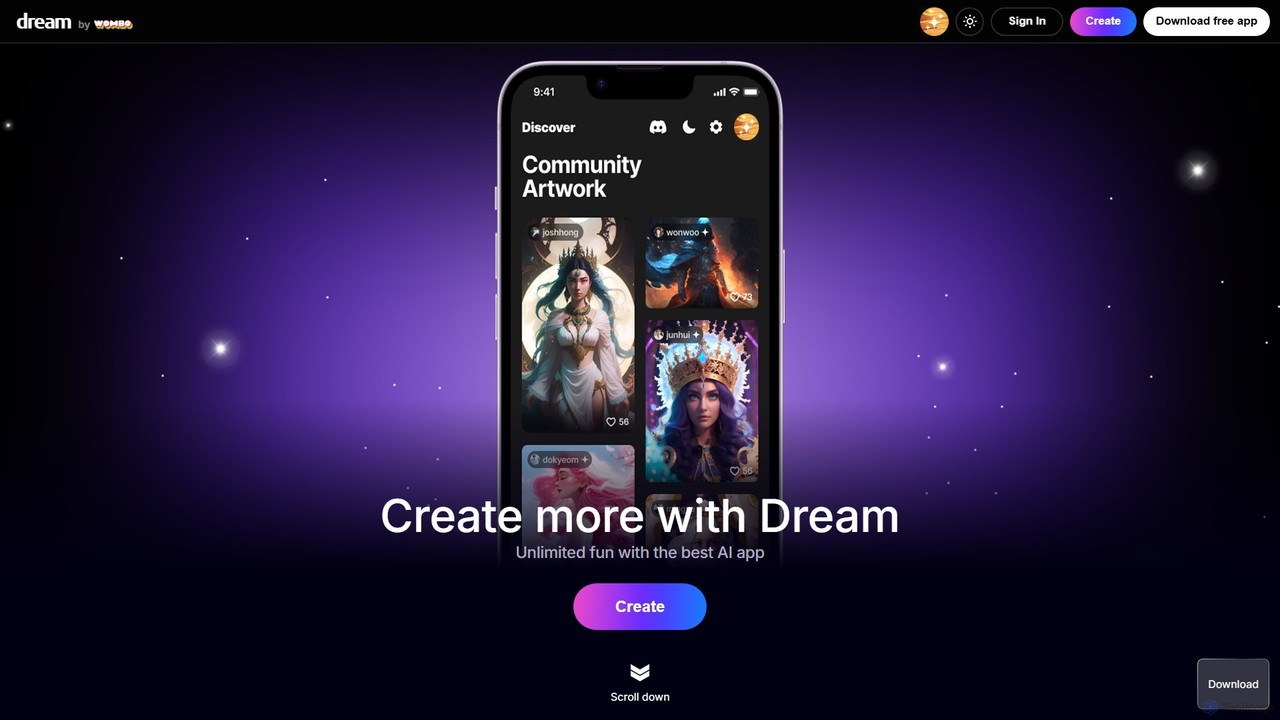
Dream by WOMBO
Dream by WOMBO is a powerful AI art generator that transforms your text prompts into stunning paintings and images in seconds. With a vast library of art styles, an intuitive interface, and both web and mobile app versions, it makes creating unique digital art accessible to everyone, from artists to hobbyists.
Image Generation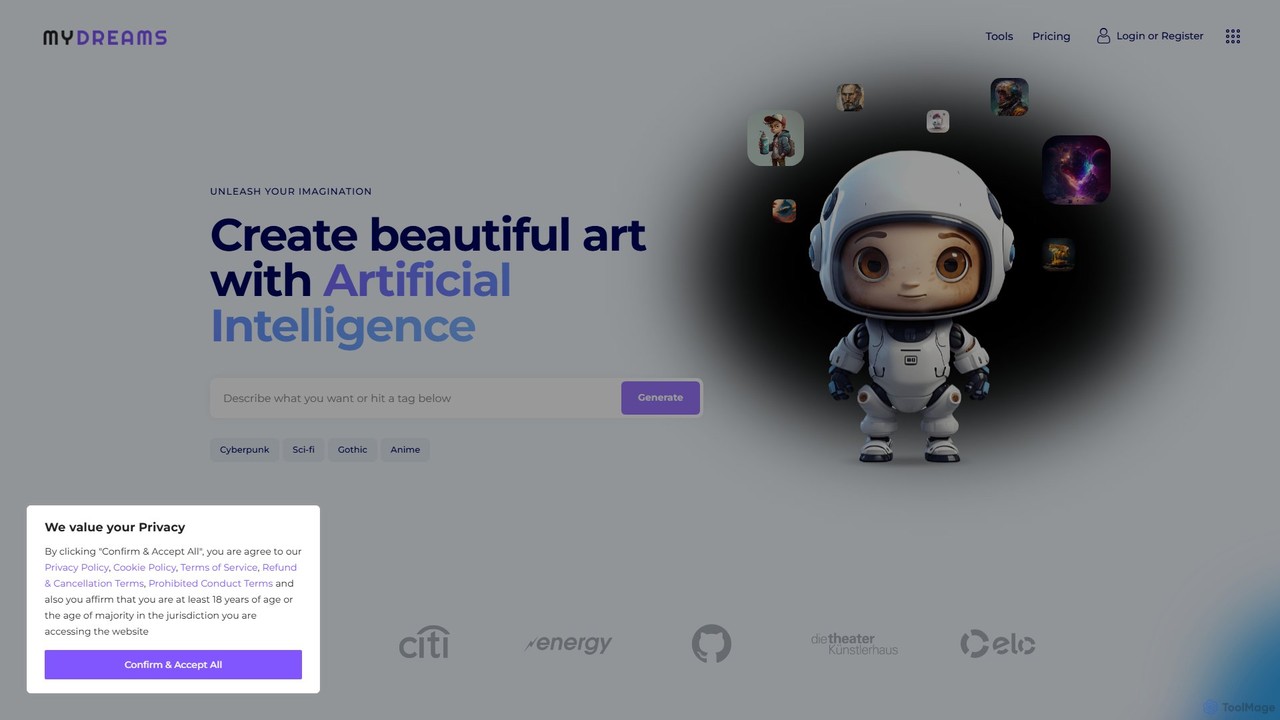
My Dreams Studio
My Dreams Studio is an AI-powered art generator that transforms your text prompts into stunning, dream-like visual creations. Specializing in surreal, fantasy, and abstract styles, it provides a creative suite for artists, designers, and anyone looking to visualize their imagination. Turn your wildest ideas into unique digital art with ease.
Image Generation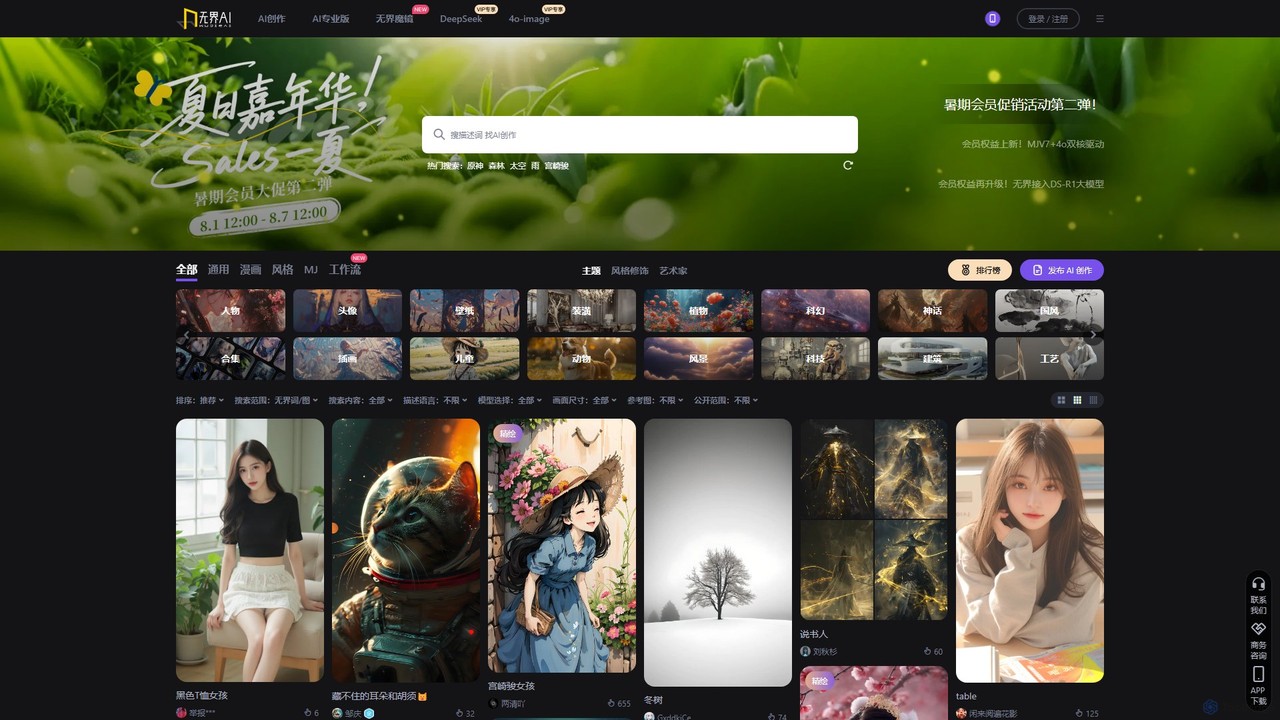
Wujie AI
Wujie AI is a powerful AI art generation platform that makes creativity accessible to everyone. It uniquely integrates multiple advanced models, including a Midjourney engine and its proprietary models, offering a 'dual-core' creative experience. Users can generate high-quality images in diverse styles, from photorealistic characters to traditional Chinese art, using simple text prompts or reference images. It also features a vibrant community gallery for inspiration and sharing.
Image Generation
Sketch AI Comments (0)
Sign in to comment.
Sign inNo comments yet.