

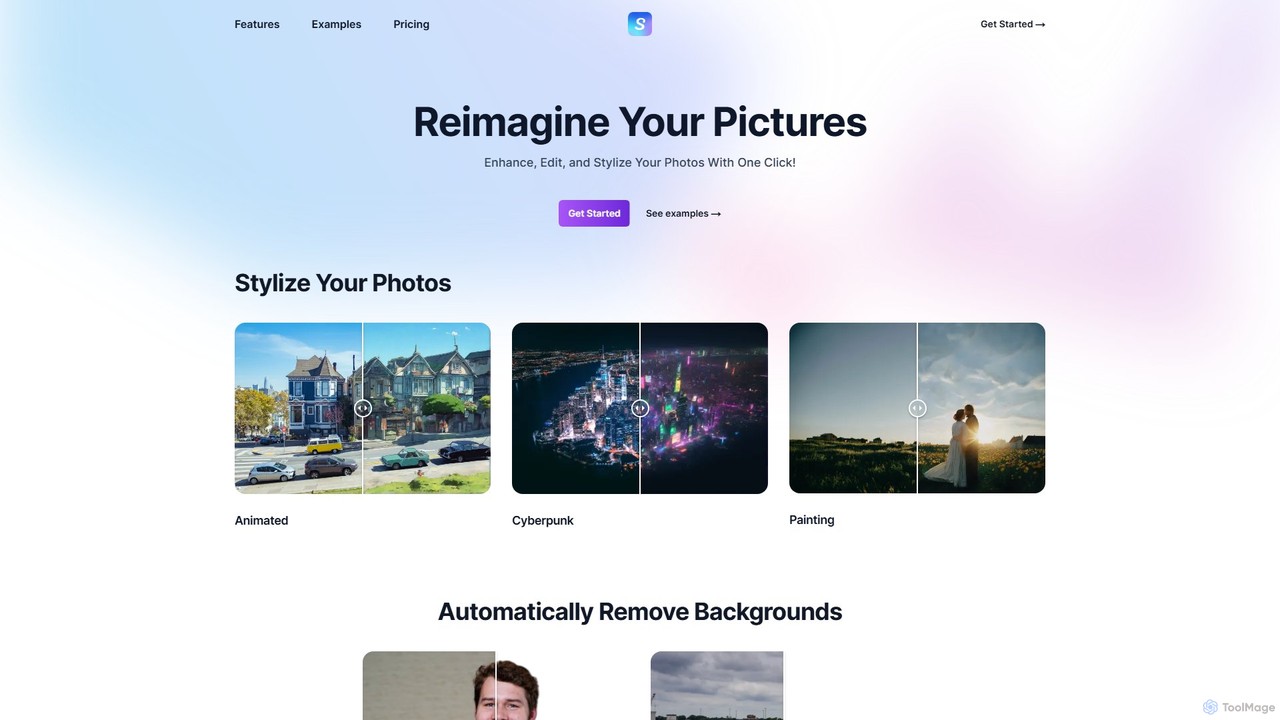
Stylize Overview
Stylize is a comprehensive, web-based AI image editing platform designed to reimagine your pictures with minimal effort. It provides a collection of powerful tools that leverage advanced generative AI models to perform complex edits in seconds. Whether you're a social media creator, a designer, or just someone looking to enhance personal photos, Stylize offers an intuitive solution to transform your images, making professional-grade editing accessible to users of all skill levels.
The platform is built on the principle of simplicity and speed. With just one click, you can apply a variety of artistic styles, automatically remove backgrounds, or bring old black-and-white photos to life with vibrant color. The entire process is streamlined, eliminating the need for complex software or technical expertise. Stylize uses the most up-to-date AI models and preprocessing techniques to ensure the highest quality results for every edit.
How to use Stylize
Using Stylize is a straightforward process designed for efficiency. First, visit the Stylize website and upload the image you wish to edit. Once uploaded, you can choose from the suite of available tools. For example, to change the artistic look, select the 'Stylize' feature and pick a style like 'Cyberpunk', 'Painting', or 'Animated'. To make specific changes, use the 'Edit' feature and type a simple text prompt, such as "make it sunset" or "add a forest in the background". Other tools like 'Upscale', 'Colorize', and 'Background Removal' are equally easy to use—simply select the function and let the AI do the work. After the processing is complete, you can preview the result and download the edited image, often without any watermarks.
Core Features of Stylize
- AI Stylization: Instantly transform your photos into works of art. Choose from a variety of unique styles, including Cyberpunk, Painting, and Animated, to give your images a distinctive look with a single click.
- Text-Prompt Editing: Edit your photos using natural language. Simply describe the changes you want, like "make the sky blue" or "change the season to winter," and the AI will interpret your command and apply the edits.
- 4x Image Upscaling: Enhance the resolution of your photos by up to four times their original size. This feature is perfect for improving the quality of low-resolution images, making them suitable for printing or high-definition displays.
- Automatic Background Removal: The AI automatically detects the main subject in your photo and removes the background in seconds. The final image can be downloaded as a transparent PNG file, ready for use in presentations, e-commerce, or creative projects.
- AI Colorization: Breathe new life into old black-and-white photographs. The colorization tool intelligently adds realistic colors to monochrome images, restoring historical or family photos with stunning accuracy.
Use Cases for Stylize
Stylize is a versatile tool suitable for a wide range of applications. Social media managers and content creators can use it to quickly generate eye-catching visuals for their posts. Graphic designers and artists can leverage the background removal and stylization features to speed up their workflow. E-commerce store owners can create clean, professional product images by removing backgrounds. Historians and families can use the colorization and upscaling tools to restore and preserve precious old photographs. For personal use, it's perfect for creating unique avatars, enhancing vacation photos, or simply experimenting with creative AI-driven art.
Advantages of Stylize
The primary advantage of Stylize is its combination of power and simplicity. It democratizes advanced photo editing by putting sophisticated AI tools into an easy-to-use, one-click interface. The processing speed is a major benefit, delivering results in seconds rather than minutes or hours. The platform consistently uses state-of-the-art AI models, ensuring high-quality and impressive outcomes. Furthermore, the ability to download certain edits, like background removals, as watermark-free PNGs adds significant value for professional use. The credit-based system offers flexibility, allowing users to pay only for what they use.
Pricing and Plans
Stylize operates on a flexible credit-based system. Users can purchase credits and spend them on various services. The pricing is structured as follows:
- Credit Purchase: You can buy 50 credits for $4.99.
- Service Costs:
- Stylizing Images: 3 credits
- Editing Images With Text: 2 credits
- Colorize Images: 3 credits
- Background Removal: 1 credit
- Upscaling Images: 1 credit
This pay-as-you-go model is ideal for users with varying needs. For enterprise use, Stylize offers custom workflows, batch processing, and other tailored solutions, which are available upon contacting them directly.
Traffic
Latest traffic
Status
Monthly traffic trend
- 2025-9: 3.8K
- 2026-1: 2.1K
- 2026-2: 1.6K
- 2026-3: 2.0K
- 2026-4: 787
- 2026-5: 2.0K
Geography
Top 5 countries / regions
- 🇺🇸United States87.6%
- 🇮🇳India8.9%
- 🇮🇩Indonesia1.9%
- 🇲🇽Mexico1.7%
Top keywords
| Keyword | Cost per click |
|---|---|
| styleize | $0.00 |
| stylise | $0.00 |
| stylization | $1.70 |
| stylize | $2.07 |
| stylized | $0.99 |
Stylize Alternatives
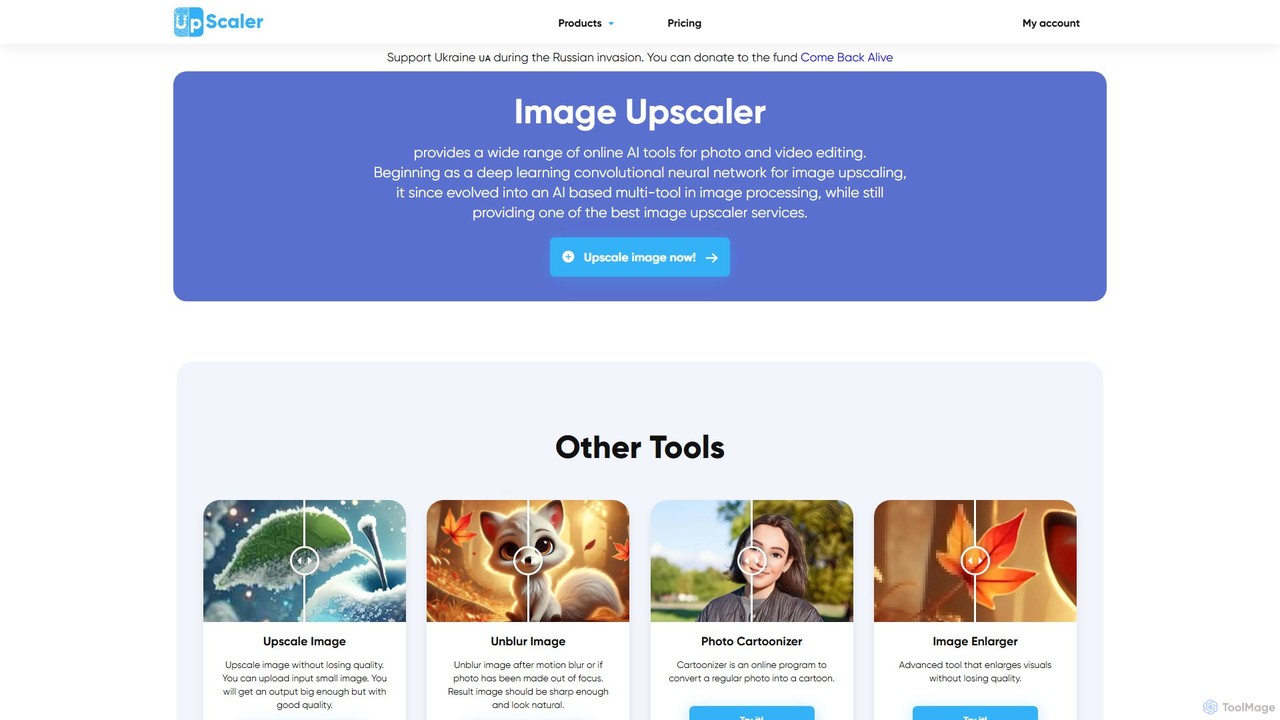
ImageUpscaler
An all-in-one AI-powered platform for image enhancement. Upscale photos up to 4x without quality loss, remove backgrounds, deblur images, generate art from text, and utilize a wide range of creative tools like cartoonizers, colorizers, and object removers. Ideal for professionals and hobbyists.
Graphics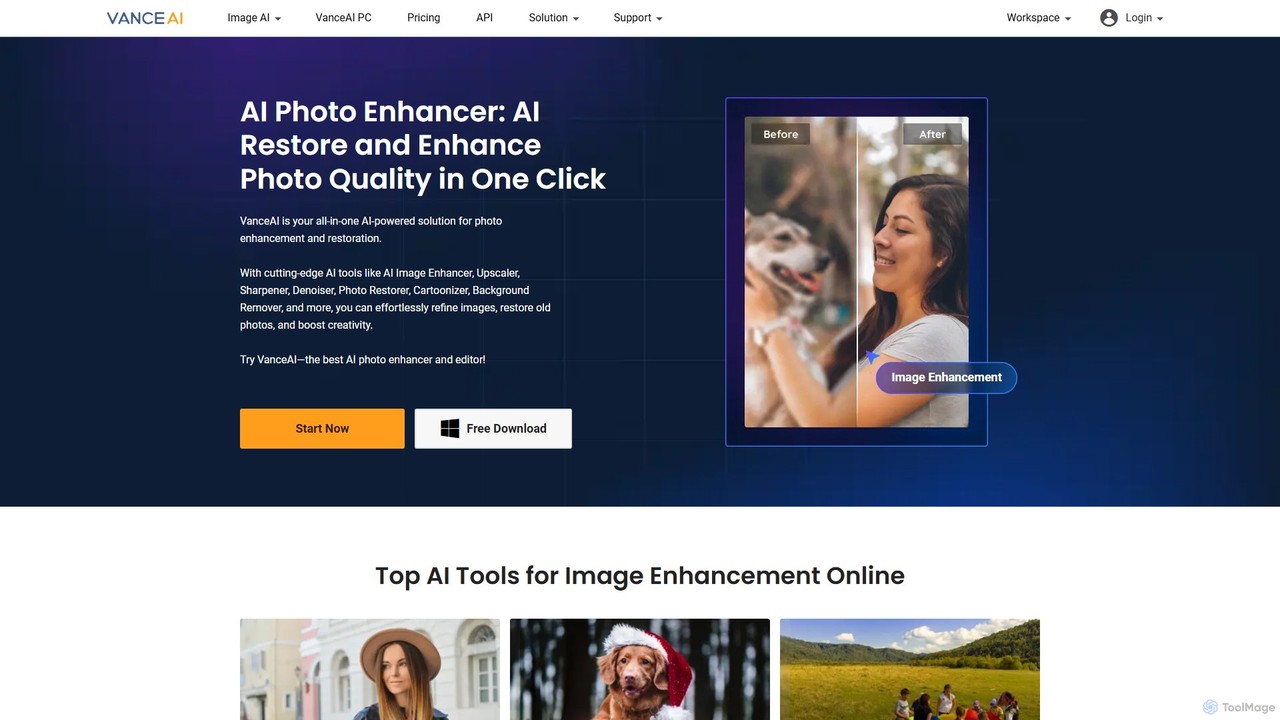
VanceAI
VanceAI is a comprehensive, AI-powered suite for photo enhancement, restoration, and editing. It offers a wide range of tools, including an image upscaler, sharpener, denoiser, background remover, and photo restorer. With one-click solutions and batch processing capabilities, VanceAI helps users from photographers to e-commerce businesses improve image quality, streamline workflows, and boost creativity effortlessly, available both online and as a desktop application.
Image Editing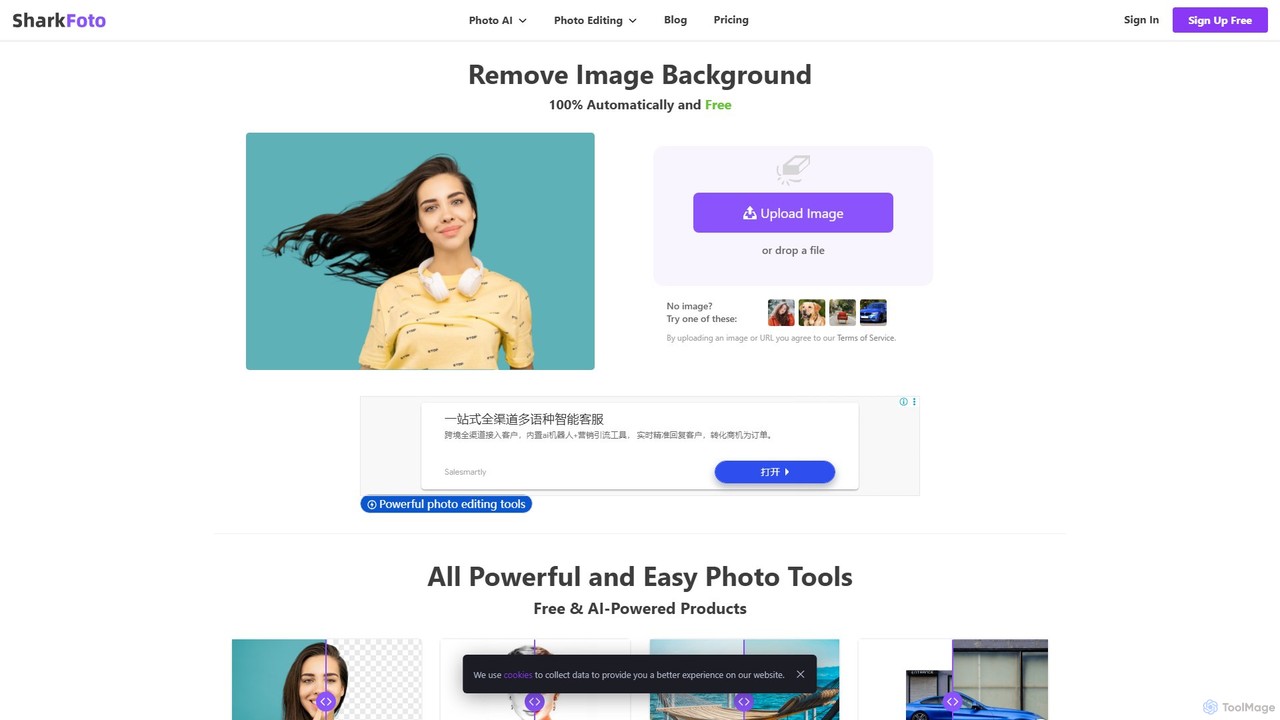
sharkfoto
sharkfoto is an all-in-one online photo editing suite powered by AI. It offers a range of tools including automatic background removal, image colorization, photo enhancement, and resolution enlargement. Additionally, it provides over 10 free standard editing tools like image conversion, compression, resizing, and a full-featured photo editor, catering to both professionals and casual users.
Background Removal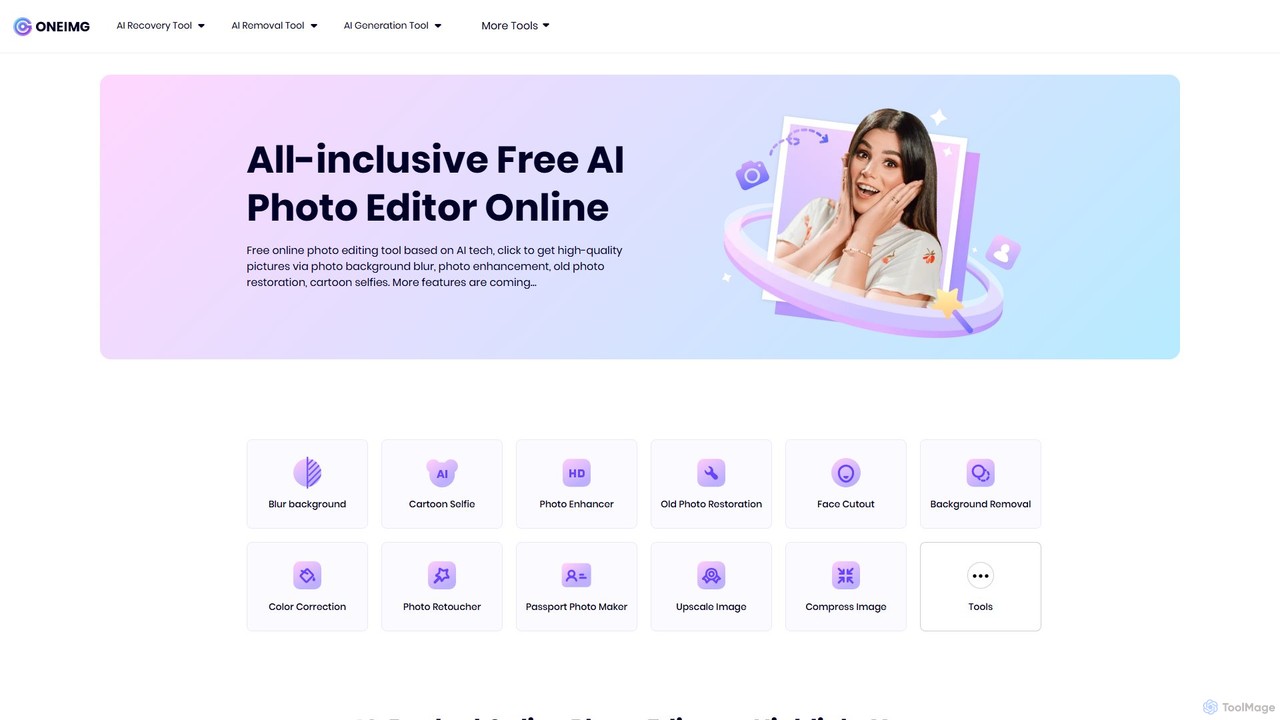
oneimg
oneimg is a free, all-in-one online photo editor powered by AI. It offers a comprehensive suite of tools for image enhancement, background manipulation, old photo restoration, and creative effects like cartoon selfies. Designed for ease of use, it allows users to achieve professional-quality results with just a few clicks, no software installation or technical skills required.
Background Removal
pictureperfect.ai
PicturePerfect.ai is an AI-powered image enhancement and editing suite designed to help users create flawless, professional-quality photos effortlessly. It offers a range of tools, including one-click retouching, image upscaling, object removal, and background editing, making it ideal for photographers, marketers, and content creators.
Image EditingStylize Categories
Stylize Embed Widget
Copy this embed code to place the badge on your blog, article, or product site and send readers directly to this ToolMage detail page.

Related AI tools
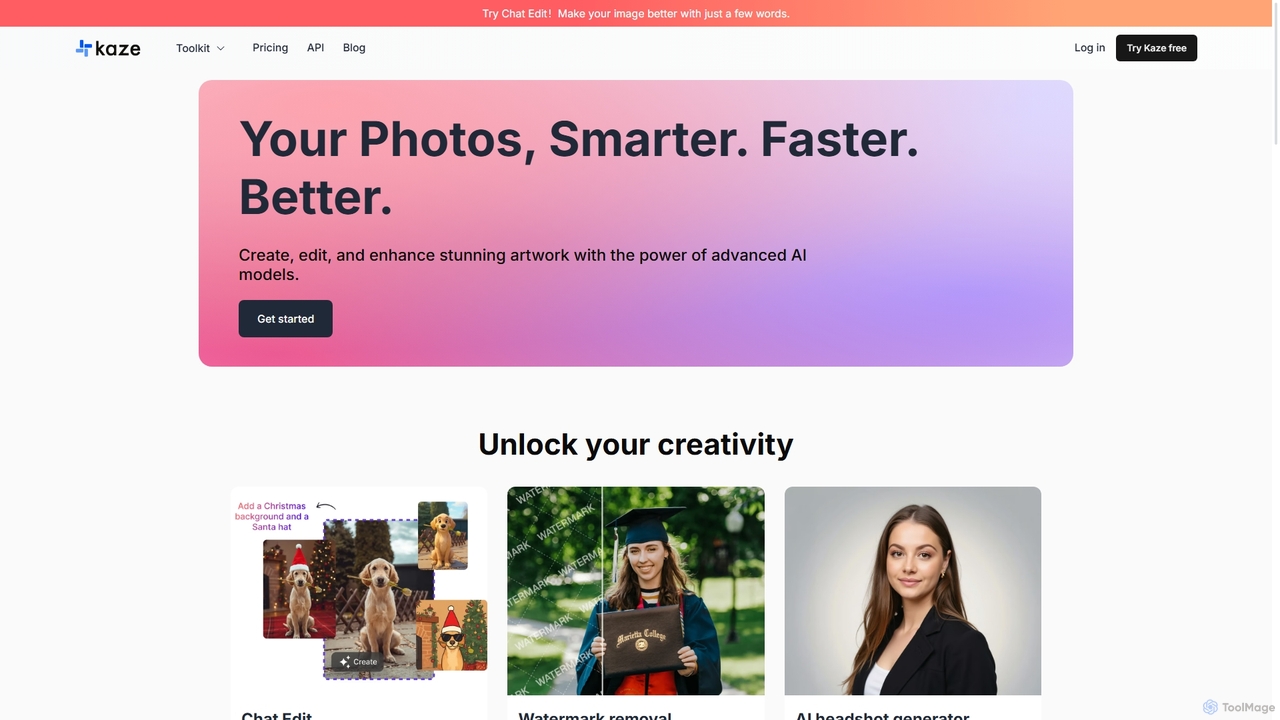
Kaze
Kaze is a comprehensive AI-powered image editing suite designed to create, edit, and enhance photos effortlessly. It offers a wide range of tools including one-click watermark and object removal, photo restoration, image upscaling, background removal, and an AI headshot generator. With its user-friendly interface and advanced AI models, Kaze delivers professional, studio-quality results in seconds, catering to creators, marketers, and photographers.
3D
Kira
Kira is a powerful AI-powered platform for professional-grade image generation and editing. It combines a versatile text-to-image generator with a comprehensive suite of editing tools, including background removal, inpainting, upscaling, and stylization. Its key feature is the ability to maintain consistent styles and characters across multiple edits and generations, making it ideal for branding, marketing, and creative projects that require a cohesive visual identity.
Graphic Design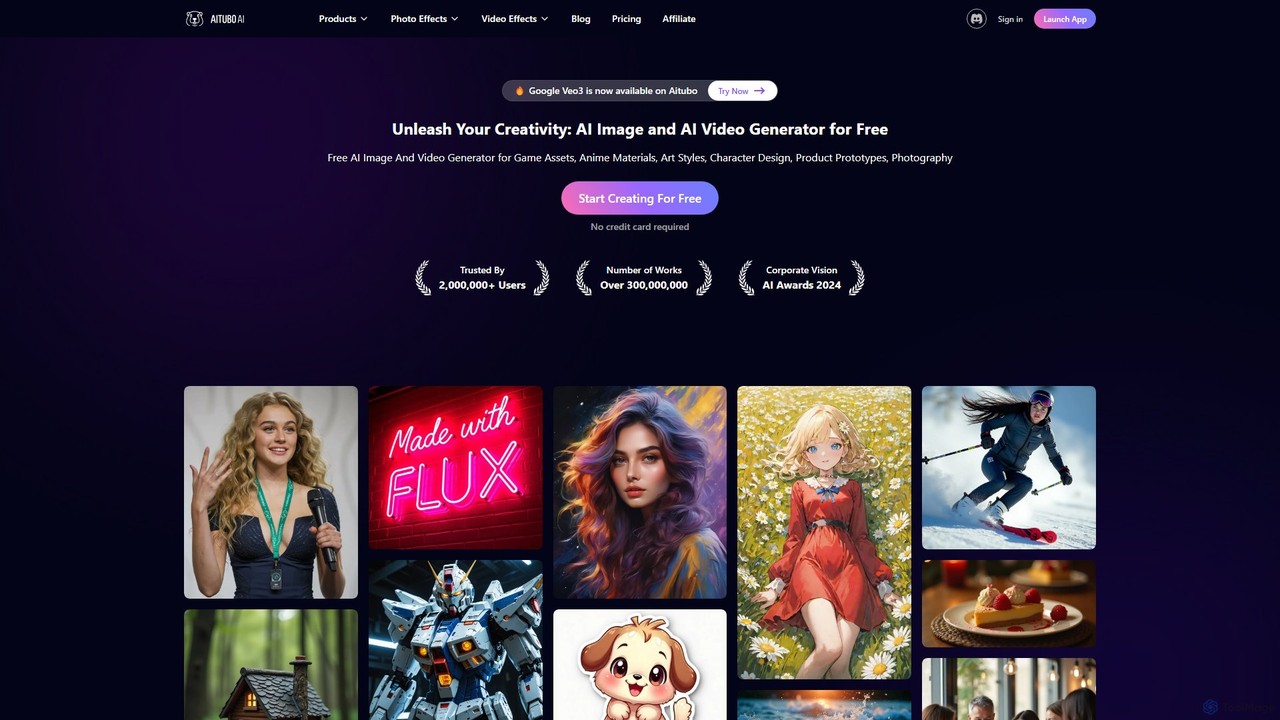
Aitubo
Aitubo is a comprehensive AI creative suite for generating and editing images and videos. It features advanced models like Flux and SD3, offering tools for text-to-image, text-to-video, background removal, image enhancement, face swapping, and AI character chat. Ideal for artists, designers, and content creators.
Chatbots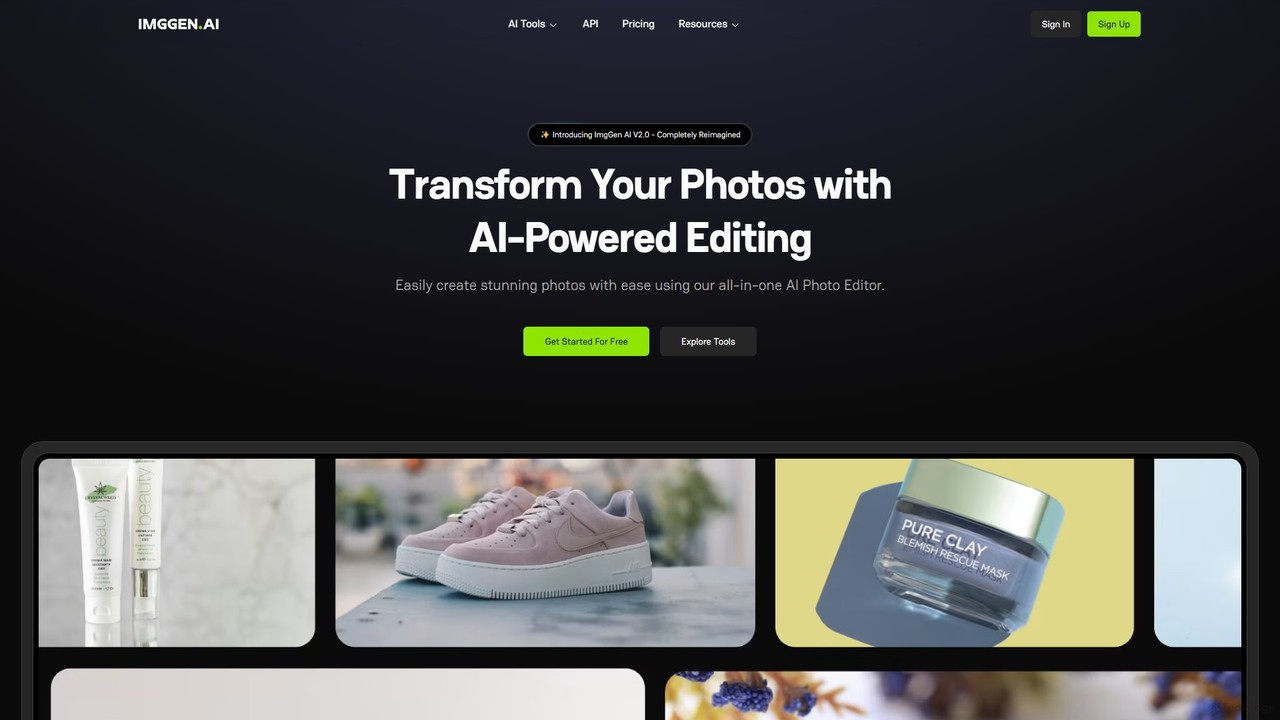
ImgGen AI
ImgGen AI is an all-in-one AI-powered photo editing platform. It offers a comprehensive suite of tools for image generation, enhancement, background removal, and restoration. Designed for creators, businesses, and individuals, it simplifies complex editing tasks, allowing users to create stunning visuals from text prompts, restore old photos, upscale images, and much more, with no prior experience needed.
Image Editing
Picit
Picit is a comprehensive, free online AI image suite. It offers a wide range of tools, including text-to-image generation, background removal, image upscaling, AI filters, avatar creation, and watermark removal. Designed for ease of use, it empowers users to create and edit high-quality visuals in seconds without any cost or technical expertise, making it ideal for designers, marketers, and content creators.
Image Editing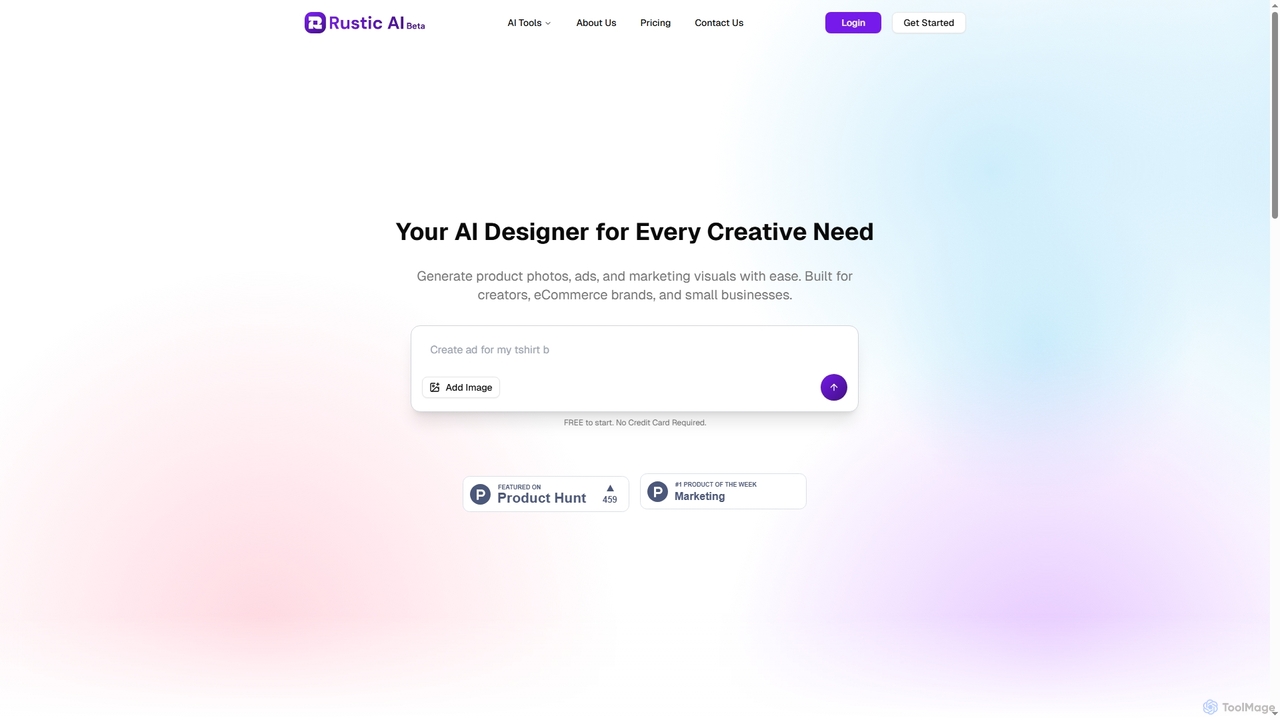
Rustic AI
Rustic AI is an intuitive AI design editor built for creators, e-commerce brands, and small businesses. It simplifies the generation of high-quality product photos, ad creatives, and marketing visuals, transforming ideas into stunning imagery with ease. The platform offers a suite of AI-powered tools to streamline visual content creation.
Graphic Design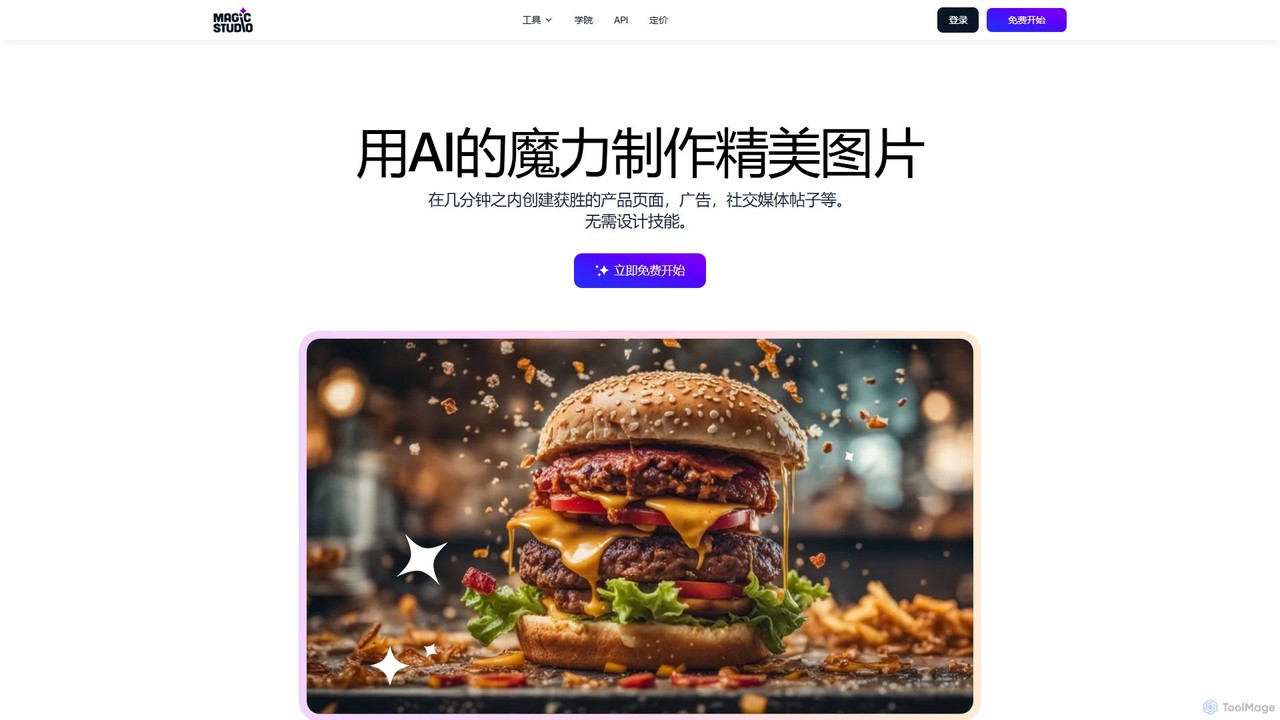
Magic Studio
Magic Studio is an all-in-one AI-powered image editing suite designed for everyone. It allows users to effortlessly create stunning visuals, remove unwanted objects, change backgrounds, generate images from text, and enhance photo quality in seconds, no design skills required.
Product Photos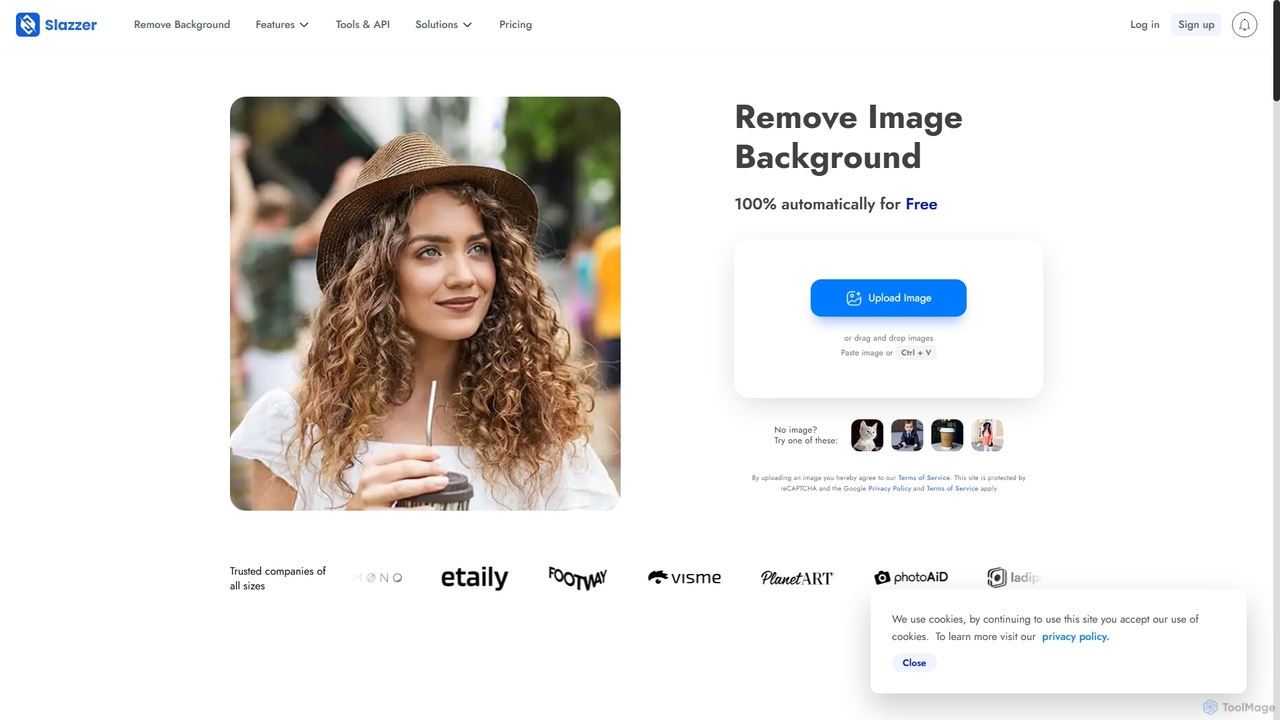
Slazzer
Slazzer is an AI-powered visual editing platform that automatically removes image backgrounds in seconds. It offers a suite of tools including AI background generation, image enhancement, upscaling, and shadow creation. Designed for efficiency, it serves e-commerce, photographers, marketers, and developers with web-based tools, desktop apps, and API integration for bulk processing.
Api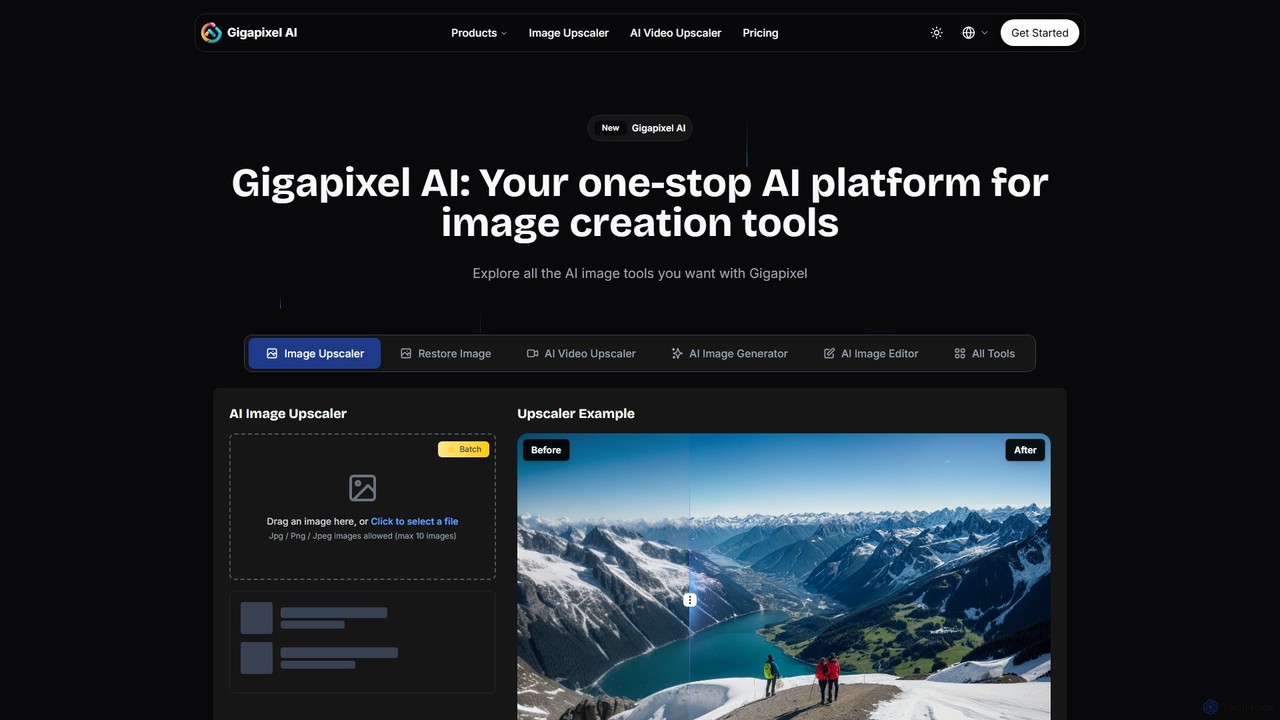
Gigapixel AI
Gigapixel AI is a comprehensive, all-in-one AI platform for image and video creation. It offers a suite of powerful tools, including an advanced image and video upscaler, a versatile image generator, a precise image editor, and a background remover. It's designed for creators, marketers, and developers to enhance, generate, and edit visual content with professional-grade quality and efficiency.
Image Editing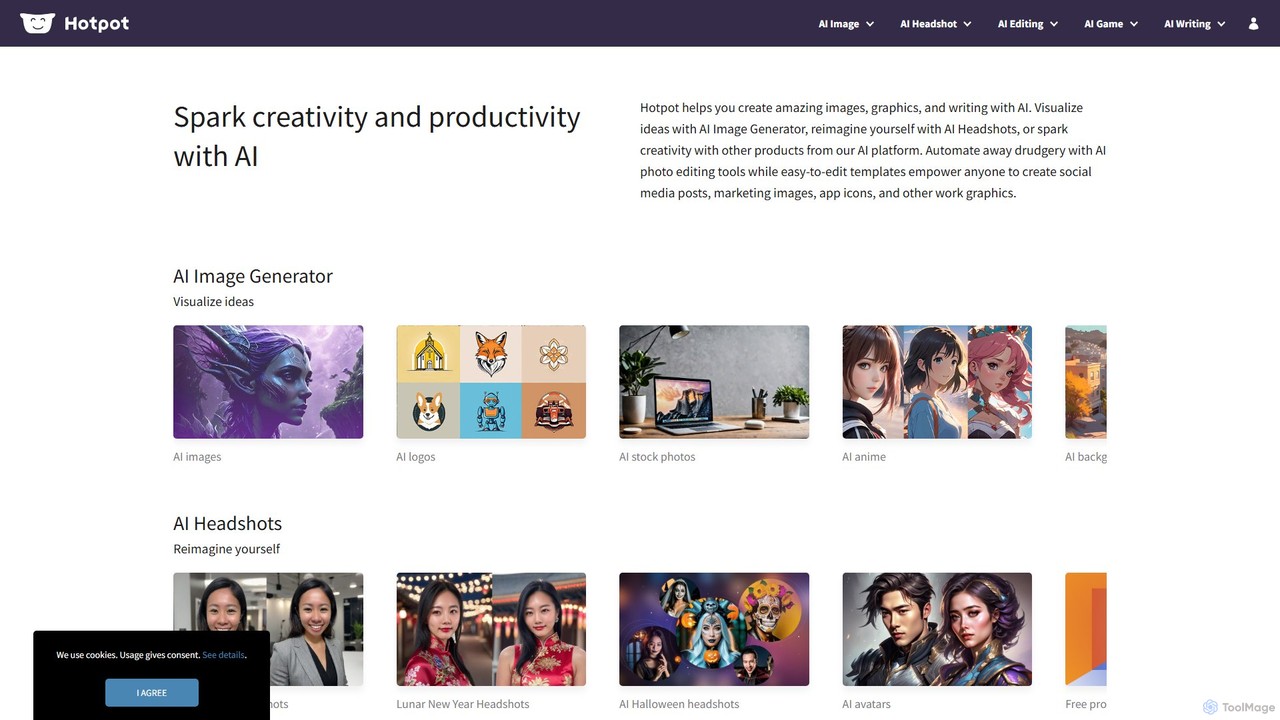
Hotpot.ai
Hotpot.ai is a versatile AI platform designed to enhance creativity and productivity. It offers a suite of tools for generating images, professional headshots, and various graphics. With features like AI photo editing, background removal, and content creation for social media and apps, Hotpot.ai aims to make design and media creation faster, easier, and more accessible for everyone.
Graphic Design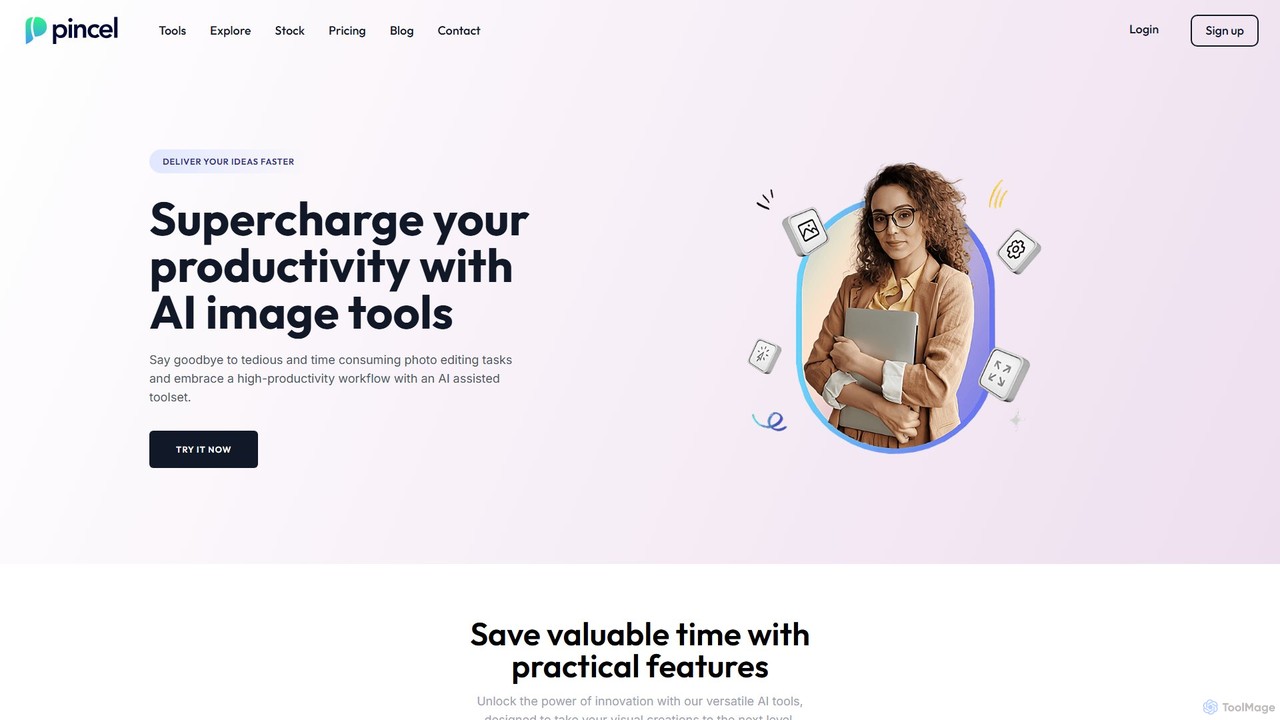
Pincel
Pincel is a comprehensive, web-based AI image editing suite designed for speed and simplicity. It offers a vast collection of tools, from one-click object removal and generative fill to AI portrait creation, face swapping, and artistic QR codes. Ideal for marketers, designers, and content creators, Pincel streamlines complex photo editing tasks into an intuitive workflow, accessible on any device without needing specialized skills or expensive software.
Image Generator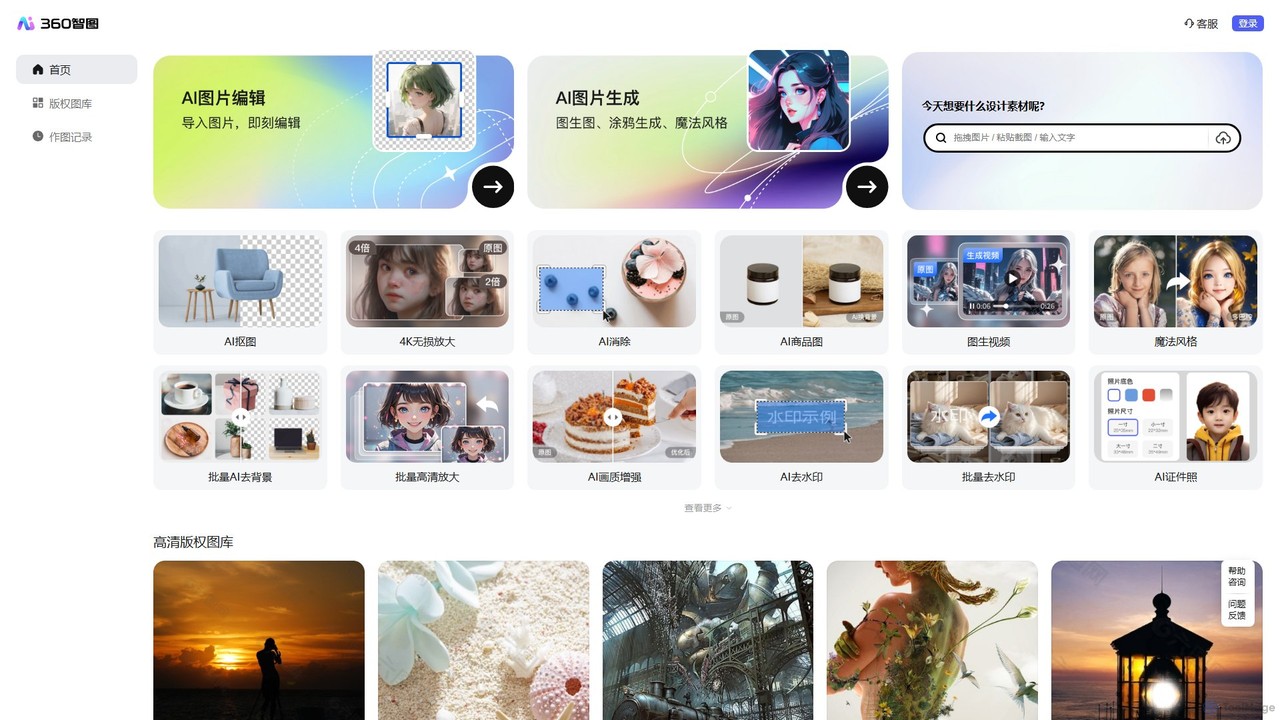
360 Zhitou
360 Zhitou is a comprehensive AI-powered image creation and editing platform. It offers a suite of tools including AI background removal, 4K image upscaling, object and watermark removal, AI-generated product photos, image-to-video conversion, and artistic style transfer. It's designed for e-commerce, marketing, and design professionals.
Generative Art
Upscalepics
Upscalepics is an AI-powered image toolkit that enhances, upscales, and edits photos with remarkable precision. It can increase image resolution up to 8x, remove backgrounds, compress files, and prepare images for high-quality printing at 300 DPI. With features like batch processing, a browser extension, and API access, it serves photographers, designers, and e-commerce businesses.
Image Editing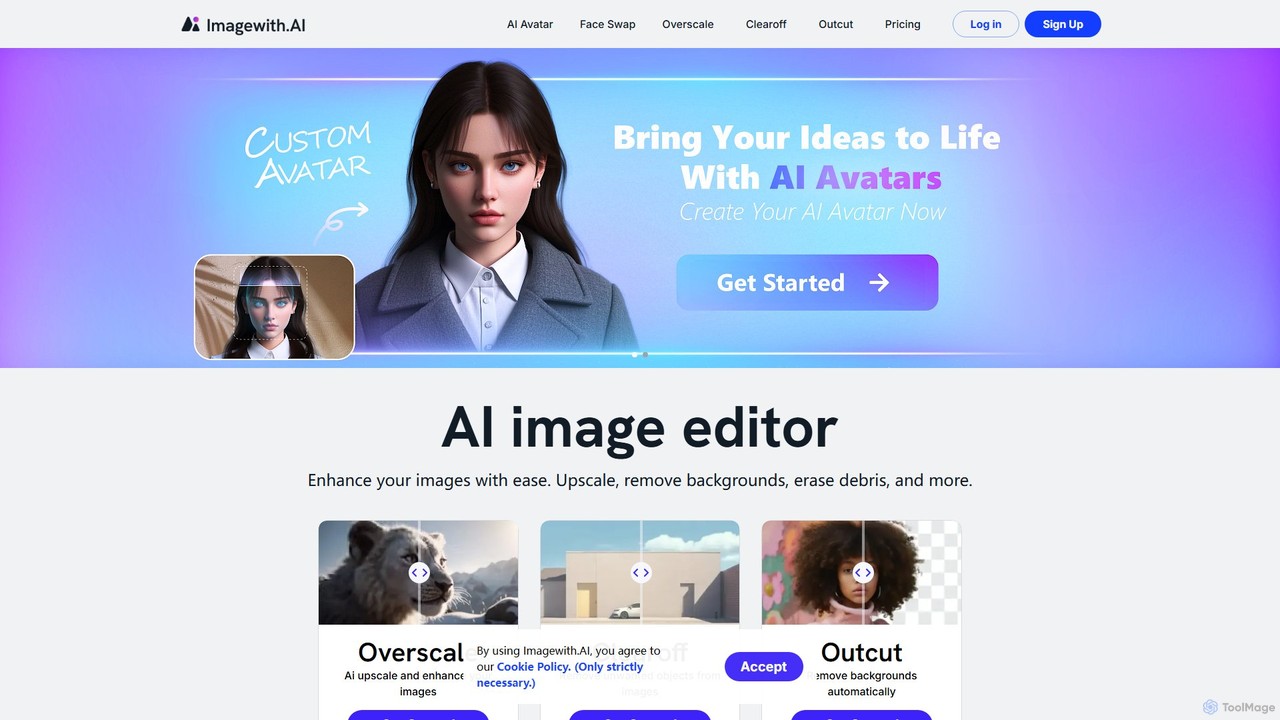
imagewith.ai
imagewith.ai is an AI-powered online image editing suite designed to simplify complex photo editing tasks. It offers a set of powerful tools including an image upscaler (Overscale), a background remover (Outcut), and an object remover (Clearoff). This platform enables users of all skill levels, from amateur photographers to e-commerce professionals, to enhance, clean, and perfect their images with just a few clicks, boosting efficiency and creativity without the need for complex software.
Product Photos
Cloudbooklet AI
Cloudbooklet AI is a versatile suite of free online AI tools, featuring an unlimited AI image generator, a powerful face swap for photos and videos, an AI chatbot, and more. Create, edit, and transform digital content effortlessly without any sign-up required.
Face Swap
Stylize Comments (0)
Sign in to comment.
Sign inNo comments yet.