

restorephoto.app Overview
restorephoto.app is an advanced, web-based AI tool dedicated to breathing new life into old and damaged photographs. Leveraging sophisticated artificial intelligence algorithms, it provides a one-stop solution for photo restoration, making professional-grade enhancements accessible to everyone. Whether you have faded family albums, scratched historical images, or blurry digital photos, this tool can automatically repair and improve them in seconds. It intelligently identifies and corrects common issues like scratches, tears, spots, and digital noise, while also offering stunning colorization for monochrome pictures and remarkable facial enhancement to bring out the details in loved ones' faces.
How to use restorephoto.app
The process is designed to be incredibly simple and user-friendly, requiring no technical expertise.
1. Visit the restorephoto.app website.
2. Upload your old, damaged, or black-and-white photo by dragging and dropping it onto the page or using the file selector.
3. The AI will automatically begin processing the image. This typically takes only a few seconds.
4. Once complete, you will be presented with a side-by-side or slider comparison of the original and the restored photo.
5. You can then download the enhanced, high-quality version of your photograph to save and share.
Core Features of restorephoto.app
- Scratch & Blemish Removal: The AI intelligently detects and removes scratches, dust, tears, and other physical damage from scanned photos.
- AI Photo Colorization: Automatically adds realistic and vibrant colors to black-and-white or sepia-toned photographs, creating a natural and historically plausible result.
- Face Enhancement: A specialized feature that focuses on improving facial details in blurry or low-resolution photos, making faces clearer and more defined.
- Image Sharpening & De-blurring: Corrects out-of-focus or motion-blurred images, increasing overall sharpness and clarity.
- Noise Reduction: Effectively cleans up digital noise and grain from photos taken in low light or with older digital cameras.
- High-Resolution Output: Generates a restored photo that is often of higher quality and clarity than the original, suitable for printing and digital display.
Use Cases for restorephoto.app
This tool is perfect for a wide range of applications.
- Family Historians & Genealogists: Restore and colorize ancestral photos to bring family history to life for research and documentation.
- Personal Use: Revive old family albums, repair damaged wedding photos, or enhance cherished childhood pictures.
- Archivists & Museums: Digitize and restore historical photographs for preservation and public display.
- Social Media Users: Improve the quality of old digital photos or scanned images before sharing them online.
Advantages of restorephoto.app
restorephoto.app stands out due to its combination of power and simplicity.
- Ease of Use: The intuitive interface allows anyone to achieve professional results without any photo editing knowledge.
- Speed and Efficiency: The entire restoration process is automated and takes just seconds, saving significant time compared to manual editing.
- All-in-One Solution: It combines multiple restoration functions (scratch removal, colorization, sharpening) into a single, seamless workflow.
- High-Quality Results: The AI is trained on millions of images, ensuring the restorations are realistic and detailed.
- Accessibility: As a web-based tool, it requires no software installation and can be accessed from any device with an internet connection.
Pricing and Plans
restorephoto.app operates on a freemium model, providing both free and paid options.
- Free Trial: Users can typically restore a limited number of photos (e.g., 3-5 credits) for free to test the tool's capabilities. The output may have a watermark or be of a lower resolution.
- Paid Plans: For unlimited access, high-resolution downloads, and no watermarks, users can subscribe to a monthly plan or purchase credit packs. These plans are designed for users who need to restore a larger number of photos and require the highest quality output.
restorephoto.app Alternatives
Restore Photos
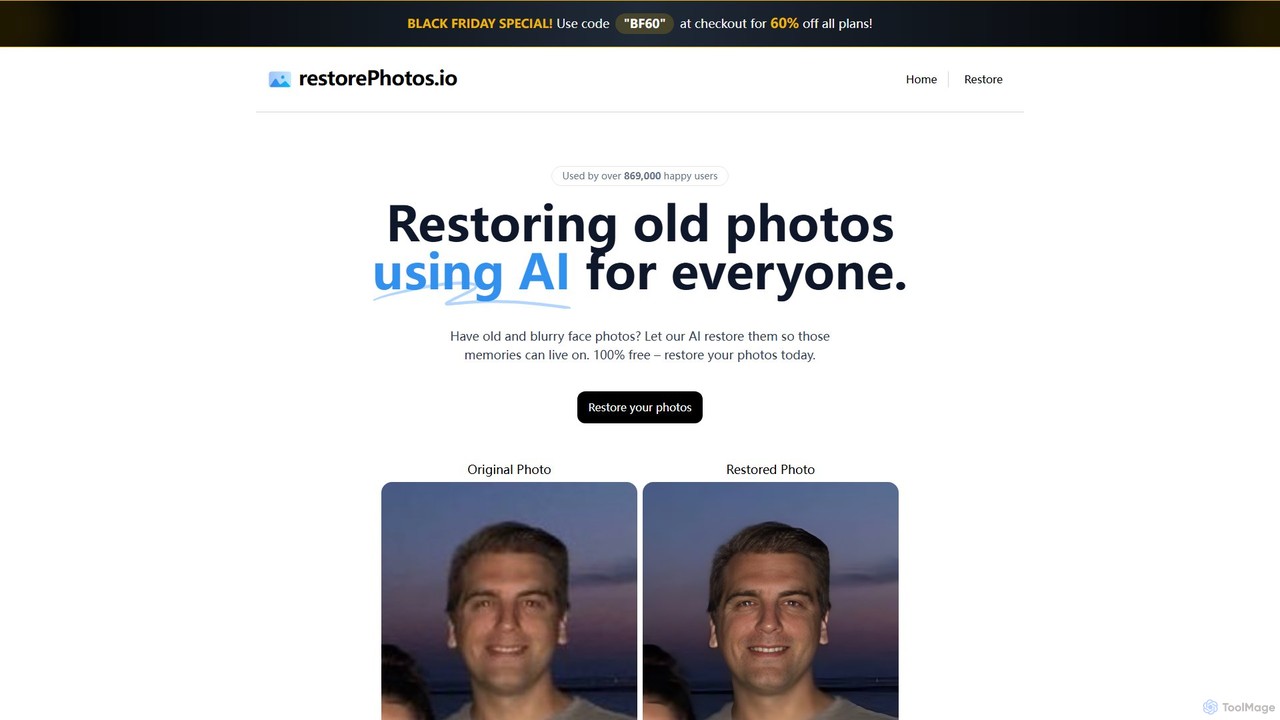
Restore Photos is a free, AI-powered online tool designed to bring your old memories back to life. It specializes in restoring old black and white photos, fixing blurry faces, and repairing damaged images automatically. Simply upload your photo and let the AI enhance its quality, clarity, and color.
Photo Editing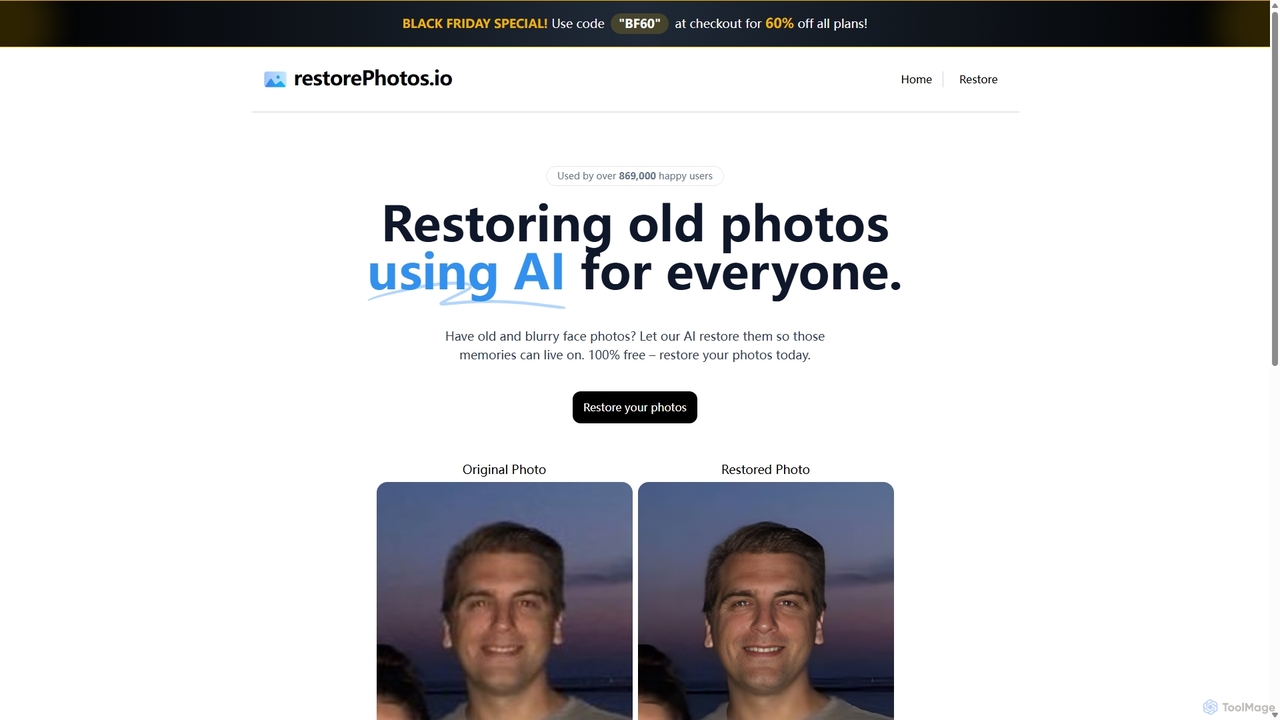
RestorePhotos.io
An AI-powered tool designed to restore old, blurry, and damaged face photos. It uses advanced algorithms to enhance clarity, reduce noise, and bring cherished memories back to life with remarkable detail. Ideal for anyone looking to digitize and improve their old photo collections.
Photography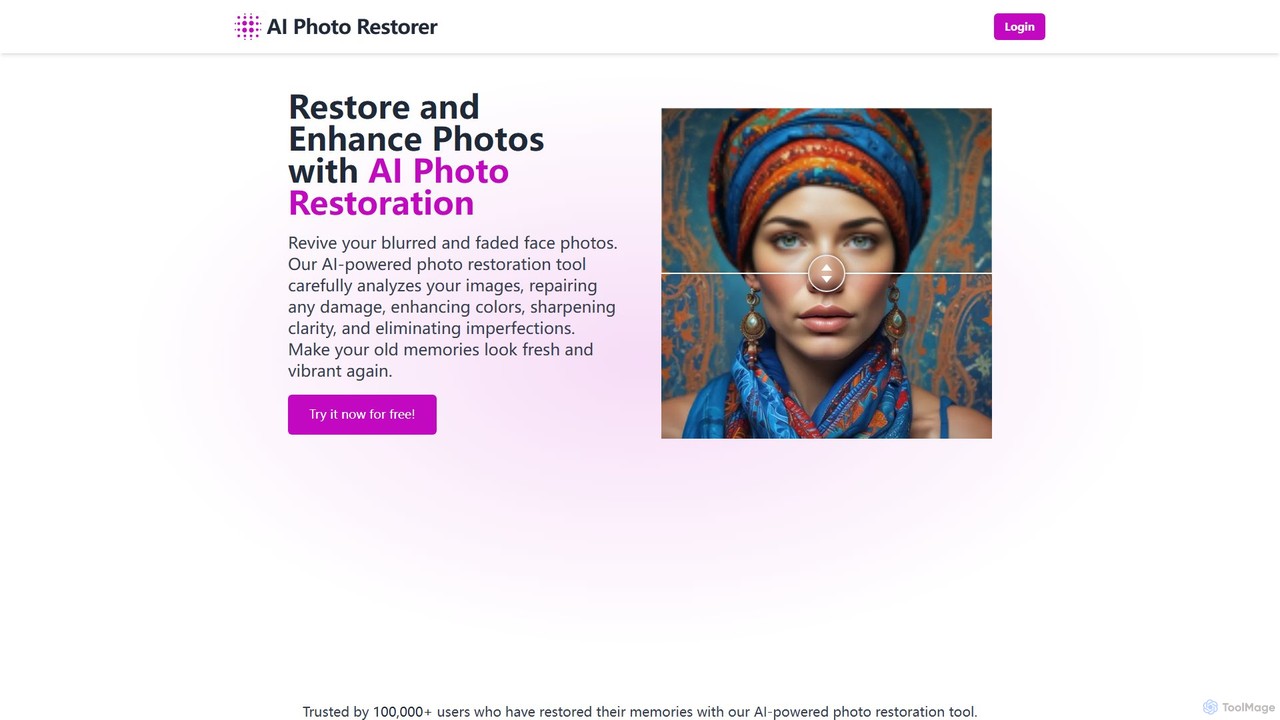
aiphotorestorer
An AI-powered online tool that automatically restores, enhances, and upscales old, blurry, or damaged photos. It effectively removes scratches, corrects colors, and sharpens details to bring your cherished memories back to life with stunning clarity. Ideal for both personal and professional use.
Image Enhancement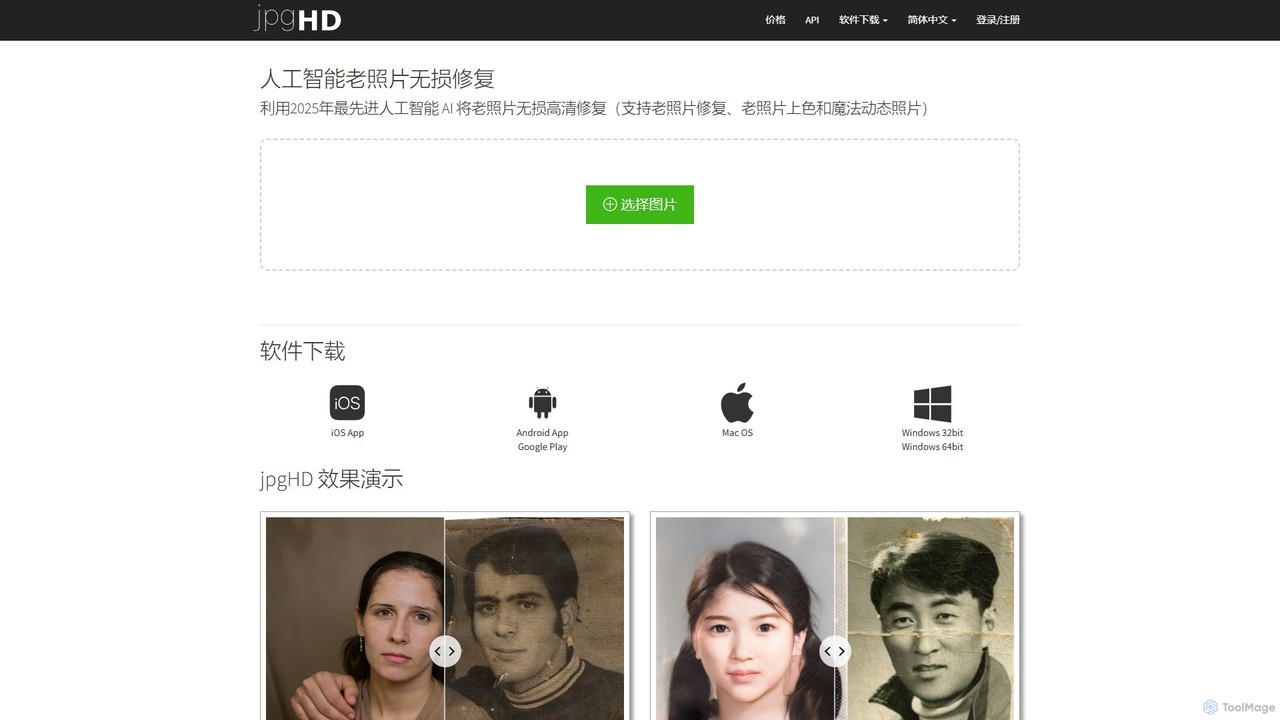
jpgHD
An AI-powered tool for lossless old photo restoration, colorization, and enhancement. It repairs scratches, upscales resolution, reduces noise, and even animates faces in photos, available on web, desktop, and mobile.
Image Editing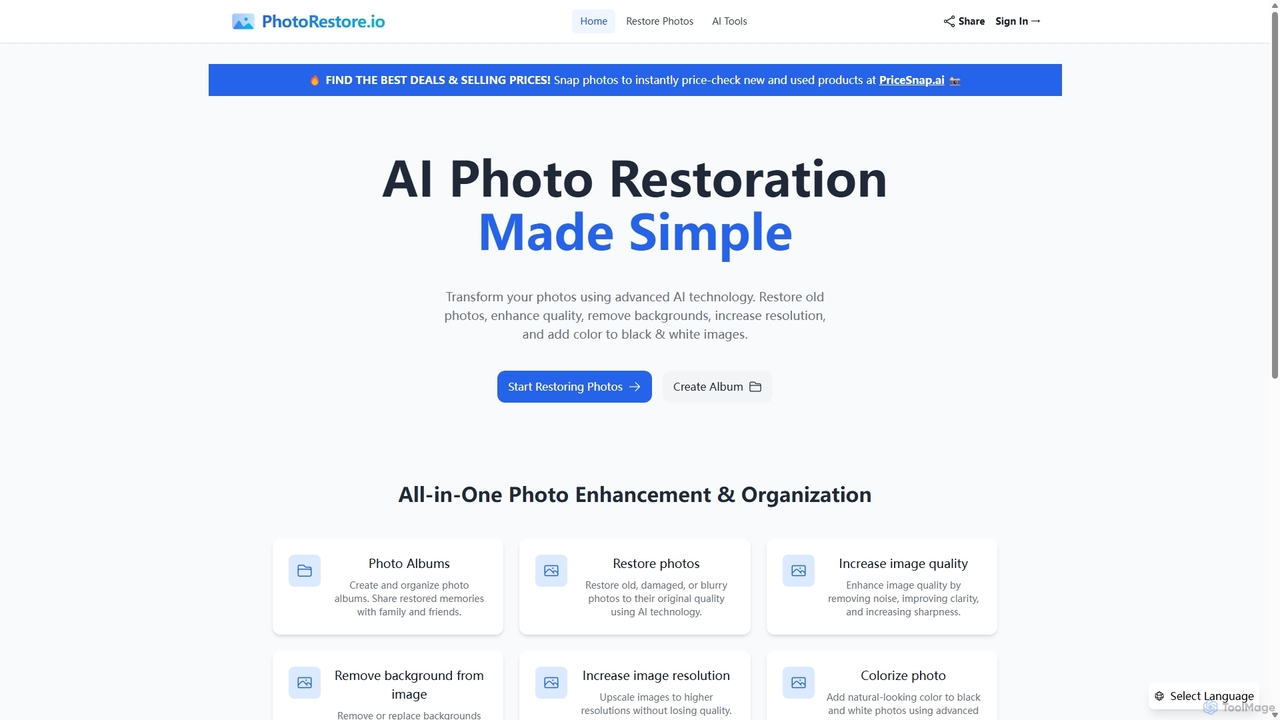
PhotoRestore
PhotoRestore is an all-in-one AI-powered platform for photo restoration and management. It effortlessly restores old, damaged, or blurry photos, enhances image quality, removes backgrounds, upscales resolution, and colorizes black-and-white images. It also features album creation for easy organization and sharing.
Image Editingrestorephoto.app Categories
restorephoto.app Embed Widget
Copy this embed code to place the badge on your blog, article, or product site and send readers directly to this ToolMage detail page.

Related AI tools
aiphotorestorer
An AI-powered online tool that automatically restores, enhances, and upscales old, blurry, or damaged photos. It effectively removes scratches, corrects colors, and sharpens details to bring your cherished memories back to life with stunning clarity. Ideal for both personal and professional use.
Image EnhancementjpgHD
An AI-powered tool for lossless old photo restoration, colorization, and enhancement. It repairs scratches, upscales resolution, reduces noise, and even animates faces in photos, available on web, desktop, and mobile.
Image Editing
Jyek
Jyek is an AI agent platform that understands objectives, creates execution plans, uses tools, and delivers verifiable results for complex, multi-step tasks.
AutomationPhotoRestore
PhotoRestore is an all-in-one AI-powered platform for photo restoration and management. It effortlessly restores old, damaged, or blurry photos, enhances image quality, removes backgrounds, upscales resolution, and colorizes black-and-white images. It also features album creation for easy organization and sharing.
Image EditingRestore Photos
Restore Photos is a free, AI-powered online tool designed to bring your old memories back to life. It specializes in restoring old black and white photos, fixing blurry faces, and repairing damaged images automatically. Simply upload your photo and let the AI enhance its quality, clarity, and color.
Photo Editing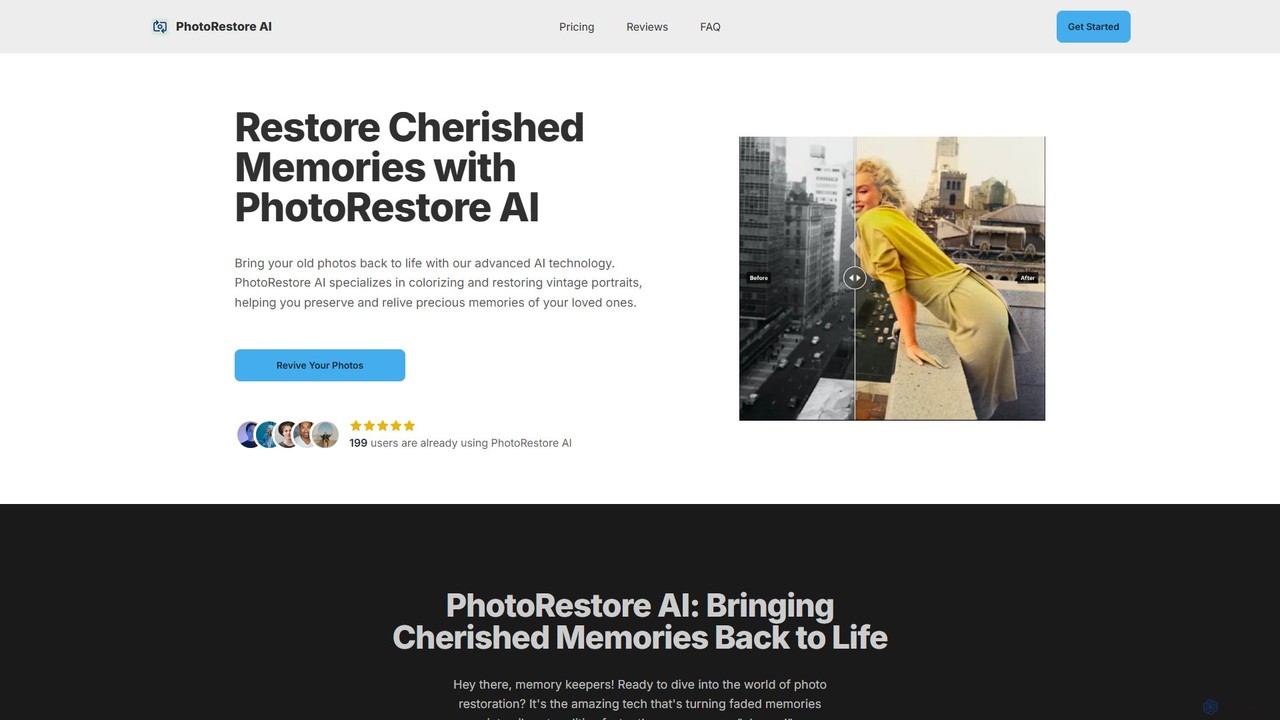
PhotoRestore AI
PhotoRestore AI is an advanced AI-powered tool designed to bring old, faded, and damaged photos back to life. It specializes in colorizing black-and-white images, repairing scratches and tears, and enhancing details, making it perfect for preserving cherished family memories, especially vintage portraits.
Image Editing
magictiger
magictiger (PicMa) is an AI-powered photo enhancer and restorer. It specializes in reviving old, blurry, or damaged photos with one click. Features include colorization, scratch removal, denoising, and resolution upscaling, available on both web and mobile (iOS/Android).
EnhancementRestorePhotos.io
An AI-powered tool designed to restore old, blurry, and damaged face photos. It uses advanced algorithms to enhance clarity, reduce noise, and bring cherished memories back to life with remarkable detail. Ideal for anyone looking to digitize and improve their old photo collections.
Photography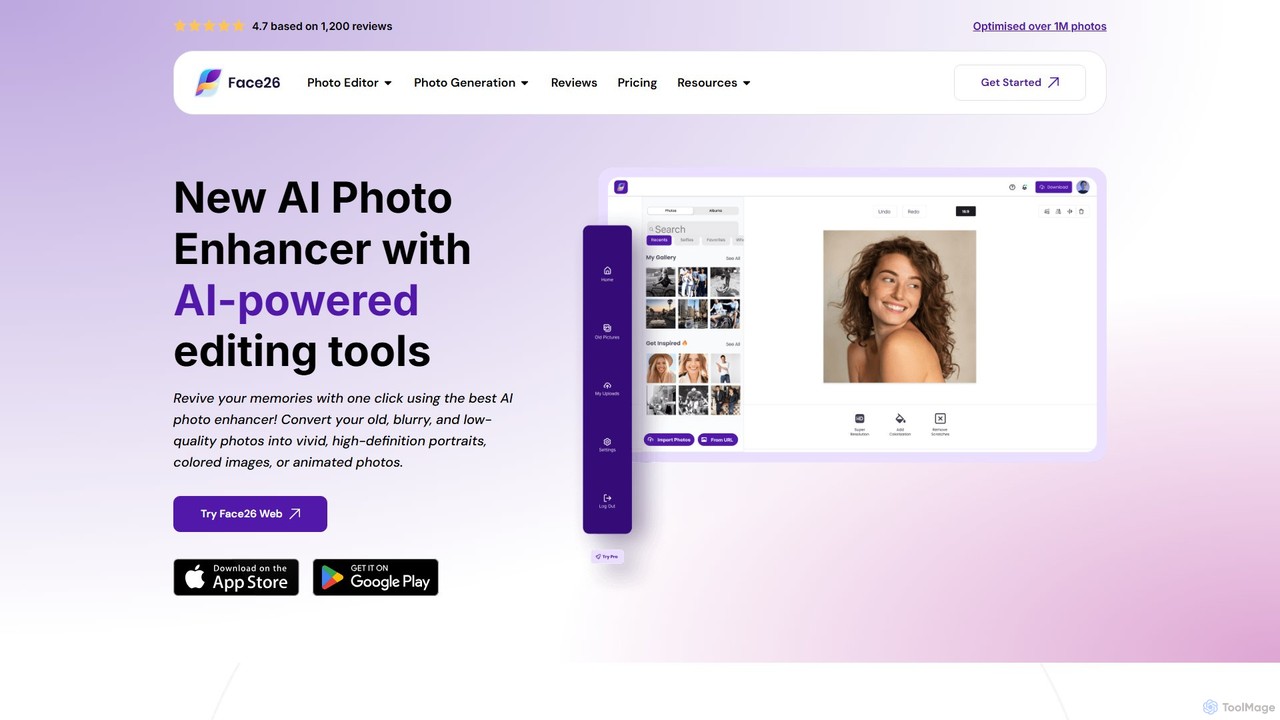
face26
Face26 is a comprehensive AI-powered photo enhancement suite. With just one click, it can restore old, blurry photos, colorize black-and-white images, upscale pictures to HD quality, and perform detailed facial retouching. It's designed for both casual users and professionals, requiring no editing skills to achieve stunning results.
Image Editing
Nero Lens
Nero Lens is an all-in-one AI-powered photo enhancer app that instantly upscales, restores, colorizes, and denoises images. It also features an AI avatar and headshot generator, turning your selfies into stunning, stylized photos for social media, dating profiles, or professional use.
Ai Avatar Generator
Neuralfulai
Neuralfulai offers a comprehensive suite of AI-powered tools for image editing and productivity. Enhance, upscale, restore, and generate stunning visuals effortlessly across web, mobile, and desktop platforms. Ideal for influencers, photographers, and developers.
Image Editing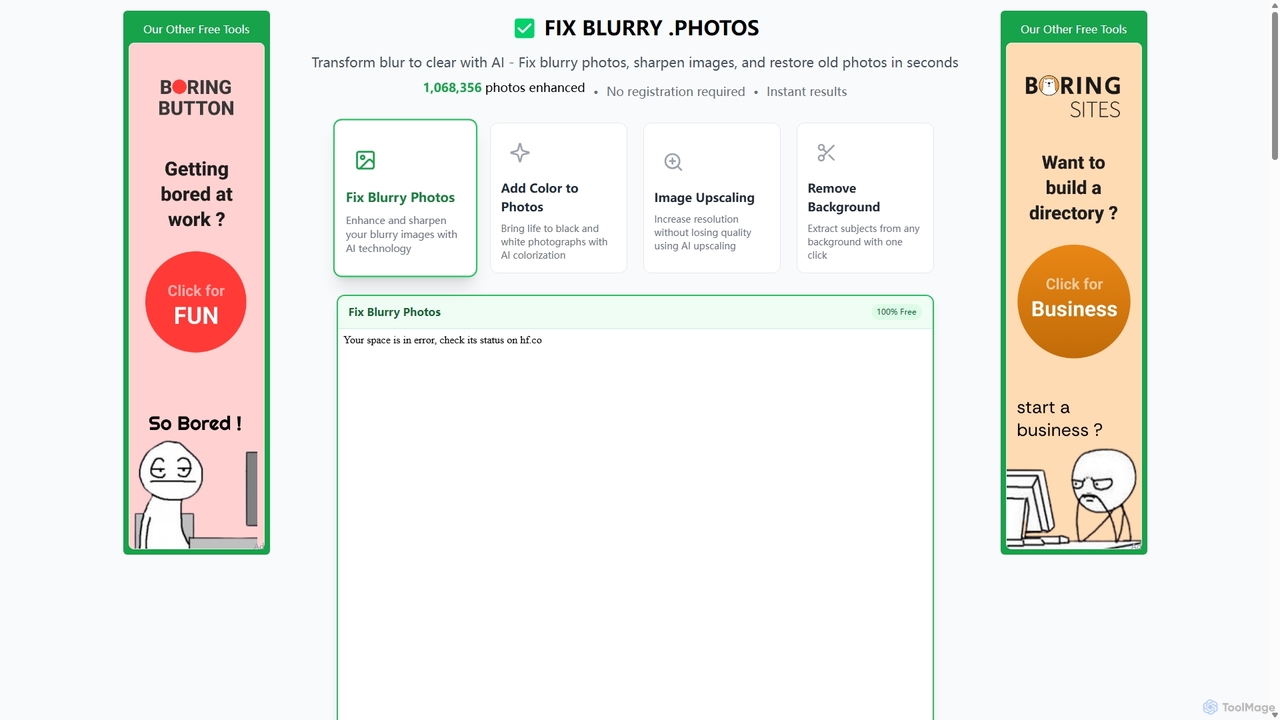
Fixblurry
fixblurry is a free, AI-powered online tool suite designed to enhance your images instantly. It specializes in unblurring and sharpening photos, restoring old or faded pictures, upscaling low-resolution images without quality loss, colorizing black-and-white photos, and removing backgrounds with a single click. No registration or software installation is required, offering professional-grade results for everyone.
Image Editing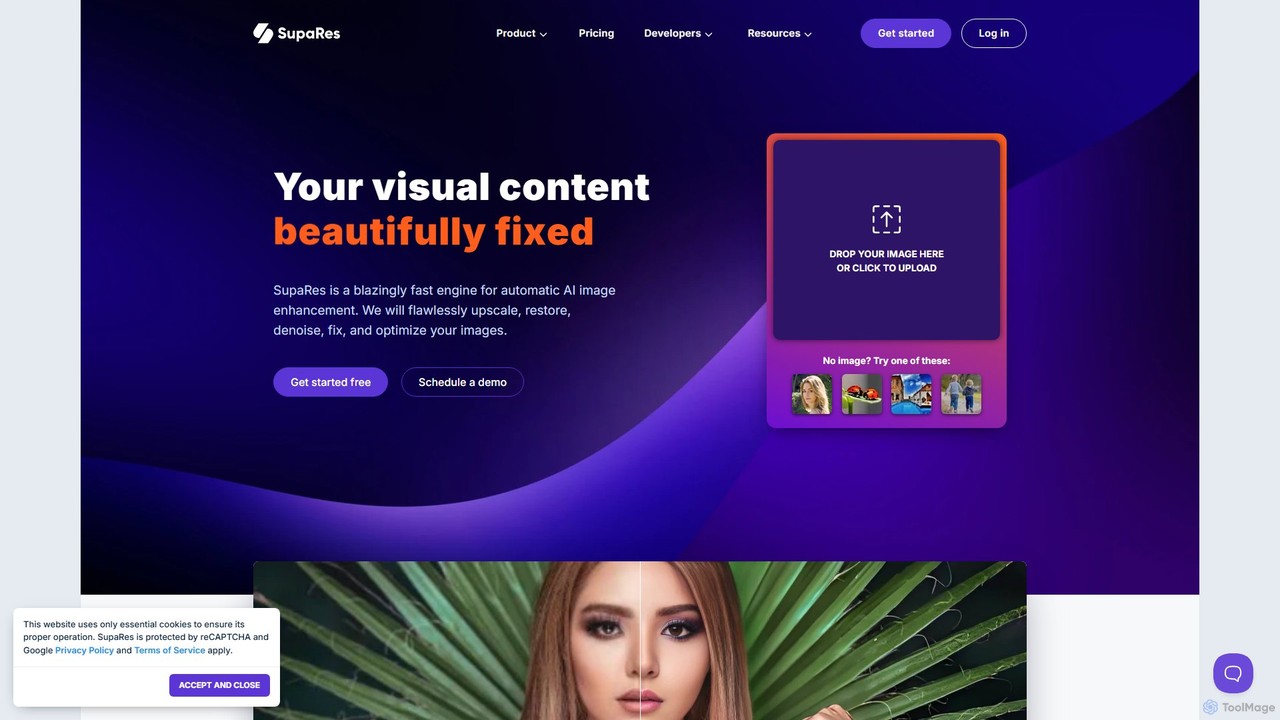
SupaRes
SupaRes is an AI-powered image enhancement platform that automatically upscales, restores, denoises, and optimizes your visual content. It provides a fast, one-stop solution for businesses and individuals to achieve professional-quality images in seconds without complex software.
Image Enhancement
Upscale.media
Upscale.media is a free AI-powered tool that automatically upscales and enhances images in seconds. It increases image resolution by up to 8x without losing quality, sharpens details, and removes artifacts. Ideal for e-commerce, photographers, and personal use, it offers web, mobile app, and API access for seamless integration.
Image Editing
PhotoGrid
PhotoGrid is an all-in-one online collage maker and AI photo editor. It offers over 20,000 templates and a suite of powerful AI tools to create stunning photo collages, remove backgrounds, enhance image quality, and apply creative filters, making professional photo editing accessible to everyone.
Collage Maker
restorephoto.app Comments (0)
Sign in to comment.
Sign inNo comments yet.