ToolMage
Sign in

Best 6 Photo Restoration AI tools for Image

Popular Photo Restoration AI tools in Image include Photoeraser, Nightmare AI, FixBlur, idjpg, Neuralfulai, and restorephoto.app, helping you work more efficiently.

Nightmare AI
Freemium

Nightmare AI

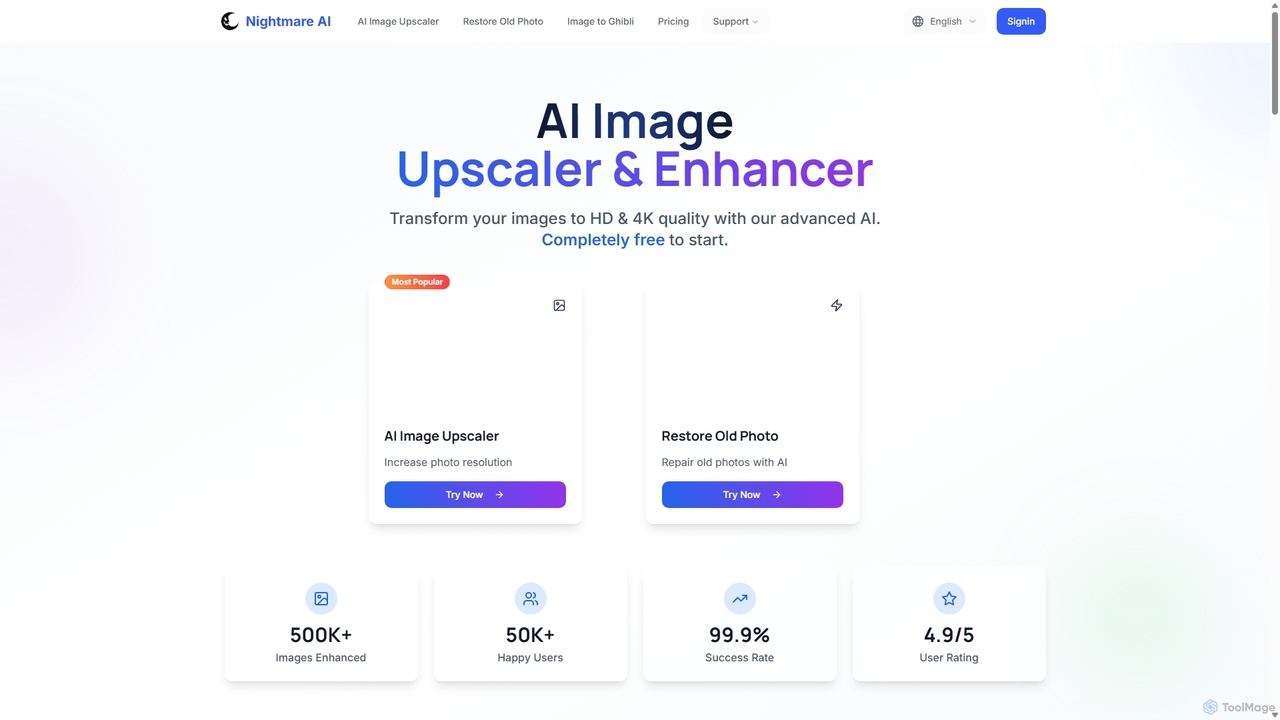
Nightmare AI is a powerful online tool that uses advanced AI algorithms like Real-ESRGAN to upscale images to 4K, enhance photo quality, and restore old, damaged photos. It specializes in improving photos, anime, and cartoons without losing detail. Offering a user-friendly interface, it provides both free and premium plans for photographers, artists, and content creators.

Image Enhancement
Visits 11.8KFavorites 165Likes 174
restorephoto.app
Freemium

restorephoto.app

An AI-powered online tool designed to restore old, blurry, and damaged photographs. It automatically removes scratches, sharpens details, colorizes black-and-white images, and enhances facial features, bringing cherished memories back to life with just a few clicks.

Image Enhancement
Visits 5.8KFavorites 152Likes 177
FixBlur
Freemium

FixBlur

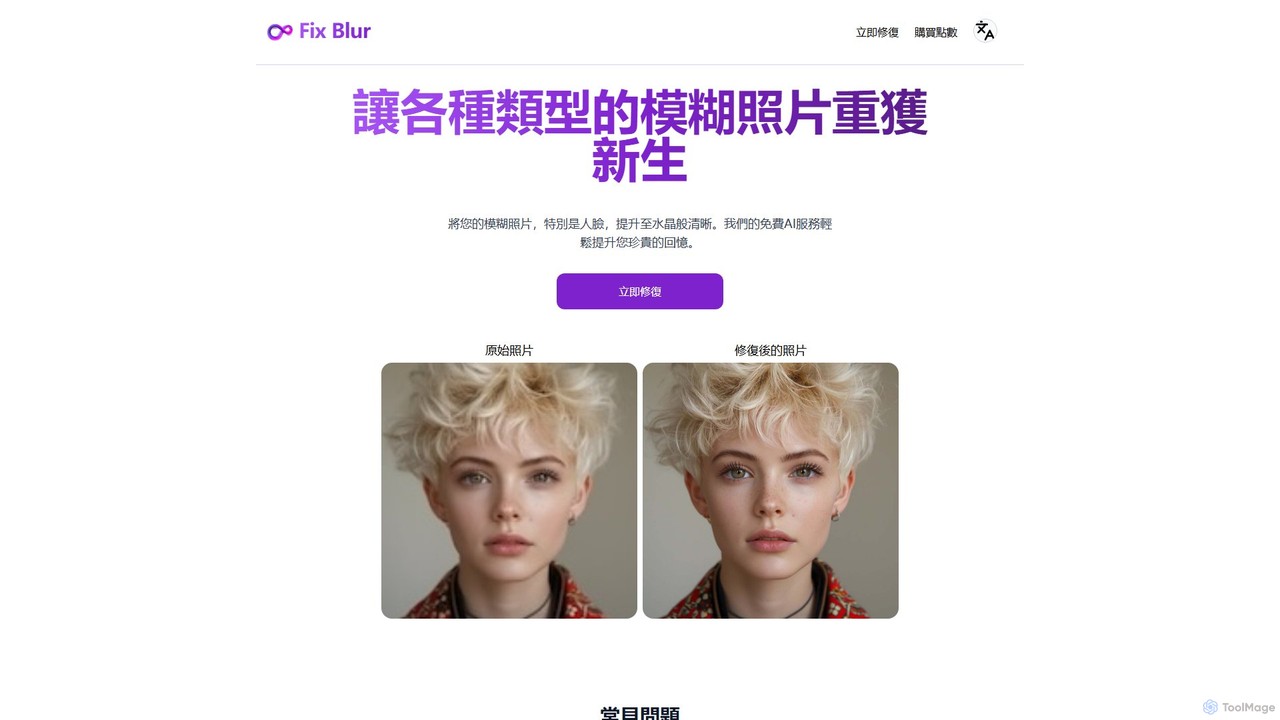
FixBlur is an AI-powered tool that sharpens blurry photos, especially faces, in seconds. It uses advanced algorithms to deblur images, restore details, and bring your precious memories back to crystal clarity. Ideal for fixing motion blur, out-of-focus shots, and old photos.

Image Enhancement
Visits 7.7KFavorites 124Likes 125
Photoeraser
Freemium

Photoeraser

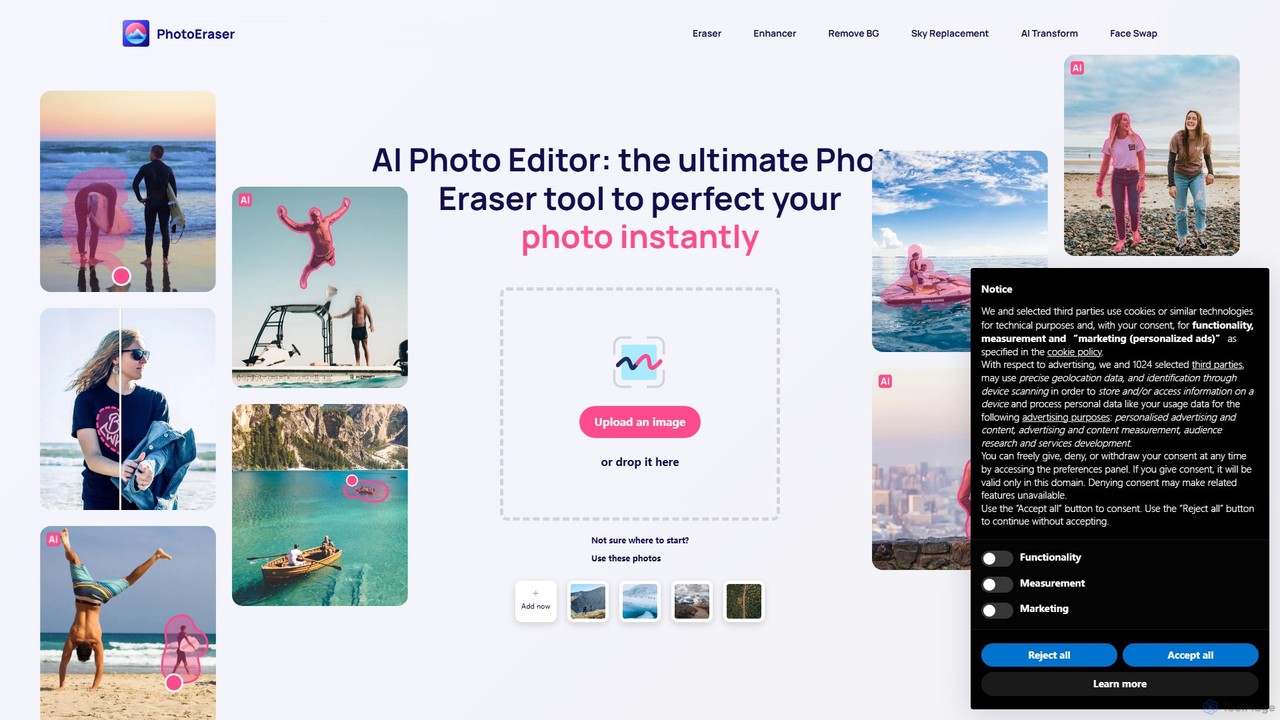
Photoeraser is an all-in-one AI-powered photo editing suite. It allows users to effortlessly remove unwanted objects, people, or text from images, enhance photo quality, swap faces, and restore old photos. Its intuitive interface makes professional-grade editing accessible to everyone, from social media users to real estate professionals.

Face Swap
Visits 71.6KFavorites 136Likes 146
Neuralfulai
Freemium

Neuralfulai

Neuralfulai offers a comprehensive suite of AI-powered tools for image editing and productivity. Enhance, upscale, restore, and generate stunning visuals effortlessly across web, mobile, and desktop platforms. Ideal for influencers, photographers, and developers.

Image Editing
Visits 6.1KFavorites 155Likes 171
idjpg
Freemium

idjpg

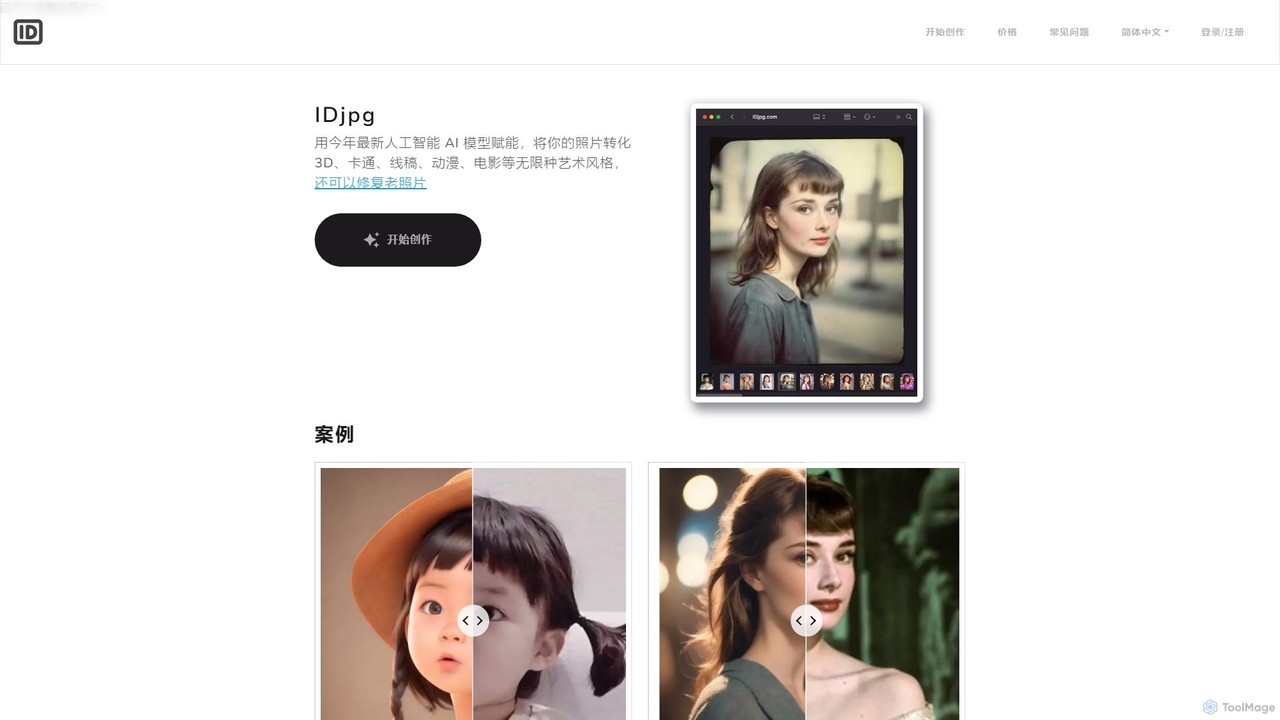
IDjpg is an AI-powered tool that transforms your photos into various artistic styles like 3D, cartoon, and anime, while preserving the original facial features. It also excels at restoring old, damaged photos, bringing cherished memories back to life with enhanced clarity and color.

Avatar Generator
Visits 6.3KFavorites 131Likes 118

About Photo Restoration

AI Photo Restoration tools are specialized applications that use artificial intelligence to repair, enhance, and colorize old or damaged photographs. Leveraging deep learning models, these tools automatically detect and remove scratches, creases, and dust, while also improving clarity and adding realistic color to monochrome pictures. They are invaluable for preserving personal memories, digitizing historical archives, and bringing faded images back to life with remarkable detail. This technology significantly simplifies a process that once required extensive manual work by professional restorers.

Core Features

  • Scratch & Blemish Removal: Automatically identifies and reconstructs areas damaged by scratches, tears, dust, and stains.
  • AI Colorization: Intelligently adds natural and context-aware colors to black-and-white or faded photos.
  • Face Enhancement: Specifically focuses on improving the clarity, detail, and resolution of faces within old photographs.
  • Noise Reduction: Cleans up film grain and digital noise to produce a smoother, clearer image.
  • Resolution Upscaling: Increases the dimensions and sharpness of low-resolution scans without introducing significant artifacts.

Use Cases

These tools are widely used by individuals for restoring family albums, genealogists for clarifying historical records, and professional photographers offering restoration services. Museums and archives also utilize them to digitize and preserve their collections, making historical imagery more accessible and engaging for the public.

How to Choose

When selecting a tool, evaluate the quality of its restoration results, especially for face enhancement and color accuracy. Consider the range of features offered, such as batch processing for large collections. Also, assess the user interface for ease of use and review the pricing model—whether it's a subscription, pay-per-image, or a one-time purchase—to find what best suits your needs and budget.

Photo Restoration use cases

1

Digitizing and Restoring Family Photo Albums

For individuals and families, AI photo restoration tools offer a powerful way to preserve precious memories. A user can scan old, faded, or damaged photographs from family albums—pictures of grandparents' weddings, childhood moments, or ancestral portraits. Using the tool, they can upload these scans and, with a few clicks, automatically remove decades of wear, such as creases, spots, and fading. The AI colorization feature can breathe new life into black-and-white images, providing a vibrant, new perspective on the past. The result is a high-quality digital archive that can be easily shared with relatives and preserved for future generations.

2

Enhancing Historical Photos for Research and Archives

Genealogists, historians, and archivists frequently work with historical photographs that are low in quality or have deteriorated over time. AI photo restoration tools are essential for this work. They can enhance the faces in old group photos, making individuals easier to identify for genealogical research. By removing noise and sharpening details, these tools can reveal previously unseen information in historical images, such as text on signs or details on clothing. This allows for more accurate analysis and documentation. Museums and libraries use this technology to restore their digital collections, making history more vivid and accessible to researchers and the public.

3

Professional Photo Restoration Services

For photography studios and freelance editors, AI tools dramatically accelerate the workflow for offering photo restoration as a paid service. Instead of spending hours manually retouching a single damaged photo in traditional software, a professional can use an AI tool to get a high-quality result in minutes. This allows them to handle a higher volume of client requests and offer more competitive pricing. The AI provides an excellent baseline restoration, which can then be fine-tuned with professional software for a perfect finish. This hybrid approach combines the speed of AI with the precision of a skilled artist, maximizing both efficiency and quality for their business.

4

Restoring Old Real Estate and Architectural Photos

Real estate agents, architects, and historical preservation societies can use AI photo restoration to bring old property photos back to life. For marketing a historic home, an agent can restore old black-and-white photos of the property to their former glory, even colorizing them to help potential buyers visualize its history. Architects can restore old blueprints or construction photos to study a building's original design and structure. Historical societies can create compelling 'before-and-after' galleries for community engagement and fundraising, showcasing the transformation of local landmarks over time. This application provides both commercial and cultural value by preserving architectural heritage.

5

Enhancing Archival Footage for Documentaries

Content creators and documentary filmmakers often rely on archival photos to tell a story. However, these images are frequently of poor quality. An AI restoration tool can be used in pre-production to enhance these assets. By improving the clarity, removing damage, and colorizing key images, filmmakers can make historical content more immersive and engaging for a modern audience. For example, a blurry portrait of a historical figure can be sharpened to reveal their expression, adding emotional depth to the narrative. This process saves significant time and budget compared to hiring a specialist restoration artist for every single image needed in the film.

6

Preparing Old Photos for Print and Social Media

Whether for a personal project like a printed photobook or for a brand's 'Throwback Thursday' social media post, old photos often need restoration before they can be used. An individual creating a wedding anniversary gift can restore and upscale old photos to ensure they look sharp when printed. A social media manager for a heritage brand can quickly colorize black-and-white product photos from their archives to create engaging content that connects with their audience. The AI tools make this process fast and accessible, ensuring that even low-resolution or damaged source images can be transformed into high-quality assets suitable for modern digital and print formats.

Photo Restoration FAQ

What is AI Photo Restoration?

AI Photo Restoration is a process that uses artificial intelligence algorithms to automatically repair and enhance old or damaged photographs. Unlike manual editing, these tools leverage deep learning to understand image context, allowing them to perform complex tasks with minimal user input. Key functions include:

  • Removing imperfections like scratches, dust, and tears.
  • Colorizing black-and-white images with realistic tones.
  • Improving the clarity and detail of blurry faces.
  • Reducing film grain and digital noise.
This technology makes professional-grade photo restoration accessible to a much wider audience.

How to choose the right AI Photo Restoration tool?

To choose the right tool, consider these key factors:

  • Restoration Quality: Look at before-and-after samples. Does the tool produce natural-looking results without obvious AI artifacts? Pay special attention to face enhancement and colorization accuracy.
  • Specific Features: Do you need to colorize photos, remove scratches, or both? Do you require batch processing for many images or high-resolution output for printing? Match the tool's features to your primary needs.
  • Ease of Use: Is the interface simple and intuitive, suitable for beginners? Or does it offer advanced controls for professionals who want more fine-tuning capabilities?
  • Pricing Model: Compare costs. Some tools are subscription-based, others charge per image, and some may offer a one-time purchase. Look for free trials to test the quality before committing.
What's the difference between AI Photo Restoration and a general photo editor?

The primary difference lies in automation and specialization. A general photo editor like Adobe Photoshop is a versatile toolkit that requires significant manual skill and time to perform restoration tasks using tools like the Clone Stamp and Healing Brush. AI Photo Restoration tools, on the other hand, are highly specialized and automated. They are designed to perform specific restoration tasks—like scratch removal or colorization—with a single click, using AI models trained for that exact purpose. While a general editor offers more granular control for professionals, AI tools provide speed, simplicity, and excellent results for users without technical expertise.

Can AI truly restore heavily damaged photos?

The effectiveness of AI in restoring heavily damaged photos depends on the type and extent of the damage. AI is exceptionally good at fixing common issues like scratches, small tears, fading, and color correction. For photos with missing sections or extremely blurry faces where key information is completely lost, the AI will attempt to reconstruct the missing parts based on its training data. This reconstruction is an educated guess and may not be 100% historically accurate, but it can often produce a visually coherent and impressive result. For best results, starting with the highest quality scan possible is crucial, as more original data gives the AI more to work with.

Who can benefit from using AI Photo Restoration tools?

A wide range of users can benefit from these tools. This includes:

  • Individuals and Families: For preserving family history, creating gifts, and sharing memories in high quality.
  • Genealogists and Historians: To clarify details in historical documents and photographs for research and publication.
  • Professional Photographers: To offer restoration services to clients efficiently, expanding their business offerings.
  • Museums and Archives: For digitizing and enhancing their collections, making them more accessible to the public.
  • Content Creators and Marketers: To repurpose archival imagery for documentaries, social media, and marketing campaigns with improved visual quality.