
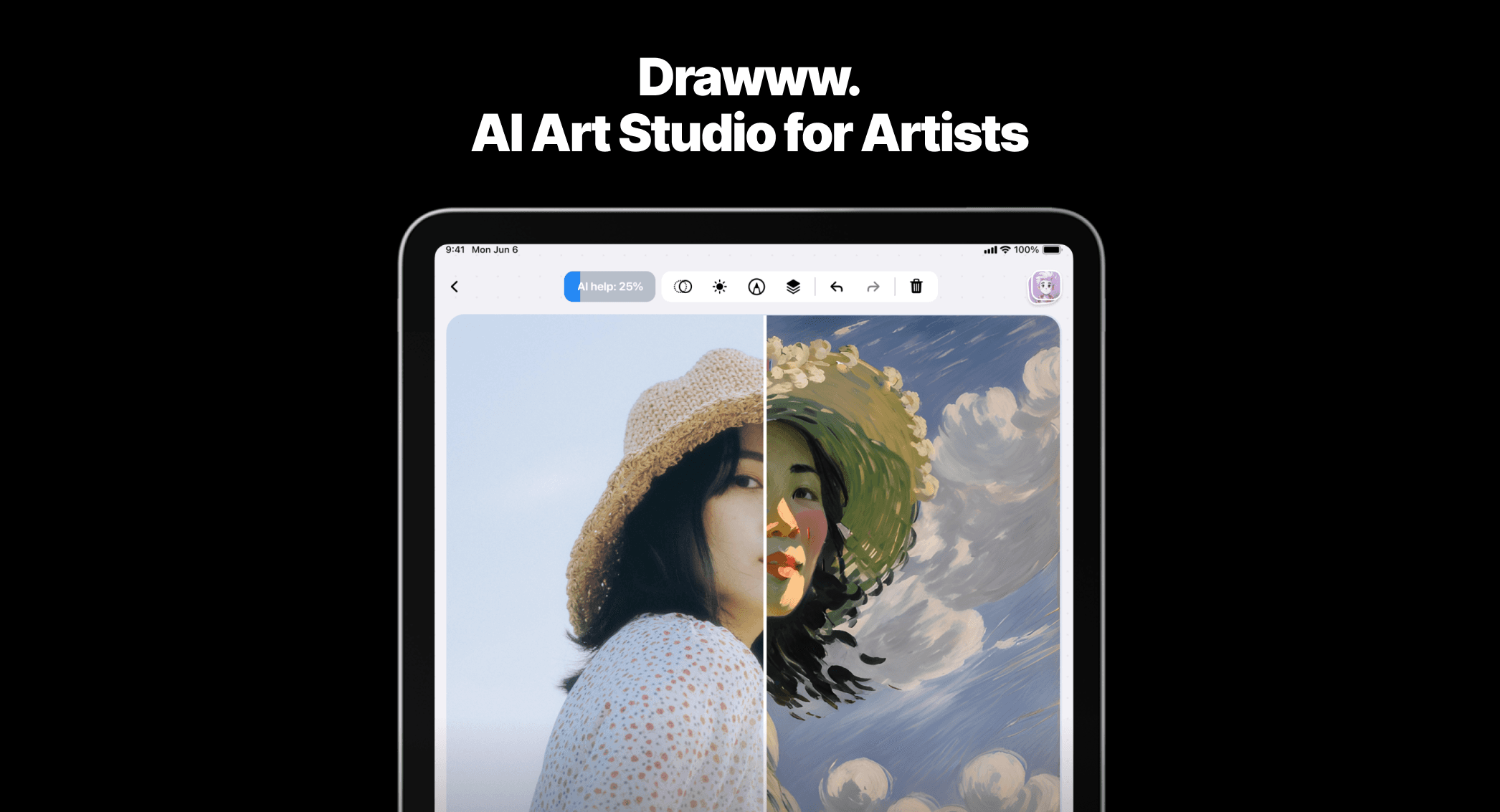
drawww Overview
drawww is a comprehensive AI art studio built from the ground up for artists using the iPad. It redefines the digital creation process by seamlessly integrating a traditional drawing environment with cutting-edge artificial intelligence. This application is not just another image generator; it's a complete creative suite that understands the artistic workflow, offering a unique hybrid engine that merges the scalability of vector graphics with the textural richness of pixel-based art. This allows creators to work with clean lines and detailed shading all within a single, intuitive interface.
At its core, drawww introduces the innovative .drawww file format. This next-generation format is optimized for AI-driven workflows, saving not only the visual elements of your work but also the specific AI parameters and settings used. This means you can revisit a project and pick up exactly where you left off, tweaking AI-generated elements non-destructively. The format also ensures lightning-fast file opening and effortless sharing across devices, making your creative process smooth and uninterrupted.
How to use drawww
Using drawww is designed to be an intuitive extension of the creative process:
- Download and Install: Get the drawww app from the Apple App Store for your iPad.
- Start a Project: Create a new canvas or import an existing image or sketch to work on.
- Draw and Sketch: Utilize the hybrid drawing tools. Create scalable line art with vector brushes and add color, texture, and detail with pixel brushes.
- Leverage AI Power: Access the AI Art Studio features. Generate initial concepts from text prompts, explore different styles like anime or fashion, or enhance your existing drawings.
- Refine with AI Tools: Use 'Vectorize' to convert a raster sketch into a clean, editable SVG. Employ 'Inpaint' to seamlessly remove unwanted elements or fix mistakes. Use 'Expand' to intelligently enlarge your canvas and extend the artwork.
- Finalize and Export: Save your complete project in the proprietary .drawww format to retain all layers and AI data. For sharing or use in other software, export your masterpiece to standard formats like SVG, PNG, or JPG.
Core Features of drawww
- Hybrid Vector-Pixel Engine: A unique drawing environment that combines the precision of vector objects with the artistic freedom of pixel brushes in one canvas.
- AI-Powered Style Transformation: Experiment with a wide range of artistic styles, including concept art, comics, fashion, and anime, and apply them to your designs.
- Advanced AI Editing Suite: A set of professional tools to perfect your artwork.
- Vectorize Your Art: Instantly transform any raster image or sketch into a high-quality, scalable SVG vector graphic.
- Enhance Drawings: Improve the quality, resolution, and detail of your images with superior AI enhancement algorithms.
- Inpaint: Intelligently repair, refine, or remove objects from your images with seamless results.
- Expand (Outpainting): Enlarge your artwork's canvas in any direction while the AI intelligently fills in the new space, preserving detail and style.
- Next-Gen .drawww File Format: A revolutionary file type that is lightning-fast, ready for AI, and enables seamless sharing. It saves all AI parameters, allowing for a non-destructive workflow.
- Optimized for iPad: A fluid, responsive, and touch-first interface designed specifically for the iPad and Apple Pencil.
Use Cases for drawww
drawww is a versatile tool for a wide range of creative professionals:
- Concept Artists: Rapidly generate and iterate on character designs, environments, and props, dramatically speeding up the ideation phase.
- Comic and Manga Artists: Streamline the creation of panels, characters, and backgrounds. Use the vectorization feature for crisp, clean line art ready for coloring.
- Fashion Designers: Sketch new apparel ideas and instantly visualize them in different styles, patterns, and materials.
- Illustrators and Graphic Designers: Create complex illustrations with the flexibility of both vector and pixel tools. Easily enhance client assets or convert low-resolution graphics into scalable vectors.
- Hobbyists and Art Enthusiasts: Explore creativity without limits, experiment with AI, and produce professional-quality artwork with ease.
Advantages of drawww
The primary advantage of drawww is its holistic, artist-centric approach. It's an all-in-one studio that eliminates the need to jump between a drawing app, an AI generator, and an image editor. The hybrid engine provides unparalleled creative freedom, while the AI tools act as a powerful assistant, not a replacement for creativity. The non-destructive workflow enabled by the .drawww format empowers artists to experiment fearlessly. This combination of power, portability, and intuitive design makes it an artistic superpower.
Pricing and Plans
drawww operates on a freemium model. Users can download the app for free from the App Store to access core drawing functionalities. To unlock the full potential of the AI Art Studio, including advanced features like unlimited vectorization, inpainting, expansion, and access to all exclusive styles, users can upgrade via in-app purchases or a subscription plan. Specific pricing details are available directly on the drawww App Store page.
Traffic
Latest traffic
Status
Monthly traffic trend
- 2025-9: 771
- 2026-1: 2.7K
- 2026-2: 1.3K
- 2026-3: 2.8K
- 2026-4: 1.2K
- 2026-5: 1.8K
Geography
Top 5 countries / regions
- 🇱🇹Lithuania42.6%
- 🇨🇴Colombia28.0%
- 🇮🇳India16.5%
- 🇺🇸United States12.9%
Top keywords
| Keyword | Cost per click |
|---|---|
| drawbd | $0.00 |
| drawww | $0.00 |
| dro | $3.30 |
| drswx | $0.00 |
| the draw movie live app | $0.00 |
drawww Alternatives
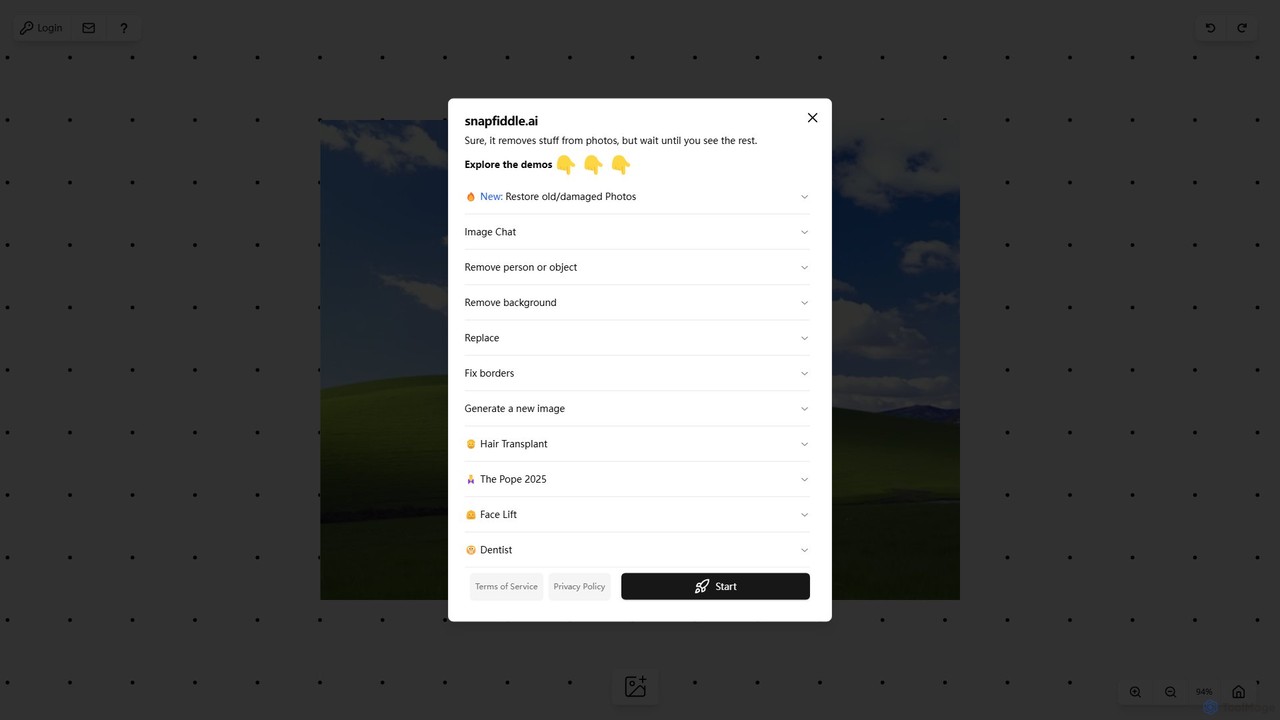
snapfiddle.ai
snapfiddle.ai is a comprehensive AI-powered image editing suite. It allows users to effortlessly remove objects, restore old photos, remove backgrounds, generate new images, and perform advanced edits like face lifts or hair transplants through an intuitive web interface.
Image Generation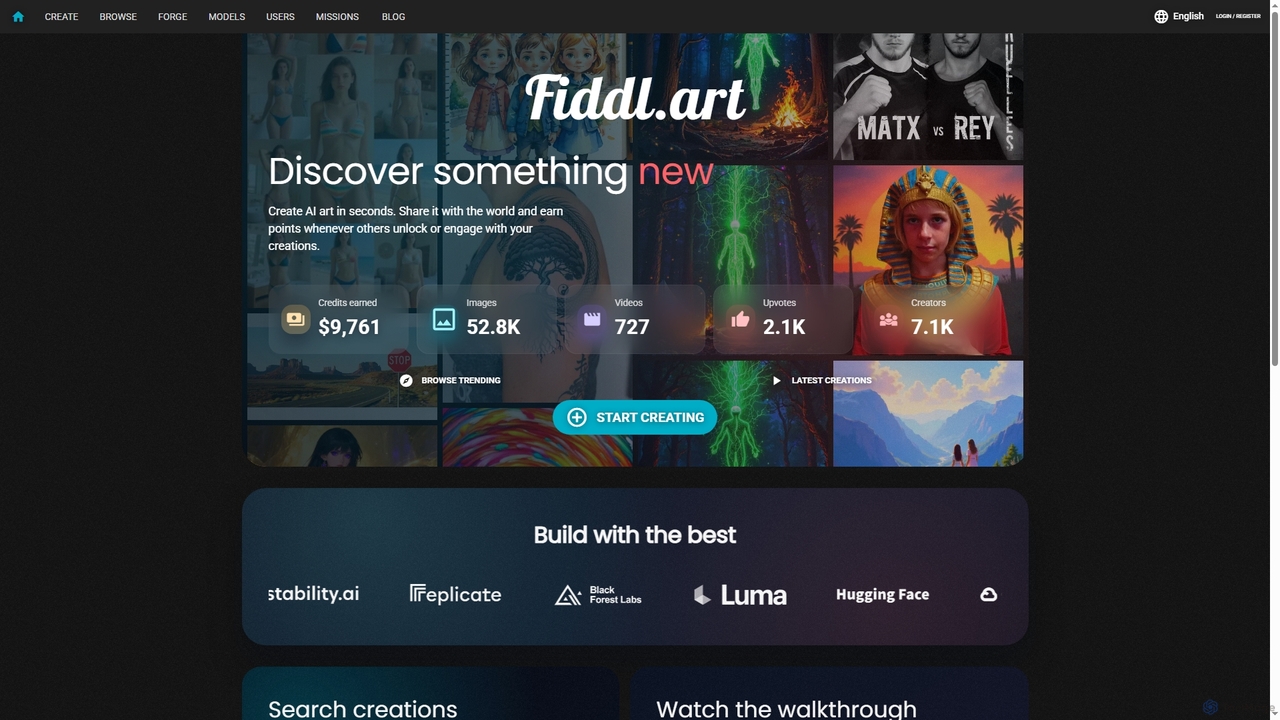
Fiddl
Fiddl is an advanced AI art and video generation platform that allows users to create stunning visuals in seconds. It features a diverse range of AI models, custom model training, and a vibrant community where creators can share their work, earn points, and explore new artistic possibilities without a subscription.
Generative Art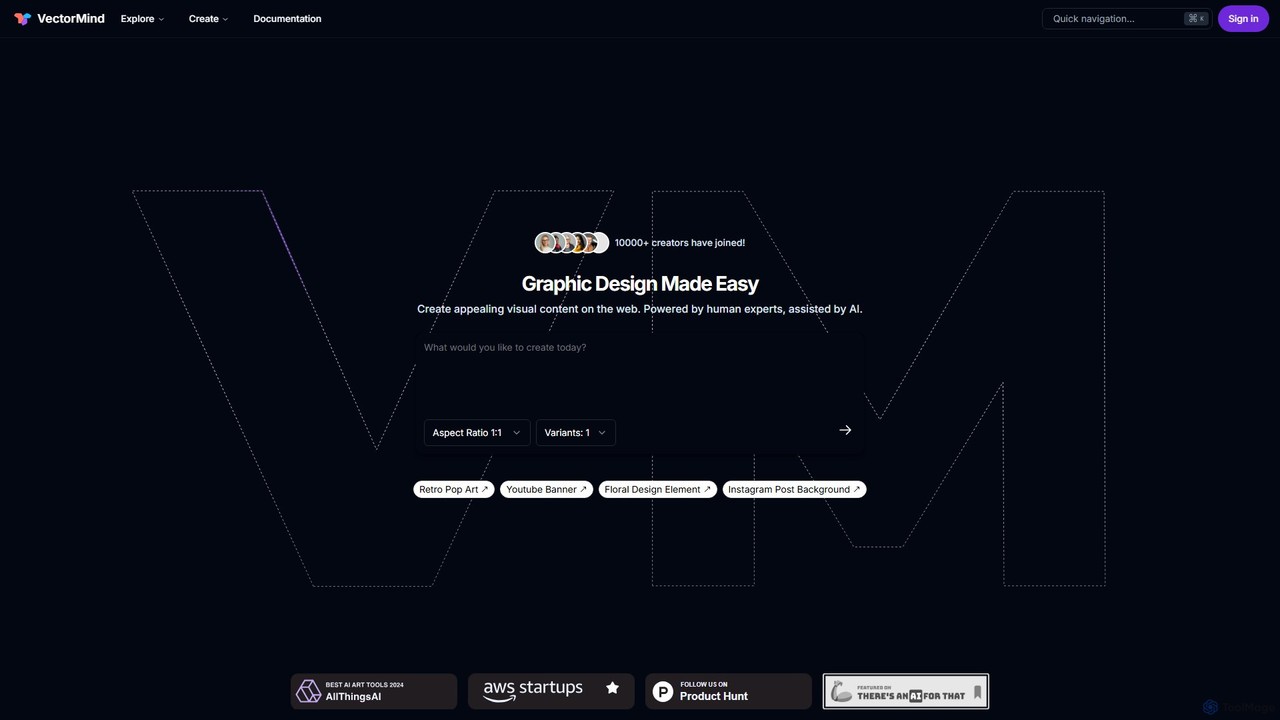
VectorMind
VectorMind is an AI-powered graphic design suite that simplifies the creation of visual content. It offers a range of tools, including an AI Art Generator, Vectorizer, Upscaler, Background Remover, and Product Scene Generator. Designed for creators, marketers, and businesses, it streamlines workflows, enhances creativity, and produces professional-quality graphics, from scalable vectors to stunning product mockups, all within a user-friendly web interface.
Vector Graphics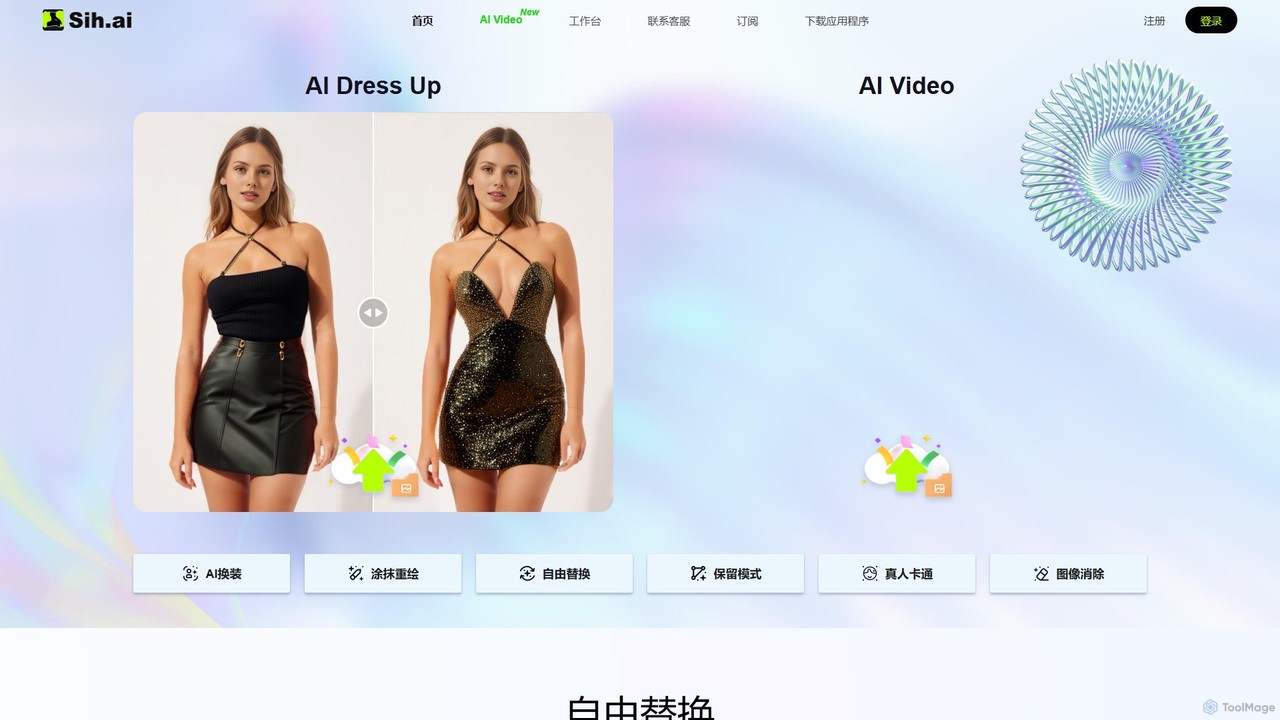
Sih.Ai
Sih.Ai is a free, comprehensive AI image editing and redrawing toolkit. It specializes in advanced inpainting, allowing users to effortlessly change clothes, hairstyles, backgrounds, and even replace models in photos. It also offers powerful photo restoration and enhancement features.
Image Generation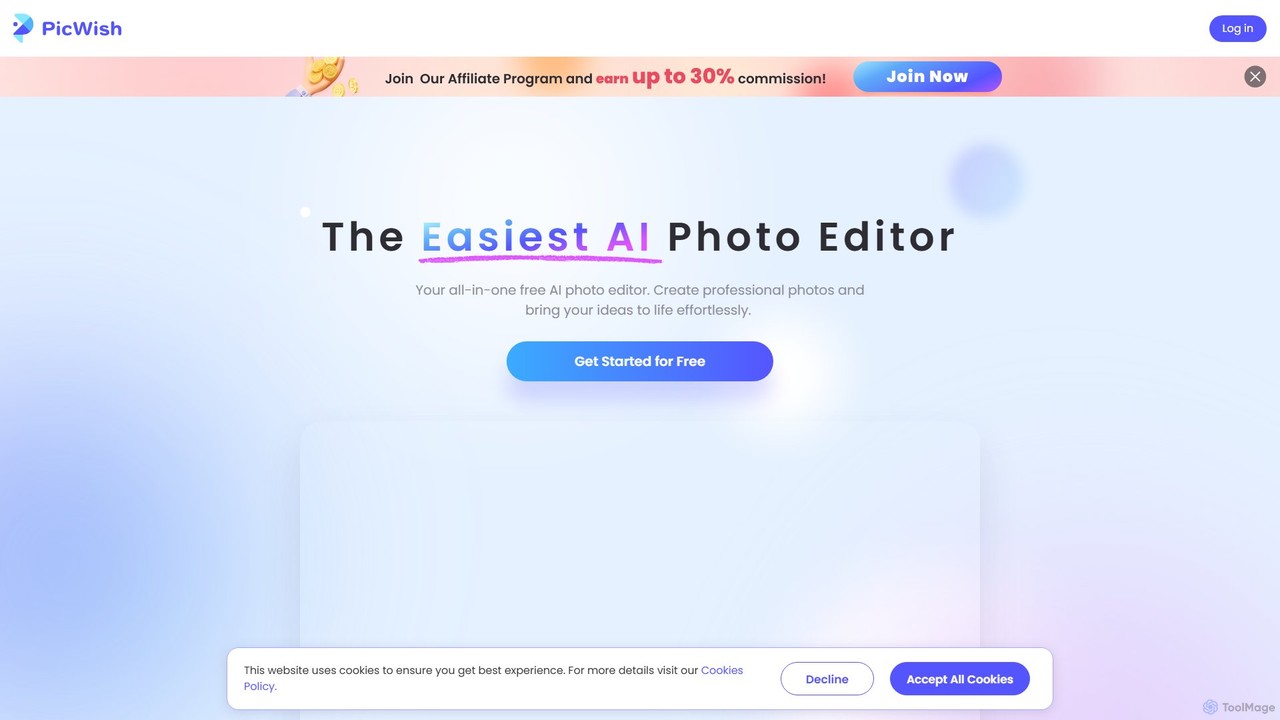
PicWish
PicWish is an all-in-one AI-powered photo editing suite designed to simplify complex image processing. It offers a wide range of free and pro tools, including background removal, photo enhancement, object removal, and AI background generation. Available online and as a dedicated app, PicWish empowers e-commerce sellers, designers, and content creators to produce professional-quality visuals effortlessly, without needing advanced technical skills.
Image Generationdrawww Categories
drawww Embed Widget
Copy this embed code to place the badge on your blog, article, or product site and send readers directly to this ToolMage detail page.

Related AI tools
snapfiddle.ai
snapfiddle.ai is a comprehensive AI-powered image editing suite. It allows users to effortlessly remove objects, restore old photos, remove backgrounds, generate new images, and perform advanced edits like face lifts or hair transplants through an intuitive web interface.
Image Generation
ArtSpace.ai
ArtSpace.ai is a powerful AI image generator that transforms text prompts into unique, high-quality art and photorealistic images in seconds. It features a comprehensive suite of editing tools, including 4K upscaling, background removal, inpainting, and outpainting. With multiple AI models for various styles like anime and photorealism, it's an all-in-one solution for creators, marketers, and designers seeking to produce stunning visuals efficiently and affordably.
Digital Art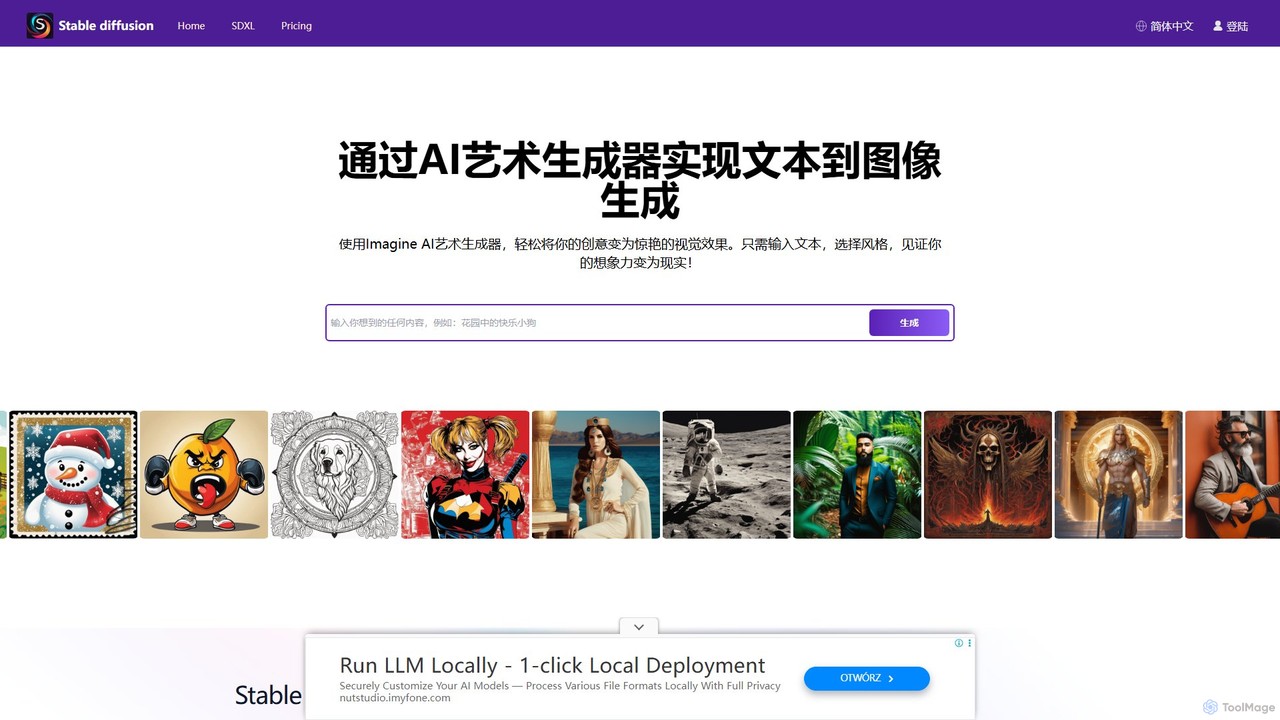
stablediffusionai.ai
stablediffusionai.ai is a user-friendly online platform for generating high-quality AI art using the powerful Stable Diffusion XL model. It allows users to transform text prompts into stunning visuals, offering features like preset styles, negative prompts, and high-resolution output. Suitable for both beginners and experienced artists, it provides a simple interface to explore advanced AI image generation, including image editing and model customization with LoRAs and embeddings. A freemium model offers both free access and premium plans for enhanced features.
Ai Art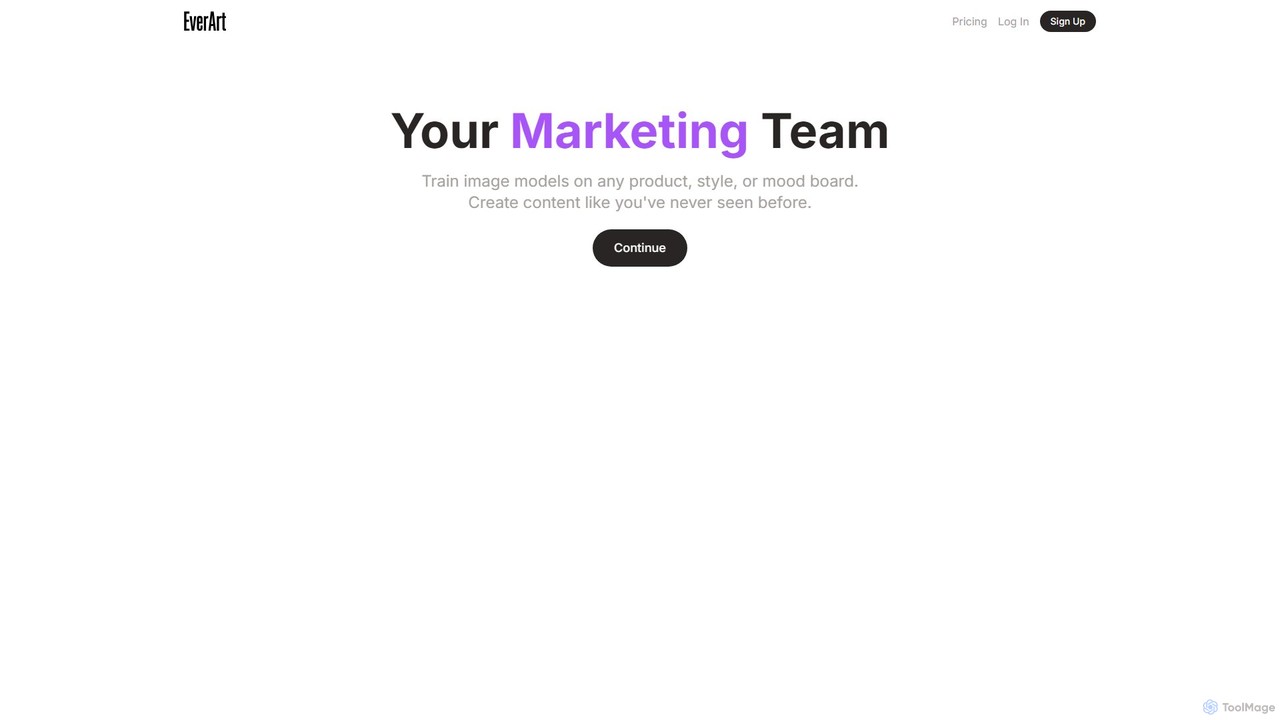
EverArt
EverArt is an advanced AI art generator designed for creating high-quality, consistent visual content. It specializes in maintaining character and style consistency across multiple images, making it ideal for artists, designers, and game developers. With a powerful suite of tools including text-to-image, image-to-image, inpainting, and custom model training, EverArt empowers users to bring their creative visions to life with unprecedented control and precision.
Graphics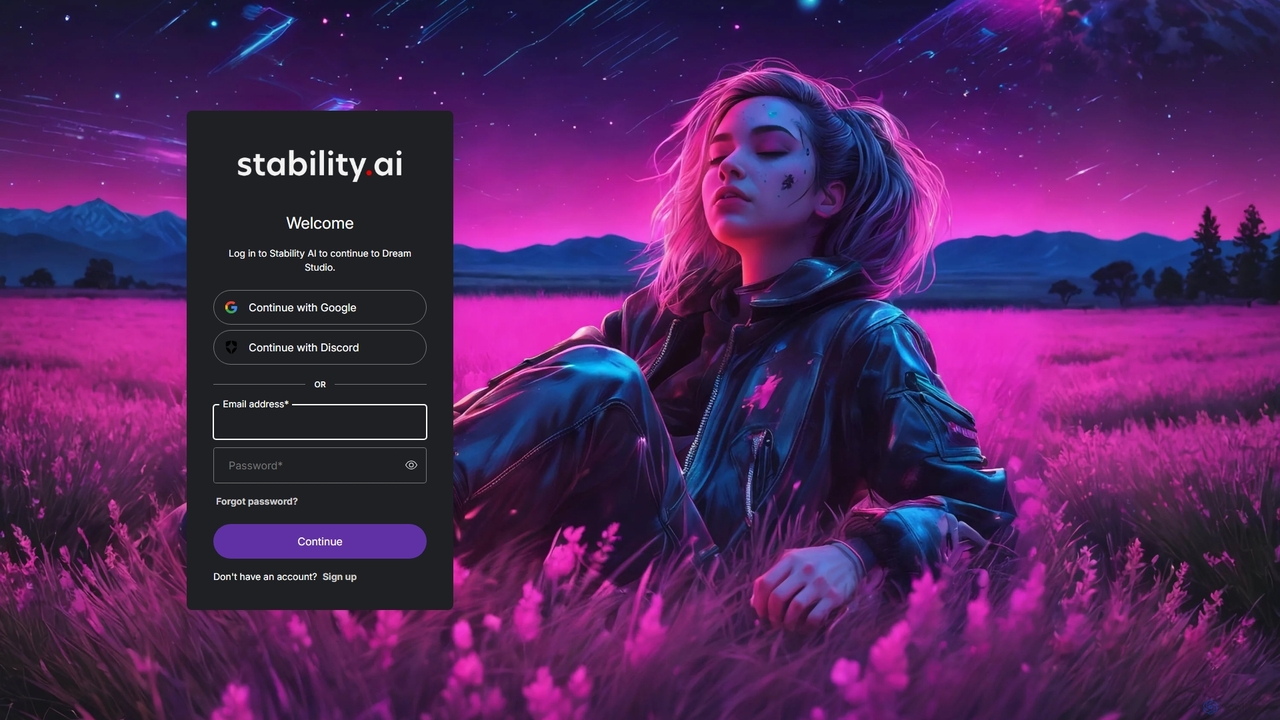
DreamStudio
DreamStudio is the official web interface for Stability AI's Stable Diffusion models. It's a powerful AI image generation tool that allows users to create high-quality, unique images from text descriptions. It offers advanced controls, various models, and editing features like inpainting and outpainting, catering to artists, designers, and creators of all levels.
Generative ArtFiddl
Fiddl is an advanced AI art and video generation platform that allows users to create stunning visuals in seconds. It features a diverse range of AI models, custom model training, and a vibrant community where creators can share their work, earn points, and explore new artistic possibilities without a subscription.
Generative ArtVectorMind
VectorMind is an AI-powered graphic design suite that simplifies the creation of visual content. It offers a range of tools, including an AI Art Generator, Vectorizer, Upscaler, Background Remover, and Product Scene Generator. Designed for creators, marketers, and businesses, it streamlines workflows, enhances creativity, and produces professional-quality graphics, from scalable vectors to stunning product mockups, all within a user-friendly web interface.
Vector GraphicsSih.Ai
Sih.Ai is a free, comprehensive AI image editing and redrawing toolkit. It specializes in advanced inpainting, allowing users to effortlessly change clothes, hairstyles, backgrounds, and even replace models in photos. It also offers powerful photo restoration and enhancement features.
Image Generation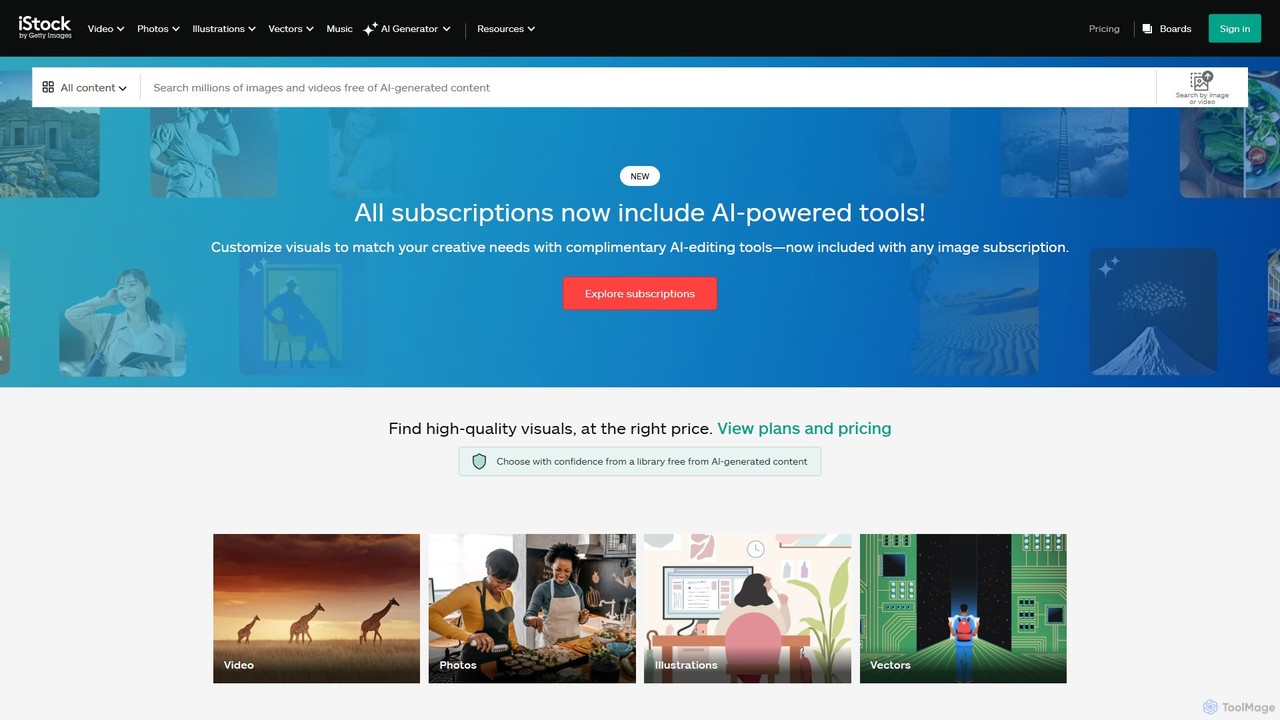
istockphoto
iStockphoto is a leading royalty-free stock media platform, offering millions of human-created photos, videos, and illustrations. It now integrates a powerful suite of AI tools, allowing users to generate unique, commercially safe images and perform advanced edits like background replacement, object removal, and image extension directly on the platform. This hybrid approach combines high-quality, legally-protected assets with the speed and flexibility of AI.
Image Generation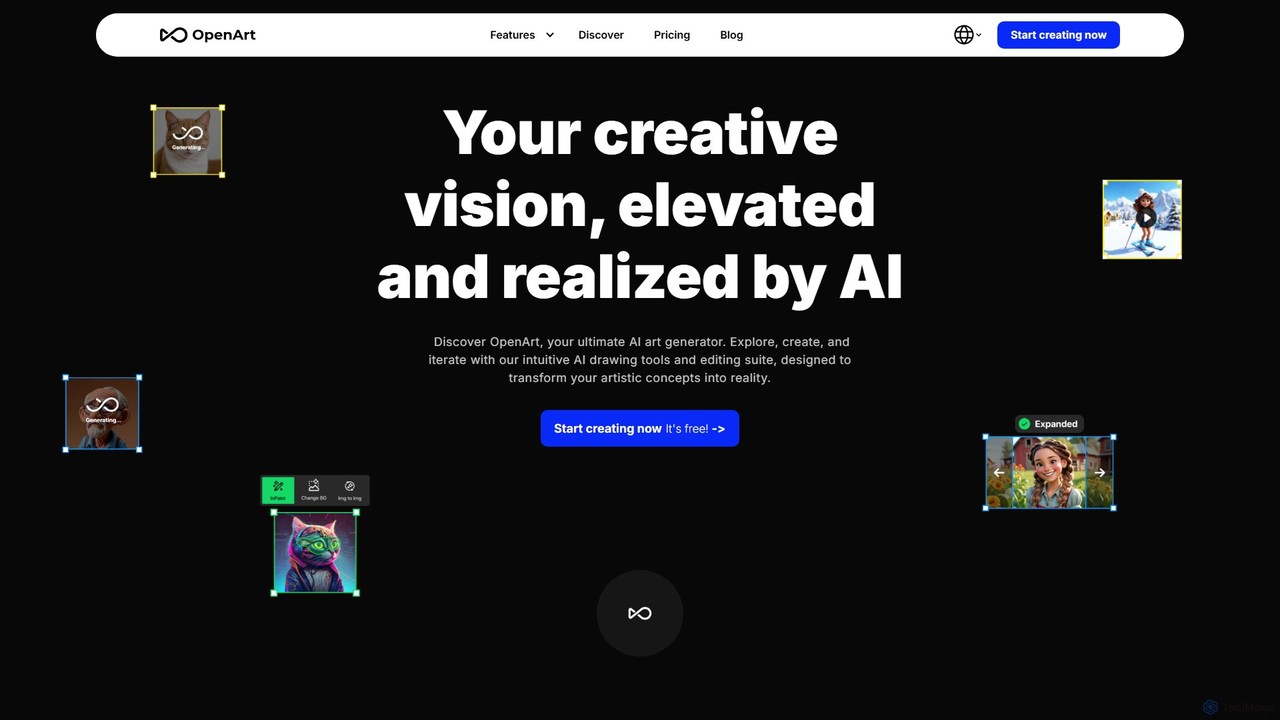
OpenArt
OpenArt is a powerful AI art platform for creating and editing images. It features an advanced AI image generator, a comprehensive suite of editing tools, and the unique ability to train custom AI models for specific styles or characters. Ideal for artists, designers, and hobbyists, it offers both free and professional plans.
Art Generation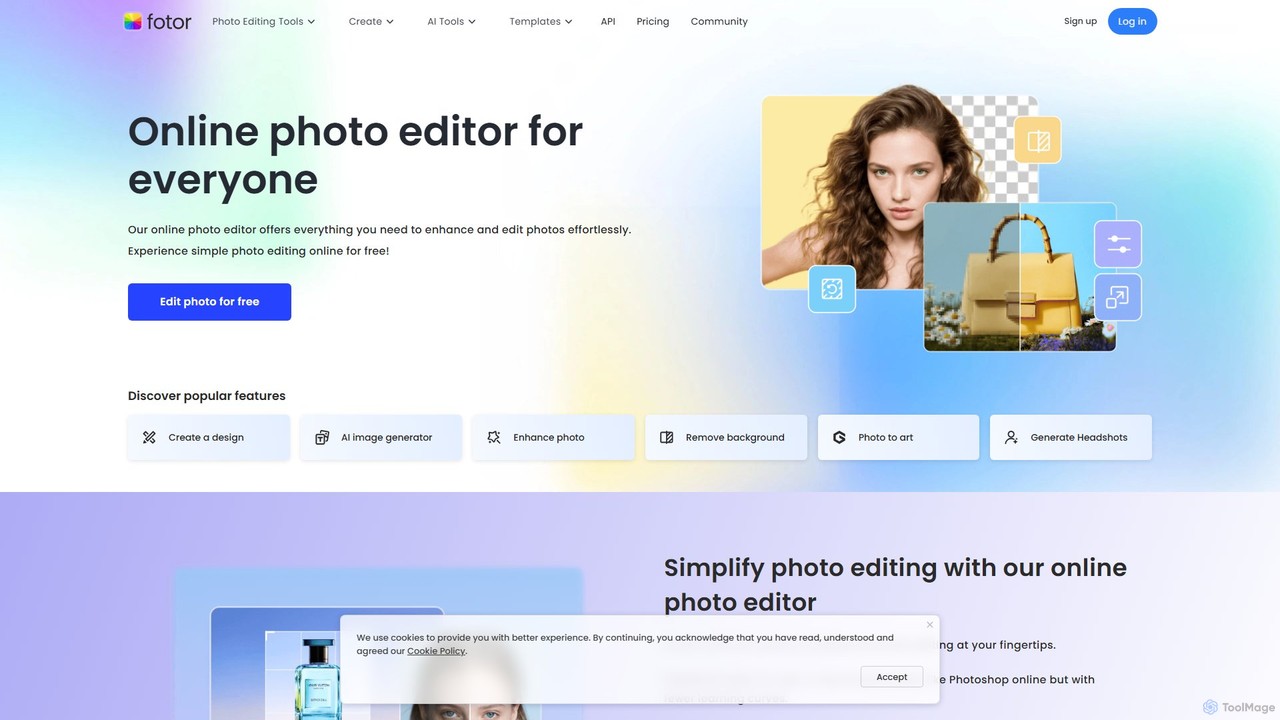
Fotor
Fotor is a comprehensive, all-in-one AI photo editor and design platform. It offers a powerful suite of tools for both beginners and professionals, including one-click photo enhancement, background and object removal, and advanced generative AI features like text-to-image creation, AI-powered object replacement, and image expansion. Fotor simplifies complex editing tasks, making it easy to create stunning visuals for social media, marketing, and personal projects across web, desktop, and mobile devices.
3D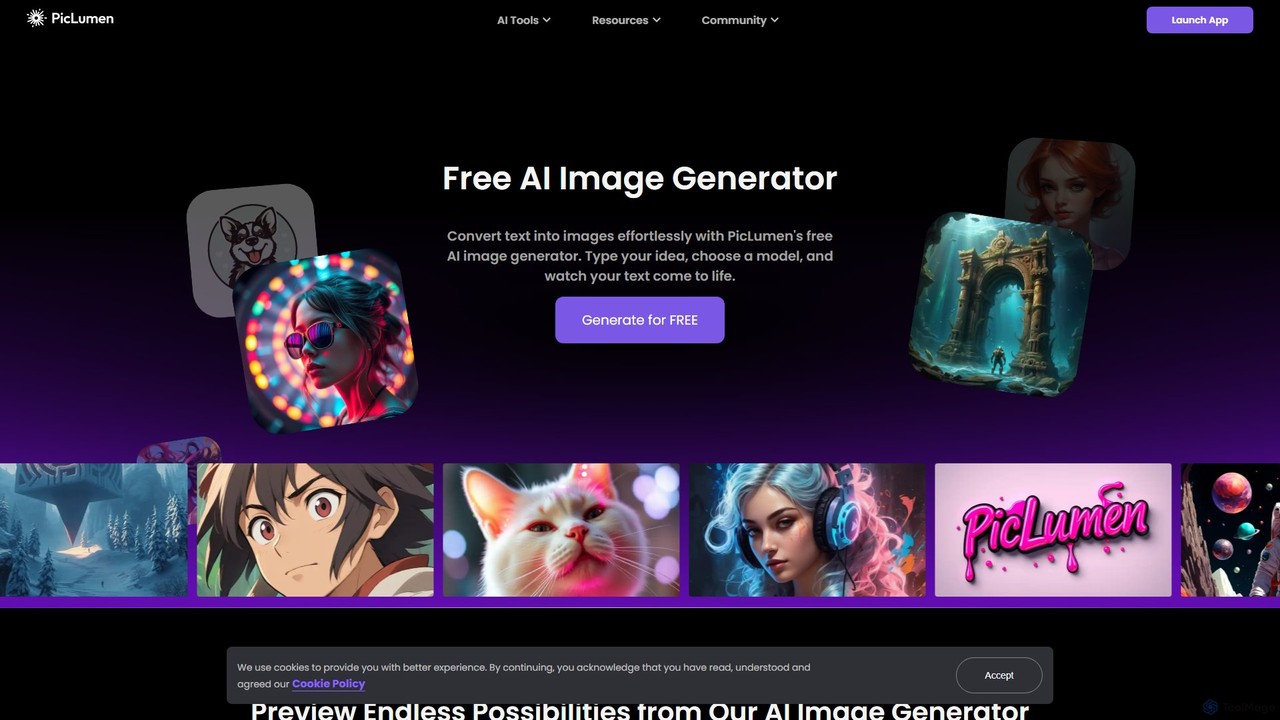
piclumen
PicLumen is a free, versatile AI image generator and editor that transforms text into stunning visuals. It offers a suite of tools including a background remover, image upscaler, colorizer, and an advanced image-to-image generator with multiple fine-tuned models for realistic photos, anime, and line art.
Generative Art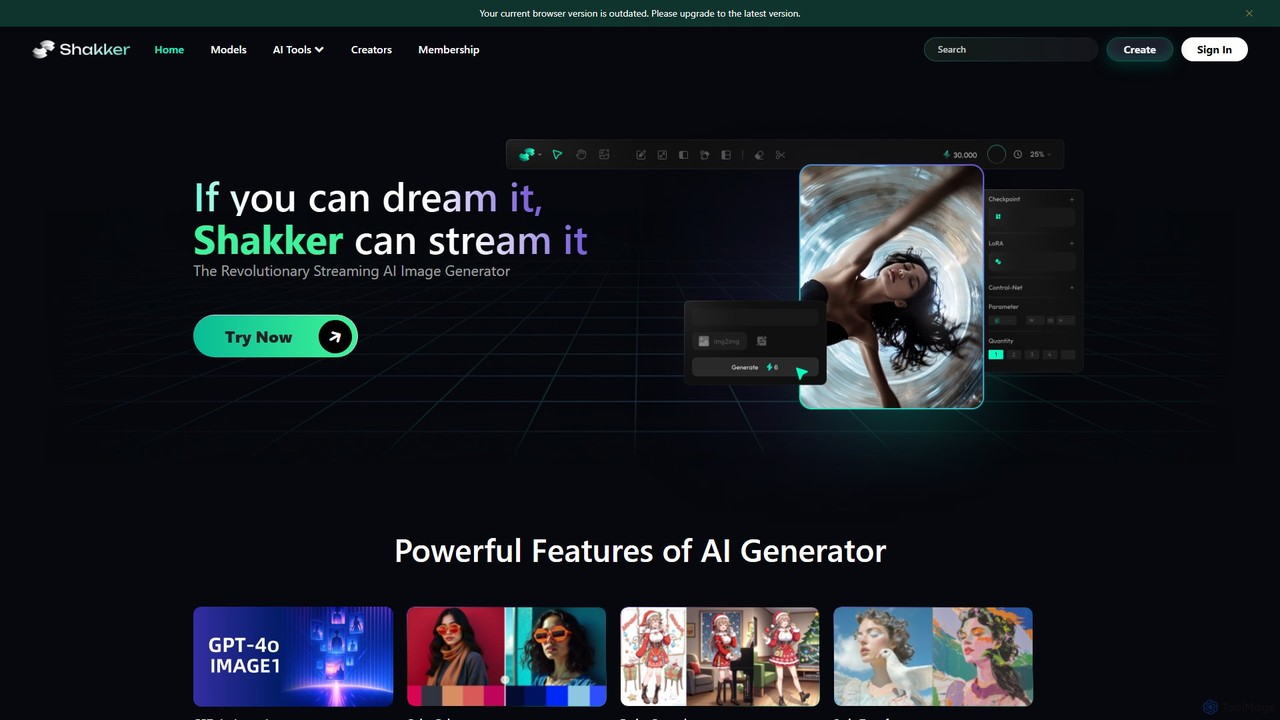
Shakker
Shakker is an all-in-one generative AI design platform, offering a vast library of diverse models (including FLUX and Stable Diffusion), integrated professional tools like online ComfyUI and A1111, and powerful features for image generation, editing, and model training. It caters to creators of all skill levels, from beginners to experts.
Generative Art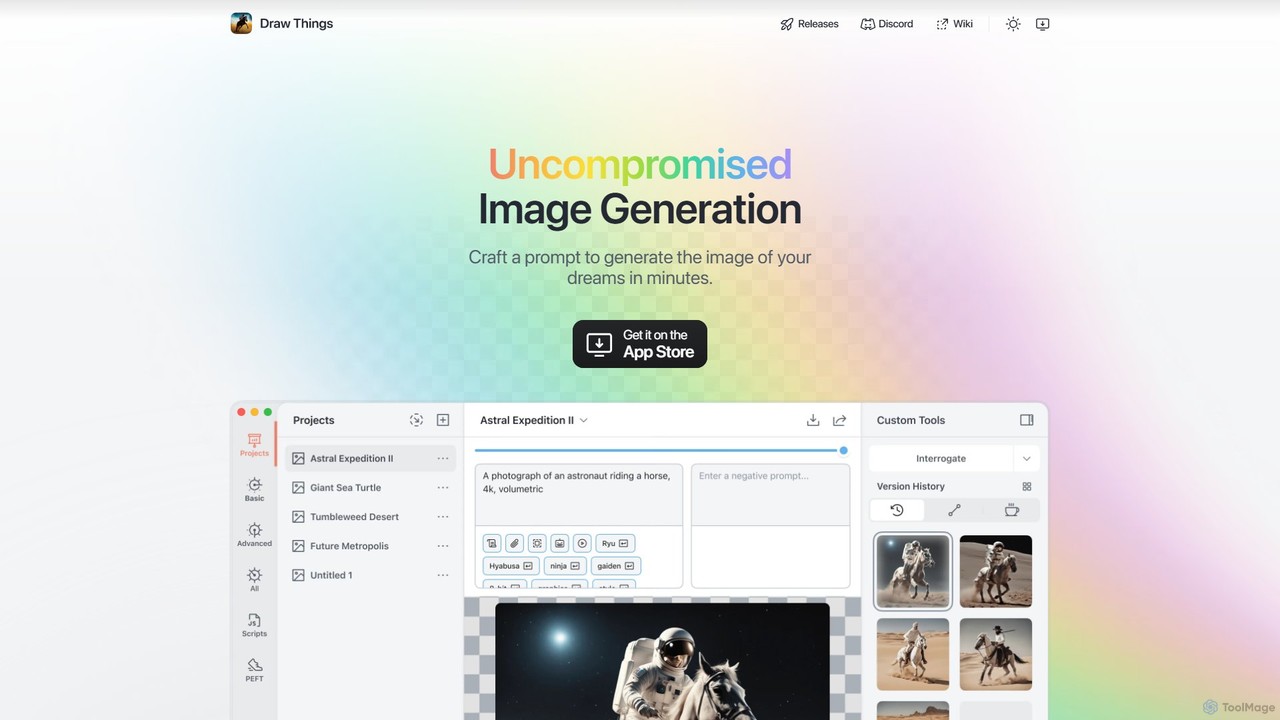
Draw Things
Draw Things is a powerful, free AI image generation app for iPhone, iPad, and Mac. It runs entirely offline on your device, ensuring 100% privacy. Create stunning art from text prompts, edit with advanced tools like in-painting, out-painting, and pose control, and manage your creative process with a non-destructive workflow. It's a full-featured art studio in your pocket, with no subscriptions or server costs.
Digital Art
Soulgen
Soulgen is a powerful AI creative suite for generating unique images and videos from text or reference photos. It specializes in creating realistic and anime-style characters, offering advanced features like high-consistency video generation, inpainting, outpainting, and face swapping. It's designed for artists, creators, and enthusiasts to bring their dream characters to life with ease.
Character Creator
drawww Comments (0)
Sign in to comment.
Sign inNo comments yet.