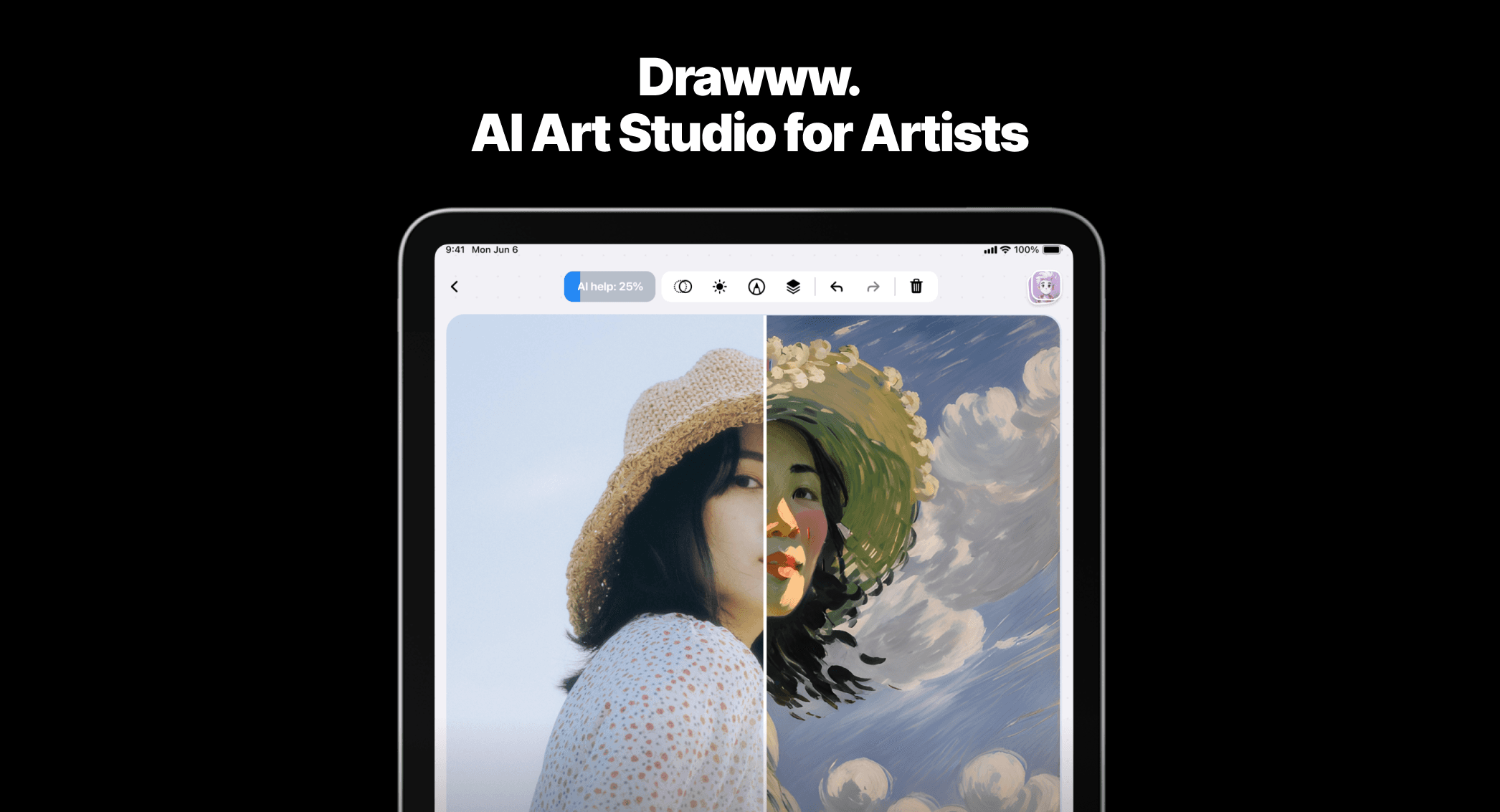
iPad Apps are applications specifically designed and meticulously optimized to leverage the unique capabilities of Apple's iPad devices, distinguishing them from generic mobile applications. These tools are engineered to fully utilize the iPad's expansive Liquid Retina or OLED displays, advanced multi-touch gestures, and often more powerful A-series or M-series processing chips, offering a significantly enhanced and immersive user experience. They transform the iPad into a versatile platform for everything from professional productivity and intricate creative design to immersive entertainment, specialized educational content, and robust business operations.
Core Features
- Optimized UI/UX: User interfaces are meticulously tailored for the iPad's larger display, enabling more complex and intuitive layouts, multi-panel views, and precise touch interactions that maximize screen real estate.
- Advanced Multitasking Support: Many iPad apps fully support Split View, Slide Over, and the sophisticated Stage Manager, allowing users to efficiently run and manage multiple applications simultaneously for enhanced workflow and productivity.
- Seamless Apple Pencil Integration: Deep and responsive integration with Apple Pencil (and other styluses) for precise drawing, detailed note-taking, accurate annotation, and intricate creative tasks, effectively transforming the iPad into a powerful digital canvas or interactive notebook.
- Leveraging Powerful Hardware: These apps are built to harness the iPad's powerful A-series or M-series chips, enabling smooth performance for demanding tasks such as high-resolution video editing, complex 3D rendering, graphic design, and intensive data analysis.
- External Accessory Support: Many apps offer enhanced functionality when paired with external accessories like Magic Keyboard, Smart Keyboard Folio, or external monitors, extending the iPad's utility for desktop-like workflows.
Use Cases
iPad Apps are widely adopted by a diverse range of users including creative professionals, students, educators, and business users who require a portable yet powerful computing device. They are ideal for digital artists sketching and painting intricate illustrations, students taking handwritten notes and organizing extensive research materials, and business users managing complex projects, creating detailed reports, or delivering dynamic presentations on the go. The larger screen, robust performance, and specialized input methods make them exceptionally suitable for tasks that demand more screen real estate and processing power than a typical smartphone.
How to Choose
When selecting iPad Apps, it's crucial to consider the specific tasks you intend to accomplish and how well the app is optimized for the iPad's unique features. Prioritize apps that offer a dedicated iPad-first interface, ensuring optimal use of the larger screen and touch gestures. Verify support for Apple Pencil (if your workflow involves drawing or precise input), seamless integration with multitasking features like Split View or Stage Manager, and the ability to leverage the device's powerful processing capabilities. Additionally, evaluate user reviews, the developer's reputation, and ensure compatibility with your specific iPad model and iPadOS version for the best experience.