

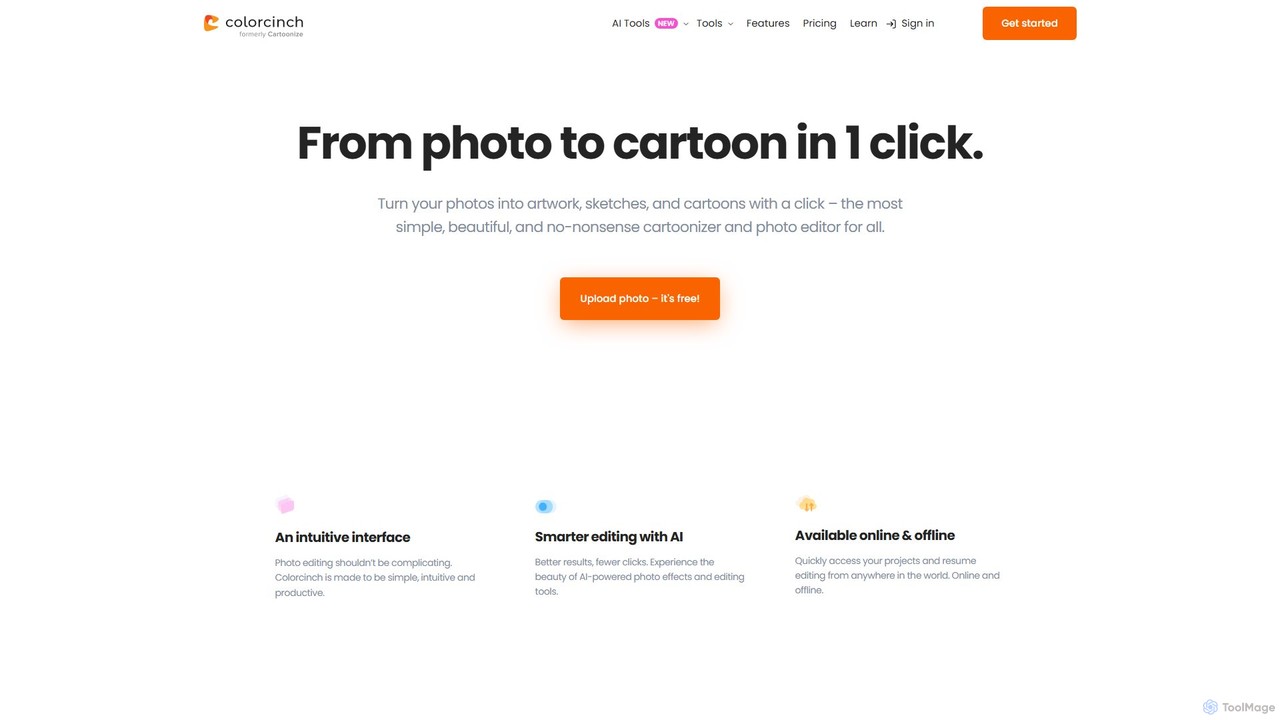
Colorcinch Overview
Colorcinch, operating via Cartoonize.net, is a revolutionary AI-powered photo editor designed to make creative image editing simple, intuitive, and accessible to all. It stands out by offering a seamless experience to transform standard photos into captivating cartoons, sketches, and digital art with just one click. The platform is built on the philosophy that photo editing shouldn't be complex or require extensive experience. By integrating advanced AI technology, Colorcinch automates sophisticated tasks, allowing users to achieve professional-grade results with minimal effort. It's an all-in-one solution for anyone looking to enhance their images, from social media enthusiasts and bloggers to marketers and professional designers.
How to use Colorcinch
The workflow in Colorcinch is designed for maximum efficiency and ease of use. No prior experience or account sign-up is required to begin editing.
- Upload Your Photo: Start by visiting the website and uploading a photo directly from your computer. The interface is clean and immediately ready for your image.
- Apply Cartoon Effects: Navigate to the extensive effects library. Select the 'Cartoonizer' effect to instantly convert your photo. You can choose from numerous cartoon and sketch styles and fine-tune the intensity to match your creative vision.
- Utilize Advanced Editing Tools: Go beyond cartoonization. Use the one-click AI Background Remover for a clean cutout. Create stunning visual stories with the Collage Maker. Adjust exposure, contrast, hue, and saturation with simple sliders.
- Enhance with Creative Assets: Elevate your image with overlays like rain or snow, apply artistic masks, or frame your work with handcrafted borders. The platform provides access to over 4 million high-resolution stock photos, graphics, and icons.
- Organize and Finalize: For complex projects, the user-friendly layers panel helps you manage and organize different elements efficiently.
- Export Your Creation: Once you are satisfied, export your artwork. Colorcinch supports various formats, including JPG, PNG, and even PDF, with an adjustable export dial that allows for print-quality output up to 400 DPI.
Core Features of Colorcinch
- AI Cartoonizer and Effects: Instantly turn photos into cartoons, sketches, and paintings with a vast selection of adjustable, AI-powered artistic filters.
- Feature-Rich Photo Editor: A complete suite of editing tools including cropping, resizing, color adjustment, clarity and detail enhancement (sharpness, blur), and vignette effects.
- AI Background Remover: Remove any background from your photos with unmatched precision using a powerful, one-click AI tool.
- Collage Maker: Easily combine multiple photos to create beautiful collages and storyboards with customizable layouts.
- Vast Asset Library: Gain access to a massive collection of over 4 million high-resolution stock photos, premium vector graphics, and diverse icon sets to enrich your projects.
- Layers and Organization: An intelligent and user-friendly layers panel allows for creating and organizing project elements with ease, similar to professional desktop software.
- Overlays, Masks, and Frames: Add creative flair with overlays (flares, bokeh, snow), embed photos into shapes and text with artistic masks, and choose from a wide selection of custom frames.
- High-DPI Export: Achieve stunning print quality with the ability to export images at up to 400 DPI.
- Online and Offline Access: Start your projects online and resume editing from anywhere, with capabilities that support both online and offline workflows.
Use Cases for Colorcinch
Colorcinch is a versatile tool suitable for a wide range of applications:
- Social Media Content: Create unique cartoon avatars for profile pictures, eye-catching posts for Instagram, and engaging graphics for Facebook pages.
- Marketing and Business: Design distinctive marketing materials, website banners, blog post illustrations, and product photos that stand out.
- Personal Use: Turn family portraits into artistic paintings, create personalized greeting cards, design custom gifts, or simply have fun transforming your favorite memories.
- Artists and Designers: Use it as a quick tool for generating concept art, creating storyboards, or adding a stylized touch to digital illustrations without a steep learning curve.
Advantages of Colorcinch
The platform offers several key benefits that set it apart:
- Intuitive User Experience: Designed to be simple and productive, it eliminates the steep learning curve associated with professional editing software.
- Powerful AI Integration: AI does the heavy lifting, enabling better results with fewer clicks and saving valuable time.
- All-in-One Solution: Combines a cartoonizer, photo editor, collage maker, and asset library into a single, cohesive platform.
- No Installation Required: As a web-based tool, it works directly in your browser on both Mac and Windows PCs without any downloads.
- Commercial Use License: Images edited with Colorcinch can be used for commercial purposes, providing great value for businesses.
Pricing and Plans
Colorcinch operates on a freemium model, offering both free and premium options.
- Free Plan: Access a selection of basic editing tools and effects to get started without any cost. No sign-up is required.
- Pro - Monthly Plan: For $14.99 per month, get full access to all premium features.
- Pro - Annual Plan: The most cost-effective option at $83.88 per year (which breaks down to $6.99 per month).
Both Pro plans unlock all AI-powered features, the complete library of artistic filters, overlays, and masks, the extended graphics library, smart editing tools, unlimited projects, and future updates like bulk processing. You can cancel your subscription at any time.
Traffic
Latest traffic
Status
Monthly traffic trend
- 2025-9: 260.4K
- 2026-1: 172.5K
- 2026-2: 148.8K
- 2026-3: 159.0K
- 2026-4: 158.0K
- 2026-5: 138.8K
Geography
Top 5 countries / regions
- 🇺🇸United States44.5%
- 🇮🇳India17.5%
- 🇬🇧United Kingdom14.2%
- 🇫🇷France12.8%
- 🇮🇹Italy11.0%
Traffic sources
| Source type | Percentage |
|---|---|
Direct | 92.4% |
Referral | 7.6% |
Top keywords
| Keyword | Cost per click |
|---|---|
| cartooner (colorcinch) | $0.00 |
| cartoonize | $0.13 |
| cartoonize photo | $1.10 |
| colorcinch | $0.00 |
| imagen a carton | $0.00 |
Colorcinch Videos on YouTube

Will Haimerl
Colorcinch Alternatives
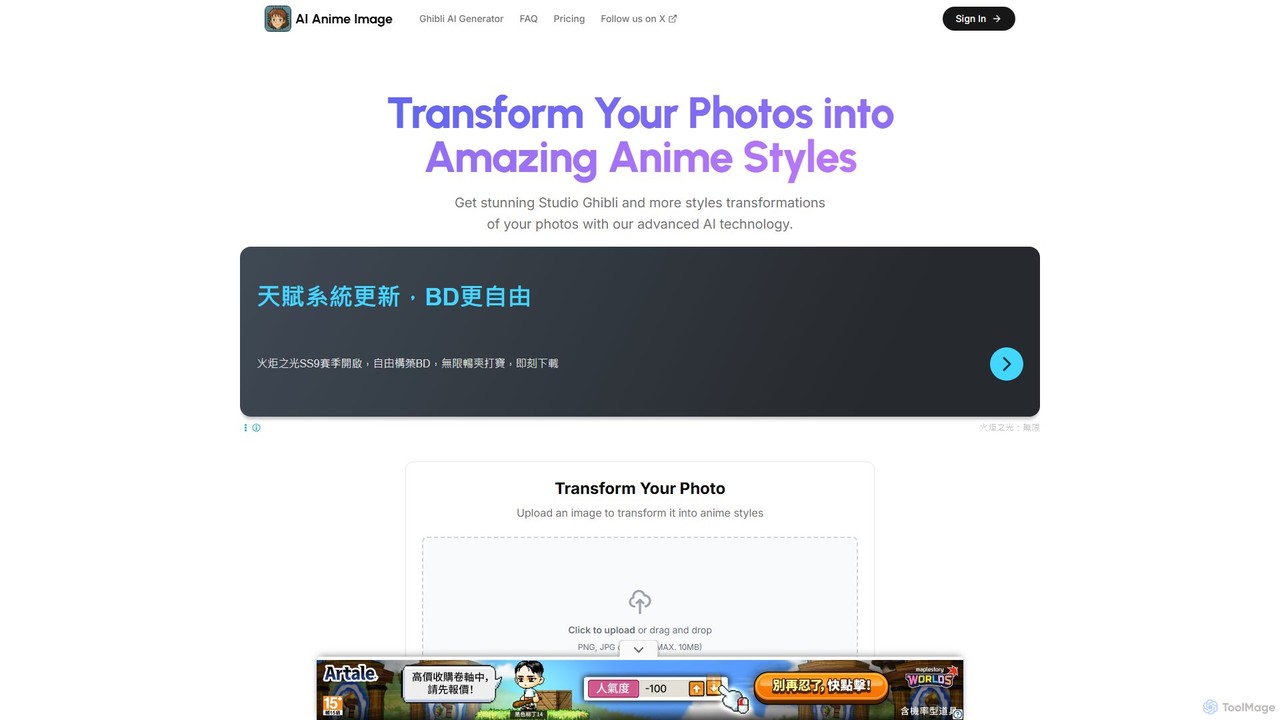
AI Anime Image
An AI-powered tool that transforms your photos into various stunning anime and cartoon styles. Choose from iconic aesthetics like Studio Ghibli, Dragon Ball, Pixar, The Simpsons, and more to reimagine your images as unique works of art. Perfect for creating personalized avatars, creative content, and fun portraits.
Generative Art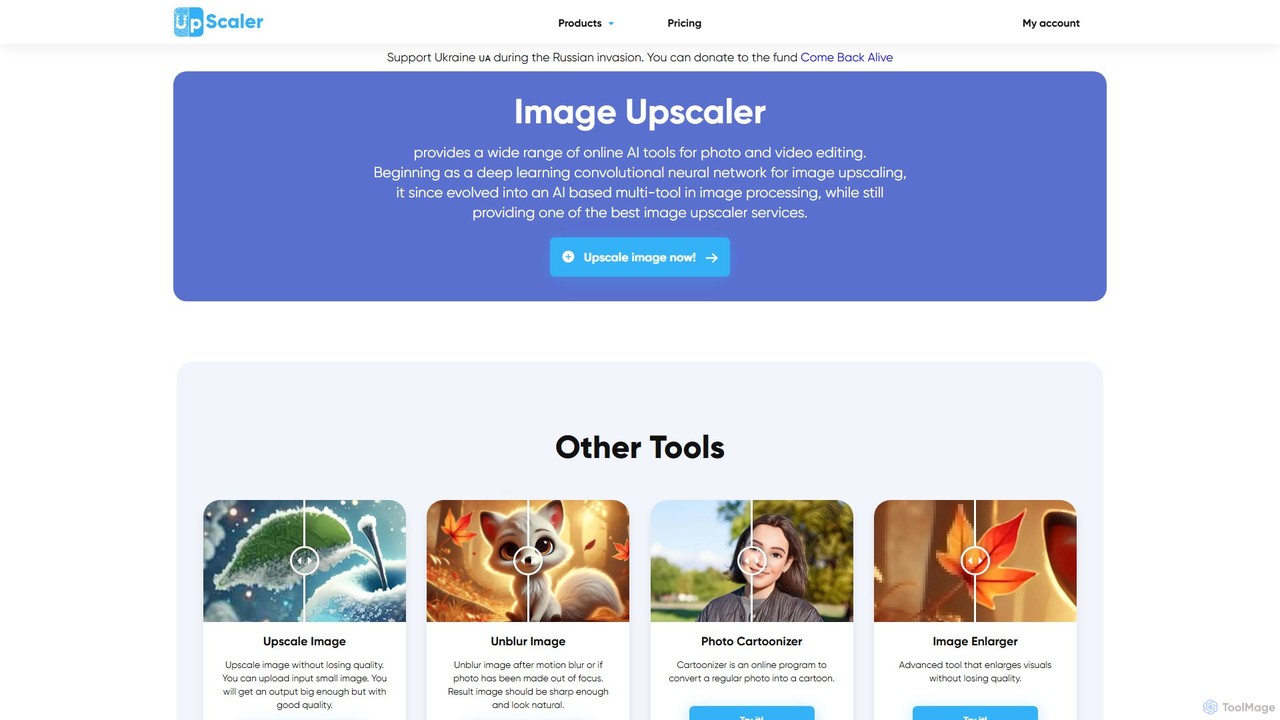
ImageUpscaler
An all-in-one AI-powered platform for image enhancement. Upscale photos up to 4x without quality loss, remove backgrounds, deblur images, generate art from text, and utilize a wide range of creative tools like cartoonizers, colorizers, and object removers. Ideal for professionals and hobbyists.
Graphics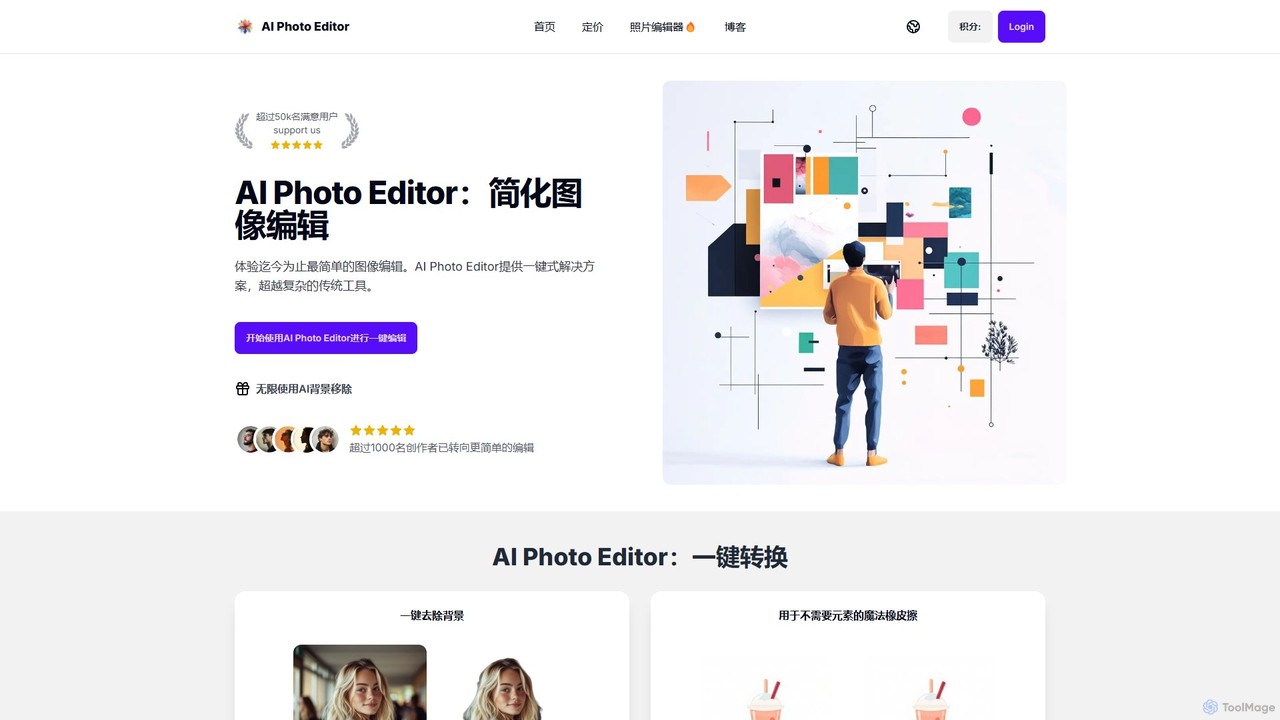
AI Photo Editor
AI Photo Editor is an online tool that simplifies image editing with powerful one-click AI solutions. It offers features like background removal, magic eraser for unwanted objects, photo enhancement, and image upscaling, designed for both beginners and professionals seeking efficiency. Get professional-quality results in seconds without complex software.
Graphics
picsify
Picsify is an all-in-one AI-powered platform for visual content creation. Effortlessly generate stunning images from text, edit photos with professional tools like background removal and object erasing, and enhance image quality with a single click. Ideal for marketers, designers, and content creators.
Graphics
PicWonderful
PicWonderful is an all-in-one AI-powered photo toolkit designed for effortless image editing and creation. It allows users to generate images from text, automatically remove backgrounds, unblur and enhance photo resolution, and colorize black and white pictures. With a user-friendly interface, it makes professional-grade photo editing accessible to everyone, from beginners to experts, directly in their web browser.
GraphicsColorcinch Categories
Colorcinch Embed Widget
Copy this embed code to place the badge on your blog, article, or product site and send readers directly to this ToolMage detail page.

Related AI tools
BeFunky
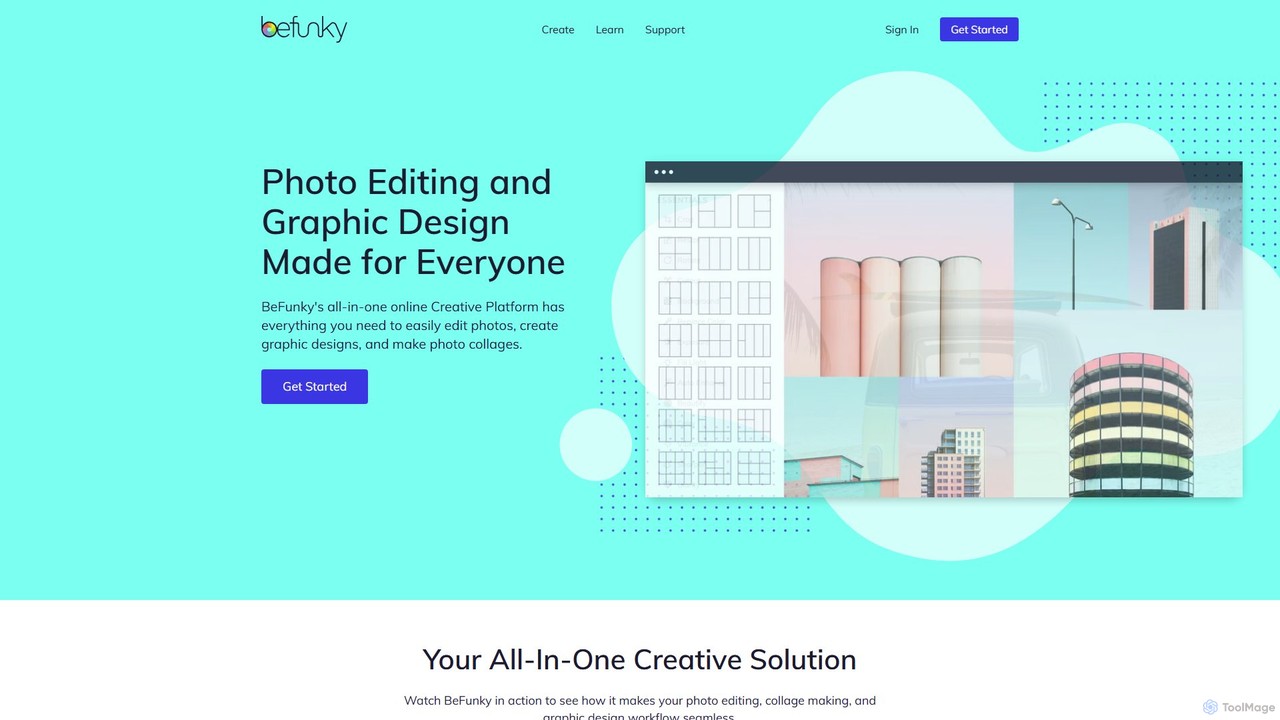
BeFunky is an all-in-one online creative platform designed for easy photo editing, collage making, and graphic design. It offers a powerful suite of tools, including an AI-powered background remover, one-click collage creation, and extensive design templates. With access to millions of stock photos and vector graphics, BeFunky simplifies the creative process for everyone, from beginners to professionals, making it a versatile alternative to complex software.
3DAI Anime Image
An AI-powered tool that transforms your photos into various stunning anime and cartoon styles. Choose from iconic aesthetics like Studio Ghibli, Dragon Ball, Pixar, The Simpsons, and more to reimagine your images as unique works of art. Perfect for creating personalized avatars, creative content, and fun portraits.
Generative Art
PhotoGrid
PhotoGrid is an all-in-one online collage maker and AI photo editor. It offers over 20,000 templates and a suite of powerful AI tools to create stunning photo collages, remove backgrounds, enhance image quality, and apply creative filters, making professional photo editing accessible to everyone.
Collage Maker
Aiconvert
Aiconvert is a comprehensive online suite of free AI tools. It offers a wide range of functionalities, including advanced image generation, photo editing and restoration, text-to-speech, AI chatbots, and OCR. No registration or payment is required, making powerful AI technology accessible to everyone for creative and productive tasks.
Text To Speech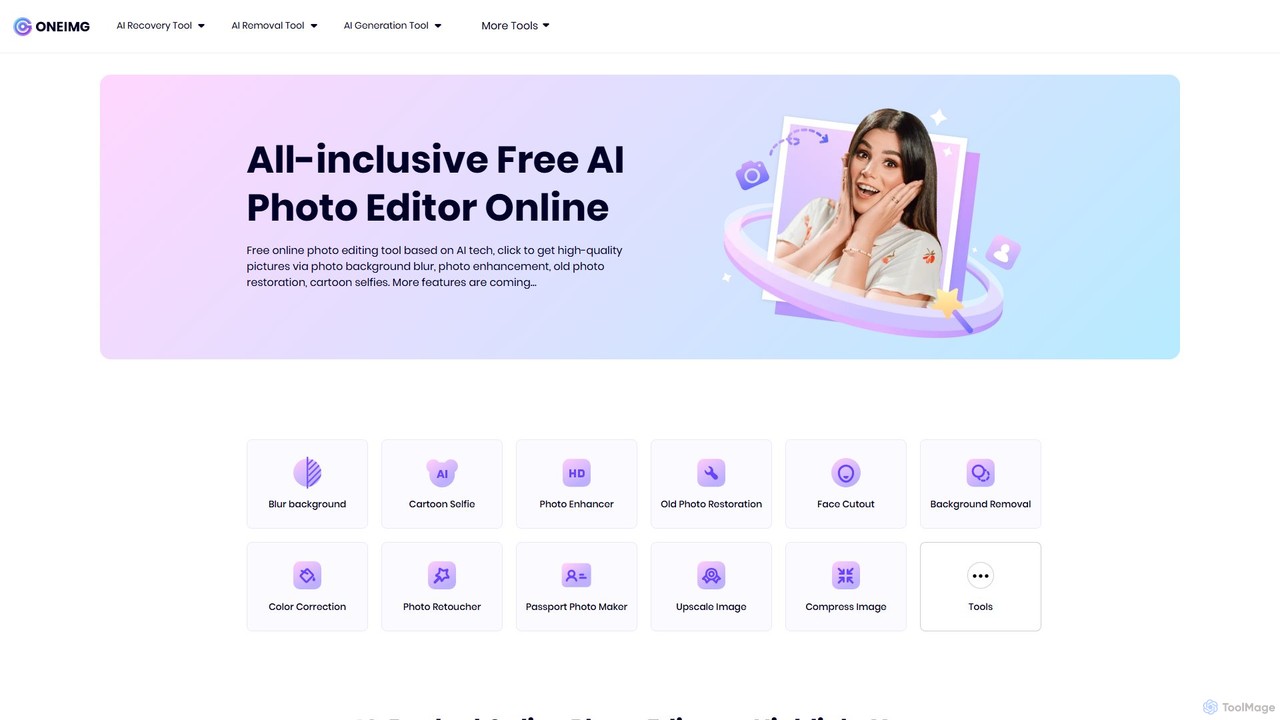
oneimg
oneimg is a free, all-in-one online photo editor powered by AI. It offers a comprehensive suite of tools for image enhancement, background manipulation, old photo restoration, and creative effects like cartoon selfies. Designed for ease of use, it allows users to achieve professional-quality results with just a few clicks, no software installation or technical skills required.
Background Removal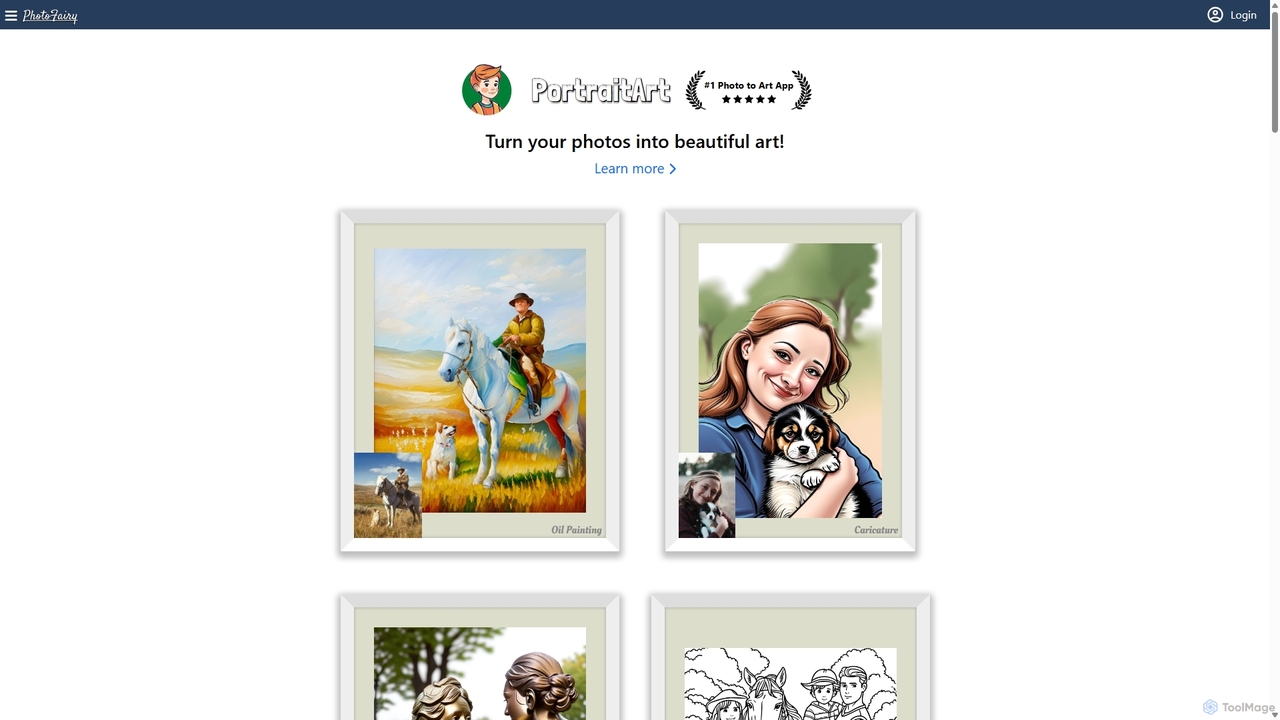
PhotoFairy
PhotoFairy is a powerful AI-driven photo editor and graphic design tool. It effortlessly transforms photos into various art styles, removes backgrounds and objects, generates images from text, and provides an infinite canvas for creative projects. Ideal for designers, marketers, and content creators seeking an all-in-one visual creation platform.
Art Generation
Jyek
Jyek is an AI agent platform that understands objectives, creates execution plans, uses tools, and delivers verifiable results for complex, multi-step tasks.
Automation
Picsart
Picsart is an all-in-one AI-powered creative platform for photo and video editing. It offers a comprehensive suite of tools, including AI image generation, background removal, photo enhancement, and a vast library of templates and stock content. Designed for everyone from beginners to professionals, Picsart simplifies the creation of stunning visuals for social media, marketing, and personal projects, accessible on both web and mobile.
3D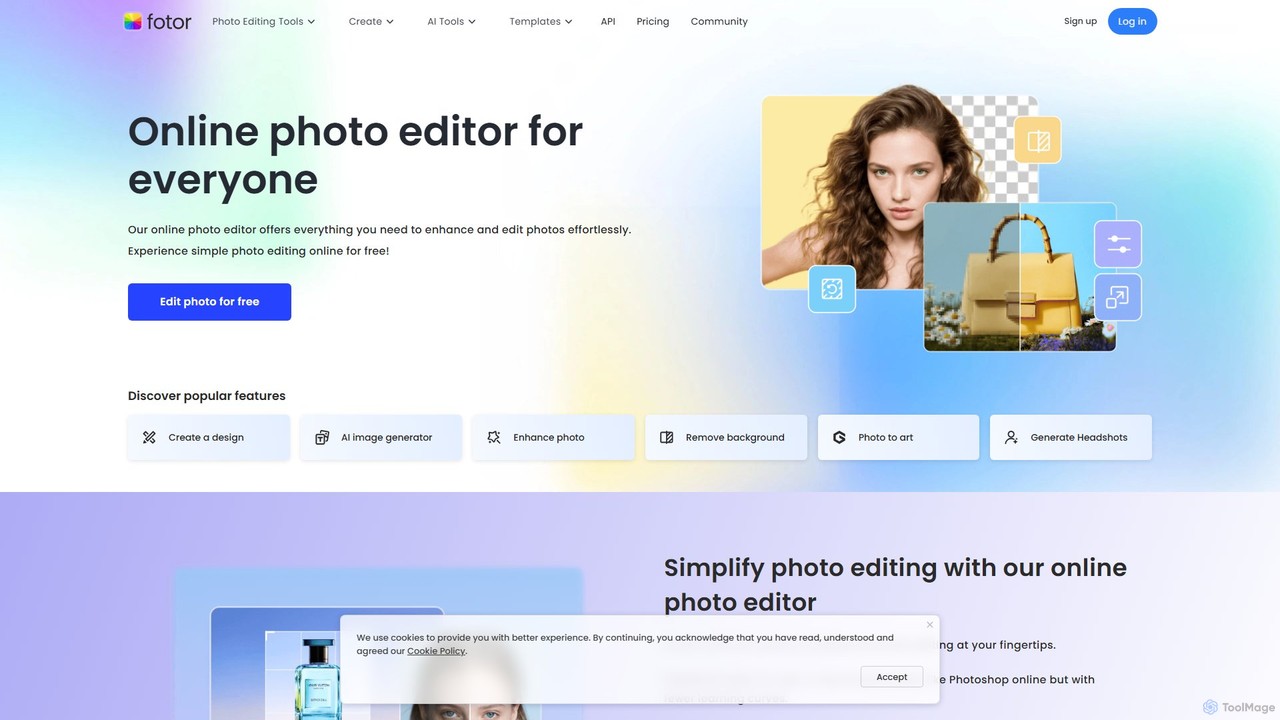
Fotor
Fotor is a comprehensive, all-in-one AI photo editor and design platform. It offers a powerful suite of tools for both beginners and professionals, including one-click photo enhancement, background and object removal, and advanced generative AI features like text-to-image creation, AI-powered object replacement, and image expansion. Fotor simplifies complex editing tasks, making it easy to create stunning visuals for social media, marketing, and personal projects across web, desktop, and mobile devices.
3D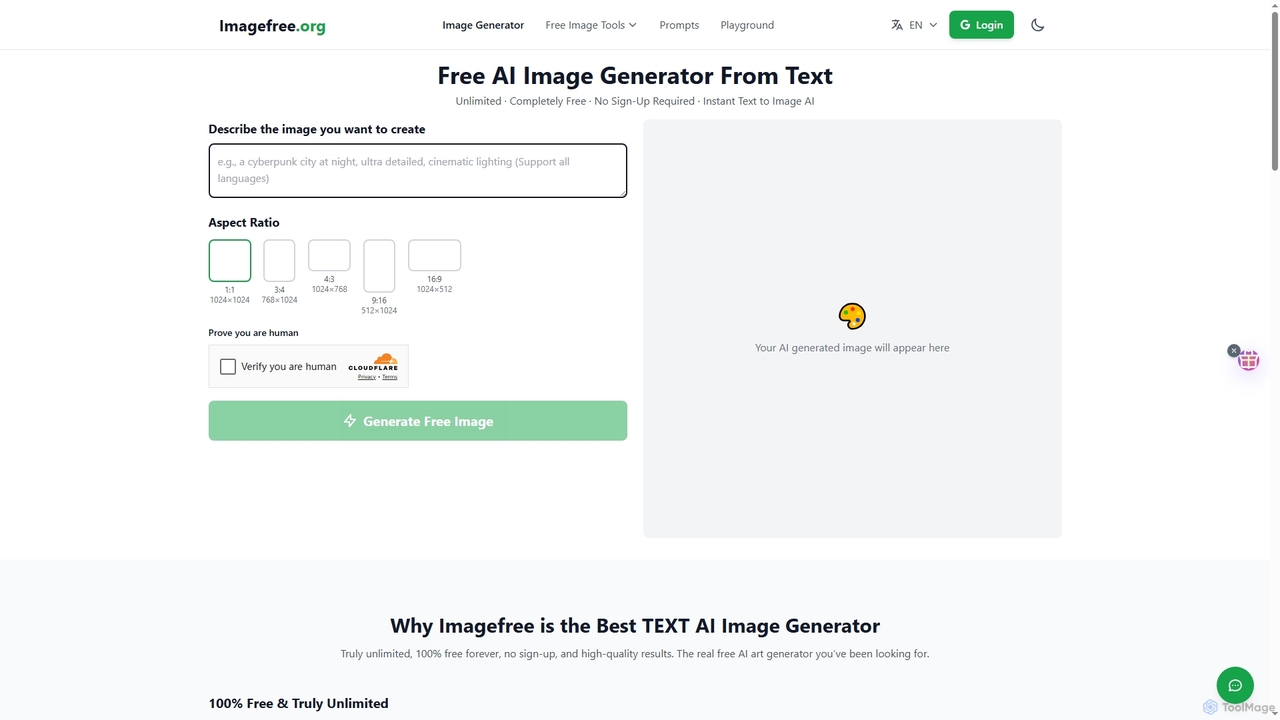
Imagefree
Imagefree is a completely free and unlimited AI tool for generating images from text, removing backgrounds, upscaling photos to 4K, and editing images online. It requires no sign-up or hidden costs, offering instant access to high-quality AI-powered creative tools for everyone.
Prompt Library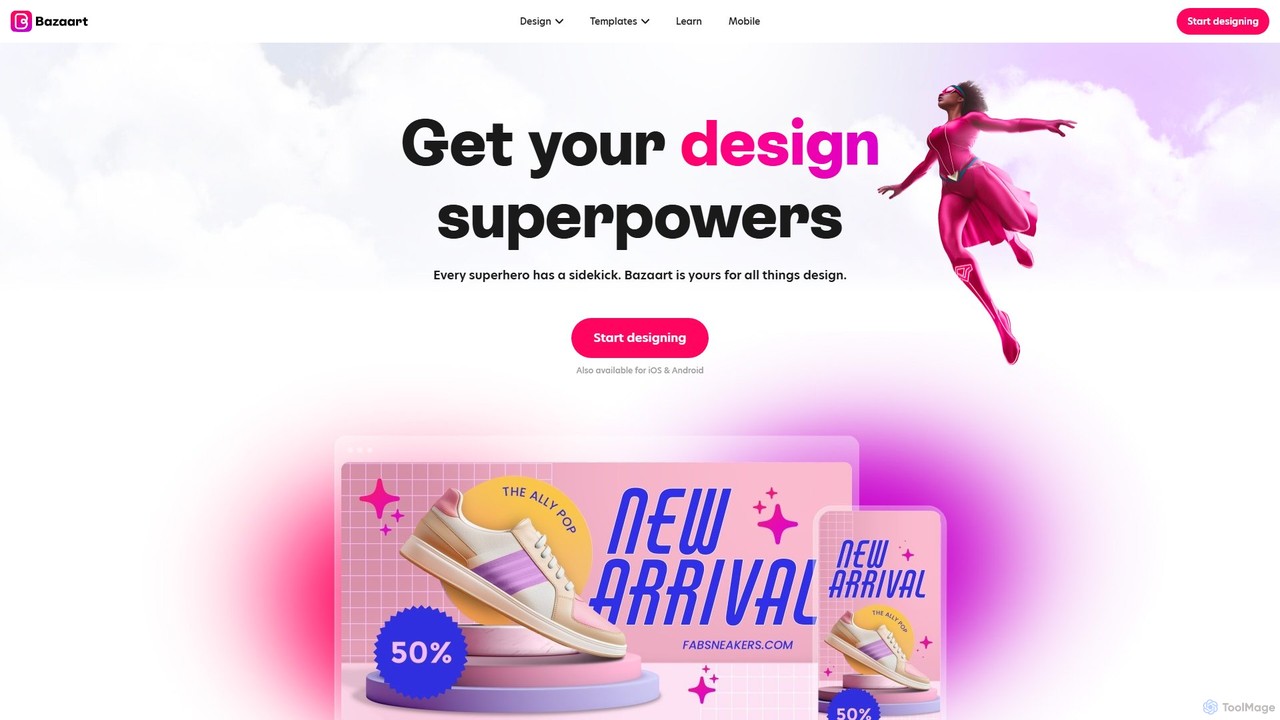
Bazaart
Bazaart is a powerful AI-powered photo editing and graphic design app for web, iOS, and Android. It offers a suite of magical AI tools, including background removal, object eraser, and an AI art generator, alongside thousands of templates and a vast library of design elements. Ideal for social media pros, business owners, and content creators, Bazaart simplifies professional design, enabling users to create stunning visuals effortlessly.
Ai Art Generator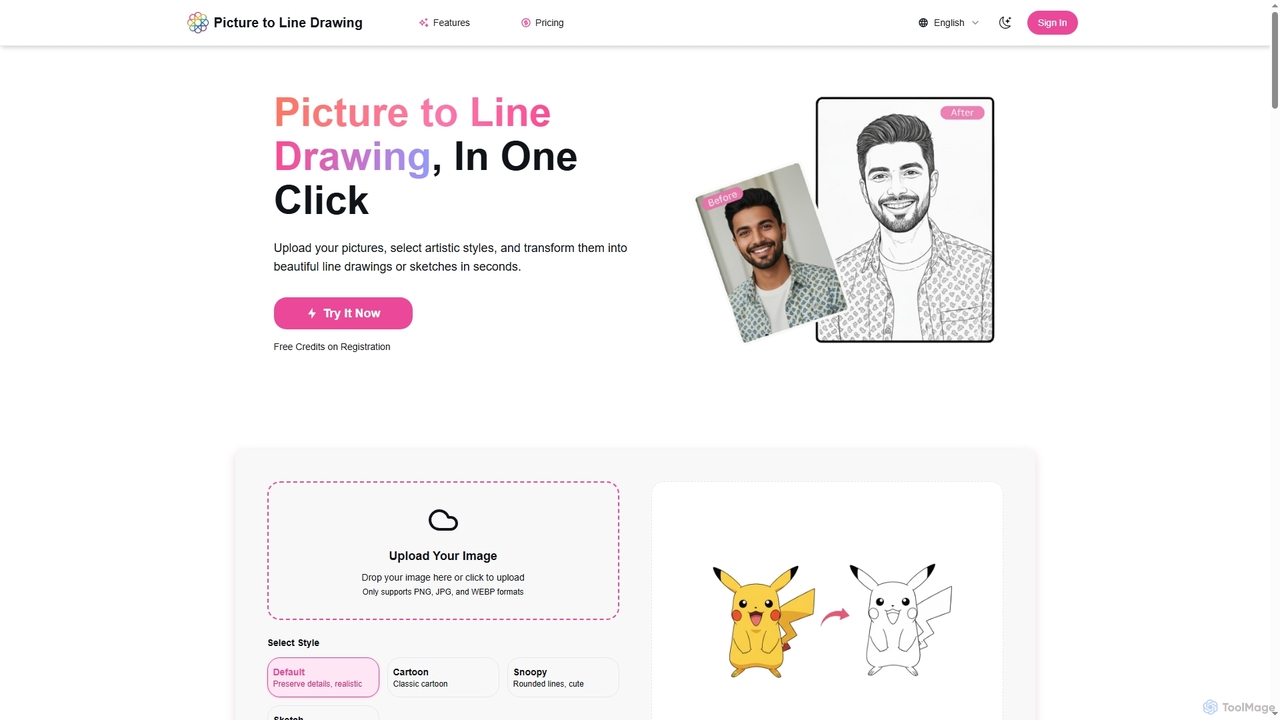
Picture to Line Drawing
Picture to Line Drawing is an AI-powered online converter that transforms photos into beautiful line drawings or sketches in seconds. It offers multiple artistic styles like Default, Cartoon, Snoopy, and Sketch, making it easy for anyone to create unique artworks with a single click.
Generative ArtImageUpscaler
An all-in-one AI-powered platform for image enhancement. Upscale photos up to 4x without quality loss, remove backgrounds, deblur images, generate art from text, and utilize a wide range of creative tools like cartoonizers, colorizers, and object removers. Ideal for professionals and hobbyists.
GraphicsAI Photo Editor
AI Photo Editor is an online tool that simplifies image editing with powerful one-click AI solutions. It offers features like background removal, magic eraser for unwanted objects, photo enhancement, and image upscaling, designed for both beginners and professionals seeking efficiency. Get professional-quality results in seconds without complex software.
Graphicspicsify
Picsify is an all-in-one AI-powered platform for visual content creation. Effortlessly generate stunning images from text, edit photos with professional tools like background removal and object erasing, and enhance image quality with a single click. Ideal for marketers, designers, and content creators.
Graphics
Colorcinch Comments (0)
Sign in to comment.
Sign inNo comments yet.