


PicWonderful Overview
PicWonderful is a comprehensive, AI-powered online photo editing suite that provides a versatile collection of tools to enhance, create, and transform your images. Designed to be intuitive and powerful, it serves as a one-stop solution for a wide range of photo editing needs, rivaling complex software like Photoshop with its simplicity and accessibility. Whether you're a professional graphic designer, a social media manager, an e-commerce store owner, or just someone looking to revive old memories, PicWonderful offers the right tools to make your photos stand out.
The platform's core strength lies in its four main AI-driven features: Text-to-Image Generation, Background Removal, Image Unblurring, and Photo Colorization. These tools automate complex editing tasks, allowing users to achieve high-quality results in just a few clicks without any prior technical expertise. The goal is to empower users to turn their creative visions into reality and transform every photo into a masterpiece effortlessly.
How to use PicWonderful
Using PicWonderful is designed to be a straightforward process. Each tool has a simple, dedicated interface:
- Navigate to the Website: Open your web browser and go to the PicWonderful website.
- Select a Tool: Choose one of the main features from the homepage: Generate from Text, Remove Background, Unblur Image, or Colorize Image.
- For Image Generation:
- Enter a descriptive text prompt of the image you want to create (e.g., "a realistic photo of a red panda wearing a small hat").
- Add any keywords to exclude in the 'Negative prompt' field to refine the result.
- Adjust the image dimensions (width and height) up to 1024x1024.
- Click 'Create content' to generate your AI image. - For Background Removal, Unblurring, or Colorization:
- Click the 'Upload Image' button on the respective tool's page.
- Select the photo you wish to edit from your computer.
- The AI will automatically process the image and apply the selected effect (remove the background, enhance clarity, or add color).
- Once processed, you can preview the result and download your newly edited masterpiece.
Core Features of PicWonderful
- AI Image Generator: Transform text descriptions into unique, high-quality images. Users can specify styles (e.g., 'oil painting', 'realistic', 'van Gogh'), control dimensions, and use negative prompts to fine-tune the output.
- Automatic Background Remover: Instantly and cleanly removes the background from any photo with a single click. This intelligent feature is perfect for creating transparent PNGs for product photos, portraits, and graphic design projects.
- Image Unblur & Enhancer: Say goodbye to low-resolution, blurry photos. This tool uses AI to sharpen details, reduce noise, and enhance the overall resolution, making your images crisp and clear.
- Photo Colorizer: Breathe new life into old black and white photographs. The AI intelligently analyzes the image and applies realistic, vibrant colors, reviving cherished memories with stunning accuracy.
Use Cases for PicWonderful
PicWonderful is versatile and can be used by various individuals and professionals:
- E-commerce Entrepreneurs: Quickly create clean, professional product photos by removing distracting backgrounds.
- Social Media Managers: Generate eye-catching and unique images from text prompts for posts and campaigns.
- Graphic Designers: Speed up workflow by automating tedious tasks like background removal and using the AI generator for initial concepts.
- Photographers & Hobbyists: Enhance the quality of slightly blurry shots and restore old, damaged family photos by unblurring and colorizing them.
- Bloggers & Content Creators: Create custom featured images and illustrations for articles and web content without needing stock photos.
Advantages of PicWonderful
Compared to traditional editing software, PicWonderful offers several key advantages:
- User-Friendly Interface: Its intuitive design makes it accessible to users of all skill levels, eliminating the steep learning curve associated with software like Photoshop.
- Speed and Efficiency: AI-powered automation allows for complex edits to be completed in seconds, saving valuable time and effort.
- All-in-One Platform: Provides multiple essential photo editing tools in one place, eliminating the need to switch between different applications.
- Accessibility: As a web-based tool, it requires no downloads or installations and can be accessed from any device with an internet connection.
- Cost-Effective: Offers powerful features for free, making it an excellent choice for individuals and small businesses on a budget.
Pricing and Plans
PicWonderful operates on a freemium model. The core tools, including the AI Image Generator, Background Remover, Image Unblur, and Colorizer, are available for users to try for free. This allows anyone to experience the power of its AI editing suite without an initial investment. While specific details on paid plans or premium features are not explicitly listed, it is anticipated that future updates may include subscription options for higher usage limits, batch processing, higher resolution outputs, or access to the upcoming API for commercial use.
PicWonderful Alternatives

picsify
Picsify is an all-in-one AI-powered platform for visual content creation. Effortlessly generate stunning images from text, edit photos with professional tools like background removal and object erasing, and enhance image quality with a single click. Ideal for marketers, designers, and content creators.
Graphics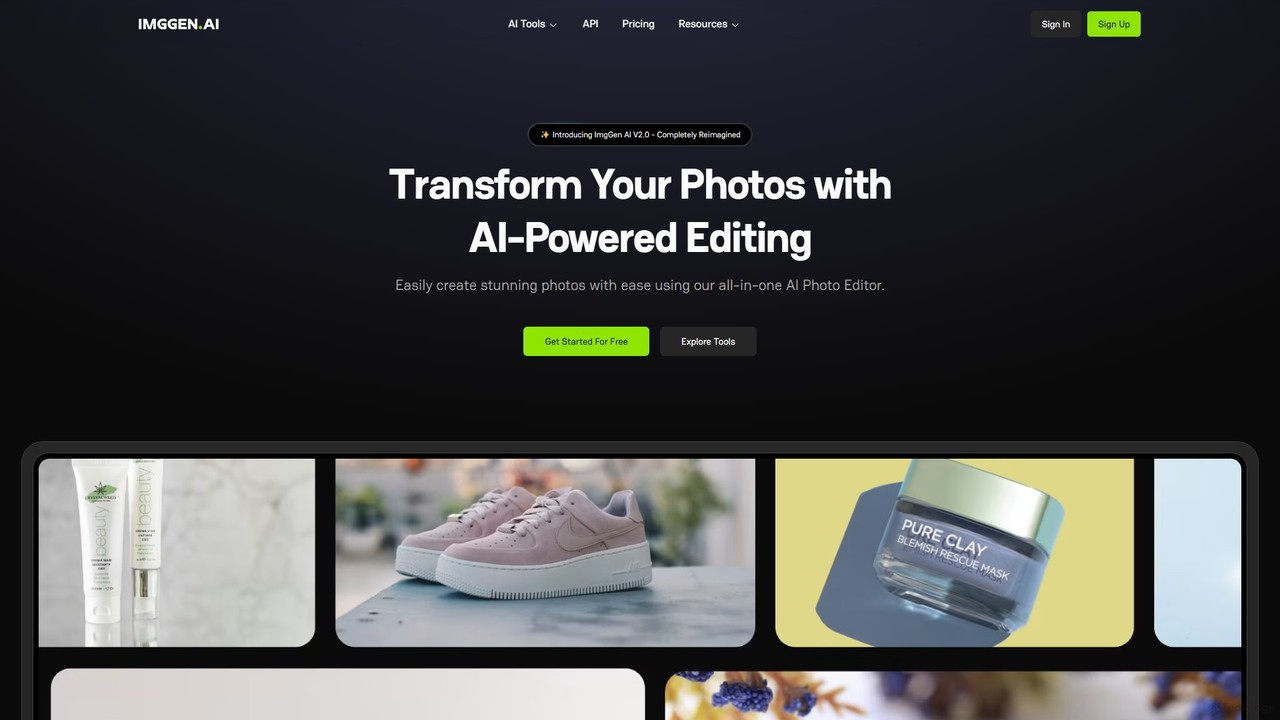
ImgGen AI
ImgGen AI is an all-in-one AI-powered photo editing platform. It offers a comprehensive suite of tools for image generation, enhancement, background removal, and restoration. Designed for creators, businesses, and individuals, it simplifies complex editing tasks, allowing users to create stunning visuals from text prompts, restore old photos, upscale images, and much more, with no prior experience needed.
Image Editing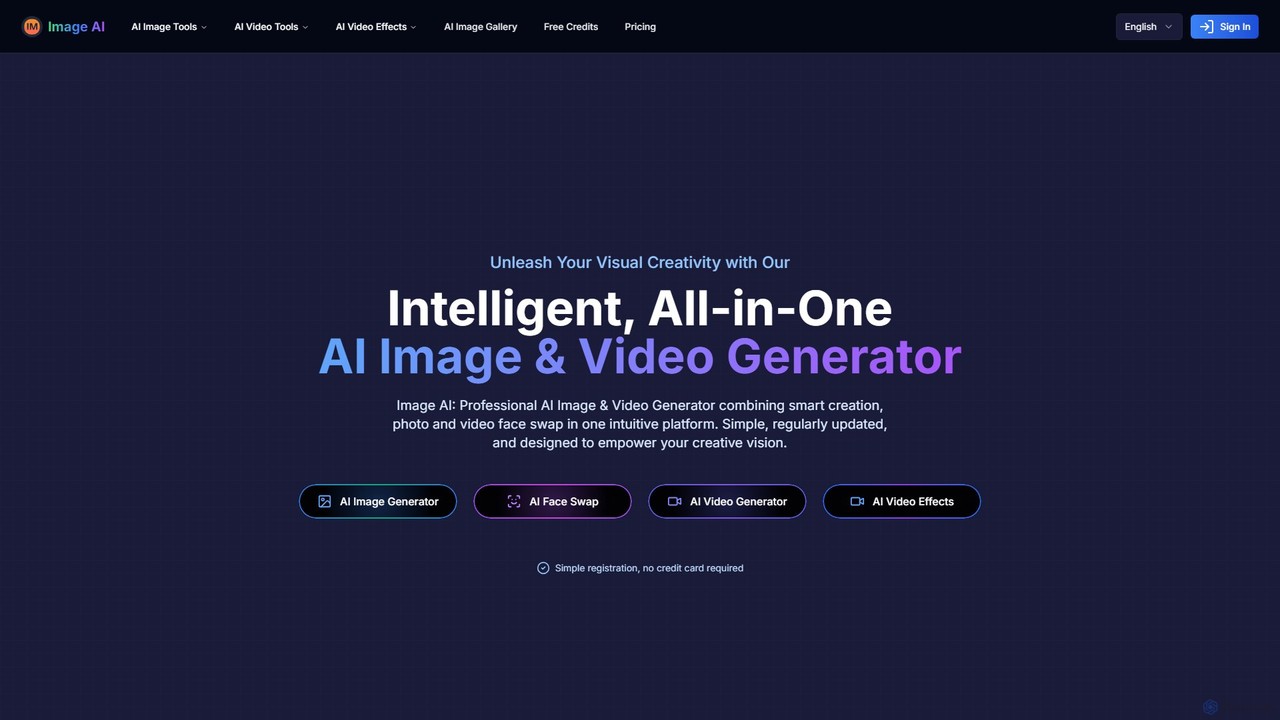
imgai
imgai is a comprehensive, all-in-one AI platform for image and video creation and editing. It offers a vast suite of tools, including text-to-image generation, face swapping for photos and videos, image upscaling, background removal, photo restoration, and unique artistic effects. Designed for both professionals and casual users, it provides a user-friendly experience with a generous free plan and flexible credit-based pricing.
Face Swap
Aiconvert
Aiconvert is a comprehensive online suite of free AI tools. It offers a wide range of functionalities, including advanced image generation, photo editing and restoration, text-to-speech, AI chatbots, and OCR. No registration or payment is required, making powerful AI technology accessible to everyone for creative and productive tasks.
Text To Speech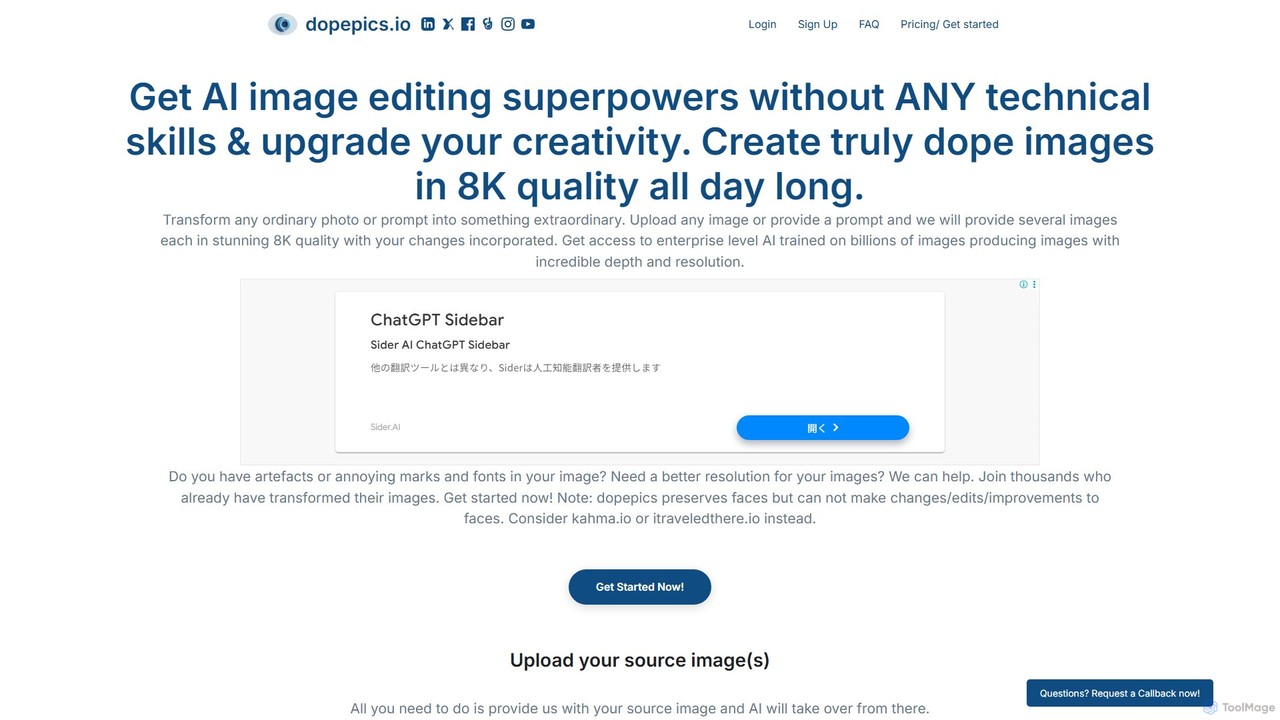
dopepics
dopepics is an AI-powered image editing and generation tool that transforms ordinary photos and text prompts into extraordinary 8K quality images. It requires no technical skills, offering features like image upscaling, artifact removal, and multiple creative variations. Ideal for professionals and creators, it provides royalty-free images with a strong focus on user privacy.
GraphicsPicWonderful Categories
PicWonderful Embed Widget
Copy this embed code to place the badge on your blog, article, or product site and send readers directly to this ToolMage detail page.

Related AI tools
ImgGen AI
ImgGen AI is an all-in-one AI-powered photo editing platform. It offers a comprehensive suite of tools for image generation, enhancement, background removal, and restoration. Designed for creators, businesses, and individuals, it simplifies complex editing tasks, allowing users to create stunning visuals from text prompts, restore old photos, upscale images, and much more, with no prior experience needed.
Image Editingimgai
imgai is a comprehensive, all-in-one AI platform for image and video creation and editing. It offers a vast suite of tools, including text-to-image generation, face swapping for photos and videos, image upscaling, background removal, photo restoration, and unique artistic effects. Designed for both professionals and casual users, it provides a user-friendly experience with a generous free plan and flexible credit-based pricing.
Face Swappicsify
Picsify is an all-in-one AI-powered platform for visual content creation. Effortlessly generate stunning images from text, edit photos with professional tools like background removal and object erasing, and enhance image quality with a single click. Ideal for marketers, designers, and content creators.
GraphicsAiconvert
Aiconvert is a comprehensive online suite of free AI tools. It offers a wide range of functionalities, including advanced image generation, photo editing and restoration, text-to-speech, AI chatbots, and OCR. No registration or payment is required, making powerful AI technology accessible to everyone for creative and productive tasks.
Text To Speech
aieasyphoto
aieasyphoto is a comprehensive AI-powered photo and video studio offering over 50 tools. Create professional headshots, creative portraits, and dynamic videos by training a custom AI model or using instant editing tools. Features include text-to-image generation, face swap, background removal, and various style transformers. With a vast library of free-to-try tools and flexible pricing plans, it's perfect for professionals, social media users, and creatives looking to enhance their visual content effortlessly.
Avatars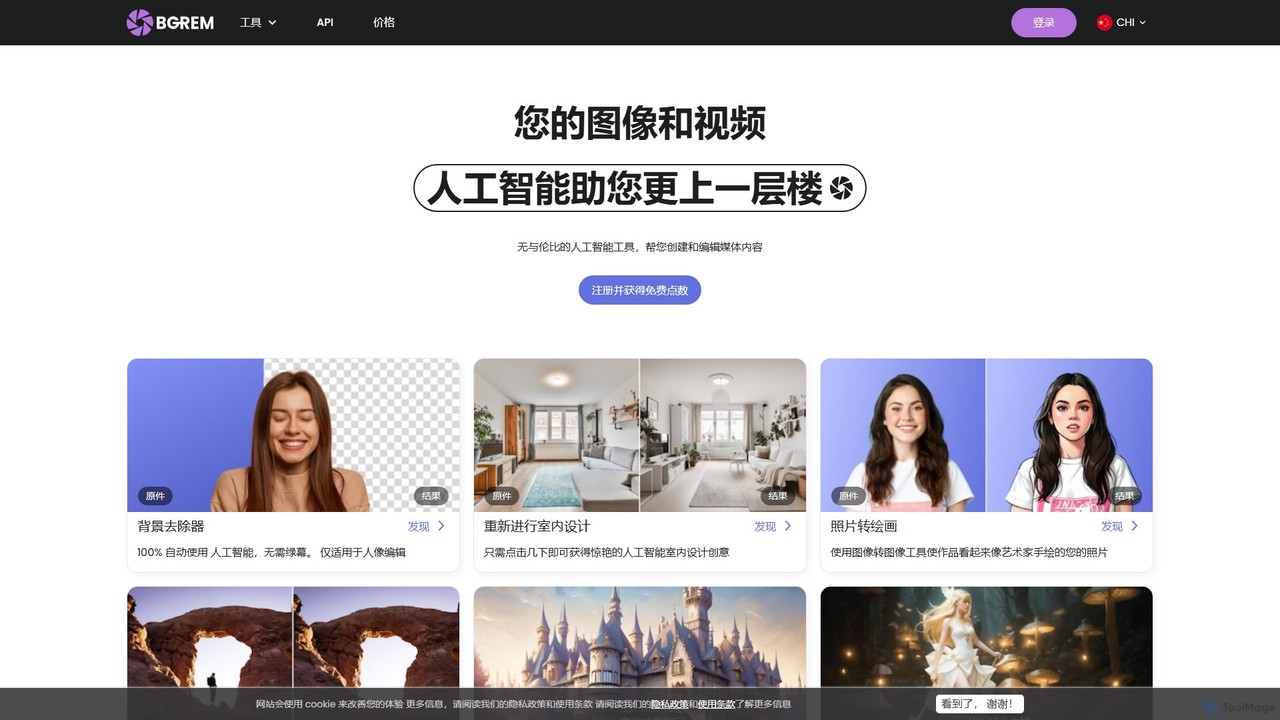
BgRem
BgRem is a comprehensive AI-powered creative suite for image and video editing. It offers a wide range of tools, including background removal, text-to-image generation, photo-to-art conversion, object removal, and AI interior design. Designed for both professionals and beginners, it simplifies complex editing tasks and boosts creativity with just a few clicks.
Image Generation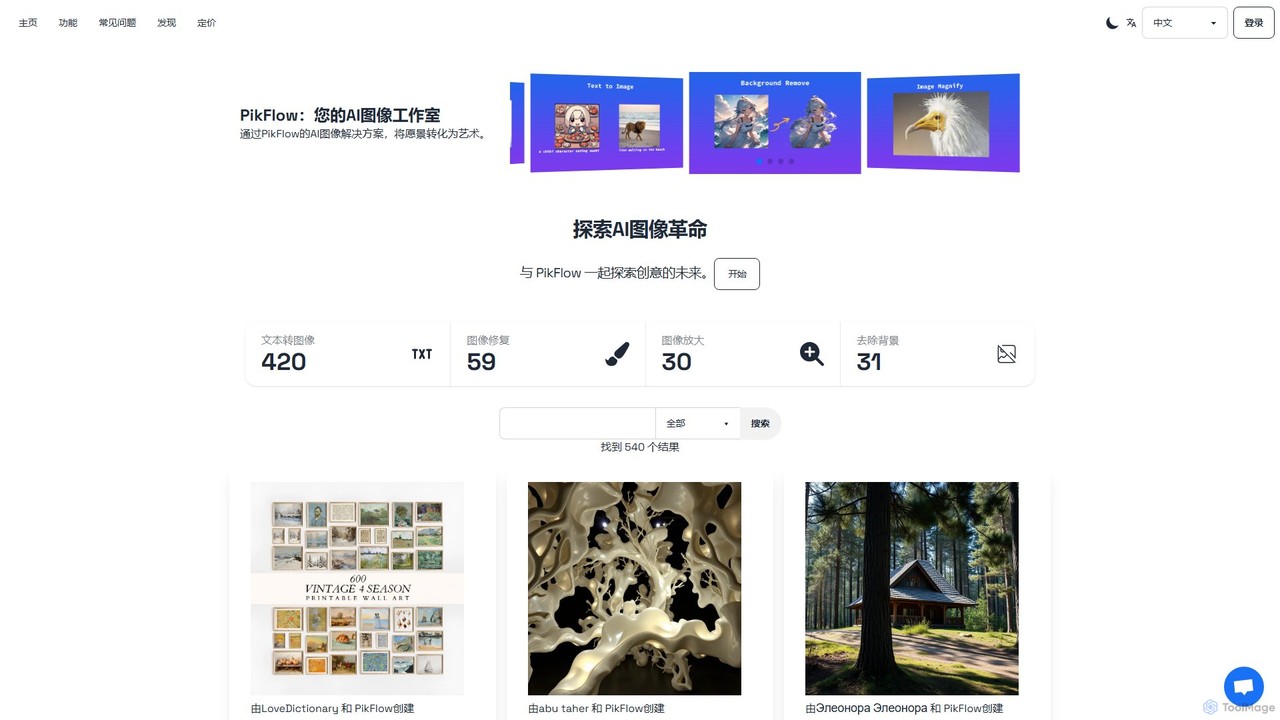
PikFlow
PikFlow is a comprehensive AI image studio that empowers users to transform text prompts into stunning visuals, restore old photos, upscale images without quality loss, and remove backgrounds effortlessly. Designed for artists, marketers, and creators of all levels, it offers a user-friendly interface and a suite of powerful tools to streamline creative workflows and bring imagination to life.
Image Generation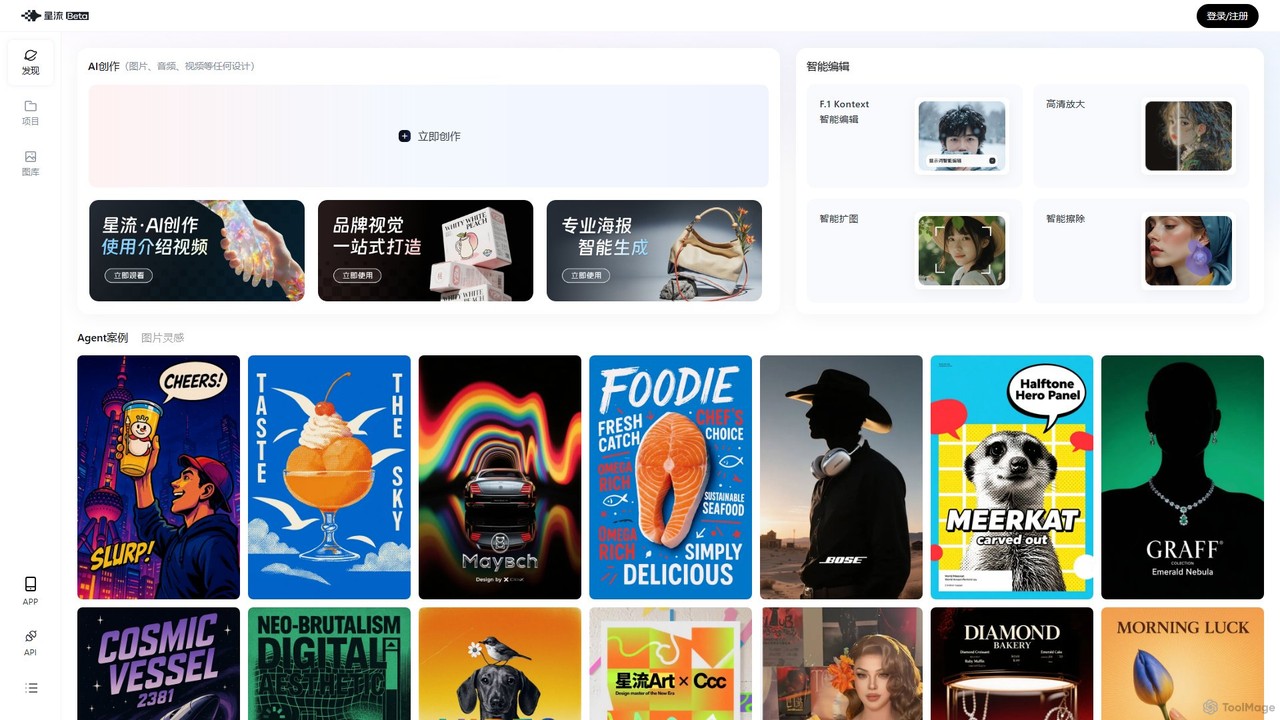
Xingliu
Xingliu is a next-generation AI creation suite that seamlessly integrates content generation and smart editing. Create stunning images, posters, and designs from text prompts, and refine them with powerful tools like HD upscaling, smart outpainting, object removal, and background cutout. It's an all-in-one platform for designers, marketers, and creators to bring their ideas to life effortlessly.
Image Generation
imgifyai
imgifyai is a comprehensive, all-in-one AI image toolkit for creators. It combines a powerful text-to-image generator with styles like anime and Pixar, alongside essential editing tools such as background removal, image upscaling, enhancement, and restoration. With free cloud storage and a user-friendly interface, imgifyai empowers users to effortlessly create and edit stunning visuals, turning imagination into high-quality art in seconds.
Image Editor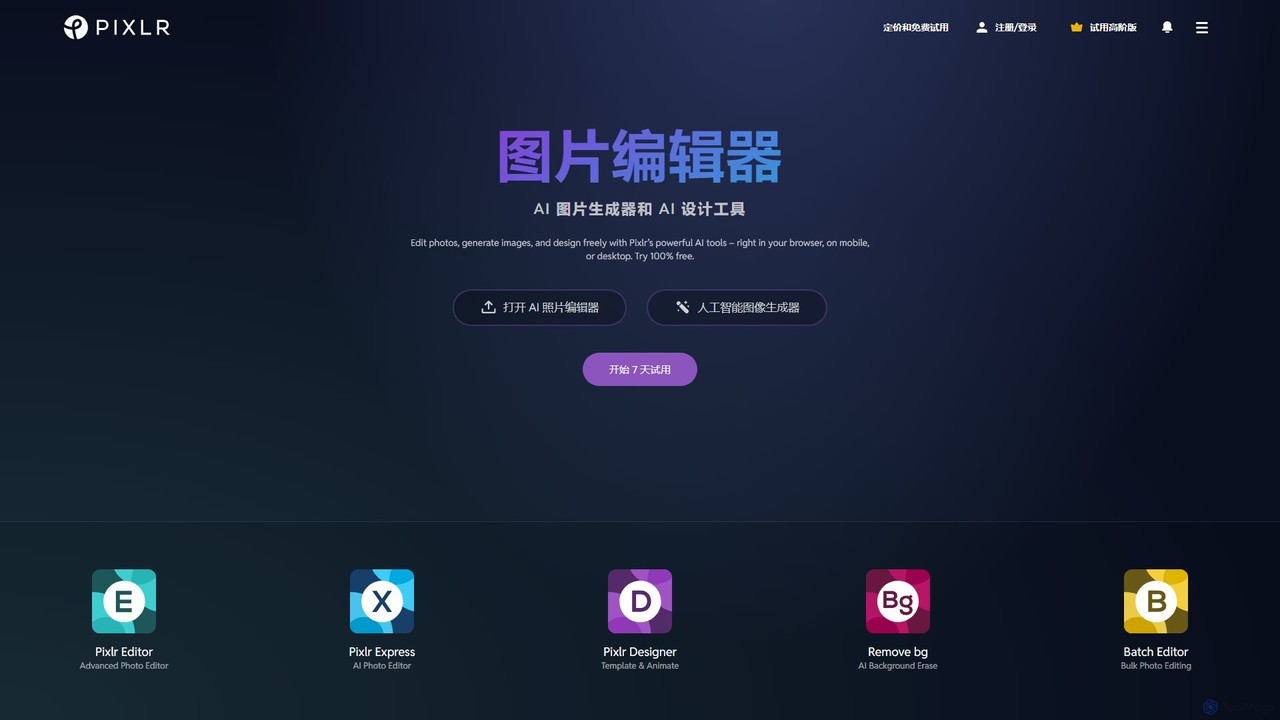
Pixlr
Pixlr is a comprehensive suite of online AI-powered tools for photo editing, image generation, and graphic design. Accessible on web, mobile, and desktop, it caters to both beginners and professionals with its intuitive interface, offering everything from quick edits and AI enhancements to advanced layer-based editing and text-to-image creation.
Graphic Design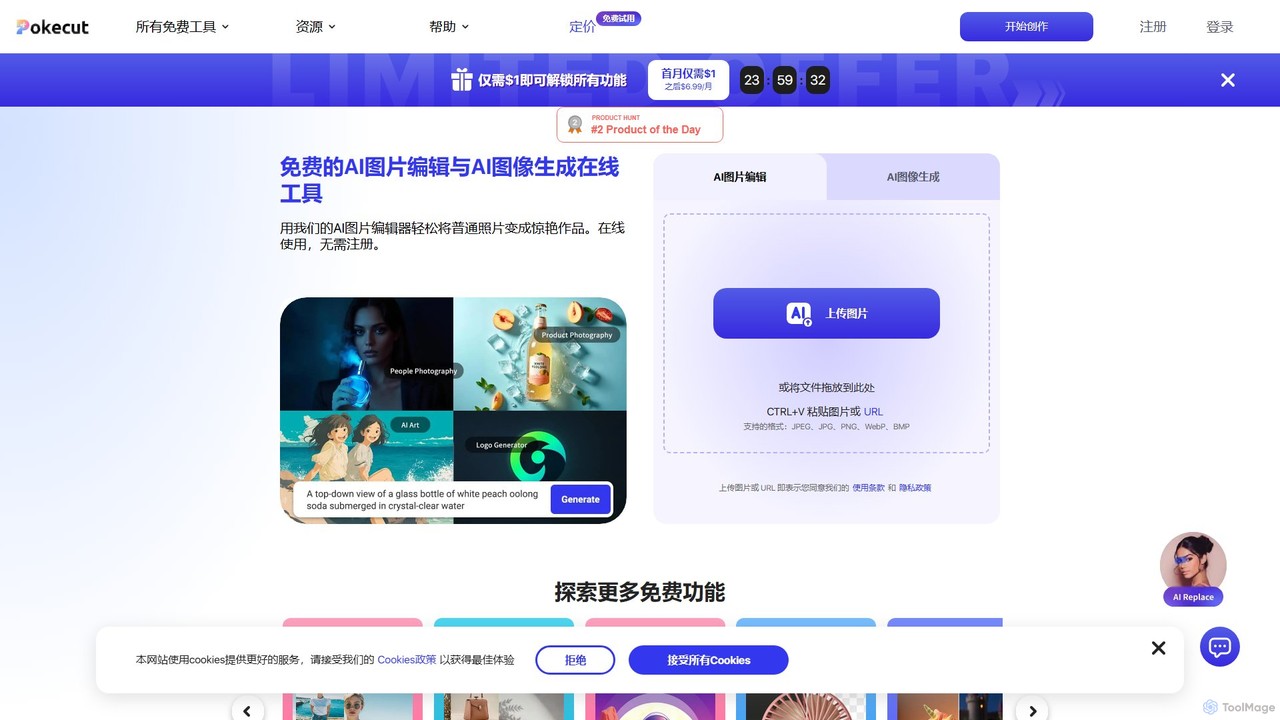
Pokecut
A powerful, free AI photo editor and image generator. Pokecut offers a suite of tools including background removal, photo enhancement, magic eraser, and AI image generation powered by advanced models like Stable Diffusion. It's designed for everyone from casual users to e-commerce sellers and professional designers, available on web, iOS, and Android.
Image Editing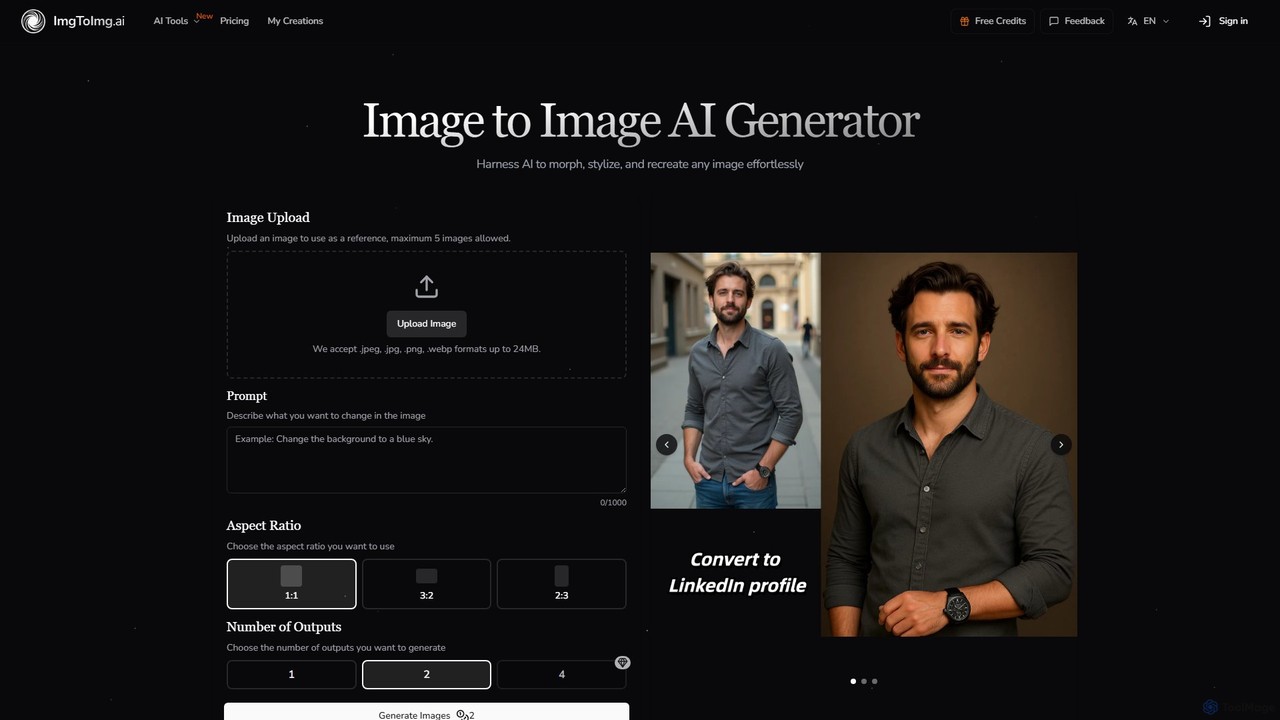
imgtoimg.ai
imgtoimg.ai is a comprehensive AI-powered suite for image creation and editing. It specializes in transforming existing images with text prompts while preserving their core structure (image-to-image). It also features a powerful text-to-image generator to create unique visuals from scratch. The platform includes additional tools like AI face swap, background remover, image upscaler, and photo restoration, making it a versatile solution for designers, marketers, and creators.
Art Generation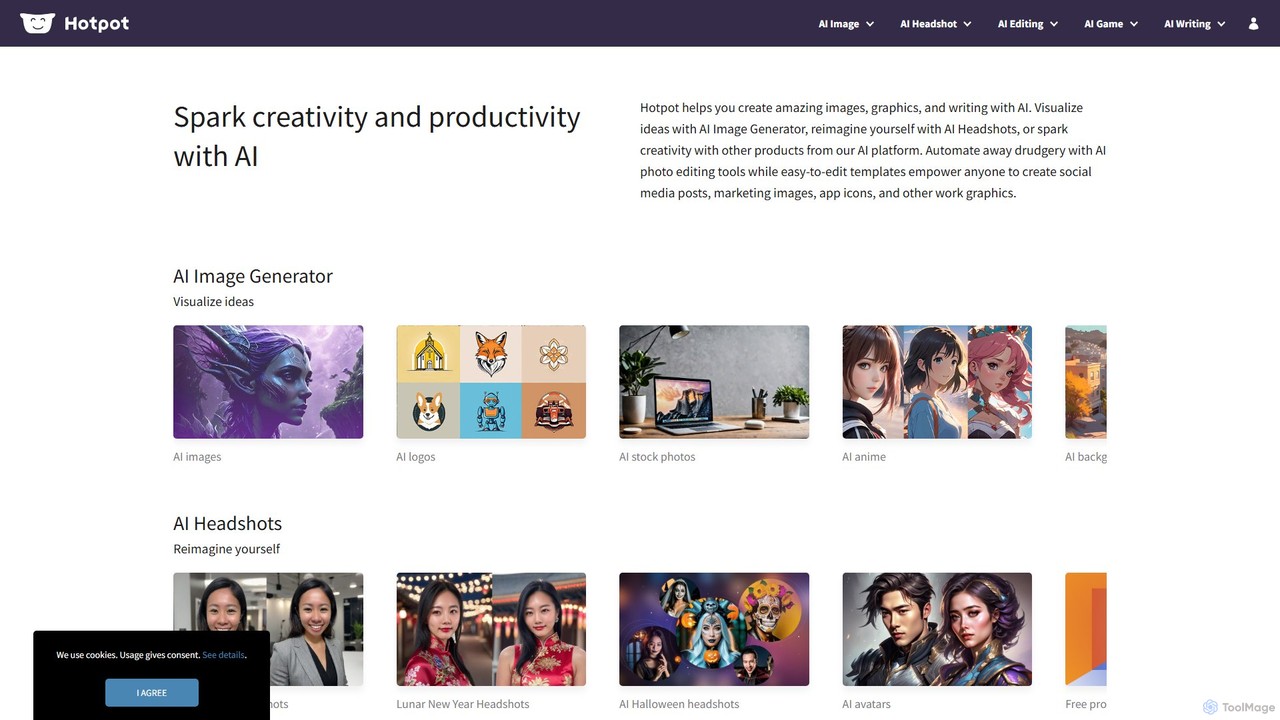
Hotpot.ai
Hotpot.ai is a versatile AI platform designed to enhance creativity and productivity. It offers a suite of tools for generating images, professional headshots, and various graphics. With features like AI photo editing, background removal, and content creation for social media and apps, Hotpot.ai aims to make design and media creation faster, easier, and more accessible for everyone.
Graphic Design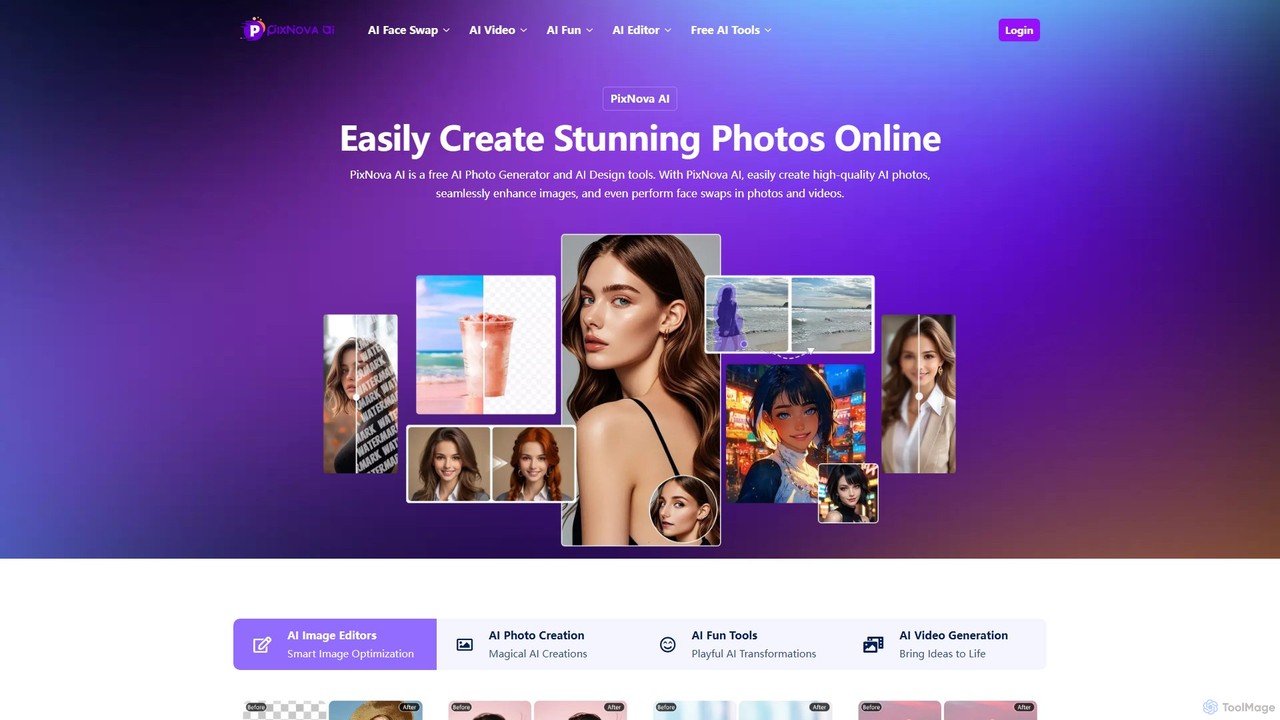
PixNova AI
PixNova AI is a free, all-in-one online platform for AI-powered image and video creation. It offers a comprehensive suite of tools, including a photo generator, advanced image editor, seamless face swap for photos and videos, and various creative transformation tools.
Face Swap
Cloudbooklet AI
Cloudbooklet AI is a versatile suite of free online AI tools, featuring an unlimited AI image generator, a powerful face swap for photos and videos, an AI chatbot, and more. Create, edit, and transform digital content effortlessly without any sign-up required.
Face Swap
PicWonderful Comments (0)
Sign in to comment.
Sign inNo comments yet.