

Picture to Line Drawing Overview
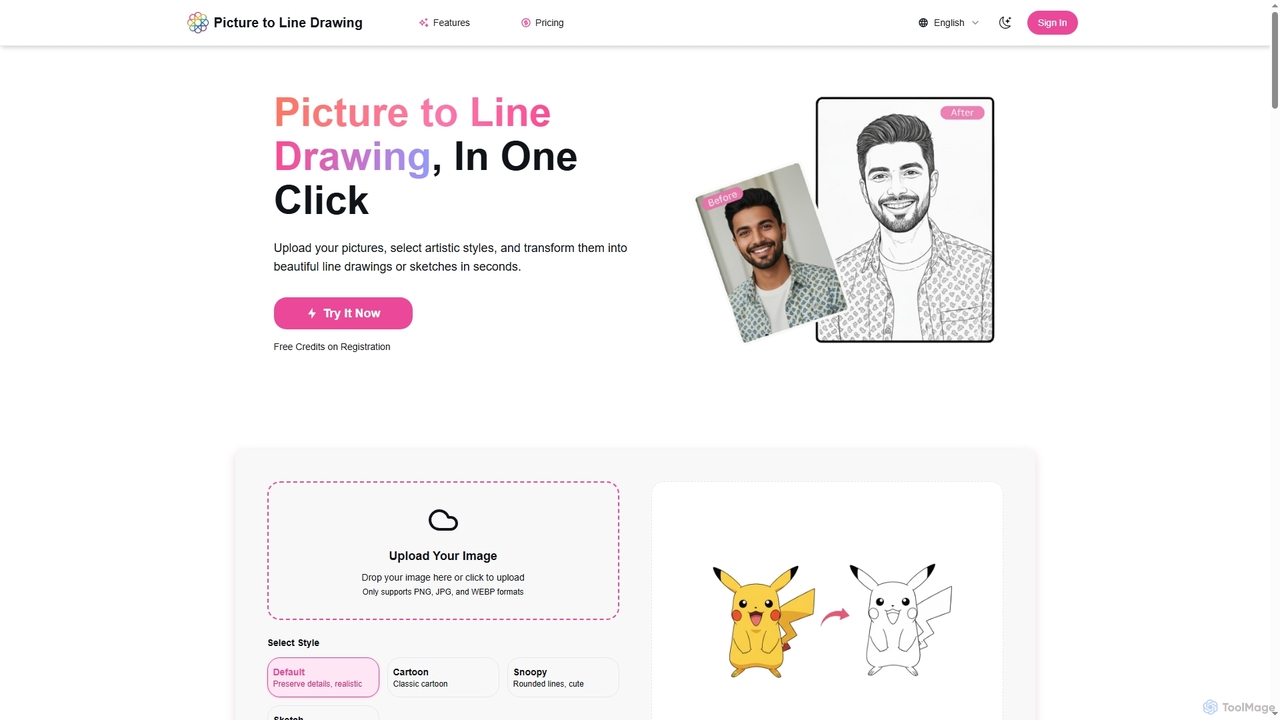
Picture to Line Drawing is a professional AI-powered online tool designed to effortlessly convert your images into stunning line drawings or artistic sketches. Leveraging advanced AI image processing technology, it automatically identifies outlines and preserves crucial details, ensuring high-quality output. Users can choose from various artistic styles, including Default for realistic detail, Cartoon for a classic look, Snoopy for rounded lines, and Sketch for a pencil drawing effect, catering to diverse creative needs. The platform is user-friendly, requiring no professional skills, and delivers results in seconds.
How to use Picture to Line Drawing
Converting your photos into line drawings with Picture to Line Drawing is a simple three-step process:
- Upload Image: Select the photo you wish to convert. The tool supports PNG, JPG, and WEBP formats.
- Select Style: Choose your preferred artistic effect from options like Default, Cartoon, Snoopy, or Sketch.
- Generate: Click the generate button. The AI will process your image and complete the conversion in seconds.
- Download: View the generated artwork. If satisfied, download and save it, or experiment with different styles.
Core Features of Picture to Line Drawing
- Multiple Art Styles: Offers Default, Cartoon, Snoopy, and Sketch styles to suit various artistic preferences.
- AI Smart Recognition: Utilizes advanced AI algorithms to automatically identify image outlines and details for accurate line drawing generation.
- HD Output: Supports high-resolution image processing, ensuring clear and delicate artwork outputs.
- Transparent Credit System: Each generation consumes exactly 1 credit, with the remaining balance displayed for predictable usage costs.
- History Records: Automatically saves your creation history, allowing you to view and download previously generated line drawings anytime.
- Image Enhancement: Includes built-in features for image enhancement to refine your artwork.
- Background Removal: Offers a background removal feature to further customize your generated effects.
- Supported Formats: Accepts PNG, JPG, and WEBP for uploads.
Use Cases for Picture to Line Drawing
Picture to Line Drawing is ideal for a wide range of applications, from personal creative projects to professional design tasks. It can be used by graphic designers looking for quick sketch references, artists exploring new styles, content creators needing unique visuals for social media or blogs, or anyone wanting to transform personal photos into artistic keepsakes. Its ability to generate different styles makes it versatile for various aesthetic requirements, such as creating cartoon avatars, stylized illustrations, or simple architectural sketches.
Advantages of Picture to Line Drawing
The primary advantages of Picture to Line Drawing include its ease of use, making it accessible to users without professional design skills. The AI-powered processing ensures high-quality and accurate line detection, while the variety of artistic styles provides creative flexibility. Its fast, one-click generation saves time, and the transparent credit system offers clear cost management. Additionally, features like HD output, history records, image enhancement, and background removal add significant value, making it a comprehensive tool for image stylization.
Pricing and Plans
Picture to Line Drawing offers flexible pricing plans to suit different user needs, available on a monthly or annual basis:
- Starter: Perfect for trying out the service. Get 100 credits per month for $9.90 monthly, or $4.90/month when billed annually.
- Standard: Great for regular users. Receive 800 credits per month for $59 monthly, or $34.90/month when billed annually. This is the most popular choice.
- Premium: Designed for professional creators and power users. Enjoy 3000 credits per month for $149 monthly, or $99/month when billed annually.
Free credits are also provided upon registration, and monthly plans can be canceled anytime.
Picture to Line Drawing FAQ
Picture to Line Drawing Alternatives
Adobe Firefly
Adobe Firefly is a family of creative generative AI models from Adobe. It enables users to generate high-quality images, text effects, and color palettes from simple text prompts. Designed to be commercially safe, it's integrated into Adobe's Creative Cloud apps like Photoshop and Illustrator, and also available as a standalone web application, empowering creators with new ways to ideate, create, and communicate.
Generative Art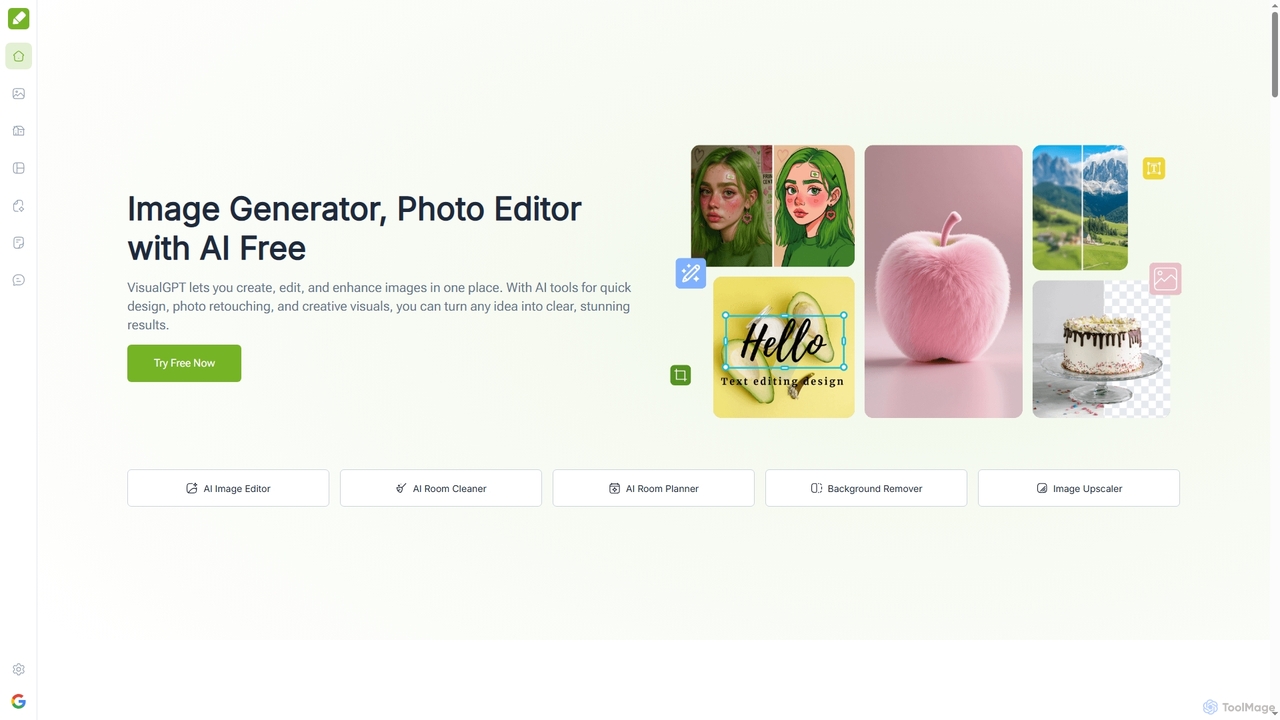
VisualGPT
VisualGPT is an all-in-one online AI platform for generating, editing, and enhancing images. It offers tools like AI image editing, background removal, room planning, and visualization, powered by advanced models like Nano Banana and Stable Diffusion. Designed for ease of use, it helps users create stunning visuals quickly without complex software or design skills.
Graphic Design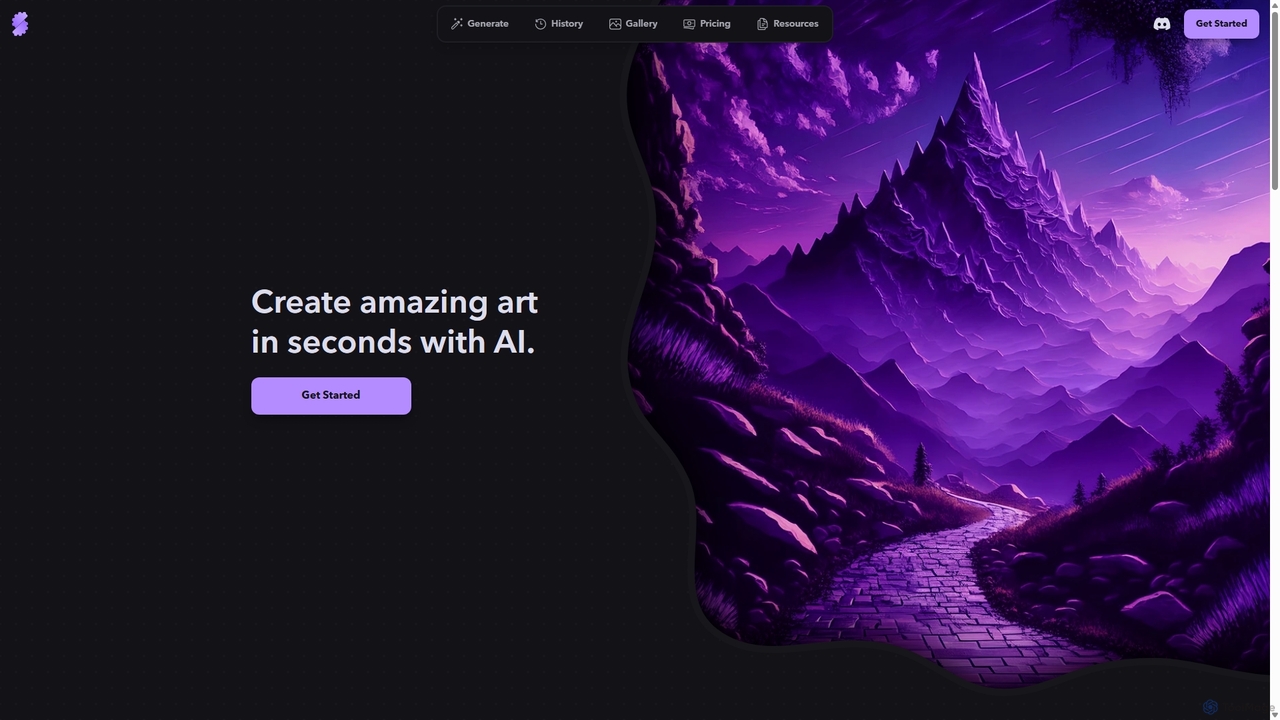
Stablecog
Stablecog is a powerful and user-friendly AI image generator that allows you to create stunning art from text or images in seconds. It supports multiple advanced AI models like Stable Diffusion 3 and SDXL, offering a versatile and creative platform for artists, designers, and content creators. With a generous free plan and flexible paid options, it's accessible to everyone.
Generative Art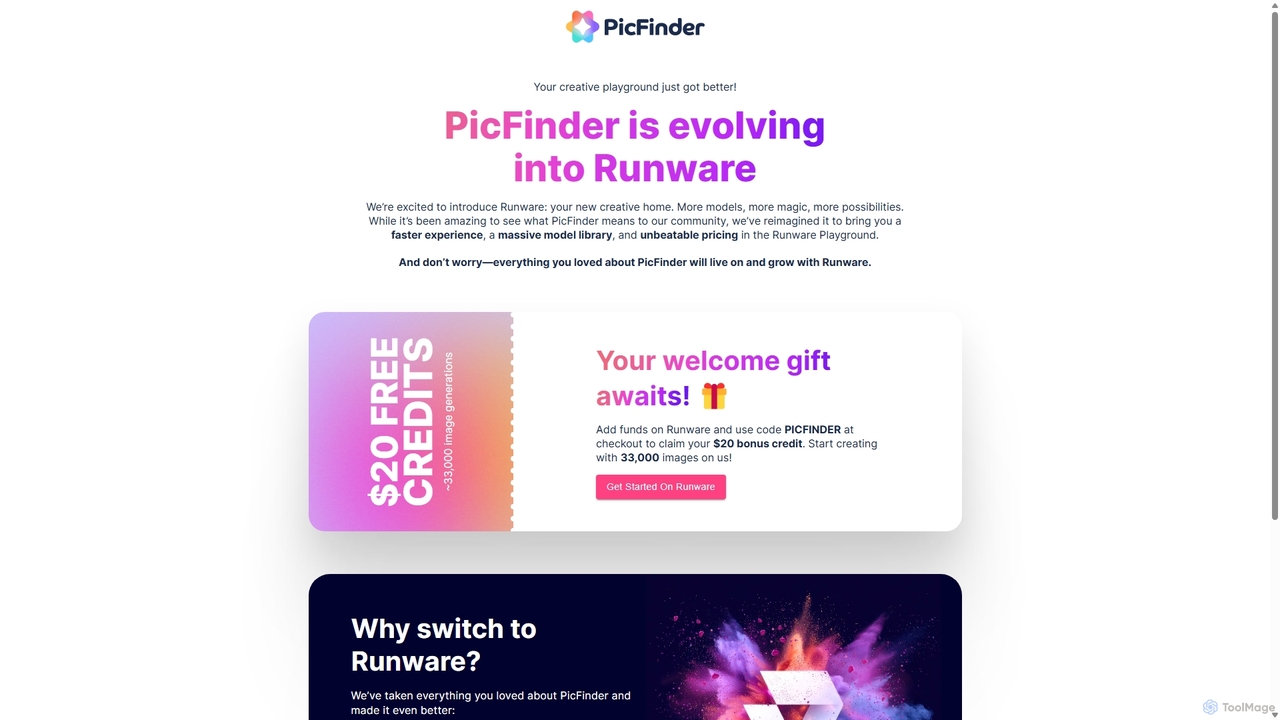
PicFinder
PicFinder has evolved into Runware, a powerful AI image generation platform. It offers a massive library of over 300,000 models, enabling users to create stunning visuals from text prompts. With features like batch generation, customizable controls, and an incredibly low cost, Runware serves as a comprehensive creative playground for artists, designers, and content creators, building upon the legacy of PicFinder.
Generative Art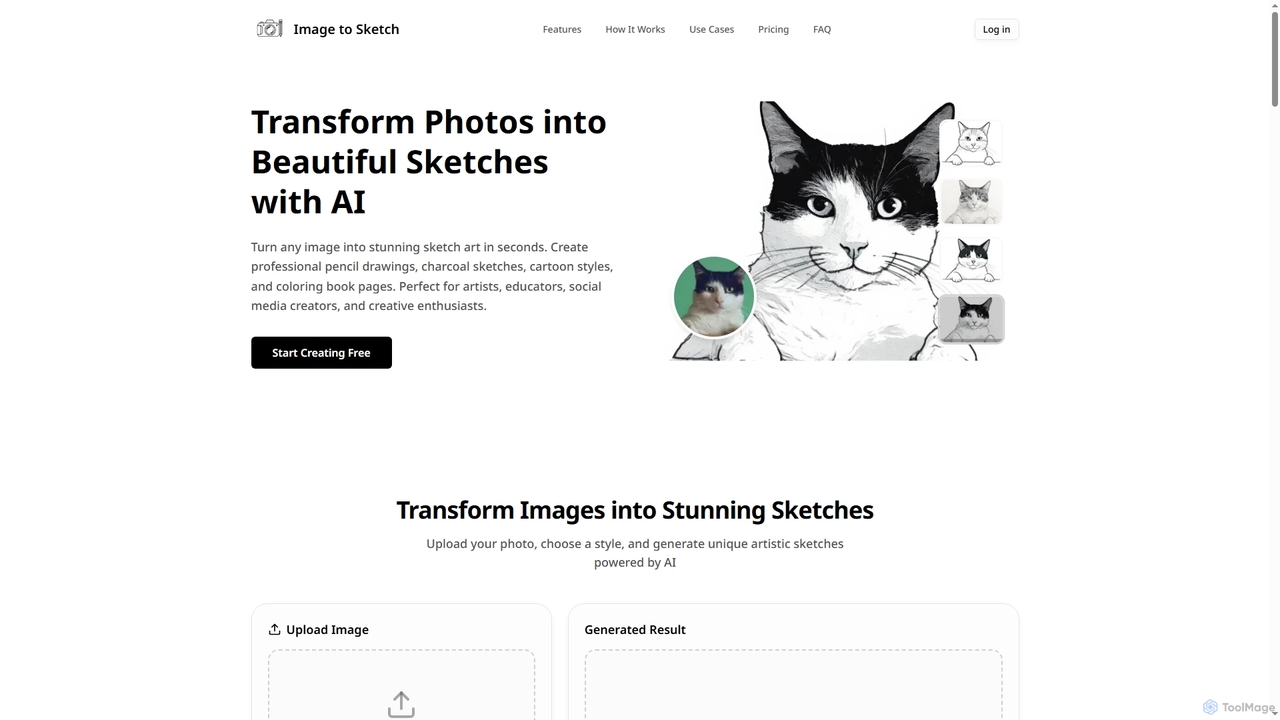
Imagetosketch
Imagetosketch is an AI-powered online tool that transforms any photo into various artistic sketch styles, including pencil, charcoal, and cartoon. It offers fast, high-quality conversions, making it ideal for artists, social media creators, and anyone seeking to create unique digital art without requiring artistic skills.
Digital ArtPicture to Line Drawing Categories
Picture to Line Drawing Jobs
Picture to Line Drawing Embed Widget
Copy this embed code to place the badge on your blog, article, or product site and send readers directly to this ToolMage detail page.

Related AI tools
Imagetosketch
Imagetosketch is an AI-powered online tool that transforms any photo into various artistic sketch styles, including pencil, charcoal, and cartoon. It offers fast, high-quality conversions, making it ideal for artists, social media creators, and anyone seeking to create unique digital art without requiring artistic skills.
Digital Art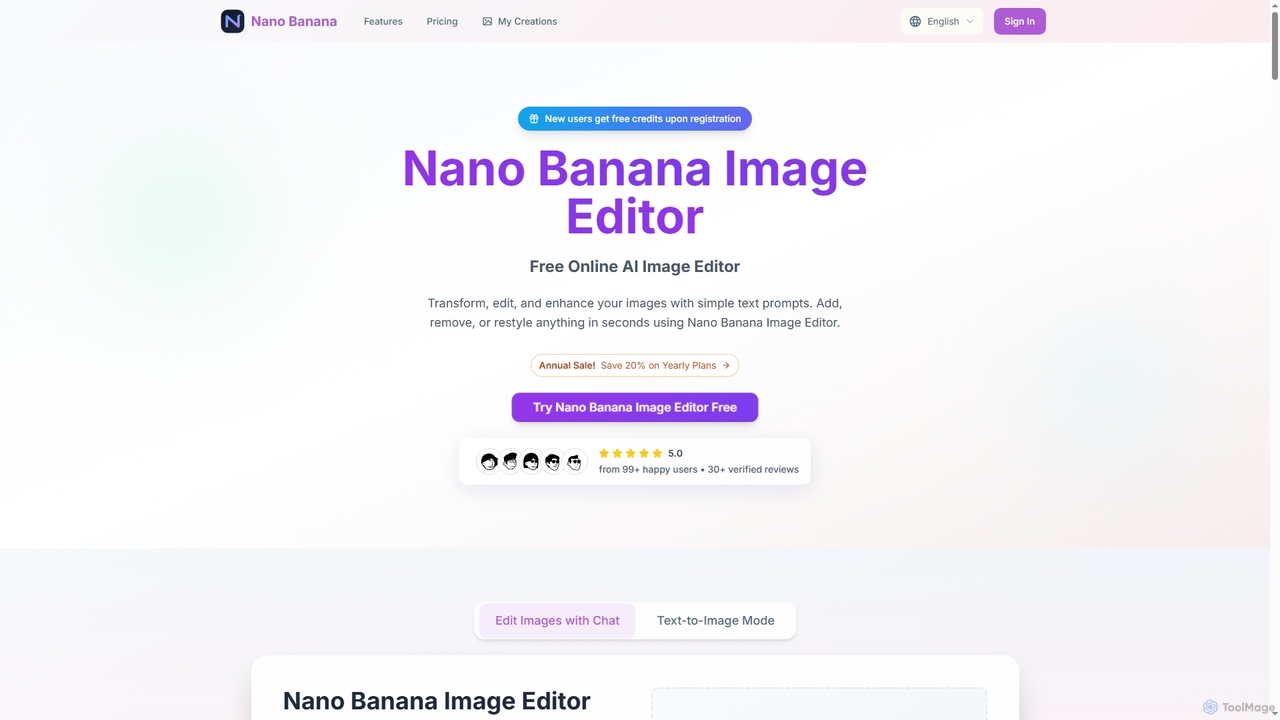
Nano Banana
Nano Banana is an advanced online AI image editor that allows users to transform, edit, and enhance their images using simple text prompts. It enables quick additions, removals, or restyling of elements, generating high-quality, 2K resolution visuals in seconds, making professional image editing accessible to everyone.
Photo Enhancement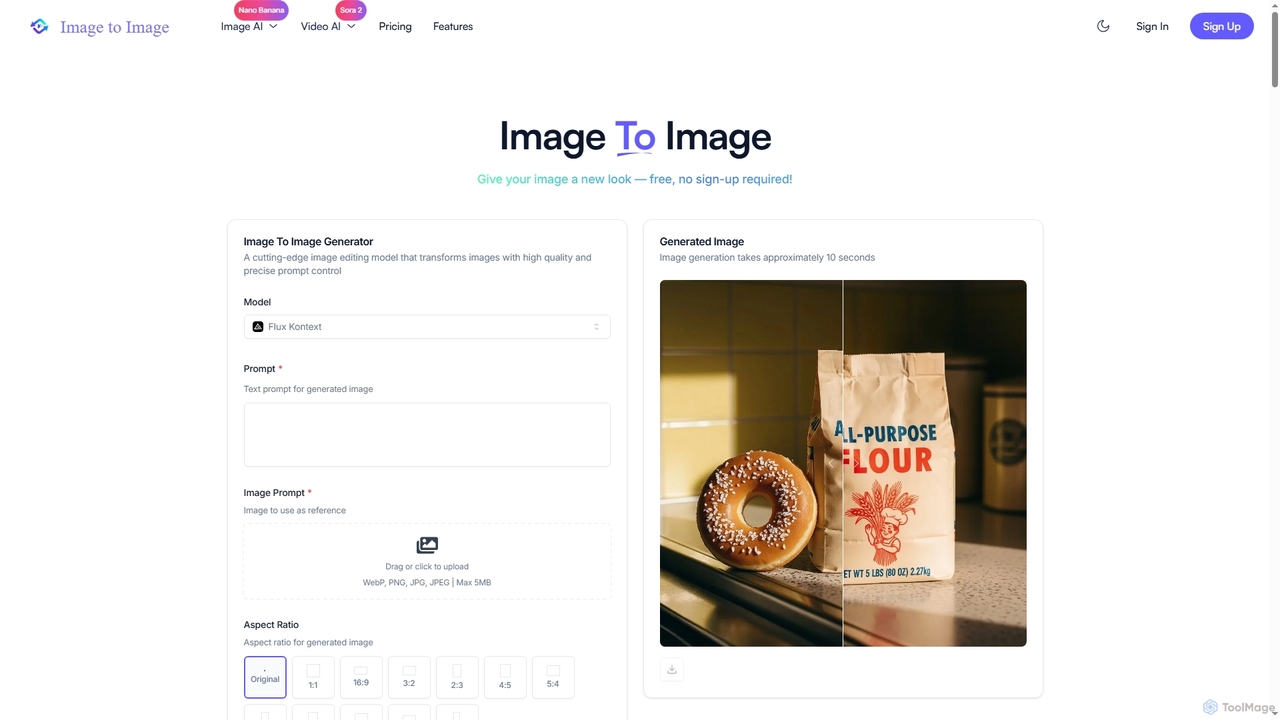
Image to Image
Image to Image is an all-in-one AI creative suite that transforms existing images, generates new visuals from text, and creates dynamic videos from both images and text. It offers high-fidelity outputs, multiple AI models, and a user-friendly interface for artists, designers, marketers, and content creators.
Creative SuiteVisualGPT
VisualGPT is an all-in-one online AI platform for generating, editing, and enhancing images. It offers tools like AI image editing, background removal, room planning, and visualization, powered by advanced models like Nano Banana and Stable Diffusion. Designed for ease of use, it helps users create stunning visuals quickly without complex software or design skills.
Graphic Design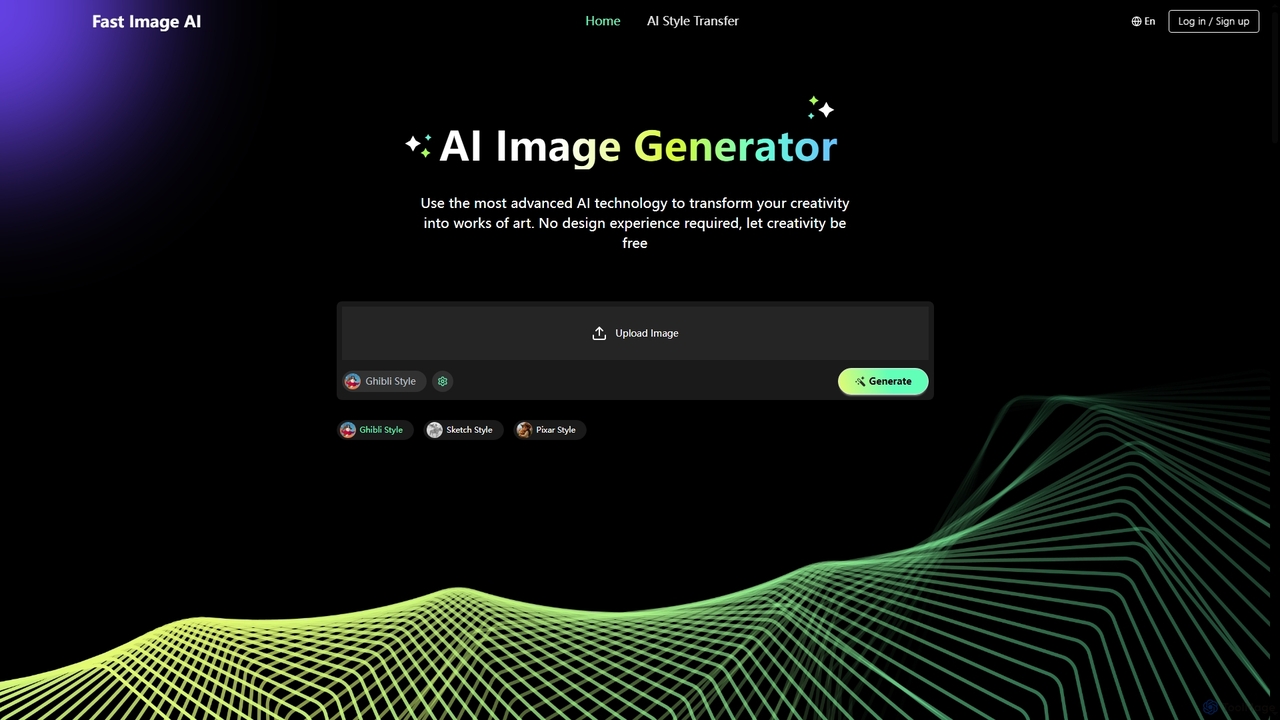
Fast Image
Fast Image is an intuitive online AI image generator that transforms your creativity into stunning artwork. It allows users to convert photos into various artistic styles like Ghibli, Sketch, and Pixar, or generate unique images from text descriptions. With a user-friendly interface and no design experience required, Fast Image makes AI art creation accessible and fast, operating directly in your browser.
Digital Art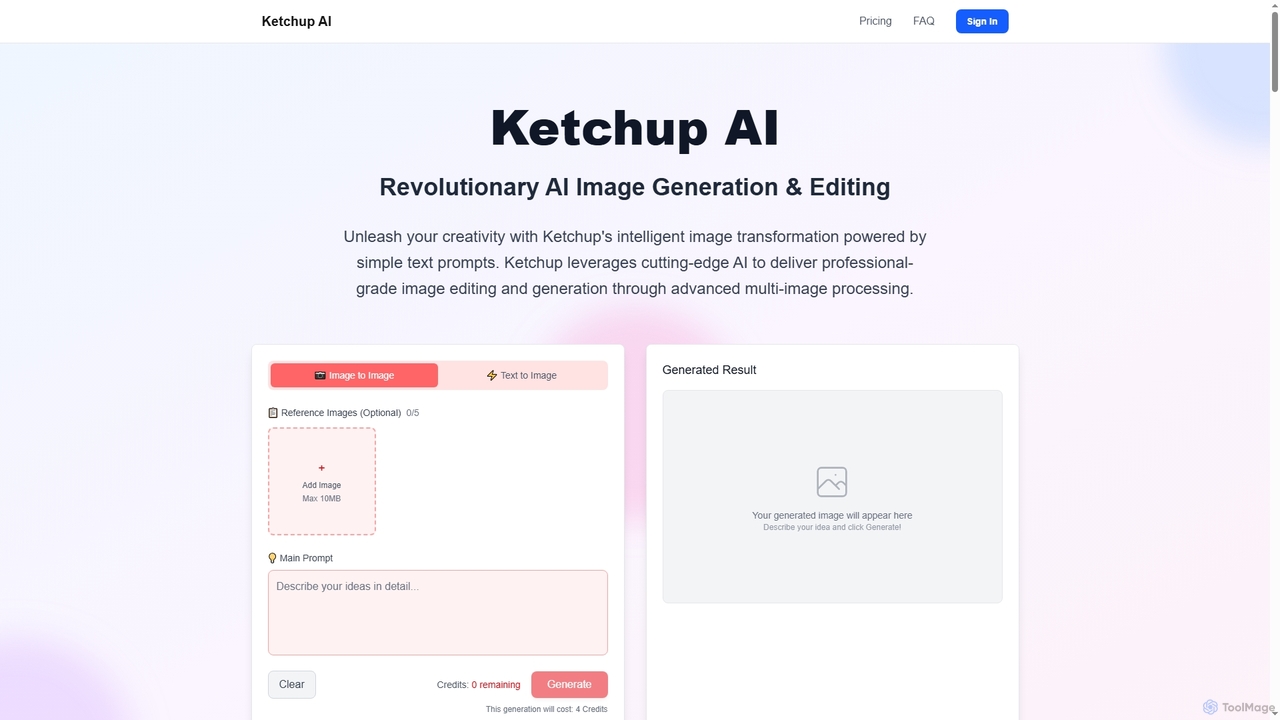
Ketchup AI
Ketchup AI is a revolutionary AI image generation and editing platform that transforms visual ideas into professional-quality results using simple text prompts. It offers advanced multi-image processing, precise modifications, and intelligent context understanding, enabling users to effortlessly change backgrounds, remove text, restore photos, and apply virtual try-ons with unparalleled accuracy and consistency.
Image Generation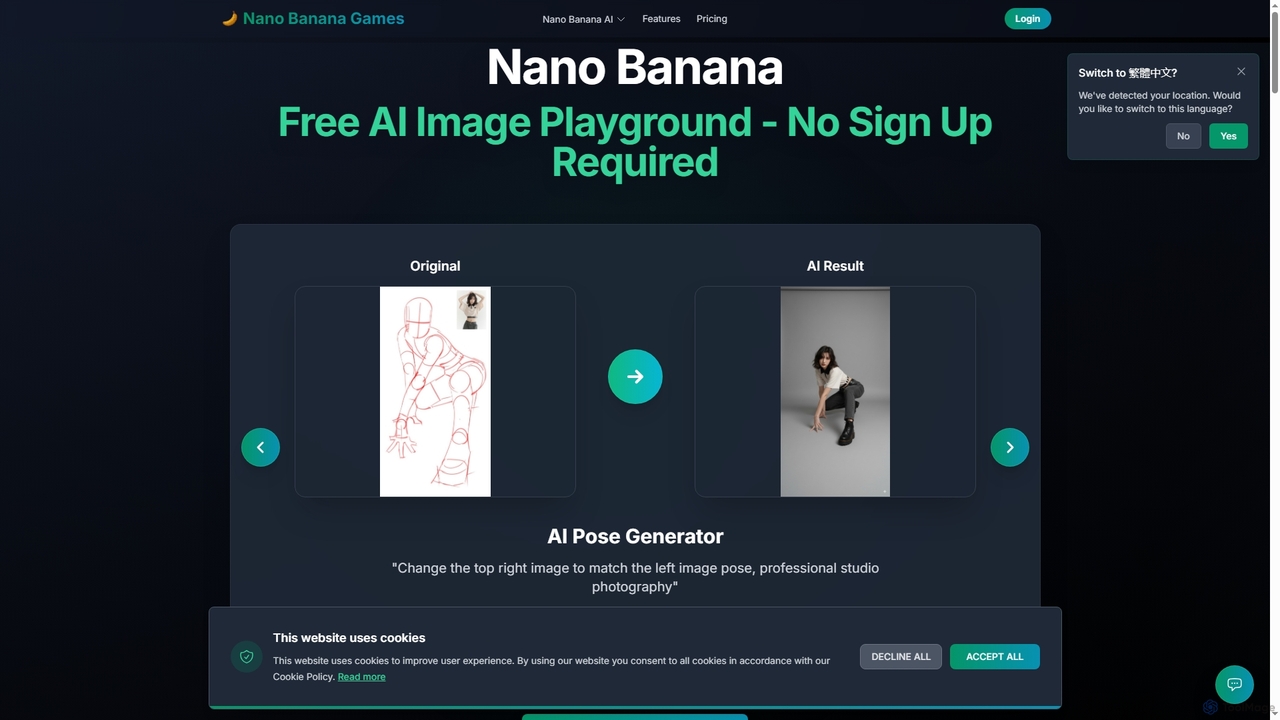
Nano Banana
Nano Banana is a versatile AI image playground offering a suite of tools for creative image transformation. It enables users to generate dynamic poses, perform face swaps, enhance photos, replace backgrounds, and create custom AI figurines, 3D figurines, and miniature worlds from their images, often without requiring a sign-up.
Digital Art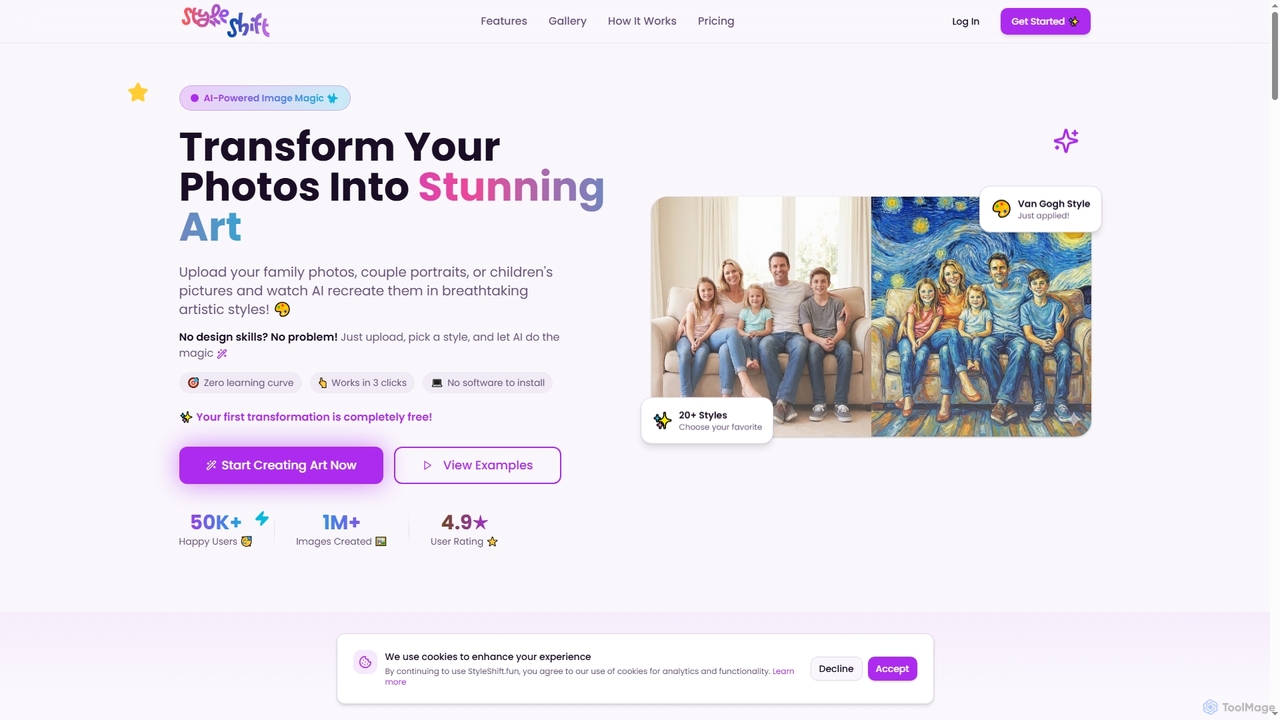
StyleShift
StyleShift is an AI-powered image style transfer tool that transforms ordinary photos into stunning artistic masterpieces. With over 40 diverse styles, from Van Gogh to anime, users can effortlessly create unique digital art in just three clicks, no design skills required.
Photo To Art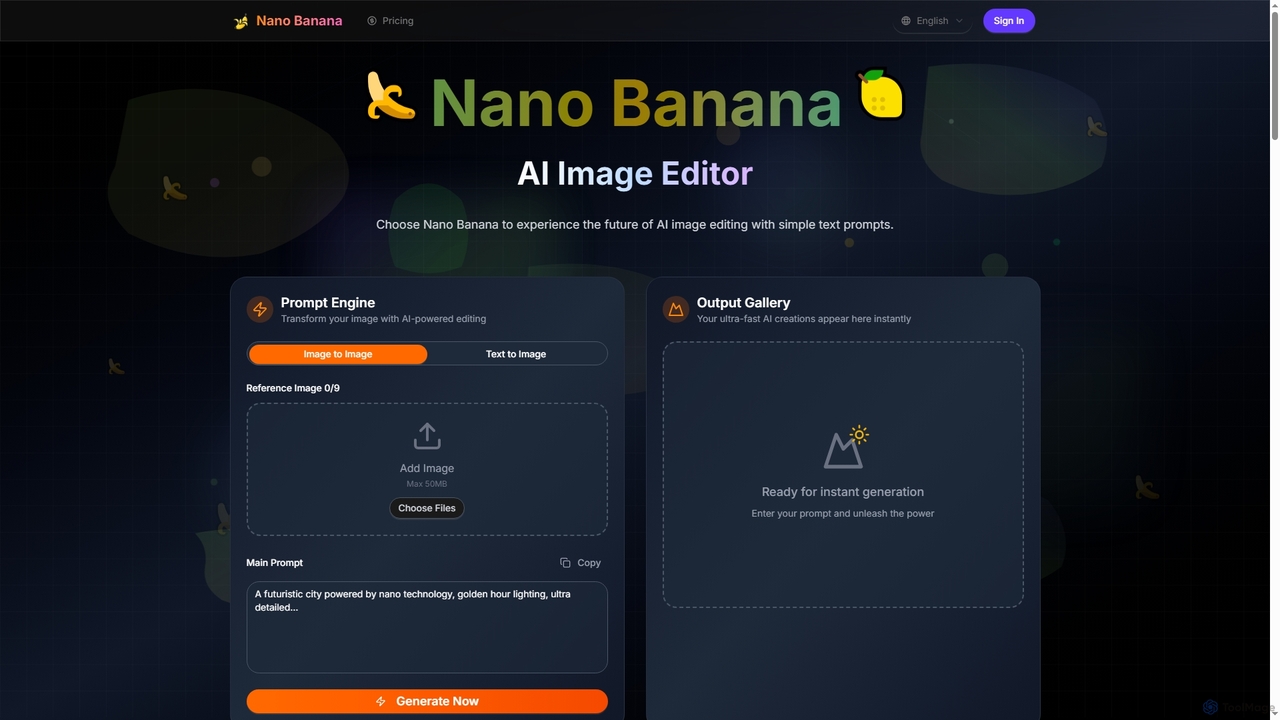
Nano Banana
Nano Banana is an advanced AI image editor and generator that transforms text prompts into stunning visuals and offers comprehensive image manipulation capabilities. It provides over 20 unique artistic styles, professional editing features like object addition and background transformation, and even video generation from text, catering to both casual users and creative professionals.
Digital Art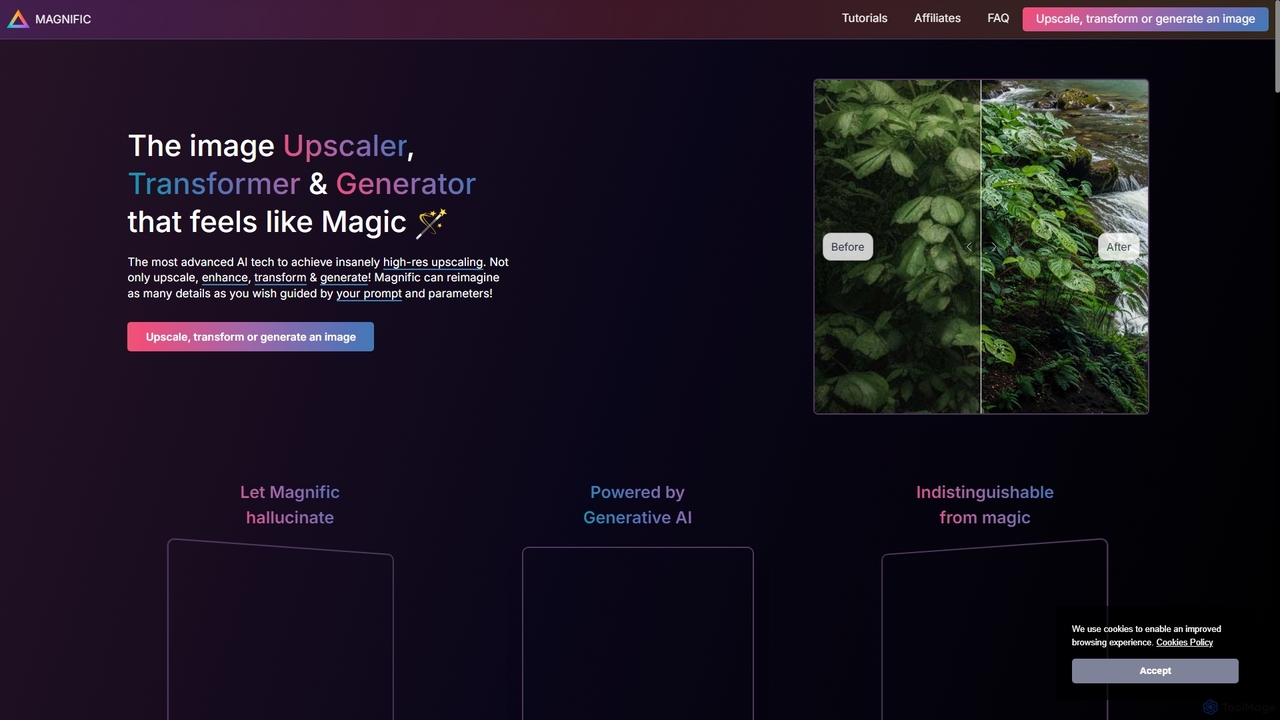
Magnific AI
Magnific AI is an advanced AI-powered image upscaler, enhancer, and transformer. It goes beyond traditional upscaling by using generative AI to intelligently add new, high-resolution details guided by user prompts. With intuitive controls like the 'Creativity' slider, users can transform any image—from portraits and illustrations to game assets and landscapes—into stunningly detailed, high-resolution masterpieces. It's a magical tool for artists, designers, and photographers seeking unparalleled image quality and creative control.
Generative Art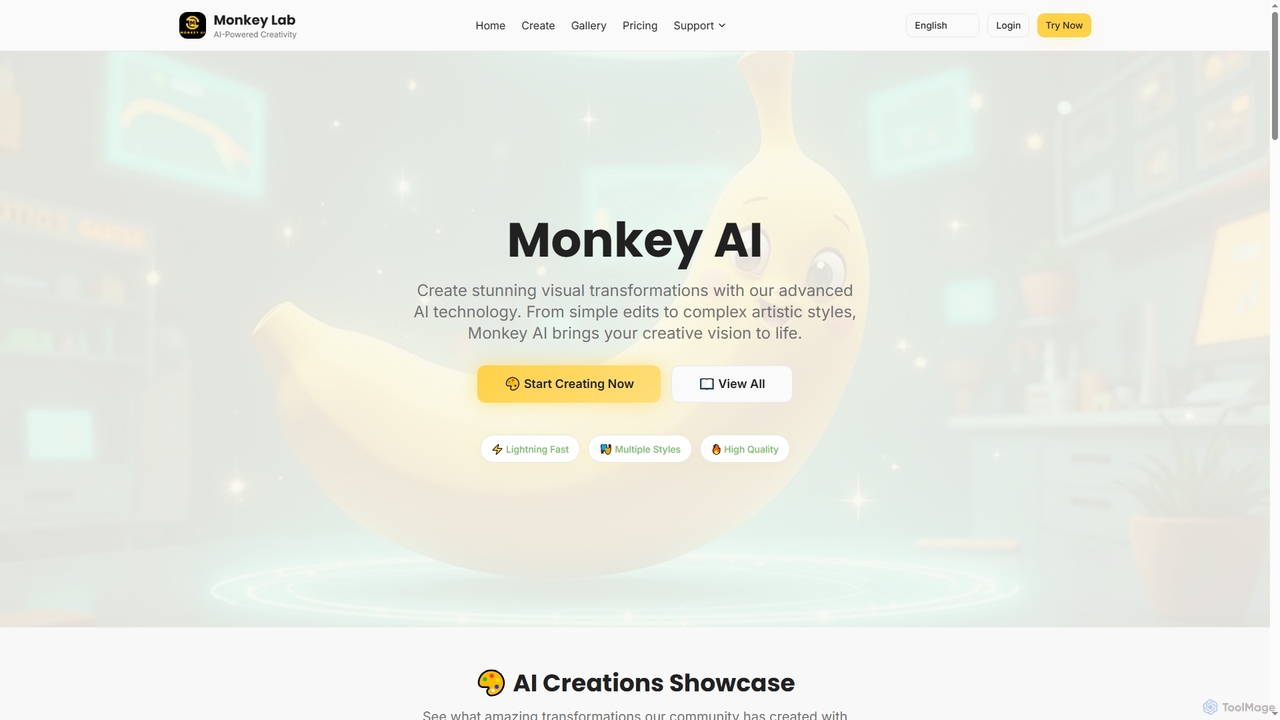
Monkey AI
Monkey AI is an advanced online AI image generator that transforms visual concepts into stunning creations. It offers lightning-fast processing, multiple artistic styles, and high-quality outputs, enabling users to perform complex artistic transformations and simple edits with ease, bringing diverse creative visions to life.
Art Generation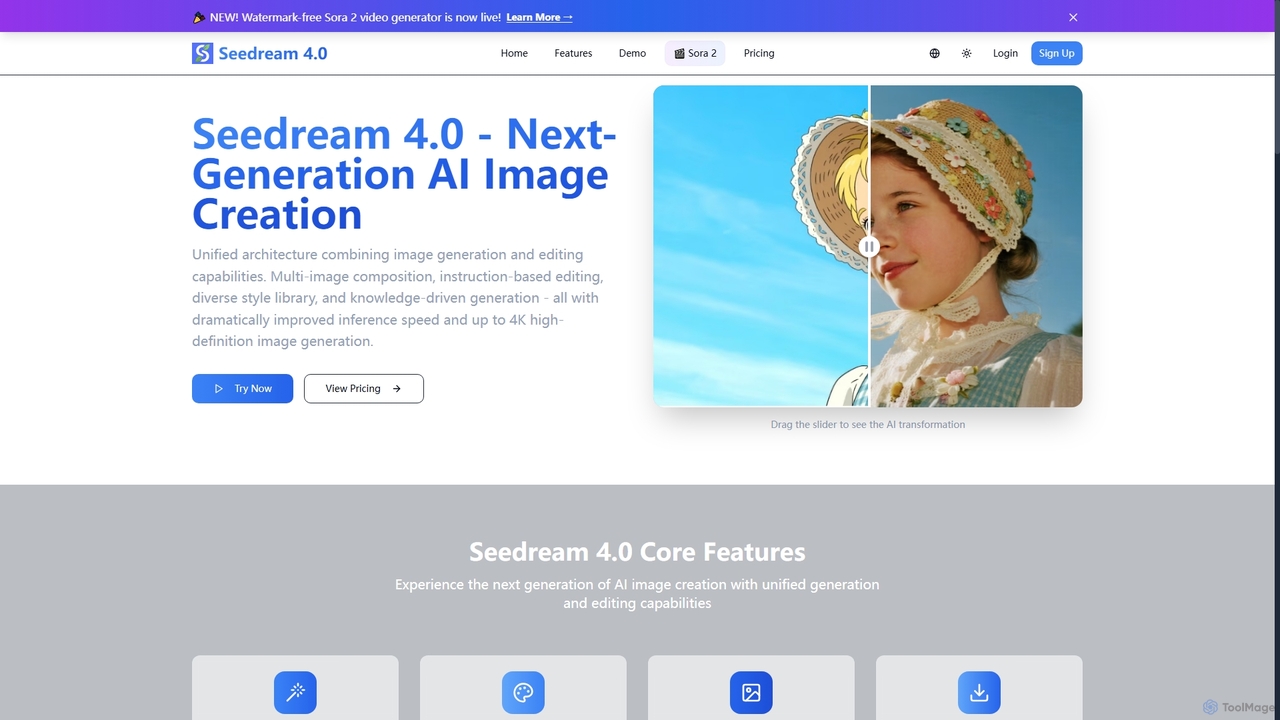
Seedream 4.0
Seedream 4.0 is a next-generation AI image creation tool that unifies image generation and editing capabilities. It features multi-image composition, instruction-based editing, a diverse style library, and knowledge-driven generation, delivering dramatically improved inference speed and up to 4K high-definition images. It also includes a watermark-free Sora 2 video generator.
Creative Asset Creation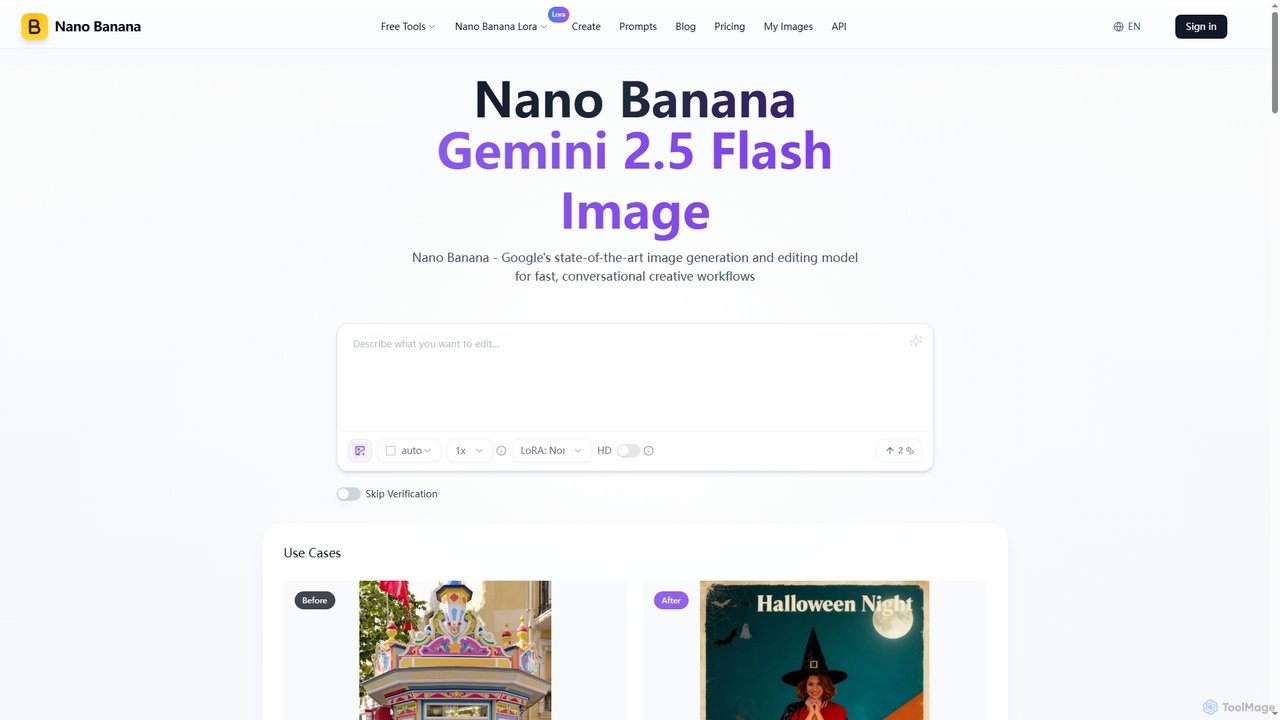
Nano Banana
Nano Banana is an advanced AI image generation and editing tool powered by Google's Gemini 2.5 Flash Image model. It excels in fast, conversational creative workflows, offering unmatched character consistency, multi-image fusion, and deep world knowledge for precise visual transformations and asset creation.
Graphic Design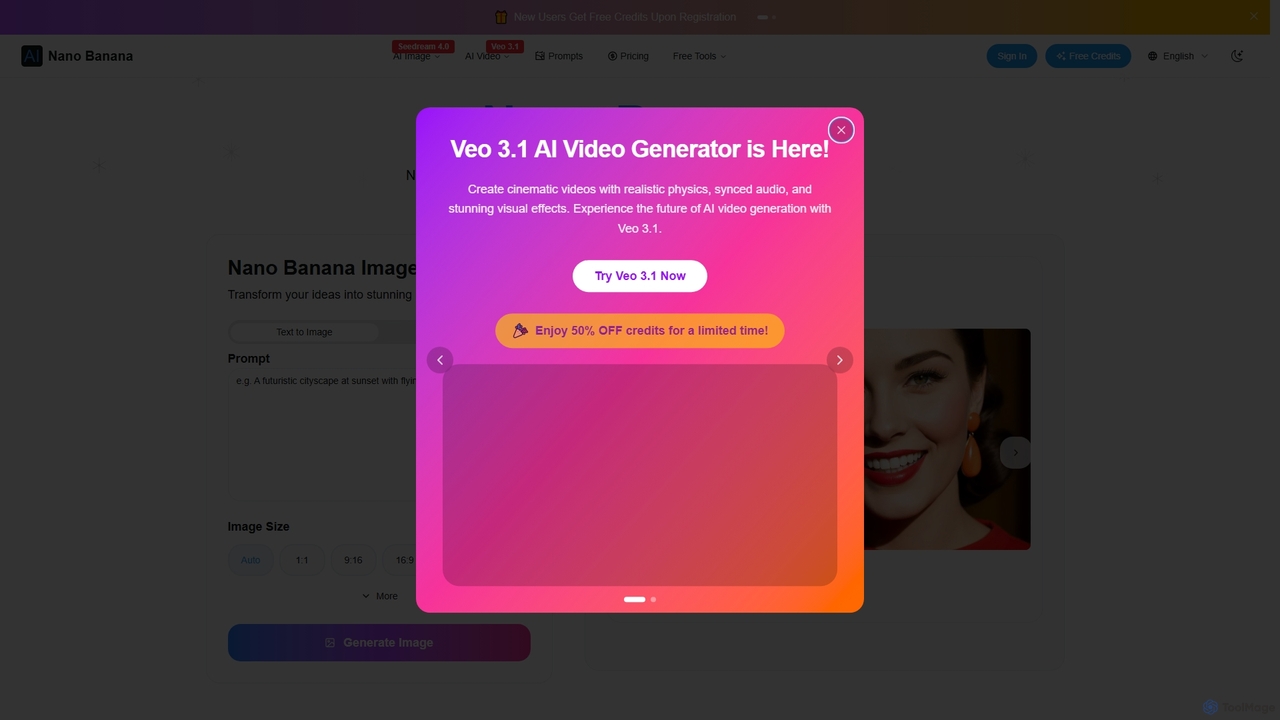
Nano Banana
Nano Banana is an AI-powered image editor driven by natural language prompts, utilizing Gemini 2.5 Flash Image technology. It excels at precise, effortless edits while maintaining character consistency, scene layout, and lighting across various images.
3D Figure Generation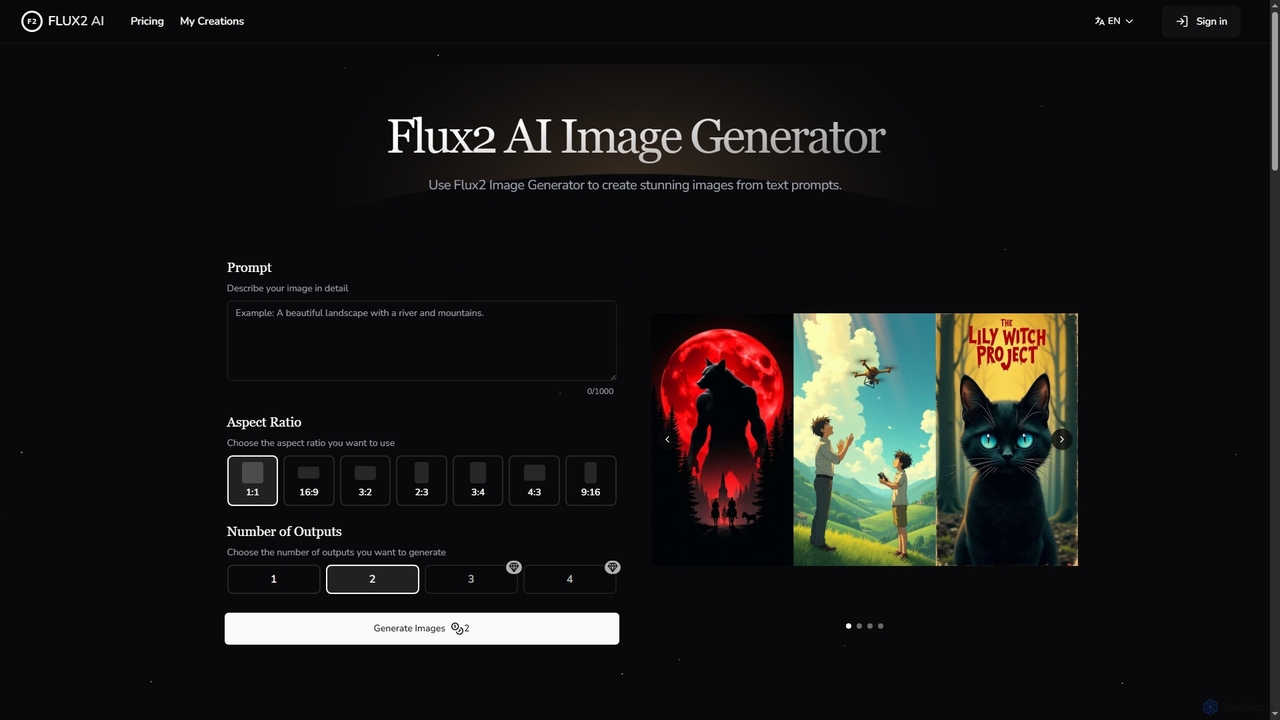
Flux2 AI
Flux2 AI is an advanced image generator powered by Black Forest Labs' Flux2 Ultra, Pro, and Dev models. It transforms text into high-quality visuals, offering versatile style generation, up to 4-megapixel renders, and commercial-ready output for various creative and marketing needs.
Digital Art
Picture to Line Drawing Comments (0)
Sign in to comment.
Sign inNo comments yet.