

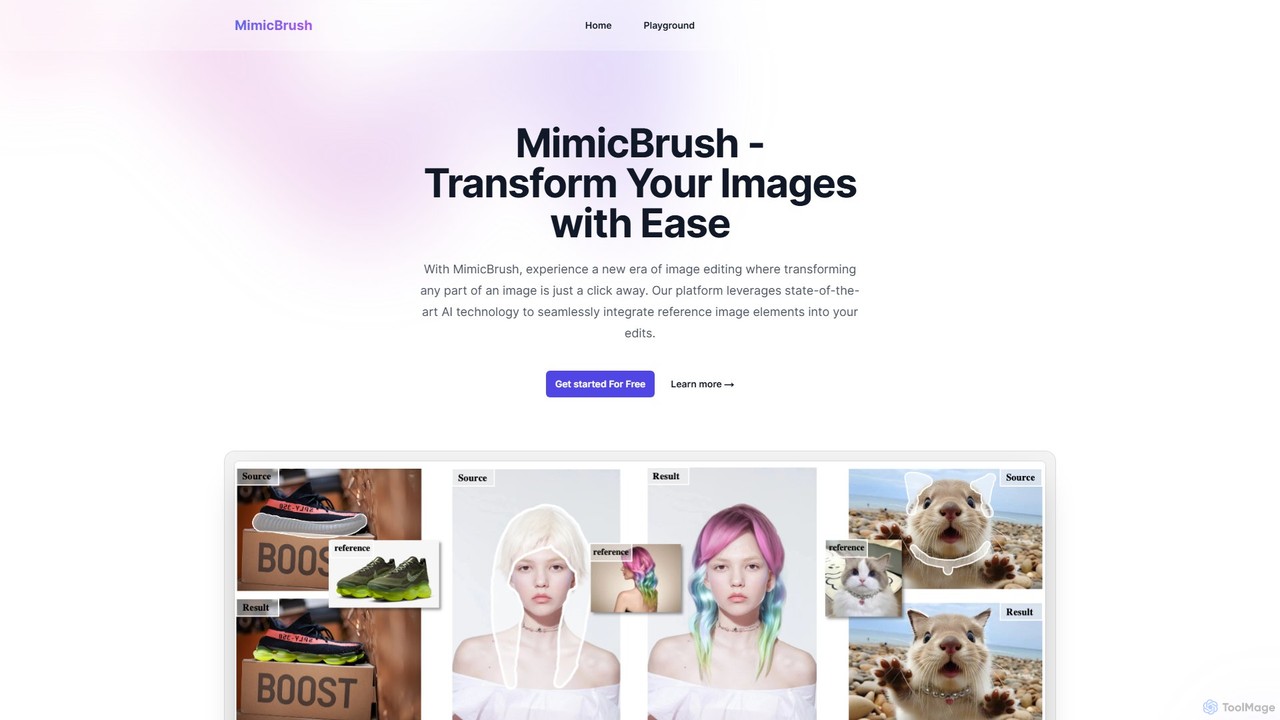
MimicBrush Overview
MimicBrush introduces a revolutionary approach to image editing, leveraging state-of-the-art AI to offer a unique 'imitative editing' experience. This powerful online tool empowers users to transform any part of an image with just a few clicks. By simply selecting an area in a source image and providing a reference image, MimicBrush's AI intelligently analyzes and mimics the visual characteristics—such as texture, pattern, color, and style—from the reference, applying them realistically to the selected portion of the original image. This process is automated and intuitive, making professional-level edits accessible to everyone, from graphic designers and photographers to e-commerce store owners and creative hobbyists. The platform is designed for precision, allowing for localized modifications without altering the entire image, ensuring that the final result is both high-quality and seamlessly integrated.
How to use MimicBrush
The workflow in MimicBrush is designed for simplicity and efficiency, allowing you to achieve complex edits in a few straightforward steps:
- Select Your Editing Area: Upload your source image. Use the masking tool to paint over the specific area you wish to modify (e.g., a piece of clothing, a wall in the background, a piece of furniture). The marked area will be the target for the transformation.
- Provide a Reference Image: Upload a second image that contains the style, texture, or pattern you want to apply. This could be a picture of a fabric, a wooden texture, a metallic surface, or even another piece of art.
- Experience Seamless Editing: Click the generate button and watch as MimicBrush's AI gets to work. It will automatically recognize the visual elements from the reference image and apply them to the masked area of your source image, preserving the original object's shape, lighting, and shadows for a realistic finish.
- Explore and Experiment: Don't hesitate to experiment with different reference images and masking areas. This allows for endless creative possibilities, from changing a model's outfit to redesigning an interior space.
- Download and Use: Once you are satisfied with the result, you can download your newly edited image. The tool is accessible across various devices, including desktops and mobile phones, for a consistent editing experience anywhere.
Core Features of MimicBrush
- Imitative Editing Technology: The core of MimicBrush, this AI-driven technique intelligently mimics and applies visual styles from a reference image to a target image.
- Localized Modifications: Enables precise edits on specific parts of an image, leaving the rest of the image untouched for targeted enhancements.
- Automated Processing: The entire editing process is automated. The AI handles style recognition and application, eliminating the need for manual editing skills or complex software.
- Texture Transfer: Excels at transferring complex textures and patterns while perfectly preserving the original shape, contours, and lighting of the object in the source image.
- Post-Processing Refinement: Can be used as a powerful post-processing tool to enhance or alter images generated by other AI models, improving their quality and consistency.
- Cross-Device Compatibility: Fully accessible via a web browser on desktops, laptops, and mobile devices, ensuring you can edit on the go.
Use Cases for MimicBrush
MimicBrush's versatility makes it suitable for a wide range of professional and personal projects:
- E-commerce & Product Visualization: Quickly generate multiple variations of a product (e.g., a sofa with different fabric textures, a t-shirt with various patterns) without needing new photoshoots.
- Fashion and Apparel Design: Visualize new clothing designs by applying fabric patterns and textures directly onto a model's attire in an existing photograph.
- Interior Design: Show clients how a room would look with different wallpapers, flooring, or furniture upholstery by applying new textures to photos of the space.
- Graphic Design & Art: Create unique digital art by blending textures and styles from multiple sources into a single, cohesive composition.
- Photography: Perform complex post-processing tasks, such as changing backgrounds, altering clothing, or enhancing specific details with unparalleled realism.
Advantages of MimicBrush
MimicBrush stands out with its user-centric design and powerful capabilities. The primary advantage is its ability to produce highly realistic and detailed edits that would otherwise require significant time and expertise in traditional software like Photoshop. It democratizes advanced image manipulation, making it fast and accessible. The tool's focus on localized editing provides a level of control that is often missing in other AI editors, while its texture transfer feature is exceptionally accurate, respecting the physical properties of the original object.
Pricing and Plans
MimicBrush operates on a freemium model. Users can get started and test the core features for free through the online 'Playground'. This allows for experimentation and evaluation of the tool's capabilities without any initial commitment. For users requiring higher usage limits, advanced features, or commercial licenses, it is recommended to check the official website for details on available premium plans.
MimicBrush Alternatives

Glorify
Glorify is an AI-powered graphic design tool specifically built for e-commerce business owners and marketers. It simplifies the creation of high-converting product images, social media posts, ads, and other marketing visuals. With features like one-click background removal, realistic mockups, and an AI image generator, Glorify helps users produce professional-grade designs quickly and affordably, without needing advanced design skills.
Graphic Design
Ling
Ling (羚珑) is a one-stop AI content production and management platform from JD.com, designed to drive growth through high-quality visuals. It empowers e-commerce merchants and marketers to effortlessly create professional product images, ad banners, and videos using a suite of powerful AI tools, from one-click background removal to complete scene generation.
Graphic Design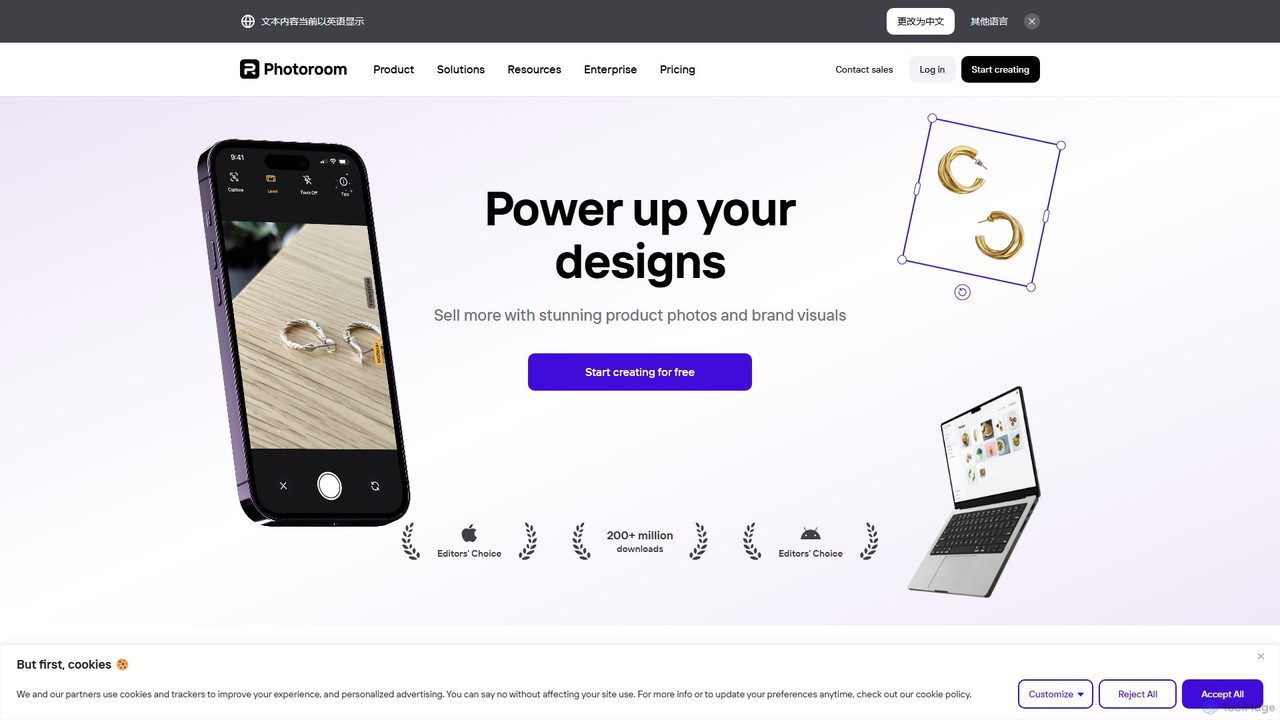
Photoroom
Photoroom is an AI-powered photo editor that automatically removes backgrounds to create professional product photos, profile pictures, and marketing images in seconds. Featuring AI-generated backgrounds, magic eraser, and batch editing, it simplifies complex editing tasks for e-commerce sellers, marketers, and creators. Available on web and mobile, it offers a fast, easy way to produce studio-quality visuals without any design skills.
Graphic Design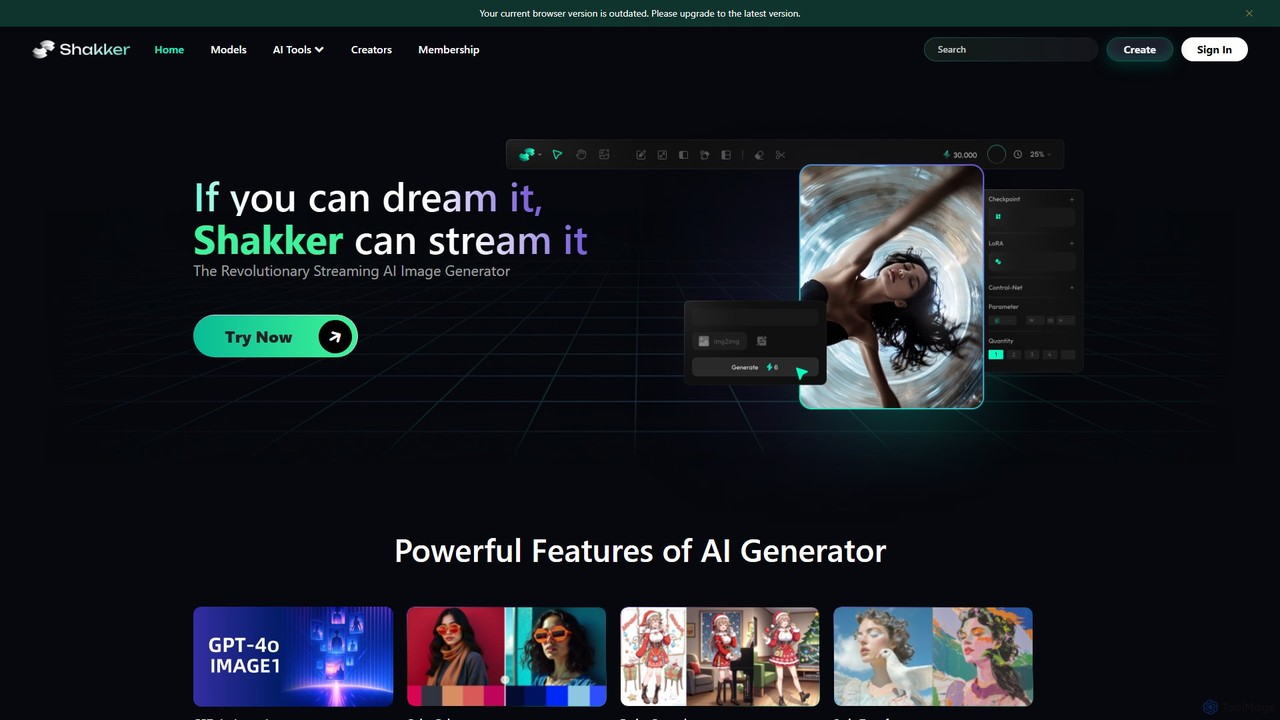
Shakker
Shakker is an all-in-one generative AI design platform, offering a vast library of diverse models (including FLUX and Stable Diffusion), integrated professional tools like online ComfyUI and A1111, and powerful features for image generation, editing, and model training. It caters to creators of all skill levels, from beginners to experts.
Generative Art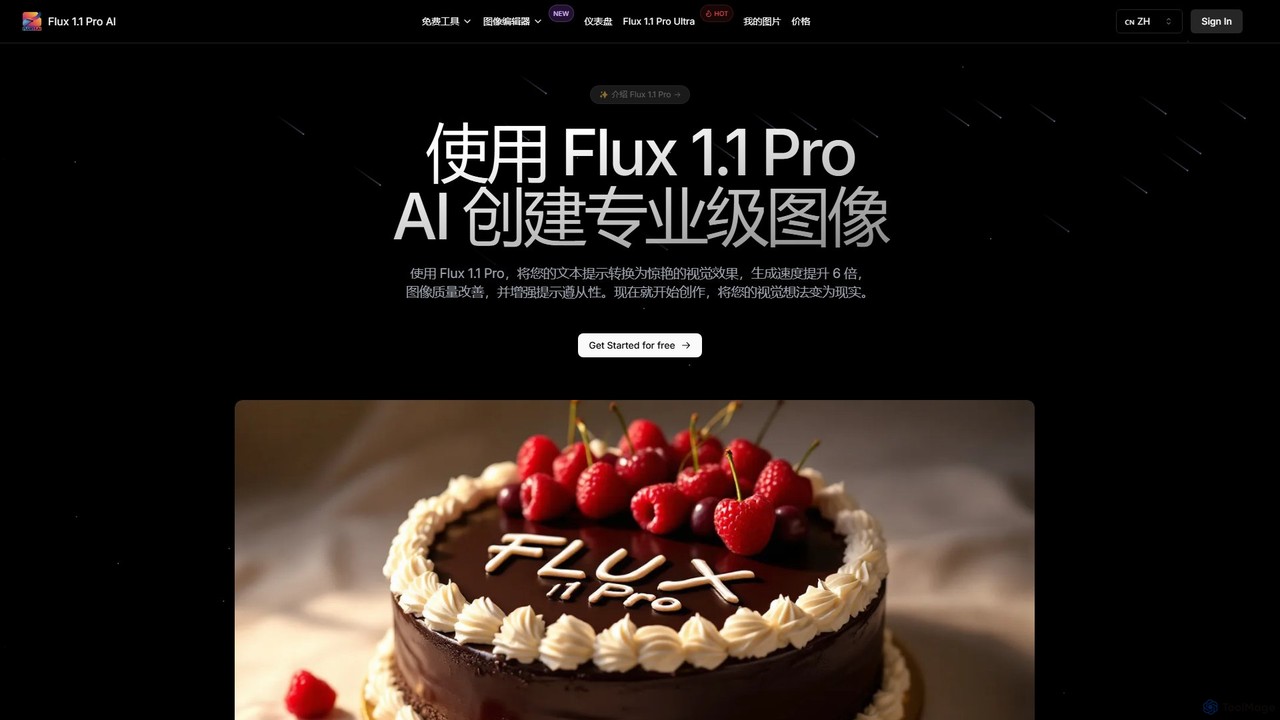
Flux 1.1
Flux 1.1 is an advanced AI image generation suite developed by Black Forest Labs. It transforms text prompts into professional-grade visuals with exceptional speed and quality. Featuring versions like Pro and Pro Ultra, it offers up to 4K resolution, superior prompt adherence, in-image text, and a range of specialized tools for artists, designers, and creative professionals.
Generative ArtMimicBrush Categories
MimicBrush Embed Widget
Copy this embed code to place the badge on your blog, article, or product site and send readers directly to this ToolMage detail page.

Related AI tools
Paint by Text
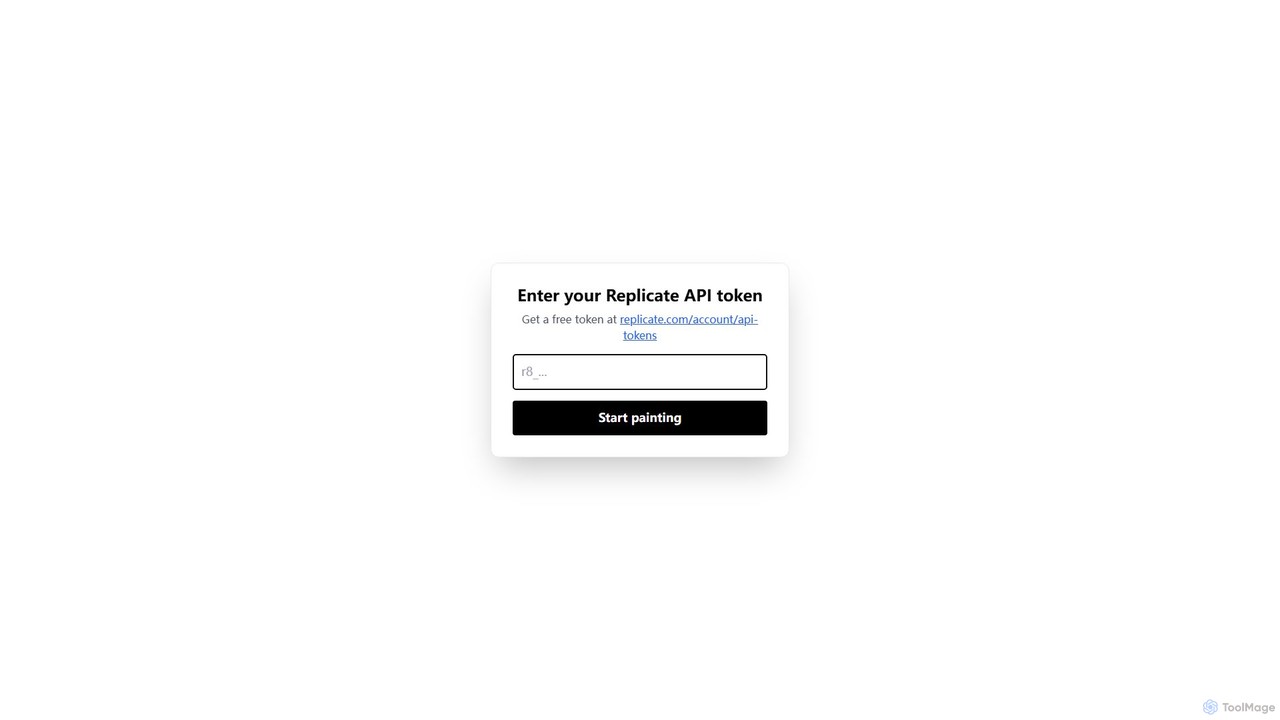
Paint by Text is an innovative AI-powered image editing tool that allows you to modify photos using simple text instructions. By leveraging the power of models on Replicate, you can change colors, add or remove objects, and alter styles with natural language commands, eliminating the need for complex photo editing software.
Graphics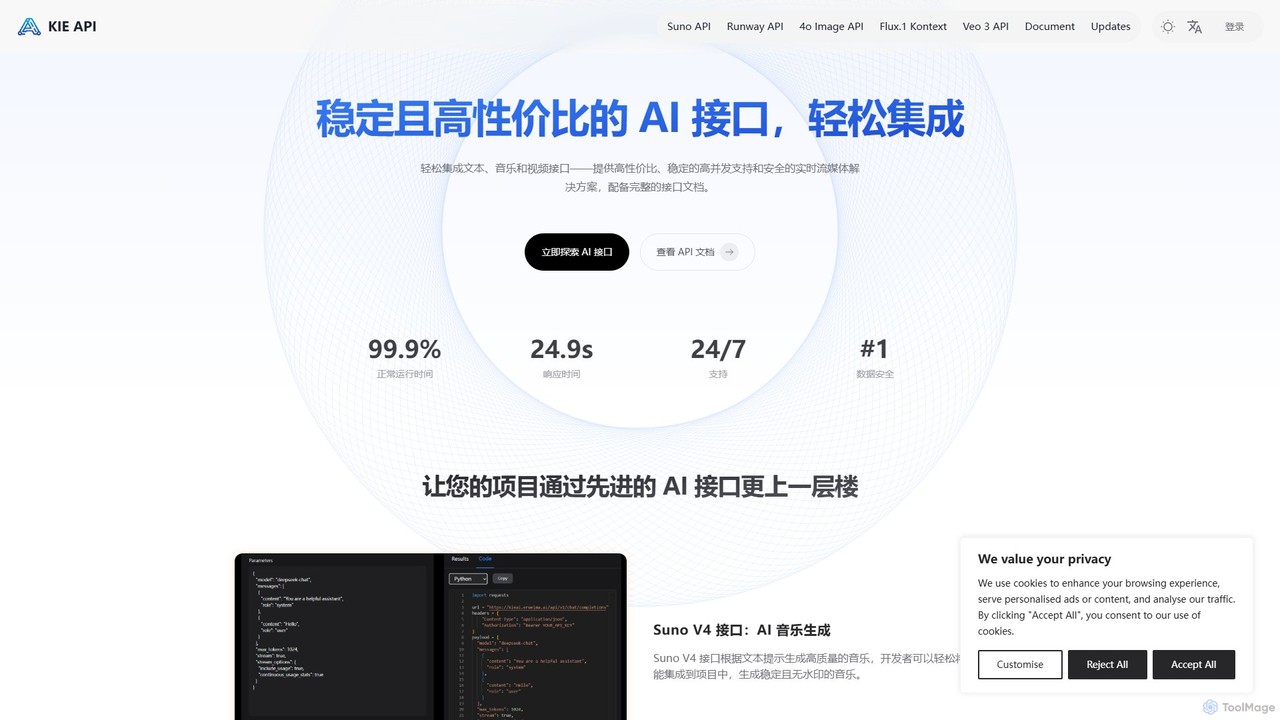
Kie AI
Kie AI provides affordable, stable, and high-performance AI APIs for seamless integration. Its flagship offering, the FLUX.1 Kontext API, enables advanced AI-powered image editing through natural language prompts. It's designed for developers, marketers, and designers to streamline creative workflows, offering both speed-optimized (Pro) and precision-focused (Max) versions for various professional needs.
Api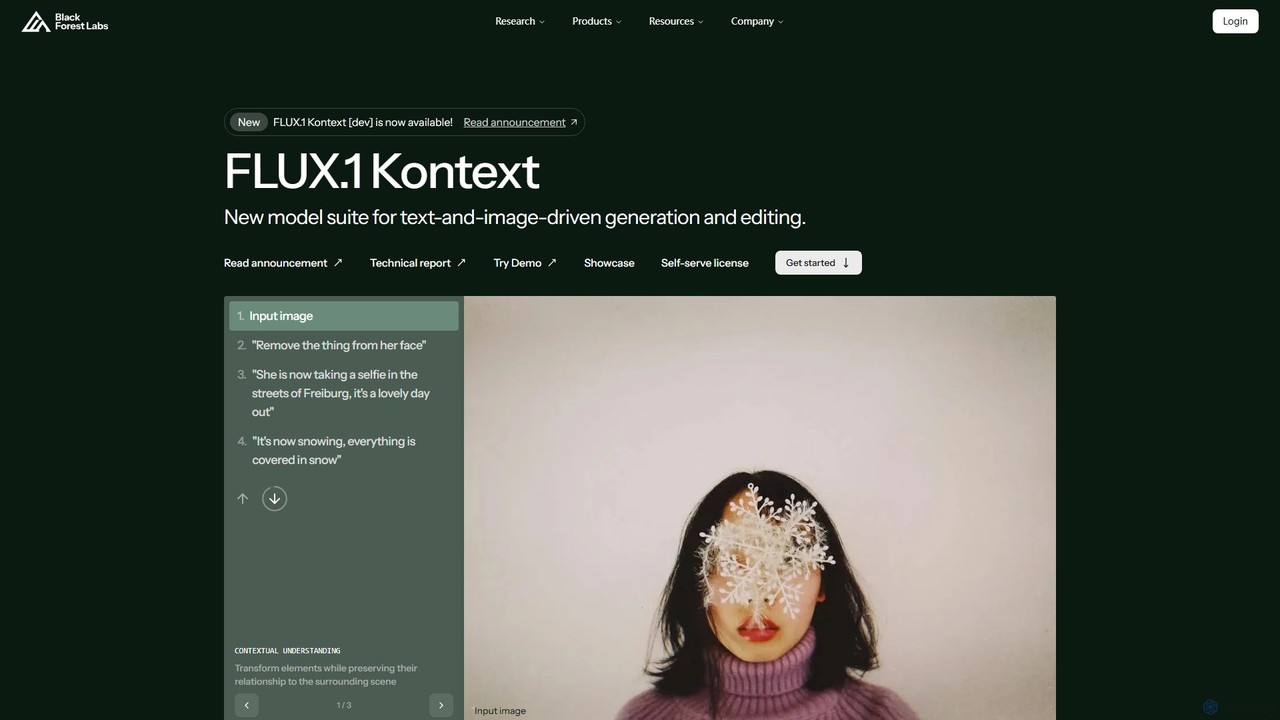
Black Forest Labs FLUX.1
FLUX.1 by Black Forest Labs is an advanced AI model suite for context-aware image generation and editing. It allows users to modify images using both text and image prompts, ensuring character consistency, precise local edits, and style preservation. It offers open-weight models for developers and commercial licenses for businesses, redefining iterative creative workflows.
Api
fermat
fermat is a generative AI toolbox designed for the fashion and luxury industry. It empowers brands to streamline the entire design process, from generating ideas from mood boards and converting sketches into realistic renders, to applying materials and fitting garments on virtual models, significantly accelerating product visualization and marketing content creation.
Fashion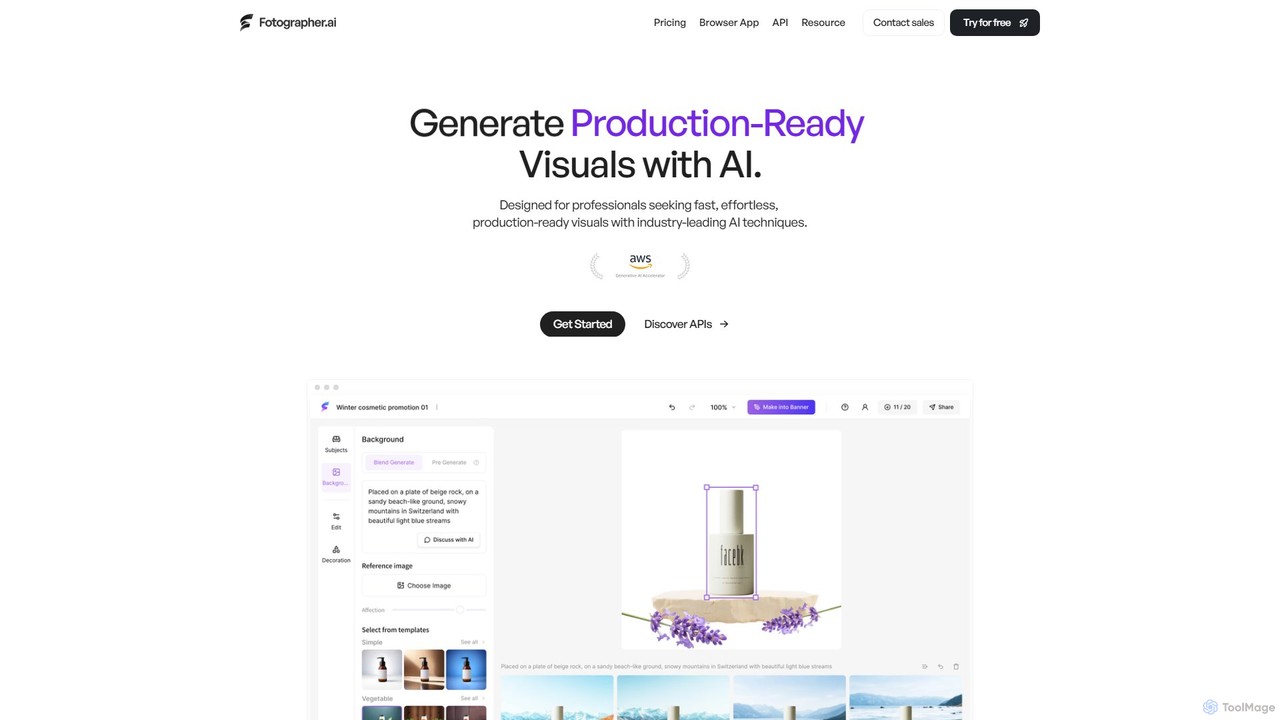
Fotographer.ai
Fotographer.ai is an all-in-one AI creative suite designed for professionals to generate production-ready visuals. It specializes in product photography, offering tools for AI background generation, relighting, virtual try-on, and high-consistency image generation from a single input. It's built to streamline creative workflows for e-commerce, marketing, and branding.
Generative Art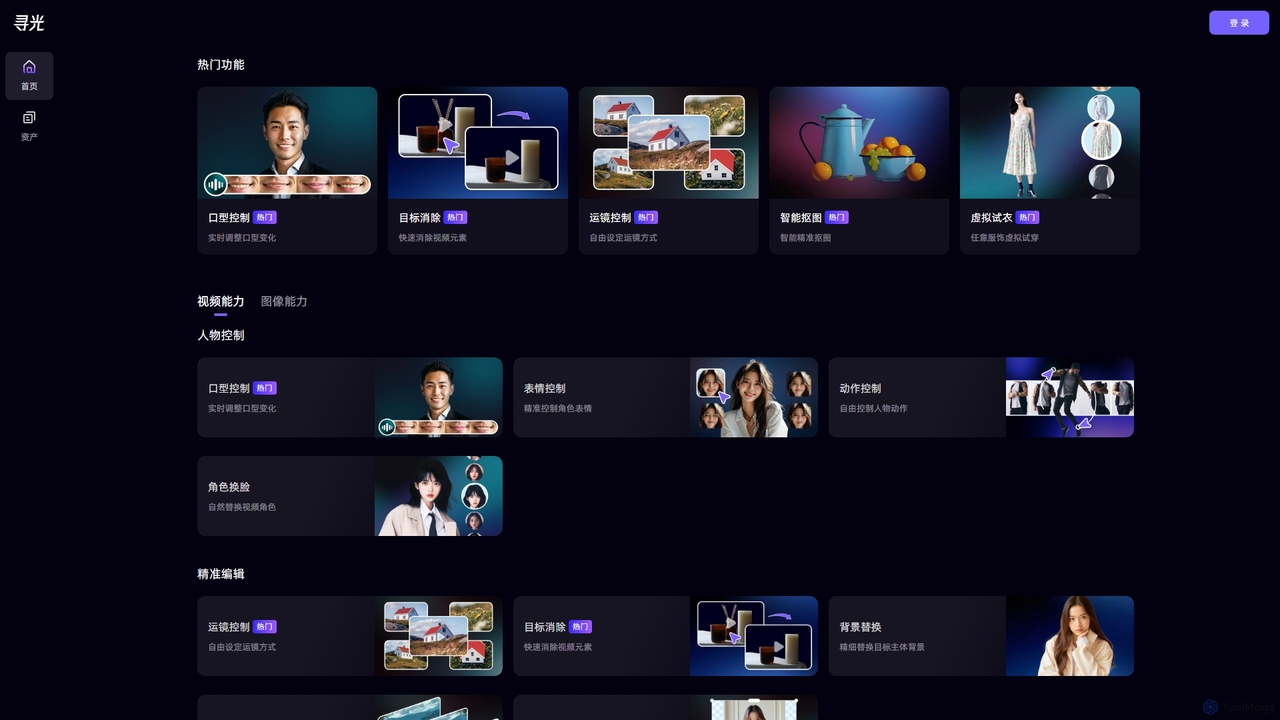
Xunguang AI
Xunguang AI is a powerful, all-in-one AI content creation platform specializing in advanced video and image manipulation. It offers a comprehensive suite of tools, including lip-sync control, object removal, face swapping, and virtual try-on, designed to streamline complex editing tasks and empower creators, marketers, and e-commerce professionals to produce high-quality content with unprecedented ease and efficiency.
Product Visualization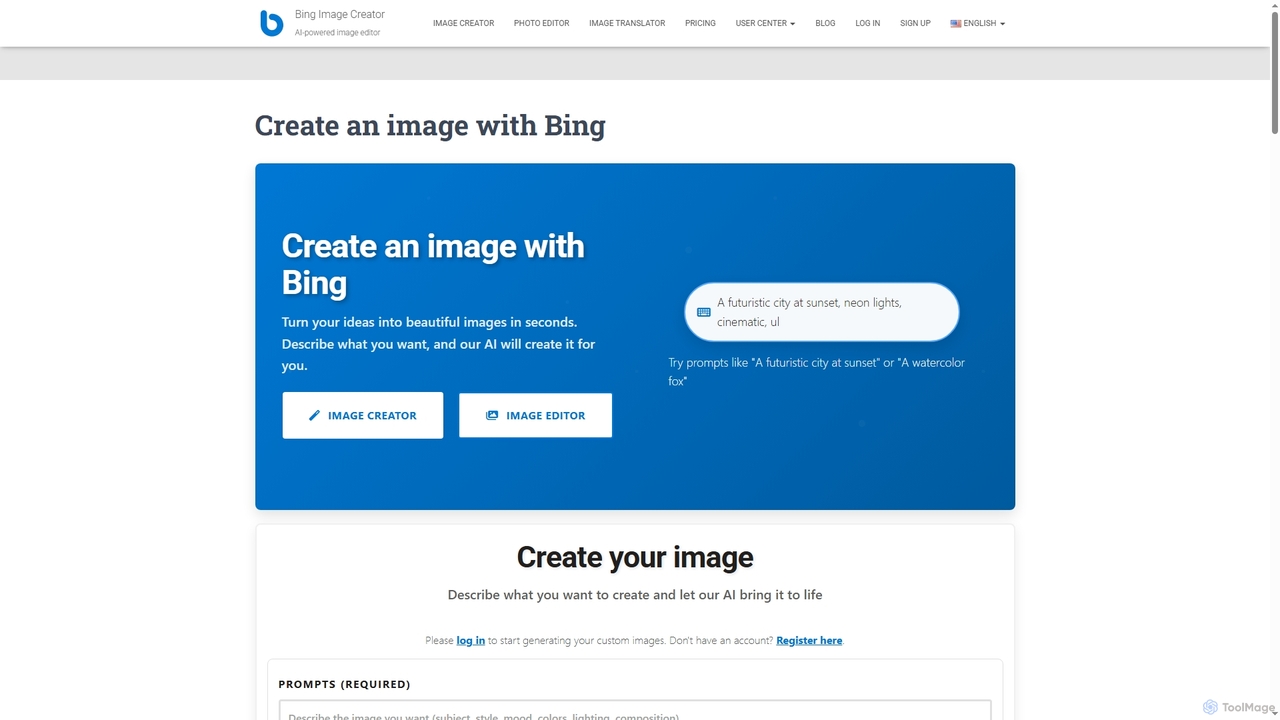
Createanimagewithbing
An AI-powered platform for creating unique images from text prompts and editing existing photos. It features a fast text-to-image generator with various style options and a versatile photo editor that supports multi-image compositions and detailed modifications.
Art Generation
Stylized
Stylized is an AI-powered tool that transforms simple product photos into professional, studio-quality images. It allows users to generate custom backgrounds, realistic shadows, and lighting, making high-end product photography accessible and affordable for everyone.
Image Editing
newfuku
newfuku is an AI-powered image editing platform that specializes in virtual outfit changes, background removal, and image inpainting. Effortlessly modify clothing, swap backgrounds, or remove unwanted objects in your photos using simple text prompts. Ideal for e-commerce, fashion enthusiasts, and content creators.
Image GenerationGlorify
Glorify is an AI-powered graphic design tool specifically built for e-commerce business owners and marketers. It simplifies the creation of high-converting product images, social media posts, ads, and other marketing visuals. With features like one-click background removal, realistic mockups, and an AI image generator, Glorify helps users produce professional-grade designs quickly and affordably, without needing advanced design skills.
Graphic Design
Claid.ai
Claid.ai is an all-in-one AI product photography suite designed for e-commerce and marketing. It allows users to generate, enhance, and edit professional-quality product photos in seconds. Key features include AI background generation, AI fashion models, image upscaling, and automated editing workflows, helping businesses improve conversions and streamline content creation without needing technical skills.
3D
Nano-Banana
Nano-Banana is an advanced online AI image editor that empowers users to create and modify images with text prompts, offering features like generation, inpainting, style transfer, and outpainting. It ensures character consistency and scene coherence with fast, studio-quality results.
Photo Editor
Okbra
Okbra is an AI-powered online tool specializing in deepnude technology. It allows users to digitally remove clothing from photos to create realistic nude images. The platform emphasizes a user-friendly interface, fast processing, and strong privacy guarantees. It operates on a freemium model, offering a free trial and various paid plans for enhanced features and quality.
Entertainment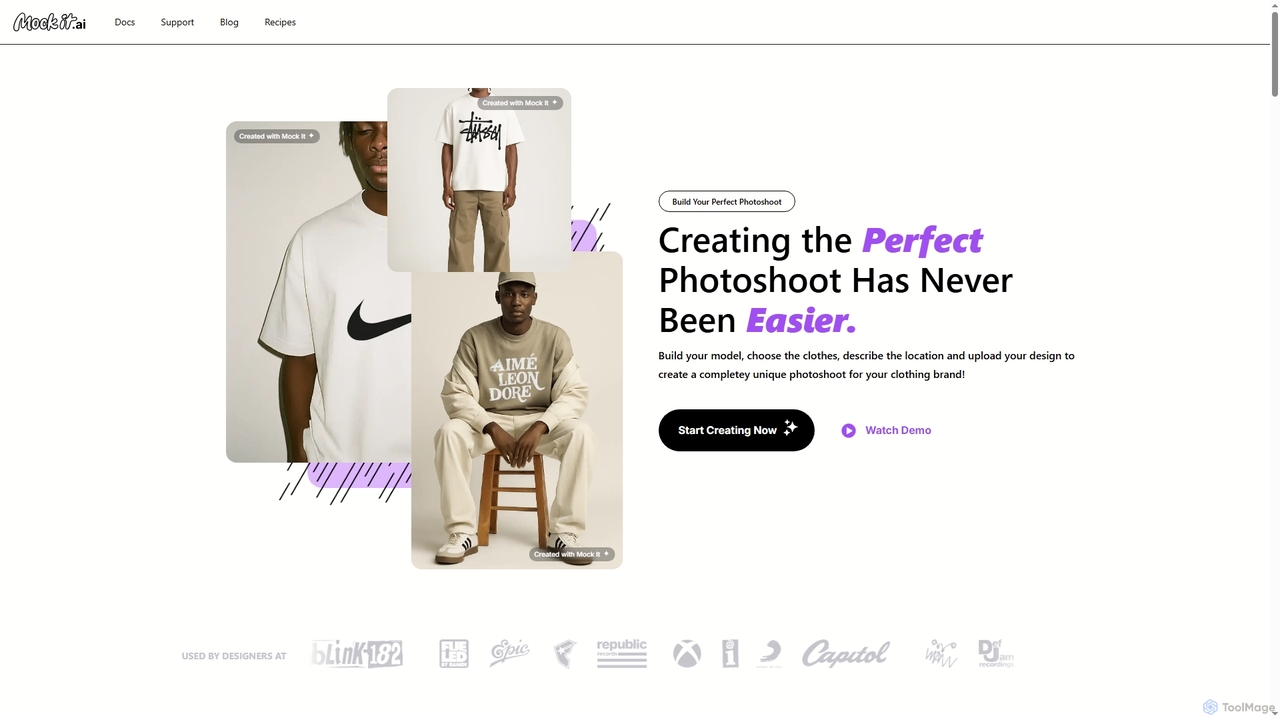
Mock It AI
Mock It AI is an AI-powered photoshoot generator designed for clothing brands. It allows users to create unique, high-quality, and fully editable mockups in seconds by building custom models, choosing apparel, describing locations, and uploading their own designs.
Fashion
Jyek
Jyek is an AI agent platform that understands objectives, creates execution plans, uses tools, and delivers verifiable results for complex, multi-step tasks.
Automation
MimicBrush Comments (0)
Sign in to comment.
Sign inNo comments yet.