Fun Best in category 1 results Photo & Video AI Tool

Popular AI tools in the Photo & Video field of Fun include colorizethis, etc., helping you quickly improve efficiency.

colorizethis

colorizethis

An advanced AI tool that breathes new life into black-and-white photos by colorizing them into stunning 8K resolution …

5.5K

About Photo & Video

AI Photo & Video tools are applications that use artificial intelligence to creatively generate, alter, and animate visual media, primarily for entertainment and personal expression. These tools leverage generative models like GANs and diffusion to transform text prompts into images, apply artistic styles, or animate static photos with just a few clicks. Their main value lies in making complex visual effects and content creation accessible to everyone, regardless of technical skill, for crafting unique social media content, personalized avatars, and fun visual gags. They empower users to quickly turn imaginative ideas into engaging digital art and videos.

Core Features

  • AI Style Transfer: Applies the aesthetic of famous artworks or custom styles to your photos and videos.
  • Generative Avatars & Portraits: Creates unique, stylized profile pictures or characters from your uploaded photos or text descriptions.
  • Photo Animation: Animates still photos, making faces smile, blink, or even sing, bringing old pictures to life.
  • Face & Object Swapping: Intelligently swaps faces or objects in images and videos for comedic or creative effects.
  • AI Video Effects & Filters: Adds dynamic, AI-driven effects like magical auras, surreal backgrounds, or cartoon conversions to video clips.

Use Cases

These tools are widely used by social media enthusiasts, content creators, and individuals for personal projects. Common applications include creating custom avatars for gaming or social profiles, producing viral-style funny videos for platforms like TikTok and Instagram, designing personalized digital greeting cards, or simply experimenting with artistic styles for creative hobbies.

How to Choose

When selecting an AI Photo & Video tool, consider the variety and quality of available styles and effects. Evaluate the user interface for ease of use, especially for beginners. Check the output resolution and whether the tool adds watermarks to free versions. Finally, review the pricing model—whether it's a one-time purchase, a subscription, or a credit-based system—to find one that fits your usage frequency and budget.

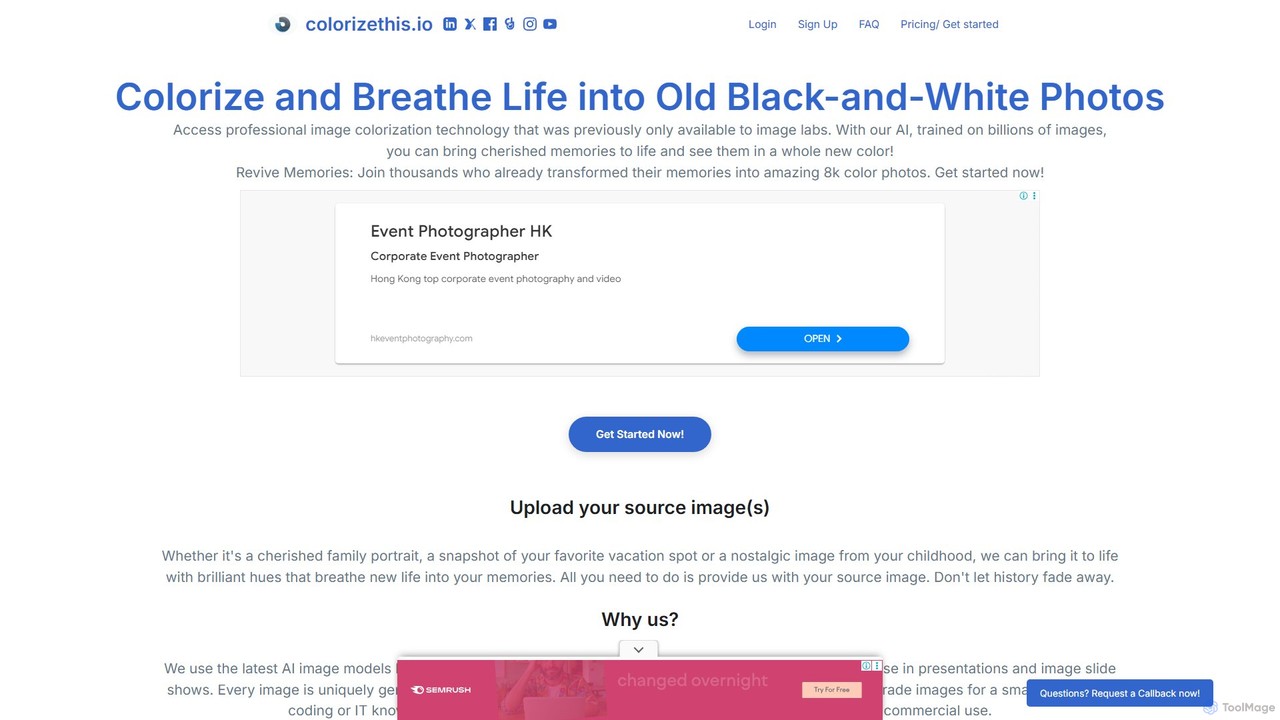
Photo & VideoUse Cases

1

Create Unique Social Media Avatars

A social media user wants a distinctive profile picture that stands out. Instead of using a standard photo, they upload several selfies to an AI avatar generator. The tool analyzes their facial features and produces dozens of avatars in various styles, such as cyberpunk, fantasy warrior, or anime character. The user can then select their favorite high-resolution avatar to use across all their platforms like Instagram, Twitter, and Discord, creating a memorable and personalized online identity without needing any artistic skills.

2

Produce Funny Face-Swap Videos

A group of friends wants to create a funny video for a birthday celebration. They use an AI face-swap tool to replace the actors' faces in a famous movie scene with their own. They simply upload a short video clip of each friend and select the target movie scene within the app. The AI seamlessly integrates their faces onto the characters, matching lighting and expressions. The result is a hilarious, personalized video they can share in their group chat or on social media, creating a unique and entertaining gift in minutes.

3

Animate Old Family Photos

Someone discovers an old, black-and-white photograph of their great-grandparents. To bring this memory to life, they use an AI photo animation tool. They upload the scanned photo, and the AI identifies the faces. With a single click, the tool animates the portrait, making the great-grandparents gently smile, blink, and turn their heads. This creates a short, lifelike video clip that adds a new emotional depth to the static image. They can then share this moving tribute with their family, preserving their heritage in a dynamic new way.

4

Transform Photos into Artistic Paintings

A travel enthusiast wants to share their vacation photos in a more creative way. Using an AI style transfer tool, they upload a picture of a scenic landscape. They then browse a gallery of artistic styles and select 'Van Gogh's Starry Night'. The AI analyzes the content of their photo and the style of the painting, then re-renders their image in the iconic, swirling brushstrokes of Van Gogh. The process takes less than a minute and results in a unique piece of art they can print, frame, or share online, turning a simple photo into a masterpiece.

5

Design Personalized Digital Greeting Cards

For a friend's birthday, a user wants to create a custom e-card instead of buying a generic one. They use an AI image generator with a text prompt like, 'A cute cartoon Corgi wearing a party hat, sitting next to a giant birthday cake, digital art style.' The AI generates several unique images based on this description. The user picks the best one, adds a personal text message using a simple editor, and sends the final image as a highly personalized and creative digital greeting card, making the occasion more special.

6

Generate AI-Powered Video Effects

A content creator wants to add a magical touch to their short video for Instagram Reels. They upload their clip to an AI video effects tool. Instead of manually keyframing complex effects, they simply select a preset like 'Sparkle Aura' or 'Cartoonify'. The AI automatically detects the subject in the video and applies the effect consistently throughout the clip, tracking their movement. This allows the creator to produce professional-looking, eye-catching videos in a fraction of the time it would take with traditional video editing software, boosting their content's visual appeal.

Photo & VideoFrequently Asked Questions