

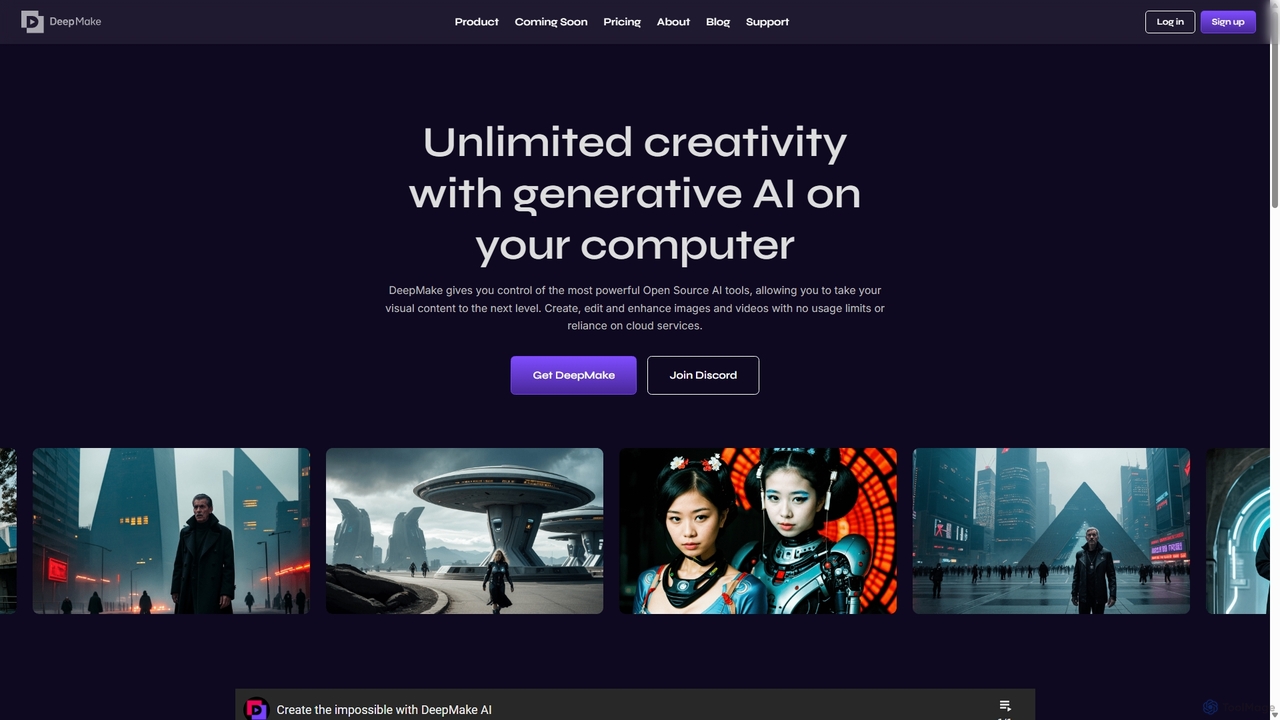
DeepMake Overview
DeepMake is a revolutionary platform designed to empower visual creators by integrating the most powerful open-source generative AI tools directly into their local workflow. Operating as a plugin for Adobe After Effects, DeepMake brings a suite of advanced capabilities to your desktop, eliminating the need for cloud services, usage-based fees, and creative limitations. By running AI models locally on your computer, it provides unparalleled control, privacy, and speed, allowing artists, editors, and motion graphics professionals to push the boundaries of visual content creation.
The core philosophy of DeepMake is to democratize access to cutting-edge AI. As an open-core company, it leverages the rapid innovation of the open-source community to deliver constantly evolving tools. This approach ensures that users are always equipped with the latest advancements in AI-driven image and video manipulation, from generating stunning visuals from simple text prompts to performing complex editing tasks with intelligent automation.
How to use DeepMake
Getting started with DeepMake is a straightforward process designed for seamless integration with Adobe After Effects:
- Download and Install: First, create an account on the DeepMake website. From your account page, download the appropriate installer for your operating system (Windows or macOS). Run the installer and follow the on-screen instructions. A system restart may be required.
- Launch in After Effects: Open Adobe After Effects. Select the layer or composition you wish to work on. To activate DeepMake, navigate to the main menu and select "Effect" > "DeepMake" > "AI Plugin Renderer".
- Access the Control Panel: This action adds the DeepMake panel to your "Effect Controls" window (press F3 if it's not visible). Here, you will find the main interface for the tool.
- Login and Manage Plugins: Click the "Login" button in the panel and enter your credentials. Once logged in, click "Manage" to open the Plugin Manager. This is where you can install specific AI models and tools, such as 'Diffusers' for text-to-image or 'BasicSR' for upscaling.
- Apply AI Effects: After installing a plugin and restarting After Effects, you can select the desired AI function from the DeepMake panel and apply it to your layer. Customize the parameters to achieve your desired creative output.
Core Features of DeepMake
- Text-to-Image Generation: Instantly create high-quality, unique images directly within your project timeline using simple text prompts. This feature is perfect for generating backgrounds, assets, or conceptual art without leaving After Effects.
- Image-to-Image Generation: Refine, augment, or completely transform existing images. Use an input image as a base to guide the AI, allowing for powerful style transfers, character modifications, and scene alterations.
- Smart Masking for Faces: Automatically detect and generate precise masks for faces in your video footage. This feature dramatically speeds up rotoscoping and VFX workflows for tasks like color correction, blemish removal, or special effects application on characters.
- Smart Object Masking: Go beyond faces and mask any object, character, or background in your video using text prompts. Simply describe what you want to isolate (e.g., "the red car" or "the person walking"), and DeepMake generates the mask automatically.
- AI Image and Video Upscaling: Enhance the resolution and quality of your images and videos using advanced AI algorithms (Super Resolution). This is ideal for restoring old footage, upscaling low-resolution clips for 4K projects, or improving the clarity of any visual asset.
- Local Processing: All AI operations run on your local hardware (Nvidia GPU for PC, Apple Silicon for Mac), ensuring complete privacy, no latency from internet connections, and no unexpected costs.
Use Cases for DeepMake
DeepMake is versatile and can be applied across various creative fields:
- Motion Graphics & VFX: Quickly generate abstract backgrounds, textures, and animated elements from text. Seamlessly integrate AI-generated characters or objects into live-action footage.
- Filmmaking and Video Editing: Effortlessly upscale archival footage to match modern high-resolution standards. Automate complex masking for color grading or object removal, saving hours of manual labor.
- Content Creation: Create unique thumbnails, social media visuals, and B-roll footage from scratch. Enhance the quality of existing videos to provide a more professional look.
- Digital Art and Design: Experiment with AI to generate new artistic styles, concept art, and illustrations that can be further refined and animated in After Effects.
Advantages of DeepMake
DeepMake offers significant advantages over cloud-based AI services:
- No Usage Fees: Once you have the software, you can generate and edit as much as you want without worrying about per-image or per-second costs.
- Complete Creative Control: Local processing allows for finer tuning of AI models and parameters, giving you more precise control over the final output.
- Enhanced Privacy and Security: Your source files and creations never leave your computer, making it ideal for sensitive or confidential projects.
- Offline Capability: Work from anywhere, without being dependent on a stable internet connection.
- Seamless Workflow Integration: As an After Effects plugin, it fits directly into existing professional video production pipelines without disruption.
Pricing and Plans
DeepMake offers a tiered pricing structure to suit different user needs:
- Community (Free): This plan is perfect for getting started. It includes the core Adobe After Effects integration, text-to-image and image-to-image generation, updates to the latest open-source models, and unlimited usage.
- Creator (Paid): Aimed at professionals and serious creators, this plan includes everything in the Community tier, plus advanced features like AI video and image upscaling, smart face masking, and smart object masking with text prompts. Subscribers also get priority access to new AI features.
- Studio (Custom): Designed for teams and businesses, the Studio plan includes all Creator features plus custom integrations, multi-computer rendering capabilities, white-glove deployment, dedicated support, and options for custom development and training.
Paid plans are available with monthly or yearly billing, with the yearly option offering a discount equivalent to two months free.
Traffic
Latest traffic
Status
Monthly traffic trend
- 2025-9: 7.7K
- 2026-1: 8.3K
- 2026-2: 5.5K
- 2026-3: 5.0K
- 2026-4: 2.6K
- 2026-5: 3.8K
Geography
Top 5 countries / regions
- 🇺🇸United States57.8%
- 🇮🇳India42.2%
Top keywords
| Keyword | Cost per click |
|---|---|
| deepmake | $0.00 |
| deepmaker | $0.00 |
| rotoscope ai | $2.17 |
| rotoscoping | $3.07 |
| rotoshcopy ai | $0.00 |
DeepMake Alternatives
Runway
Runway is an advanced AI-powered creative suite for content creation. It offers a wide range of tools, including state-of-the-art text-to-video (Gen-2), video-to-video (Gen-1), image generation, AI-powered video editing, and more. It's designed for filmmakers, artists, and marketers to ideate, generate, and edit content like never before, streamlining complex creative workflows.
Image Generation
ChatronAI
ChatronAI is an all-in-one AI workspace designed to streamline creative and technical workflows. It integrates tools for long-form content creation, SEO optimization, AI image generation, simple video editing with auto-captions, and code assistance. This unified platform empowers creators, marketers, and developers to produce high-quality work more efficiently by consolidating multiple functionalities into a single, intuitive interface.
Development
Cutout.Pro
Cutout.Pro is an AI-powered visual design platform offering a comprehensive suite of tools for image and video editing. It specializes in automated background removal, photo enhancement, object removal, and AI content generation, catering to designers, e-commerce businesses, developers, and individual users.
3D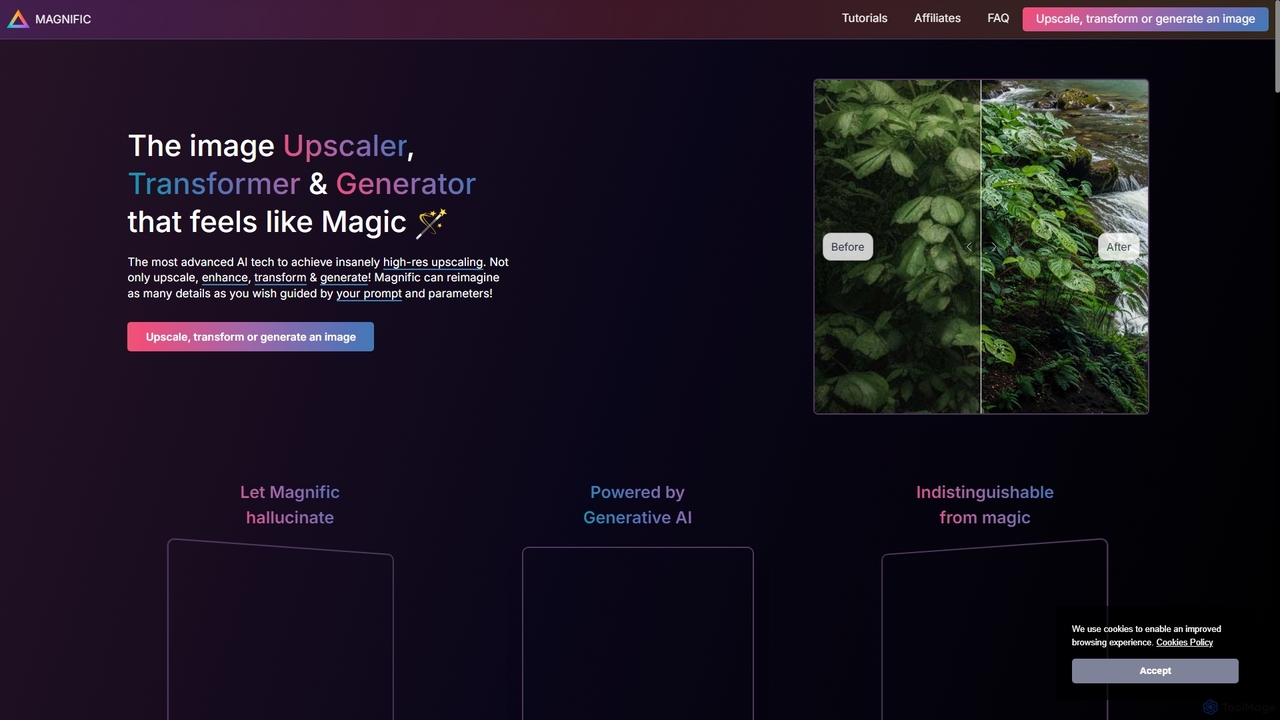
Magnific AI
Magnific AI is an advanced AI-powered image upscaler, enhancer, and transformer. It goes beyond traditional upscaling by using generative AI to intelligently add new, high-resolution details guided by user prompts. With intuitive controls like the 'Creativity' slider, users can transform any image—from portraits and illustrations to game assets and landscapes—into stunningly detailed, high-resolution masterpieces. It's a magical tool for artists, designers, and photographers seeking unparalleled image quality and creative control.
Generative Art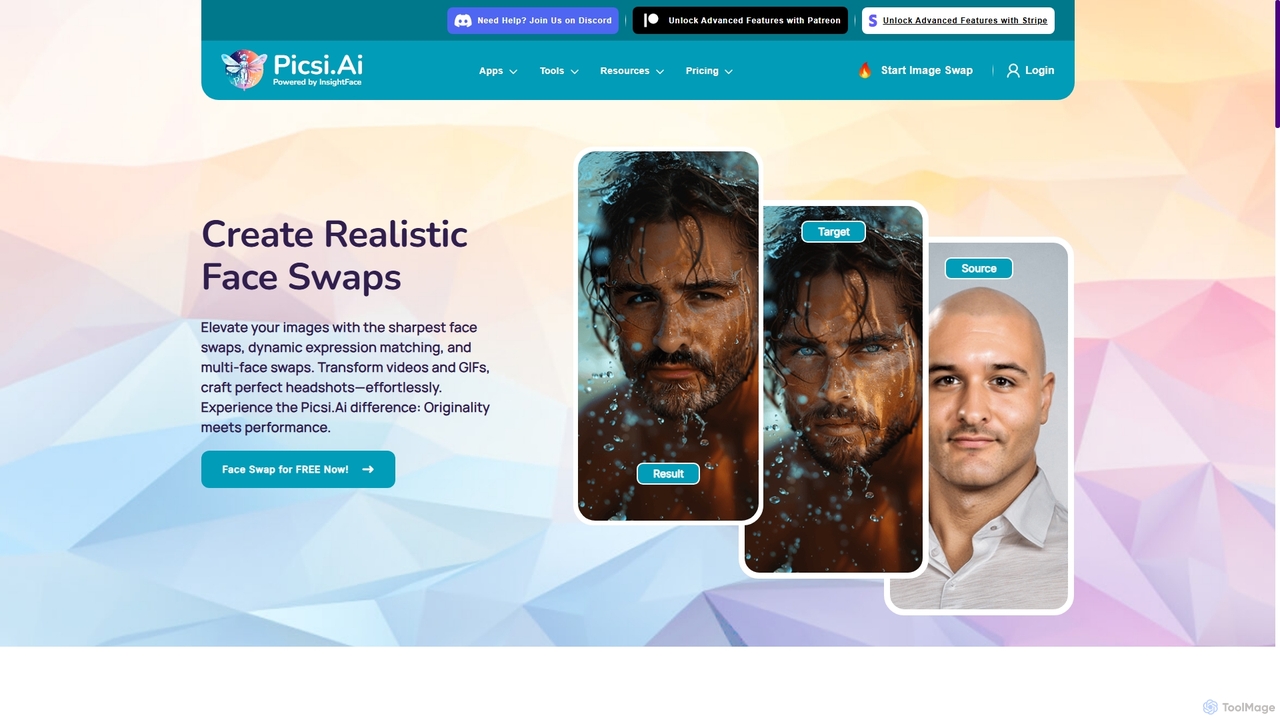
Picsi
Picsi is an advanced AI face-swapping platform powered by InsightFace technology, enabling users to create highly realistic face swaps in images, videos, and GIFs. It offers a versatile ecosystem including a web app, iOS app with live swapping, Discord bot, Chrome extension, and Photoshop plugin. It features multi-face swapping, AI headshot creation, and a suite of advanced editing tools for both creative and professional use.
EntertainmentDeepMake Categories
DeepMake Jobs
DeepMake Embed Widget
Copy this embed code to place the badge on your blog, article, or product site and send readers directly to this ToolMage detail page.

Related AI tools
Runway
Runway is an advanced AI-powered creative suite for content creation. It offers a wide range of tools, including state-of-the-art text-to-video (Gen-2), video-to-video (Gen-1), image generation, AI-powered video editing, and more. It's designed for filmmakers, artists, and marketers to ideate, generate, and edit content like never before, streamlining complex creative workflows.
Image Generation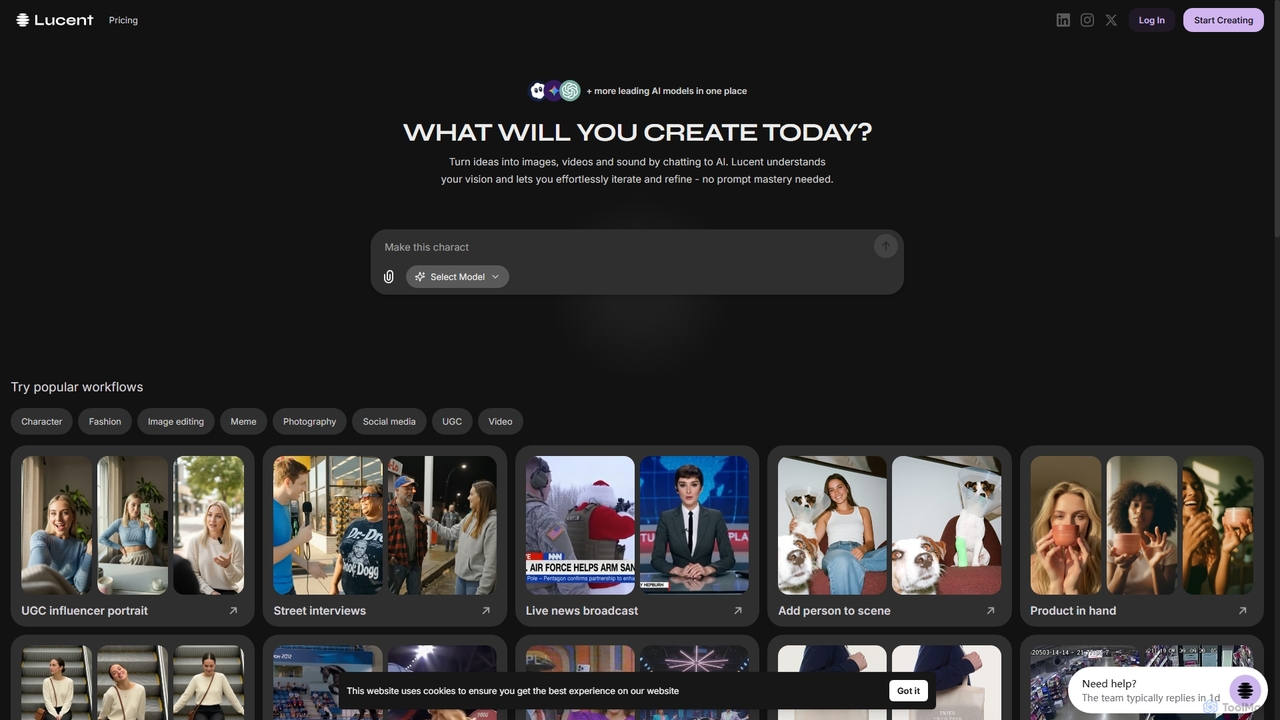
Lucent Chat
Lucent Chat is an all-in-one AI creative workspace specializing in advanced video and image generation and editing. It leverages state-of-the-art AI models like Sora 2, Veo 3.1, Seedream v4.0, and Kling 2.5 to transform text and images into high-quality visual content, offering tools for video creation, image generation, upscaling, and reframing.
Image Generation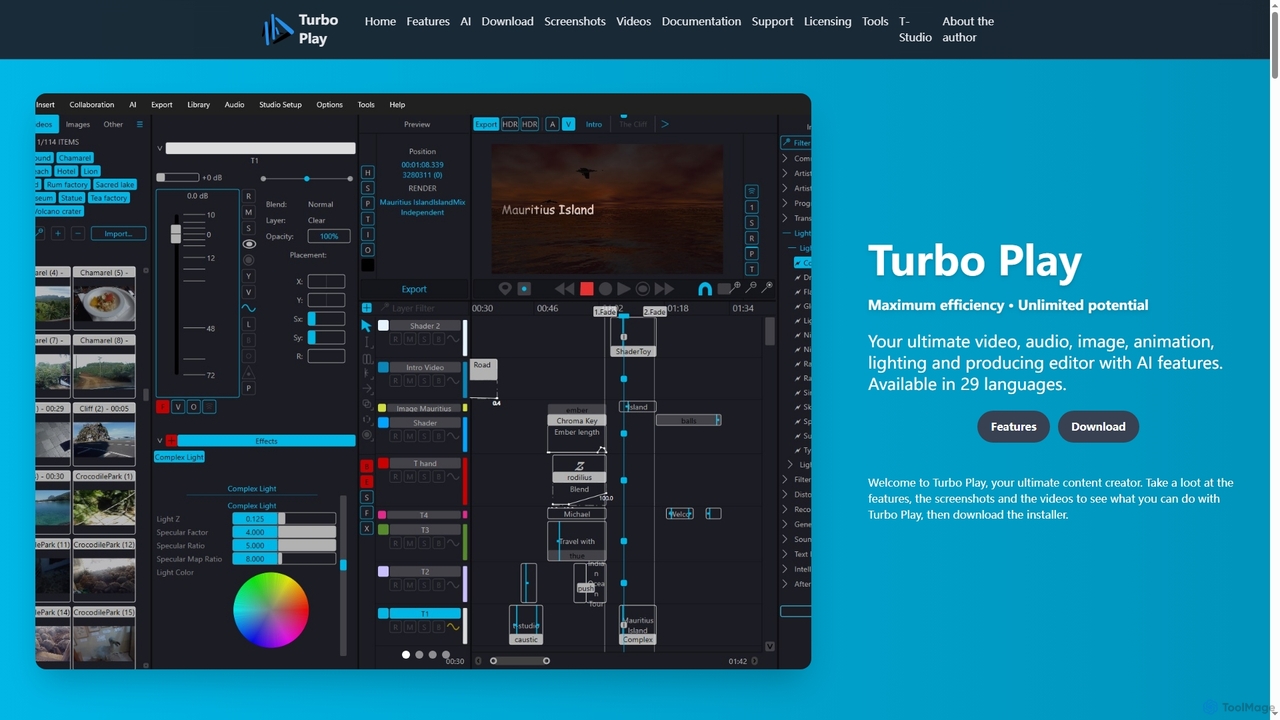
Turbo Play
Turbo Play is an all-in-one AI-powered video, audio, image, and animation editor designed for maximum efficiency and unlimited creative potential. It offers a comprehensive suite of tools for content creation, including advanced AI features for background removal, face swapping, speech separation, and text-to-image generation, catering to both casual and professional users across 29 languages.
3D
ComfyUI
ComfyUI is a powerful, free, and open-source node-based graphical user interface for generative AI. It offers unparalleled control and flexibility for creating complex workflows to generate images, videos, 3D assets, and audio, designed for artists, developers, and researchers.
3D Modeling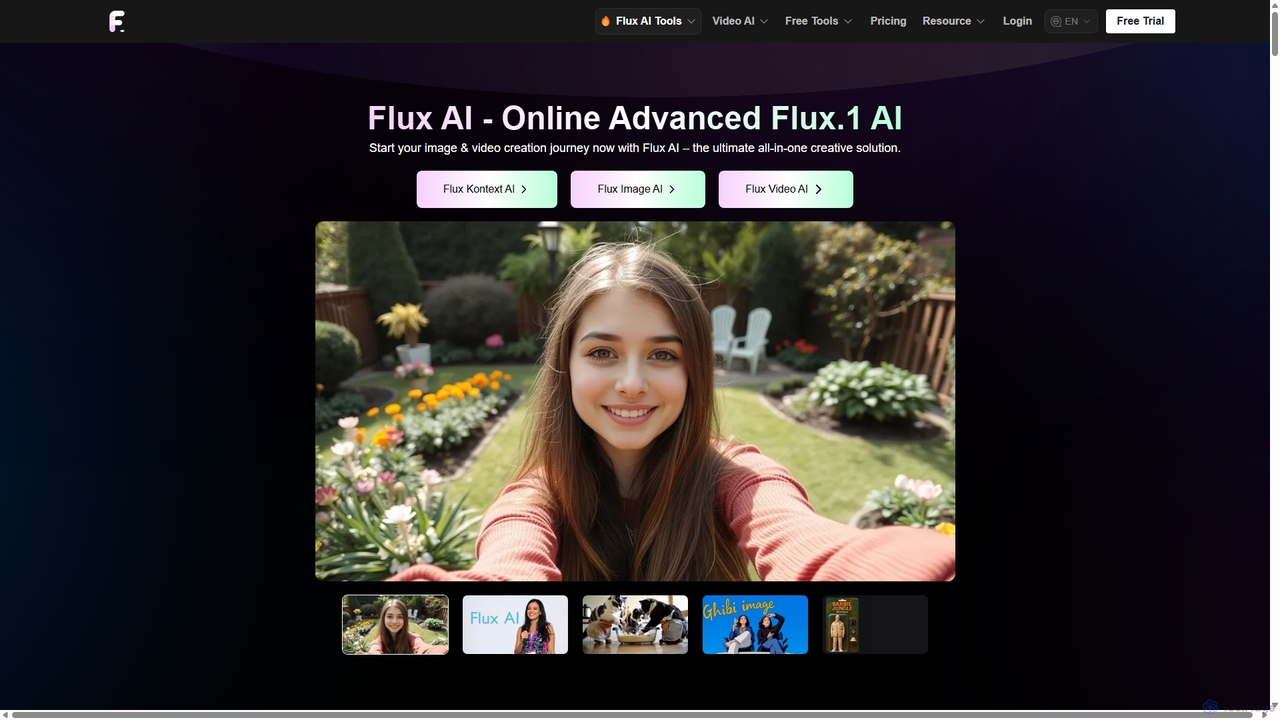
Flux Ai
Flux AI is a comprehensive creative suite for generating and editing high-quality images and videos. It offers a wide range of models, from text-to-image and text-to-video to advanced context-aware editing with Flux Kontext. Ideal for creators, marketers, and developers, it provides both user-friendly tools and powerful, open-source models for maximum flexibility.
Photo Editing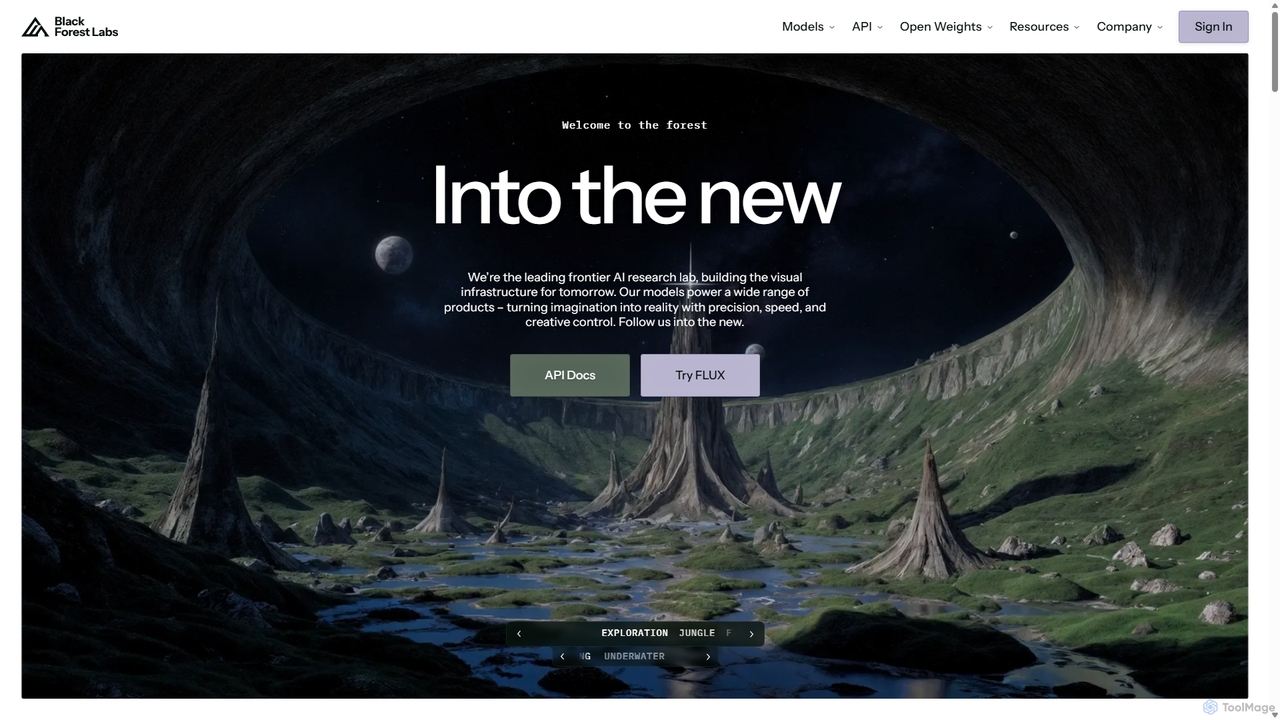
Blackforestlabs
Black Forest Labs is a frontier AI research lab developing advanced visual infrastructure. Their flagship FLUX models offer state-of-the-art, high-speed image generation and editing. They provide access via a user-friendly Playground, a powerful API for developers, and open-weight models for custom deployment, turning imagination into reality with unparalleled precision and creative control.
Api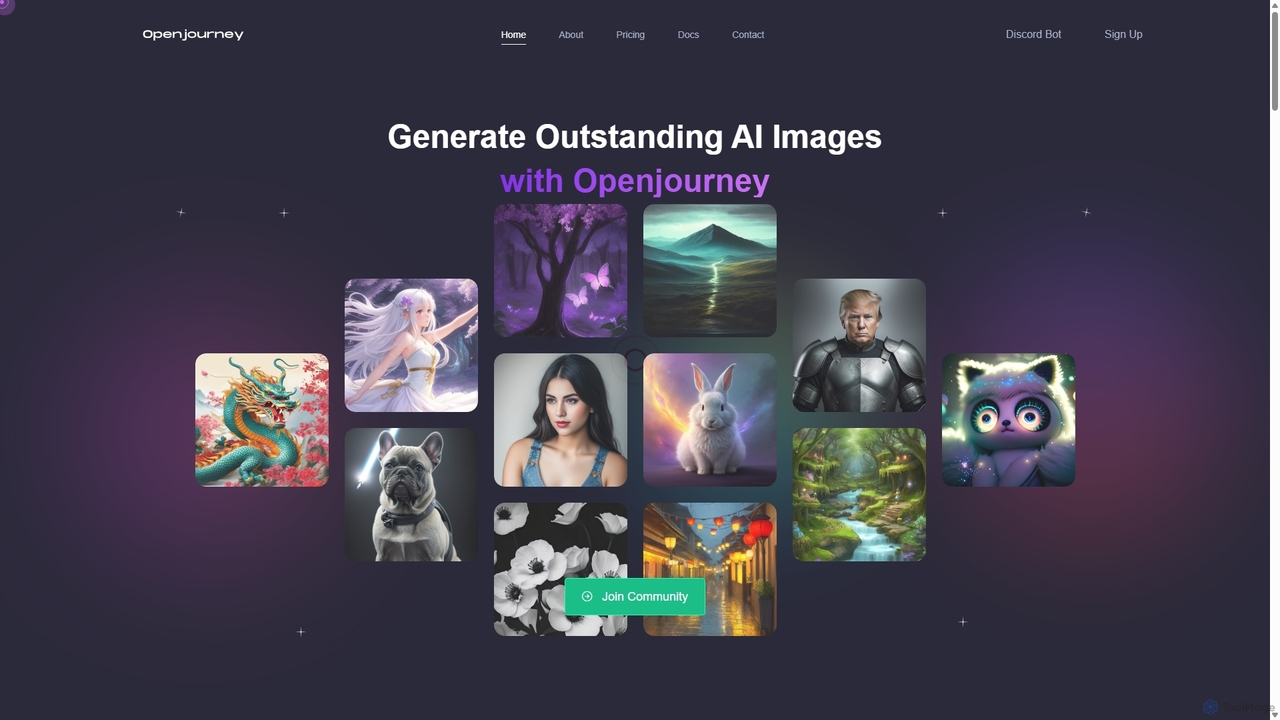
Openjourney
Openjourney is a comprehensive AI creative suite that offers a wide range of generative tools in one place. It excels in generating high-quality images from text prompts but also includes powerful features like face restoration, face swapping, background removal, image upscaling to 4K, an unlimited AI chatbot, and advanced controls like Controlnet. It's designed for creators, marketers, and artists seeking a versatile and powerful AI toolkit.
Generative Art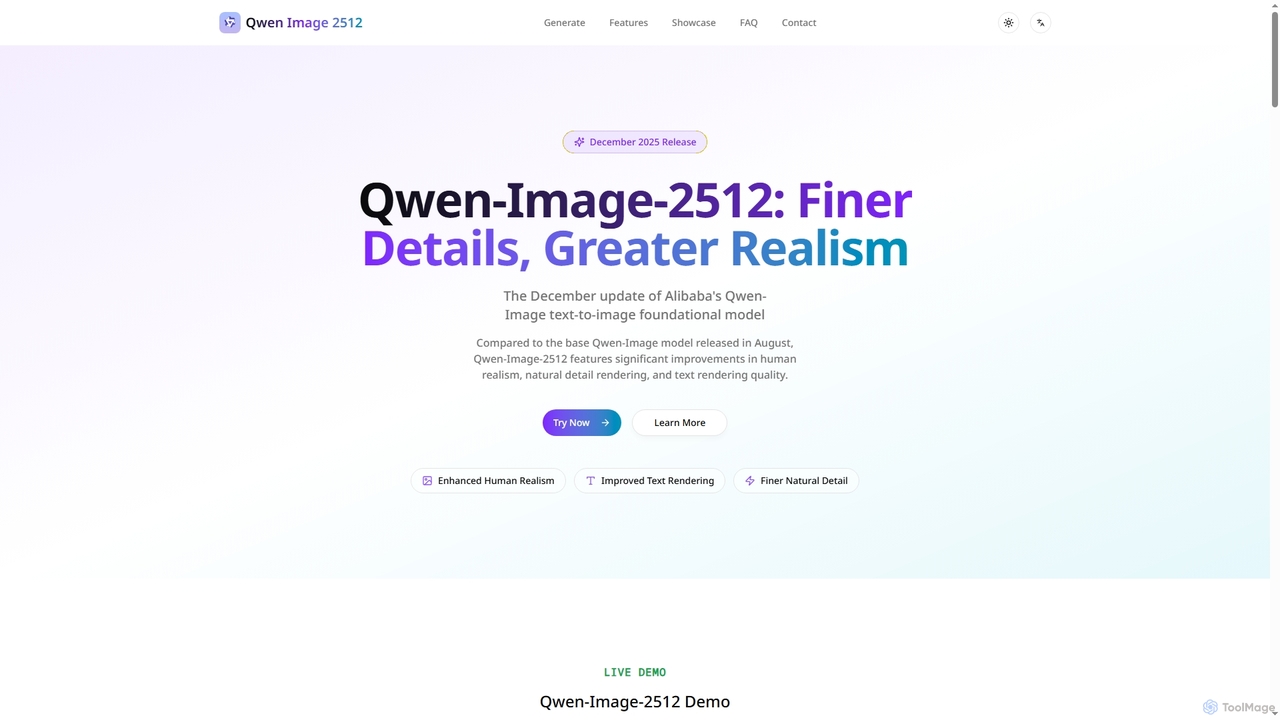
Qwenimg
Qwenimg is Alibaba's advanced AI text-to-image foundational model, Qwen-Image-2512, designed for generating highly realistic images. It excels in enhancing human realism, rendering finer natural details, and accurately displaying text, including CJK characters, with lightning-fast generation speeds.
Content Creation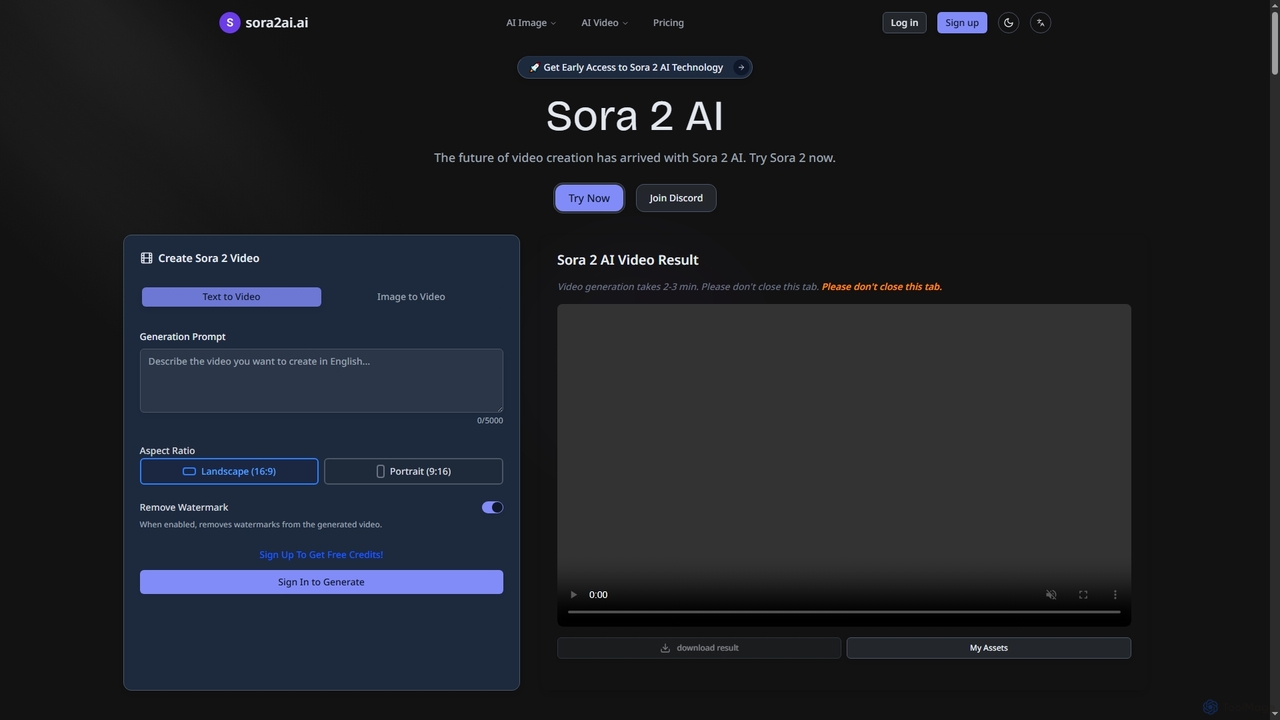
Sora2ai
Sora2ai is a comprehensive AI creative platform offering early access to advanced AI video and image generation. It integrates cutting-edge models like Sora 2 for 20-second continuous video generation with unique cameos and native audio, Google's Veo 3 for cinematic videos, and NanoBanana for powerful image editing, providing a unified workflow for diverse creative needs.
Content Creation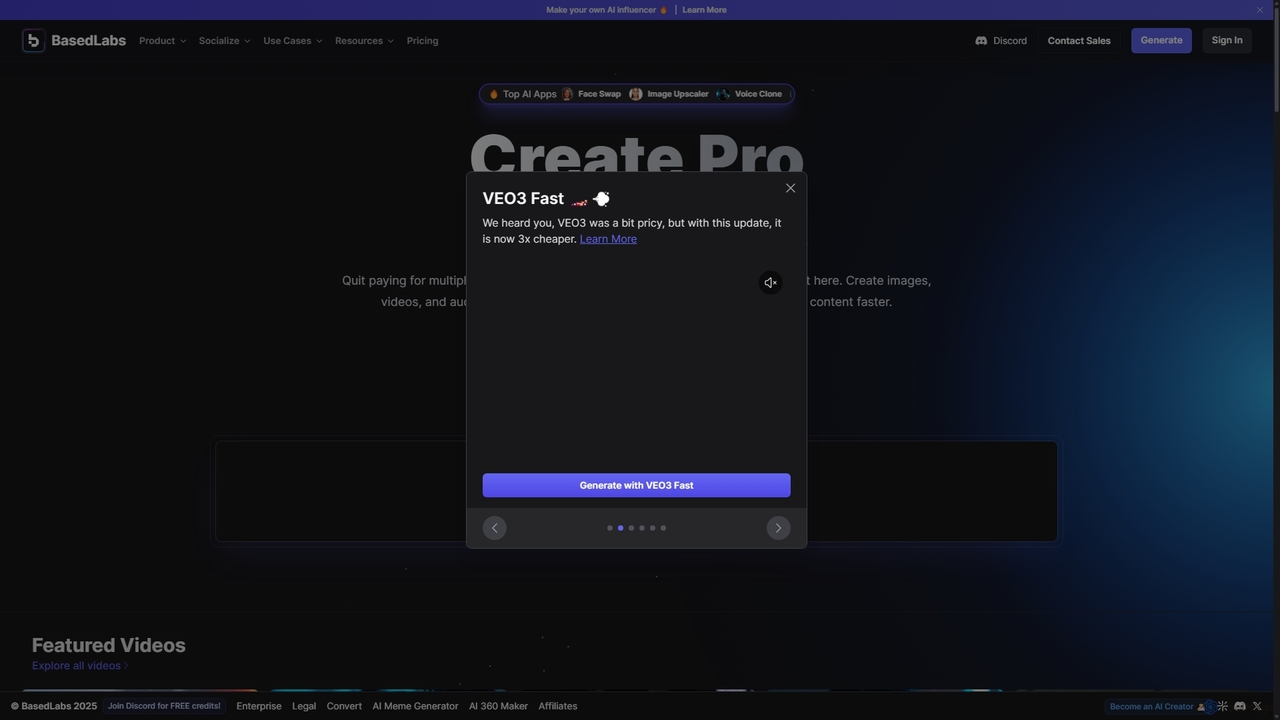
BasedLabs
BasedLabs is a unified AI content creation powerhouse, offering a vast suite of tools for generating and editing images, videos, and audio. It integrates top-tier AI models, enabling users to create everything from social media clips and marketing ads to photorealistic art and custom characters without needing multiple subscriptions.
Voice Cloning
Jyek
Jyek is an AI agent platform that understands objectives, creates execution plans, uses tools, and delivers verifiable results for complex, multi-step tasks.
Automation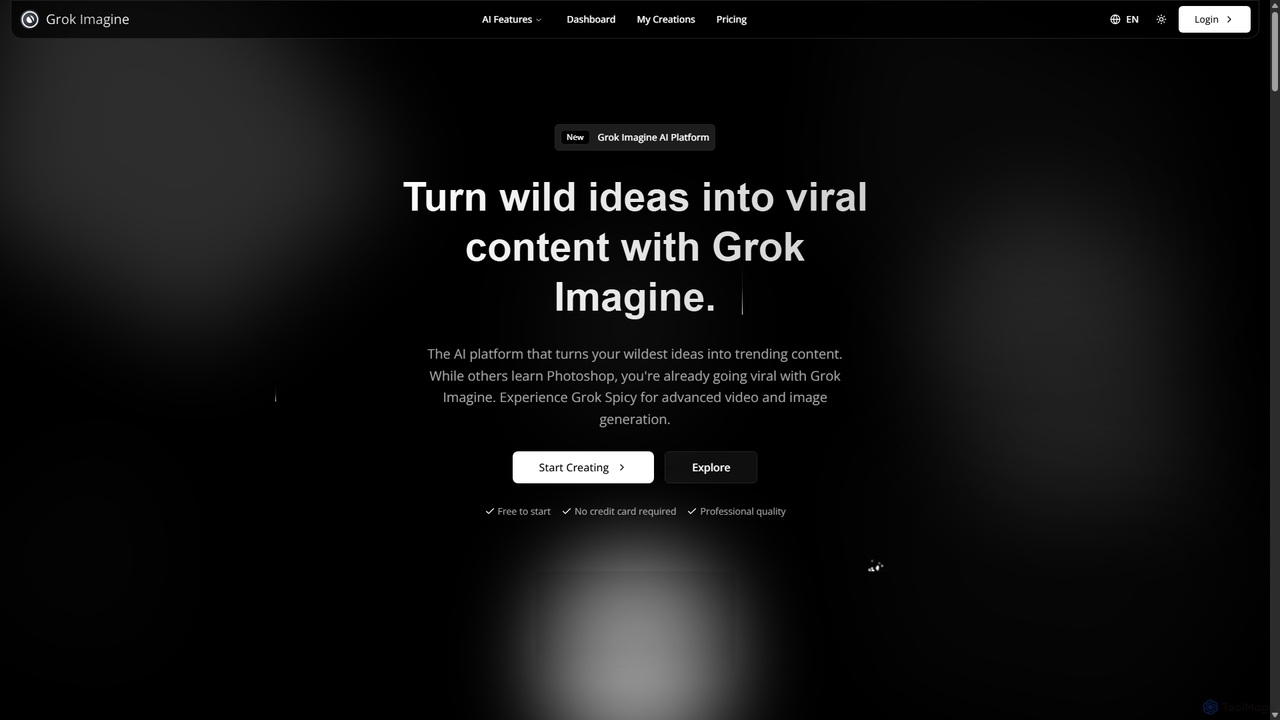
Grok Imagine
Grok Imagine is a powerful AI image and video generation suite powered by Aurora Engine Technology. It transforms text, images, and other videos into stunning, high-quality visual content. Featuring multiple generation modes, resolution options, and a user-friendly interface, it's designed for creators, marketers, and artists to bring their ideas to life effortlessly.
Generative Art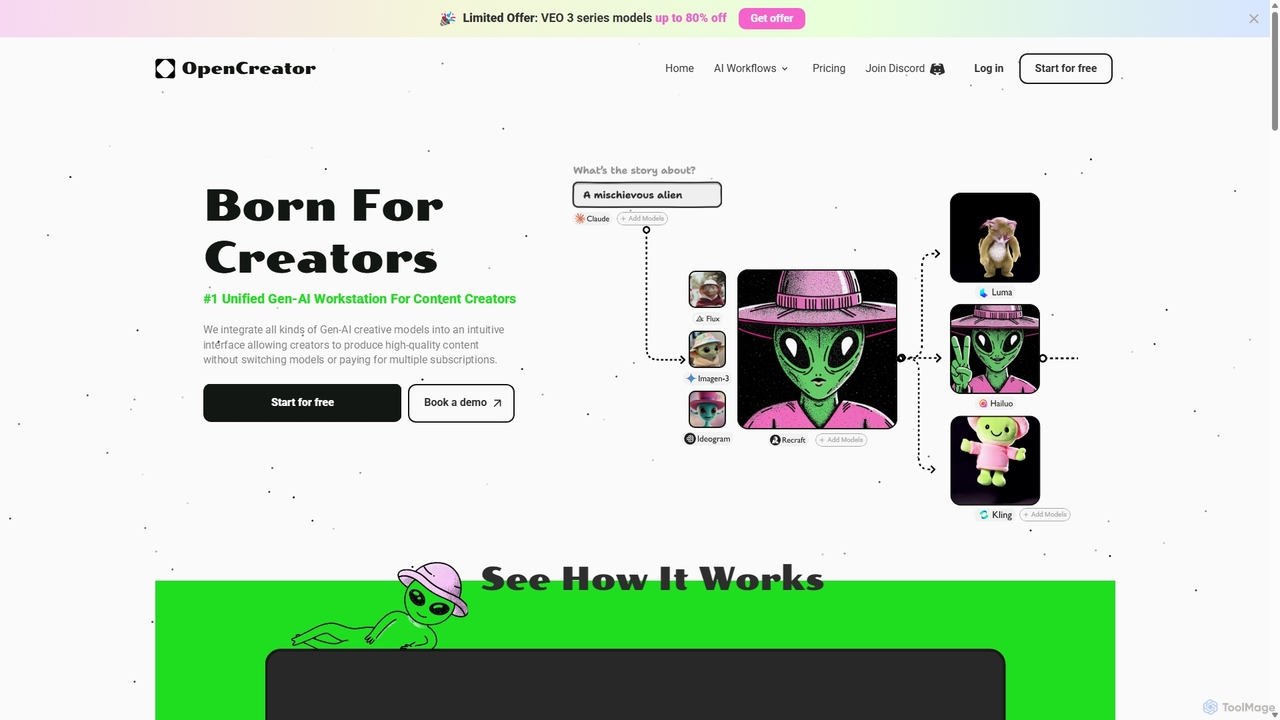
OpenCreator
OpenCreator is a unified Gen-AI workstation for content creators, integrating over 20 top AI models like Kling, Luma, and Stable Diffusion. It provides an intuitive interface to produce high-quality videos and images from text, scripts, or sketches, eliminating the need for multiple subscriptions and complex tools.
Image Generation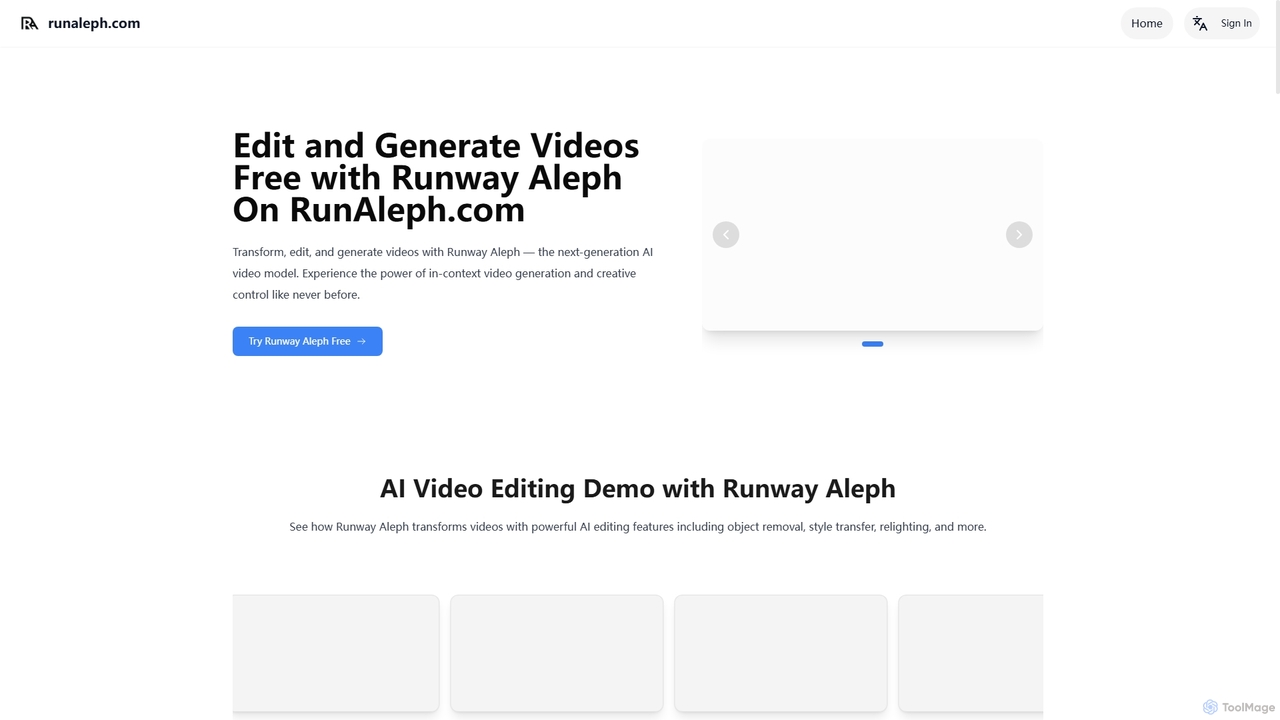
Runaleph
runaleph is a free online gateway to Runway Aleph, a next-generation AI video model. It allows users to edit, transform, and generate videos using simple text prompts. Key features include video-to-video transformation, in-context object manipulation, camera angle generation, and scene restyling without any prior editing experience.
Generative Art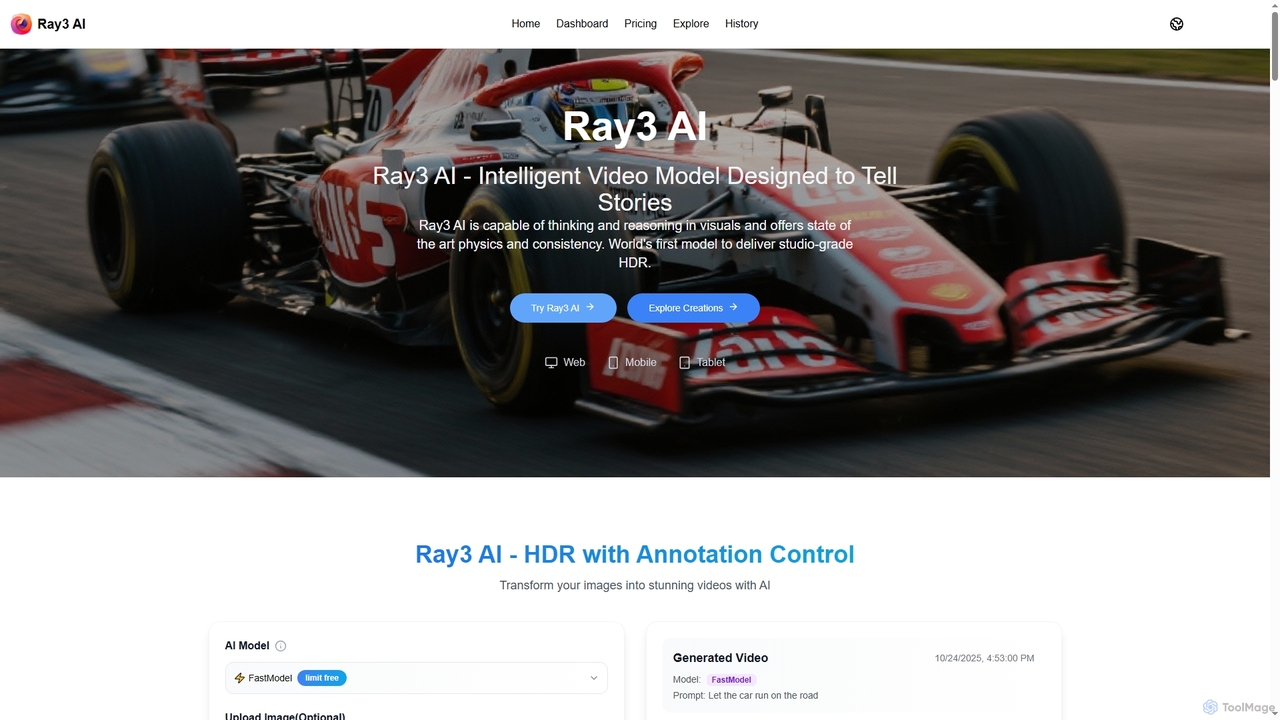
Ray3 AI
Ray3 AI is an intelligent video model designed to transform images into stunning, studio-grade HDR videos. It features advanced visual reasoning, state-of-the-art physics, and consistency, enabling creators to tell compelling stories with exceptional fidelity and precise control.
Storytelling
DeepMake Comments (0)
Sign in to comment.
Sign inNo comments yet.