

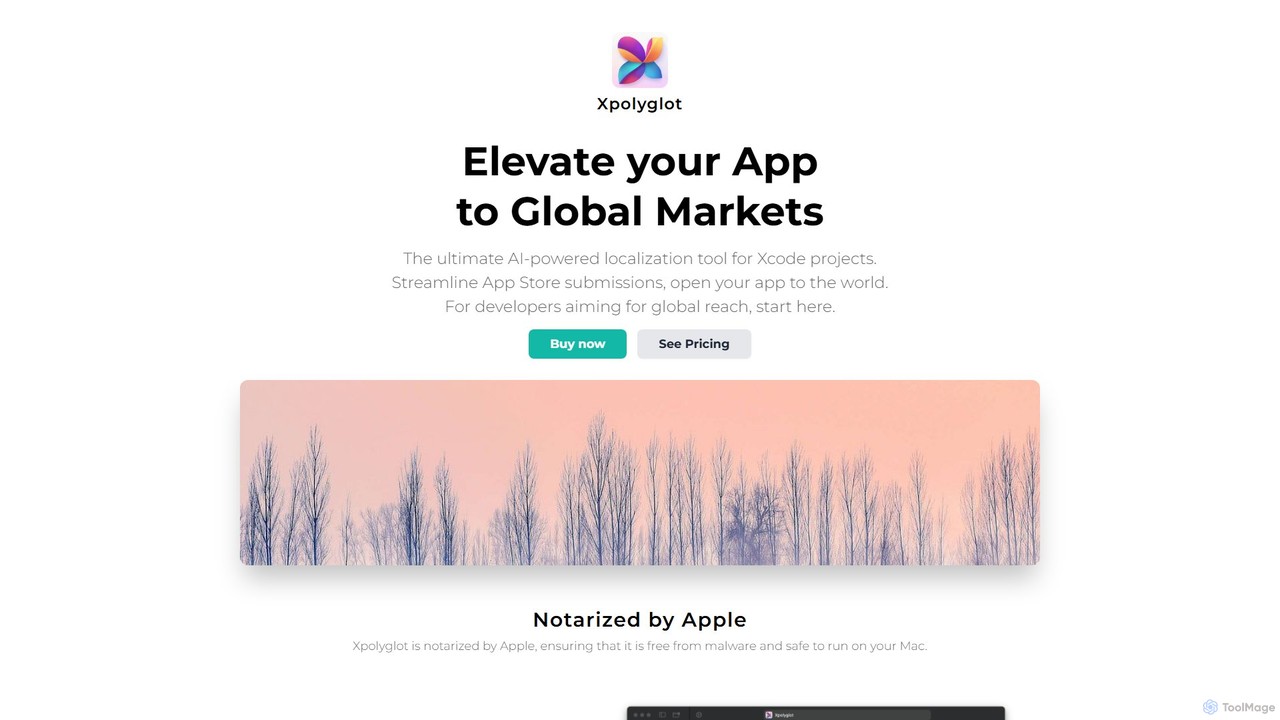
xpolyglot Overview
xpolyglot is a specialized AI-powered localization application for macOS, meticulously crafted by FiveSheep for developers working within the Xcode ecosystem. Its primary goal is to dramatically simplify and accelerate the process of making applications available to a global audience. By leveraging the power of OpenAI's advanced language models, xpolyglot provides a seamless and highly efficient solution for translating everything from in-app text strings to crucial App Store marketing materials, enabling developers to expand their market reach with minimal effort and a fraction of the traditional cost.
The application is designed with the developer's workflow in mind. It integrates directly with Xcode projects, allowing for easy importation and management of localization files, specifically the modern `.xcstrings` format. As a native macOS app, it is notarized by Apple, guaranteeing it is secure and free from malware. This focus on security and seamless integration makes it a trustworthy and indispensable tool for any developer looking to internationalize their iOS or macOS app.
How to use xpolyglot
Getting started with xpolyglot is a straightforward process designed for maximum efficiency:
- Purchase and Install: Acquire a lifetime license for xpolyglot with a one-time purchase and install the application on your Mac.
- Obtain API Key: Get your personal OpenAI API key from the OpenAI website. This key is required for the AI translation features.
- Configure Settings: Launch xpolyglot, navigate to the settings panel, and enter your OpenAI API key to activate the AI capabilities.
- Import Project: Simply drag and drop or use the import function to add your Xcode project. The app will automatically detect and display your string catalogs.
- AI-Powered Translation: Select the strings you wish to translate and the target languages. Use the 'Magic' translation feature to let the AI populate all the translations in seconds.
- Manage Metadata: Go to the App Store Connect section within the app to manage and translate your app's description, keywords, and promotional text across all languages.
- Handle Updates: For new app versions, easily translate the "What's new" section to keep your international users informed about the latest features and fixes. The 'Delta updates' feature ensures only new or modified text is translated, saving time and API costs.
Core Features of xpolyglot
- Seamless Xcode Integration: Effortlessly import `.xcstrings` files from your Xcode projects with just a few clicks, maintaining a smooth development workflow.
- AI-Powered String Localization: Harnesses the OpenAI API to provide fast, context-aware, and high-quality translations for all your in-app text.
- Delta Updates: Intelligently detects changes in your source strings and only translates what's new or modified, significantly reducing API usage and costs.
- Global Metadata Management: Localize your App Store Connect description, keywords, and "What's new" text for all supported languages directly within the app, ensuring consistency and discoverability.
- Version Management for Updates: Streamlines the process of creating new app versions by making it easy to translate release notes for a global audience.
- Cost-Effectiveness Analysis: Includes a built-in estimator to compare the cost of using xpolyglot and the OpenAI API against expensive traditional translation services, often highlighting savings of over 90%.
- Secure and Trusted: The application is notarized by Apple, ensuring it meets Apple's security standards and is safe to run on your Mac.
Use Cases for xpolyglot
xpolyglot is ideal for a wide range of developers and teams:
- Indie Developers & Startups: Launch apps in multiple markets on a tight budget, avoiding the high upfront costs of professional translation agencies.
- Agile Development Teams: Integrate localization into the continuous development cycle, quickly translating new features and UI changes for each sprint or release.
- App Marketers: Optimize App Store Optimization (ASO) on a global scale by easily testing and deploying localized keywords and descriptions in various languages.
- Developers Managing Multiple Apps: Centralize and streamline the localization efforts for an entire portfolio of applications from a single, intuitive dashboard.
Advantages of xpolyglot
The primary advantage of xpolyglot is its unparalleled blend of cost, speed, and convenience. It democratizes app localization, a process that was once costly and time-consuming. By using their own OpenAI API key, developers maintain full control and transparency over their translation costs. The intelligent 'Delta updates' feature further enhances efficiency, while the dedicated App Store metadata management helps boost global visibility. Ultimately, xpolyglot empowers developers to open their apps to the world, faster and more affordably than ever before.
Pricing and Plans
xpolyglot offers a simple and transparent pricing model:
- One-Time Purchase: The application is available for a single payment of $9.99.
- Lifetime License: This one-time purchase grants you a lifetime license to use the app.
- Free Updates: All future updates and feature enhancements for the xpolyglot app are included at no additional cost.
- OpenAI API Costs: Users are required to use their own OpenAI API key. The cost of translations is based on token usage and is billed directly by OpenAI. xpolyglot is optimized to minimize these API costs.
xpolyglot Alternatives
LocalizeBot
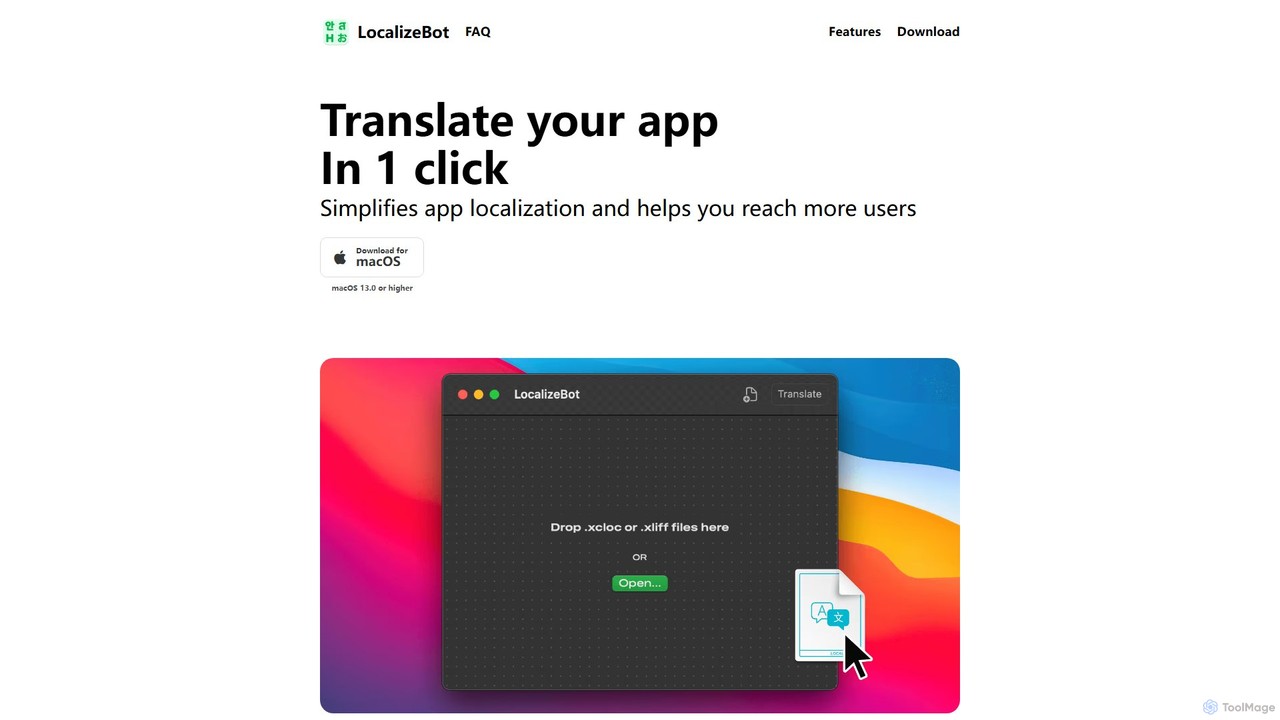
LocalizeBot is a dedicated macOS application that simplifies app localization for developers. With one-click AI-powered translation, it seamlessly integrates into the Xcode workflow, supporting .xliff and .xcloc files. It leverages OpenAI and Google Translate, enhanced with Apple-specific glossaries and contextual understanding to help you reach a global audience effortlessly.
Code Assistant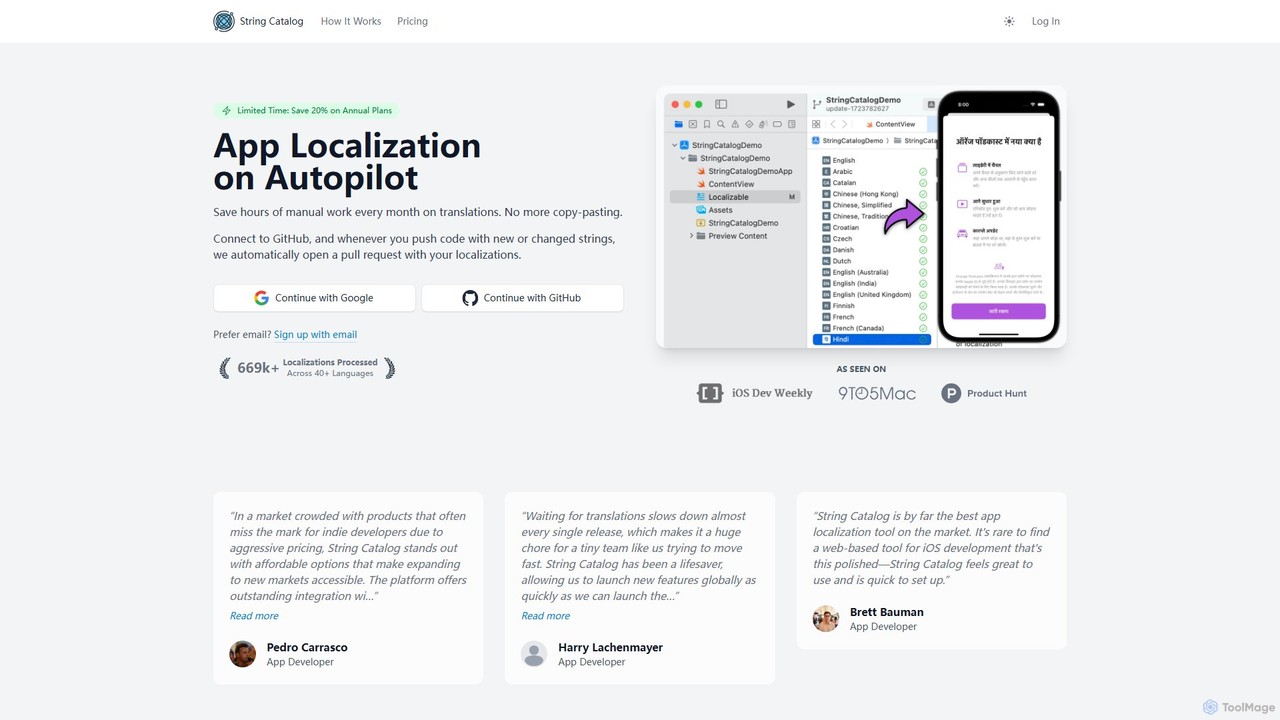
String Catalog
An AI-powered platform that automates iOS and Android app localization. Connect your GitHub repository, and String Catalog will automatically translate new strings and create pull requests, supporting over 40 languages and saving hours of manual work.
Translation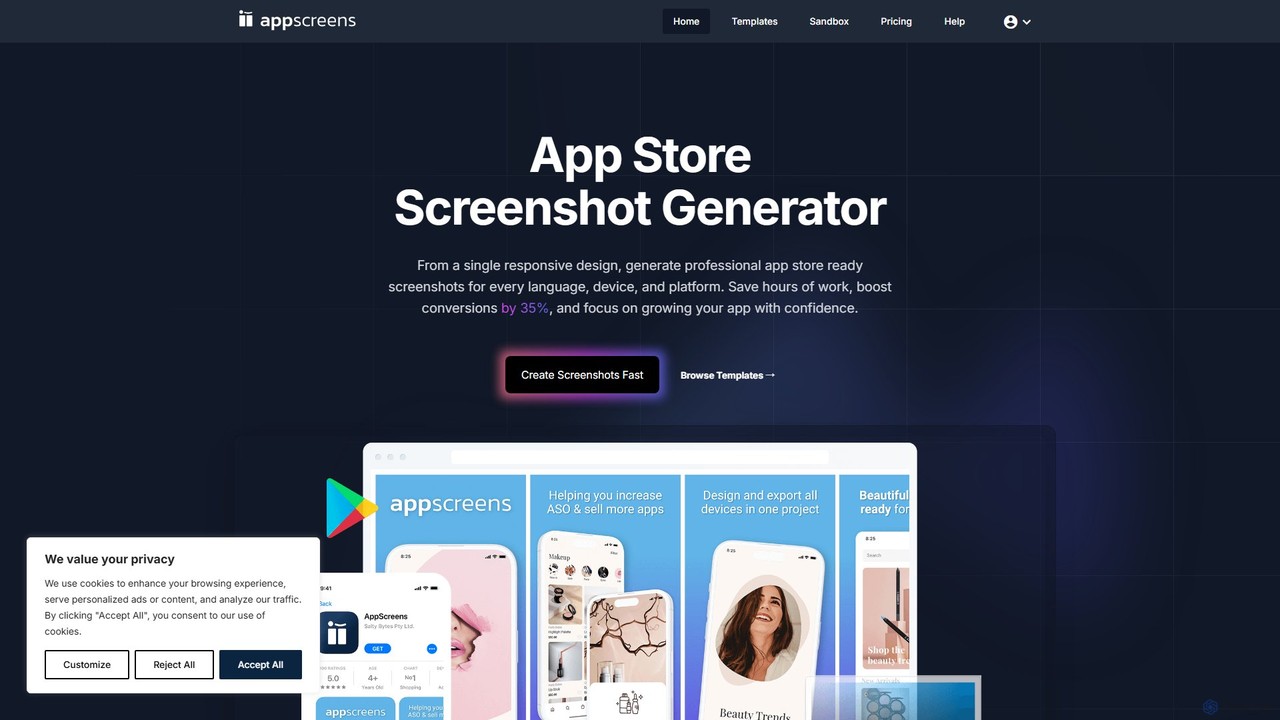
AppScreens
AppScreens is an AI-powered screenshot generator that helps app developers create professional, localized screenshots for all app stores. From a single responsive design, it automatically generates assets for every device, platform, and language. Features include 100+ templates, AI-driven captioning, bulk import/upload, and one-click publishing to App Store Connect and Google Play, saving time and boosting app conversions.
Mockup Generator
PO-File
PO-File is an AI-powered online translation tool specifically designed for PO and POT files, streamlining software localization for developers and localization teams. It ensures accuracy by preserving code variables and context.
Localization
AI Localizer
AI Localizer by Wide Angle Software is an AI-powered application designed for iOS and macOS developers to automatically translate their apps into over 37 languages. It streamlines the localization process, enabling developers to reach a global audience with just a few clicks, saving significant time and resources compared to manual translation.
Language Translationxpolyglot Categories
xpolyglot Embed Widget
Copy this embed code to place the badge on your blog, article, or product site and send readers directly to this ToolMage detail page.

Related AI tools
LocalizeBot
LocalizeBot is a dedicated macOS application that simplifies app localization for developers. With one-click AI-powered translation, it seamlessly integrates into the Xcode workflow, supporting .xliff and .xcloc files. It leverages OpenAI and Google Translate, enhanced with Apple-specific glossaries and contextual understanding to help you reach a global audience effortlessly.
Code AssistantAI Localizer
AI Localizer by Wide Angle Software is an AI-powered application designed for iOS and macOS developers to automatically translate their apps into over 37 languages. It streamlines the localization process, enabling developers to reach a global audience with just a few clicks, saving significant time and resources compared to manual translation.
Language TranslationString Catalog
An AI-powered platform that automates iOS and Android app localization. Connect your GitHub repository, and String Catalog will automatically translate new strings and create pull requests, supporting over 40 languages and saving hours of manual work.
TranslationAppScreens
AppScreens is an AI-powered screenshot generator that helps app developers create professional, localized screenshots for all app stores. From a single responsive design, it automatically generates assets for every device, platform, and language. Features include 100+ templates, AI-driven captioning, bulk import/upload, and one-click publishing to App Store Connect and Google Play, saving time and boosting app conversions.
Mockup GeneratorPO-File
PO-File is an AI-powered online translation tool specifically designed for PO and POT files, streamlining software localization for developers and localization teams. It ensures accuracy by preserving code variables and context.
Localization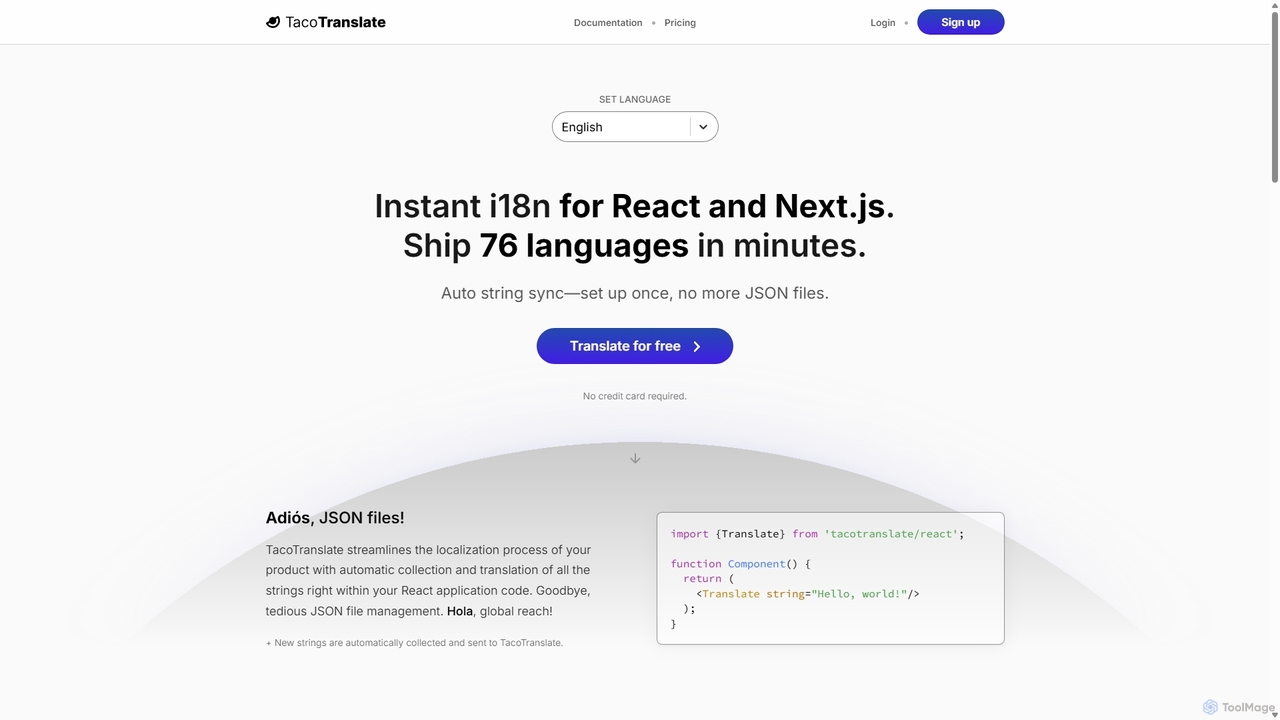
TacoTranslate
TacoTranslate is an AI-powered internationalization (i18n) tool designed for React and Next.js developers. It automates the entire localization process, from string collection to translation, eliminating the need for manual JSON file management. Ship your application in over 76 languages within minutes, enabling rapid global expansion with a developer-friendly workflow.
Localization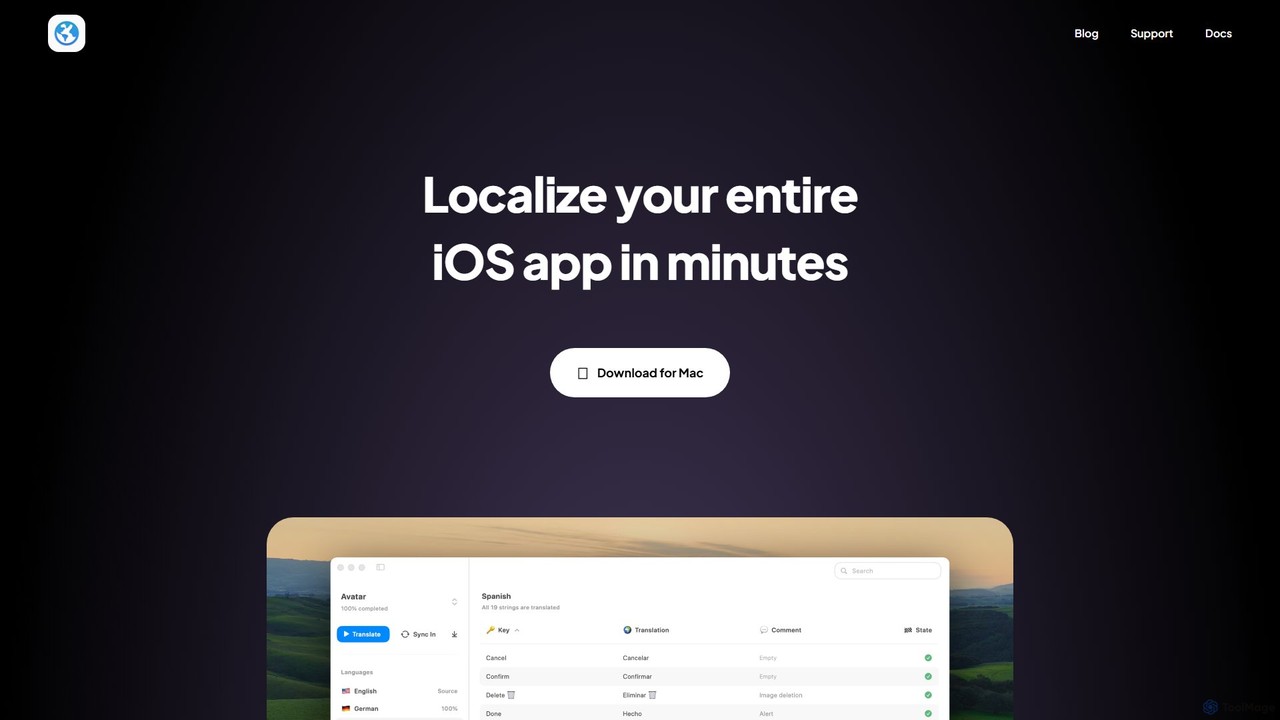
Globify
Globify is an AI-powered platform designed to streamline and automate the localization of mobile and web applications. It helps developers and product managers easily translate their app's UI and content into multiple languages with cultural and contextual accuracy. By leveraging advanced AI, Globify accelerates the process of reaching a global audience, reducing manual effort and time-to-market.
Internationalization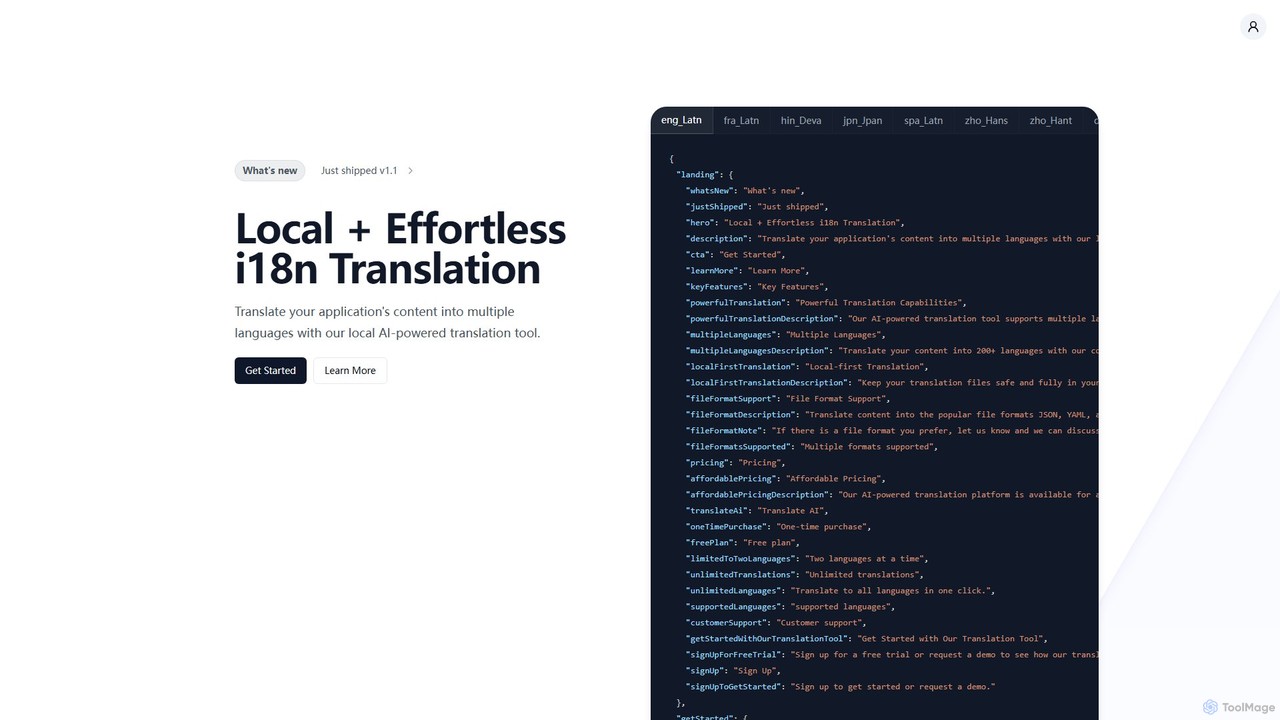
i18nlocale
i18nlocale is an AI-powered translation tool for developers that simplifies internationalization (i18n). It operates entirely locally on your device, ensuring your application's content files (JSON, YAML, JS/TS) are translated into over 200 languages with complete privacy and security. No data ever leaves your computer. It offers a free plan and an affordable one-time purchase for pro features.
Localization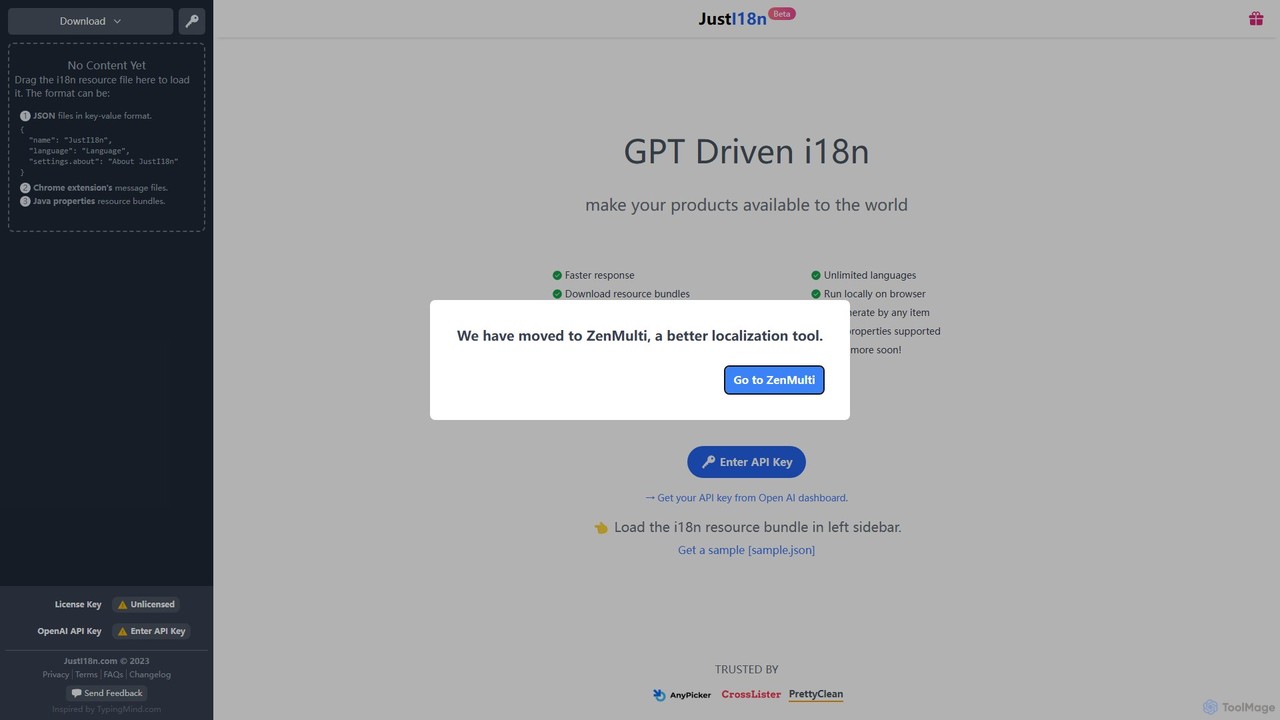
justi18n
justi18n is a GPT-driven internationalization (i18n) tool that helps developers and product managers quickly translate application resource files. It supports various formats like JSON and Java properties, runs locally in your browser for privacy, and uses your own OpenAI API key for cost control and high-quality, context-aware translations.
Localization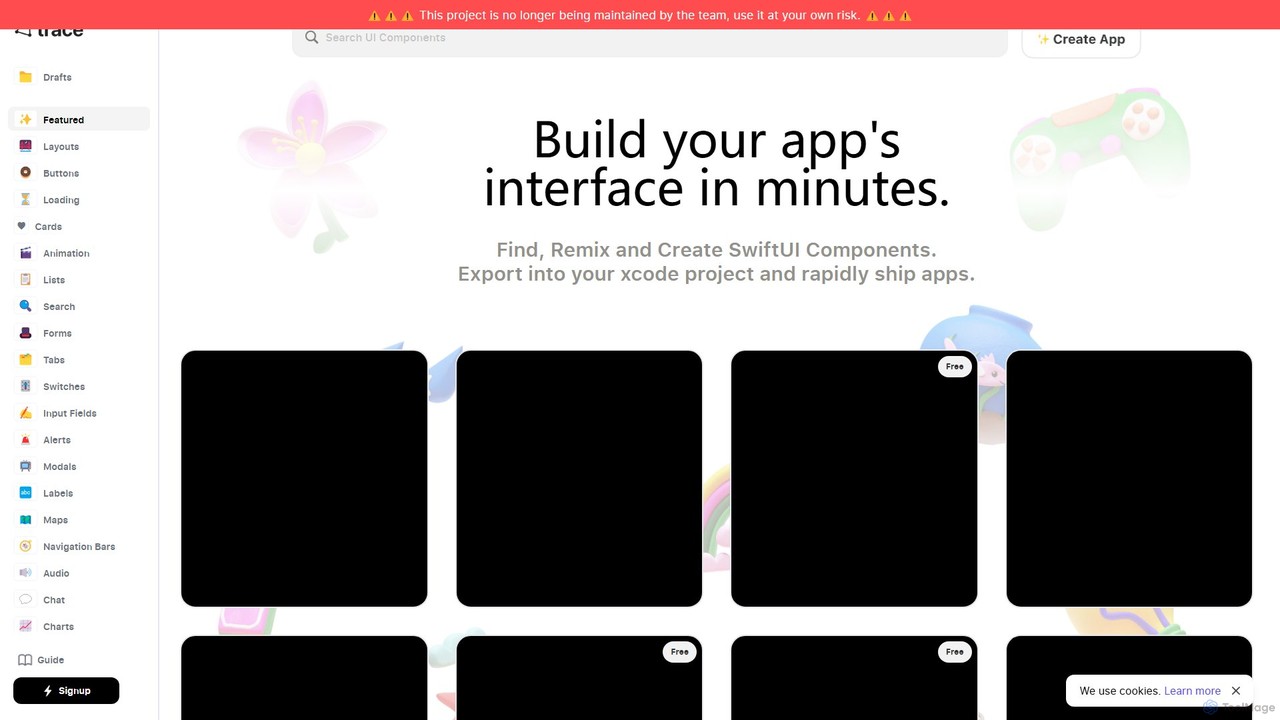
trace.
An AI-powered platform for iOS developers to rapidly build SwiftUI app interfaces. Users can generate, find, and remix UI components using natural language prompts. It streamlines the design-to-code workflow by allowing direct export to Xcode projects and integration with GitHub, significantly accelerating app development.
Ui Ux
XcodeChatGPT
XcodeChatGPT is a powerful AI-powered code assistant that integrates directly into Xcode. It supercharges Swift development by helping developers write, debug, refactor, and understand code faster. Generate code snippets, get explanations, and resolve errors without leaving your IDE.
Code Generation
OneSky
OneSky is an advanced AI localization platform using a multi-agent system to deliver highly accurate translations for software, apps, and digital content. By leveraging multiple LLMs and role-specific AI agents (Translator, Reviewer, Editor), it mimics a human localization team to achieve up to 90% accuracy. It supports over 30 file formats, offers extensive context controls, and provides optional human post-editing, streamlining global expansion while significantly reducing costs.
Api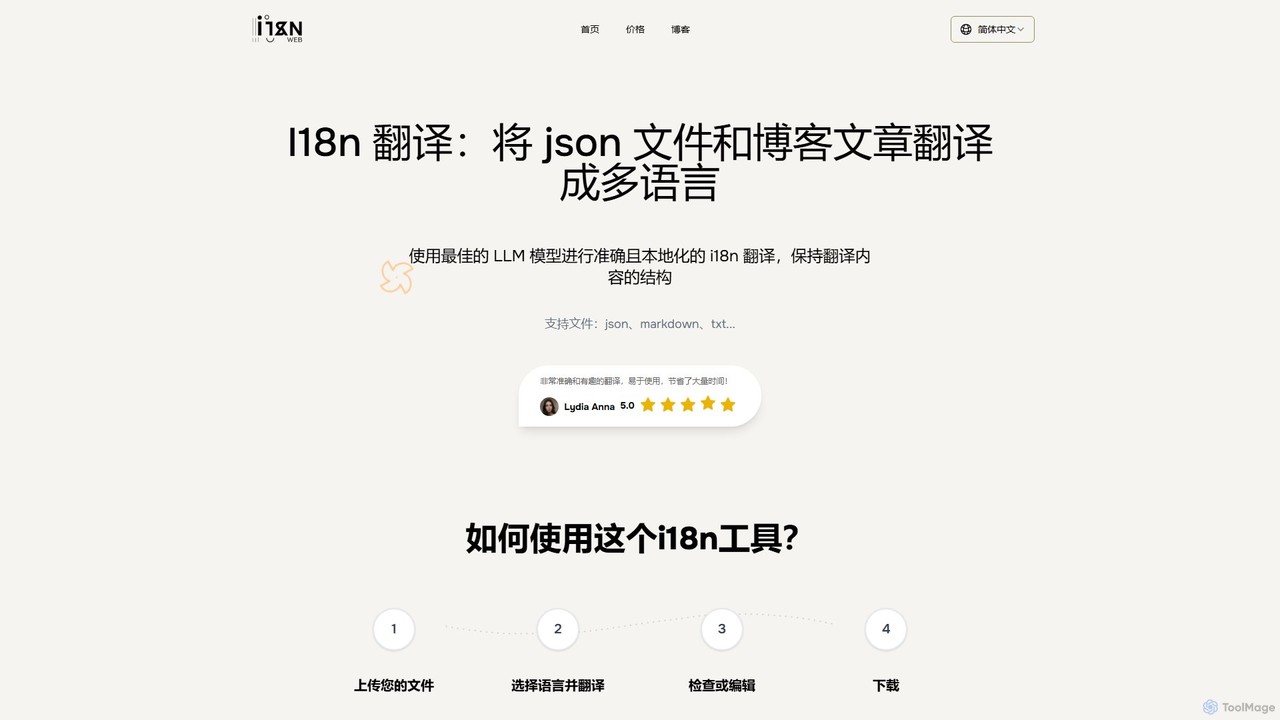
i18nweb
i18nweb is an AI-powered translation tool designed for developers and content creators. It specializes in translating structured files like JSON, Markdown, and TXT into multiple languages while preserving their original format. Using advanced LLM models, it provides accurate, context-aware, and localized translations, streamlining the internationalization (i18n) workflow for websites, apps, and blogs. The platform features a simple upload-translate-edit-download process, making localization efficient and user-friendly.
Internationalization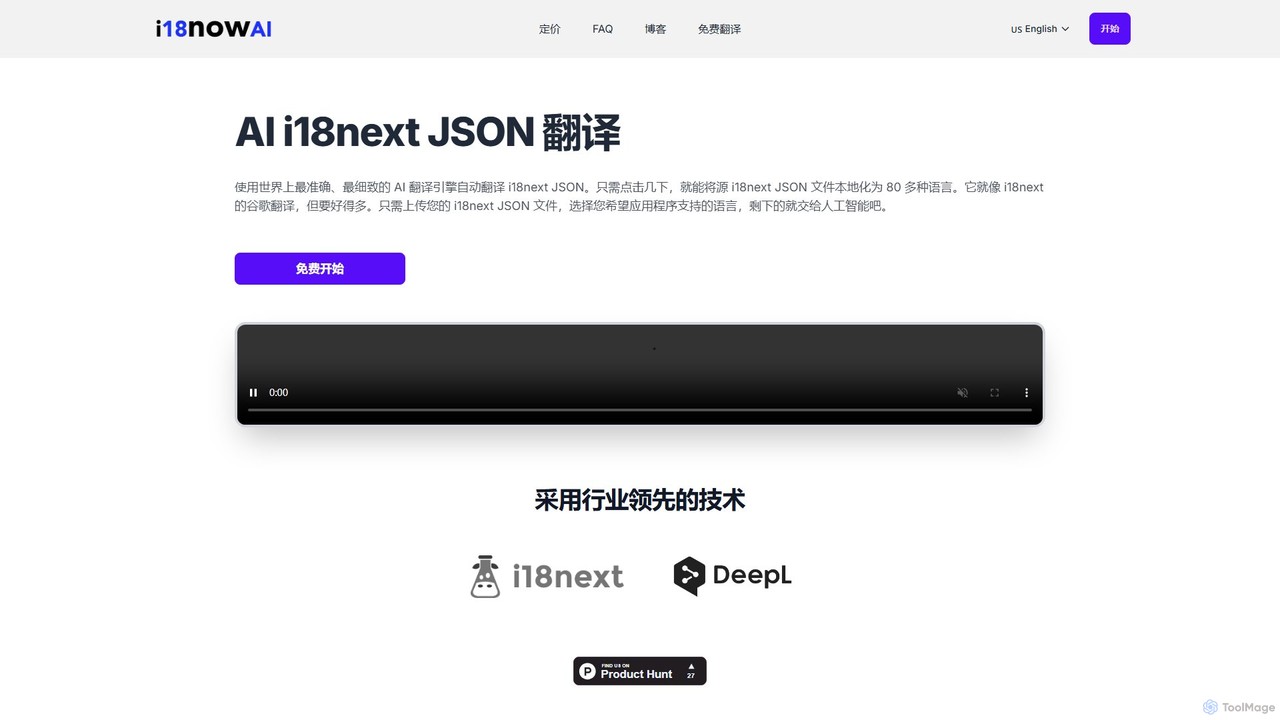
i18now
i18now is an AI-powered translation tool designed for developers using the i18next framework. It leverages the DeepL API to automatically translate i18next JSON files into over 80 languages with high accuracy. This service streamlines the localization process for web apps built with React, Vue.js, or Next.js, eliminating the need for manual translation. It features a simple, pay-as-you-go pricing model, making it a cost-effective solution for expanding an app's global reach.
Localization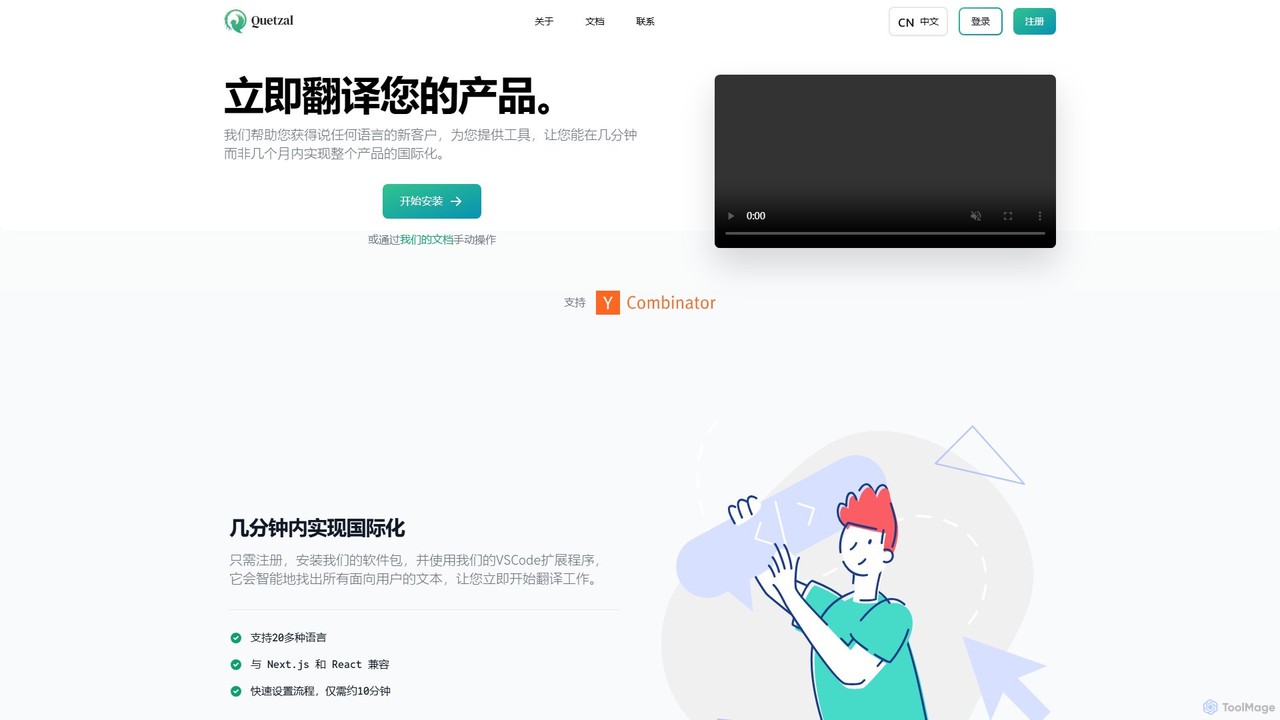
Quetzal
Quetzal is an AI-powered internationalization platform designed for modern web applications. It enables developers to translate their products into over 20 languages in minutes, not months. Through seamless integration with React, Next.js, and a smart VSCode extension, Quetzal automates the detection and translation of text, ensuring contextually accurate results and a streamlined workflow for global expansion.
Localization
xpolyglot Comments (0)
Sign in to comment.
Sign inNo comments yet.