

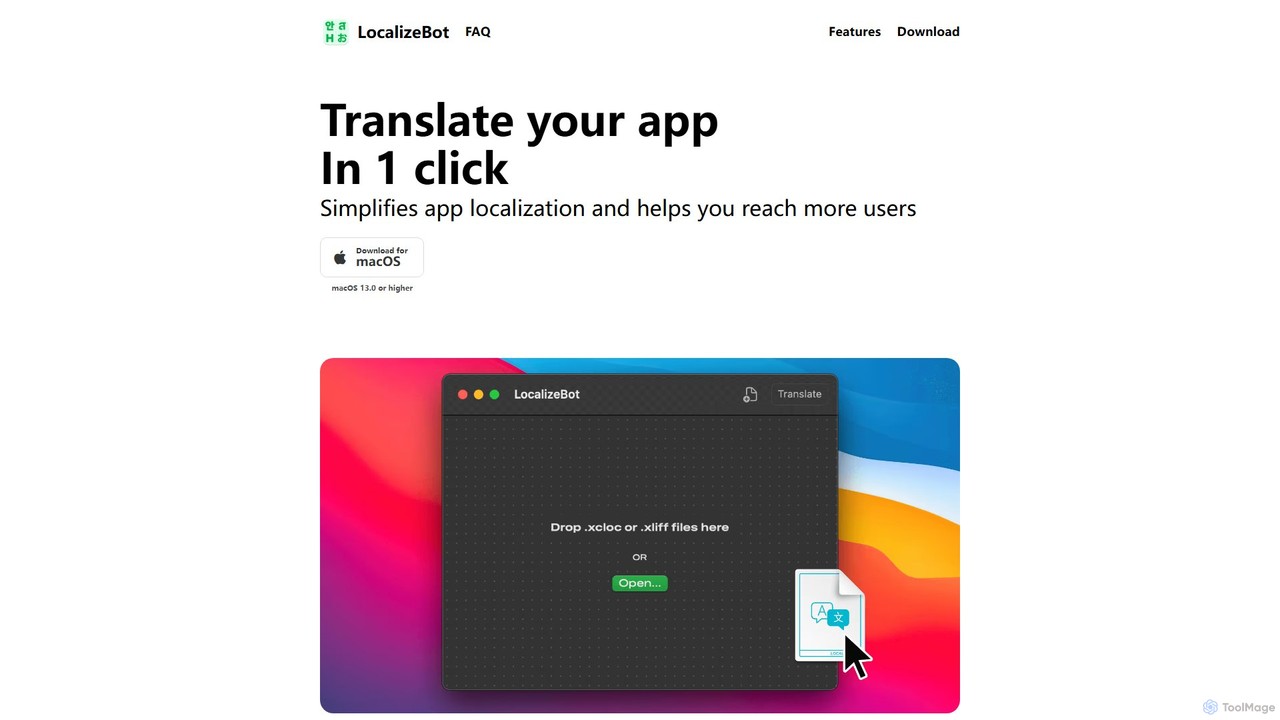
LocalizeBot Overview
LocalizeBot is a powerful and intuitive macOS application designed to revolutionize the app localization process for Apple platform developers. In today's global market, making your app available in multiple languages is crucial for reaching a wider audience and maximizing user engagement. However, traditional localization can be a time-consuming, complex, and expensive endeavor. LocalizeBot addresses this challenge head-on by providing a one-click, AI-powered solution that integrates seamlessly into your existing development workflow.
Built specifically for the Apple ecosystem, LocalizeBot simplifies the translation of your app's user interface and content. By leveraging advanced AI translation engines like OpenAI and Google Cloud Translation, it delivers fast and high-quality translations, significantly reducing the manual effort and costs associated with hiring professional translators. It's the ideal tool for indie developers, small teams, and even large companies looking to streamline their internationalization strategy.
How to use LocalizeBot
The workflow is designed to be incredibly simple and fits perfectly within the standard Xcode localization process. You can translate your entire project in just a few steps:
- Add Languages in Xcode: First, in your Xcode project, add all the target languages you want your app to support. This is done in the project's "Info" tab under the "Localizations" section.
- Export Localization Files: Once your languages are set up, use Xcode's built-in feature to export your localizable strings. Go to "Product > Export Localizations..." and Xcode will generate a .xcloc file for each language you've added.
- Translate with LocalizeBot: This is where the magic happens. Open the LocalizeBot app on your Mac. Simply drag and drop all the exported .xcloc (or .xliff) files into the app's window. Choose your preferred translation service (OpenAI or Google). You can also provide a brief description of your app to give the AI more context for better accuracy. Then, click the "Translate" button. LocalizeBot will process all files in a single operation.
- Import Translated Files: After the translation is complete, LocalizeBot will provide you with the translated .xcloc files. Go back to Xcode and select "Product > Import Localizations...". Select the translated files, and Xcode will show you a comparison of the changes for review. Click "Import" to finalize the process, and your app is now localized!
Core Features of LocalizeBot
- One-Click Translation: Translate all your localization files for multiple languages simultaneously with a single click, saving immense time and effort.
- Native Xcode Integration: Supports standard Xcode localization formats, including .xcloc (Xcode Localization Catalog) and .xliff, ensuring a smooth and native workflow.
- Dual AI Engine Support: Gives you the choice between two leading AI translation services: OpenAI (known for its contextual understanding) and Google Cloud Translation (known for its breadth of language support).
- Apple Glossaries: Automatically uses official Apple translations for common UI elements like 'OK', 'Save', 'Cancel', and 'Done'. This ensures your app's terminology is consistent with the rest of the macOS and iOS ecosystem, providing a more native user experience.
- Context-Aware Translation: You can provide a brief description of your app and leverage comments within your code. LocalizeBot uses this context to produce more accurate and relevant translations that fit the specific domain of your application.
- Intuitive Drag-and-Drop Interface: A clean, simple, and user-friendly interface designed for macOS that makes the entire process as easy as dragging and dropping files.
Use Cases for LocalizeBot
LocalizeBot is invaluable for a wide range of development scenarios:
- Indie Developers: Solo developers can now affordably localize their apps for multiple markets, dramatically increasing their potential user base without the high cost of professional translation agencies.
- Startups and Small Teams: Agile teams can quickly iterate on new features and immediately get them translated, keeping all language versions of their app in sync without slowing down development cycles.
- Rapid Prototyping: Quickly create localized prototypes or test versions of an app to gauge market interest in different regions before committing to a full, professional translation.
- Maintaining Existing Apps: Easily update translations for new strings added during app updates, ensuring a consistent experience for all users across all languages.
Advantages of LocalizeBot
Using LocalizeBot offers several key advantages over traditional methods:
- Speed and Efficiency: What used to take days or weeks of back-and-forth with translators can now be done in minutes.
- Cost-Effectiveness: Drastically reduces localization costs, making it feasible for developers on any budget to go global.
- Improved Translation Quality: AI-powered translations are continuously improving. With features like context provision and Apple glossaries, the quality often surpasses basic machine translation, providing a solid foundation that may only need minor tweaks.
- Simplified Workflow: Eliminates the logistical complexity of managing multiple translators, files, and formats. Everything is handled within a single, streamlined application.
- Increased Reach: By making localization accessible, LocalizeBot empowers developers to reach millions of new users in non-English speaking markets.
Pricing and Plans
LocalizeBot is offered as a paid application, available for download on macOS. The pricing model is typically a one-time purchase, providing a cost-effective solution without recurring subscription fees. As pricing details can change, please visit the official LocalizeBot website or its listing on the Mac App Store for the most current and accurate pricing information.
LocalizeBot Alternatives

AI Localizer
AI Localizer by Wide Angle Software is an AI-powered application designed for iOS and macOS developers to automatically translate their apps into over 37 languages. It streamlines the localization process, enabling developers to reach a global audience with just a few clicks, saving significant time and resources compared to manual translation.
Language Translation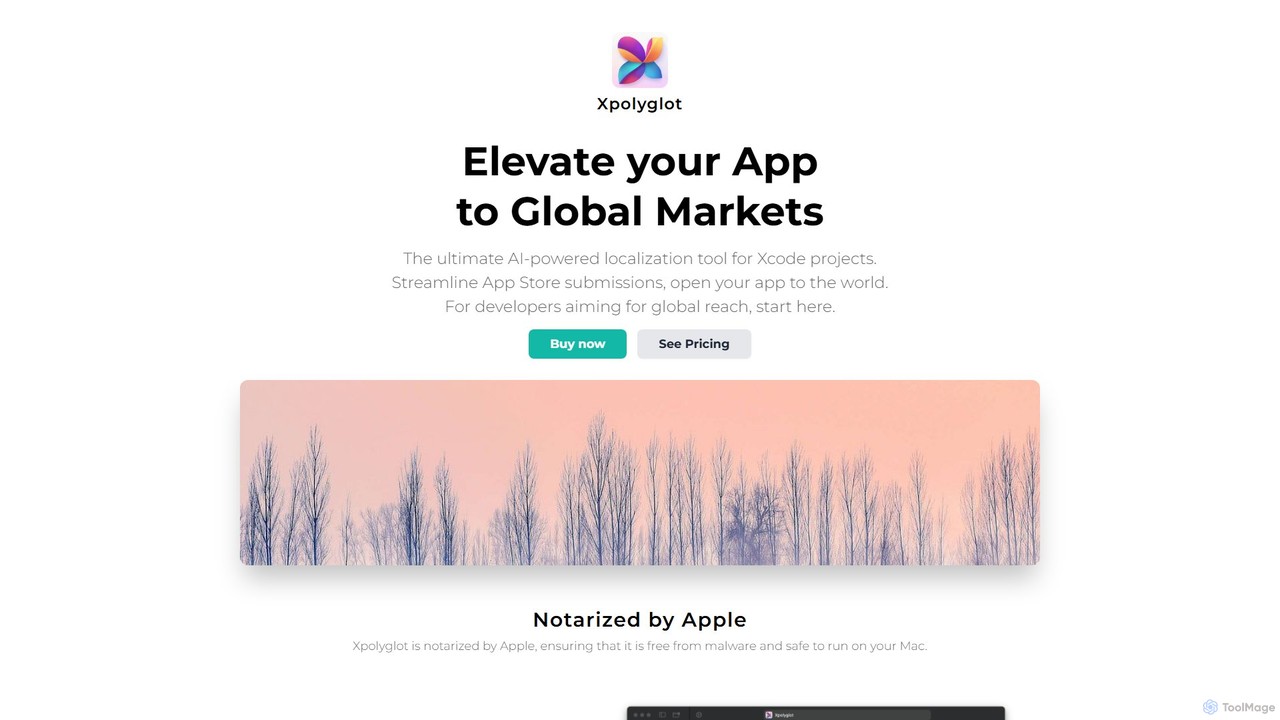
xpolyglot
xpolyglot is an AI-powered localization tool for macOS, designed for developers using Xcode. It streamlines the translation of app strings, App Store metadata, and update notes into multiple languages. By integrating with the OpenAI API, it offers a cost-effective and efficient alternative to traditional translation services, helping developers reach global markets faster.
Localization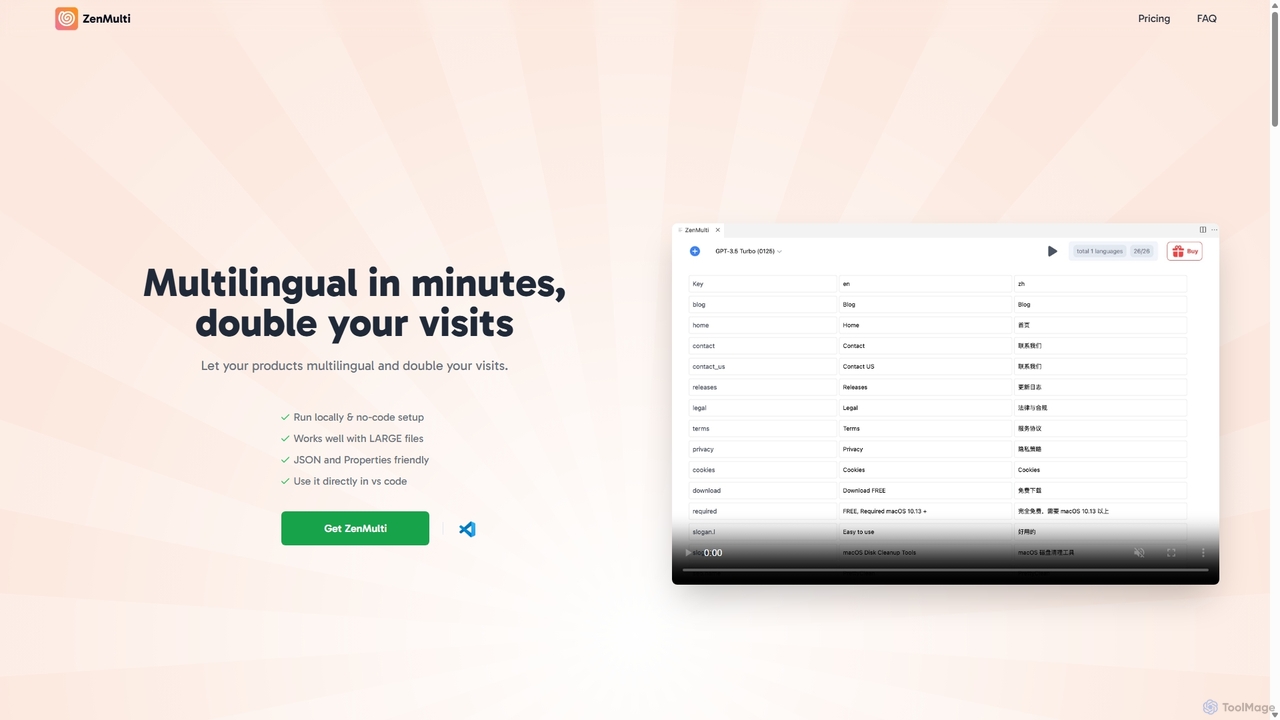
ZenMulti
ZenMulti is an AI-powered VS Code extension designed for developers to effortlessly translate application resource files (like JSON and .properties) into multiple languages. It streamlines the localization (i18n) process with a simple, no-code setup, running locally for enhanced privacy and speed. It's a one-time purchase tool for lifetime use.
Code Assistant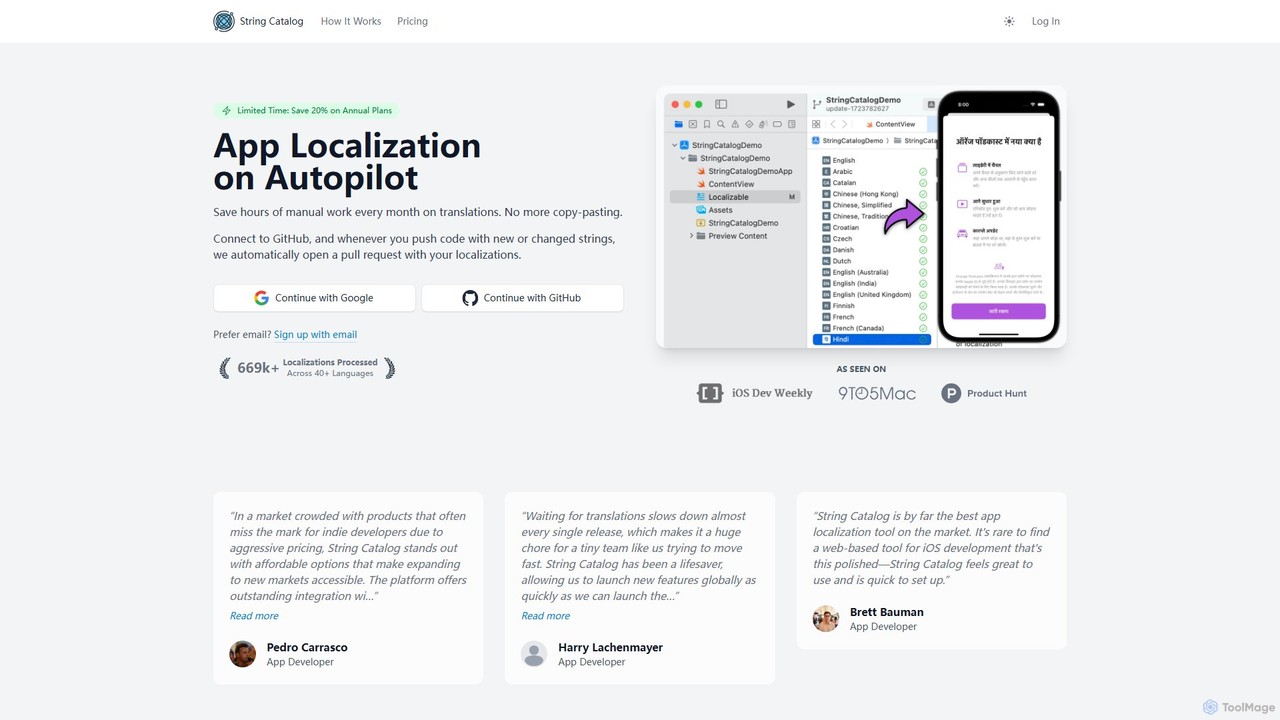
String Catalog
An AI-powered platform that automates iOS and Android app localization. Connect your GitHub repository, and String Catalog will automatically translate new strings and create pull requests, supporting over 40 languages and saving hours of manual work.
Translation
PO-File
PO-File is an AI-powered online translation tool specifically designed for PO and POT files, streamlining software localization for developers and localization teams. It ensures accuracy by preserving code variables and context.
LocalizationLocalizeBot Categories
LocalizeBot Embed Widget
Copy this embed code to place the badge on your blog, article, or product site and send readers directly to this ToolMage detail page.

Related AI tools
AI Localizer
AI Localizer by Wide Angle Software is an AI-powered application designed for iOS and macOS developers to automatically translate their apps into over 37 languages. It streamlines the localization process, enabling developers to reach a global audience with just a few clicks, saving significant time and resources compared to manual translation.
Language Translationxpolyglot
xpolyglot is an AI-powered localization tool for macOS, designed for developers using Xcode. It streamlines the translation of app strings, App Store metadata, and update notes into multiple languages. By integrating with the OpenAI API, it offers a cost-effective and efficient alternative to traditional translation services, helping developers reach global markets faster.
LocalizationString Catalog
An AI-powered platform that automates iOS and Android app localization. Connect your GitHub repository, and String Catalog will automatically translate new strings and create pull requests, supporting over 40 languages and saving hours of manual work.
Translation
XcodeChatGPT
XcodeChatGPT is a powerful AI-powered code assistant that integrates directly into Xcode. It supercharges Swift development by helping developers write, debug, refactor, and understand code faster. Generate code snippets, get explanations, and resolve errors without leaving your IDE.
Code GenerationPO-File
PO-File is an AI-powered online translation tool specifically designed for PO and POT files, streamlining software localization for developers and localization teams. It ensures accuracy by preserving code variables and context.
Localization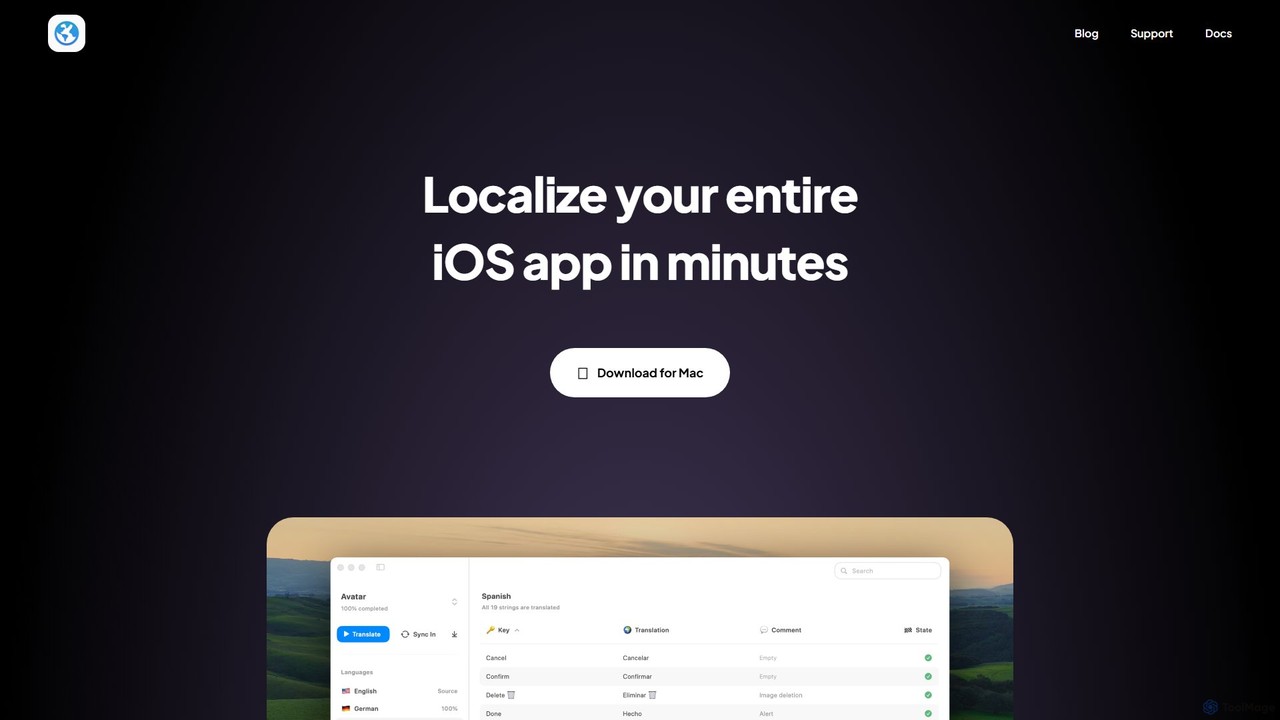
Globify
Globify is an AI-powered platform designed to streamline and automate the localization of mobile and web applications. It helps developers and product managers easily translate their app's UI and content into multiple languages with cultural and contextual accuracy. By leveraging advanced AI, Globify accelerates the process of reaching a global audience, reducing manual effort and time-to-market.
Internationalization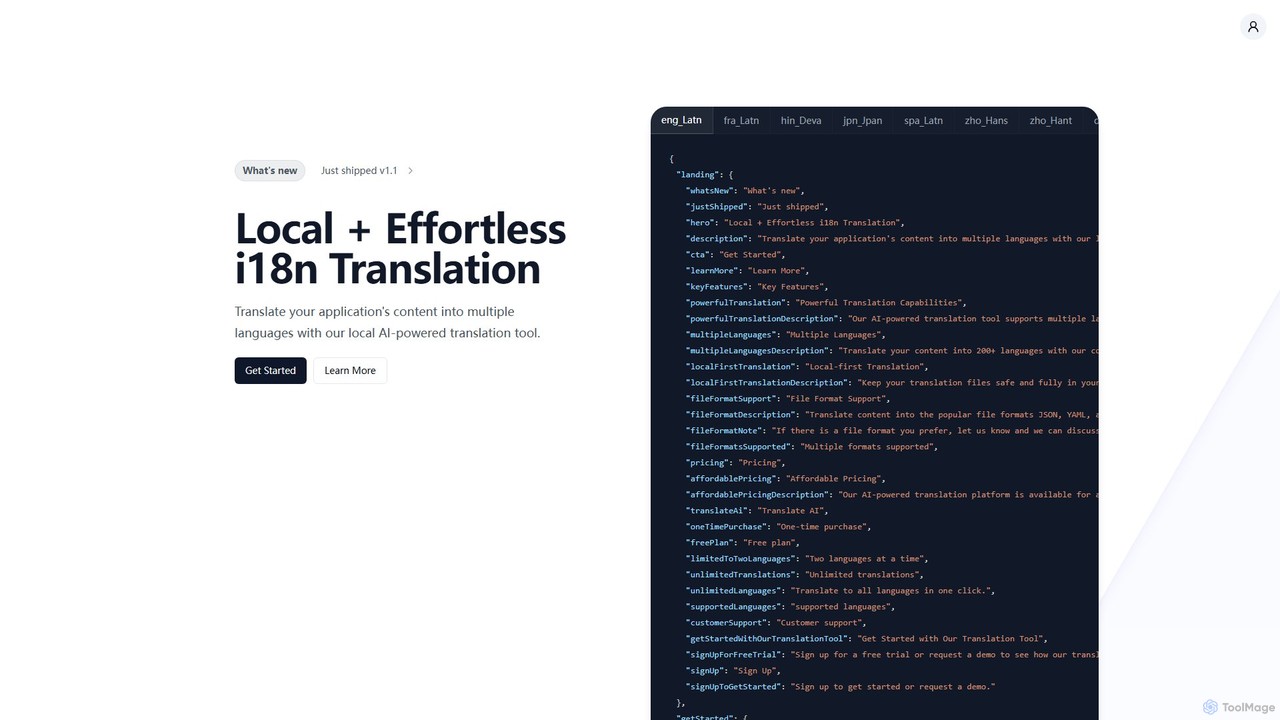
i18nlocale
i18nlocale is an AI-powered translation tool for developers that simplifies internationalization (i18n). It operates entirely locally on your device, ensuring your application's content files (JSON, YAML, JS/TS) are translated into over 200 languages with complete privacy and security. No data ever leaves your computer. It offers a free plan and an affordable one-time purchase for pro features.
Localization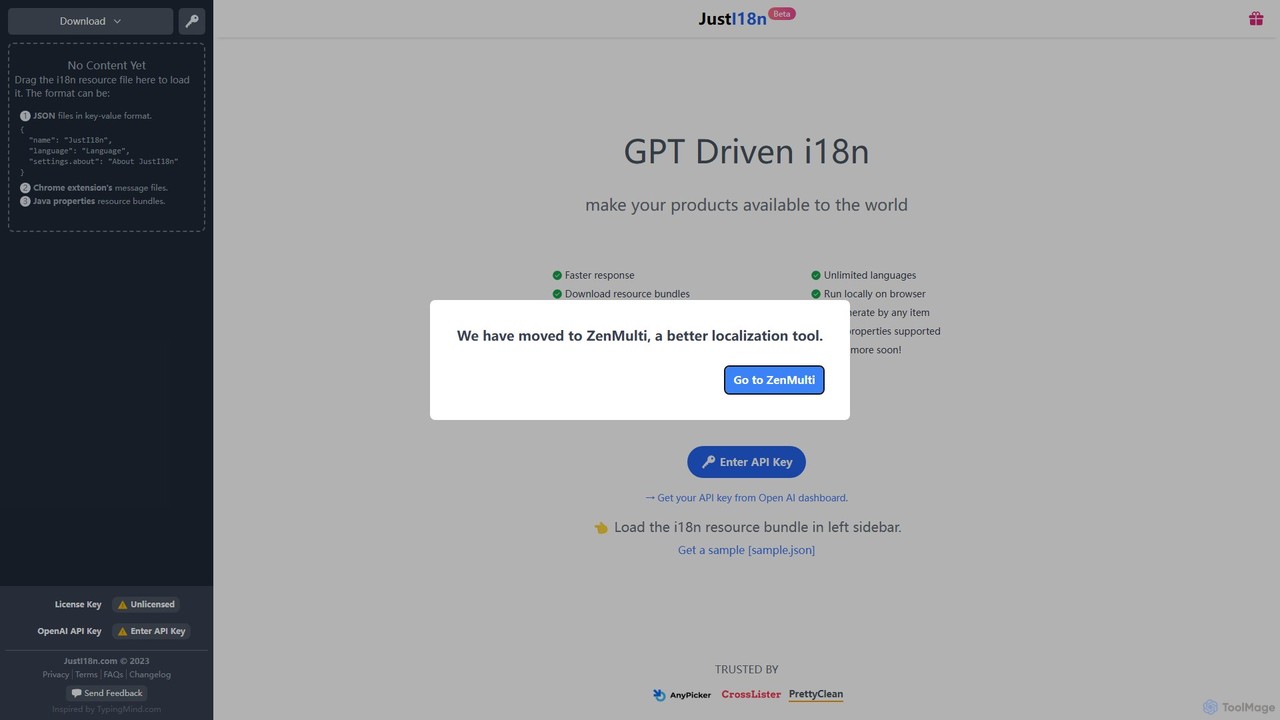
justi18n
justi18n is a GPT-driven internationalization (i18n) tool that helps developers and product managers quickly translate application resource files. It supports various formats like JSON and Java properties, runs locally in your browser for privacy, and uses your own OpenAI API key for cost control and high-quality, context-aware translations.
Localization
OneSky
OneSky is an advanced AI localization platform using a multi-agent system to deliver highly accurate translations for software, apps, and digital content. By leveraging multiple LLMs and role-specific AI agents (Translator, Reviewer, Editor), it mimics a human localization team to achieve up to 90% accuracy. It supports over 30 file formats, offers extensive context controls, and provides optional human post-editing, streamlining global expansion while significantly reducing costs.
Api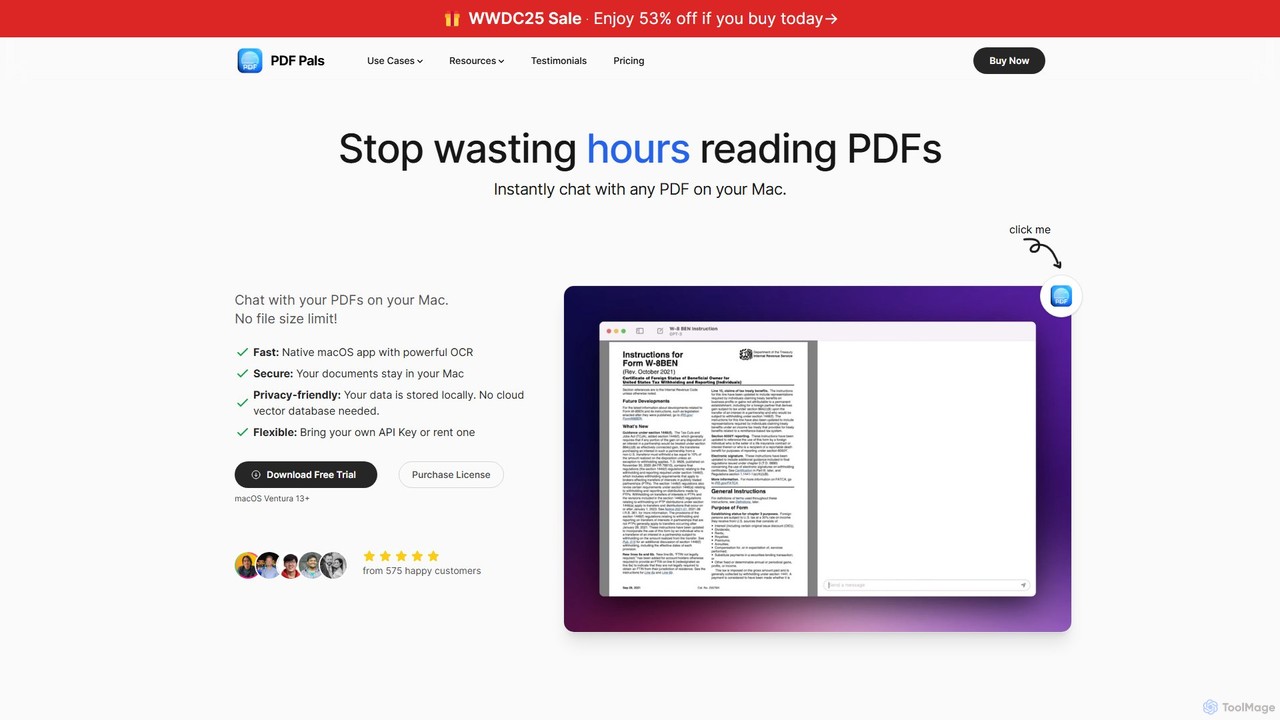
PDF Pals
PDF Pals is a native macOS application that allows you to chat with your PDF documents locally. It offers powerful OCR, multi-document support, and flexible API integration, ensuring your data remains private and secure on your Mac. There are no file size limits, making it ideal for researchers, developers, and legal professionals.
Documentation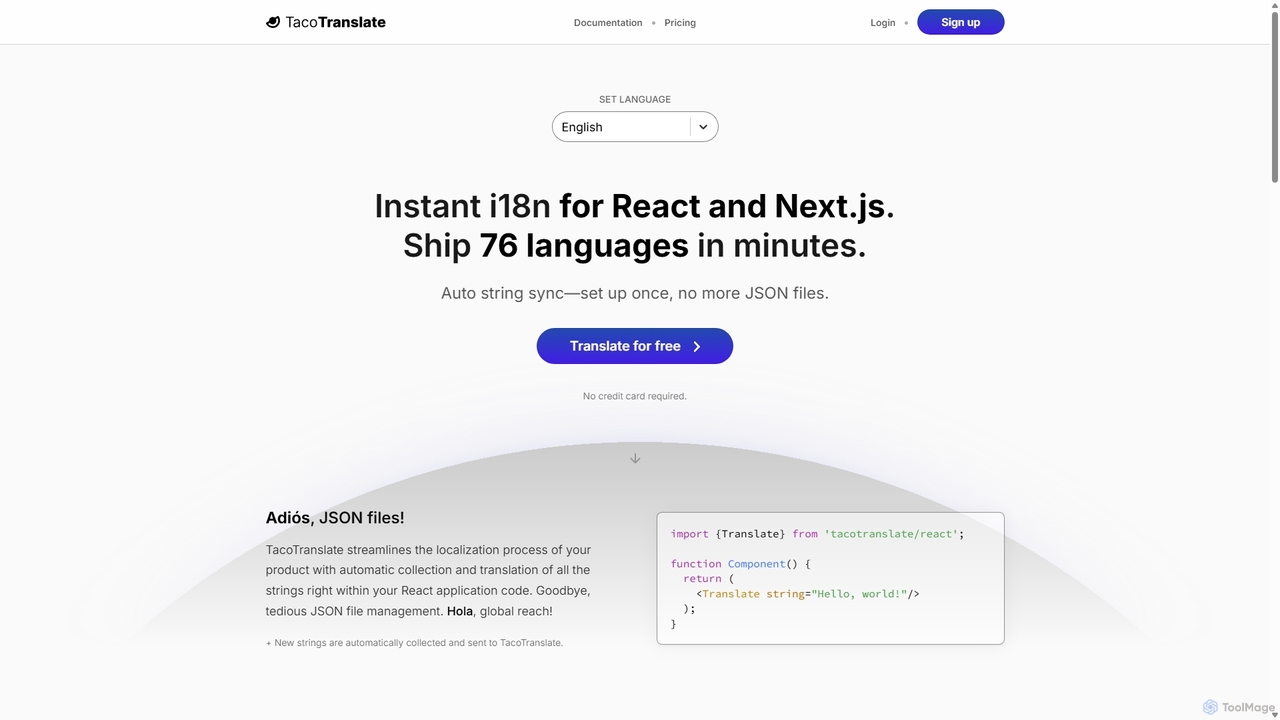
TacoTranslate
TacoTranslate is an AI-powered internationalization (i18n) tool designed for React and Next.js developers. It automates the entire localization process, from string collection to translation, eliminating the need for manual JSON file management. Ship your application in over 76 languages within minutes, enabling rapid global expansion with a developer-friendly workflow.
Localization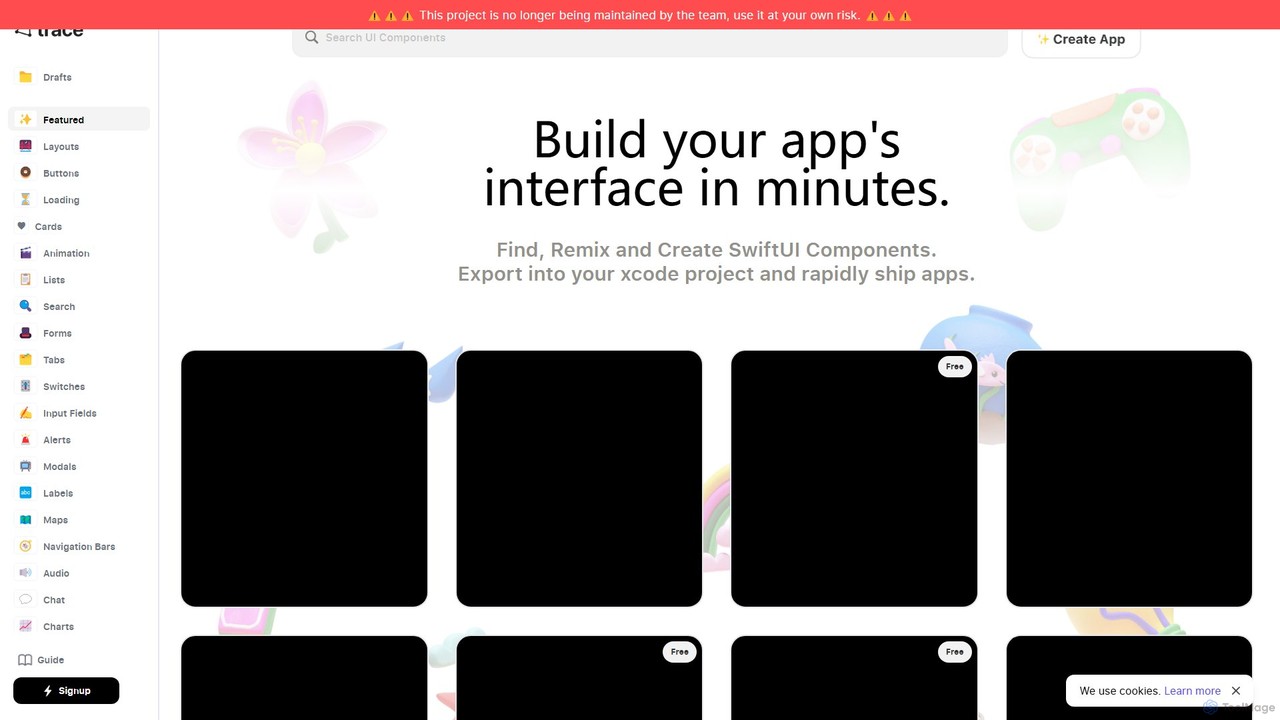
trace.
An AI-powered platform for iOS developers to rapidly build SwiftUI app interfaces. Users can generate, find, and remix UI components using natural language prompts. It streamlines the design-to-code workflow by allowing direct export to Xcode projects and integration with GitHub, significantly accelerating app development.
Ui Ux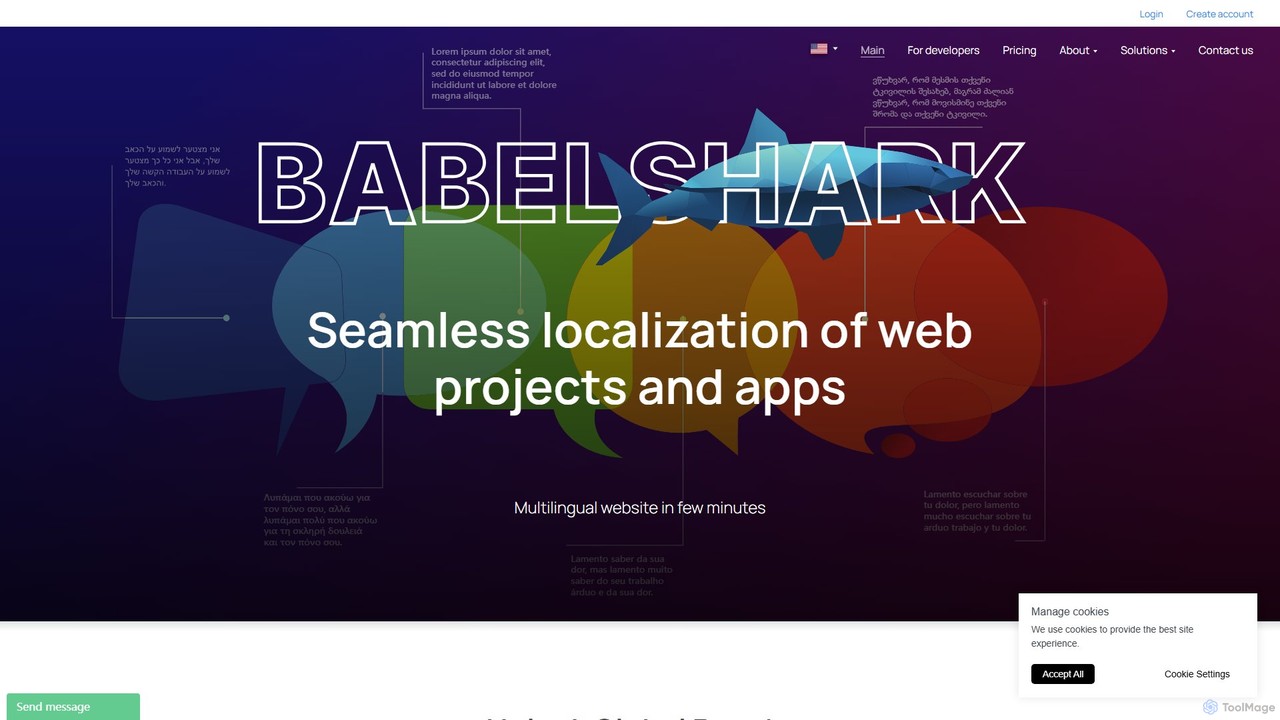
BabelShark
BabelShark is an AI-powered localization service that enables businesses to translate websites and apps into over 200 languages within minutes. It combines advanced AI translation with full user control, allowing for review and customization. Key features include AI-powered proofreading, a glossary for consistent terminology, selective content translation, and visitor language analytics. Designed for rapid global expansion, it offers seamless integration and scalable plans, including a free tier.
Internationalization
Machato
Machato is a native macOS application designed to provide a seamless and powerful AI chat experience. It acts as a desktop client for various large language models, offering a clean, fast, and integrated interface that surpasses web-based alternatives. Perfect for developers, writers, and professionals.
Code AssistantZenMulti
ZenMulti is an AI-powered VS Code extension designed for developers to effortlessly translate application resource files (like JSON and .properties) into multiple languages. It streamlines the localization (i18n) process with a simple, no-code setup, running locally for enhanced privacy and speed. It's a one-time purchase tool for lifetime use.
Code Assistant
LocalizeBot Comments (0)
Sign in to comment.
Sign inNo comments yet.