ToolMage
Sign in

Best 7 Mockup Generator for Design

Popular Mockup Generator in Design include Mockey, AppScreens, Ad Mocker, Copiecolle, Randommockups, Mocx, and Book mockup AI, helping you work more efficiently.

Randommockups
Freemium

Randommockups

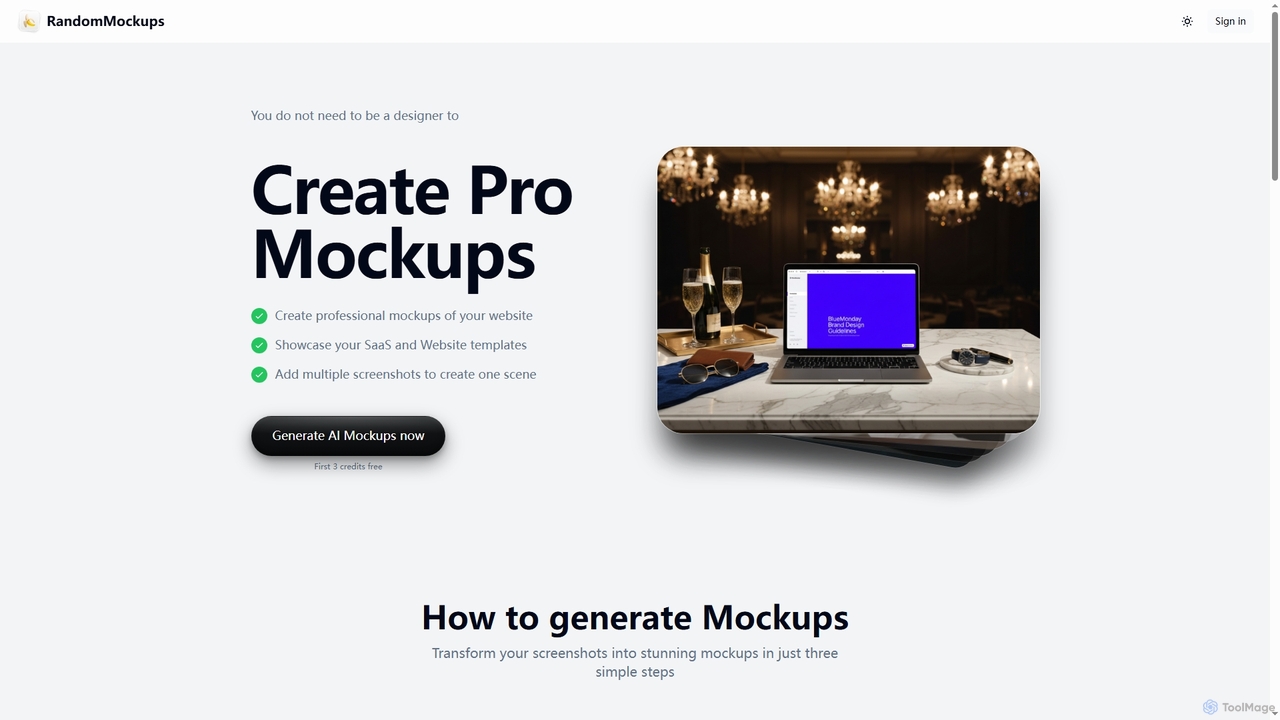
Randommockups is an AI-powered tool that transforms website and SaaS screenshots into professional, cinematic-quality mockups. In just a few steps, users can upload images, select styles, and generate stunning visuals for presentations, marketing, or portfolios without needing design skills.

Mockup Generator
Visits 6.4KFavorites 124Likes 114
Mocx
Paid

Mocx

Mocx is an AI-powered tool that transforms screenshots and images into photorealistic product mockups in seconds. It enables users to create stunning, cinematic product showcases for ads, social media, and e-commerce without needing a photographer or studio. The platform offers various plans with commercial licenses, high-resolution outputs, and API access to enhance brand visuals and build customer trust instantly.

Mockup Generator
Visits 6.3KFavorites 111Likes 102
Copiecolle
Freemium

Copiecolle

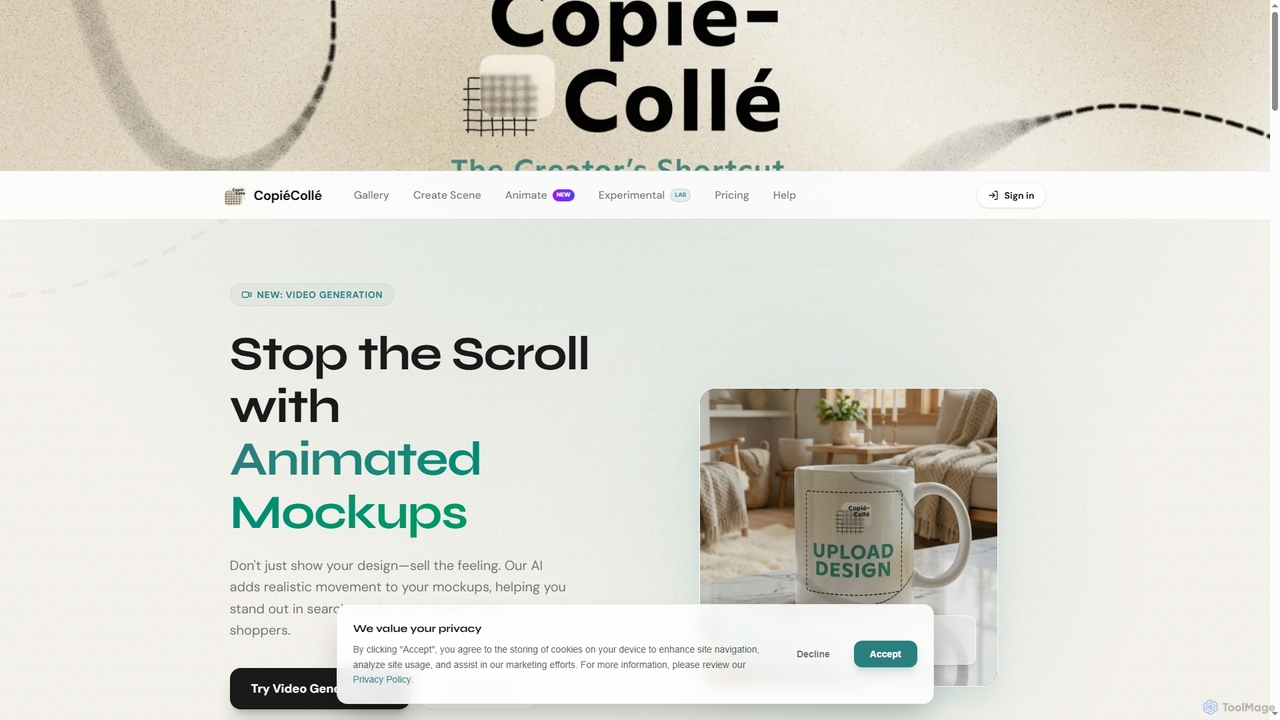
Copiecolle is an AI-powered mockup generator for online sellers and POD businesses. It instantly creates professional, 4K product photos and animated video mockups without needing Photoshop. Users can upload designs to existing templates or create custom scenes to showcase their products realistically.

Image Generation
Visits 6.4KFavorites 122Likes 138
Mockey
Freemium

Mockey

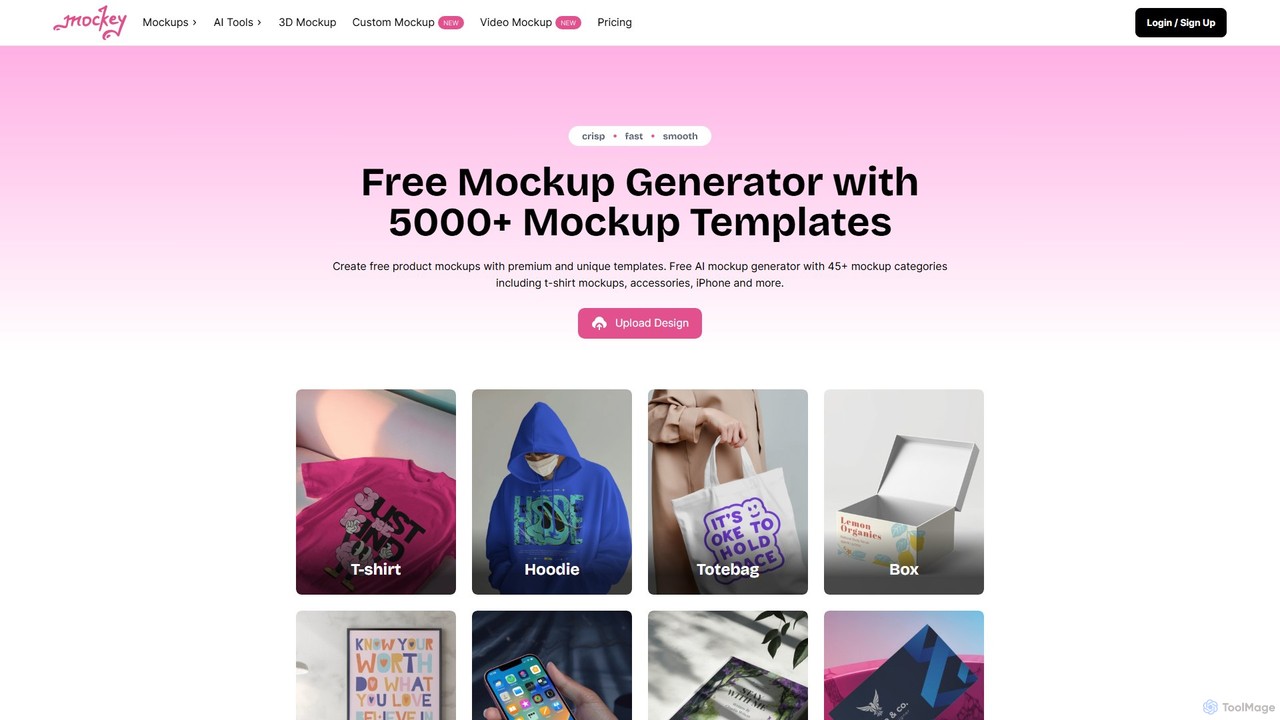
Mockey is a powerful AI-powered mockup generator offering over 5000 free templates. Create stunning, high-quality product mockups for apparel, tech, and more in just a few clicks. It features an intuitive editor, AI background tools, and unlimited watermark-free downloads on its free plan, making it ideal for e-commerce, designers, and marketers.

Mockup Generator
Visits 408.1KFavorites 141Likes 143
Book mockup AI
Freemium

Book mockup AI

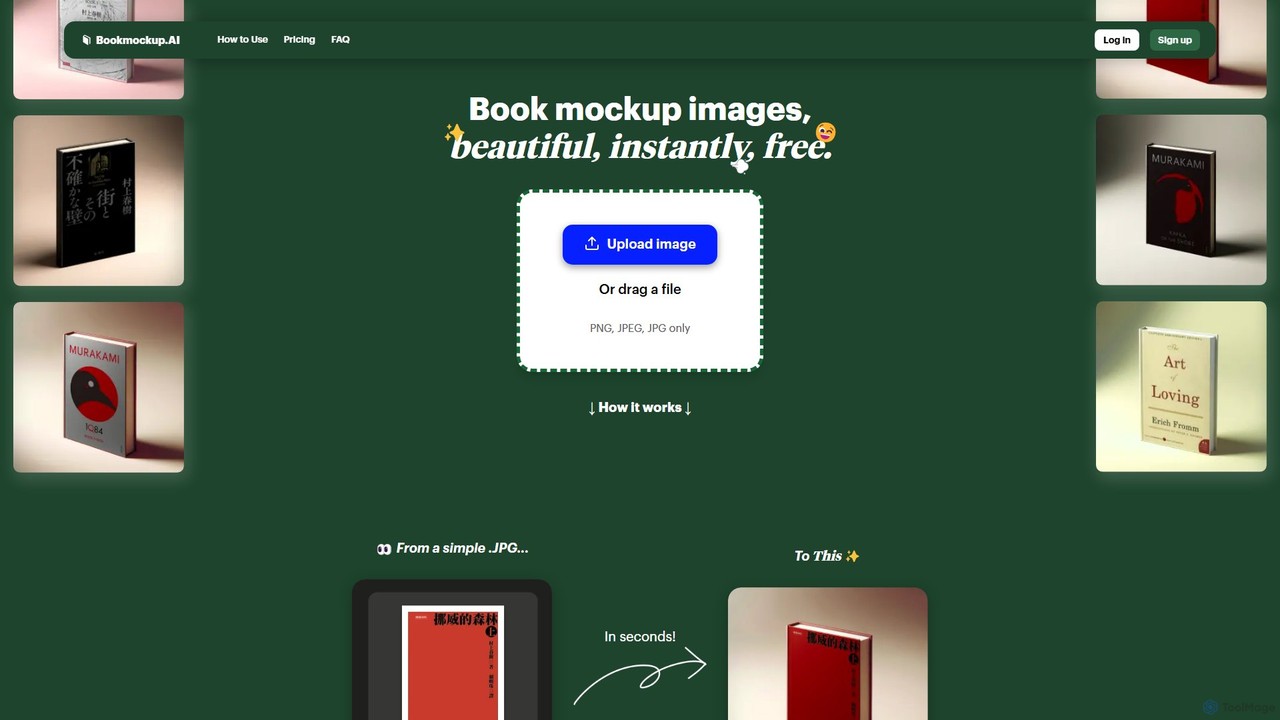
An AI-powered tool that instantly generates beautiful, high-quality book mockup images from a simple book cover file. It's designed for authors, publishers, and marketers to create professional promotional materials for free, with flexible pay-as-you-go options.

Mockup Generator
Visits 6.2KFavorites 151Likes 160
AppScreens
Freemium

AppScreens

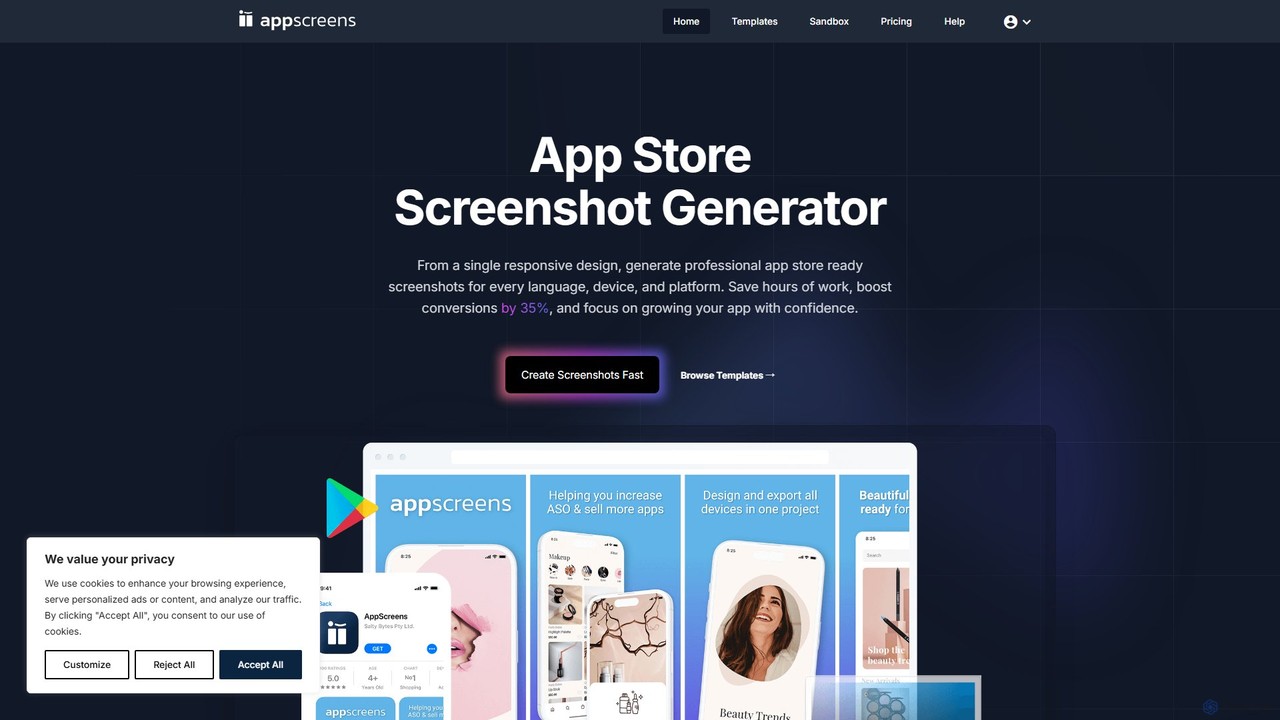
AppScreens is an AI-powered screenshot generator that helps app developers create professional, localized screenshots for all app stores. From a single responsive design, it automatically generates assets for every device, platform, and language. Features include 100+ templates, AI-driven captioning, bulk import/upload, and one-click publishing to App Store Connect and Google Play, saving time and boosting app conversions.

Mockup Generator
Visits 136.2KFavorites 154Likes 157
Ad Mocker
Free

Ad Mocker

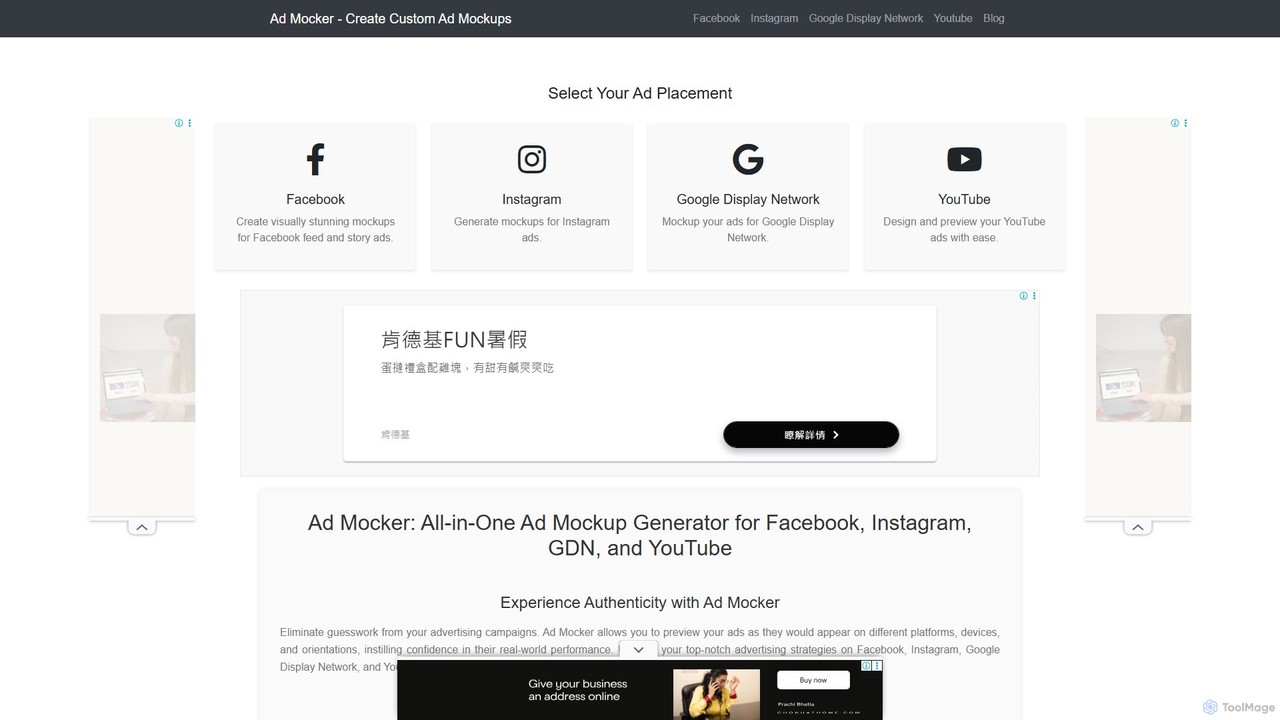
Ad Mocker is an all-in-one ad mockup generator for creating realistic, professional previews for Facebook, Instagram, Google Display Network, and YouTube. It allows marketers to visualize, customize, and perfect their ad creatives across different platforms and devices before launching campaigns, helping to eliminate guesswork and improve ROI.

Mockup Generator
Visits 6.9KFavorites 132Likes 141

About Mockup Generator

Mockup Generator tools are AI-powered platforms designed to create realistic visual representations of designs on various physical or digital mediums. These tools leverage artificial intelligence to accurately place static designs onto templates, automatically adjusting perspective, lighting, and shadows for a photorealistic effect. They significantly streamline the presentation process for designers, marketers, and businesses, enabling them to visualize and showcase their work professionally without the need for physical prototypes. As a specialized segment within the broader Design category, Mockup Generators focus specifically on the visualization and presentation phase of creative projects.

Core Features

  • Automated Design Placement: AI intelligently positions and adapts designs onto chosen mockup templates, ensuring correct perspective and scale.
  • Realistic Rendering: Generates photorealistic mockups by simulating natural lighting, shadows, reflections, and textures.
  • Extensive Template Library: Offers a wide array of pre-designed templates including devices (phones, laptops), apparel (T-shirts, hoodies), print materials (books, posters), and environmental scenes.
  • Customization Options: Allows users to adjust background colors, add text, or modify certain elements of the mockup to match brand aesthetics.
  • Batch Processing: Enables the creation of multiple mockups from a single design or generating various design iterations across different templates efficiently.

Applicable Scenarios

Mockup Generators are indispensable for professionals across various industries. E-commerce businesses utilize them to display product designs on apparel or packaging, enhancing online store visuals. UI/UX designers use these tools to present app or website interfaces on diverse devices, making their portfolios more engaging. Marketing teams leverage them to create compelling visuals for social media campaigns, advertisements, and client presentations, effectively communicating product or service concepts.

How to Choose

When selecting a Mockup Generator, consider the variety and quality of its template library to ensure it meets your specific needs, whether for devices, apparel, or print. Evaluate the realism of the generated mockups, paying attention to lighting, shadows, and texture details. Assess the tool's ease of use and the intuitiveness of its interface for uploading designs and customization. Finally, review the available export options for resolution and file formats, and compare pricing models to find a solution that aligns with your budget and usage frequency.

Mockup Generator use cases

1

Showcase E-commerce Product Designs

E-commerce sellers can quickly generate realistic mockups of their product designs, such as T-shirt graphics or mug prints, on various items. By uploading a flat design, the AI automatically places it onto a chosen product template, adjusting for curves, lighting, and shadows. This allows sellers to create high-quality product images for online stores and marketing materials in minutes, significantly reducing the need for expensive photoshoots and accelerating product launch cycles.

2

Create UI/UX Portfolio Presentations

UI/UX designers can elevate their portfolios by presenting app or website interfaces within realistic device mockups. Instead of static screenshots, designers can use a Mockup Generator to display their designs on various smartphone, tablet, or laptop screens, complete with natural reflections and environmental context. This helps potential clients and employers visualize the design in a real-world setting, demonstrating usability and aesthetic appeal more effectively than flat images, thereby enhancing the overall impact of their work.

3

Develop Brand Identity Presentations

Brand designers can utilize Mockup Generators to create compelling presentations for brand identity projects. By applying logos, color palettes, and typography to various mockups like business cards, stationery, packaging, or signage, designers can show clients how their brand elements will appear in real-world applications. This provides a tangible and professional visualization of the brand's potential, helping clients make informed decisions and fostering a stronger understanding of the brand's aesthetic and market presence.

4

Generate Marketing & Social Media Content

Marketing professionals can leverage Mockup Generators to quickly produce engaging visuals for social media campaigns, advertisements, and blog posts. Instead of relying on generic stock photos, they can place their specific product or campaign designs onto relevant mockups, such as a new app on a smartphone, a book cover on a physical book, or a logo on a billboard. This ensures brand consistency and creates more personalized, eye-catching content that resonates better with target audiences, driving higher engagement and conversion rates.

5

Visualize Print & Packaging Designs

Graphic designers and product developers can use Mockup Generators to visualize how their print and packaging designs will appear in a tangible format. Whether it's a new cereal box, a coffee cup, a magazine layout, or a poster, these tools allow designers to apply their 2D artwork to 3D models. This helps in identifying potential design flaws, assessing visual impact, and making necessary adjustments before committing to expensive physical production, saving time and resources in the design iteration process.

6

Facilitate Client Feedback & Approvals

Design agencies and freelancers can streamline the client feedback and approval process by presenting designs using high-quality mockups. Instead of abstract concepts or flat images, clients can see their brand or product in a realistic context, making it easier for them to provide constructive feedback. This visual clarity reduces misunderstandings, accelerates decision-making, and builds client confidence, leading to faster project approvals and a more efficient workflow for creative teams.

Mockup Generator FAQ

What are Mockup Generators?

Mockup Generators are AI-powered tools that create realistic visual representations of your designs on various products or devices. They take your 2D design and automatically place it onto a 3D template, adjusting for perspective, lighting, and shadows to make it look like a real photograph. These tools are primarily used for presenting designs professionally, visualizing products before production, and creating engaging marketing content without the need for physical prototypes or complex 3D rendering software.

How do Mockup Generators differ from traditional graphic design software?

Mockup Generators differ from traditional graphic design software (like Photoshop or Illustrator) primarily in their specialization and automation. While design software allows you to create designs from scratch and manually compose mockups, Mockup Generators focus on the final presentation. They automate the process of placing your finished 2D design onto pre-existing 3D templates with realistic effects, saving significant time and expertise required for manual perspective adjustments, lighting, and shadow creation. They are for presentation, not creation.

What types of mockups can AI generators create?

AI Mockup Generators can create a wide variety of mockups across different categories. Common types include device mockups (smartphones, tablets, laptops, smartwatches) for UI/UX designs, apparel mockups (T-shirts, hoodies, caps) for fashion or merchandise, print mockups (books, magazines, posters, business cards) for publishing and branding, and packaging mockups (boxes, bottles, bags) for product visualization. Many also offer environmental or scene mockups, placing your design within a realistic setting like a billboard in a city or artwork on a gallery wall.

How to choose the right Mockup Generator for my needs?

To choose the right Mockup Generator, first consider the specific types of mockups you frequently need (e.g., devices, apparel, print). Evaluate the quality and realism of the generated mockups, looking for natural lighting, shadows, and textures. Check the size and diversity of the template library to ensure it offers enough options. Assess the ease of use, especially if you're not a professional designer, and look for intuitive interfaces. Finally, compare pricing models, export options (resolutions, file types), and any integration capabilities with other design tools you use.

Do I need design experience to use a Mockup Generator?

Generally, no extensive design experience is required to use a Mockup Generator. These tools are designed to be user-friendly, often with drag-and-drop interfaces. You typically only need to upload your finished 2D design (e.g., a logo, app screenshot, or product graphic) and select a template. The AI handles the complex rendering and placement. While basic understanding of image formats and resolution is helpful, the primary skill needed is having a ready-to-use design. This makes them accessible to marketers, small business owners, and content creators who may not have advanced graphic design skills.