

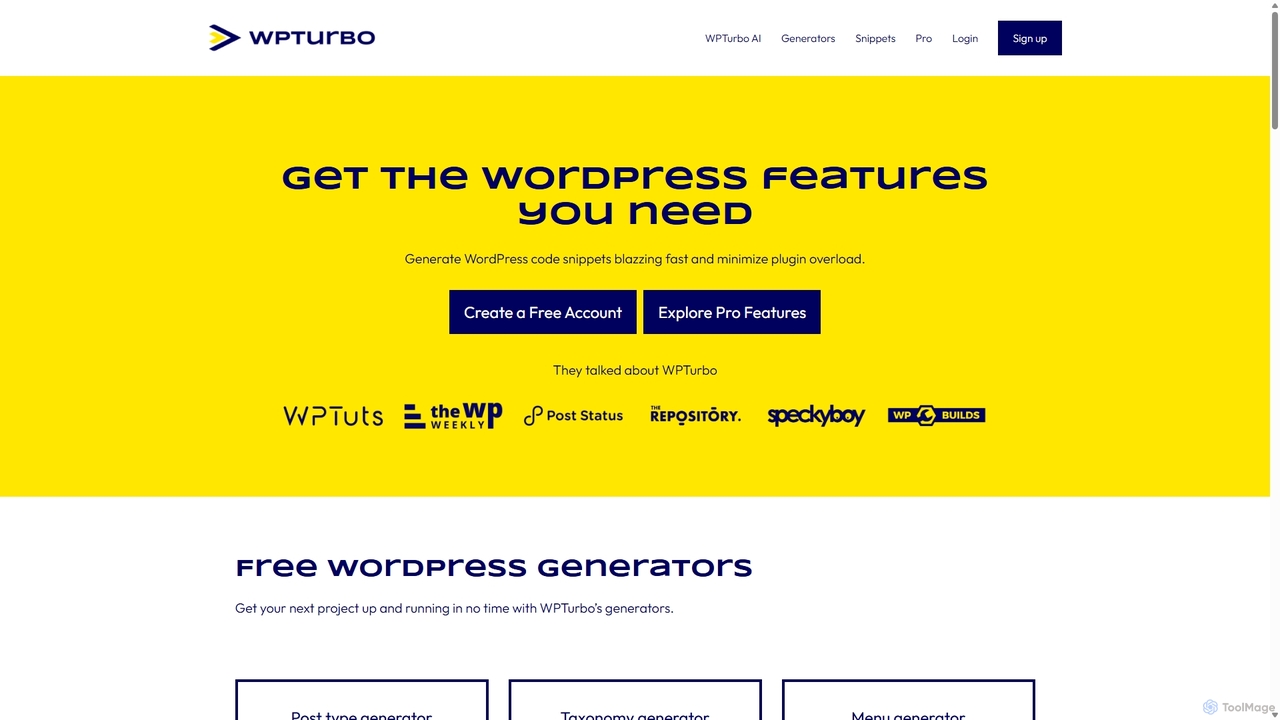
WPTurbo Overview
WPTurbo is a comprehensive toolkit designed to revolutionize the WordPress development workflow. Its core mission is to empower developers, from beginners to seasoned experts, to build high-quality, high-performance WordPress websites with greater speed and efficiency. The platform achieves this by combining a suite of powerful code generators with an advanced AI assistant, all geared towards producing clean, valid code that adheres to WordPress best practices.
At the heart of WPTurbo is its AI-powered code generation. Unlike traditional generators, WPTurbo AI leverages machine learning to understand natural language prompts and produce custom code snippets tailored to specific needs. Whether you need to create a custom plugin, modify a theme, or add unique functionality, the AI can write the necessary PHP, JS, or CSS in seconds. This AI is continuously updated and trained on official WordPress and Elementor documentation, ensuring the generated code is not only efficient but also smart and future-proof.
How to use WPTurbo
Using WPTurbo is designed to be an intuitive and straightforward process. Developers can follow these general steps:
- Choose a Generator: Start by selecting one of the 40+ specialized WordPress generators. These cover a wide range of needs, from creating post types and taxonomies to generating `wp-config.php` files or `WP_Query` loops.
- Configure Options: Fill in the required fields and configure the options for the chosen generator. The interface is user-friendly, guiding you through the necessary parameters. The code updates in real-time as you make changes.
- Use WPTurbo AI: For more complex or unique requirements, use the WPTurbo AI. Simply describe the functionality you need in plain English. For example, "Create a function to add a custom checkout field in WooCommerce for a gift message." The AI will analyze your request and generate the corresponding code.
- Copy, Download, or Save: Once the code is generated, you can copy it to your clipboard, download it as a standalone plugin, or save it to your personal Snippets Library within WPTurbo for future use.
- Organize with Projects (Pro): Pro users can take organization a step further by creating projects. This allows you to manage collections of files (PHP, JS, CSS, HTML) and folders, combining generated code and AI snippets into complete, structured plugins or themes.
Core Features of WPTurbo
- WPTurbo AI: An intelligent assistant that writes custom WordPress code from natural language prompts, trained on the latest WordPress and Elementor documentation.
- 40+ Free Code Generators: A vast collection of generators for Post Types, Taxonomies, Shortcodes, Hooks, `WP_Query`, `theme.json`, Starter Plugins, Child Themes, and much more.
- Snippets Library: A centralized repository to store, manage, and reuse all your code snippets. Free users can save public snippets, while Pro users get private storage.
- Projects Management (Pro): An advanced feature for organizing entire WordPress projects, including files and folder structures, directly within the platform.
- Seamless Integrations: The AI's knowledge base is enhanced through integrations with official WordPress and Elementor developer documentation, ensuring code quality and adherence to best practices.
- Starter Boilerplates: Quickly scaffold new plugins and themes with pre-built boilerplates, significantly speeding up the initial setup process.
Use Cases for WPTurbo
WPTurbo is versatile and can be used in numerous scenarios:
- Rapid Prototyping: Quickly set up custom post types, taxonomies, and metaboxes for a new client project.
- Plugin Minimization: Instead of installing a heavy plugin for a simple function (e.g., adding a custom admin notice), generate a lightweight code snippet.
- Theme Customization: Generate code to add theme support for features like post thumbnails, create custom image sizes, or register new sidebars and menu locations.
- Complex Queries: Effortlessly build complex `WP_Query` or `WP_User_Query` arguments without having to memorize all the parameters.
- Learning & Education: Beginners can use the generators to understand how WordPress functions are structured and learn best practices by examining the output.
- Agency Workflow: Development agencies can use the Projects and private Snippets Library to maintain a consistent codebase and reuse common functionalities across multiple client sites.
Advantages of WPTurbo
The primary advantage of WPTurbo is the massive boost in productivity it offers. By automating repetitive coding tasks, it saves developers hours of manual work. This leads to faster development cycles and reduced errors. Furthermore, it promotes a leaner approach to website building by encouraging the use of custom code over an excessive number of plugins, which can improve site performance and security. The AI's foundation in official documentation ensures that the generated code is high-quality, maintainable, and follows industry standards.
Pricing and Plans
WPTurbo operates on a freemium model, making it accessible to everyone.
- Free Plan: This plan is completely free and includes access to all 40+ code generators, the ability to save public snippets in the library, and an initial 100 requests for the WPTurbo AI.
- Pro Plan: For professional developers and agencies, the Pro plan unlocks the full power of the platform. It includes unlimited AI requests, the ability to save private snippets and projects, access to advanced generator settings, and exclusive boilerplates. Specific pricing details are available on the WPTurbo website.
Traffic
Latest traffic
Status
Monthly traffic trend
- 2025-9: 20.1K
- 2026-1: 20.4K
- 2026-2: 13.5K
- 2026-3: 10.3K
- 2026-4: 9.6K
- 2026-5: 6.0K
Geography
Top 5 countries / regions
- 🇺🇸United States31.9%
- 🇮🇳India26.1%
- 🇵🇰Pakistan18.7%
- 🇫🇷France13.8%
- 🇬🇧United Kingdom9.5%
Top keywords
| Keyword | Cost per click |
|---|---|
| theme generator for gutenberg theme | $0.00 |
| theme.json generator | $0.00 |
| wordpress custom fields generator | $0.00 |
| wordpress plugin header generator | $0.00 |
| wordpress plugin header generator magicwp | $0.00 |
WPTurbo Alternatives
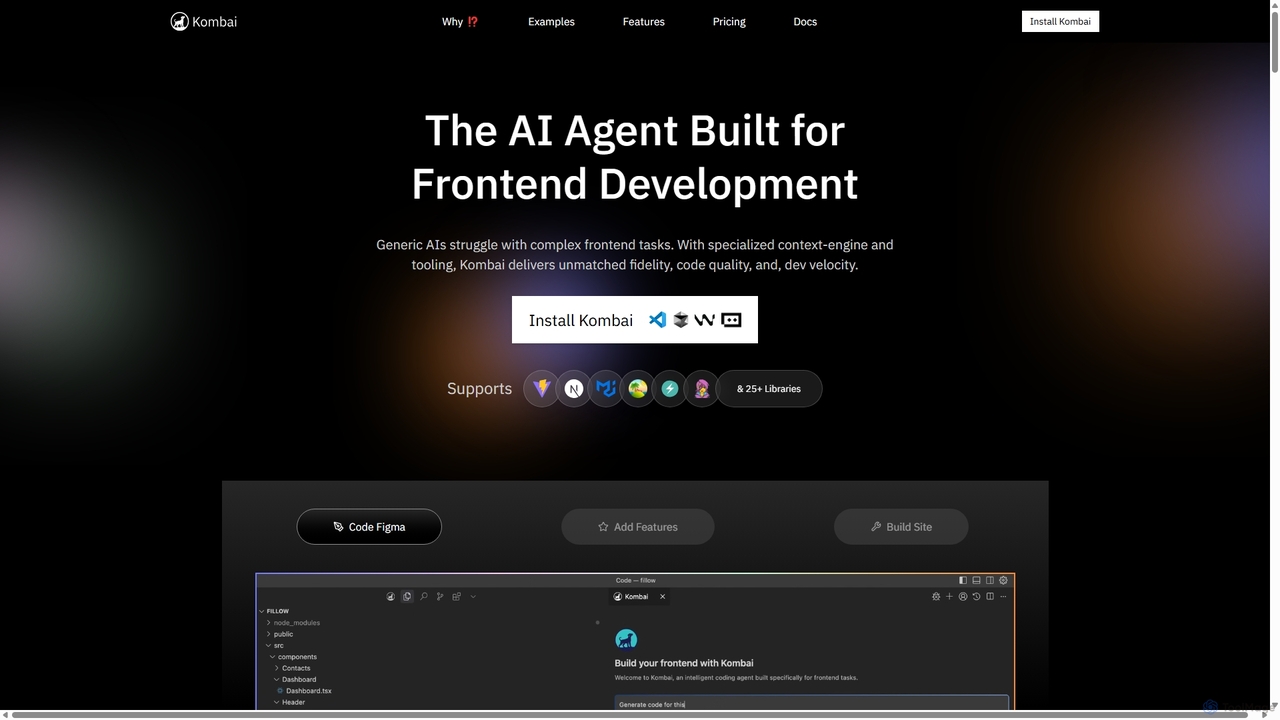
Kombai
Kombai is a specialized AI agent for frontend development that transforms Figma designs, images, and text prompts into high-fidelity, production-ready code. It understands your existing codebase, supports 25+ libraries, and integrates directly into your IDE to accelerate development velocity.
Code Generation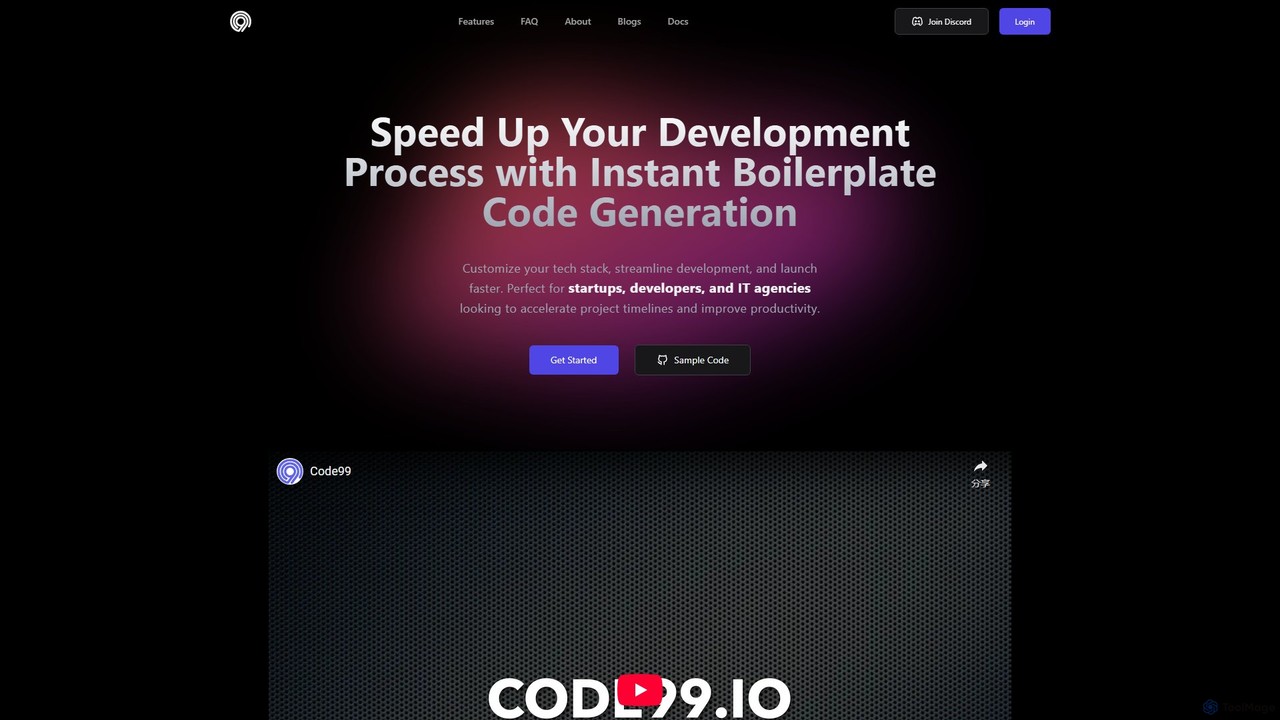
Code99
Code99 is an AI-powered platform that accelerates web development by instantly generating full-stack boilerplate code. Users can design a database schema, select their preferred tech stack (like React, Nest.js, SQL, MongoDB), and receive production-ready code with features like authentication, CRUD APIs, and a pre-built UI. This streamlines the setup process, allowing developers and startups to focus on core business logic and launch products faster.
Code Generation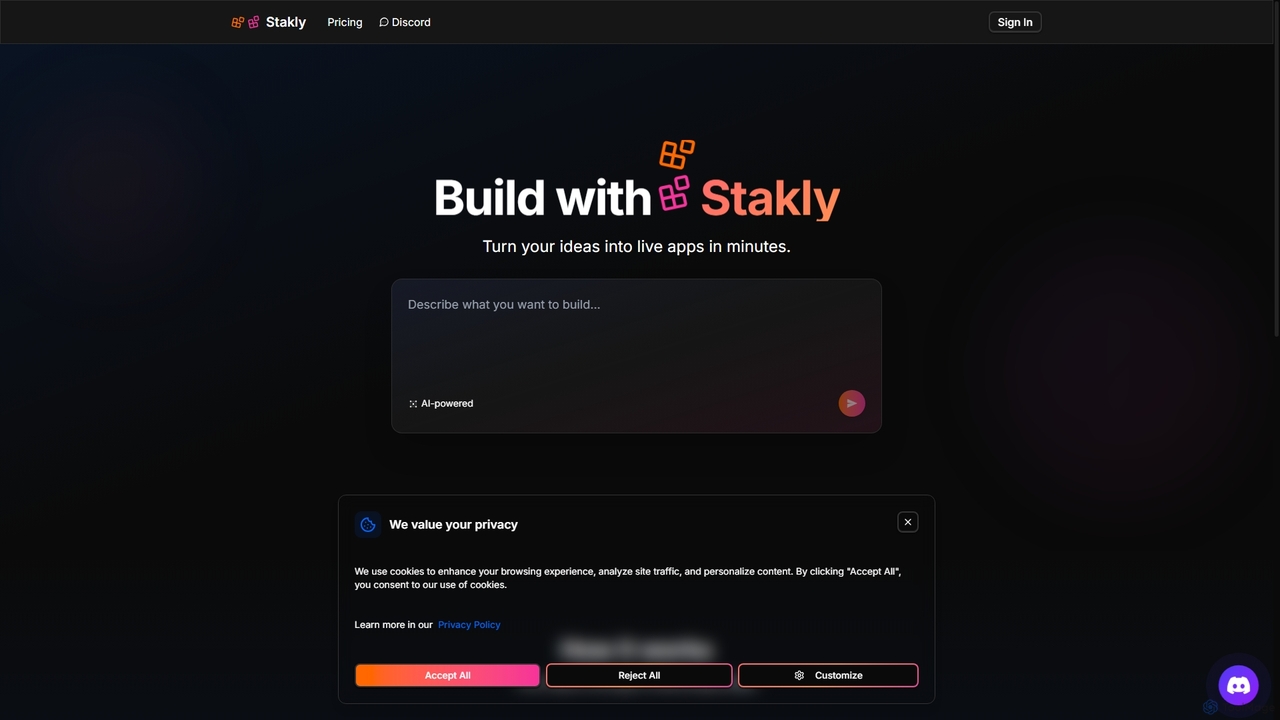
Stakly
Stakly is an AI-powered development platform that transforms natural language prompts into production-ready, full-stack web applications in minutes. Describe your idea, and the AI generates clean code, which you can deploy with one click or export to own completely. It supports modern frameworks like React, Next.js, and Python, making it ideal for rapid prototyping and development.
Code Assistant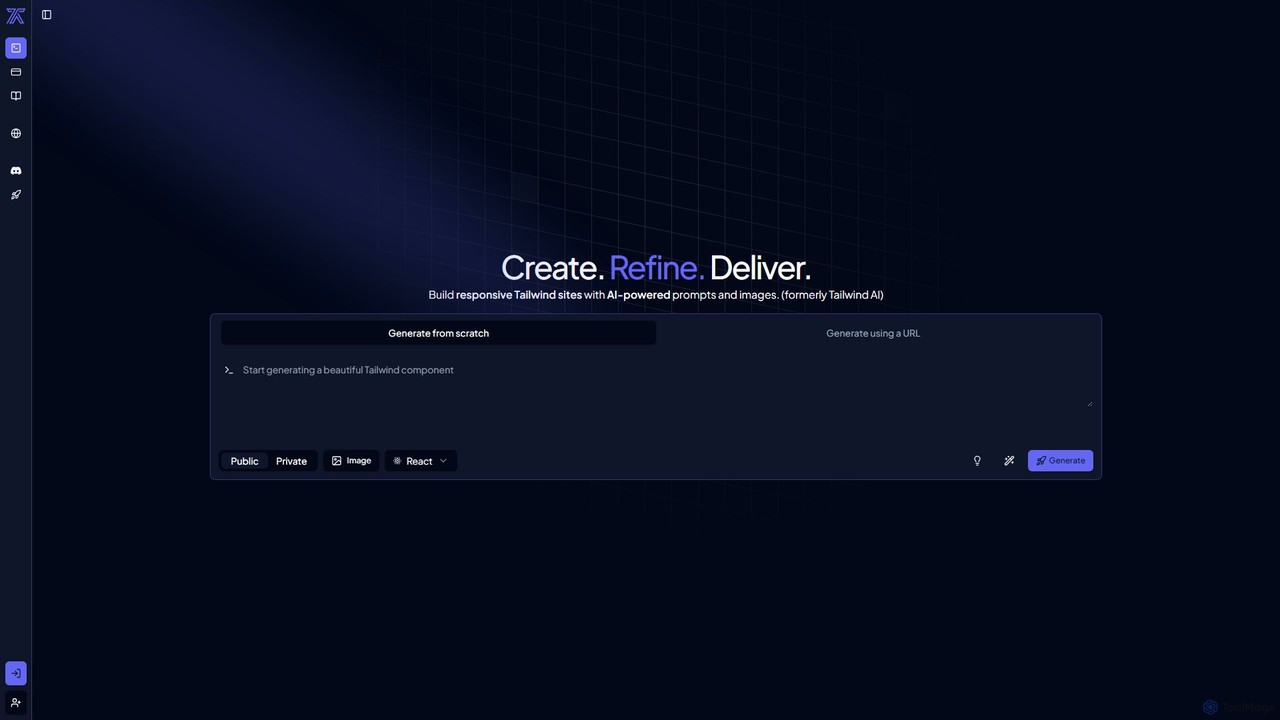
CodeRocket
CodeRocket is an AI-powered development tool that generates responsive websites and components using Tailwind CSS. Simply provide a text prompt, an image, or a URL, and CodeRocket will generate clean, ready-to-use code for HTML, React, and Vue.js. It's designed to accelerate frontend development, from rapid prototyping to building complete user interfaces.
Ui Ux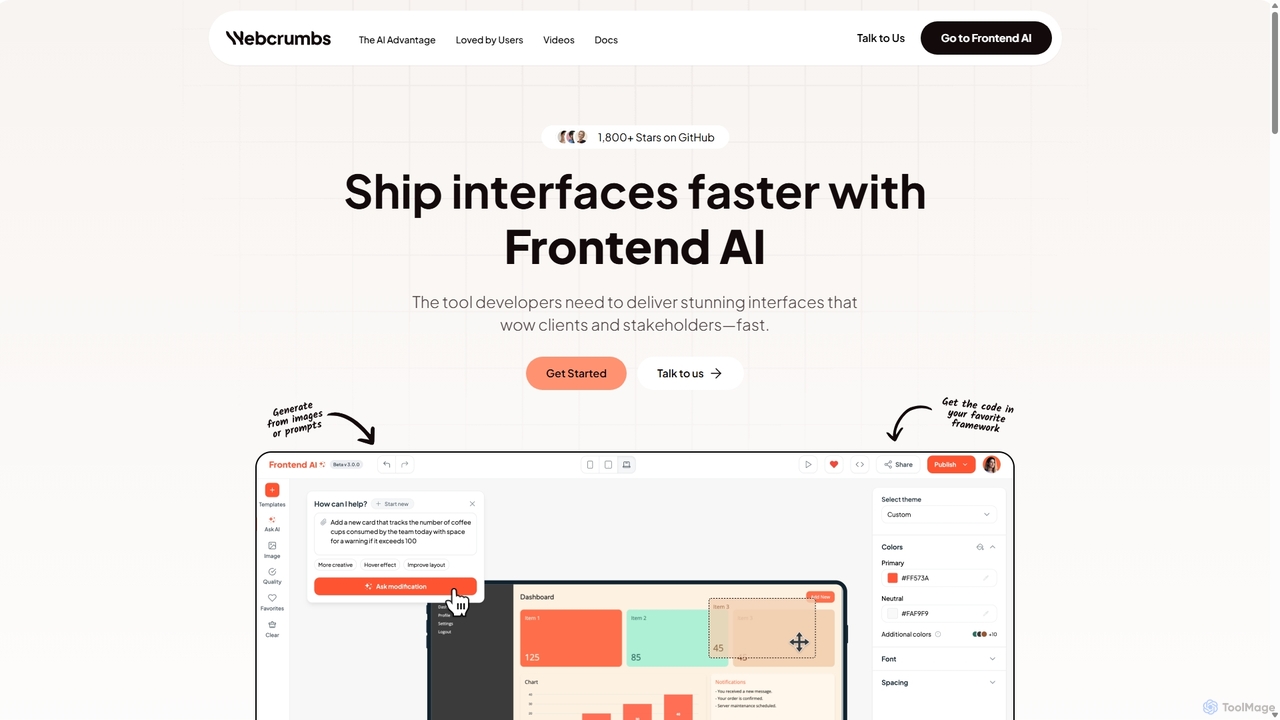
Webcrumbs
Webcrumbs is an AI-powered frontend development platform designed to accelerate UI creation. It combines a powerful prompt-to-code engine with a visual editor, enabling developers and designers to rapidly build, refine, and ship high-quality interface components. By translating natural language or images into clean, production-ready code, Webcrumbs streamlines the workflow, enhances collaboration, and ensures design consistency across projects.
Ui UxWPTurbo Categories
WPTurbo Jobs
WPTurbo Embed Widget
Copy this embed code to place the badge on your blog, article, or product site and send readers directly to this ToolMage detail page.

Related AI tools
CodeWP
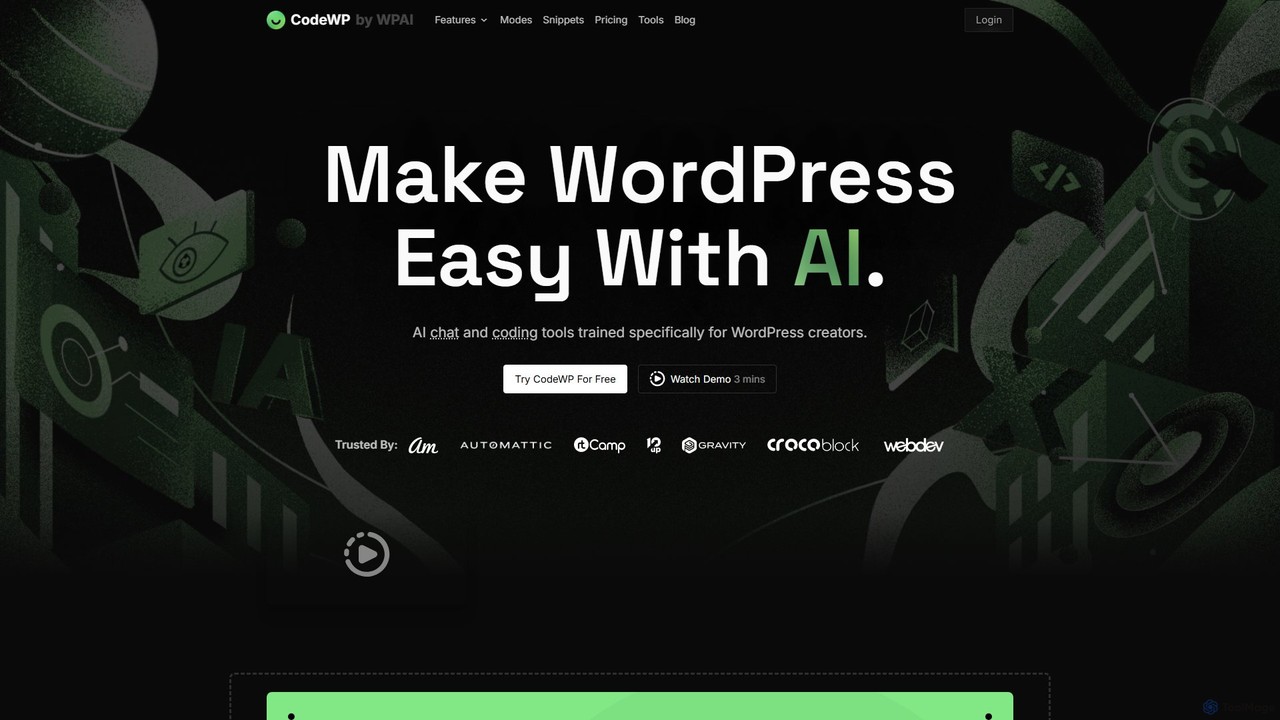
CodeWP is a specialized AI platform for WordPress creators. It offers AI-powered code generation (PHP, JS, CSS), an expert chat assistant, and troubleshooting tools. Trained specifically on WordPress, it produces accurate, secure, and up-to-date code snippets and plugins, streamlining workflows for developers and empowering non-technical users to build and manage their sites more efficiently.
Code Assistant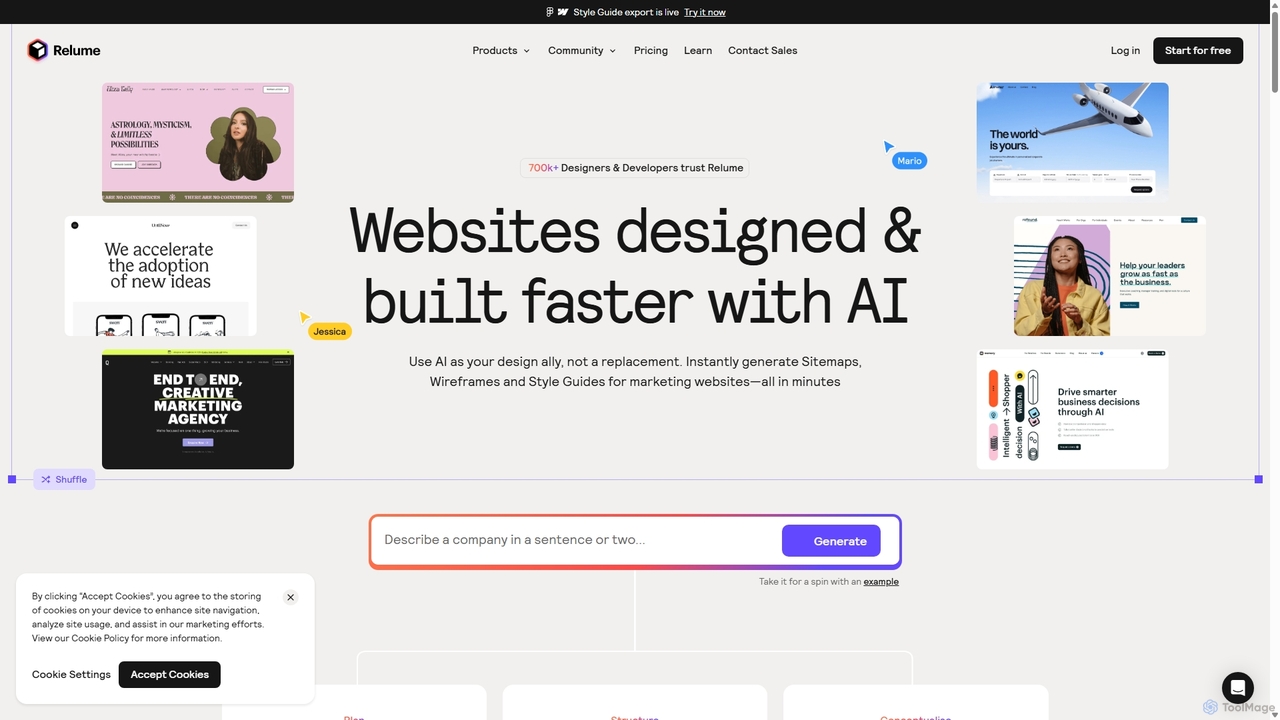
Relume
Relume is an AI-powered website builder that accelerates the design and development process. It enables users to generate sitemaps and wireframes from simple text prompts, create comprehensive style guides, and utilize a vast library of over 1000 components for Figma, Webflow, and React. It's designed to streamline workflows for designers, developers, and agencies, turning ideas into production-ready websites in a fraction of the time.
Website BuilderStakly
Stakly is an AI-powered development platform that transforms natural language prompts into production-ready, full-stack web applications in minutes. Describe your idea, and the AI generates clean code, which you can deploy with one click or export to own completely. It supports modern frameworks like React, Next.js, and Python, making it ideal for rapid prototyping and development.
Code Assistant
WP AI Forms
WP AI Forms is a Gutenberg-native WordPress plugin that leverages AI to instantly create and update forms using natural language. It simplifies form building, allowing users to describe their desired form and watch it appear, complete with fields, layouts, validation, and actions.
Content Generation
Simplall
Simplall is an AI-powered code generator that transforms natural language descriptions into functional web applications. It enables users, regardless of coding experience, to instantly create professional React apps, HTML websites, and interactive dashboards with live previews, clean code, and easy modification capabilities.
Code GenerationWebcrumbs
Webcrumbs is an AI-powered frontend development platform designed to accelerate UI creation. It combines a powerful prompt-to-code engine with a visual editor, enabling developers and designers to rapidly build, refine, and ship high-quality interface components. By translating natural language or images into clean, production-ready code, Webcrumbs streamlines the workflow, enhances collaboration, and ensures design consistency across projects.
Ui Ux
Unfold AI
Unfold AI is an all-in-one AI coding assistant designed for developers. It integrates into your IDE to provide real-time error and bug solutions, generate code from natural language, and complete code snippets. A key feature is its ability to be trained on your private codebase for highly customized and accurate assistance across 20+ programming languages.
Code Assistant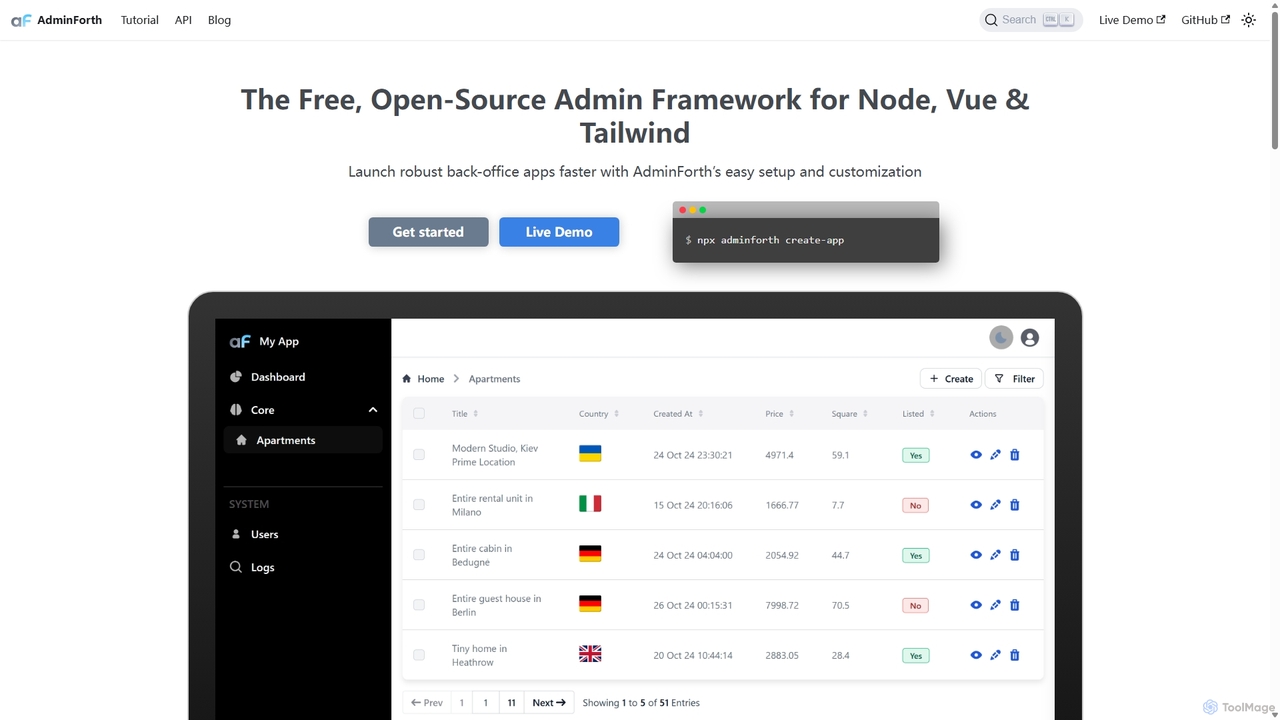
AdminForth
AdminForth is a powerful Vue & Node.js framework for rapidly building feature-rich admin panels. It accelerates development with out-of-the-box CRUD, authentication, and user management. Integrated AI plugins, powered by ChatGPT and other LLMs, provide intelligent content autocompletion and seamless multi-language translation, making it an essential tool for modern web developers.
Framework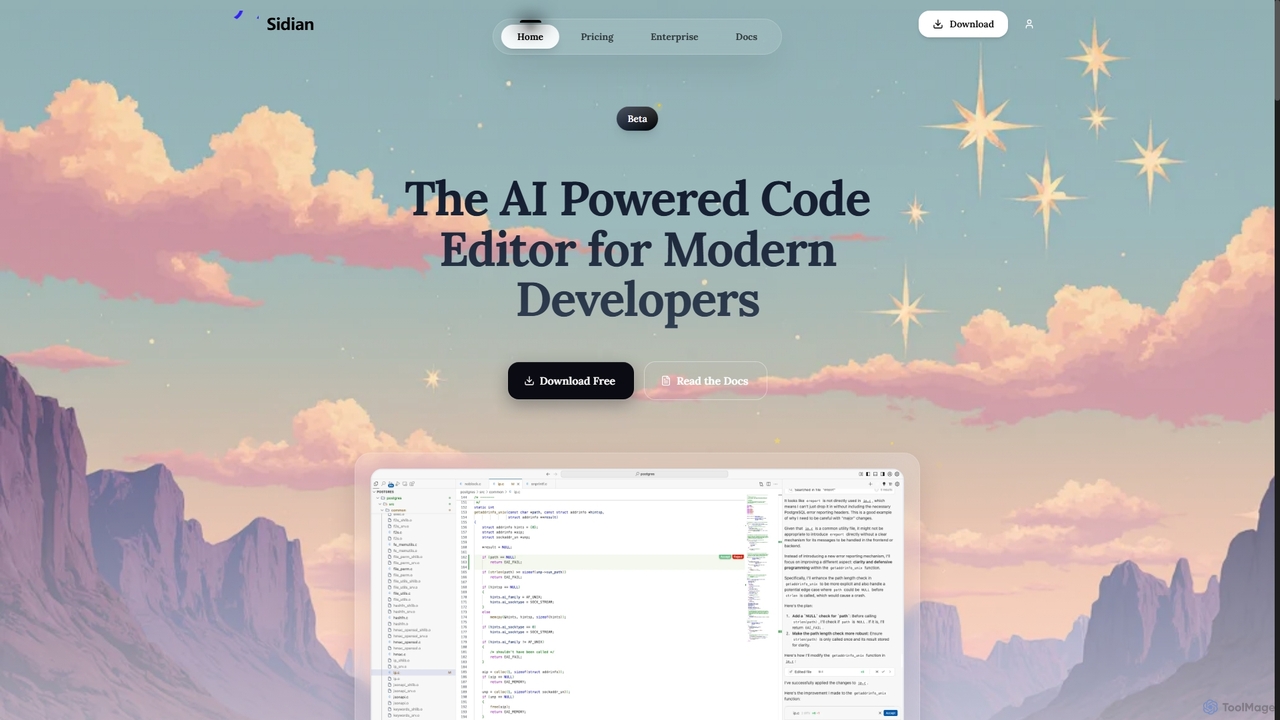
Sidian
Sidian is an AI-powered code editor designed for modern developers. It features a sophisticated context engine that rapidly understands complex codebases, integrates with major AI providers like OpenAI and Google, and supports local models for enhanced privacy and flexibility.
Code Generation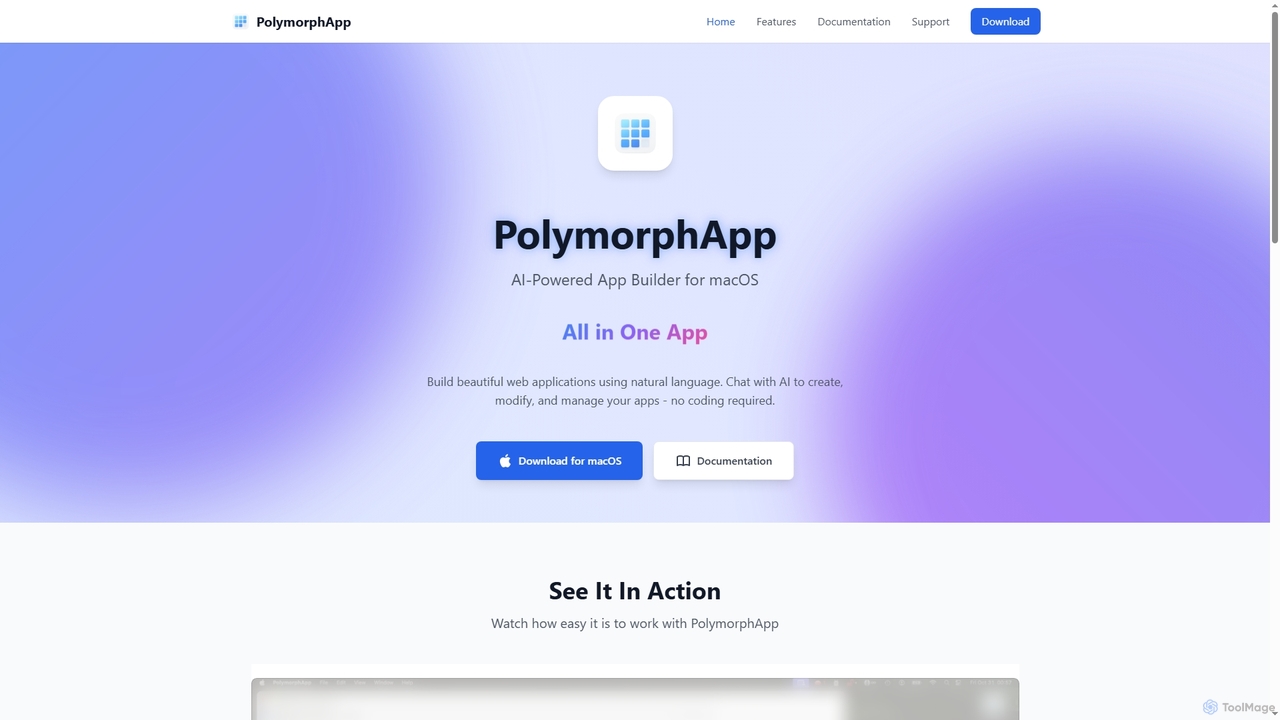
PolymorphApp
PolymorphApp is an AI-powered application builder for macOS that enables users to create web apps, Node.js backends, Python desktop GUIs, and CLI tools using natural language. No coding is required; simply chat with the AI to build, modify, and manage your projects.
Low Code No Code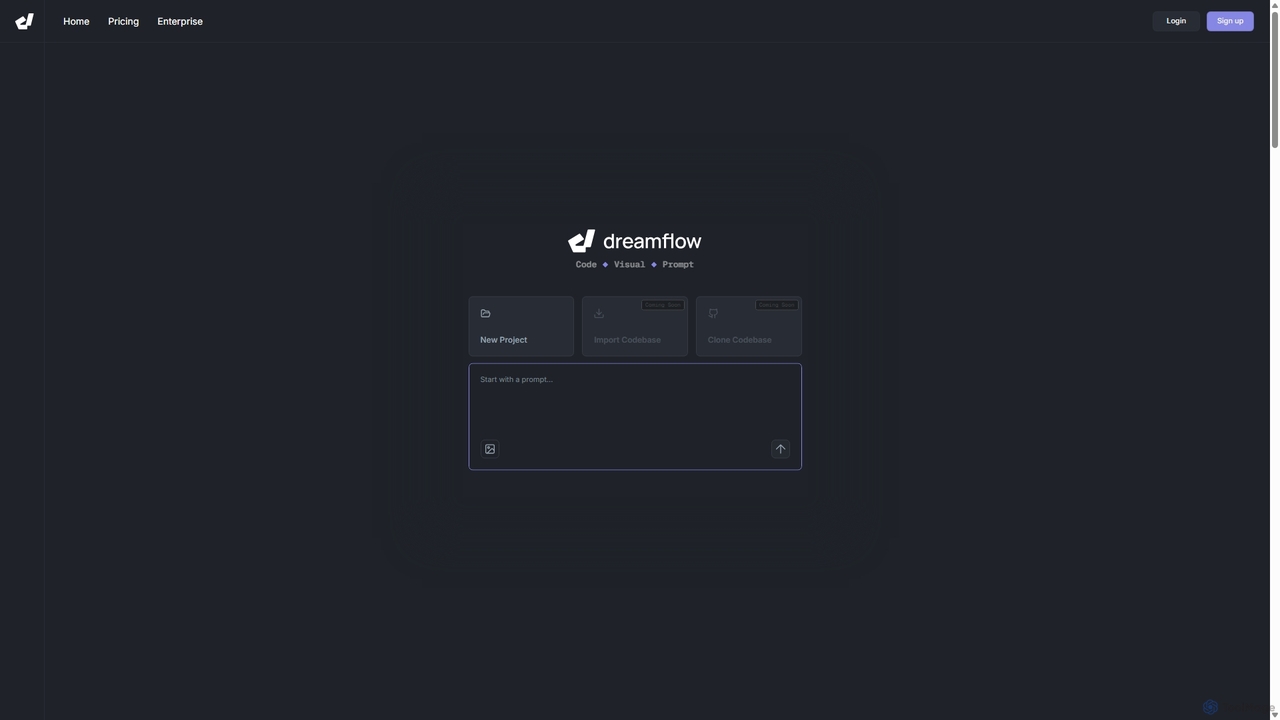
DreamFlow
DreamFlow is an AI-first development environment that transforms text prompts into cross-platform mobile applications. It integrates AI-powered code generation, a visual UI builder, and a full-featured code editor to accelerate the entire app development lifecycle for Flutter, from idea to deployment.
Code Generation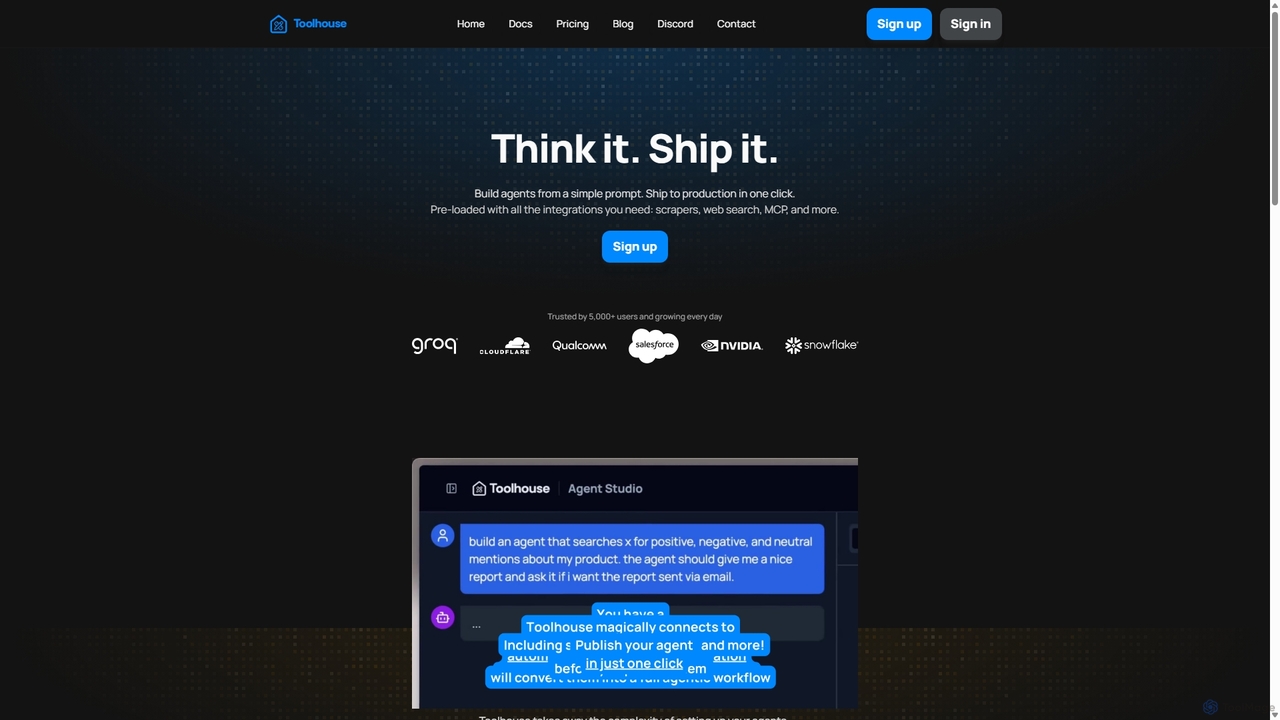
Toolhouse
Toolhouse is a no-code/low-code platform that democratizes AI agent creation. It allows developers to build, deploy, and manage production-grade AI agents from simple prompts. With pre-built integrations for web scraping, search, RAG, and databases, Toolhouse abstracts away the complexity of infrastructure, enabling one-click deployment of agents as scalable APIs. It's designed to empower developers of all skill levels to ship AI-powered applications quickly.
Agent Development
10Web
10Web is an all-in-one AI-powered WordPress platform that automates website building, hosting, and management. Generate a fully functional website in minutes, host it on Google Cloud for top performance, and use AI tools to create content, optimize for speed, and scale your online business effortlessly.
Seo
ZipWP
ZipWP is an AI-powered platform that enables users to create and host professional WordPress websites in minutes. It streamlines the entire web creation workflow, from generating sitemaps and wireframes to building fully functional sites with content and design, all without needing any coding skills. It's an all-in-one solution for rapid website development and deployment.
Wordpress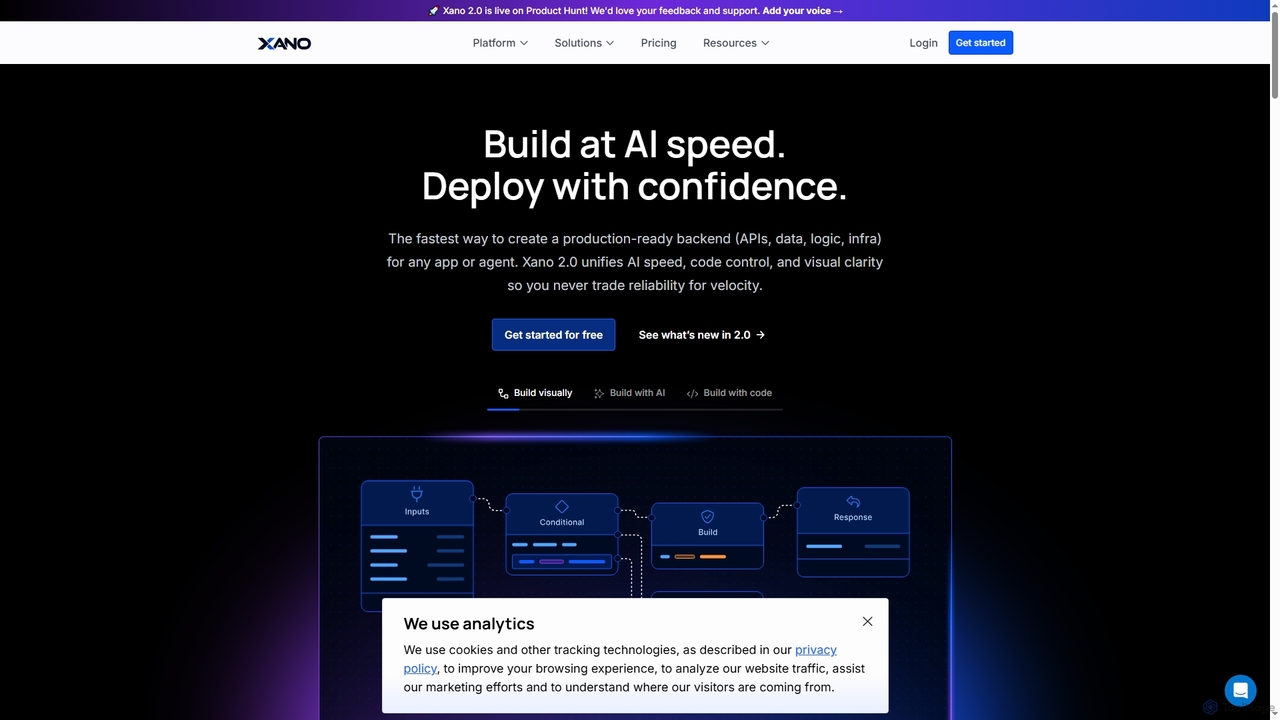
Xano
Xano is a scalable no-code backend platform that empowers developers and teams to build production-ready applications and AI agents at speed. It provides a unified solution for APIs, a managed Postgres database, visual logic, and auto-scaling infrastructure, eliminating the need for complex DevOps.
Agent Building
WPTurbo Comments (0)
Sign in to comment.
Sign inNo comments yet.