ToolMage
Sign in

Best 2 Wordpress AI tools for Web Development

Popular Wordpress AI tools in Web Development include WPTurbo and Inspired Monks, helping you work more efficiently.

Inspired Monks

Inspired Monks

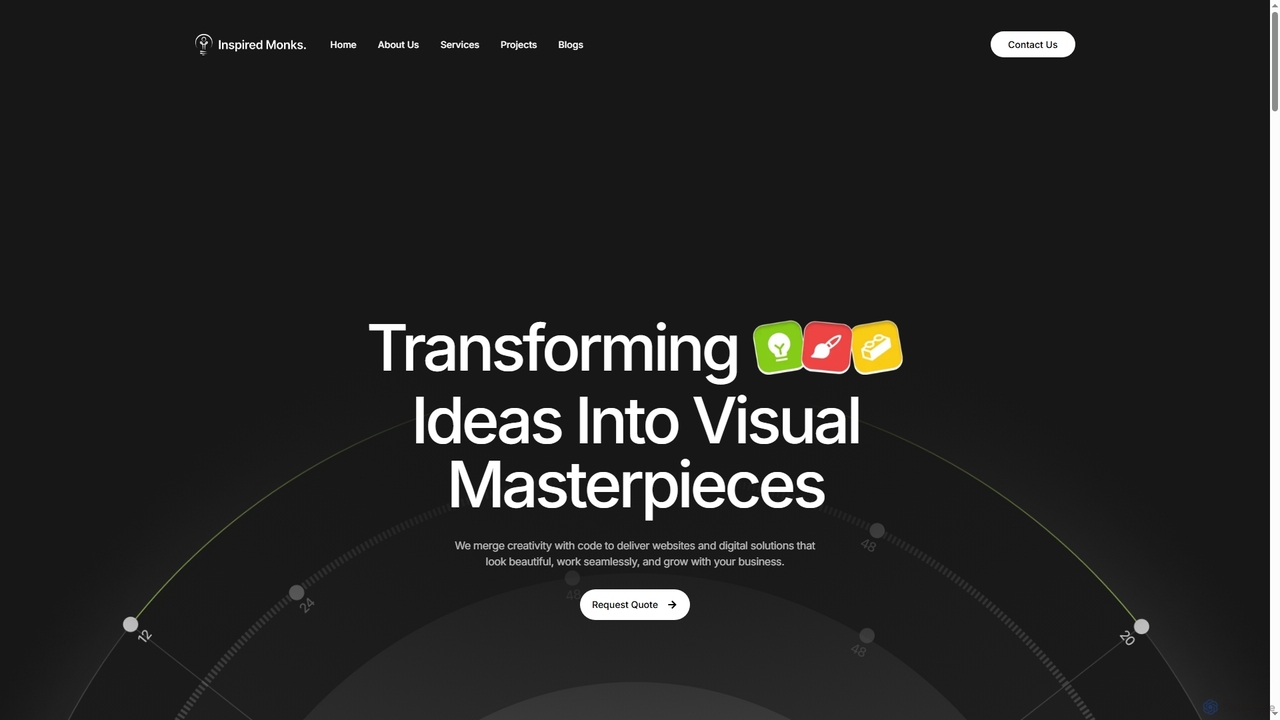
Inspired Monks is a professional web development agency specializing in transforming ideas into robust digital solutions. They offer expert WordPress development, custom web applications, user-centric UI/UX design, and AI-powered content creation, ensuring fast, secure, and scalable online presences for businesses of all sizes.

Writing
Visits 7.2KFavorites 51Likes 49
WPTurbo
Freemium

WPTurbo

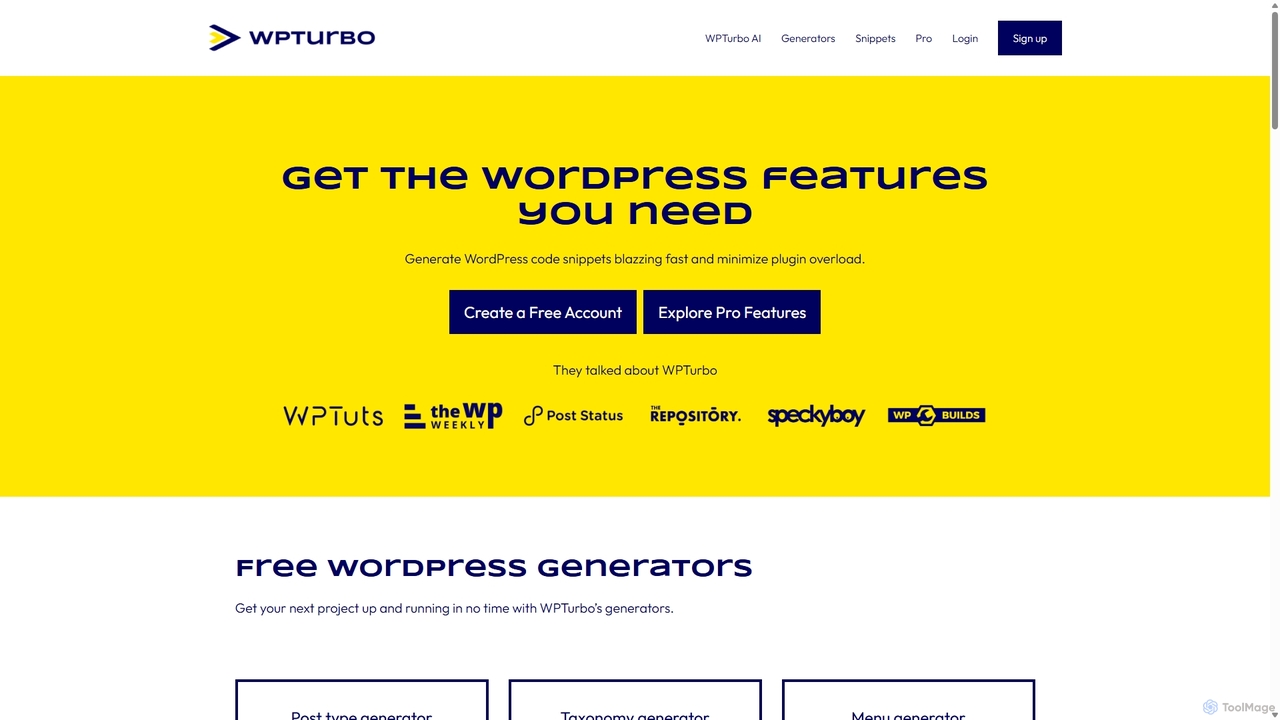
WPTurbo is an AI-powered platform for WordPress developers that accelerates website development. It features over 40 free code generators, an AI assistant for custom snippets, a snippets library, and project management tools to create clean, efficient code for themes and plugins, minimizing plugin overload.

Code Generation
Visits 12.3KFavorites 162Likes 193

About Wordpress

WordPress is an open-source Content Management System (CMS) that empowers users to create and manage websites, blogs, and e-commerce stores with remarkable flexibility. Built on PHP and MySQL, it provides a user-friendly interface for content creation, design customization, and functionality extension through its vast ecosystem of themes and plugins. This platform is ideal for anyone seeking a powerful yet accessible solution for establishing a robust online presence, from personal projects to complex corporate sites.

Core Features

  • Intuitive Content Editor: Easily create, edit, and publish posts and pages using a block-based editor, simplifying content management.
  • Extensive Theme System: Customize website appearance with thousands of free and premium themes, offering diverse designs and layouts without coding.
  • Powerful Plugin Architecture: Extend functionality for SEO, security, e-commerce, forms, and more with a rich library of over 60,000 plugins.
  • User Management: Define roles and permissions for different users, facilitating collaborative website management and content contribution.
  • Media Management: Upload, organize, and embed images, videos, and other media files directly within the dashboard for seamless integration.

Applicable Scenarios

WordPress is widely adopted across various sectors, from individual bloggers and small businesses to large enterprises. It serves as a robust foundation for personal portfolios, corporate websites, online magazines, and sophisticated e-commerce platforms, enabling diverse digital strategies and content delivery.

How to Choose

When selecting WordPress for your project, consider your technical expertise, required scalability, budget for hosting and premium assets, and the specific functionalities needed. Evaluate the availability of suitable themes and plugins, and ensure your chosen hosting provider meets performance, security, and support demands for optimal operation.

Wordpress use cases

1

Building a Personal Blog or Portfolio Website

An individual content creator or artist can leverage WordPress to quickly set up a personal blog to share articles, thoughts, or a portfolio to showcase their work. With customizable themes and easy content publishing, they can establish an online presence without needing extensive coding knowledge, reaching a wider audience and building their brand effectively.

2

Creating a Small Business Online Presence

Small business owners can use WordPress to build professional, informative websites to attract customers, display services, and provide contact information. Its user-friendly interface allows for easy updates of business hours, service offerings, and promotions, making it an accessible solution for establishing credibility and visibility in the local market.

3

Launching an E-commerce Store with WooCommerce

Entrepreneurs looking to sell products online can integrate the powerful WooCommerce plugin with WordPress to create a fully functional e-commerce store. This enables them to manage product listings, process payments, handle shipping, and track orders, providing a comprehensive solution for online retail with extensive customization options and scalability.

4

Developing a Membership or Subscription Site

Content creators or educators can utilize WordPress with membership plugins to build exclusive communities or offer premium content on a subscription basis. This allows them to monetize their expertise by providing members-only articles, courses, or forums, fostering a dedicated audience and generating recurring revenue streams effectively.

5

Managing an Online Magazine or News Portal

Publishing houses or media organizations can use WordPress to manage and publish a high volume of diverse content, including articles, videos, and image galleries, for an online magazine or news portal. Its robust content management capabilities and multi-user support facilitate collaborative editorial workflows and efficient content delivery to a broad readership.

6

Setting Up a Corporate Intranet or Extranet

Organizations can deploy WordPress to create secure internal intranets for employee communication, document sharing, and project collaboration, or extranets for partners and clients. With user role management and private content features, it provides a flexible and cost-effective platform for secure information exchange and streamlined internal operations, enhancing productivity.

Wordpress FAQ

What is WordPress and what is its primary purpose?

WordPress is an open-source Content Management System (CMS) primarily designed for creating and managing websites, blogs, and online applications. Its core purpose is to simplify web publishing, allowing users without extensive coding knowledge to build and maintain a professional online presence. It's known for its flexibility, vast ecosystem of themes and plugins, and strong community support.

How does WordPress differ from hosted website builders like Wix or Squarespace?

WordPress, being self-hosted, offers unparalleled flexibility, full ownership of your data, and extensive customization through its open-source nature and vast plugin/theme ecosystem. In contrast, hosted website builders like Wix or Squarespace are all-in-one solutions that manage hosting and provide a more limited, template-driven environment. While simpler to start, they offer less control and customization compared to WordPress.

What are the main advantages of using WordPress for website development?

The main advantages of WordPress include its incredible flexibility and scalability, allowing it to power everything from simple blogs to complex e-commerce sites. It boasts a massive ecosystem of free and premium themes for design and plugins for functionality, strong SEO capabilities, and a large, supportive community. Its user-friendly interface also makes content management accessible to non-developers.

What are the key considerations when choosing a WordPress hosting provider?

When selecting a WordPress host, prioritize performance (speed and uptime), security features (firewalls, backups, SSL), and customer support (especially WordPress-specific expertise). Also, consider scalability options for future growth, the ease of WordPress installation and management, and the pricing structure. Managed WordPress hosting often provides optimized environments and dedicated support.

Can WordPress be effectively used for e-commerce, and how?

Yes, WordPress is highly effective for e-commerce, primarily through the integration of the free WooCommerce plugin. WooCommerce transforms a WordPress site into a full-fledged online store, enabling product listings, shopping carts, secure payment gateways, inventory management, and shipping options. Its extensibility allows for countless add-ons to enhance store functionality and user experience.