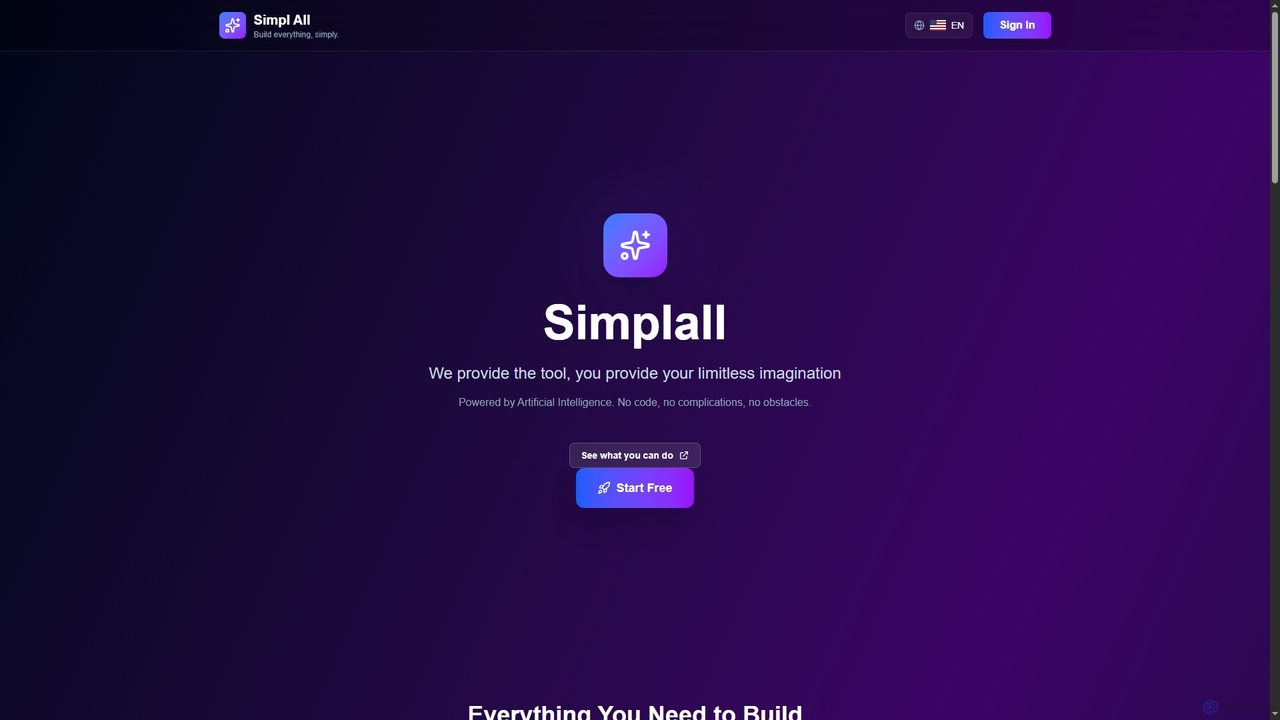
Simplall
Simplall is an AI-powered code generator that transforms natural language descriptions into functional web applications. It enables users, …
Simplall is an AI-powered code generator that transforms natural language descriptions into functional web applications. It enables users, regardless of coding experience, to instantly create professional React apps, HTML websites, and interactive dashboards with live previews, clean code, and easy modification capabilities.
About Front End Development
Front End Development AI tools are specialized software solutions that leverage artificial intelligence to automate, optimize, and enhance various aspects of creating user interfaces and user experiences for web applications. These tools utilize machine learning, natural language processing, and computer vision to streamline design processes, generate code, perform intelligent testing, and improve overall front-end quality. They empower developers and designers to build more efficient, accessible, and visually appealing web experiences, significantly accelerating the development lifecycle within the broader Web Development domain.
Core Features
- UI/UX Design Automation: Automatically generate design mockups, prototypes, or even functional UI components from textual descriptions or wireframes.
- Code Generation & Refactoring: Convert designs into clean, semantic code (HTML, CSS, JavaScript) or suggest optimizations and refactorings for existing codebases.
- Automated Testing & Quality Assurance: Perform visual regression testing, identify UI bugs, and ensure cross-browser compatibility with minimal manual effort.
- Performance Optimization: Analyze front-end code and assets to detect performance bottlenecks and recommend improvements for faster loading times and smoother interactions.
- Accessibility Enhancement: Automatically audit web interfaces for WCAG compliance and suggest modifications to improve accessibility for all users.
Applicable Scenarios
These AI tools are invaluable for web development agencies aiming to accelerate project delivery, individual front-end developers seeking to automate repetitive tasks, and large enterprises needing to maintain consistent UI/UX across numerous applications. They are particularly useful in fast-paced environments where rapid prototyping, consistent design systems, and high-quality user experiences are paramount.
How to Choose
When selecting Front End Development AI tools, consider their compatibility with your existing tech stack and design tools (e.g., Figma, React, Vue). Evaluate the accuracy and quality of generated code or designs, the breadth of automated testing capabilities, and the level of customization offered. Also, assess the learning curve and the tool's ability to integrate seamlessly into your current development workflow to maximize efficiency gains.

Front End DevelopmentUse Cases
Automated UI Component Generation
A front-end developer needs to build a new feature with several standard UI components like buttons, forms, and navigation bars. Using an AI tool, they can input design specifications or even natural language descriptions, and the tool automatically generates the corresponding React, Vue, or Angular components with appropriate styling and basic logic. This drastically reduces manual coding time and ensures consistency with the project's design system.
Design-to-Code Conversion
A UI/UX designer has finalized a complex web page layout in Figma. Instead of manually translating this design into HTML, CSS, and JavaScript, a developer uses an AI-powered design-to-code tool. The AI analyzes the design file, identifies elements, and generates a functional, responsive web page, allowing the developer to focus on adding dynamic functionality rather than initial markup.
Visual Regression Testing Automation
During a large web application update, a QA engineer needs to ensure no unintended visual changes occur across various browsers and devices. An AI testing tool automatically captures screenshots of the application before and after changes, compares them pixel by pixel, and highlights any visual discrepancies. This saves hundreds of hours compared to manual visual inspection and catches subtle UI bugs.
Performance Bottleneck Identification
An e-commerce website is experiencing slow loading times, impacting user retention. A front-end performance AI tool scans the website's code, asset loading, and network requests. It identifies specific JavaScript bundles causing render-blocking, inefficient image loading, or excessive DOM complexity, providing actionable recommendations to optimize the site's speed and improve user experience.
Accessibility Compliance Audit
A government agency needs to ensure its public-facing website meets strict WCAG accessibility standards. An AI accessibility tool automatically scans the entire site, identifying issues like missing alt text, insufficient color contrast, improper ARIA attributes, or keyboard navigation problems. It then suggests specific code changes or content adjustments to achieve compliance, making the site usable for everyone.
Personalized User Interface Adaptation
A content platform wants to offer a highly personalized experience to its users. An AI front-end tool monitors user interaction patterns, preferences, and browsing history. Based on this data, it dynamically adjusts the layout, content blocks, or even the color scheme of the interface in real-time, presenting a unique and more engaging experience tailored to each individual user.