

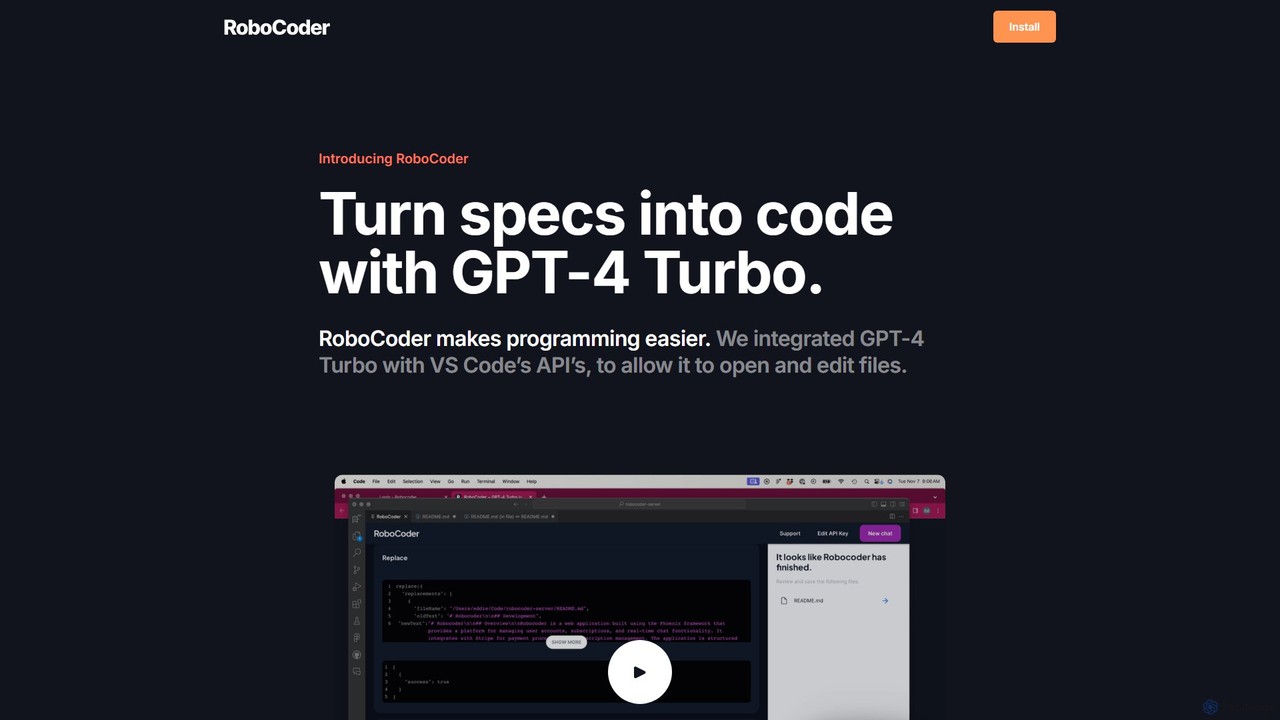
RoboCoder Overview
RoboCoder is a revolutionary AI tool designed to supercharge the development process for programmers using Visual Studio Code. It functions as a VS Code extension, bringing the immense power of OpenAI's GPT-4 Turbo model directly into the coding environment. The core premise of RoboCoder is to make programming easier and more efficient by allowing developers to convert natural language specifications into high-quality, functional code. It acts as an intelligent collaborator that understands context, interacts with your project files, and automates tedious coding tasks.
Unlike simple code completion tools, RoboCoder has been deeply integrated with the VS Code API. This gives it the unique ability to not just suggest code snippets, but to actively open, read, create, and edit files within your project's workspace. This capability unlocks a new level of AI-assisted development, where you can delegate complex tasks like creating a new component, refactoring a module, or implementing a full feature with a single, descriptive prompt.
How to use RoboCoder
Getting started with RoboCoder is a straightforward process designed for a quick setup:
- Installation: Find and install the RoboCoder extension directly from the Visual Studio Code Marketplace.
- API Key Configuration: RoboCoder operates on a "Bring Your Own API Key" (BYOK) model. You will need to obtain an API key from your OpenAI account and configure it in the extension's settings. This ensures you have full control and transparency over your API usage and costs.
- Activation: Once installed and configured, you can invoke RoboCoder through a command palette shortcut or a dedicated UI element within VS Code.
- Provide Instructions: Write a clear, detailed prompt or specification describing what you want to achieve. This could be anything from "Create a React component for a user login form with email and password fields" to "Refactor this Python function to be more efficient and add error handling."
- Execution: RoboCoder will process your request, analyze the context of your current project (including open files and project structure), and then generate or modify the code directly in your editor. You can then review, accept, or request further modifications.
Core Features of RoboCoder
- GPT-4 Turbo Integration: Leverages OpenAI's most advanced model for superior understanding of complex prompts, logical reasoning, and high-quality code generation.
- Direct File System Access: The AI can open, read, edit, and create files and directories within your VS Code workspace, enabling it to perform complex, multi-file operations.
- Natural Language to Code: Seamlessly translate plain English requirements into functional code across a wide range of programming languages and frameworks.
- Context-Aware Refactoring: Intelligently refactors existing code by understanding its purpose and dependencies within the larger project.
- Boilerplate Automation: Automates the creation of repetitive code, such as API clients, data models, unit tests, and configuration files.
- Seamless VS Code Experience: Functions as a native extension, integrating smoothly into the familiar developer workflow without the need to switch contexts.
Use Cases for RoboCoder
RoboCoder is a versatile tool suitable for various development scenarios:
- Rapid Prototyping: Quickly build out the structure and core functionality of a new application or feature from high-level concepts.
- Complex Feature Implementation: Delegate the implementation of entire features, such as setting up a new API endpoint with its corresponding service and controller logic.
- Code Modernization: Update legacy codebases by, for example, converting class-based React components to functional components with Hooks, or migrating from an older library version.
- Debugging and Troubleshooting: Describe a bug or an error message, and let RoboCoder analyze the relevant code to suggest potential fixes and explanations.
- Learning and Exploration: Use it as a learning aid to understand how to implement specific patterns or use new technologies by asking it to generate examples directly in your project.
Advantages of RoboCoder
The primary advantage of RoboCoder is the significant boost in developer productivity. By handling mundane and time-consuming tasks, it allows developers to focus on creative problem-solving and system architecture. The BYOK model offers a transparent and potentially more cost-effective pricing structure for developers, who only pay for the API tokens they consume, in addition to a minimal subscription fee for the tool itself. Its deep integration with VS Code ensures a frictionless workflow, making it feel like a true AI pair programmer.
Pricing and Plans
RoboCoder's pricing is simple and transparent:
- Subscription Fee: A flat rate of $5 per month to use the VS Code extension and its features.
- Bring Your Own API Key (BYOK): Users must provide their own OpenAI API key. All costs associated with GPT-4 Turbo usage are billed directly by OpenAI to the user. This model gives users full control over their spending and allows them to leverage any credits or special pricing they may have with OpenAI.
Traffic
Latest traffic
Status
Monthly traffic trend
- 2025-9: 457
- 2026-1: 0
- 2026-2: 615
- 2026-3: 25
- 2026-4: 0
- 2026-5: 317
Geography
Top 5 countries / regions
- 🇩🇪Germany100.0%
Top keywords
| Keyword | Cost per click |
|---|---|
| robo code | $0.00 |
| robo coder | $0.00 |
RoboCoder Alternatives
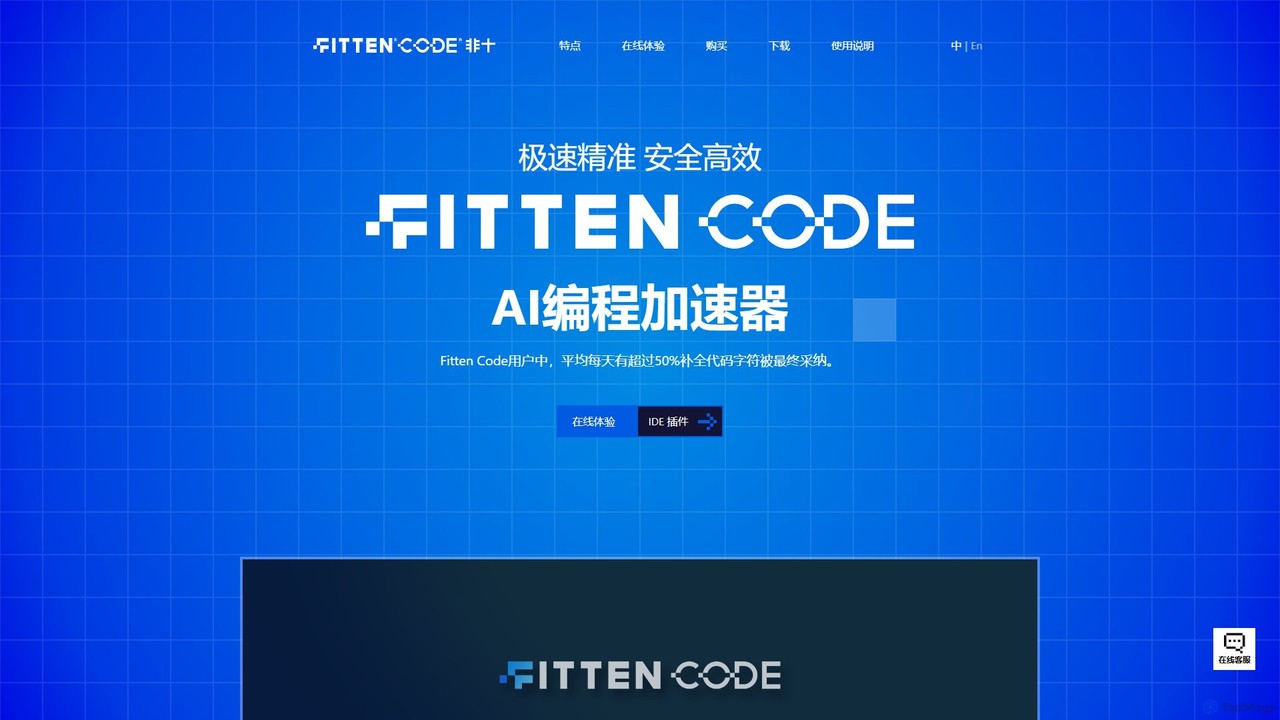
Fitten Code
Fitten Code is a next-generation AI programming assistant designed to accelerate software development. It offers ultra-fast code completion, intelligent Q&A, automated unit test generation, and code optimization. Built by a Tsinghua PhD team, it supports major IDEs and languages, significantly boosting developer productivity while ensuring data privacy.
Code Generation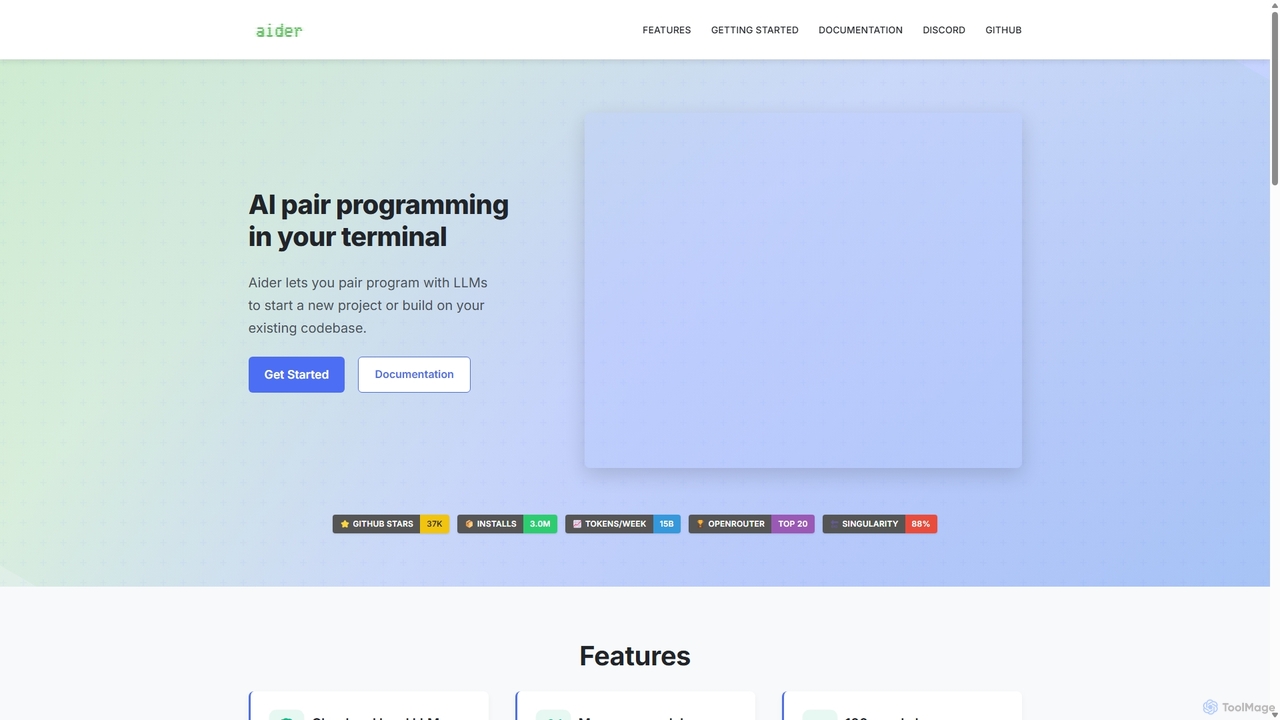
Aider
Aider is an AI-powered pair programmer that operates directly in your terminal. It intelligently maps your entire codebase, providing full project context for complex tasks. Seamlessly integrated with Git, it automates commits and allows you to manage AI-driven changes with familiar tools. Aider supports over 100 programming languages, connects to leading cloud and local LLMs, and even accepts voice and image inputs, making it a versatile and powerful assistant for any developer seeking to accelerate their workflow and improve code quality.
Programming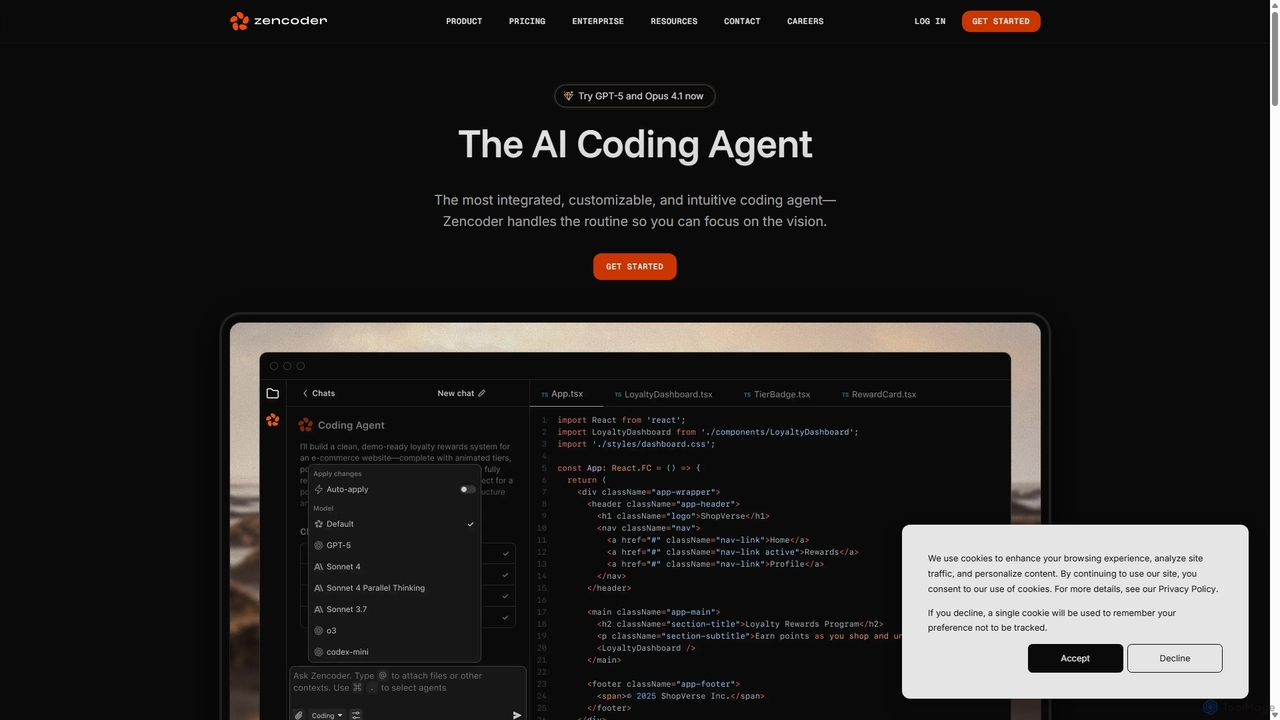
Zencoder
Zencoder is an advanced AI coding agent designed to automate routine development tasks. It deeply integrates into your workflow, understanding your entire codebase to implement features, write tests, fix bugs, and refactor code autonomously. With customizable 'Zen Agents' and seamless integration with VS Code, JetBrains, and over 100 developer tools, Zencoder empowers engineering teams to focus on innovation and ship products faster.
Code Assistant
Refact
Refact is an open-source, self-hostable, and autonomous AI coding agent. It integrates into your IDE to act as a digital twin, automating coding tasks, providing context-aware completions and chat, and adapting to your codebase for maximum productivity and data privacy.
Code Assistant
Devgen
Devgen is an AI-powered coding assistant designed to accelerate the software development lifecycle. It helps developers write better code faster by providing intelligent code generation, completion, refactoring, and automated testing, directly within their IDE.
Code AssistantRoboCoder Categories
RoboCoder Embed Widget
Copy this embed code to place the badge on your blog, article, or product site and send readers directly to this ToolMage detail page.

Related AI tools

Amp
Amp is a frontier AI coding agent designed for developers. It operates as a CLI and within IDEs like VS Code, automating complex tasks such as code editing, debugging, and refactoring. Amp leverages the latest AI models to provide autonomous reasoning and execution, enhancing developer productivity through features like subagents, an Oracle for complex analysis, and deep IDE integration.
Code Assistant
Safurai
Safurai is an AI-powered IDE extension that acts as a virtual assistant for software developers. It helps with coding, debugging, and refactoring, aiming to streamline the development process and improve code quality directly within your favorite IDE like VS Code and JetBrains.
Code GenerationFitten Code
Fitten Code is a next-generation AI programming assistant designed to accelerate software development. It offers ultra-fast code completion, intelligent Q&A, automated unit test generation, and code optimization. Built by a Tsinghua PhD team, it supports major IDEs and languages, significantly boosting developer productivity while ensuring data privacy.
Code Generation
Baidu Comate
Baidu Comate is an intelligent AI code assistant powered by Baidu's Wenxin large language model. It integrates seamlessly into IDEs like VS Code and JetBrains to provide real-time code completion, code generation from natural language, bug fixing, and unit test creation, significantly boosting developer productivity.
Code Generation
Cursor
Cursor is an AI-first code editor designed for modern software development. Built as a fork of VS Code, it integrates powerful AI capabilities directly into the editing experience, allowing developers to chat with their codebase, generate, edit, and debug code with unprecedented speed and context-awareness.
Code Generation
Sherpa Coder
Sherpa Coder is a free VS Code extension that integrates OpenAI Assistants directly into your editor. It enhances developer productivity by enabling context-aware chat, custom AI assistant usage, and seamless collaboration with AI for coding, debugging, and learning, all within the VS Code environment.
Code Generation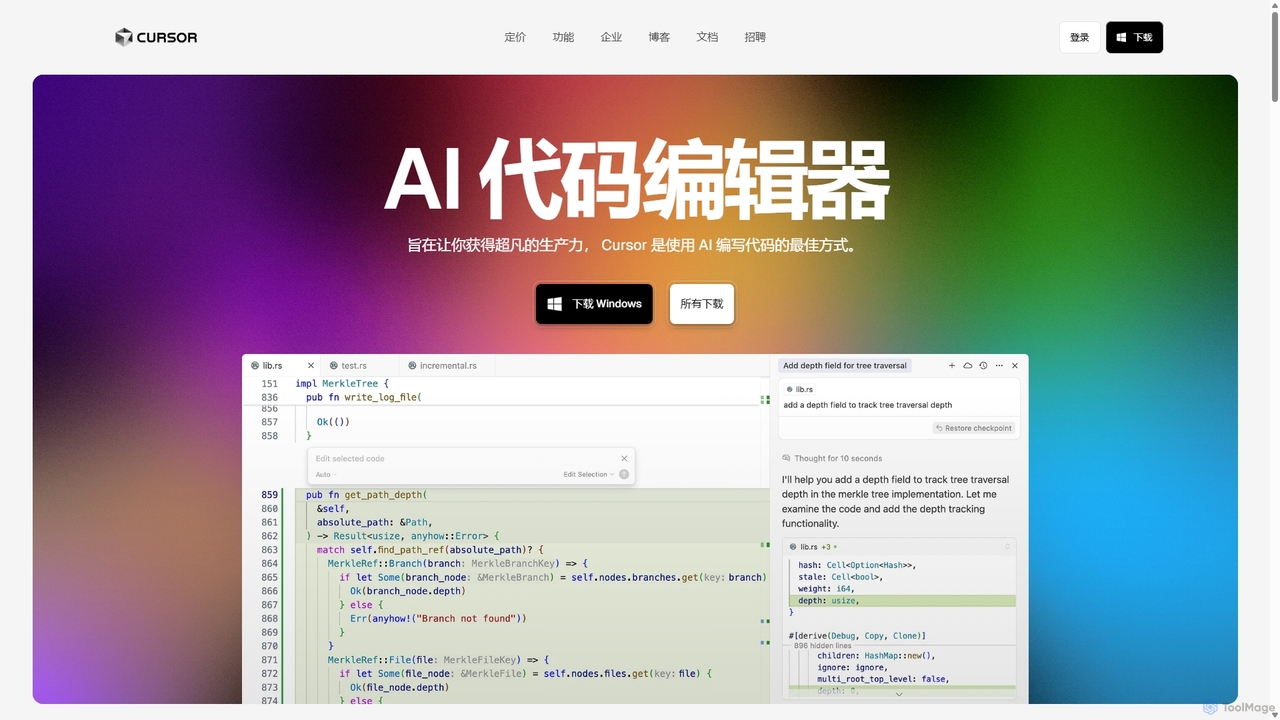
Cursor
Cursor is an AI-first code editor designed for pair-programming with artificial intelligence. Built as a fork of VS Code, it offers a familiar environment supercharged with advanced AI capabilities for code generation, editing, debugging, and codebase comprehension, aiming to significantly boost developer productivity.
Code AssistantAider
Aider is an AI-powered pair programmer that operates directly in your terminal. It intelligently maps your entire codebase, providing full project context for complex tasks. Seamlessly integrated with Git, it automates commits and allows you to manage AI-driven changes with familiar tools. Aider supports over 100 programming languages, connects to leading cloud and local LLMs, and even accepts voice and image inputs, making it a versatile and powerful assistant for any developer seeking to accelerate their workflow and improve code quality.
ProgrammingZencoder
Zencoder is an advanced AI coding agent designed to automate routine development tasks. It deeply integrates into your workflow, understanding your entire codebase to implement features, write tests, fix bugs, and refactor code autonomously. With customizable 'Zen Agents' and seamless integration with VS Code, JetBrains, and over 100 developer tools, Zencoder empowers engineering teams to focus on innovation and ship products faster.
Code AssistantRefact
Refact is an open-source, self-hostable, and autonomous AI coding agent. It integrates into your IDE to act as a digital twin, automating coding tasks, providing context-aware completions and chat, and adapting to your codebase for maximum productivity and data privacy.
Code AssistantDevgen
Devgen is an AI-powered coding assistant designed to accelerate the software development lifecycle. It helps developers write better code faster by providing intelligent code generation, completion, refactoring, and automated testing, directly within their IDE.
Code Assistant
Plandex
Plandex is an open-source, terminal-based AI coding agent designed for complex, large-scale software development tasks. It excels at handling large projects and files with its 2M token context window. Featuring a diff review sandbox, configurable autonomy, and multi-model support, Plandex empowers developers to build, debug, and refactor entire applications with AI assistance, ensuring control and productivity in a dev-friendly workflow.
Code Generation
jetcode.app
jetcode.app is an AI-powered coding assistant designed to accelerate software development. It helps developers write, debug, and optimize code faster by providing intelligent code generation, real-time completion, and powerful refactoring tools directly within their IDE.
Code Assistant
codimite
Codimite is an AI-powered coding assistant designed to accelerate the software development lifecycle. It acts as a pair programmer, helping developers write, debug, and optimize code faster with features like intelligent code completion, natural language-to-code generation, and automated bug fixing, integrating directly into your favorite IDE.
Code Generation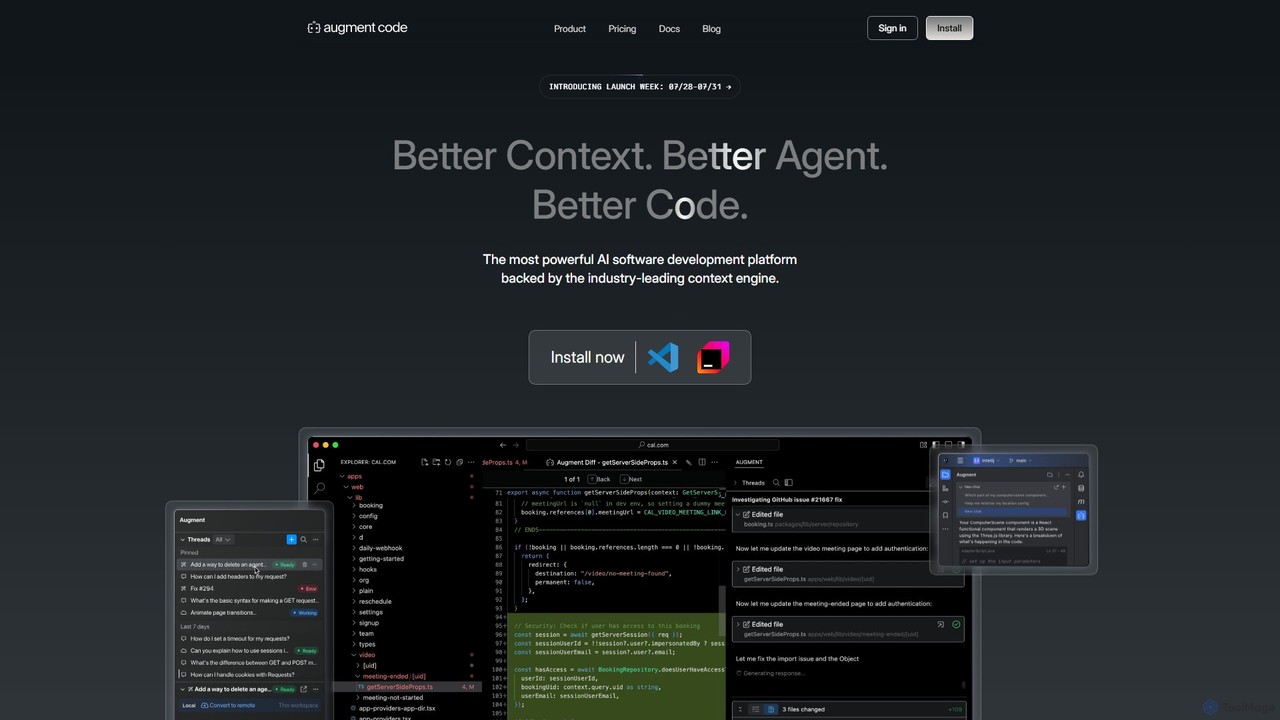
Augment Code
Augment Code is an advanced AI software development platform featuring autonomous agents and a powerful context engine. It integrates into your IDE to help you plan, build, and ship production-ready code faster, with a strong focus on enterprise-grade security and deep codebase understanding.
Code Generation
RoboCoder Comments (0)
Sign in to comment.
Sign inNo comments yet.