
Developer Tools Best in category 1 results Ide & Editor Extensions AI Tool

Popular AI tools in the Ide & Editor Extensions field of Developer Tools include RoboCoder, etc., helping you quickly improve efficiency.

RoboCoder

RoboCoder

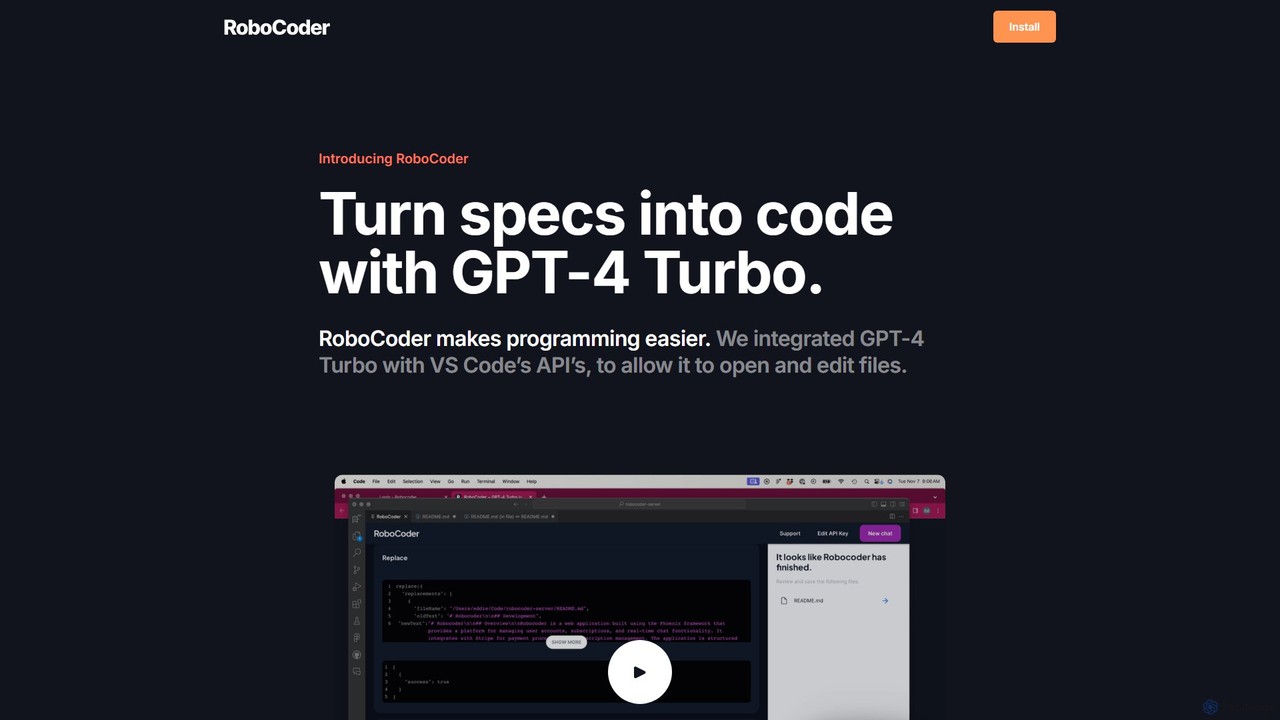
RoboCoder is an AI-powered coding assistant for Visual Studio Code. Powered by GPT-4 Turbo, it transforms natural language …

3.8K

About Ide & Editor Extensions

IDE & Editor Extensions are AI-powered tools that integrate directly into Integrated Development Environments (IDEs) and code editors to enhance the coding experience. These extensions leverage artificial intelligence to provide intelligent assistance, automate repetitive tasks, and improve code quality. They empower developers to write code faster, debug more efficiently, and understand complex projects with greater ease, ultimately boosting productivity and reducing development cycles.

Core Features

  • AI Code Completion: Offers context-aware, intelligent code suggestions and completions beyond traditional autocomplete.
  • Code Generation: Generates boilerplate code, functions, or even entire components from natural language prompts or partial code.
  • Intelligent Debugging Assistance: Helps identify potential bugs, suggests fixes, and explains error messages in real-time.
  • Code Refactoring & Optimization: Recommends improvements for code structure, readability, and performance.
  • Natural Language to Code: Translates human language descriptions into executable code snippets.

Applicable Scenarios

These extensions are invaluable for developers engaged in rapid prototyping, where AI can quickly scaffold new features. They are also crucial for maintaining large codebases by assisting with refactoring and bug detection. Furthermore, they significantly aid in learning new programming languages or frameworks by explaining unfamiliar code and suggesting correct syntax and API usage.

How to Choose

When selecting an AI IDE or editor extension, consider its compatibility with your preferred development environment (e.g., VS Code, IntelliJ). Evaluate the quality and accuracy of its AI model for code generation and suggestions, as well as its privacy policy regarding code data. Look for features like language support, integration with version control, and the overall impact on your workflow and productivity.

Ide & Editor ExtensionsUse Cases

1

Automated Boilerplate Code Generation

A software engineer needs to set up a new REST API endpoint with standard CRUD operations. Instead of manually writing repetitive code for routing, request parsing, and database interaction, they use an AI IDE extension. By providing a natural language prompt like "create a Python Flask endpoint for user management," the extension generates the basic structure, saving significant time and reducing the chance of syntax errors.

2

Accelerated Feature Development with AI Completion

A front-end developer is building a complex UI component and frequently uses a specific UI library. The AI editor extension learns their coding patterns and the library's API. As they type, it provides highly accurate, context-aware suggestions for component properties, event handlers, and common utility functions, drastically speeding up the coding process and reducing documentation lookups.

3

Real-time Bug Detection and Fix Suggestions

During a coding session, a developer introduces a subtle logical error or a common security vulnerability. An AI IDE extension continuously analyzes the code in the background. It immediately highlights the potential issue, explains the root cause, and suggests one or more possible fixes, allowing the developer to resolve bugs proactively before they become harder to find in testing phases.

4

Efficient Code Refactoring for Maintainability

A team is working on improving the maintainability of an older module. A developer uses an AI extension to identify complex functions or duplicated code blocks. The extension suggests refactoring opportunities, such as extracting methods, simplifying conditional logic, or improving variable naming, and can even perform some of these transformations automatically, leading to cleaner and more readable code.

5

Understanding Unfamiliar Codebases and APIs

A new developer joins a project with a large, unfamiliar codebase or needs to integrate with a new third-party API. They can use an AI IDE extension to highlight a section of code or an API call. The extension provides natural language explanations of what the code does, its purpose, and how to use specific API functions, significantly shortening the onboarding time and learning curve.

6

Translating Natural Language Requirements to Code

A product manager provides a user story: "As a user, I want to filter a list of products by price range." A developer can input this requirement directly into their IDE. The AI extension then suggests relevant code snippets or function signatures that implement this filtering logic, bridging the gap between high-level requirements and actual code implementation, and accelerating prototyping.

Ide & Editor ExtensionsFrequently Asked Questions