

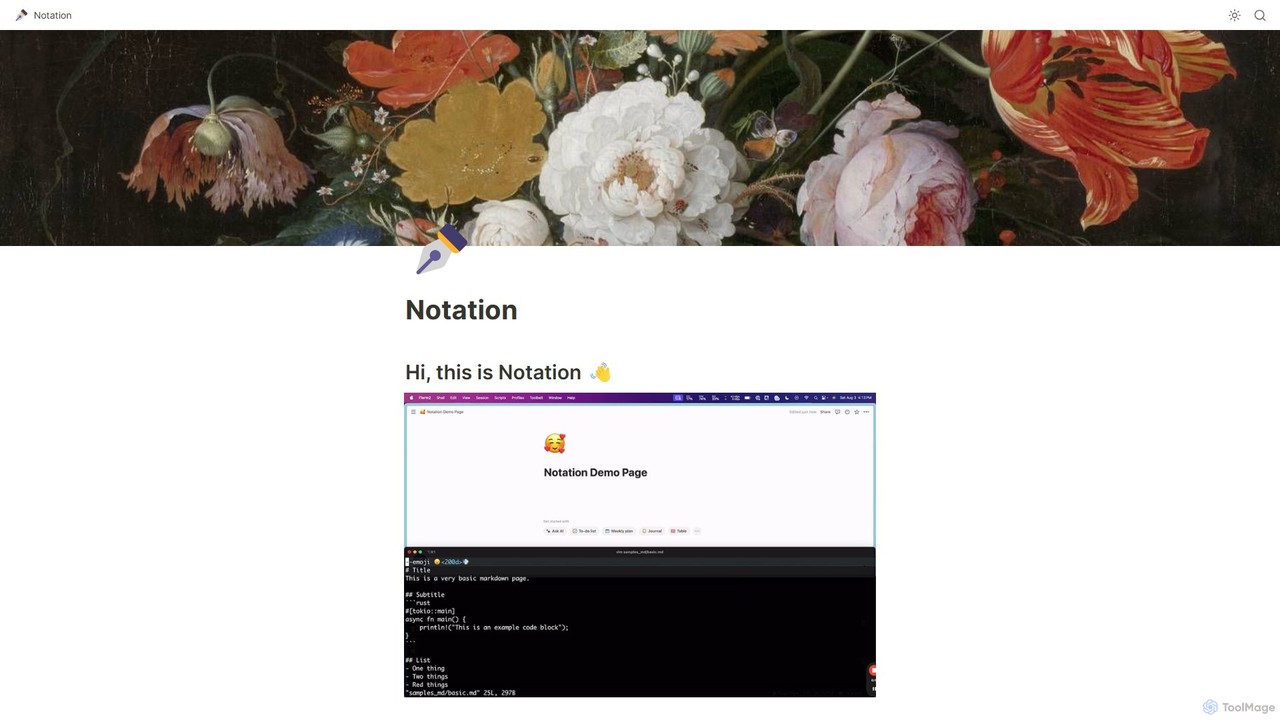
Notation Overview
Notation is a powerful command-line interface (CLI) tool designed for developers who want to maintain their documentation alongside their code. It bridges the gap between writing documentation in a simple, universal format like Markdown and publishing it on a versatile, collaborative platform like Notion. The core philosophy behind Notation is that documentation should live with the code it describes, be subject to the same review processes, and be easy to update without logging into separate services. It eliminates the complexity of managing separate documentation websites or wrestling with frontend frameworks, offering a streamlined, developer-centric workflow.
By using Notation, teams can ensure their documentation is always up-to-date with their codebase. When code is merged, the corresponding documentation can be published to Notion with a single command. This makes the documentation accessible not only to other engineers but also to non-technical team members like product managers, designers, and support staff who are comfortable using Notion. The tool leverages all of Notion's native features, including its powerful search, AI capabilities, rich formatting, and flexible sharing options, providing a robust documentation system for free.
How to use Notation
Using Notation involves a straightforward setup process that integrates your local development environment with your Notion workspace:
- Installation: Install the Notation binary to your local machine using a simple curl command provided in the official documentation. This makes the `notation` command available in your terminal.
- Configuration: Create a configuration file named `Notation.toml` in the `~/.notation/` directory. This file will store your Notion API secret and the name of the parent page in Notion where you want to publish your documentation.
- Notion Integration: You need to create a new internal integration within your Notion workspace. This will generate a secret API key that you'll add to your `Notation.toml` file.
- Connect to Page: In Notion, navigate to the page you designated as the parent page. Use the 'Connections' menu to grant your newly created integration access to this page.
- Write Documentation: Write your documentation in Markdown files within your project's repository. You can organize files in directories, which Notation will convert into nested subpages in Notion.
- Publish: Run the command `notation ship --src ` in your terminal. Notation will parse your Markdown files and directory structure, and then automatically create or update the corresponding pages in your Notion workspace.
Core Features of Notation
- Markdown to Notion Conversion: Automatically converts standard Markdown files into beautifully formatted Notion pages. It supports headers, lists, code blocks, tables, links, and more.
- Directory Structure Preservation: Replicates your local directory structure as nested pages in Notion, making it easy to organize complex documentation.
- CLI-based Workflow: Integrates seamlessly into the developer's command-line environment and can be added to CI/CD pipelines for automated documentation updates.
- Custom Page Metadata: Allows you to set the Notion page title and emoji icon directly from your Markdown file using simple flags like `--title "My Page"` and `--emoji 🚀`.
- Parent Page Content: A special `intro.md` file can be used to add content directly to the main parent page, rather than creating a separate subpage.
- Leverages Notion's Power: Once published, the documentation benefits from Notion's advanced search, built-in AI features, collaborative editing, and flexible sharing options (internal, public, or as a website).
- Relative Link Handling: Intelligently converts relative links between Markdown files into proper Notion page links, ensuring seamless navigation within your documentation.
Use Cases for Notation
Notation is versatile and can be adapted for various documentation needs:
- Internal Engineering Wikis: Create and maintain a centralized knowledge base for your development team, with documentation living right next to the relevant code.
- Public API Documentation: Publish clear, well-structured API documentation for external developers. The Notion page can be made public with a single click.
- User Guides and Manuals: Develop user-facing documentation that is easy for non-technical writers to contribute to (via Notion) and for developers to update (via Markdown).
- Project Documentation: Keep all project-related documents, from technical specifications to meeting notes, organized and in sync with the project's development lifecycle.
- Personal Knowledge Base: Developers can use it to manage their personal notes and technical references, publishing them to a private Notion space.
Advantages of Notation
The primary advantage of Notation is its simplicity and developer-first approach.
- Documentation as Code: By keeping docs in the repository, they can be version-controlled, reviewed, and updated as part of the standard development workflow.
- Reduced Overhead: Eliminates the need to manage and deploy complex static site generators like Docusaurus or learn frontend frameworks like React.
- Single Source of Truth: Ensures that the documentation in Notion is a direct reflection of the Markdown files in the repository, preventing content drift.
- Enhanced Accessibility: Makes technical documentation easily accessible and readable for non-engineers, fostering better cross-functional collaboration.
- Cost-Effective: The tool itself is free and open-source, and it leverages the free or existing tiers of Notion, making it a highly economical solution.
Pricing and Plans
Notation is a free, open-source tool. It is available for download and use at no cost. Users are only subject to the costs associated with their Notion plan (many use cases can be served by Notion's free plan) or any third-party services they might use to turn their Notion page into a custom-domain website, such as super.so.
Traffic
Latest traffic
Status
Monthly traffic trend
- 2025-9: 4.8K
- 2026-1: 178
- 2026-2: 915
- 2026-3: 1.3K
- 2026-4: 1.4K
- 2026-5: 2.5K
Geography
Top 5 countries / regions
- 🇺🇸United States43.9%
- 🇻🇳Vietnam40.9%
- 🇮🇳India15.2%
Top keywords
| Keyword | Cost per click |
|---|---|
| notation | $3.38 |
| notation ai | $0.00 |
| notations | $4.01 |
| notetion | $0.00 |
| notiation | $0.00 |
Notation Alternatives
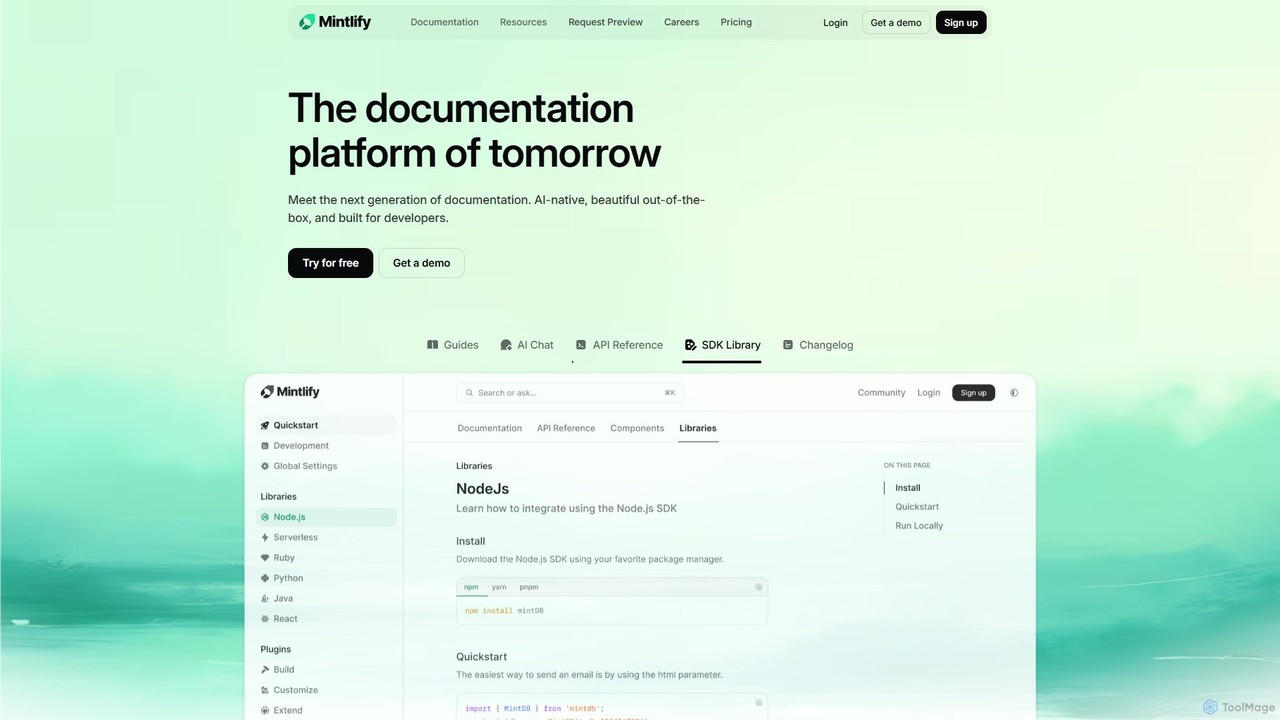
Mintlify
Mintlify is an AI-powered documentation platform designed for modern teams. It helps create beautiful, interactive, and conversion-focused documentation with features like an AI assistant, real-time writing suggestions, and seamless Git integration. Built for collaboration and scalability, it enables companies to provide a world-class developer experience and turn their docs into a growth engine.
Knowledge Base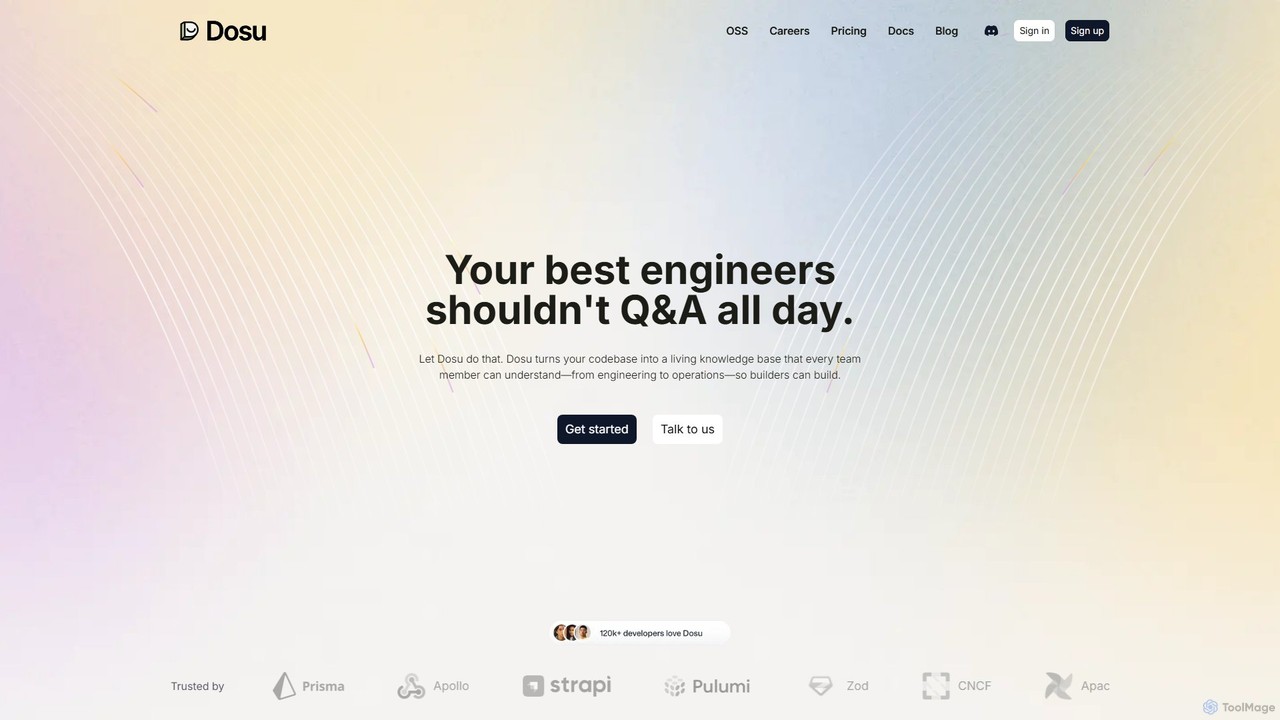
Dosu
Dosu is an AI teammate for developers that transforms your codebase into a living knowledge base. It automates documentation, answers technical questions, and streamlines issue management, freeing up engineers to focus on building software rather than handling repetitive Q&A.
Code Assistant
tekclarion
Tekclarion is an AI-powered platform designed to help technical writers, developers, and marketers create clear, accurate, and engaging technical content. It transforms complex technical concepts, code snippets, and data into easy-to-understand documentation, tutorials, and blog posts, streamlining the content creation workflow.
Documentation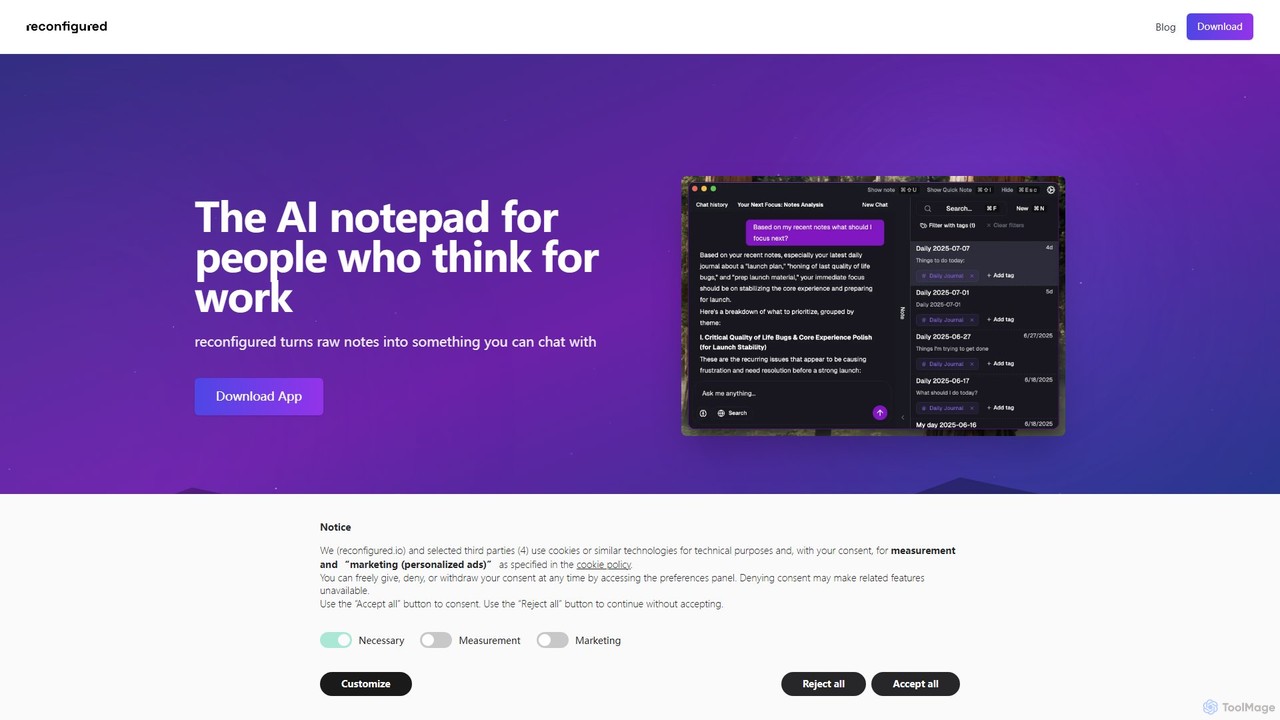
reconfigured
reconfigured is an AI-powered notebook designed for knowledge workers. It transforms scattered, raw notes into an interactive, searchable knowledge base. Capture ideas instantly with a hotkey, and let the AI automatically organize, tag, and connect your thoughts for effortless retrieval and insight discovery.
Documentation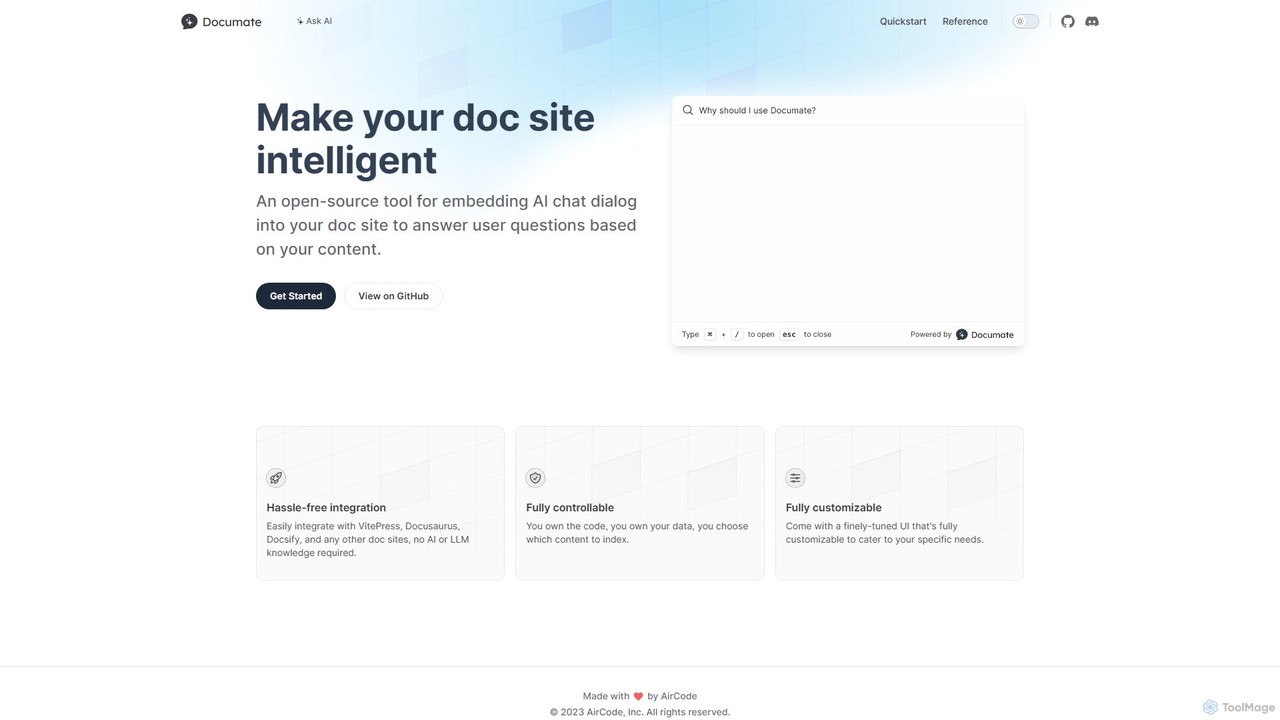
Documate
Documate is an open-source tool that lets you embed an intelligent AI chat dialog into your documentation website. It acts like a 'ChatGPT for your docs,' allowing users to ask questions and get instant, context-aware answers based on your content. It's designed for easy integration with popular frameworks like VitePress and Docusaurus, requiring no prior AI knowledge.
ChatbotNotation Categories
Notation Embed Widget
Copy this embed code to place the badge on your blog, article, or product site and send readers directly to this ToolMage detail page.

Related AI tools
RLAMA
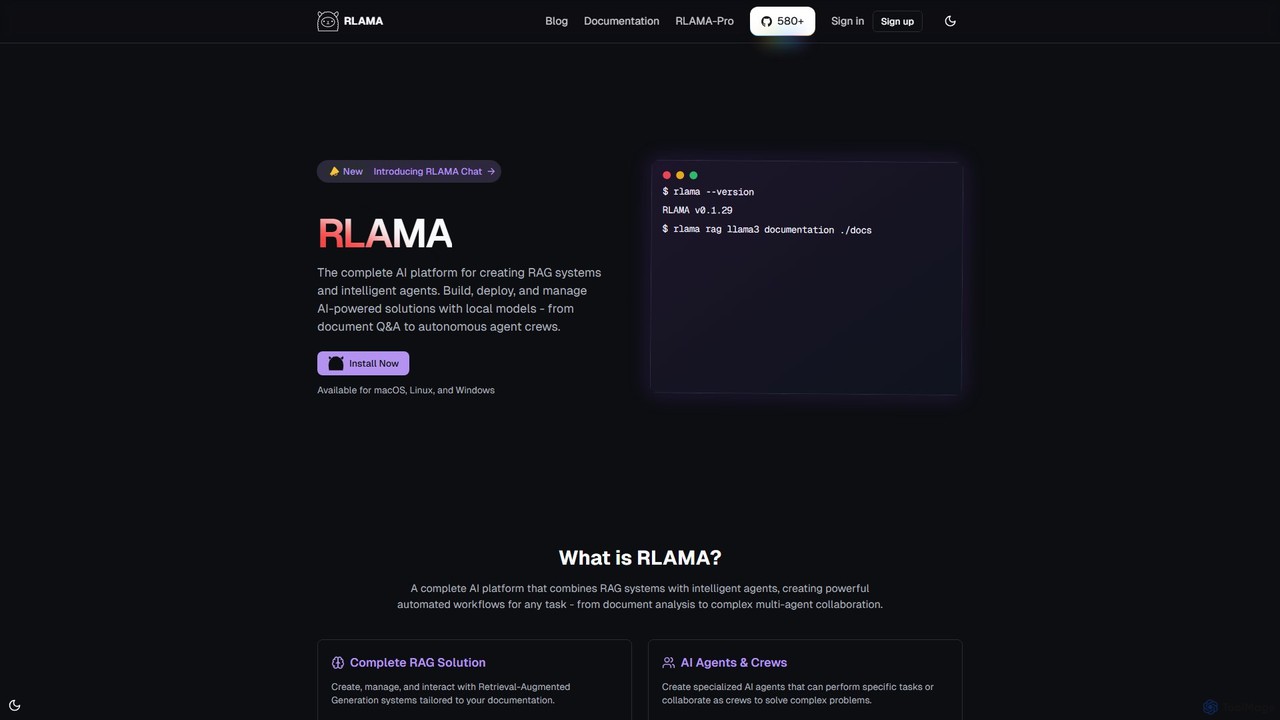
RLAMA is a comprehensive, local-first AI platform for creating Retrieval-Augmented Generation (RAG) systems and intelligent AI agents. It enables users to build, deploy, and manage powerful AI solutions on their own machines, ensuring 100% data privacy. With a robust CLI, a visual builder, and multi-agent orchestration, it's designed for tasks ranging from private document Q&A to complex automated workflows.
Custom ChatbotsMintlify
Mintlify is an AI-powered documentation platform designed for modern teams. It helps create beautiful, interactive, and conversion-focused documentation with features like an AI assistant, real-time writing suggestions, and seamless Git integration. Built for collaboration and scalability, it enables companies to provide a world-class developer experience and turn their docs into a growth engine.
Knowledge BaseDosu
Dosu is an AI teammate for developers that transforms your codebase into a living knowledge base. It automates documentation, answers technical questions, and streamlines issue management, freeing up engineers to focus on building software rather than handling repetitive Q&A.
Code Assistanttekclarion
Tekclarion is an AI-powered platform designed to help technical writers, developers, and marketers create clear, accurate, and engaging technical content. It transforms complex technical concepts, code snippets, and data into easy-to-understand documentation, tutorials, and blog posts, streamlining the content creation workflow.
DocumentationDocumate
Documate is an open-source tool that lets you embed an intelligent AI chat dialog into your documentation website. It acts like a 'ChatGPT for your docs,' allowing users to ask questions and get instant, context-aware answers based on your content. It's designed for easy integration with popular frameworks like VitePress and Docusaurus, requiring no prior AI knowledge.
Chatbot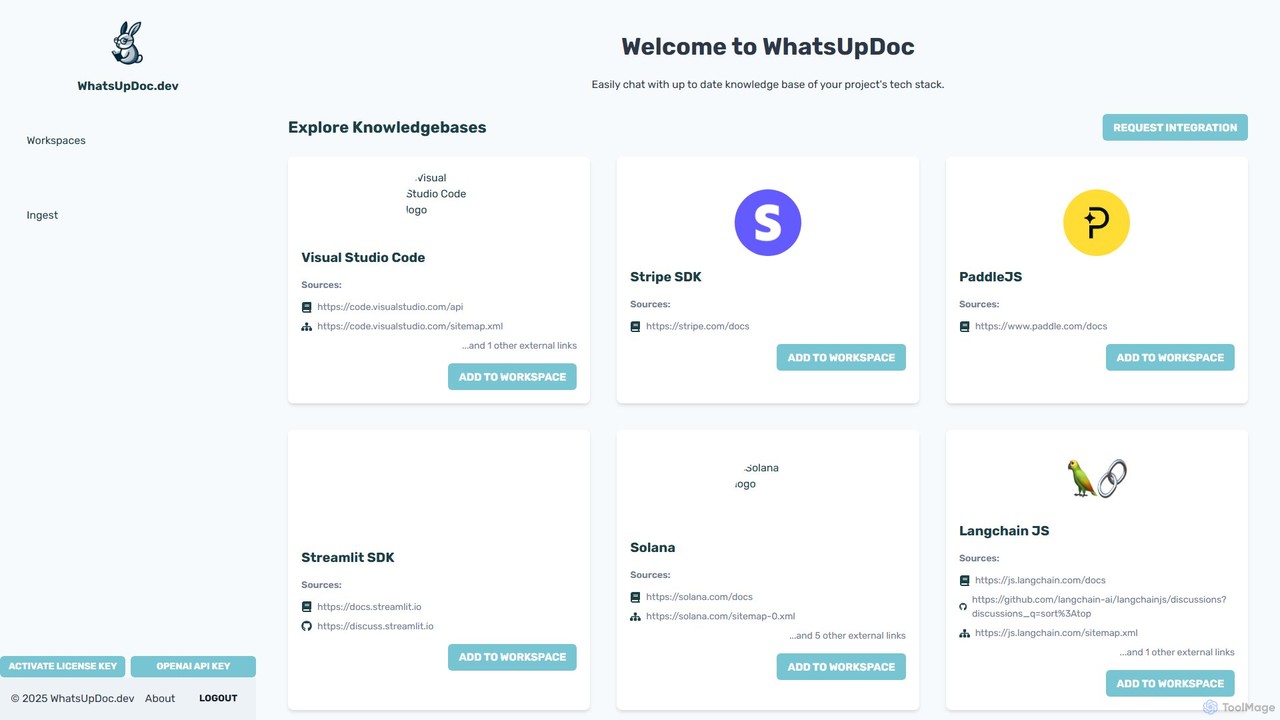
WhatsUpDoc.dev
An AI-powered tool for developers to chat directly with up-to-date technical documentation and knowledge bases. It uses a RAG model to provide instant, accurate answers from sources like official docs, GitHub discussions, and blogs, enhancing productivity and learning.
Code Assistant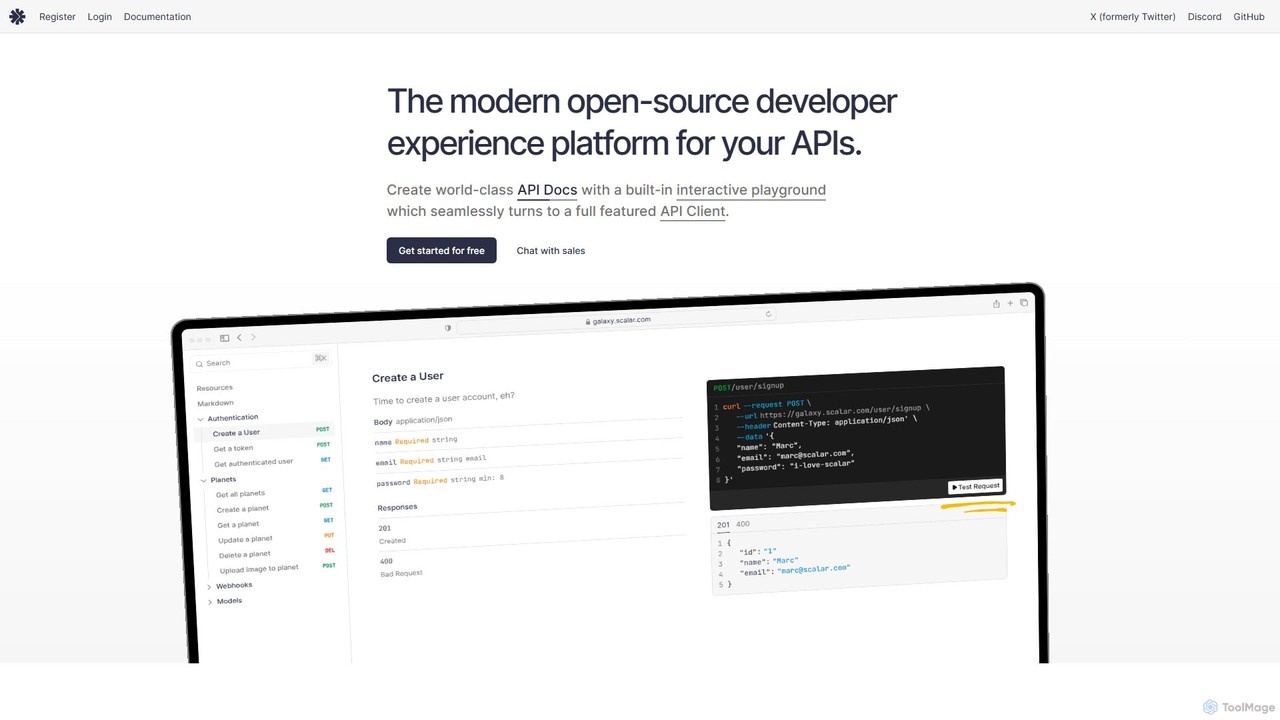
Scalar
Scalar is an open-source developer platform for creating beautiful, interactive API documentation from OpenAPI/Swagger specifications. It features a built-in, offline-first API client for seamless testing, extensive customization options, and integrations with popular frameworks, streamlining the entire API lifecycle.
Api Management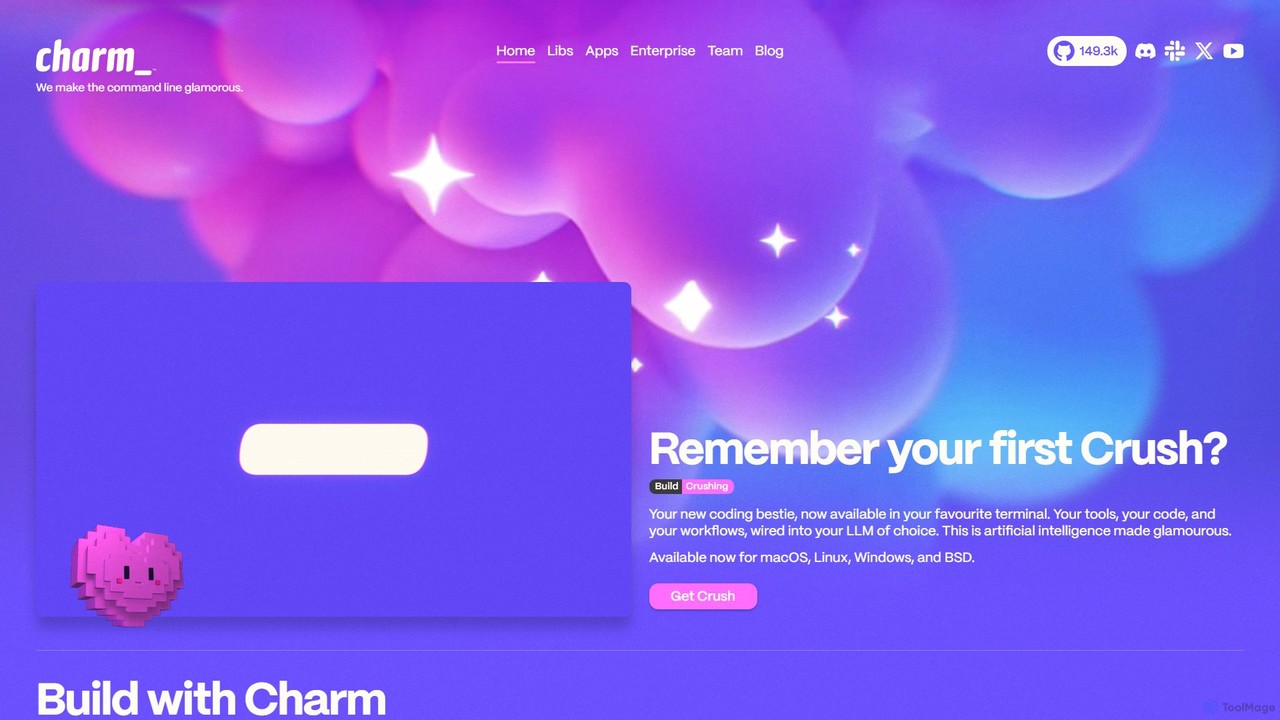
Charm
Charm is an ecosystem of open-source tools and libraries designed to make the command-line interface (CLI) glamorous and powerful. It provides developers with applications for AI-powered coding (Crush, Mods), beautiful terminal UIs (Bubble Tea), markdown rendering (Glow), and self-hosted Git servers (Soft Serve). Charm empowers developers to build, style, and enhance their terminal workflows with modern, elegant, and highly functional tools.
Code Assistant
Jyek
Jyek is an AI agent platform that understands objectives, creates execution plans, uses tools, and delivers verifiable results for complex, multi-step tasks.
Automation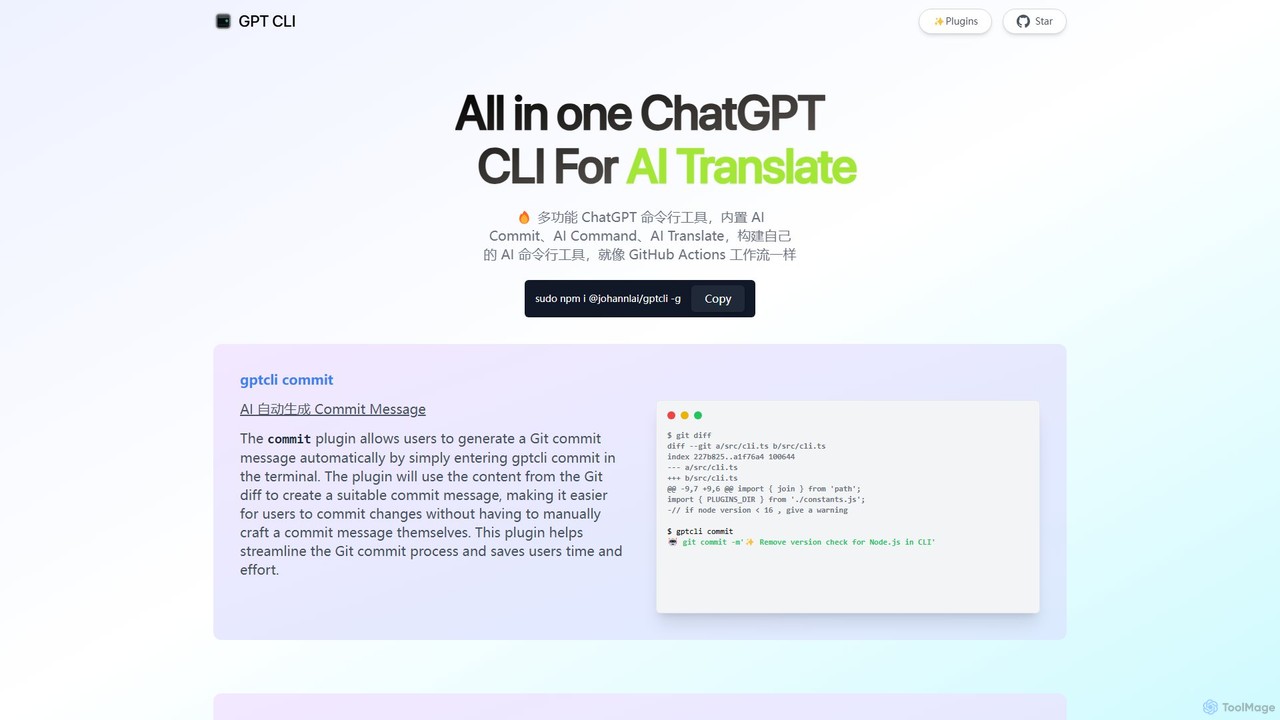
gptcli
gptcli is a versatile, open-source command-line tool that integrates ChatGPT directly into your terminal. It streamlines developer workflows with features like AI-powered Git commits, natural language to shell command translation, and in-terminal chat. With its extensible plugin system, you can build your own custom AI CLI tools, making it the ultimate productivity enhancer for anyone who works extensively with the command line.
Code Assistant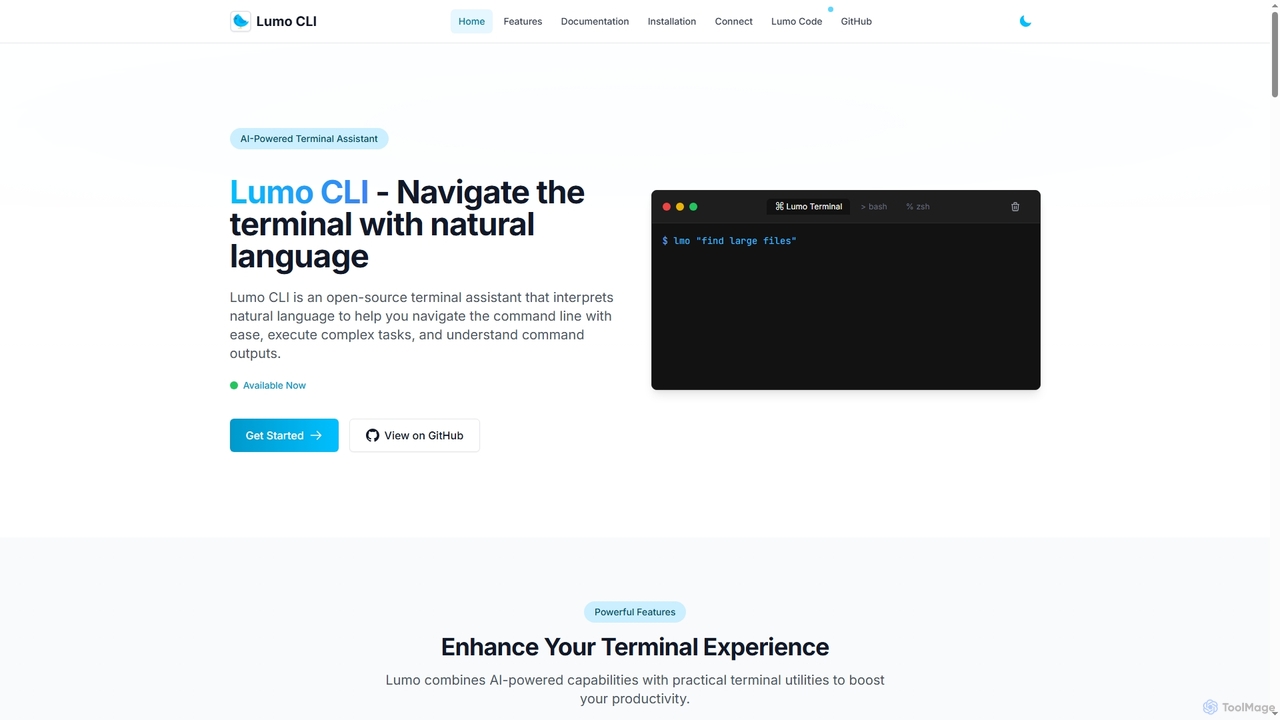
Lumo
Lumo is an open-source, AI-powered terminal assistant that allows users to interact with the command line using natural language. It translates plain English into executable commands, automates complex tasks, monitors system health, and supports multiple AI models including Gemini, OpenAI, and Ollama for local inference.
Code Assistant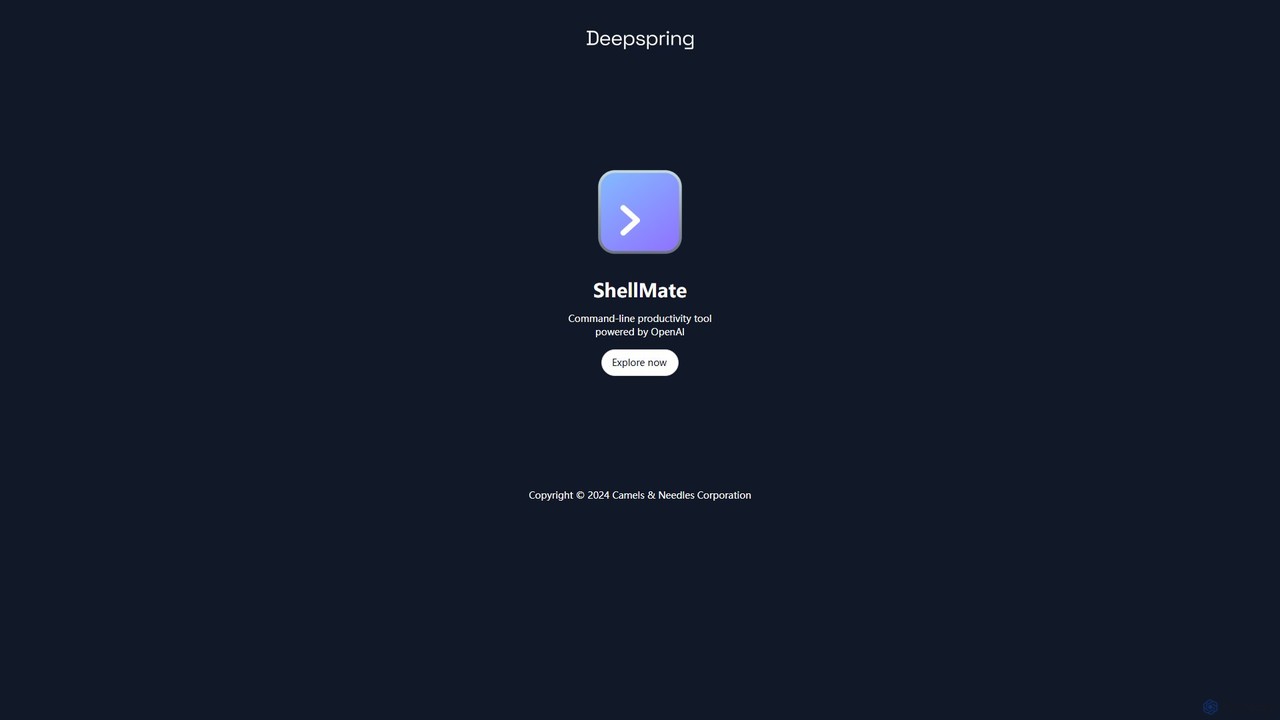
ShellMate
ShellMate is an open-source, AI-powered command-line productivity tool designed for developers and system administrators. Powered by OpenAI, it acts as your terminal's best friend, allowing you to use natural language to find commands, get predictive suggestions based on your history, and receive context-aware help without ever leaving your console. Simply use the `sm` shortcut to boost your command-line efficiency and reduce time spent searching for syntax.
Code Assistant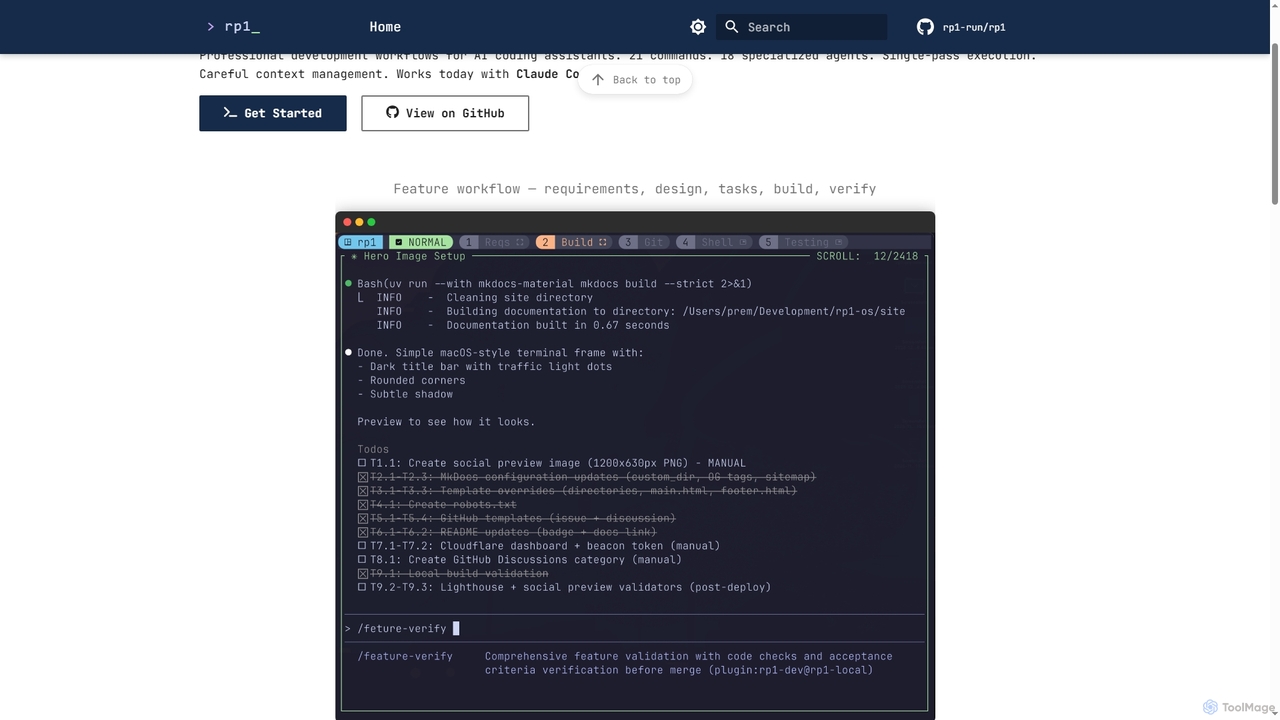
Rp1
Rp1 is a professional development workflow tool for AI coding assistants, designed to streamline software creation from requirements to deployment. It offers 21 commands and 18 specialized agents for efficient, single-pass execution of complex coding tasks, ensuring structured outputs and deep codebase awareness.
Ai Assistant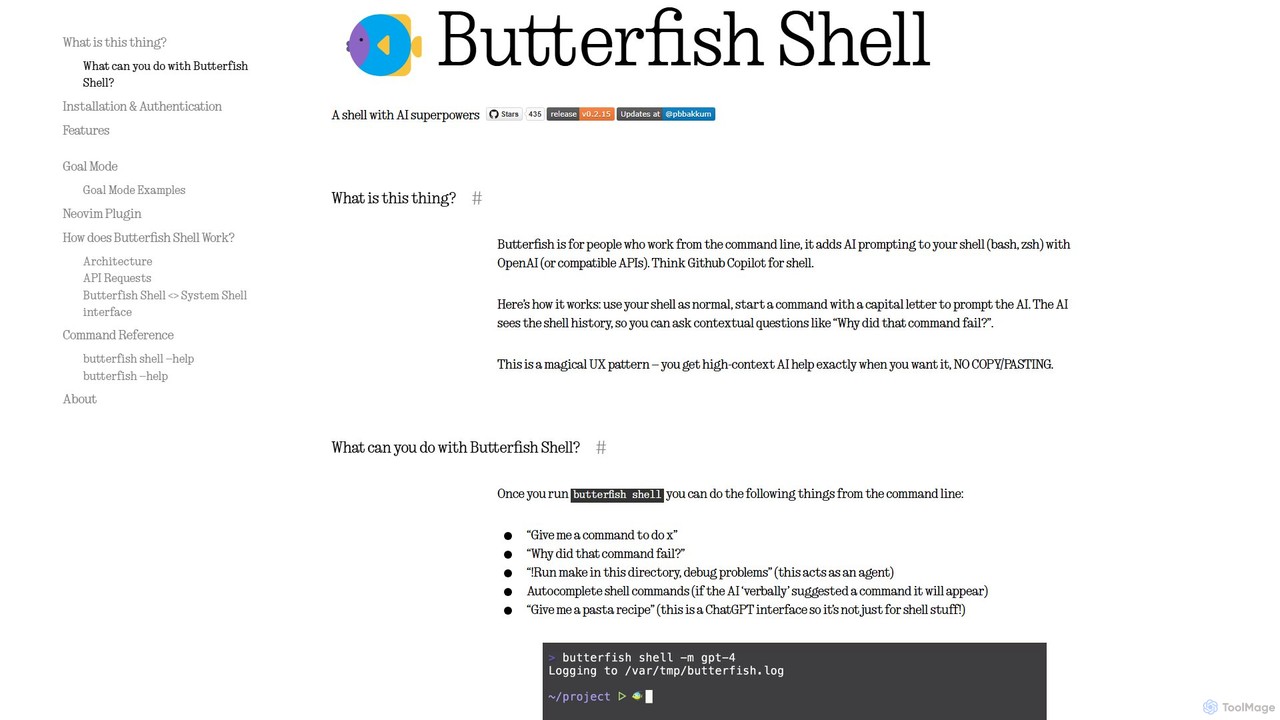
butterfish
butterfish is an open-source CLI tool that supercharges your shell (bash, zsh) with AI capabilities. Acting like GitHub Copilot for the command line, it allows you to generate commands, debug errors, and automate tasks using natural language prompts directly in your terminal. It maintains context from your shell history, providing highly relevant assistance and boosting productivity for developers and sysadmins.
Code Assistant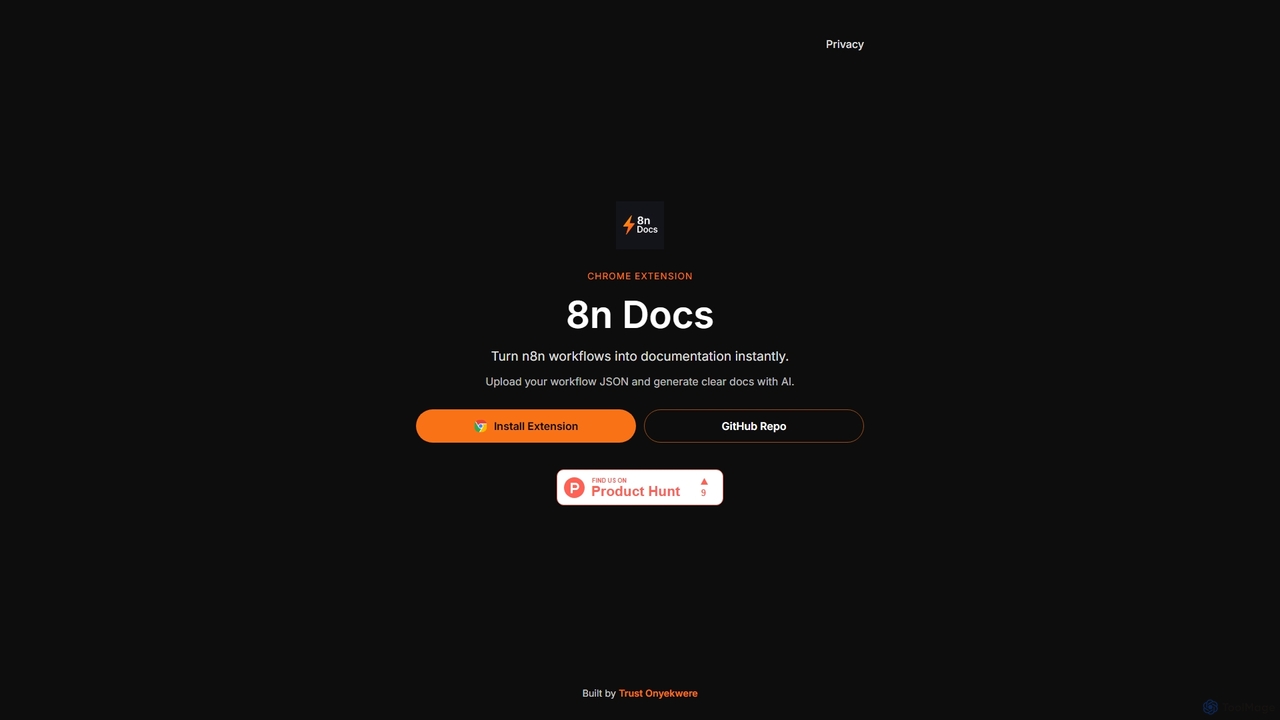
8n Docs
8n Docs is a Chrome Extension that instantly transforms n8n workflows into clear, AI-generated documentation. Simply upload your workflow JSON to get comprehensive and easy-to-understand documentation, streamlining your development and knowledge sharing processes.
Technical Writing
Notation Comments (0)
Sign in to comment.
Sign inNo comments yet.