

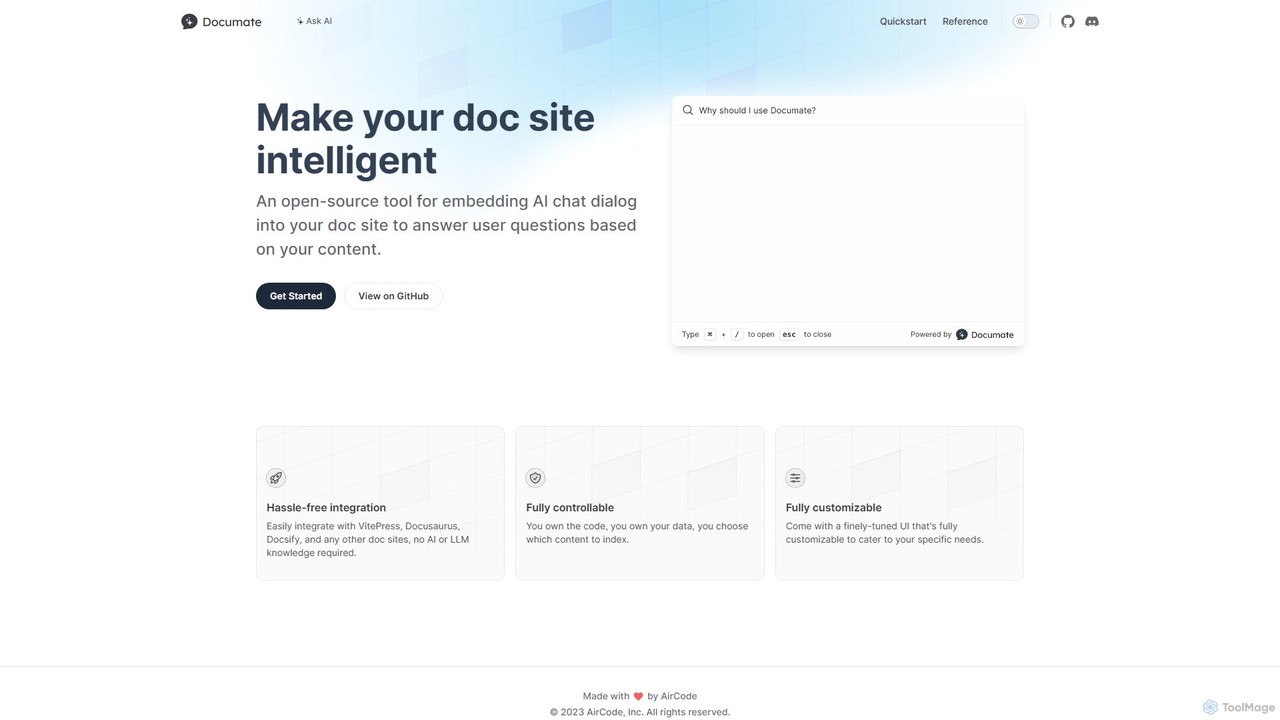
Documate Overview
Documate is an innovative open-source solution designed to significantly enhance the user experience on documentation websites. It seamlessly integrates a powerful, AI-powered chat interface directly into your site, allowing end-users to interact with your documentation in a conversational manner. This feature enables them to ask questions in natural language and receive accurate, real-time answers derived directly from your content. In essence, Documate creates a specialized 'ChatGPT' for your project, trained on your specific knowledge base. The tool is built with developers in mind, prioritizing ease of integration, complete control over data, and extensive customization options.
How to use Documate
Setting up Documate is a straightforward process designed for developers:
- Backend Setup: Begin by deploying the provided serverless backend functions from the GitHub repository to a cloud platform like AirCode. This can often be done with a single click.
- Configure Environment: In your backend environment settings, you must set your
OPENAI_API_KEY. This key is crucial for enabling the OpenAI API to process your content and generate answers to user queries. - Deploy Backend: After configuration, deploy the functions. This will provide you with unique URLs for the
uploadandaskAPI endpoints. - Frontend Integration: Choose your preferred documentation framework (e.g., VitePress, Docusaurus, Docsify). You can use the
npm create documate@latestcommand to scaffold a new project with Documate already configured, or you can manually integrate it into an existing site. - Configure Documate: Create a
documate.jsonfile in your project's root directory. In this file, specify the backend upload endpoint URL and define which content files (e.g., Markdown files) should be included or excluded from indexing. - Upload Content: Run the designated upload command. This sends your documentation content to the backend, where it will be processed and transformed into a searchable knowledge base for your project.
- Launch: With the setup complete, your documentation site is now equipped with an intelligent AI chat assistant, ready to help your users.
Core Features of Documate
- AI-Powered Q&A: Implements a chat dialog that provides instant, contextually relevant answers to user questions based on the indexed documentation.
- Seamless Framework Integration: Offers out-of-the-box support and starter templates for popular static site generators, including VitePress, Docusaurus, Docsify, Rspress, and Nextra.
- Serverless Backend: Utilizes a lightweight, easily deployable set of serverless functions to handle all content indexing and question-answering logic.
- Full Data & Code Control: As a fully open-source tool, it grants you complete ownership of your code and data. You control which content gets indexed and where your backend infrastructure is hosted.
- High Customizability: Ships with a polished default user interface that is fully customizable using CSS, allowing you to match your brand's unique look and feel.
- Accessibility-First Design: Engineered with accessibility as a priority, it supports full keyboard navigation and is compatible with screen readers, adhering to modern web standards.
- Simple Configuration: Employs a single, straightforward
documate.jsonfile to manage all project-specific settings, simplifying the configuration process.
Use Cases for Documate
Documate is versatile and can be applied in various scenarios:
- Software Documentation: Enhance SaaS product docs, open-source project manuals, or API references, allowing developers to find answers instantly without navigating away from the page.
- Internal Knowledge Bases: Deploy within a company's internal wiki or documentation site to help employees quickly find information on company processes, policies, and technical guides.
- Educational Platforms: Integrate into online course materials or e-learning websites to provide students with an interactive way to clarify doubts and receive immediate assistance.
- Customer Support Portals: Reduce the volume of support tickets by deploying a self-service AI assistant on help centers and FAQ pages that can resolve common customer questions automatically.
Advantages of Documate
- Improved User Experience: Drastically reduces the time users spend searching for information, providing instant answers and significantly improving user satisfaction and engagement.
- Developer-Friendly: Designed for rapid setup and integration, it requires no specialized knowledge in AI, large language models (LLMs), or vector databases.
- Open-Source and Free: The core tool is completely free to use, modify, and distribute under its open-source license, eliminating any software licensing costs.
- Privacy-Focused: You host the backend and control the entire data flow, ensuring that your potentially sensitive documentation content remains private and secure.
- Cost-Effective: By leveraging serverless functions and paying only for the underlying API usage (e.g., OpenAI), you can implement a powerful AI feature at a much lower operational cost compared to proprietary enterprise solutions.
Pricing and Plans
Documate itself is a completely free and open-source tool, available on GitHub. There are no licensing fees for using the software. However, running Documate involves operational costs from third-party services:
- LLM API Costs: You must provide your own OpenAI API key. You will be billed directly by OpenAI based on your usage for embedding content and answering user questions.
- Backend Hosting Costs: The serverless backend needs to be hosted on a platform like AirCode, Vercel, or Netlify. These platforms typically offer a generous free tier, but costs may apply if your usage exceeds the free limits.
In summary, while the Documate software is free, the total cost of ownership depends on the size of your documentation and the traffic your chat assistant receives.
Documate Alternatives
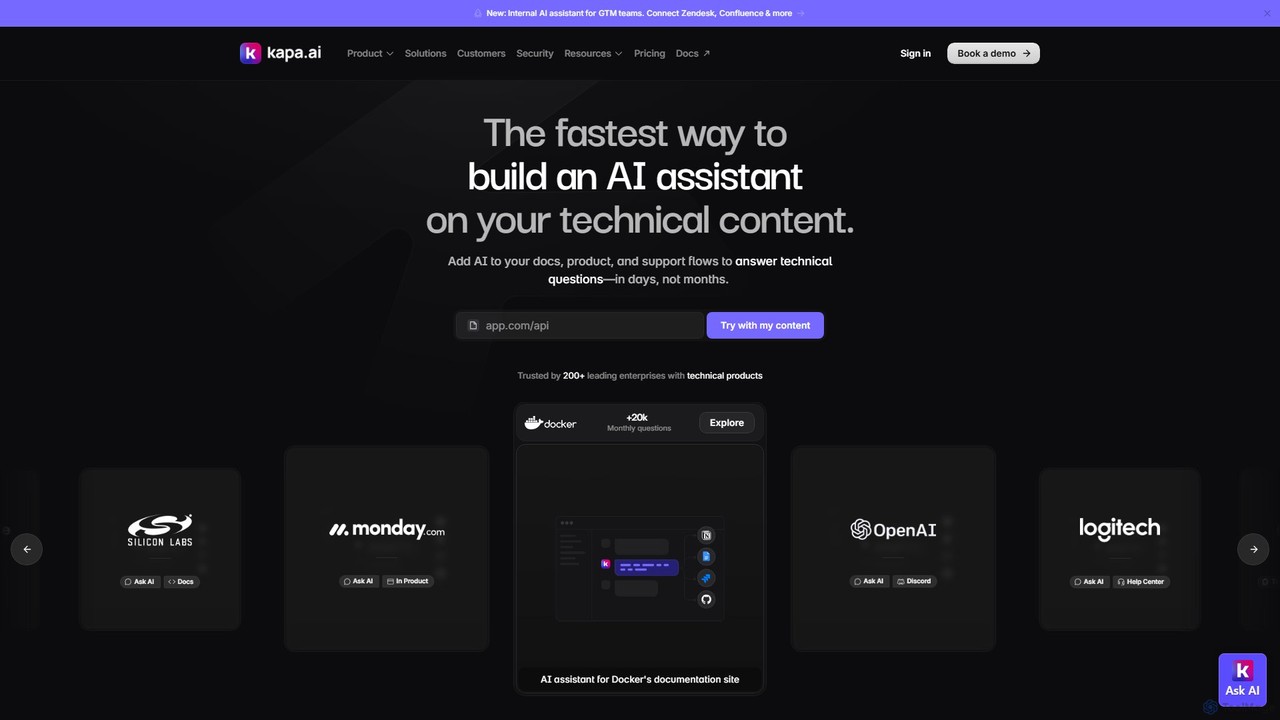
kapa.ai
kapa.ai is an AI platform that transforms technical documentation and knowledge bases into a highly accurate, enterprise-grade AI assistant. It uses advanced RAG technology to provide instant, reliable answers to complex technical questions, helping companies reduce support tickets, improve user onboarding, and gain insights into documentation gaps.
Chatbot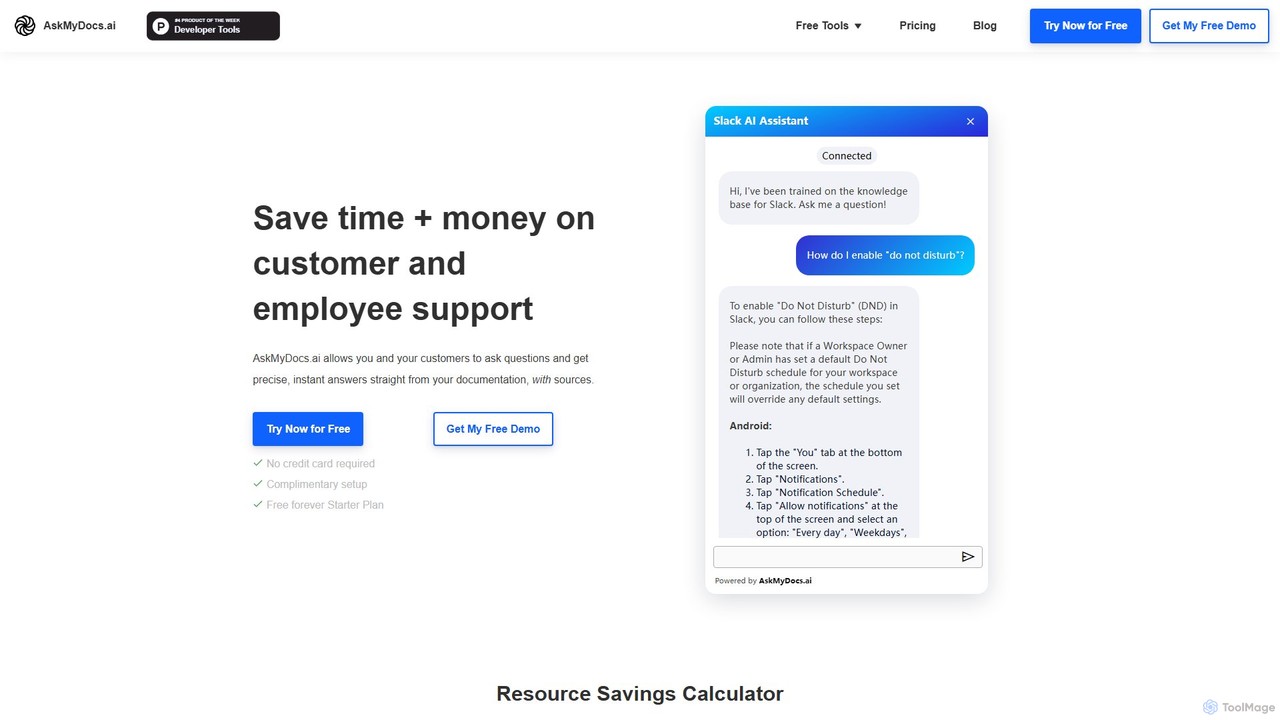
AskMyDocs.ai
AskMyDocs.ai transforms your documentation into an intelligent AI chatbot. It provides instant, precise answers with source citations to both customers and employees, significantly reducing support workload and costs. It integrates seamlessly with platforms like Zendesk, Slack, Gitbook, and can be trained on PDFs or entire websites.
Chatbot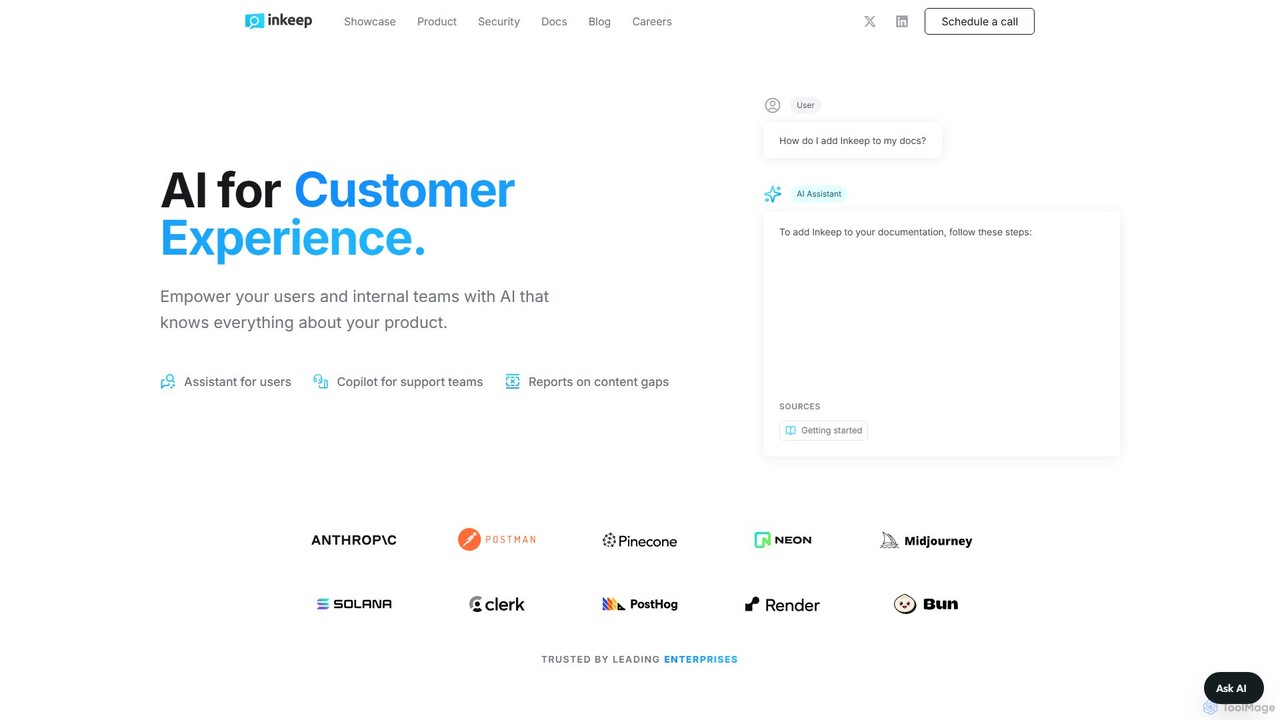
Inkeep
Inkeep is an AI platform for customer experience, empowering users and internal teams with an AI that deeply understands your product. It provides a self-serve AI assistant for users and an intelligent copilot for support teams, all powered by your existing documentation, blogs, and help centers.
Chatbot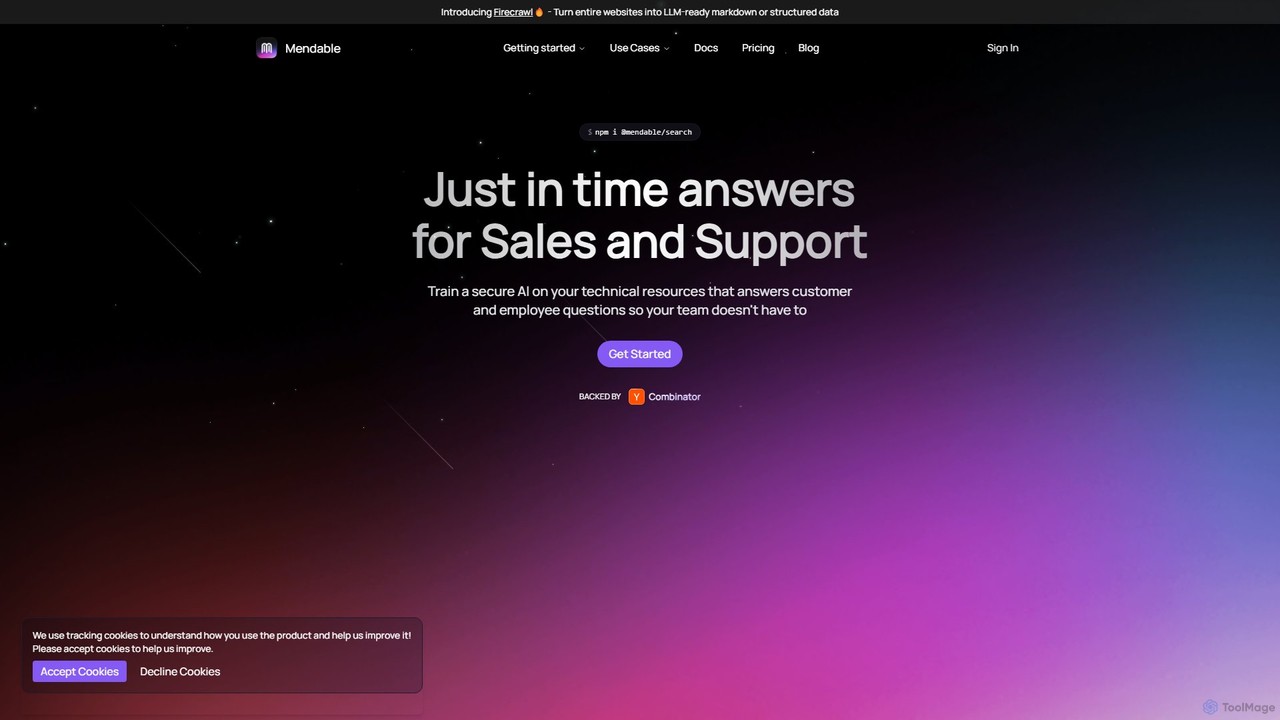
Mendable
Mendable is an AI platform that enables businesses to build and deploy custom AI chatbots trained on their technical resources. It provides instant, accurate answers for customer support, sales enablement, and internal knowledge management, reducing support tickets and improving user experience.
Chatbots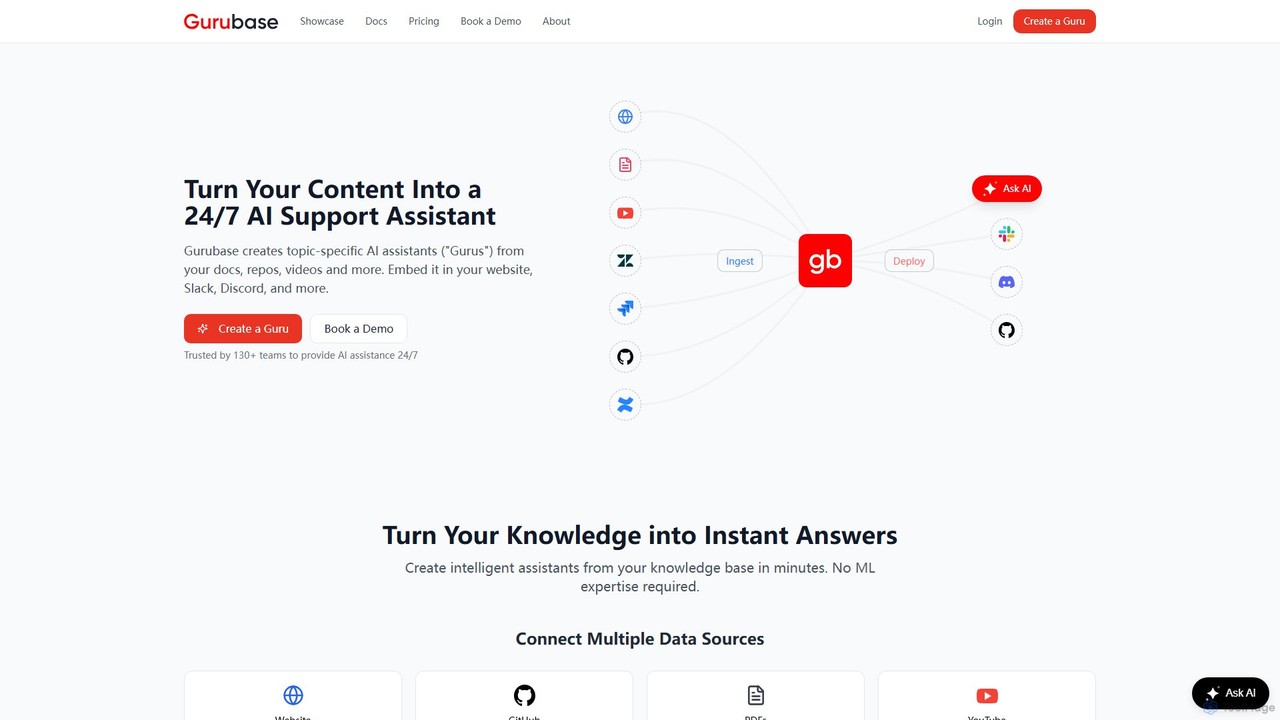
Gurubase
Gurubase transforms your existing content—docs, code, videos, and more—into a 24/7 AI support assistant. Create topic-specific AI 'Gurus' that provide instant, accurate, and source-cited answers to user questions. Deployable on websites, Slack, Discord, and more, it helps reduce support workload, improve user self-service, and provide valuable insights into documentation gaps. Ideal for software companies, open-source projects, and support teams.
ChatbotsDocumate Categories
Documate Embed Widget
Copy this embed code to place the badge on your blog, article, or product site and send readers directly to this ToolMage detail page.

Related AI tools
Mendable
Mendable is an AI platform that enables businesses to build and deploy custom AI chatbots trained on their technical resources. It provides instant, accurate answers for customer support, sales enablement, and internal knowledge management, reducing support tickets and improving user experience.
ChatbotsGurubase
Gurubase transforms your existing content—docs, code, videos, and more—into a 24/7 AI support assistant. Create topic-specific AI 'Gurus' that provide instant, accurate, and source-cited answers to user questions. Deployable on websites, Slack, Discord, and more, it helps reduce support workload, improve user self-service, and provide valuable insights into documentation gaps. Ideal for software companies, open-source projects, and support teams.
Chatbotskapa.ai
kapa.ai is an AI platform that transforms technical documentation and knowledge bases into a highly accurate, enterprise-grade AI assistant. It uses advanced RAG technology to provide instant, reliable answers to complex technical questions, helping companies reduce support tickets, improve user onboarding, and gain insights into documentation gaps.
ChatbotAskMyDocs.ai
AskMyDocs.ai transforms your documentation into an intelligent AI chatbot. It provides instant, precise answers with source citations to both customers and employees, significantly reducing support workload and costs. It integrates seamlessly with platforms like Zendesk, Slack, Gitbook, and can be trained on PDFs or entire websites.
Chatbot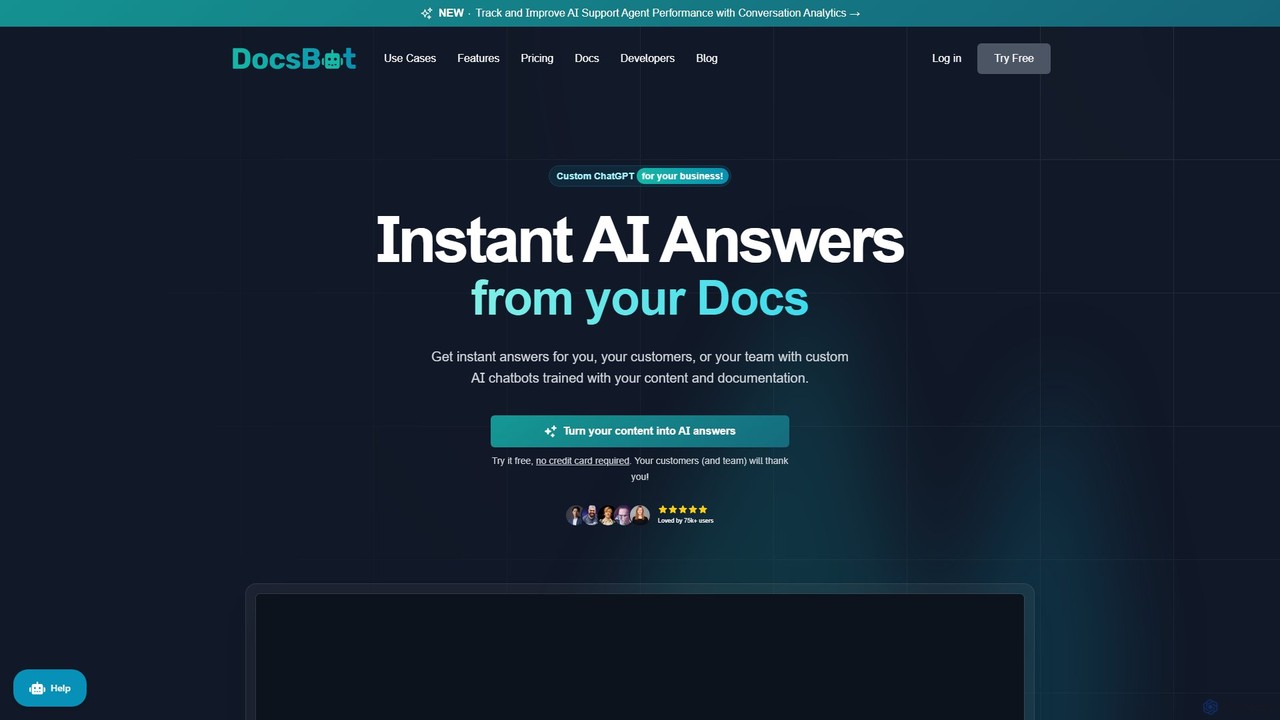
DocsBot
DocsBot is an AI-powered platform that allows businesses to create custom chatbots trained on their own documentation and content. It provides instant, accurate answers for customers and employees, automating support, improving internal knowledge access, and accelerating research without any coding.
Chatbot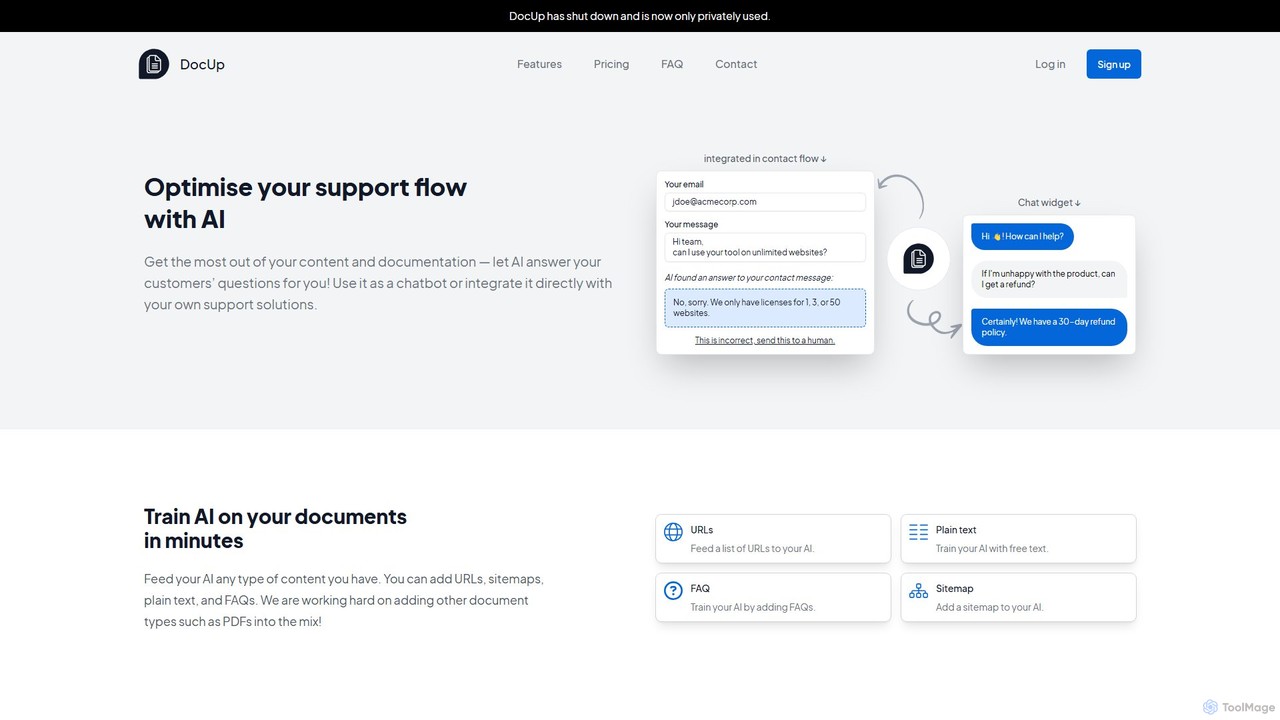
DocUp
DocUp is an AI-powered platform that transforms your documentation into an intelligent chatbot and Q&A system. Instantly answer customer questions, reduce support tickets, and improve user self-service by deploying an AI assistant trained on your knowledge base, FAQs, and manuals. Offers both a customizable widget and a flexible API for seamless integration.
Chatbot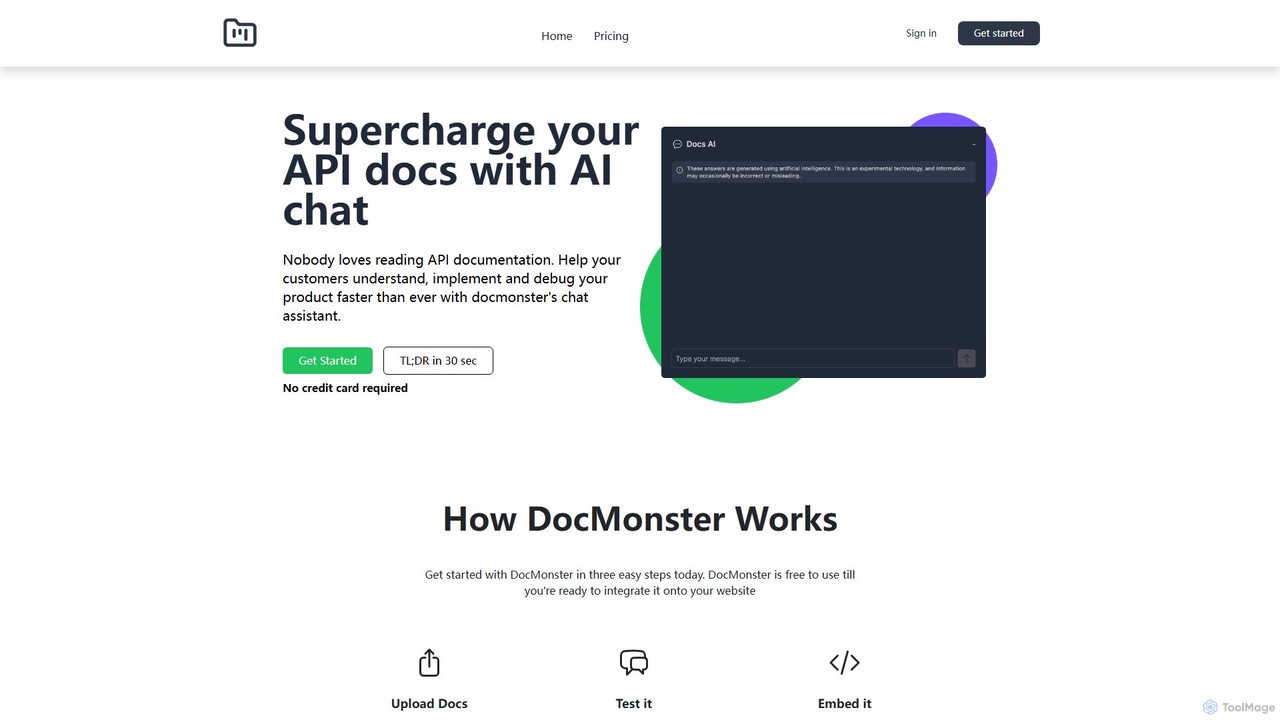
Docmonster
Docmonster enhances API documentation by adding an intelligent AI chat assistant. It allows developers to quickly understand, implement, and debug APIs by asking natural language questions. The tool generates custom code examples, provides instant answers from your documentation, and offers analytics on user queries to help you improve your docs. Simply upload your documents, test the chatbot, and embed it on your website with a few lines of code to significantly reduce integration time and improve the developer experience.
Chatbots
Jyek
Jyek is an AI agent platform that understands objectives, creates execution plans, uses tools, and delivers verifiable results for complex, multi-step tasks.
Automation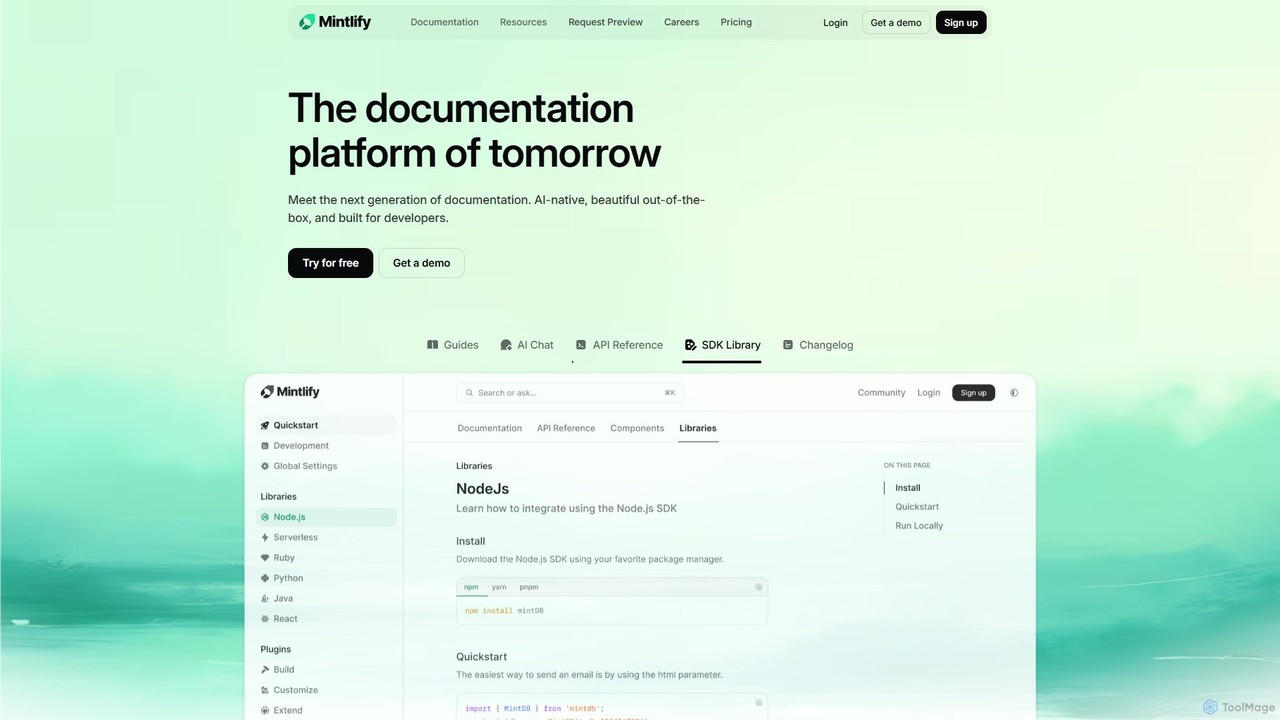
Mintlify
Mintlify is an AI-powered documentation platform designed for modern teams. It helps create beautiful, interactive, and conversion-focused documentation with features like an AI assistant, real-time writing suggestions, and seamless Git integration. Built for collaboration and scalability, it enables companies to provide a world-class developer experience and turn their docs into a growth engine.
Knowledge Base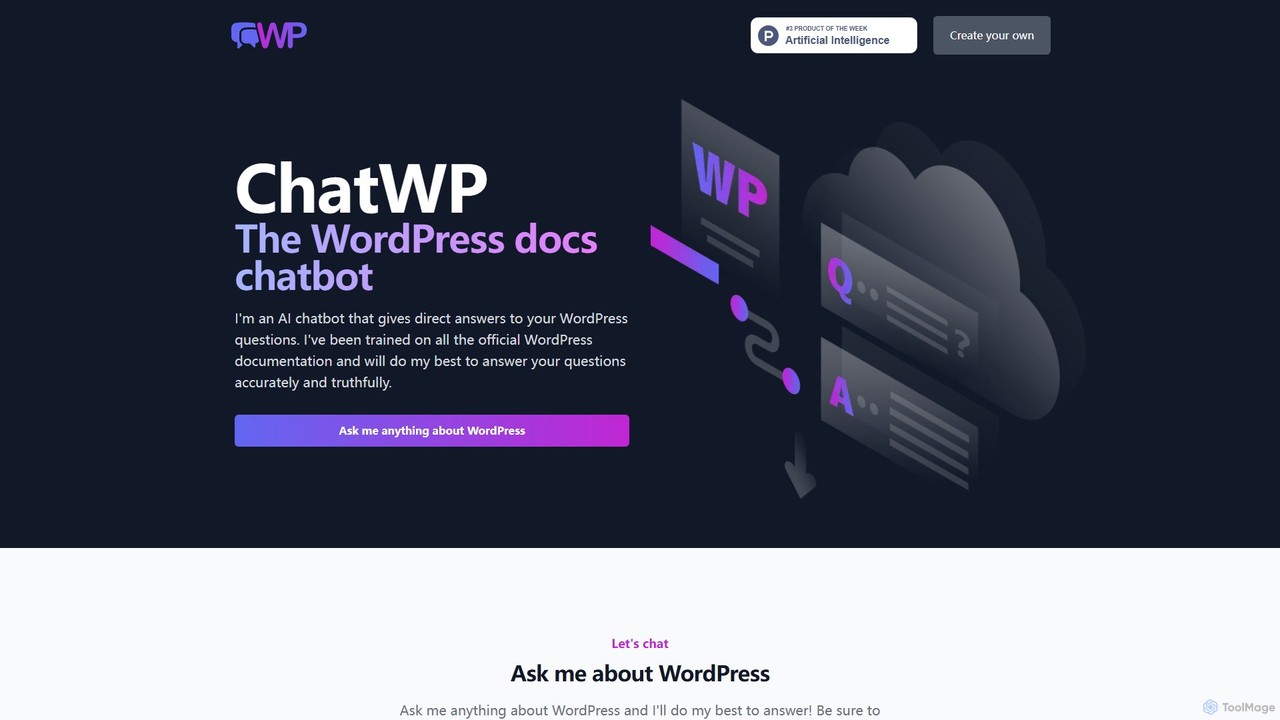
ChatWP
ChatWP is a specialized AI chatbot designed to provide instant, accurate answers to all your WordPress questions. Trained exclusively on the official WordPress.org documentation, it serves as an intelligent assistant for developers, content creators, and site administrators. Simply ask your question in natural language to receive direct answers, code examples, and step-by-step guides, streamlining your workflow and problem-solving process.
Knowledge Base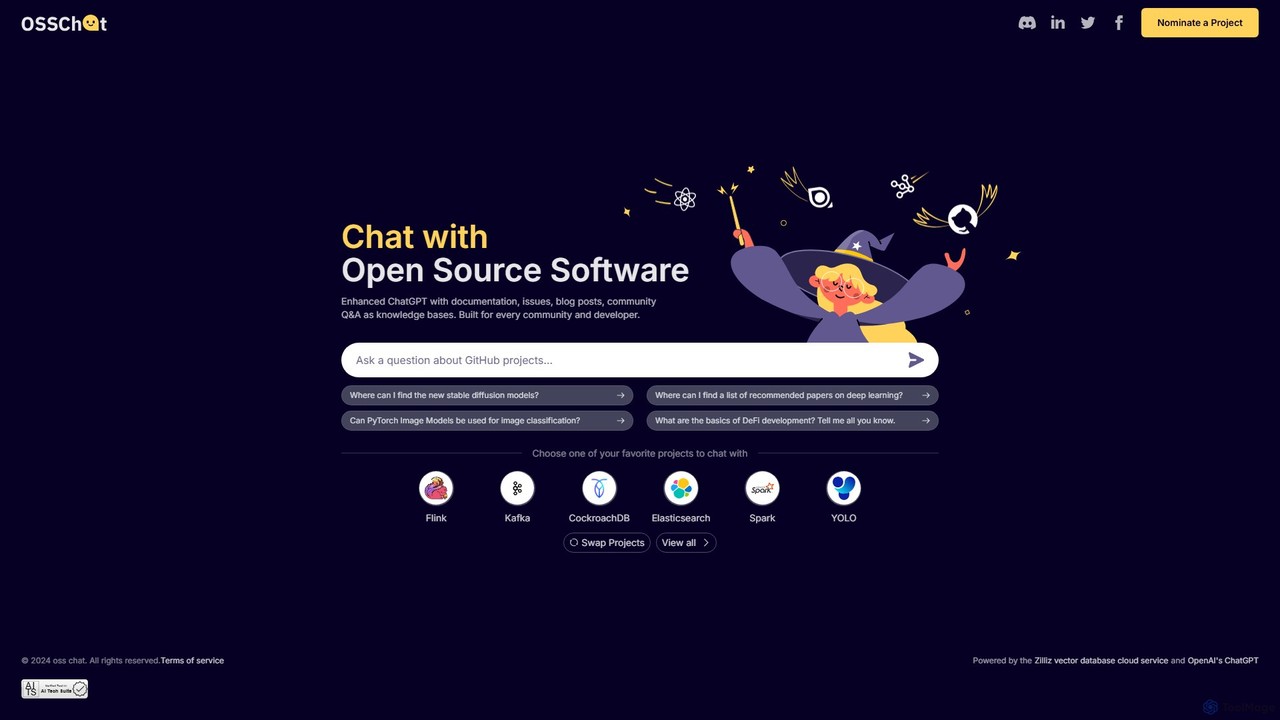
OSS Chat
An AI-powered chatbot designed for developers and open-source communities. It provides instant, accurate answers about open-source software by using official documentation, GitHub issues, and community Q&A as its knowledge base, streamlining the process of finding technical information.
DocumentationInkeep
Inkeep is an AI platform for customer experience, empowering users and internal teams with an AI that deeply understands your product. It provides a self-serve AI assistant for users and an intelligent copilot for support teams, all powered by your existing documentation, blogs, and help centers.
Chatbot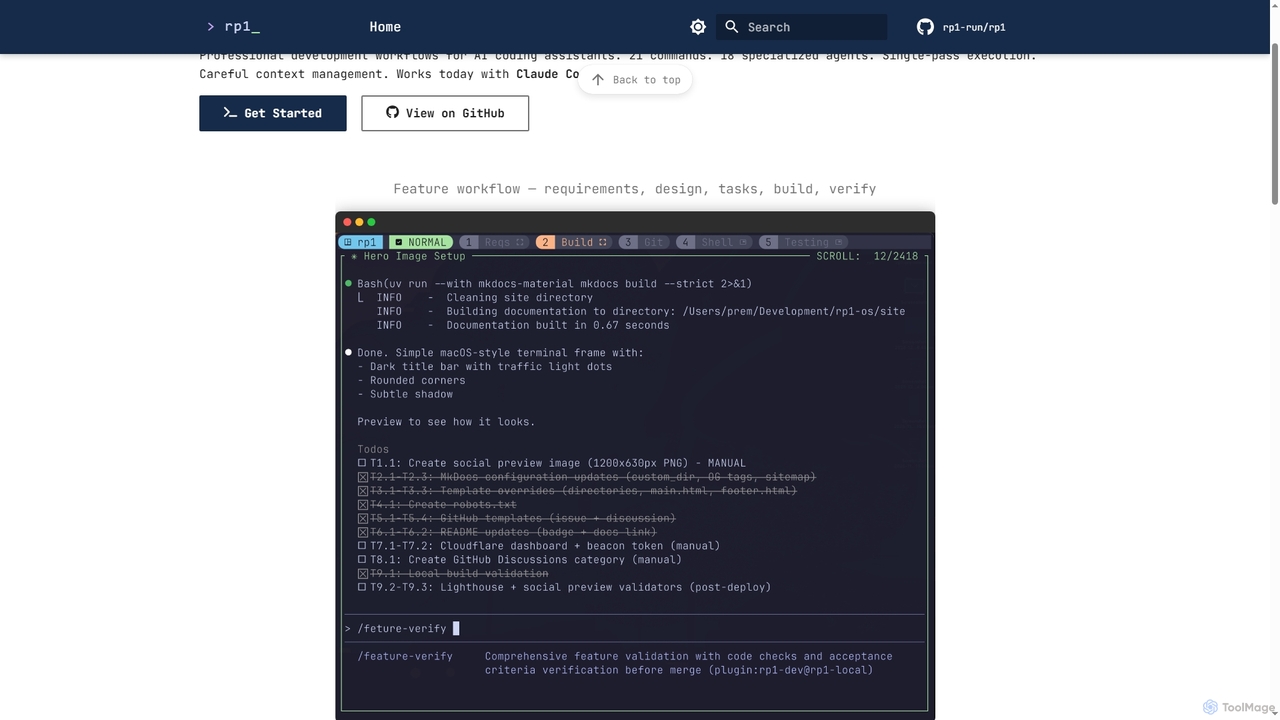
Rp1
Rp1 is a professional development workflow tool for AI coding assistants, designed to streamline software creation from requirements to deployment. It offers 21 commands and 18 specialized agents for efficient, single-pass execution of complex coding tasks, ensuring structured outputs and deep codebase awareness.
Ai Assistant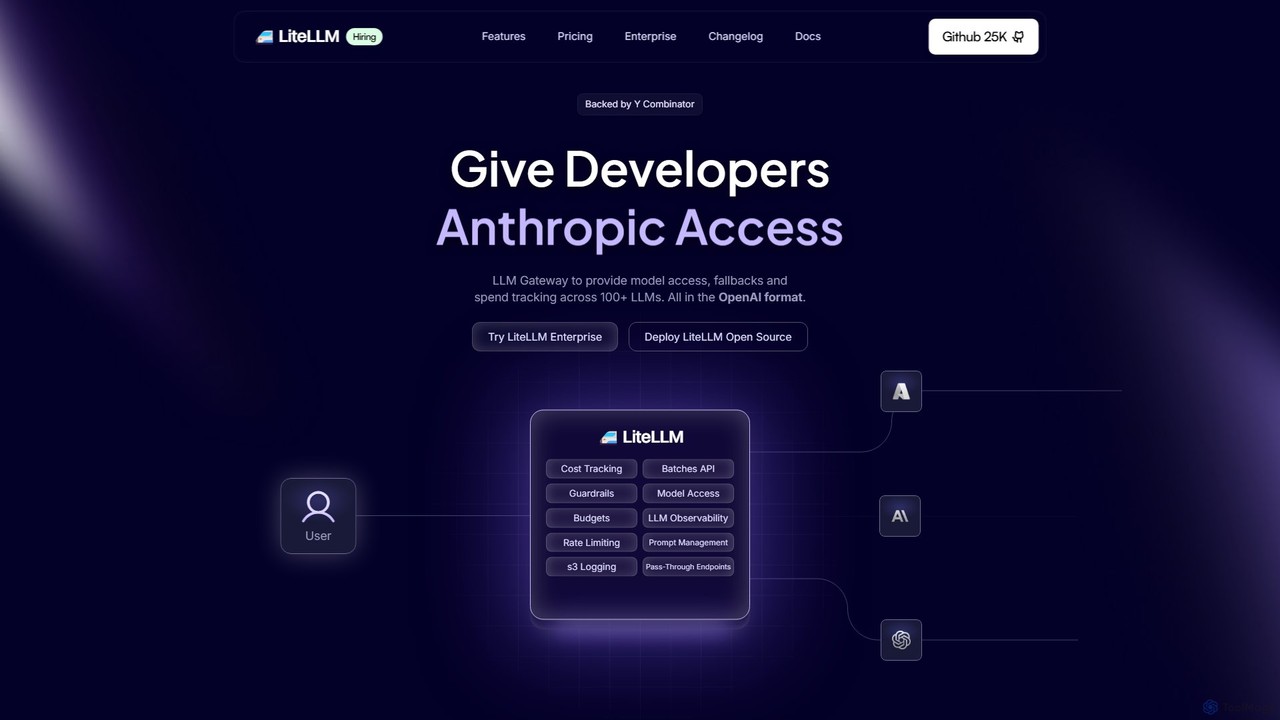
Berri
Berri is a no-code platform that allows you to build custom AI chatbots trained on your own data. Instantly transform your documents, websites, and knowledge bases into an interactive, conversational AI assistant to enhance customer support, generate leads, or streamline internal knowledge sharing.
Chatbot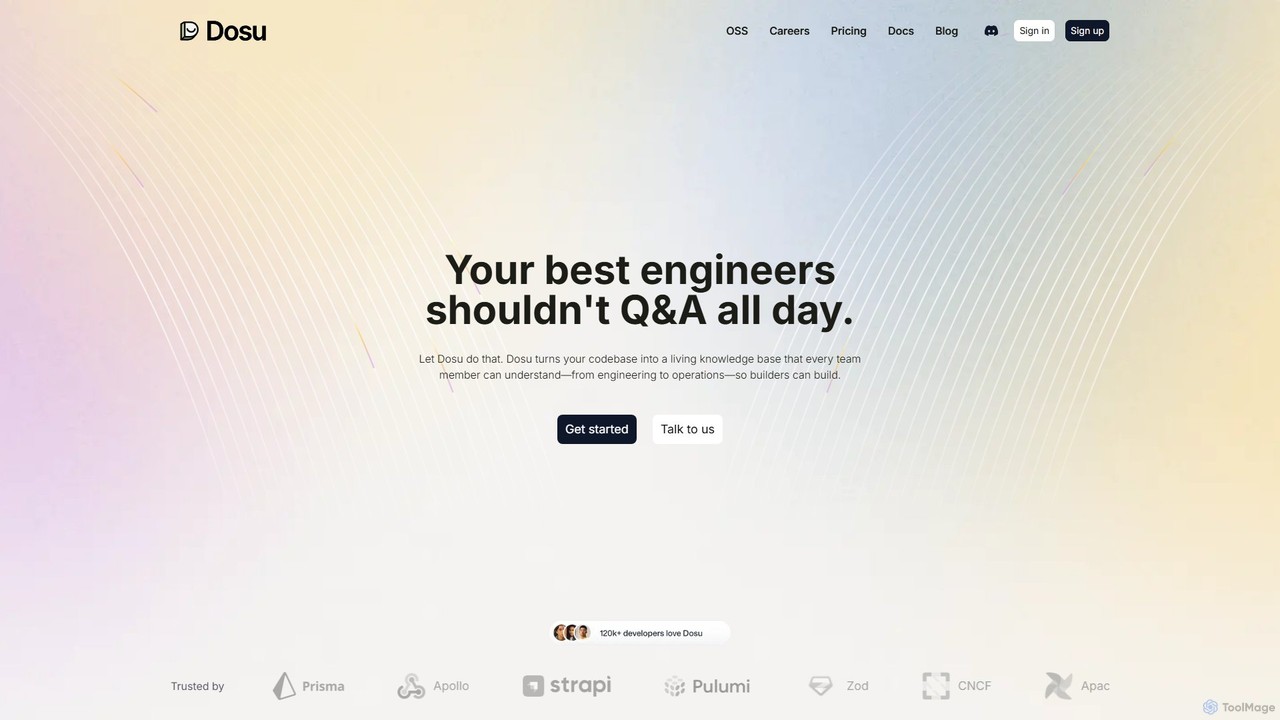
Dosu
Dosu is an AI teammate for developers that transforms your codebase into a living knowledge base. It automates documentation, answers technical questions, and streamlines issue management, freeing up engineers to focus on building software rather than handling repetitive Q&A.
Code Assistant
Documate Comments (0)
Sign in to comment.
Sign inNo comments yet.