
OSS Chat Overview
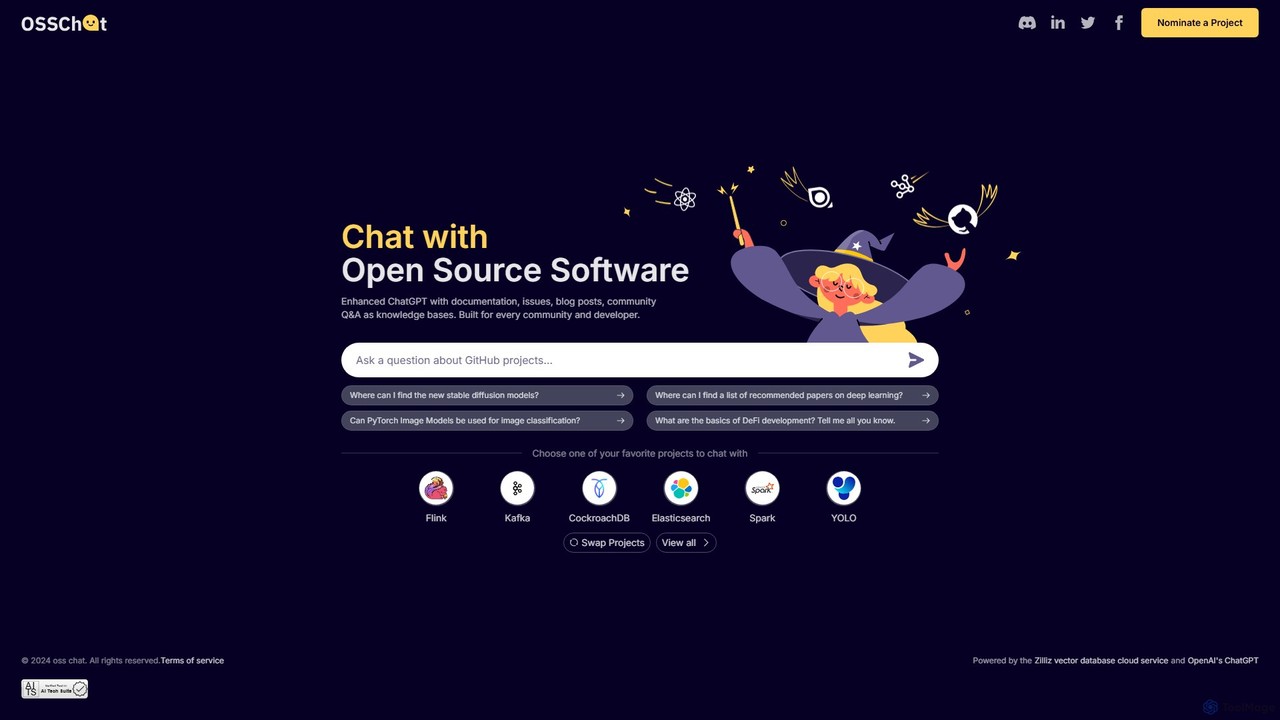
OSS Chat is a specialized AI-powered conversational tool built to serve developers, open-source contributors, and technology enthusiasts. It acts as an intelligent assistant that has been specifically trained on the vast and complex knowledge bases of various open-source software (OSS) projects. Unlike general-purpose AI chatbots, OSS Chat provides highly relevant and context-aware answers by drawing information directly from authoritative sources, including official documentation, GitHub issues, pull requests, insightful blog posts, and community Q&A forums. This makes it an indispensable resource for anyone working with popular technologies like Apache Spark, PyTorch, Kafka, Elasticsearch, and many others.
The primary goal of OSS Chat is to dramatically reduce the time and effort developers spend searching for technical solutions. Instead of manually sifting through lengthy documentation pages, bug reports, and forum threads, users can simply ask a question in natural language and receive a concise, actionable answer. This streamlined workflow allows developers to stay focused on coding and problem-solving, thereby boosting productivity and accelerating project timelines.
How to use OSS Chat
Using OSS Chat is designed to be a simple and intuitive process, requiring no complex setup:
- Navigate to the Website: Open your web browser and go to the OSS Chat homepage.
- Select a Project: You will be presented with a list of supported open-source projects. Choose the project you have a question about, for example, 'PyTorch' or 'Apache Flink'.
- Ask Your Question: In the chat interface, type your question in plain English. You can ask about anything from API usage and configuration settings to debugging common errors or understanding architectural concepts. For example, you could ask, "How do I use PyTorch Image Models for image classification?" or "What are the best practices for managing Kafka consumer groups?"
- Receive an AI-Generated Answer: The AI will process your query and search its specialized knowledge base for the selected project. It will then generate a detailed response, often including code snippets, configuration examples, and links to the original source material for further reading.
- Refine and Iterate: If the initial answer isn't sufficient, you can ask follow-up questions to get more details or clarify specific points, engaging in a conversation with the AI to fully resolve your query.
Core Features of OSS Chat
- Specialized Knowledge Bases: Each supported OSS project has its own dedicated knowledge base, ensuring that answers are specific, accurate, and up-to-date.
- Multi-Source Data Ingestion: The AI is enhanced with data from official documentation, GitHub (issues, PRs, discussions), technical blogs, and community forums, providing a comprehensive understanding of the project.
- Natural Language Processing (NLP): A sophisticated conversational interface that understands user intent and context, allowing for intuitive, human-like interactions.
- Context-Aware Responses: The tool provides answers that are directly relevant to the chosen software, avoiding the generic or sometimes inaccurate information provided by general search engines.
- Code Snippets and Examples: Many answers include practical code snippets and configuration examples that can be directly applied to a user's project.
- Source Citation (Implied): The system is designed to base its answers on verifiable sources, implicitly building trust and allowing users to dig deeper if needed.
Use Cases for OSS Chat
OSS Chat is valuable for a wide range of scenarios:
- Developer Troubleshooting: A developer encounters a cryptic error message while using Elasticsearch. Instead of a broad web search, they can ask OSS Chat, "What causes a 'cluster_block_exception' in Elasticsearch?" and get a targeted explanation and solution.
- Learning New Technologies: A student or professional wants to learn Apache Spark. They can use OSS Chat to ask fundamental questions like, "What is the difference between an RDD, a DataFrame, and a Dataset in Spark?" to build their knowledge step-by-step.
- Onboarding New Team Members: A new engineer joining a team that uses CockroachDB can quickly get up to speed by asking OSS Chat about best practices, common commands, and architectural concepts.
- API and Feature Discovery: A programmer can ask, "Where can I find the new stable diffusion models in the relevant library?" to quickly locate features without navigating complex documentation trees.
Advantages of OSS Chat
The key advantage of OSS Chat is its efficiency and accuracy. It acts as a force multiplier for developers by:
- Saving Time: It provides instant answers to complex technical questions, eliminating hours of manual research.
- Increasing Accuracy: By relying on official and community-vetted sources, it delivers more reliable information than general-purpose AIs.
- Improving Developer Workflow: It integrates seamlessly into the development process, allowing users to get help without significant context switching.
- Democratizing Knowledge: It makes deep technical knowledge about complex systems accessible to a broader audience through a simple chat interface.
Pricing and Plans
OSS Chat is currently available as a free-to-use tool. It appears to be a community-focused project or a demonstration of the underlying technology, allowing developers and communities to benefit from its capabilities without a subscription fee. There are no paid plans or premium features mentioned on the website.
Traffic
Latest traffic
Status
Monthly traffic trend
- 2025-8: 81
- 2025-9: 470
- 2026-3: 0
- 2026-4: 0
- 2026-5: 382
Geography
Top 5 countries / regions
- 🇹🇼Taiwan100.0%
Top keywords
| Keyword | Cost per click |
|---|---|
| osrchat | $0.00 |
OSS Chat Alternatives
ChatWP
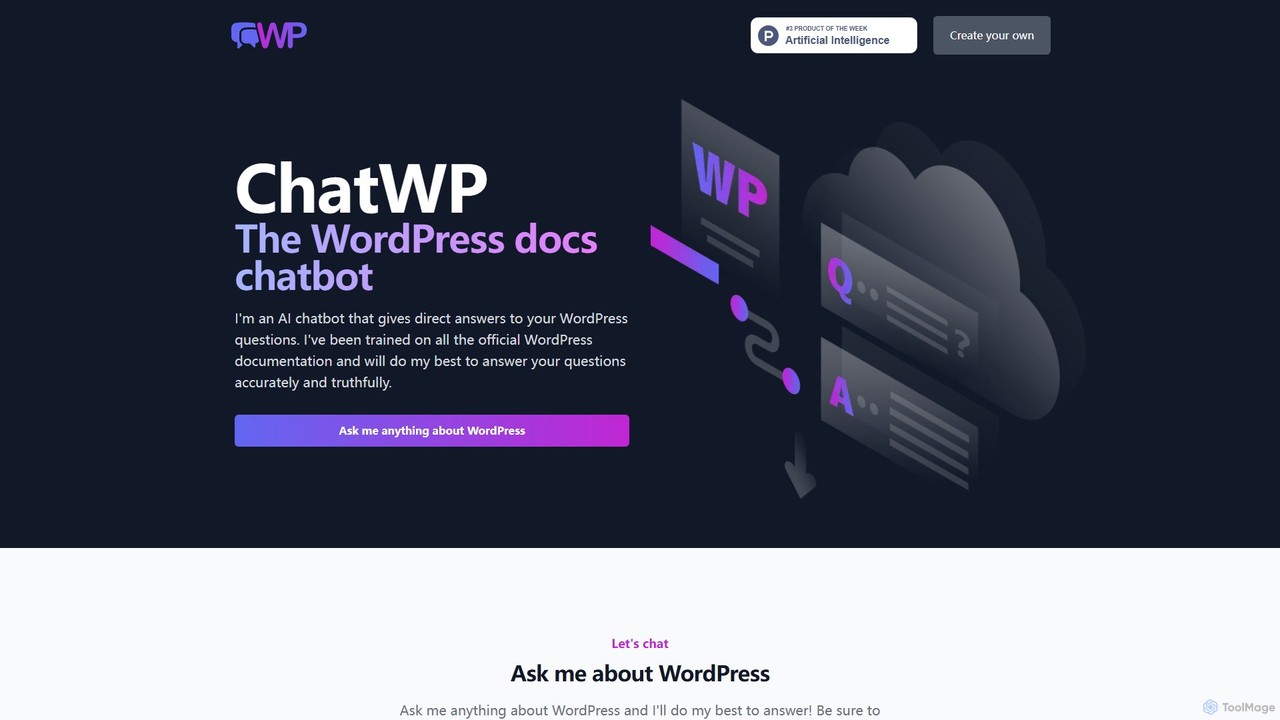
ChatWP is a specialized AI chatbot designed to provide instant, accurate answers to all your WordPress questions. Trained exclusively on the official WordPress.org documentation, it serves as an intelligent assistant for developers, content creators, and site administrators. Simply ask your question in natural language to receive direct answers, code examples, and step-by-step guides, streamlining your workflow and problem-solving process.
Knowledge Base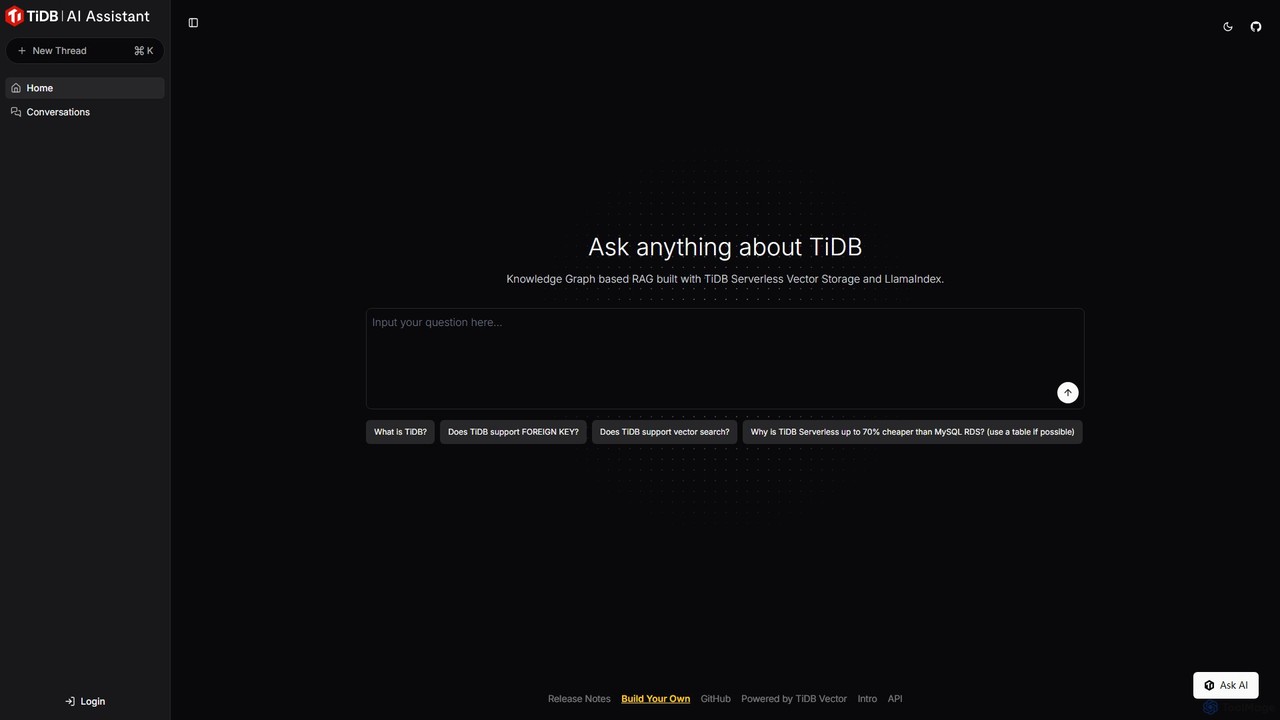
TiDB AI Assistant
An intelligent AI assistant for the TiDB database. Powered by a Knowledge Graph-based RAG system using TiDB Serverless Vector Storage, it provides fast, accurate answers to all your TiDB-related questions, from technical specifications to best practices.
Database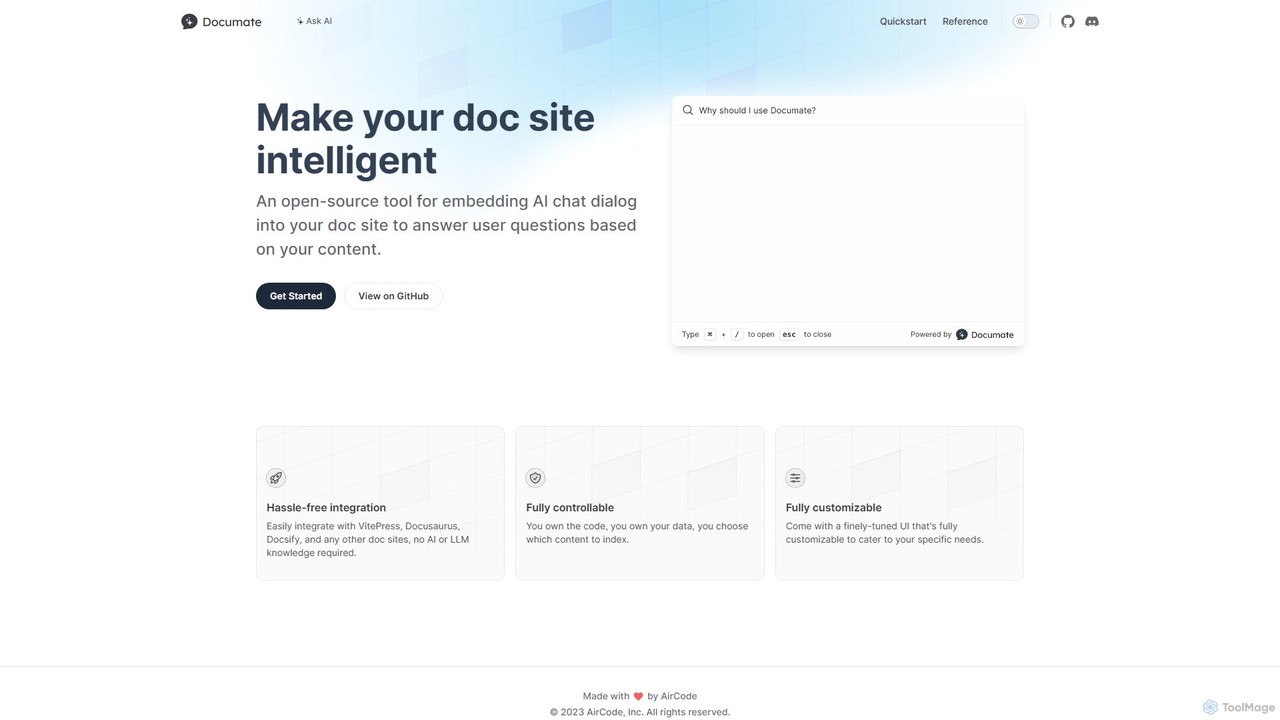
Documate
Documate is an open-source tool that lets you embed an intelligent AI chat dialog into your documentation website. It acts like a 'ChatGPT for your docs,' allowing users to ask questions and get instant, context-aware answers based on your content. It's designed for easy integration with popular frameworks like VitePress and Docusaurus, requiring no prior AI knowledge.
Chatbot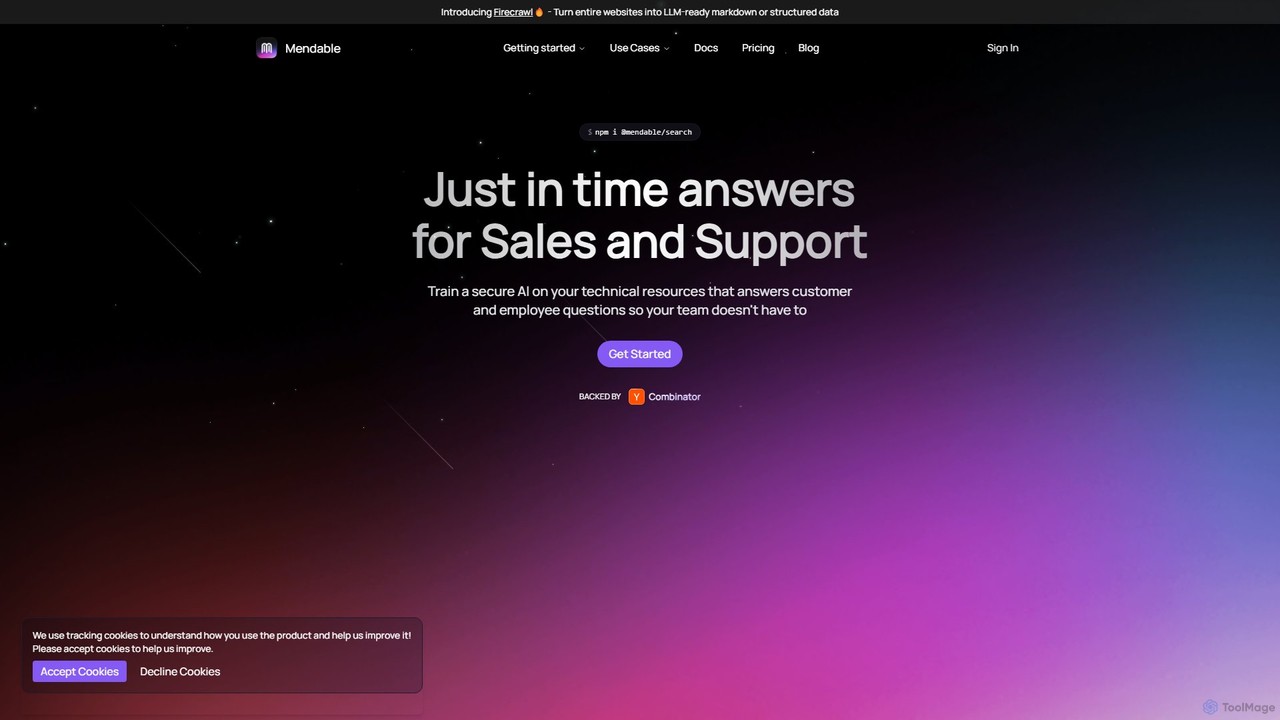
Mendable
Mendable is an AI platform that enables businesses to build and deploy custom AI chatbots trained on their technical resources. It provides instant, accurate answers for customer support, sales enablement, and internal knowledge management, reducing support tickets and improving user experience.
Chatbots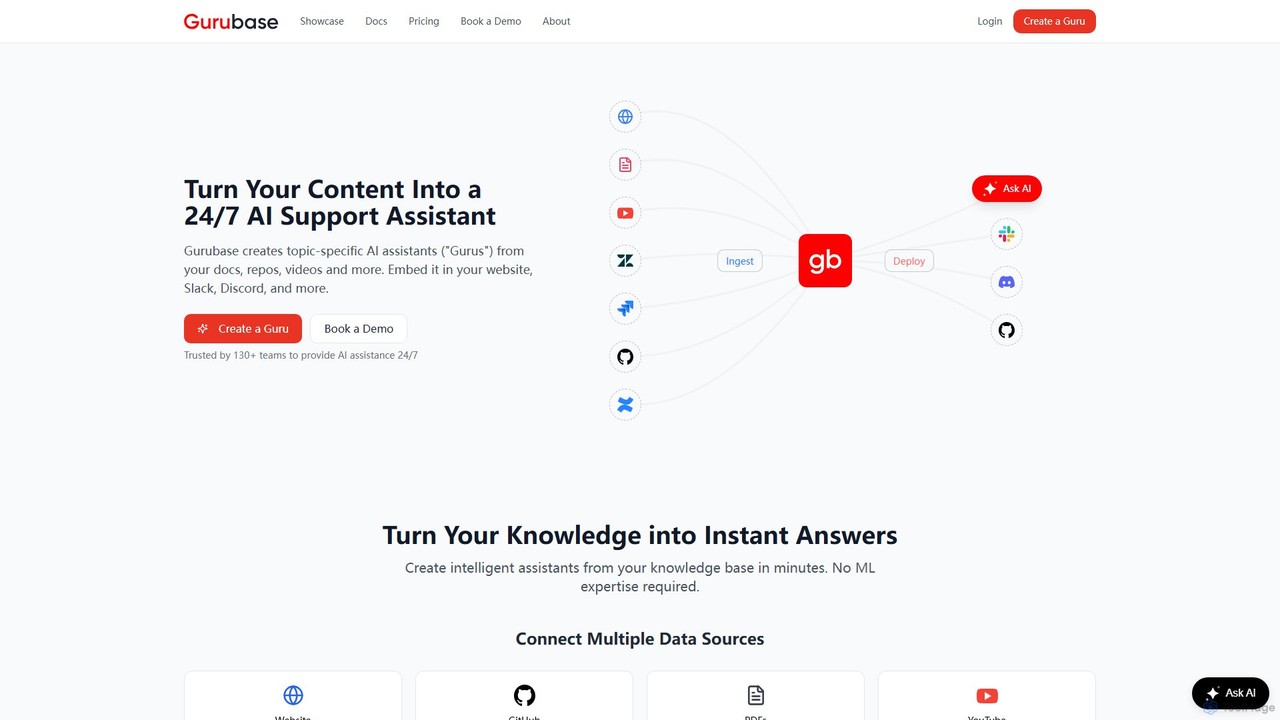
Gurubase
Gurubase transforms your existing content—docs, code, videos, and more—into a 24/7 AI support assistant. Create topic-specific AI 'Gurus' that provide instant, accurate, and source-cited answers to user questions. Deployable on websites, Slack, Discord, and more, it helps reduce support workload, improve user self-service, and provide valuable insights into documentation gaps. Ideal for software companies, open-source projects, and support teams.
ChatbotsOSS Chat Categories
OSS Chat Embed Widget
Copy this embed code to place the badge on your blog, article, or product site and send readers directly to this ToolMage detail page.

Related AI tools
Documate
Documate is an open-source tool that lets you embed an intelligent AI chat dialog into your documentation website. It acts like a 'ChatGPT for your docs,' allowing users to ask questions and get instant, context-aware answers based on your content. It's designed for easy integration with popular frameworks like VitePress and Docusaurus, requiring no prior AI knowledge.
ChatbotChatWP
ChatWP is a specialized AI chatbot designed to provide instant, accurate answers to all your WordPress questions. Trained exclusively on the official WordPress.org documentation, it serves as an intelligent assistant for developers, content creators, and site administrators. Simply ask your question in natural language to receive direct answers, code examples, and step-by-step guides, streamlining your workflow and problem-solving process.
Knowledge BaseMendable
Mendable is an AI platform that enables businesses to build and deploy custom AI chatbots trained on their technical resources. It provides instant, accurate answers for customer support, sales enablement, and internal knowledge management, reducing support tickets and improving user experience.
ChatbotsGurubase
Gurubase transforms your existing content—docs, code, videos, and more—into a 24/7 AI support assistant. Create topic-specific AI 'Gurus' that provide instant, accurate, and source-cited answers to user questions. Deployable on websites, Slack, Discord, and more, it helps reduce support workload, improve user self-service, and provide valuable insights into documentation gaps. Ideal for software companies, open-source projects, and support teams.
Chatbots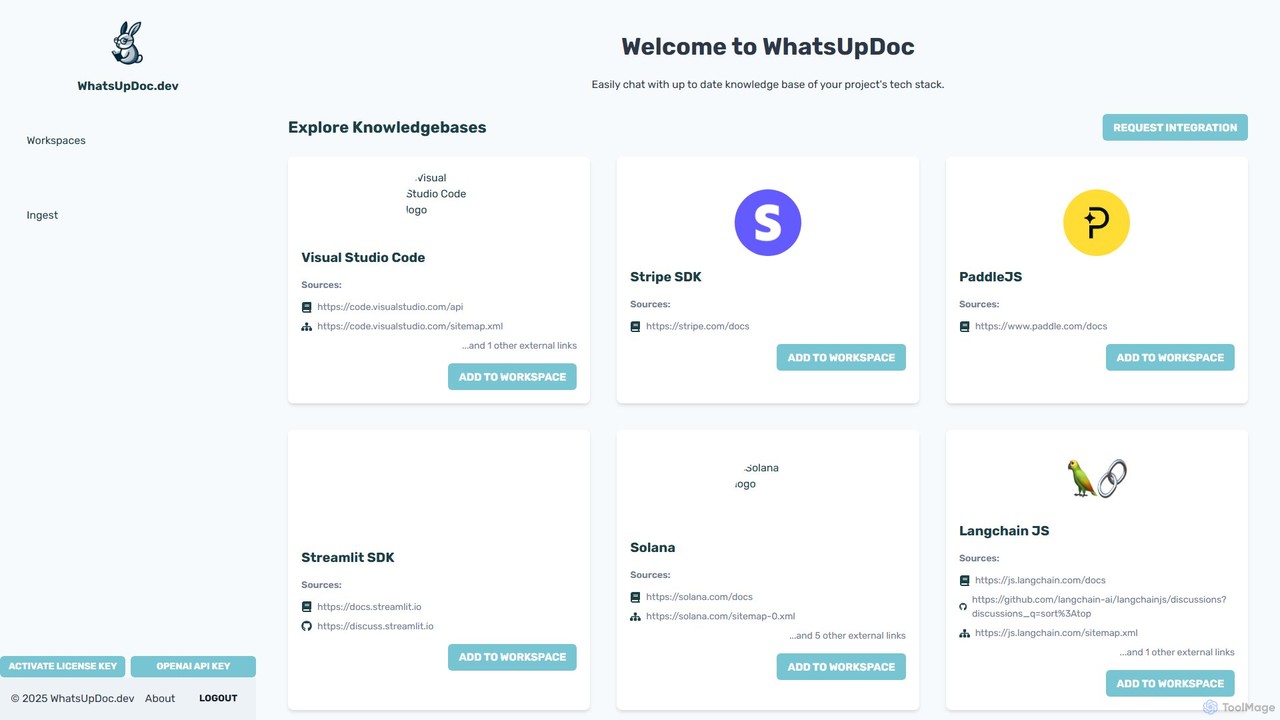
WhatsUpDoc.dev
An AI-powered tool for developers to chat directly with up-to-date technical documentation and knowledge bases. It uses a RAG model to provide instant, accurate answers from sources like official docs, GitHub discussions, and blogs, enhancing productivity and learning.
Code Assistant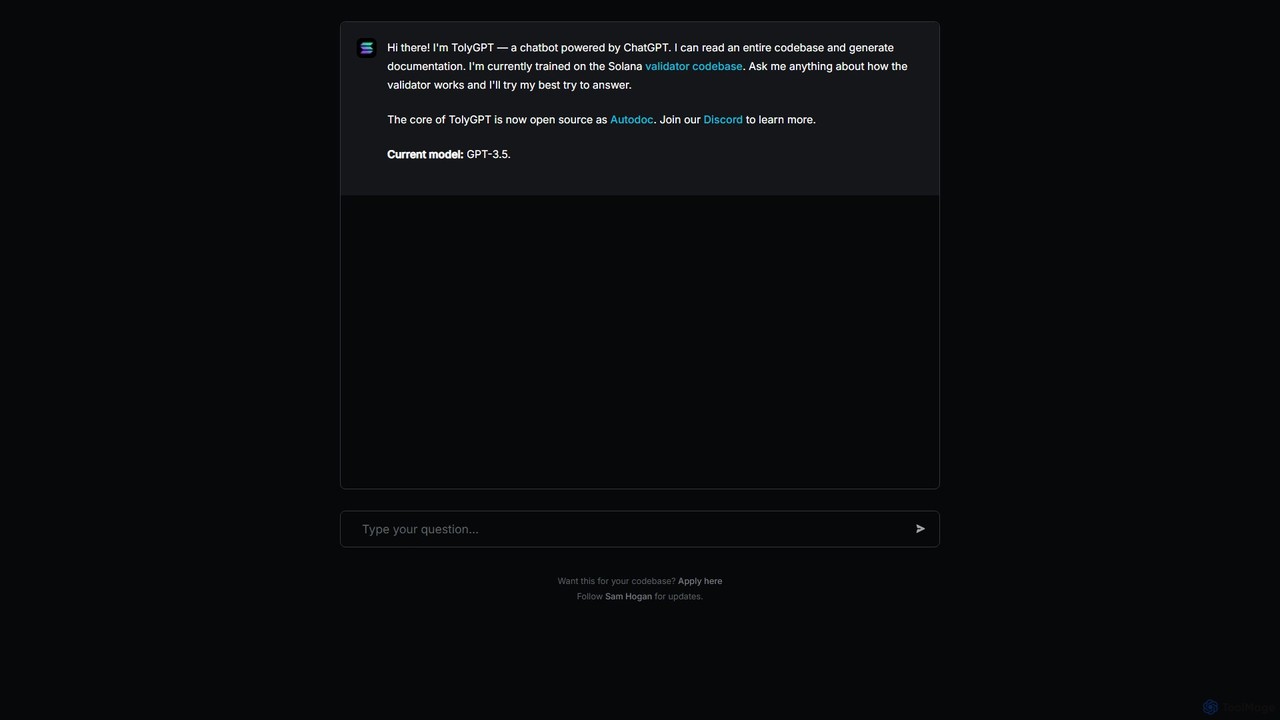
TolyGPT
TolyGPT is an AI-powered chatbot specifically trained on the Solana validator codebase. It allows developers and enthusiasts to ask complex questions in natural language about how the Solana validator works and receive detailed, context-aware answers. Its core technology is open-source, enabling custom chatbot creation for any codebase.
Specialized Chatbots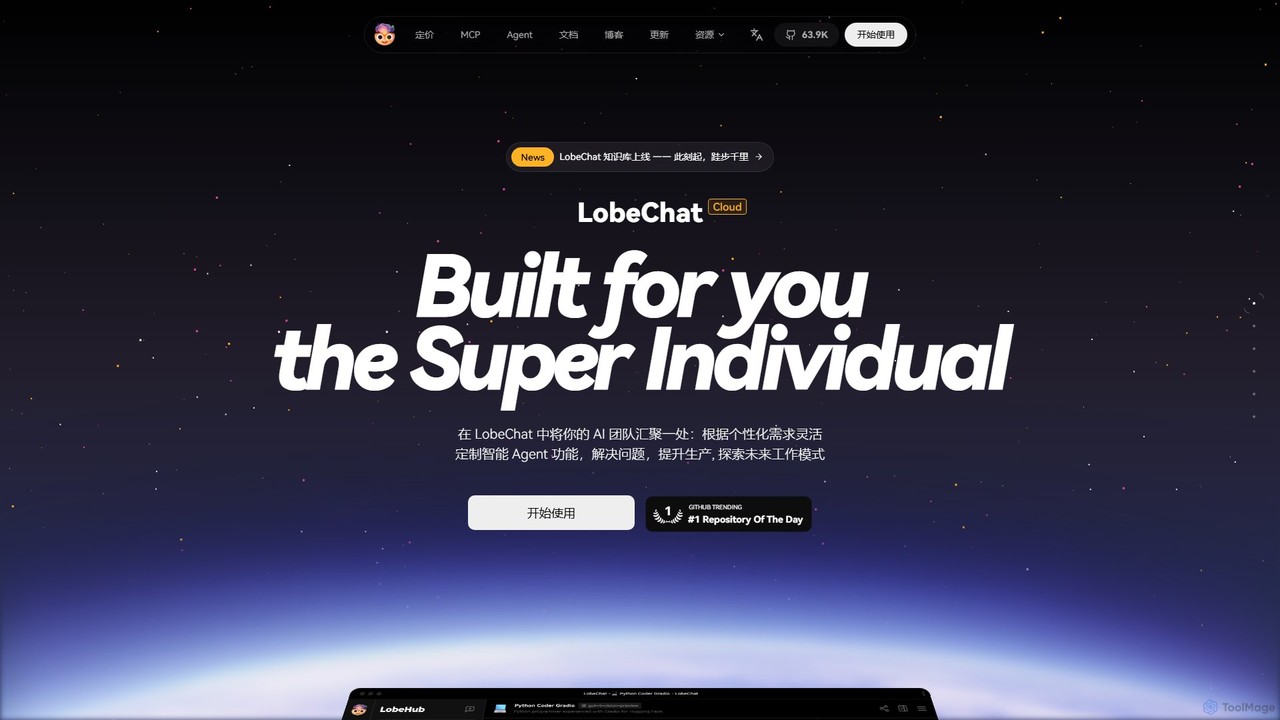
LobeHub
LobeHub is an all-in-one AI platform that allows you to build and manage a personalized team of AI Agents. It offers a superior user experience to standard LLM interfaces like ChatGPT, with support for numerous models, plugins, and multi-modal interactions. Create, share, and use specialized agents for tasks ranging from coding and writing to academic research and daily life, all within a single, intuitive chat interface.
Chatbot Platform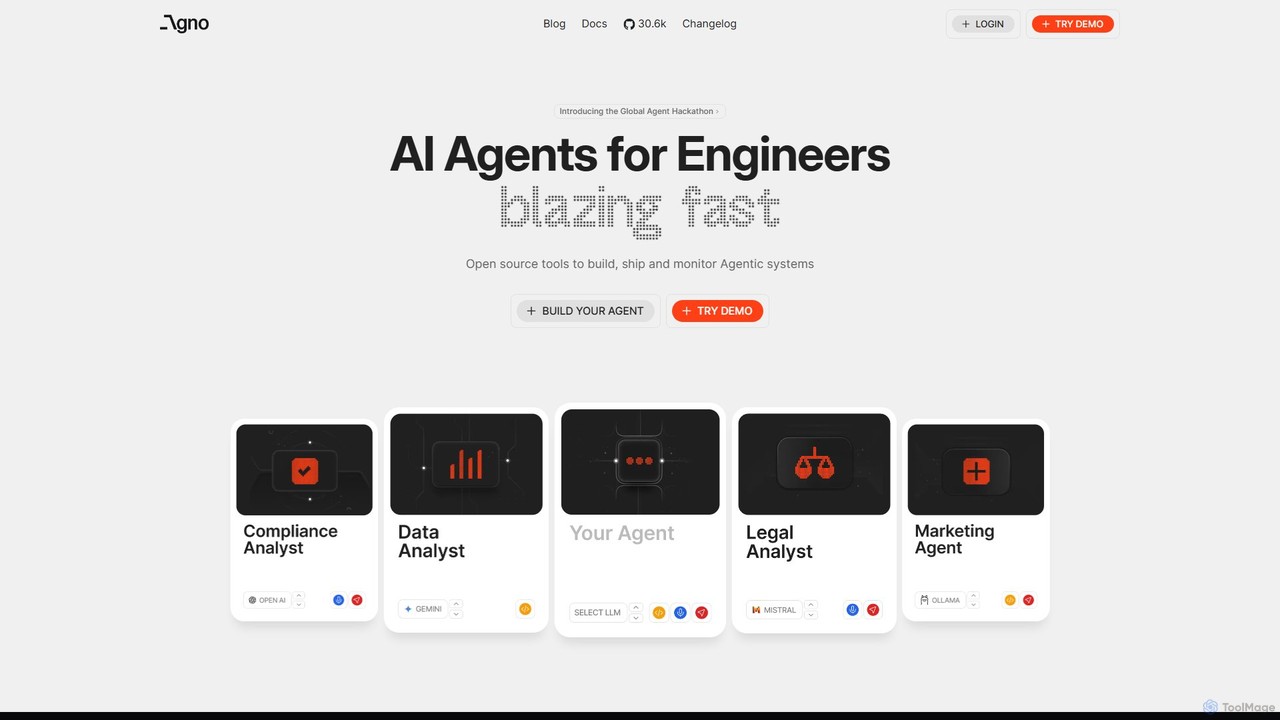
phidata
phidata is an open-source Python framework for building autonomous AI Assistants. It simplifies the integration of LLMs with memory, knowledge bases, and external tools, enabling developers to create powerful, stateful AI applications with ease.
Frameworks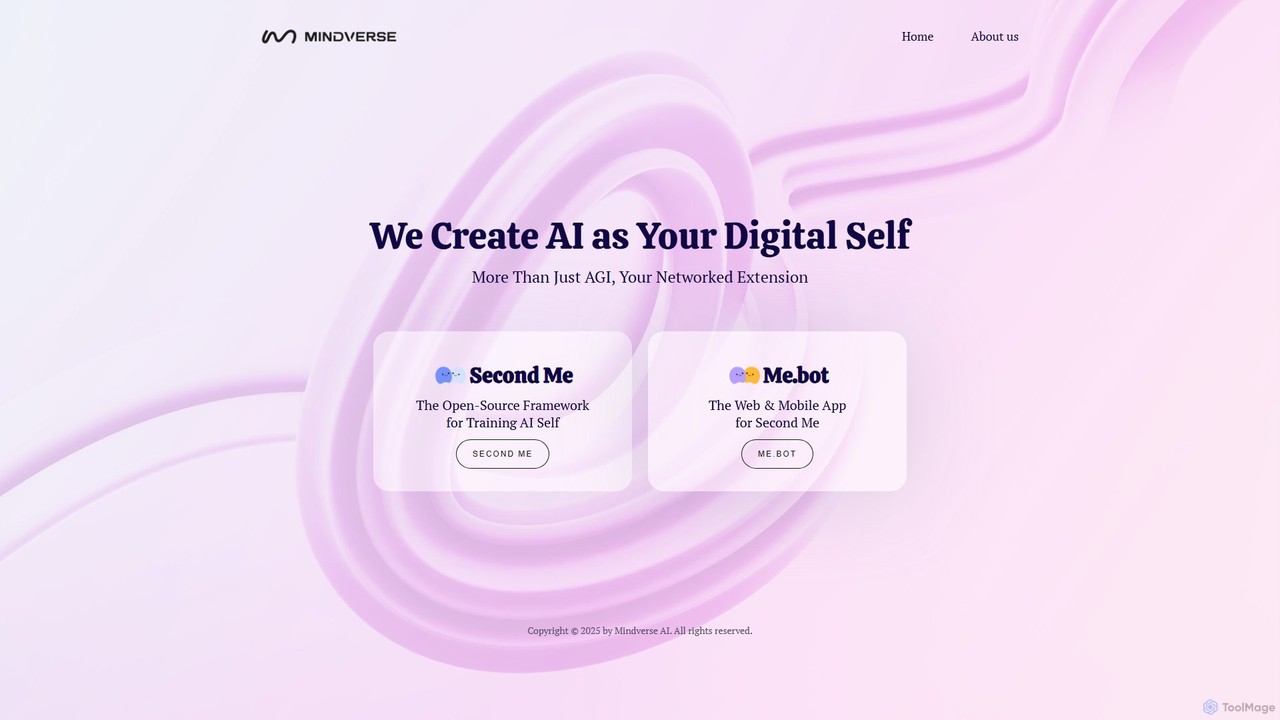
Mindverse.ai
Mindverse.ai is a platform for creating your 'Digital Self'—a personalized AI that acts as your networked extension. It features 'Second Me,' an open-source framework for training your AI, and 'Me.bot,' a user-friendly web and mobile app to interact with your digital twin for enhanced productivity and automation.
Personalized Avatars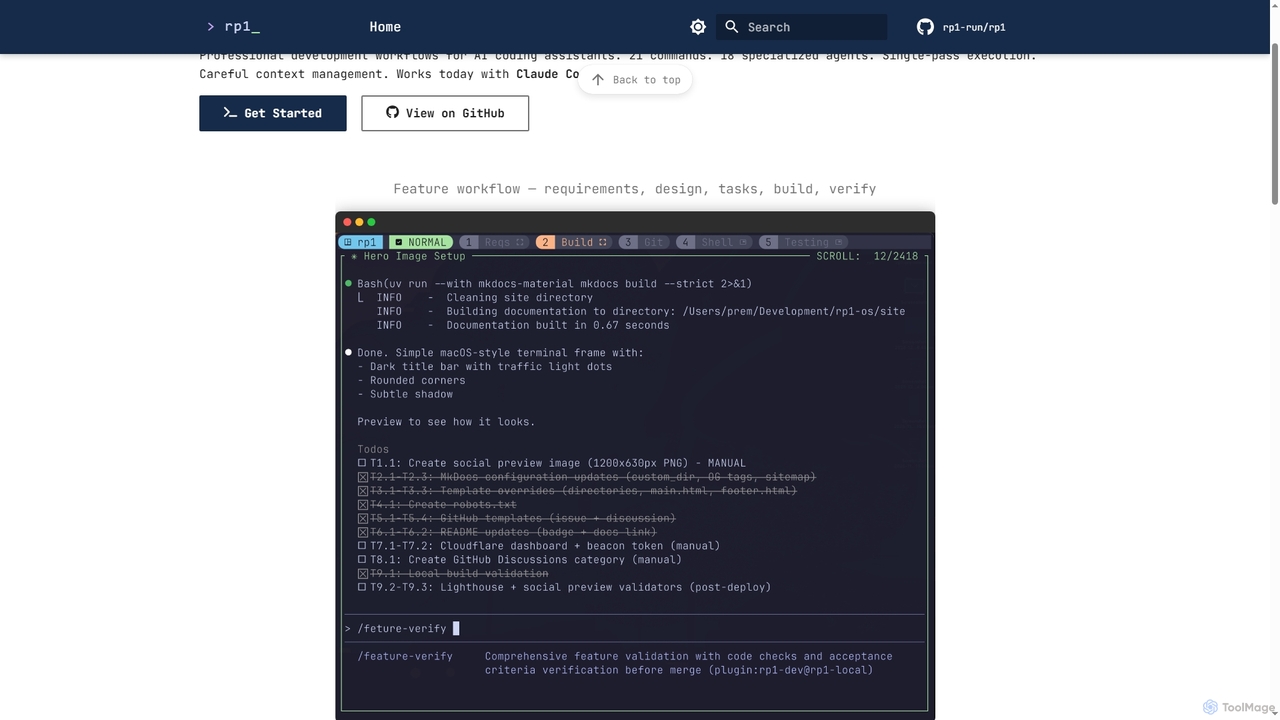
Rp1
Rp1 is a professional development workflow tool for AI coding assistants, designed to streamline software creation from requirements to deployment. It offers 21 commands and 18 specialized agents for efficient, single-pass execution of complex coding tasks, ensuring structured outputs and deep codebase awareness.
Ai Assistant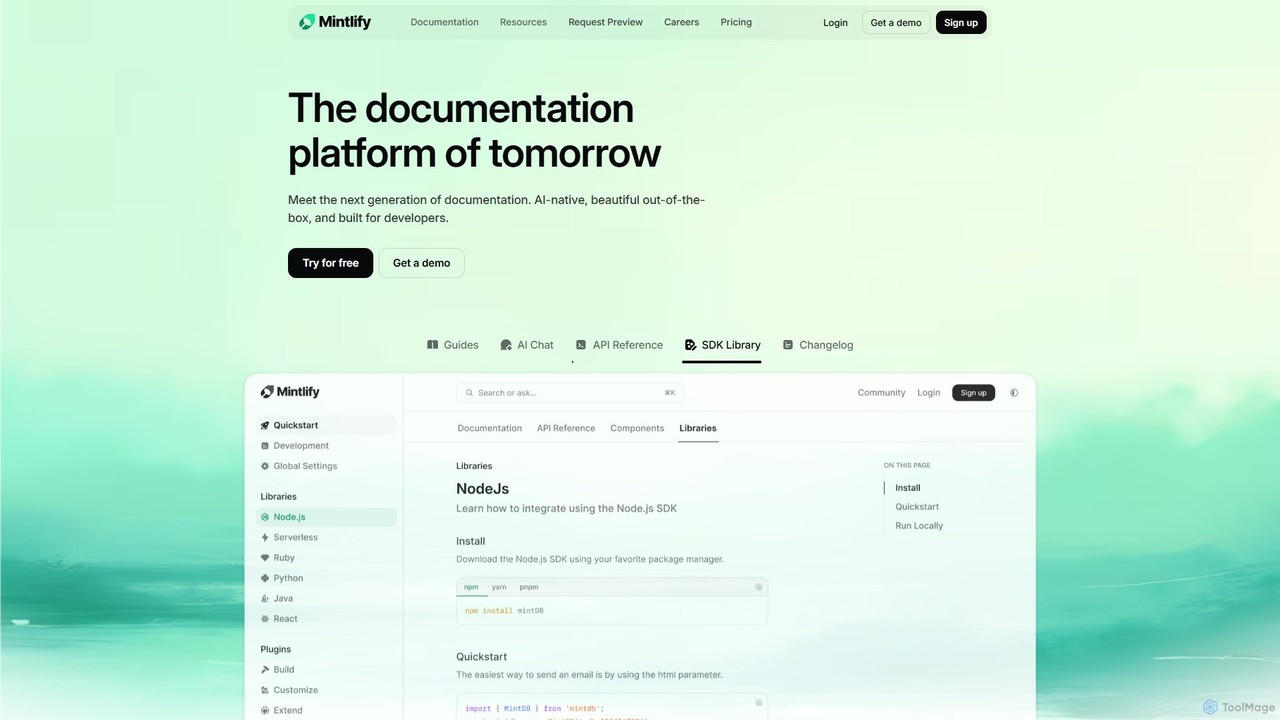
Mintlify
Mintlify is an AI-powered documentation platform designed for modern teams. It helps create beautiful, interactive, and conversion-focused documentation with features like an AI assistant, real-time writing suggestions, and seamless Git integration. Built for collaboration and scalability, it enables companies to provide a world-class developer experience and turn their docs into a growth engine.
Knowledge Base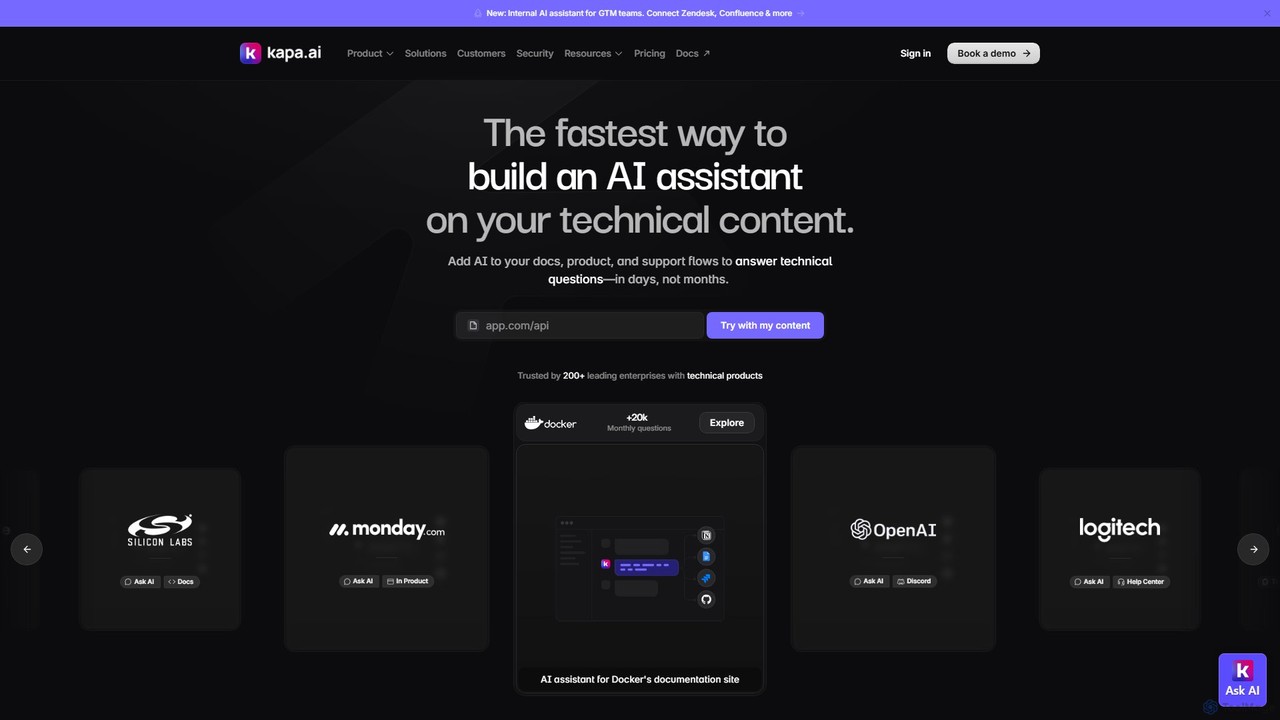
kapa.ai
kapa.ai is an AI platform that transforms technical documentation and knowledge bases into a highly accurate, enterprise-grade AI assistant. It uses advanced RAG technology to provide instant, reliable answers to complex technical questions, helping companies reduce support tickets, improve user onboarding, and gain insights into documentation gaps.
Chatbot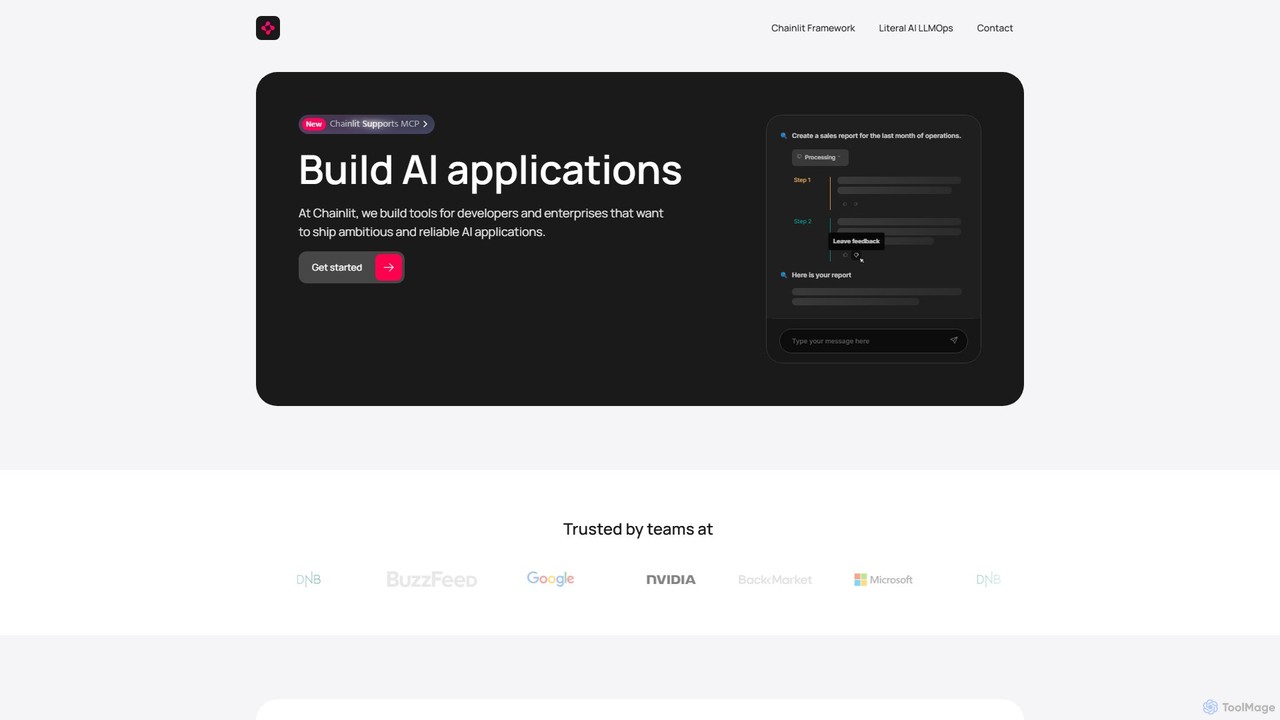
Chainlit
Chainlit is an open-source Python framework for developers to rapidly build and deploy production-ready conversational AI applications. It provides an instant, customizable chat interface, allowing you to focus on your backend logic and LLM interactions. With deep integrations for LangChain, LlamaIndex, and major LLM providers, Chainlit simplifies the creation of everything from simple chatbots to complex, data-driven copilots.
Framework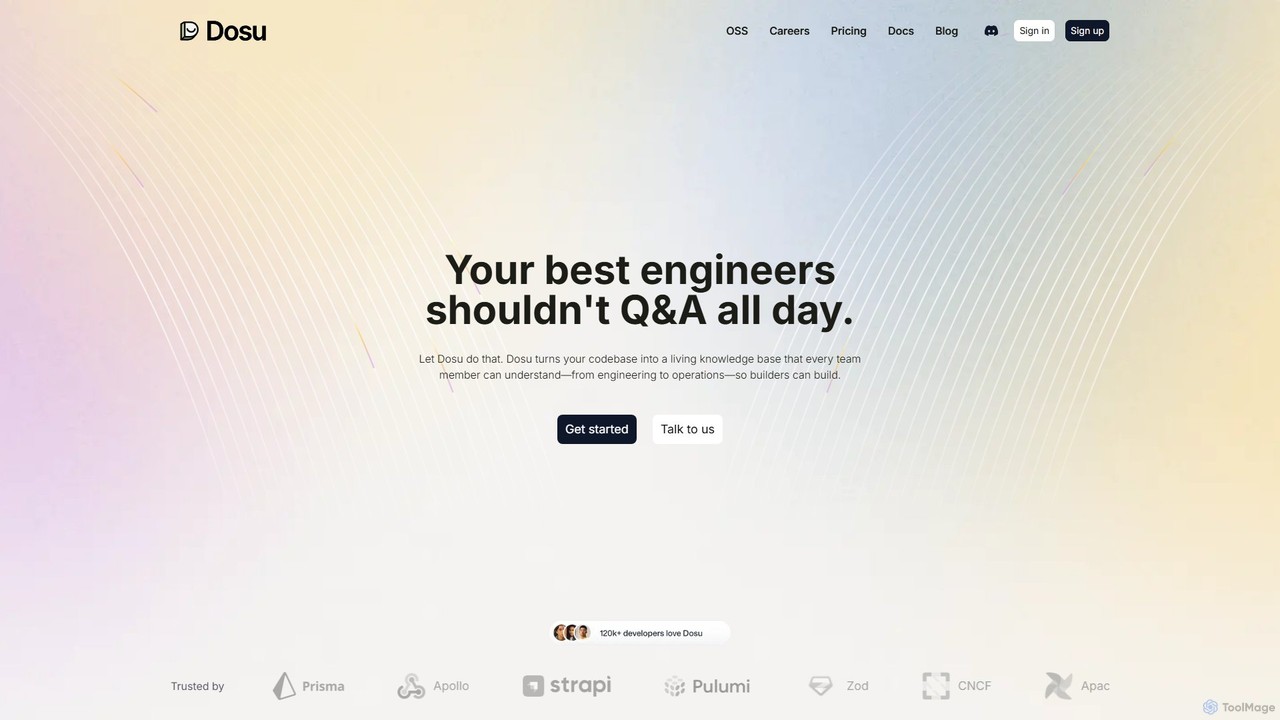
Dosu
Dosu is an AI teammate for developers that transforms your codebase into a living knowledge base. It automates documentation, answers technical questions, and streamlines issue management, freeing up engineers to focus on building software rather than handling repetitive Q&A.
Code Assistant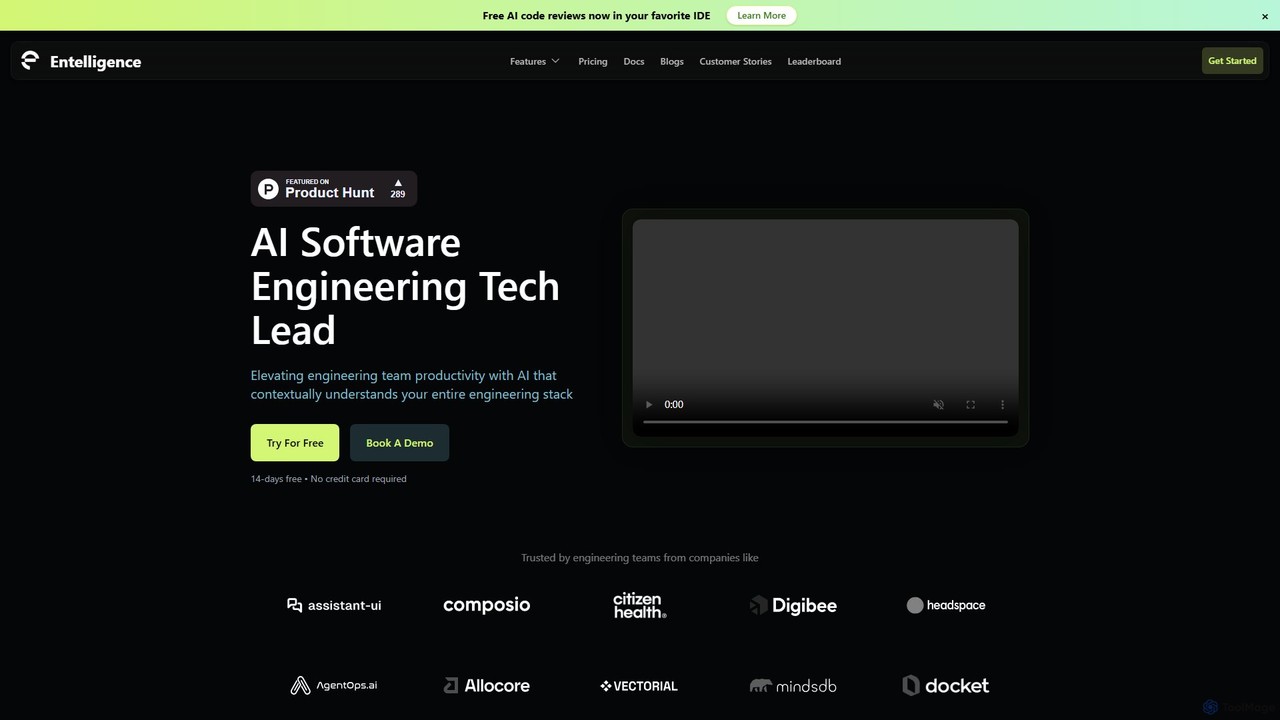
Entelligence
Entelligence is an AI-powered software engineering platform that acts as a tech lead for your team. It streamlines code reviews, automatically generates and updates documentation, and provides deep performance insights to boost engineering productivity and code quality.
Code Assistant
OSS Chat Comments (0)
Sign in to comment.
Sign inNo comments yet.