ToolMage
Sign in

Best 3 Technical Learning AI tools for Education

Popular Technical Learning AI tools in Education include TiDB AI Assistant, OSS Chat, and TolyGPT, helping you work more efficiently.

OSS Chat
Free

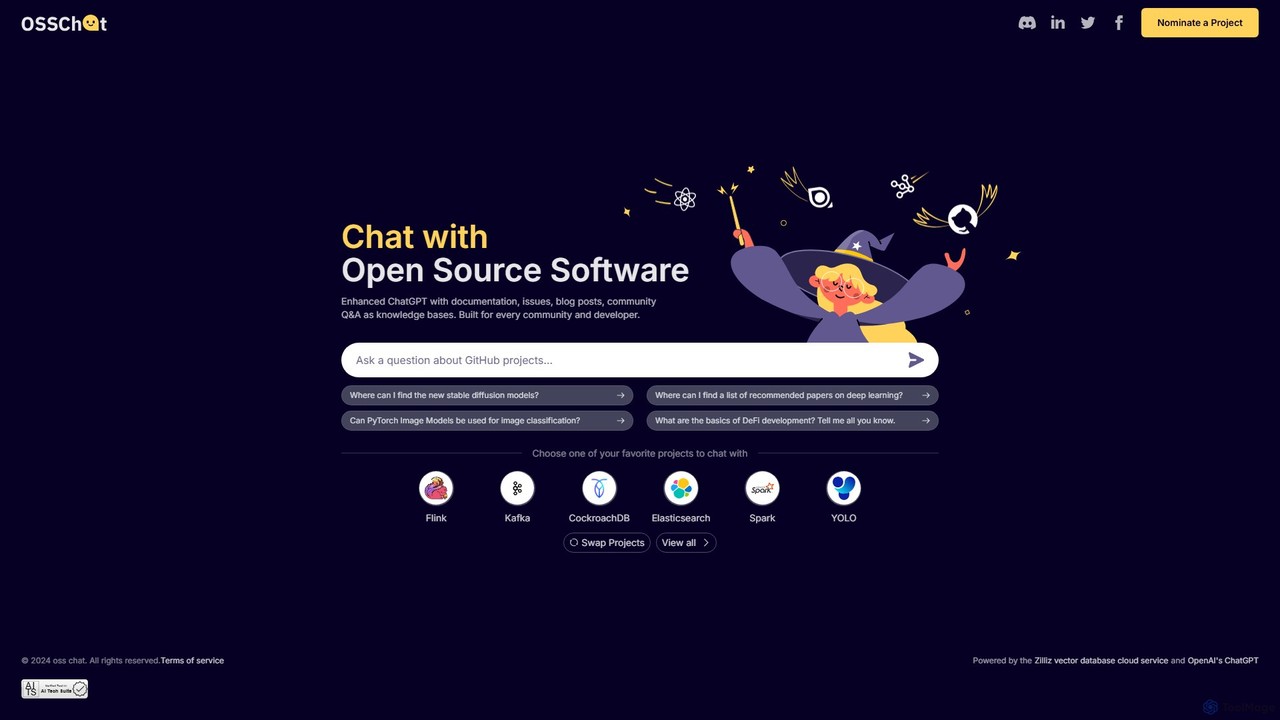
OSS Chat

An AI-powered chatbot designed for developers and open-source communities. It provides instant, accurate answers about open-source software by using official documentation, GitHub issues, and community Q&A as its knowledge base, streamlining the process of finding technical information.

Documentation
Visits 3.9KFavorites 112Likes 108
TiDB AI Assistant
Free

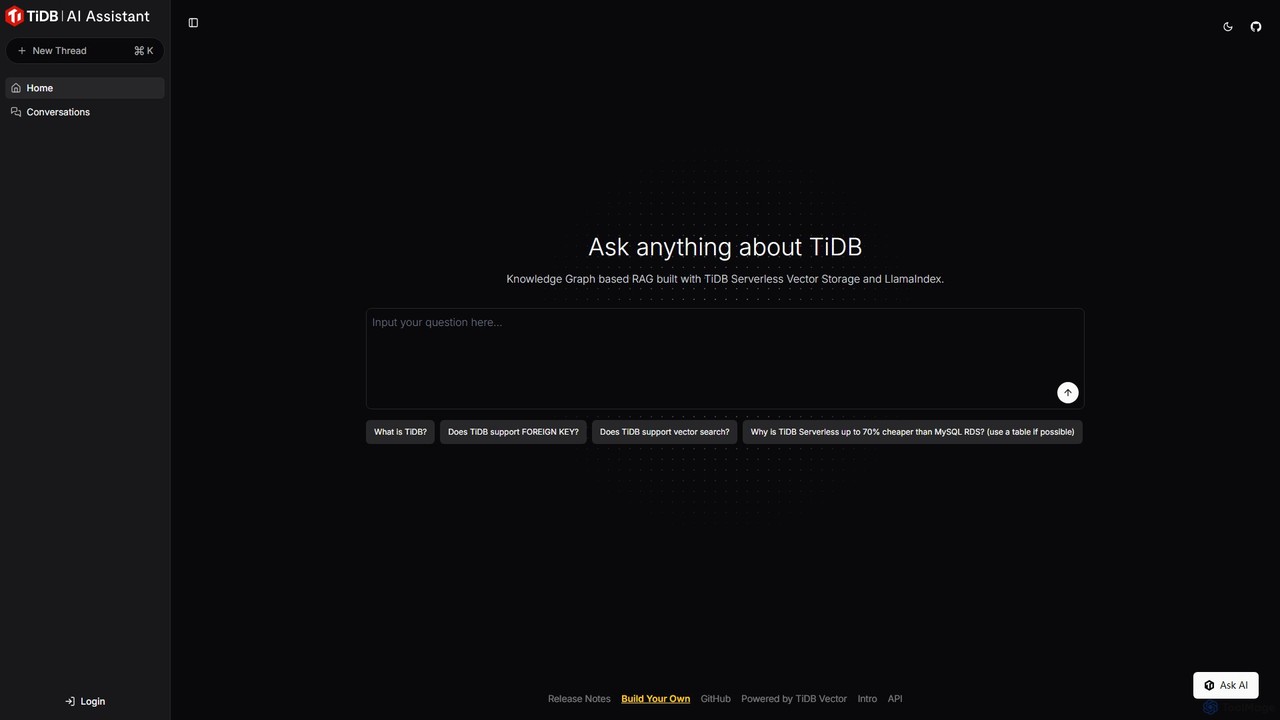
TiDB AI Assistant

An intelligent AI assistant for the TiDB database. Powered by a Knowledge Graph-based RAG system using TiDB Serverless Vector Storage, it provides fast, accurate answers to all your TiDB-related questions, from technical specifications to best practices.

Database
Visits 8.6KFavorites 81Likes 85
TolyGPT
Freemium

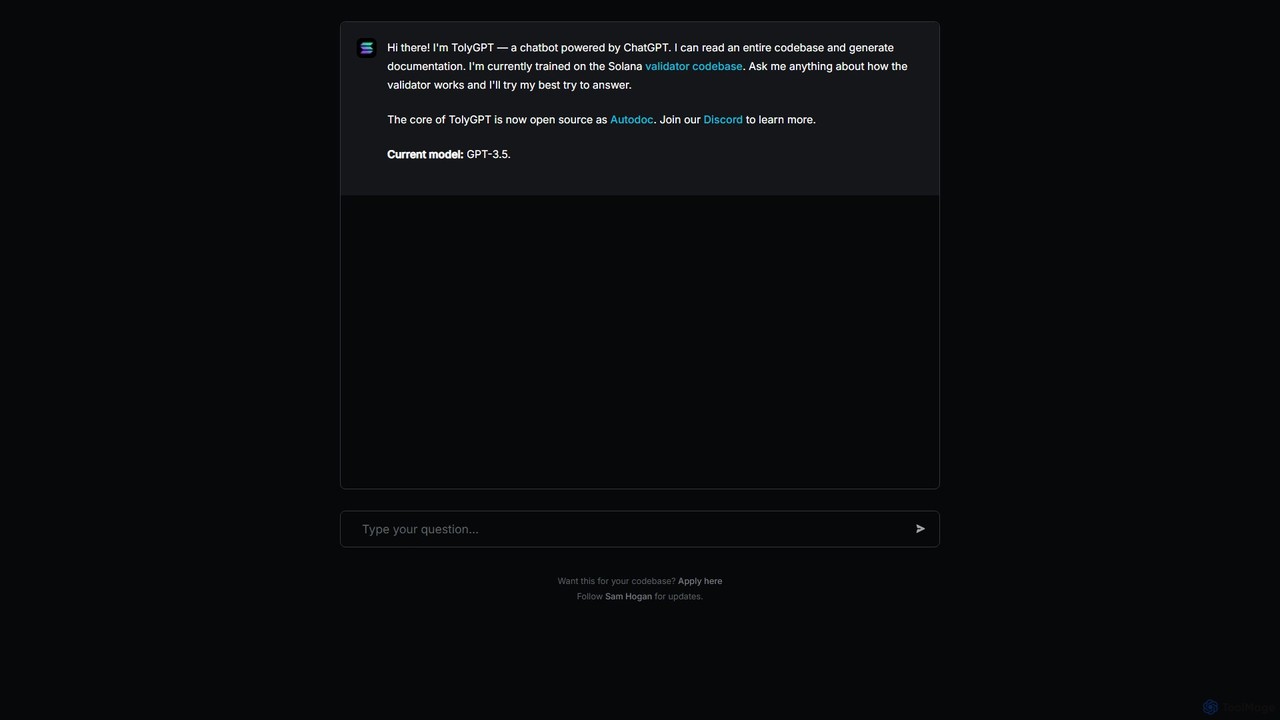
TolyGPT

TolyGPT is an AI-powered chatbot specifically trained on the Solana validator codebase. It allows developers and enthusiasts to ask complex questions in natural language about how the Solana validator works and receive detailed, context-aware answers. Its core technology is open-source, enabling custom chatbot creation for any codebase.

Specialized Chatbots
Visits 3.3KFavorites 97Likes 93

About Technical Learning

Technical Learning tools are AI-driven platforms designed to accelerate the acquisition of programming, data science, and other technology-related skills. These tools utilize interactive code editors, real-time feedback, and personalized learning paths to create an adaptive educational experience. They are engineered to help both beginners and experienced professionals master complex technical concepts efficiently by providing instant guidance and problem-solving support. This approach moves beyond traditional passive learning, offering a hands-on environment for practical skill development.

Core Features

  • Interactive Coding Environments: Practice coding with immediate, AI-driven feedback on syntax, logic, and efficiency.
  • Personalized Learning Paths: The AI adapts the curriculum based on your current skill level, progress, and learning goals.
  • AI-Powered Tutoring: Get 24/7 assistance with concept explanations, code debugging, and answers to technical questions.
  • Real-World Project Simulation: Build portfolio-worthy projects with AI guidance, simulating a professional development environment.
  • Automated Code Review: Submit code and receive automated suggestions for improvement, best practices, and optimization.

Use Cases

These tools are widely used by students in computer science programs, self-taught developers, and career changers entering the tech industry. Professionals also use them for continuous learning, such as a backend developer learning a new frontend framework or a data analyst upskilling in machine learning algorithms. Tech companies may integrate these platforms for employee onboarding and training.

How to Choose

When selecting a Technical Learning tool, first consider the specific technologies and languages it covers. Evaluate the learning methodology—whether it's project-based, exercise-driven, or concept-focused. Assess the quality of the AI feedback and the depth of its explanations. Finally, consider factors like community support, integration with professional tools like IDEs, and the pricing model relative to the features offered.

Featured tool rankings

Technical Learning use cases

1

Learning a First Programming Language

A university student majoring in a non-CS field wants to learn Python to enhance their data analysis skills. They use an AI technical learning platform that starts with the basics of syntax and data types. When they make a mistake in an exercise, the AI doesn't just show the error; it explains the underlying concept in simple terms. The platform creates a personalized path, introducing loops and functions only after they've mastered variables, leading them to build a small data visualization project in weeks.

2

Upskilling in a New Technology Stack

An experienced Java developer needs to quickly learn the MERN stack (MongoDB, Express.js, React, Node.js) for a new project. Instead of watching hours of videos, she uses an AI tool that provides a condensed, project-based curriculum. The AI acts as a pair programmer, reviewing her React components, suggesting better state management practices, and explaining asynchronous operations in Node.js. This targeted approach allows her to become productive in the new stack in less than half the time of traditional methods.

3

Preparing for Technical Interviews

A recent graduate is preparing for software engineering interviews. They use an AI platform that specializes in coding challenges and data structures. The tool generates a variety of problems similar to those asked by top tech companies. After attempting a solution, the AI provides an in-depth analysis of their code's time and space complexity, compares it to optimal solutions, and identifies edge cases they might have missed. This practice significantly boosts their confidence and problem-solving speed.

4

Debugging and Understanding Complex Code

A junior developer is tasked with fixing a bug in a large, unfamiliar codebase. They are struggling to trace the logic. They paste the problematic function into an AI technical learning tool. The AI not only identifies the logical error but also provides a step-by-step explanation of what the code is supposed to do versus what it is actually doing. It visualizes the call stack and variable states, turning a frustrating multi-hour task into a valuable, 20-minute learning experience.

5

Mastering Advanced Algorithms

A data science student is struggling to grasp the intuition behind algorithms like Dijkstra's or A*. They use an AI tutor that provides interactive visualizations. They can input different graph structures and watch the algorithm execute step-by-step, seeing which nodes are visited and how path costs are updated in real time. The AI also generates practice problems with varying constraints, helping them build a deep, practical understanding that goes beyond rote memorization of the code.

6

Building a First Portfolio Project

A self-taught developer wants to build a full-stack web application for their portfolio but feels overwhelmed. They use an AI-guided project platform. The platform breaks down the project into manageable milestones, from setting up the database to deploying the application. At each step, the AI provides boilerplate code, explains the purpose of each file, and offers challenges to extend the functionality. This structured guidance helps them complete a complex project and gain the confidence to build independently.

Technical Learning FAQ

What are AI Technical Learning tools?

AI Technical Learning tools are specialized educational platforms that use artificial intelligence to teach programming, data science, and other tech skills. Unlike traditional online courses, they provide an interactive, personalized experience. Key features include real-time code feedback, adaptive learning paths that adjust to your pace, and AI tutors that can explain complex concepts or help debug code 24/7. Their primary goal is to accelerate skill acquisition through hands-on practice and instant, intelligent guidance.

How to choose the right AI Technical Learning tool?

Choosing the right tool depends on your specific goals. Consider these factors:

  • Technology Focus: Does the tool specialize in the language, framework, or skill you want to learn (e.g., Python for data science, JavaScript for web dev)?
  • Learning Style: Do you prefer project-based learning, short interactive exercises, or in-depth conceptual explanations? Look for a platform that matches your style.
  • Skill Level: Some tools are excellent for absolute beginners, while others are designed for experienced developers looking to upskill. Check the target audience.
  • Feedback Quality: The core value is the AI's feedback. Look for tools that provide clear, actionable, and insightful suggestions on your code, not just error flags.
What's the difference between AI learning tools and traditional online courses?

The key difference is interactivity and personalization. Traditional online courses (like on Coursera or Udemy) often rely on passive learning through pre-recorded videos and articles. Feedback is typically delayed, coming from instructors or peers. In contrast, AI Technical Learning tools provide an active learning environment. They offer instant, automated feedback on your code, adapt the difficulty based on your performance, and allow you to ask specific questions and get immediate, contextual answers from an AI tutor, simulating a one-on-one mentorship experience.

Can these tools replace human teachers or mentors?

AI Technical Learning tools are best viewed as powerful supplements, not replacements, for human mentors. They excel at providing scalable, 24/7 support for coding practice, debugging, and concept reinforcement. An AI can instantly review thousands of lines of code. However, a human mentor provides invaluable context, career advice, motivational support, and nuanced architectural guidance that AI currently cannot replicate. The ideal learning strategy often involves using AI tools for daily practice and a human mentor for high-level guidance and professional development.

Who are AI Technical Learning tools best for?

These tools are beneficial for a wide range of users. They are particularly effective for:

  • Beginners and Students: Providing a safe, non-judgmental environment to practice and make mistakes with instant feedback.
  • Self-Taught Developers: Offering structured learning paths and mentorship-like guidance that can be hard to find otherwise.
  • Career Changers: Accelerating the learning process for those transitioning into a tech role from another field.
  • Experienced Professionals: Enabling rapid upskilling in new languages or frameworks without the time commitment of a full course.