ToolMage
Sign in

Best 3 Project Management AI tools for Collaboration

Popular Project Management AI tools in Collaboration include Condens, Notation, and SoundBetter, helping you work more efficiently.

SoundBetter
Freemium

SoundBetter

SoundBetter is the world's leading music production marketplace, connecting musicians with top-tier, vetted audio professionals. It leverages AI-powered matchmaking to help you find the perfect singers, producers, and mixing/mastering engineers for your project.

Music Production
Visits 5.1KFavorites 126Likes 118
Condens
Freemium

Condens

Condens is an AI-powered user research platform that centralizes all customer insights. It helps teams store, analyze, and share research data like interviews, feedback, and notes. With features like AI transcription, sentiment analysis, and collaborative tagging, Condens streamlines the qualitative analysis process, making it faster to uncover actionable insights and foster a customer-centric culture.

Customer Support
Visits 64KFavorites 144Likes 126
Notation
Free

Notation

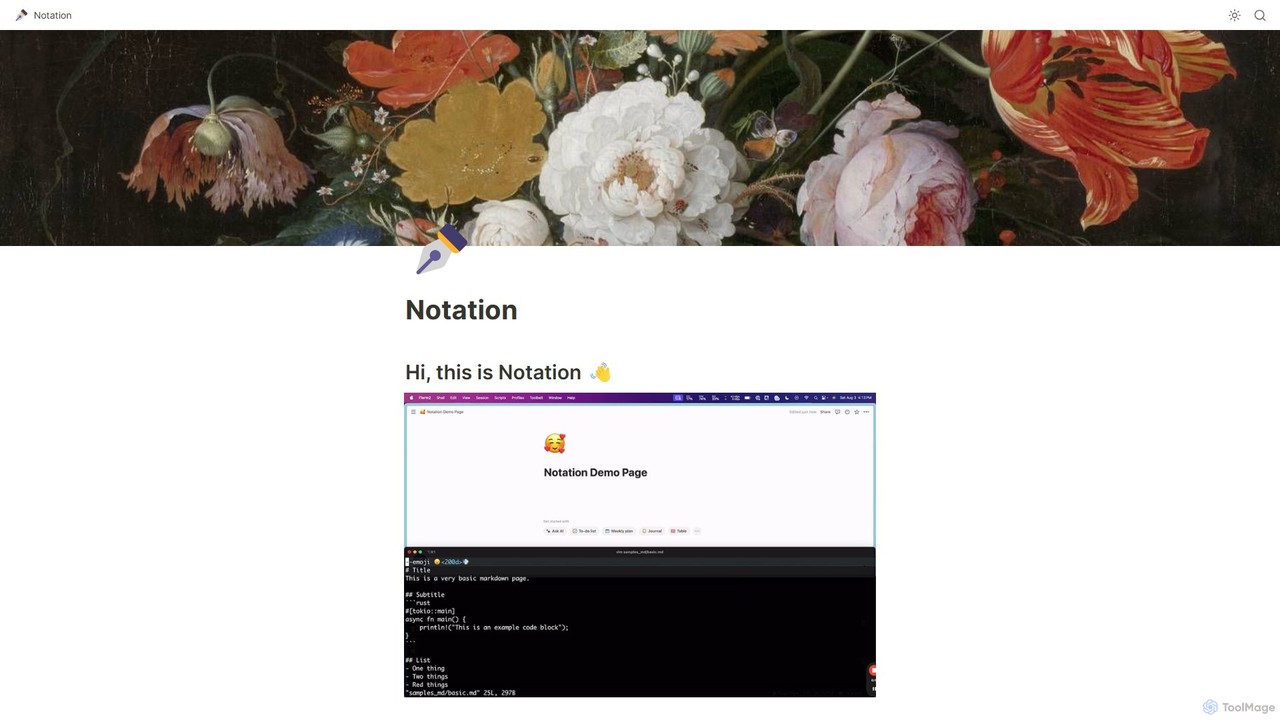
Notation is a developer-focused command-line tool that streamlines documentation by allowing you to write in Markdown and automatically publish to Notion. It keeps your docs in sync with your code repository, leveraging Notion's powerful search, AI, and collaboration features without needing complex frontend frameworks. Ideal for creating internal wikis, public guides, and developer portals directly from your codebase.

Project Management
Visits 6.7KFavorites 154Likes 152

About Project Management

AI Project Management tools are applications that leverage artificial intelligence to automate, predict, and optimize project planning, execution, and resource allocation. They use machine learning algorithms to analyze historical data, forecast timelines, identify potential risks, and suggest optimal workflows. This enables teams to move beyond manual tracking, making more accurate, data-driven decisions to improve project success rates. Unlike traditional software, these AI-powered platforms provide proactive insights rather than just reactive reporting.

Core Features

  • Intelligent Scheduling: Automatically creates and adjusts project timelines based on task dependencies, team availability, and priorities.
  • Predictive Risk Analysis: Identifies potential bottlenecks, budget overruns, and deadline risks before they occur.
  • Automated Reporting: Generates real-time progress reports and performance dashboards without manual data entry.
  • Optimized Resource Allocation: Recommends the best team members for tasks based on skills, workload, and historical performance.
  • Workflow Automation: Automates repetitive tasks such as status updates, reminders, and task assignments.

Use Cases

These tools are widely used in sectors like software development for managing agile sprints, marketing for coordinating complex campaigns, and construction for tracking large-scale projects. Roles such as project managers, product owners, and operations leads benefit from AI-driven insights to manage dependencies, balance workloads, and ensure on-time delivery.

How to Choose

When selecting an AI Project Management tool, consider its integration capabilities with your existing stack (e.g., Slack, GitHub). Evaluate the depth of its AI features—whether you need basic task automation or advanced predictive analytics. Assess its scalability for your team size and project complexity, and consider the user interface's intuitiveness for broad team adoption.


Featured tool rankings

Project Management use cases

1

Automating Agile Sprint Planning

A software development team uses an AI Project Management tool to plan their two-week sprints. Instead of manually estimating story points and assigning tasks, the Scrum Master inputs the backlog items. The AI analyzes historical velocity, developer skills, and current workloads to suggest a balanced sprint plan, automatically assigning tasks and flagging potential overload. This process reduces sprint planning meeting time by up to 50% and results in more realistic and achievable sprint goals.

2

Predictive Budget Tracking for Marketing Campaigns

A marketing manager oversees a multi-channel campaign with a strict budget. The AI tool integrates with ad platforms and expense trackers to monitor spending in real-time. It uses predictive analytics to forecast the campaign's final cost based on current trends, alerting the manager if there's a risk of overspending. This allows for proactive adjustments to ad spend or strategy, ensuring the campaign maximizes its return on investment without exceeding the budget.

3

Optimizing Resource Allocation in a Design Agency

An agency director needs to assign a new client project to their team of designers. The AI project management tool analyzes each designer's current workload, skill set (e.g., UI, illustration), and upcoming availability. It then recommends the optimal team composition to complete the project efficiently without causing burnout. The system can also simulate different project scenarios to help the director make informed decisions on hiring or workload distribution for future projects.

4

Proactive Risk Management for Construction Projects

A construction project manager uses an AI tool to oversee a large-scale build. The tool analyzes dependencies between tasks, supplier delivery schedules, and even weather forecasts. By comparing this data with historical project information, it identifies high-risk activities that are likely to cause delays. The manager receives an alert, for example, that a delay in concrete delivery combined with a rainy forecast could halt foundation work for three days, allowing them to arrange for alternative suppliers or reschedule tasks proactively.

5

Streamlining Cross-Functional Product Launches

A product manager is coordinating a launch involving engineering, marketing, and sales teams. The AI tool creates a master timeline with automated dependency mapping. When the engineering team marks a feature as delayed, the system automatically adjusts the dependent marketing tasks (like creating tutorials) and sales training schedules. It notifies all affected stakeholders instantly, preventing miscommunication and ensuring everyone works with the most up-to-date timeline, leading to a smoother launch process.

6

Generating Automated Executive Summaries

A department head needs to provide weekly progress updates to senior management but lacks the time to manually compile reports from various teams. Their AI project management tool automatically scans all project activities, task completions, and team comments for the week. It then generates a concise, data-driven summary highlighting key achievements, identified risks, and budget status. This saves the department head several hours each week and provides executives with consistent, easy-to-digest project visibility.

Project Management FAQ

What are AI Project Management tools?

AI Project Management tools are software applications that use artificial intelligence to enhance project planning, execution, and monitoring. They go beyond traditional tools by automating repetitive tasks, predicting potential risks and delays, and providing data-driven insights to optimize resource allocation and decision-making. Their core purpose is to make project management more proactive and intelligent.

How do AI tools differ from standard project management software?

Standard project management software (like traditional Kanban boards or Gantt charts) excels at organizing and tracking tasks that are manually entered and updated. AI tools add a layer of intelligence on top of this. They don't just track data; they analyze it to provide:

  • Predictions: Forecasting project completion dates and potential budget overruns.
  • Automation: Automatically assigning tasks and adjusting schedules.
  • Recommendations: Suggesting the best person for a task or identifying hidden risks.

In short, standard tools are for documentation, while AI tools are for optimization and prediction.

What are the main benefits of using AI in project management?

The primary benefits stem from moving from reactive to proactive management. Key advantages include:

  • Increased Accuracy: More precise estimations for timelines and budgets based on historical data rather than guesswork.
  • Improved Efficiency: Automation of administrative tasks like reporting and scheduling frees up project managers to focus on strategic issues.
  • Proactive Risk Mitigation: AI can flag potential issues long before they become critical, allowing teams to adjust course early.
  • Data-Driven Decisions: Provides objective insights into team performance and project health, leading to better strategic choices.
How do I choose the right AI Project Management tool?

Choosing the right tool depends on your specific needs. Consider these factors:

  • Team Size and Complexity: Some tools are better for small, agile teams, while others are built for large, enterprise-level projects with complex dependencies.
  • Integration Needs: Ensure the tool integrates smoothly with your existing software ecosystem (e.g., Slack, GitHub, Google Drive) to avoid creating data silos.
  • AI Feature Depth: Determine if you need basic automation (like smart reminders) or advanced features like predictive risk analysis and resource optimization.
  • Usability: A powerful tool is useless if your team finds it difficult to use. Look for an intuitive interface and consider the learning curve for adoption.
Who should use AI Project Management tools?

While any team can benefit, these tools are particularly valuable for:

  • Project and Product Managers: To gain deeper insights, automate reporting, and manage complex dependencies more effectively.
  • Team Leads and Department Heads: For optimizing resource allocation across multiple projects and getting a clear view of team capacity.
  • Growing Companies: To scale their project management processes without a proportional increase in administrative overhead.
  • Remote and Distributed Teams: To improve coordination and maintain alignment with automated status updates and intelligent scheduling.