

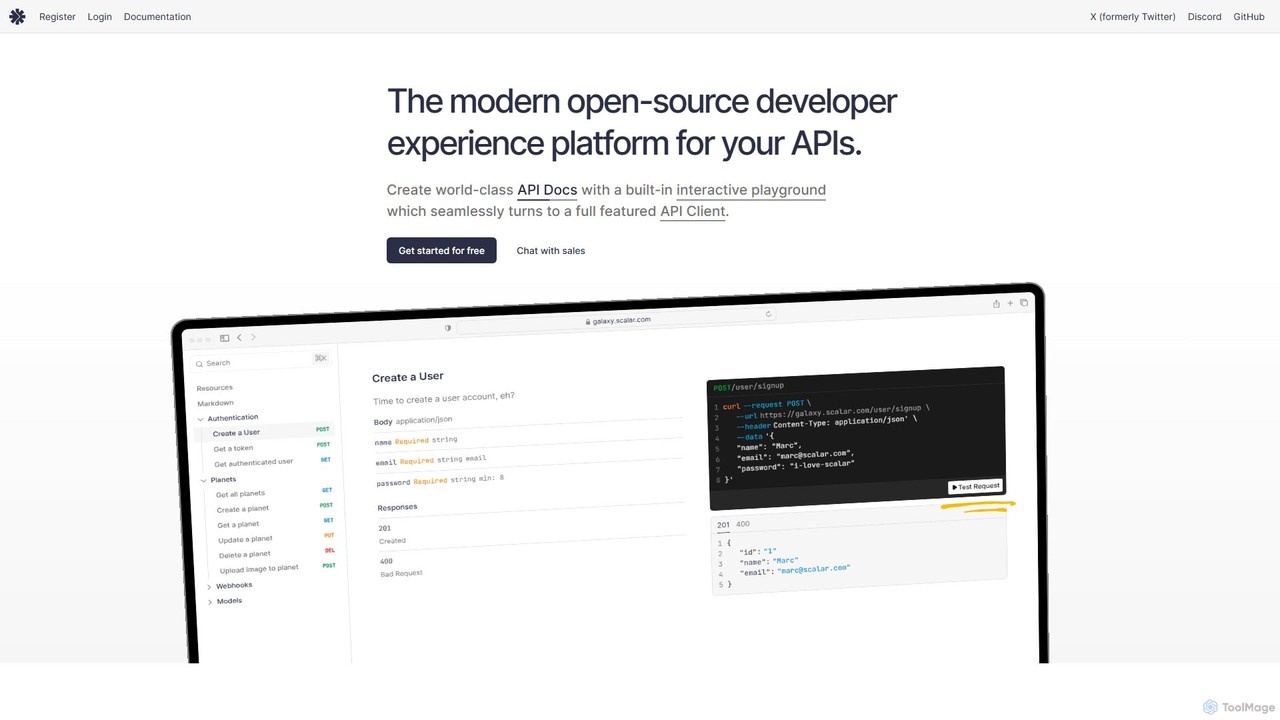
Scalar Overview
Scalar is a modern, open-source developer experience platform designed to document, test, and discover APIs. It provides a comprehensive suite of tools that transform standard OpenAPI/Swagger files into world-class, interactive API documentation. The platform is trusted by a wide range of users, from startups to Fortune 500 companies, for its power, flexibility, and developer-centric approach.
At its core, Scalar generates beautiful and highly functional API references. These documents are not static; they include an interactive playground that allows developers and users to test API endpoints directly within the browser. This seamless integration of documentation and testing significantly reduces onboarding time and simplifies the development workflow. The platform also includes a powerful Swagger Editor, enabling users to preview, edit, and manage their OpenAPI specifications with ease.
How to use Scalar
Getting started with Scalar is straightforward. Developers can begin by importing an existing OpenAPI/Swagger file (versions 3.1, 3.0, and 2.0 are supported) or by creating one from scratch using the integrated Swagger Editor. Once the specification is loaded, Scalar automatically generates the interactive documentation.
For integration into projects, Scalar offers packages for numerous frameworks like .NET, Fastify, Next.js, Laravel, Express, and more. A simple command, such as dotnet add package Scalar.AspNetCore, is often all that's needed. From there, developers can add a few lines of code to their application to serve the Scalar API reference documentation. The platform also provides a standalone, offline-first API Client available for Web, macOS, Linux, and Windows, which can be used independently or in conjunction with the documentation for robust API testing.
Core Features of Scalar
- Interactive API Documentation: Automatically generates beautiful, user-friendly API docs from OpenAPI/Swagger files with a built-in testing playground.
- Integrated API Client: A powerful, offline-first REST API client available on all major desktop platforms for comprehensive API testing and debugging.
- Swagger Editor: A free, open-source tool to preview, edit, and manage Swagger/OAS files directly within the platform.
- Extensive Customization: Offers full brandability with custom themes, colors, typography, and the ability to add custom CSS/JavaScript, even on the free plan.
- Framework Integrations: Provides easy-to-use packages for a wide variety of popular backend frameworks, including .NET, Nitro, FastAPI, Hono, NestJS, and more.
- Git + Markdown Sync: Allows documentation to live alongside code, supporting docs written in Markdown linked to OpenAPI files.
- Open-Source Core: Built by and for the community, ensuring transparency, continuous improvement, and no vendor lock-in.
- Code Sample Generation: Automatically creates code samples in various popular programming languages to help users consume the API.
Use Cases for Scalar
Scalar is ideal for any individual or team that builds, maintains, or consumes APIs. A primary use case is for companies looking to provide exceptional developer experiences for their public or internal APIs. For example, companies like Supabase, Maersk, and Tailscale use Scalar to power their API documentation. It's also perfect for individual developers who need a quick and easy way to visualize and test an API they are working on. Teams can use the collaboration features in the Pro plan to sync API testing workspaces and ensure consistency across the development lifecycle.
Advantages of Scalar
Scalar's main advantage is its seamless integration of documentation and testing into a single, cohesive platform. Unlike other tools that separate these functions, Scalar allows users to read about an endpoint and immediately test it without leaving the page. Its open-source nature and commitment to the OpenAPI specification prevent vendor lock-in. The high degree of customization allows companies to maintain brand consistency. Furthermore, its offline-first API client is a significant benefit for developers who need to work without a constant internet connection. The generous free plan makes it accessible to everyone, while the affordable Pro plan offers powerful features for professional teams.
Pricing and Plans
Scalar offers a flexible, freemium pricing model:
- Free Plan: Includes 1 user, unlimited workspaces, free subdomains (on apidocumentation.com), API references, full styling with themes and custom CSS/JS, and the built-in Scalar API Client.
- Pro Plan ($12 per seat/month): Includes everything in the Free plan, plus custom domains, sync with GitHub, guides & versions, advanced search (powered by TypeSense), and priority support.
- Enterprise Plan (Custom Pricing): Includes all Pro features, plus SSO/SAML, monthly documentation audits, verified workspaces, and a dedicated Slack channel for support.
Traffic
Latest traffic
Status
Monthly traffic trend
- 2025-9: 131.9K
- 2026-1: 1.0M
- 2026-2: 277.5K
- 2026-3: 206.2K
- 2026-4: 212.0K
- 2026-5: 208.1K
Geography
Top 5 countries / regions
- 🇺🇸United States46.5%
- 🇮🇳India16.4%
- 🇧🇷Brazil15.0%
- 🇮🇩Indonesia12.2%
- 🇨🇳China9.8%
Traffic sources
| Source type | Percentage |
|---|---|
Direct | 61.5% |
Referral | 37.4% |
Email | 1.0% |
Top keywords
| Keyword | Cost per click |
|---|---|
| scalar | $2.28 |
| scalar api | $0.00 |
| scalar api docs | $0.00 |
| scalar docs | $0.00 |
| scalar themes | $0.00 |
Scalar Videos on YouTube

RD Gamer Fighter

Tips by Ankush
Will Bachman


Scalar Alternatives
Aspen
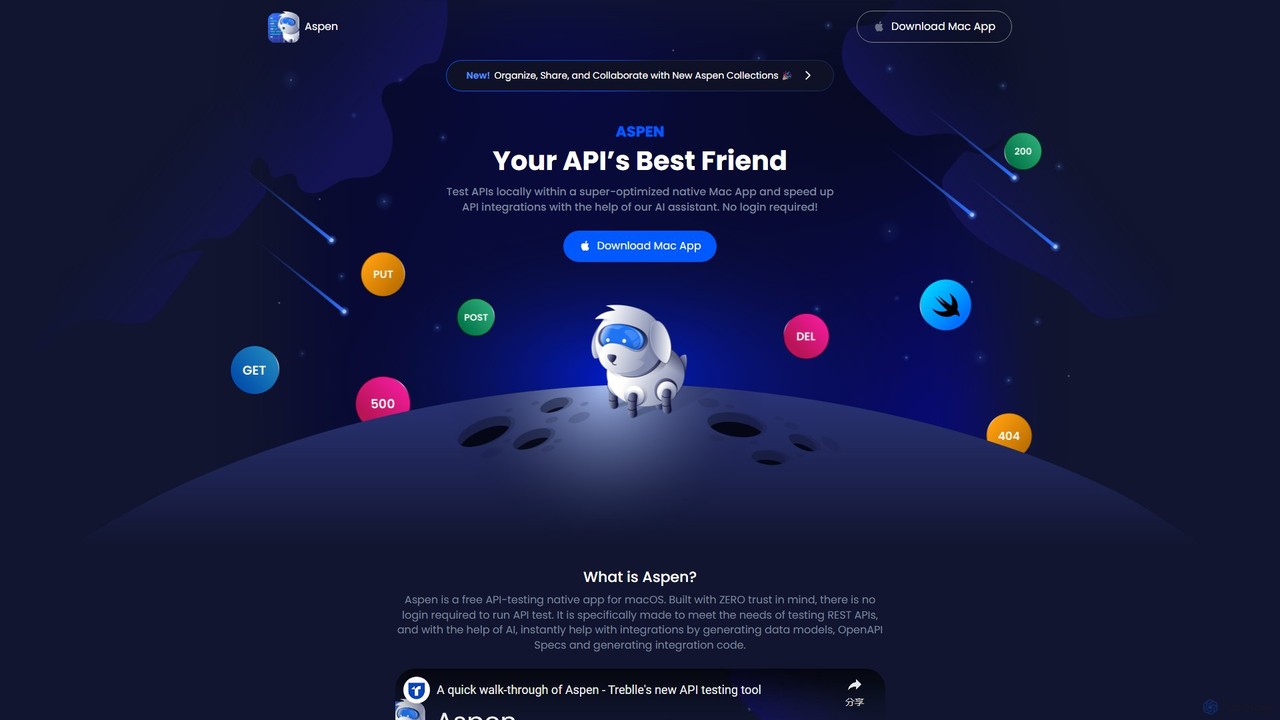
Aspen is a free, native macOS application for API testing, supercharged with an AI assistant. It offers a fast, private, and efficient way to test REST APIs, generate code, create data models, and produce OpenAPI specs without requiring a login.
Api Management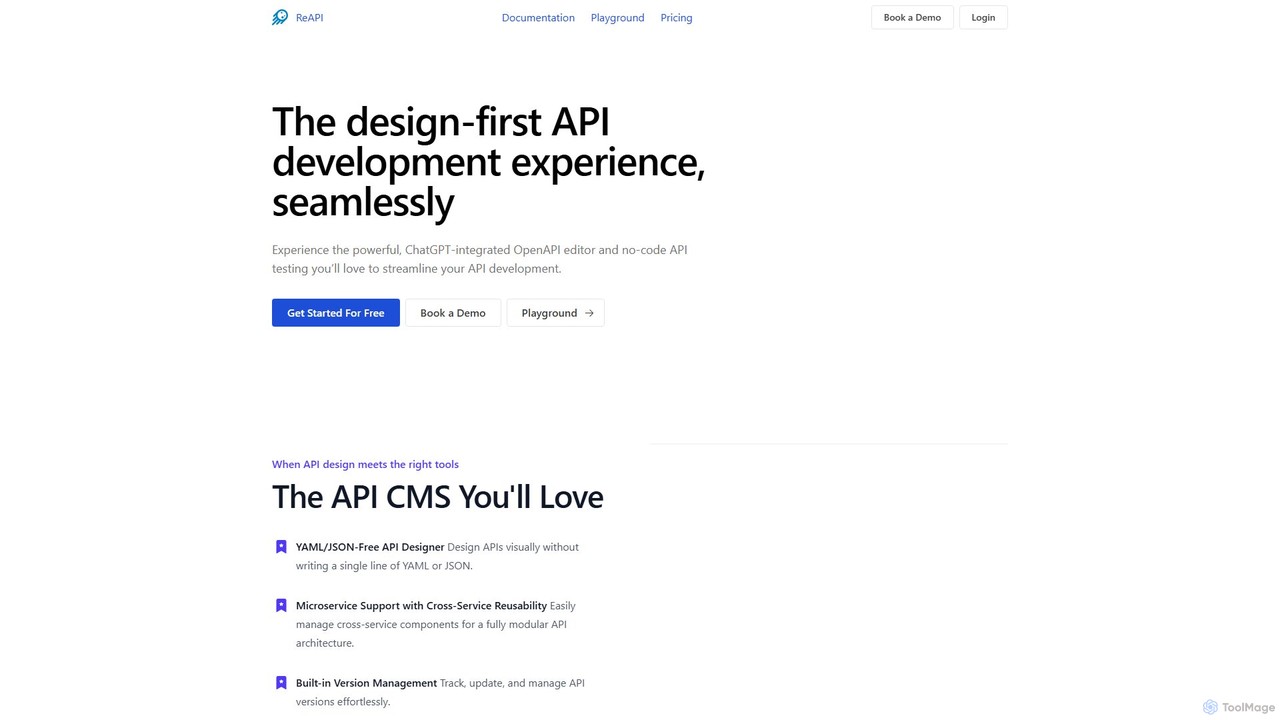
Celerforge
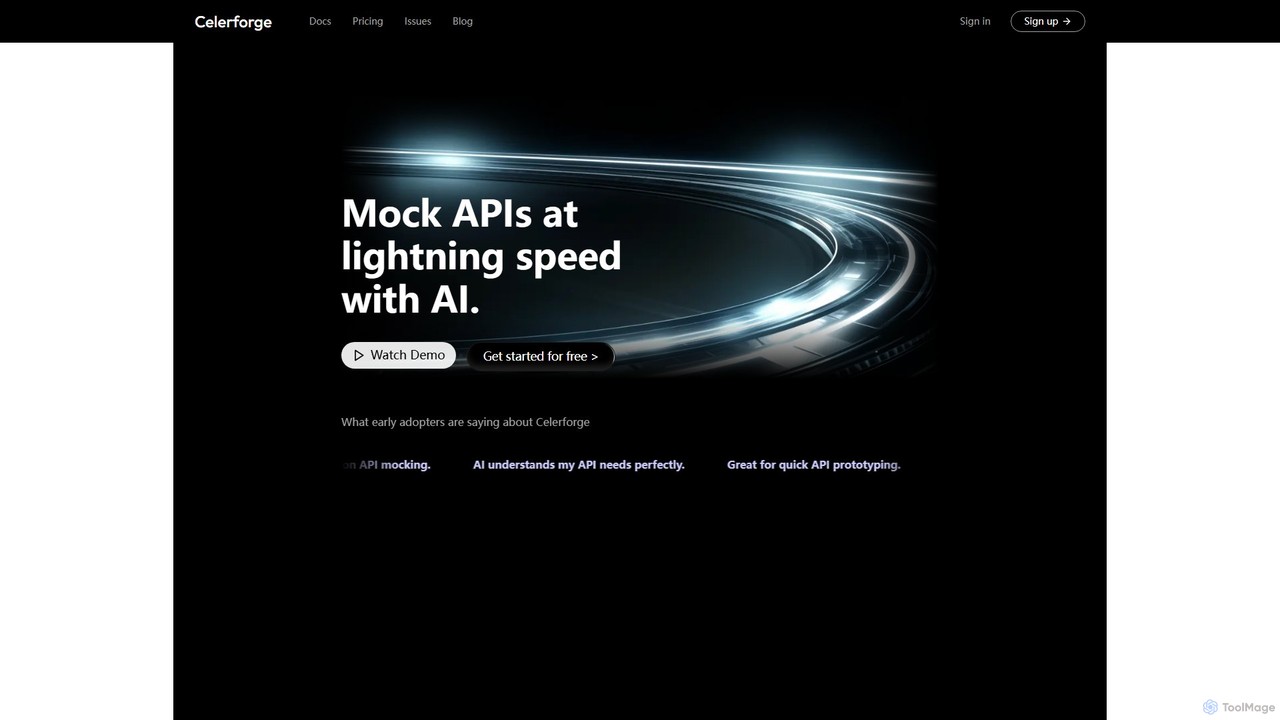
Celerforge is an AI-powered platform that enables developers to create mock APIs at lightning speed. By simply describing API requirements in natural language, users can instantly generate realistic, fully functional mock endpoints and data, significantly accelerating prototyping and frontend testing.
Api Management
HelpLook
HelpLook is an all-in-one AI-powered platform for creating and managing knowledge bases, help centers, and FAQs. It combines a no-code website builder with an intelligent AI chatbot to provide instant, accurate answers from your content, enhancing customer self-service, improving team collaboration, and boosting SEO.
Knowledge Base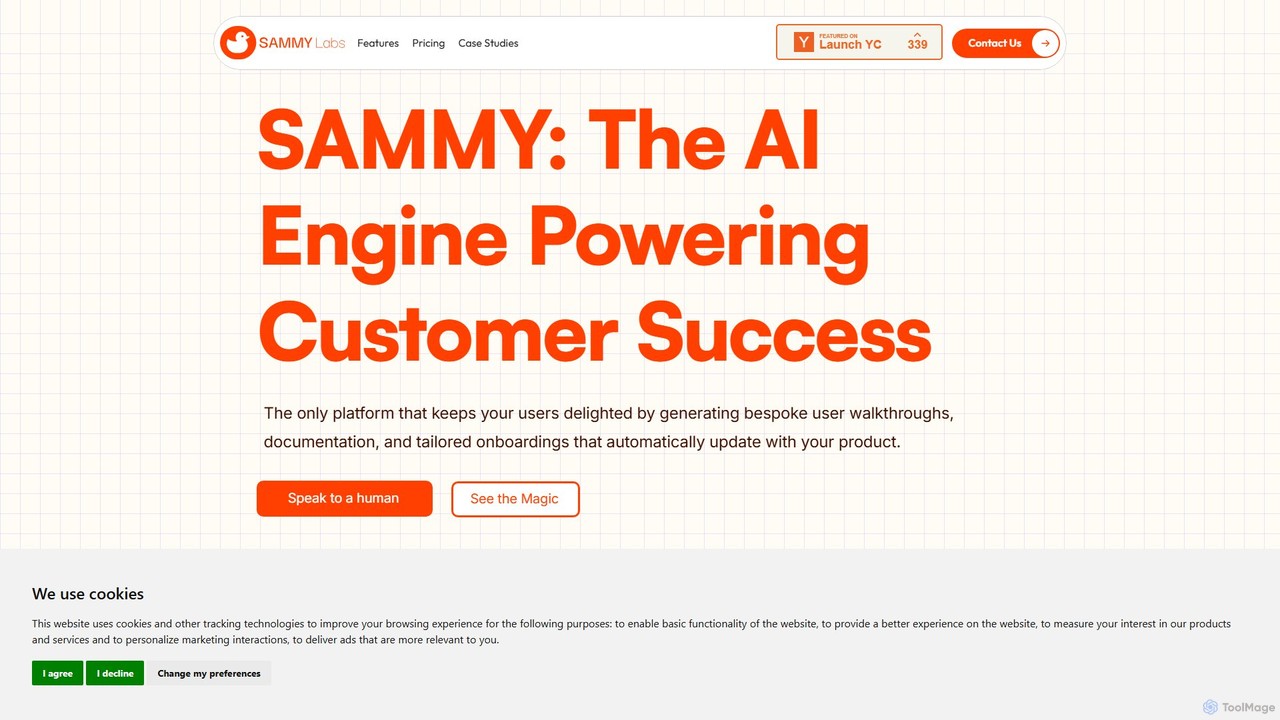
sammylabs
sammylabs is an AI-powered customer success platform that automates user onboarding, documentation, and testing. It explores your app like a real user to generate video tutorials, interactive guides, and up-to-date documentation, ensuring your content always syncs with your product.
AutomationScalar Categories
Scalar Embed Widget
Copy this embed code to place the badge on your blog, article, or product site and send readers directly to this ToolMage detail page.

Related AI tools
Mcpwhiz
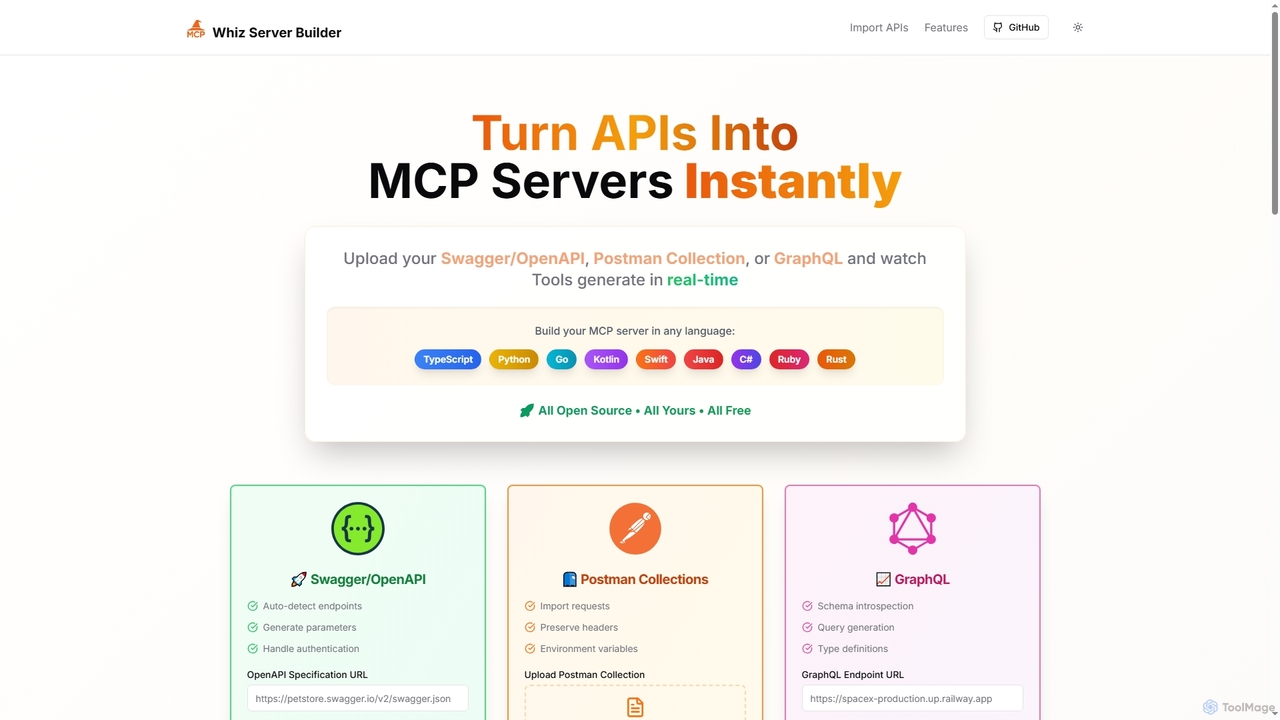
Mcpwhiz is a free, open-source developer tool that instantly converts API specifications like Swagger/OpenAPI, Postman Collections, and GraphQL into production-ready Model Context Protocol (MCP) servers. It automates code generation in multiple languages, including TypeScript and Python, allowing developers to build context-aware applications with ease.
Server Management
MDN Web Docs
MDN Web Docs, maintained by Mozilla and contributors, is the definitive, free resource for web developers. It provides comprehensive documentation for open web standards, including HTML, CSS, and JavaScript, along with extensive tutorials and reference materials for developers of all skill levels.
Documentation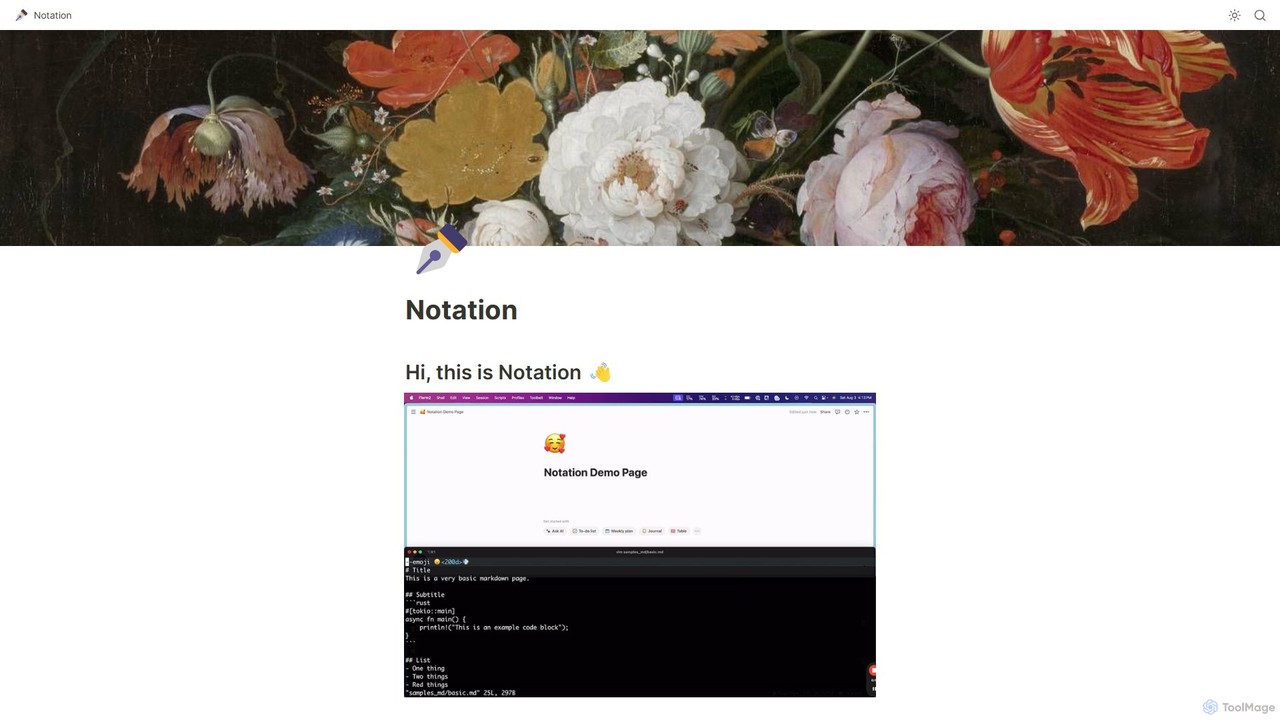
Notation
Notation is a developer-focused command-line tool that streamlines documentation by allowing you to write in Markdown and automatically publish to Notion. It keeps your docs in sync with your code repository, leveraging Notion's powerful search, AI, and collaboration features without needing complex frontend frameworks. Ideal for creating internal wikis, public guides, and developer portals directly from your codebase.
Project Management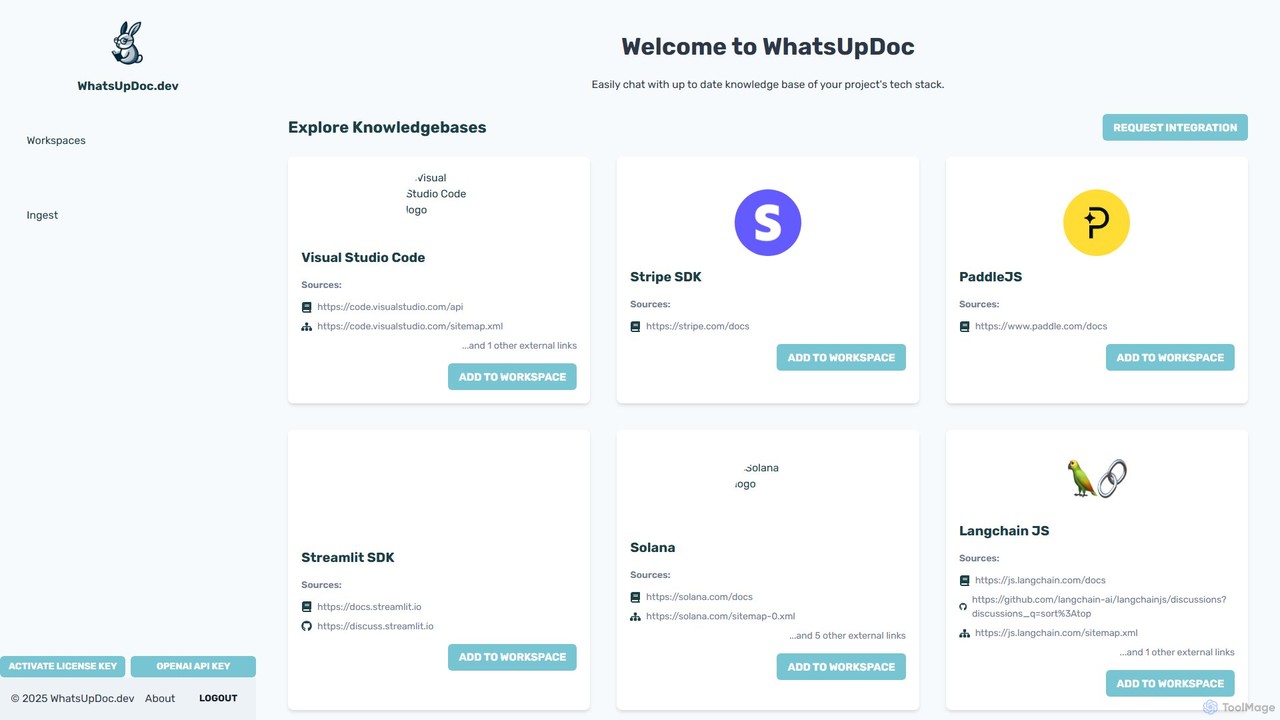
WhatsUpDoc.dev
An AI-powered tool for developers to chat directly with up-to-date technical documentation and knowledge bases. It uses a RAG model to provide instant, accurate answers from sources like official docs, GitHub discussions, and blogs, enhancing productivity and learning.
Code AssistantAspen
Aspen is a free, native macOS application for API testing, supercharged with an AI assistant. It offers a fast, private, and efficient way to test REST APIs, generate code, create data models, and produce OpenAPI specs without requiring a login.
Api Management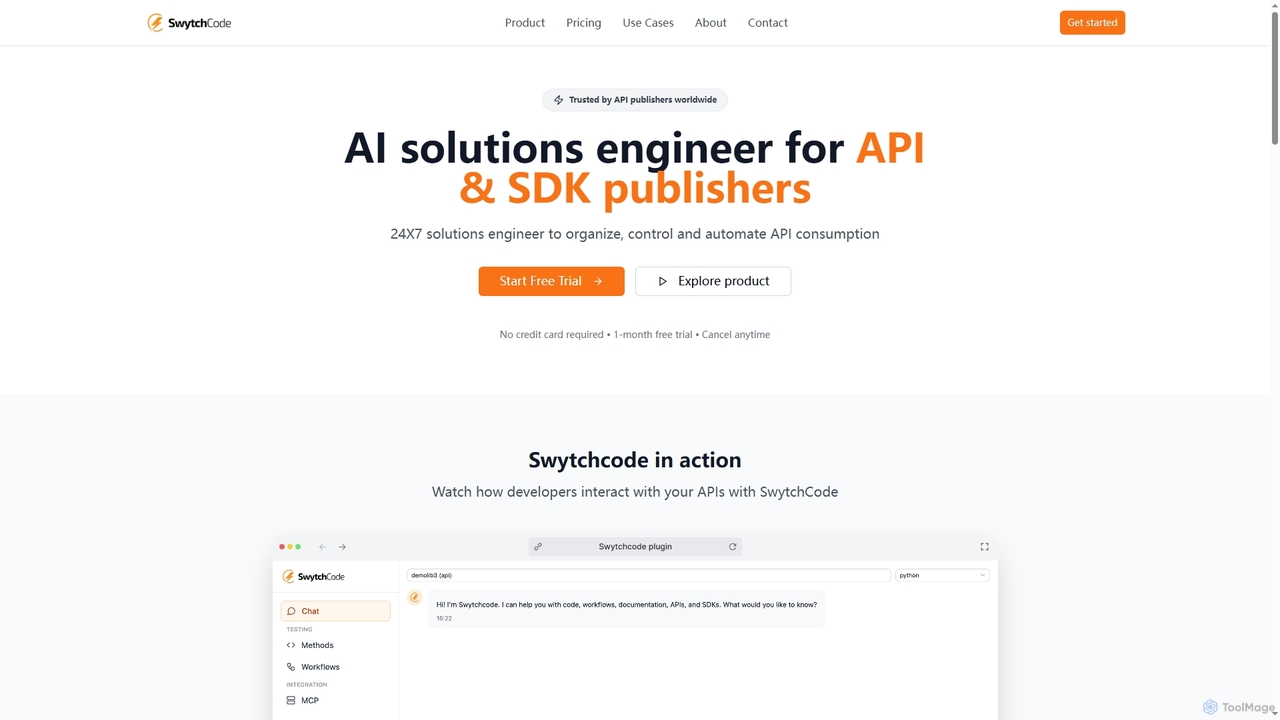
Swytchcode
Swytchcode is an AI solutions engineer designed for API and SDK publishers to streamline API consumption. It automates code generation for 15+ languages, simplifies complex integrations, and reduces support overhead. Publishers can manage APIs, create interactive playgrounds, and enable AI-API communication, significantly boosting developer adoption and cutting costs.
Customer Support Automation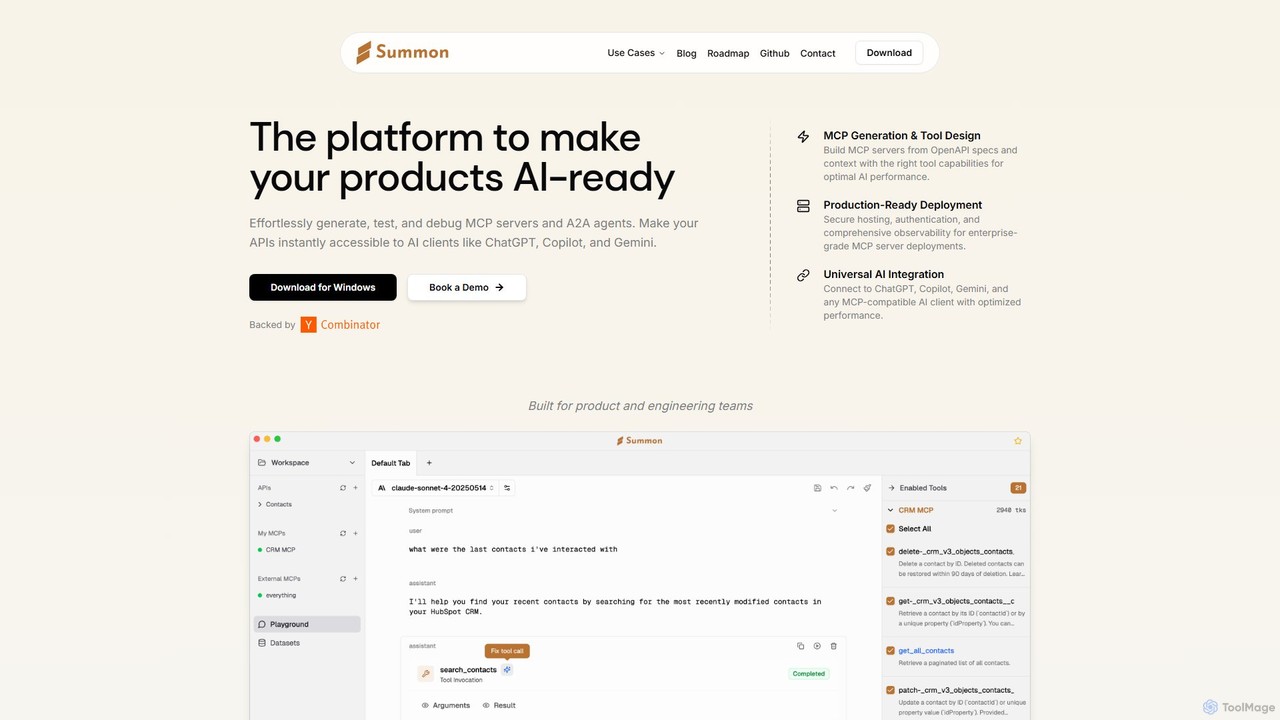
Summon
Summon is a developer platform designed to make your product's APIs AI-ready. It enables you to effortlessly generate, test, and deploy secure MCP servers from OpenAPI specs, making your services instantly accessible to major AI clients like ChatGPT, Copilot, and Gemini. By bridging the gap between your APIs and the AI ecosystem, Summon helps you unlock new distribution channels, increase user engagement, and provide seamless, AI-powered workflows for your customers.
Agent Development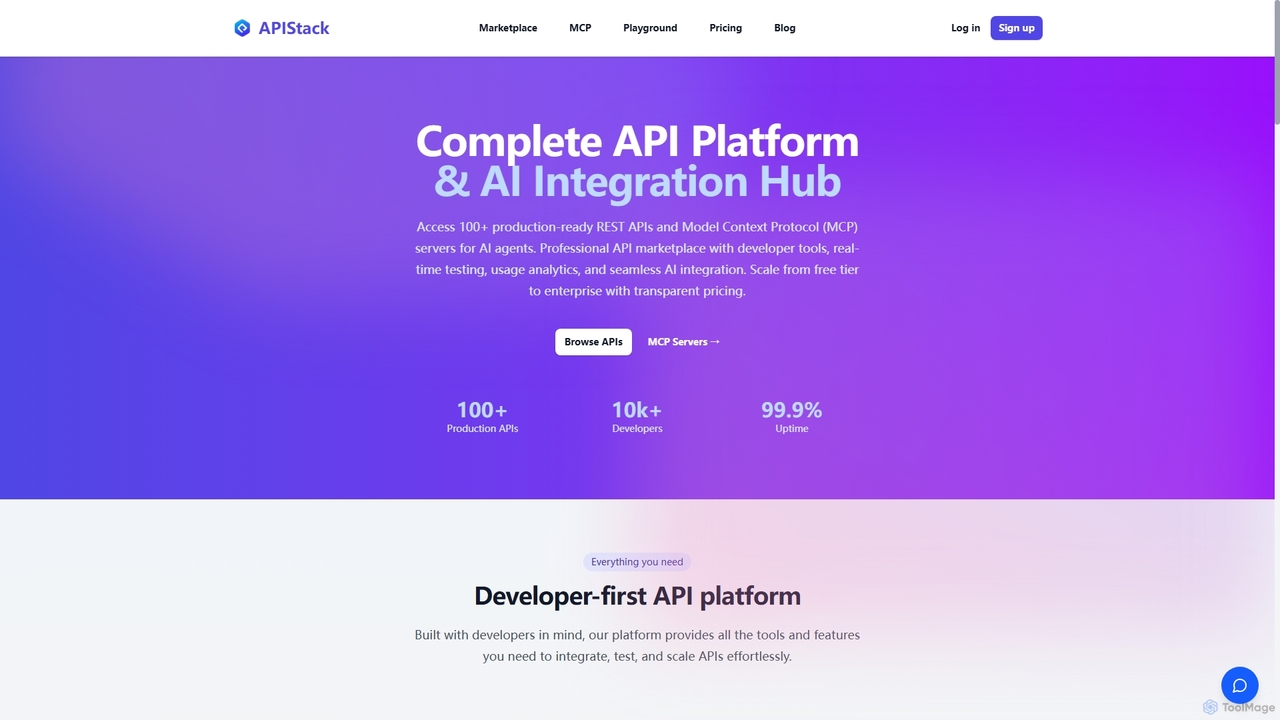
Apistack
Apistack is an enterprise API marketplace and AI integration hub, offering over 100 production-ready REST APIs. It features a developer-first platform with tools for real-time testing, usage analytics, and seamless integration with AI agents like ChatGPT and Claude via Model Context Protocol (MCP) servers.
Integration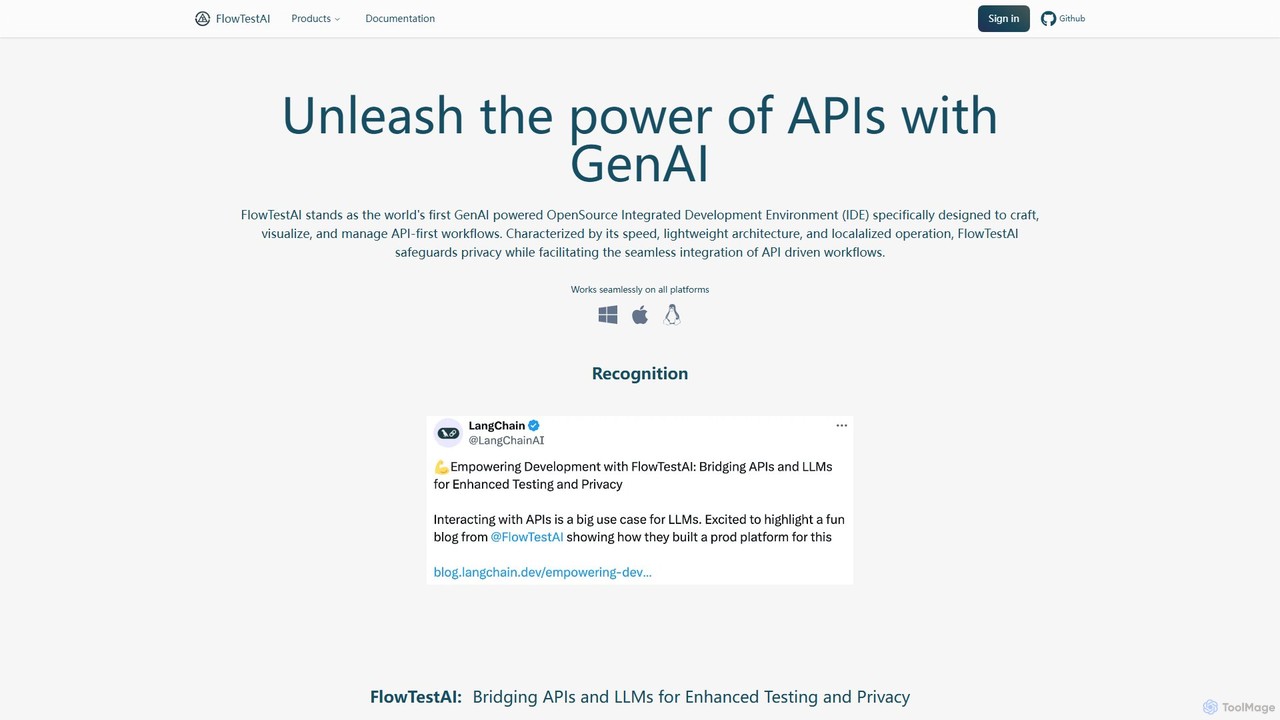
FlowTestAI
FlowTestAI is the first open-source, GenAI-powered IDE for API-first workflows. It allows developers to describe end-to-end user experiences in natural language and automatically translates them into executable API tests. Featuring a visual interface, CLI for CI/CD integration, and an analytics dashboard, it simplifies API testing, enhances collaboration, and prioritizes privacy with local operation.
Api Management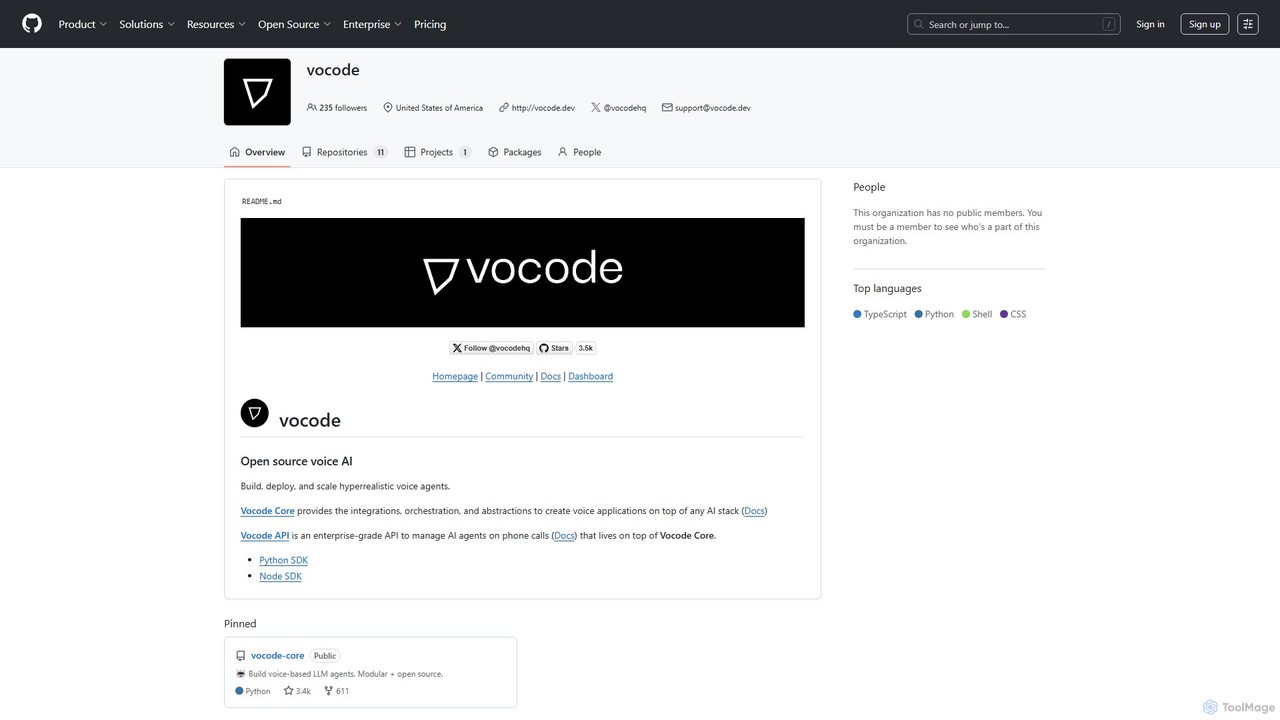
vocode
Vocode is an open-source platform for building, deploying, and scaling hyperrealistic voice AI agents. It provides developers with a core framework and an enterprise-grade API to create sophisticated voice-based LLM applications for tasks like automated customer service, sales calls, and interactive voice response (IVR) systems.
Voicebot
Comet
Comet is a family of high-performance, open-source large language models (LLMs) developed by Perplexity AI. Designed for exceptional speed and accuracy, Comet powers fast conversational AI applications and is available for developers via API and direct download.
Natural Language Processing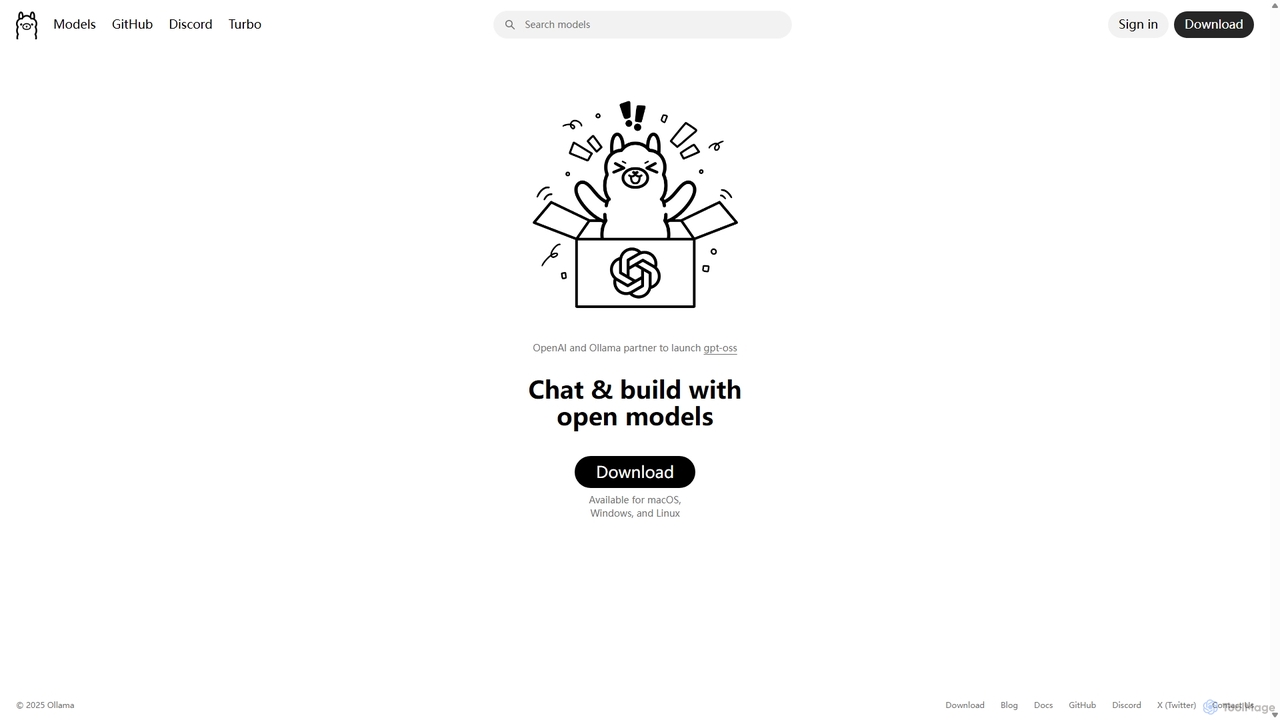
Ollama
Ollama is a powerful open-source framework for running large language models (LLMs) like Llama 3, Mistral, and Gemma locally on your own hardware. Available for macOS, Windows, and Linux, it simplifies the setup and management of open-source models, enabling private, offline, and cost-effective AI development and usage.
Machine Learning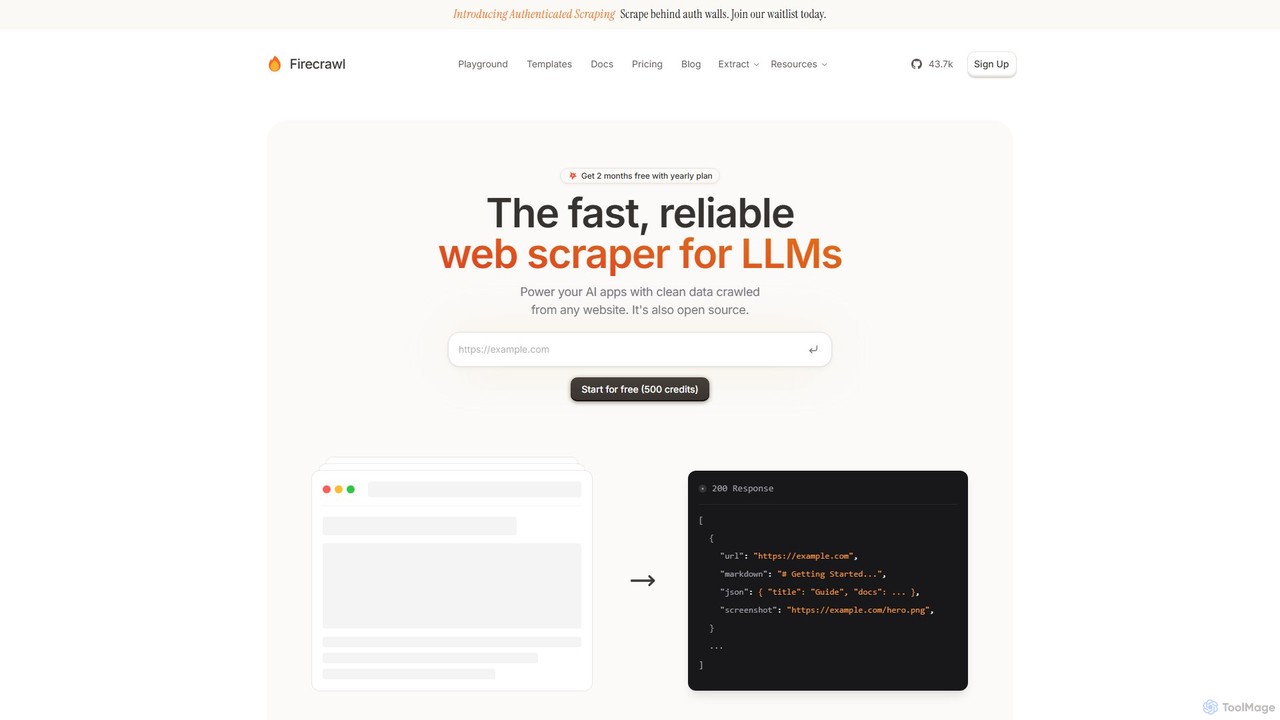
Firecrawl
Firecrawl is an open-source, developer-first API that turns any website into clean, LLM-ready data. It handles all the complexities of web scraping, including JavaScript rendering, proxy rotation, and rate limits, allowing you to power AI applications, agents, and RAG systems with reliable web content. It offers scraping, crawling, and search functionalities through a simple API.
Data Collection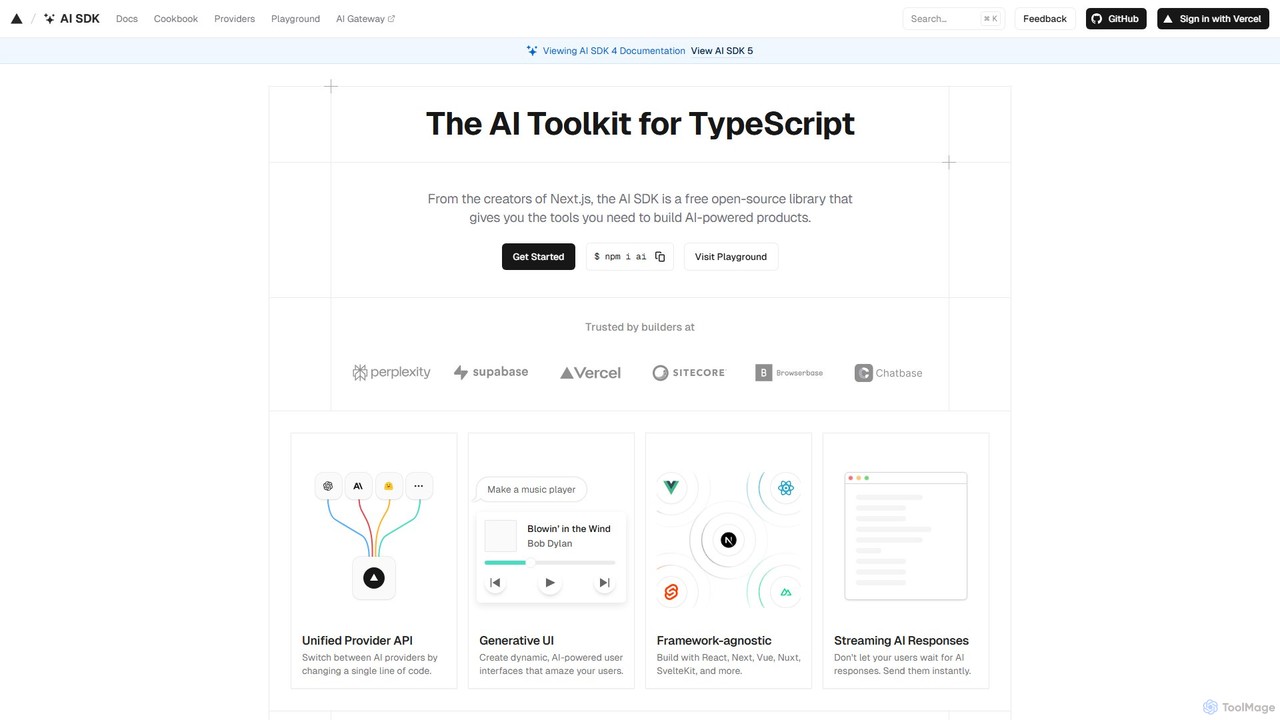
AI SDK
AI SDK by Vercel is a free, open-source TypeScript toolkit for building AI-powered applications. It provides a unified API to seamlessly integrate various large language models (LLMs) like OpenAI, Google, and Anthropic. It simplifies development with features like streaming responses, generative UI components, and tool calling, enabling developers to build and ship AI features faster across frameworks like Next.js, React, and Svelte.
Library
Scalar Comments (0)
Sign in to comment.
Sign inNo comments yet.