

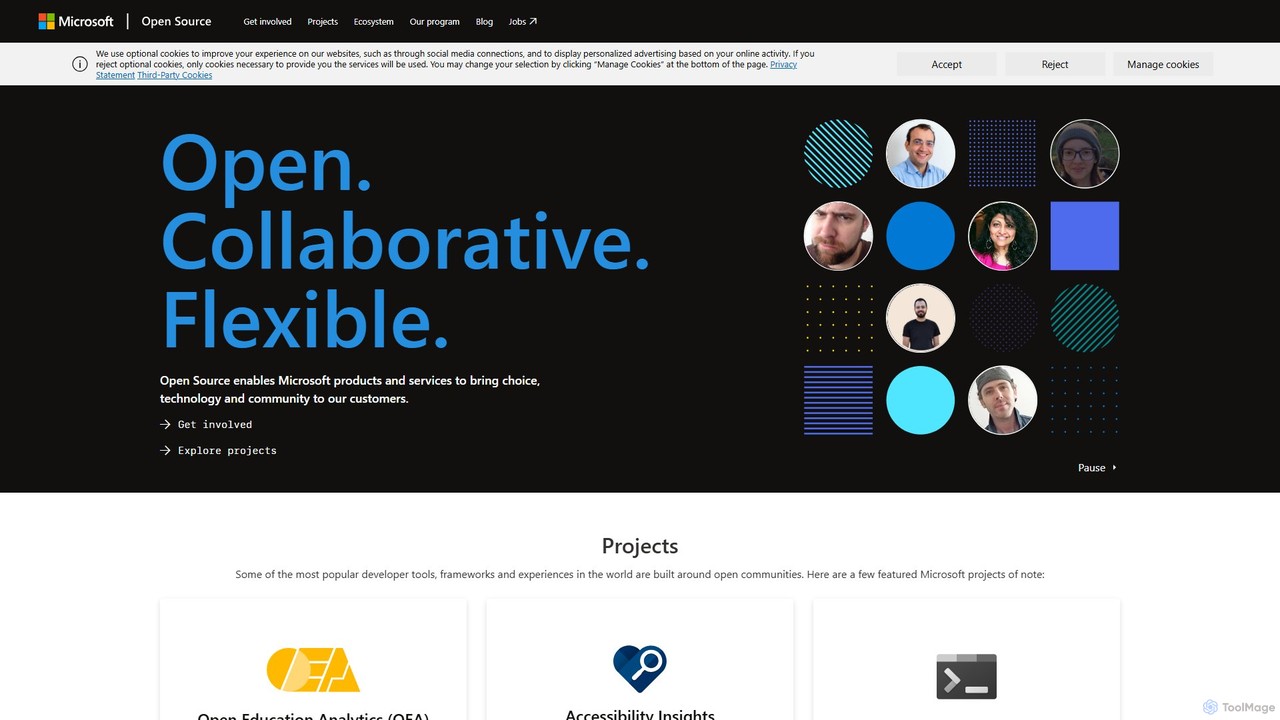
Microsoft Open Source Overview
Microsoft Open Source is the official portal and central initiative through which Microsoft engages with the global open-source community. It's not a single software tool but a comprehensive ecosystem that provides access to thousands of projects, frameworks, and libraries developed by Microsoft and its partners. This platform embodies Microsoft's philosophy of being open, collaborative, and flexible, enabling developers, data scientists, and enterprises to leverage cutting-edge technology to build innovative applications and services. From developer-favorite tools like Visual Studio Code and TypeScript to powerful cloud and AI technologies, Microsoft Open Source serves as the gateway to this rich world of collaborative development.
The initiative is deeply integrated with platforms like GitHub, where most of the project development, issue tracking, and community interaction takes place. It's a testament to Microsoft's transformation into one of the world's largest contributors to open source, empowering users with choice and transparency.
How to use Microsoft Open Source
Using the Microsoft Open Source portal is straightforward and focused on discovery and engagement:
- Explore Projects: Navigate to the opensource.microsoft.com website. You can browse through featured projects on the homepage, which often include popular tools like .NET, Windows Terminal, and Accessibility Insights.
- Search and Filter: Use the search functionality to find specific projects, technologies, or libraries that match your needs. You can search for AI/ML libraries, web frameworks, developer tools, and more.
- Select a Project: Once you find an interesting project, click on it to learn more. This will typically lead you to its dedicated page or, more commonly, its GitHub repository.
- Use the Software: In the project's repository, you'll find documentation, installation instructions, and license information (e.g., MIT License). You can then download, install, and integrate the software into your own work.
- Contribute to the Community: If you wish to contribute, look for the project's contribution guidelines (CONTRIBUTING.md) and Code of Conduct. A great way to start is by finding issues tagged as "good first issue" or "help wanted." You will likely need to sign the Microsoft Contributor License Agreement (CLA) once.
Core Features of Microsoft Open Source
- Vast Project Catalog: A centralized directory of thousands of Microsoft-led open-source projects, covering everything from operating systems and developer tools to AI/ML frameworks and cloud services.
- Community Engagement Hub: Provides clear guidelines for participation, including a universal Code of Conduct and a Contributor License Agreement (CLA) to streamline the contribution process.
- Featured & Popular Projects: Highlights key projects such as Visual Studio Code, TypeScript, .NET, PowerShell, and Windows Terminal, making it easy to find industry-standard tools.
- AI and Machine Learning Libraries: Offers access to powerful AI tools like SynapseML, ONNX Runtime, and Fairlearn, enabling developers to build and deploy responsible and high-performance AI models.
- Integration with Azure: Showcases how to build, deploy, and manage open-source applications securely and at scale on the Microsoft Azure cloud platform, supporting hybrid and multicloud environments.
- Open Source Program Office (OSPO) Resources: Shares best practices, tools, and insights from Microsoft's own experience in managing a large-scale open-source program, benefiting other organizations.
Use Cases for Microsoft Open Source
The platform serves a wide range of users:
- Application Developers: Can find and use frameworks like .NET, languages like TypeScript, and editors like VS Code to build robust web, mobile, and desktop applications.
- Data Scientists and AI Engineers: Leverage libraries like PyTorch Enterprise, SynapseML, and ONNX Runtime to train, optimize, and deploy machine learning models efficiently.
- System Administrators and DevOps Engineers: Use tools like PowerShell, Windows Terminal, and Azure-related open-source projects to automate and manage infrastructure.
- Enterprises: Adopt enterprise-ready open-source solutions on Azure, ensuring security, compliance, and support while avoiding vendor lock-in.
- Accessibility Testers: Utilize tools like Accessibility Insights to find and fix accessibility issues in web, Windows, and Android applications, ensuring products are inclusive.
- Educators and Researchers: Collaborate on projects like Open Education Analytics (OEA) to develop modern data intelligence capabilities for the education sector.
Advantages of Microsoft Open Source
Engaging with Microsoft's open-source ecosystem offers significant benefits:
- Choice and Flexibility: Developers are free to choose the best tools and technologies for their needs, regardless of the platform.
- Enterprise-Grade Quality: Many projects are backed by Microsoft's engineering and security standards, offering reliability and performance suitable for enterprise use.
- Strong Community Support: Access to a large, active global community via GitHub for help, discussions, and collaborative problem-solving.
- Innovation at Speed: Direct access to cutting-edge technologies and the latest advancements from Microsoft Research and product teams.
- Transparency: The open development process allows for full visibility into the code, roadmap, and decision-making process.
Pricing and Plans
The Microsoft Open Source portal itself, along with the software projects it lists, is completely free. The projects are released under various open-source licenses (such as the MIT License), which allow for free use, modification, and distribution. While the software is free, deploying these solutions on cloud platforms like Microsoft Azure will incur costs based on the consumption of cloud resources (e.g., computing, storage, and bandwidth).
Traffic
Latest traffic
Status
Monthly traffic trend
- 2025-9: 137.2K
- 2026-1: 72.4K
- 2026-2: 73.7K
- 2026-3: 117.3K
- 2026-4: 139.5K
- 2026-5: 210.0K
Geography
Top 5 countries / regions
- 🇺🇸United States54.8%
- 🇮🇳India16.4%
- 🇯🇵Japan9.9%
- 🇨🇦Canada9.6%
- 🇬🇧United Kingdom9.3%
Traffic sources
| Source type | Percentage |
|---|---|
Referral | 50.9% |
Direct | 48.2% |
Email | 0.9% |
Top keywords
| Keyword | Cost per click |
|---|---|
| agent governance toolkit | $0.00 |
| agent os kernel | $0.00 |
| azure linux 4.0 | $0.00 |
| microsoft agent governance toolkit | $0.00 |
| versions of basic still available | $0.00 |
Microsoft Open Source Alternatives
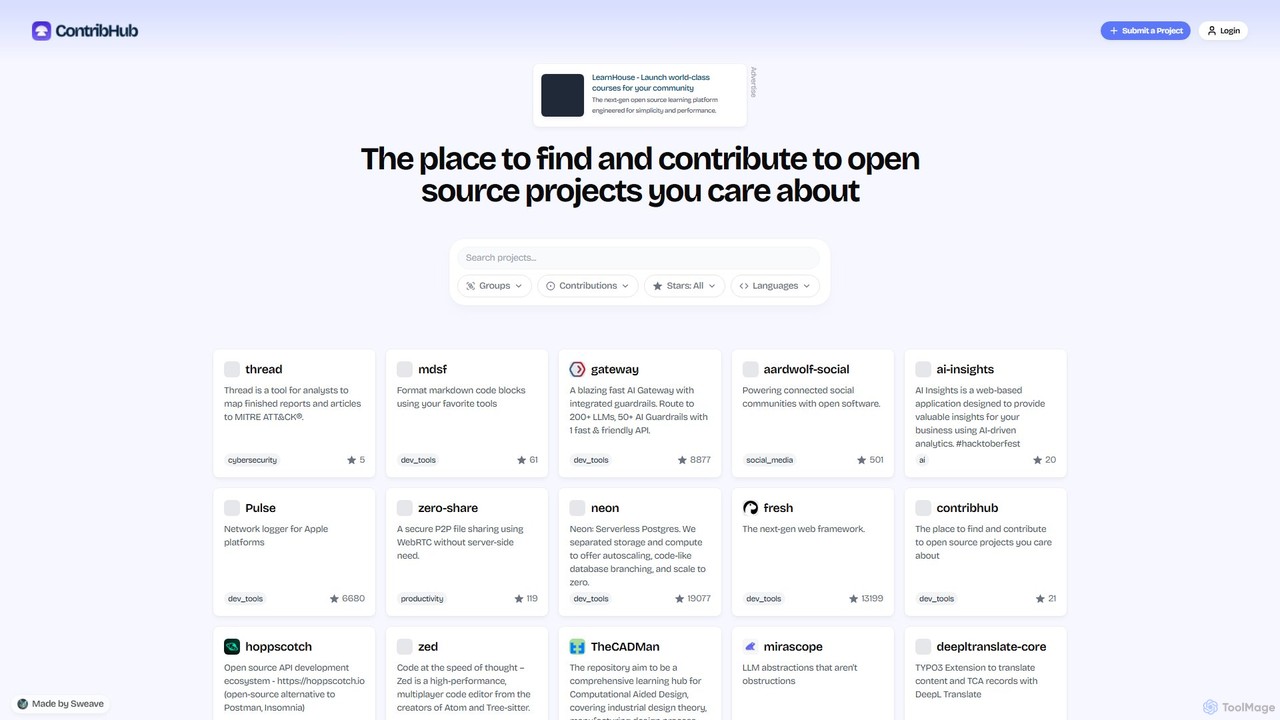
ContribHub
ContribHub is a dedicated platform designed to bridge the gap between developers and open-source projects. It simplifies finding projects that match your skills, interests, and desired contribution type, from coding and UI design to documentation and testing. By providing curated lists, advanced filtering, and direct GitHub integration, ContribHub makes contributing to open source more accessible and rewarding for everyone.
Developer Communities
ai-rnd.com
An integrated platform for AI research and development, providing a unified workspace, pre-trained models, and one-click deployment to accelerate the entire AI lifecycle. Ideal for developers, researchers, and enterprises.
Data Management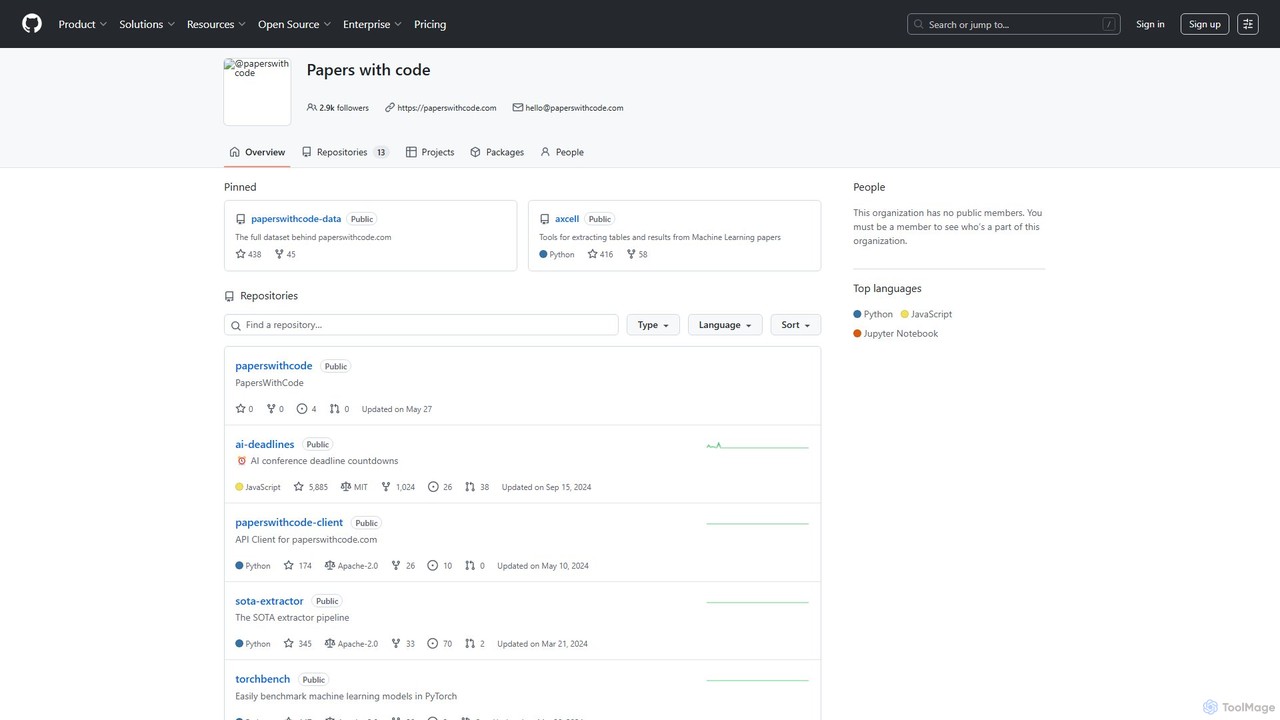
Papers with Code
Papers with Code is a free, open resource for machine learning researchers and developers. It connects scientific papers to their corresponding open-source code, making research more accessible and reproducible. The platform features state-of-the-art leaderboards, browsable datasets, and a comprehensive collection of AI research, helping users track progress, find implementations, and accelerate their work. It is an essential tool for anyone in the AI/ML community.
Machine Learning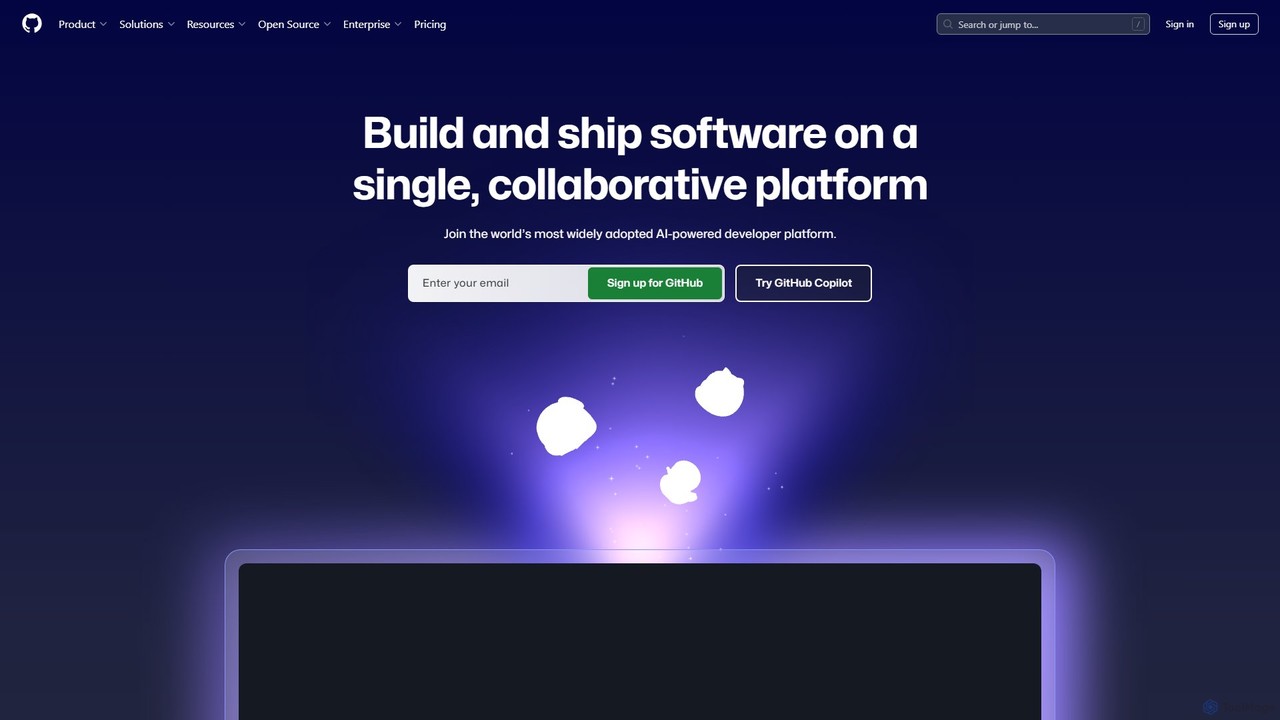
GitHub
GitHub is the world's leading AI-powered developer platform for building, shipping, and maintaining software. It provides Git-based version control, collaborative tools, and a complete DevOps lifecycle, supercharged by GitHub Copilot, an advanced AI code assistant that accelerates development and enhances code quality.
Code Assistant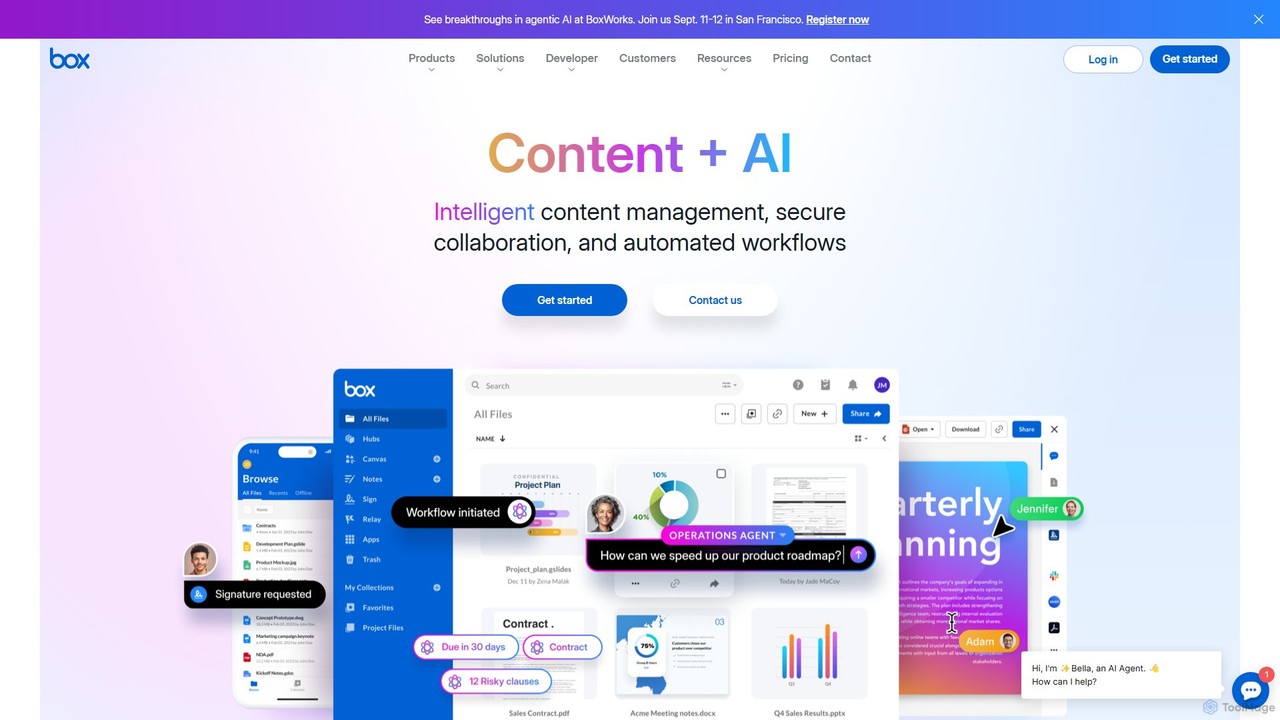
Box
Box is an AI-powered intelligent content management platform that provides secure cloud storage, seamless collaboration, and automated workflows. It enables businesses to manage the entire content lifecycle, from creation and sharing to e-signature, classification, and retention, all while leveraging AI to unlock insights from unstructured data.
Document ManagementMicrosoft Open Source Categories
Microsoft Open Source Embed Widget
Copy this embed code to place the badge on your blog, article, or product site and send readers directly to this ToolMage detail page.

Related AI tools
ContribHub
ContribHub is a dedicated platform designed to bridge the gap between developers and open-source projects. It simplifies finding projects that match your skills, interests, and desired contribution type, from coding and UI design to documentation and testing. By providing curated lists, advanced filtering, and direct GitHub integration, ContribHub makes contributing to open source more accessible and rewarding for everyone.
Developer Communities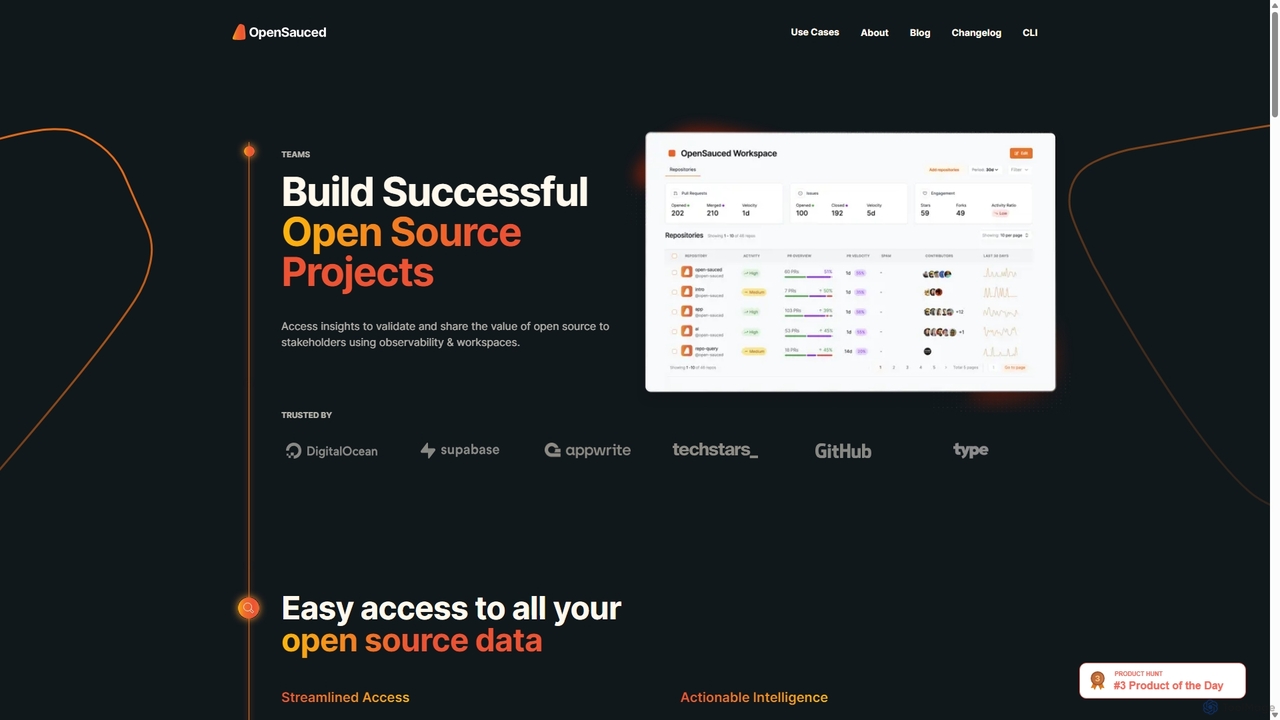
OpenSauced
OpenSauced is an AI-powered analytics and collaboration platform for open source projects. It provides deep insights into GitHub repositories and contributors, helping teams and maintainers understand project health, track contributions beyond code, and make data-driven decisions. With features like collaborative Workspaces, AI-driven StarSearch, and detailed Insight Pages, it empowers the open source community to build successful and sustainable projects.
Code Collaboration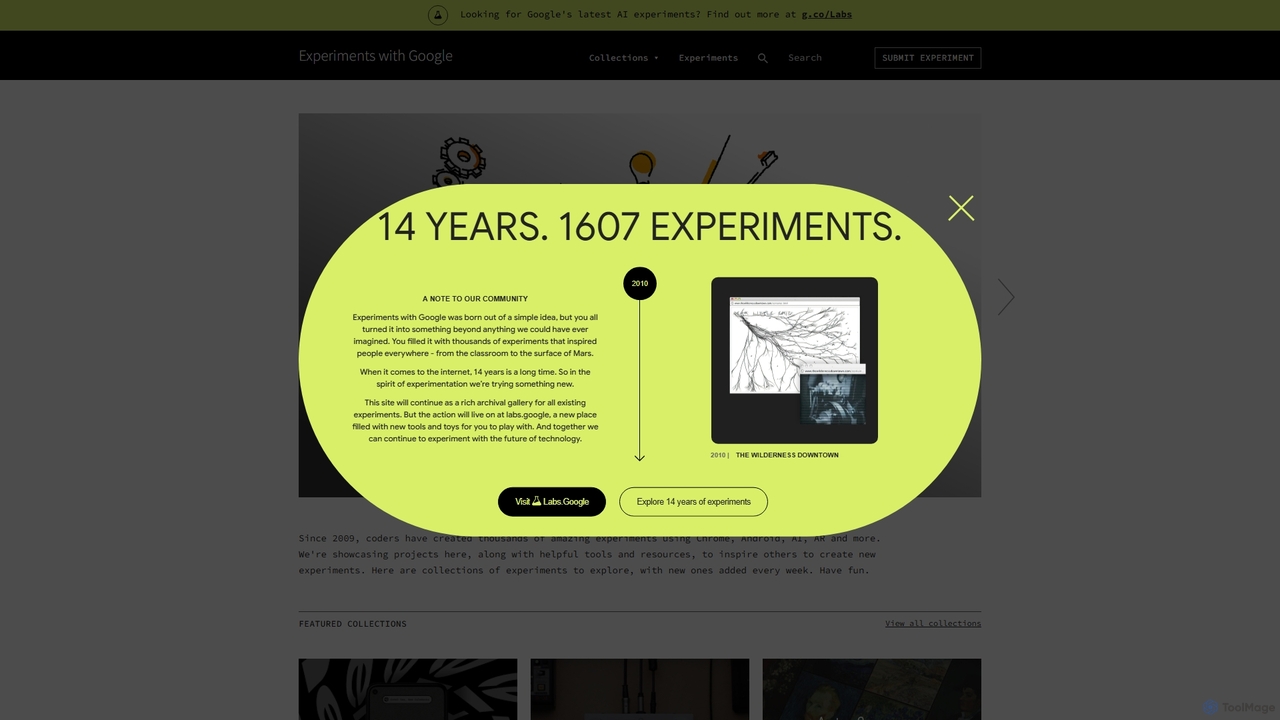
Experiments with Google
A curated online gallery showcasing thousands of creative and innovative experiments built with Google technologies since 2009. It serves as an inspiration hub for developers, designers, and creators, exploring the intersection of technology, art, and culture through AI, AR, WebXR, and more.
Generative Art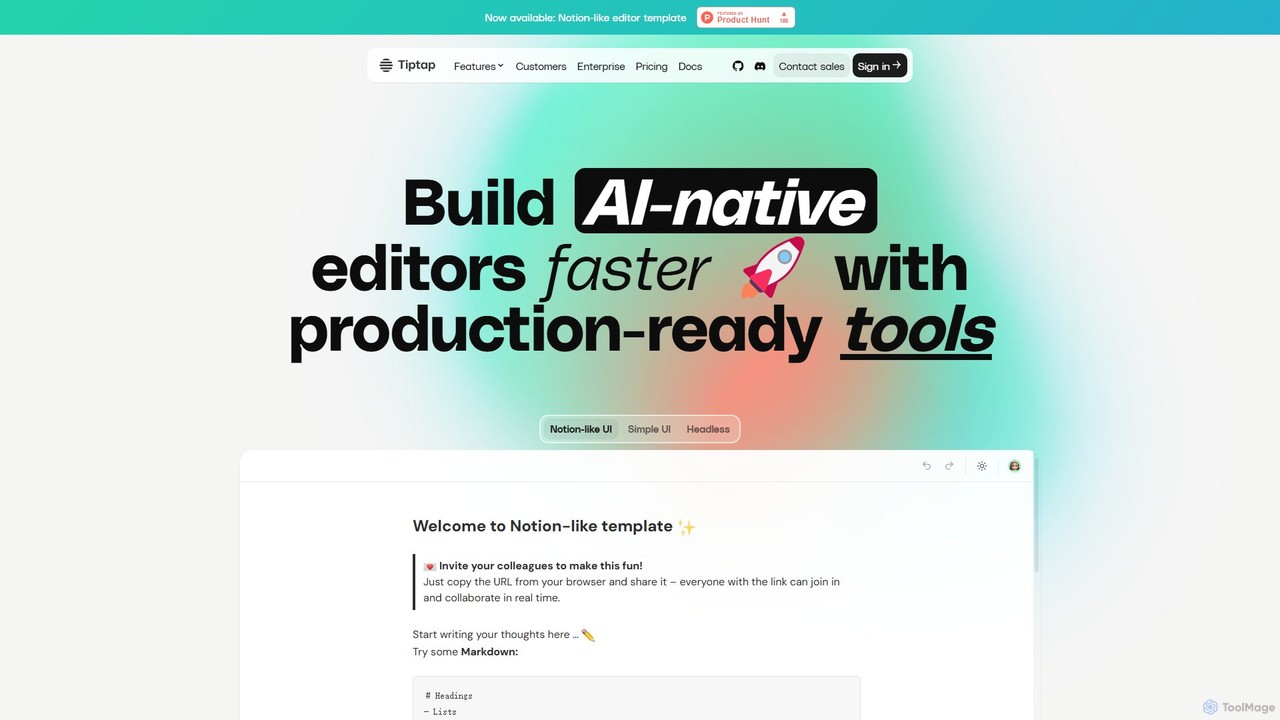
Tiptap
Tiptap is a headless, open-source, and framework-agnostic editor toolkit for developers. It allows for the creation of highly customizable rich text editors with over 100 extensions. Tiptap also offers premium cloud services, including real-time collaboration, AI-powered content generation and editing, document conversion, and commenting features, enabling developers to build sophisticated, modern editing experiences into their applications with ease.
Text Generation
Jyek
Jyek is an AI agent platform that understands objectives, creates execution plans, uses tools, and delivers verifiable results for complex, multi-step tasks.
Automation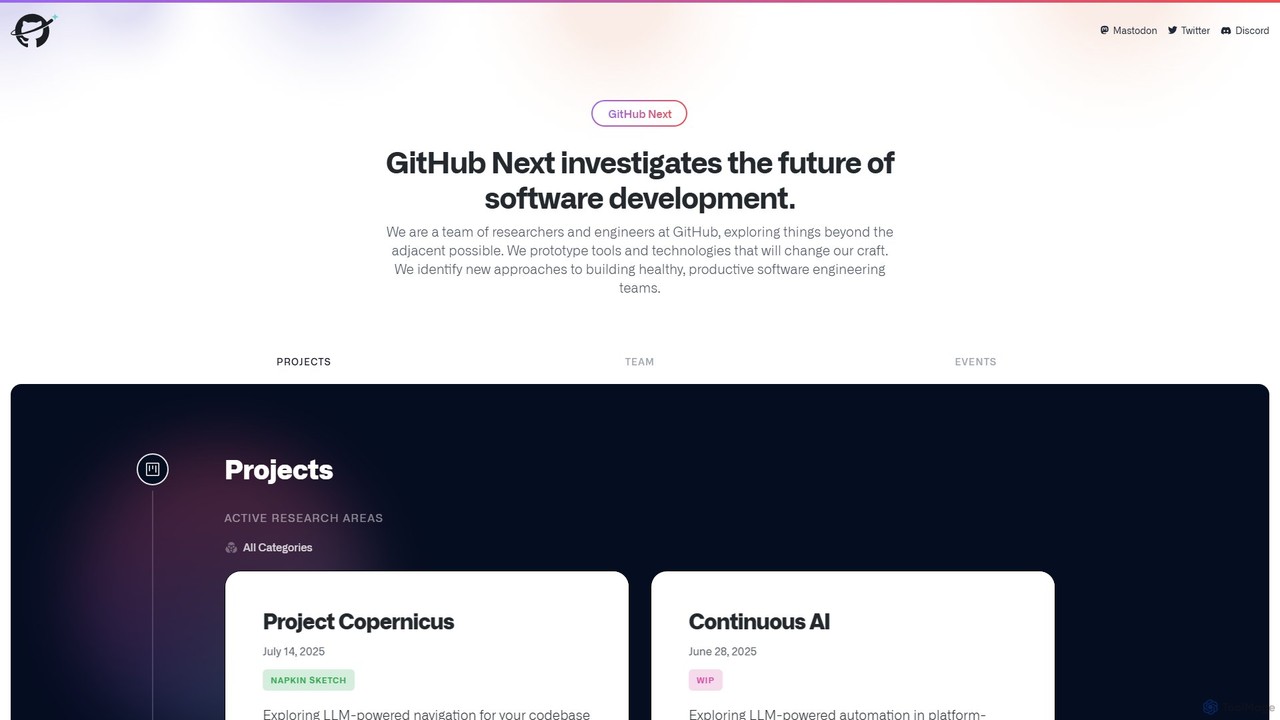
GitHub Next
GitHub Next is GitHub's research and innovation lab, dedicated to exploring the future of software development. It pioneers new tools and technologies, with a strong focus on AI, to enhance developer productivity, collaboration, and overall experience.
Code Assistant
GitButler
GitButler is a next-generation version control client that allows developers to organize their work into multiple virtual branches simultaneously. It automates the process of managing changes, enabling parallel work on different features and bug fixes without the overhead of traditional Git branches, streamlining the entire development workflow.
Code Assistant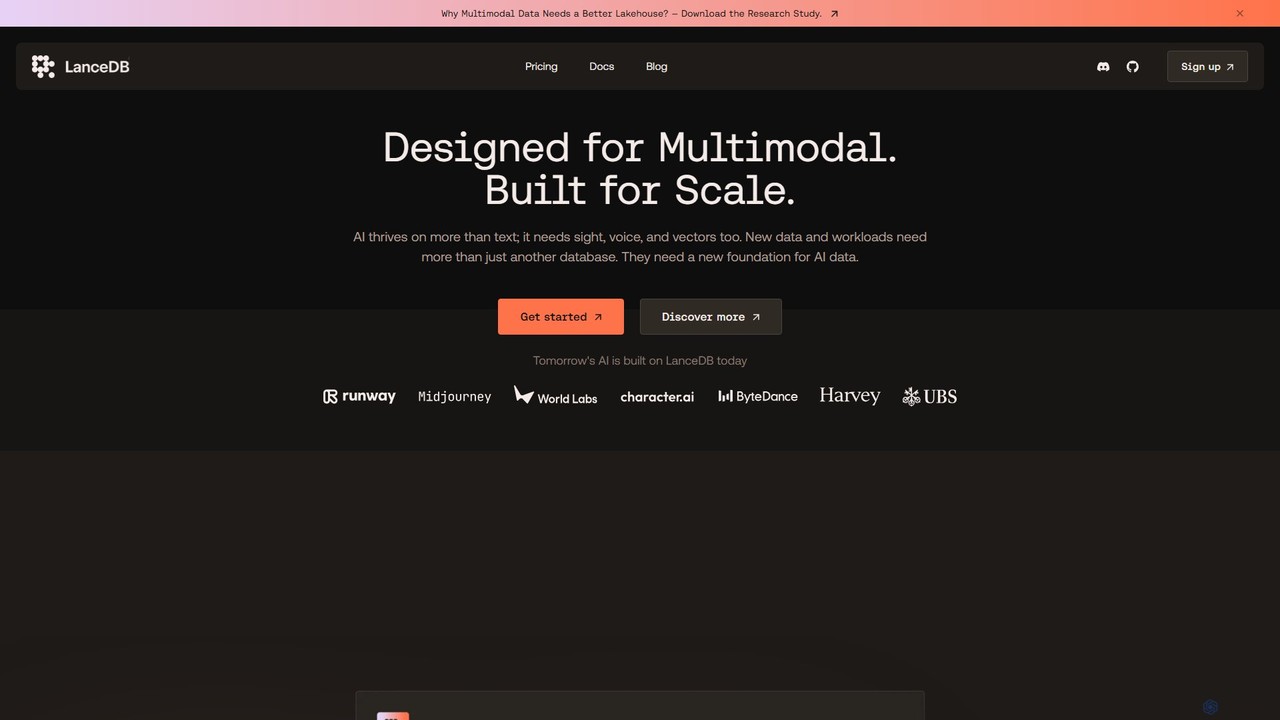
LanceDB
LanceDB is an open-source, AI-native multimodal lakehouse designed for building and scaling AI applications. It provides a unified platform for storing, searching, and managing complex data like text, images, voice, and vectors. Ideal for RAG, semantic search, and model training, LanceDB offers blazing-fast hybrid search, massive scalability to petabytes, and significant cost savings, making it a powerful foundation for enterprise-grade AI.
Vector Database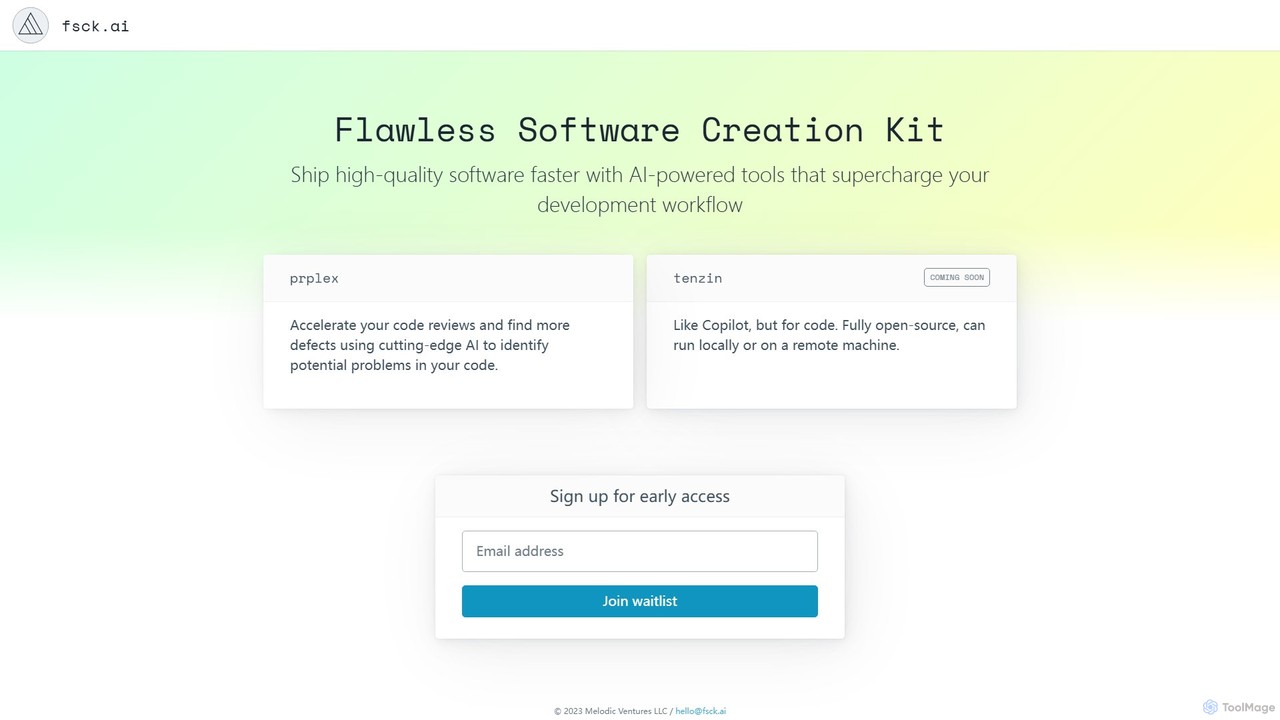
fsck.ai
fsck.ai is an open-source AI-powered code review assistant designed to accelerate development workflows. It automatically analyzes pull requests, identifies potential defects and bugs, and provides direct feedback within GitHub, much like a Copilot for code quality.
Code Assistant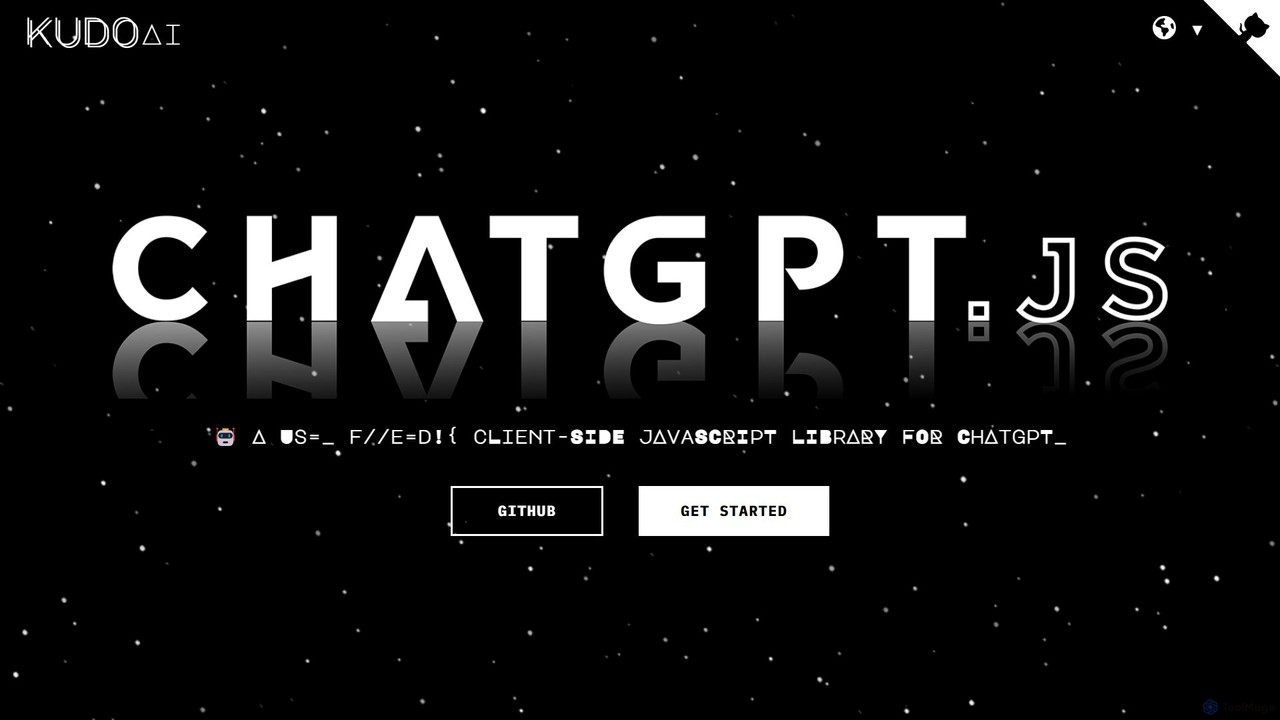
chatgpt.js
chatgpt.js is a powerful, open-source JavaScript library for developers. It simplifies interaction with the ChatGPT web interface's DOM, enabling the rapid creation of browser extensions, userscripts, and other applications that enhance or automate the ChatGPT experience.
Toolkits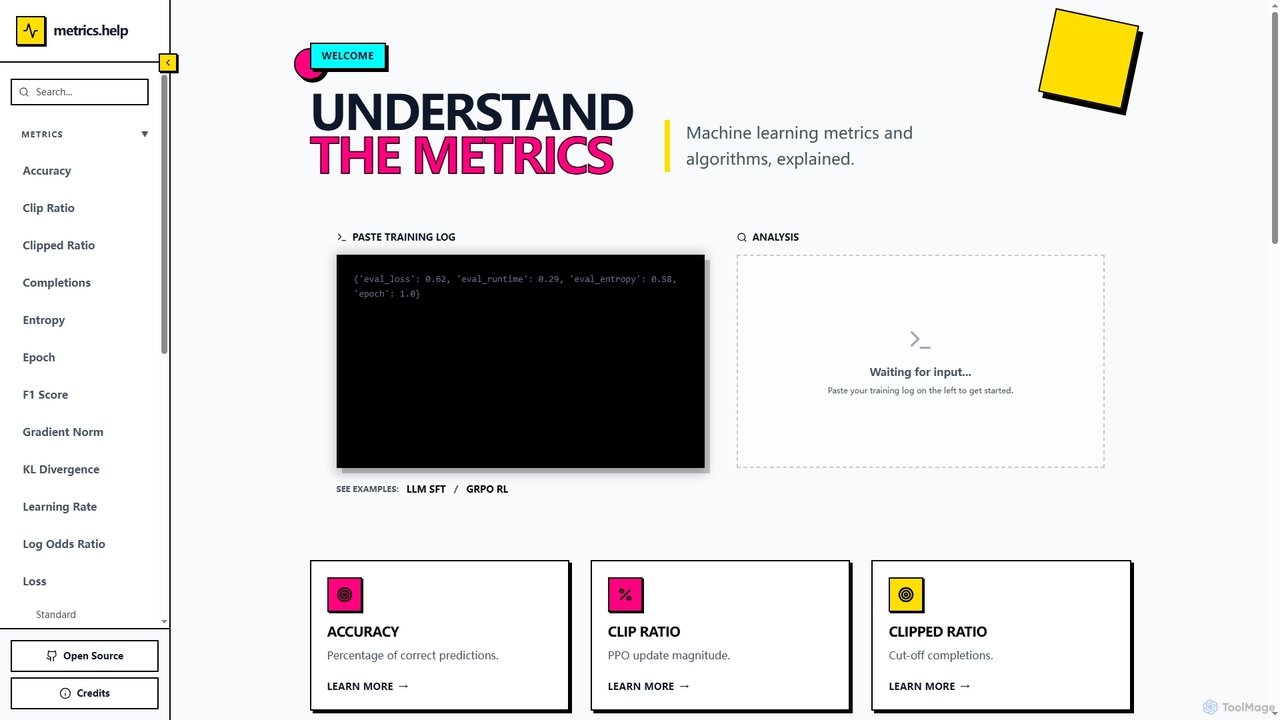
Metrics Help
Metrics Help is an open-source web tool for machine learning practitioners. It functions as a comprehensive guide and an interactive analyzer for ML training metrics. Users can paste training logs to get instant explanations for key metrics like accuracy, loss, and perplexity, aiding in model performance analysis and debugging.
Model Training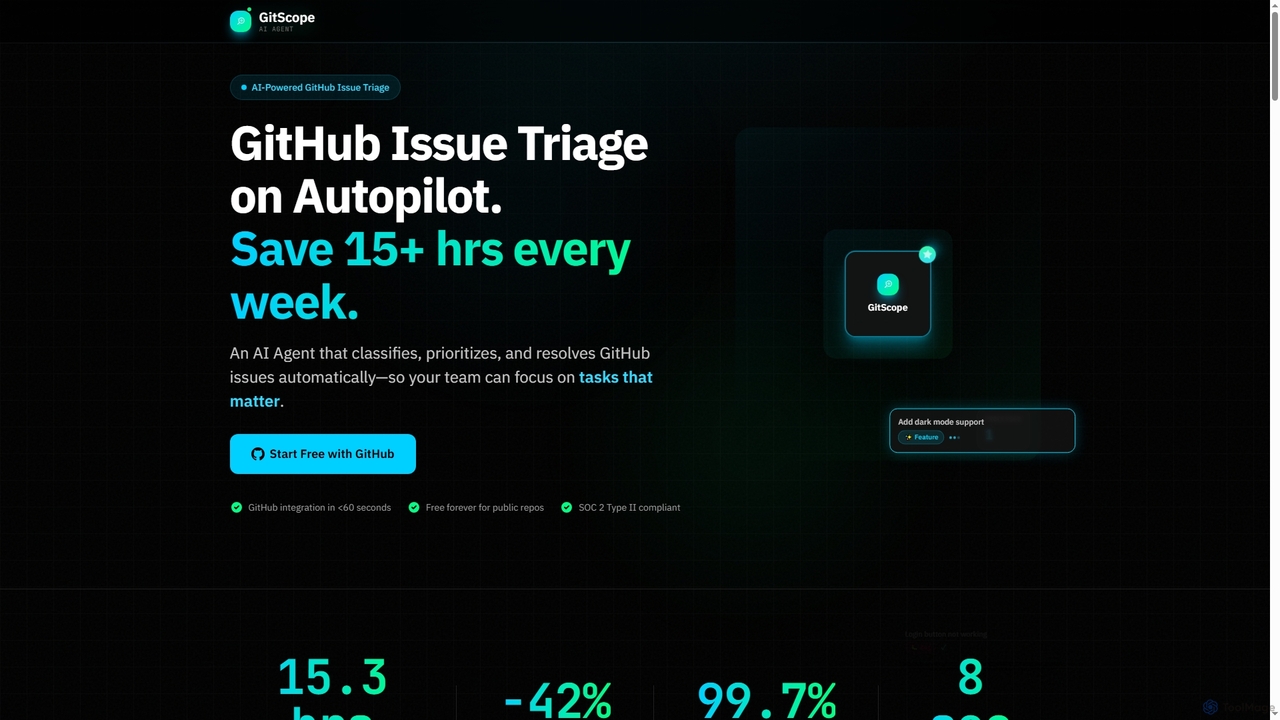
GitScope
GitScope is an AI-powered GitHub issue triage agent designed to automate the classification, prioritization, and resolution of issues. It helps engineering teams save significant time, reduce backlogs, and improve consistency by leveraging GPT-4 for intelligent analysis, duplicate detection, and configurable automation workflows. Free for public repositories, GitScope integrates seamlessly with GitHub to enhance team productivity and maintainer well-being.
Github Tools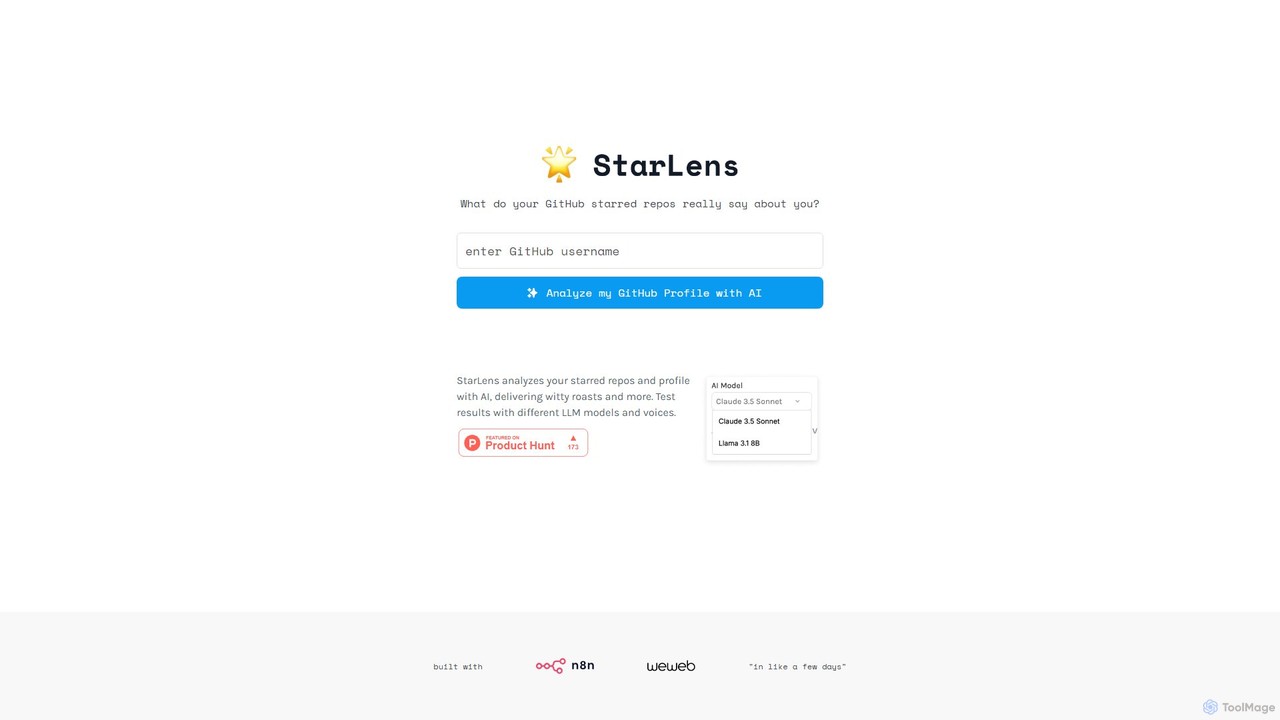
StarLens
An AI-powered tool that analyzes your GitHub profile and starred repositories to generate insightful summaries and witty roasts. Discover what your coding interests truly reveal about you in a fun, shareable format.
Code Analysisai-rnd.com
An integrated platform for AI research and development, providing a unified workspace, pre-trained models, and one-click deployment to accelerate the entire AI lifecycle. Ideal for developers, researchers, and enterprises.
Data Management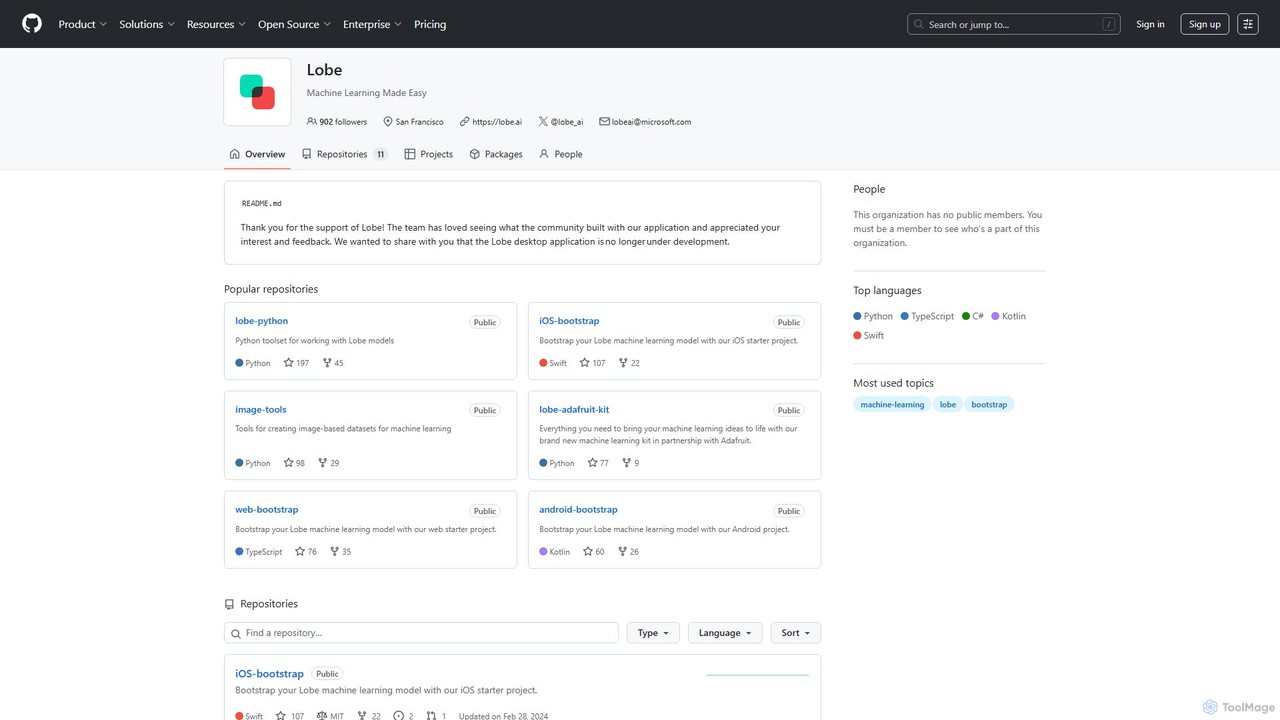
Lobe
Lobe is a free, user-friendly desktop application for Mac and Windows that allows you to build, train, and deploy custom machine learning models without writing any code. It simplifies the process of creating AI, focusing primarily on image classification.
Machine Learning
Microsoft Open Source Comments (0)
Sign in to comment.
Sign inNo comments yet.