
Tiptap Overview
Tiptap is a comprehensive developer toolkit designed for building modern, flexible, and powerful rich text editors. At its core, Tiptap is a headless, open-source editor framework built on top of ProseMirror, making it framework-agnostic and compatible with popular libraries like React, Vue, and Svelte. This headless architecture gives developers complete control over the editor's styling and behavior, allowing for seamless integration into any application's design system.
Beyond its free and open-source core, Tiptap offers a suite of managed cloud services and premium extensions that significantly accelerate development. These services transform a basic editor into a full-fledged collaborative and AI-powered platform. Developers can easily add features that would otherwise take months or even years to build from scratch, such as real-time multi-user collaboration, AI-driven content creation, and advanced document management.
How to use Tiptap
Using Tiptap involves a modular approach, allowing developers to start small and scale up as needed:
- Start with the Core: Begin by installing the free, open-source Tiptap editor package into your project using a package manager like npm or yarn.
- Integrate into Your Framework: Set up the editor within your chosen JavaScript framework (e.g., React, Vue) or in a plain JavaScript environment.
- Add Extensions: Choose from a vast library of over 100 open-source extensions to add functionality. This includes essentials like headings, bold/italic text, lists, images, tables, and code blocks.
- Incorporate Premium Features: To unlock advanced capabilities, sign up for a Tiptap Cloud account. You can then integrate premium extensions for Collaboration, Content AI, Comments, and Document Conversion by adding the respective packages and configuring them with your API keys.
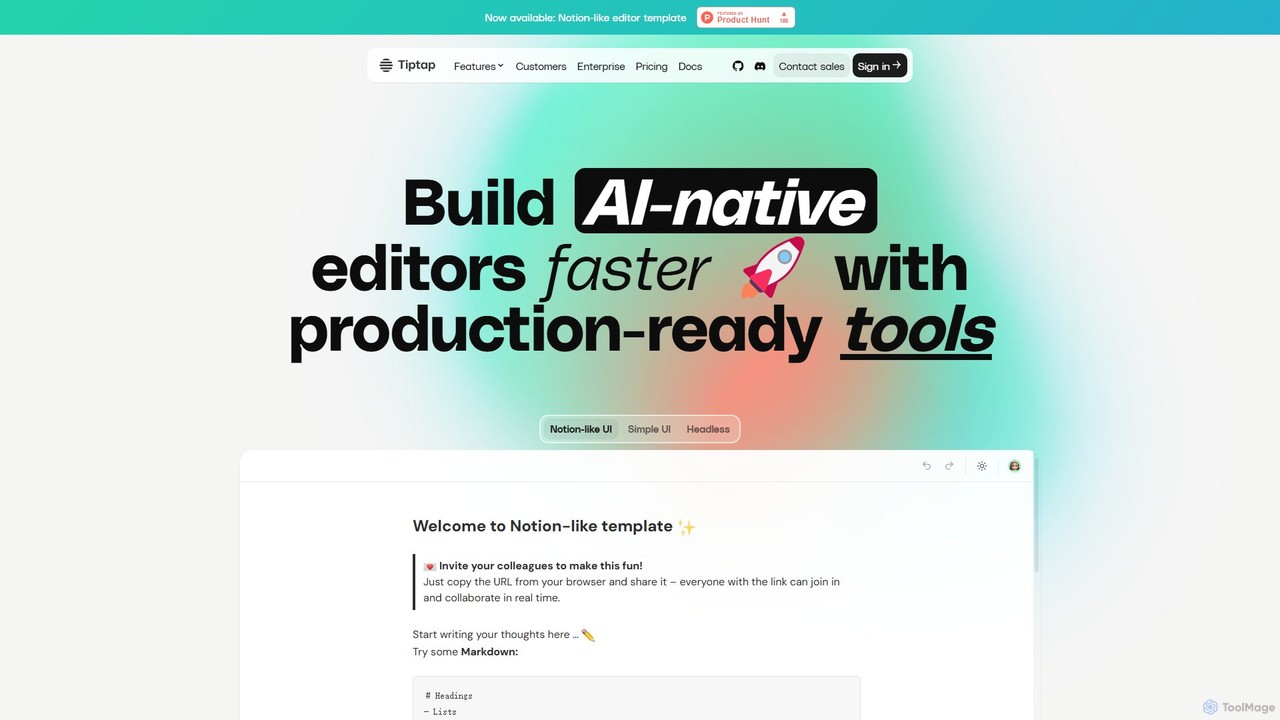
- Utilize UI Components: Speed up frontend development by using Tiptap's free and paid UI components and templates. These provide ready-made interfaces, such as a Notion-like editor template, that can be customized to fit your product's look and feel.
- Deploy Your Solution: Choose the deployment model that fits your needs. You can use Tiptap's fully managed and scalable cloud platform or, for enterprise-level control and security, opt for an on-premises deployment using Docker images.
Core Features of Tiptap
- Headless & Open Source Editor: A lightweight, highly customizable core that provides full control over the editor's appearance and behavior.
- Extensive Extension Library: Over 100 free and paid extensions for features like tables, mentions, syntax highlighting, task lists, and embedding media.
- Real-time Collaboration: Enable multiple users to edit documents simultaneously with live cursors, presence indicators, offline-first support, and conflict resolution.
- Content AI & AI Agent: Integrate AI to assist users with writing, refining text, changing tone, translating, and summarizing. The AI Agent can perform complex tasks like formatting and editing based on user prompts.
- Document Conversion: Seamlessly import from and export to various formats, including DOCX, ODT, and Markdown, either in the editor or via a REST API.
- Commenting System: Add inline and document-level commenting capabilities with a full REST API for managing discussions and workflows.
- Document Management & History: Manage documents via a REST API, with features for version history (snapshots), comparing changes between versions, and semantic search.
- UI Components & Templates: Accelerate development with ready-to-use UI components and pre-built templates, such as a Notion-like editor.
- Flexible Deployment: Choose between a fully managed cloud platform (with global hosting regions) or self-hosting on-premises for maximum control.
Use Cases for Tiptap
Tiptap is ideal for any application that requires a rich text editing experience:
- SaaS Applications: Integrating a powerful, branded text editor into project management tools, CRMs, or any app requiring rich text input.
- Content Management Systems (CMS): Building custom, user-friendly content editors for websites and blogs, offering an experience similar to Notion or Medium.
- Developer Platforms: Embedding a sophisticated editor for writing documentation, comments, and issues, as demonstrated by its use in platforms like GitLab.
- Collaborative Platforms: Creating real-time collaborative document editors, knowledge bases, or note-taking applications from the ground up.
- Website Builders: Providing end-users with a flexible and intuitive interface for creating and editing web page content.
Advantages of Tiptap
- Modularity and Customization: Start with a minimal core and add only the features you need, ensuring a lightweight and performant editor tailored to your specific requirements.
- Developer-Friendly: The headless architecture gives developers complete freedom over the UI/UX, allowing for seamless integration into any existing design system.
- Scalability: Tiptap scales with your product's needs, from a simple open-source implementation to a full-featured, enterprise-grade collaborative suite with AI.
- Reduced Development Time: Pre-built extensions, UI components, and fully managed cloud services (like Collaboration and AI) save months of complex development and infrastructure management.
- Comprehensive Solution: Tiptap is more than just an editor; it's a complete suite with backend services, APIs, and flexible deployment options, offering a one-stop-shop for all editing-related needs.
Pricing and Plans
Tiptap offers a freemium model with plans to suit different needs:
- Open Source (Free): Includes the core editor and a wide range of open-source extensions. Perfect for basic projects or for those who want to build and host everything themselves.
- Start Plan (from $49/month): Aimed at startups and small projects. Includes features like AI Generation, Document Conversion, Comments, and a base of 500 cloud documents.
- Team Plan (from $149/month): Designed for growing teams. Adds advanced features like the AI Agent, AI Changes, document comparison, and increases the document limit to 5,000.
- Growth Plan (from $999/month): For established businesses with higher usage, offering significantly more documents, priority support, and a 99.9% uptime SLA.
- Enterprise Plan (Custom): Tailored for large organizations, providing options for on-premises deployment, custom LLMs, dedicated servers, unlimited developer licenses, and premium support with a private Slack channel.
All paid plans come with a 30-day free trial to test every feature without requiring a credit card.
Traffic
Latest traffic
Status
Monthly traffic trend
- 2025-9: 337.9K
- 2026-1: 421.7K
- 2026-2: 372.1K
- 2026-3: 401.0K
- 2026-4: 349.8K
- 2026-5: 307.8K
Geography
Top 5 countries / regions
- 🇺🇸United States27.6%
- 🇨🇳China24.9%
- 🇮🇳India16.9%
- 🇮🇩Indonesia16.7%
- 🇻🇳Vietnam14.0%
Traffic sources
| Source type | Percentage |
|---|---|
Direct | 82.3% |
Referral | 16.9% |
Email | 0.8% |
Top keywords
| Keyword | Cost per click |
|---|---|
| tip tap | $0.14 |
| tiptap | $0.52 |
| tiptap editor | $0.81 |
| tiptap extensions | $0.00 |
| tiptap react | $1.25 |
Tiptap Videos on YouTube


faizan

Gautam Pal
Waqas Ahmed Khan
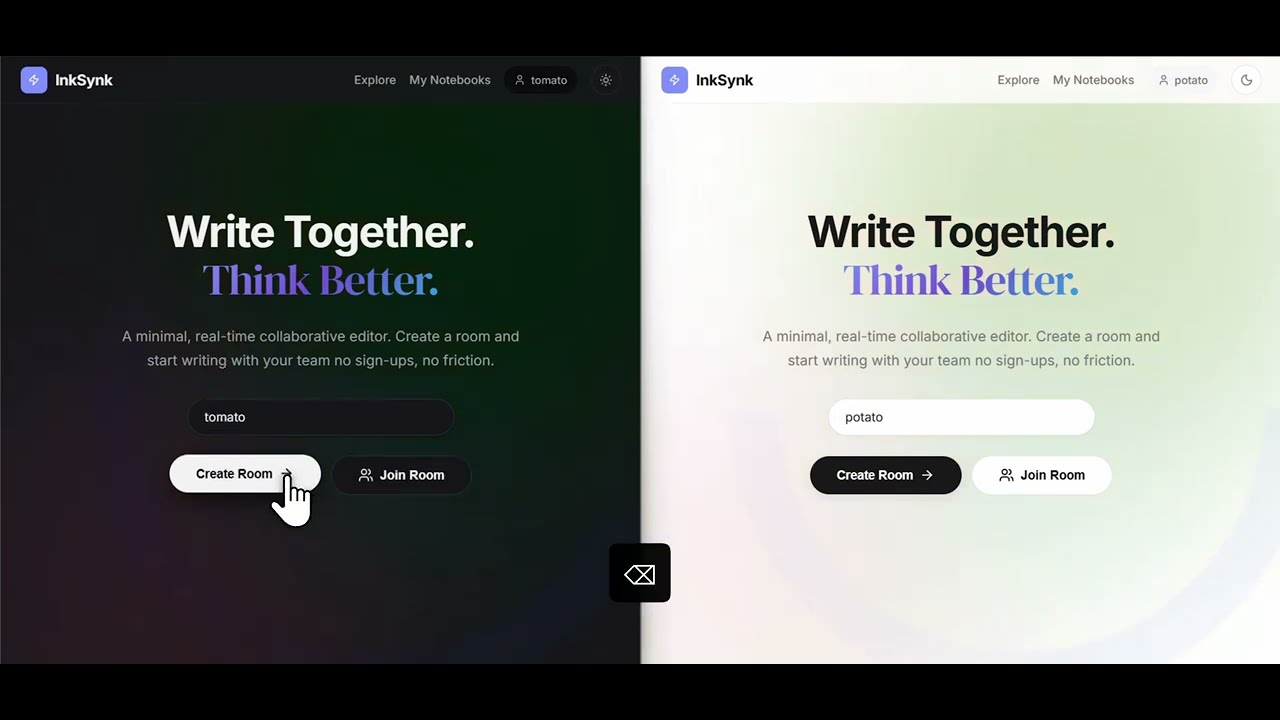


Tiptap Alternatives
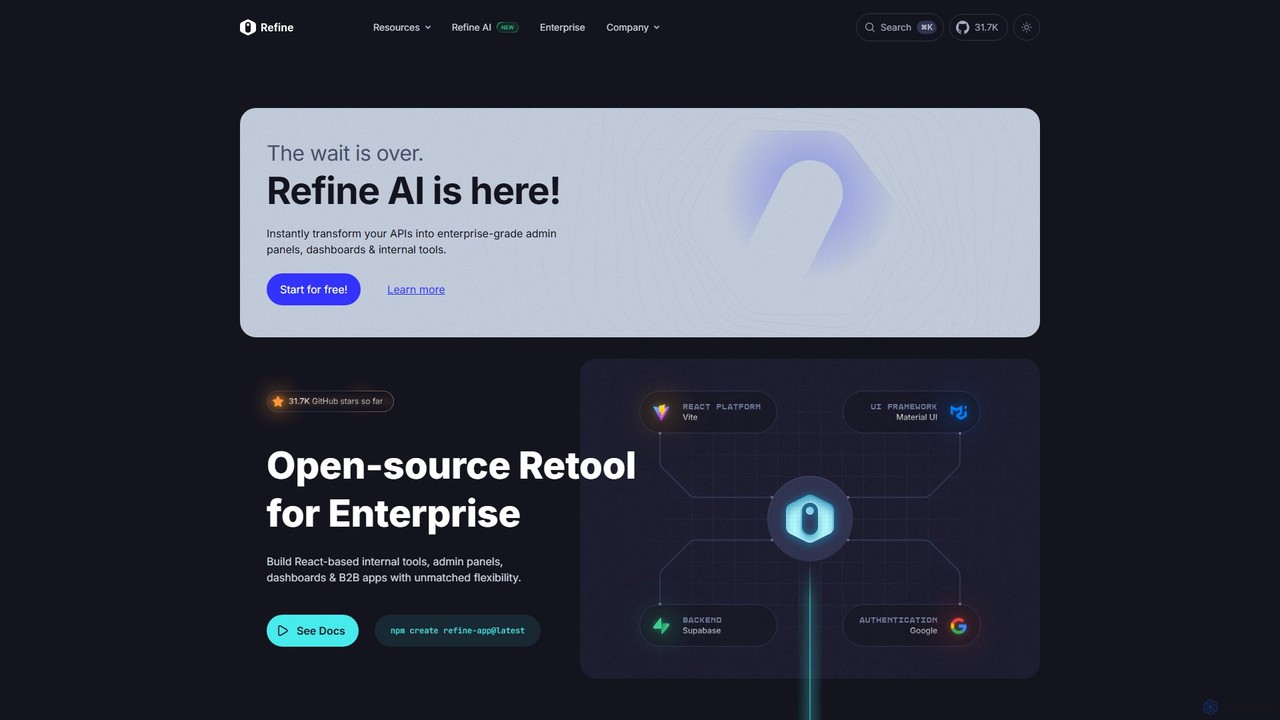
Refine
Refine is an open-source, React-based framework for rapidly building enterprise-grade internal tools, admin panels, dashboards, and B2B applications. It combines the speed of low-code solutions with the flexibility of full-code development, featuring an AI-powered generator to instantly create applications from APIs.
Internal Tools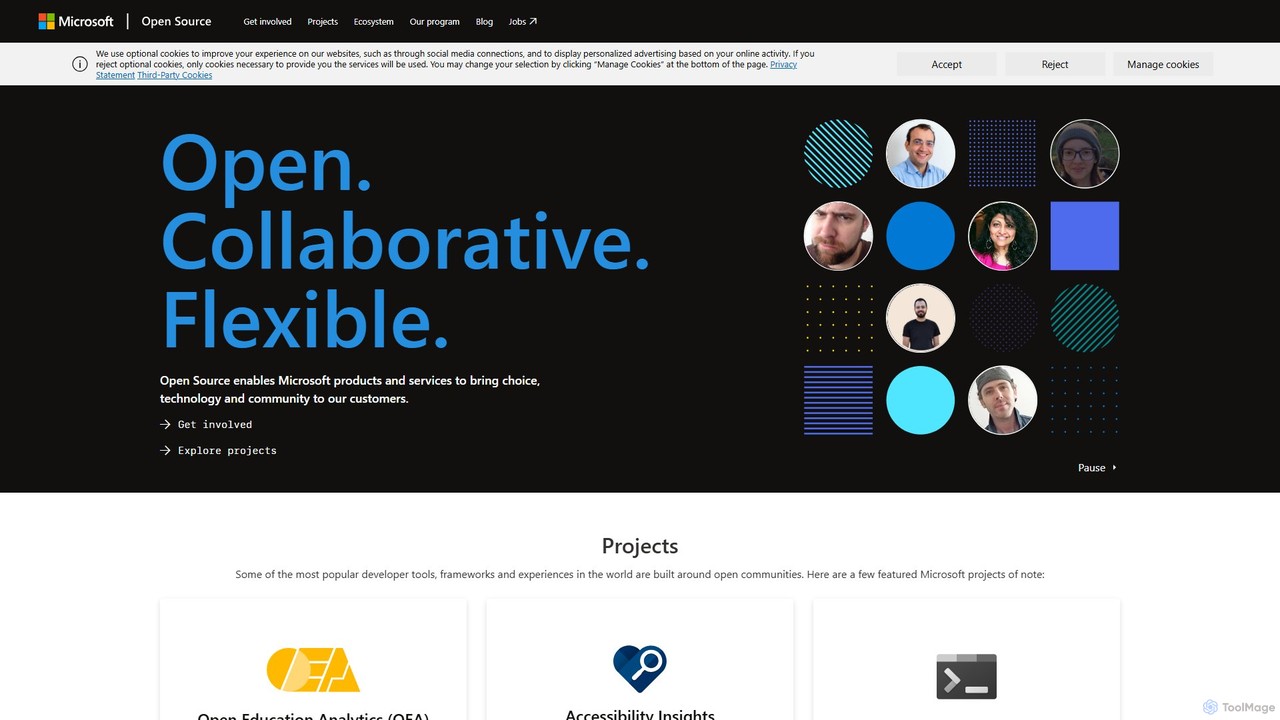
Microsoft Open Source
Microsoft's central hub for discovering, using, and contributing to a vast portfolio of open-source projects. It offers developers access to powerful tools, frameworks, and AI/ML libraries, fostering collaboration and innovation within a global community.
Platform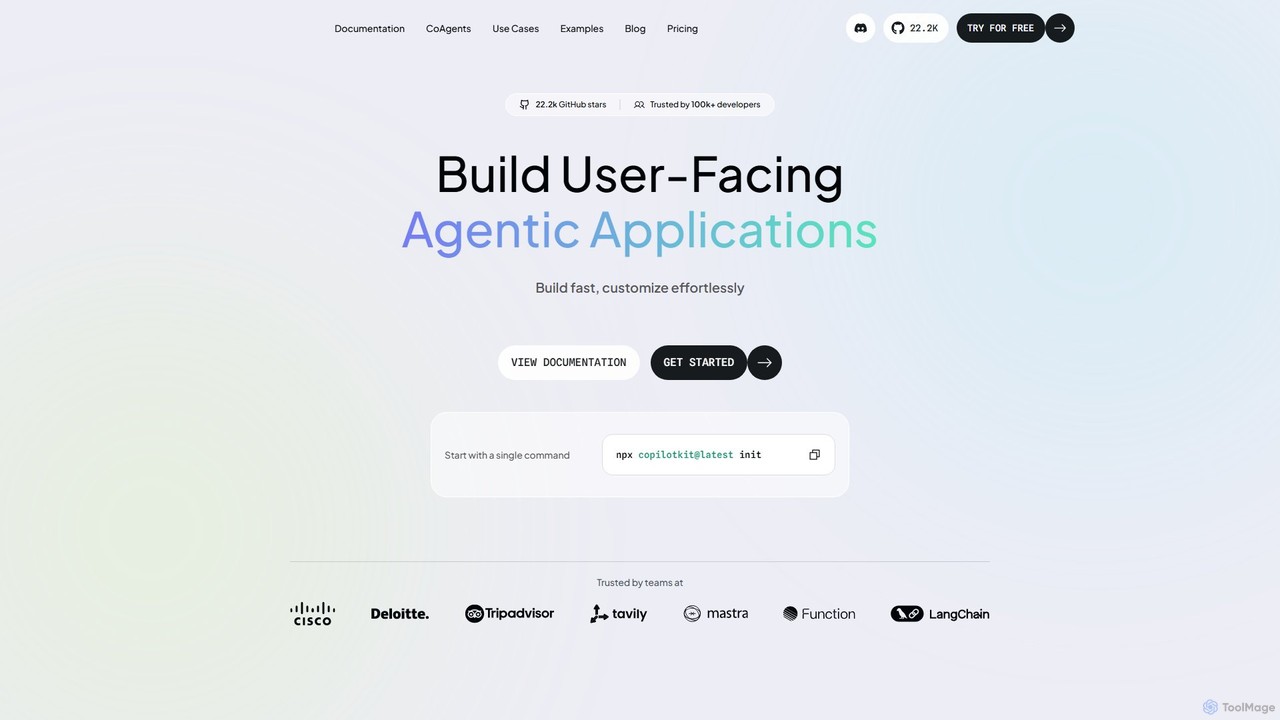
CopilotKit
CopilotKit is an open-source, full-stack framework for developers to build, deploy, and customize in-app AI copilots and agentic applications. It provides front-end components, back-end logic, and seamless integrations with any LLM or agent framework, enabling the creation of powerful, user-facing AI assistants.
Frameworks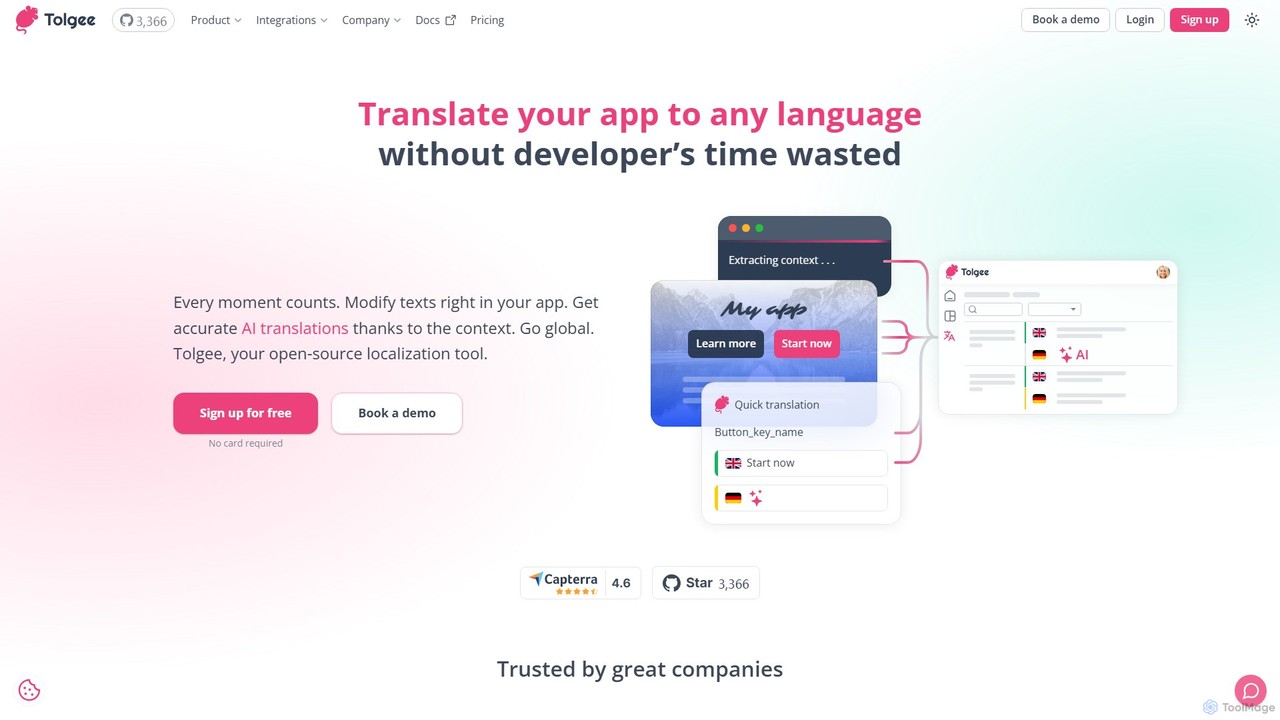
Tolgee
Tolgee is an open-source, AI-powered localization platform designed to streamline the translation process for applications. It features unique in-context editing, allowing developers, translators, and even non-technical users to modify text directly within the app. This provides crucial context for the AI translator, resulting in more accurate and reliable translations, saving significant developer time and accelerating global releases.
Collaboration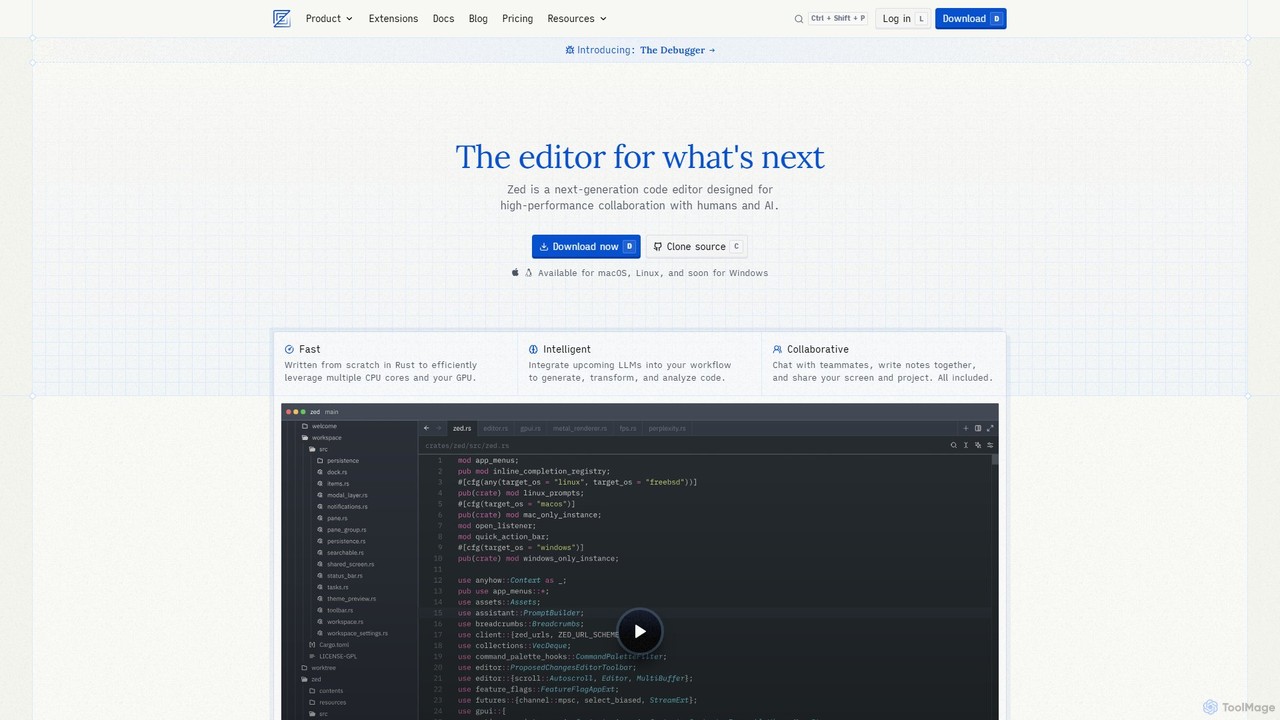
Zed
Zed is a high-performance, collaborative, and AI-powered code editor built from scratch in Rust. Designed for speed and efficiency, it offers real-time collaboration, deep integration with LLMs for agentic editing, and a comprehensive set of built-in tools including a debugger and native Git support. Zed is open-source and available for macOS and Linux, with Windows support coming soon.
Code GenerationTiptap Categories
Tiptap Embed Widget
Copy this embed code to place the badge on your blog, article, or product site and send readers directly to this ToolMage detail page.

Related AI tools
Refine
Refine is an open-source, React-based framework for rapidly building enterprise-grade internal tools, admin panels, dashboards, and B2B applications. It combines the speed of low-code solutions with the flexibility of full-code development, featuring an AI-powered generator to instantly create applications from APIs.
Internal ToolsMicrosoft Open Source
Microsoft's central hub for discovering, using, and contributing to a vast portfolio of open-source projects. It offers developers access to powerful tools, frameworks, and AI/ML libraries, fostering collaboration and innovation within a global community.
PlatformCopilotKit
CopilotKit is an open-source, full-stack framework for developers to build, deploy, and customize in-app AI copilots and agentic applications. It provides front-end components, back-end logic, and seamless integrations with any LLM or agent framework, enabling the creation of powerful, user-facing AI assistants.
Frameworks
Jyek
Jyek is an AI agent platform that understands objectives, creates execution plans, uses tools, and delivers verifiable results for complex, multi-step tasks.
AutomationTolgee
Tolgee is an open-source, AI-powered localization platform designed to streamline the translation process for applications. It features unique in-context editing, allowing developers, translators, and even non-technical users to modify text directly within the app. This provides crucial context for the AI translator, resulting in more accurate and reliable translations, saving significant developer time and accelerating global releases.
CollaborationZed
Zed is a high-performance, collaborative, and AI-powered code editor built from scratch in Rust. Designed for speed and efficiency, it offers real-time collaboration, deep integration with LLMs for agentic editing, and a comprehensive set of built-in tools including a debugger and native Git support. Zed is open-source and available for macOS and Linux, with Windows support coming soon.
Code Generation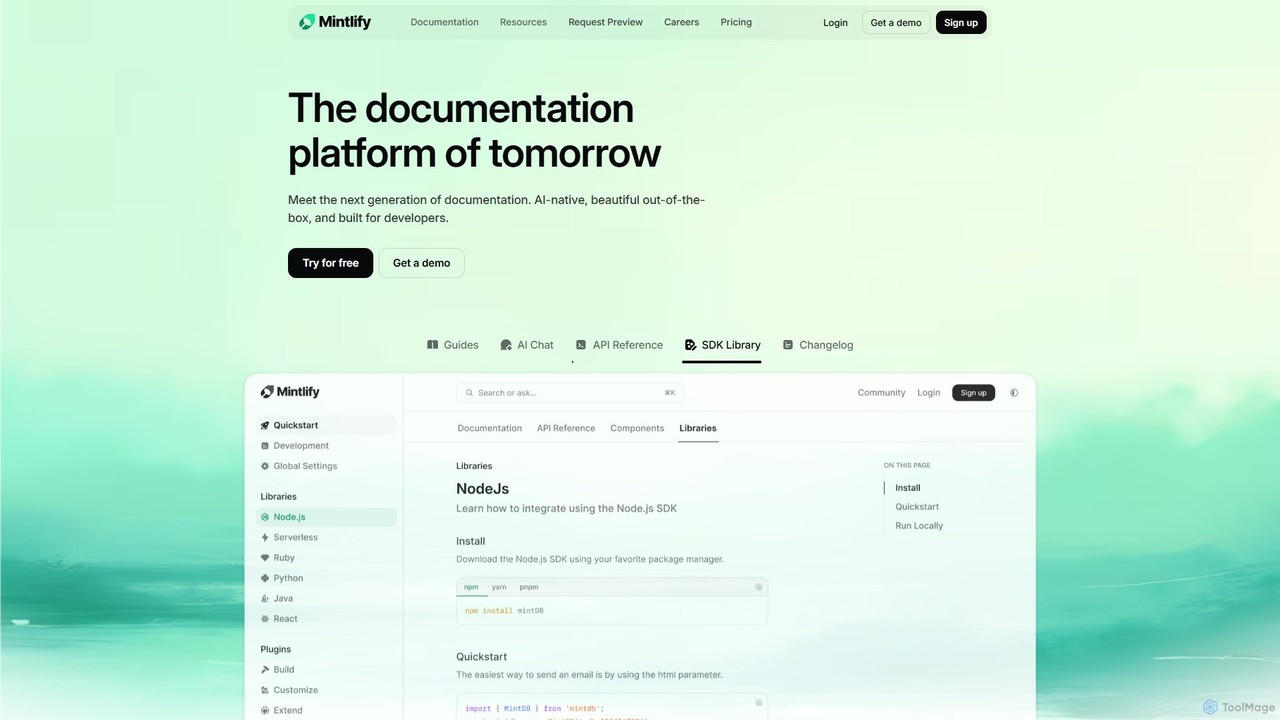
Mintlify
Mintlify is an AI-powered documentation platform designed for modern teams. It helps create beautiful, interactive, and conversion-focused documentation with features like an AI assistant, real-time writing suggestions, and seamless Git integration. Built for collaboration and scalability, it enables companies to provide a world-class developer experience and turn their docs into a growth engine.
Knowledge Base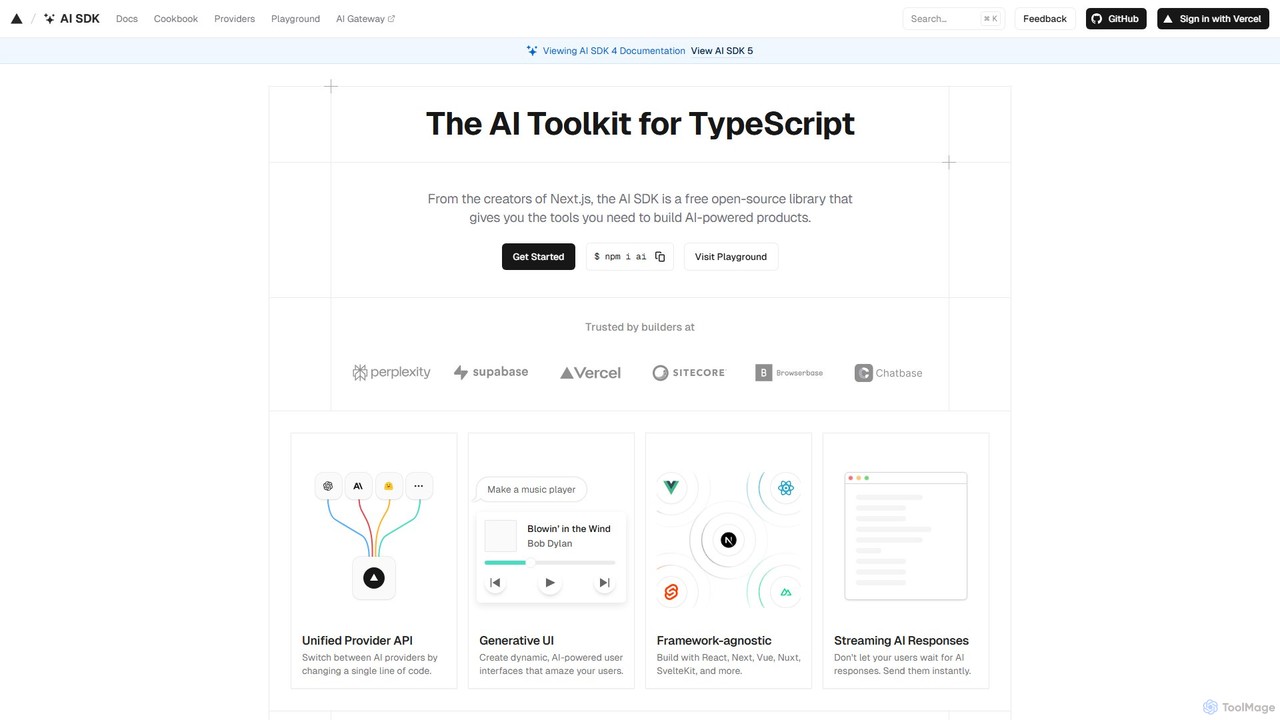
AI SDK
AI SDK by Vercel is a free, open-source TypeScript toolkit for building AI-powered applications. It provides a unified API to seamlessly integrate various large language models (LLMs) like OpenAI, Google, and Anthropic. It simplifies development with features like streaming responses, generative UI components, and tool calling, enabling developers to build and ship AI features faster across frameworks like Next.js, React, and Svelte.
Library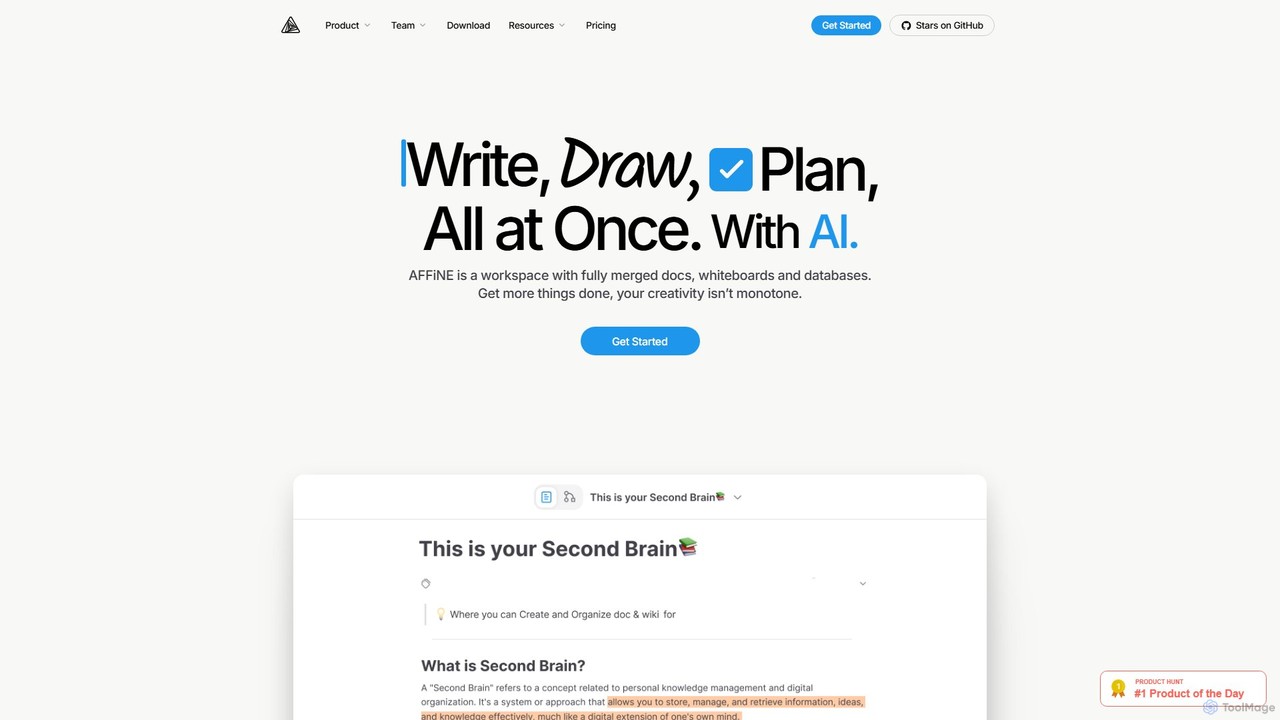
AFFiNE
AFFiNE is an all-in-one, AI-powered KnowledgeOS that seamlessly merges documents, whiteboards, and databases. It's a privacy-focused, open-source workspace designed to enhance productivity by allowing you to write, draw, and plan in a single, unified environment, eliminating the need to switch between multiple applications.
Whiteboard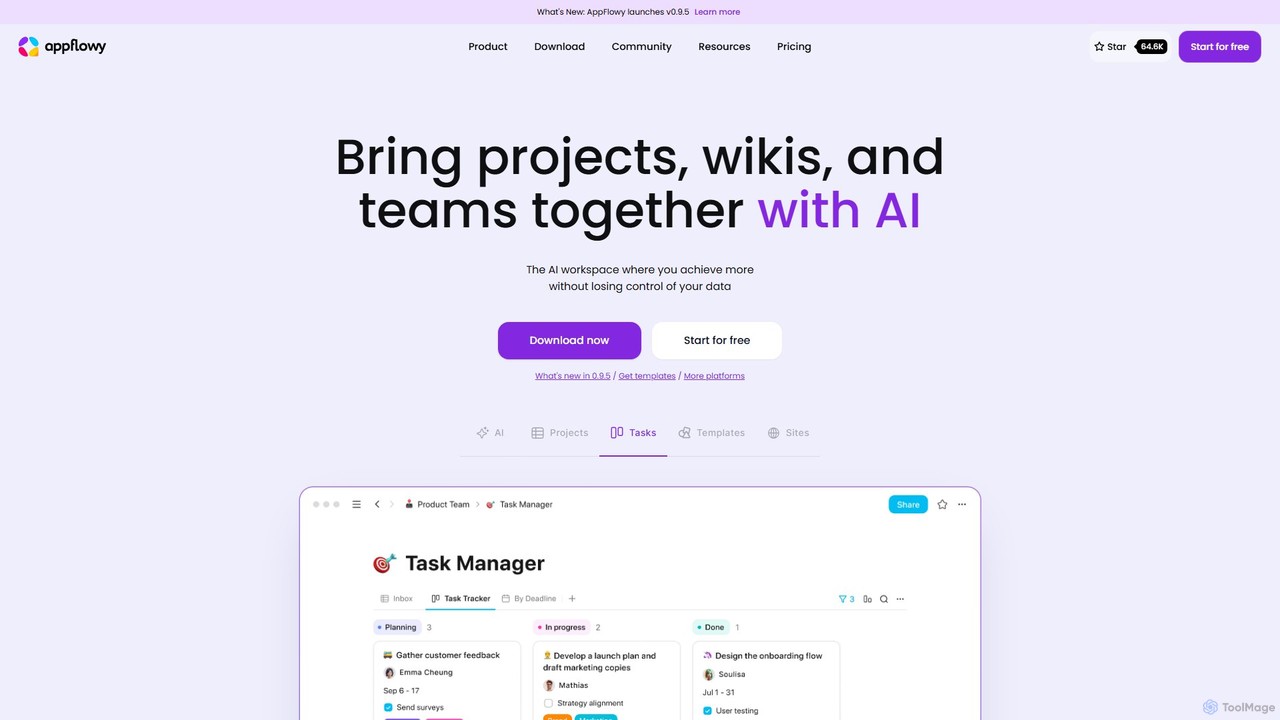
AppFlowy
AppFlowy is a secure, open-source AI workspace designed for projects, wikis, and teams. It offers a privacy-first alternative to tools like Notion, allowing users to own their data through self-hosting and offline capabilities. It integrates powerful AI for writing, search, and task automation, supporting both local and cloud-based models.
Documentation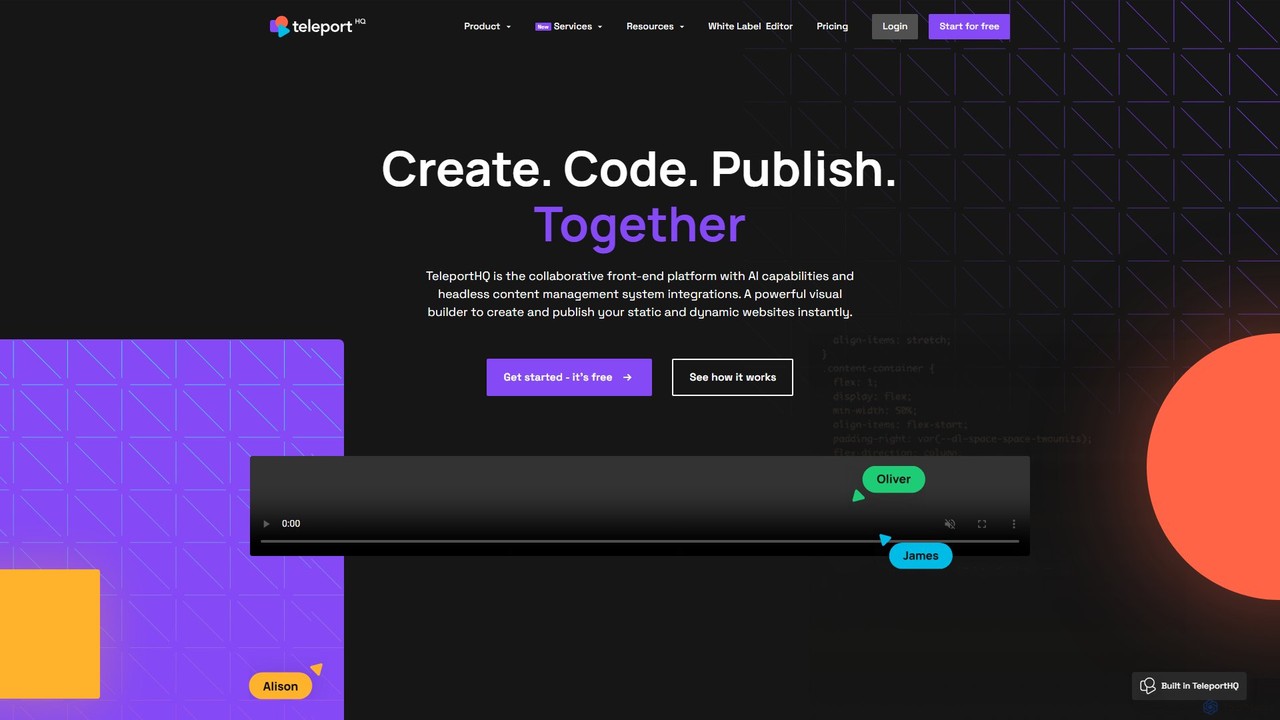
TeleportHQ
TeleportHQ is a collaborative low-code platform that streamlines front-end development. It features an AI website builder, Figma to code conversion, and real-time collaboration tools. Users can visually build responsive websites and UIs, generate clean code for multiple frameworks (React, Vue, etc.), and deploy seamlessly.
Ui Ux
Cosmic
Cosmic is an intelligent, API-first headless CMS designed to accelerate application development. It empowers developers with flexible APIs and SDKs, while providing content creators with an intuitive editor and AI-powered tools for content generation, translation, and optimization. Cosmic streamlines collaboration, enabling teams to build and ship content-powered apps faster.
Headless Cms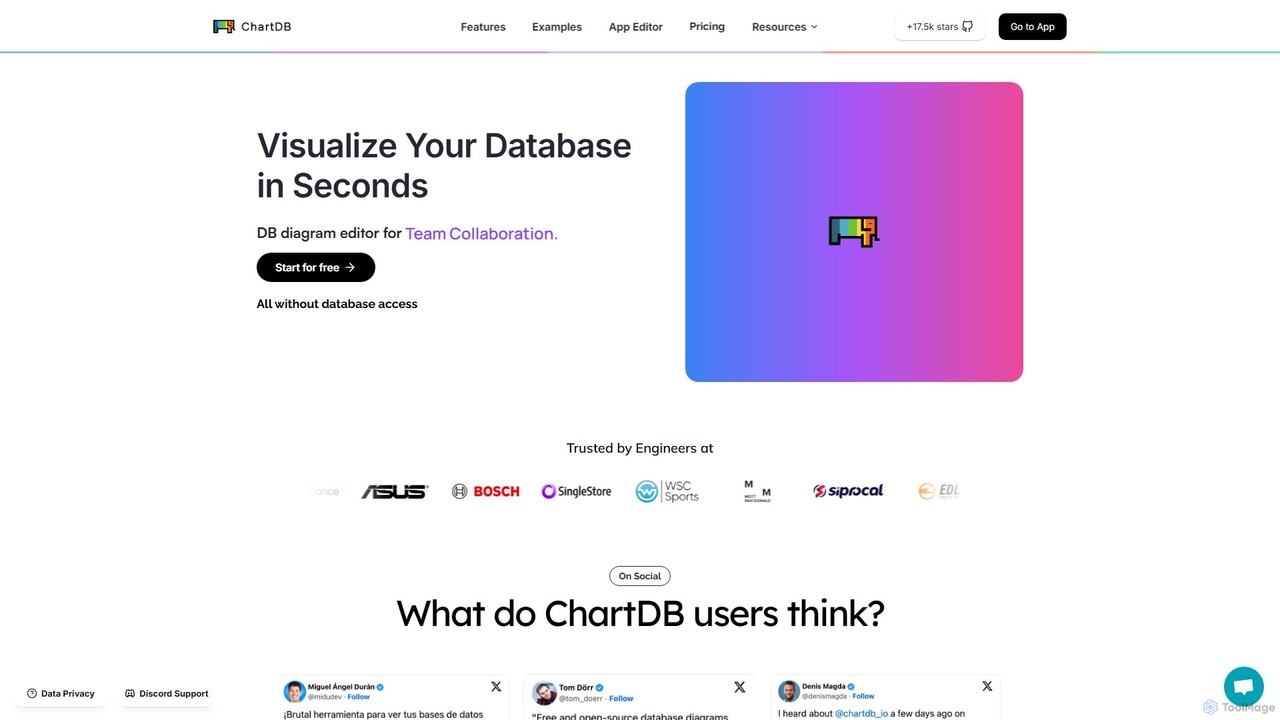
ChartDB
ChartDB is an AI-powered database schema visualizer that instantly generates interactive ER diagrams from a single query. It's designed for developers and teams to design, document, and collaborate on database structures. It features real-time collaboration, database synchronization, and an AI assistant to optimize schema design. Both cloud and self-hosted open-source versions are available.
Visualization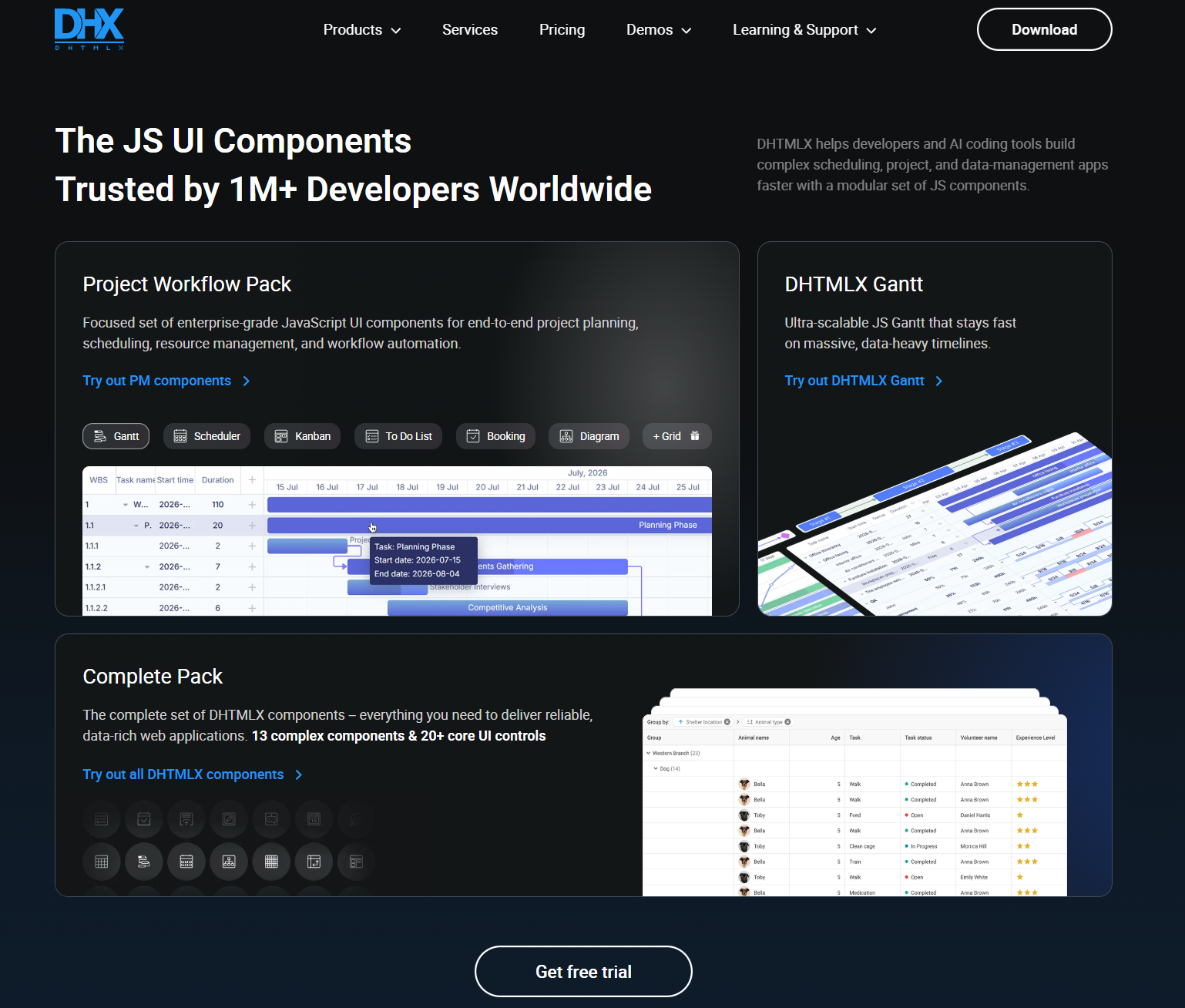
DHTMLX
JavaScript UI components for building enterprise web apps, dashboards, schedulers, Gantt charts, data grids, and AI chatbot interfaces.
Data Visualization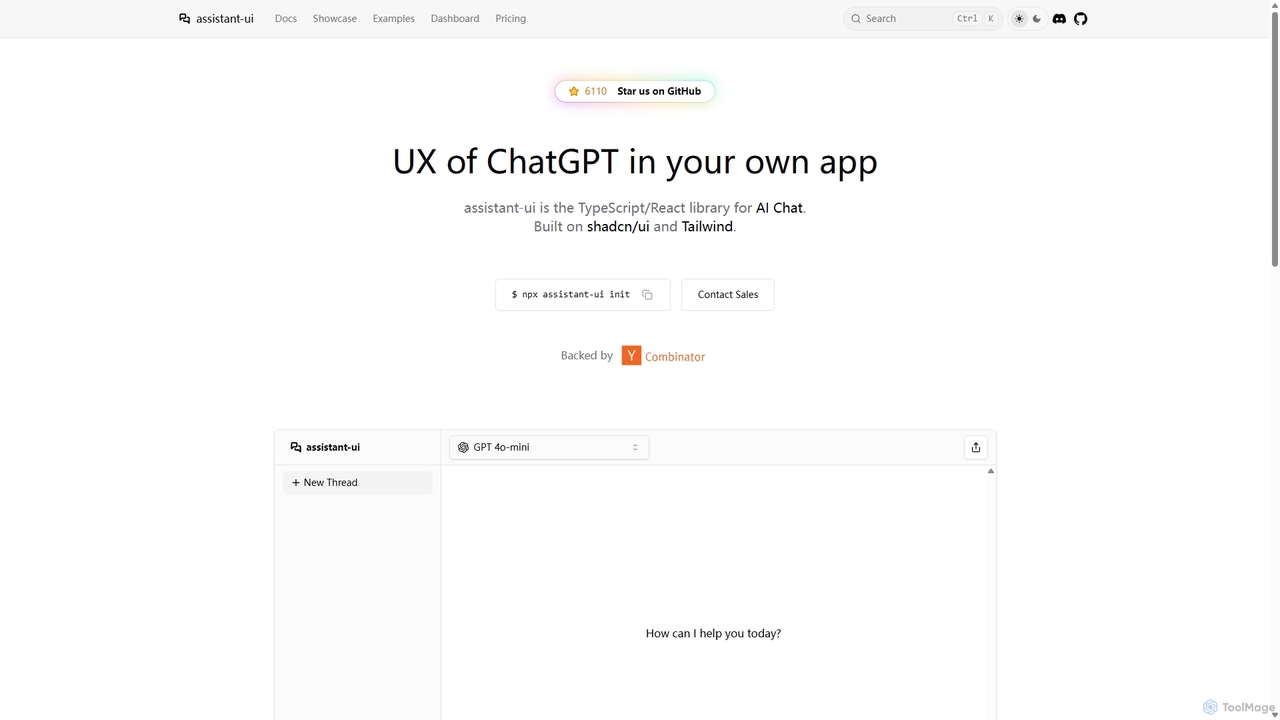
Assistant-ui
Assistant-ui is an open-source TypeScript/React library for rapidly building high-quality, customizable AI chat interfaces. Built on shadcn/ui and Tailwind CSS, it provides developers with pre-built components to integrate a ChatGPT-like experience into any application, supporting various backends and advanced features like generative UI.
Libraries
Tiptap Comments (0)
Sign in to comment.
Sign inNo comments yet.