Productivity Best in category 1 results Document Collaboration AI Tool

Popular AI tools in the Document Collaboration field of Productivity include Tiptap, etc., helping you quickly improve efficiency.

Tiptap

Tiptap

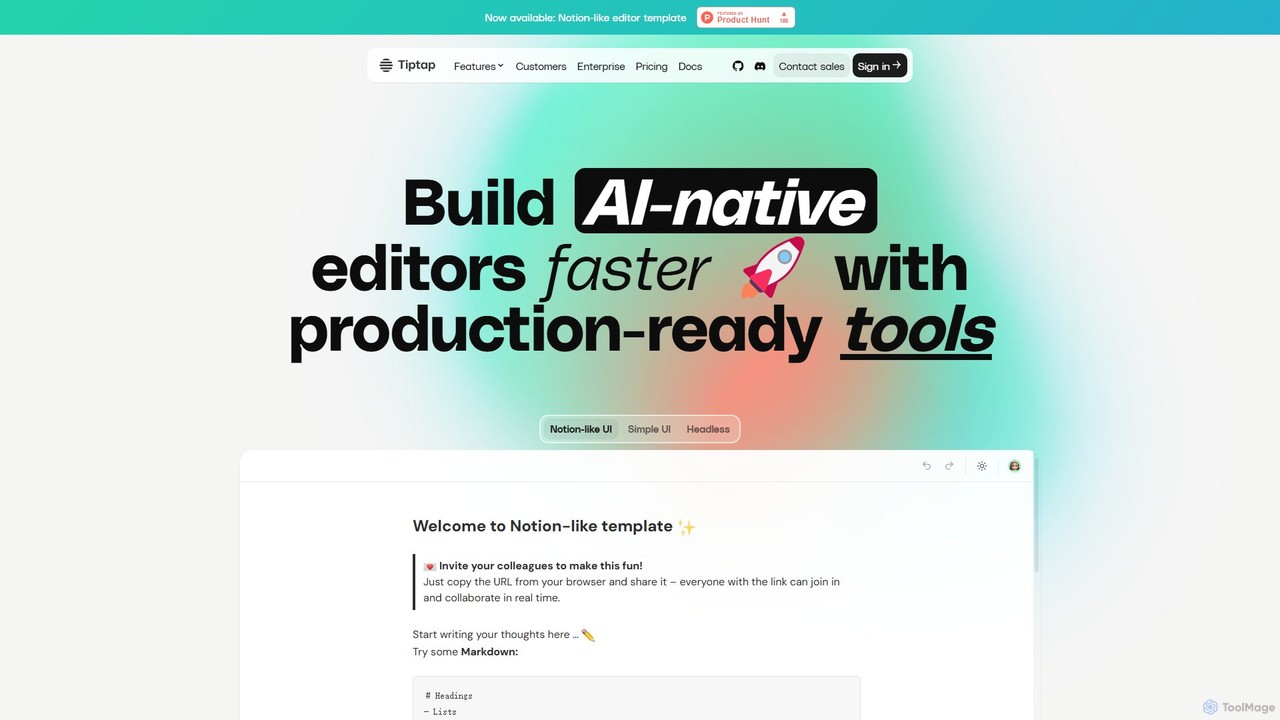
Tiptap is a headless, open-source, and framework-agnostic editor toolkit for developers. It allows for the creation of highly …

352.2K

About Document Collaboration

Document Collaboration tools are AI-enhanced platforms that enable multiple users to create, edit, and manage documents simultaneously. These tools leverage artificial intelligence to provide features like real-time writing suggestions, automated content summarization, and intelligent version tracking. They are designed to streamline team workflows, accelerate revision cycles, and improve the overall quality of written content in professional and creative settings. This focus on intelligent assistance distinguishes them within the broader Productivity category by actively participating in the content creation process.

Core Features

  • Real-time Co-editing with AI Assist: Multiple users can edit a document at the same time, with AI providing live suggestions for grammar, clarity, and tone.
  • Automated Content Summarization: Instantly generate concise summaries of long documents or specific sections for quick review and understanding.
  • Intelligent Version Control: Automatically track changes, highlight significant edits, and allow for easy comparison between different document versions.
  • Contextual Task Management: Convert comments or highlighted text directly into actionable tasks and assign them to team members within the document.
  • In-document Translation: Translate document sections or entire files in real-time to facilitate seamless collaboration among global teams.

Use Cases

These tools are widely used by marketing teams for creating campaign copy, legal departments for drafting and reviewing contracts, and research groups for co-authoring academic papers. They are also essential for remote or distributed teams that require a centralized, intelligent hub for all project-related documentation and knowledge sharing.

How to Choose

When selecting a tool, consider its integration capabilities with your existing software stack (e.g., Slack, Jira, Trello). Evaluate the sophistication of its AI features and whether they support your specific content needs. Also, assess the security protocols for sensitive documents and the scalability of its pricing plans to accommodate growing teams.

Document CollaborationUse Cases

1

Streamline Marketing Campaign Copywriting

A marketing team uses a document collaboration tool to co-write ad copy, blog posts, and press releases. The AI assistant suggests stronger headlines, checks for brand tone consistency, and provides SEO keyword recommendations. Comments are converted into revision tasks, ensuring all feedback is addressed before publishing. This integrated workflow cuts the typical review and revision process time by up to 50%, allowing for faster campaign launches.

2

Accelerate Legal Contract Review Cycles

A legal team collaborates on a client contract using an AI-powered document tool. The AI highlights potentially ambiguous clauses, suggests alternative phrasing for improved clarity, and maintains a clear, unalterable audit trail of all changes made by each party. This ensures accuracy and significantly speeds up the negotiation process by reducing back-and-forth emails, all while minimizing compliance risks.

3

Co-author Academic Papers with Smart Assistance

Researchers from different institutions co-author a paper in a shared document space. The tool's AI automatically formats citations in various styles (APA, MLA), checks for unintentional plagiarism, and can summarize lengthy background literature. Integrated real-time translation helps bridge language barriers, enabling seamless international collaboration and accelerating the timeline from research to publication.

4

Develop and Manage Product Requirements Documents

A product management team drafts a Product Requirements Document (PRD). The AI helps structure the document with standard templates, ensuring all necessary sections like user stories and technical specs are included. Stakeholders from engineering and design leave comments, which are automatically categorized by urgency and can be converted into trackable tasks linked directly to specific sections of the PRD.

5

Create and Translate Internal Corporate Memos

An HR department in a multinational corporation creates a company-wide announcement. The document is written in English, and the tool's integrated AI translation feature instantly generates accurate versions in Spanish, German, and Japanese. This ensures consistent and timely communication across all global offices, eliminating delays and potential misinterpretations from manual translation processes.

6

Generate Actionable Meeting Minutes from Transcripts

After a project meeting, a team member uploads the audio transcript to the collaboration tool. The AI automatically summarizes key discussion points, identifies action items with deadlines and owners, and organizes them into a structured minutes document. This creates a living document that links decisions directly to trackable tasks, ensuring accountability and saving hours of manual minute-taking and follow-up.

Document CollaborationFrequently Asked Questions