
Liveblocks Overview
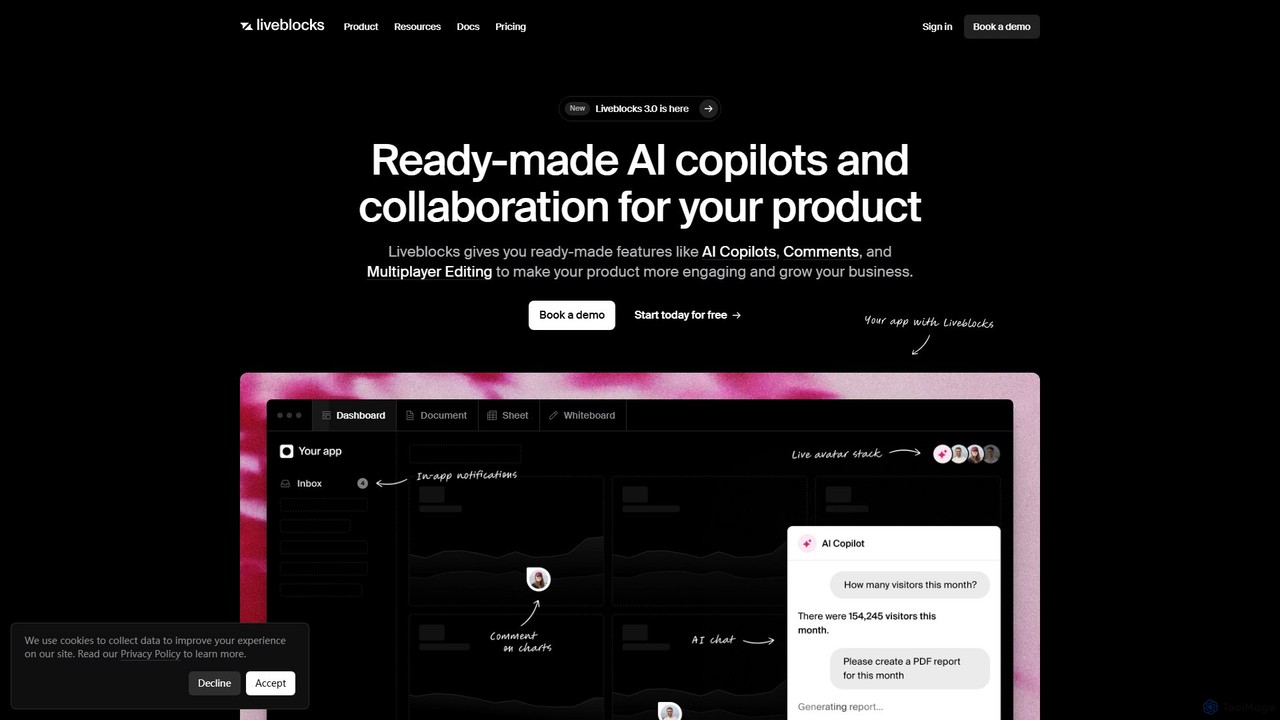
Liveblocks is a comprehensive collaboration engine designed for modern product development. It provides developers with a suite of ready-made, fully customizable features that can be integrated into any application with just a few lines of code. The platform's core mission is to eliminate the immense complexity and time investment required to build real-time collaborative functionalities and AI-powered assistants from scratch, allowing development teams to focus on their core product and ship faster.
At its heart, Liveblocks is an infrastructure-as-a-service for collaboration. It offers a robust, battle-tested platform built for scale, reliability, and security, trusted by leading companies to power experiences for millions of users. Whether you're building a creative tool, a project management app, a documentation platform, or a data analysis dashboard, Liveblocks provides the foundational blocks to make it multiplayer and intelligent.
How to use Liveblocks
Using Liveblocks is designed to be a seamless experience for developers familiar with modern web frameworks. The process generally follows these steps:
- Sign Up & Get API Keys: Start by creating a free account on the Liveblocks website to get your public and secret API keys.
- Install the SDK: Liveblocks provides dedicated client-side libraries for popular frameworks like React, Next.js, Vue, Svelte, and vanilla JavaScript. You can install the relevant package using npm or yarn (e.g.,
npm install @liveblocks/react). - Set up Authentication: Secure your application by creating an authentication endpoint on your backend. When a user tries to access a collaborative space (a "Room"), your frontend will request an access token from this endpoint. Liveblocks provides helpers for Node.js to simplify this process.
- Create a Liveblocks Room: A "Room" is the central concept in Liveblocks, representing a single collaborative session or document. You wrap the part of your application you want to make collaborative with the Liveblocks RoomProvider component.
- Implement Features: With the Room set up, you can now use Liveblocks' hooks and components to add features. For example, use the
useOthers()hook to get information about other users in the room and render their avatars, or use theuseStorage()hook to sync data structures in real-time. For AI and comments, you can drop in pre-built React components like<AiChat />and<Comments />for instant functionality. - Customize: All components and APIs are highly customizable. You can tailor the look and feel to match your product's branding and extend the functionality using webhooks and REST APIs to integrate with your backend services, such as sending email notifications or syncing data to your database.
Core Features of Liveblocks
- AI Copilots: Easily embed in-app AI agents. These copilots can be given knowledge about your application's data and registered with custom tools to perform actions, creating an experience similar to Notion AI or Microsoft Copilot.
- Multiplayer Editing & Presence: Enable real-time, simultaneous editing of documents, designs, or any data structure. The presence feature shows who is currently online and active, with live cursors and selection indicators, just like in Figma or Google Docs.
- Comments & Annotations: Add contextual commenting threads anywhere in your application. Users can tag others, resolve threads, and have focused discussions directly on the content they are working on.
- Notifications: A complete notification system with an inbox-like UI component. It intelligently alerts users to relevant activities, such as mentions in comments or updates to tasks.
- Robust Infrastructure & APIs: Built on a scalable WebSocket infrastructure with 99.99% uptime. It includes a powerful REST API, webhooks for server-side integration, and a monitoring dashboard to analyze usage.
- Broad Framework Support: First-class support for React, Next.js, Vue, Nuxt.js, Svelte, SvelteKit, Astro, and more, along with deep integration with state management libraries like Redux and Zustand, and text editors like Lexical and Tiptap.
- Enterprise-Ready Security: Compliant with SOC 2 and offers features for HIPAA compliance, ensuring data is handled securely.
Use Cases for Liveblocks
Liveblocks is versatile and can be used to power a wide range of applications:
- Creative & Design Tools: Building collaborative whiteboards like Miro, 3D design tools like Spline, or graphic design platforms like Canva.
- Productivity & Business Software: Creating collaborative documents like Google Docs, spreadsheets like Google Sheets, or presentation tools.
- Developer Tools: Adding multiplayer features to code editors or collaborative debugging sessions.
- SaaS Products: Enhancing any SaaS application with features like contextual comments for review workflows, AI assistants to help users navigate the product, or dashboards showing real-time team activity.
- Education & E-Learning: Building interactive online classrooms where students and teachers can collaborate on a shared digital canvas.
Advantages of Liveblocks
The primary advantage of Liveblocks is accelerating product development. Teams can save months of complex engineering work by leveraging pre-built, reliable solutions. This allows them to stay focused on their unique value proposition. Furthermore, adding collaborative and AI features significantly boosts user engagement, adoption, and retention. It can also unlock new revenue opportunities by allowing companies to offer these advanced features as part of premium, usage-based, or enterprise plans. The platform's commitment to a superior developer experience, with excellent documentation and scalable infrastructure, makes it a trusted partner for growth.
Pricing and Plans
Liveblocks operates on a freemium model, making it accessible for projects of all sizes. The pricing structure typically includes:
- Free Plan: A generous free tier designed for hobby projects, prototyping, and getting started. It includes a certain number of monthly active users, connections, and storage, allowing developers to build and test full-featured applications without any initial cost.
- Pro Plan: A usage-based plan that scales with your product's growth. You pay for what you use based on metrics like monthly active users, peak concurrent connections, and data storage. This plan includes higher limits and additional features.
- Enterprise Plan: A custom plan for large-scale applications with specific needs for security, support, and compliance (like HIPAA). It offers features like dedicated support, custom contracts, and guaranteed uptime SLAs.
This model allows startups to get off the ground for free and seamlessly scale their costs as their user base grows.
Traffic
Latest traffic
Status
Monthly traffic trend
- 2025-9: 88.5K
- 2026-1: 83.4K
- 2026-2: 79.2K
- 2026-3: 118.4K
- 2026-4: 153.9K
- 2026-5: 77.0K
Geography
Top 5 countries / regions
- 🇮🇳India30.6%
- 🇺🇸United States27.0%
- 🇨🇦Canada15.5%
- 🇳🇬Nigeria13.8%
- 🇬🇧United Kingdom13.1%
Traffic sources
| Source type | Percentage |
|---|---|
Direct | 83.2% |
Referral | 16.0% |
Email | 0.8% |
Top keywords
| Keyword | Cost per click |
|---|---|
| implment live collabaration in lexcial | $0.00 |
| liveblock | $2.00 |
| liveblocks | $3.93 |
| livebloks | $0.00 |
| partykit liveblocks 2025 chat real-time websocket comparison | $0.00 |
Liveblocks Videos on YouTube
Gowreesh Simhadri
Gowreesh Simhadri



JavaScript Mastery
Liveblocks Alternatives
Velt
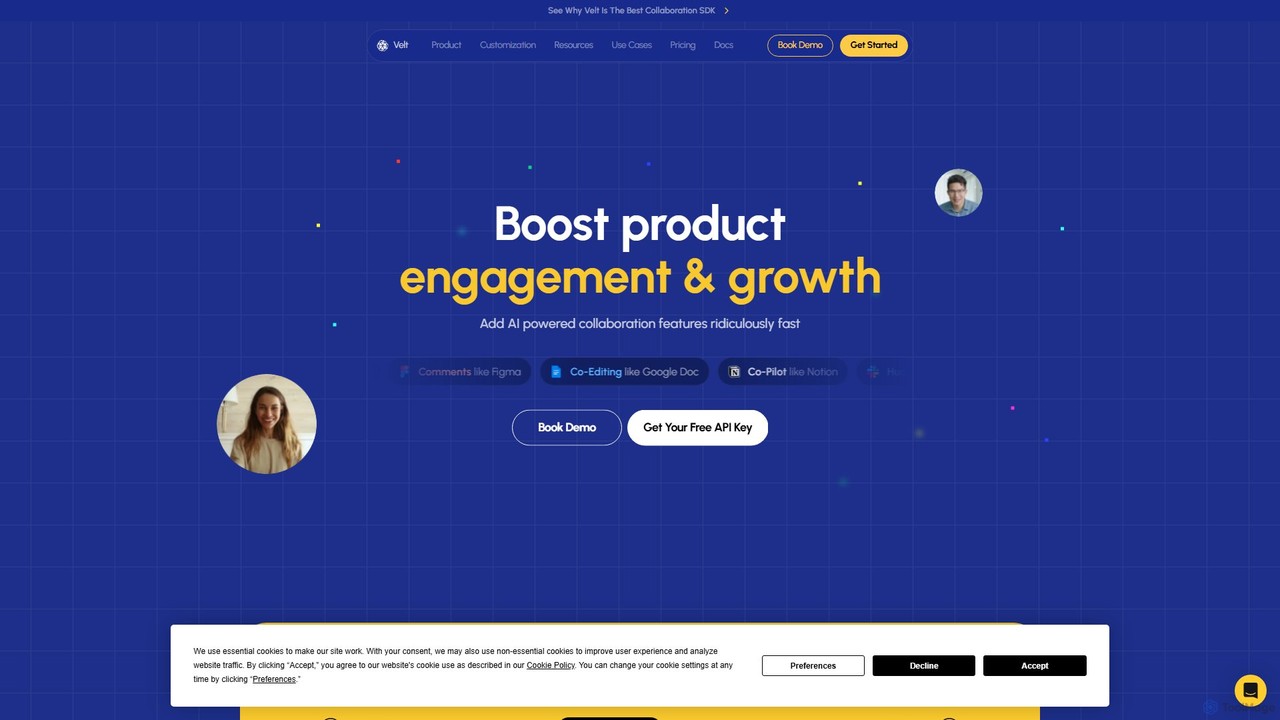
Velt is an AI-powered SDK for developers to rapidly integrate rich collaboration features like comments, co-editing, and live presence into any web application. It saves months of development time, boosts user engagement, and allows teams to ship features 5x faster.
Customer Engagement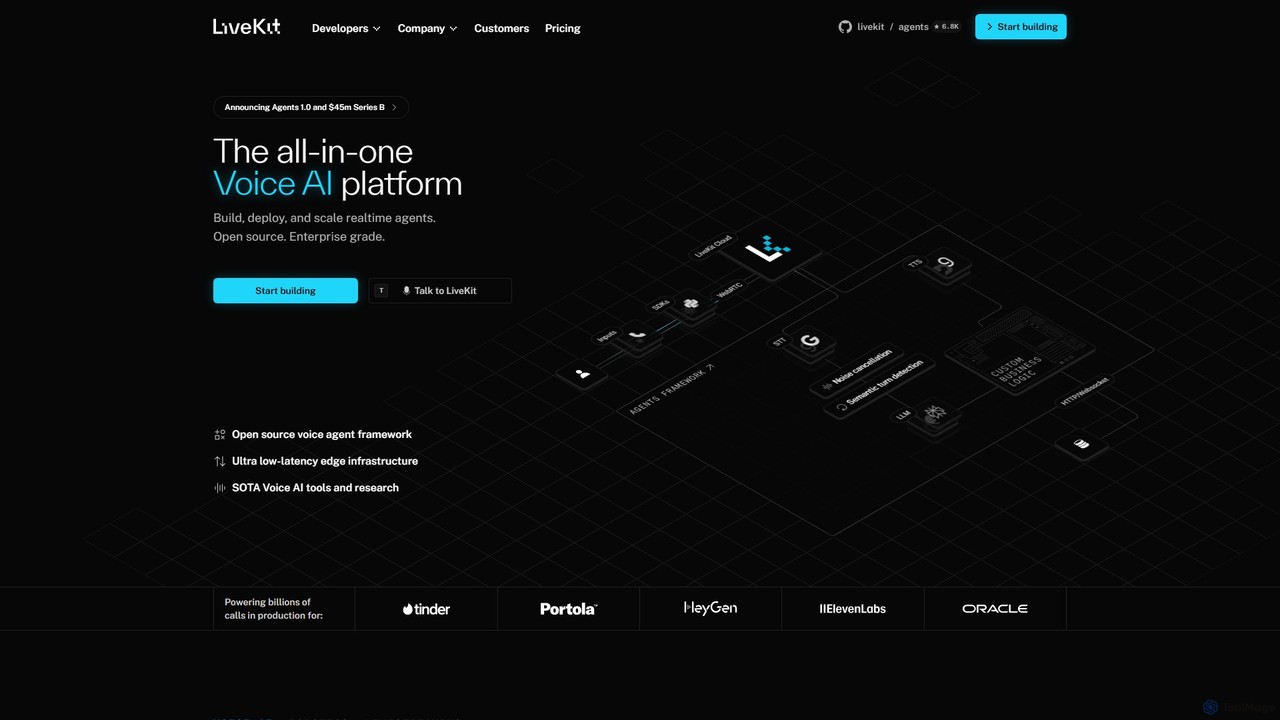
LiveKit
LiveKit is an all-in-one, open-source platform for building, deploying, and scaling real-time voice and video AI agents. It provides ultra-low latency infrastructure, powerful APIs, and state-of-the-art AI tools to enable developers to create conversational AI, robotics, and live streaming applications with enterprise-grade reliability and scalability.
Real Time Communication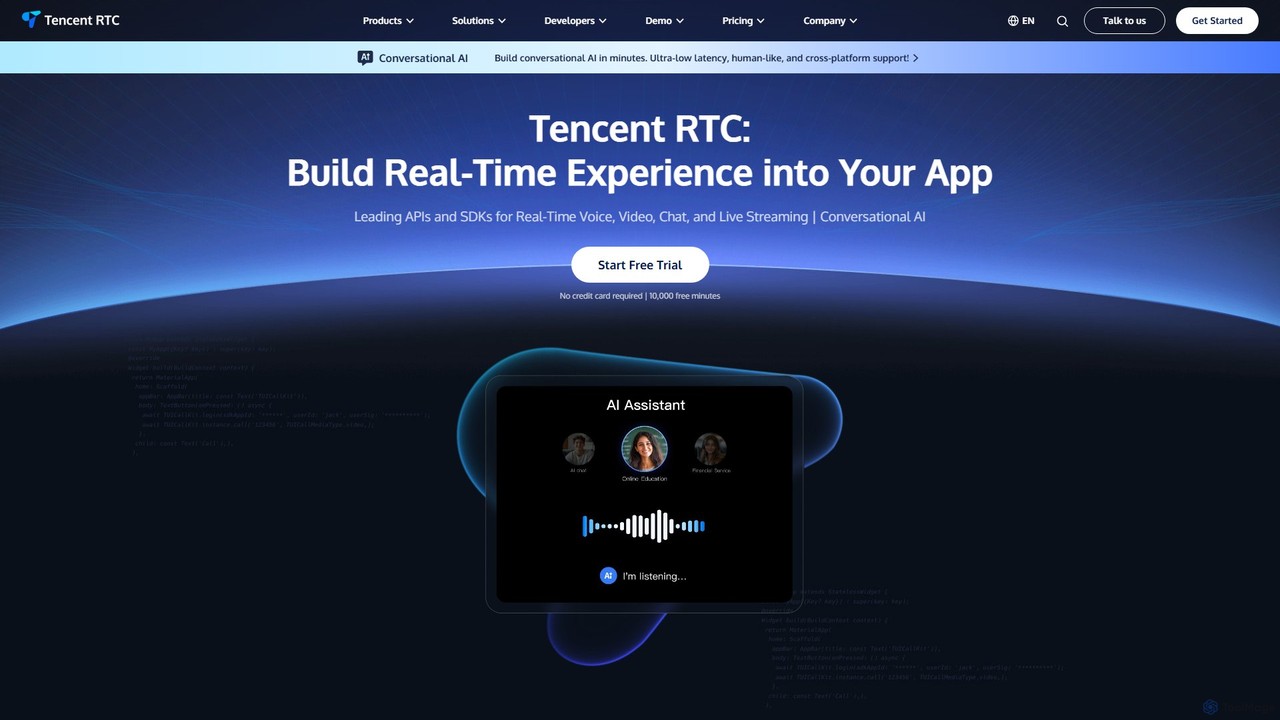
Tencent RTC
A comprehensive developer platform providing powerful APIs and SDKs for real-time voice, video, chat, and live streaming. Tencent RTC enables businesses to build scalable, low-latency, and interactive communication experiences directly into their applications across various industries.
Video Conferencing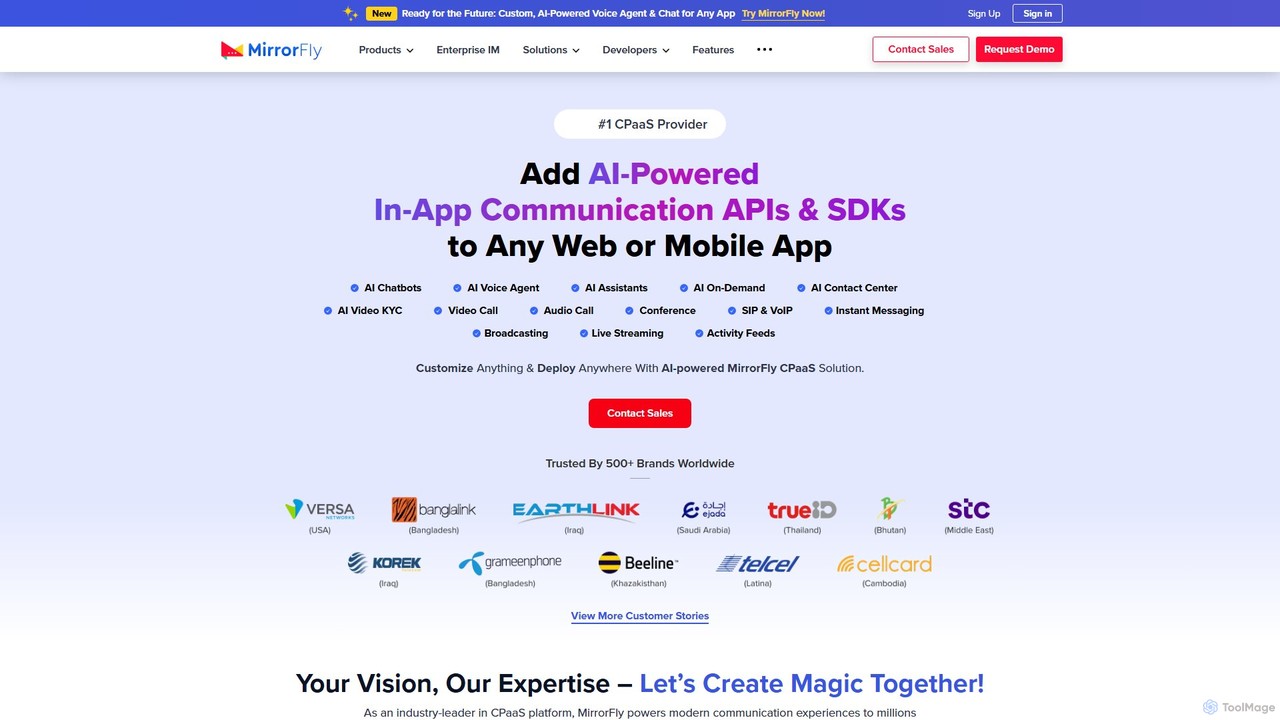
MirrorFly
MirrorFly is a leading AI-powered CPaaS (Communication Platform as a Service) provider, offering customizable video, voice, and chat APIs & SDKs. It enables developers to integrate high-quality, real-time communication features into any web or mobile application, supporting millions of concurrent users with a rich set of over 1000 features.
Cpaas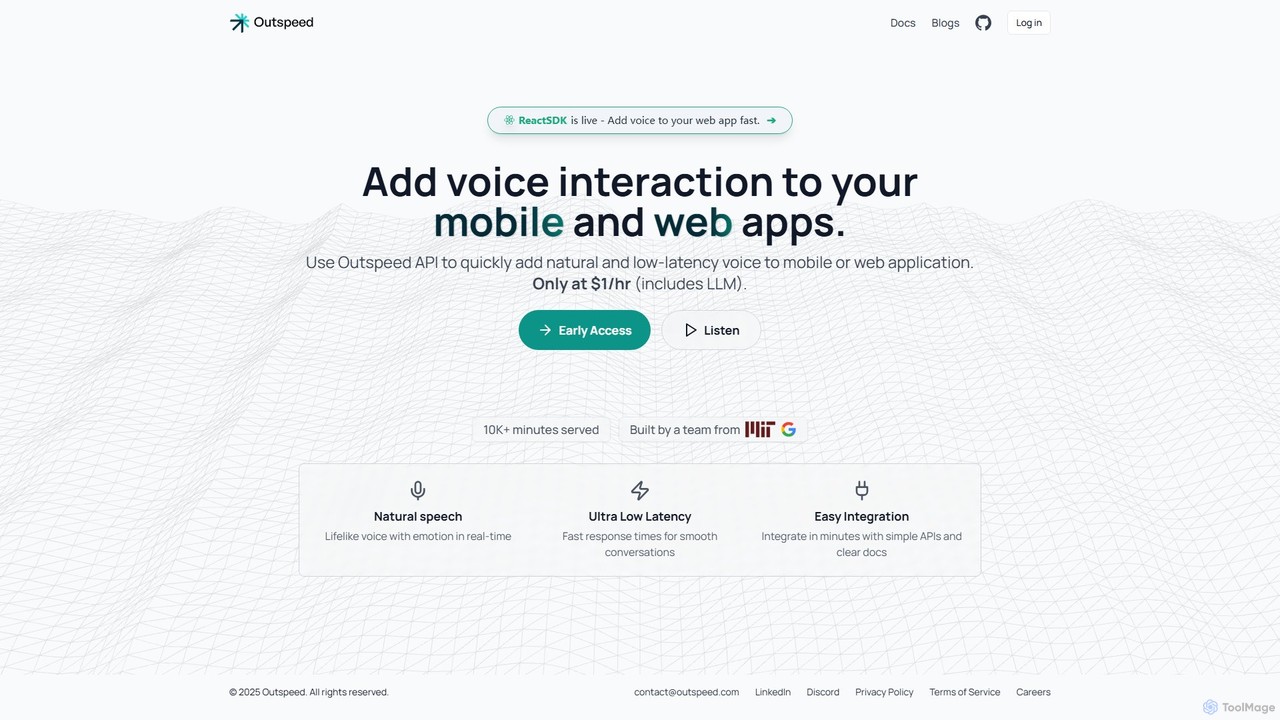
Outspeed
An API and SDK for developers to build and deploy AI voice companions with real-time emotion and memory. Easily integrate natural, low-latency voice interactions into web and mobile applications.
Voice ChatbotLiveblocks Categories
Liveblocks Embed Widget
Copy this embed code to place the badge on your blog, article, or product site and send readers directly to this ToolMage detail page.

Related AI tools
Velt
Velt is an AI-powered SDK for developers to rapidly integrate rich collaboration features like comments, co-editing, and live presence into any web application. It saves months of development time, boosts user engagement, and allows teams to ship features 5x faster.
Customer EngagementLiveKit
LiveKit is an all-in-one, open-source platform for building, deploying, and scaling real-time voice and video AI agents. It provides ultra-low latency infrastructure, powerful APIs, and state-of-the-art AI tools to enable developers to create conversational AI, robotics, and live streaming applications with enterprise-grade reliability and scalability.
Real Time CommunicationOutspeed
An API and SDK for developers to build and deploy AI voice companions with real-time emotion and memory. Easily integrate natural, low-latency voice interactions into web and mobile applications.
Voice Chatbot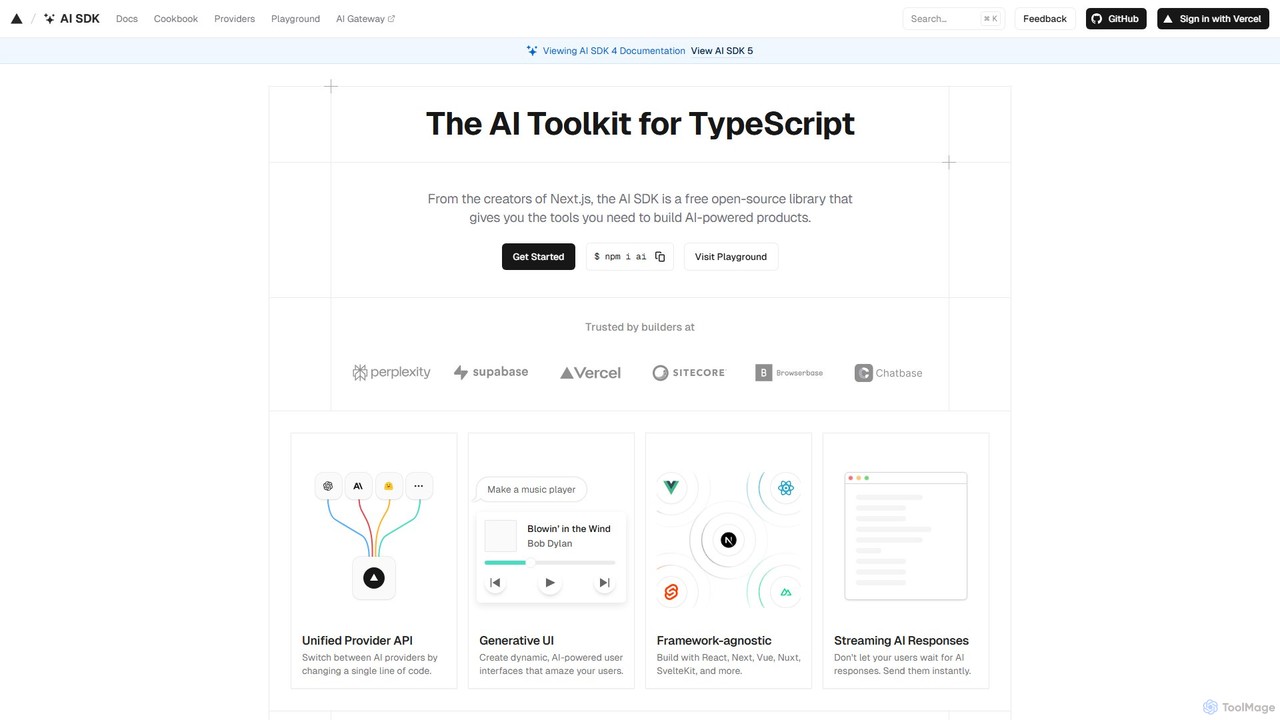
AI SDK
AI SDK by Vercel is a free, open-source TypeScript toolkit for building AI-powered applications. It provides a unified API to seamlessly integrate various large language models (LLMs) like OpenAI, Google, and Anthropic. It simplifies development with features like streaming responses, generative UI components, and tool calling, enabling developers to build and ship AI features faster across frameworks like Next.js, React, and Svelte.
Library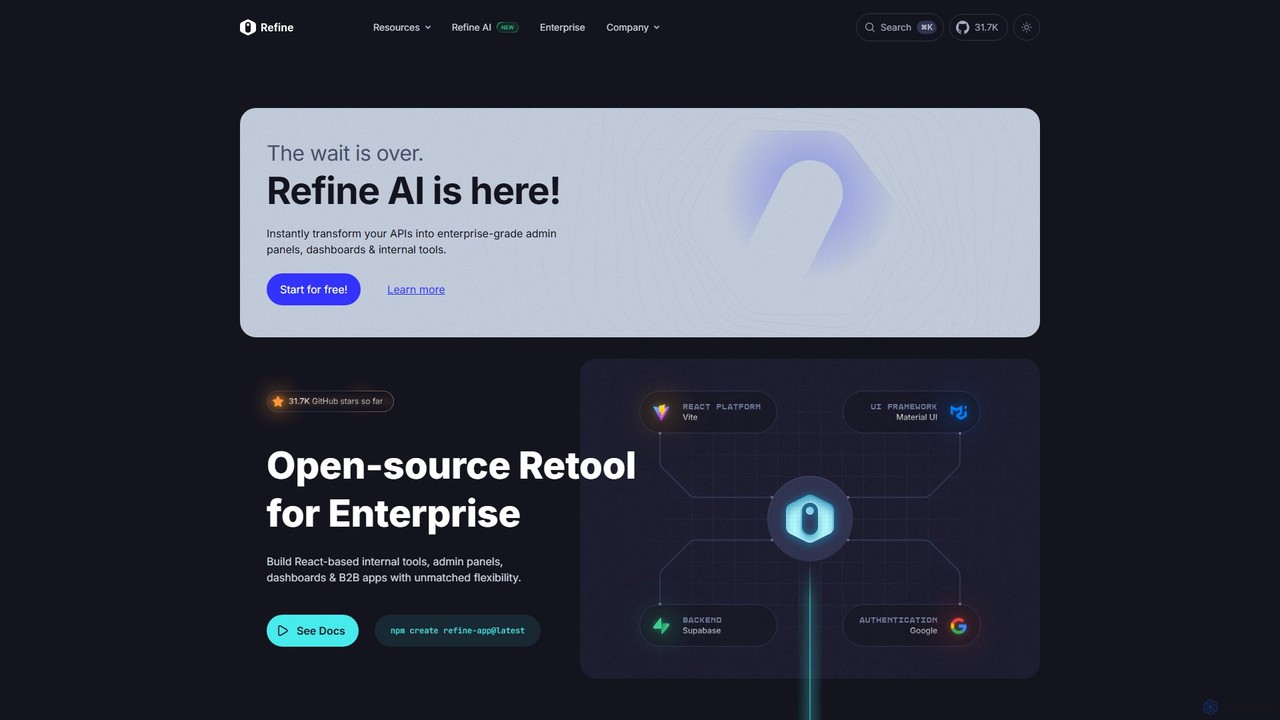
Refine
Refine is an open-source, React-based framework for rapidly building enterprise-grade internal tools, admin panels, dashboards, and B2B applications. It combines the speed of low-code solutions with the flexibility of full-code development, featuring an AI-powered generator to instantly create applications from APIs.
Internal Tools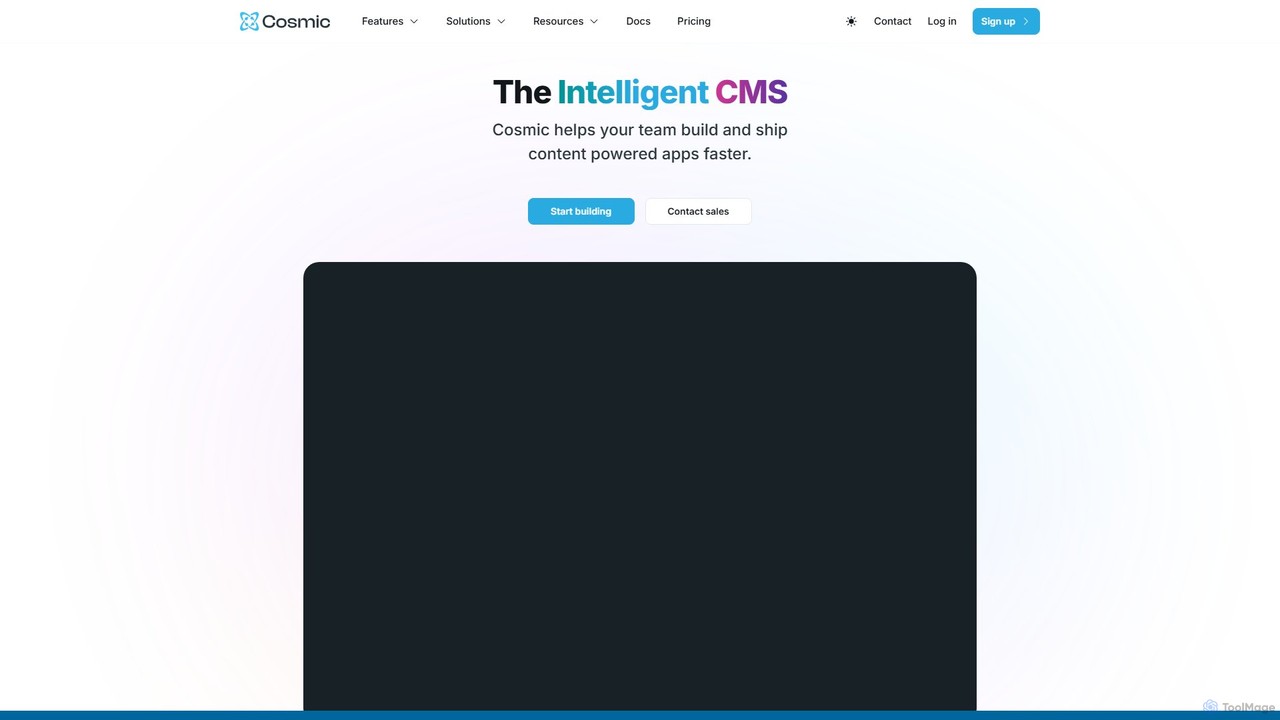
Cosmic
Cosmic is an intelligent, API-first headless CMS designed to accelerate application development. It empowers developers with flexible APIs and SDKs, while providing content creators with an intuitive editor and AI-powered tools for content generation, translation, and optimization. Cosmic streamlines collaboration, enabling teams to build and ship content-powered apps faster.
Headless Cms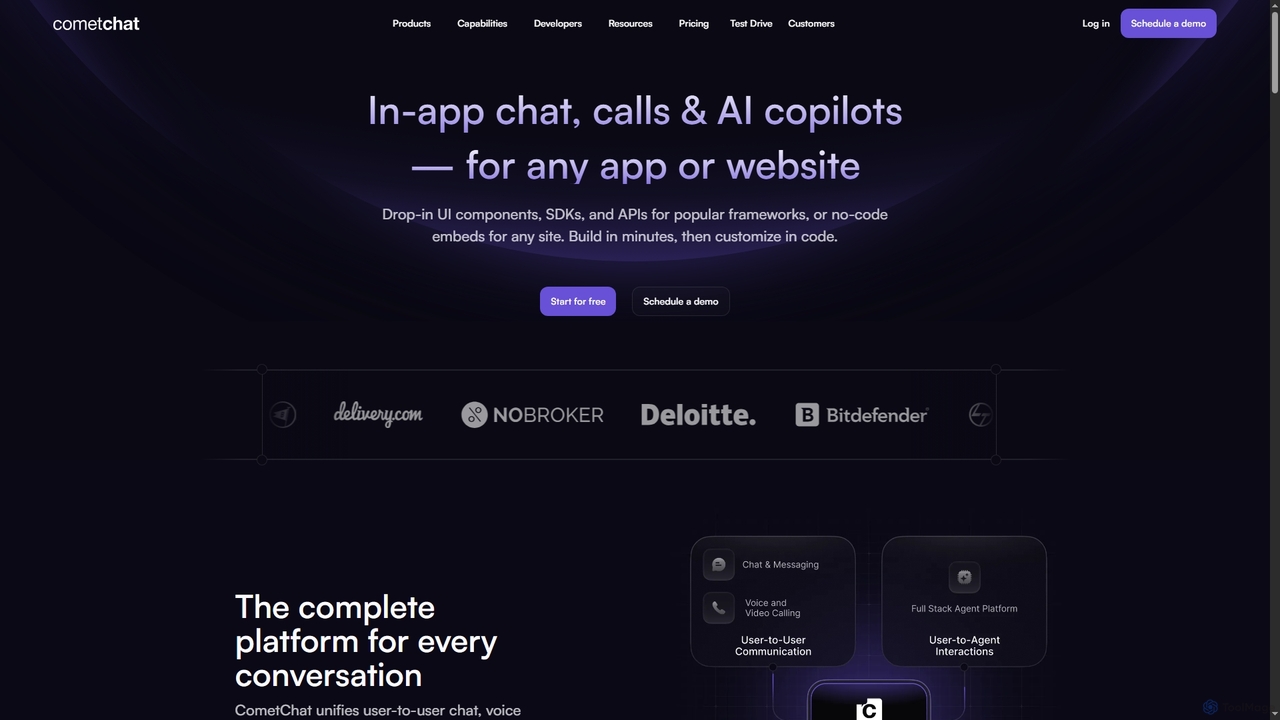
CometChat
CometChat provides a complete communication platform with in-app chat, voice, and video call SDKs & APIs. It also offers a full-stack solution for deploying, monitoring, and evolving user-facing AI agents and copilots, all built on a secure, scalable, and compliant infrastructure.
Chatbot Development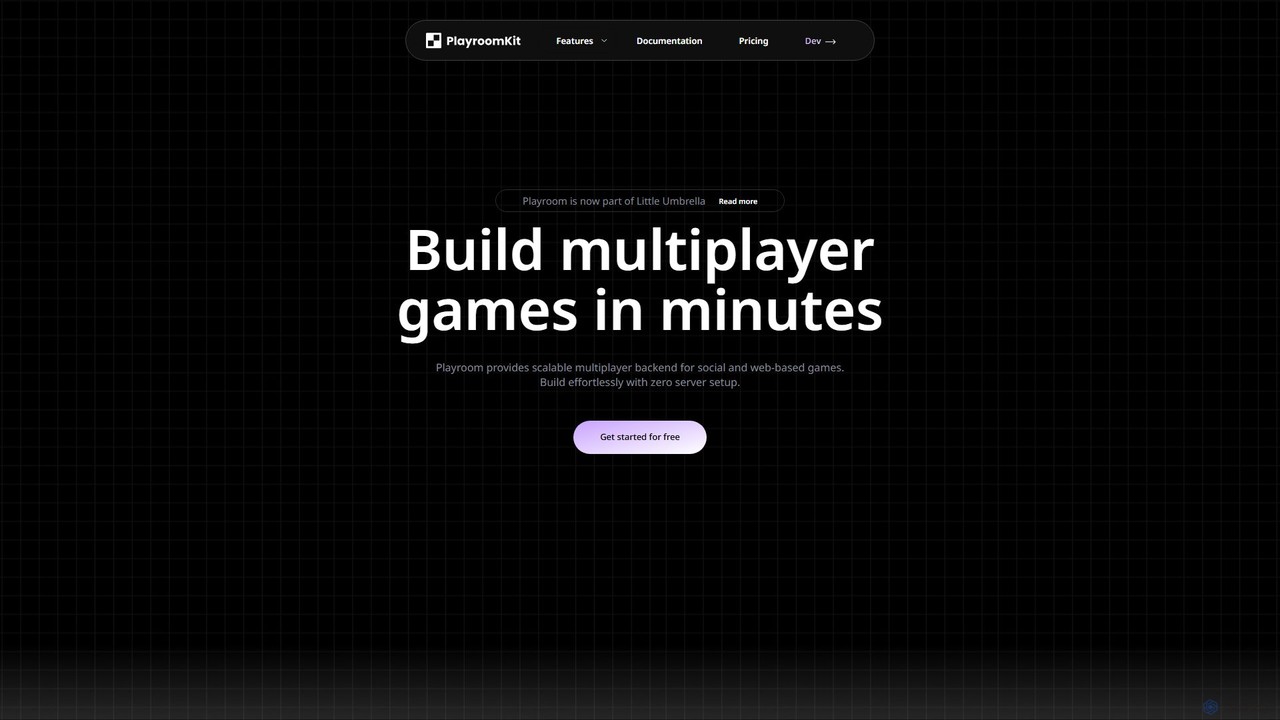
Playroom
Playroom is a serverless backend platform designed for developers to build and scale multiplayer web and social games in minutes. It eliminates the need for complex server setup and management by providing a low-latency, auto-scaling infrastructure, a simple SDK, and pre-built modules for features like lobbies, chat, and AI-powered content generation.
Backend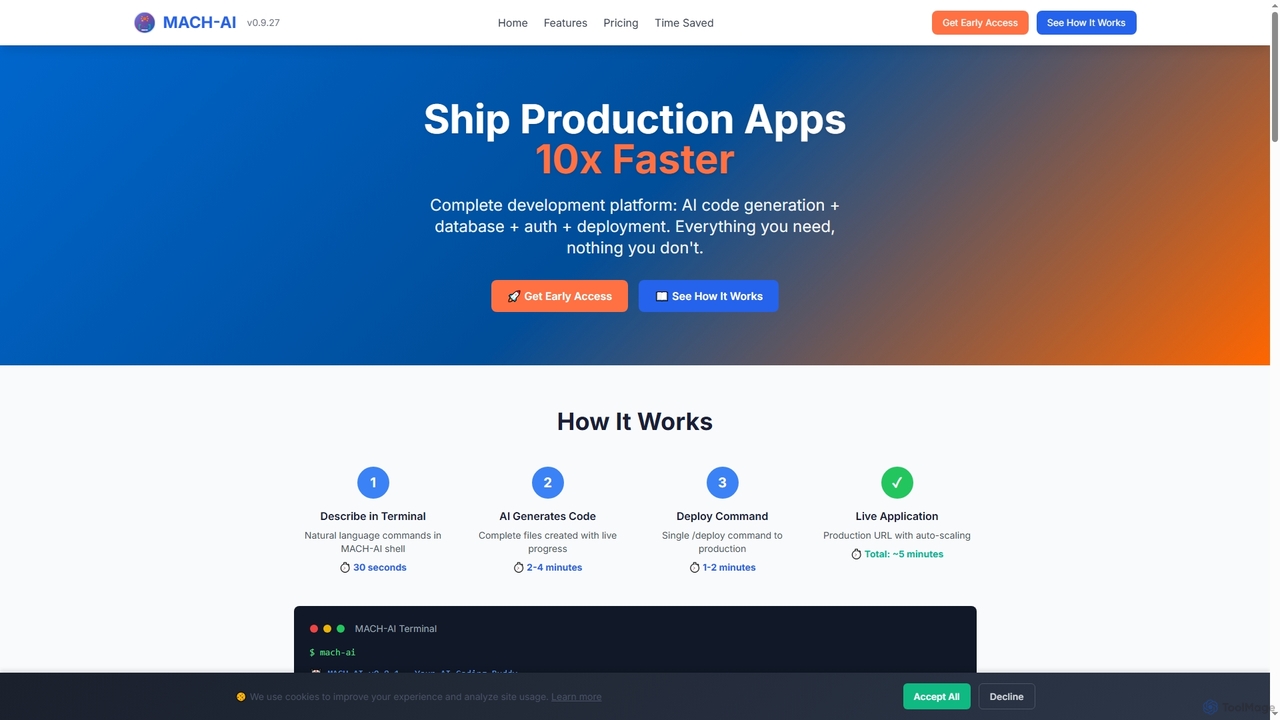
MACH-AI
MACH-AI is an AI coding assistant and complete development platform that transforms concepts into production-ready cloud applications in minutes. It integrates AI code generation, built-in database, authentication, and one-command deployment, enabling developers to build and launch scalable web applications 10x faster across Python, JavaScript, and TypeScript.
Application Deployment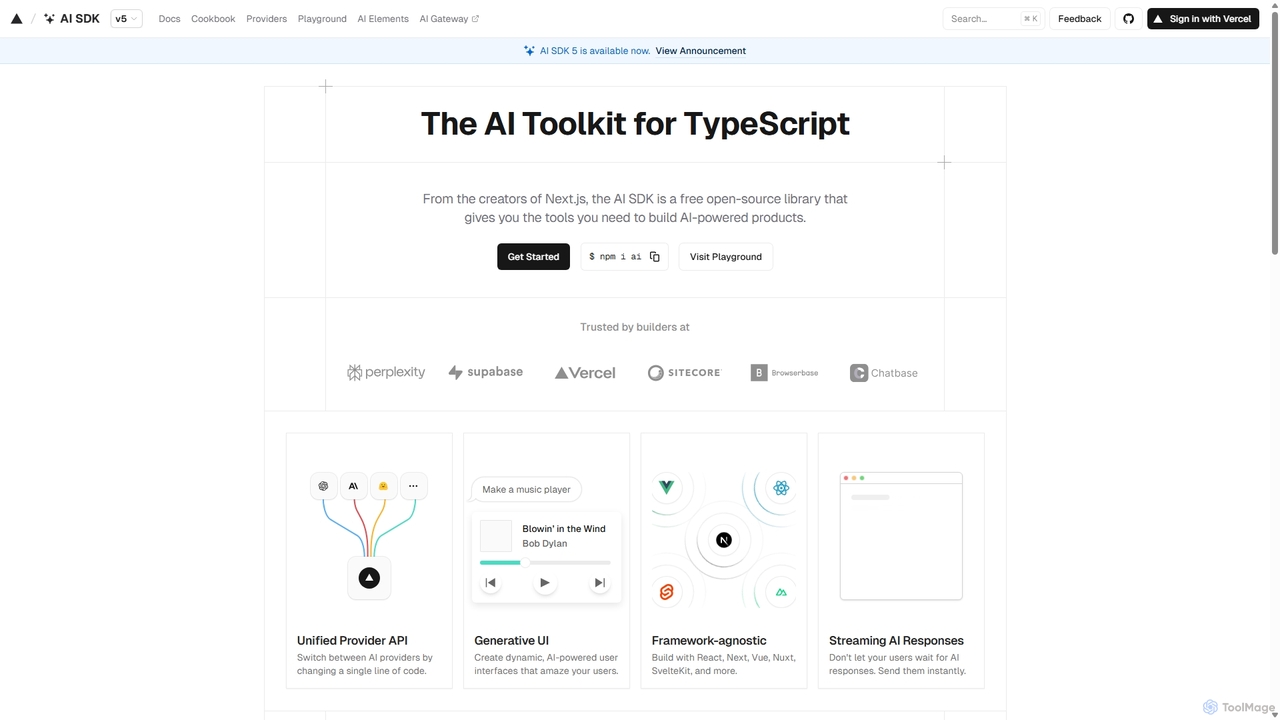
AI SDK
AI SDK by Vercel is a free, open-source TypeScript toolkit designed to help developers build AI-powered applications. It provides a unified API to seamlessly integrate with various large language models like OpenAI, Anthropic, and Google Gemini. The SDK is framework-agnostic, supporting React, Next.js, Vue, Svelte, and more, enabling the creation of features like streaming responses and generative UIs with minimal effort.
Model Integration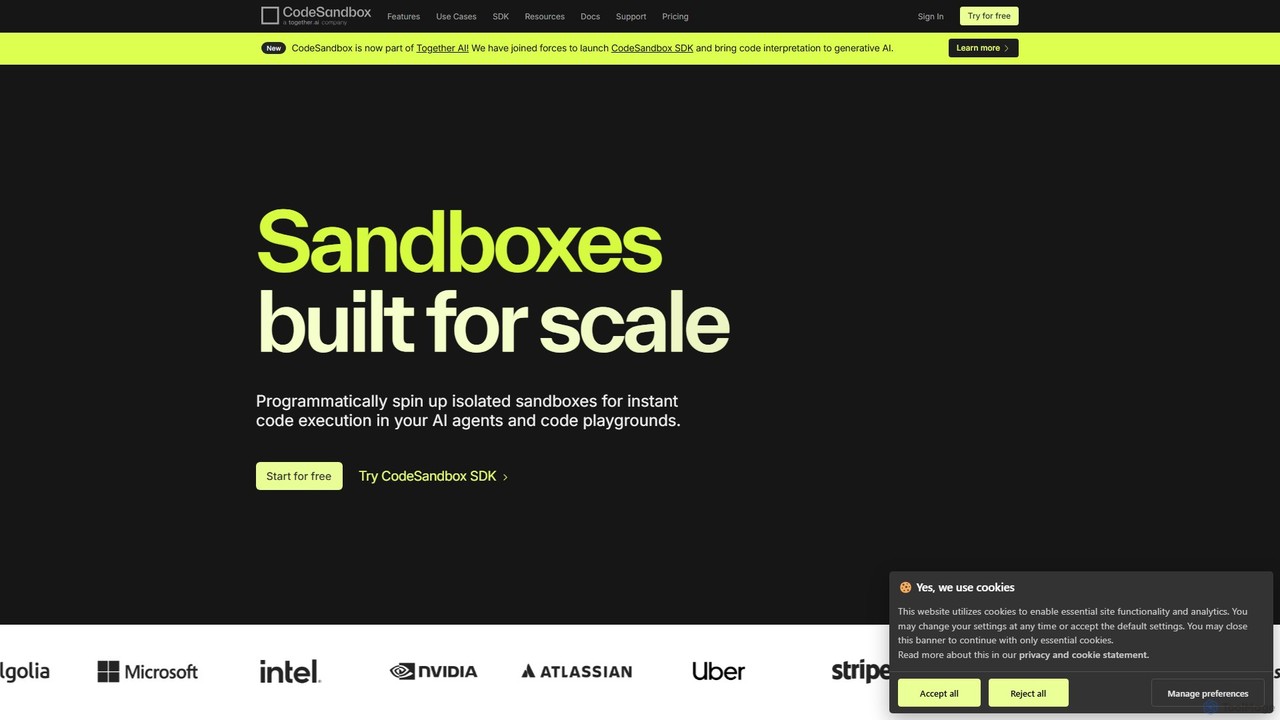
CodeSandbox
CodeSandbox is an instant cloud development environment that enables developers to build, share, and collaborate on web applications. It provides scalable, secure sandboxes for any project, from quick prototypes to full-stack applications, and now features a powerful SDK for integrating code execution into AI agents.
Code Generation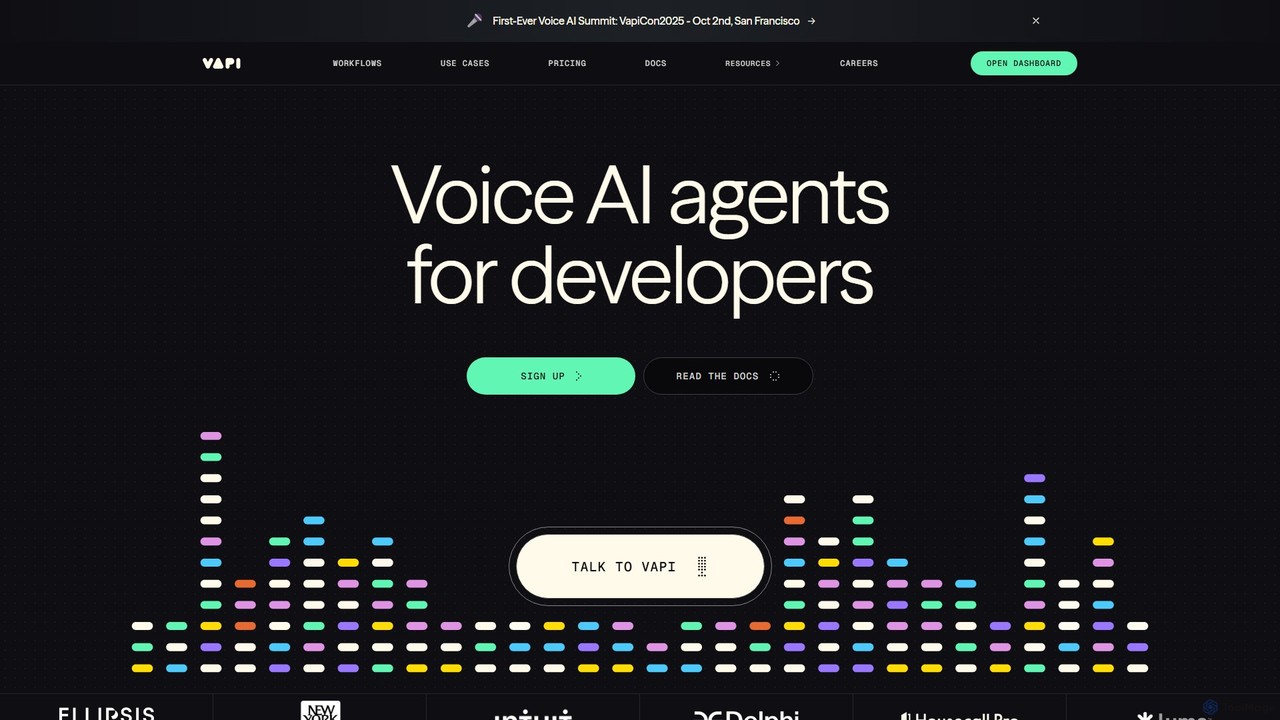
Vapi
Vapi is a developer-first API platform for building, deploying, and scaling advanced, human-like voice AI agents. It enables the creation of sophisticated conversational AI for inbound/outbound calls, in-app assistants, and more, with ultra-low latency and high configurability.
Voice Assistant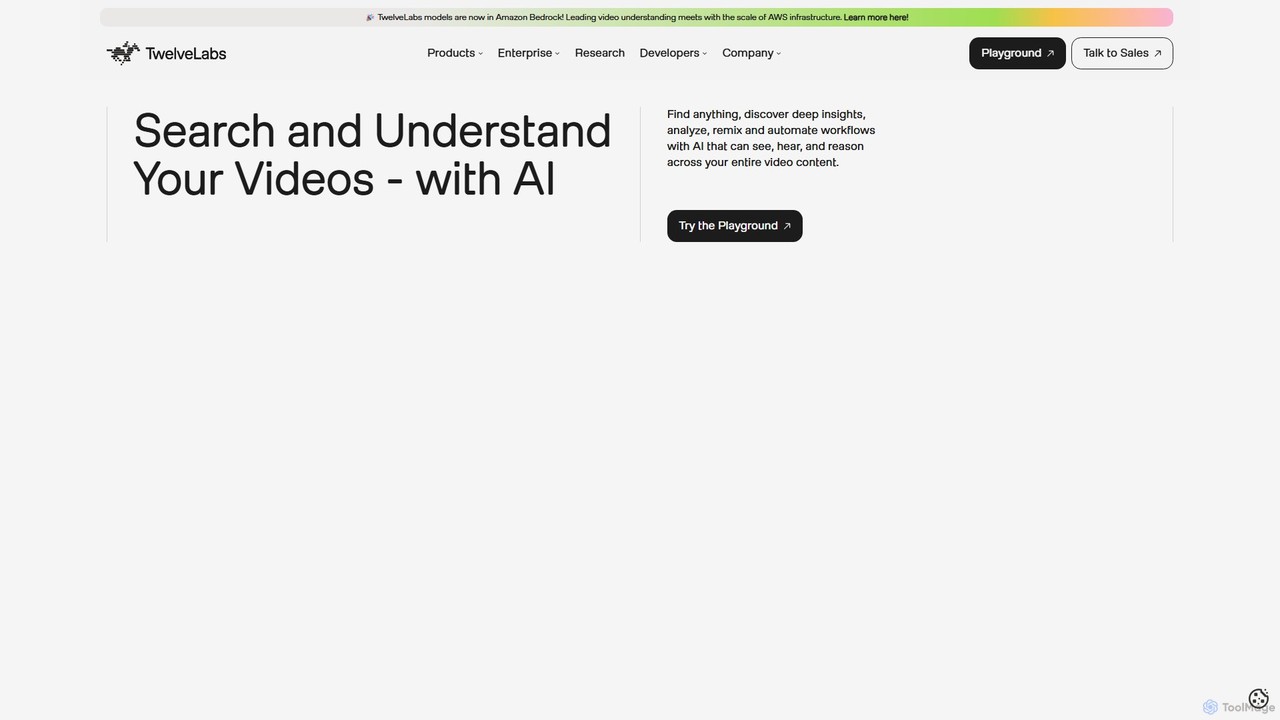
TwelveLabs
TwelveLabs is a powerful multimodal AI platform for video understanding. It provides APIs and SDKs for developers to build applications that can search, analyze, and generate text from video content. By understanding visuals, audio, and speech, it unlocks deep insights from large video libraries.
Api & Sdk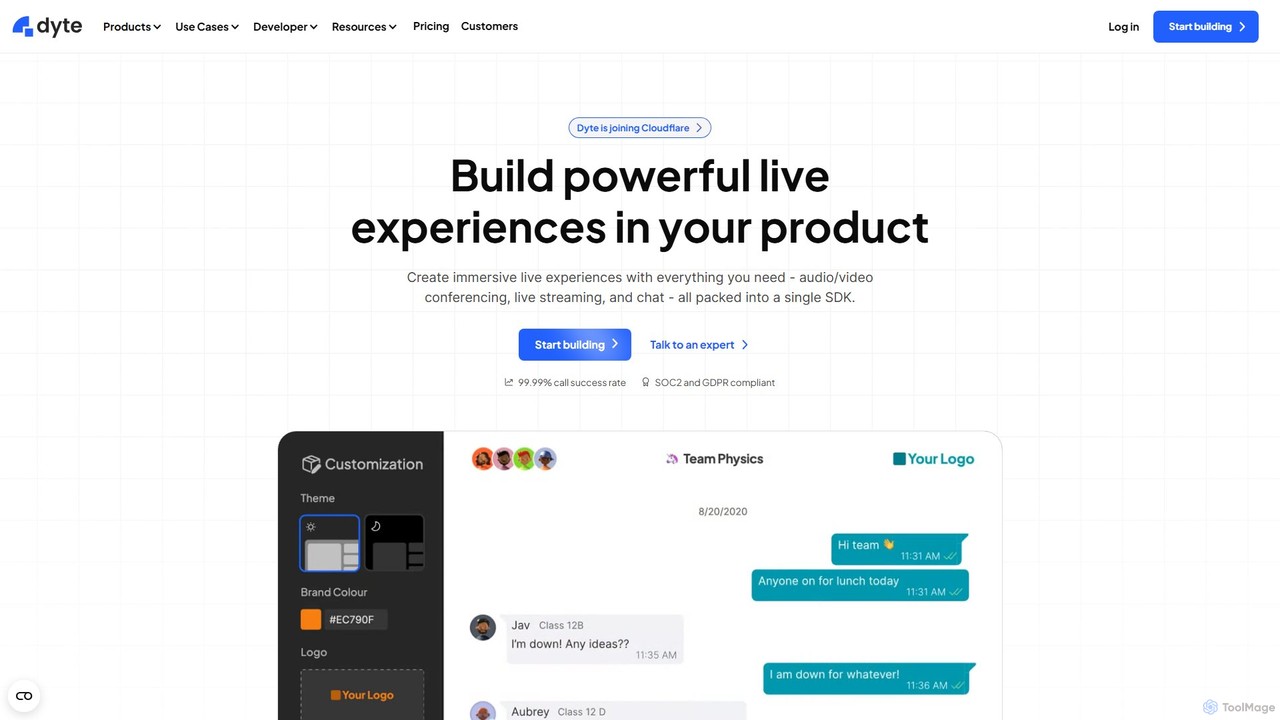
Dyte
Dyte is a developer-focused SDK platform for easily embedding high-quality, customizable, and secure live video and audio experiences into any application. It provides pre-built UI components, powerful plugins, and a robust backend, enabling developers to build interactive communication features for industries like telehealth, ed-tech, and virtual events with minimal effort, all while prioritizing security with SOC2 and HIPAA compliance.
Api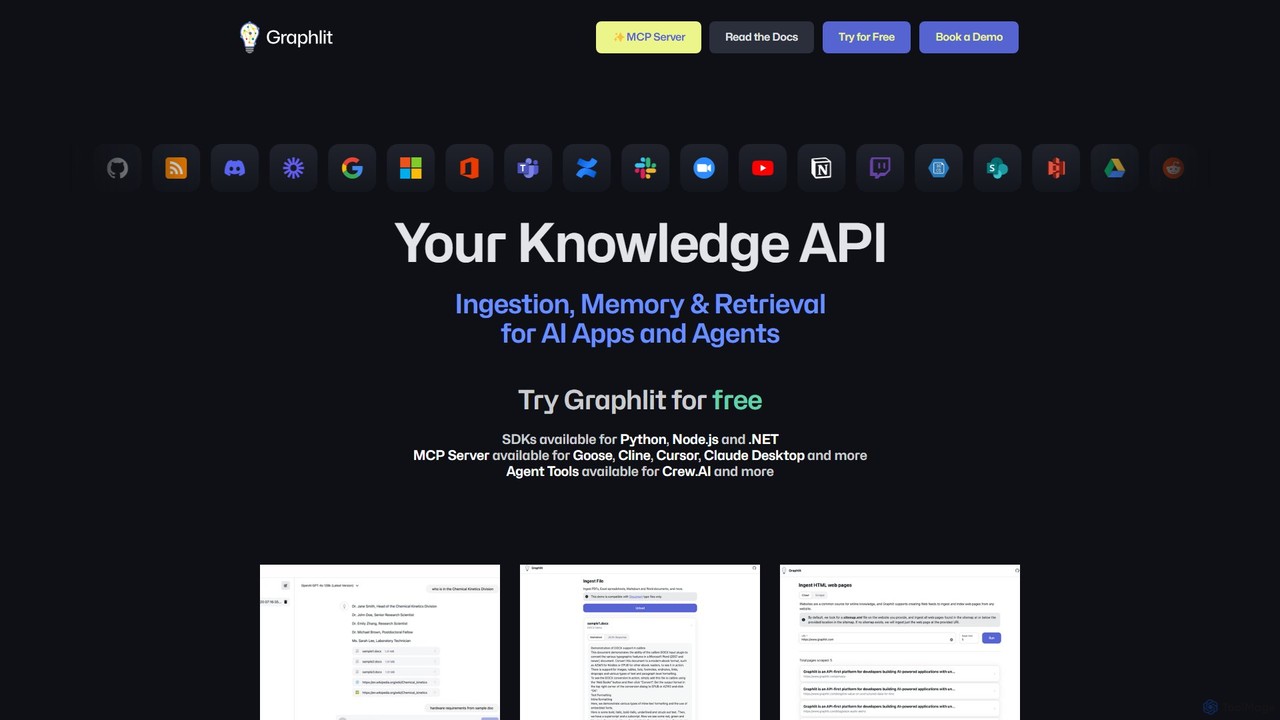
Graphlit
Graphlit is a developer-focused Knowledge API platform for building AI applications and agents. It streamlines the ingestion, memory, and retrieval of unstructured data from any source, offering a powerful RAG-as-a-Service solution. With SDKs for major languages and tools for AI agent integration, it simplifies the creation of sophisticated AI systems.
Rag
Liveblocks Comments (0)
Sign in to comment.
Sign inNo comments yet.