

Playroom Overview
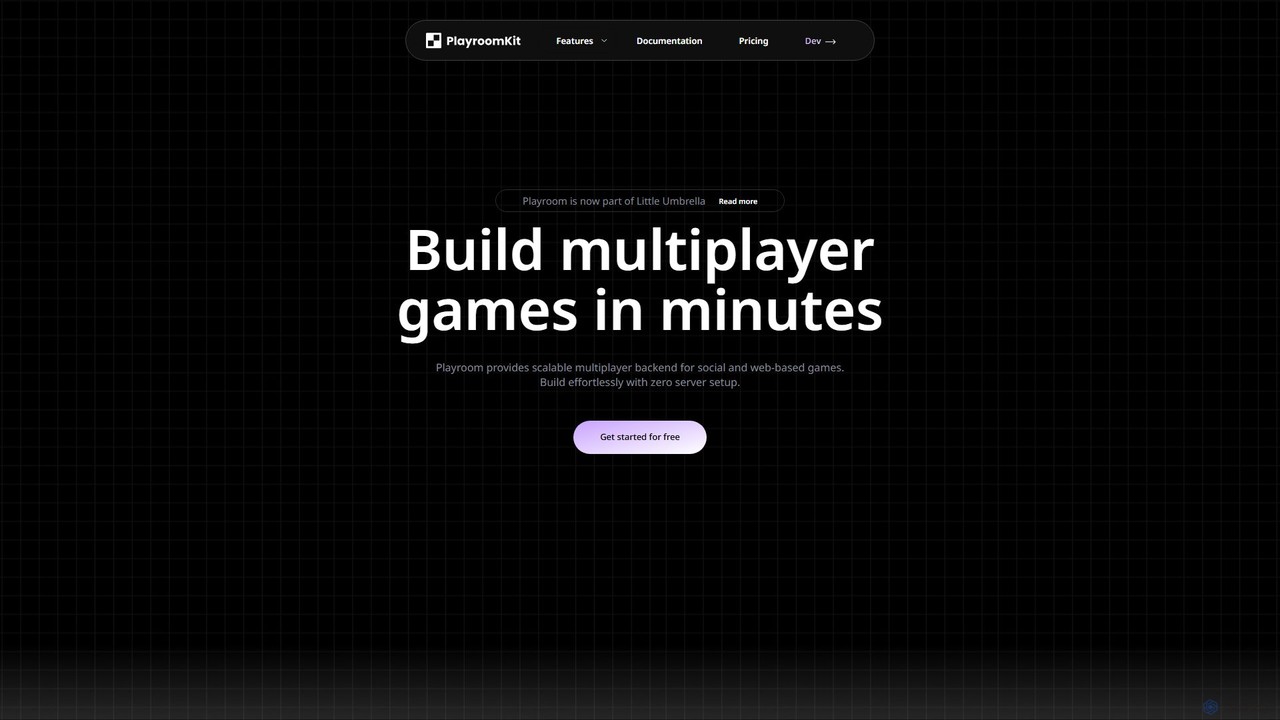
Playroom is a powerful and scalable multiplayer backend designed to empower developers of all sizes to create the next generation of social and web-based games effortlessly. As part of Little Umbrella, Playroom handles the complexities of server infrastructure, networking protocols, and real-time data synchronization, allowing creators to focus entirely on game design and user experience. With its serverless architecture, developers can launch games with zero server setup, benefiting from a global edge network that ensures low latency for players worldwide.
How to use Playroom
Getting started with Playroom is designed to be quick and intuitive. The process involves just a few lines of code to integrate multiplayer functionality into any game engine.
- Installation: Begin by installing the Playroom Kit package into your project using npm:
npm install --save playroomkit. - Initialization: Use the
insertCoin()function to initiate the connection. This function sets up the player lobby UI and ensures all players are connected in the same game room before the game starts. - State Management: Playroom provides simple React-like hooks to manage player and game state. Use
usePlayersList()to get an array of all players in the room. To manage an individual player's state (like position or direction), use theusePlayerState(player, key, initialValue)hook. Any change made using the setter function is automatically synchronized across all clients in real-time. - Host Logic: Typically, one player is designated as the host. The host can run game logic, such as physics calculations, based on the states of all players and then update the shared state for everyone to see.
Playroom's SDK is compatible with a wide range of popular engines and frameworks, including React, Unity, Three.js, Godot, Phaser, and more, making it a versatile choice for any web game project.
Core Features of Playroom
- Zero Backend Setup: A completely serverless architecture means no backend code to write, manage, or monitor. Playroom handles all server-side operations automatically.
- Low-Latency Networking: The platform intelligently switches between WebRTC and WebSockets to achieve optimal performance, delivering latency as low as
- Global Edge Network: With servers in over 300 cities across 120+ countries, Playroom automatically connects players to the nearest server, minimizing lag and ensuring global scalability.
- Simple State Synchronization: A straightforward API for setting and getting game state, which is automatically synced across all players and devices.
- AI-Powered Content: Integrate AI to generate limitless game content. Playroom offers APIs for AI asset generation and text/voice generation through OpenAI, enabling dynamic and ever-evolving game worlds.
- Comprehensive Toolkit & Integrations: Ship faster with pre-built modules for lobbies, chat, joysticks, gamepads, moderation, and more. These components can be seamlessly integrated into any game.
- Open-Source Templates: Kickstart your project with an expanding library of open-source game templates and cross-platform resources.
Use Cases for Playroom
Playroom is versatile enough to power a wide variety of multiplayer experiences:
- Real-Time Casual Games: Quickly build and deploy fast-paced mobile and web games that require instant player interaction.
- Social Worlds: Create immersive social environments with customizable avatars, in-game chat, and persistent player states.
- Interactive Streaming Games: Develop games that integrate with streaming platforms, allowing audiences to participate and influence the gameplay through multi-user and multi-device inputs.
- AI-Driven Games: Build games with procedurally generated content, dynamic NPCs, and evolving narratives powered by AI.
- Embedded Games: Integrate multiplayer experiences directly into websites or applications, bringing hundreds of users together simultaneously.
- Asynchronous & Turn-Based Games: The state management system is also perfect for creating turn-based games where player actions are synced sequentially.
Advantages of Playroom
By abstracting away the most challenging aspects of multiplayer development, Playroom offers significant advantages. It dramatically saves development and maintenance time, eliminating the need to manage WebSocket, TCP, and WebRTC protocols or monitor servers. This accelerates the development cycle, facilitates rapid playtesting, and allows even small teams or solo developers to create large-scale multiplayer games that were previously only feasible for major studios. The auto-scaling infrastructure ensures your game can handle any number of players without manual intervention, providing reliability and peace of mind.
Pricing and Plans
Playroom offers a flexible pricing model based on Monthly Active Users (MAU) per game, making it accessible for projects of all sizes.
- Hobby Plan (Free): Ideal for non-commercial projects and learning. Requires no API key or credit card to get started.
- Starter Plan ($10/month): Includes 15,000 MAU, unlimited Concurrent Users (CCU), and auto global scaling. Additional users are priced at $0.003 each.
- Studio Plan ($150/month): Designed for growing games, this plan offers 200,000 MAU, unlimited CCU, priority support, and a lower rate of $0.002 for additional users.
- Enterprise Plan (Custom): For games with over 1 million MAU, this plan provides volume pricing, a team dashboard, dedicated Slack support, and priority access to new features.
Advanced modules like the Sync'd Chat Kit, Voice Kit, and AI Generator APIs are available with usage-based pricing on top of the monthly plans.
Traffic
Latest traffic
Status
Monthly traffic trend
- 2025-9: 11.6K
- 2026-1: 16.9K
- 2026-2: 10.6K
- 2026-3: 12.1K
- 2026-4: 7.1K
- 2026-5: 8.2K
Geography
Top 5 countries / regions
- 🇺🇸United States50.8%
- 🇮🇳India23.5%
- 🇪🇸Spain9.5%
- 🇧🇷Brazil8.8%
- 🇵🇱Poland7.4%
Top keywords
| Keyword | Cost per click |
|---|---|
| death by ai | $0.00 |
| death by ai - party game | $0.00 |
| playroom | $1.33 |
| playroom kit | $0.00 |
| playroom net | $0.00 |
Playroom Videos on YouTube





Playroom Alternatives
Supabase
Supabase is an open-source Firebase alternative, providing a complete backend solution built on Postgres. It offers a suite of tools including a database, authentication, instant APIs, edge functions, real-time subscriptions, storage, and vector embeddings to accelerate application development from prototype to production.
Backend
Convex
Convex is a backend-as-a-service platform for web developers, offering a reactive TypeScript database that simplifies building full-stack, real-time applications. It provides serverless functions, file storage, and vector search with end-to-end type safety, making it a powerful, developer-friendly alternative to Firebase.
Backend
Rivet
Rivet is an open-source library for developers building scalable, real-time applications with durable state. It provides long-lived, stateful compute "actors" that simplify complex tasks like creating AI agents, collaborative apps, and multiplayer games. With features like built-in real-time communication, fault tolerance, and edge deployment, Rivet offers a powerful, self-hostable alternative to services like Cloudflare Durable Objects.
Backend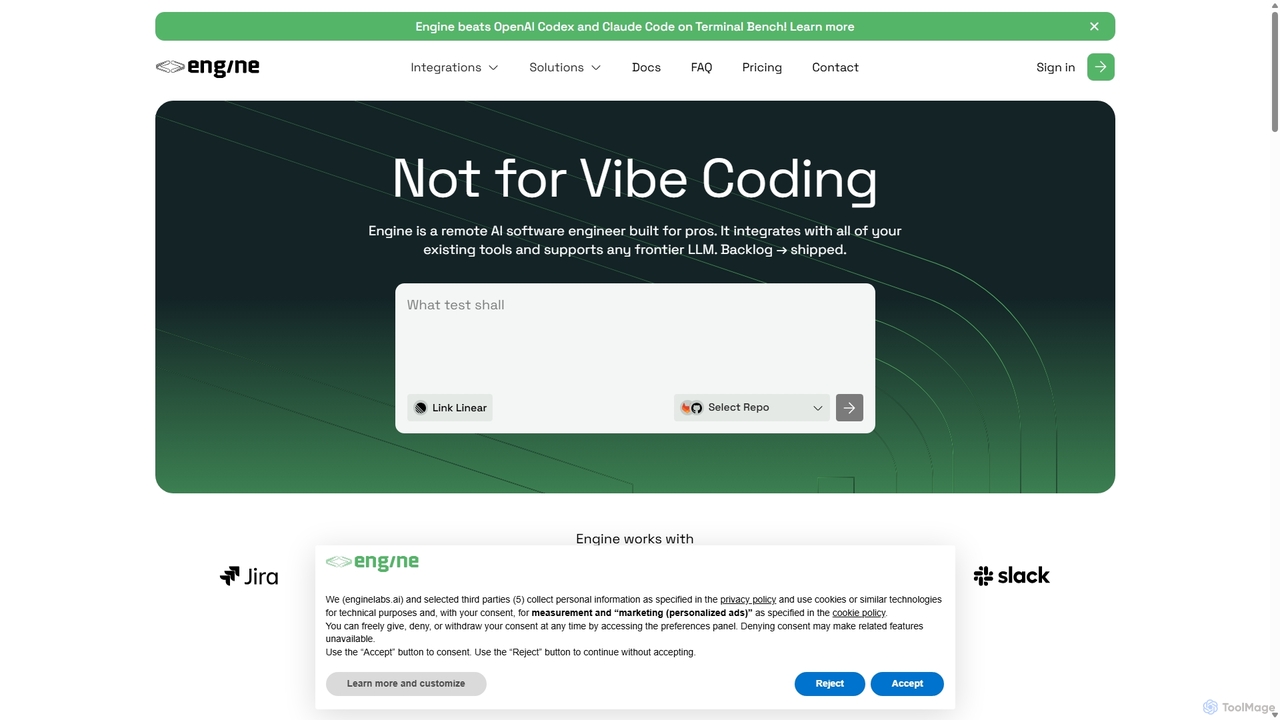
Backengine
Backengine is a platform that enables developers to build and deploy scalable, LLM-powered backend APIs in minutes. Define your API logic using natural language prompts and let Backengine handle the entire serverless infrastructure, from deployment to auto-scaling.
Api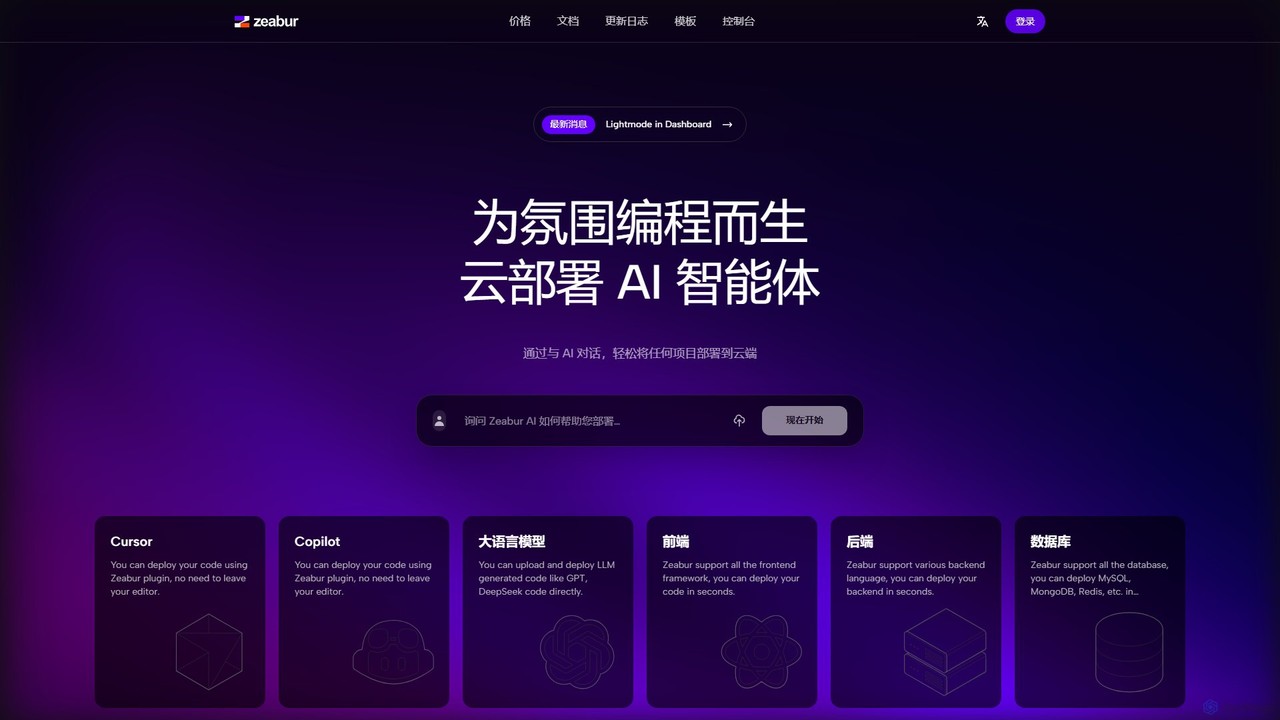
Zeabur
Zeabur is an AI-powered deployment platform (PaaS) designed for developers. It enables one-click deployment for any project, including front-end, back-end, databases, and AI agents, directly from code or through conversational AI. Featuring a pay-as-you-go model, automatic configuration, and auto-scaling, Zeabur simplifies cloud infrastructure, allowing developers to focus solely on coding.
DeploymentPlayroom Categories
Playroom Embed Widget
Copy this embed code to place the badge on your blog, article, or product site and send readers directly to this ToolMage detail page.

Related AI tools
Liveblocks
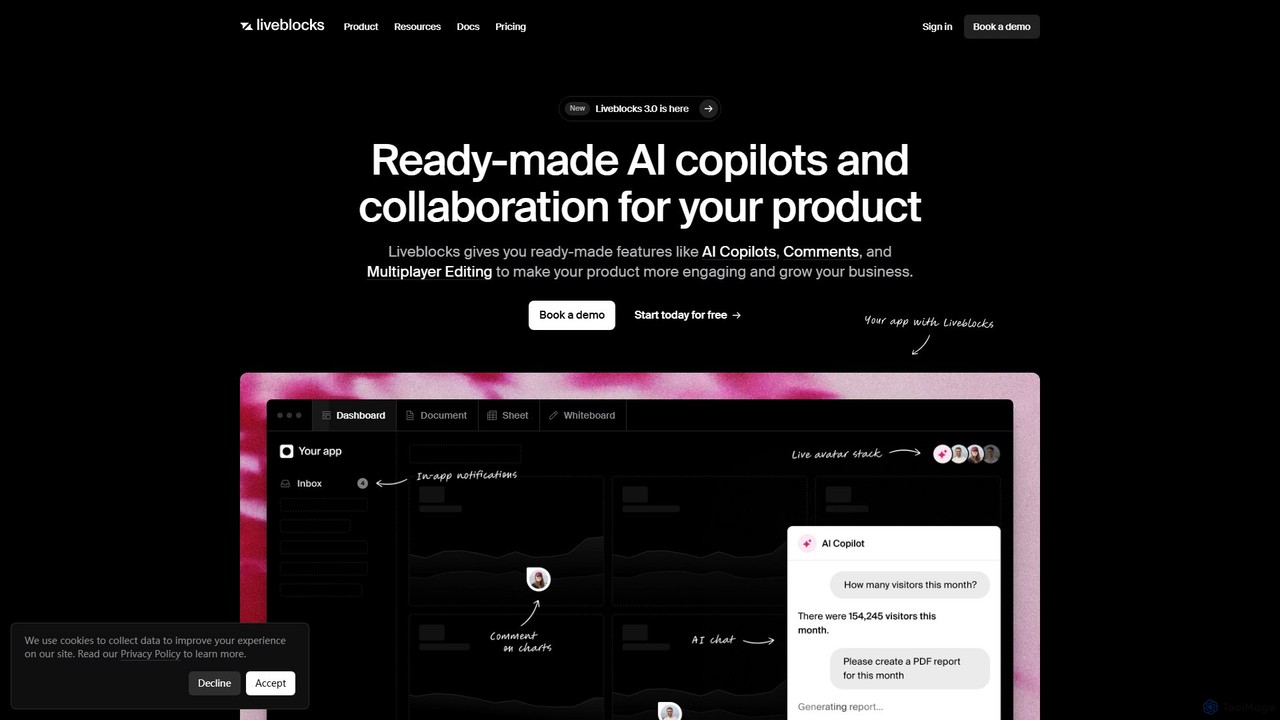
Liveblocks is a developer platform providing ready-made APIs and components to quickly build real-time collaborative experiences and AI copilots into any product. It handles the complex infrastructure for features like multiplayer editing, comments, and AI chat, allowing teams to ship faster and increase user engagement.
Ai Development
Hypi
Hypi is a low-code platform designed to accelerate application development. It provides a serverless backend, instant GraphQL APIs, and real-time data synchronization, enabling developers and businesses to build and scale applications faster and more efficiently without managing infrastructure.
Backend As A Service (Baas)Convex
Convex is a backend-as-a-service platform for web developers, offering a reactive TypeScript database that simplifies building full-stack, real-time applications. It provides serverless functions, file storage, and vector search with end-to-end type safety, making it a powerful, developer-friendly alternative to Firebase.
BackendRivet
Rivet is an open-source library for developers building scalable, real-time applications with durable state. It provides long-lived, stateful compute "actors" that simplify complex tasks like creating AI agents, collaborative apps, and multiplayer games. With features like built-in real-time communication, fault tolerance, and edge deployment, Rivet offers a powerful, self-hostable alternative to services like Cloudflare Durable Objects.
BackendBackengine
Backengine is a platform that enables developers to build and deploy scalable, LLM-powered backend APIs in minutes. Define your API logic using natural language prompts and let Backengine handle the entire serverless infrastructure, from deployment to auto-scaling.
Api
LiveKit
LiveKit is an all-in-one, open-source platform for building, deploying, and scaling real-time voice and video AI agents. It provides ultra-low latency infrastructure, powerful APIs, and state-of-the-art AI tools to enable developers to create conversational AI, robotics, and live streaming applications with enterprise-grade reliability and scalability.
Real Time Communication
Back4app
Back4app is an AI-powered, low-code Backend-as-a-Service (BaaS) platform that simplifies application development. It enables developers to launch scalable backends in minutes, handling infrastructure complexities like databases, APIs, authentication, and storage. With its AI Agent, ready-to-use components, and extensive SDK support, Back4app accelerates the development process, allowing teams to build faster and scale without limits for both web and mobile applications.
Backend As A Service (Baas)
SurrealDB
SurrealDB is a next-generation, multi-model cloud database designed for modern applications. It simplifies backend development by unifying document, relational, graph, and time-series models with built-in full-text search, vector search, and in-database machine learning. Built for scalability and real-time data, it empowers developers to build complex, AI-powered applications with unprecedented ease and speed.
Vector DatabaseZeabur
Zeabur is an AI-powered deployment platform (PaaS) designed for developers. It enables one-click deployment for any project, including front-end, back-end, databases, and AI agents, directly from code or through conversational AI. Featuring a pay-as-you-go model, automatic configuration, and auto-scaling, Zeabur simplifies cloud infrastructure, allowing developers to focus solely on coding.
Deployment
BuildShip
BuildShip is a low-code, AI-powered platform for visually building backend workflows, APIs, and scheduled jobs. Connect any AI model, database, or tool using a drag-and-drop interface or natural language prompts. Go from idea to a scalable, production-ready backend in minutes, with the flexibility to use JavaScript/TypeScript for advanced customization. Ideal for developers and creators alike.
Api
Rowy
Rowy is an open-source, low-code platform that provides an Airtable-like UI for Firebase and Google Cloud. It empowers users to manage databases, build cloud functions, and automate workflows with the simplicity of a spreadsheet, combined with the power of custom code.
Backend
8base
8base is an AI-powered low-code development platform that transforms the entire software development lifecycle. It features Archie, an AI Product Architect, to design applications from simple prompts, and a robust Backend-as-a-Service (BaaS) to generate scalable backends with a GraphQL API. Ideal for developers, agencies, and enterprises, 8base accelerates development, reduces costs, and simplifies infrastructure management, enabling teams to build and deploy applications faster than ever.
Backend
Koxy AI
Koxy AI is a no-code platform for building AI-powered, serverless back-ends. It enables developers and creators to build globally distributed, fast, and scalable applications by integrating with over 80,000 AI models, a real-time No-SQL database, and custom cloud functions without writing complex back-end code.
Backend
SteerCode
SteerCode is an AI-powered development platform that transforms your ideas into functional websites, apps, and games using simple text prompts. Designed for builders of all skill levels, it eliminates the need for traditional coding. Just describe what you want to create, and watch the AI build it in real-time, right from your browser, even on your phone.
App Builder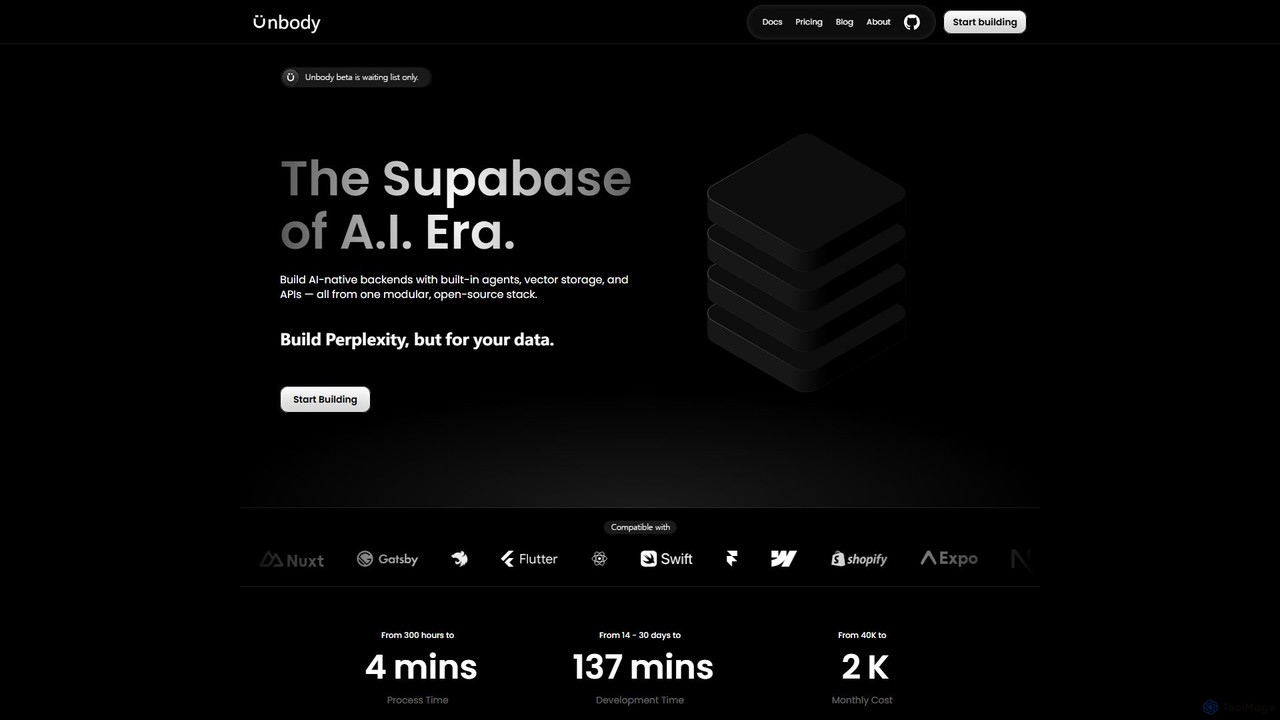
Unbody
Unbody is an AI-native development stack, described as the "Supabase of the AI Era." It provides developers with a modular, open-source backend featuring built-in agents, vector storage, and a unified API. This allows for the rapid and cost-effective creation of intelligent, adaptive applications by transforming any data into a queryable knowledge base, eliminating the need for fragmented systems and complex AI pipelines.
Vector Database
Playroom Comments (0)
Sign in to comment.
Sign inNo comments yet.