

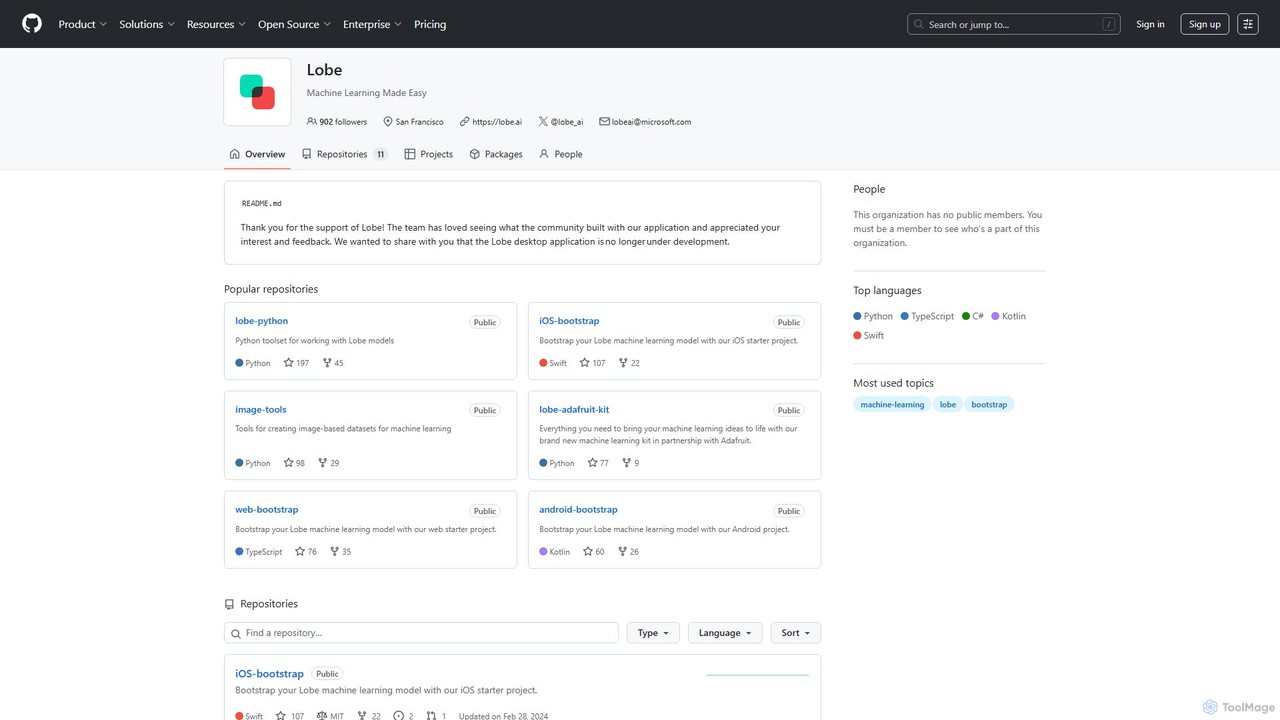
Lobe Overview
Lobe is a free, intuitive desktop application developed by Microsoft that empowers users to create custom machine learning models with ease. Designed for simplicity, it allows anyone, from students and hobbyists to developers and data scientists, to bring their AI ideas to life without writing a single line of code. The application focuses on making machine learning accessible, particularly in the domain of image classification. Although the Lobe desktop application is no longer under active development, it remains a powerful and widely used tool for learning, prototyping, and building simple AI-powered applications.
The core philosophy of Lobe is to abstract away the complexities of machine learning. Users can simply collect and label images, and Lobe automatically selects the best model architecture and trains it on your local machine. This local training process ensures that your data remains private and secure. Once trained, the model can be easily exported for use in a variety of applications and platforms.
How to use Lobe
Using Lobe follows a simple, three-step workflow: Label, Train, and Ship.
- Label Your Images: Begin by creating a new project and importing your images. You can drag and drop folders of images directly into the app. Then, you create categories (labels) and sort your images into the appropriate ones. The interface is highly visual and intuitive, making the labeling process quick and efficient.
- Train Your Model: Once you have labeled a sufficient number of images for each category, simply click the 'Train' button. Lobe takes over from here, automatically selecting a suitable machine learning model (often using transfer learning from state-of-the-art architectures) and training it on your dataset. The training happens in the background, and you can see the model's accuracy improve in real-time without needing to configure any complex parameters.
- Test and Export: After training is complete, you can interactively test your model's performance in the 'Play' tab using your webcam or new images. When you are satisfied with the results, you can export the model. Lobe provides optimized models and starter code for various platforms, including iOS (CoreML), Android (TensorFlow Lite), Web (TensorFlow.js), Python, and .NET. This makes integrating your custom AI model into an actual application incredibly straightforward.
Core Features of Lobe
- No-Code Interface: A fully graphical user interface that guides you through the process of creating an ML model without any programming.
- Automated Machine Learning (AutoML): Lobe automatically handles model selection, architecture configuration, and training, removing the need for deep ML expertise.
- Image Classification Focus: Highly optimized for image classification tasks, making it perfect for projects that need to recognize and categorize visual data.
- Real-Time Feedback and Testing: Instantly test your model with a live webcam feed or by importing new images to see how it performs.
- Multi-Platform Export: One-click export to various formats and platforms, including TensorFlow, ONNX, CoreML, with bootstrap projects for iOS, Android, Python, and web apps.
- Local and Private: All data collection, labeling, and training occur on your local machine, ensuring your data remains secure and private.
- Hardware Integration: Provides resources and kits (e.g., in partnership with Adafruit) to deploy models on edge devices like Raspberry Pi for IoT projects.
Use Cases for Lobe
Lobe is versatile and can be used for a wide range of applications, such as:
- Education: Teaching students the fundamentals of machine learning without the steep learning curve of coding.
- Prototyping: Developers can quickly build and test a proof-of-concept for an AI feature before investing significant development time.
- Hobbyist Projects: Creating smart devices like a bird feeder that identifies bird species, a recycling sorter, or a plant health checker.
- Small Business Solutions: Building simple tools for tasks like basic quality control, product categorization, or inventory checks.
Advantages of Lobe
The primary advantage of Lobe is its accessibility. It democratizes AI by removing the technical barriers to entry. Its speed allows for rapid prototyping, turning ideas into functional models in hours instead of weeks. Being a completely free tool makes it an excellent choice for individuals and organizations with limited budgets. Finally, its seamless export options and starter kits significantly accelerate the final step of deploying the model into a real-world application.
Pricing and Plans
Lobe is completely free to download and use. There are no subscriptions, usage limits, or paid features. It is a free tool provided to the community to foster innovation and learning in the field of artificial intelligence.
Traffic
Latest traffic
Status
Monthly traffic trend
- 2026-1: 542.6M
- 2026-2: 534.8M
- 2026-3: 634.3M
- 2026-4: 631.0M
- 2026-5: 636.1M
Geography
Top 5 countries / regions
- 🇺🇸United States36.1%
- 🇨🇳China23.0%
- 🇮🇳India17.4%
- 🇷🇺Russia15.8%
- 🇩🇪Germany7.7%
Traffic sources
| Source type | Percentage |
|---|---|
Direct | 82.1% |
Referral | 16.1% |
Email | 1.7% |
Top keywords
| Keyword | Cost per click |
|---|---|
| github | $1.34 |
| github copilot | $1.68 |
| hermes agent | $3.43 |
| zapret | $0.86 |
| запрет | $0.00 |
Lobe Alternatives
TensorFlow
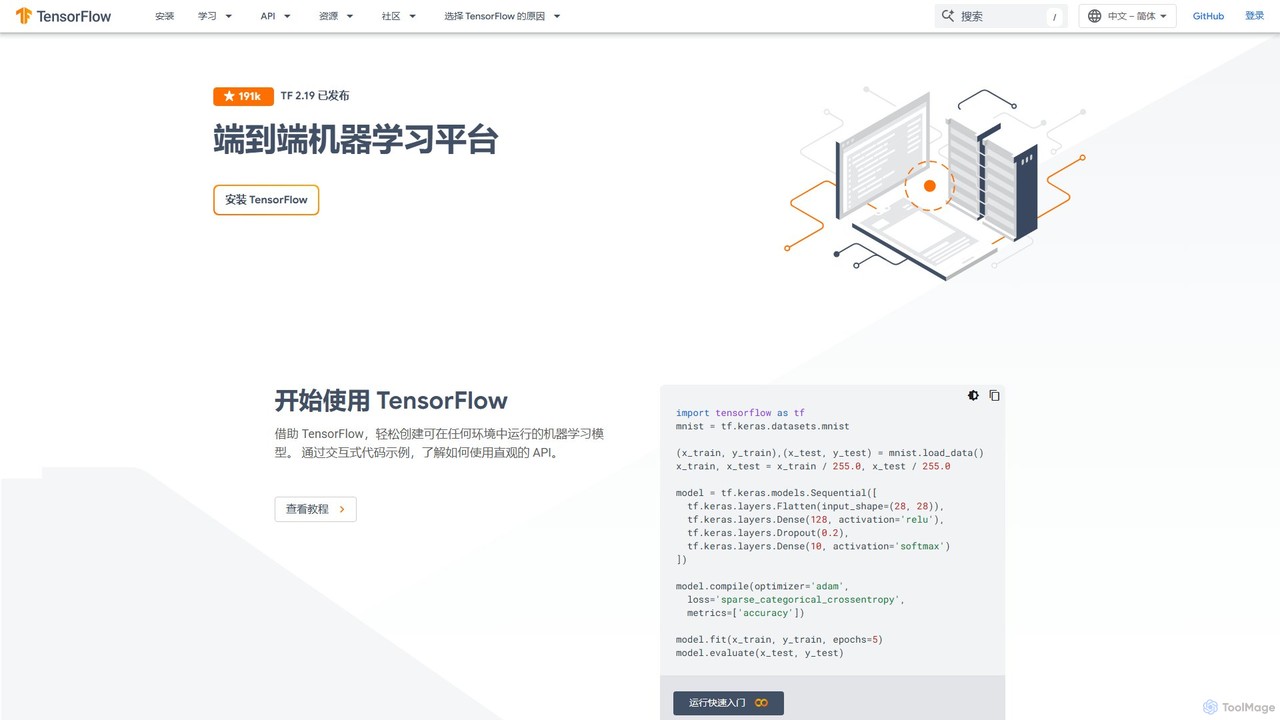
TensorFlow is an end-to-end open-source platform for machine learning developed by Google. It provides a comprehensive, flexible ecosystem of tools, libraries, and community resources that lets researchers and developers build and deploy ML-powered applications. From beginners to experts, TensorFlow offers intuitive high-level APIs for easy model building and powerful low-level APIs for advanced research, enabling deployment across servers, edge devices, and browsers.
Frameworks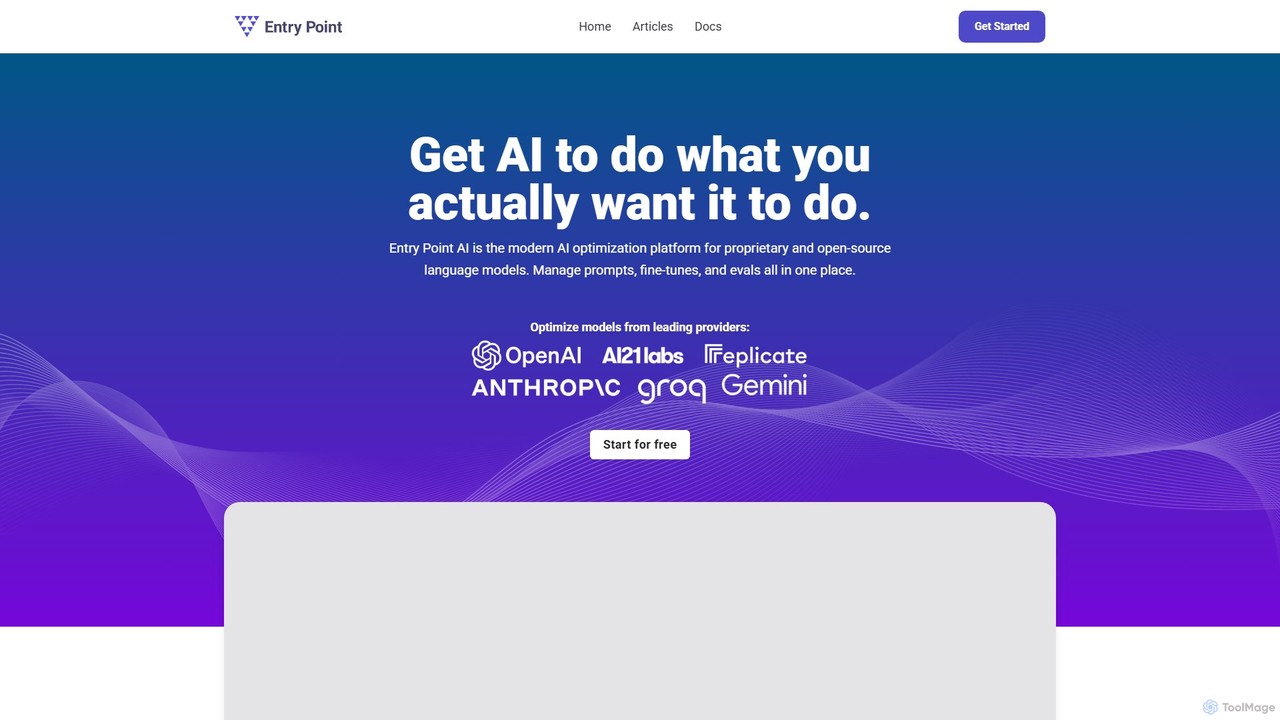
EntryPoint AI
EntryPoint AI is a no-code platform designed to simplify the fine-tuning of large language models (LLMs). It enables users to manage datasets, train, evaluate, and deploy custom AI models from providers like OpenAI without writing any code. The platform helps improve model quality, speed, and predictability for specific business tasks, making advanced AI customization accessible to teams of any size.
Data Management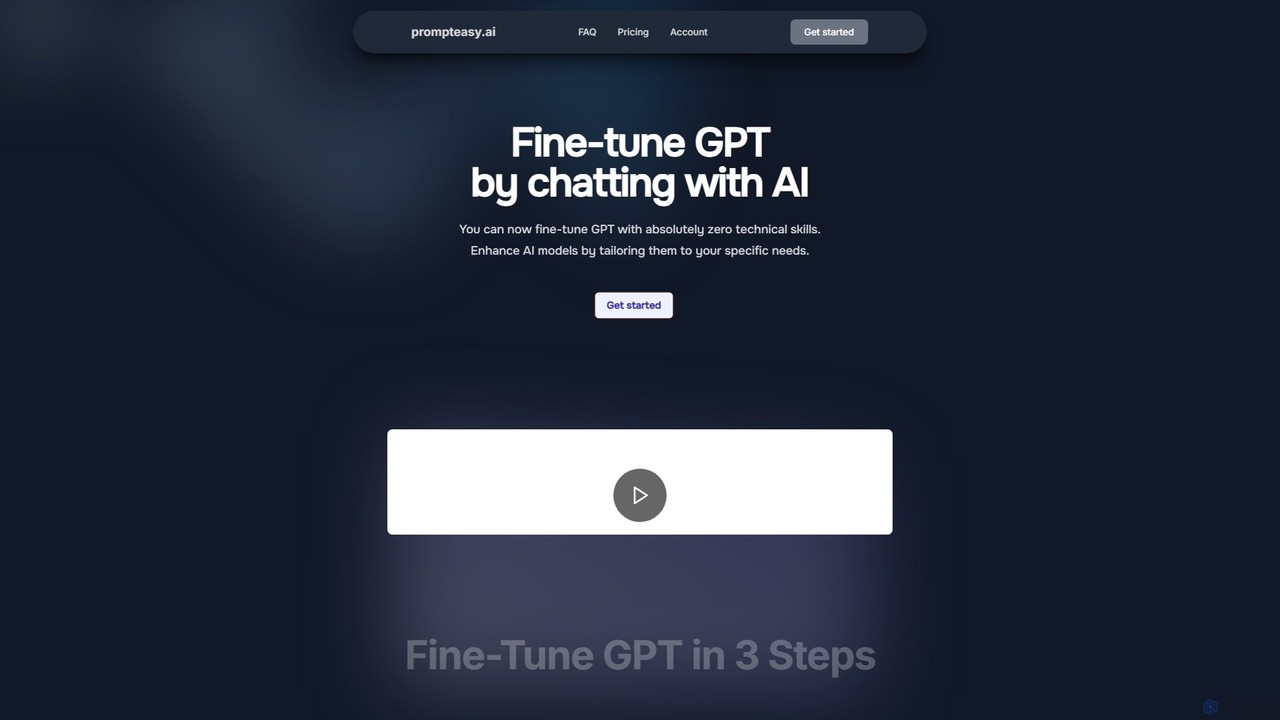
prompteasy.ai
prompteasy.ai is a no-code platform that simplifies the fine-tuning of GPT models. By chatting with an AI assistant, users can generate custom datasets tailored to their specific needs, such as copywriting or sentiment analysis, without any technical skills. This makes advanced AI customization accessible to everyone.
Dataset Generation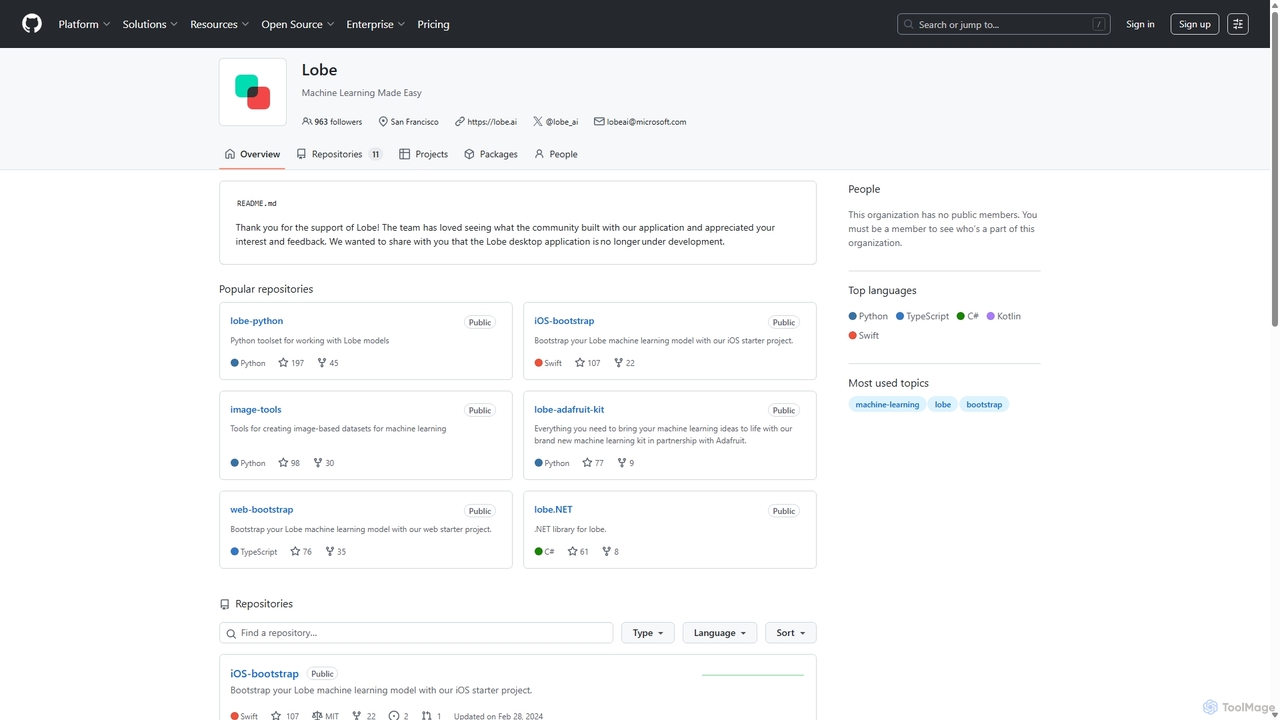
Lobe
Lobe is a free, user-friendly desktop application for Mac and PC that simplifies the process of training custom machine learning models. It enables users to build, manage, and export image classification models without writing a single line of code, making AI accessible to everyone.
Machine Learning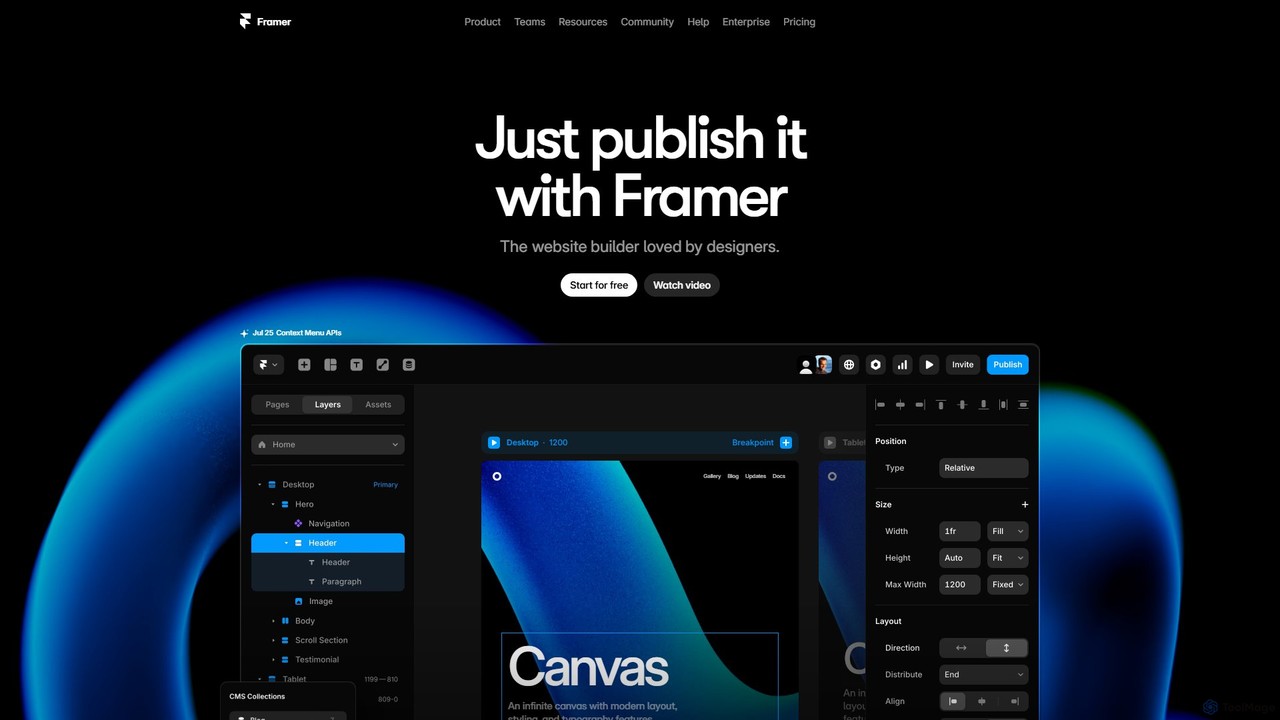
Framer
Framer is a professional no-code website builder that empowers designers and teams to create high-performance, production-ready websites. Leveraging AI, Framer can generate entire websites from a simple text prompt, complete with copy and visuals. It combines a powerful design canvas, advanced animations, a built-in CMS, and seamless collaboration features into a single, intuitive platform.
PrototypingLobe Categories
Lobe Embed Widget
Copy this embed code to place the badge on your blog, article, or product site and send readers directly to this ToolMage detail page.

Related AI tools
Lobe
Lobe is a free, user-friendly desktop application for Mac and PC that simplifies the process of training custom machine learning models. It enables users to build, manage, and export image classification models without writing a single line of code, making AI accessible to everyone.
Machine Learning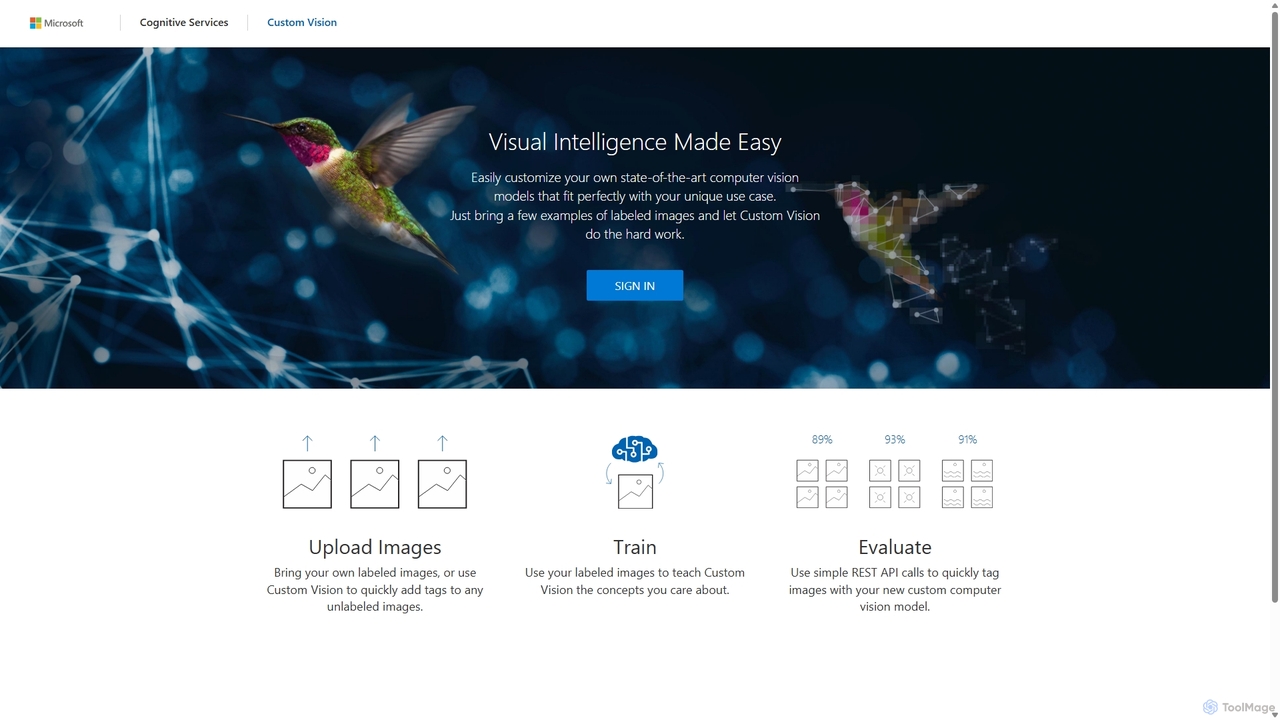
Custom Vision
An AI service from Microsoft Azure that allows you to build, deploy, and improve your own custom image classifiers and object detectors. Easily create state-of-the-art computer vision models tailored to your specific needs with a user-friendly interface and a powerful REST API, no deep machine learning expertise required.
Machine Learning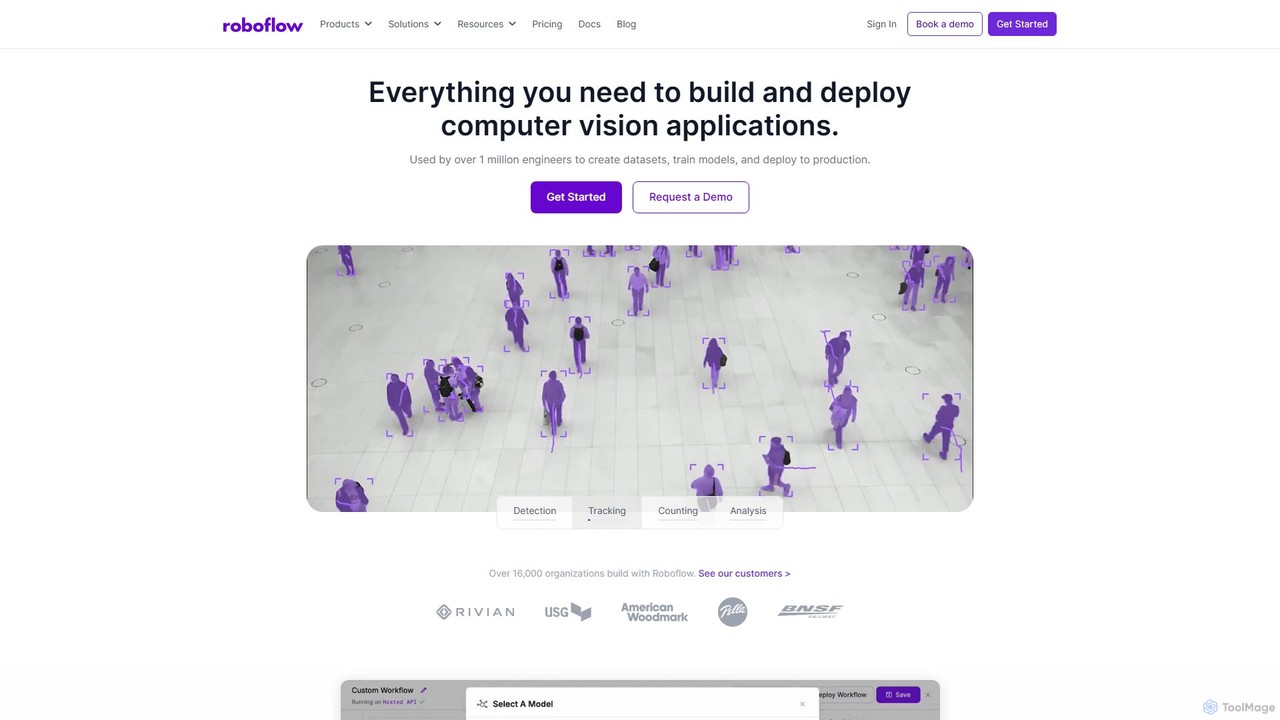
Roboflow
Roboflow is an end-to-end computer vision platform for developers and enterprises. It provides a comprehensive suite of tools to build, train, and deploy computer vision models at scale. From dataset creation and collaborative labeling to one-click model training and deployment to cloud or edge devices, Roboflow streamlines the entire MLOps lifecycle for vision AI, empowering over a million engineers to give their software the sense of sight.
Data Labeling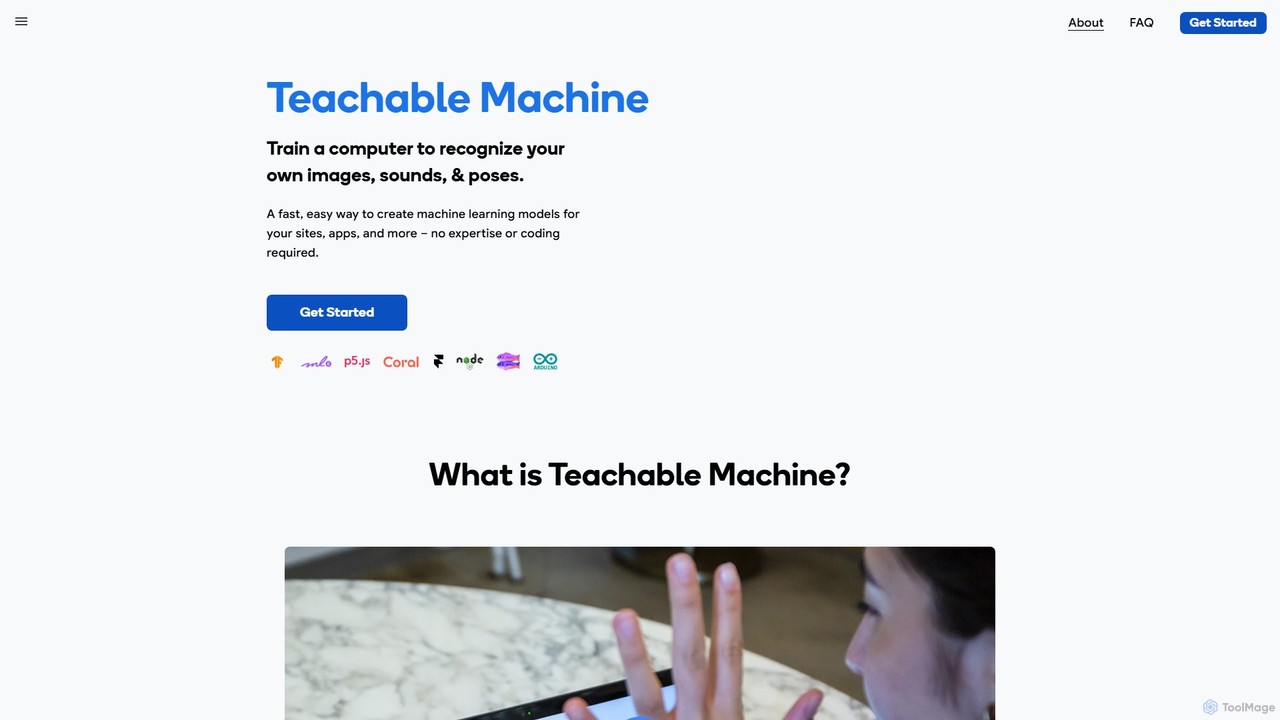
Teachable Machine
A fast, easy, web-based tool by Google that allows anyone to train a computer to recognize their own images, sounds, and poses. Create machine learning models for your sites, apps, and more without any expertise or coding required. It's a hands-on way to explore ML concepts.
No Code Platform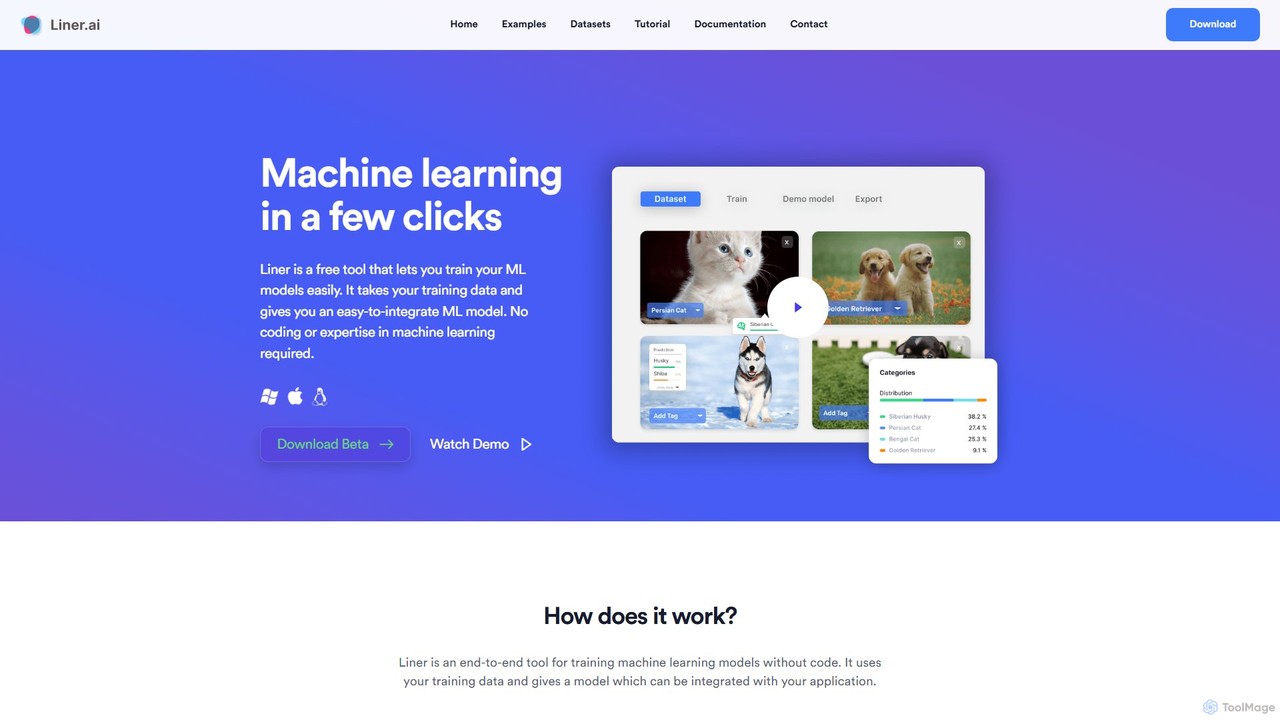
Liner.ai
Liner.ai is a free, no-code desktop application for Windows and Mac that allows users to easily train and deploy machine learning models. It simplifies the entire ML workflow, from data import to model deployment, without requiring any coding or deep learning expertise. It's designed for creating applications in image, text, audio, and video classification, object detection, and more, with a focus on speed, accuracy, and data privacy.
Machine Learning
aikit
aikit is a comprehensive AI development toolkit and no-code platform designed for developers and businesses. It provides a suite of powerful APIs and a visual workflow builder to easily integrate artificial intelligence into applications, automate processes, and create custom AI solutions without extensive coding knowledge. Accelerate your AI development from idea to deployment with aikit.
No CodeTensorFlow
TensorFlow is an end-to-end open-source platform for machine learning developed by Google. It provides a comprehensive, flexible ecosystem of tools, libraries, and community resources that lets researchers and developers build and deploy ML-powered applications. From beginners to experts, TensorFlow offers intuitive high-level APIs for easy model building and powerful low-level APIs for advanced research, enabling deployment across servers, edge devices, and browsers.
FrameworksEntryPoint AI
EntryPoint AI is a no-code platform designed to simplify the fine-tuning of large language models (LLMs). It enables users to manage datasets, train, evaluate, and deploy custom AI models from providers like OpenAI without writing any code. The platform helps improve model quality, speed, and predictability for specific business tasks, making advanced AI customization accessible to teams of any size.
Data Managementprompteasy.ai
prompteasy.ai is a no-code platform that simplifies the fine-tuning of GPT models. By chatting with an AI assistant, users can generate custom datasets tailored to their specific needs, such as copywriting or sentiment analysis, without any technical skills. This makes advanced AI customization accessible to everyone.
Dataset Generation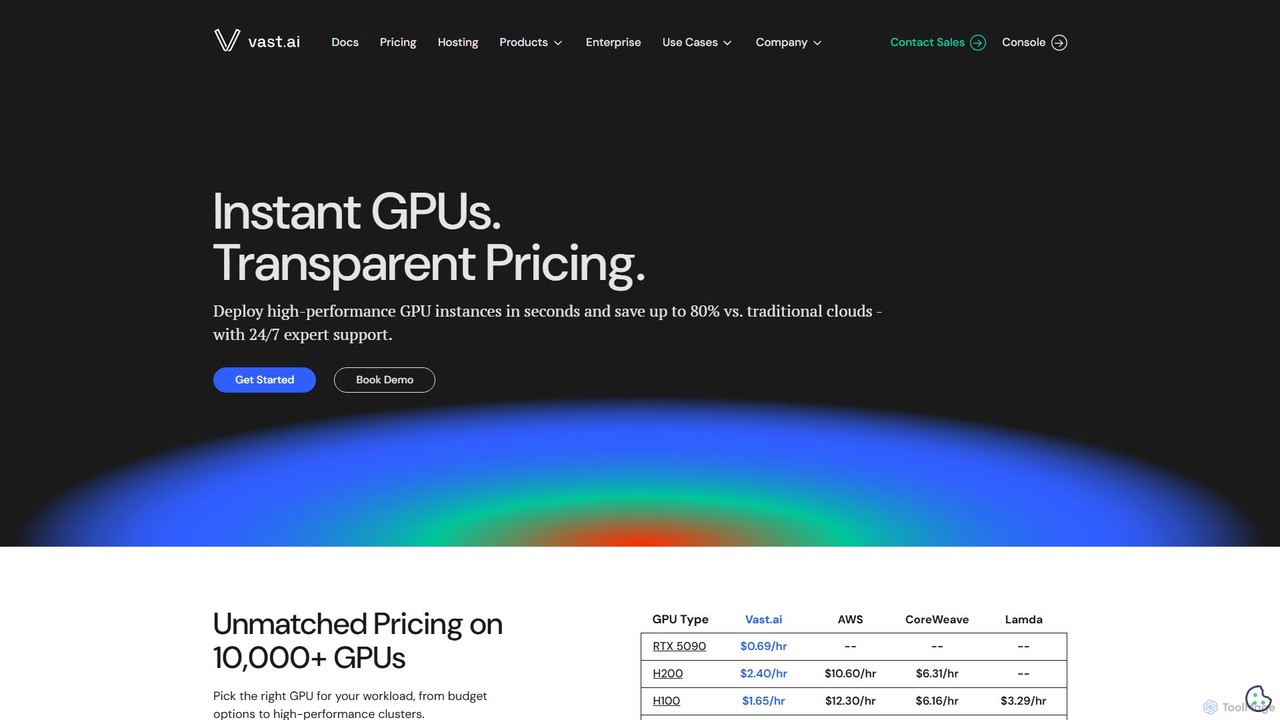
Vast.ai
Vast.ai is a leading GPU cloud platform offering on-demand access to a vast network of GPUs for AI and machine learning workloads. It provides developers and enterprises with high-performance computing at significantly lower costs—up to 80% less than traditional cloud providers—through a transparent, pay-as-you-go marketplace.
Gpu Rental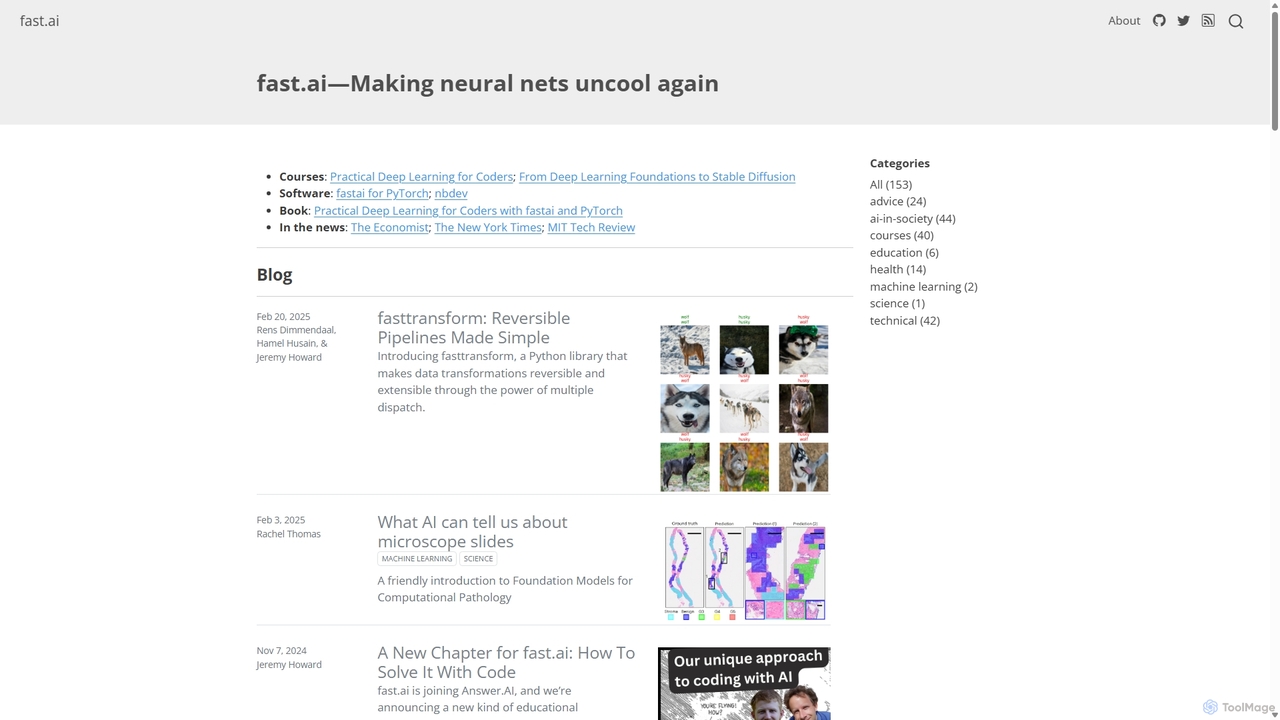
Fast.ai
Fast.ai is a research institute dedicated to making deep learning accessible to everyone. It offers free courses, an open-source software library (fastai), cutting-edge research, and a vibrant community, empowering coders of all backgrounds to become deep learning practitioners.
Machine Learning
aistudio
AI Studio is an all-in-one AI learning and development community by Baidu, powered by the PaddlePaddle deep learning platform. It provides developers with a free online programming environment, GPU computing power, extensive open-source models, and datasets to build, train, and deploy AI applications seamlessly.
Notebooks
Nyckel
Nyckel is an AutoML platform that enables developers and businesses to rapidly build, train, and deploy high-accuracy custom machine learning models for image, text, and multimodal classification, search, and detection. It simplifies the entire ML lifecycle, requiring no specialized expertise (like a PhD), and provides a secure, scalable, and easy-to-integrate API.
Data Analysis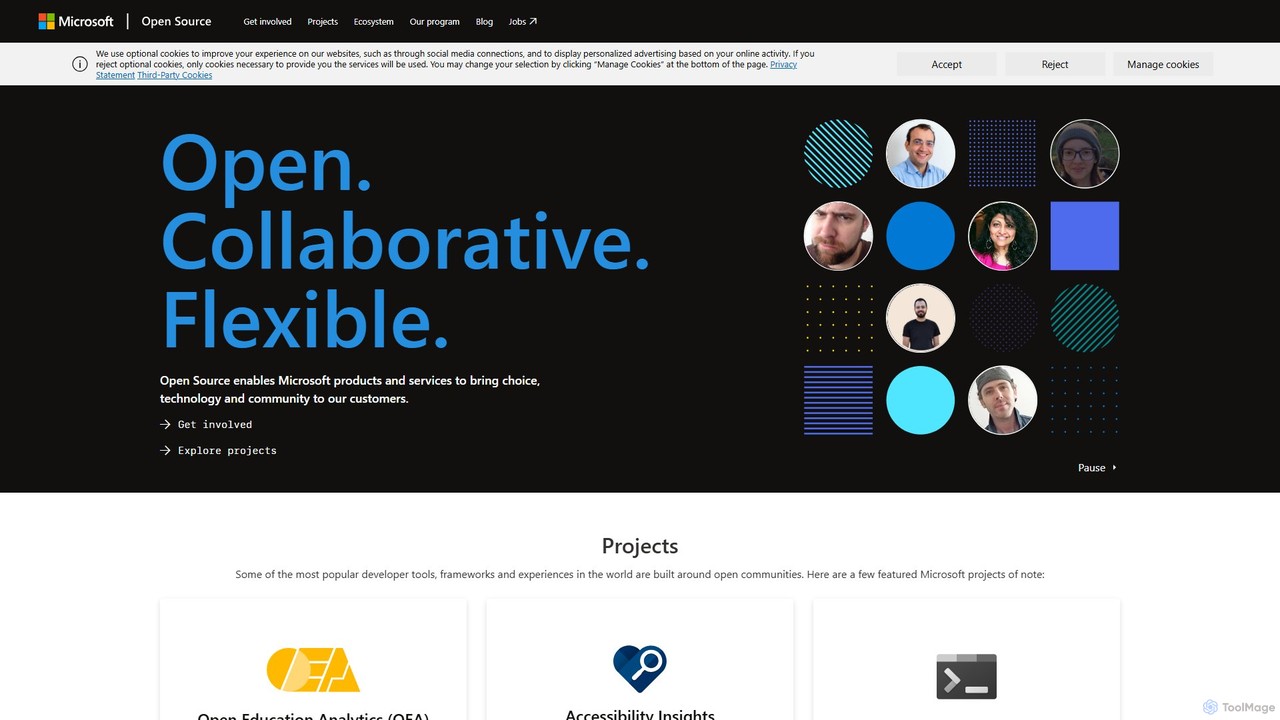
Microsoft Open Source
Microsoft's central hub for discovering, using, and contributing to a vast portfolio of open-source projects. It offers developers access to powerful tools, frameworks, and AI/ML libraries, fostering collaboration and innovation within a global community.
Platform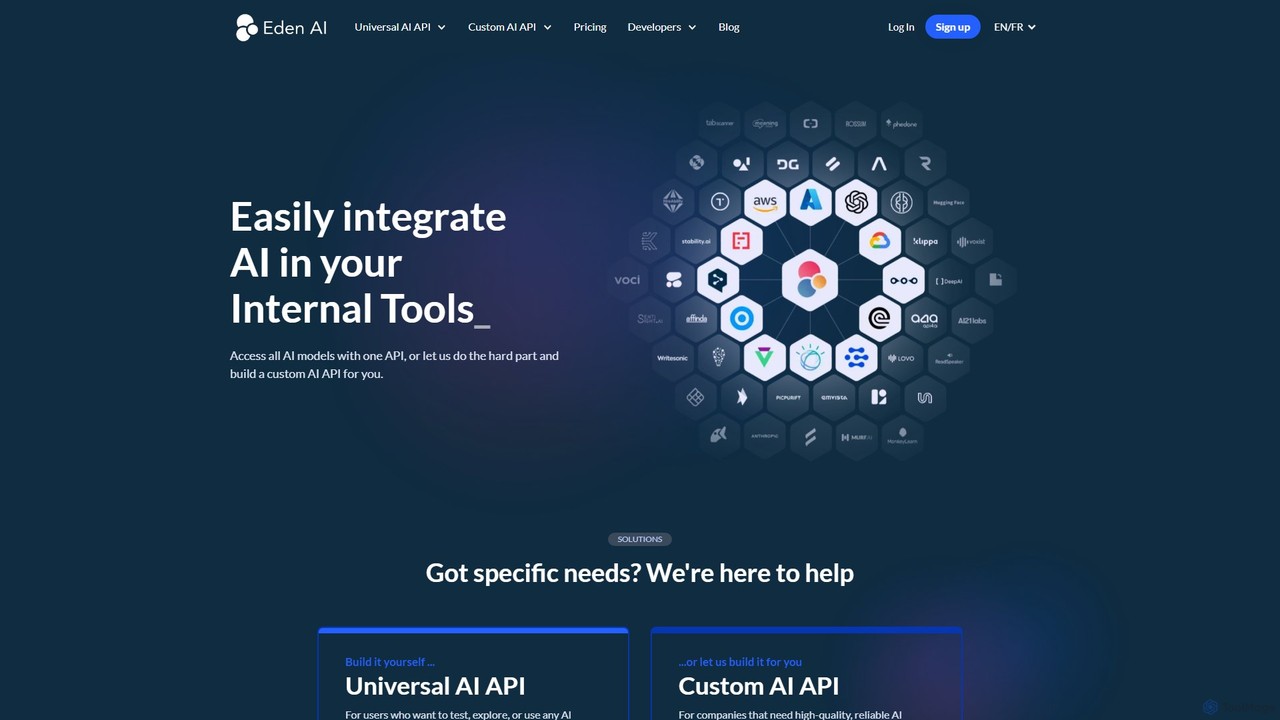
Eden AI
Eden AI is a unified API platform that allows developers to easily access and integrate the best AI models from various providers like OpenAI, Google, and AWS. It simplifies AI integration, enables performance and price benchmarking, and offers custom AI solutions for specific business needs.
Platform
Lobe Comments (0)
Sign in to comment.
Sign inNo comments yet.