

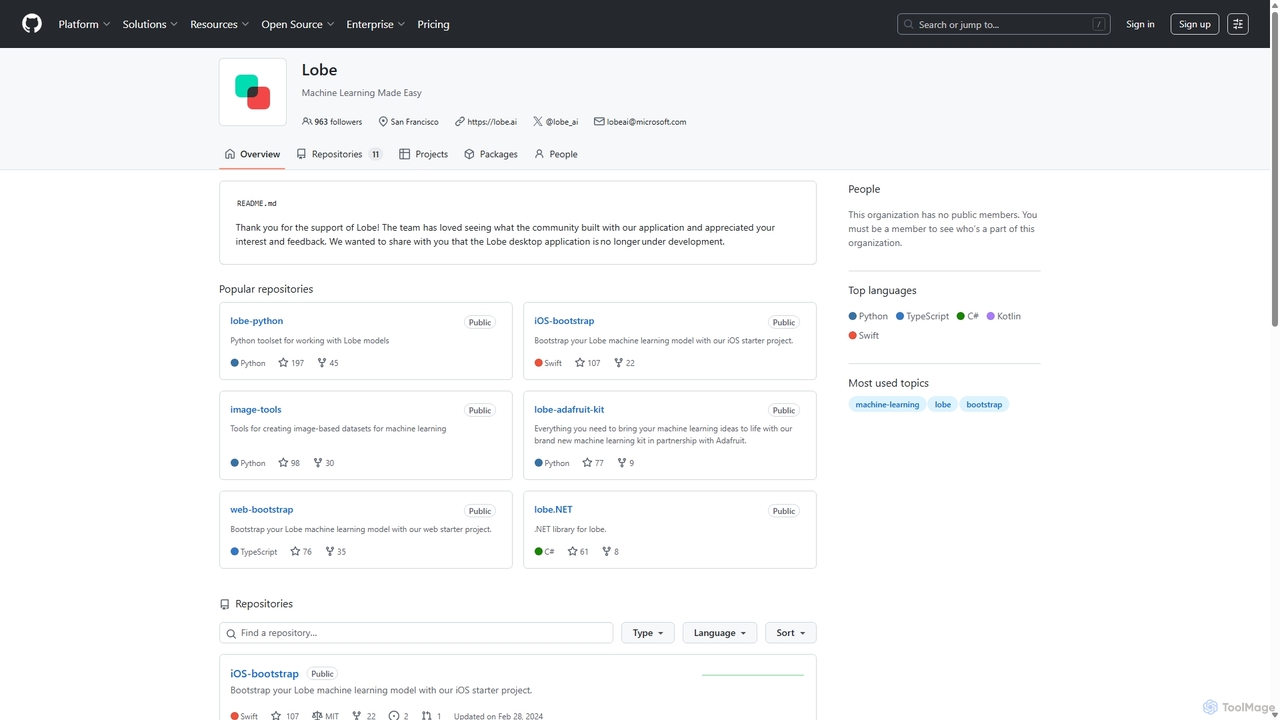
Lobe Overview
Lobe is a powerful yet simple desktop application designed to democratize machine learning. Acquired by Microsoft, it provides an intuitive visual interface that allows anyone, regardless of their technical background, to create custom machine learning models. The primary focus of Lobe is on image classification, enabling users to teach a computer to recognize objects, plants, animals, and more, simply by showing it examples. The application handles the complex processes of model selection, training, and optimization automatically in the background, presenting a streamlined, user-friendly experience. Although the Lobe desktop application is no longer under active development, it remains a valuable and fully functional free tool for educators, hobbyists, and developers looking to quickly prototype computer vision ideas.
How to use Lobe
Using Lobe is a straightforward, three-step process designed for simplicity and speed:
- Label: Begin by creating a new project and defining the categories (labels) you want your model to recognize. You can then import images from your computer or use a webcam to capture live photos. Simply drag and drop your images into the correct label folders. The more examples you provide for each category, the more accurate your model will become.
- Train: Once you have labeled a sufficient number of images, Lobe takes over. With a single click, it automatically starts training. Lobe selects the appropriate machine learning architecture and trains a custom model based on your dataset. You can watch the training progress in real-time and see the model's confidence improve. The training happens locally on your computer, ensuring your data remains private.
- Use: After training is complete, you can immediately test your model's performance. Use your webcam or import new images to see how well it classifies them. Lobe provides instant feedback. When you are satisfied with the results, you can export your model in a variety of industry-standard formats, including TensorFlow, CoreML, and ONNX. This allows you to integrate your custom AI model into websites, mobile apps, or hardware projects like Raspberry Pi and Arduino.
Core Features of Lobe
- No-Code Interface: A completely visual, drag-and-drop interface that requires no programming knowledge.
- Image Classification: Specialized in creating models that can classify and recognize images based on user-provided examples.
- Automated Model Training: Lobe automatically handles the selection of the best model architecture and the entire training process.
- Real-Time Feedback & Testing: Instantly test your model's accuracy using a webcam or new images directly within the application.
- Multi-Format Export: Export trained models to popular formats like TensorFlow, CoreML, and ONNX for use across various platforms.
- Local and Private: All data collection, labeling, and training occur on your local machine, ensuring 100% data privacy.
- Starter Projects: Provides bootstrap projects and code examples (Python, .NET, iOS, Web) to help you quickly integrate your model into an application.
Use Cases for Lobe
Lobe's simplicity makes it suitable for a wide range of applications:
- Education: An excellent tool for teaching students the fundamentals of machine learning and AI without the barrier of complex code.
- Hobbyist Projects: Create smart devices like a bird feeder that identifies bird species, a recycling sorter, or a system that detects when your pet is at the door.
- Rapid Prototyping: Developers and product managers can quickly build and test a proof-of-concept for a computer vision feature before committing significant engineering resources.
- Art & Design: Artists can create interactive installations that react to specific objects or gestures.
- Small Business: Build simple models for tasks like identifying product defects, sorting inventory, or monitoring specific conditions.
Advantages of Lobe
Lobe stands out due to its unique combination of power and simplicity. Its main advantages include extreme accessibility for non-developers, the rapid speed at which a functional model can be built, and the fact that it is completely free to use. The flexibility of exporting to multiple formats means your creation isn't locked into one ecosystem. Furthermore, by processing everything locally, it offers a level of data privacy that cloud-based services cannot match.
Pricing and Plans
Lobe is completely free to download and use. There are no subscriptions, usage limits, or hidden fees. It is important to note that the official team is no longer actively developing the Lobe desktop application, but it remains available as a powerful, free tool for the community.
Traffic
Latest traffic
Status
Monthly traffic trend
- 2025-7: 1.9K
- 2025-8: 2.6K
- 2025-9: 5.5K
- 2026-3: 0
- 2026-4: 0
- 2026-5: 280
Geography
Top 5 countries / regions
- 🇺🇸United States100.0%
Top keywords
| Keyword | Cost per click |
|---|---|
| backend lobe | $0.00 |
| lobe ai | $5.79 |
| lobeai | $0.00 |
Lobe Alternatives
Custom Vision
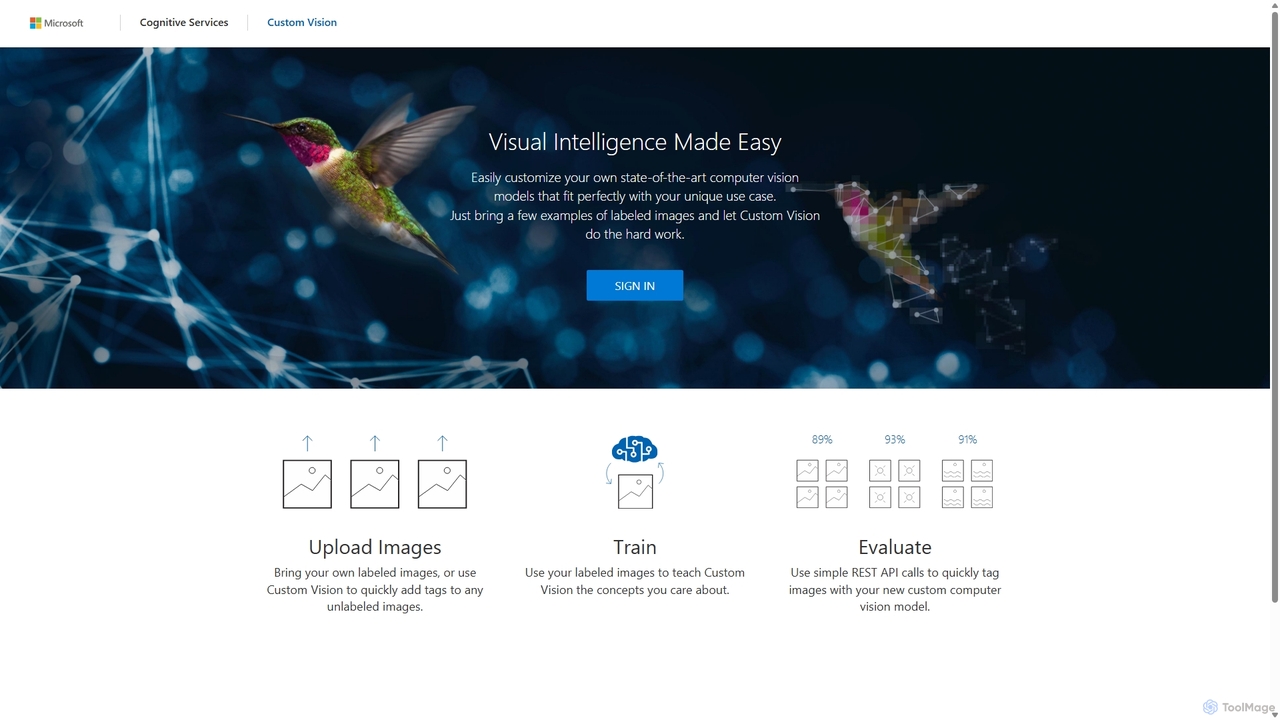
An AI service from Microsoft Azure that allows you to build, deploy, and improve your own custom image classifiers and object detectors. Easily create state-of-the-art computer vision models tailored to your specific needs with a user-friendly interface and a powerful REST API, no deep machine learning expertise required.
Machine Learning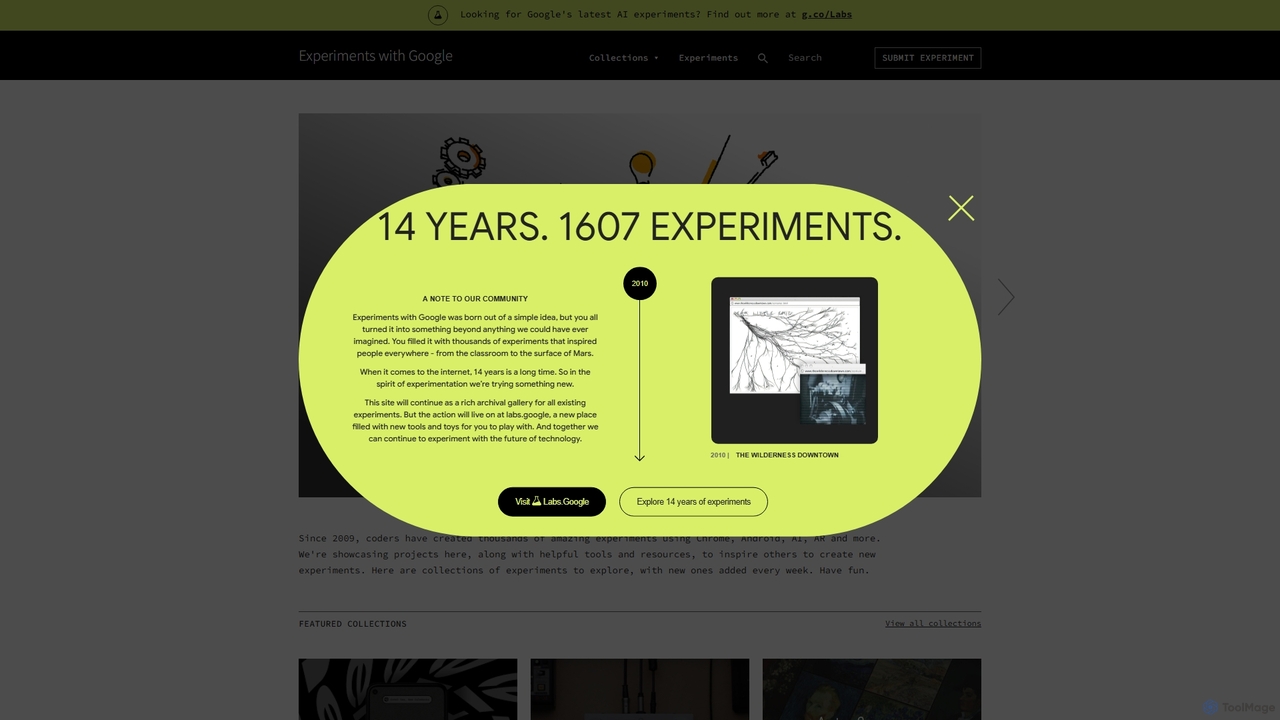
Experiments with Google
A curated online gallery showcasing thousands of creative and innovative experiments built with Google technologies since 2009. It serves as an inspiration hub for developers, designers, and creators, exploring the intersection of technology, art, and culture through AI, AR, WebXR, and more.
Generative Art
Ollama
Ollama is a powerful open-source framework for running large language models (LLMs) like Llama 3, Mistral, and Gemma locally on your own hardware. Available for macOS, Windows, and Linux, it simplifies the setup and management of open-source models, enabling private, offline, and cost-effective AI development and usage.
Machine Learning
Label Your Data
A professional data annotation service and platform providing high-quality, accurate labeled datasets for machine learning. It supports diverse data types like images, video, text, and audio, offering flexible pricing, a self-serve platform, and fully managed services to scale AI projects of any size.
Data Management
Prodigy
Prodigy is a scriptable annotation tool for AI, Machine Learning, and NLP, designed for developers. It enables rapid creation of high-quality training and evaluation data through model-assisted, human-in-the-loop workflows. It runs on your own infrastructure, ensuring complete data privacy and control.
AnnotationLobe Categories
Lobe Jobs
Lobe Embed Widget
Copy this embed code to place the badge on your blog, article, or product site and send readers directly to this ToolMage detail page.

Related AI tools
Custom Vision
An AI service from Microsoft Azure that allows you to build, deploy, and improve your own custom image classifiers and object detectors. Easily create state-of-the-art computer vision models tailored to your specific needs with a user-friendly interface and a powerful REST API, no deep machine learning expertise required.
Machine Learning
Lobe
Lobe is a free, user-friendly desktop application for Mac and Windows that allows you to build, train, and deploy custom machine learning models without writing any code. It simplifies the process of creating AI, focusing primarily on image classification.
Machine LearningExperiments with Google
A curated online gallery showcasing thousands of creative and innovative experiments built with Google technologies since 2009. It serves as an inspiration hub for developers, designers, and creators, exploring the intersection of technology, art, and culture through AI, AR, WebXR, and more.
Generative Art
AI Lab
AI Lab is a no-code visual workspace for building machine learning models and data science pipelines. It enables users of all technical levels to create, train, and deploy AI applications through an intuitive drag-and-drop interface, accelerating development and making AI accessible.
Forecasting
Syntaccx
An all-in-one, no-code computer vision platform that generates synthetic training data from CAD/3D models. It enables users to create, train, and deploy robust AI vision models in minutes, significantly reducing costs and development time without requiring deep expertise.
Modeling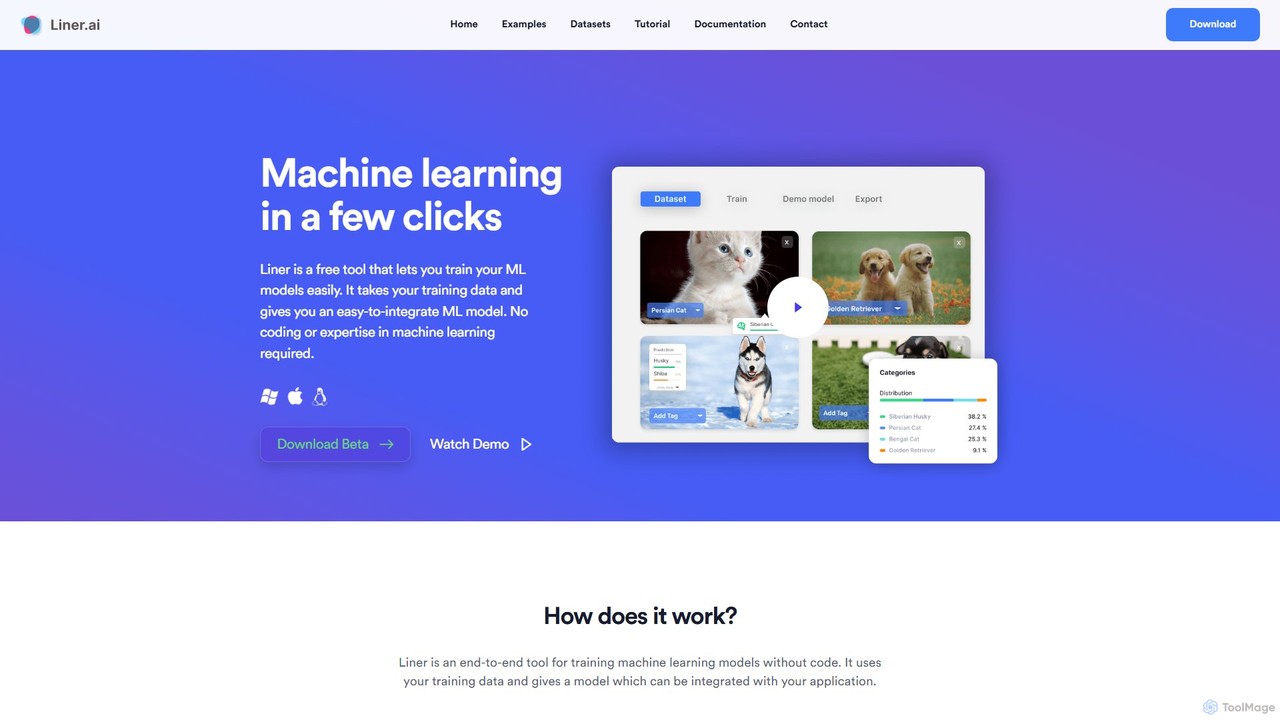
Liner.ai
Liner.ai is a free, no-code desktop application for Windows and Mac that allows users to easily train and deploy machine learning models. It simplifies the entire ML workflow, from data import to model deployment, without requiring any coding or deep learning expertise. It's designed for creating applications in image, text, audio, and video classification, object detection, and more, with a focus on speed, accuracy, and data privacy.
Machine LearningProdigy
Prodigy is a scriptable annotation tool for AI, Machine Learning, and NLP, designed for developers. It enables rapid creation of high-quality training and evaluation data through model-assisted, human-in-the-loop workflows. It runs on your own infrastructure, ensuring complete data privacy and control.
Annotation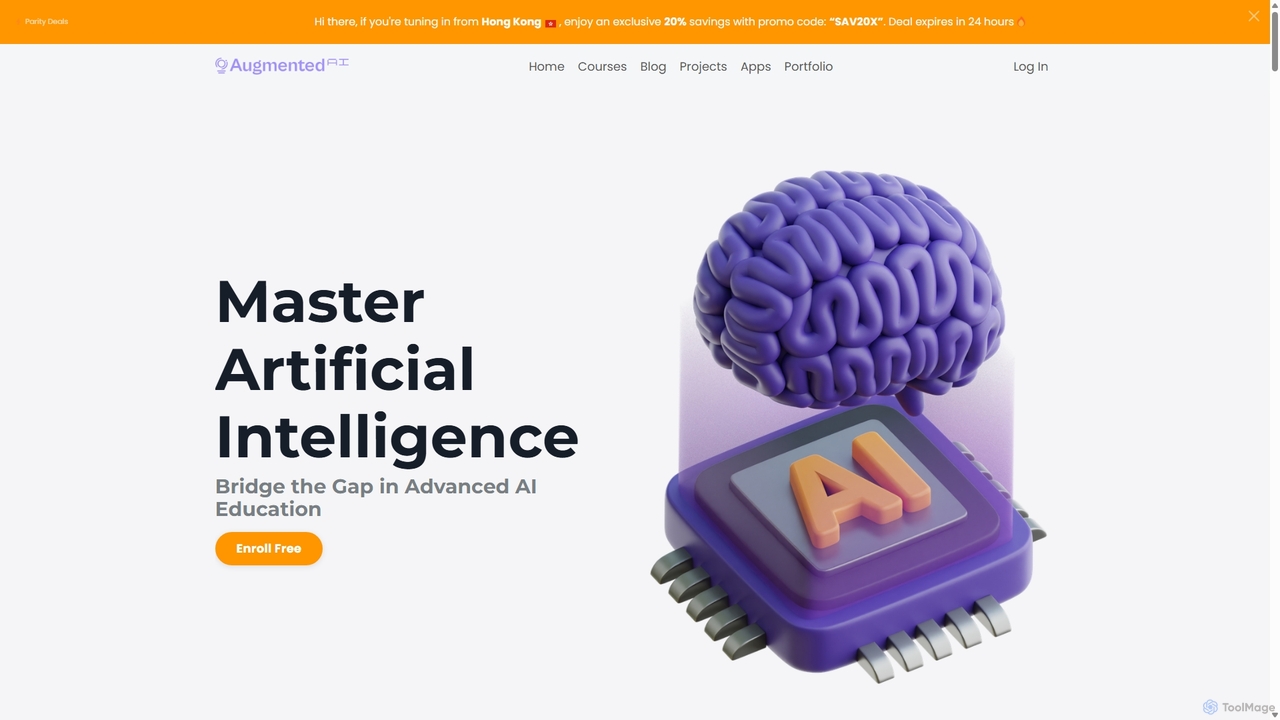
Augmented Startups
Augmented Startups is an online AI university offering practical, project-based courses for all skill levels. It specializes in advanced topics like Computer Vision, Large Language Models (LLMs), Robotics, and Autonomous Vehicles. The platform provides comprehensive learning paths with code, datasets, and expert support to help students and professionals build real-world AI applications and bridge the gap between theory and practical implementation.
Code Libraries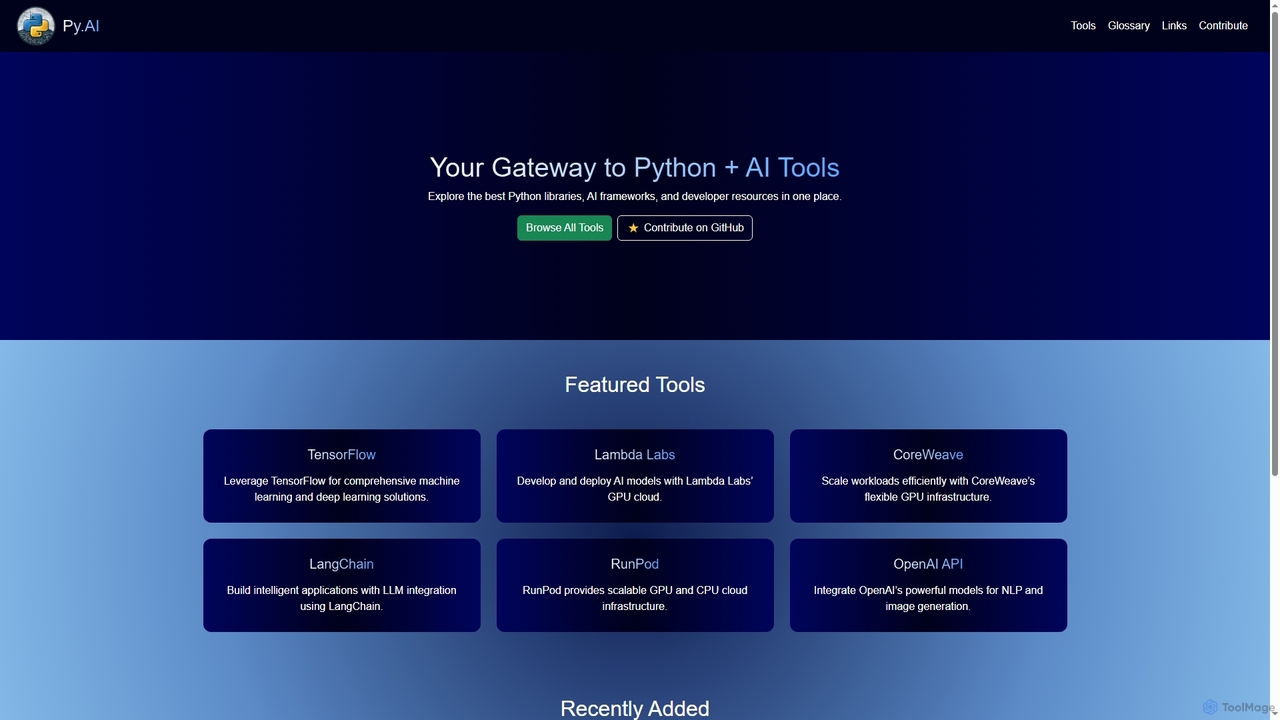
Py
Py is a curated online directory serving as a comprehensive gateway to the best Python libraries, AI frameworks, and developer resources. It helps users explore, discover, and find tools to enhance their machine learning and AI projects.
Tool Discovery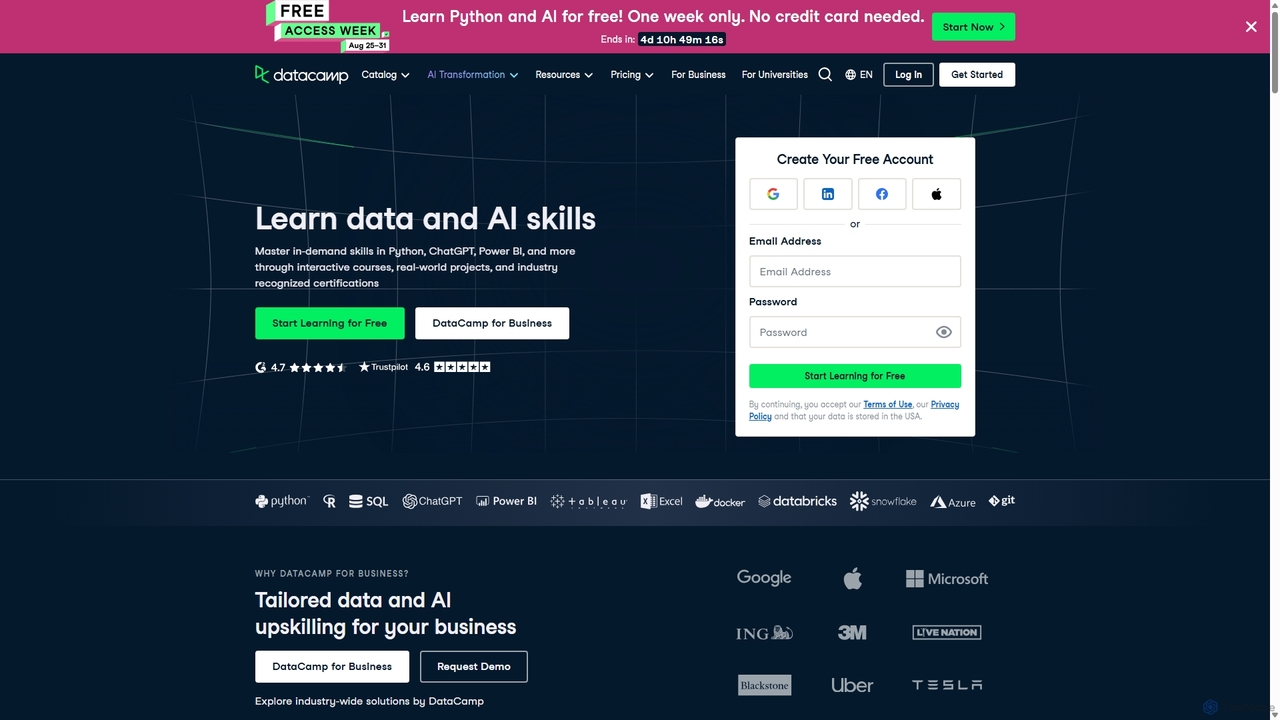
DataCamp
DataCamp is an interactive online learning platform for data science and AI. It offers hands-on courses in Python, R, SQL, Power BI, and more. Through a 'learn-by-doing' approach with in-browser coding, real-world projects, and career tracks, it empowers individuals and businesses to build job-ready data skills, from beginner to expert level.
Data Science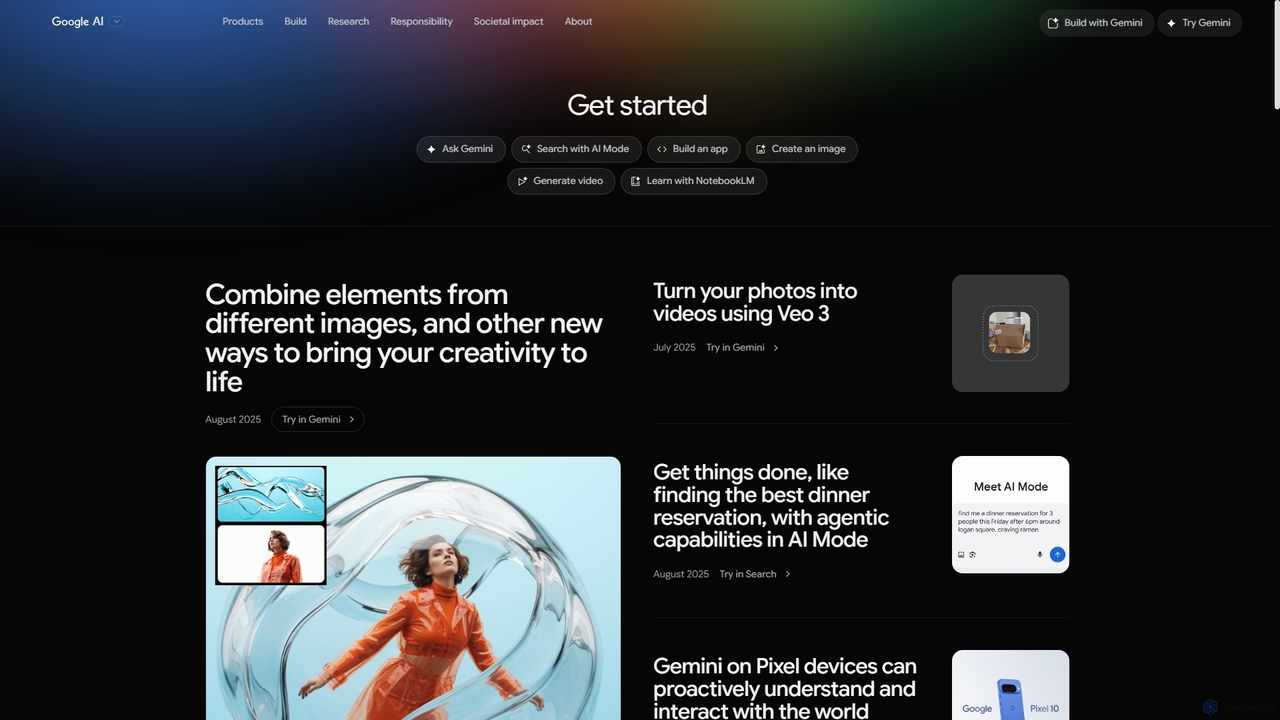
Google AI
Google AI is a comprehensive ecosystem of advanced artificial intelligence models, tools, and research initiatives. It encompasses the powerful Gemini family of models, developer platforms like Vertex AI, and applications across creativity, productivity, and scientific discovery, all built with a commitment to safety and responsibility.
Large Language ModelsLabel Your Data
A professional data annotation service and platform providing high-quality, accurate labeled datasets for machine learning. It supports diverse data types like images, video, text, and audio, offering flexible pricing, a self-serve platform, and fully managed services to scale AI projects of any size.
Data Management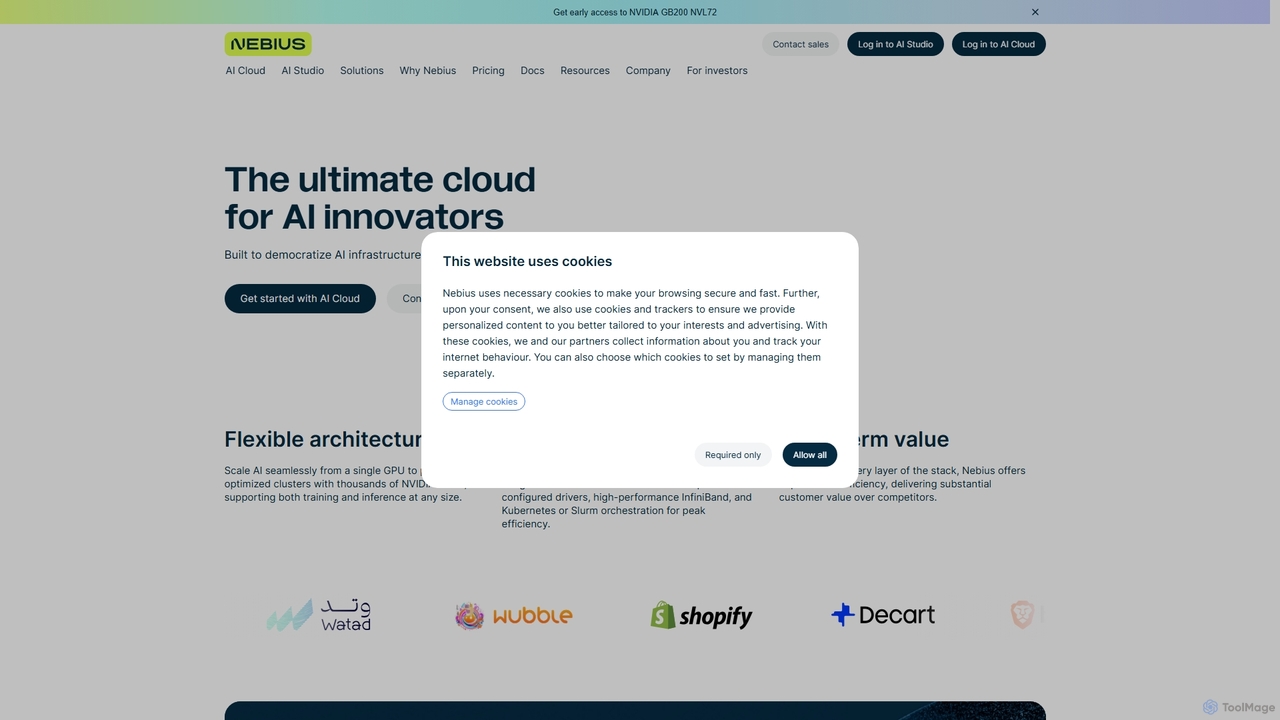
Nebius
Nebius is a high-performance cloud platform specifically engineered for demanding AI and Machine Learning workloads. It provides scalable access to the latest NVIDIA GPUs, from single instances to massive clusters, complemented by a suite of managed services and an integrated AI Studio to streamline the entire ML lifecycle from training to inference.
Gpu Cloud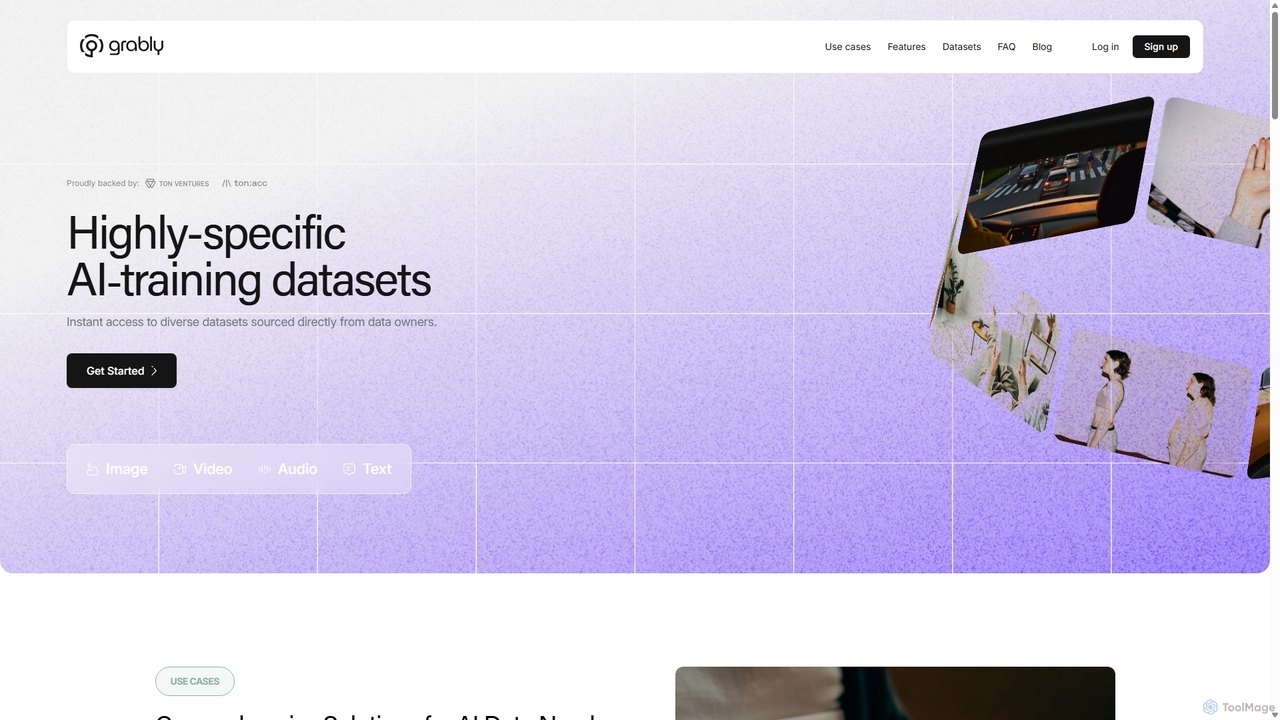
Grably
Grably is a decentralized data ownership network (DeDON) providing high-quality, ethically sourced AI training data. It offers a vast collection of off-the-shelf datasets, custom data collection, curation, and annotation services to accelerate AI development while allowing users to monetize their data securely and transparently.
Data Labeling
GenAI List
GenAI List is a comprehensive online directory dedicated to tracking, exploring, and comparing generative AI models. It serves as an essential guide to the rapidly evolving AI landscape, featuring thousands of models from various organizations. Users can discover new releases, filter by type, openness, and capabilities, and gain insights into practitioner opinions.
Model Discovery
Lobe Comments (0)
Sign in to comment.
Sign inNo comments yet.