

Experiments with Google Overview
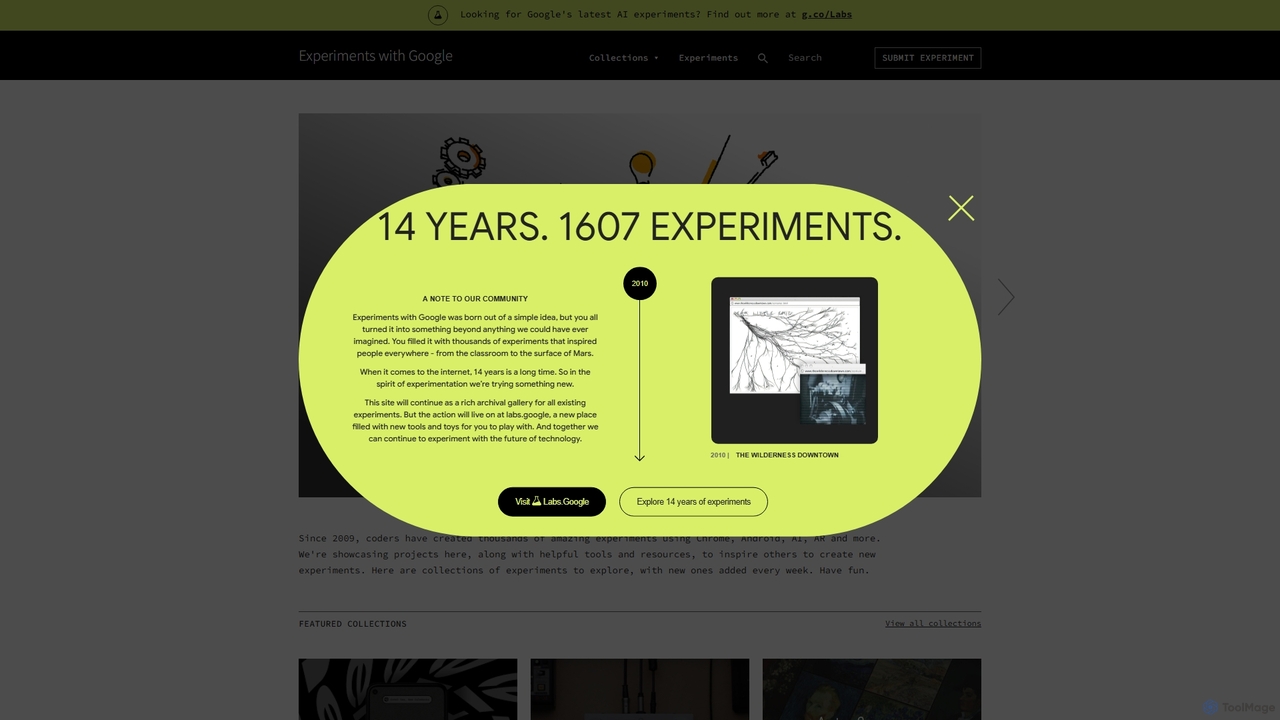
Experiments with Google is a celebrated online platform and archival gallery that showcases a vast collection of creative projects built using Google's innovative technologies. Since its inception in 2009, it has featured over 1,600 experiments, becoming a premier destination for inspiration, education, and exploration at the crossroads of technology, art, and culture. The platform highlights the creative potential of tools like Chrome, Android, TensorFlow (AI), WebXR (AR/VR), and more, demonstrating what's possible when developers, artists, and designers push the boundaries of technology. While the site now serves as a rich archive, new experiments are featured on its successor, labs.google, continuing the spirit of innovation.
How to use Experiments with Google
Using Experiments with Google is primarily an act of exploration and discovery. There is no single 'tool' to use, but rather a gallery to browse. Users can navigate the platform in several ways:
- Explore Collections: The site organizes experiments into themed collections, such as 'AI Experiments', 'WebXR Experiments', 'Arts & Culture Experiments', and 'Experiments for Learning'. This allows users to dive into specific areas of interest.
- Browse Individual Experiments: You can explore featured or recent experiments directly from the homepage. Each experiment has its own page with a description, a link to launch the interactive experience, and often, technical details or articles about its creation.
- Launch and Interact: Most experiments are interactive and run directly in your web browser. For example, you can play a musical composition with 'Shared Piano', train a simple machine learning model with 'Teachable Machine', or play a drawing game against an AI with 'Quick, Draw!'.
- Learn and Get Inspired: For developers and students, many experiments include links to their source code on platforms like GitHub or provide detailed technical write-ups, offering valuable learning resources and a behind-the-scenes look at their development.
Core Features of Experiments with Google
- Vast Archival Gallery: A comprehensive library of over 1,600 projects developed over more than a decade, providing a historical perspective on the evolution of web and AI technologies.
- Diverse Technology Showcase: Features a wide array of technologies, including Artificial Intelligence (TensorFlow.js), Augmented and Virtual Reality (WebXR), creative coding with Chrome APIs, Android applications, and more.
- Curated Thematic Collections: Well-organized collections that group experiments by technology or theme, making it easy for users to find projects relevant to their interests.
- Interactive and Engaging Experiences: The platform emphasizes hands-on interaction, allowing users to play, create, and learn directly through their browser without needing to install any software.
- Educational Resources: Many experiments are open-source and accompanied by articles, tutorials, and technical deep dives, making the platform an invaluable resource for learning and inspiration.
Use Cases for Experiments with Google
The platform serves a diverse audience with various goals:
- Developers and Coders: A source of inspiration for new projects, a place to learn about new APIs and technologies like TensorFlow.js and WebXR, and a showcase of best practices in creative coding.
- Educators and Students: A rich resource of interactive tools for teaching complex concepts in computer science, art, music, and AI. Experiments like 'Teachable Machine' and 'Chrome Music Lab' are widely used in classrooms.
- Artists and Designers: A platform to explore the intersection of art and technology, discover new mediums for creative expression, and see how AI and other technologies can be used to create compelling visual and interactive art.
- Technology Enthusiasts: A playground to discover the latest advancements in web and AI technology in a fun, accessible, and engaging way.
Advantages of Experiments with Google
- Unmatched Source of Inspiration: Offers a unique and extensive collection of cutting-edge creative technology projects.
- High Accessibility: All experiments are browser-based and free to access, removing barriers to entry for users worldwide.
- Strong Educational Value: The inclusion of open-source code and technical explanations provides tangible learning opportunities.
- Fosters Creativity and Innovation: By showcasing what's possible, it encourages a global community of creators to experiment and build their own projects.
- Demonstrates Google's Technology: Effectively illustrates the power and versatility of Google's developer tools and platforms in real-world creative applications.
Pricing and Plans
Experiments with Google is a completely free platform. It is a non-commercial showcase provided by Google to inspire and educate the creative and developer communities. All experiments and resources on the site are available at no cost.
Traffic
Latest traffic
Status
Monthly traffic trend
- 2025-9: 511.9K
- 2026-1: 549.1K
- 2026-2: 518.9K
- 2026-3: 498.9K
- 2026-4: 453.8K
- 2026-5: 450.3K
Geography
Top 5 countries / regions
- 🇺🇸United States64.2%
- 🇮🇳India18.2%
- 🇧🇷Brazil8.2%
- 🇦🇺Australia4.8%
- 🇷🇺Russia4.6%
Traffic sources
| Source type | Percentage |
|---|---|
Direct | 62.4% |
Referral | 35.3% |
Email | 2.4% |
Top keywords
| Keyword | Cost per click |
|---|---|
| chrome music lab | $2.04 |
| google experiments | $4.79 |
| quick draw | $0.45 |
| teachable machine | $0.87 |
| webcam toy | $0.33 |
Experiments with Google Alternatives
AI Art Weekly
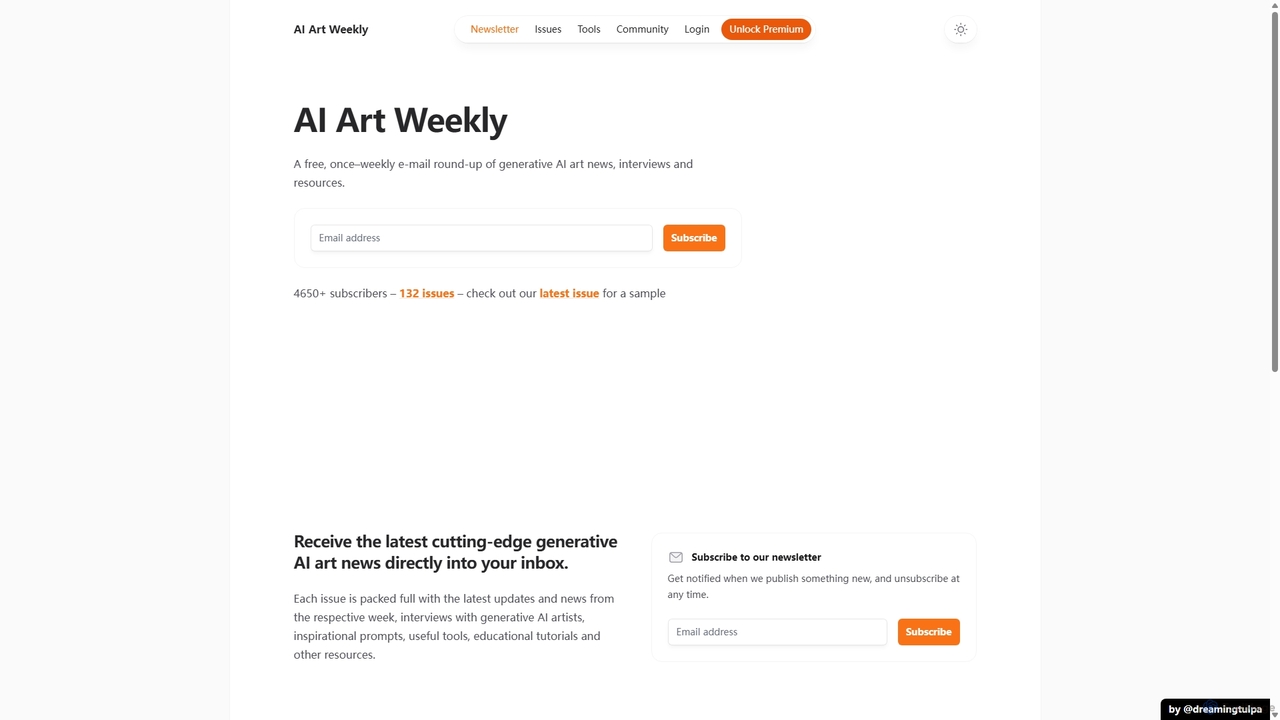
A free weekly newsletter and resource hub for the generative AI art community. It delivers curated news, artist interviews, inspirational prompts, and a comprehensive toolbox of AI papers and tools for creating digital art.
Generative Art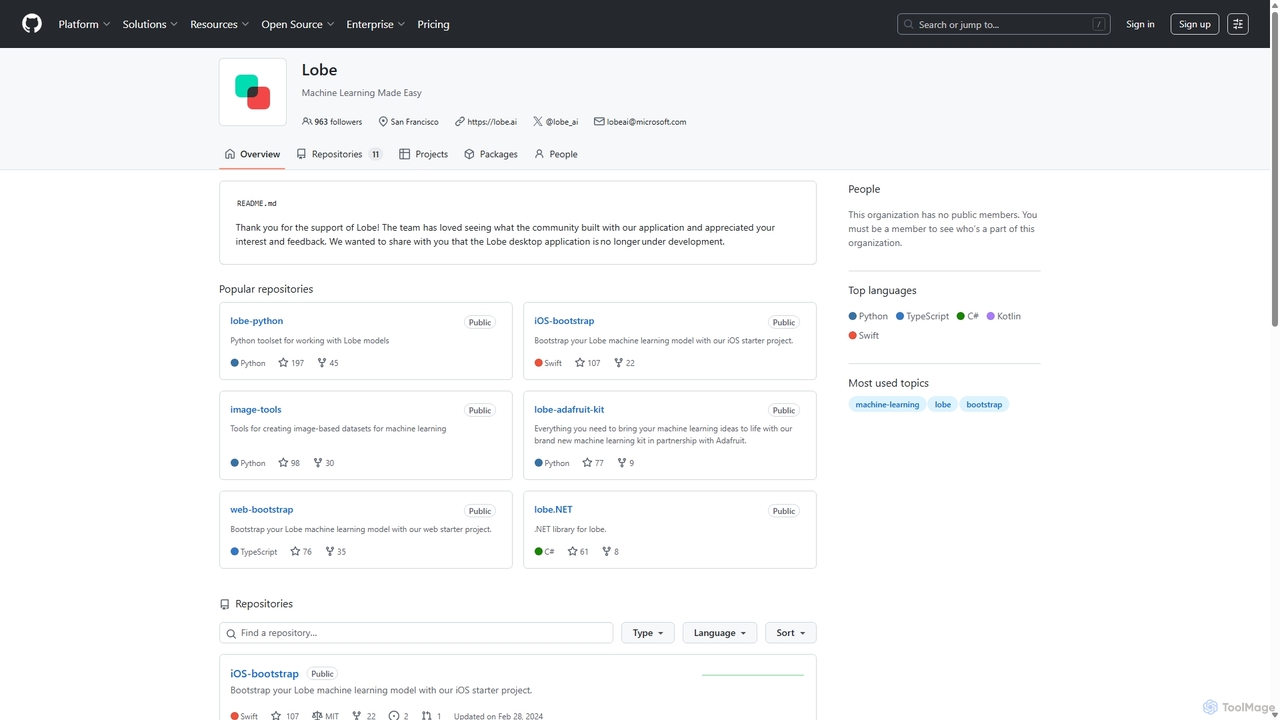
Lobe
Lobe is a free, user-friendly desktop application for Mac and PC that simplifies the process of training custom machine learning models. It enables users to build, manage, and export image classification models without writing a single line of code, making AI accessible to everyone.
Machine Learning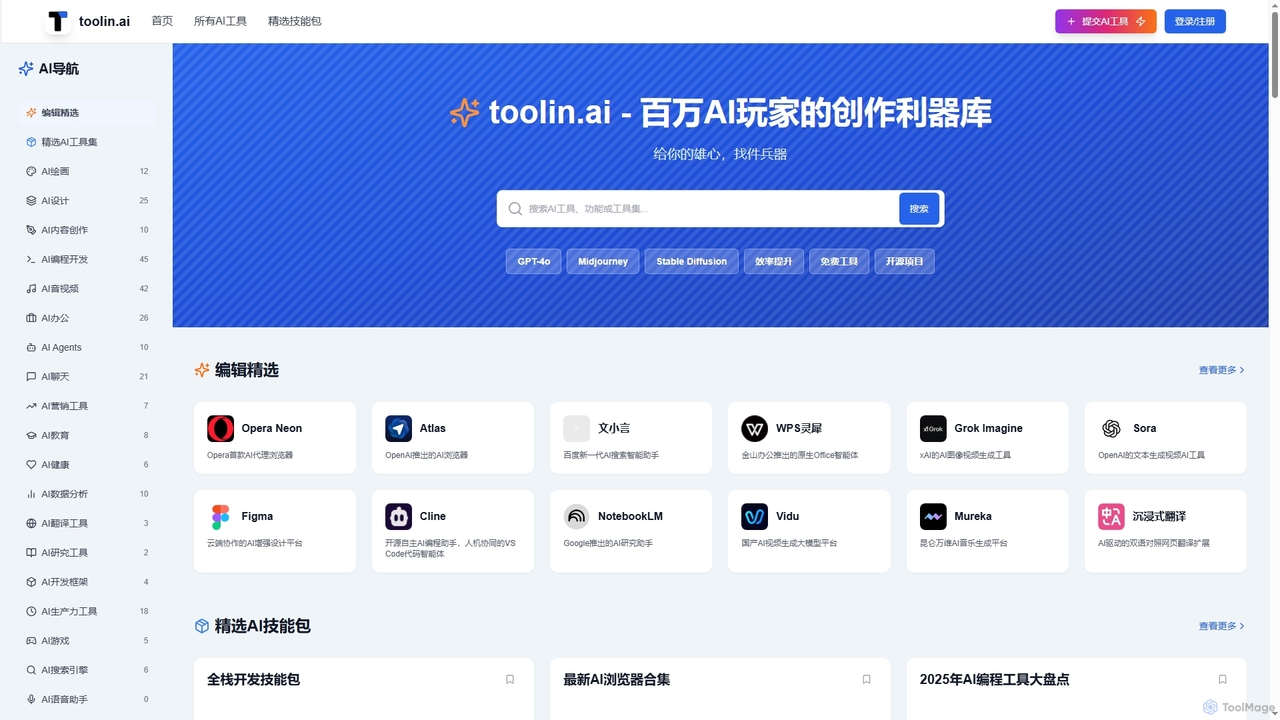
Toolin
Toolin is a curated AI tool navigation and discovery platform designed for millions of AI enthusiasts and creators. It helps users find, organize, and share powerful AI tools for various applications, from productivity and content creation to programming and design. The platform also features 'AI Skill Packs,' which are expert-curated collections of tools for specific workflows, fostering a community of knowledge sharing.
Knowledge Sharing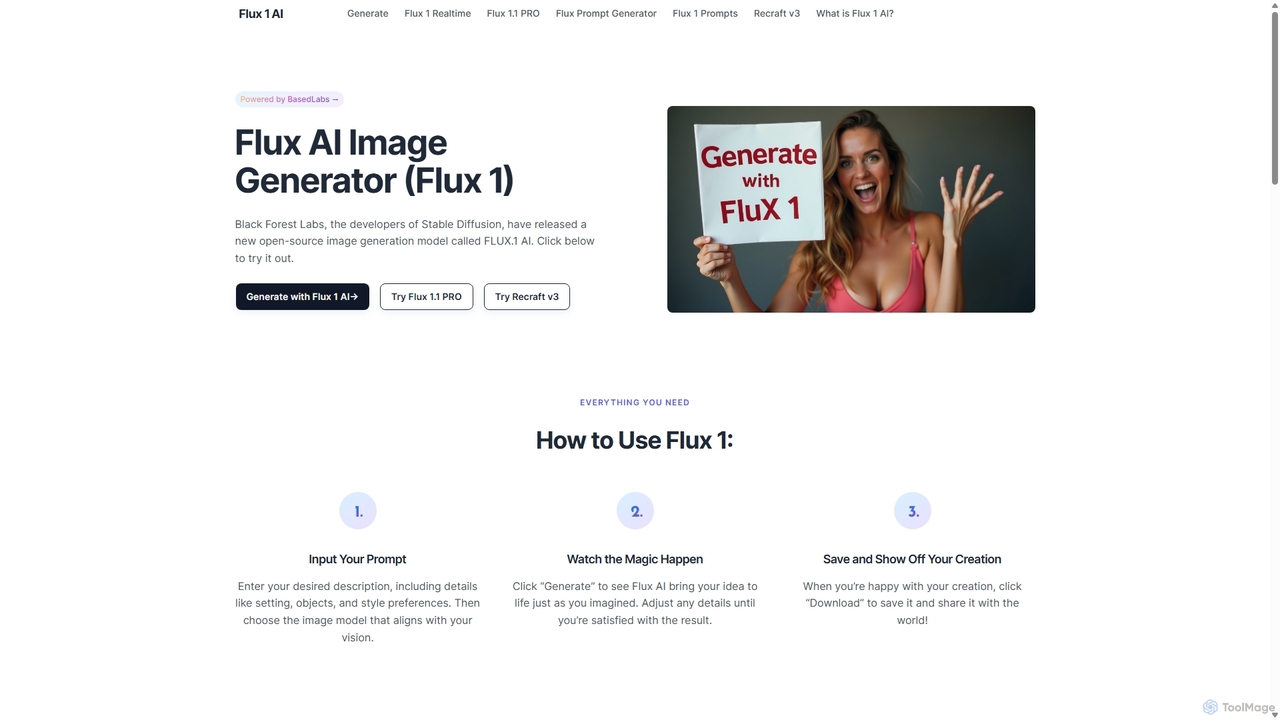
Flux 1
Flux 1 AI is a state-of-the-art, open-source image generation model from Black Forest Labs, the creators of Stable Diffusion. It excels at rapidly transforming text prompts into high-quality, photorealistic images with exceptional prompt adherence. Available in three versions (Schnell, Dev, Pro), it caters to various needs, from fast generation and developer-focused features to top-tier quality via API.
Generative Art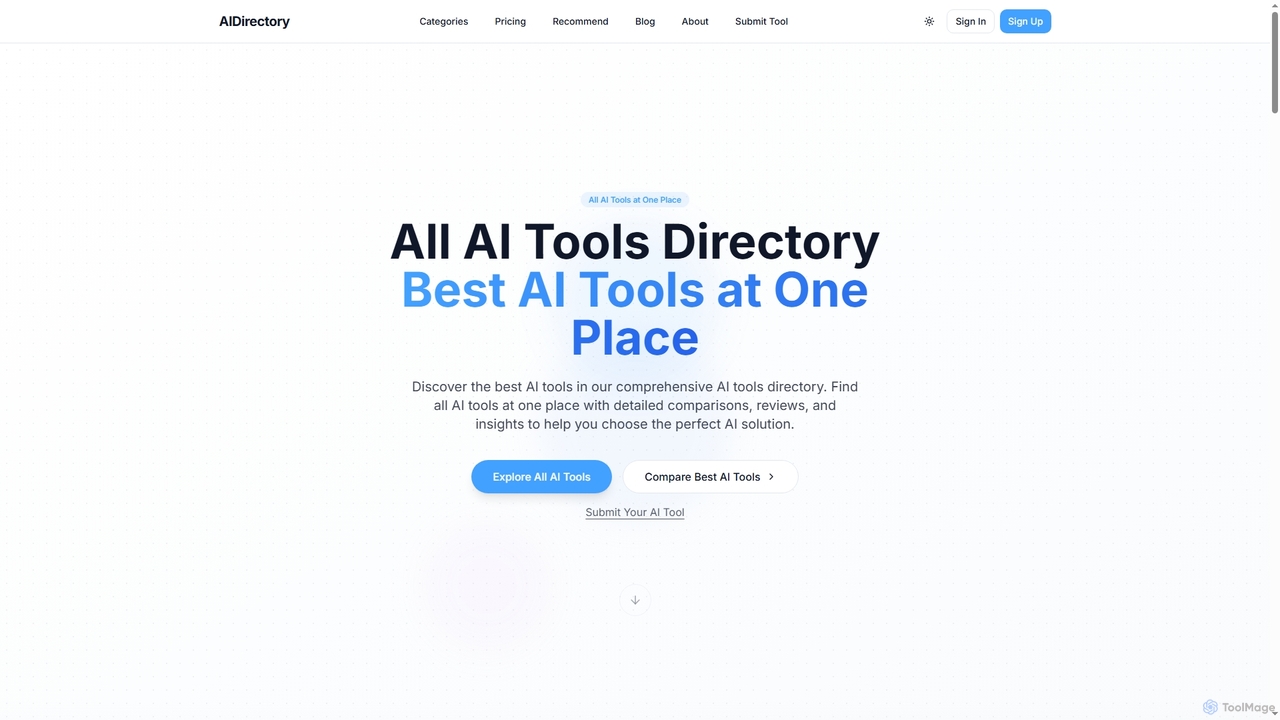
Allaitools
A comprehensive AI tools directory featuring over 3000 curated tools across more than 50 categories. It offers advanced filtering, side-by-side comparisons, and an AI-powered recommendation engine to help users discover the perfect AI solutions for their needs.
ResourceExperiments with Google Categories
Experiments with Google Jobs
Experiments with Google Embed Widget
Copy this embed code to place the badge on your blog, article, or product site and send readers directly to this ToolMage detail page.

Related AI tools
Fast.ai
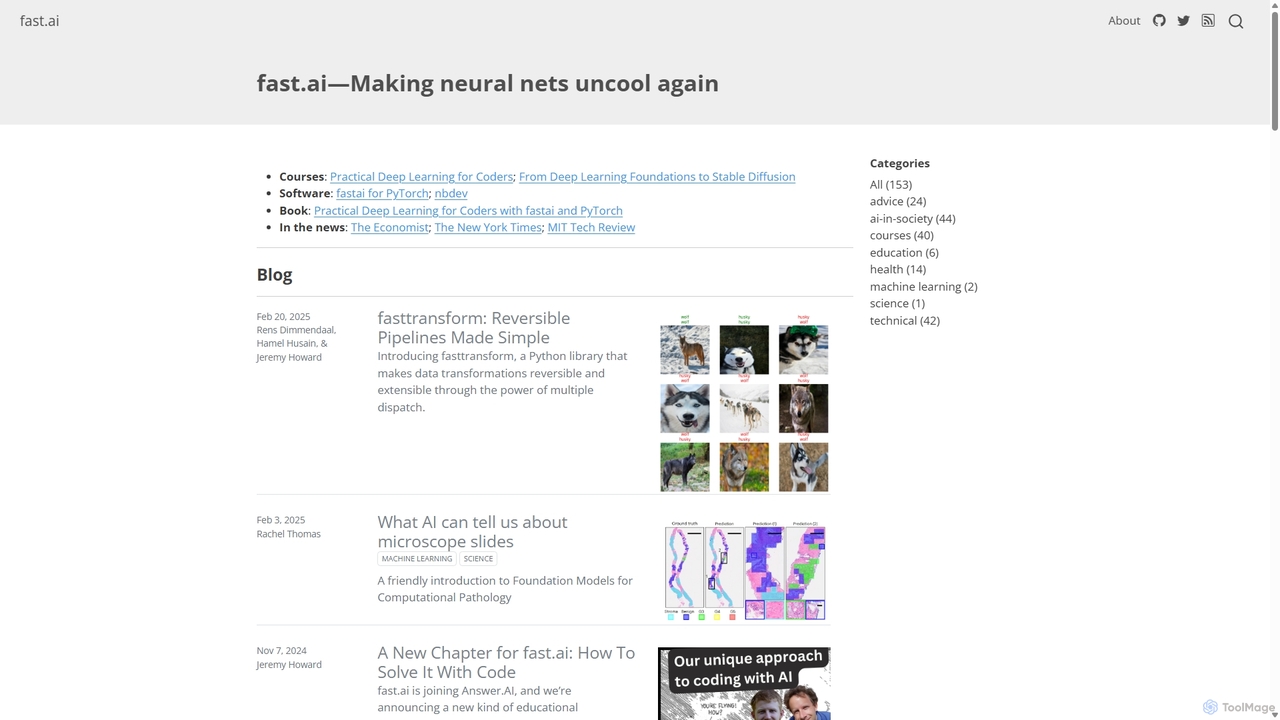
Fast.ai is a research institute dedicated to making deep learning accessible to everyone. It offers free courses, an open-source software library (fastai), cutting-edge research, and a vibrant community, empowering coders of all backgrounds to become deep learning practitioners.
Machine LearningToolin
Toolin is a curated AI tool navigation and discovery platform designed for millions of AI enthusiasts and creators. It helps users find, organize, and share powerful AI tools for various applications, from productivity and content creation to programming and design. The platform also features 'AI Skill Packs,' which are expert-curated collections of tools for specific workflows, fostering a community of knowledge sharing.
Knowledge Sharing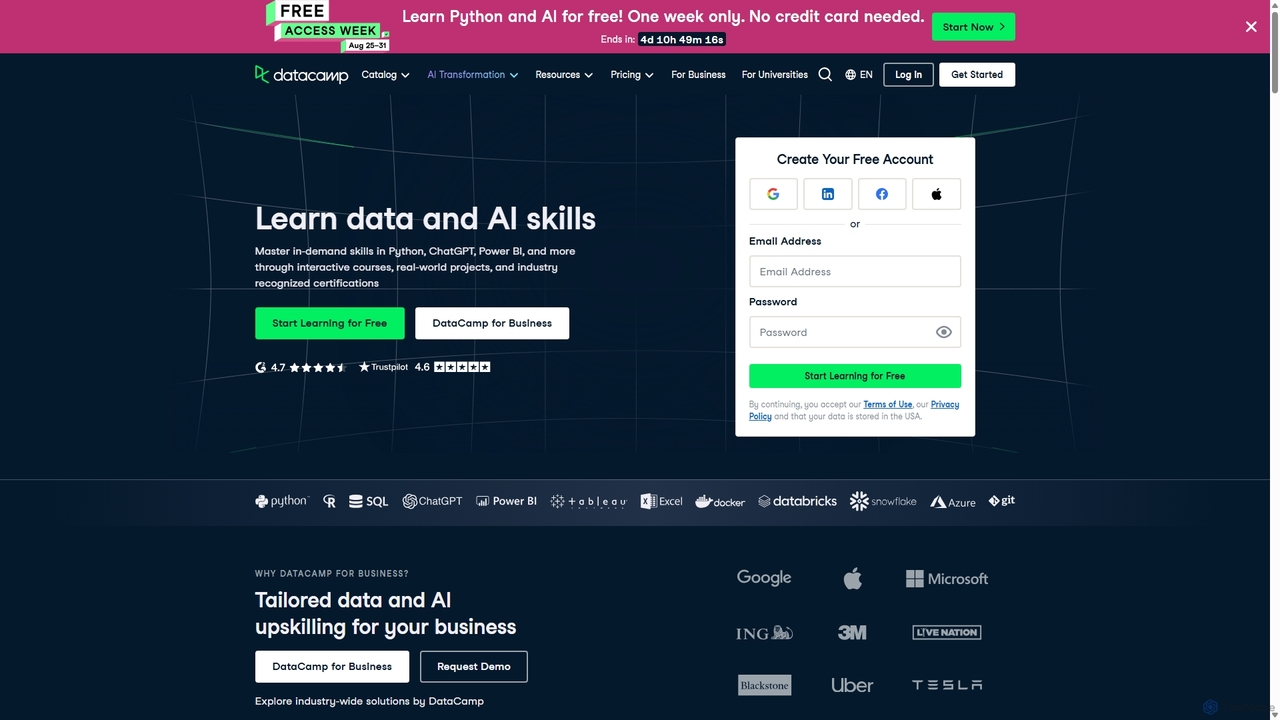
DataCamp
DataCamp is an interactive online learning platform for data science and AI. It offers hands-on courses in Python, R, SQL, Power BI, and more. Through a 'learn-by-doing' approach with in-browser coding, real-world projects, and career tracks, it empowers individuals and businesses to build job-ready data skills, from beginner to expert level.
Data Science
OpenAI
OpenAI is a leading AI research and deployment company dedicated to ensuring that artificial general intelligence (AGI) benefits all of humanity. It develops state-of-the-art models like GPT-5, ChatGPT for conversational AI, Sora for text-to-video, and DALL-E for image generation. Through its robust API platform, OpenAI empowers developers and businesses to integrate powerful AI capabilities into their applications, driving innovation across various industries.
Image Generation
Google AI
Google AI is a comprehensive ecosystem of advanced artificial intelligence models, tools, and research initiatives. It encompasses the powerful Gemini family of models, developer platforms like Vertex AI, and applications across creativity, productivity, and scientific discovery, all built with a commitment to safety and responsibility.
Large Language Models
YouLearn
YouLearn is a Y Combinator-backed AI tutor that transforms any learning material—like PDFs, YouTube videos, and lectures—into interactive study tools. It creates summaries, flashcards, and quizzes, and offers an AI chat feature to simplify complex topics, helping over a million students and professionals learn smarter and faster.
Learning Assistant
Xmind AI
Xmind AI is an advanced AI-powered mind mapping and brainstorming tool designed to enhance creativity and productivity. It helps users visualize thoughts, organize complex information, and collaborate with teams in real-time. With features like AI-driven idea generation, content summarization, and automated to-do lists, Xmind AI transforms abstract concepts into structured, actionable plans.
Teamwork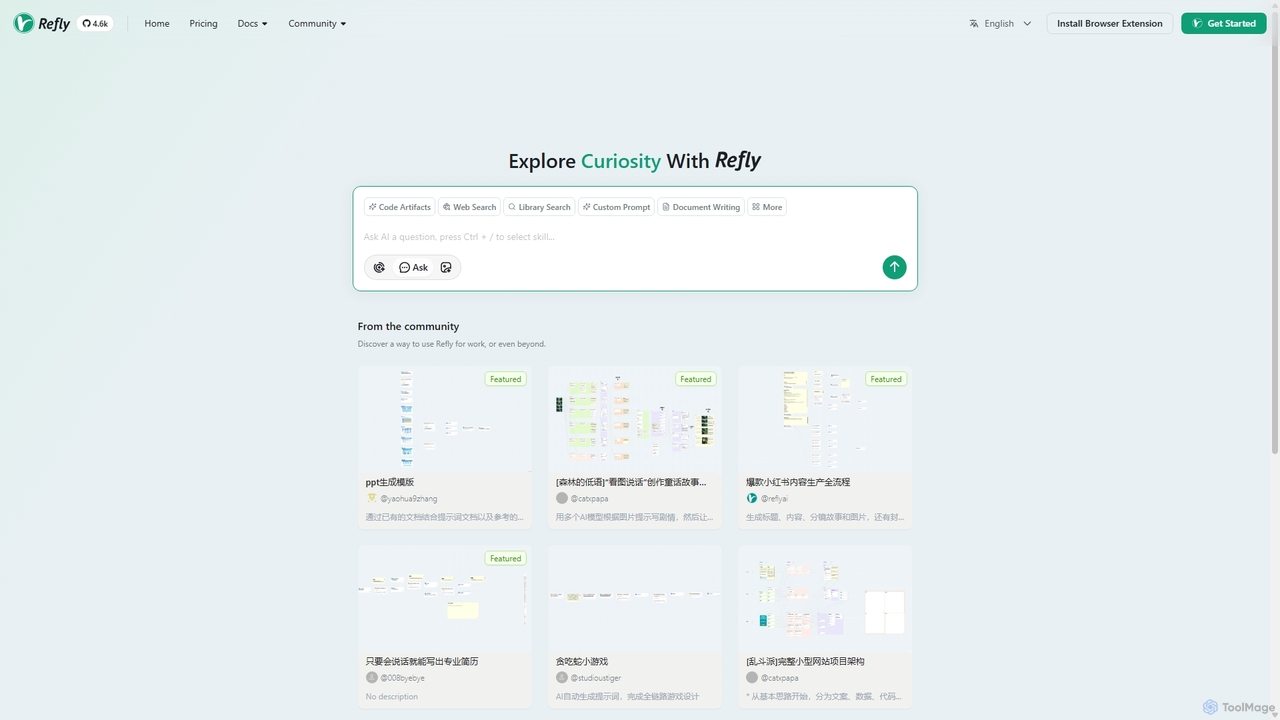
Refly.AI
Refly.AI is an open-source agentic workspace for advanced human-AI collaboration. It enables users to build, share, and execute complex AI workflows by chaining models, prompts, and tools. Ideal for automating tasks in content creation, coding, and data analysis to boost productivity.
Code Assistant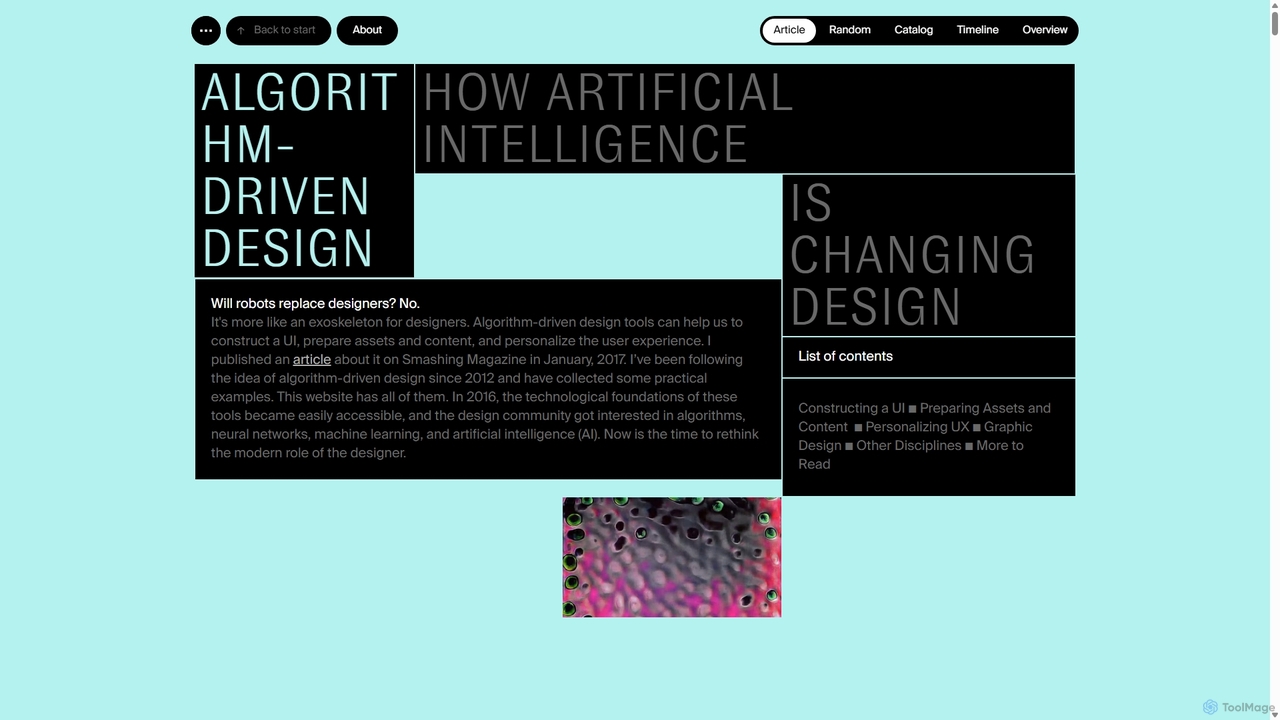
Algorithm-Driven Design
A comprehensive, curated online resource by Yury Vetrov that explores how Artificial Intelligence is transforming the world of design. It serves as a knowledge base, showcasing real-world examples, tools, and articles on the intersection of AI and various design disciplines.
Inspiration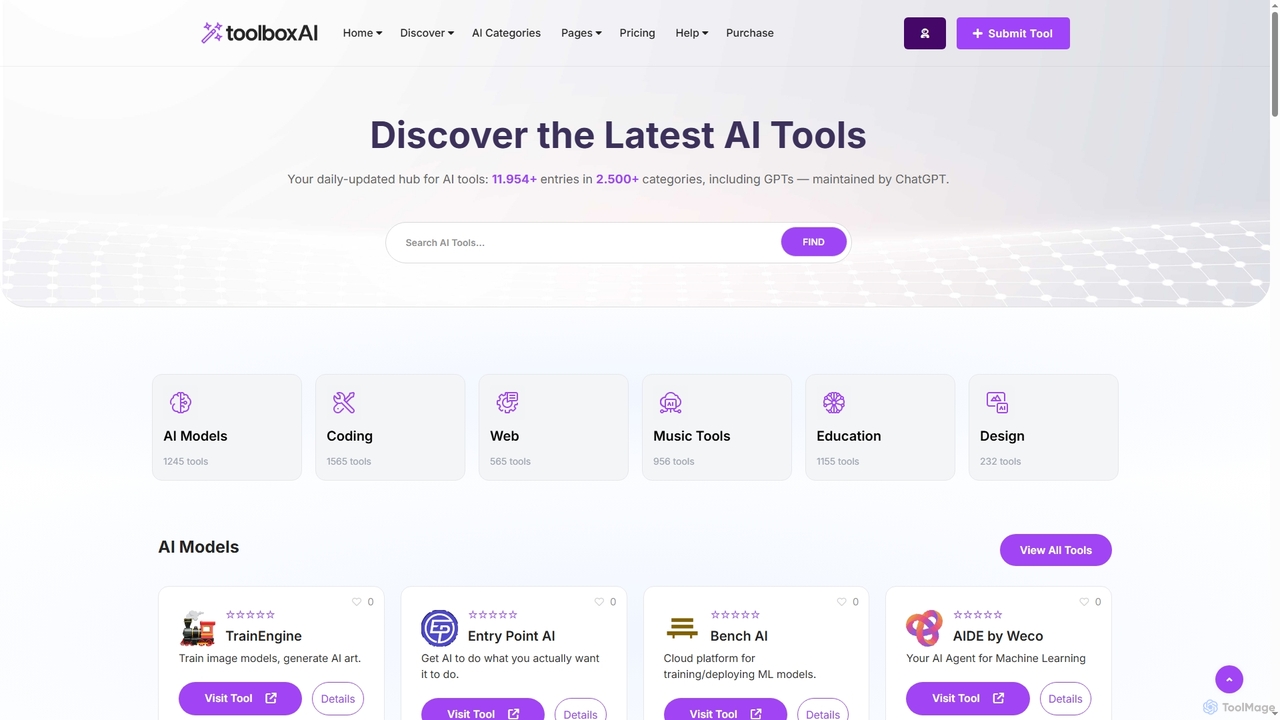
Toolbox AI
A comprehensive, daily-updated directory for discovering and comparing over 11,954 AI tools across 2,500+ categories. It offers expert reviews, a tailored tool finder, and direct access to help professionals and businesses leverage the power of AI for their specific needs.
ResourceLobe
Lobe is a free, user-friendly desktop application for Mac and PC that simplifies the process of training custom machine learning models. It enables users to build, manage, and export image classification models without writing a single line of code, making AI accessible to everyone.
Machine Learning
Ai Toolify
ai_toolify is a comprehensive AI tool directory designed to help users discover, compare, and select the best artificial intelligence tools for any task. It features a curated and constantly updated database of AI applications across various categories, from content creation to software development.
Tool Discovery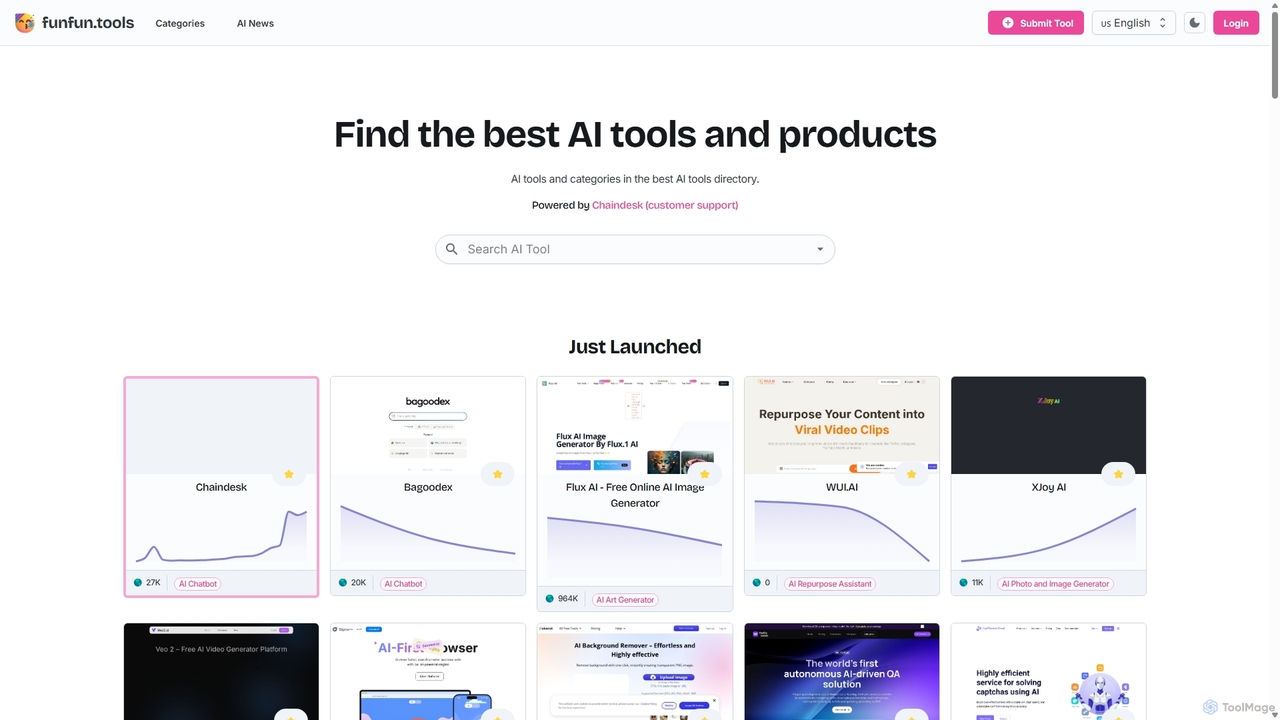
Funfun.tools
Funfun.tools is a comprehensive AI tools directory designed to help users discover, compare, and stay updated on the best artificial intelligence products. It features extensive categories, detailed tool reviews, traffic data, and a dedicated AI news section, making it a one-stop resource for professionals, creators, and enthusiasts.
Market Research
Ollama
Ollama is a powerful open-source framework for running large language models (LLMs) like Llama 3, Mistral, and Gemma locally on your own hardware. Available for macOS, Windows, and Linux, it simplifies the setup and management of open-source models, enabling private, offline, and cost-effective AI development and usage.
Machine Learning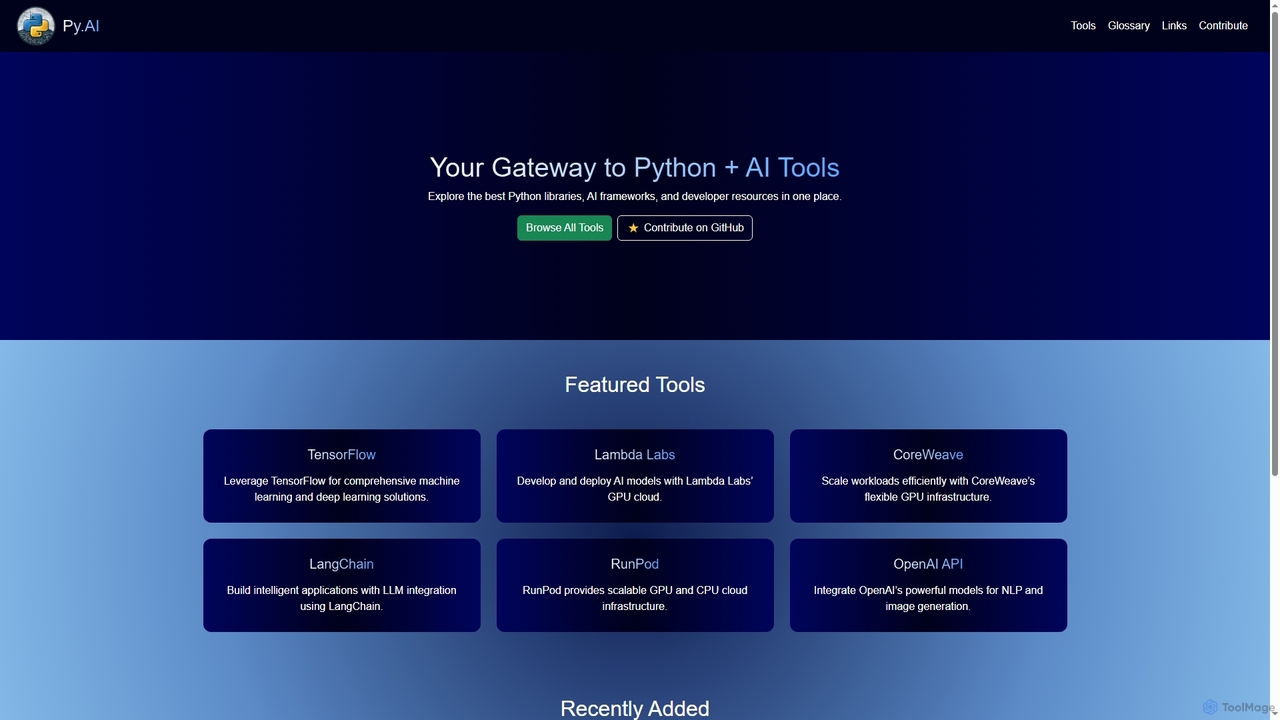
Py
Py is a curated online directory serving as a comprehensive gateway to the best Python libraries, AI frameworks, and developer resources. It helps users explore, discover, and find tools to enhance their machine learning and AI projects.
Tool Discovery
Experiments with Google Comments (0)
Sign in to comment.
Sign inNo comments yet.