Experiments with Google
A curated online gallery showcasing thousands of creative and innovative experiments built with Google technologies since 2009. It …
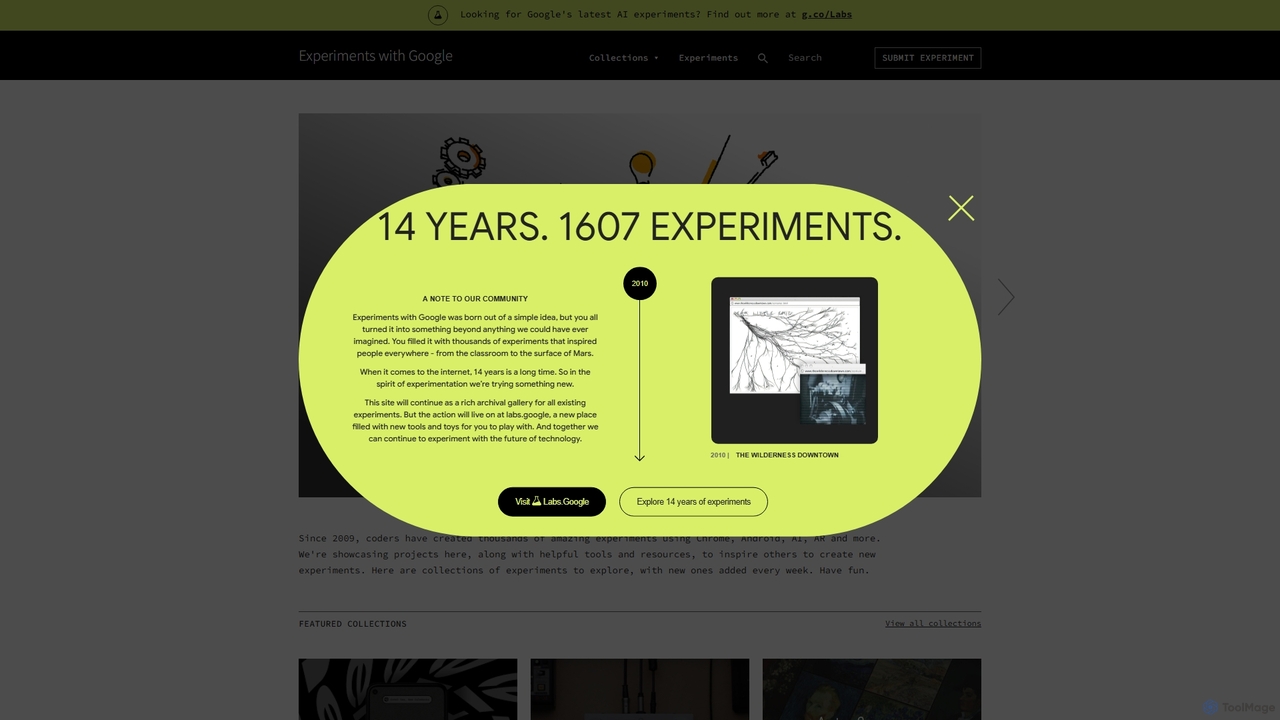
A curated online gallery showcasing thousands of creative and innovative experiments built with Google technologies since 2009. It serves as an inspiration hub for developers, designers, and creators, exploring the intersection of technology, art, and culture through AI, AR, WebXR, and more.
About Showcase
AI Showcase tools are a specialized category of developer utilities designed to create compelling, interactive demonstrations of software projects. They leverage AI to automate the capture of workflows, generate step-by-step guides, and visualize code functionality. This enables developers and product teams to clearly communicate complex features to stakeholders, users, or team members without extensive manual video editing or documentation writing. Many of these tools can transform simple screen recordings or code repositories into polished, shareable presentations.
Core Features
- Automated Workflow Capture: Automatically records user actions, clicks, and inputs to generate structured tutorials and guides.
- Interactive Product Tours: Creates embeddable, step-by-step walkthroughs that guide users directly within an application.
- AI-Powered Narration & Editing: Generates synthetic voiceovers from text and automatically edits recordings by removing pauses or mistakes.
- Code & API Visualization: Transforms code snippets or API endpoints into interactive diagrams, animations, or playable sandboxes.
- Instant Content Generation: Converts screen recordings, text descriptions, or existing documentation into videos, GIFs, or interactive demos.
Use Cases
These tools are frequently used by software developers for pull request reviews, product managers for feature presentations, and developer advocates for creating community tutorials. They are also valuable for sales engineers building customized client demos and for support teams creating visual help guides, streamlining communication across technical and non-technical audiences.
How to Choose
When selecting an AI Showcase tool, consider its integration capabilities with your existing stack (e.g., GitHub, Slack, VS Code). Evaluate the available output formats (e.g., interactive HTML, MP4, GIF) to ensure they meet your needs. Assess the level of customization for branding and style, and consider the tool's learning curve—whether it's a simple recorder or a more complex platform requiring configuration.
ShowcaseUse Cases
Creating Interactive Onboarding Tours
A Product Manager for a new SaaS application needs to reduce user churn during the initial setup phase. Instead of static video tutorials, they use an AI Showcase tool to capture the ideal onboarding workflow. The tool automatically generates an interactive, step-by-step guide that is embedded directly into the application. New users are prompted to click specific buttons and fill in fields, learning by doing. This results in a more engaging onboarding experience and a measurable increase in user activation rates.
Generating Technical How-To Guides
A developer advocate needs to create a tutorial on how to integrate a new API. They perform the integration process once while using an AI Showcase tool to record their screen. The tool automatically detects key actions, zooms in on important details, and generates a transcript. The advocate then adds text annotations and uses the AI voiceover feature to create a professional-sounding narration. The final output is a polished video tutorial and a written guide with screenshots, created in a fraction of the time it would take with traditional video editing software.
Visualizing Code Changes for Pull Requests
A developer submits a pull request with complex front-end changes. To help reviewers understand the impact, they use an AI Showcase tool to create a short GIF. They record a before-and-after comparison of the UI, demonstrating the new functionality. The tool automatically crops the relevant window and optimizes the file size. By including this visual demonstration directly in the pull request description, the review process is accelerated, as reviewers can immediately see the changes in action without needing to check out the branch and run the application locally.
Building Automated and Personalized Sales Demos
A sales engineer needs to prepare a product demo for a potential enterprise client. Instead of a generic live demo, they use an AI Showcase tool that integrates with their CRM. The tool pulls the client's name and logo and inserts them into a pre-recorded demo template, creating a personalized presentation. It also allows the engineer to quickly reorder or hide certain features to tailor the demo to the client's specific pain points. This process enables the creation of dozens of customized, high-quality demos per day, significantly increasing sales efficiency.
Showcasing Portfolio Projects for Job Applications
A freelance developer wants to showcase their work to potential clients. For their portfolio website, they use an AI Showcase tool to create interactive demos of their best projects. Instead of static screenshots, visitors can now click through a guided tour of each application, experiencing its features firsthand. The tool generates a self-contained HTML file for each demo, which is easy to embed. This provides a much richer and more convincing presentation of their skills, helping them stand out from other applicants and secure more projects.
Creating Internal Knowledge Base Documentation
A senior developer needs to document a complex internal system for new hires. Traditional written documentation is often ignored or quickly becomes outdated. They use an AI Showcase tool to record themselves navigating the system's architecture and performing common tasks. The tool automatically generates a series of short, interactive modules. These modules are added to the company's internal knowledge base, providing a permanent, easy-to-update visual resource that helps new team members get up to speed much faster than reading dense documents.