

Teachable Machine Overview
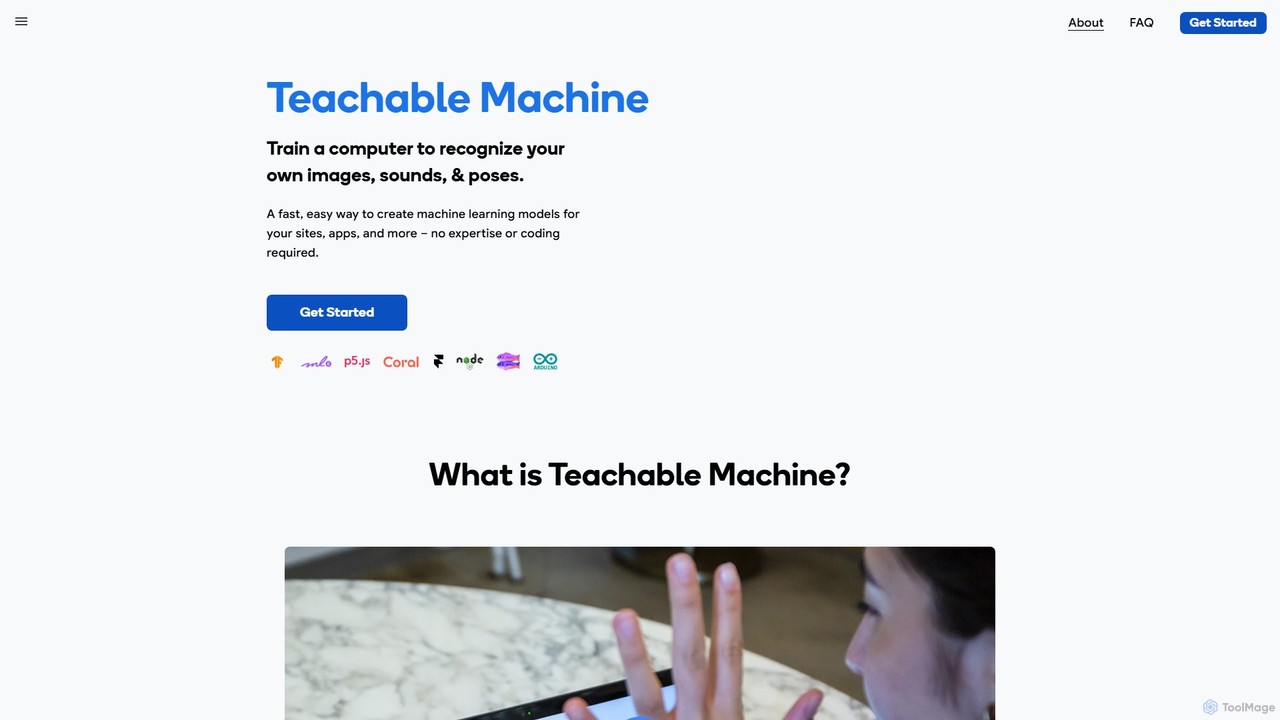
Teachable Machine is an innovative, web-based tool from Google designed to make machine learning accessible to everyone, regardless of their technical background. It provides a user-friendly interface to train custom machine learning models directly in your browser, without writing a single line of code. The core principle is to empower creators, students, and developers to experiment with and build real AI models in a fast, easy, and intuitive way. The platform is built on TensorFlow.js, allowing all training and inference to happen locally on your device. This privacy-centric approach means your data, such as webcam images or microphone audio, never leaves your computer.
Users can train three main types of models: Image projects to recognize and classify images, Sound projects to classify short audio clips, and Pose projects to recognize body positions and gestures. This flexibility makes it a powerful tool for a wide range of applications, from educational exercises to functional prototypes.
How to use Teachable Machine
The process of creating a model with Teachable Machine is streamlined into three simple steps:
- Gather: First, you collect and group your training examples into different 'classes' or categories. For an image model, you could upload pictures of different objects or use your webcam to capture them live. For a sound model, you can record short audio samples like 'clap', 'snap', or 'whistle'. For a pose model, you can use your webcam to demonstrate different body postures.
- Train: Once your data is gathered, you simply click the 'Train Model' button. Teachable Machine uses this data to train a neural network right in your browser. The training process is quick, and you can immediately test the model's performance in a preview window to see how well it classifies new, unseen examples. You can also tweak advanced settings to adjust the model's behavior.
- Export: After you are satisfied with your model, you can export it for use in your own projects. The model can be downloaded or hosted online via a shareable link. It is exported as a TensorFlow.js model, making it easy to integrate into websites and applications using JavaScript. Additionally, there are options to convert the model for use with microcontrollers like Arduino and Coral, opening up possibilities for physical computing and IoT projects.
Core Features of Teachable Machine
- No-Code Interface: A completely visual, browser-based platform that requires no programming knowledge.
- Multiple Model Types: Train models to classify images, sounds, or human poses.
- Real-time Feedback: Instantly test your model with live input from your webcam or microphone.
- On-Device Privacy: All training and model execution happens locally on your machine, ensuring your data remains private.
- Flexible Data Input: Use your webcam, microphone, or upload existing image and sound files.
- Exportable Models: Export your trained model for use with TensorFlow.js, p5.js, Node.js, and hardware like Arduino and Coral.
- Adjustable Training Parameters: Advanced users can tweak parameters like epochs, batch size, and learning rate to fine-tune model performance.
Use Cases for Teachable Machine
Teachable Machine is used across various fields for education, prototyping, and creative expression:
- Education: It's a popular tool for teaching K-12 and university students the fundamentals of machine learning, data bias, and AI ethics in an interactive way.
- Accessibility: Projects like Google's Project Euphonia use Teachable Machine to help people with speech impairments communicate by training models to recognize their unique vocalizations or facial gestures.
- Prototyping: Developers and designers can quickly build and test proof-of-concept ideas, such as a sorter that identifies different types of fruit (like the 'Bananameter') or a gesture-controlled game controller.
- Interactive Art & Experiences: Artists and creators use it to build interactive installations that respond to audience movements, sounds, or objects.
- DIY & Hobbyist Projects: Connect your models to hardware like Arduino to create smart devices, such as a 'Tiny Sorter' that physically sorts objects based on what it sees.
Advantages of Teachable Machine
The primary advantage of Teachable Machine is its accessibility. It demystifies machine learning and lowers the barrier to entry, allowing a broader audience to engage with AI technology. Its speed allows for rapid prototyping and iteration. The on-device processing model is a significant advantage for privacy-conscious users and for applications requiring low latency. Furthermore, its seamless integration with the JavaScript ecosystem and hardware platforms makes it a practical tool for building real-world applications.
Pricing and Plans
Teachable Machine is a completely free tool provided by Google as part of its experiments to make AI more understandable and accessible. There are no fees, subscriptions, or hidden costs associated with using the platform or exporting the models you create.
Traffic
Latest traffic
Status
Monthly traffic trend
- 2025-9: 811.9K
- 2026-1: 495.7K
- 2026-2: 554.0K
- 2026-3: 608.9K
- 2026-4: 707.1K
- 2026-5: 734.6K
Geography
Top 5 countries / regions
- 🇺🇸United States50.3%
- 🇮🇳India19.6%
- 🇰🇷South Korea11.8%
- 🇮🇩Indonesia10.0%
- 🇪🇬Egypt8.3%
Traffic sources
| Source type | Percentage |
|---|---|
Direct | 83.1% |
Referral | 15.9% |
Email | 1.0% |
Top keywords
| Keyword | Cost per click |
|---|---|
| google teachable machine | $1.82 |
| teachable | $5.24 |
| teachable machine | $0.87 |
| teachablemachine | $3.00 |
| teachable machine google | $1.57 |
Teachable Machine Videos on YouTube
Kodex Academy



TechieTalksAI
Mohammad Nasirullah


Tech Innovative
Teachable Machine Alternatives
Rork
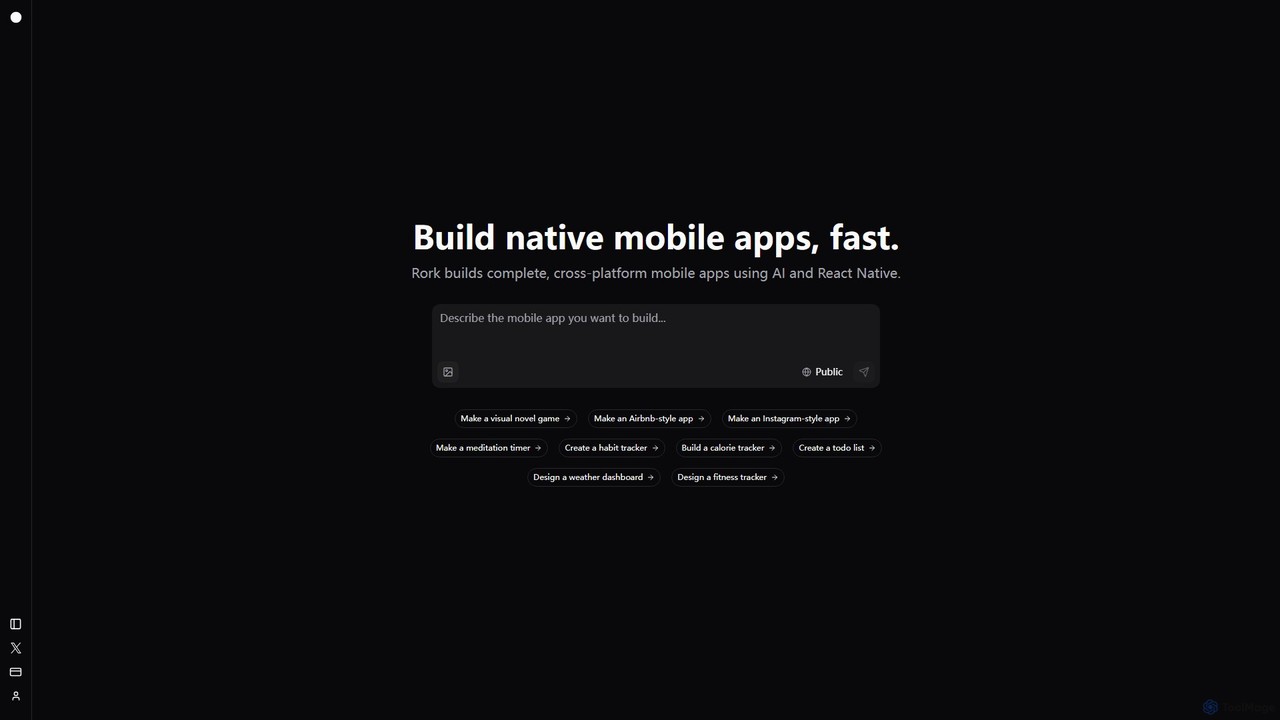
Rork is an AI-powered development platform that transforms simple text prompts into complete, native, cross-platform mobile apps in minutes. Using React Native, it allows users to "vibe code" their ideas, generating functional applications for iOS and Android without writing a single line of code. Ideal for rapid prototyping, MVPs, and accelerating development, Rork makes app creation accessible to everyone, from entrepreneurs to seasoned developers.
Mobile App Building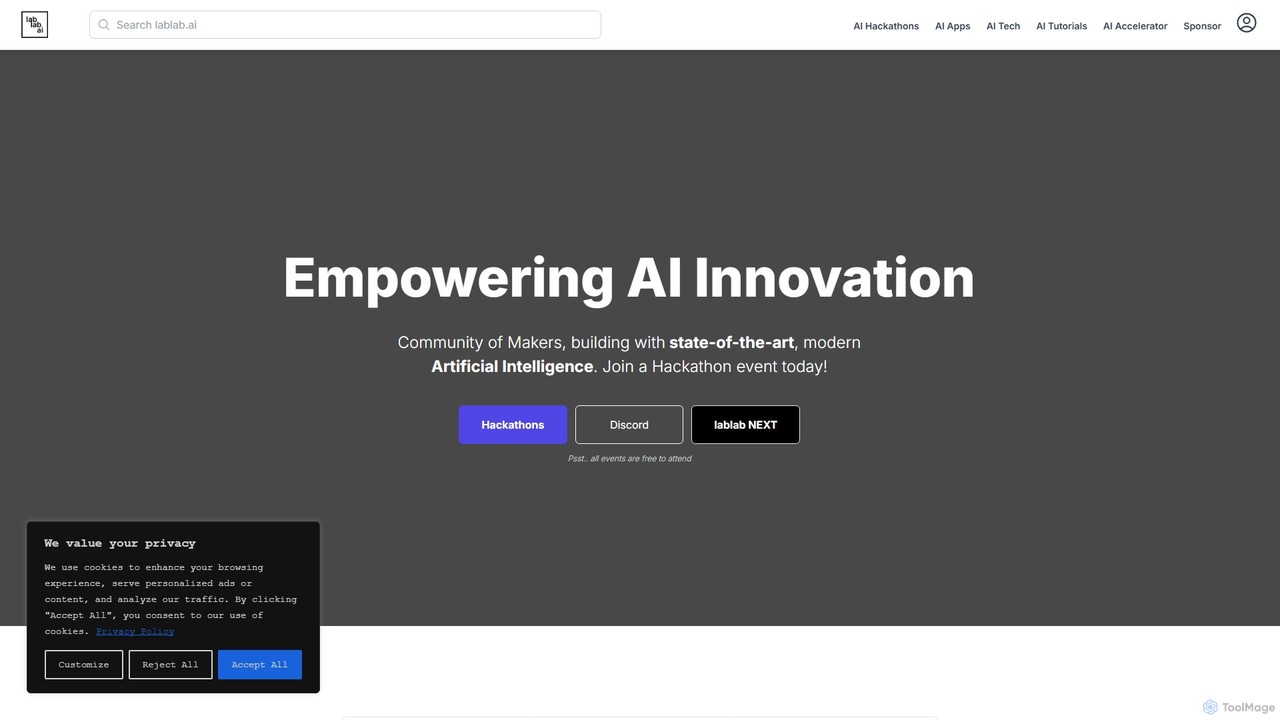
lablab.ai
lablab.ai is a global community platform that hosts AI hackathons, empowering creators, developers, and entrepreneurs to build innovative applications with state-of-the-art AI technologies from partners like OpenAI, Google, and Meta. Participate for free to learn, collaborate, and turn ideas into prototypes with expert mentorship.
Developer Communities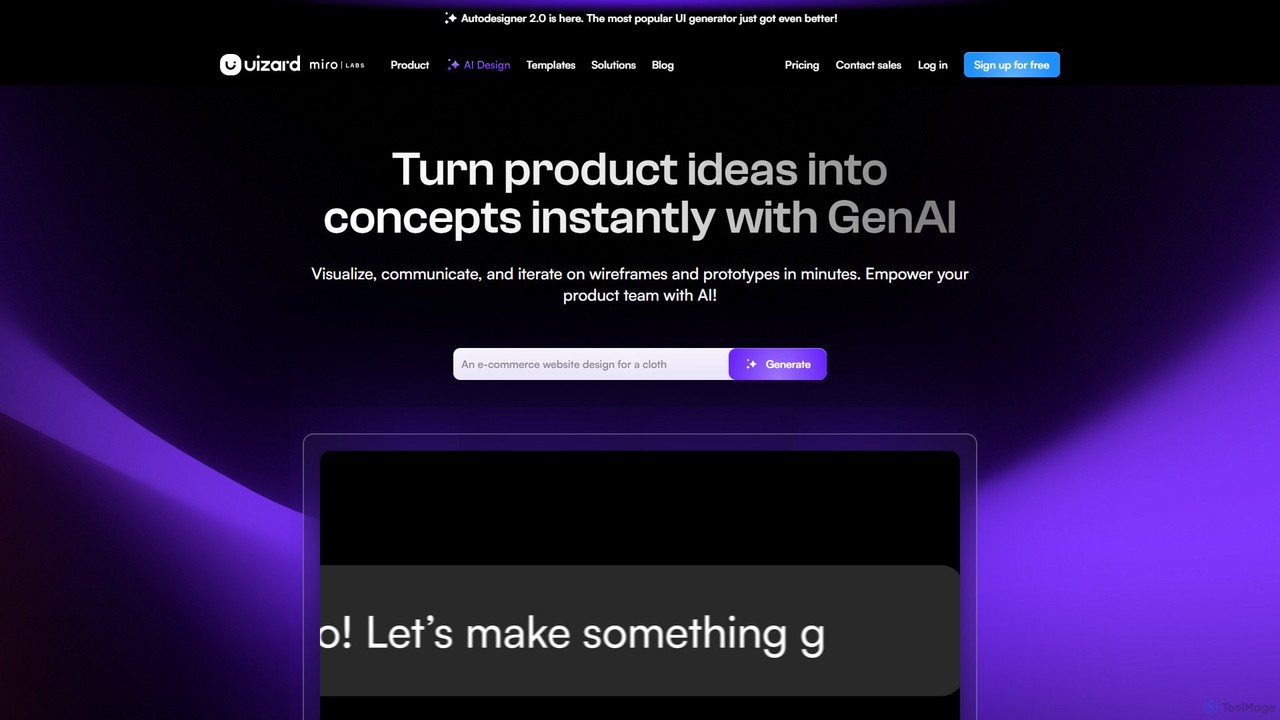
Uizard
Uizard is an AI-powered UI design tool that empowers both designers and non-designers to create stunning websites, web apps, and mobile app mockups in minutes. Transform text prompts, hand-drawn sketches, or screenshots into editable, interactive prototypes. It's designed for rapid ideation, real-time collaboration, and streamlining the entire product design workflow from concept to handoff.
Ui Ux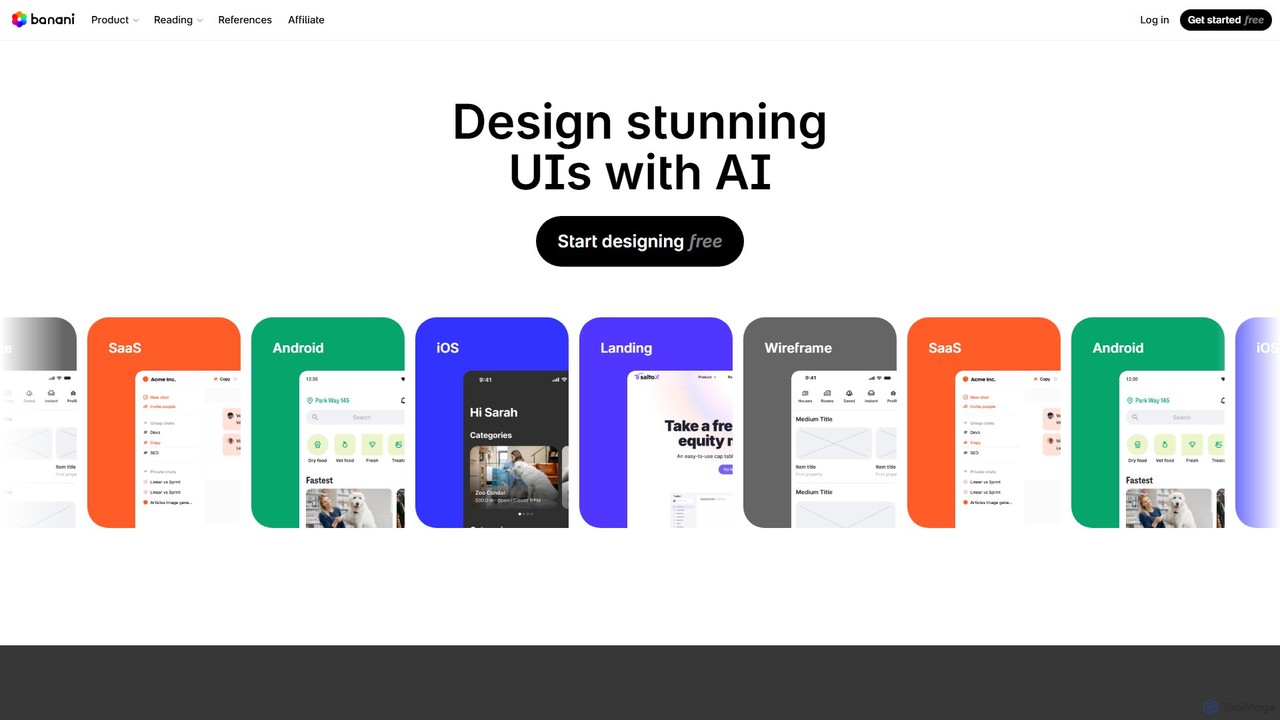
Banani
Banani is an AI-powered UI design copilot that transforms text prompts into stunning, interactive user interfaces and prototypes. It's designed for rapid ideation and visualization, enabling product managers, founders, and designers to create beautiful, user-friendly designs in seconds, even without prior design skills.
Ui DesignTeachable Machine Categories
Teachable Machine Embed Widget
Copy this embed code to place the badge on your blog, article, or product site and send readers directly to this ToolMage detail page.

Related AI tools
Lobe
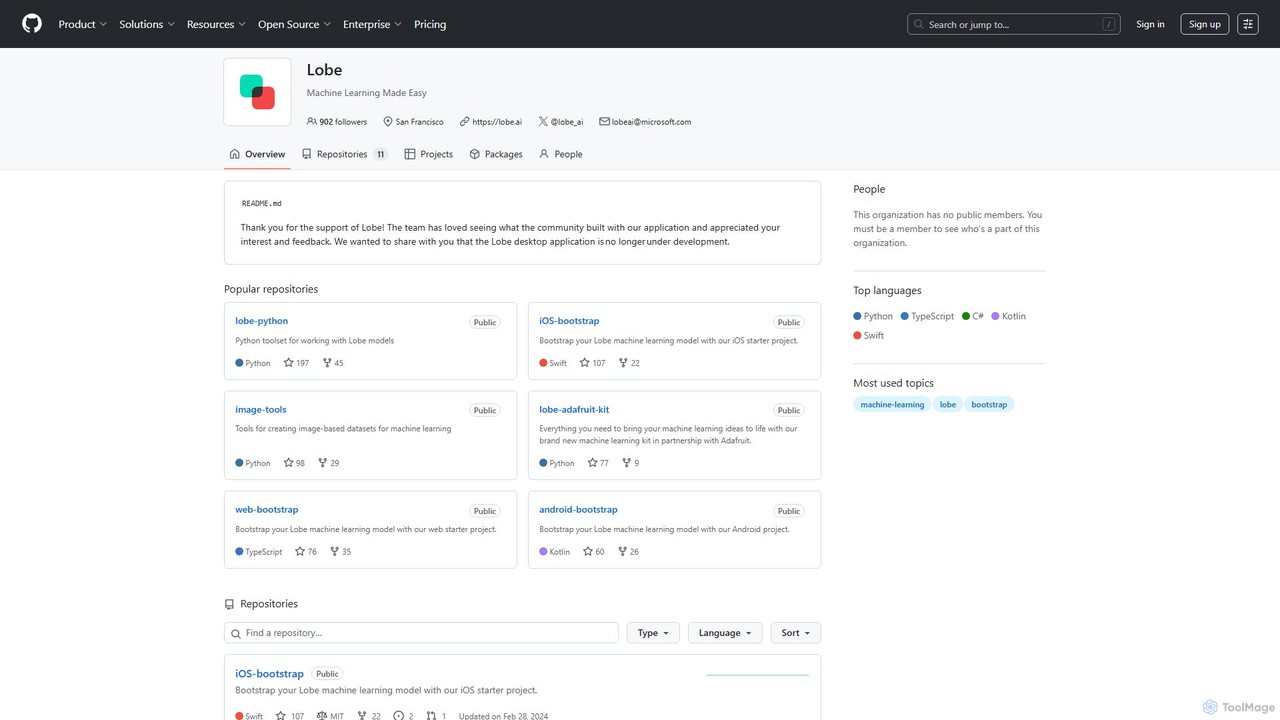
Lobe is a free, user-friendly desktop application for Mac and Windows that allows you to build, train, and deploy custom machine learning models without writing any code. It simplifies the process of creating AI, focusing primarily on image classification.
Machine Learning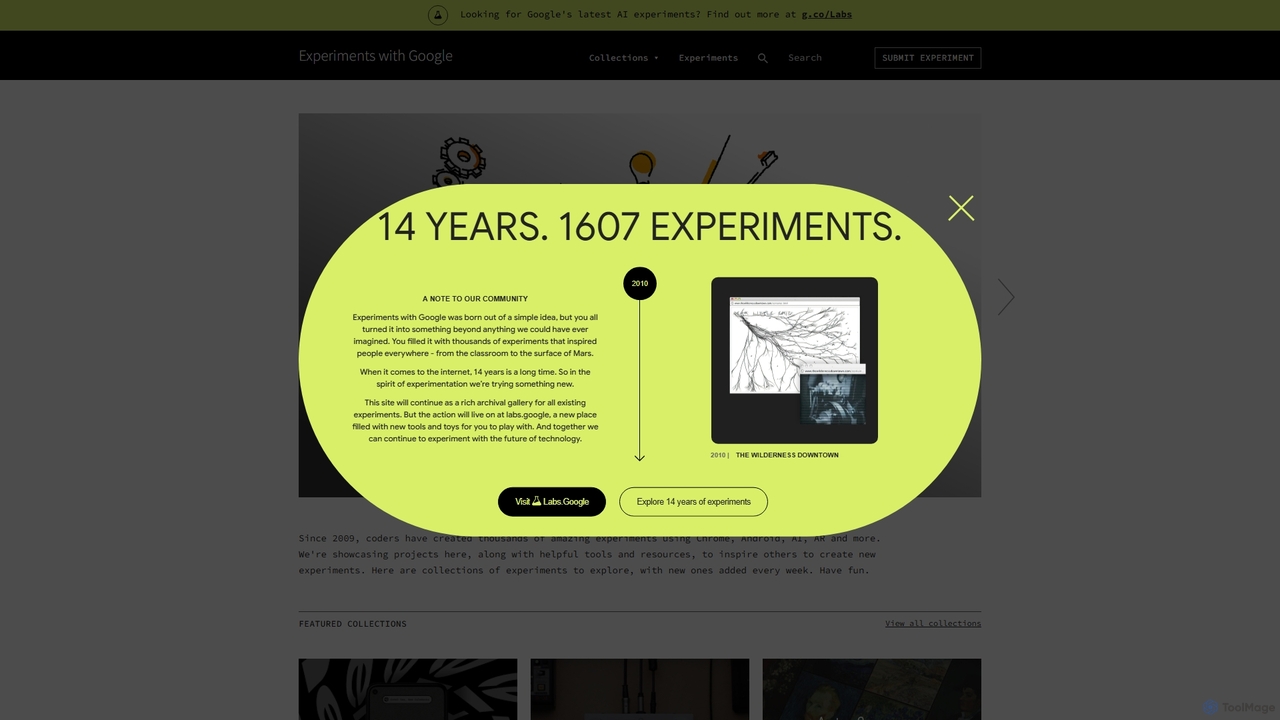
Experiments with Google
A curated online gallery showcasing thousands of creative and innovative experiments built with Google technologies since 2009. It serves as an inspiration hub for developers, designers, and creators, exploring the intersection of technology, art, and culture through AI, AR, WebXR, and more.
Generative Art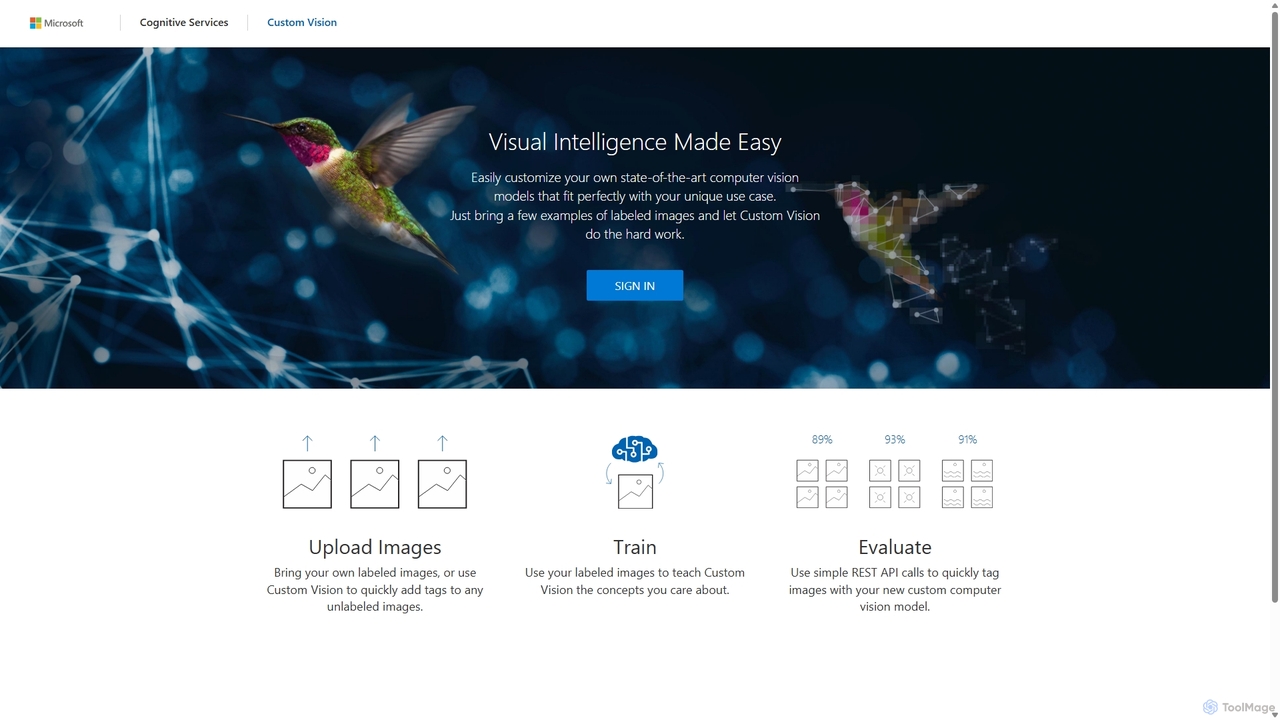
Custom Vision
An AI service from Microsoft Azure that allows you to build, deploy, and improve your own custom image classifiers and object detectors. Easily create state-of-the-art computer vision models tailored to your specific needs with a user-friendly interface and a powerful REST API, no deep machine learning expertise required.
Machine Learning
airtrain.ai
airtrain.ai is a no-code platform that empowers users to train, deploy, and manage custom AI models on their own data. It simplifies the entire machine learning workflow, enabling businesses and developers to build bespoke models for tasks like image recognition, text classification, and predictive analysis without extensive coding expertise.
Model Training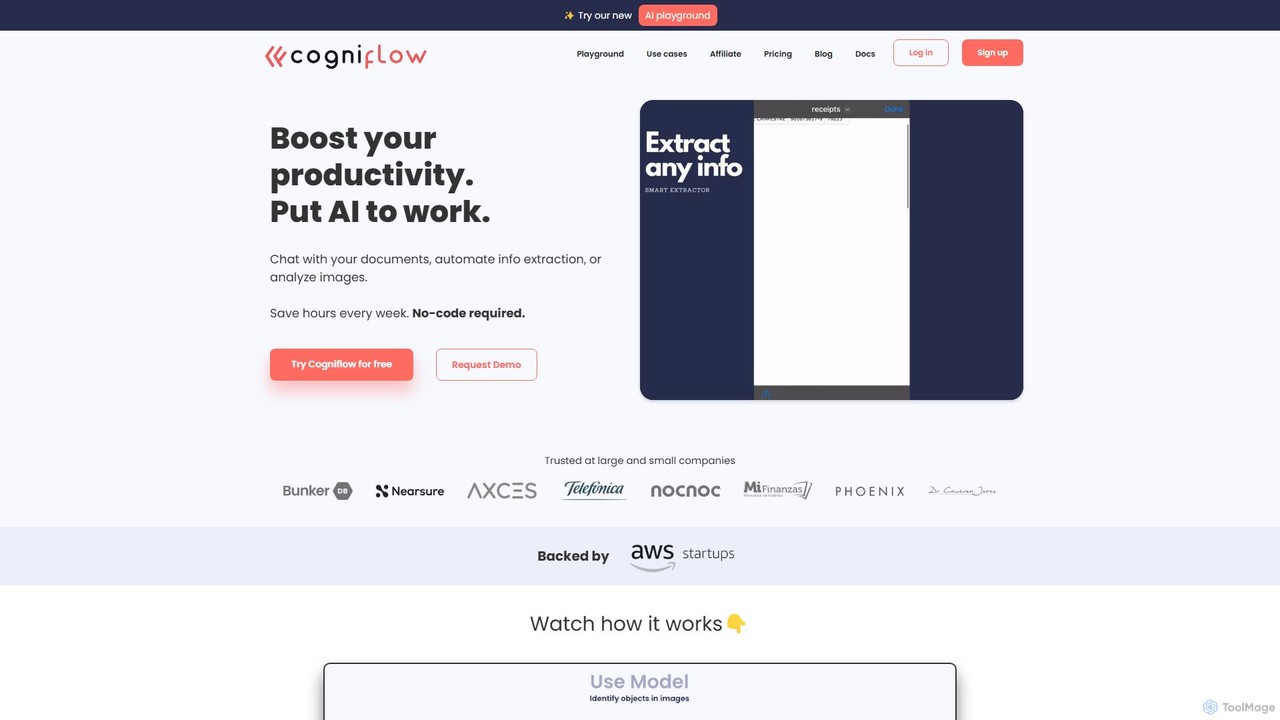
Cogniflow
Cogniflow is a powerful no-code platform that enables users to build and deploy custom AI models for text, image, and audio analysis without writing any code. It's designed for busy people and businesses to automate workflows, extract insights, and integrate AI into their applications in minutes.
Customer Support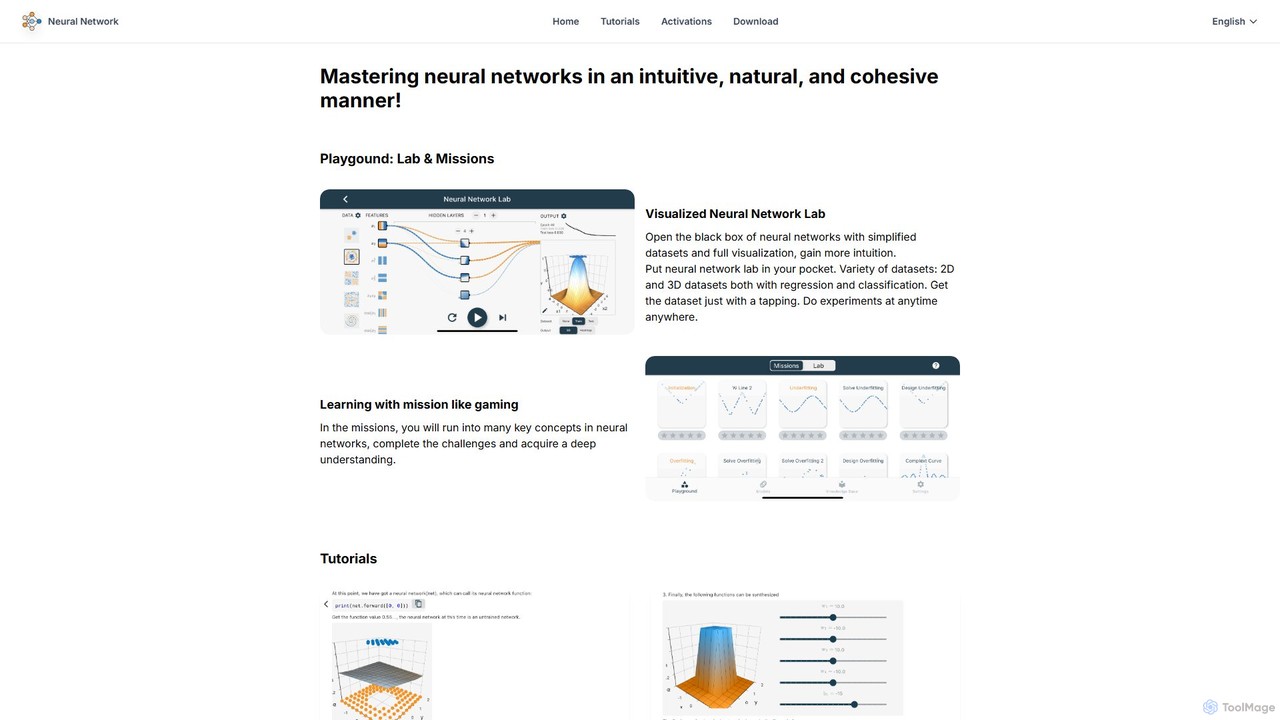
leapai
An interactive educational platform for mastering neural networks and deep learning. leapai uses visual labs, gamified missions, and a drag-and-drop model editor to make complex AI concepts intuitive and accessible for students, developers, and enthusiasts.
Machine LearningRork
Rork is an AI-powered development platform that transforms simple text prompts into complete, native, cross-platform mobile apps in minutes. Using React Native, it allows users to "vibe code" their ideas, generating functional applications for iOS and Android without writing a single line of code. Ideal for rapid prototyping, MVPs, and accelerating development, Rork makes app creation accessible to everyone, from entrepreneurs to seasoned developers.
Mobile App Building
Jyek
Jyek is an AI agent platform that understands objectives, creates execution plans, uses tools, and delivers verifiable results for complex, multi-step tasks.
Automationlablab.ai
lablab.ai is a global community platform that hosts AI hackathons, empowering creators, developers, and entrepreneurs to build innovative applications with state-of-the-art AI technologies from partners like OpenAI, Google, and Meta. Participate for free to learn, collaborate, and turn ideas into prototypes with expert mentorship.
Developer CommunitiesUizard
Uizard is an AI-powered UI design tool that empowers both designers and non-designers to create stunning websites, web apps, and mobile app mockups in minutes. Transform text prompts, hand-drawn sketches, or screenshots into editable, interactive prototypes. It's designed for rapid ideation, real-time collaboration, and streamlining the entire product design workflow from concept to handoff.
Ui UxBanani
Banani is an AI-powered UI design copilot that transforms text prompts into stunning, interactive user interfaces and prototypes. It's designed for rapid ideation and visualization, enabling product managers, founders, and designers to create beautiful, user-friendly designs in seconds, even without prior design skills.
Ui Design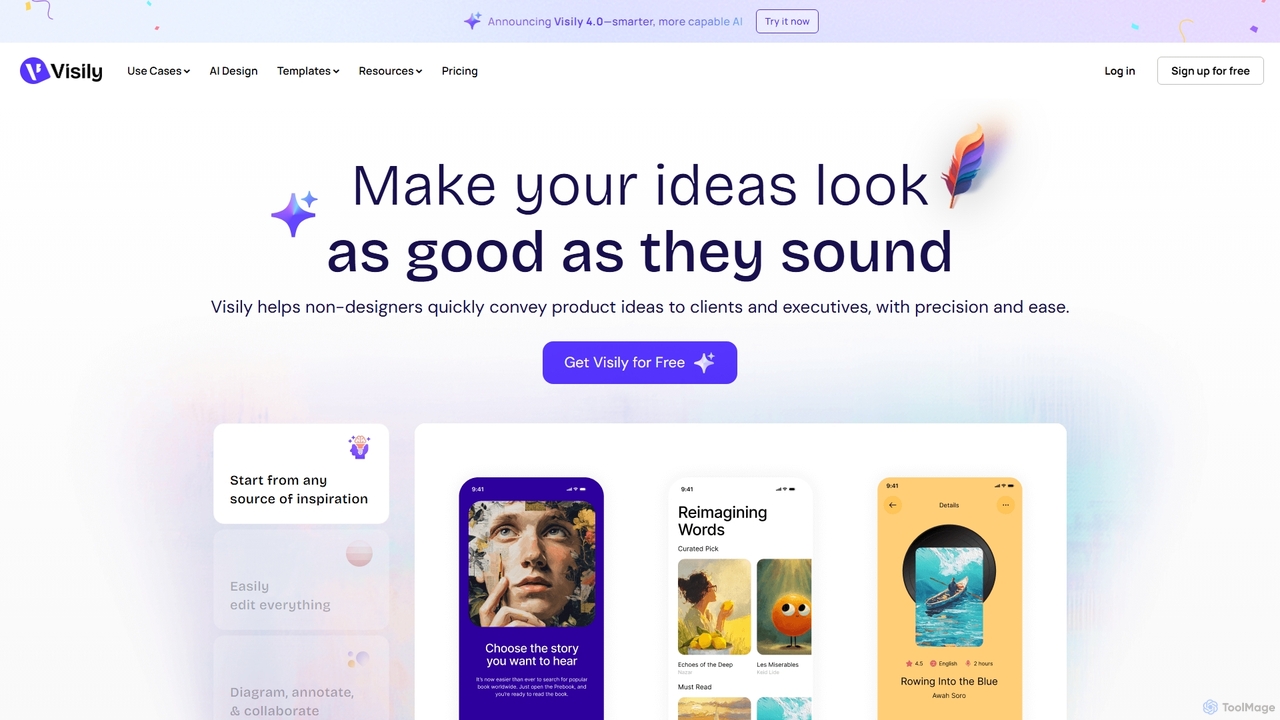
Visily
Visily is an AI-powered UI design and prototyping tool specifically created for non-designers. It enables teams to quickly transform ideas, screenshots, or text prompts into high-fidelity wireframes and mockups. With its intuitive interface and powerful collaboration features, Visily streamlines the process of visualizing product concepts and gathering feedback, bridging the gap between ideas and execution without a steep learning curve.
Ui Ux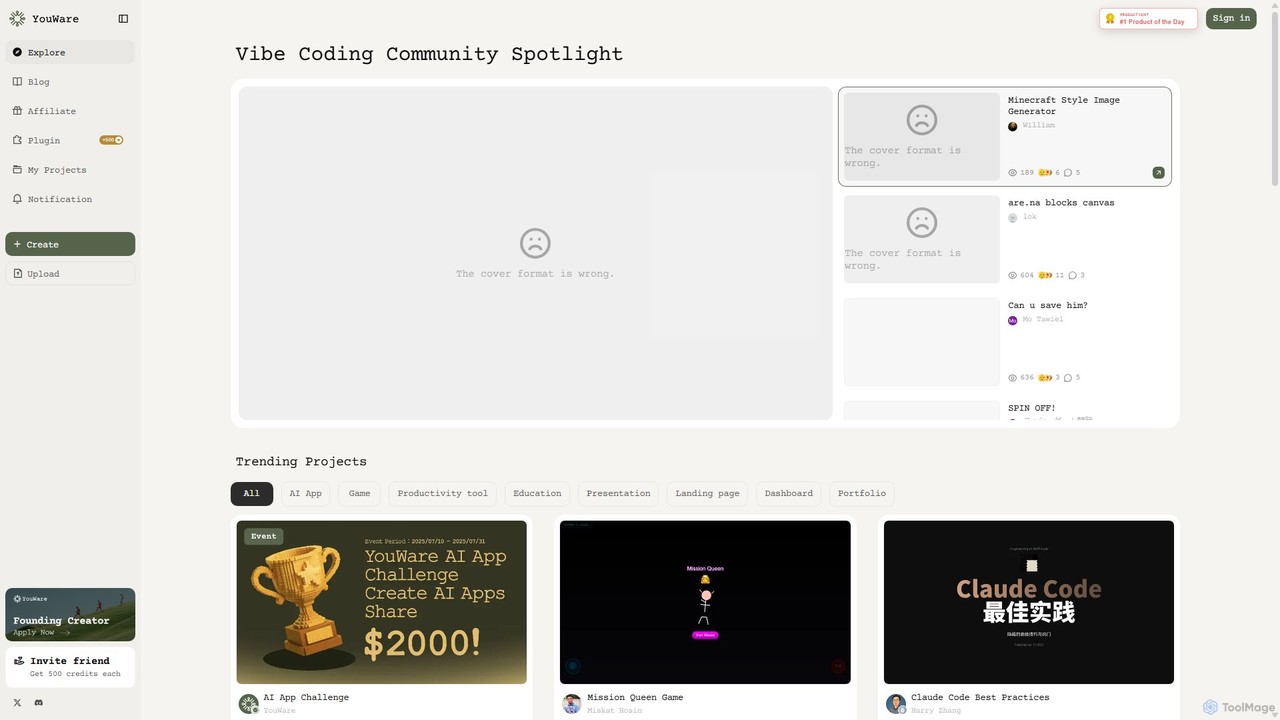
YouWare
YouWare is a pioneering AI coding community and no-code/low-code platform where creators build, share, and discover unique AI-powered applications, games, and tools. It empowers users of all skill levels to bring their ideas to life without extensive programming knowledge.
Image Generation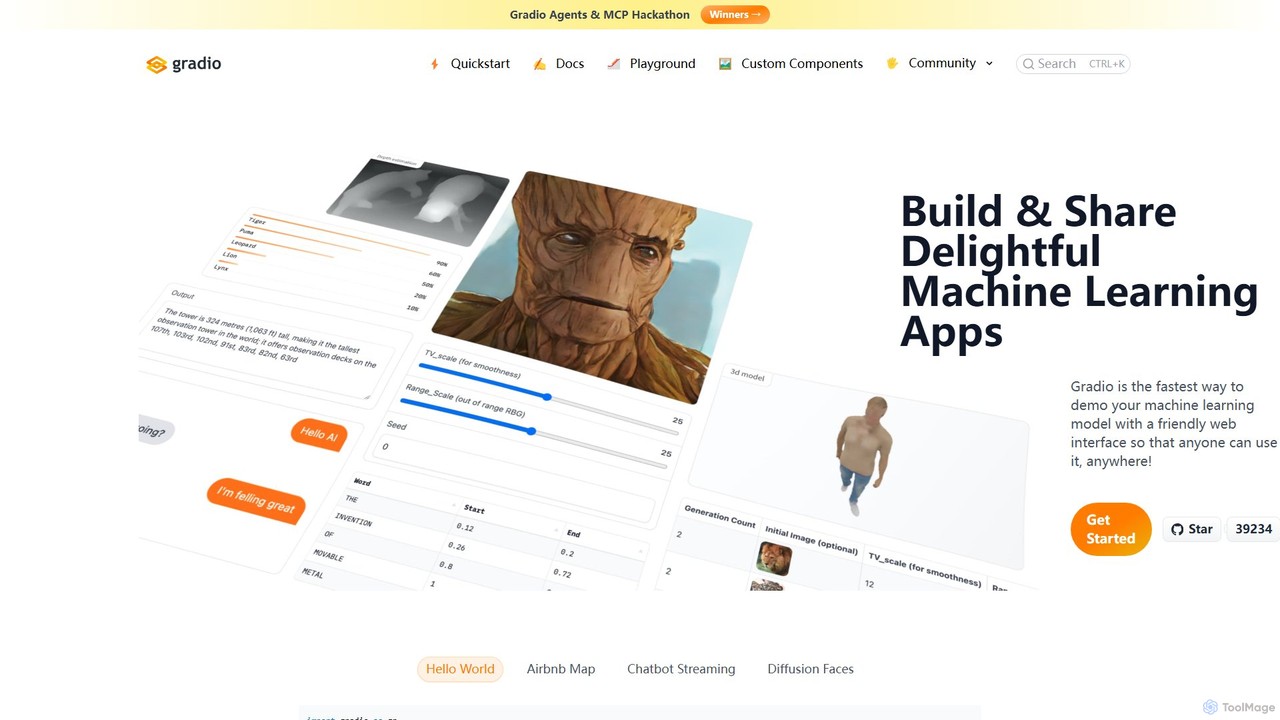
Gradio
Gradio is an open-source Python library that allows you to quickly build and share user-friendly web interfaces for your machine learning models, APIs, or any Python function. No web development experience is required.
Data Visualization
Teachable Machine Comments (0)
Sign in to comment.
Sign inNo comments yet.