
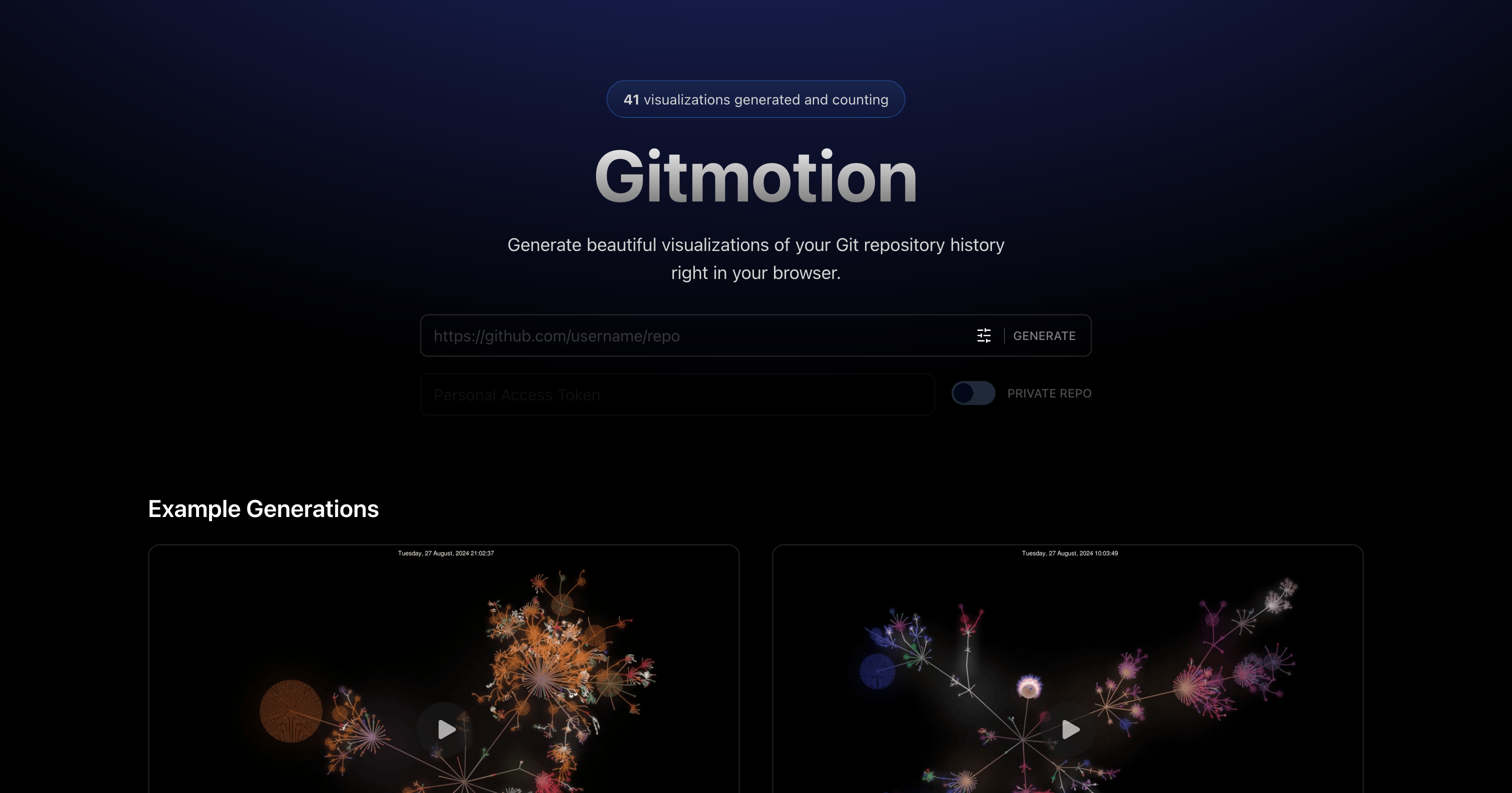
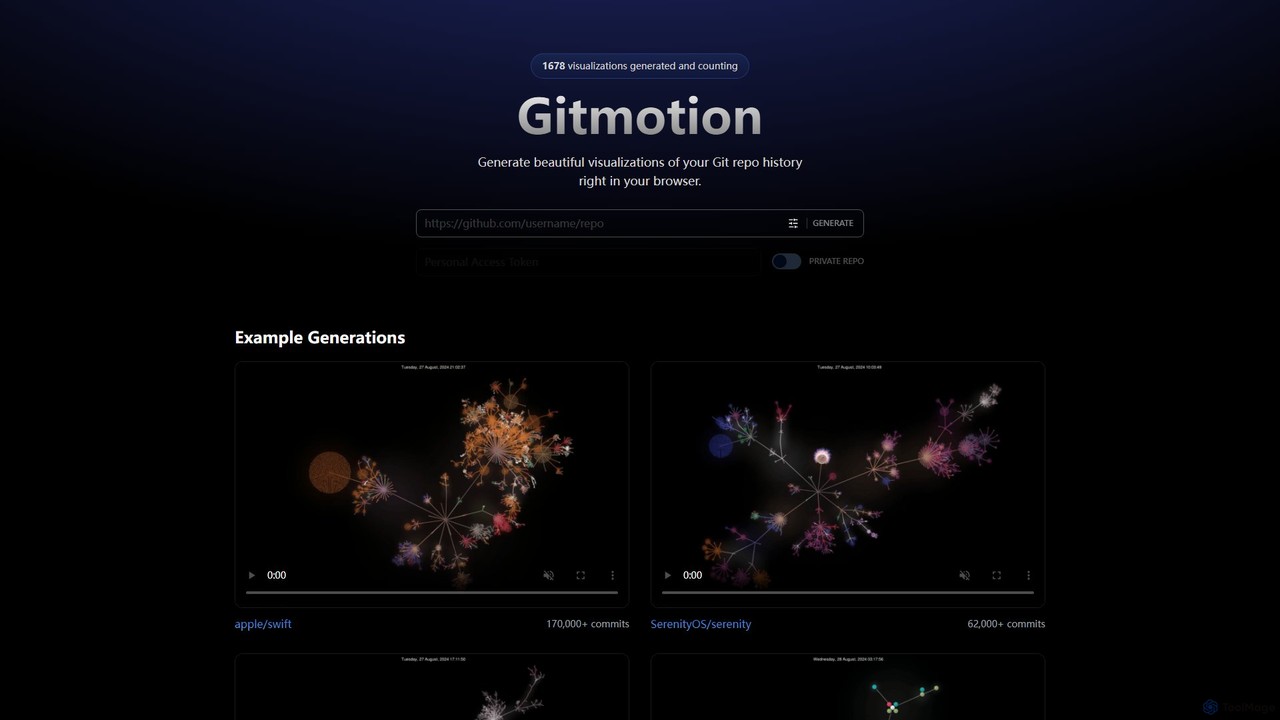
Gitmotion Overview
Gitmotion is an innovative online tool designed for developers, project managers, and teams who want to visualize the history of their software projects. It takes the often complex and text-heavy log of a Git repository and transforms it into a beautiful, animated, and insightful visualization. This allows users to see the flow of development, the merging of branches, and the contributions of different team members over time in a dynamic and engaging format. The entire process is handled directly in your browser, eliminating the need for complex local installations or command-line wizardry.
By simply providing a URL to a public Git repository, or by authenticating to access a private one, Gitmotion processes the commit history and renders a motion graphic. These visualizations are not just aesthetically pleasing; they are powerful tools for communication and analysis. They can reveal patterns in development, highlight periods of intense activity, and illustrate the growth and evolution of a codebase from its inception to its current state. The tool is built to handle repositories of all sizes, from small personal projects to massive open-source endeavors like Swift or React.
How to use Gitmotion
Using Gitmotion is a straightforward process designed for simplicity and speed:
- Navigate to the Website: Open your web browser and go to the Gitmotion application page.
- Enter Repository URL: For public repositories (e.g., on GitHub, GitLab), simply copy and paste the repository's URL into the designated input field on the homepage.
- Authorize for Private Repositories: If you want to visualize a private repository, you will need to follow the authentication flow, typically using OAuth to securely connect your Git provider account. This ensures your code remains private and secure.
- Apply Filters (Optional): Before generating, you can use the available filters to customize your visualization. You might filter by specific branches, authors, date ranges, or even file paths to focus on a particular aspect of the project's history.
- Generate Visualization: Click the 'GENERATE' button. Gitmotion will then fetch the repository's commit data and begin rendering the animation. This may take a few moments, depending on the size of the repository.
- View and Share: Once complete, the visualization will be displayed in your browser. You can watch the animation, and premium users can typically download it as a video file (e.g., MP4) or a high-resolution image to share with your team, use in presentations, or embed in documentation.
Core Features of Gitmotion
- Browser-Based Visualization: No software installation is required. Everything runs smoothly in your modern web browser.
- Public & Private Repository Support: Easily visualize any public repository by URL, or securely connect your account to visualize private projects.
- Animated History: Generates dynamic animations that show commits appearing, branches forming and merging, and the overall project growth over time.
- Customizable Filters: Fine-tune your visualization by filtering the history by branch, author, or date range to create a more focused narrative.
- Handles Large Repositories: The engine is optimized to process and visualize repositories with hundreds of thousands of commits, as demonstrated by examples like apple/swift.
- Export Options: Paid plans likely offer the ability to export visualizations as high-quality video files (MP4) or animated GIFs for easy sharing and embedding.
- Intuitive Interface: A clean and simple user interface makes it easy for anyone, regardless of technical skill, to generate a Git visualization.
Use Cases for Gitmotion
Gitmotion is a versatile tool with numerous applications:
- Team Onboarding: Help new developers quickly understand the history, structure, and key development phases of a project.
- Project Retrospectives: Use visualizations in sprint or project retrospectives to discuss development workflow, branching strategies, and team contributions.
- Presentations and Demos: Create compelling visuals for stakeholders, management, or conference talks to showcase the evolution and activity of a project.
- Open Source Promotion: Open source maintainers can create and share animations to highlight the vibrant activity and collaborative nature of their projects, attracting new contributors.
- Educational Tool: An excellent resource for teaching students and beginners about version control concepts like branching, merging, and commits in a visual, intuitive way.
Advantages of Gitmotion
Gitmotion stands out by making Git history accessible and engaging. Its primary advantage is its simplicity and power. Unlike command-line tools like Gource, which require setup and configuration, Gitmotion is a 'plug-and-play' solution. It democratizes the ability to create stunning code visualizations. The browser-based approach ensures accessibility across all operating systems without any dependencies. Furthermore, its ability to handle both private and large-scale public repositories makes it a flexible tool for both corporate and open-source environments.
Pricing and Plans
Gitmotion operates on a freemium model, providing value for both casual users and professional teams.
- Free Plan: Ideal for students, open-source developers, and anyone wanting to try the tool. This plan typically allows for the visualization of public repositories, may include a watermark on the output, and might have limits on the number of generations per day.
- Pro Plan: Aimed at individual professionals and freelancers. This plan unlocks support for private repositories, removes watermarks, provides higher-resolution exports (e.g., HD video), and offers priority processing in the generation queue.
- Team/Business Plan: Designed for development teams and companies. It includes all Pro features, plus team-based access management, collaborative features, and potentially API access for programmatic generation of visualizations for integration into dashboards or CI/CD pipelines.
Gitmotion Alternatives
GitKraken
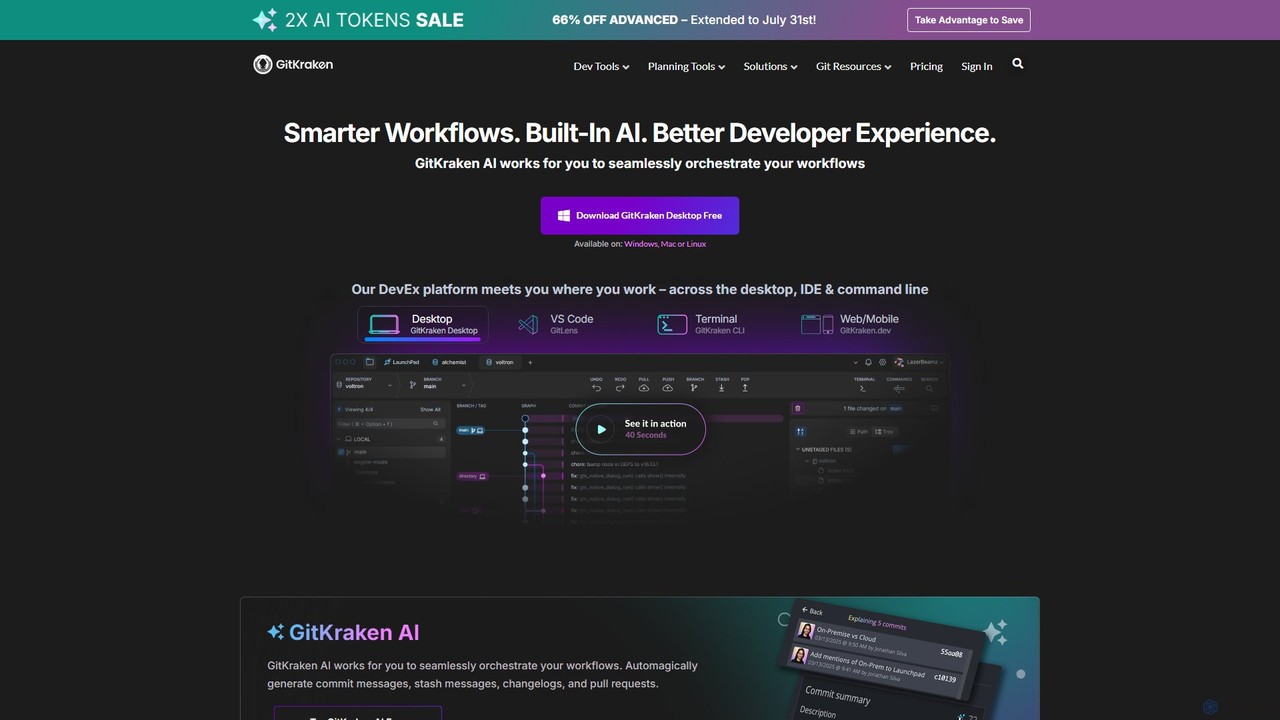
GitKraken is a legendary suite of Git tools designed to enhance the developer experience. Featuring a visual Git GUI, a powerful CLI, and IDE integrations, it leverages built-in AI to automate tasks like generating commit messages and pull requests. It streamlines workflows, improves team collaboration, and provides powerful visualization for complex repositories.
Version Control
GitButler
GitButler is a next-generation version control client that allows developers to organize their work into multiple virtual branches simultaneously. It automates the process of managing changes, enabling parallel work on different features and bug fixes without the overhead of traditional Git branches, streamlining the entire development workflow.
Code Assistant
GitHub
GitHub is the world's leading AI-powered developer platform for building, shipping, and maintaining software. It provides Git-based version control, collaborative tools, and a complete DevOps lifecycle, supercharged by GitHub Copilot, an advanced AI code assistant that accelerates development and enhances code quality.
Code Assistant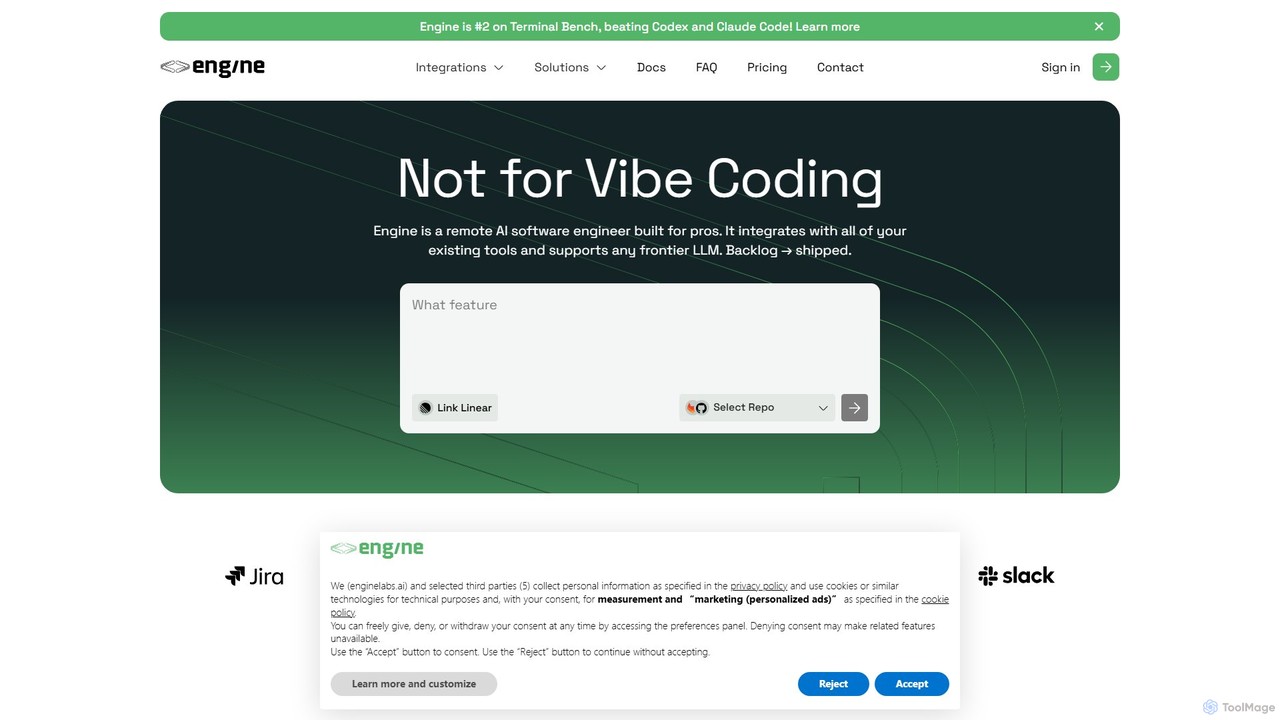
Engine
Engine is an AI software engineer designed for professional development teams. It integrates with your existing tools like GitHub and Linear to autonomously fix bugs, ship features, and clear your backlog by creating and managing pull requests, effectively acting as a remote AI team member.
Version Control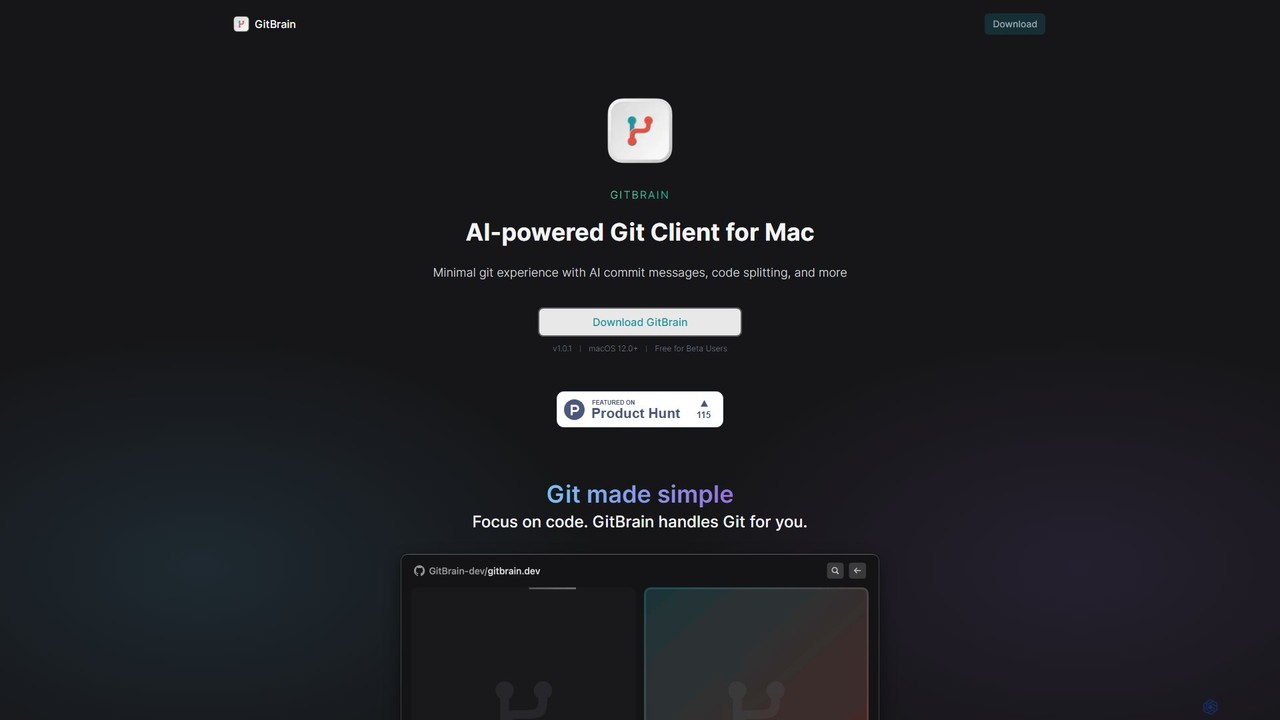
GitBrain
GitBrain is an AI-powered Git client for Mac designed to streamline your workflow. It automatically splits code changes into logical commits, generates clear commit messages, and provides AI-powered code summaries for self-review. With a native macOS interface, IDE integration, and a keyboard-first design, GitBrain simplifies Git management, allowing developers to focus on coding.
Code AssistantGitmotion Categories
Gitmotion Embed Widget
Copy this embed code to place the badge on your blog, article, or product site and send readers directly to this ToolMage detail page.

Related AI tools
GitKraken
GitKraken is a legendary suite of Git tools designed to enhance the developer experience. Featuring a visual Git GUI, a powerful CLI, and IDE integrations, it leverages built-in AI to automate tasks like generating commit messages and pull requests. It streamlines workflows, improves team collaboration, and provides powerful visualization for complex repositories.
Version ControlGitButler
GitButler is a next-generation version control client that allows developers to organize their work into multiple virtual branches simultaneously. It automates the process of managing changes, enabling parallel work on different features and bug fixes without the overhead of traditional Git branches, streamlining the entire development workflow.
Code Assistant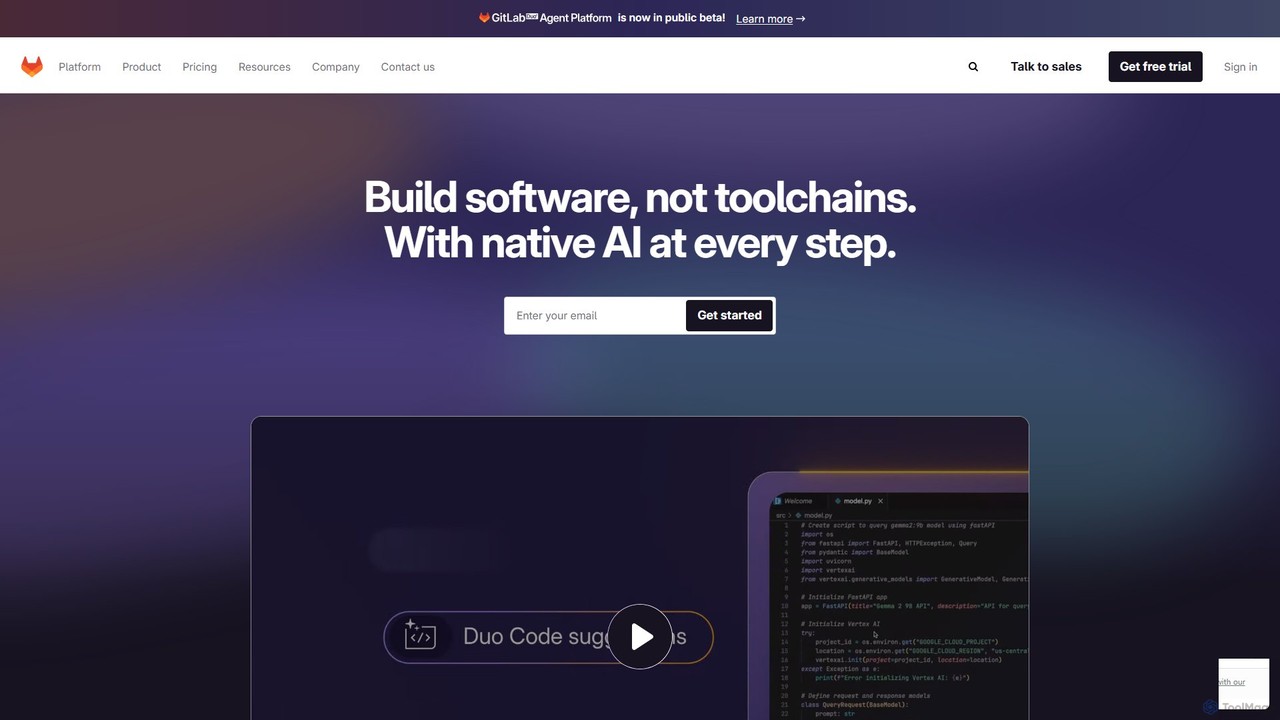
GitLab
GitLab is a comprehensive, AI-powered DevSecOps platform that unifies the entire software development lifecycle into a single application. It provides source code management, CI/CD, security scanning, and project management, enhanced by GitLab Duo, its suite of AI capabilities, to accelerate software delivery and improve developer productivity.
Code Assistant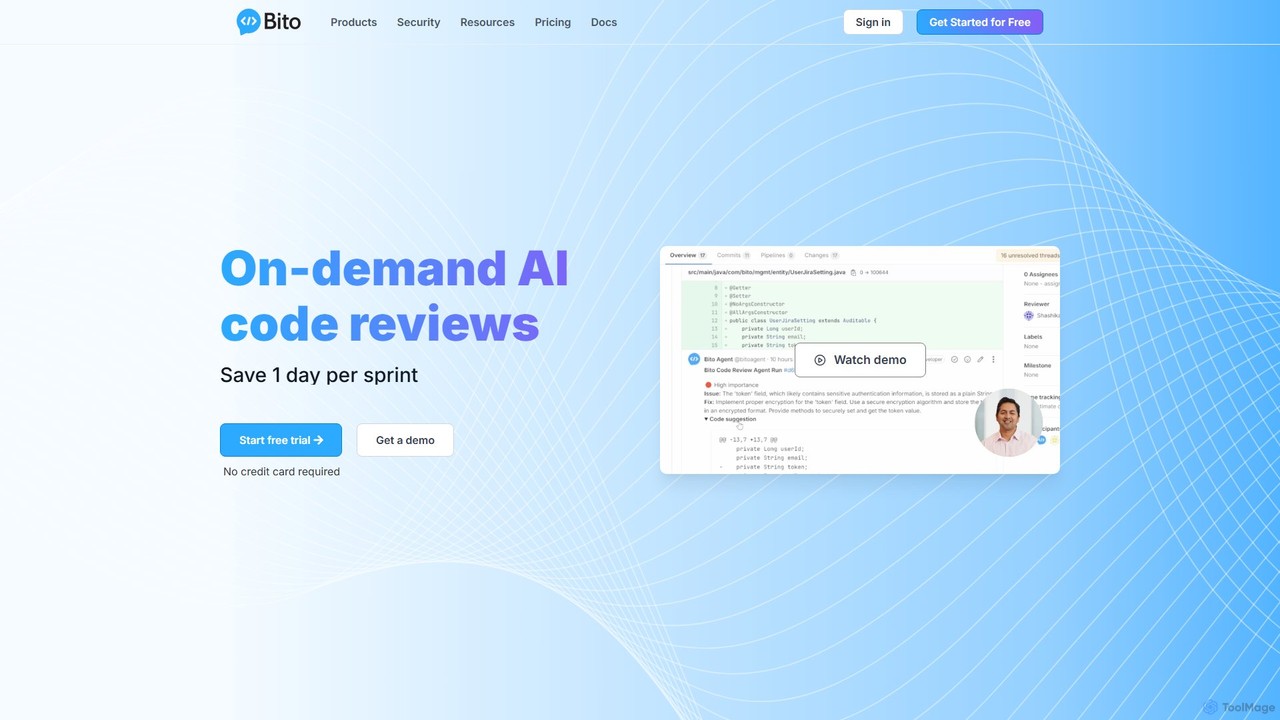
Bito
Bito is an AI-powered code review assistant that integrates directly into your IDE and Git provider. It helps development teams accelerate their workflow, improve code quality, and reduce regressions by providing on-demand, context-aware feedback and suggestions. Bito is designed to save time, upskill junior engineers, and ensure enterprise-grade security.
Code Quality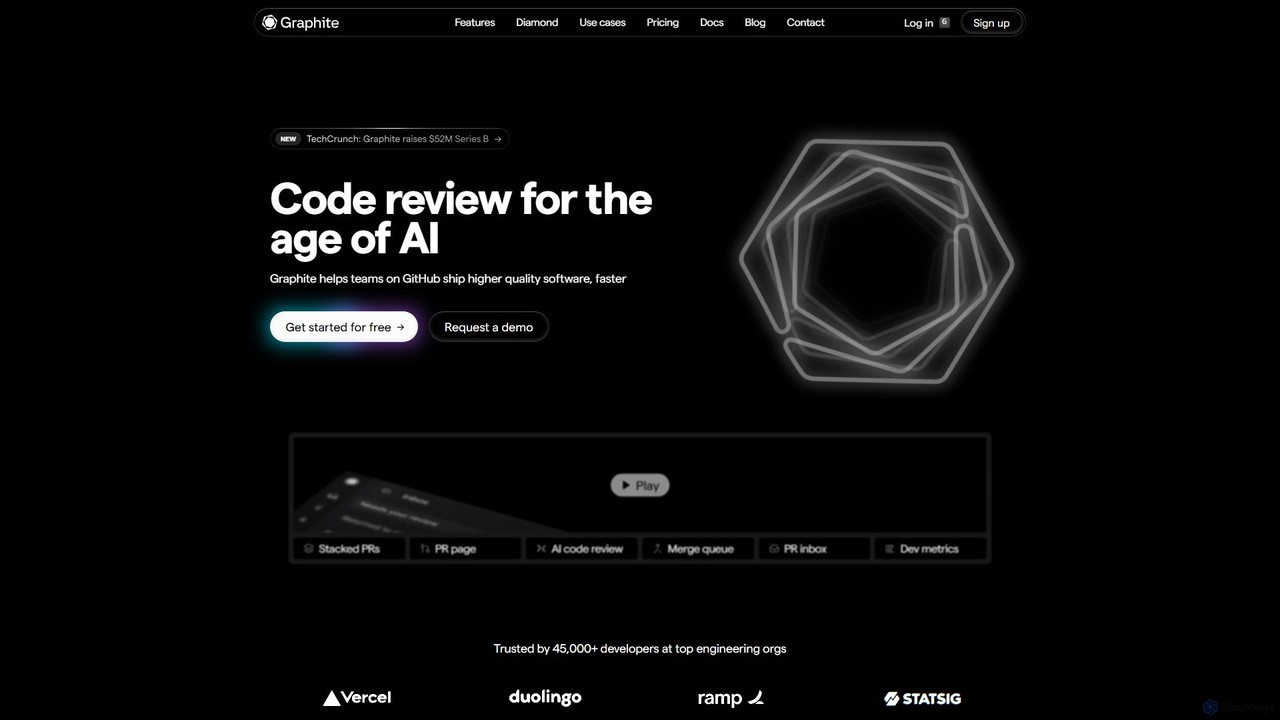
Graphite
Graphite is an end-to-end developer platform that supercharges teams on GitHub. It accelerates software development with features like stacked pull requests, AI-powered code review, a unified PR inbox, and an intelligent merge queue. By streamlining the entire code review lifecycle, Graphite helps engineering teams ship higher-quality code, faster, while keeping developers unblocked and productive.
Code Review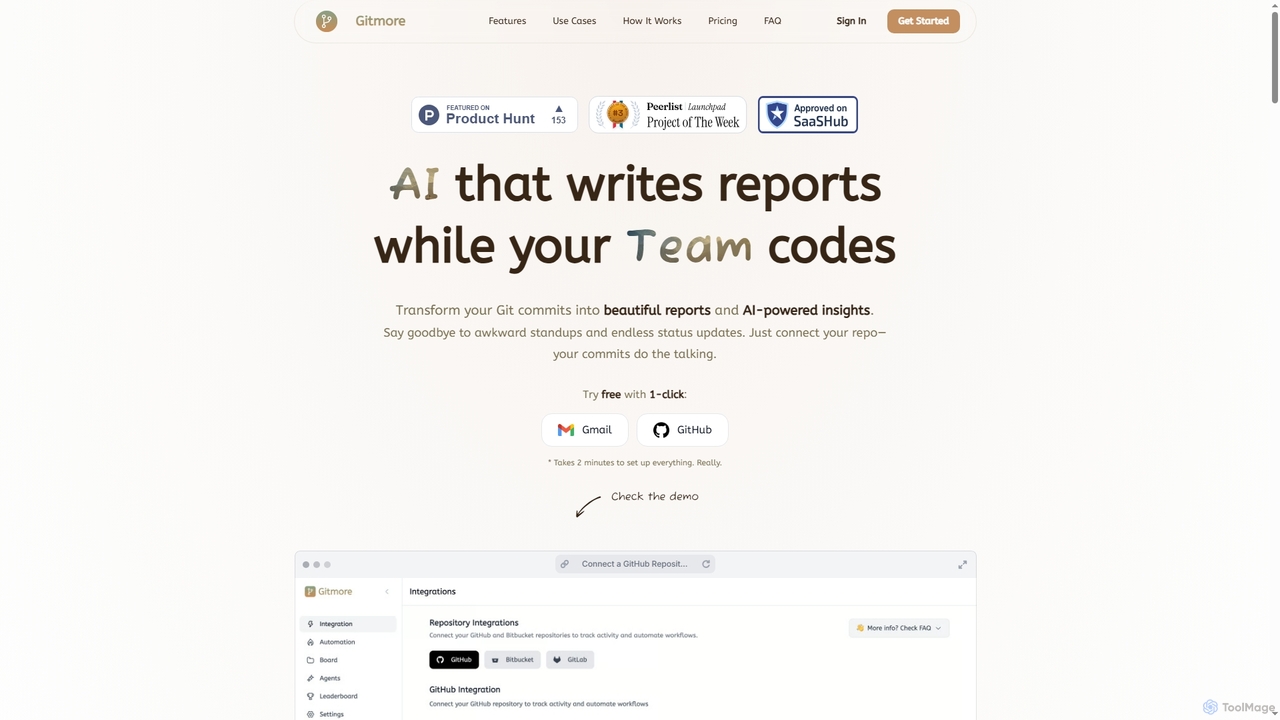
Gitmore
Gitmore is an AI-powered tool that automates technical team reporting and engineering updates. It transforms Git commits into intelligent reports and insights, eliminating manual status updates and standup meetings for development teams using GitHub, GitLab, or Bitbucket.
Productivity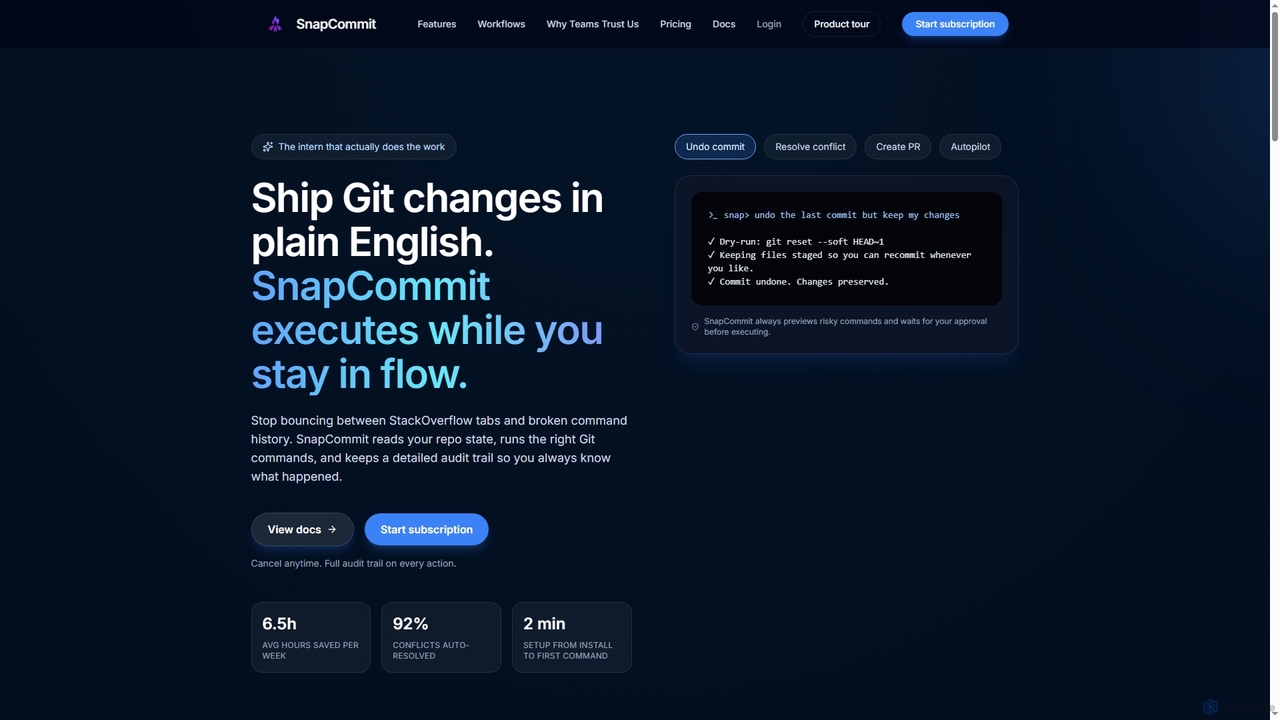
SnapCommit
SnapCommit is an AI-powered terminal Git assistant that allows developers to manage Git operations using plain English commands. It automates complex workflows like committing, resolving conflicts, and creating pull requests, enhancing productivity and ensuring code integrity with dry-run previews and a detailed audit trail.
Code Assistant
Repodex
Repodex is an AI-powered code intelligence platform that helps developers and teams search, understand, and manage their code repositories. Using natural language, you can find code, get explanations, and generate documentation instantly.
Code Generation
VZBL
VZBL is an AI-powered analytics platform for engineering teams, providing real-time visibility into project progress, team workload, and productivity bottlenecks. It automates status reporting and risk analysis by integrating with tools like Jira and GitHub, empowering leaders to make data-driven decisions and conduct more effective 1-on-1s.
AnalyticsGitHub
GitHub is the world's leading AI-powered developer platform for building, shipping, and maintaining software. It provides Git-based version control, collaborative tools, and a complete DevOps lifecycle, supercharged by GitHub Copilot, an advanced AI code assistant that accelerates development and enhances code quality.
Code AssistantEngine
Engine is an AI software engineer designed for professional development teams. It integrates with your existing tools like GitHub and Linear to autonomously fix bugs, ship features, and clear your backlog by creating and managing pull requests, effectively acting as a remote AI team member.
Version ControlGitBrain
GitBrain is an AI-powered Git client for Mac designed to streamline your workflow. It automatically splits code changes into logical commits, generates clear commit messages, and provides AI-powered code summaries for self-review. With a native macOS interface, IDE integration, and a keyboard-first design, GitBrain simplifies Git management, allowing developers to focus on coding.
Code Assistant
Branch name generator
An AI-powered tool that integrates with Jira to automatically generate consistent and descriptive Git branch names. It analyzes Jira task data to streamline developer workflows, enforce naming conventions, and improve repository clarity.
Version Control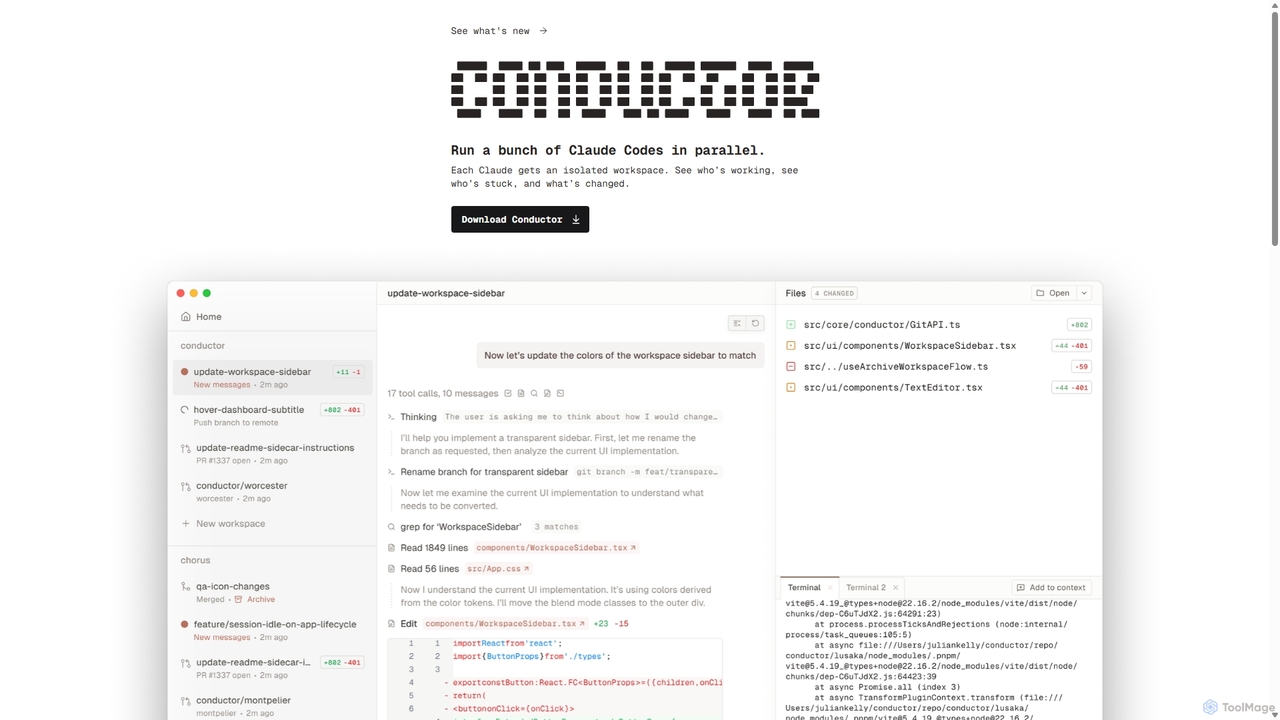
Conductor
A powerful Mac application for orchestrating multiple AI coding agents. Run parallel instances of Claude Code in isolated workspaces to accelerate software development, monitor progress, and review code through a beautiful, intuitive UI.
Code Assistant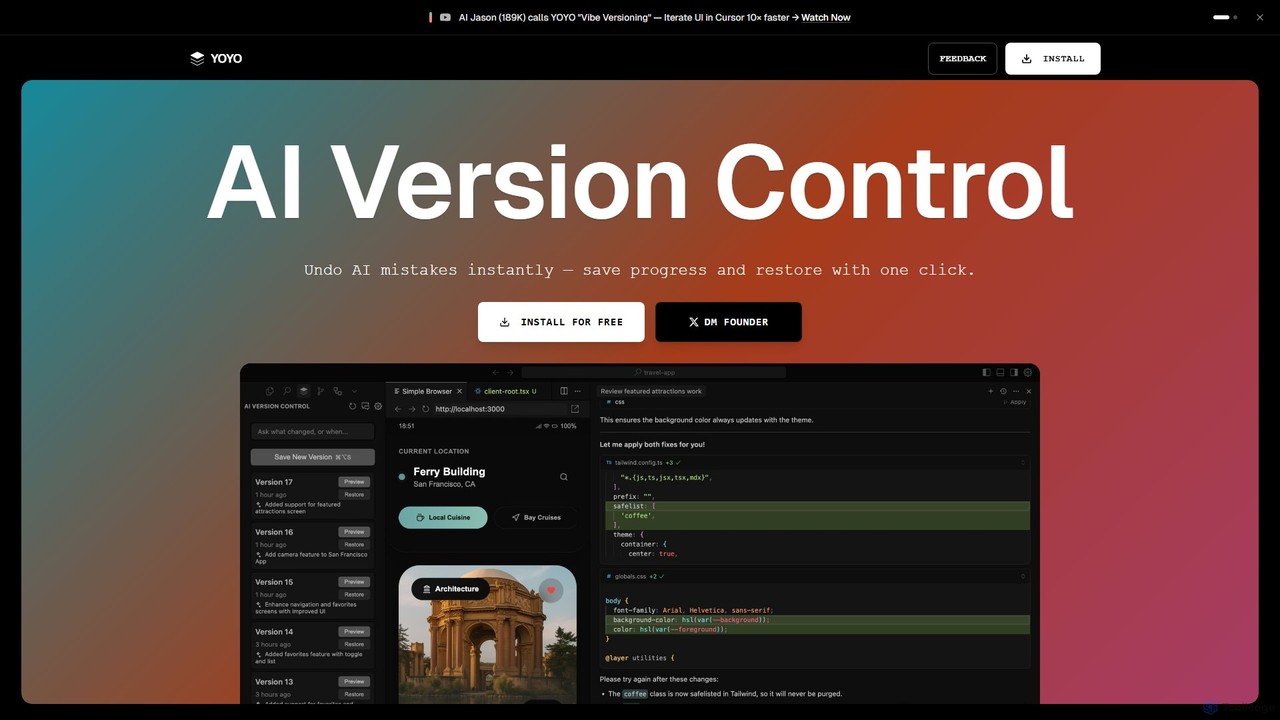
runyoyo
runyoyo is an AI-native version control system designed for the era of 'Vibe Coding'. It allows developers to instantly save progress, undo AI-generated mistakes with a single click, and search their entire coding timeline. It works alongside Git to keep your main repository clean while you experiment freely with AI assistants in IDEs like VS Code and Cursor.
Ide Extension
Gitmotion Comments (0)
Sign in to comment.
Sign inNo comments yet.